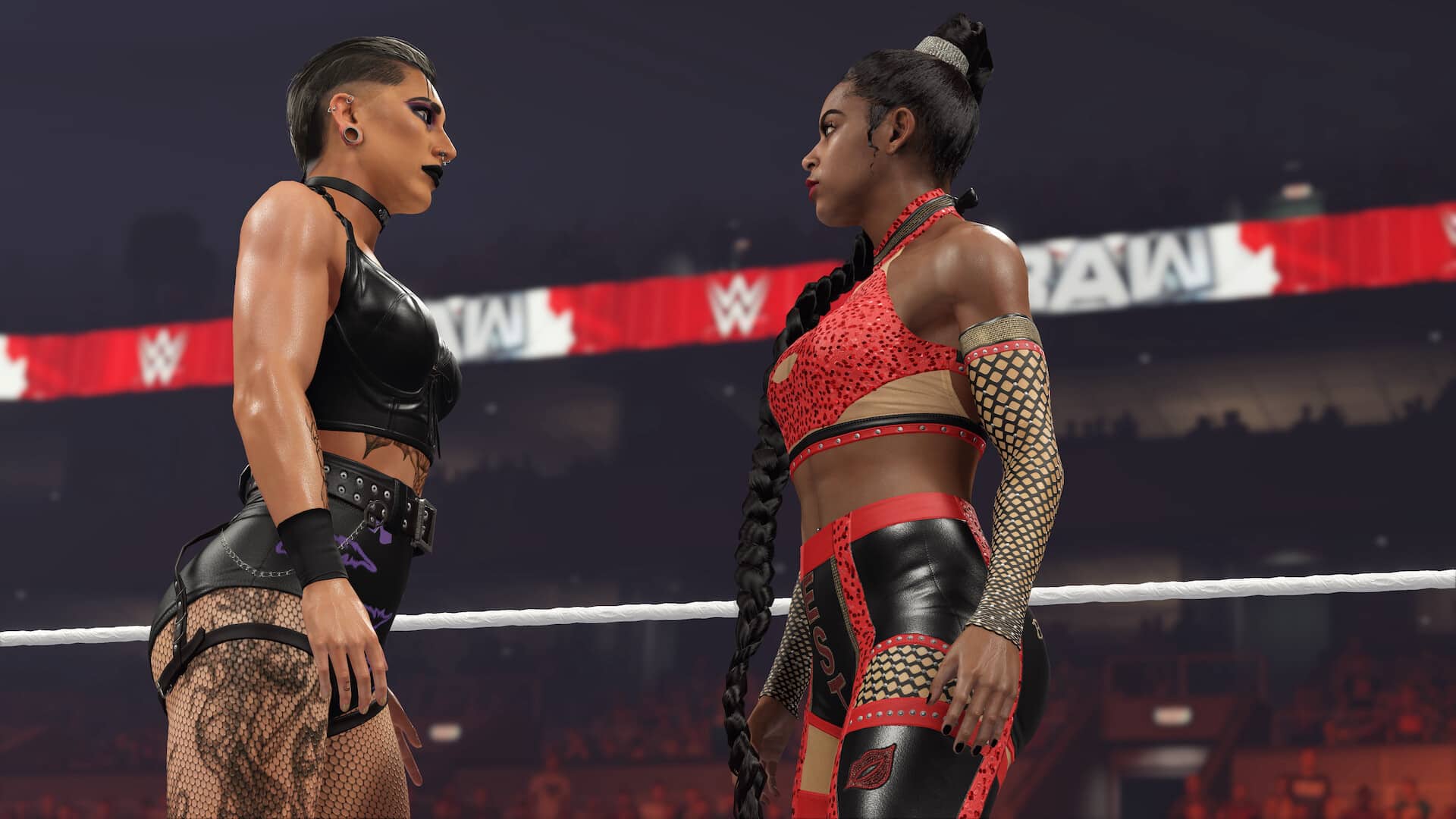
Visual Concepts has pushed out WWE 2K23 update 1.10, which ushers in gameplay adjustments, bug fixes, new wrestlers, and the Pretty Sweet Pack DLC! Read on for everything new in the official patch notes.
WWE 2K23 Update 1.10 | WWE 2K23 New Update Patch Notes:
Download Size: 5.1GB (PS5)
GENERAL
Added Mia Yim and Candice LeRae as playable Superstars
GAMEPLAY
Addressed reported concerns where Superstars might warp or clip
Addressed reported concerns of reversals not triggering
Addressed reported concerns of managers not appearing for Player 2
Addressed reported concerns of users being unable to perform the Tombstone Piledriver
Addressed reported concerns of users ending up in an infinite run
Addressed reported concerns of jittering when breaking out of entrances
Addressed reported concerns of running springboards not connecting
Addressed reported concerns of limb damage not being accurate
Adjusted AI navigation
Addressed reported concerns involving Zoey Stark’s running knee when performed at ringside
An attacker will now properly fall through the top of The Cell during Suplex City
Diving attacks on the announcers’ table can now be interrupted before the attacker climbs the top rope
Adjusted the breakout timing on Leg Sweep 2
Re-implemented exhausted Finishers using the new Fatigue system
ONLINE
Improved stability in online matches
Improved overall experience when joining a session or accepting an invite
Improved overall experience with Community Creations uploads and downloads
Improved stability when using customized content in online matches
Improved experience when resetting teams or participants in online lobbies
CREATE
Improved stability within multiple Create modes
Addressed reported concerns with the video preview within Create-an-Entrance
Addressed reported concerns related to applying images, patterns, and movies in Create-an-Arena
Created Championship names will now appear during in-game entrances
Addressed reported concerns of the color picker freezing in Create-a-Superstar
Improved overall consistency when creating custom arenas
UNIVERSE
Improved overall stability
Addressed reported concerns of certain trios transitioning to tag Create-a-Victory
Addressed reported concerns where deleting shows caused issues with Rivalry action
Addressed reported concerns of the Rivalry actions menu appearing blank when editing an in-progress show
Superstars that win the Royal Rumble will now properly be booked in a title match at Wrestlemania
Naturally occurring managers will now properly appear on the match card
MyGM
Addressed formatting when playing in Arabic
Addressed reported concerns of title belts not appearing consistently during entrances
Addressed reported concerns of display issues when using Contract Negotiation Power
Added trophy silhouettes in Career Standing to make it easier to see how close a player is to getting to 10
Improved presentation of Rivalry level increase
Addressed reported concerns of official tag team partners not having good chemistry at all times
Addressed reported concerns of a crash when participating in a Season with a full roster of Created Superstars
MyFACTION
General fixes and improvements
MyRISE
General fixes and improvements
AUDIO
Updated Dana Brooke’s entrance music\
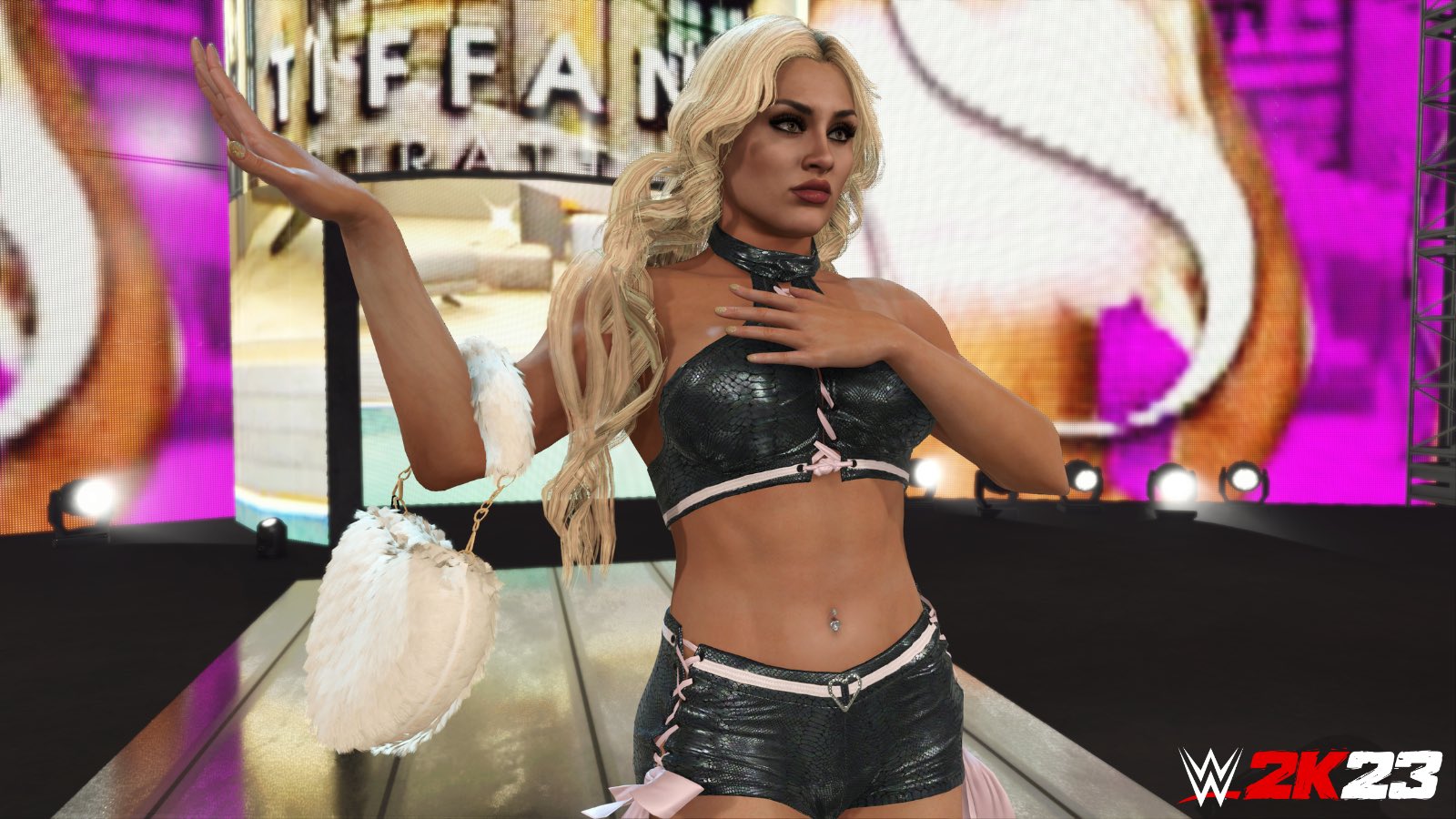
💁♀️ @tiffstrattonwwe is bringing her signature moves to #WWE2K23 this Wednesday! Who's Ready for the Pretty Sweet Pack?
2️⃣5️⃣+ new moves and taunts come with the WWE 2K23 DLC 2 Superstars as well! pic.twitter.com/PjGByDuTIn
Visual Concepts has released WWE 2K23 update 1.010 (PS4 version 1.10) today, bringing with it some new playable superstars as well as a several bug fixes and adjustments. Of note, the Pretty Sweet Pack is also part of today’s roll out, which is included in the Season Pass. Here’s everything included in the WWE 2K23 May 16 patch notes.
WWE 2K23 Update 1.010 Patch Notes | WWE 2K23 Update 1.10 Patch Notes | WWE 2K23 May 16 Patch Notes:
Download Size: 5.1GB (PS5)
GENERAL
Added Mia Yim and Candice LeRae as playable Superstars
GAMEPLAY
Addressed reported concerns where Superstars might warp or clip
Addressed reported concerns of reversals not triggering
Addressed reported concerns of managers not appearing for Player 2
Addressed reported concerns of users being unable to perform the Tombstone Piledriver
Addressed reported concerns of users ending up in an infinite run
Addressed reported concerns of jittering when breaking out of entrances
Addressed reported concerns of running springboards not connecting
Addressed reported concerns of limb damage not being accurate
Adjusted AI navigation
Addressed reported concerns involving Zoey Stark’s running knee when performed at ringside
An attacker will now properly fall through the top of The Cell during Suplex City
Diving attacks on the announcers’ table can now be interrupted before the attacker climbs the top rope
Adjusted the breakout timing on Leg Sweep 2
Re-implemented exhausted Finishers using the new Fatigue system
ONLINE
Improved stability in online matches
Improved overall experience when joining a session or accepting an invite
Improved overall experience with Community Creations uploads and downloads
Improved stability when using customized content in online matches
Improved experience when resetting teams or participants in online lobbies
CREATE
Improved stability within multiple Create modes
Addressed reported concerns with the video preview within Create-an-Entrance
Addressed reported concerns related to applying images, patterns, and movies in Create-an-Arena
Created Championship names will now appear during in-game entrances
Addressed reported concerns of the color picker freezing in Create-a-Superstar
Improved overall consistency when creating custom arenas
UNIVERSE
Improved overall stability
Addressed reported concerns of certain trios transitioning to tag Create-a-Victory
Addressed reported concerns where deleting shows caused issues with Rivalry action
Addressed reported concerns of the Rivalry actions menu appearing blank when editing an in-progress show
Superstars that win the Royal Rumble will now properly be booked in a title match at Wrestlemania
Naturally occurring managers will now properly appear on the match card
MyGM
Addressed formatting when playing in Arabic
Addressed reported concerns of title belts not appearing consistently during entrances
Addressed reported concerns of display issues when using Contract Negotiation Power
Added trophy silhouettes in Career Standing to make it easier to see how close a player is to getting to 10
Improved presentation of Rivalry level increase
Addressed reported concerns of official tag team partners not having good chemistry at all times
Addressed reported concerns of a crash when participating in a Season with a full roster of Created Superstars
MyFACTION
General fixes and improvements
MyRISE
General fixes and improvements
AUDIO
Updated Dana Brooke’s entrance music\
💁♀️ @tiffstrattonwwe is bringing her signature moves to #WWE2K23 this Wednesday! Who's Ready for the Pretty Sweet Pack?
2️⃣5️⃣+ new moves and taunts come with the WWE 2K23 DLC 2 Superstars as well! pic.twitter.com/PjGByDuTIn
A gamer at heart, James has been working for MP1st for the last decade to do exactly what he loves, writing about video games and having fun doing it. Growing up in the 90's gaming has been in his DNA since the days of NES. One day he hopes to develop his own game.
it’s a new Tuesday, Vault Dwellers, and that means a new selection of Fallout items. That’s right, the new items in Fallout 76’sAtomic Shop have been updated!
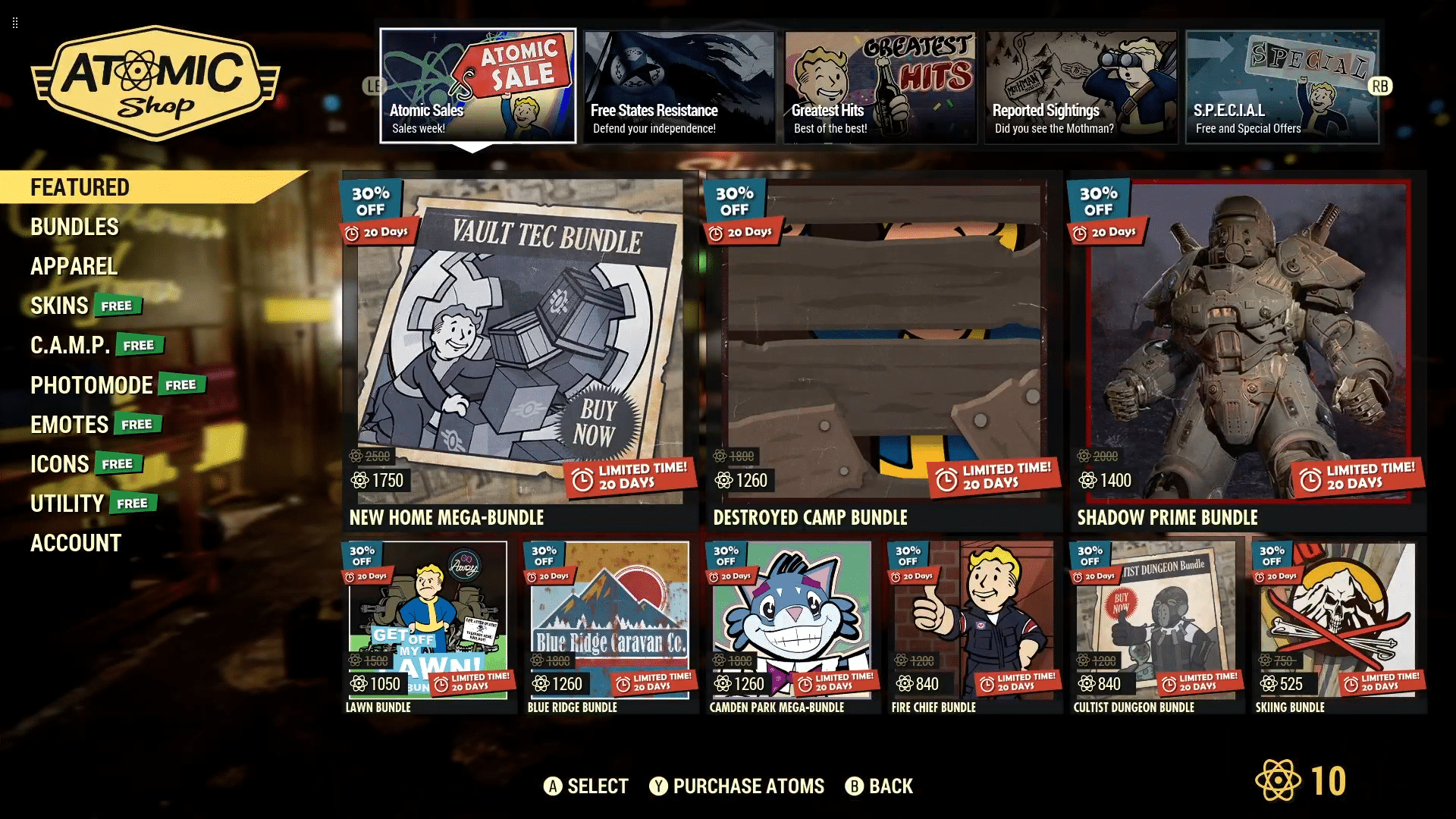
MP1st is here to bring you the new Fallout 76 Atomic Shop weekly update today, May 16’s list of items for sale. Read on for the highlights of this week’s Atomic Shop refresh below.
New Fallout 76 Atomic Shop Weekly Update for May 16:
Notable Items This Week:
New Home Mega-Bundle – 1750
Destroyed Camp Bundle – 1260
Shadow Prime Bundle – 1400
Free States Defense Bundle – 1500
Grognak Sidekick Bundle – 1200
Railroad Water Tower – 500
Captain Cosmos Pa Bundle – 1440
Paintings Bundle – 960
Halloween Decoration Bundle – 560
Mothman Wing Clipper Bundle – 1200
Samureye Power Armor Bundle – 1800
Wing Clipper Outfit – 700
No Trespassing Sign – Free
Free Perfect Bubblegum – Free
Super Angry – 125
What is the Fallout 76 Atomic Shop?
The Atomic Shop is a microtransaction store which offers cosmetics, C.A.M.P. objects and more in exchange for a special currency called Atoms. Most purchases are unlocked account-wide, and may be accessed by any character on the account.
Some objects require an in-game plan to be learned in order to gain access, while other items are only unlocked for a single, specified character. All exclusive items are character-bound, and cannot be dropped or traded with other players. The Atomic Shop is accessible at any time from the main menu, as well as the pause screen after leaving Vault 76 for the first time.
That’s it for this week’s reset. Is there anything in particular that interests you?
If not, there is always next week, which we’ll have covered, so be sure to check back in!
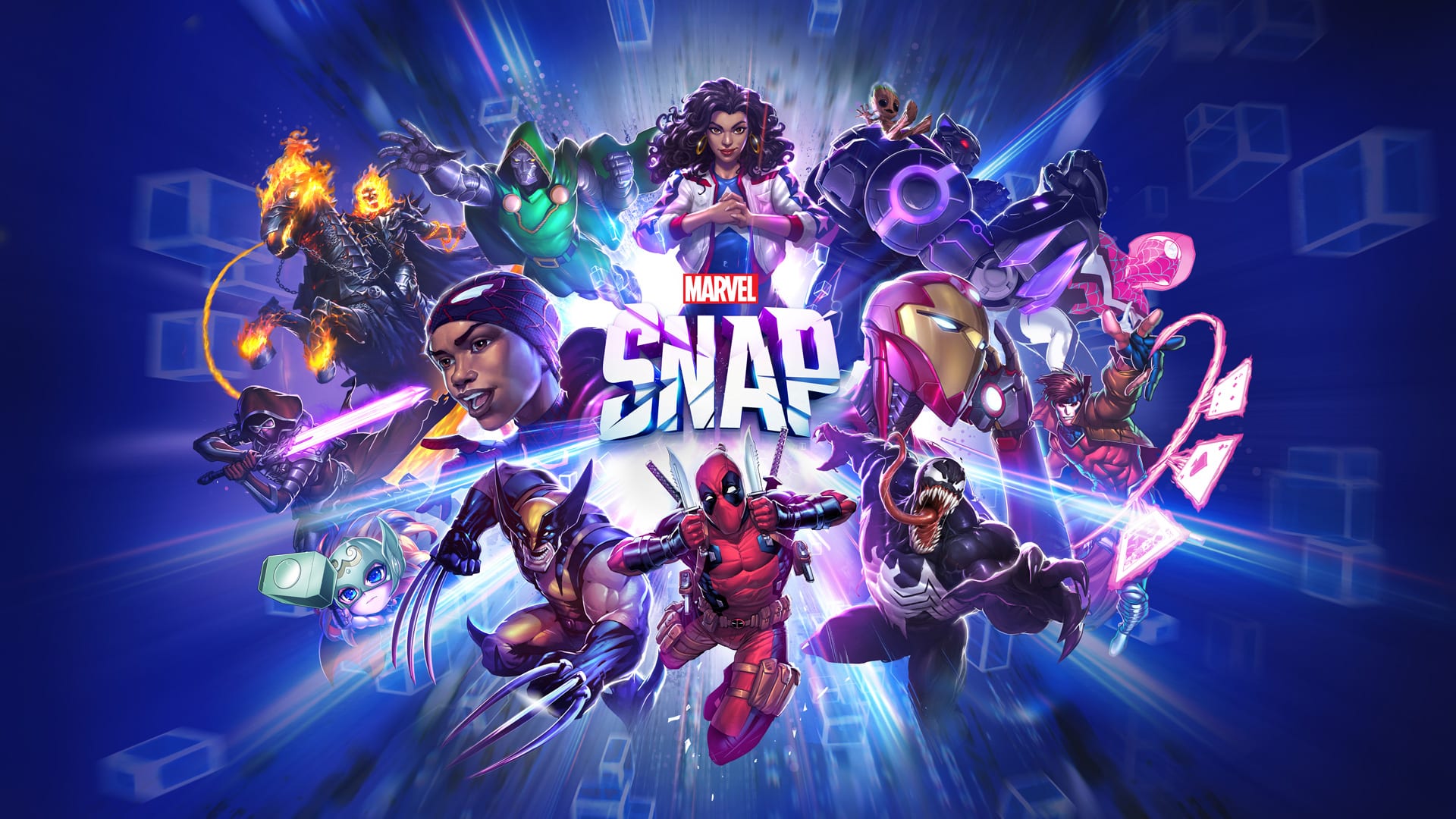
Second Dinner Studios has released the massive Marvel Snap update 15.15 today on PC & mobile platforms, featuring the return of Kitty Pryde, Deck Cosmetics customization, and a host of card and balance changes. Read on for the full patch notes below.
Kitty Pryde returns to MARVEL SNAP with a brand new ability. We will grant Kitty Pryde base card to ALL players. For new accounts created after today’s patch, Kitty Pryde will be available in Series 5.
New Feature: Deck Cosmetics Customization
Cosmetic customizations by deck (card back, title, avatar) Avatars and Titles can now be applied to each deck separately!
Please Note: The first time you login this patch, your active deck will be changed to the first deck in your list. We apologize for this inconvenience!
Seasonal Series Drop: Some cards have dropped down to a lower series!
Cards dropping from Series 5 to Series 4:
Master Mold
Negasonic
Nimrod
Series 4 to 3:
Sentry
Silver Surfer
Dazzler
Shadow King
Sauron
Ghost
Cards staying in Series 4:
Darkhawk
Knull
GENERAL UPDATES
Ranked Mode
The number of Cubes required to Rank Up have decreased from 10 Cubes to 7 Cubes.
The number of Bonus Ranks gained when Tiering up has been reduced from 5 Ranks to 3 Ranks. (
Example
: When ranking up from rank 29, a player will go to Rank 33 instead of Rank 35.)
Developer Note:
We’re continuing to make adjustments to Ranked Mode that will improve the overall experience for players. The changes coming with this patch feature some adjustments to the matchmaking algorithm and updates to the number of Cubes/Ranks while progressing through the season. There are more changes planned for future patches!
When purchasing an item from the shop, you must now Press and Hold the button to confirm your purchase. This should help reduce/remove any accidental purchases!
Added Series 1 and Series 2 labels to cards from those series
AUDIO
Voice Over Updates
Indonesian VO mixed & mastered
Thanos VO added for Spanish, French, Japanese, Chinese & Korean
General Updates
Fixed bug which would over trigger card flare SFX in collection screen and in-game
BALANCE UPDATES
This is a light week relative to the excitement of recent patches. The metagame as April ended featured a diverse metagame with healthy win rates and cube gain rates, and only a couple small popularity outliers. We’ll have more news for you soon on the future of our OTA balance patches, but today is mostly just a couple card reworks.
CARD UPDATES
Kitty Pryde – Released with new design!
[Old]
1/0 – You can return this to your hand to gain +2 Power.
[New]
1/0 – When this returns to your hand, +2 Power. Returns at the start of each turn.
As we previously announced, Kitty Pryde will be returning to the game this week with her new ability. She’ll be Series 5 and awarded to all active accounts today.
Crystal
[Old]
4/4 –
On Reveal:
If this is at the middle location, shuffle your hand into your deck and draw 3 cards.
[New]
4/4 –
On Reveal:
Each player draws a card.
Crystal has been one of a handful of cards seeing incredibly low play and win rates for quite some time now, and an obvious buff candidate. We debated maintaining the direction of the current effect by removing the middle restriction, increasing the cards drawn, etc. But the tricky thing is that we don’t want an effect like Crystal’s to be strong. SNAP decks are only 12 cards and we don’t want those cards to play out the same every time, so we’re very careful about letting players draw cards. This rework aimed to make a simple, appropriate Crystal that could be fun alongside a variety of cards.
Wave
[Old]
3/3 –
On Reveal:
Next turn, cards in both players’ hands cost 4.
[New]
3/3 –
On Reveal:
All cards cost 4 until the end of next turn.
Wave’s cost reduction occurs after other effects that reduce card costs.
In addition to a text update that clarifies when Wave’s effect begins, we’ve also made a rather large adjustment “under the hood.” Wave will now begin to apply after effects that reduce card costs, rather than before. That means She-Hulk, Death, etc. will always cost 4 while Wave is in effect. We don’t take lightly that this change kills a few decks, but Wave has been far too constraining on our ability to use cost reduction as a synergy reward in future designs. Leaning on Wave is just always better than dedicating your deck to the actual synergy–we’ve seen that with Death since both cards went live, and we’ll continue seeing it without this action.
Death
[Old]
9/12 – Costs 1 less for each card destroyed this game.
[New]
8/12 – Costs 1 less for each card destroyed this game.
As Death’s current performance is essentially dependent on Wave and Galactus, we wanted to improve her playability in other decks now that the interaction with Wave has changed. This may not be enough, and if we see Death take a huge dive we’ll come back and look at how these values can be adjusted further to ensure Death remains a meaningful card for dedicated Destroy decks.
White Queen (Text-only change)
[Old text]
4/6 –
On Reveal:
Draw a copy of the highest Cost card in your opponent’s hand.
[New text]
4/6 –
On Reveal:
Copy the highest-Cost card in your opponent’s hand into your hand.
This is just a text revision to resolve some ongoing confusion about what White Queen exactly does and how it interacts with cards like Widow’s Bite. In the future, we may pursue establishing some kind of shorthand for copying a card into your hand, but for now we’re just going with the clearest expression of the card’s function.
BUG FIXES
Retreating while Kang is rewinding should no longer cause an Aw Snap error.
Quake’s shuffling of locations should no longer prevent Shuri’s buff from being applied.
“Rare” and “Super Rare” labels on cards should now be properly translated.
Energy UI assets should no longer overlap when gaining extra energy.
Speech bubble UI should no longer be hidden by cards in hand.
Sandman and Electro should no longer show their VFX if they’ve been morphed into another card.
Playing Hulk Buster on Iron Fist should now correctly show the merged card move.
The “Set as Favorite” text should no longer overlap with the star UI icon in most languages.
Snowguard (Hawk) should no longer cause an Aw Snap to occur when played on Knowhere with other On Reveal cards.
Knowhere’s VFX for On Reveal cards should no longer display when the location is disabled by Snowguard (Hawk).
Unseen cards with reference cards (such as Snowguard) should now show their reference cards when viewed for the first time in the Token Shop.
Many localization adjustments to the size of text in Thai.
She-Hulk adjusted so her fist no longer obscures her power.
Spaces should be better handled by card search in the collection.
Cards that have had their power altered by other cards should show the proper adjustments in the card detail view.
The Season pass should now include the Mystery Variant reward on the Free Track.
The Weekly Spotlight should now update appropriately when new cards are released and previous cards move into the S4/S5 slot.
Player’s Token balance should be visible while viewing a card in the Token Shop.
Jeff should be able to move where he pleases after being returned to hand by Beast
[PC] Playing Sentry should no longer cause an Aw Snap error.
KNOWN ISSUES LIST
It can be difficult to interact with the emotes in-match on some devices.
The Season Pass spotlight card text is too large in some languages.
Set as Favorite icon overlaps with the text icon in some languages.
If you have the Series 3 card focused when the shop rolls, the screen will be blank for a moment.
Banner VFX displays the wrong turn timer when Kang rewinds time.
It can be hard to add or delete letters in the deck name on Android.
Reconnecting text doesn’t show all the time when Reconnecting to a Friendly battle.
Two players snapping on the same turn can cause the displayed energy pips to be incorrect.
Sandman and Electro may not visually show the power on a location if the location is locked down.
After the shop rolls over, some assets might be missing (should be resolved after playing a match).
The new player flow can be bypassed in some situations and cause the client to break until restarting.
Spamming the Pin button on items in the Token Shop may cause an Aw Snap error.
Scrolling through the Shop can conflict with the newly added horizontal scrolling of the Token Shop.
Claimed Series 3 Cards in the Token Shop can appear to remain claimable until you’ve exited and returned to the shop.
Mission reward icons may be missing.
Ongoing abilities delay the merge VFX for Klyntar.
Mysterio’s token doesn’t update appropriately in all views when using a variant.
Cards that changed abilities such as Mystique may not show the updated ability text if returned to hand.
Spectrum’s VFX for indicating which cards will be impacted by her ability aren’t always displayed.
When played on Sinister London, Omega Red’s copy plays its VFX multiple times.
Cards in the Fast Upgrade section occasionally show the incorrect art.
Quantum Realm doesn’t reduce the power of cards that have their cost and power swapped.
Some item names in bundles have too-small fonts or can be cut off in some languages.
Series 3 Token shop may show duplicate items before it’s rolled through each card..
New Release cards don’t show your available tokens in the Shop UI.
Token Shop doesn’t snap to the currently-focused card.
Several currency/cache icons do not display in front of the UI/background when focused.
Some variants have artist/variant name text that clips out of the nameplate.
There can be a visual blip in the shop page.
Time Stone doesn’t visually grant energy on the orb.
Snowguard’s Artist Info is missing for its token cards.
Can edit a deck’s name from the wrong UI if simultaneously pressing both Set Card Back and Edit Deck Name
Carousel images are occasionally not sized appropriately to the screen’s resolution
Some elements of the splash screen may be visible across adjacent screens
The “Next” button in Friendly Battle may be missing its asset on some iOS devices
Entering long character Deck names can cause some UI elements to be misaligned and overlap
The carousel UI may not fully extend vertically to the top of the screen for some devices
The Deck icon shifts when transitioning between the Collection and the Card Selection screens
Kang’s Rewind button no longer completely covers the End Turn button visually
If the Nexus’ power level hits the power cap, upon sharing to other locations with 1 or more power it can overflow and wrap around to a negative value
If you own all Series 4 and 5 cards as well as all Ultimate variants then the token shop will become inaccessible for Series 3 cards as well
Notification pips can sometimes be visible beneath the card detail view
Sometimes bundle assets can overlap each other
Logging out and attempting to sign in via a different method can result in a hang on the Assembling splash
When Scarlet Witch or Reality Stone changes a location to Project Pegasus or Tinkerer’s Workshop, this location can trigger two turns.
The red pip for daily credits isn’t always visible
Corners of cards can appear cut off when tilted during the card detail view
Colleen Wing’s VFX play more than once when discarding a card
A long delay can occur an indestructible card such as colossus is played on Murderworld
Gold and Season XP assets are missing in the expanded mission details view
Snowguard’s VFX can persist to the reward collection screen
Infinity Stone card descriptions overlap the art assets in Korean
The Spanish language option displays incorrectly in language selection
Collection Level Trophy Road assets are occasionally slow to load
The position of the Series Label and Nameplate adjusts slightly when viewing Artist Details
Player and Opponent text emotes occasionally overlap on some devices
Upgrade button not greyed out when the player doesn’t have enough credits
The Free Series 3 Card in the token shop appears to be claimable again for a short time after claiming it
[PC] Avatar selection for PC users may be misaligned
[PC] Navigation buttons may disappear if redirected to the browser via carousel links
[PC] The Carousel can be hard to scroll.
[PC] Switching languages after switching between Windowed and Windowed Fullscreen can cause text elements to disappear in the UI.
[PC] Certain SFX continue to play when the game is no longer in focus.
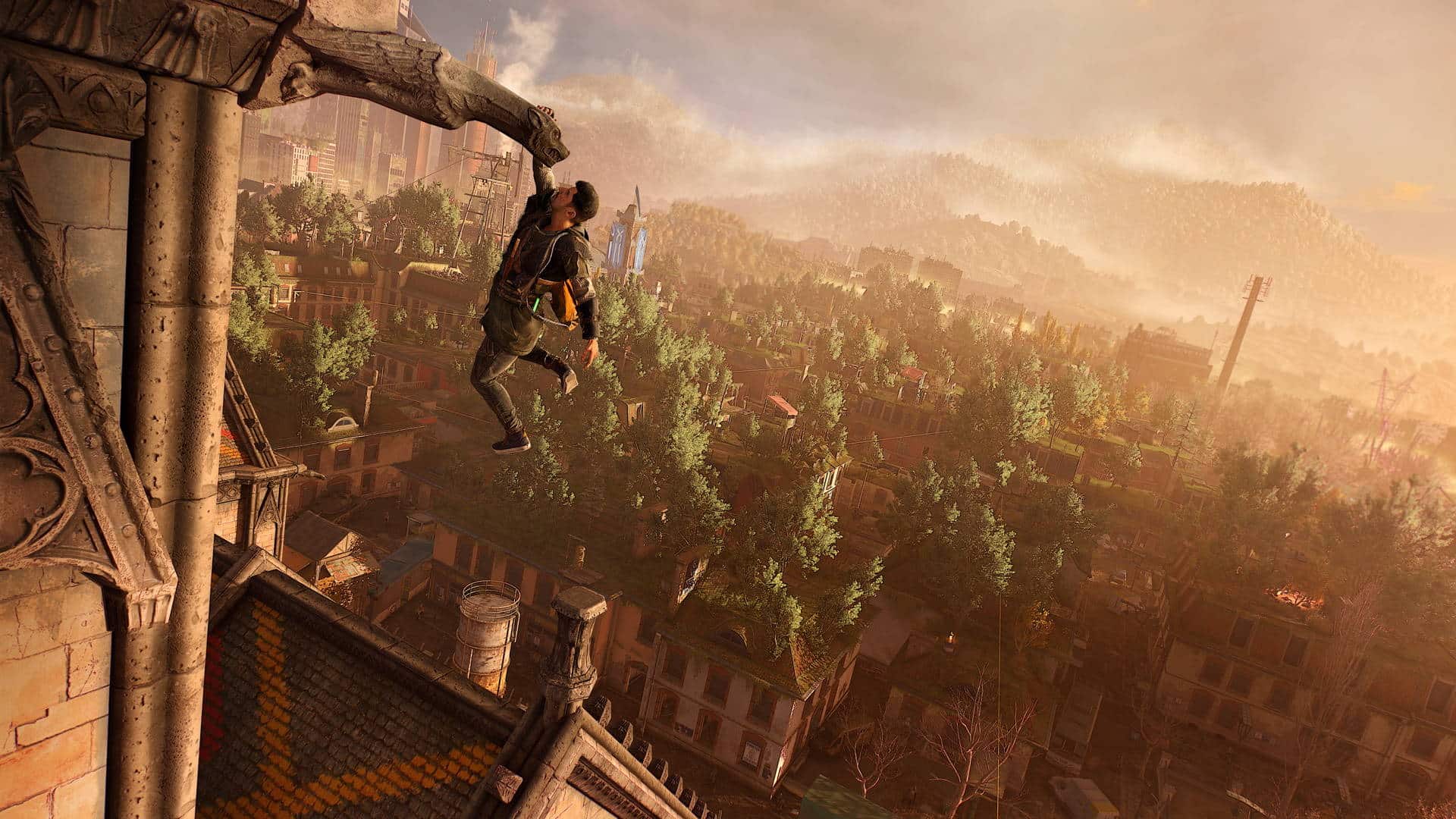
Techland has released Dying Light 2 update 1.034, and this is another unannounced title update for the game. Given the “Gut Feeling” patch was released just last month, don’t expect anything from this patch outside of fixes. Read on for what’s new in the Dying Light 2 May 16 patch notes.
Dying Light 2 Update 1.034 Patch Notes:
Update 2: Techland has confirmed over on the studio’s Discord that the patch today for consoles also fixes the Veronika quest with a patch released on PC last week.
For reference, here are the patch notes from last week’s PC patch (via Techland):
Following your feedback on Pilgrim Outpost, the following changes were implemented:
We have removed co-op bounties
DL1 bounties are overhauled to be less grindy – we welcome further feedback on balancing them out
We have fixed description for Plated Savage so it properly displays the name and lower price. Anyone who redeemed it at the price of 50 Pilgrim Tokens, should receive a refund and keep the headgear. You should receive a message if the refund was granted soon.
Additionally:
We are aware of the wrong description of one of the weekly bounties – this will be patched to display the proper objective on one of the upcoming patches.
We are also aware of a rare issue where users cannot claim a completed bounty – please make sure you send a ticket to our support, so we can investigate it. This will also help us tackle the source of this problem. Make sure to include in your ticket your TGG name, which game, and what platform and bounty you encountered issues with.
Update: Techland has announced that they have “upped” the gore today, which we assume has something to do with today’s patch:
We’ve pumped up the gore in #DyingLight2 today! 🩸🩸🩸
Share your thoughts about this change in replies, and we hope you’ll enjoy it! pic.twitter.com/cXV1INeLGh
Unfortunately, Techland has not released details on the patch just yet, though we expect that will change very soon.
In the meantime, go check out the list fixes that was released back on April 26.
• Fixed a rare issue with co-op players getting stuck on the “Please Wait” communication error if the dialogue is triggered by both players at the same time.
• Fixed the Viral Rush bounty counter increasing by 2 after performing a single action.
• Fixed rare cases where the number of enemies from the Viral Rush event blocks story progression.
• Fixed the issue with mods and charms not appearing on the Skullcut weapon.
• Now AIs will have a proper ragdoll reaction after using the Grapple Throw skill.
• Fixed the lack of distinction between slot types for weapon mods in the Craftmaster menu.
• Optimized medium and high presets of volumetric fog, which caused performance drops.
• Fixed an issue with multiple video settings being reset to the previous state after loading a save file.
• Fixed several console freezes and hangs related to wrongly uploaded data.
• Fixed a crash that could happen every time the player tried to enter the main menu after launching the game.
• Fixed camera smoothing in run animation
• Fixed Far Jump skill to provide with smoother experience
Once the patch notes for today is released, we’ll be sure to let our readers know.
Update: Full patch notes have been added to the article.
EA has pushed out Wild Hearts update 1.030 and this brings a slew of new content in the form of new weapons, armor set, new ways to Limit Break and of course, the Alpha Sapscourge! Read on for everything new in the official Wild Hearts May 16 patch notes.
Wild Hearts Update 1.030 Patch Notes and New Content | Wild Hearts May 16 Patch Notes:
The trees and flowers are blossoming, the birds are overhead chirping, and the unique smell of spring is in the air! We are solidly into the allergy season. Or wait… that might just be the new Alpha Sapscourge scattering sap and pollen everywhere in our May content update that went live today. Either way, we’re all losing our Surprise Attack bonuses after a sneezing fit.
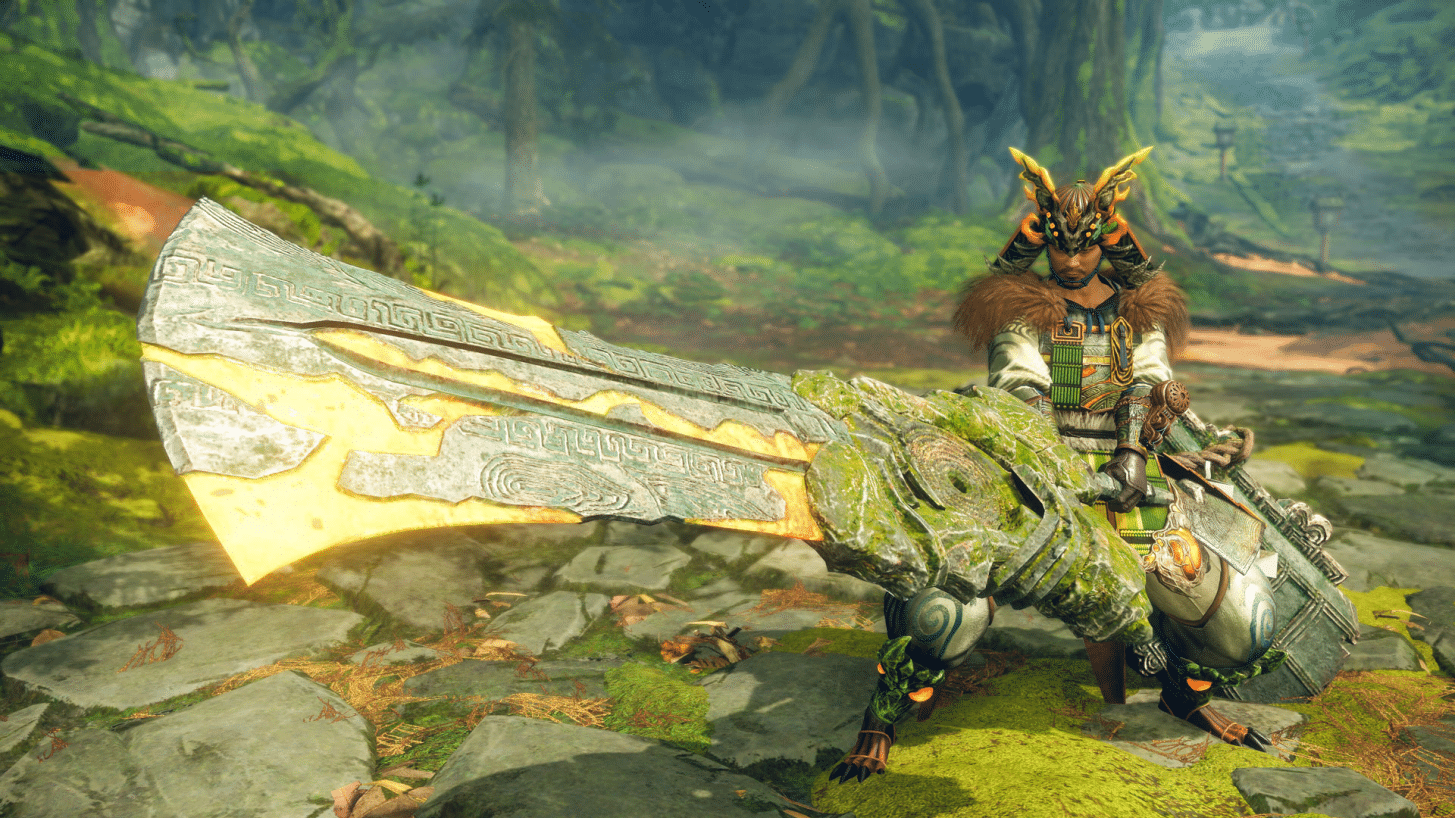
The new Alpha Sapscourge variant rolls into Harugasumi Way with new weapons, an armor set, and a new earring ornament modeled after the mysterious Tsukumo, all made from Alpha Sapscourge materials. This month’s content update also adds a plethora of quests. From the entirely new Trial quests, to hunts that target specific Volatile Kemono.
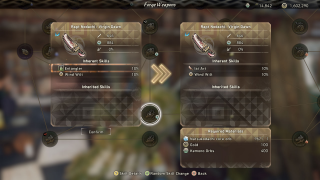
The Limit Break system has had its limits broken! Weapons and armor can now have their Attribute power and Resiliency enhanced, respectively. Inherent Skills are also able to be changed or added.
Read more about the new content:
New Kemono Variant – Alpha Sapscourge
There have been frequent sightings in Azuma of a Kemono that boasts remarkable vitality, and brims with celestial thread, which it commands at will. By successfully hunting such a beast, you could surely obtain first-rate materials to forge new weapons and armor.
After completing the main story quest, you’ll be tasked with dispatching the Sapscourge in a new Side Stories quest called “Alpha Amber Rogue”.
New Quests – Trial Quests, New Volatile Kemono Quests
While on a new Trial quest, hunters will be required to take on Kemono equipped with predefined armor, skills, and weapons. Test your skills as a hunter within these spartan constraints to see how swiftly you can triumph.
Trial quests do not require you to own any of the equipment, making them great opportunities to try out builds you’re less familiar with before investing gold and materials into new equipment. Rewards for successfully completing a Trial Hunt improve the faster you subdue your target.
Trial Quests will be added to Chapters 4 and 5.
Quests featuring specific Volatile Kemono have also been added from Chapter 3 to Side Stories. To unlock these quests, specific conditions must be met.
New Ways to Limit Break
Weapons and armor can now have their Attribute power and Resiliency enhanced, respectively, using Core Orbs. Just as with Attack and Defense Limit Breaking, the number of times you can carry out such enhancements, and the effects they have, are different for each piece of equipment.
Hunters will also be able to use Core Orbs to change or supplement a weapon’s Inherent Skills. New skills are decided at random based on the type of weapon. The weapon’s default Inherent Skills and currently attached skills are excluded from the selection. When receiving new skills, the resulting skills will top out at a value slightly less than any already attached Inherent Skill.
Weapons will also be eligible for a third Inherent Skill. Any skill in this third slot will be significantly lower. Consequently, skills with values below a certain level or skills without a value to start with cannot occupy the third slot.
Improvements, Balance Adjustments
The attribute values of weapons and the resilience of armor can now be enhanced through the Limit Break system.
An option to change Inherent Skills has been added to the Limit Break system. Inherent Skills can be added and replaced by consuming materials. This option will be unlocked after completing the main storyline and after you acquire your first Core Orbs.
Upper and lower body undergarments can now be selected separately. Undergarments can now be changed in the Change Equipment menu.
Up to 3 food items with the same final effects can now be smoked simultaneously in the Smoker and Vermilion Smoker karakuri.
Added quests featuring specific Volatile Kemono. E.g., “Ruby-Blossomed Rodent – Volatile”. These quests will be added to Chapter 3 through Side Stories when the following conditions are met:
Hunted the target Volatile Kemono;
Completed post-Chapter 3 quests, including the Recondite quests, in which the original species of the volatile Kemono was the hunt target.
Players who have already completed the above criteria before the application of the update will only need to complete one of the conditions.
[For PC] Added new “DLSS” and “DLSS Quality” options that reduce the drawing load while maintaining high resolution to the Upscaling setting. These options are only available for GPU that support them.
[For PC] A warning message will now appear when attempting to play on a PC that does not meet the minimum system requirements.
Added a new “Karakuri Activation while holding the Sprint button/key” setting. When enabled, Karakuri can only be activated while holding the sprint button/key.
Added a new Central Dot Display setting.
Added the following setting items:
Subtitle Background Color
Subtitle Text Color
Color Subtitled Speaker Names
Reticule Color (On Target)
Reticule Color (Off Target)
Lock-On Marker Color
Cursor Color
Added a sample display on the right side of the screen for the following settings:
Subtitle Text Size
Tutorial Text Size
Action Guide Text Size
Acquisition Log Text Size
Chat Log Text Size
Subtitle Background Transparency
Tutorial Window Background Transparency
Guide Window Background Transparency
Added an option to listen to the volume samples when changing the Voice Volume setting.
Added VRAM status display on the right side of the screen for the following settings:
Resolution
Upscaling
Preset
Textures
Model Quality
It is now possible to select multiple items when selling goods at the store.
The chat wheel can now be used during the Final Blow.
Material details can now be viewed on screens where materials are consumed, such as during weapon forging.
Headgear can now be toggled on and off from the armor forging and cladding creation screens.
A message will now be displayed in cases where accessories cannot be displayed in combination with certain pieces of armor.
Basic Karakuri will now be saved as part of a loadout.
Flying Vine routes will now be displayed on the Detailed Map.
The remaining time and remaining life threads for the current active quest will now be displayed on the Detailed Map.
It is now possible to select multiple Karakuri simultaneously when dismantling Dragon Karakuri from the Detailed Map.
A new icon has been added to the Detailed Map to indicate Dragon Karakuri placed by other players.
An adjustment was made to the Detailed Map to make travel icons and Dragon Pit icons easier to select than Dragon Karakuri icons.
Assistance Search can now be also conducted at Campfires.
Increased visibility of destructible Giant Kemono parts that have fallen to the ground when using Hunter Vision.
Increased visibility of the critical hit effects.
Added “Critical Mode” to the Training Bear settings. This setting will allow players to choose whether critical hits will be triggered when using the Training Bear Karakuri.
It is now possible to join other players/request assistance during Serial Hunt quests. However, it is only possible while the first Kemono’s health is above a certain threshold.
Increased the speed of combo attacks using the Stake Karakuri.
Increased the transition speed from attacks using the Glider Karakuri into an Iai Slash when using the Karakuri Katana.
Fixed an issue in which the transition from an attack using the Glider Karakuri into an Iai Slash would be canceled if a movement input was entered.
Fixed an issue that caused an unexpected amount of movement when triggering Unbound: Vortex Lunge with the Karakuri Katana.
Adjusted Maul’s Wingblade Crescent Slash to make the final attack easier to hit the target.
The skill activation log will now not be displayed when activating Maul’s Extended Rap skill.
Adjusted Maul’s Pummel to make it more likely to hit the Kemono.
Fixed an issue where Karakuri could not be placed during the Fully Extended: Jumping Pummel with a Maul.
Fixed an issue where Karakuri could not be placed during the Fully Extended: Pound with a Maul.
Made the following adjustments to Maul’s Power Smash:
Adjusted the movement input during the Power Smash to match the camera focus point;
Increased the movement amount during the attack;
Fixed an issue that made it impossible to place Karakuri at the end of the attack;
Increased the rotation speed.
Pressing Attack 1 or Attack 2 during the Power Smash will trigger a Pummel attack with a large amount of forward momentum. The attack that will follow will change depending on the state of the Power Smash before it was triggered.”
Fixed an issue that made it possible to use Maul’s Aerial Pound to avoid fall damage.
Fixed an issue in which the Spinning Top Karakuri could be destroyed with Maul’s Power Smash.
Added a Bow action that allows you to release arrows with higher resonance power during the following attacks:
Attacks using 2 stacked Crates;
Attacks using 3 stacked Crates;
Attacks using the Glider Karakuri;
Attacks using the Stake Karakuri.
Holding down the fire button during an attack will cause a special effect to appear around the player. Firing when this effect is displayed will trigger a special action with increased resonance effect.
Increased the power of the Glider combo attack with the Bow.
Fixed an issue which prevented you from spin dodging when dodging three or more times in a row in the same direction with a Bow drawn.
Fixed an issue that caused an unexpected amount of movement when dodging following the Full Draw: Otoya attack with a Bow.
Fixed an issue in which damage was unintentionally decreased despite the aiming distance being within the proper range when using a Bow during the Celestial Dragon hunt.
Increased the power of Leaping Strike, Jumping Spin Slash, Forward Throw, and Nimble Lunge with Karakuri Staff.
The mutation level of the Karakuri Staff will no longer reset outside of combat.
Increased the amount of Karakuri Thread generated when attacking with a Karakuri Staff.
Fixed an issue that caused the weapon gauge of the Karakuri Staff to flicker at unintended times.
The valor gauge will no longer reset when using a Glider while charging with a Nodachi.
Adjusted Nodachi’s Downward Slash to make it easier to hit Kemono.
Increased the power of the Nodachi’s Celestial Stab using the Glider Karakuri.
Reduced the build up of the valor gauge after successfully hitting a Kemono with Flaming Slash with a Nodachi while charging.
Fixed an issue where moving while charging with a Nodachi used up more stamina than intended.
Fixed an issue where Double Spin Slash could not be performed if the connection to the Celestial Anchor Karakuri was lost during a jump when the Celestial Anchor was used while charging with a Nodachi.
Reduced the transition speed from Surprise Bombardment to dodging while using a Hand Cannon.
Surprise Bombardment when used after a Sliding Dodge will now fire three projectiles simultaneously.
Fixed an issue in which regular shots with a Hand Cannon sometimes did not hit Small Kemono or the Celestial Being correctly.
Adjusted to ensure that the Spindance Gauge is not reduced outside of combat with Giant Kemono.
Fixed an issue that caused parrying with a Bladed Wagasa to fail within the first few frames of also inputting movement commands.
Adjusted controls of the Bladed Wagasa’s Aerial Spindance 1.
Adjusted controls of the Bladed Wagasa’s Savage Dance.
Fixed an issue where the number of hits of the Bladed Wagasa’s multi-hit attacks, such as the Trey Star, could be reduced depending on the FPS setting.
Fixed an issue in which parrying during Bladed Wagasa’s Reverse Lunge would cause the player to float in the air when they were on the ground.
Fixed an issue where some of the attacks performed with a Bladed Wagasa after a parry with a full Spindance gauge failed to hit the target.
Adjusted the timing of Karakuri destruction that occurs when a Kemono enters an enraged phase.
Adjusted to make sure Healing Water can be used with no issues after getting up or using the Spring Karakuri.
Reduced camera shaking after getting grabbed by a Giant Kemono.
Made it easier to use the Shield Wall Karakuri to block Onyxshard’s spinning attack.
Adjusted an issue that sometimes caused Basic Karakuri to be unintentionally linked sideways during a battle with a Giant Kemono.
Increased the duration of the Fusion Flash for the Celestial Cannon Karakuri during the Golden Tempest hunt.
Increased the duration of the Fusion Flash for the Chain Trap Karakuri during the Deathstalker hunt.
Adjusted so that when a Stake Karakuri is stuck in a Kemono, it can be grabbed immediately by holding down the sprint button.
Adjusted so that only the first hit of the Spinning Top will now stagger Kemono.
Increased the range at which the Elemental Lantern Fusion Karakuri responds to Kemono’s elemental attacks.
Reduced the time it takes for a player to get launched when using the Launcher Karakuri.
Adjusted behavior of the Celestial Dragon.
Made it easier to target body parts when hunting the Celestial Dragon.
Adjusted aggro sensitivity of Deeply Volatile Kemono.
Adjusted the names of Deeply Volatile Kemono in all localized languages.
Increased the amounts of the following items sold in the shop:
Wheat,
Unmilled Rice,
Rice,
Red Meat,
Cubed Meat,
Sliced Meat,
Marbled Meat,
Horse Mackerel,
Prismwhelk Salmon,
Dogwood Catfish,
Bonito Fillet,
Green Vegetables,
Eggplant,
Maitake,
Pumpkin,
Brown Sugar,
Mash,
Mixed Miso,
Fruit Vinegar,
Imported Hot Spice,
Zesty Spice Mix,
Dried Golden Sesame,
Dried Azuki Beans
The numbers of items on sale will change after the item lineup is updated.
Adjusted the effects for the following food items:
The effect of the Recovery Boost skill will now be applied not only to Healing Water but also to health recovery that occurs through other skill effects.
Adjusted stage rendering and collision.
Adjusted the placement of accessories with some armor pieces.
Beards will now be displayed correctly when wearing an eye bandage.
Added a special mark to Talismans obtained from hunting Deeply Volatile Kemono.
Adjusted the contents of Talismans obtained by hunting Volatile Kemono. It is now possible to obtain Talismans with rare skills, such as those that enhance specific weapon types. The type of skills attached will depend on the hunted Kemono.
Added defense level enhancements for the following armor sets to the Limit Break system:
Hunter’s set
Fresh Fern set
Young Samurai set
Basara set
Ocean Wave set
Roaming Bard set
Grithide set
Ninja set
Long Reed set
Veteran set
All-Black set
Snowflake set
Bandit set
Argent set
Minato Guardian’s set
Blossom Trail set
Spirit Isle set
Harvest Canyon set
Frozen Fort set
Red Plum set
Great Juniper set
Jadedance set
Myōtara set
Brighteye Archer set
Cutthroat set
Sunrise Princess set
Sable Mara set
Fūma Clan set
Draconic set
Increased the amount of Giant Crystals obtained from Volatile Kemono.
Adjusted hunt rewards for the following quests:
Deathly Blossom Trail Stagnation
Bitter Spirit Isle Stagnation
Choking Harvest Canyon Stagnation
Biting Frozen Fort Stagnation
Stagnant Verdant Spikemoss
Stagnant Balmy Orange
Stagnant Russet Canopy
Stagnant Silvery Rimes
Reward adjustments:
Increased the number of Keystones dropped;
Added Core Orbs;
Removed Giant Crystals.
Added Natsukodachi Core Orb as a reward for hunting Grimstalker.
Added Harugasumi Core Orb as a reward for hunting Murakumo.
Increased the number of Core Orbs obtained by hunting Deeply Volatile Kemono.
Talismans added to Favorites will not be prioritized when sorting by anything other than acquisition order.
Adjusted the Talisman tutorial. This can be accessed through Main Menu > Information > Tutorials.
Adjusted the Life Threads tutorial. This can be accessed through Main Menu > Information > Tutorials.
Corrected an error in Murakumo’s description in the Cyclopedia.
Fixes
Fixed an issue that sometimes prevented unlocked Dragon Pits from being selected from the Detailed Map.
Fixed an issue in which other players’ health was sometimes not displayed correctly during online co-op.
[For PC] Fixed an issue where the cursor speed increase was not reflected properly when using a mouse.
Fixed an issue where some hunting rewards were not listed correctly in the Cyclopedia.
Fixed an issue in which opening the menu during auto-save would leave the “Save” option unselectable even after the auto-save was completed.
Fixed an issue in which inappropriate words could be entered during online play through certain methods.
Fixed an issue in which Inherited Skills would appear reset after using Limit Break on an unequipped weapon.
Fixed an issue in which when the claw was disconnected at the same moment as performing a Claw Plunge, the gauge would not appear on the UI until a Claw Plunge was used to hit the Kemono once more.
Fixed an issue where the length of the stagger animation differed for each weapon type.
Fixed an issue in which some attacks did not hit when processing performance is low.
Adjusted to make it easier to collect Kemono Orbs and Karakuri Thread obtained by attacking Kemono as a guest during online co-op.
Fixed an issue in which the Stake Karakuri would not be ejected correctly if it was placed by a guest and used immediately after.
Fixed an issue in which the Claw gauge did not build up when hitting the Training Bear Karakuri with Claw Blade’s Vortex Slash.
Fixed an issue in which, if a player was hit by a Kemono attack while using the Flying Vine Karakuri, they would continue to fall when attempting to use Flying Vine again afterward.
Fixed an issue that could cause the player character to freeze during the Celestial Dragon hunt.
[For PC] Fixed an issue in which the Final Blow animation would not play correctly on certain FPS Limit settings.
Fixed an issue that caused differences in player character behavior when affected by sap for different weapon types.
Fixed an issue that caused collision with stage objects after a player died in mid-air.
Fixed an issue that prevented jumping during an emote animation.
Fixed an issue where sometimes the controller would not stop vibrating after canceling the use of a Dragon Karakuri.
Fixed an issue that sometimes caused the Bow’s appearance to shift rapidly when drawing the Bow.
Fixed an issue that caused a Fusion Flash to fail in certain circumstances.
Fixed an issue in which the Slay command sometimes did not work correctly on Grassghoul Decapods.
Fixed an issue in which the number of uses of the Celestial Anchor Karakuri did not decrease if the player attacked immediately after using it.
Fixed graphical errors that occurred when creating Fusion Karakuri that required Stake Karakuri.
The Training Bear Karakuri can now only be used by one player at a time during online co-op.
Fixed an issue in which the mutation level of the Karakuri Staff was not maximized even when the weapon gauge setting was set to “Maxed” while using the Training Bear Karakuri.
Fixed an issue where the damage dealt to the Training Bear by Basic Karakuri used as projectiles with the Maul’s Power Smash were not displayed in the log.
Fixed an issue where players would float in the air when attempting to sit on a Bench Karakuri during online co-op.
Fixed an issue where the Chain Trap Karakuri sometimes was not displayed correctly when activated by a guest player during online co-op.
Fixed an issue in which the barrier effect of the Celestial Shield karakuri sometimes did not appear correctly during online co-op.
Fixed an issue in which the destruction of dragon karakuri was sometimes not displayed correctly for guests during online co-op.
Fixed an issue that sometimes caused fusion to fail when placing multiple karakuri during online co-op.
Fixed an issue where a player could remain stuck in the air if the Flying Vine Karakuri was dismantled while they were using it.
Fixed an issue with the Flying Vine Karakuri in which a player would fly off at high speed if they attempted to move backwards just before dismounting from the vine.
Fixed an issue where the Shield Wall Karakuri could be destroyed by Tsukumo attacks.
Fixed an issue that sometimes caused the Pile Driver Karakuri to disappear during a hunt.
Fixed an issue where pillars created by a Spineglider or a Venomglider could not be destroyed when the Pounder Fusion Flash occurred.
Fixed an issue in which the Spring karakuri sometimes continued to move on a loop during online play.
Fixed an issue that sometimes caused the player character to freeze during the Celestial Dragon hunt.
Fixed an issue where some Giant Kemono would not be able to move past obstacles.
Fixed an issue where some Murakumo attacks could penetrate objects and hit players.
Fixed an issue in which Goldshard’s fall animation when getting knocked down by certain Fusion Karakuri could sometimes be canceled by a follow-up attack.
Fixed an issue where Dreadclaw, Ripclaw, and Fervid Crazecomb could sometimes get stuck in the air when changing areas.
Fixed a collision issue where a player could get stuck in a stage object after a grab attack by Fumebeak, Pearlbeak, or Deathgaze Gloombeak.
Fixed an issue in which sometimes the grabbing animation would fail to reset when a player was grabbed by a Fervid Crazecomb.
Fixed an issue that caused some Kemono to become unresponsive when restarting the game by selecting “Continue” or “Load” from the title screen.
Fixed an issue where a player could become unresponsive if they died during a Giant Kemono’s grab attack.
Fixed an issue where Murakumo could become stuck in mid-air after being launched by the Spinning Top Karakuri.
Fixed an issue where some attacks by Dreadclaw, Ripclaw, and Fervid Crazecomb could penetrate the Bulwark Karakuri and hit players.
Fixed an issue where multiple players could become incapacitated when grabbed by a Giant Kemono at the same time during online co-op.
Fixed an issue in which guest players were sometimes unable to see the effects when a Kemono was enraged.
Fixed an issue that caused the positions of Kingtusk and Icetusk Kemono to suddenly change during online play.
Fixed an issue where the quest goal check icon was sometimes not displayed correctly for guests at the start of online co-op.
It will now be impossible to change the direction of the Flying Vine used during the Earthbreaker hunt.
Fixed an issue that prevented movement at the start of a hunt if free input in chat was in progress.
Fixed an issue where a guest’s story progression rate was sometimes overwritten by the host’s during online co-op.
Fixed an issue that sometimes prevented players from joining the specified quest when attempting to join other hunters online.
Fixed an issue that sometimes prevented the story progression under certain conditions.
Fixed an issue that sometimes prevented players from receiving quests after Chapter 3.
Fixed an issue where the quest objective marker was not displayed correctly during the “Go Back Home – Part 3” quest.
Fixed an issue where unexpected background music or sound effects would sometimes play during the Amaterasu hunt in Minato.
Fixed an issue in which the sky was not displayed correctly during the “Hunting Song – Reverberations” and “Hunting Encore – Old Trail Tribulations” quests.
Fixed an issue that caused in-game time to stop advancing after leaving the “Hunting Song – Reverberations” and “Hunting Encore – Old Trail Tribulations” quests.
Fixed an issue in which the “Blossoms of Oblivion” quest was sometimes not triggered correctly after the “Remnants of Reverie” request was completed.
Fixed an issue where character models would sometimes not be displayed correctly when watching conversation events as a guest during online co-op.
Fixed an issue where an event scene would play even after the network connection with the host was broken during online co-op.
Fixed an issue where the Karakuri Coordination: Remedy skill wouldn’t always trigger correctly with some Karakuri Staff and Claw Blade attacks.
Fixed an issue where, if both a weapon and a Talisman carrying the Ki Base Fortification skill were equipped, the skill attached to the weapon would be deactivated if the Talisman was unequipped.
Fixed an issue where triggering the Fusion Reaper skill prevented other skills from being activated.
Fixed an issue in which Ancient Trees were sometimes not displayed correctly when playing as a guest during online co-op.
Fixed an issue that caused some objects to appear semi-transparent.
Fixed an issue in which objects such as tree roots and rock walls were sometimes not displayed correctly to other players when destroyed during online co-op.
Fixed minor sound-related issues.
Fixed an issue where sound would stop playing after playing in the same area for a long period of time.
Fixed an issue in which the Visitor’s equipment was removed when the player removed their own equipment while using the Looking Glass Dragon Karakuri.
Fixed an issue when sometimes it was still possible to use the Looking Glass Dragon Karakuri during online co-op.
Fixed an issue in which equipping Fulgent Demon Hat sometimes reset the character creator face settings.
Fixed an issue where equipping certain head armor with certain hairstyles would result in an unintended hairstyle.
Fixed an issue that caused hair to disappear when equipping Karakuri Samurai Cladding.
Fixed an issue in which some pieces of armor were not displayed correctly when equipped in specific combinations.
Fixed an issue where arms were sometimes not displayed correctly when equipping Fulgent Torso Armor (Human-Path).
Fixed an issue with the appearance of certain pieces of armor when the chest size was set above a certain level.
Fixed an issue in which Dreadclaw weapons were not unlocked even after defeating a Dreadclaw in the main story quest.
Fixed an issue during online co-op where dirt was still displayed for other players even after using the bathhouse.
[For PC] Fixed an issue that sometimes prevented the game window from being displayed in the foreground when the game was launched.
Fixed an issue where a player character’s personality would become the same as the host’s while joining as a guest during online co-op.
Fixed an issue in which players could get stuck in an endless fall after accepting a request for assistance.
Fixed an issue that caused the game to crash during some loading screens.
Fixed an issue that could cause the game to crash unexpectedly during a hunt.
[For PS5] Fixed an issue that could cause the game to crash during a loading screen if the game was launched before the game installation was complete.
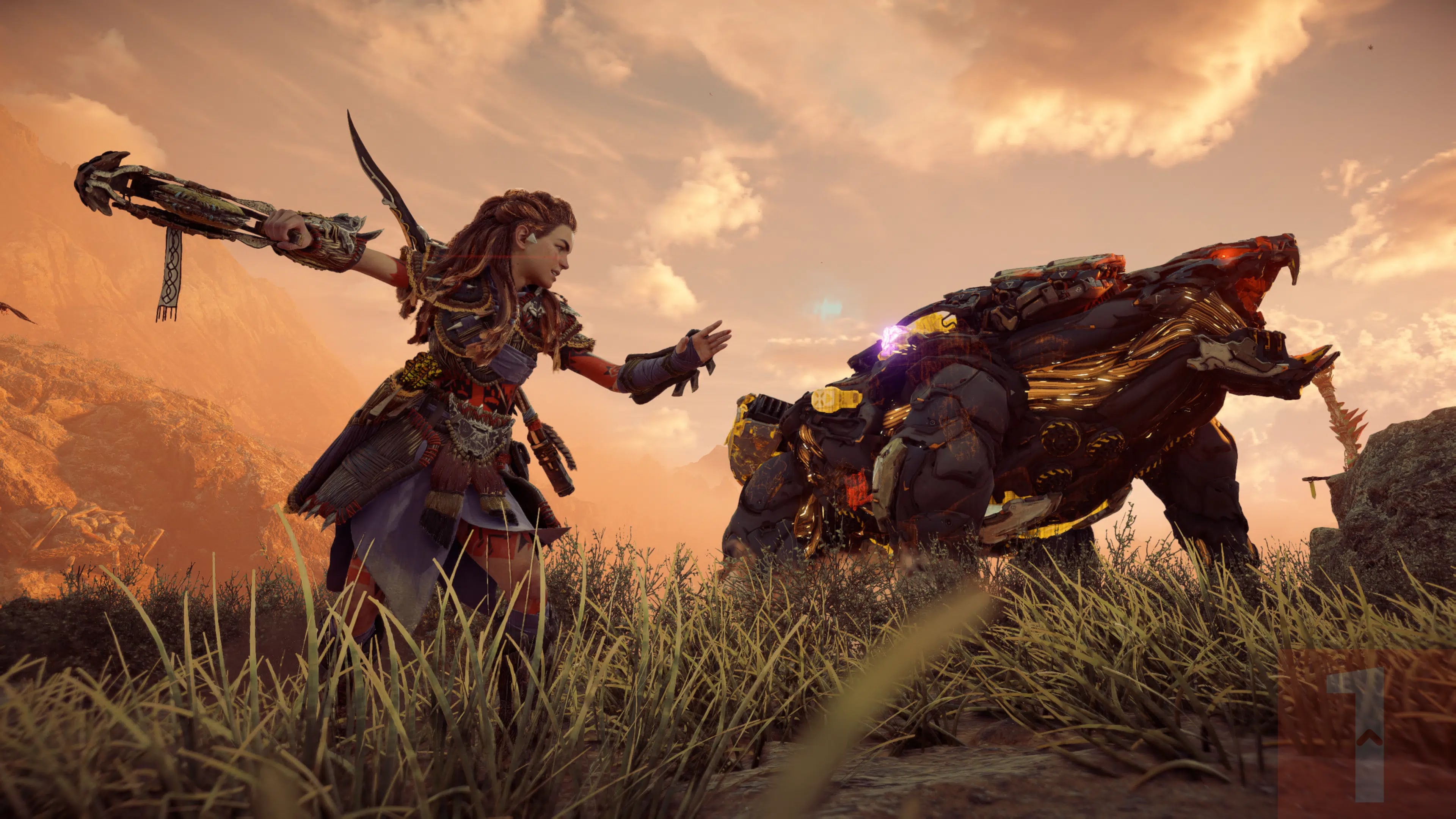
Guerrilla Games has released Horizon Forbidden West update 1.024 this May 16, and this is tagged as patch version 1.24. Once again, this title update is exclusive to the PS5 version and brings a host of gameplay fixes.
Horizon Forbidden West Update 1.024 Patch Notes | Horizon Forbidden West Update 1.24 Patch Notes | Horizon Forbidden West May 16 Patch Notes:
Download Size: 1GB
FIXES AND IMPROVEMENTS
Main Quests
Fixed an issue for Main Quest “To the Burning Shores” where creating a save at the campfire during the “Climb Up the Tower” objective and then loading that save would lead to a progression blocker, as Seyka would block the climbing path.
Fixed an issue for Main Quest “To the Burning Shores” where the time of day could become stuck after fast traveling away from the tower.
Fixed an issue for Main Quest “To the Burning Shores” where very rarely Seyka would disappear after the boss fight at the tower, blocking progression.
Fixed an issue for Main Quest “Heaven and Earth” where during the “Kill the Clamberjaws” objective one of the Clamberjaws could get stuck outside of the player’s reach, blocking progression.
Fixed an issue for Main Quest “Heaven and Earth” where backtracking through the quest could result in progression blockers.
Fixed an issue for Main Quest “The Stars in Their Eyes” where players would be able to get stuck in invisible walls.
Fixed an issue for Main Quest “For His Amusement” where creating a quick save and loading it during the “Investigate the Armory” objective would cause the Storage Device to not be interactable, blocking progression.
Fixed an issue for Main Quest “For His Amusement” where players would be able to get into the volcano before opening the door, blocking progression.
Fixed an issue for Main Quest “His Final Act” where players could get stuck outside of the combat area during the Horus fight by clipping through the tentacles.
Side Quests
Fixed an issue for Side Quest “In His Wake” where restarting from save after looting Pirik and then fast traveling would cause the cell door to be unable to pry open, blocking progression.
Fixed an issue for Side Quest “The Splinter Within” where the skiff could get stuck in plane wrecks.
Fixed multiple issues for Side Quest “A Friend in the Dark” where the crate could get stuck while using the elevator.
Fixed an issue for Side Quest “A Friend in the Dark” where players could get stuck behind or under the elevator, blocking progression.
Fixed an issue for Side Quest “A Friend in the Dark” where part of the puzzle could be skipped by jumping onto walls.
Fixed an issue for Side Quest “A Friend in the Dark” where under certain conditions Gildun would become idle and not move the elevator, blocking progression.
Fixed an issue for Side Quest “A Friend in the Dark” where restarting from save right after killing the Burrower swarm will reset the “ Kill the Machines ”objective, reverting progression.
Fixed an issue for Side Quest “A Friend in the Dark” where the luggable wagon cart could be released early, potentially blocking the crate from being pulled down if players fall down the platform.
World Activities
Fixed an issue for “Aerial Capture: North” where players with an already broken save file would still not be able to go to the start of the flight path after examining the improvised transmitter, making the activity incompletable.
Fixed an issue for “Aerial Capture: East” where players who failed the flight path under certain conditions would not be able to start it again, blocking progression.
Fixed an issue for several “Aerial Captures” where Aloy’s callouts could cut off the recording dialogue.
Fixed an issue for Cauldron “THETA” where dropping into the Cauldron from the left side of the opening could potentially not trigger the start of the activity, blocking progression.
Fixed an issue for Relic Ruin “Murmuring Hollow” where restarting from save while holding an energy cell could potentially block progression.
Fixed an issue for Relic Ruin “Murmuring Hollow” where the energy cell could be thrown off the cliff, blocking progression.
Fixed an issue where the Stormbird could become idle in the storm cloud when players approached it at a certain timing. This left players unable to start “Aerial Capture: West” and unable to collect the Delver’s Trinket collectable “Mighty Pint,” thereby blocking the Errand Quest “The Delvers’ Trove”.
Fixed an issue for the “Delvers’ Trinket” collectables where players could skip part of the puzzle while collecting the “Cherished Flask.”
Fixed an issue for the “Pangea Figurines” collectables where players could not collect the “Green Raptor” if they left the parking garage after opening the trunk in which the collectable is located.
Fixed an issue for the “Pangea Figurines” collectables where due to a mistranslation for several languages in the description of the “Green Raptor,” players could not enter the correct code for this collectable at the Dino Digits Quiz, blocking progression.
Fixed an issue for the “Pangea Figurines” collectables where for several languages the code information was missing from the description of the “Dimorphodon,” making the Dino Digits Quiz incompletable.
Datapoints
Fixed an issue for datapoint “Notes on Londra’s Code” where players would not be awarded the datapoint in their notebook if they enter the code correctly.
Fixed multiple issues for “Pangea Figurines” collectables where for several languages the description would not show up for the “Dimorphodon,” “Queen Rex,” and “Reggie the Pterodactyl.” Players would miss out on information needed to complete the Dino Digits Quiz.
Machines
Fixed an issue where unmarked machine sites would not spawn machines after players reached Ghost Level 101.
Weapons
Fixed an issue for the Specter Gauntlet where the option to craft the upgrade obtained during Side Quest “In His Wake” would still display at some workbenches after crafting.
Fixed an issue for the Specter Gauntlet where crafting ammo would use all available resources from both the Inventory and the Stash.
Skills
Fixed an issue for the Workbench Expert skill where it would not decrease the cost of crafting ammo for the Specter Gauntlet.
UI/UX
Fixed an issue for the Fabrication Terminal where despite unlocking overrides for all machines, a question mark would still be present for the last entry, potentially causing confusion.
Performance and Stability
Multiple crash/hang fixes.
Fixes and improvements to frame rate drops.
Optimization of art assets.
Photo mode
Fixed an issue for photo mode where using it inside the Horus could cause camera clipping and graphical flickering.
Other
Fixed an issue for Brimshine where players would not have enough to buy and upgrade everything. One Brimshine Sliver has been added near the entrance of Cauldron “THETA.”
Note that Jobs will not point to this location until Aloy (re)visits this area!
Fixed multiple issues where players could get stuck in assets and/or geometry or fall out of the world.
Fixed an issue where skiff locations were available within the range of Zenith Towers while they were still active. Fast traveling to such locations would cause players to be immediately targeted and killed by the Defense Drones.
Fixed multiple issues with on screen text and mistranslations.
Fixes and improvements to audio.
Fixes and improvements to visuals.
In other Horizon news, Guerrilla has announced that the game has now sold over 32 million units to date! Read up on that and Forbidden West’s sales right here.
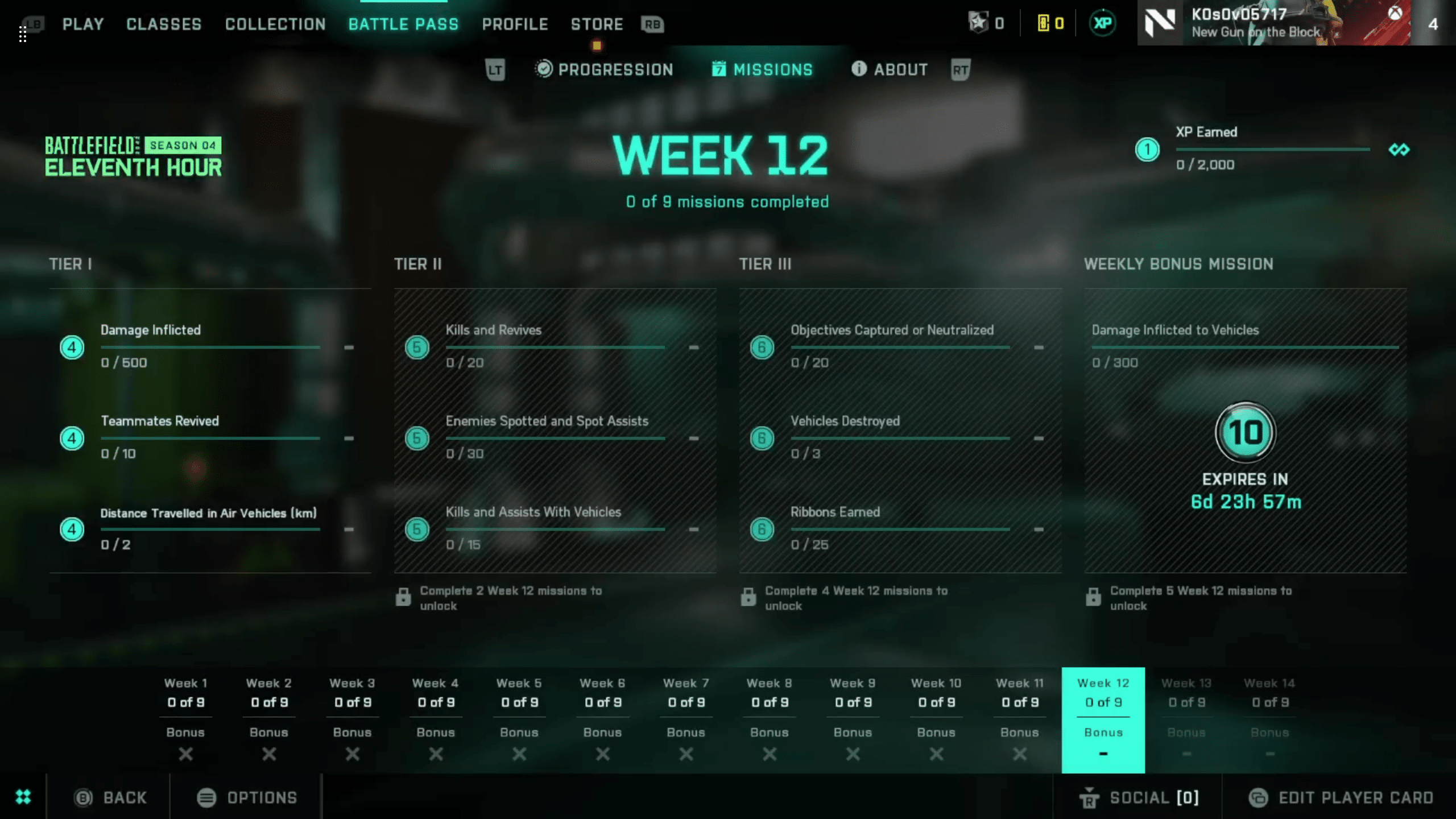
Another Tuesday is upon us, with a fresh set of weekly missions and store items in Battlefield. Our Battlefield 2042 Season 4 Week 12 weekly missions, store bundles, and Portal Modes post lists the new objectives, modes, and store items for this week (May 16 – 23) below.
New Battlefield 2042 Weekly Missions, Store Bundles for Season 4 Week 12:
Week 12 Missions:
500 Damage Inflicted (4)
10 Teammates Revived (4)
2 km Distance Travelled in Air Vehicles (4)
Available After 2 Missions:
20 Kills and Revives (5)
30 Enemies Spotted and Spot Assists (5)
15 Kills and Assists With Vehicles (5)
Available After 4 Missions:
20 Objectives Captured or Neutralized (6)
3 Vehicles Destroyed (6)
25 Ribbons Earned (6)
Available After 5 Missions (Bonus):
300 Damage Inflicted to Vehicles (10)
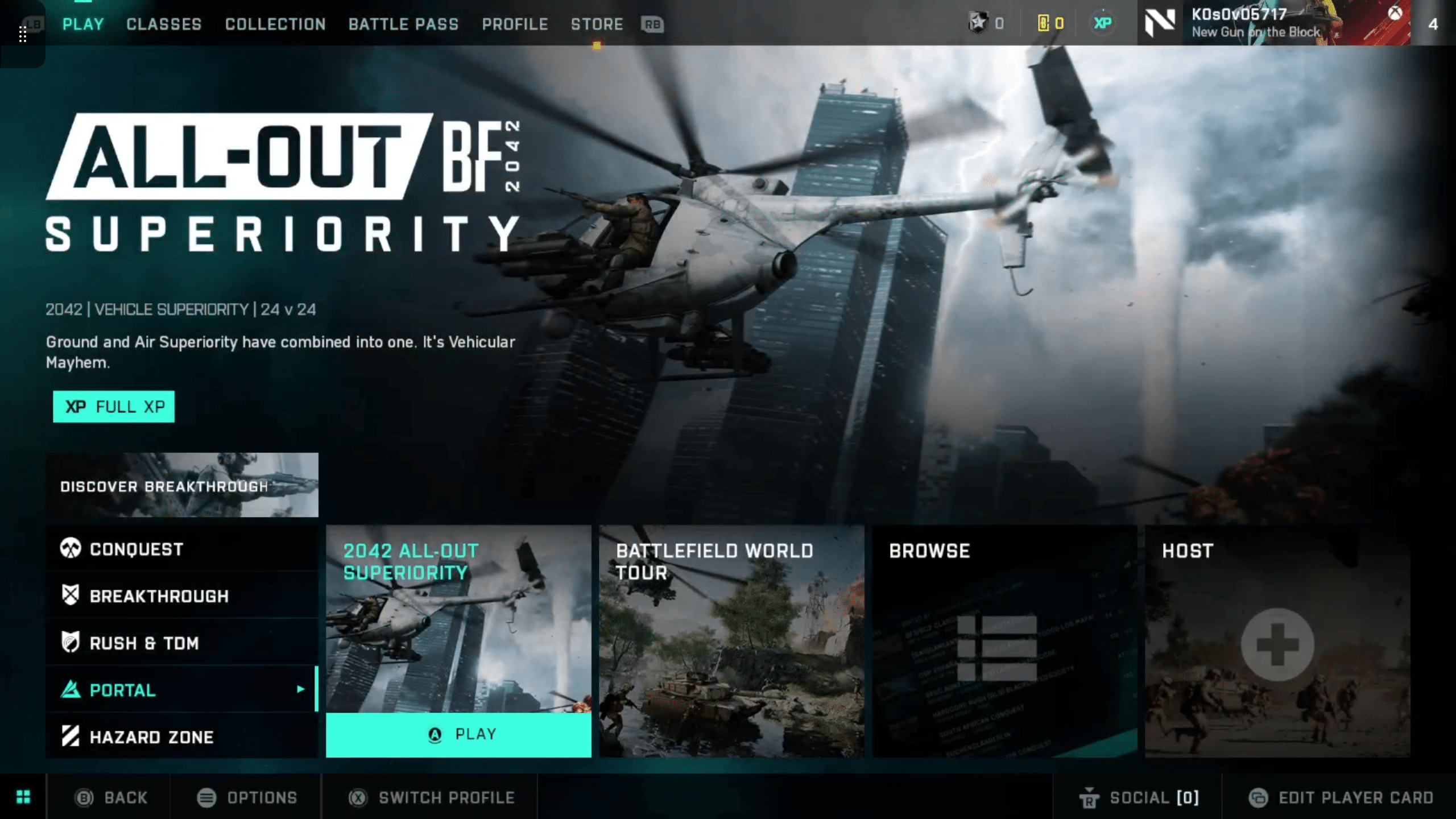
Portal Modes:
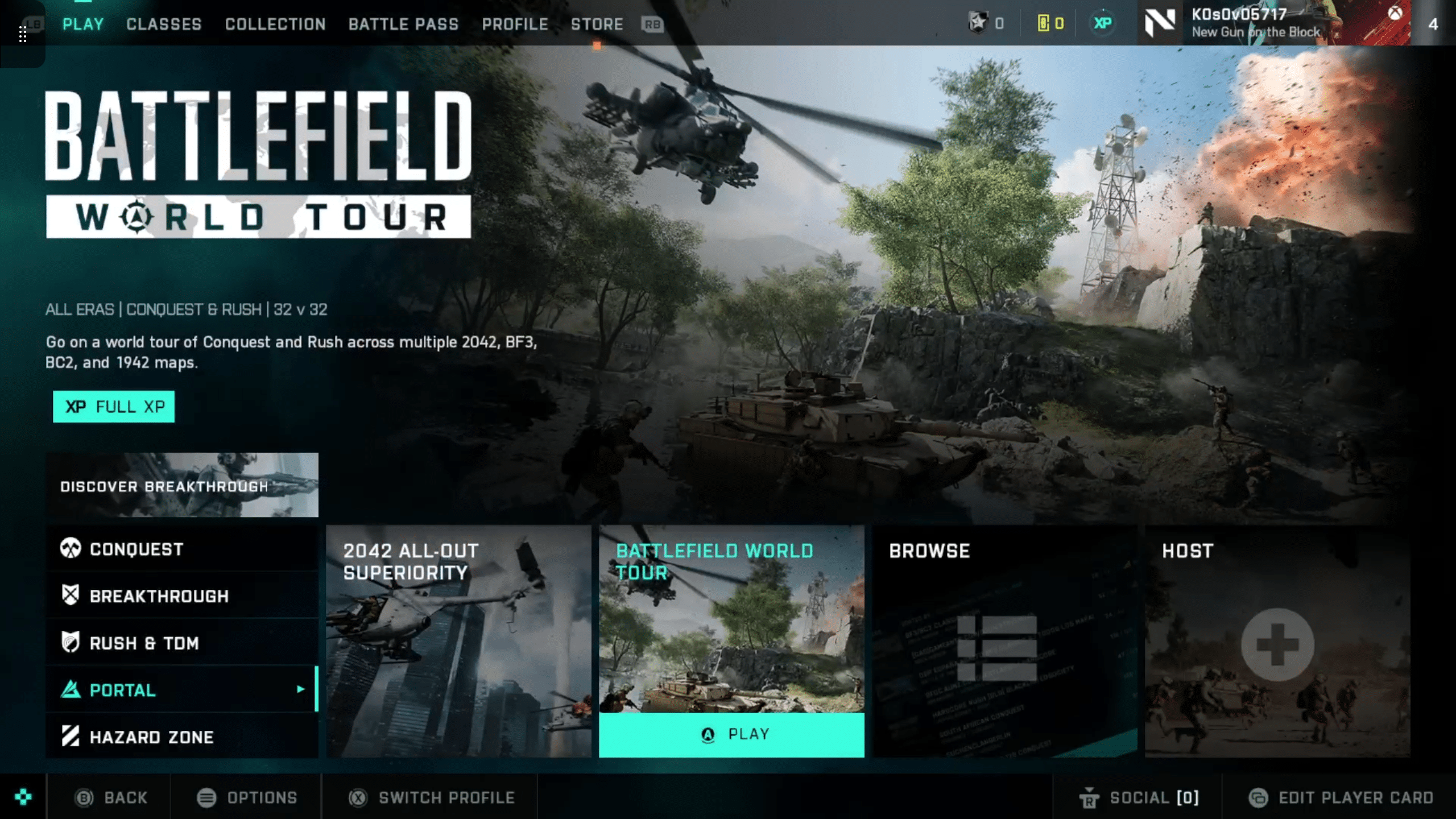
2042 All-Out Superiority
Battlefield World Tour
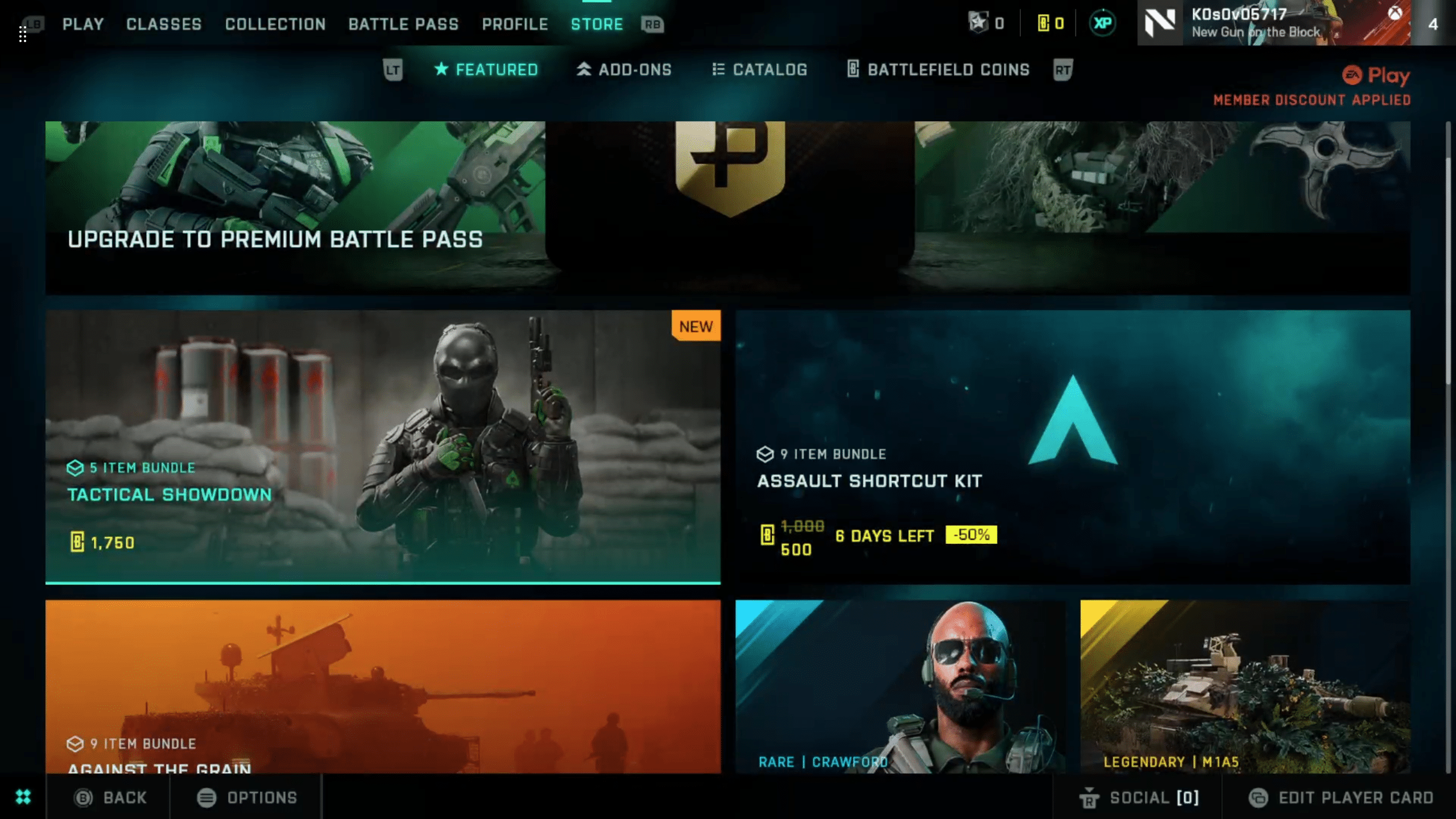
New Store Bundles:
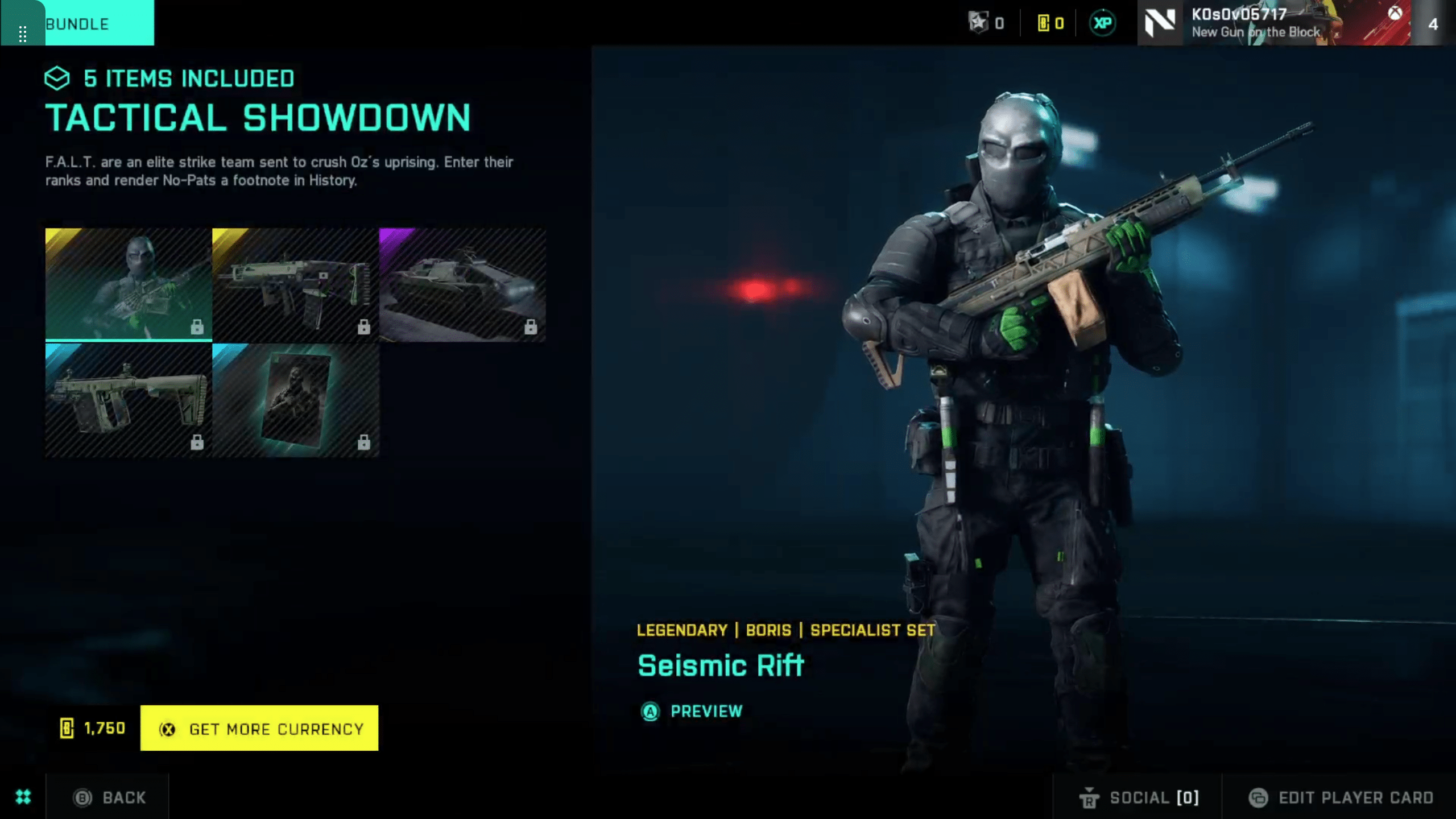
Tactical Showdown (1750 BFC, 5 Items)
“Seismic Rift” Legendary Boris Specialist Set
“Rupture” Legendary AC-42 Weapon Skin
“Holocene” Epic M5C Bolte Vehicle Skin
“Overpowered” Rare K30 Weapon Skin
“A Way Out” Rare Player Card Background
That’s all for what’s new this week. Check back next Tuesday for the Season 4 Week 13 post, which will be the penultimate refresh for Battlefield 2042 Season 4.
EA Tiburon has released EA Sports PGA Tour update 1.000.004, and this brings Season 2 to the golf sim! Players can expect a new course, new features, bug fixes and more! Read on for what’s new in the EA Sports PGA Tour May 16 patch notes.
EA Sports PGA Tour Update 1.000.004 Patch Notes | EA Sports PGA Tour Season 2 Patch Notes | EA Sports PGA Tour May 16 Patch Notes:
The new course Oak Hill Country Club has been added to all game modes. In career mode, the PGA Championship event now alternates between Oak Hill Country Club and Southern Hills every season. Menus, screens, and key art have also been updated to be styled in the Season 2 PGA Championship theme.
As a result of player feedback, improvements have been made to better support playing without the putting grid:
A new low-view camera height option has been added to the zoom camera while putting.
The “Zoom = Off” gameplay setting option has been updated to allow zoom when the golfer is within 70 yards of the pin.
This better represents a pro golfer’s ability to survey greens and ensures that all players can now toggle to this low camera height to manually read greens.
Updates have been made to cup physics, which result in lip-ins and lip-outs occurring more frequently. Additionally, the follow camera will now sometimes zoom in on the ball when it is close to the hole.
In order to improve online matchmaking for all players, Social mode has been removed and Competitive mode has been renamed “Online”.
Gameplay:
Fixed issue where golfer would sometimes react positively after hitting ball into a hazard.
Fixed a potential exploit with 3-Click swing mechanic where opening the scorecard menu after the third click would cancel the shot.
Fixed a softlock that would sometimes occur when using auto tap-in.
Minor adjustments to bump ball logic.
Cameras:
Manually zooming out the camera while the ball is in motion will now see the ball remain centered in the middle of the screen.
Fixed issue where post-shot reaction cameras would occasionally zoom in too close to the golfer.
Fixed for incorrect camera angle being shown when selecting drop zone option.
Settings:
[PS5] Audio settings changes are now persistent after rebooting console.
Fixed issue where Hole Flyover setting would sometimes not be applied when changed in gameplay during a round.
Career:
Fixed AI Pairings so that playing partner in rounds 2 – 4 is not always Scottie Scheffler.
Banner with golfer tee times is no longer displayed when entering into a playoff.
Challenges:
Hole flyovers on shot challenges have been permanently disabled in order to speed up play.
Fixed issue where course preview screen would sometimes show incorrect holes for the upcoming challenge.
Show challenge star-status banner each time a hole is completed.
Courses:
[Augusta National] Added drop zones for holes #12 and #15.
[PGA WEST] Fixed missing rock collisions on hole #10.
[PC] Improved rendering of shadows in bunkers when using low quality visual settings on several courses.
Tournaments:
Daily and weekly tournaments for Simulation gameplay style have been added for Season 2.
Fixed a potential exploit where players were able to quit without paying an entry fee after playing shots on the first hole. Now, the entry fee is charged after the first stroke.
Fixed issue with tournament countdown timer not updating during gameplay.
Fixed issue where backing out of course preview screen would always navigate the player back to Seasonal Tournaments.
Audio:
Added additional variations to eagle putt commentary.
Fix for commentary sometimes saying the wrong lead amount.
Volume adjustments to voice overs during intro segments in career mode.
Fixed an issue where main menu music was being played when entering a playoff.
Added additional bird SFX variations.
Updated SFX for when the ball rolls on dirt.
Fixed issue where camera SFX were being heard when crowd is disabled.
UI:
[Quests] A countdown timer is now displayed for limited time quests.
[Challenges] Fix shot types screen overlapping with challenge info in Scorecard Menu.
[Online] Fixed issue where players who are removed from a session for being idle didn’t always receive a popup notification message.
[HUD] Dollar sign added to the golfer’s score in HUD when playing a Skins match.
[HUD] Fix animation when displaying between holes banner during a Skins match.
[EIS] Fixed issue where course preview screen would not highlight the correct holes when playing “All Par3s/4s/5s”.
[Tooltips] Fixed previous crash with tooltips so that they can be re-enabled in menus and modes in the front end.
[Tooltips] Optimize the amount of tooltips being shown in the front end.
[Equipment] When selecting loft for club, fixed issue where the yardage shown in the blueprint card footer was not matching the yardage of the selected loft.
[Store] Fix equip button so that it is present only when focusing on items that can be equipped to the golfer.
[Store] Fixed issue where previewing a shaft will make it appear every time when previewing additional clubheads.
Fix issue where changes in Bio node were not being saved when navigating to the Body node.
Various additional fixes to Equipment and Golfer Identity screens.
[PC] Mouse support added to Select Golfer screen during golfer creation.
Misc:
[PS5] Fix for the 10% EA App discount not being present when purchasing points in EU region.
[PC] Wipes and NIS transitions are now displayed properly while playing with a wide screen monitor.
Fix issue where some putter grips were being displayed upside down in game.
Once a new update is out, we’ll be sure to let our readers know.
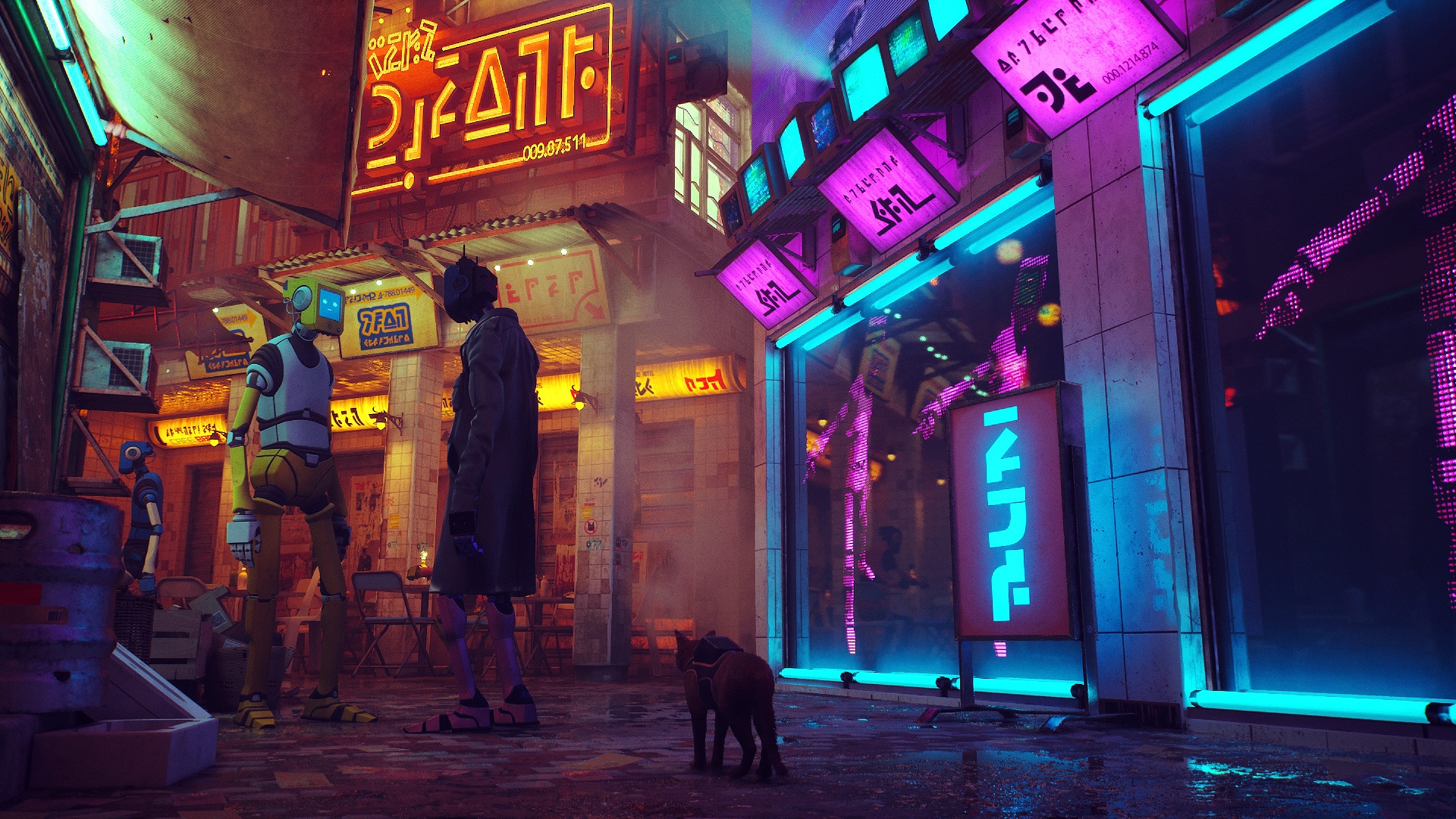
Cat lovers on Xbox platforms will soon be able to play BlueTwelve Studio’s fantastic Stray, as an (Entertainment Software Ratings Board) ESRB rating for the game has surfaced online.
The Stray Xbox ESRB rating is for the Xbox One and Xbox Series X|S versions and has the following summary:
Rating Summary
This is an adventure game in which players assume the role of a stray cat trying to escape a mysterious city. From a third-person perspective, players traverse alleyways, rooftops, and rooms while solving puzzles and interacting with robotic inhabitants. Players sometimes encounter parasitic blobs/mice-like bots that can attack and kill the cat. Players can access a UV light to defeat the mice-like bots, causing them to explode and emit splashes of colored liquid.
While the summary itself is nothing new, the fact that it’s tagged for Xbox is. This means that we should be getting an announcement for it soon.
Released last year, Stray proved to be not just adorable but as a fantastic game as well. In our review, we said, “Stray knows exactly what it wants to be and delivers on that premise flawlessly. Despite the game’s short duration, it leaves a strong impact, and it doesn’t overstay its welcome.”
Given it was part of PlayStation Plus’ free games, could this be headed to Game Pass? I wouldn’t be surprised if it was.
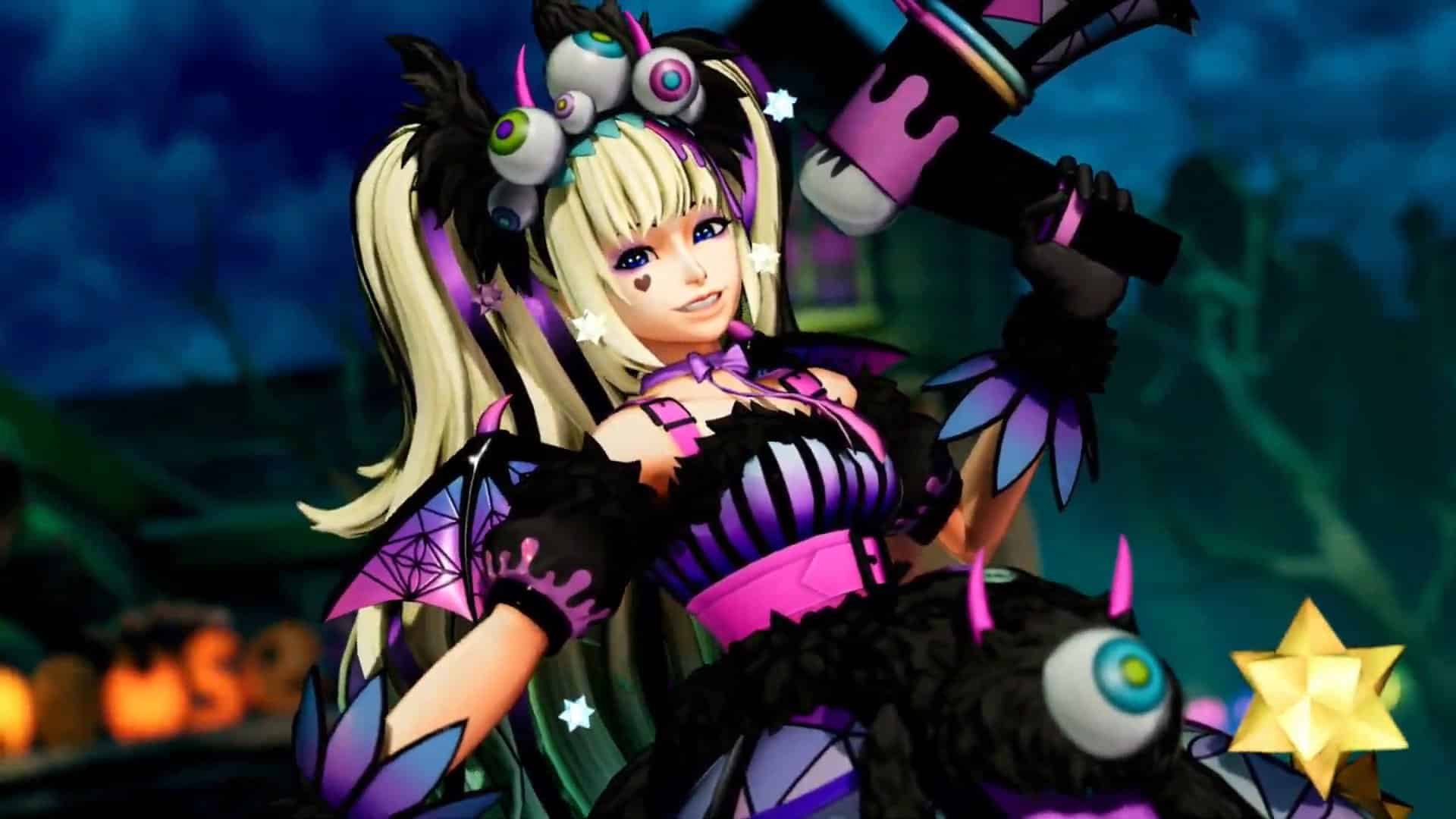
SNK has released King of Fighters 15 update 1.80 (PS5 version 1.008.000) today for all platforms. This update includes the new DLC character named Sylvie Paula Paula and more. Read on for the full King of Fighters 15 May 16 patch notes down below.
King of Fighters 15 Update 1.80 Patch Notes | King of Fighters 15 Update 1.008.000 Patch Notes | KOF15 May 16 Patch Notes:
User Agreement
・Updated the User Agreement in accordance with the SNK head office relocation.
* A screen asking you to agree to the new User Agreement and Privacy Policy will be
displayed on first launch after the update.
Online Matches
・Reduced the frequency of errors occurring when you search for Ranked/Casual Matches
or enter player rooms.
Input Delay
・Improved an issue where large input delays would sometimes occur in Round 1 when
you set the Input Delay option to Automatic. Reduced the frequency of those delays.
* Issue only occurred on Steam, the Epic Games Store, and Windows 10.
DJ STATION
・Added “Electric Imagination” and “CRYSTAL -KOF XV ver.-” to the following album:
THE KING OF FIGHTERS XV
・Added eight Destiny Battle tracks to the following album: THE KING OF FIGHTERS XV
・Added “Sivilelu Passion” to the following album: SNK ETC
・Listed unlock criteria for Destiny Battle and Special Condition tracks.
Other
・Resolved several minor issues related to the UI.
・Resolved minor issues related to character graphics and voices.
Changed Area Description of Change
■ General
Certain characters’ normals
・Can now be canceled into Super Special Moves and above, as intended.
* Applies to the following normals:
Meitenkun: Far Standing LK
Dolores: Far Standing LK
K’: Far Standing LP
Maxima: Far Standing LK
Clark: Far Standing LK
Terry: Far Standing HK
Mai: Crouching LK
Yuri: Far Standing HK, Crouching LK
Athena: Far Standing HK
Luong: Far Standing HK
Billy: Far Standing HP
■ RAMÓN
Sankaku-Tobi
・Resolved an issue where this could not be performed after being hit by
(and while under the sealing effect of) Chizuru’s Uramen 85 Katsu Reigi no Ishizue.
■ NAKORURU
Sankaku-Tobi
・Resolved an issue where this could not be performed after being hit by
(and while under the sealing effect of) Chizuru’s Uramen 85 Katsu Reigi no Ishizue.
You can check out more about the patch notes from the PDF link file provided down below.
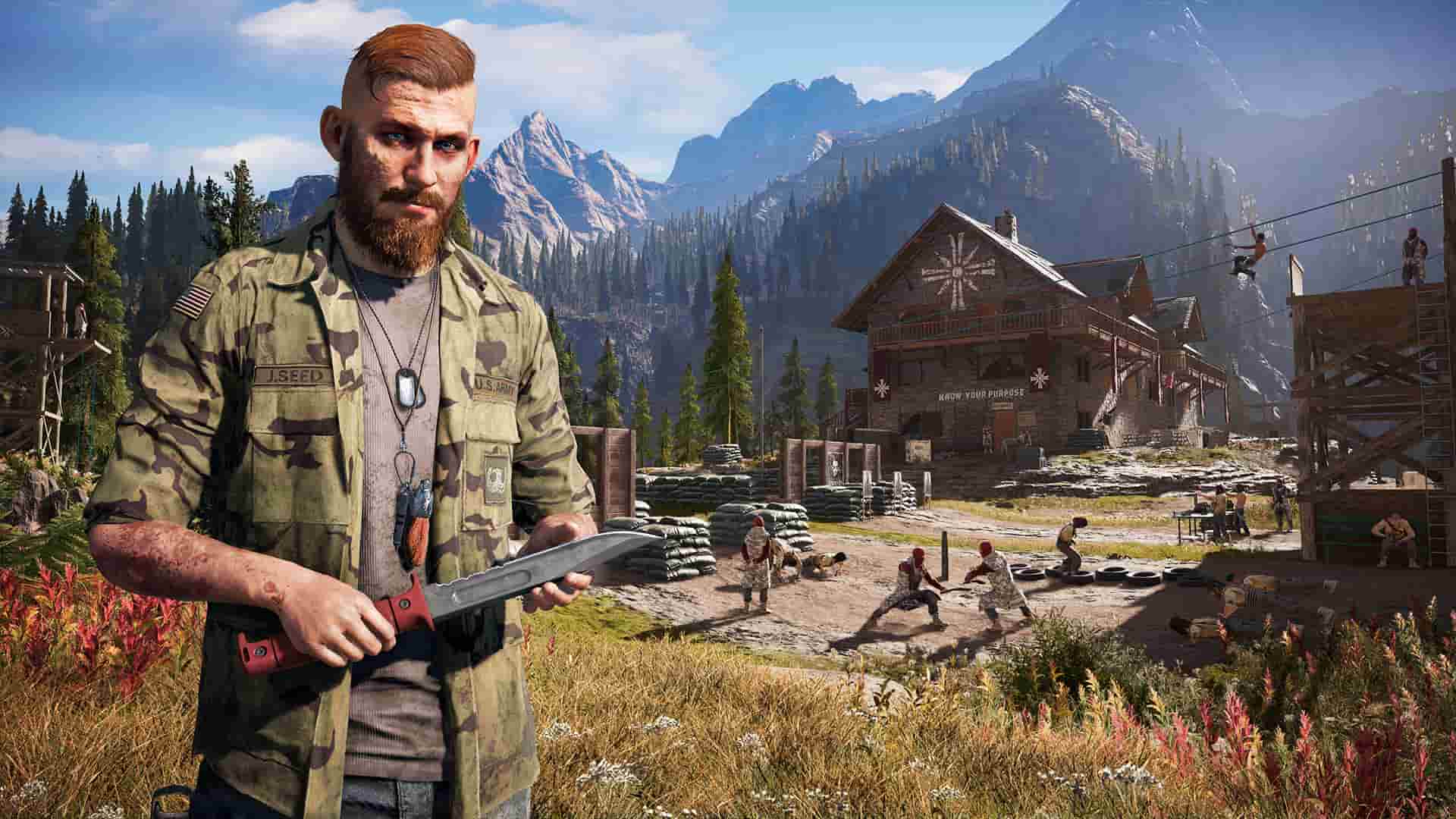
Ubisoft has released Far Cry 5 update 1.19, and this is an unannounced patch. Given that this is an old Far Cry game, don’t expect any new content or anything significant, as this was released to fix a technical issue more than anything else.
Far Cry 5 Update 1.19 Patch Notes:
As expected, Ubisoft has not acknowledged or made any announcements regarding the patch. Here’s what’s new per the PS4’s update history:
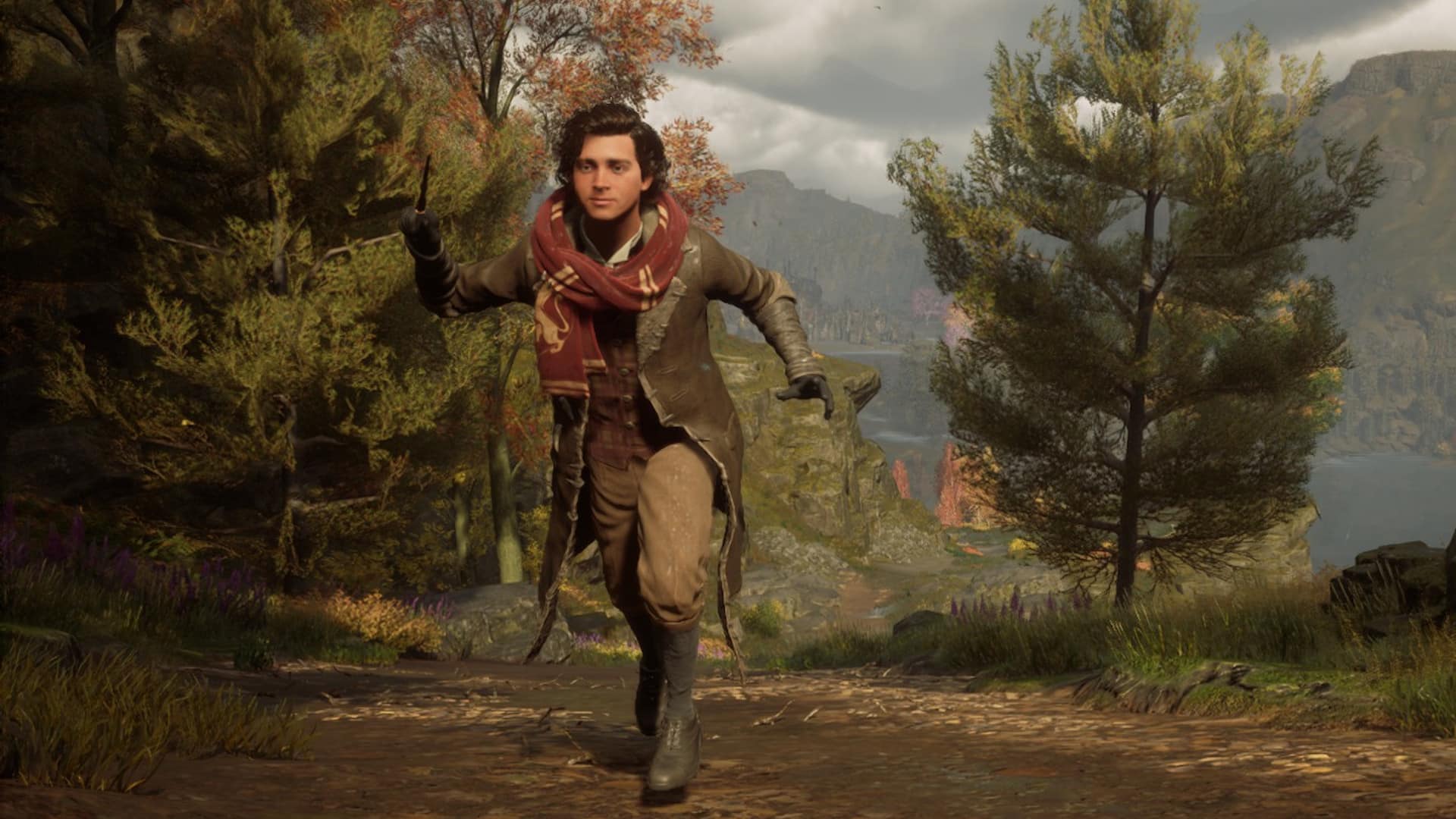
Some Hogwarts Legacy PS4 and Xbox One stats have been revealed, and while the numbers aren’t nearly as big as they are for current-gen consoles, they’re still impressive for last-gen versions of a 2023 game.
The official Hogwarts Legacy Twitter account posted the statistics below:
Congrats to the newest Hogwarts class on PS4 and Xbox One for these major achievements! Which did you contribute the most to? #HogwartsLegacypic.twitter.com/pbPrd5aV14
For reference, the stats for current-gen consoles and PC boasted a total of 406 million hours played, while the PS4 and Xbox One versions only have a total of 17.2 million hours recorded. As it’s been a few months since Hogwarts Legacy was originally released, the hype surrounding the game has mostly settled, and as it’s a last-gen console release, numbers like this aren’t really that surprising. Alongside cumulative hours played, the stats also listed 36 million total fast travels, 45.4 million Dark Wizards defeated, 9.7 million potions brewed, and 69 million spiders exterminated.
Hogwarts Legacy is widely considered by many to be one of the best games of 2023, and the sales numbers seem to back up its overwhelming popularity, with over $1 billion in revenue and 15 million units sold as of earlier this month. The Nintendo Switch version of the game has been delayed to November 14, so it hasn’t been released on all platforms just yet.
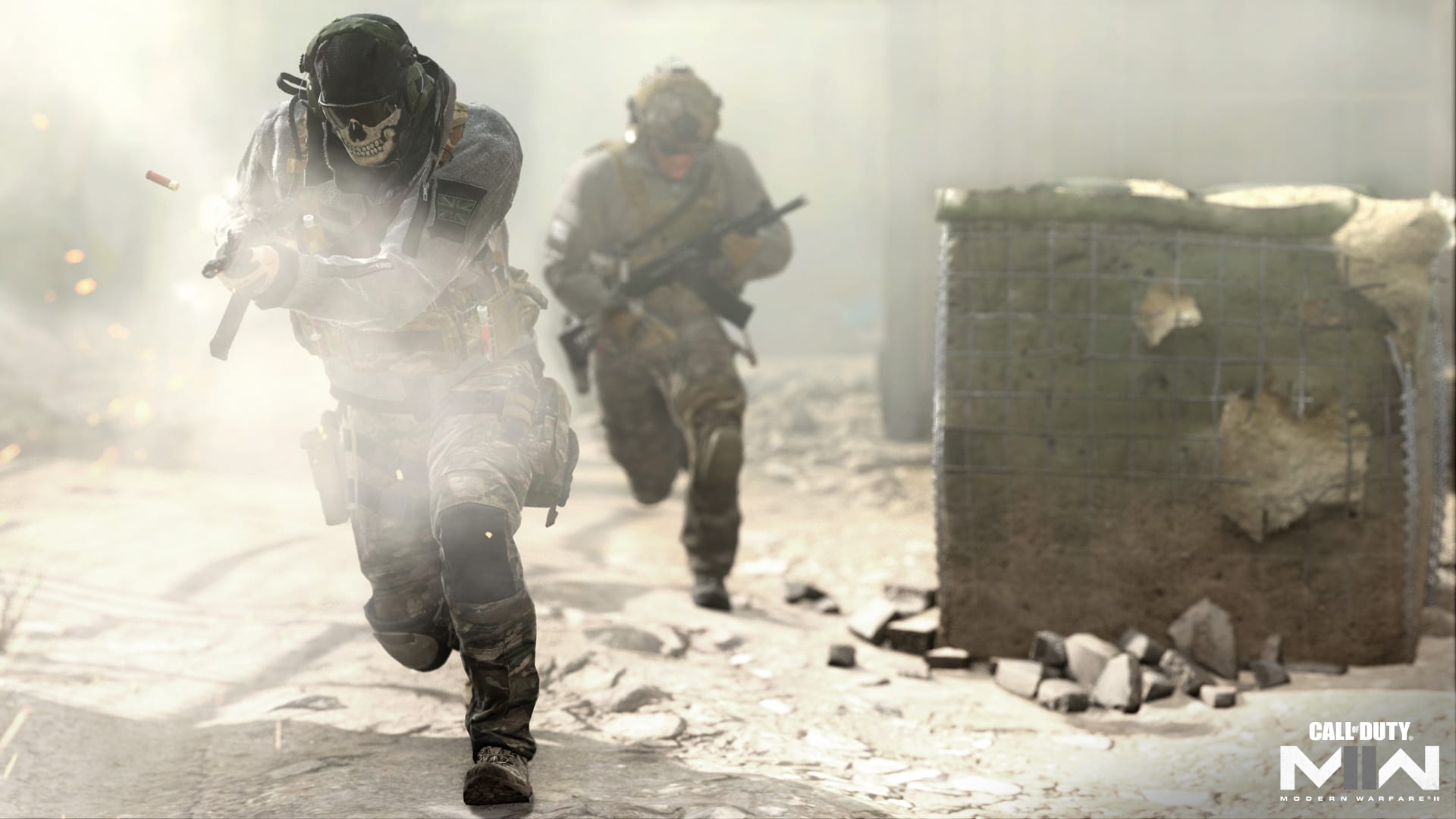
Call of Duty Modern Warfare 2 will receive more maps throughout the rest of 2023, and according to a recent interview with one of the devs, the last maps of the year may be catered toward the more competitive side of the player base. The Modern Warfare 2 multiplayer maps were teased by Geoffrey Smith, the game’s Multiplayer Design Director.
Commenting on upcoming 2023 content, Smith said this in an interview with Dexterto:
“I think the final ship year, we already have our plan for post-launch. Maybe those maps haven’t been started, but at least we’ve earmarked what they could or should be. There’s always kind of a rough plan. Different things happen, different situations come up, and those plans can change. But we’ve been trying to get better at pre-planning the post-launch stuff.”
He also mentioned that the last three maps of 2023 would “lean into” a more competitive style.
“As a fun side note… I’ll probably get in trouble for this, but the last three maps of this year, we’ve kind of leaned into maps I think would play that style really well.”
The maps are still early in development, with Smith being tight-lipped on the matter. He did, however, also mention that he enjoyed adding more “exploratory” content to the game.
“It’ll be fun to see. I like to throw in some exploratory stuff in post-launch. Secret little tests to see how things resonate and how they play. But it’ll be fun to see how those go over.”
It will likely be a while before we learn more about these final three maps, but based on what Smith mentioned in the interview, competitive CoD players might have some interesting content to look forward to later this year.
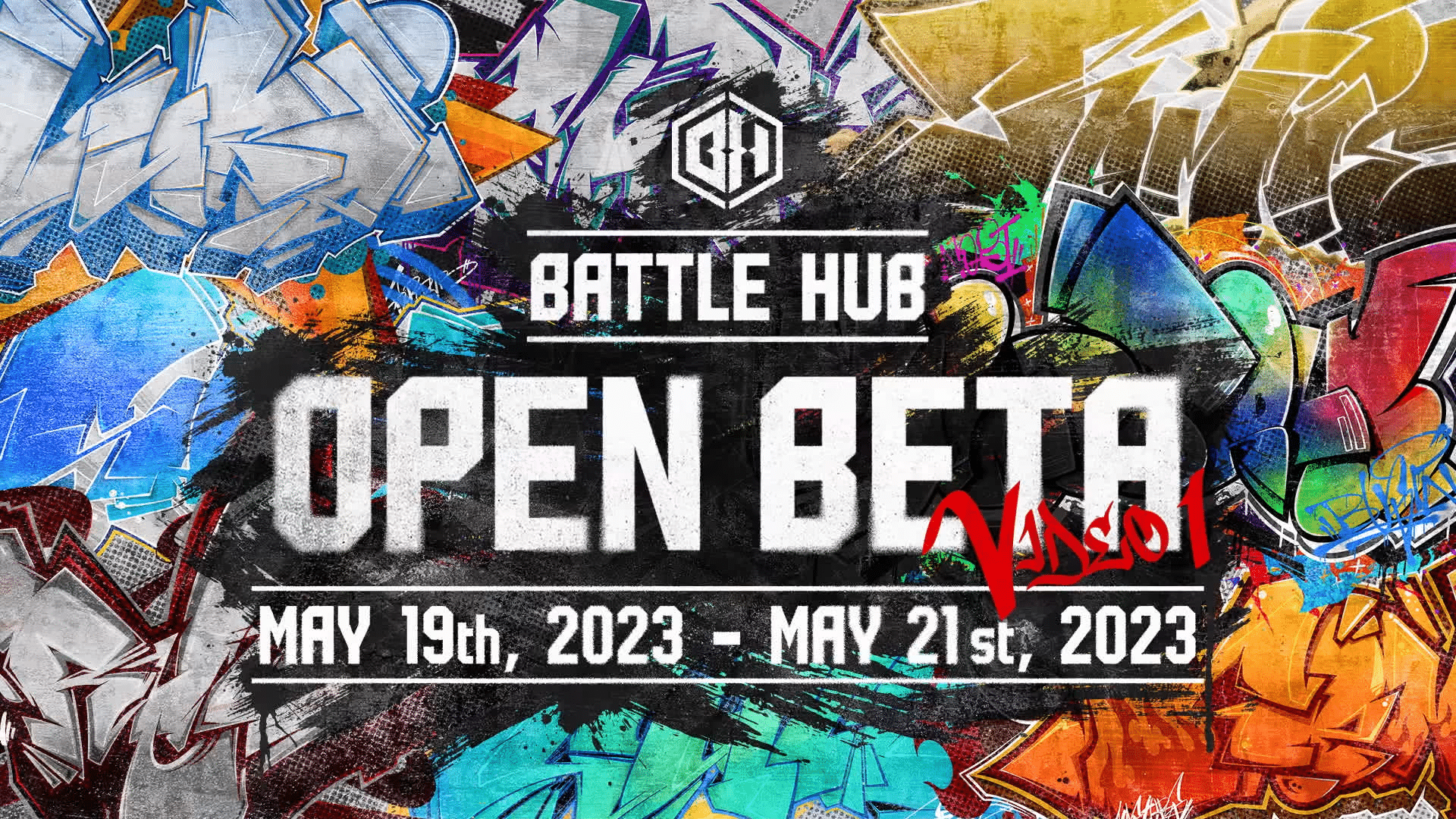
With the Street Fighter 6 open beta launching in just a few days, Capcom has released a slew of videos to get new and veteran players alike up to speed before the beta goes live. A recently published Street Fighter 6 beta video details the characters and systems that players will need to learn during the beta, with more videos seemingly planned for release in the coming days.
You can watch the open beta video below:
This first open beta video goes over the characters, control types, and Drive system mechanics for Street Fighter 6. As mentioned during the open beta announcement, you’ll be able to play eight characters, featuring Luke, Jamie, Ryu, Chun-Li, Guile, Kimberly, Juri, and Ken. The open beta will feature both Classic and Modern control types; the Classic layout follows the traditional six-button format with three punch and kick buttons. The Modern layout, however, is geared towards newer players to the franchise, with a dedicated single-button input for Special Move Attacks and accessible Super Arts, among other things. Finally, the video also covers the Drive system, which includes new moves in Overdrive, Drive Impact, Drive Parry, Drive Rush, and Drive Reversal.
In case you missed it, Capcom has also released a few videos showing players how to play the characters available in the open beta. Currently, there are videos for four of the eight playable characters, featuring Luke, Kimberly, Ryu, and Chun-Li.
Luke Character Guide
Kimberly Character Guide
Ryu Character Guide
Chun-Li Character Guide
The Street Fighter 6 open beta runs from May 19, 2023 00:00 PDT – May 21, 2023 24:00 PDT (that’s May 19, 2023 07:00 UTC – May 22, 2023 07:00 UTC) and will be available on PS5, Xbox Series X|S, an PC via Steam.
Steam has seemingly introduced a new feature to its store in the form of free game trials, with the Dead Space remake the first game to be available through this offer. The Steam free trial will give players unrestricted access to all of the game’s features for 90 minutes, after which you’ll need to buy the game in order to play more of it.
The free trial now appears on the game’s store page, as shown below:
Based on how the trial is presented, it’s likely that more games will offer free trials in the future, though the Dead Space remake seems to be the only one available through this feature at the moment. While 90 minutes may not seem like a whole lot of time to some players, it’s worth mentioning that the current world record for the fastest completion time is at 1 hour and 44 minutes as of writing, so it may be possible (albeit extremely challenging) for someone to finish the game before the trial expires.
It’s worth mentioning that Steam does not mention whether or not your progress in the trial carries over when buying and playing the full game. One user, who replied to the Steam announcement post, claimed that it does, but with no substantial proof, we can’t verify that. Keep that in mind if you do plan on playing the trial.
The Dead Space remake is a great debut game for Steam’s new game trial feature, as the game even got a 9.5/10 score in our review where we said, “Motive has resurrected the franchise and with style! Dead Space 2023 is a fantastic way to start the year for horror fans, and is one indoctrination worth experiencing.”
We’re here to be the bearer of bad news for Bloodhunt players. Sharkmob has announced that Bloodhunt support will cease once the next and final update for the game is released.
Here’s the important excerpt from today’s announcement:
With that said, Bloodhunt servers will stay up and the game will remain available to play. Our aim is to keep the servers going for as long as we have an active player base and community. For those who enjoy the game and want to continue playing, we have worked on some solutions to ensure that the game continues to be interesting. An in-game player voting system will be deployed to regularly unlock new things and keep Bloodhunt fresh. We will share more granular details about how this system works when we get closer to releasing our next update, which will be the last planned patch for Bloodhunt. Beyond that update, patches will only be related to maintenance.
Additionally, Sharkmob has added that they are looking to turn off real currency purchasing on Sept. 26. Before this happens, the studio will implement a way for players to earn in-game tokens more easily, so that gamers can continue to play and unlock cosmetics beyond the September date.
While Bloodhunt had a good design philosophy, I think it came out at the wrong time given gamers were kind of getting tired of battle royale games. I mean, how many free-to-play battle royale shooters can gamers play? I doubt they more than a game or two, and with Apex Legends, Fortnite and Warzone all ruling the roost, it’s hard for any game to penetrate the sub genre.
No word yet on when this next and final patch will be released, but once we know more, we’ll let our readers know.
We wish everyone at Sharkmob the best, and we look forward to covering their next game.
HB Studios has released PGA Tour 2K21 update 1.14 this May 15, which is a surprise update to the sports sim that I doubt anyone was expecting. Read on for what’s new in today’s title update.
PGA Tour 2K21 Update 1.14 Patch Notes for May 15:
As one might expect given the studio is heavily supporting PGA Tour 2K23, there’s no official word on what this patch is for. Here’s what’s listed in the PS4’s update history:
Stability and performance improvements
Yep, that’s about it. Hopefully, the patch isn’t to shut off certain features given most gamers have jumped to the latest iteration of the sports franchise. Once we know more about today’s patch, we’ll let our readers know.
A new Diablo 4 dev video just got released, but instead of the usual devlog highlighting features or content, this one’s a little different, focusing solely on the game’s lore. Diablo’s a franchise with a deep and dark story, and with the fourth installment set half a century after the previous game, there’s a lot to unpack with Lilith and her army.
You can watch the video here:
Here’s a quick list of everything that the dev video covered:
• The story of Diablo IV takes place 50 years after the events of Diablo III, presenting a new plane of Hell for both veteran wanderers and newcomers alike to slay demons in.
• Players begin their journey as a wanderer in the Fractured Peaks zone, before being pulled into the monumental events that are shaking and shaping the world of Sanctuary. Rich character customization allows players to create whatever fantasy they want to as they progress through the story.
• What remains of humanity is caught between this eternal battle between the High Heavens and the Burning Hells, and the last of the secret order of scholars and mages known as the Horadrim aim to sway your mind against Lilith’s dark powers.
• Meet the characters who inhabit Sanctuary with the familiar Horadrim, Lorath, a new Horadrim and scholar, Donan, the young adventurer, Neyrelle, and Prava, another new character who leads the Cathedral of Light, a militaristic faction associated with following Inarius, who hopes to show you the commanding ways of the Light.
• The story unfolds during utterly tragic and apocalyptic events within Sanctuary, with the story of Lilith and Inarius being the darkest we have ever told in the series.
Blizzard just recently held its Diablo 4 Server Slam event, giving players the chance to try the game out one last time before it launches. The game is set to officially release this June 6 on PS4, PS5, Xbox One, Xbox Series X|S, and PC.
Tolkienheads rejoice! Amazon Games and Middle-earth Enterprises have entered an agreement for the former to develop and publish a new The Lord of the Rings MMORPG, based on the stories in The Hobbit and The Lord of the Rings. The new agreement follows Embracer Group’s acquisition of Middle-earth Enterprises and the rights to the works by extension.
The Embracer Group’s CEO Lars Wingefors revealed in October that his company is thinking “decades ahead” vis-a-vis the future of The Lord of the Rings IP. That vision includes the new Gollum-centered AAA game as well as the “Heroes of Middle-earth” turn-based mobile title, and is now being expanded with this new deal with Amazon Games that will see the latter create an MMORPG through its Orange County studio (which was responsible for the New World MMO).
From Rich Lawrence, director of the Orange County studio:
The number-one thing about a property like this is that you have to be respectful and authentic. When somebody is a fan of The Lord of the Rings and sits down and plays [this MMORPG] for the first time, they have to say, ‘This was crafted by a bunch of people who lived in this world just like I do in my head. They get it. We understand this world. The people working on this team love these works. We’re right there with you; we’re fans, and we want to make a game that we, as fans, will enjoy.
It’s going to be a game that represents the values and enjoyment that people get out of these books. This will be a game that’s bespoke to the property, that’s appropriate for The Lord of the Rings.
Elsewhere, Daedalic Entertainment’s The Lord of the Rings: Gollum is all set for a May 26 release. Check out the story trailer released in March, featuring Gandalf and Ringwraiths alike in pursuit of the elusive Hobbit mutant.