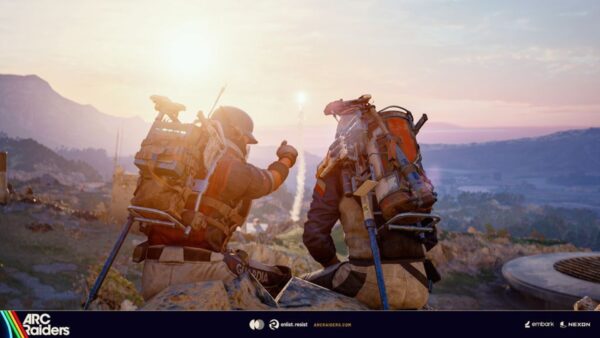
ARC Raiders Hotfix on October 9 Brings Update 1.000.062
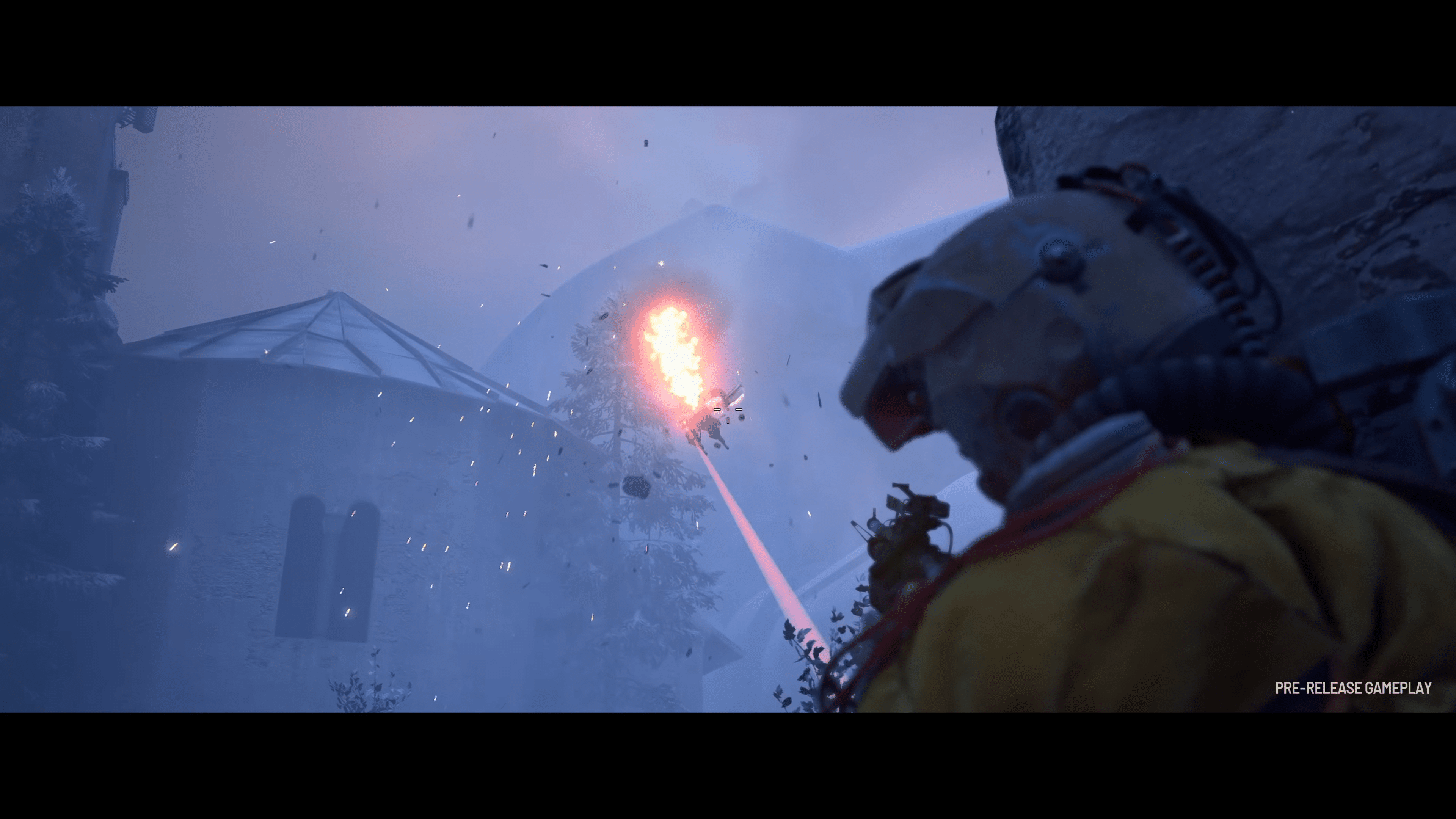
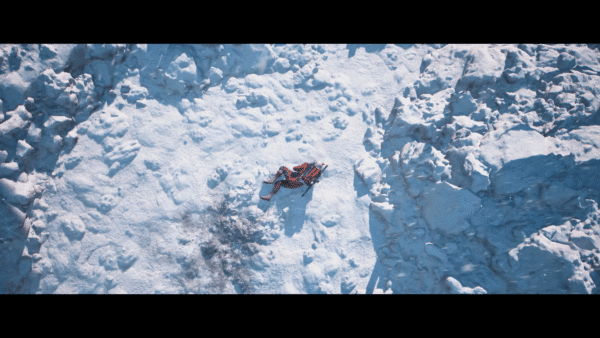
With yesterday’s launch of the Frozen Trails update for ARC Raiders, Embark dropped te largest content patch for the game.
While it’s not ideal, it’s understandable that bugs and other issues will creep out of the woodwork, which is what happened now.
Thankfully, Embark is on the case, as the studio has released a new ARC Raiders hotfix for October 9, which console gamers will see as update 1.000.062.

Note that this patch does not fix all the known issues the game currently has, though it does deal with some important ones right away.
ARC Raiders Hotfix 1.000.062 Now Available on All Platforms
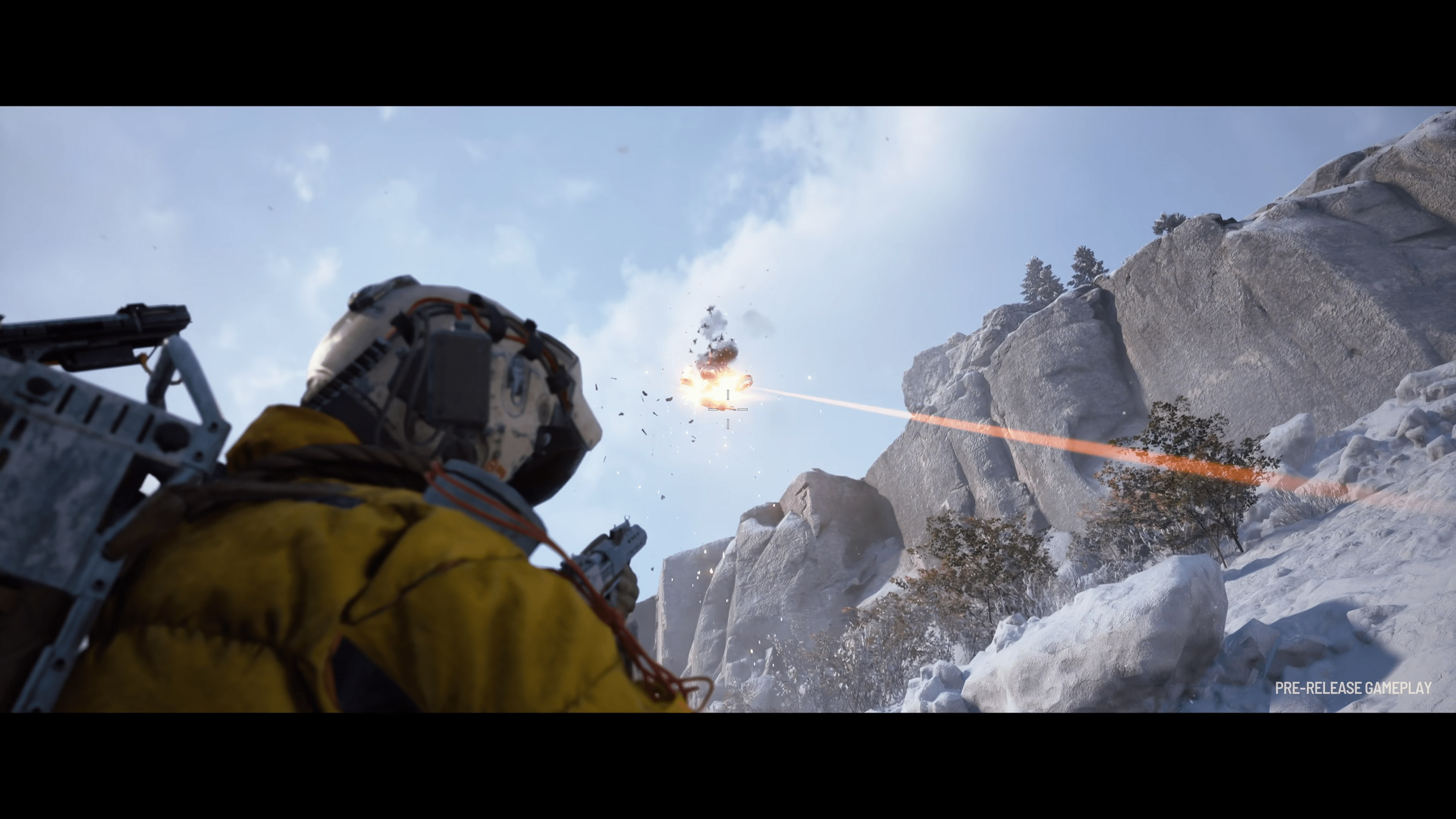
Today’s hotfix applies the following improvements:
- Fixed an issue where weapon meshes became partially invisible when equipped with weapon attachments.
- Fixed an issue where weapon models were not showing in the inventory.
- Fixed several instances causing server crashes.
- Fixed an issue that could cause players to fall through a grate on Pendola Pass and get stuck.
- Fixed an error that could appear when purchasing DLC bundles.

Save 5% on your next top-up, games, gift cards, and virtual currency at Eneba.
Use code MP1ST5 at checkout.
The known issues that are still present in the game are as follows (minus the fixes applied today):
Gameplay:
- In rare instances, vaulting onto destroyed ARC parts and similar movable surfaces can cause the player to be unexpectedly launched or shoved.
- When swapping shoulders and sprinting, players’ footsteps can become inaudible.
- Field Repair may sometimes be unavailable after unlocking. Restarting the game solves the issue and a fix is in the works.
- The option to repair the Tether Launcher is currently unavailable. Will be fixed in the upcoming update.
- Very rarely, some players may spawn into a lobby “invisibly”, unable to loot, use quick wheel items or interact with containers. They can still fire their weapon and take damage. Returning to Speranza should leave your loadout in the way it was before the “affected” match started.
- The Hydra can detect and shoot players through walls in the Cargo area without being able to deal damage.
- Standing on the side of the Cargo drop can result in being instantly eliminated. A fix is in the works.
Outpost:
(most fixes are already in the works and will be implemented in an upcoming Live Update)
- In order to unlock the Outpost, the first step – “Research Topside Living Conditions” requires you to take a photo of a farmland house. The Camera can be purchased at Shani’s, crafted at the Workbench, or found Topside.
- Some furniture might clip through the Outpost structure.
- Some slots in the Outpost will be unselectable when they should be, if a piece of furniture is blocking it.
- The camera sometimes gets blocked by furniture or the character model at certain angles.
- Lighting in the main Outpost building is corrupted when the Shadow quality is set to Low in settings.
- The camera defaults back to the base room when you leave the decorating view, even if you were in a different module.
- If the Raider sits by a table with chairs, they will clip through the table.
- The Raider steps back from the Customization view with a 10 second delay.
- The Outpost tab lacks the orange dot indicator after completing first stage objectives to unlock it.
Quests:
- The cinematic fails to trigger upon completing the ‘Sizing Things Up’ quest.
- The quest ‘Picking up the Pieces’ cannot be completed on Pendola Pass, but works normally on other maps. This will be fixed in an upcoming update.
- The ‘Damage dealt using Light Impact Grenades’ feat can be completed by using the Hullcracker.
Audio:
- Rarely, some weapons may not play their firing sounds on low-spec PCs (particularly the Anvil).
- Rubber Ducks can be squeezed when equipped, making noise without requiring them to be thrown.
UI:
- Weapon meshes sometimes disappear partially.
- Players that departed on the Expedition recently may have a notification dot on the Projects & Raider tab that does not disappear.
- Keybinds are reset to default after each raid when using a non-English keyboard layout.
- The Expedition screen can still be accessed through the Nomadic Envoys, though it is not functional.
- The weight of the loadout can differ slightly when viewing it in Speranza vs. what it shows in-game.
- When purchasing the Premium Reward Pass, the lock icon is still present on the premium rewards despite them being unlocked.
- The loadout weight amount differs between Main Menu and In-Round.
Pendola Pass:
- Vaulting onto some steep surfaces can occasionally cause players to slide back down.
- Vaulting onto destroyed ARC parts or other movable surfaces could sometimes unexpectedly launch or shove the player.
Expect some of these bugs to be resolved in another patch or via a server-side update.
This website contains affiliate links. If you click a link and make a purchase, we may earn a commission at no additional cost to you. This helps support our work. Learn more on our affiliate page.