God of War Ragnarok – How to Quick Turn
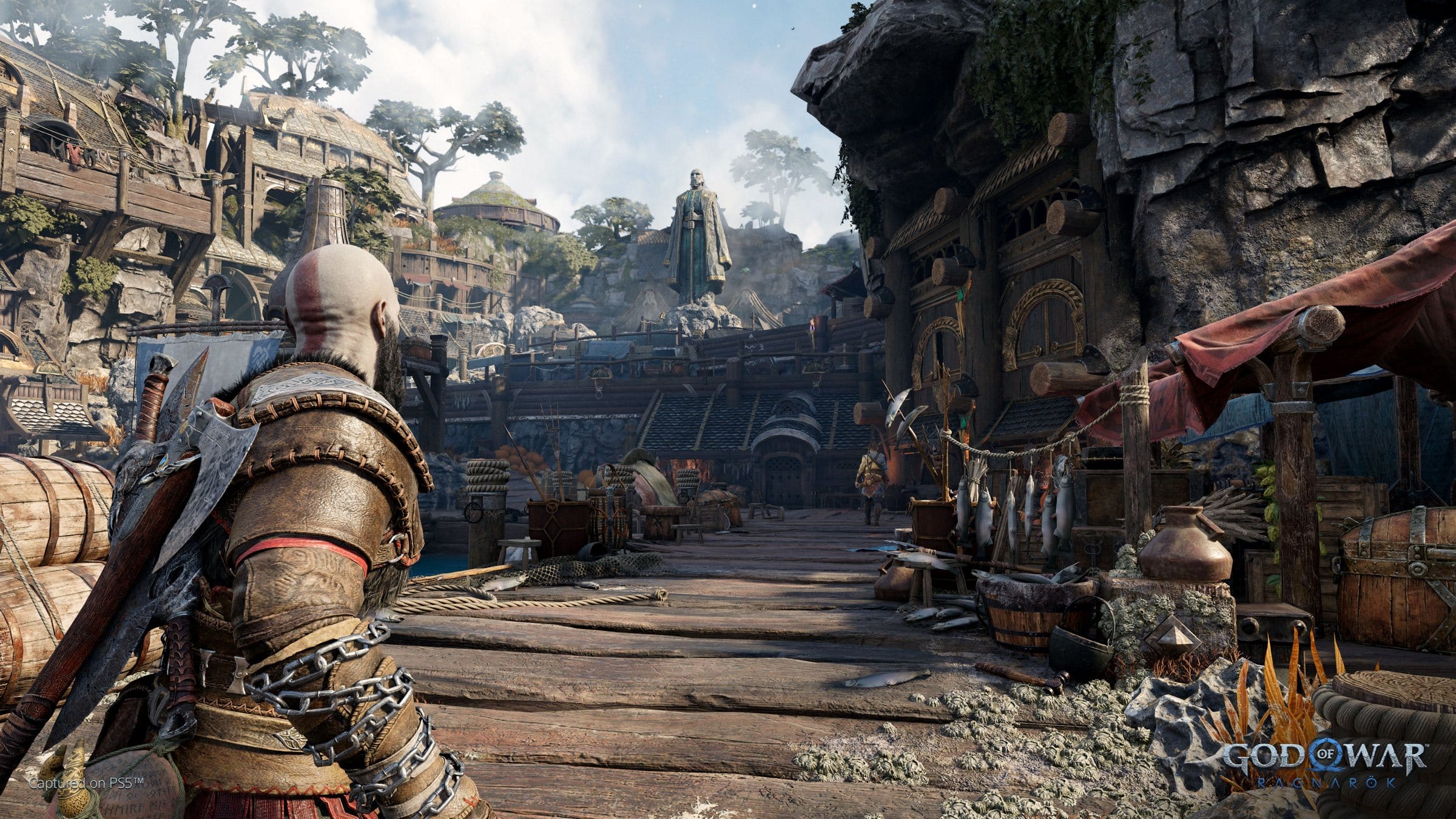
With God of War Ragnarok finally out, many of you may have noticed that Santa Monica has slightly changed the controls from God of War 2018. Specifically, the quick turn mechanic no longer functions the same as it did before. This has prompted confusion, with some (critics and players) thinking the mechanic had been removed entirely. Well, we’re here to tell you that isn’t the case, as quick turn still exists in God of War Ragnarok. Here’s how to do it.
How to Quick Turn In God of War Ragnarok
In God of War 2018, players could quickly turn by pressing the down button on the d-pad. This would cause Kratos to do a complete 180 so that he could target any enemies who were behind him. God of War Ragnarok changes this, requiring additional input. You now have to hold L1 and then push down on the D-pad to perform a quick turn.
Alternatively, if you aren’t a fan of the two-button two-finger press method, you can go into the controller mapping settings in God of War Ragnarok and map this action only using the L3 button and stick. Holding the stick back and then pressing L3 down is easier since all you need to use is your thumb.
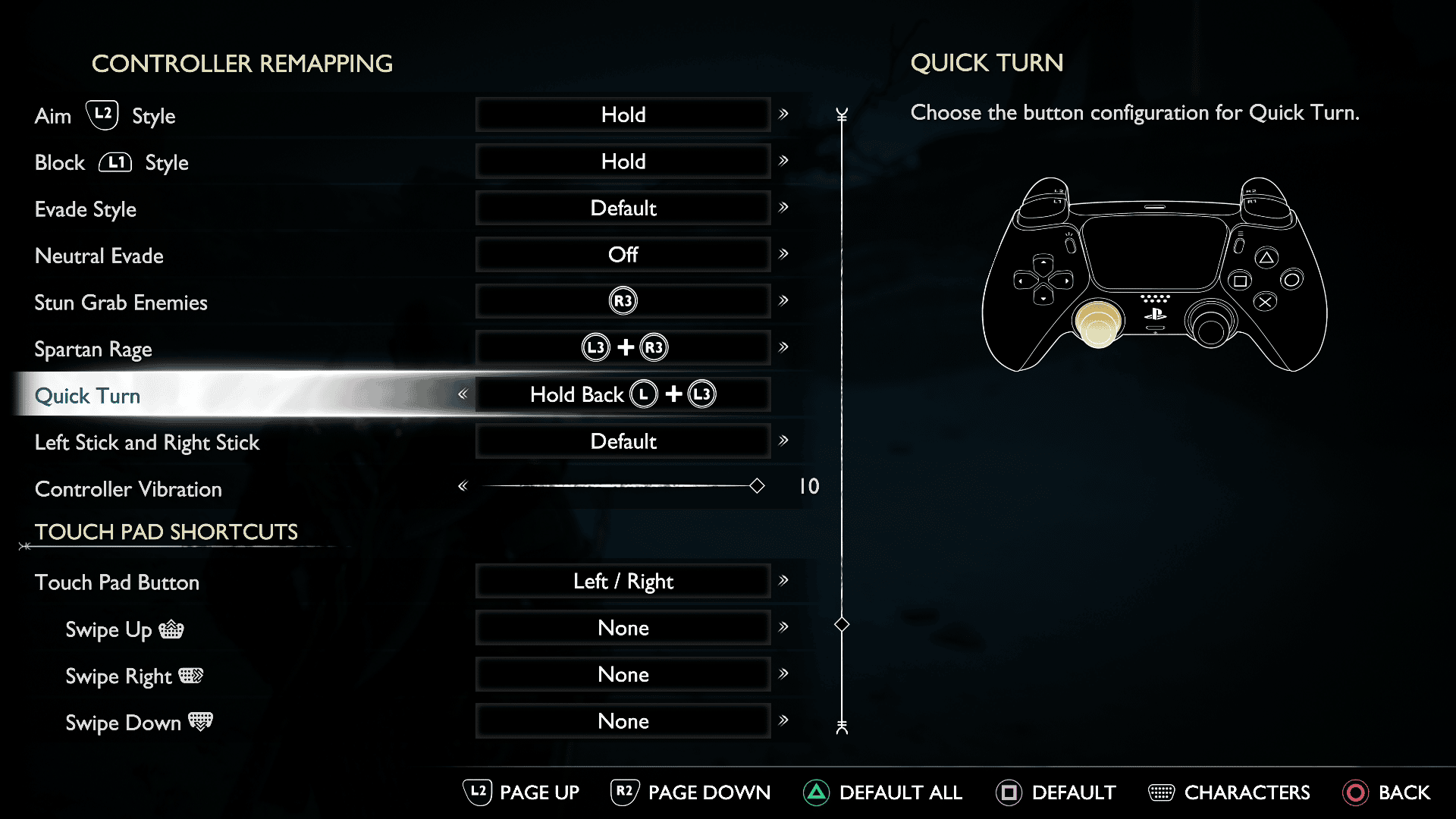
For those curious as to why this change was made in the first place, it was revealed by lead combat designer Mihir Sheth during a live Discord Q&A last month that they had players accidentally pressing the quick turn button. To resolve this, they decided to make it more deliberate to avoid these mistakes.
Understandably, the d-pad’s down button is now reserved for a weapon slot in Ragnarok. We recommend remapping quick turns to the L3 stick, though that could lead to accidental presses.
I hope this short little guide helped, and if it did, be sure to check out our other God of War Ragnarok guides, including the best settings. If you haven’t picked God of War Ragnarok up or having second thoughts, go read our review of it right here to see why it’s a Game of the Year favorite.
This website contains affiliate links. If you click a link and make a purchase, we may earn a commission at no additional cost to you. This helps support our work. Learn more on our affiliate page.