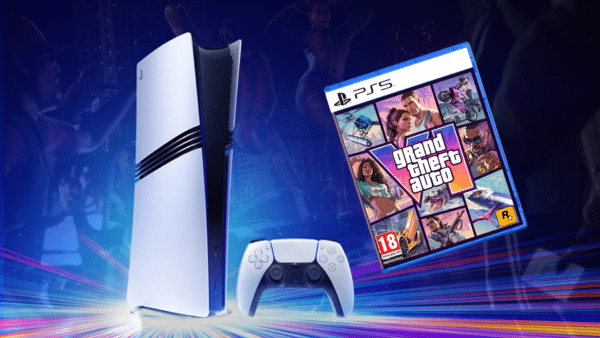
GTA 6 Error Code CE-108255-1 Plaguing PS5 Players

With Grand Theft Auto 6 finally out, gamers have in their hands one of the — if not the — most ambitious games ever created.
Not only is the game packed with content, but even the visuals are on another level, and this is why it’s believable when Rockstar says that they have pushed today’s current-gen consoles to their “absolute limits.”
However, that comes with a cost, as it seems the game’s stability is affected by all this and has also resulted in the game crashing, which shows up as GTA 6 error code CE-108255-1 to players.

GTA 6 Error Code CE-108255-1 Might Need to Be Investigated by Rockstar

Players on social media, Reddit, and other online avenues are reporting instability with GTA 6 and how it crashes back to the PS5 home screen after a short amount of playing it. Some are saying they are seeing the error code after 40 minutes of game time, while others can’t even go past 15-20 minutes without seeing hte code.
It seems even clearing cache, rebuilding the database, reinstalling the game and the like doesn’t do the trick either.
While some gamers are saying that this error is caused by the PS5 overheating, there is no evidence of that just yet, and we’ve reached out to Rockstar Games to see if they can provide context and if they’re familiar with the error happening.
Could this be connected to the PS5’s new firmware updates? It’s a toss-up whether Sony will release another one or if Rockstar is preparing a patch to fix the instability issues players are experiencing.
If you’re seeing the CE-108255-1 error code show up a lot more often playing GTA 6, leave a comment below and let us know. And if you manage to fix it, leave a comment so other gamers can learn from it too.

This website contains affiliate links. If you click a link and make a purchase, we may earn a commission at no additional cost to you. This helps support our work. Learn more on our affiliate page.