

Avatar: Frontiers of Pandora Update 2.0 Adds Third-Person, New Game+ via Patch 1.016
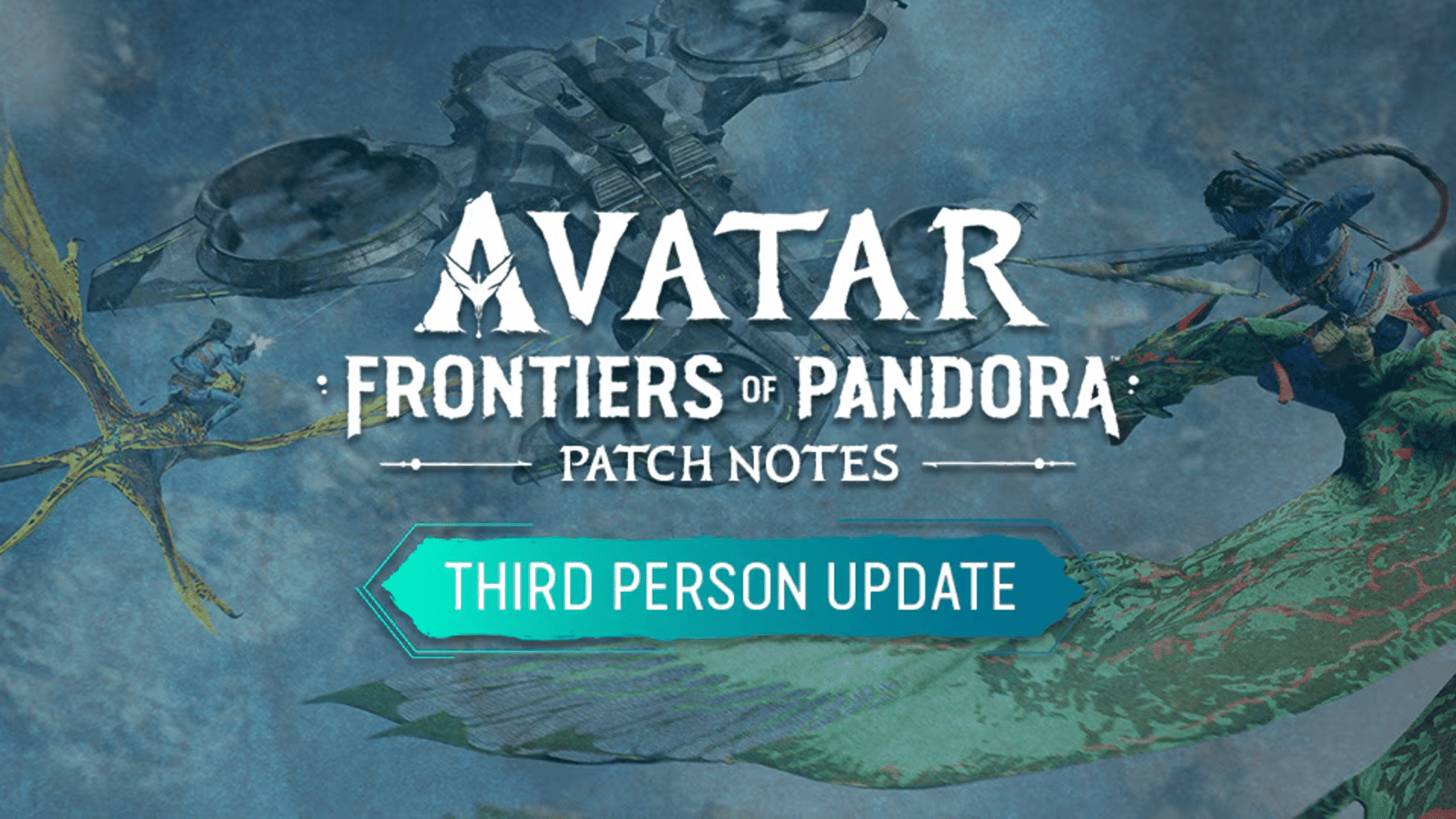
Ubisoft has released the latest major update for Avatar: Frontiers of Pandora, and this adds New Game+ and third-person mode for free. Called the 2.0 title update, console gamers will see it appear as Avatar: Frontiers of Pandora update 1.016.
Expect this ot be a gigantic download, with console and PC gamers needing at least 30-40 GB of disk space to install the new update.
For info on third-person mode and how to toggle it, read on.
Avatar: Frontiers of Pandorda Third-Person Mode Added via Patch 1.016/2.00

Patch Sizes:
- PS5 – 43 GB
- Xbox Series X/S – 30 GB
- PC – 44 GB
The download size for this update is significantly higher than usual updates, as it updates several main game aspects, adds new features and also anticipates December 19th’s expansion release.
Notable changes or improvements:
- [All Platforms] Added an option for a Third Person perspective.
- [All Platforms] Added New Game+.
- [All Platforms] To improve the Na’vi language accuracy in the game, we’ve introduced several changes to text. The most impactful one is that “Eetu” is now called “Itu” to reflect a more accurate spelling of the character’s name.
- [All Platforms] Fixed missing landmarks on the Map.
- [All Platforms] Various minor fixes.
- [PC] Introduced Nvidia DLSS 4 and AMD FSR 4 upscaling options.
With Title Update 2.0, all players can enjoy the game from a third person view, letting you see the world from a new perspective! You can switch between third person and first person easily – by default:
- Press the J key on PC.
- Hold the touchpad on PS5.
- Hold the “View” button on Xbox Series X/S.
Alongside third person, you’ll also be able to experience Frontiers of Pandora’s main story in New Game+. When you replay the main story in New Game+, you carry over all of your gear and skills from your regular (completed) playthrough, and get access to a new skill tree for the Sarentu, as well as higher level gear, which you will need to defeat New Game+’s stronger enemies. To access New Game+:
- Load a saved game where you’ve completed the final mission in the main story (“Last Strike”).
- Open the Options menu – you should see a “New Game+” option at the top of the menu.
- After selecting “New Game+”, you will be prompted to select a Save Slot which will become the New Game+ save slot. Once that’s done, your New Game+ journey will begin.
There are a handful of known issues still plaguing the game, so don’t be surprised to see a follow-up patch be released before the year is over. If Ubisoft does push one out, expect it here on MP1st.
If you know someone who’s interested in picking the game up, it’s currently on sale on the PlayStation Store as part of Sony’s End of Year sale promotion.
This website contains affiliate links. If you click a link and make a purchase, we may earn a commission at no additional cost to you. This helps support our work. Learn more on our affiliate page.


My update for PC was just over 64 GB.