WWE 2K26 New Update on May 14 Piledrives a Slew of Fixes via Patch 1.010
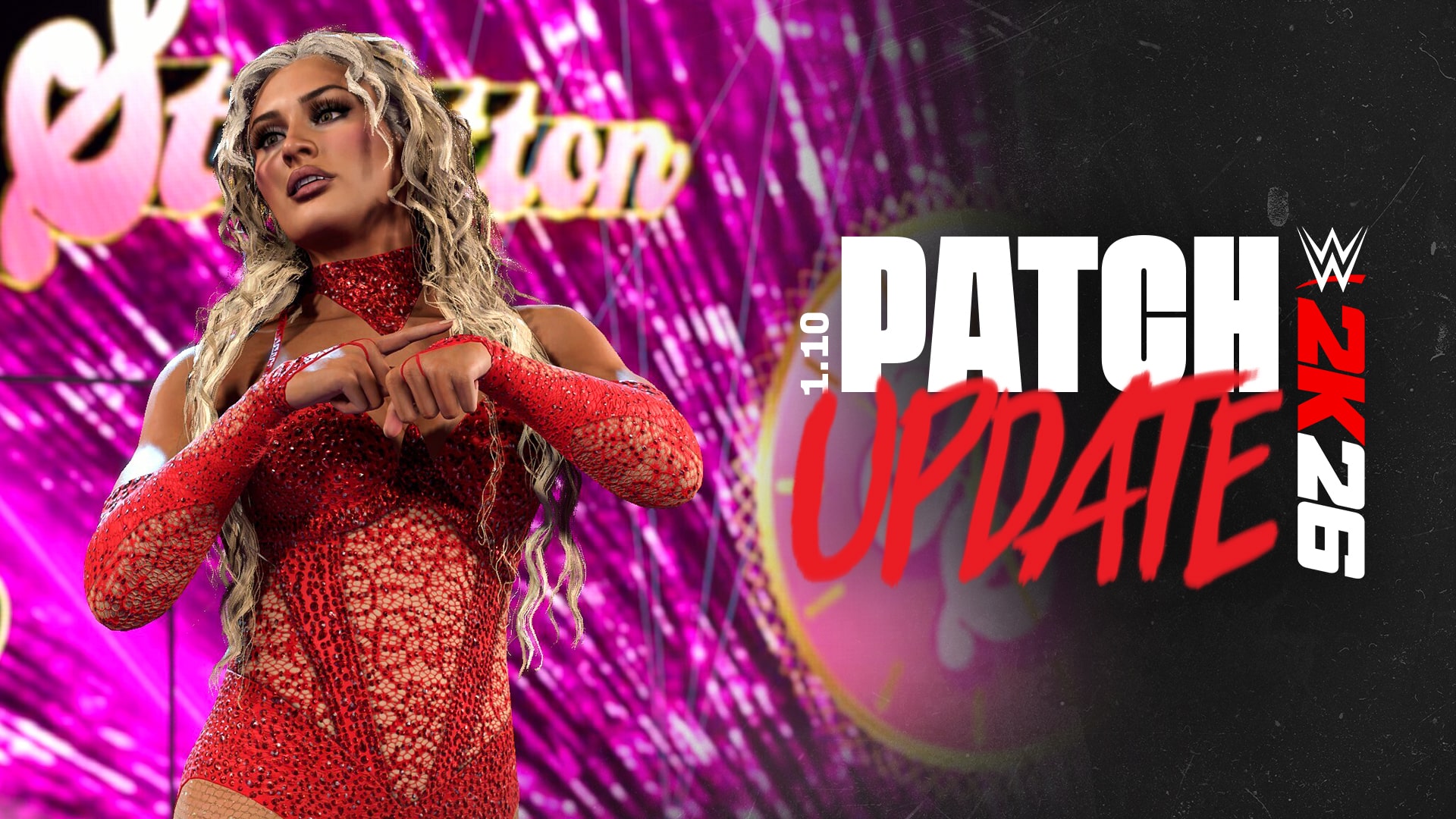
Visual Concepts has released a chunky patch for WWE 2K26 on all platforms on May 14, and while this doesn’t deliver new content, it does house a significant number of fixes and improvements.
While the developers call this patch 1.10, those on consoles will see this as WWE 2K26 update 1.010 (complete version 1.010.000), and same as before, expect a hefty download for it.
For the complete list of changes made, read on for the patch notes.
WWE 2K26’s Newest Update Slots in Improvements, Bug Fixes to Various Modes via Patch 1.10/1.010

General
- Stability and Performance Improvements
Gameplay / Play
- Updated AI Sequence logic to address repetitive behaviors.
- Improved reliability of AI Sequences involving Taunts, Scripted Attacks, and Middle Rope Stunned attacks.
- Improved AI execution of Corner Springboard Finishers.
- Alt attires will now be respected when chosen from the Character Selection screen.
The Island
- New shop items and bundle deals.
- Stability improvements.
Create
- CREATE-A-SUPERSTAR
- Addressed reported concerns related to face morphing resetting after adjusting a slider.
- CREATE-AN-ARENA
- Addressed reported concern related to LED ring post edits appearing blocked when viewing the Movie Display options in Create an Arena.
- LED corner posts are now properly included in the LED-supported parts list.
- Addressed reported concern related to unnatural metallic “shine” or “gloss” effects on placed images in Create an Arena.
- Addressed reported concern related to LED ring post edits appearing blocked when viewing the Movie Display options in Create an Arena.
- CREATE-AN-ENTRANCE / CREATE-A-VICTORY
- Addressed reported concerns related to Titantrons reverting to “Generic” when having 5 different motions in the timeline in Create an Entrance.
- Addressed reported concerns related to the pyro timeline placement failing to adjust and appearing behind the UI when adjusting motions or placing the pyro too early in Entrance Creations.
- Addressed reported concerns related to preview prompts not functioning as intended after applying custom videos to the Titantron in Create-an-Entrance and Create-a-Victory.
- Addressed reported concerns related to certain entrance motions leading to a placeholder Superstar appearing when selecting a tag motion in Create-an-Entrance.
- Addressed reported concerns related to a missing “Save changes to multiple modes“ prompt to save changes made in Create-an-Entrance and Create-a-Victory to Universe save slots when entering the modes from the main menu. When saving changes to single Superstars coming from CAEntrance/CAVictory, the user is allowed to choose to also save their data to any Universe save slots.
- Addressed reported concerns related to inconsistent motion names and displays when changing templates after switching a motion in Create a Victory. Cutscenes should no longer toggle back to the “cheer” motion when changing templates.
- CREATE-A-CHAMPIONSHIP
- Addressed reported concerns related to potential soft locks when scrolling items and selecting front plate, side plate, or straps in Create a Championship.
- CREATE-A-VIDEO
- Addressed reported concerns related to potential crashes when cancelling encoding while the loading bar is full after accepting a Highlight clip in Create a Video.
MyFACTION
- Addressed reported concerns related to the Quick Breather badge that caused the stamina and health recovery to not trigger.
- Addressed reported concerns related to several instances of inconsistent win conditions being displayed across various menus.
- Addressed reported concerns where a match would not end if you chose to Spectate after losing.
- Addressed reported concerns related to a display issue where the requirements would be cut off when backing out of lineup selection.
- Addressed reported concerns where the cell would appear and disappear randomly when using the Third-Person camera.
- Addressed reported concerns related to several inconsistent sound effects across multiple menus.
- Addressed reported concerns where the titantron would display the incorrect winner in certain circumstances.
- Addressed reported concerns where the titantron would not highlight the current active superstar after a swap in a Quick Swap match.
- Addressed reported concerns where the pre-match screen would appear black.
MyGM
- Stability improvements.
- Roster updates.
Universe
- Improved Universe stability.
- Improved Stability and functionality when using alt attires.
- Improved stability and functionality of SGR match types.
- Improved stability and functionality of Post Match Cash-ins with Rivalry Outcomes.
- Addressed reported concerns of the match table being locked when adding a major show, mid-week.
- Addressed reported concerns of limited custom match selection when challenging someone to a match in a promo.
- Addressed reported concerns of custom championships not appearing in Promos.
- Addressed reported concerns of MITB cash-ins not being available when they should be.
- Addressed reported concerns of Superstars being able to select incorrect teams during the draft.
- Addressed reported concerns of wins failing to count after some self-promo challenges.
- Addressed reported concerns of MITB cash-in wins not tracking in stats.
- Addressed reported concerns of duplicate Superstars appearing in match after assigning 2 mystery Superstars.
- Addressed reported concerns of “Import Teams” not working for a new Universe save.
- Addressed reported concerns of tag team members being able to call-out their partner for the tag championship.
- Addressed reported concerns of users being able to trigger MITB cash-ins as the ref in Special Guest Referee Matches.
- Addressed reported concerns of users being able to swap completed day 2 of a PLE.
- Addressed reported concerns of invalid match cards when users unassign Superstars on final match of show.
- Addressed reported concerns of the challenge timer counting down during transition sequences of Three Stages of Hell matches.
- Addressed reported concerns of minor shows appearing inactive when a superstar is assigned to multiple shows.
- Addressed reported concerns of being unable to save entrance/victory changes to other modes after editing a superstar in Universe.
- The MITB Cash-in notification can now be dismissed.
- Addressed reported concerns of superstar status effects not applying in-match
- Increased RXP earned in watch mode.
Cutscenes
- New Entrance for Tiffany Stratton.
- Updated Entrances for Demolition.
- Addressed reported concerns of instances with incorrect motion being selected for Create-a-Victory.
- Addressed reported concerns of several entrance issues with missing or misaligned props.
- Addressed reported concerns with the Director’s mode camera clipping into Superstars
- Addressed several belt clipping issues in cutscenes.
- Addressed reported concerns in entrances that would cause Superstars to appear blurry for a few seconds.
- Addressed reported concerns of duplicate props appearing in entrances.
- Addressed reported concerns of incorrect Superstars to read for championship belt in Gameplay
- Addressed reported concerns in entrances with championship belts deforming when being held by Superstars.
- Addressed reported concerns of clipping issues in Create-an-Entrance and Create-a-Victory
- Addressed reported concerns of a referee’s arm deforming in Charlotte Flair’s entrance
- Addressed reported concerns related to Roman Reigns clipping through the Chamber and barricade in his Elimination Chamber and War Games entrances
If you know someone on PS5 who wants to pick the game up, it’s part of Sony’s Next Level Savings promotion that kicked off yesterday.