Dragon’s Dogma 2 Update 4.100 | 4.1 Released for Fixes on October 15
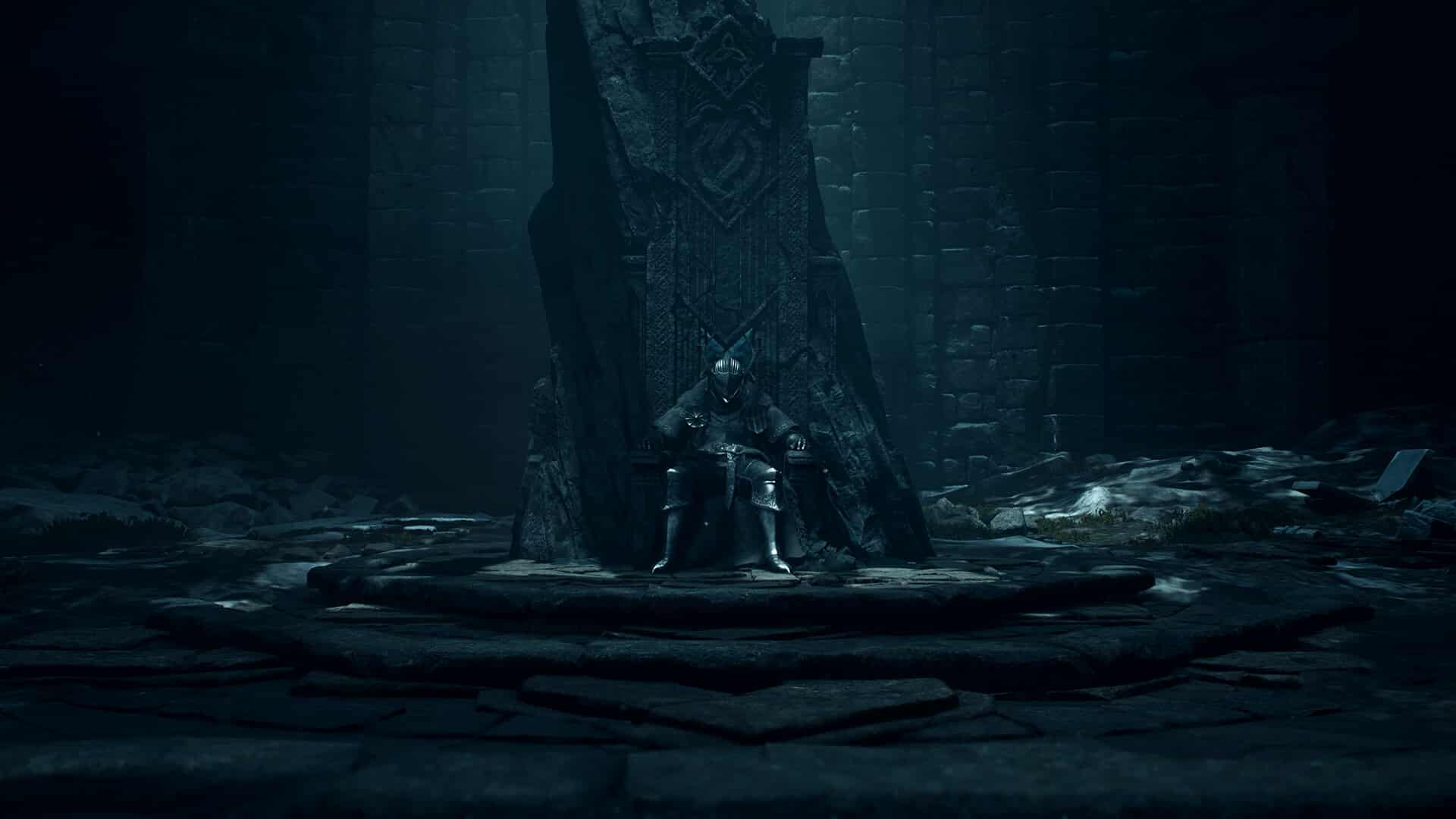
After the release of Dragon’s Dogma 2’s Dark Arisen DLC, Capcom has now issued a patch to resolve issues brought on by the expansion.
Alongside technical fixes, there are gameplay-related bugs that are squashed as well.
For the complete breakdown for Dragon’s Dogma 2 update 4.100 | 4.1, that’s available now for download across all platforms.
Dragon’s Dogma 2 Patched on October 15 for Bug Fixes

[PlayStation®5 Pro / PlayStation®5 / XBOX Series X|S / Steam]
Adjustments
Other
- Adjusted the facial expressions of the Arisen and pawns when taking certain actions.
Bug Fixes
Vocations
Warrior
- Fixed a bug where pressing the cancel button during Goring Lunge would not cancel the attack and would instead perform a follow-up attack motion.
Magick Archer
- Fixed a bug where the lock-on feature would not function properly.
Mystic Spearhand
- Fixed a bug where the effect of Mirour Vesture would not trigger between the Arisen and Sigurd.
Enemies
- Fixed a bug where the eyes of skeletons would not glow.
- Fixed a bug where you could not break free after being grabbed by a chimera.
Pawns
- Fixed a bug where pawns would sometimes be blown into the air when fighting certain enemies.
- Fixed a bug where eyeballs would sometimes point in unnatural directions.
- Adjusted behavior to reduce the frequency in which pawns would fall from cliffs.
- Fixed a bug where pawns would sometimes stand still instead of exploring when using the Explore command.
- Fixed a bug where pawns would not sheathe their weapons after battles ended.
NPCs
- Fixed a bug where selecting Tailor Equipment when talking to Hal would trigger certain quest-related conversations to occur, resulting in the inability to tailor your equipment.
- Fixed a bug where unhired pawns and NPCs would repeatedly move back and forth in certain locations.
- Fixed a bug where Norgan NPCs would not appear in the mortuary after they had died.
- Fixed a bug where some NPCs who had died before updating to TU4.0 were placed in the Norgan Mortuary.
UI
- Fixed a bug where clearing the control setting for Dash 2 would cause the text on the Button Mapping settings screen and the image of the controller to appear incorrectly.
- Fixed a bug where clearing one or all of the control settings for Reset Camera, Weapon Skill 5 and Weapon Skill 6 would sometimes cause the control settings to be reset when restarting the game.
- Fixed a bug where equipping a weapon by selecting Equip from Storage when using the Warfarer vocation would sometimes not result in the previously equipped weapon being put into storage.
- Fixed a bug where information concerning Times Fallen would be carried over to a different saved data slot.
- Fixed a bug where the “Equip?” message would appear when obtaining rift crystals or gold after equipping equipment from the appraisal results screen.
Text/Tutorial Display
- Fixed a bug where the Restarting Game with Data Carried Over tutorial would sometimes not display.
- Fixed a bug where “InvalidMsg” would appear when trying to equip a support pawn with the Red Noble Shirt or Fair Noble Breeches.
Quests
- Fixed a bug in the quest Back to the Temple where the quest would be marked as a failure even when fulfilling all the requirements to complete the quest.
Gimmicks
- Fixed a bug where certain mechanics needed to make progress in a quest would not appear.
Other
- Fixed a bug where a rain-like effect would sometimes display on the saved data select screen.
- Fixed a bug where the appearance of tailored equipment would revert to its original appearance when escaping gaol by bribing the guards.
- Fixed a bug where it was possible to ride an oxcart outside of its business hours, which would cause abnormal behavior during the ride.
Steam
Bug Fixes
UI
- Fixed a bug where entering <escape><</escape> when inputting text would cause text to disappear and the cursor to not move correctly.
If you’ve yet to pick up the DLC, you might want to do so now, as our review heaps praise on it, stating, “Dragon’s Dogma 2 Dark Arisen is an excellent expansion, further building upon the core experience of the original game and cementing it as one of the best RPGs today.’

Save 5% on your next top-up, games, gift cards, and virtual currency at Eneba.
Use code MP1ST5 at checkout.
This website contains affiliate links. If you click a link and make a purchase, we may earn a commission at no additional cost to you. This helps support our work. Learn more on our affiliate page.