Gran Turismo 7 Update 1.50 Skids Out This Aug. 7
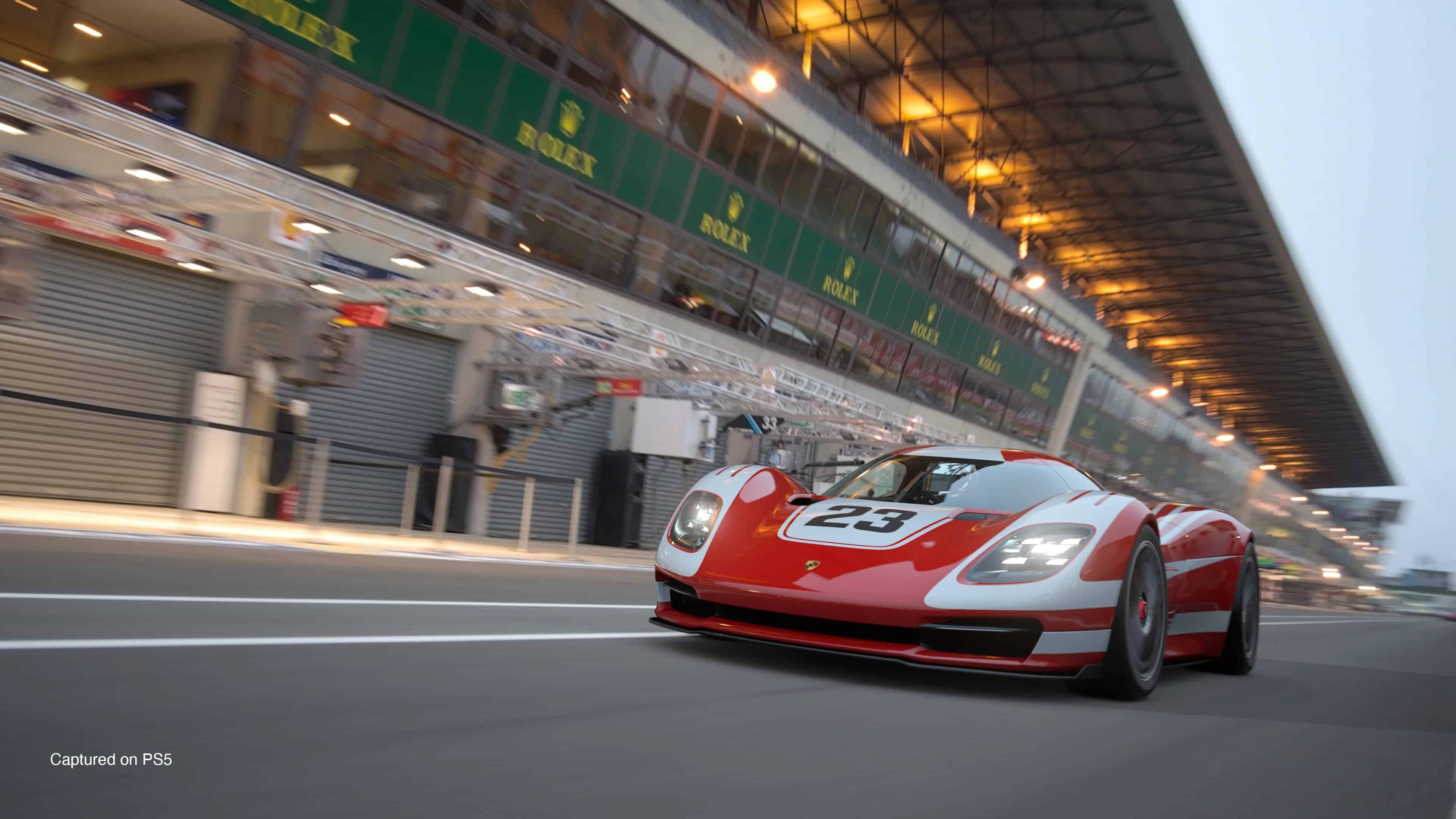
Polyphony Digital has pushed out Gran Turismo 7 update 1.50 (GT7 PS5 update version 1.5000), and this is an unannounced patch for the racing sim. While we’re not expecting new content, expect bug fixes to be part of the reason why this was released without much fanfare.
Gran Turismo 7 Update 1.50 Patch Notes for Aug. 7:
Update: Here’s what’s new per Polyphony:
Improvements and Adjustments
1. Car Settings
- Improvements to an issue where cars leap into the air if certain values are applied in specific settings
Polyphony hasn’t released the patch notes just yet, but in the meantime, we’ve listed the known issues the dev team is working on after patch 1.49 was released.
Car Related
– Unable to apply Styles created with the following cars distributed to eligible players on January 25, 2024.
・Genesis X Gran Berlinetta Vision Gran Turismo Concept
・BVLGARI Aluminium Vision Gran Turismo
To avoid the above issue, while this bug is being repaired please do the following:
– Refrain from applying Styles saved using the above cars distributed on Thursday, January 25, 2024.
– Only edit and save Styles with cars redistributed on Tuesday, January 30, 2024, and those bought in Brand Central.
– To avoid confusion in the Garage, it is recommended to delete cars redeemed with the Car Tickets distributed on January 25, 2024, and Styles created with those vehicles.
・Cars can be deleted from [Used Cars] > [Car Valuation Service], or from [Garage] > [Discard] menus. (The Car Valuation Service is only available when the feature has been unlocked during game progression. The Discard option is only available when there are two cars of the same model in the Garage.)
・Styles can be deleted from [Showcase] > [My Items].
Application Error / Progression Blocker
– In certain Race Events, the application crashes on the Rewards and Rating screen, preventing any further progression.
Multiplayer
– In the Lobby, there have been cases where “Preparing” is displayed on screen, but the Host cannot start the race. Having all room members leave and re-enter the room will allow the race to be started.
– In the Lobby, there have been cases where players in the same room do not appear on the member list or during the race. In this case, an application error will occur when the host starts the race.
– In the Lobby, there have been cases in which completing a race would not let users progress further.
Note that these issues will be resolved in a future update, which we’re assuming is this tone. Once the official changelog is out, we’ll update the article with the info.
[Source: Gran Turismo]
This website contains affiliate links. If you click a link and make a purchase, we may earn a commission at no additional cost to you. This helps support our work. Learn more on our affiliate page.