GTA 6 in First-Person Is Possible Thanks to a Glitch and Here’s How to Do It
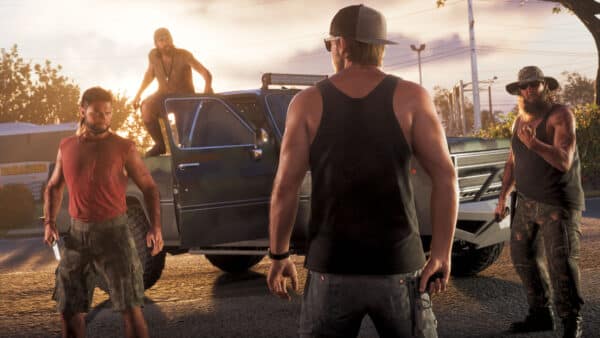
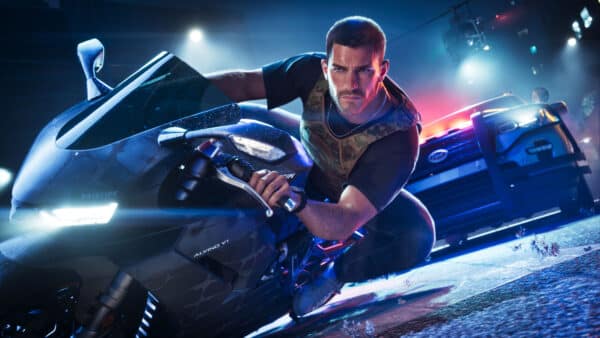
Everyone is talking about GTA 6, Rockstar Games’ highly anticipated game, which is finally here and seems to be loved by everyone. In fact, its reviews have made it the highest-rated title on Metacritic to date.
Despite the positive reception, there are still some features that fans are missing from the game, such as GTA Online and other gameplay mechanics, including the ability to play in first person.
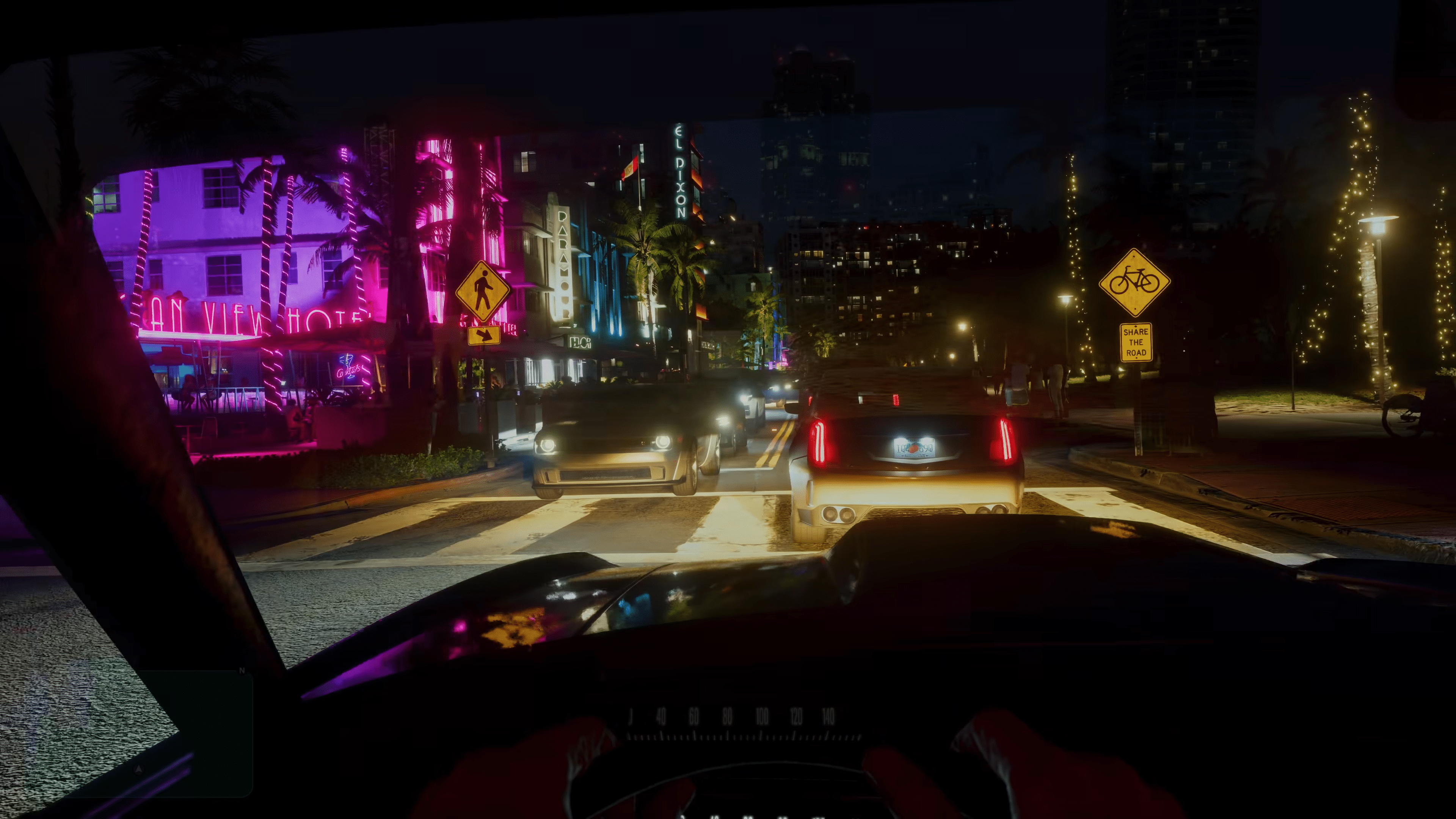
This mechanic, which was already present in GTA 5, is unfortunately not available in GTA 6. However, you’ll be glad to know that it can already be activated thanks to a glitch on PS5 and Xbox Series X|S. Here’s how it works.
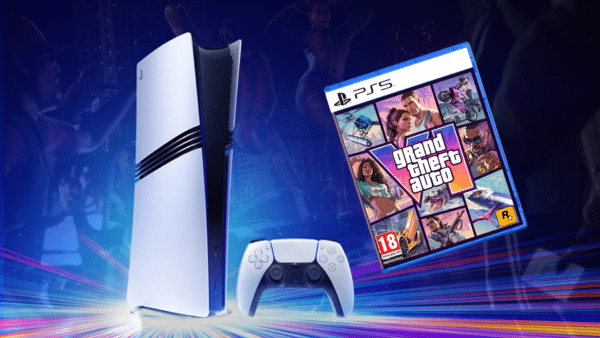
How to Play GTA 6 in First Person Using a Glitch
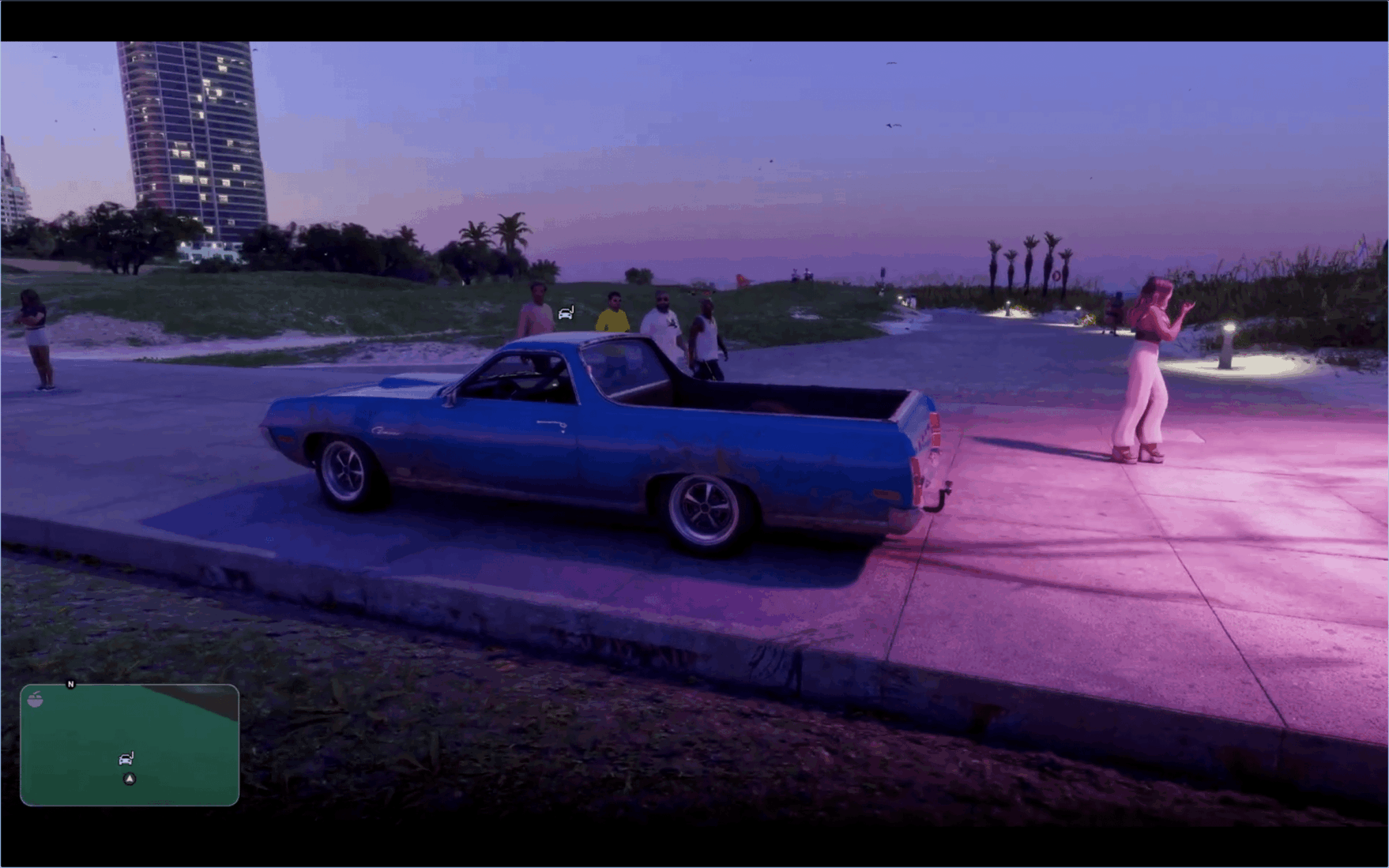
Want to play GTA 6 in first-person? Keep in mind that this is not an official method, but rather a glitch that could be fixed sooner rather than later.
Once activated, you can explore Vice City and Leonida in first person, whether you’re walking around or driving a car. It’s not the smoothest way to play, but it’s a fun way to see the game from a different perspective and get a closer look at all the little details Rockstar has added.
How does the glitch work? Fortunately, it can be performed on both PS5 and Xbox Series X|S using a function linked to the controller.
- Enter the pause menu in GTA VI.
- Go to Settings and select the second tab from the left, Controller.
- Under Wireless Controller Features, change the Touchpad Button (PS5) or View Button (Xbox) setting to Camera (it will be set to Map by default).
- Get into your car and access your phone by pressing up on the D-pad.
- Close the phone by pressing Circle or B, and immediately afterwards press the touchpad on PS5 or the View button on Xbox.
- Repeat this step several times until it works (it might not work on the first attempt).
You can check it out in action in this video to see if it’s something you’d be interested in.
But what if you want to switch back to third-person mode? Unfortunately, there’s no simple way to do that. Since this is a glitch, you’ll have to load an earlier save to return to the normal camera view.
In related news, GTA 6 players on PS5 are reporting crashes with error code CE-108255-1 after just 15 minutes of gameplay, with no confirmed fix available yet.

This website contains affiliate links. If you click a link and make a purchase, we may earn a commission at no additional cost to you. This helps support our work. Learn more on our affiliate page.