Clair Obscur: Expedition 33 New Update 1.500.600 on June 30 Gives More Devs Their Flowers
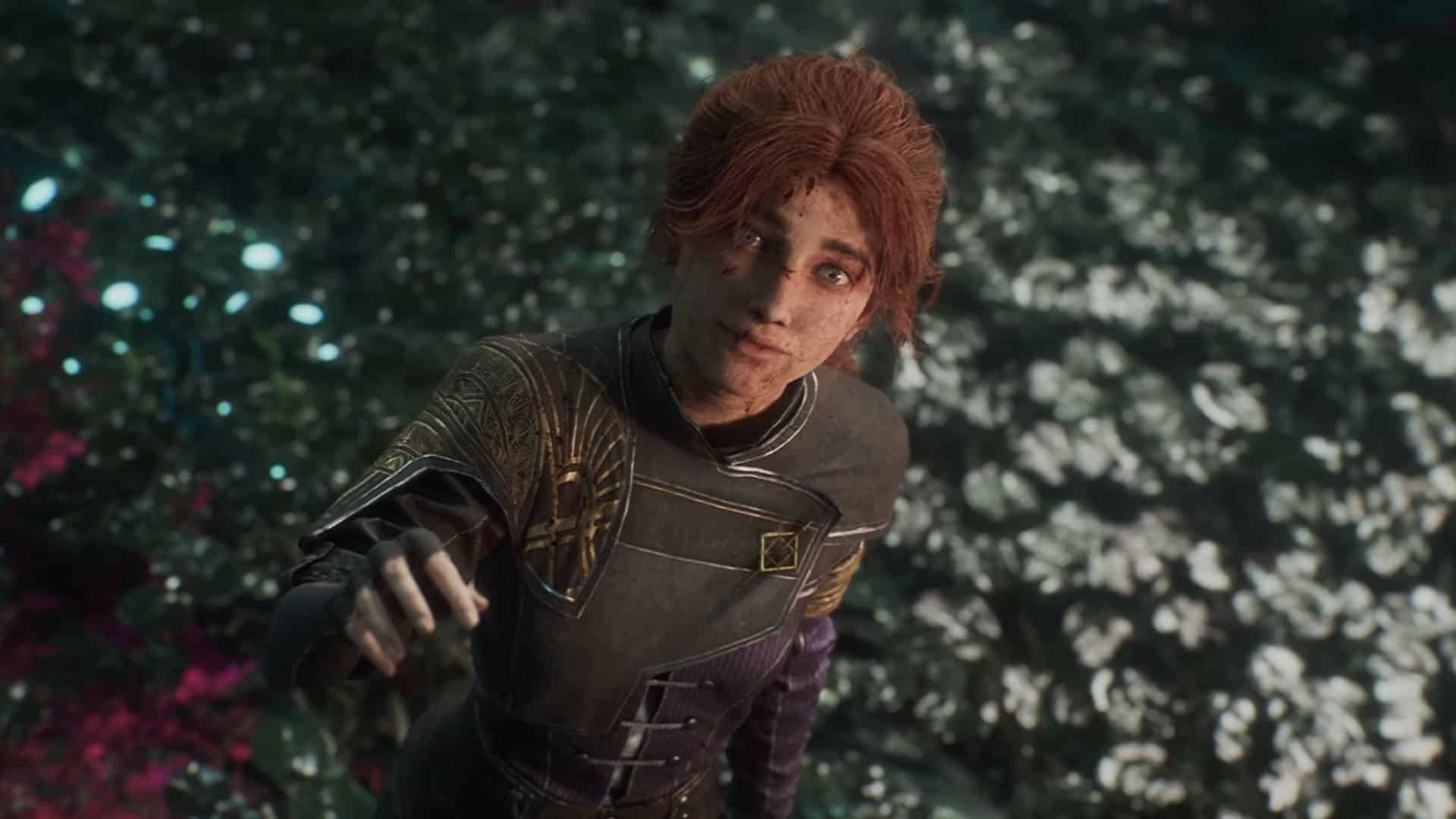
While Clair Obscur: Expedition 33 is already feature-complete as a single-player, narrative-driven RPG, that hasn’t stopped developer Sandfall Interactive from releasing countless updates to add to the experience.
Today, a new game update has been released, and while it’s not a major patch, it’s something game developers — and even some gamers — will appreciate.

Players will be able to download Clair Obscur: Expedition 33 update 1.500.600 for version 1.5.6 today, June 30, and this adds more developers to the credits section, and also slots in a few bug fixes too.
For the complete info, read on for what Sandfall has to say.
Clair Obscur: Expedition 33 Remembers the Names of Those Who Helped Shape It

Content
- New supported language (text): Arabic
- Credits updated (new linguists, testers and fonts)
Fixes
- Fixed an issue where applying burn after an enemy has been stunned causes them to be able to act immediately after recovering from the stun.
- Fixed Cleim weapon level 10 Lumina effect that does not trigger correctly on every instance of area of effect skills.
- Fixed Martenon’s Lumina effects that do not work if Sciel does not have two consecutive turns.
- Fixed an issue where Sireso weapon, Level 4 Lumina, and Powerful buff, from Pictos/Luminas, applied at the start of battle may override each other depending on the character’s position in combat.
- Fixed Chromatic Lampmaster’s AOE skill missing a sound cue on the jump attack.
- Fixed Sirene’s Widow Ballet missing SFX during second charm attack.
- Fixed characters in combat that may have displaced heads in Photo Mode if they were not seen while turning on Photo Mode.
- Various minor fixes of the UI and localizations.

Sandfall has acknowledged a crash that occurs when loading into the Reacher, and has issued a workaround:
- When loading into the Reacher area.
- When exiting the Manor.
According to the developers, the crash only affects certain PC hardware or software configurations.
Temporary workaround:
- Open the game’s Settings menu.
- Go to Graphics.
- Find Global Illumination.
- Change it from Epic to High, Medium, or Low.
- Apply the changes and restart the game if necessary.
This only affects the PC version, and we’re hoping a patch for it is released soon.
While nothing has been announced officially, the developers did confirm that more games in the franchise are on the way.
This website contains affiliate links. If you click a link and make a purchase, we may earn a commission at no additional cost to you. This helps support our work. Learn more on our affiliate page.