

Lord of the Rings: War in the North Patch 1 Brings Optimization Improvements via 1.000.003 Update on September 15
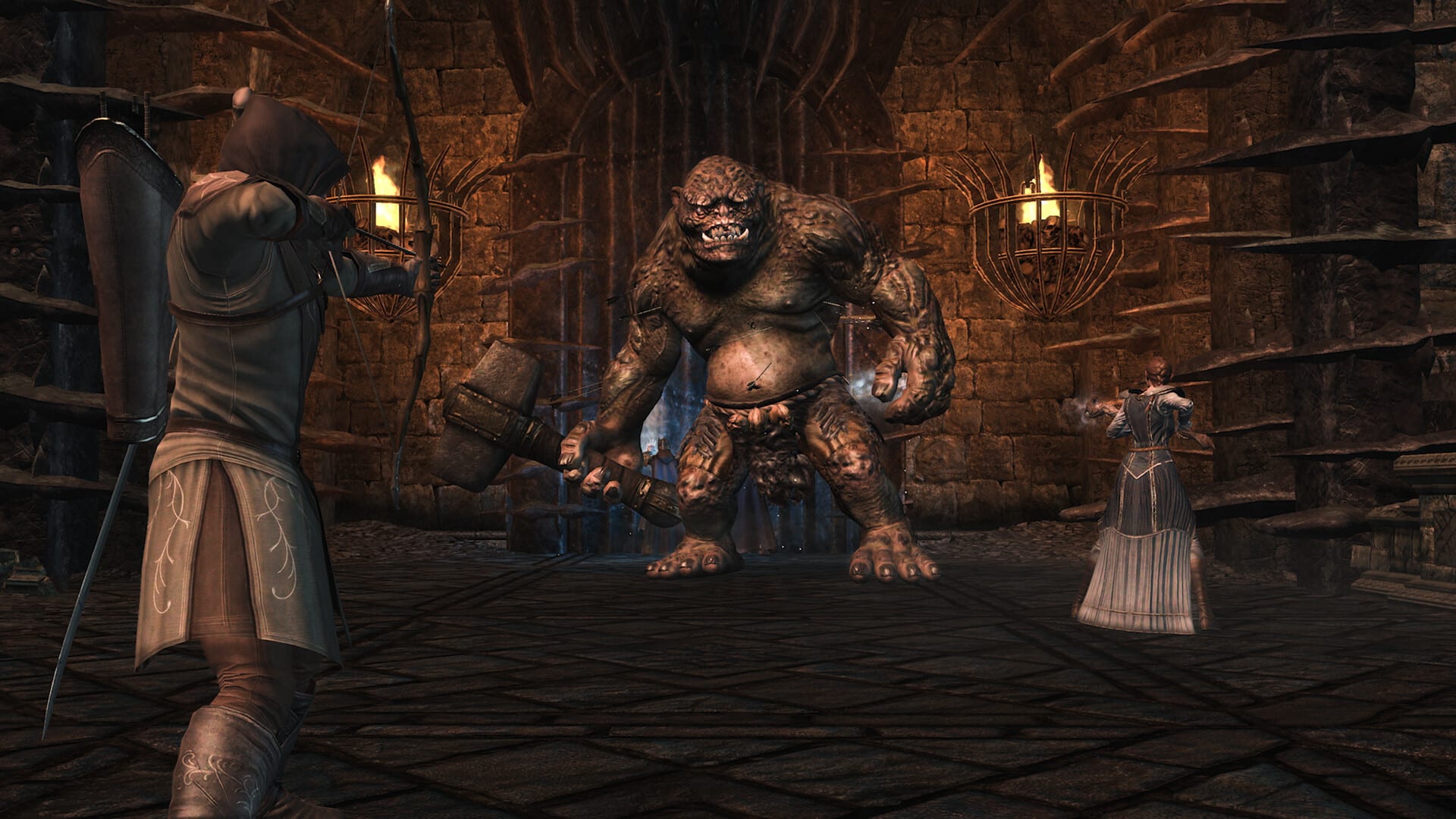
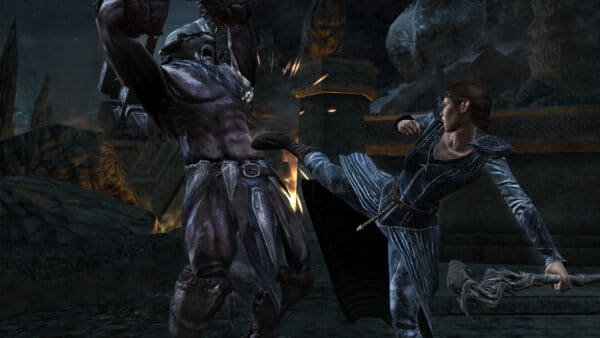
Aspyr has released the first patch for Lord of the Rings: War in the North Legacy Edition, and this one is now available across all platforms, contrary to the first hotfix, which was just for the PS5 version.
Console players will see this as Lord of the Rings: War in the North update 1.000.003, and this brings stability improvements, inventory and performance optimization.
For PC players, the title is now Steam Deck verified!
LOTR: War in the North Patch 1 Applies Improvements on September 15
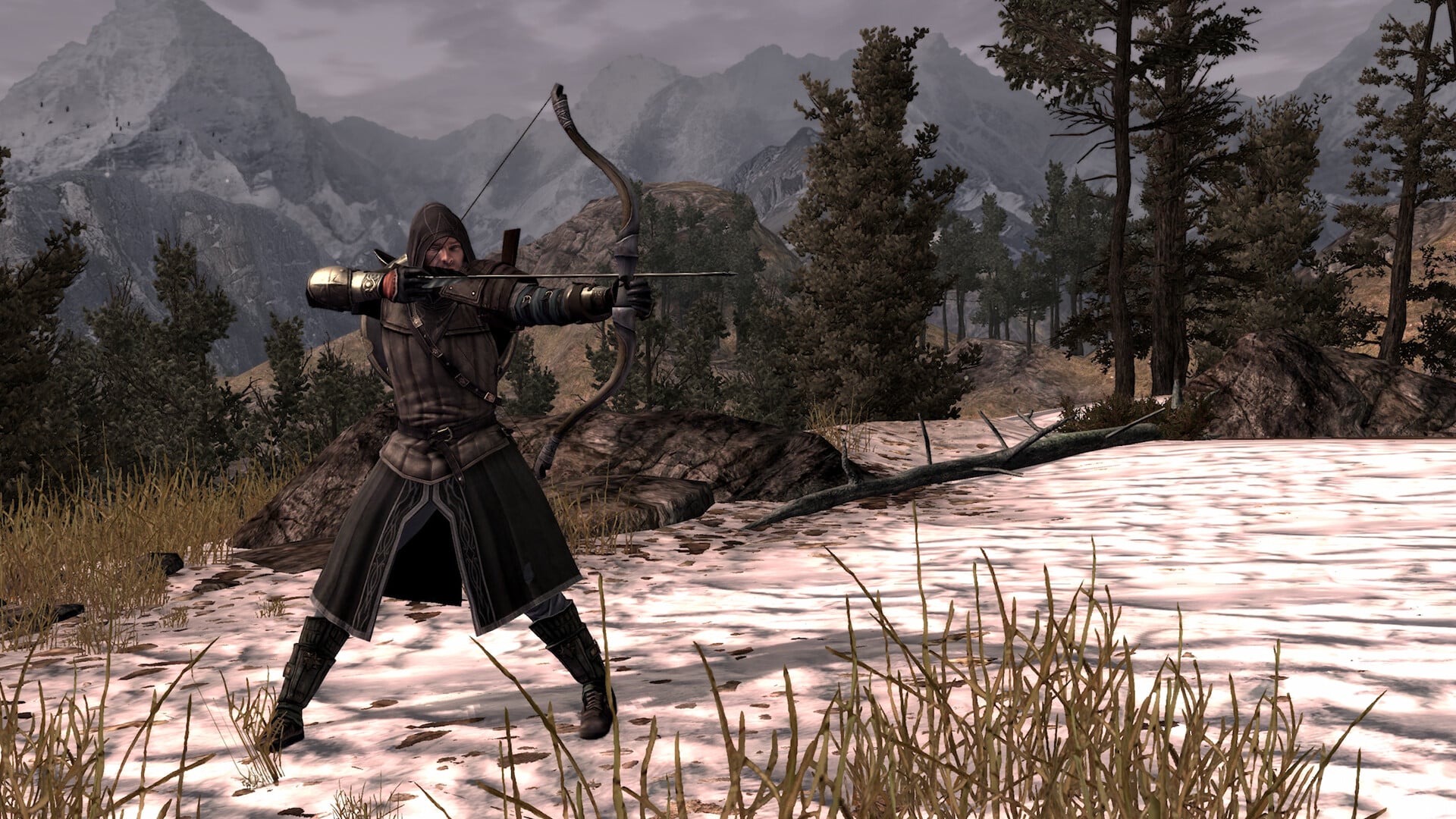
Stability & Crash Fixes:
- Fixed a multiplayer progression blocker where a certain gate on Fornost would fail to release progression critical enemies when the party respawns.
- Fixed issues with cinematics aborting and asset loading when characters are swapped at checkpoints in multiplayer.
Inventory & Performance Optimizations:
- Optimized loading so that characters stats no longer unnecessarily refresh upon loading a save.
- Added safety checks during loading to prevent equipment with temporarily mismatched stats from being accidentally unequipped or deleted.
- Corrected item spawning logic to prevent items from accumulating in large piles at specific locations on each level.
- Fixed several instances where the visual state of characters’ gear would be desynced for a Host and Client in Multiplayer games.
Steam Updates:
- Now Steam Deck Verified
- PC / Storefront Extras: Fixed a borderless window mode bug where pending resolution changes would fail to revert to the previous resolution when it expired.
- Fixed an issue preventing Switch and Switch 2 from inviting each other to Multiplayer sessions.
- PC / Storefront Extras (Steam, GOG, EGS): Fixed a borderless window mode bug where pending resolution changes would fail to revert to the previous resolution when it expired.
- Fixed a GOG issue where the cursor would disappear after closing the login panel in the Epic Social Overlay.
Once another patch for tthe game is released, we’ll be sure to let our readers know.
This website contains affiliate links. If you click a link and make a purchase, we may earn a commission at no additional cost to you. This helps support our work. Learn more on our affiliate page.

Need to fix not being able to pick up quest items, cause inventory is full even though it isn’t