Minecraft Preview Branch Update 1.69 Drops for Version 1.21.90.23

[summaraize]
Following the of Bedrock version 1.21.80 yesterday for Minecraf, it’s now the beta and preview branch that’s gotten a patch. Players will see this as Minecraft Preview update 1.69 on last-gen and version 1.052 on current-gen consoles.
This patch features new features and bug fixes, with technical updates also in tow.

Minecraft Preview Branch Latest Update Features and Bug Fixes

Here’s what’s new per Mojang’s latest changelog.
Features and Bug Fixes
Blocks
- Harness is no longer invisible on a Happy Ghast when equipped by a Dispenser
Bundles
- Empty open Bundle icon now renders correctly when Bundles are tapped with Touch Controls
Editor
- Marking read only structures for deletion along with editable ones no longer disables the delete button
- Saving a large structure from a selection on the Structure Panel no longer makes the game unresponsive
Gameplay
- Fixed projectiles not being fired in the correct direction when using custom cameras and touch input
- Fixed issue where sprint jump attacking would sometimes remove all of the player’s momentum (MCPE-189501)
- Fixed stop sprinting while swimming when the player hits blocks (MCPE-201832)
- Using a custom equippable block item in creative mode will no longer duplicate the item and equip it; it will simply place the block in the world
Graphical
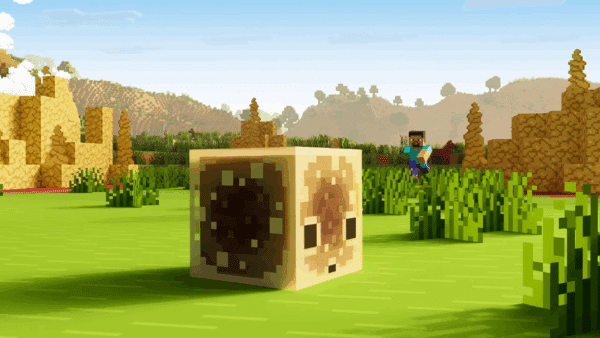
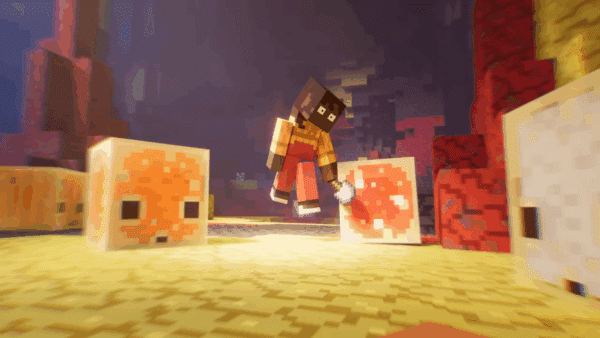
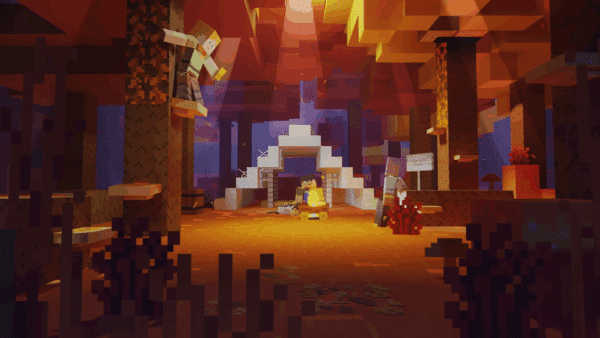
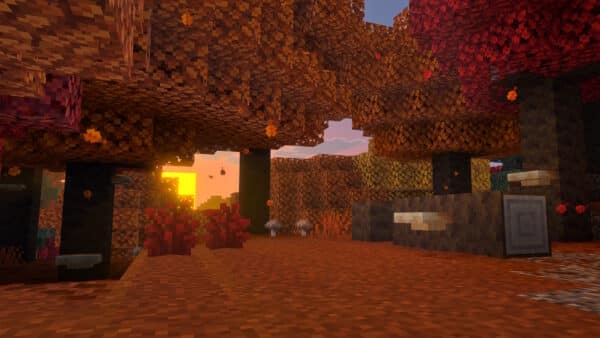
- Updated a variety of MERS textures in Vibrant Visuals
- Made Glass Blocks more reflective
- Tweaked metallics on Cauldrons and Ancient Debris
- Tweaked emissives on Eyeblossom
- Fixed an issue with Leather armor having a stripe of emissive across the texture
- Added emissive to the Ender Crystal Block to match item icon
- Added MERS textures for Happy Ghast and Harnesses
- Adjusted the Glow Lichen block emissive
- Fixed a z-fighting issue between water and leaf blocks in Vibrant Visuals
- Fixed an issue where Vibrant Visuals would sometimes apply to worlds that do not correctly support it
- Improved Snell’s window effect when looking up from underwater in Vibrant Visuals
- Particles using the “particles_blend” material now render correctly in Vibrant Visuals (MCPE-217768)
- Fixed Enderman held blocks not being shaded correctly in Vibrant Visuals
- Reflections no longer cut out abruptly on the left side of screen while moving the camera in Vibrant Visuals (MCPE-206642)
- Reflections no longer flicker aggressively on water with higher FOV settings in Vibrant Visuals (MCPE-206924)
- Clouds no longer contain cracks when viewed up close in Vibrant Visuals (MCPE-212409)
- The End flash is now visible again in the End in Vibrant Visuals
- Fixed an issue with moving blocks (e.g. blocks held by Endermen, TNT inside of minecarts) not casting shadows in Vibrant Visuals
- Fixed an issue where textures would turn pink when opening settings or suspending the game in Vibrant Visuals (MCPE-200698)
Mobs
- Fixed a crash happening on PS5 when loading a world with leashed entities
- Fixed bug where Ghasts could not move while shooting fireballs (MCPE-201849)
- Slimes and Magma Cubes no longer jump twice when finding or losing their targets (MCPE-114701)
- Fixed a bug where Magma Cubes and Slimes could still damage players briefly after dying (MCPE-166394)
Sounds
- Fixed a bug where Parrots imitating a Drowned used Zombie sounds
- Fixed a bug where Parrots imitating a Wither Skeleton used Skeleton sounds (MCPE-174857)
Splash Potions
- The effect radius of Splash Potions is now calculated based on the distance to the bounding box of the target instead of their position (MCPE-201604)
User Interface
- The Locator Bar has been de-experimentified and is now available in non-experimental worlds
- Splitting an item stack using touch controls and moving it to a bundle now transfers the selected amount (MCPE-188353)
- The Text Background Opacity accessibility setting now also affects hotbar tooltips and leaderboard displays. (MCPE-79331)
- Chat background opacity can now be controlled with a new accessibility setting
Vanilla Parity
Sounds
- Parrots now imitate nearby monsters less frequently (MCPE-80319)

Technical Updates
API

Blocks
- Fixed crash when blocks that specify non-existent textures as carried_textures are held in hand
Components
- Added validation for asset references in particle effect Json
- texture reference in “basic_render_parameters”
- block references in “minecraft:particle_expire_if_in_blocks”
- block references in “minecraft:particle_expire_if_not_in_blocks”
Editor
- Added Block Inspector “Reset Block Data” button to reset the block states to all defaults
- Added a hollow trim action to selection. This converts the current selection volume to a new volume which represents all of the fully obscured non-air blocks (i.e. generate a selection which represents the inside of any shape inside the current selection)
- Added Color Timeline API (IColorTimelinePropertyItem). The Color Timeline uses one dimensional graph to represent color interpolation over time
- Added Number Timeline API (INumberTimelinePropertyItem). The Number Timeline uses two dimensional graph to represent linear interpolation between two nodes over time
The two new APIs can be used in the Editor AGFX settings - Added ability to specify a tooltip to the editor menu items
- Added ability to append an icon to the editor menu action items
- Added optional property
uniqueIdinIPropertyPaneOptionsAPI to create panes with unique identifiers - Updated Line Tool Functionality
- Updated UI, added tooltip labels and quick action buttons
- Ability to make lines with multiple points/segments instead of just one line between two points
- Ability to adjust thickness (weights) of the lines
- Ability to nudge lines in any direction by 1 block
- Ability to convert current lines into a selection volume (clears all lines after)
- Most Line Tool actions now undo/redo-able
- Ability to select all/none points so they can all be moved at once
- Line algorithm dropdown now updates live and applies to all (and new) points
- Line Tool Mouse Controls
- Left-click to create a ‘connected’ control point (creates a line segment between the previous point and the new point)
- Ctrl+Left-click to create a separated, ‘disconnected’ control point (no line segment is created between the previous point and the new point)
- Line Tool Hotkeys
- Nudge Selected Points (Ctrl+Shift + Up/Down/Left/Right/PgUp/PgDown)
- Convert to Selection (Alt+S)
- Toggle Select All (Ctrl+A)
- Fill (Ctrl+F)
- Delete Blocks (ie., Fill with Air) (Del)
- Clear All Points (Ctrl+Backspace)
- Clear Selected Points (Ctrl+Shift+Backspace)
- Increase/decrease Horizontal Line Thickness (Shift + Left/Right)
- Increase/decrease Vertical Line Thickness (Shift + Up/Down)
- Increase/decrease Uniform Line Thickness (when Uniform is enabled) (Shift + Left/Right/Up/Down)
- Updated BlockLine implementation (now BlockShapes)
- Updated water parameters to be available and modified in the Deferred Lighting Settings window again
- Fixes begin transaction error when selecting a selection point outside the maximum volume size
- Updated Block Inspector “Refresh Block Data” button logic to update the pane with the current block state
- Fix a bug where a player could incorrectly load another player’s hotbar setting in a multiplayer session after re-entering a game
- Fixing bug where the ladder could be interacted with using the workbench tool
- Fixed a bug where the export directory location was incorrect in the log panel
- Fixed a bug that caused
showfunction ofIRootPropertyPaneto not display the panel - Fixed a bug where the Export Pane weather cycle setting was being set incorrectly
Goals
- “minecraft:rideable” component’s “dismount_mode” is now correctly applied when passengers are forced to dismount by the “minecraft:behavior.float” goal
Items
- Fix for incorrect normals and/or crashes when holding certain items in hand with Vibrant Visuals enabled
Rendering & Animation
- Fixed an issue where entities are rendering and animating twice.
For the Experimental technical updates made, read the changes here.

This website contains affiliate links. If you click a link and make a purchase, we may earn a commission at no additional cost to you. This helps support our work. Learn more on our affiliate page.