Nascar 21: Ignition Update 2.30 Out for Bug Fixes This Nov. 15

See us first.
Add MP1st on Google to catch our exclusive reports, leaks and more as it happens.
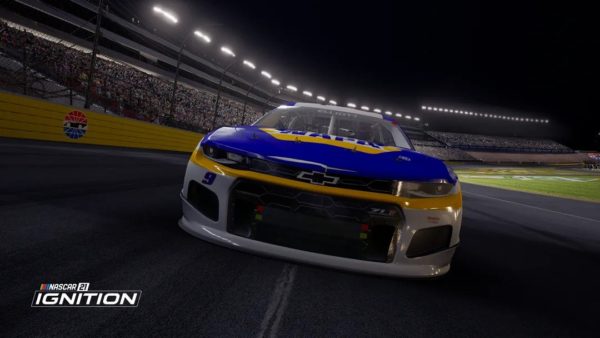
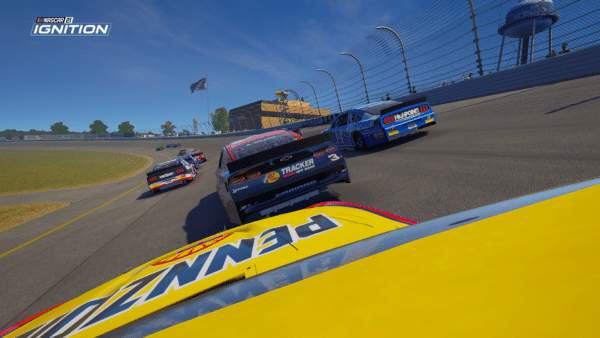
Motorsport Games has released Nascar 21: Ignition update 2.30 today for all platforms. This update comes with some much-needed bug fixes and changes. You can read the Nascar 21: Ignition November 15 patch notes down below.
Nascar 21: Ignition Update 2.30 Patch Notes | Nascar 21: Ignition November 15 Patch Notes:
UI
- Fixed an issue that could cause certain 2022 cars appear blurry for brief moment when cycling through paint schemes
- Fixed an issue that caused text in multiple languages to not wrap correctly inside of the Data Pad
- Fixed an issue that caused the track logo in the Data Pad to be displayed as the Homestead-Miami Speedway logo briefly in the top left
- Fixed an issue that caused pit options did not reset back to default after a user restarted a session
- Fixed an issue that caused Data Pad D-Pad controls not to work in the General submenu
- Fixed an issue that caused a “Controller Not Connected” error message to remain displayed after switching controllers for some users on Xbox Series S|X
- Fixed an issue that could cause some Xbox Series S|X controllers to lack functionality in the main menu when newly added
- Fixed an issue that caused the Black Flag text to be missing on the UI when the user is driving the wrong direction in Practice
Gameplay / AI
- Fixed an issue in which colliding with the Side Barrier on Homestead-Miami caused the User to become stuck in an infinite “Yellow Flag” loop
- Fixed an issue at Pocono Raceway that caused the AI to slow at the exit of Turn 1, which caused issues when multiple cars entered the track from pit road
- Fixed an issue at Dover Motor Speedway, Michigan International Speedway that caused the AI to slow too much in the corners
- Fixed an issue that caused some AI cars to miss pit road when pitting, which led to that AI car receiving a DNF
- Fixed an issue at Auto Club Speedway that caused the AI to slow at the start/finish line and slow too much on the entry to the corners
- Fixed an issue that caused AI cars to be stuck on pit road and in the garage during a Practice session
- Fixed an issue at Martinsville Speedway that cause the Green and Yellow Flag UI element to not appear before the start/finish line
Cutscenes
- Fixed an issue that caused a user’s car to appear backward during repair cutscene if the user replaced no tires
- Fixed an issue that caused a user’s car to have broken textures on wheels
- Fixed an issue that caused the driver’s hand to disappear in pit stop cutscene from the second pitstop onward
Online
- Fixed an issue that caused players to being ghosted at the start of the race
Audio
- Fixed an issue that caused Spotter audio to be heard when proceeding from Qualifying results screen to Race session if the race field size is set to 20
- Fixed an issue that caused Engine Audio to be played in Exit Loading Screens
That’s it for the new details. Nascar 21: Ignition is out now for PC, PlayStation and Xbox.
Source: Nascar Ignition Support
This website contains affiliate links. If you click a link and make a purchase, we may earn a commission at no additional cost to you. This helps support our work. Learn more on our affiliate page.