

Skate Update 1.000.008 Released for Season 1 Hotfix

Last week, Full Circle released the first major update for skate as Season 1. As is the case for almost every major update these days for an online game, it’s normal for something to not work as intended, or have bugs surface.
Today, the developers have released skate update 1.000.008, and this is a hotfix available on consoles and PC this Oct. 13.
Don’t expect much from this update, given this is purely for fixes.
Latest skate Update on Oct. 13 Is the First Hotfix of Season 1

The only thing mentioned by the devs today is a fix for game servers that had issues over the weekend. “We have fixed an issue where players were connecting to game servers that were performing poorly and causing crashing and login queue to trigger. This should be resolved now,” the studio shared recently.
However, when it comes to known issues, there’s quite a lot of it that remain unresolved.
To Be Fixed in the Coming Weeks:
- Input for one-foot ollies can be inconsistent
- Xbox X|S players may notice the update is much larger on their console than for PC and PS players
- Slam target showing up/staying on when not in a Slam Challenge
-
-
Workaround: Restart game.
-
Known Issues Still Being Investigated:
-
Stuck on Isle of Grom
-
We’ve previously pushed out a fix so that new players won’t run into this issue, and have continued to help skaters that are stuck so they can enter San Vansterdam. If you still can’t take the ferry, please report it in our megathread.
-
-
Infinite Loading Issues
-
We’re tracking an issue with players getting stuck in loading into San Vansterdam.
-
Workaround: Make sure the game is updated (repair install, if possible). We’ve seen reports from players that loading will complete after a few minutes. If this doesn’t help, please post on our megathread
-
EA App: Click … on game tile, select Repair
-
Steam: Steam Library, right click game, Properties > Installed Files > Verify integrity.
-
-
Unable to play Skate. due to a “connection to EA Servers” error. “ERROR 852146987”
-
Troubleshooting: Ensure that the VPN is disabled and check that the EA App is not in offline mode. For more troubleshooting help, refer to our Connectivity FAQ.
-
-
Invisible party members when joining friend from another server
-
Workaround (not 100%): After the transition, any of the 2 party members would have to teleport to the other party member so they could see one another.
-
Fix: Team is currently investigating a full fix.
-
-
Achievements are not granted to the user
-
Fix: We’re looking for a solution and will keep you posted with our progress.
-
-
The replay editor often captures stuttering during export
-
We’re working on a solution and will keep you updated on our progress.
-
-
Criteria for unlocking the Financial neighborhood is not showing up, causing the “Manual Extension” mission to not appear
-
Workaround: You can get to the Financial Neighborhood (Market Mile) by doing more Challenges. Get that XP.
-
Fix: We’re working on a fix to be implemented as part of other various progression issues between 0.28 and 0.29.
-
-
skate.Pass UI Bug preventing highlighting of preferred items from previous pages
-
Workaround: Close the skate.Pass menu and re-open it.
-
There is a possibility that some of these issues have been fixed in today’s update. Once we know more and if Full Circle releases any changelog, we’ll let our readers know.

This website contains affiliate links. If you click a link and make a purchase, we may earn a commission at no additional cost to you. This helps support our work. Learn more on our affiliate page.

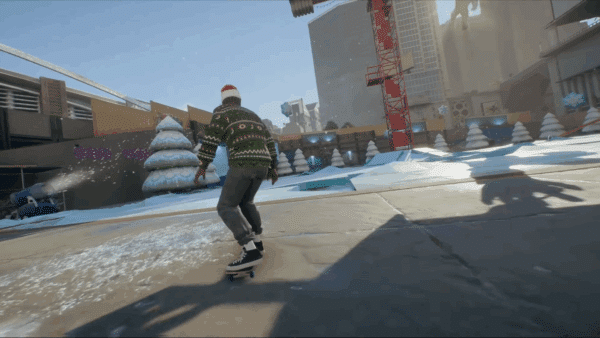

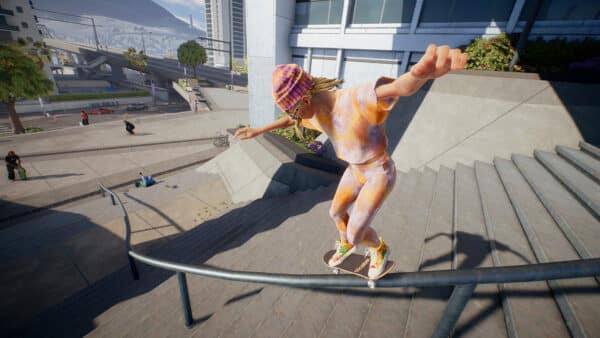
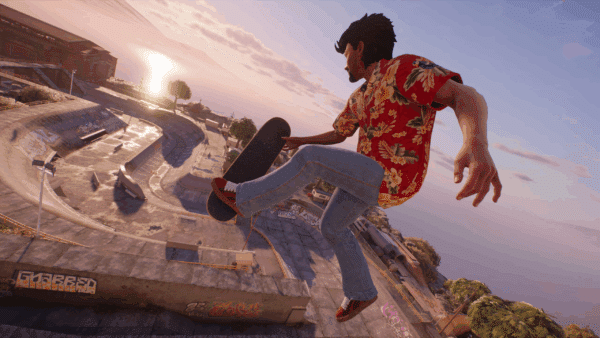
You guys couldn’t use an image from Skate on an article about Skate? You grabbed an image from Tony Hawks Pro Skater 3-4, that’s Tony Hawk and the Birdhouse logo on his shirt, c’mon now.
Pretty much all these issues were already solved by simply restarting the game. They need to fix the actual game breaking bugs like certain challenges not being able to be fully completed or co-op challenges not working half the time.