DualSenseX Adds Full Native Virtual DualSense Support With Wireless Haptics and Audio Over Bluetooth in v3.2 Beta 01 Update
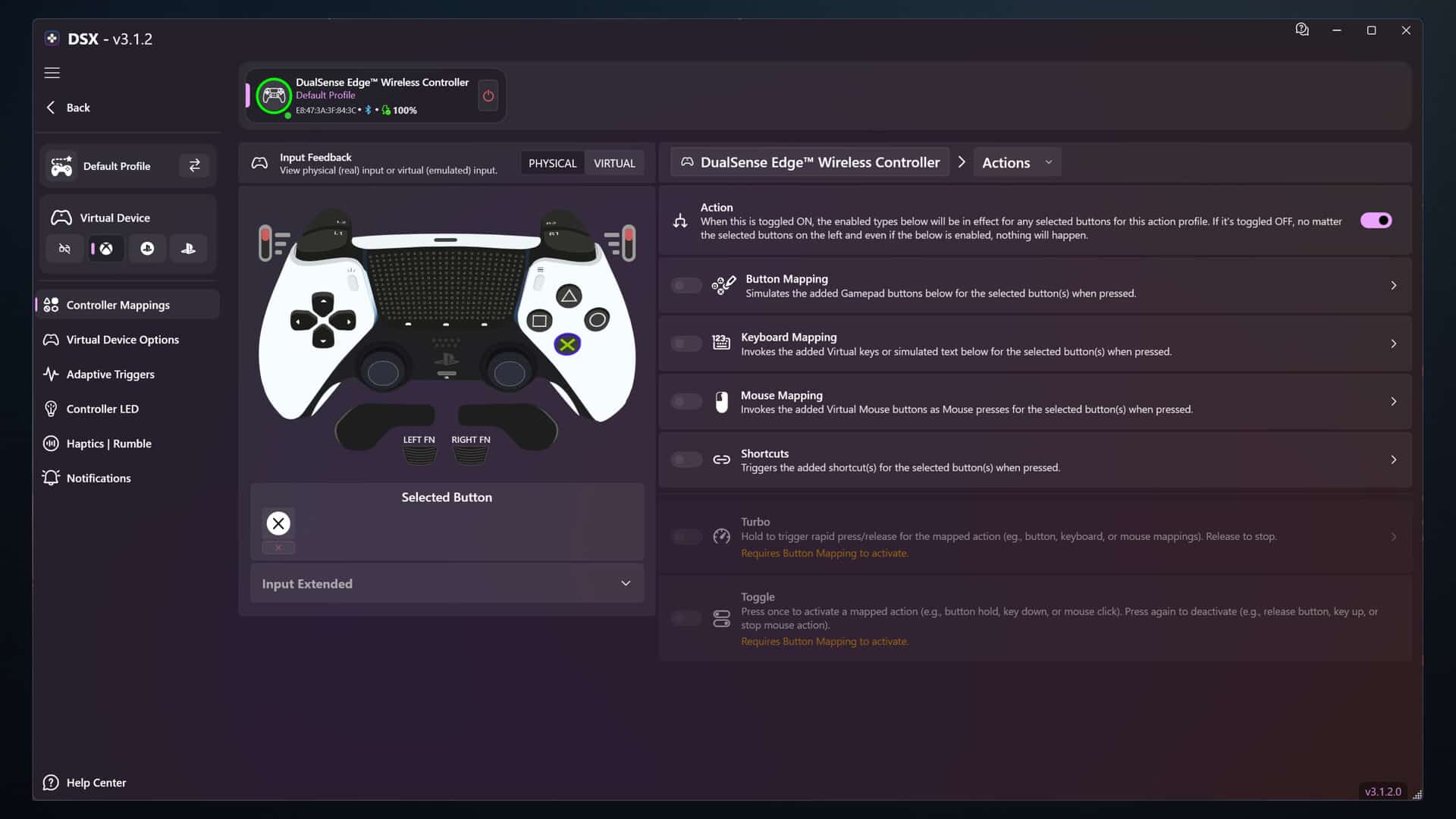
For PC gamers who want to use the DualSense controller on your hardware, it just got a whole lot better — provided you’re willing to pay.
The DSX (DualSenseX) software has been updated to version 3.2 Beta 01, and this brings a lot of new features to the table.
This is a major update to the controller app that adds a slew of new features that gamers can access now as long as they paid for it.

DSX Adds New Features in New Update
Highlights
-
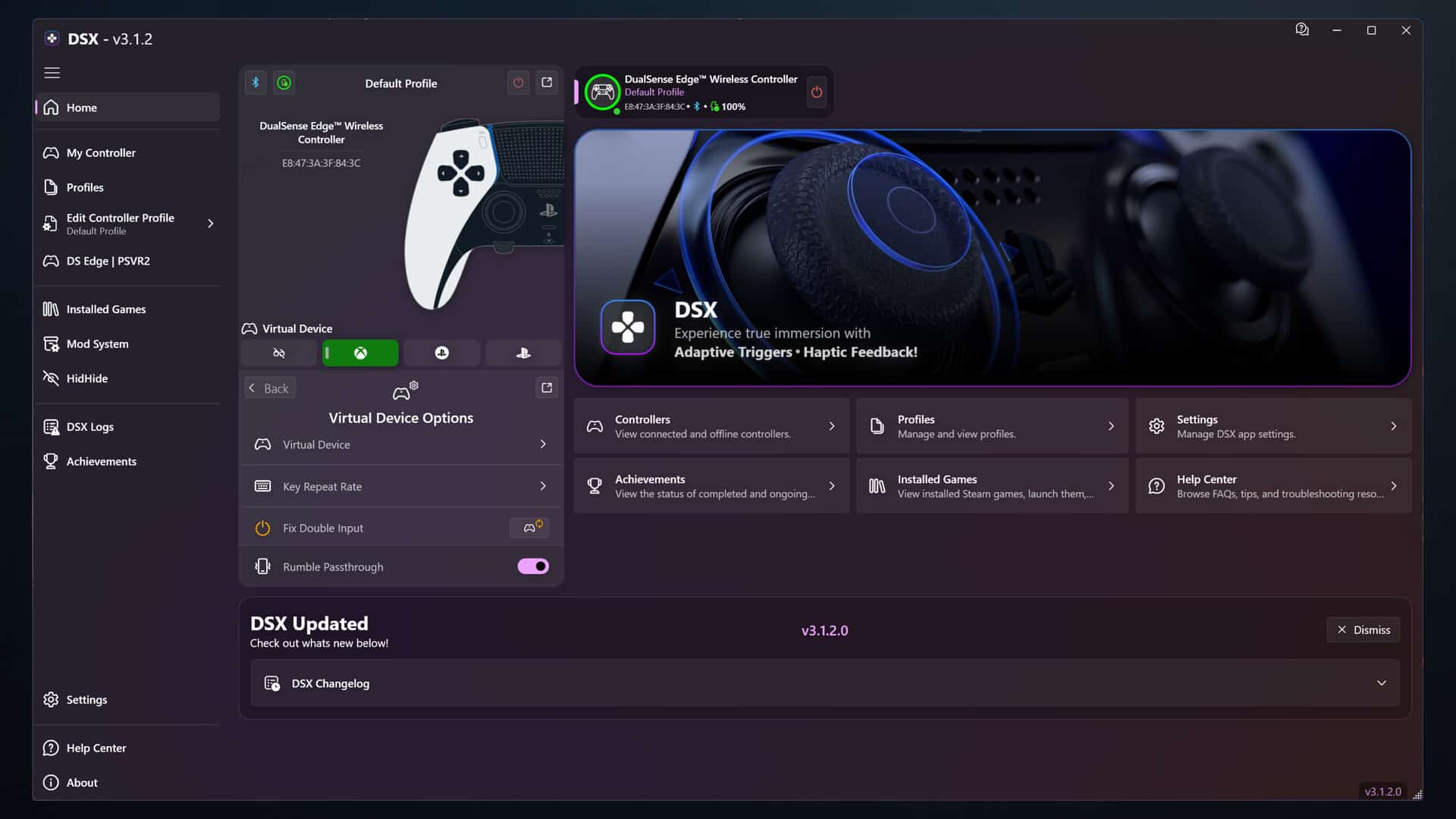
Added Virtual DualSense with Audio support, allowing games to send native DualSense audio and haptics through DSX over Bluetooth or USB. (Requires DSX+ to create a virtual DualSense as it always has been)
-
Added support for launching DSX manually without Steam, using a 28-day ownership cache before Steam is required again.
-
Redesigned the Home page, LED page, Haptics | Rumble page, and Profiles page.
-
Overhauled Profiles with a new card-based UI, profile color tags, color filtering, recently used sorting, profile details, usage info, and easier apply/configure/share/duplicate/reset actions.
-
Major Button Mapping overhaul with a new mapping workflow, better action filtering, advanced mapping improvements, passthrough controls, Action Block support, and many shortcut/hold/toggle/switch fixes.
-
Added controller skin improvements, more gamepad artwork/skins, controller color feedback, and better controller-view persistence.
New / Improved
-
Added better Bluetooth and USB Audio/Haptics routing for supported DualSense experiences.
-
Added improved Audio to Haptics, Rumble to Haptics, Game Feedback, file playback, and system audio capture modes.
-
Added clearer DSX+ capability states so users can better understand what is available for their setup.
-
Added Steam Cloud Backup & Restore improvements for safer profile/app recovery.
-
Added installed-games improvements, including native catalog providers, better cache handling, and restored/default game banners.
-
Added controller/profile usage stats and a refreshed Home dashboard with setup readiness and quick actions.
-
Added VirtualPad driver health, setup, license, and recovery improvements.
-
Added better audio device handling, including disabled-device detection and one-click driver repair/rebind flows.
Fixed
-
Fixed many stuck input cases where keyboard keys, mouse buttons, shortcuts, or mappings could remain active after disconnecting, switching profiles, changing modes, or closing DSX.
-
Fixed profile switching, reconnect behavior, virtual output refresh, and selected-controller state issues.
-
Fixed Bluetooth Audio/Haptics stability, latency growth, routing, file playback, capture timing, and stream restart issues.
-
Fixed mic mute freezing/input stalls and improved no-mic behavior.
-
Fixed VirtualPad setup/startup checks that could block users even when the driver was installed.
-
Fixed crashes and stale-cache issues in installed games, achievements, dialogs, setup, and device connection flows.
-
And a lot more…
Remember, this is a paid application ($7.99), and the developers have said this is the most stable DSX has ever been.
In other PC gaming news, we recently ran a leak on a new The Witcher game focused on multiplayer set to hit PC and mobile.
This website contains affiliate links. If you click a link and make a purchase, we may earn a commission at no additional cost to you. This helps support our work. Learn more on our affiliate page.