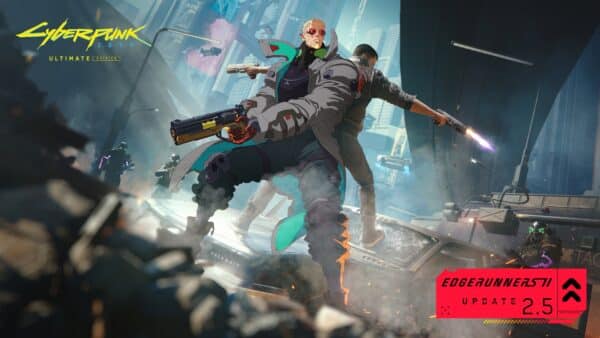
Cyberpunk 2077 Hotfix 2.500.200 Released on October 27
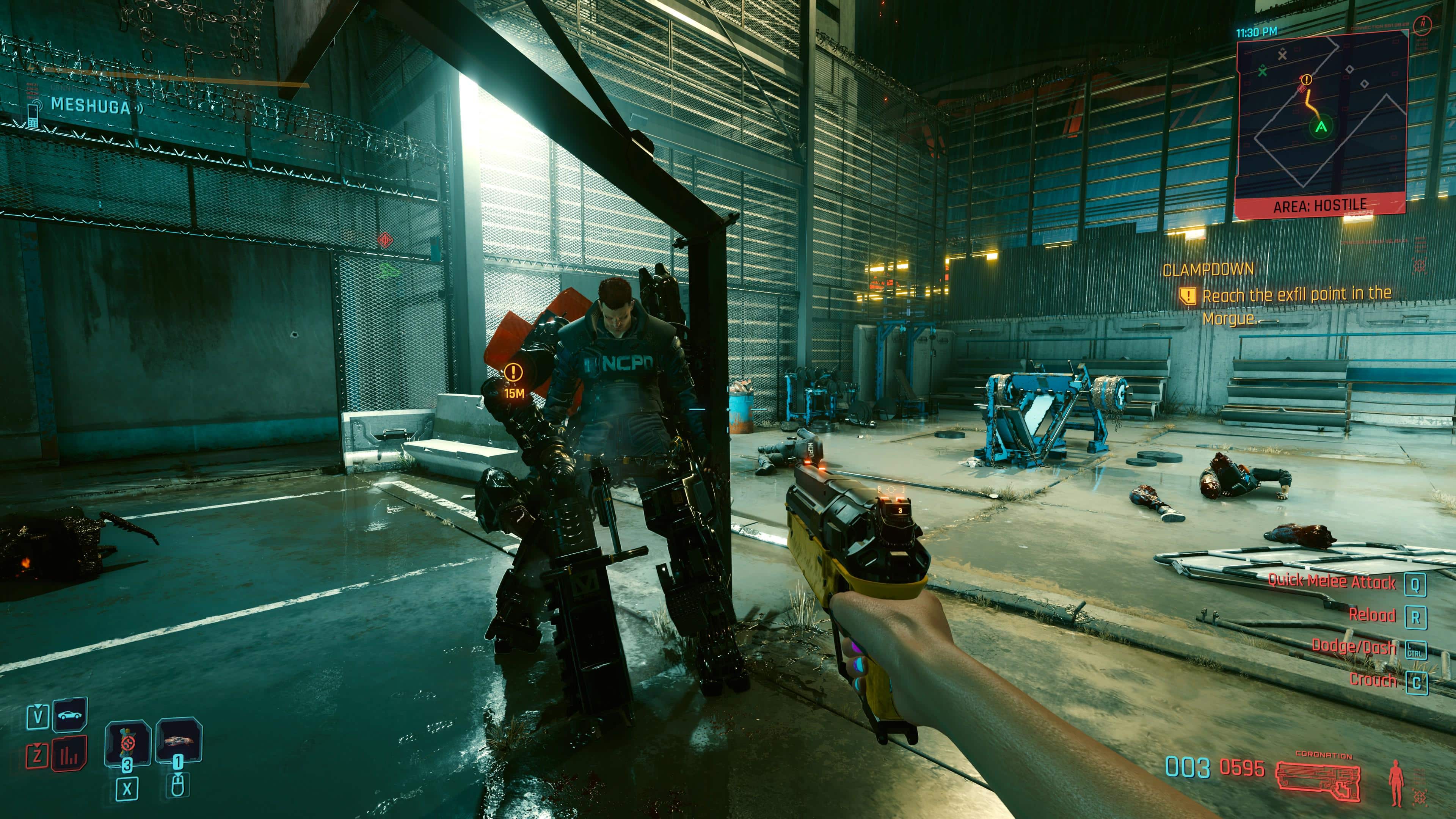
Following the release of Cyberpunk 2077’s big Edgerunners 2.5 patch last week, CD Projekt RED has released a follow-up hotfix aimed at resolving key issues that will appear as Cyberpunk 2077 update 2.500.200.
Before anyone gets too excited, today’s download does NOT resolve a lot of the problems players have been experiencing after applying the 2.5 patch — particularly, PS5/PS5 Pro players.
Clocking in at just 1 GB, read on for what to expect from today’s patch, as well as the issues we’ve managed to round up from the community.
Cyberpunk 2077 Hotfix 2.500.200 Issues Fix But for an Isolated Bug
Per CD Projekt RED, today’s update dows the following: “It fixes an issue players in Argentina were having with accessing their saved game data. Due to the nature of such fixes, players in other regions will also see this update pop up and download for them, but it doesn’t affect anything other than that particular issue.”
While getting a patch is good, there is a mountain of issues that have yet to be resolved, with some key ones listed below.
| Issue | Details |
|---|---|
| Game crashes | Some players report crashes during loading or after playing for a few minutes. |
| Game fails to launch | PC players report being unable to start the game after installing Update 2.5, including reports involving graphics drivers. |
| Performance problems | Players have reported performance issues following the update. |
| Mission outfit menu freezes | Equipping certain mission-specific outfits can reportedly freeze the outfit menu, preventing progression in some missions. |
| Quest markers missing | Some players report mission objective markers failing to appear on the minimap. |
| Vehicles spawning in the sky | Called vehicles reportedly appear in the air instead of at the expected location. |
| HDR settings not working | Players have reported HDR settings behaving incorrectly after the update. |
| Visual glitches in clothing previews | Some players report static-like visual artifacts and V entering a T-pose when previewing clothing. |
| Mods no longer working correctly | Some mods, including idle animations and eye-related modifications, reportedly stopped working. Mod conflicts may also cause quest issues. |
| Achievements and trophies locked | Some players report achievements or trophies failing to unlock after the update. |
| Fingernail customization options missing | Fingernail customization options reportedly disappear when a Glamdoc cyberware skin is applied. |
| “Welcome to Paradise” quest not unlocking | Some players report that the quest fails to unlock. |
Not only that, but even on CD Projekt RED’s forums, one user has listed 15 bugs in a span of a two-hour playthrough on the PS5 Pro.
HDR and Display Issues –
- Severely Degraded HDR Implementation
HDR looks significantly worse after update 2.5. The image appears washed out, black levels are raised, contrast is reduced, and the overall picture has lost its previous depth and visual impact. - Removed UI Luminance Adjustment
The ability to adjust UI luminance has disappeared. HUD elements now appear excessively bright, with no independent way to reduce their brightness.
Performance and Ray Tracing
- Constant Stuttering in Performance Mode
Performance Mode suffers from frequent microstuttering and inconsistent frame pacing. Gameplay feels noticeably less smooth than before the update. - Severe Performance Regression in Ray Tracing and Ray Tracing Pro
Both ray tracing modes now exhibit noticeable FPS drops, microstuttering and inconsistent frame pacing. Performance appears significantly worse compared with the previous version. - Excessive Shimmering and graphical regression in Ray Tracing Pro
Roads, water and other reflective surfaces exhibit distracting shimmering and unstable rendering, particularly during camera movement.
Graphics, Textures and Rendering
- Extremely Low-Quality Advertisement Textures
Many advertisements and billboards throughout Night City display blurry, pixelated, low-resolution textures, even when viewed up close. - Broken NPC Models and Facial Geometry
NPCs sometimes appear with extremely low-detail models, deformed faces, polygonal hair and visibly broken geometry. - Severely Broken Menu Rendering
The menu occasionally displays an almost completely black screen, leaving only scattered interface elements visible. - Overlapping Textures in V’s Apartment (Megabuilding H10)
In the weapon stash, a box texture incorrectly overlaps and partially covers one of the displayed weapons. - Candles Clipping Through the Chimera Core (Megabuilding H10)
During Panam’s apartment visit, candles visibly intersect with the Chimera core, creating another obvious object placement issue.
AI and Gameplay Bugs
- Gang Members Immediately Become Hostile
Before update 2.5, approaching gang members would trigger suspicious behaviour, verbal warnings and a yellow detection indicator. Players could sometimes walk away without initiating combat. Now, simply entering their detection range immediately triggers hostility and combat. - Police Become Hostile Without Provocation
Police officers can become immediately hostile upon detecting V, triggering a two-star wanted level even when no crime has been committed. - Unable to Interact with Misty
Misty becomes completely non-interactive, preventing dialogue. - V Gets Stuck in a T-Pose
After completing the quest “Welcome to Paradise”, V becomes stuck in a T-pose instead of displaying normal character animations. - Localization
- Incorrect Polish Dialogue for Male V
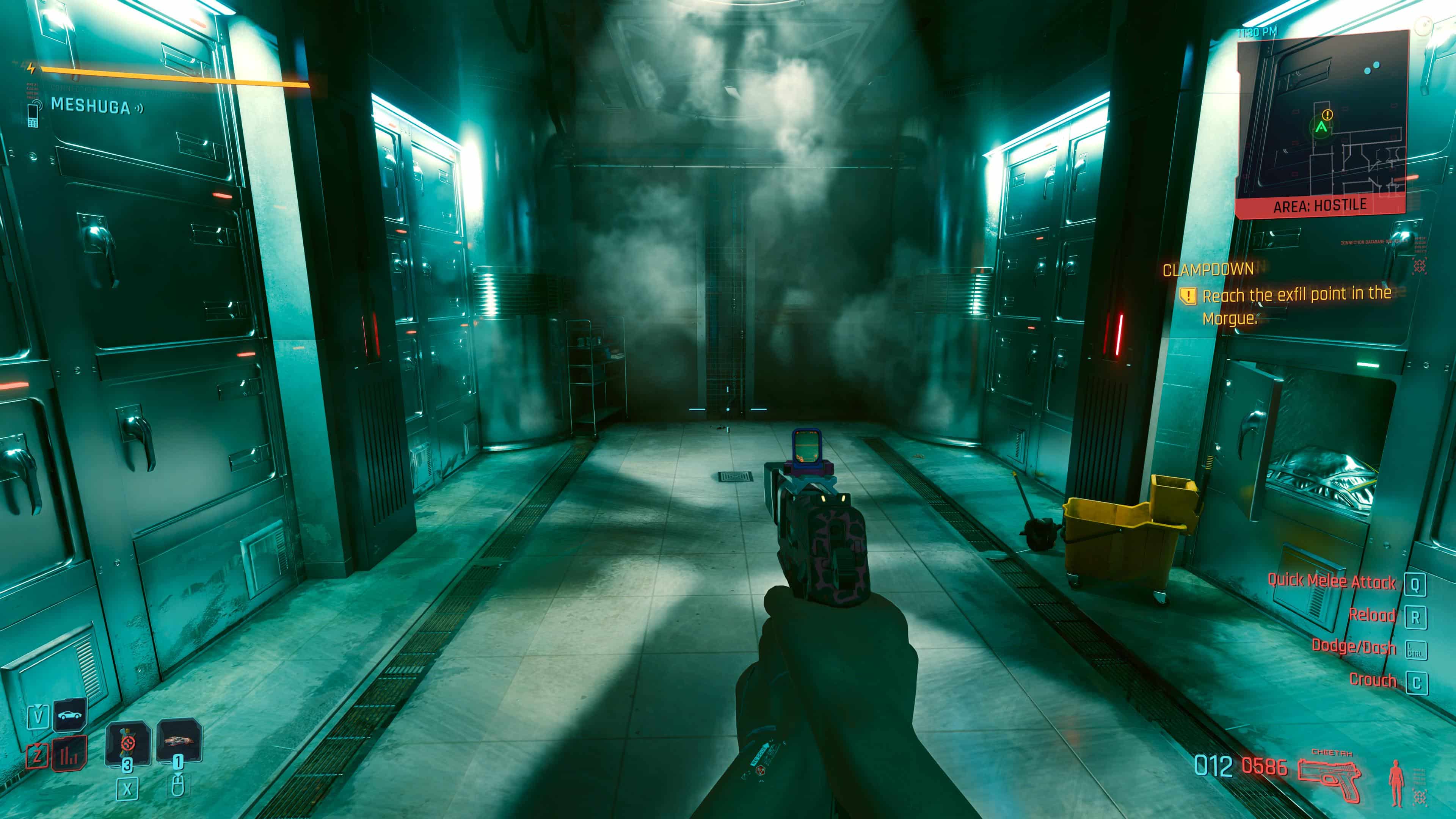
In the Polish localization, after completing the quest “Clampdown”, male V says “Jestem z nas dumna” (feminine) instead of the correct masculine form, “Jestem z nas dumny”.
Hopefully, CDPR releases a patch to resolve some of these issues soon. If we do get one, expect it here on MP1st.
In related news, Activision seems to be developing its own open-world game to combat Cyberpunk and Grand Theft Auto.

Save 5% on your next top-up, games, gift cards, and virtual currency at Eneba.
Use code MP1ST5 at checkout.
This website contains affiliate links. If you click a link and make a purchase, we may earn a commission at no additional cost to you. This helps support our work. Learn more on our affiliate page.