GTA 6 “Hidden” Controls You Might Not Know About
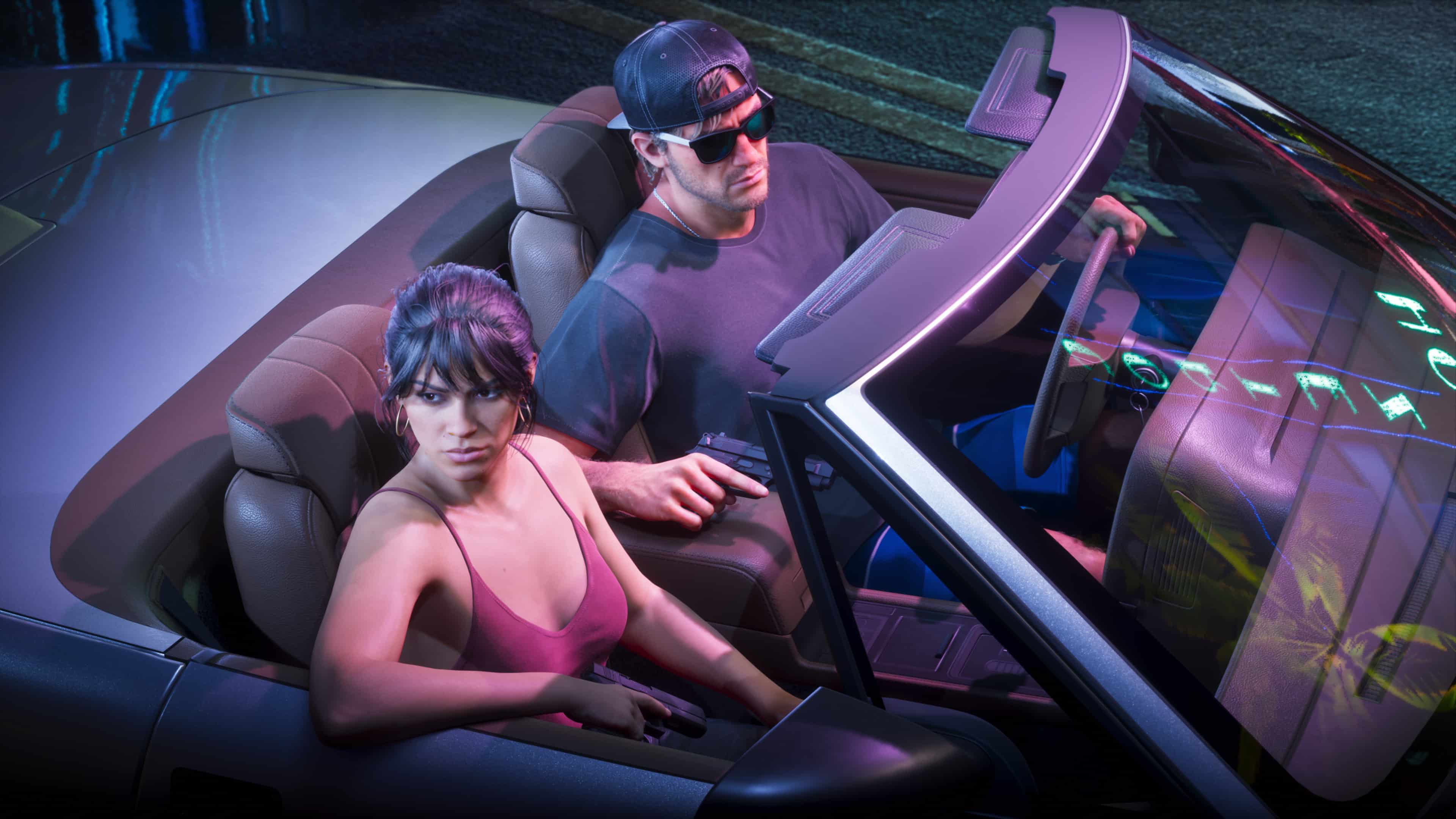
Rockstar Games is known to pack a ton of secrets and Easter eggs into its games, and we assume Grand Theft Auto 6 is no different. But did you know that this even extends to the game’s controls?
Sure, GTA 6 does feature a tutorial on the basics, and there are button prompts to remind players what they can do in certain situations, but did you know there are a lot of things the game doesn’t tell you that the player can do that aren’t taught?

We’ve rounded up some of the useful ones that might surprise some players.
GTA 6 Secret Controls Let You Do Things That We Didn’t Know Were Possible
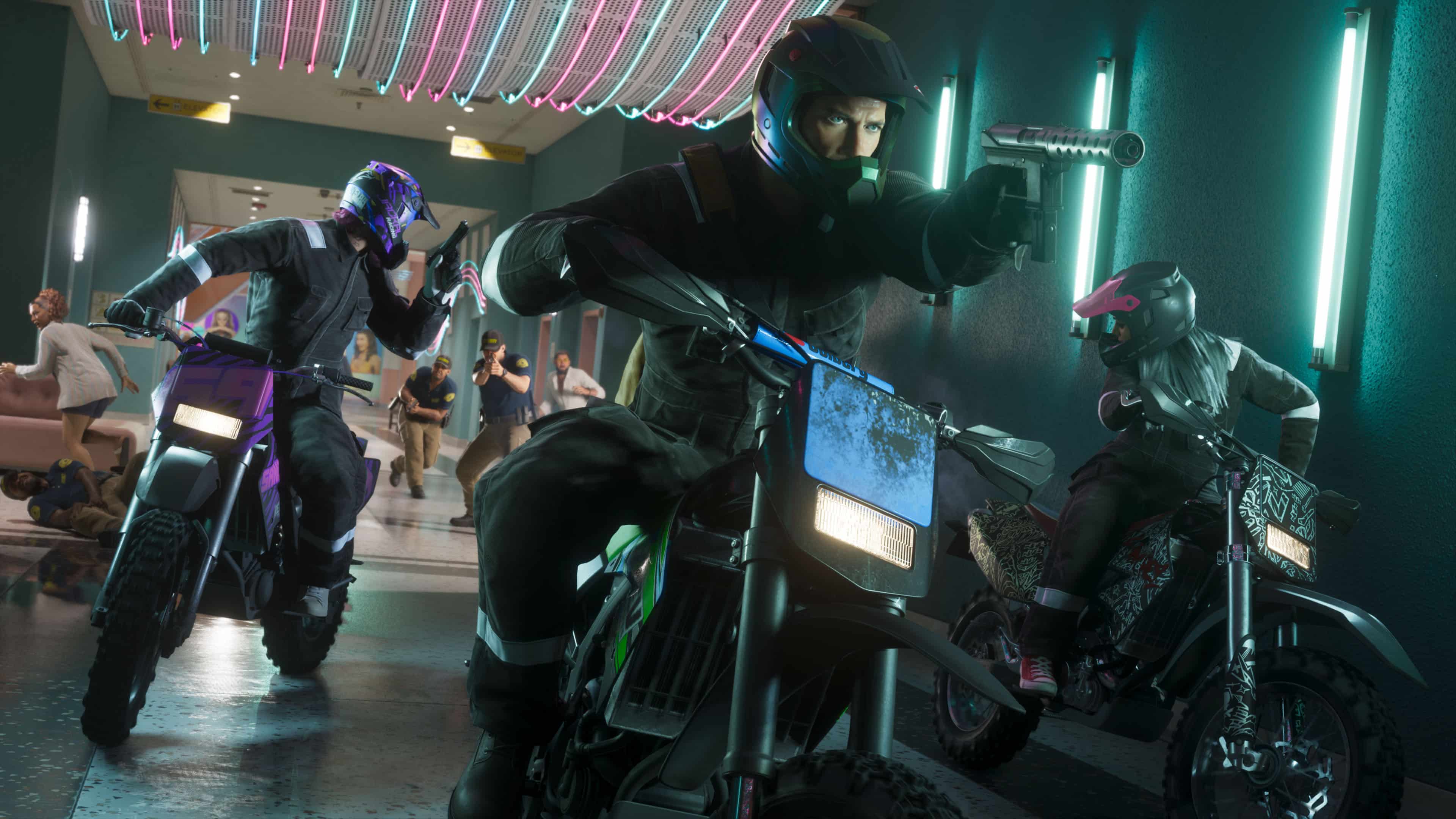
Check out 10 hidden controls for GTA 6 you might not even know exist (thanks, GTA 6 News!).
Auto-Drive to Your Destination for a More Cinematic Vehicle Experience
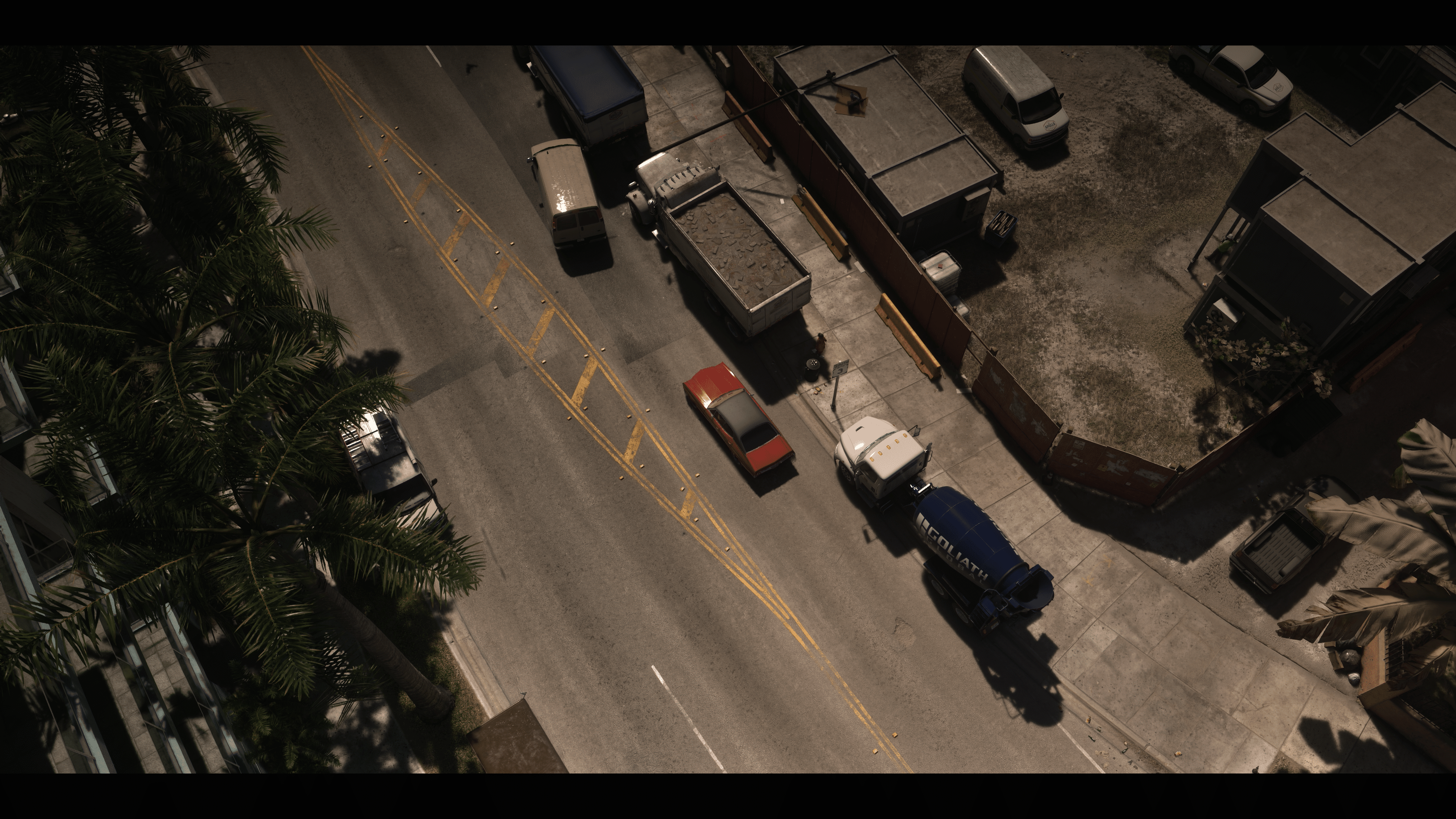
Set a waypoint. Hold D-pad Down, press Options/Menu for Cinematic Mode, then hold Circle/B. The character will drive itself, and you can adjust the speed. DO note, they will follow all road rules, though that doesn’t entirely mean you can AFK, as the character can still run into possible random events, such as an NPC faction getting payback because you robbed from them earlier, or cops pulling you over because you are wanted.
Otherwise, you can let the character drive to the location themselves while enjoying a cinematic view with camera cuts and all.
You Can Flip a Car Back Up
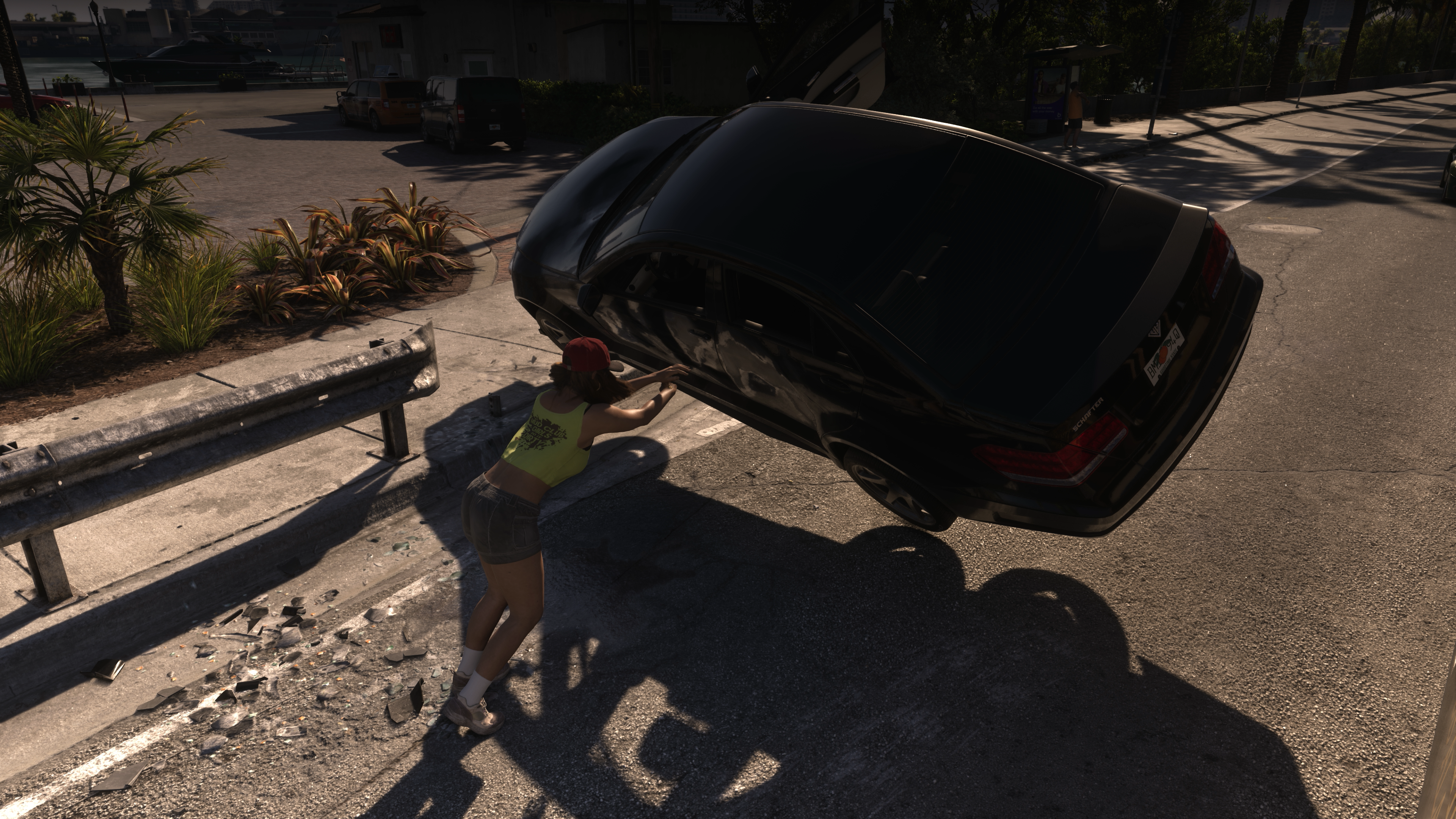
Stand at its side. Click L3/LS to brace, then hold Square/X to push.
Players Can Keep the Engine Running While You’re Outside a Vehicle
Double-tap Triangle/Y as you exit. A moving car keeps rolling.
Vehicles Have Their Own In-Game Settings
Hold D-pad Left in a vehicle to access windows, lights, radio, and other controls.
You Can Sit Almost Everywhere — Even Against a Wall
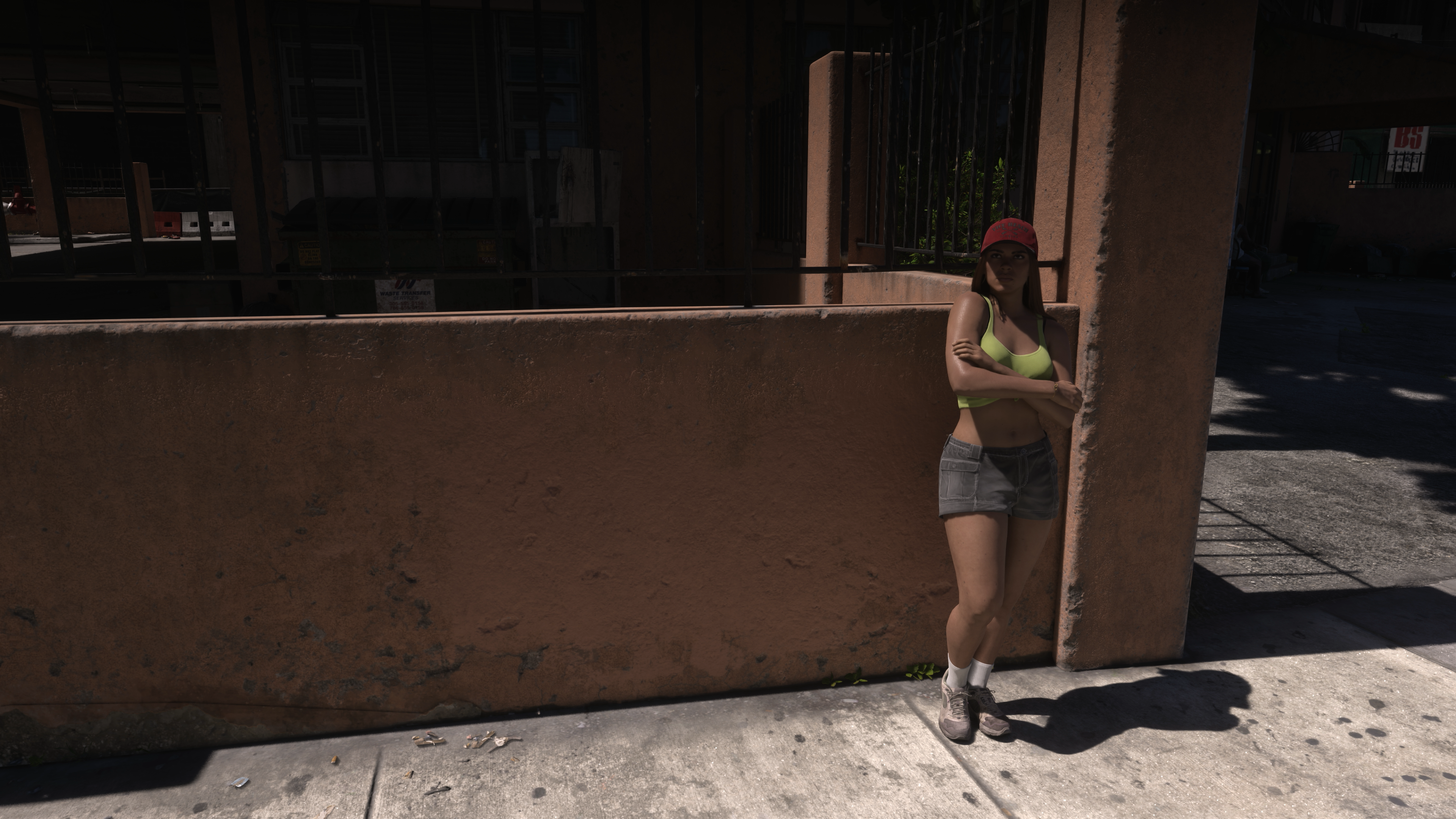
While on foot, hold Circle/B to sit on the sand or lean against a wall. This feature is dubbed the “Rest” feature, though time advances in real game time.
Layin’ Some Hurtin’ on the Go
Press Square/X while driving to strike with a car door. On a bike, you kick instead.
Hide Inside Your Car
Hold Circle/B while driving to duck out of sight. Easy to hide from passing cops to potentially evade them if you have a wanted level in an area.
Scan Cars in an Instant
Hold D-pad Up for WAiNK, then hold R1/RB to scan a vehicle for security.
Quick Navigation Made Easy
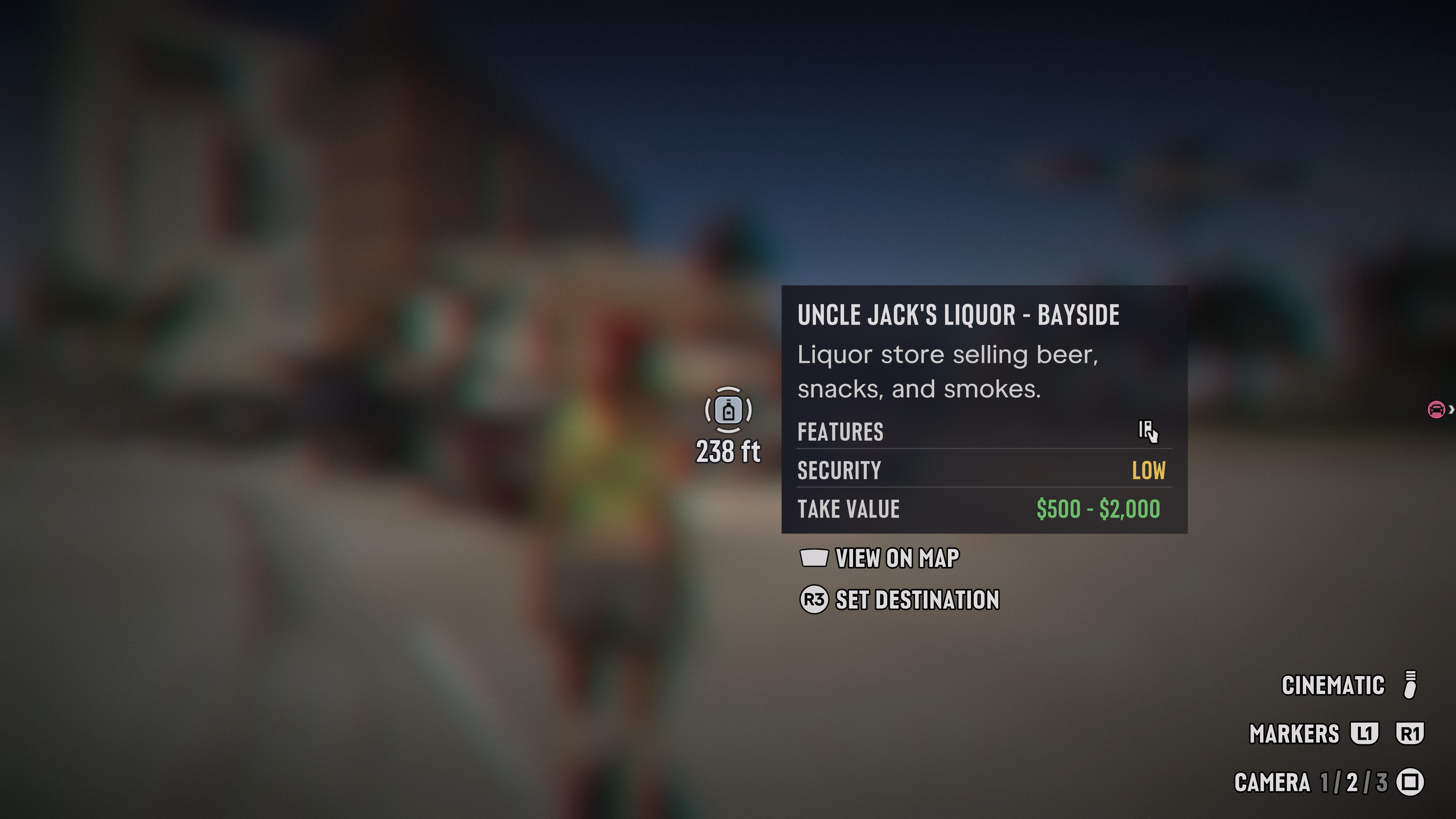
Hold D-pad Down to set a nearby waypoint without opening the full map.
Dead Eye-ish Ability
Click L3 + R3 / LS + RS to slow time and reveal nearby details. You can even use this during driving!
First-Person Stationary View (from us!)
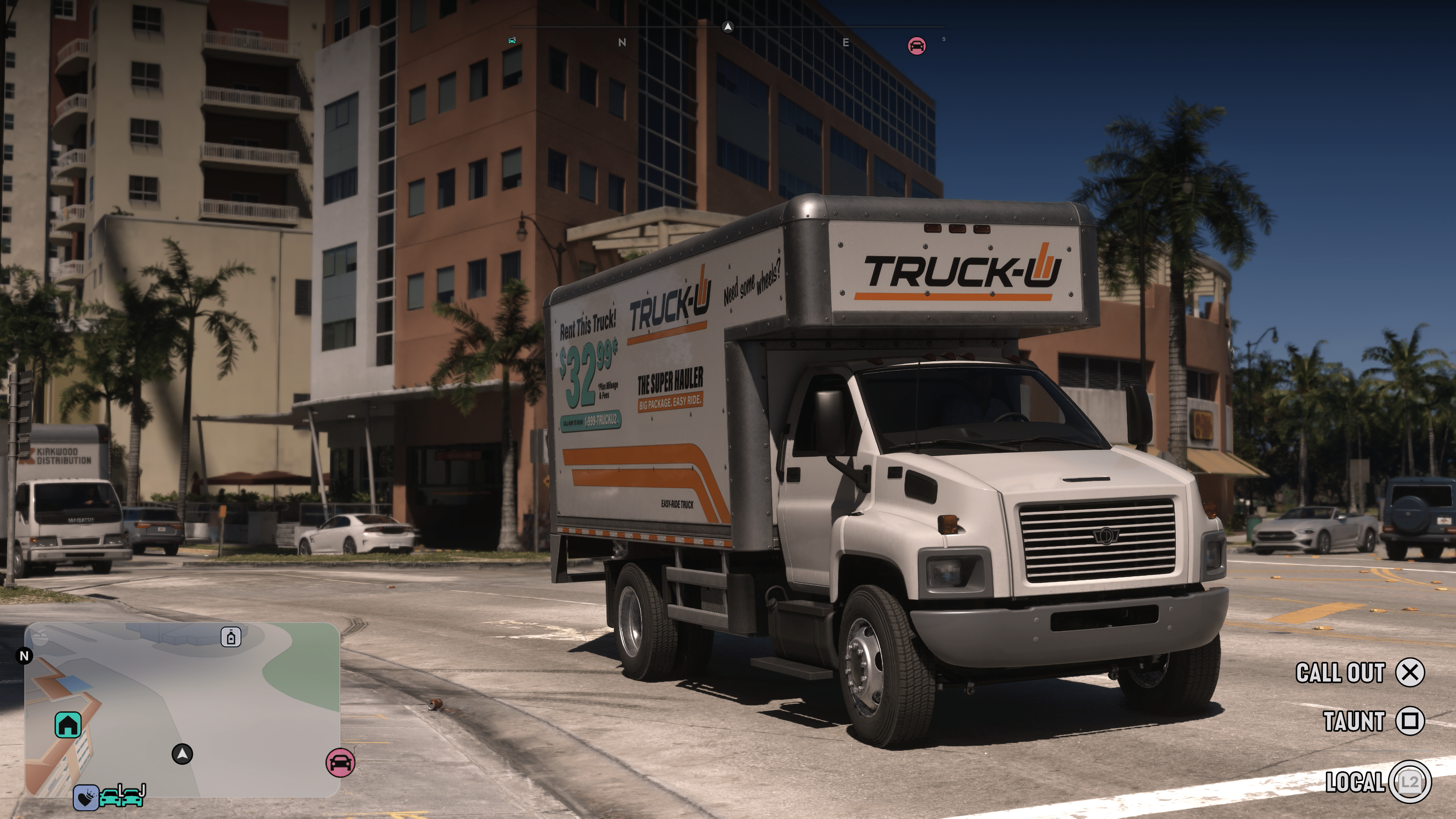
Hold L2 then Tap R3
The game doesn’t officially have a first-person view where you can wander around, but it does have a first-person view you can play around with that isn’t revolving around a glitch. The downside is that you can’t move around in this view, but you can at least inspect things. Rockstar dubs this as “Inspect,” though the prompt isn’t always visible on the menu.
Speaking of secrets, there’s also a secret way to play the game in first-person thanks to a glitch and here’s how it works.
Do you know of any other hidden controls in GTA 6? If so, share ’em in the comments.

This website contains affiliate links. If you click a link and make a purchase, we may earn a commission at no additional cost to you. This helps support our work. Learn more on our affiliate page.