New Nintendo Switch 2 System Update 23.5.0 Adds Gifting for Family Accounts
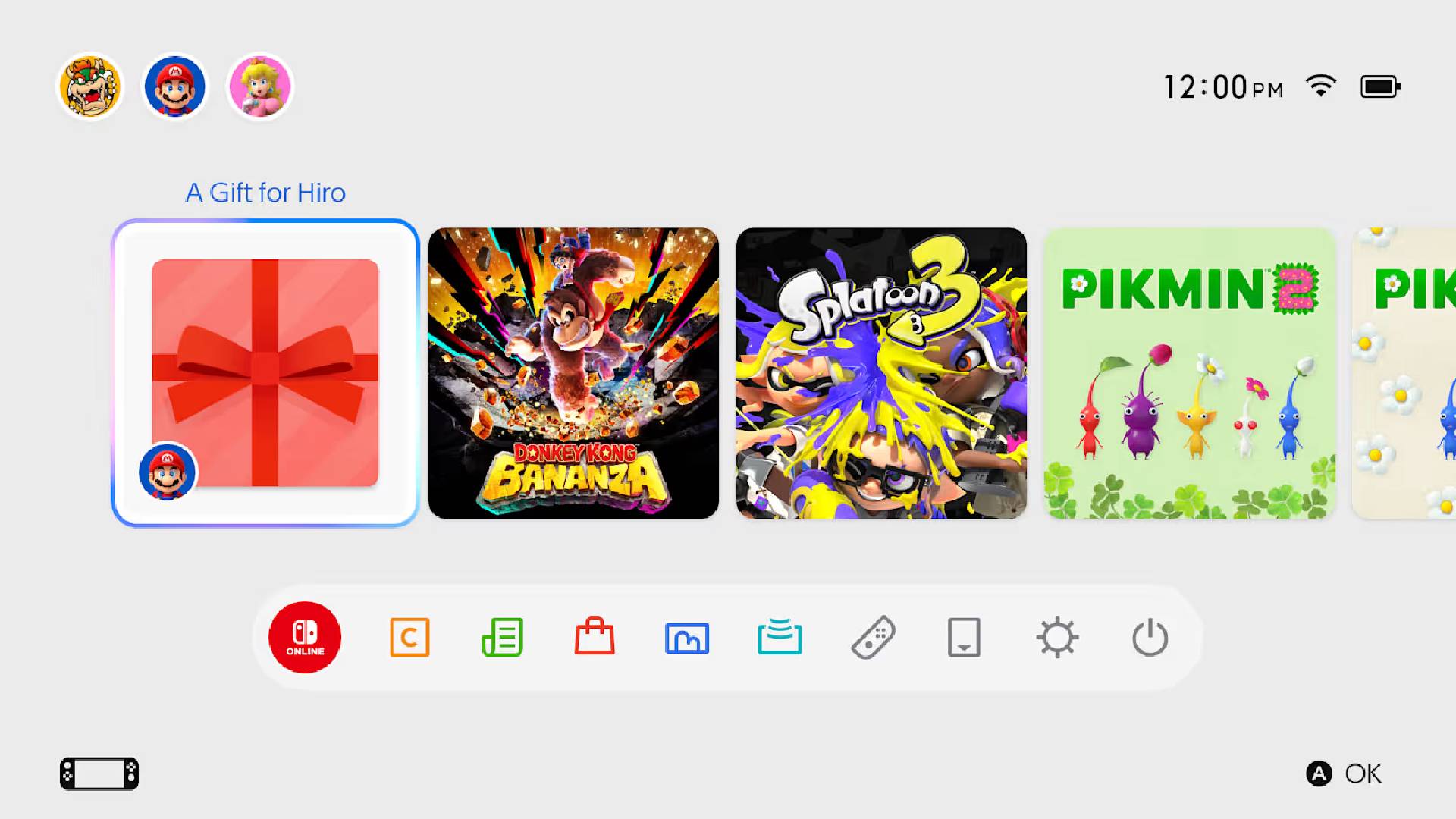
Nintendo has begun rolling out a new Nintendo Switch 2 system update (version 23.5.0) that adds support for a surprising upcoming feature: product gifting!
Family group members will soon be able to gift Nintendo eShop products to one another.

Nintendo Adds Gifting to the Nintendo Switch 2 eShop
- Added the ability to configure accessibility settings during first-time setup.
- Information on these accessibility settings can be found in Nintendo Switch 2 first-time setup.
- Added support for an upcoming feature to allow gifting of Nintendo eShop products to a Nintendo Account family group member.
- This gifting feature will be available after a Nintendo eShop update, scheduled for November 17, 2026.
- The following updates have been made in Accessibility in System Settings:
- Added Portuguese (Portugal) to “Text to Speech” languages.
- Added Portuguese (Portugal) to the GameChat “Convert Text to Speech” languages.
- General adjustments and fixes were made to improve the user experience.
Nintendo further explains how the new gifting system works in a new post:
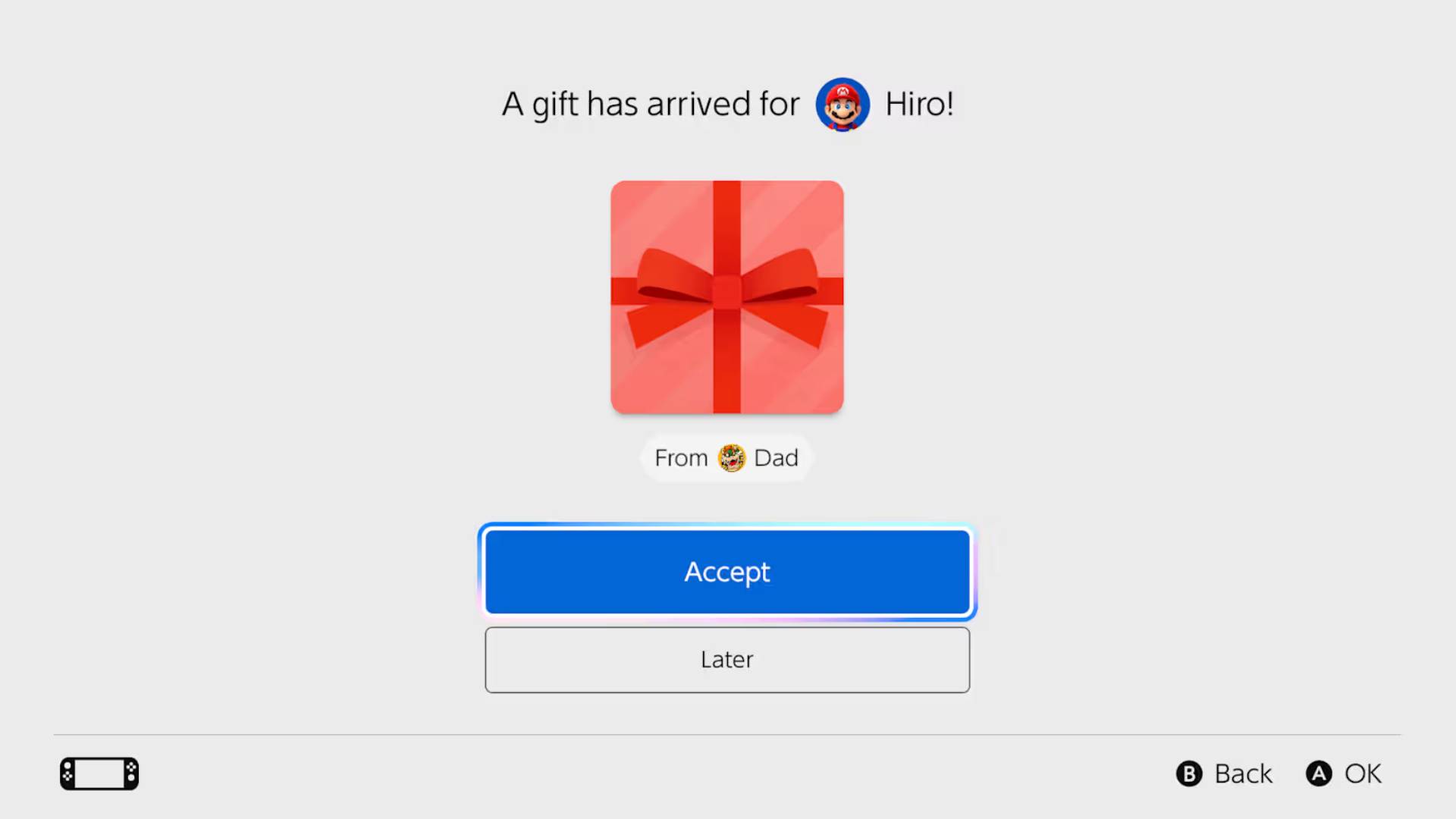
The new “Gift” feature allows you to send Nintendo eShop items to family members participating in your Family Group. For example, this is recommended when you find a game you want your child to play, or when you want to give a game as a birthday or anniversary gift. Gifted items can be received on the console linked to the Nintendo Account selected as the shipping address at the time of purchase.
The recipient does not need to enter payment information or a download code. Once the gift arrives, they can simply accept it and use the product.
- Some products are excluded.
- Gifts cannot be sent from child accounts.
- There is a limit to the number of times you can purchase gifts within a certain period.
How to use
You will be able to gift digital products that you purchase through Nintendo eShop on your device to family group members. This includes eligible games as well as DLC and upgrade packs. As a reminder, anyone with a Nintendo Account can easily set up a family group and add members (up to 8 total). To learn how, visit Support.
Here are a few things to keep in mind:
-
Some products may not be eligible for digital gifting
-
Supervised accounts are not able to send digital gifts
-
The number of digital gift purchases allowed in a given period is limited
How to send a gift
To send a gift, follow these steps:
-
Visit Nintendo eShop on your device and find the game you’d like to give as a gift.
-
From the product page, select the Give as a Gift checkbox, then proceed to purchase.
-
Select the gift recipient from the list of members of your family group. You’ll also be able to select which of their linked systems to send the gift to.
-
After selecting your gift wrap color and other options, you’ll complete the purchase as usual.
It may be restricted to family accounts only, but it’s certainly something I wasn’t expecting Nintendo to add. Should make plenty of people out there happier, and it will make purchasing games on the eShop for family members that much easier, too.

This website contains affiliate links. If you click a link and make a purchase, we may earn a commission at no additional cost to you. This helps support our work. Learn more on our affiliate page.