FNAF: Security Breach Update 1.015 Mysteriously Drops This July 30
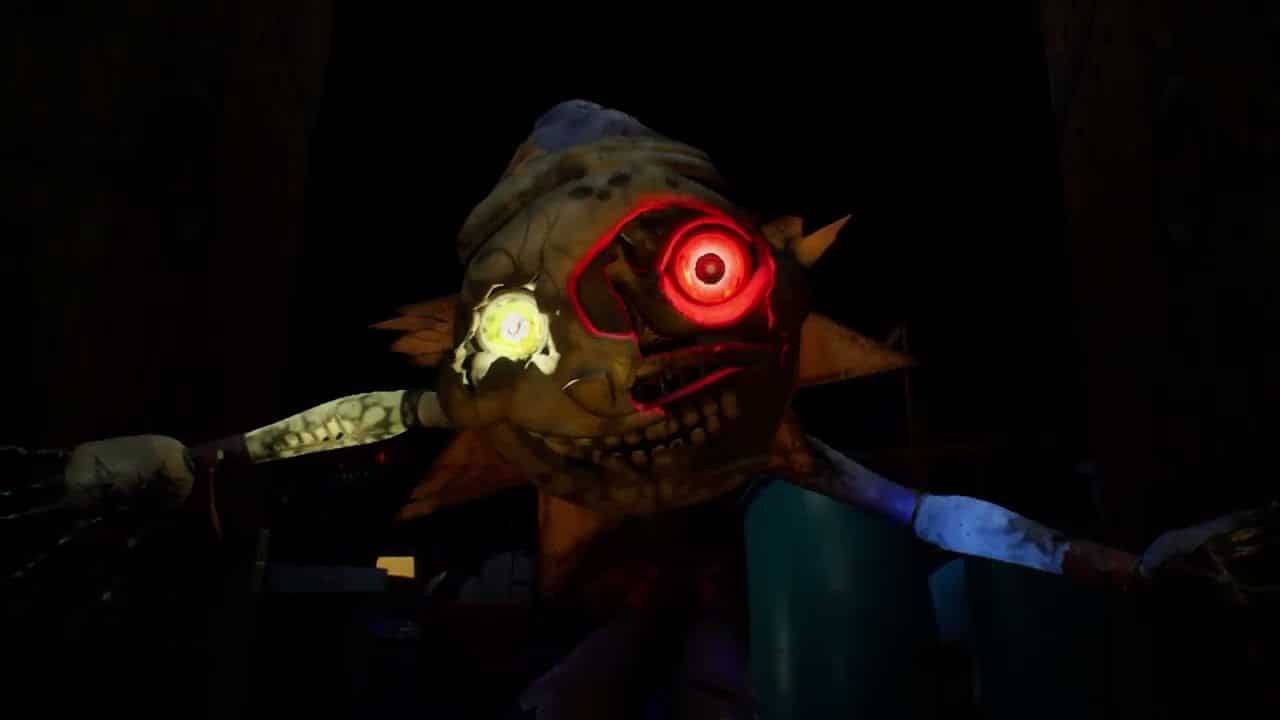
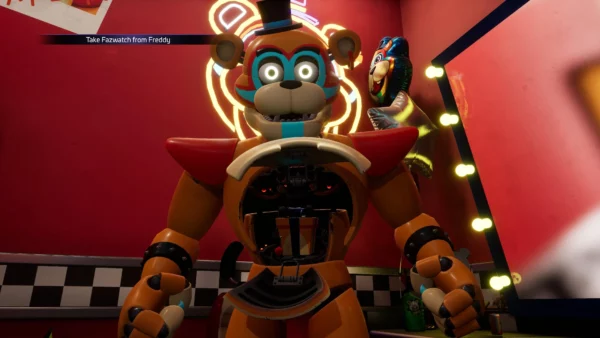
It seems Steel Wool might be preparing something big for Five Nights at Freddy’s (FNAF) game fans, as FNAF: Security Breach update 1.015 has just been released this July 30! As far as we’re aware, this update is only on current-gen platforms, and after checking last-gen, it’s still the same version.
FNAF: Security Breach Update 1.015 Patch Notes for July 30:
Download Size: 19GB (PS5)
Update (8/6/2024): After a few days, Steel Wool has (finally!) released the patch notes.
Security Breach – Patch Notes
Base Game Launch Error (PS4)
A version mismatch between the Base Game and the DLC will now trigger an error message (such as CE-34878-0) when launching. If you encounter this issue, please follow the instructions below to ensure that both the Security Breach base game and RUIN DLC are fully updated to the latest version (1.016).
-
STEP 1 – Uninstall Security Breach and RUIN:
-
Find Five Nights at Freddy’s: Security Breach on the system menu.
-
Highlight the game tile and press the “Options” button.
-
Select “Delete” from the sidebar menu and confirm with “OK”.
-
Note: This will delete both Security Breach and the RUIN DLC from your system, but will not delete any of your saved progress.
-
-
-
STEP 2 – Reinstall Security Breach:
-
If you own the game digitally, navigate to the “Library” on the far right of the system menu.
-
Enter the Library and highlight “Purchased” on the left sidebar.
-
Find Five Nights at Freddy’s: Security Breach and select it.
-
Click the “Download” button on the left.
-
Note: This will download the base game, but not the RUIN DLC.
-
-
After installation, highlight the game tile and press the “Options” button.
-
Select “Information” and verify the game is Version 1.016.
-
-
If you own the game on a physical disc, insert the game disc and install and update as usual.
-
After installation, highlight the game tile and press the “Options” button.
-
Select “Check for Updates” to get the latest update from the PlayStation™ Store.
-
Highlight the game tile again and press the “Options” button.
-
Select “Information” and verify the game is Version 1.016.
-
-
-
STEP 3 – Reinstall the RUIN DLC:
-
Navigate to the “PlayStation™ Store” on the far left of the system menu.
-
Enter the Store and select “Search” from the top bar.
-
Search for “Security” and you should see both the main Security Breach game and the RUIN DLC tiles appear in the Results on the right.
-
Select the RUIN tile and then select the “Download” button on the left.
-
Changes (across PS4 and PS5)
-
Roxy’s VO lines are now present during the Backstage Office sequence
-
Increased strength of haptic feedback for Freddy’s footsteps
-
Added haptic feedback when toggling the flashlight
-
Added subtitles for the Rules Bot in Fazer Blast
Bug Fixes (across PS4 and PS5)
-
Fixed a crash in Daycare that occurs with Moon’s AI after turning on three out of five generators in “Let There Be Light” mission
-
Fixed various issues involving Freddy being unable to be called or use the recharge station if the player:
-
Went to the Loading Dock area and touched the Exit (at 5 AM)
-
Went to the Main Entrance of the Pizzaplex and touched the Exit (at 5 AM)
-
Went to the Fire Escape in Prize Counter and touched the Exit (at 5 AM)
-
Used the Faz-Cam to interrupt the jump scare from other Animatronics while simultaneously stunning Freddy in the background as well, and then stunning Freddy again with the Faz-Cam a second time.
-
Used the Fazerblaster to shoot Freddy and then shooting him once again just before the stun ends.
-
-
Fixed an issue where the left column key binds were not cleared after accepting the Warning Window, which allowed players to bind a button to multiple controls via the right column
-
Fixed an issue where the players would inevitably die during Freddy’s Power Upgrade sequence if the pause button and the Fazwatch button was pressed at the same time when entering/exiting the Pause Menu
-
Adjusted collision in the West Arcade area that allow the player to clip through the wall when entering a food cart
-
Fixed an issue where DJ Music Man’s model would clip on the world geometry if he catches the player outside of the 1st floor bathroom
-
Fixed an issue where closing the application at the start of the intro sequence will cause Freddy’s hatch to not open once the save is reloaded
-
Fixed an issue where Staff Bots in Fazer Blast arena was getting stuck on their way to the flag
-
Fixed an issue where the reticle remained on-screen during the main cinematic sequences
RUIN DLC – Patch Notes
Changes (across PS4 and PS5)
-
Roxy will no longer spawn in as an M.X.E.S-alerted animatronic in Roxy Raceway Part 1
Bug Fixes (across PS4 and PS5)
-
Fixed an issue where Roxy was able to jump scare the player from a far distance in Roxy Raceway Part 1
-
Fixed a conflict when attempting to change Base Game key binds to RUIN key binds despite none of the actions actually being shared
-
Fixed an issue where Ruined Chica’s conveyor belt directed cinematic did not automatically play after solving the 3rd conduit puzzle in the Cupcake Prep Room, forcing players to move forward slightly to trigger it
-
Fixed an issue where Cassie’s hands would sometimes disappear during the cavern cinematic if the player continued to hold forward as they triggered the cinematic
Bug Fixes (PS4)
-
Fixed a RUIN DLC issue where the floors in Gator Golf could sometimes be missing.
This is a massive download, though as of press time, Steel Wool Studios has not said anything about it so far. Having said that, it’s the franchise’s 10th anniversary next week on August 8! According to the people behind the property, there are a ton of behind the scenes stuff happening. Fans can expect something big to be released each day from August 1 to August 8! Chances are, gamers will know what this patch does either tomorrow or on August 1 once Steel Wool lifts the curtain on it.
Hello FNAF community!
This year is FNAF’s 10th Anniversary on August 8th! There has been a lot of work happening behind the scenes to make it a very special event.
There is going to be something big released each day from August 1st through August 8th. Stay tuned for the full… pic.twitter.com/RchYkEHid7
— FNAF-ScottGames (@FNAF_ScottGames) June 18, 2024
So far, ScottGames has released the official calendar of what’s happening though there are surprises in store:
- August 1st- MyPopgoes, Full Game Release
- August 2nd- The Joy of Creation (remake), Demo
- August 3rd- VIP- Interactive Novel (free)
- August 4th- Steel Wool Announcement
- August 5th- Scott Cawthon Interview with Dawko 2.0
- August 6th- ??? Collab Announcement
- August 7th- Five Laps at Freddy’s (by Clickteam), Demo
- August 8th- Into the Pit, Full Game Release
Per ScottGames, the list may change as the time gets closer. We’ve reached out to a PR person as well regarding the update, and will update if we hear anything back. If we get proper patch notes later or sometime soon, we’ll update the article to reflect what’s new.
For context, the last patch for the game was released nine months ago and was rolled out for performance improvements.
This website contains affiliate links. If you click a link and make a purchase, we may earn a commission at no additional cost to you. This helps support our work. Learn more on our affiliate page.