Fortnite New Update 38.10 for Version 1.000.059 Adds New Items
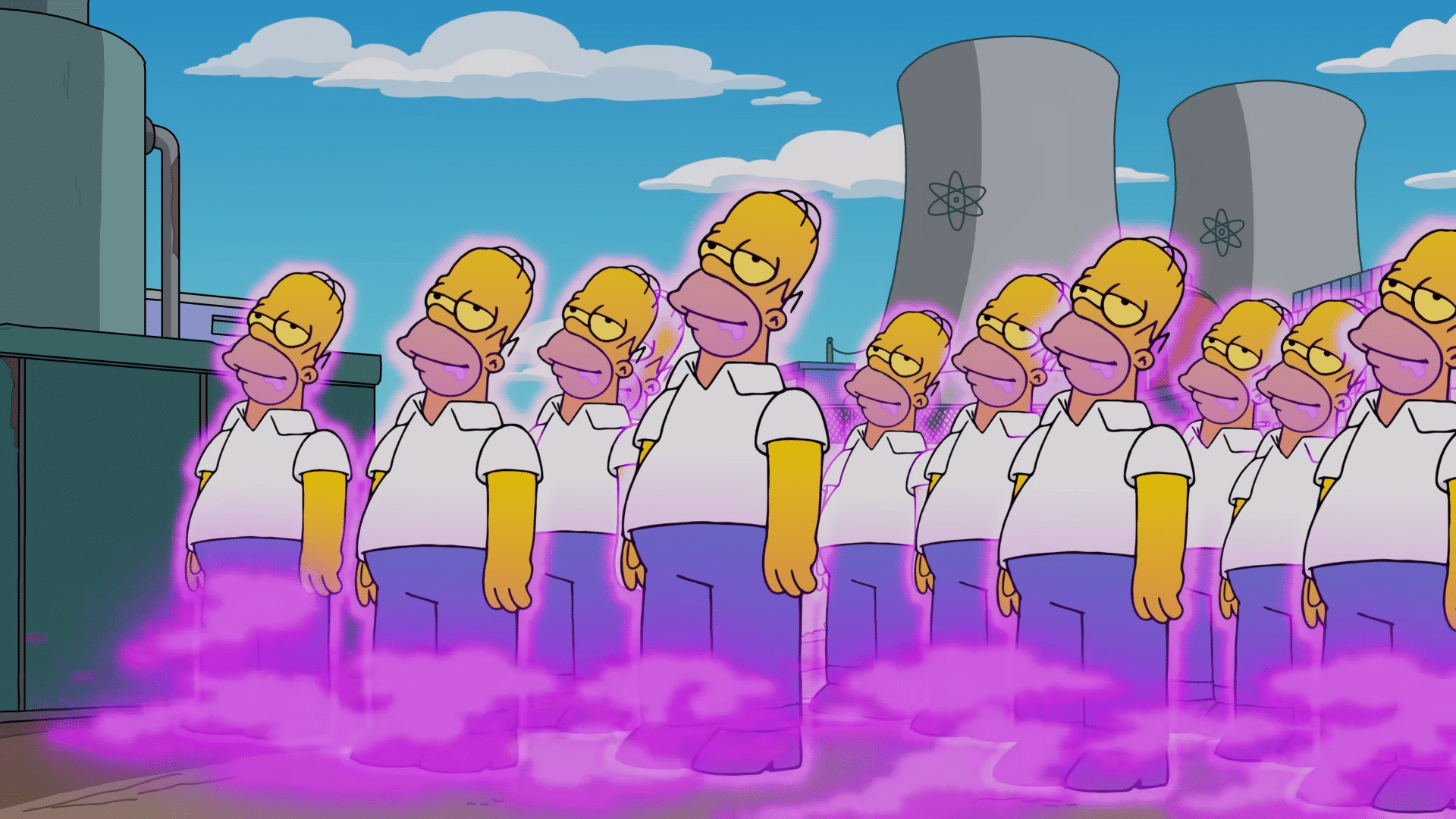
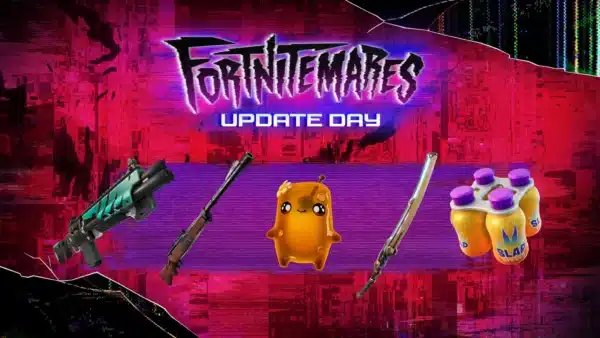
Epic Games has released Fortnite update 38.10 on all platforms today, and this adds new The Simspsons items, new weapons for Battle Royale, and a bunch of fixes.
Those playing on consoles, you’ll see this patch appear as Fortnite update version 1.000.059, and this also slots in a good chunk of fixes, and addresses community concerns.
For the info on new items and changelog, head on below,
Fortnite’s Latest Update v38.10 Brings It to Version 1.000.059 on Consoles
While Epic Games hasn’t divulged all the new content added today, reliable dataminers have done the work for us! There are new skins, new weapons and more added to Battle Royale.
- NEW SIDEKICK EMOTE — “Crash Test Initiated”
- NEW SIDEKICK EMOTE — “Yapper Lvl 15,000,000”
- FREE SKIN SOON — “Clyde” – “Get 100,000 XP on Mobile or PC and earn Clyde!”
- CHAPTER 6 FINALE COUNTDOWN LOCATION
- SCRATCHY Added
- CHAPTER 6 FINALE EVENT → “Zero Hour” @ NOV 29
- NEW ITEM “Friend Zone Bubble”
- New Super Styles
Check out the new items and skins added in the gallery below (via HYPEX).


Fortnite Ecosystem Update and Fixes in Patch Version 4.91

- Tools for In-Island Transactions Now Available
- User Interfaces Feature Template Updates
- Fortnite Tools Mode Updates
- Island Localization Tools
Content Browser and Inventory Updates
Device Updates and Fixes
Fixes:
- Air Vent Fixed a bug that caused the Air Vent FX to play continually.
Air Vent – Physics Enabled
Fixed a faulty warning from popping-up.
Fixed a bug that affected the
FortPhysicsImpulseComponentandOnPhysicsImpulseOverlapTriggeredoptions.
- TeleporterFixed an issue that caused the Teleporter device to use impulse instead of direct velocity.
Teleporter – Physics Enabled
Fixed a bug that caused the Teleporter to teleport players nonstop.
- Crash Pad & Bouncer Gallery – Physics EnabledFixed an overlap issue that caused the visual FX and sound FX to retrigger on prop collision with a device from the Crash Pad & Bouncer Gallery.
- Changing BoothFixed an issue that caused the Changing Booth UI to remain open on players when the device received the Remove Player events.
- NPC SpawnerFixed an issue where NPCs spawned during the Warmup phase instead of the Game Started phase.

New Prefabs & Galleries
- Shogun’s Solitude Castle Prefab
- Shogun’s Solitude Main Square Prefab
- Shogun’s Solitude Floor and Stairs Gallery
- Shogun’s Solitude Wall Gallery
- Shogun’s Solitude Roof Gallery
- Shogun’s SOlitude Prop Gallery
Community Bug Fixes
The following fixes are from issues that you submitted to us on the forums. Thank you for your patience and for reporting these issues!
- Fixed an issue where the default quick bar was failing to be replaced on mobile UI when selecting Quickbar Slot Widget Override Class.
- Fixed an issue where projects received the error Encountered unexpected content beacon connection failure when running Memory Calculation.
- Fixed an issue where the Pop Up Dialog device would stop working when the Do not close on button press option was chosen.
Fortnite Ecosystem Updates and Fixes

New:
- Added season tags to weapons, this provides a way to search for every weapon in Creative by its release season.
- Dynamic resolution is available for DX12 rendering mode when anti-aliasing is disabled.
Fixes:
- Fixed performance issues in UEFN caused by placing large numbers of actors at once with the phone tool.
- Fixed an issue where the reticle for the Chain of Hades disappeared in Creative.
- Fixed issue where the original Pumpkin Launchers used the wrong weapon icon.
- Fixed an issue that prevented Frame Rate Limit from updating when the Auto-Set Quality button was selected.
- Changed the minimum from 0% to 1% for 3D Resolution in video settings.
LEGO Island Updates and Fixes
New:
- Fixed a Verse compilation issue in the Santa’s Toy Factory island template.
- The Enable Leash and Leash Distance settings are now available for NPC Characters.
UEFN Updates and Fixes
Editor
New:
- Camera IDs were added to the Capture Manager to ingest asset metadata.
Fixes:
- Fixed a live edit issue where quickly placing prefabs or large assets into a project and pushing changes would undo map changes and cause the editor to disconnect.
- Fixed a surface alignment issue for entities by introducing surface alignment when dragged into the Prefab Editor.
- Fixed a regression error in the viewport that caused middle-clicking in the level editor viewport to select objects.
- Fixed a film overlay issue where the tint value would reset every time the configuration menu was opened.
- Fixed the following user interface (UI) issues with template projects in the Project Browser:
- Template project UI now shows for all plugins and updated fallback images for template categories.
- New Project dialog now lists template projects from enabled plugins.
- Users can now see and start from installed templates that include disabled plugins.
- Empty or invalid background image paths no longer show broken template categories. The updated search now includes template projects from all available plugins.
- A warning icon and tooltip was added for templates with disabled plugins.
For a more detailed explanation of the new In-Island Transaction features and other technical fixes, head on over to Epic Games’ dev blog about it.

This website contains affiliate links. If you click a link and make a purchase, we may earn a commission at no additional cost to you. This helps support our work. Learn more on our affiliate page.