Highguard Version 1.0.4 Applies Gameplay Improvements via Patch 1.003
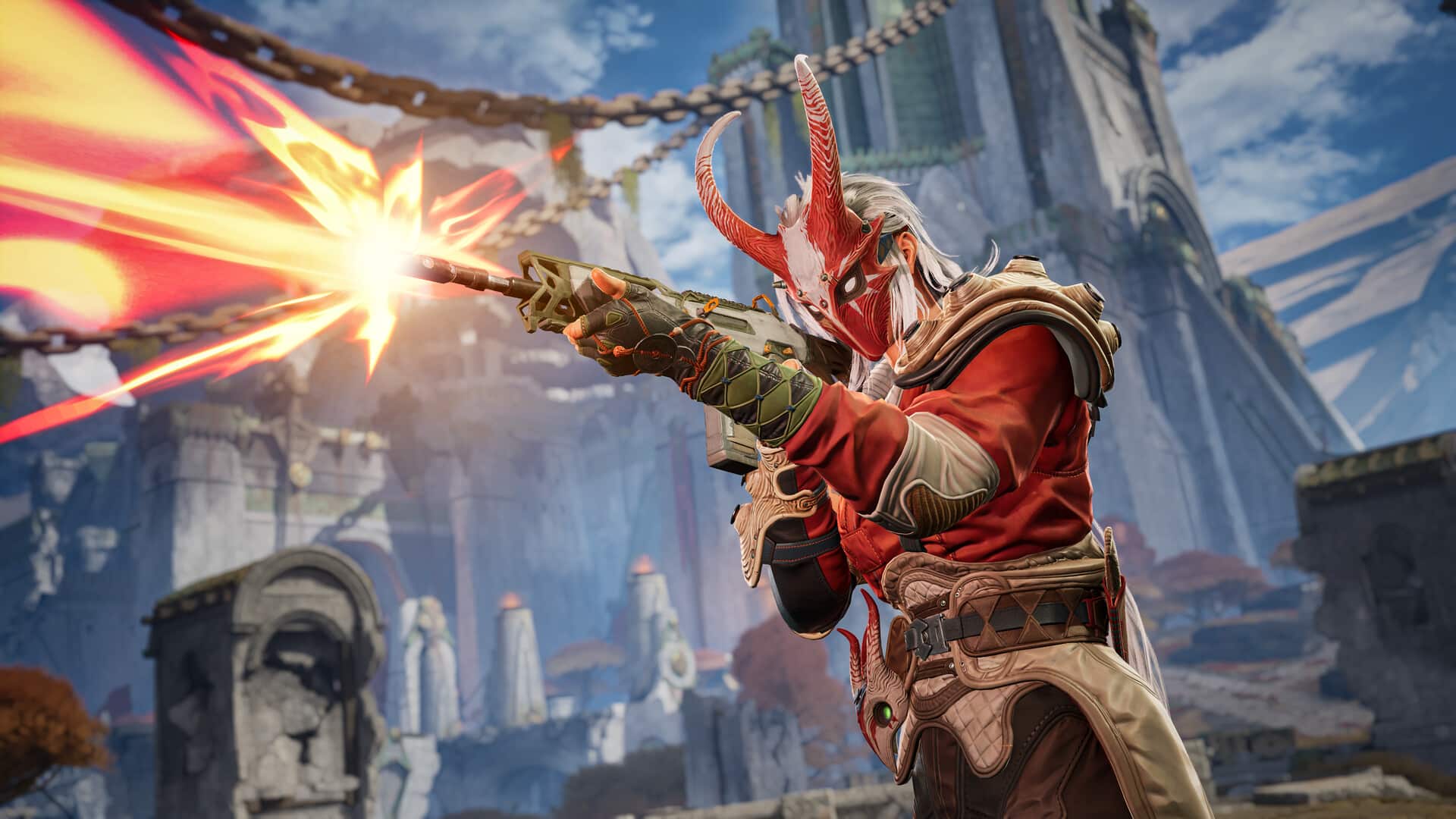
Following a minor update a day after release, Wildlight Entertainment has today rolled out a beefier patch for Highguard, which brings the game to version 1.0.4 (visible on the start screen).
For console players, this will appear as Highguard update 1.003 (complete version 1.003.000) and includes gameplay settings improvements.
Read on for the official patch notes to see what got changed today.
Highguard’s First Significant Update Released on January 29
Settings Improvements
Note: in an effort to release these changes to our players as quickly as possible, a number of menu options are not yet localized in languages other than English. Properly localized settings will be prepared for a future patch.
Game Input Settings
- Added the ability to set Crouch to Hold or Toggle for all platforms.
- Added the ability to set Aim Down Sights to Hold or Toggle for PC only (for now).
Toggling into ADS then tapping Sprint (shift on PC, left stick on controller) will swap your scope. This is disorienting on controller. PC players are recommended to rebind scope swap if using Toggle ADS. We will continue to look into adding this for console players who can’t rebind buttons yet, but we will need more time.
Video Settings
- Console users can now adjust FoV to 110.
- Low scalability settings for shadows and reflections are tuned for even more performance at the cost of some image quality.
- Low shadow setting now also disables volumetric fog.
- Added a new “View Distance Quality” setting that controls skeletal mesh LODs, which can be another useful control to tune GPU and CPU usage.
Players now have the ability to toggle the following features on or off, irrespective of other quality options:
- Anisotropic Materials
- Chromatic Aberration
- Bloom
Motion Blur and Depth of Field need more testing to disable safely. Look for these options very soon.
- DLSS users now have the ability to select a DLSS preset. More presets and better descriptions are coming in the next patch.
- Players can now select Off to disable Global Illumination entirely.
- Resolved an engine bug which could inadvertently throttled laptop users to 60 FPS regardless of frame rate settings.
Crash and Bug Fixes
This patch resolves crashes that could occur in the following scenarios
- Leaving a match on PS5 with an unexpected input state.
- Loading into matches on machines with slower storage devices.
A number of other bugs related to online user presence and matchmaking were also resolved.
- Friends now appear online correctly after accepting requests, and Xbox presence updates properly. Major crash fixes have reduced crashes by 90%, significantly improving stability.
- Friend status is fixed – players now appear online correctly and Xbox presence updates reliably. Our top crash issues are gone resulting in a 90% crash reduction.
Expect more patches for Highguard to be released in the coming weeks, and once we see one drop, we’ll have it up on the site.
This website contains affiliate links. If you click a link and make a purchase, we may earn a commission at no additional cost to you. This helps support our work. Learn more on our affiliate page.