

Crimson Desert Hotfix 1.04.02 Released as Update 1.000.234 and Is the Third Patch in Two Days

Pearl Abyss has released another hotfix for Crimson Desert today, April 24, and this is the game’s third patch in two days. After releasing the major update that added difficulty settings, the studio released a hotfix on the same day, and now players will see hotfix 1.04.02 available for download.
Console gamers will see this as Crimson Desert update 1.000.234 and this applies another set of fixes, though this doesn’t fix all the bugs, which is to be expected.
For the complete details on today’s Crimson Desert patch, read on.
Crimson Desert Hotfix 3 Released This Week as Update 1.000.234
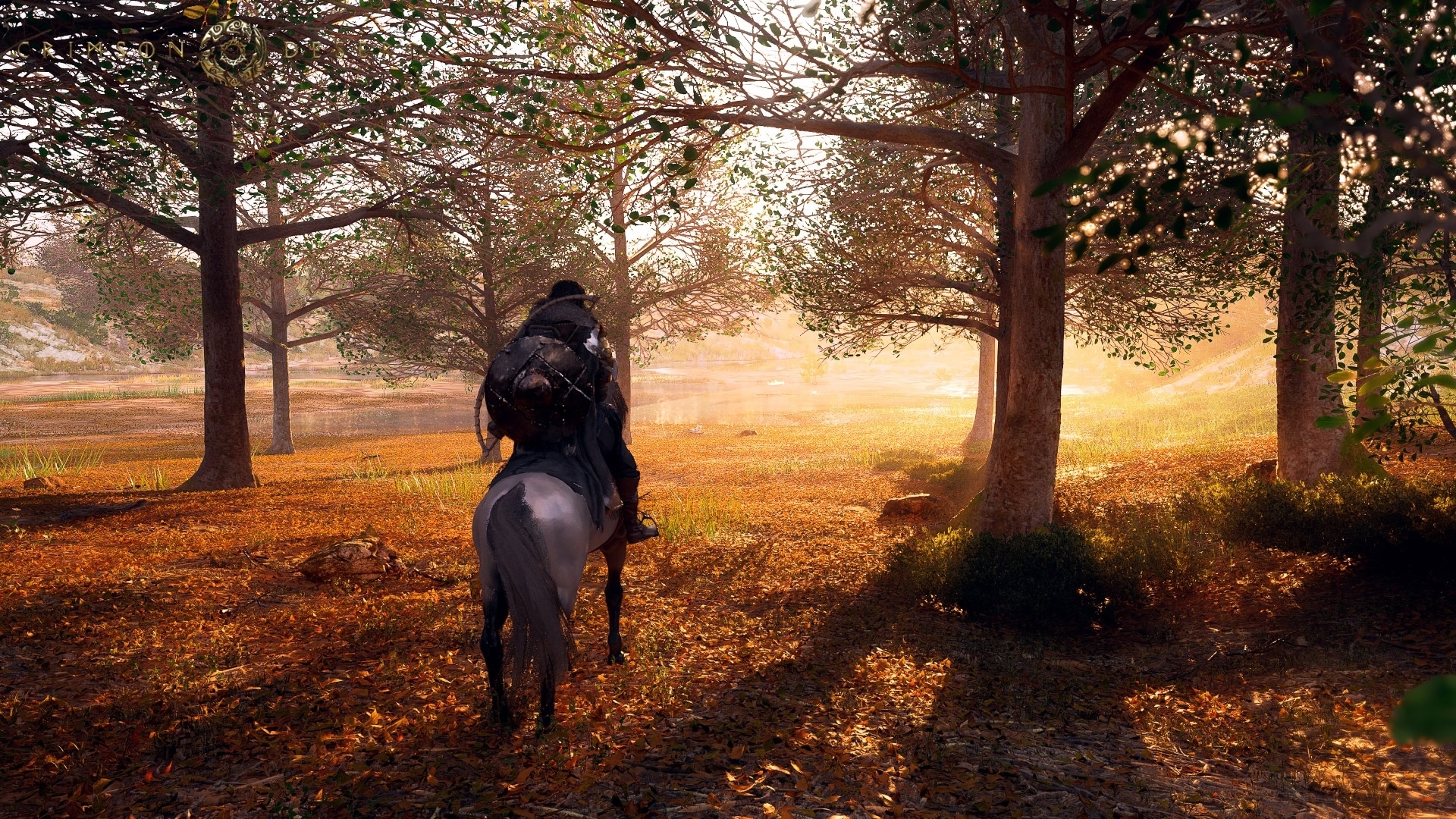
Here’s what got fixed today per the developers:
- Improved the game so that changes to the Minimum Font Size settings are applied immediately.
- Fixed an issue where starting a new game while a separate save file existed applied a game difficulty setting apart from the one actually selected.
- Fixed an issue where some parts of the Guides UI were disabled.
- Fixed an issue where parts of the fishing dock vendor’s and tanner’s shop UI were displayed awkwardly.
- Fixed an issue where changing a Pet’s name would change the name of a non-Pet animal in the trust increase notifications.
- [Keyboard/Mouse] Fixed an issue where key inputs would not work while adjusting Others > Video > HDR.
- Fixed an issue where, when the Extra Rewards List and Content Guide UIs overlapped, the Content UI in the back would be interacted with first.
- Fixed an issue where the fadeout in some shop cutscenes occurred too slowly.
- Fixed an issue where horse gear could not be dyed.
- Fixed various localization errors across all languages.
- Slightly increased character movement speed. (This change was applied in Patch Version 1.04.00)
- [PlayStation 5 Pro] Fixed an issue where screen brightness would become unstable when “PSSR Sharpness” was enabled.
- Added a Greymane Contribution Shop with Carl at the Greymane Camp. (This change was applied in Patch Version 1.04.00.)
- When expanding the camp, furniture placed in the house will no longer be retrieved. (This change was applied in Patch Version 1.04.00)
- However, if the house layout is changed through housing mode, all placed furniture will be retrieved.
-
Improved the Greymane Camp. (To avoid spoilers, changes related to this content are listed in the dropdown menu below.)
- When relocating the Greymane Camp to Pailune, furniture placed in the house will now be moved together as well. (This change was applied in Patch Version 1.04.00)

There are still a handful of bugs plaguing the game, which are listed below.
Crimson Desert Known Issues as of April 24, 2026

- On Intel Arc A770 GPUs, the game sometimes crashes when using XeSS.
- An issue has been identified where the game screen does not display properly when ‘Intel XeSS 3.0’ or ‘Intel XeSS Frame Generation’ is enabled on Intel Arc A-series graphics cards.
- On NVIDIA GTX 1060 GPUs, enabling ‘FSR Upscaling’ and ‘Frame Generation’ causes the screen to appear white.
- Under specific conditions, the player character’s state changes abnormally.
- [ROG Xbox Ally X] We have identified an issue where Crimson Desert is not launching properly on ROG Xbox Ally X running on the latest driver version. Microsoft and AMD are currently looking into the issue. Until the issue is resolved, we recommend installing and using the driver version immediately prior to the latest one, available on the ASUS website.
- Latest Driver Version: V32.0.23027.4002
- Previous Driver Version (Using this version until issue resolved recommended): V32.0.21025.27003
- During the “Deferred Advance” quest, retrying or abandoning the Ultimate Weapon fight when Blackstar’s Health is depleted causes Blackstar’s Health to not fully recover.
- When receiving damage while holding a tree, the character can become stuck to the tree.
- While progressing through some quests, the next objective is not automatically tracked.
- When using FSR4 upscaling, an issue occurs in rainy environments where rain disappears, or the screen becomes blurry or distorted.
- Greymane faction quests cannot be progressed while playing as Damiane or Oongka.
- The pet that was last unsummoned does not appear at the Greymane Camp.
- If the “Evasion Control” option is set to “Hold,” the default Evasion key still functions even after the Evasion key has been changed.
- If Damiane dies immediately after using the Shield Toss skill, she can no longer use her shield or related skills.
- If this issue occurs, you can resolve it by saving and reloading.
- [Keyboard/Mouse] Switching between the Weapon and Armor tabs in the Quick Slot Equipment interface is not possible when an interactable object is nearby.
- NPCs required for quest progression cannot ride together on Legendary Animal mounts.
- [Mac] The colorblind filter is not applied to the UI when “Colorblind Mode” is enabled.
- [PlayStation] The screen may freeze if characters are entered rapidly while using the virtual keyboard to set the name of a pet or horse.
- Please enter characters slowly with brief pauses when changing names. We apologize for the inconvenience.
- When auto saving or manually saving the game, the chapter name displayed is different from the chapter actually in progress.
- [Keyboard/Mouse] If the game is set to a resolution lower than that of the monitor in use, the position selected in housing mode differs from the actual position selected.
We are expecting some of these issues to be resolved in another patch set to be released soon-ish. Bear in mind, some of the fixes might be lumped in with another major patch, as Pearl Abyss has promised more are on the way from today up to June.
This website contains affiliate links. If you click a link and make a purchase, we may earn a commission at no additional cost to you. This helps support our work. Learn more on our affiliate page.


I just LOVE how the spoiler pull down tabs are OPEN BY DEFAULT. Thanks SO MUCH for the spoilers… /s
I just LOVE how the spoiler pull down tabs are OPEN BY DEFAULT. Thanks SO MUCH for the spoilers… /s