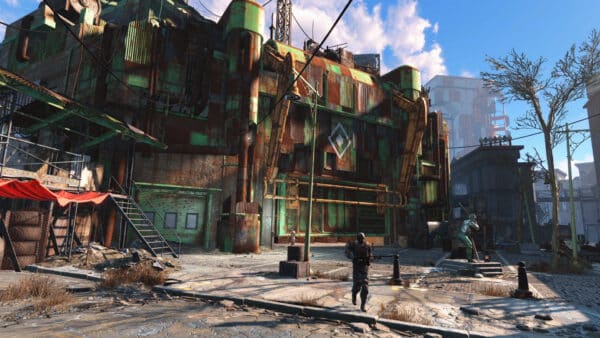
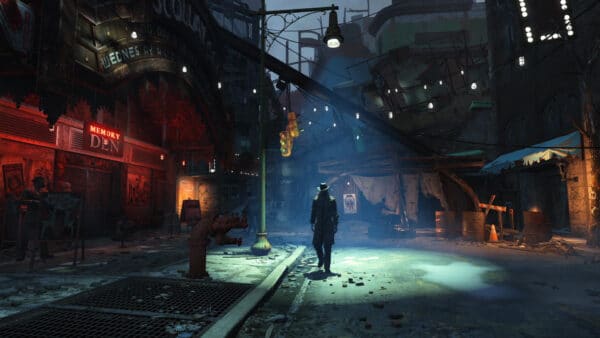
Fallout 4 Creations Storage Expansion Increase on Consoles Confirmed for May 27
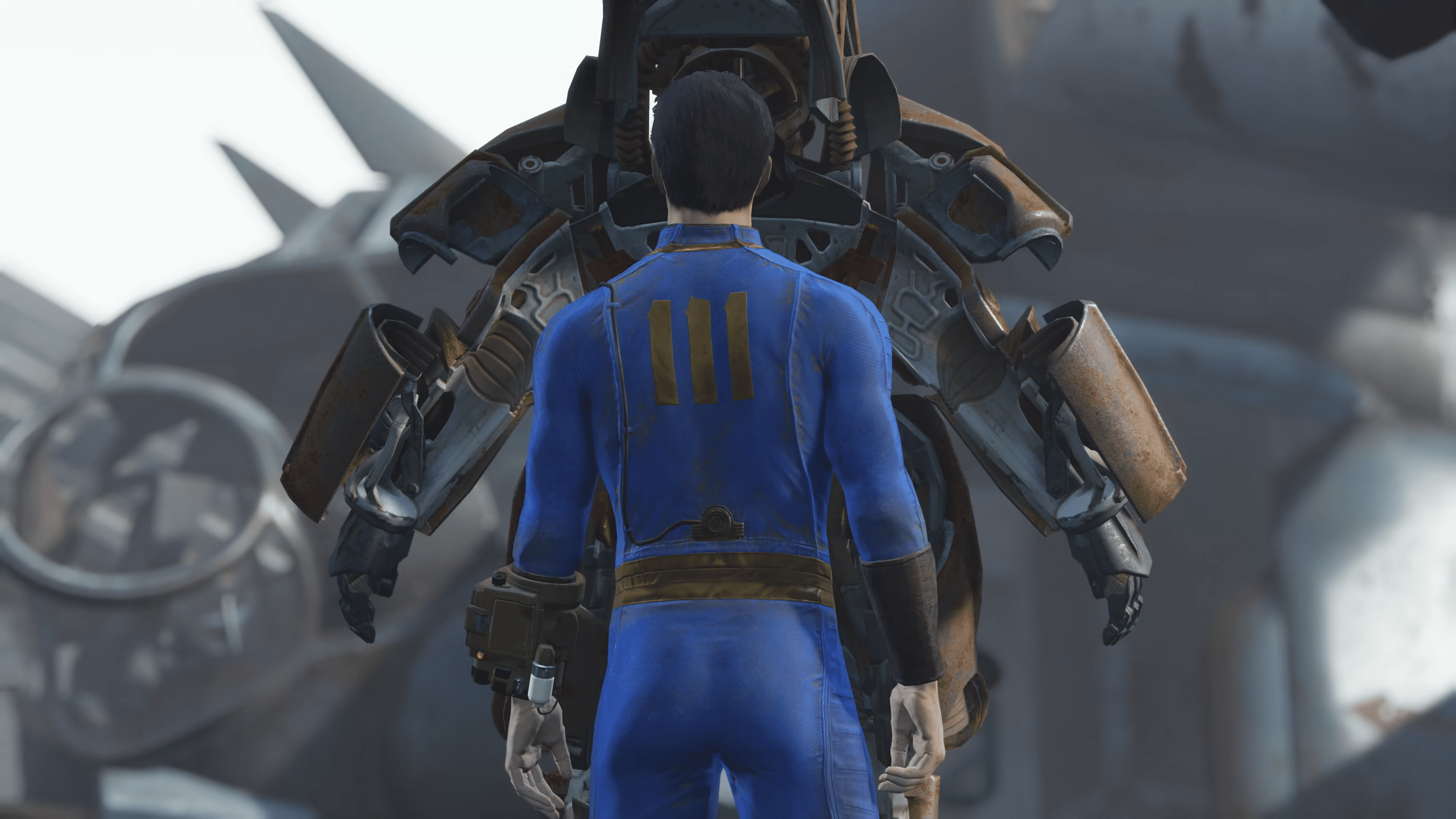
While Bethesda released a current-gen native version of Fallout 4, one of the most requested features fans have for the RPG are finally becoming a reality.
Today, Bethesda has finally confirmed that Fallout 4 Creations (ie. mods) storage 7 will finally be increased on May 27.

Bethesda issued a statement about it, though it does come with a major caveat.
Fallout 4 Mods Storage Space on Consoles to Be Increased Soon

Per Bethesda, “We’re excited to share the Fallout 4 Creations storage expansion will arrive for consoles on May 27th. Console players will soon have more space to download content, including larger, more ambitious Creations. This update will allow for Creations storage on Xbox Series X|S to be scalable up to 100GB. PlayStation 4, PlayStation 5, and the Xbox One will all have Creations storage increased from 1GB or 2GB respectively, to approximately 15GB.”
The devs added, “As a precaution, prior to this Fallout 4 update we encourage players to log into your game save if you haven’t done so in a while OR manually save your load order by following the steps outlined in our article. Once your load order is saved, you’ll be able to re-download your entire Creations list at once post update.”
Players should expect their previous game saves to be affected as per Bethesda.

Q: How do I know if my load order needs backing up?
A: Players on consoles (Xbox Series X|S, Xbox One, Xbox One X|S and PlayStation 5) with Fallout 4 game saves older than November 10, 2025 are expected to be impacted.
The developers also shared the step-by-step guide on how players can save their Fallout 4 Creations load order on consoles.
How to Save your Fallout 4 Creations Load Order (Console)
- Navigate to the Creations Menu and select the Load Order Menu by selecting the option listed at the bottom of the screen.
- At the bottom of the Load Order Menu screen, select “Load Order Archive.”
- Select “Save Load Order to Bethesda.net.”
- Select “Yes” to confirm.
- You should receive a message confirming the current load order has been saved to Bethesda.net
- Exit the menu and allow the game to reload your data files. The game will confirm your load order has changed, indicating the process is complete!
Expect the Creations storage expansion to be rolled out via a game update, which we’re assuming will also house bug fixes and other improvements. Once that’s live, expect it here on MP1st.
This website contains affiliate links. If you click a link and make a purchase, we may earn a commission at no additional cost to you. This helps support our work. Learn more on our affiliate page.