

- This update introduces changes to how your PS Portal charges in order to support the long-term battery health of your device. After updating, your device will charge to 80% by default. You can change the charge limit at any time in Settings > System > Battery.
- Selecting a charge limit over 80% might impact battery performance and overall stability, reducing long-term battery health.
- Make sure to update your PlayStation Link device to the latest device software version to connect to PlayStation Portal.
- To update your PlayStation Link device, connect it to a PS5 or PC using its PlayStation Link USB adapter. For more details visit the guides below.
PlayStation Portal Update 7.1.7 Helps in Prolonging Battery Life
See us first.
Add MP1st on Google to catch our exclusive reports, leaks and more as it happens.
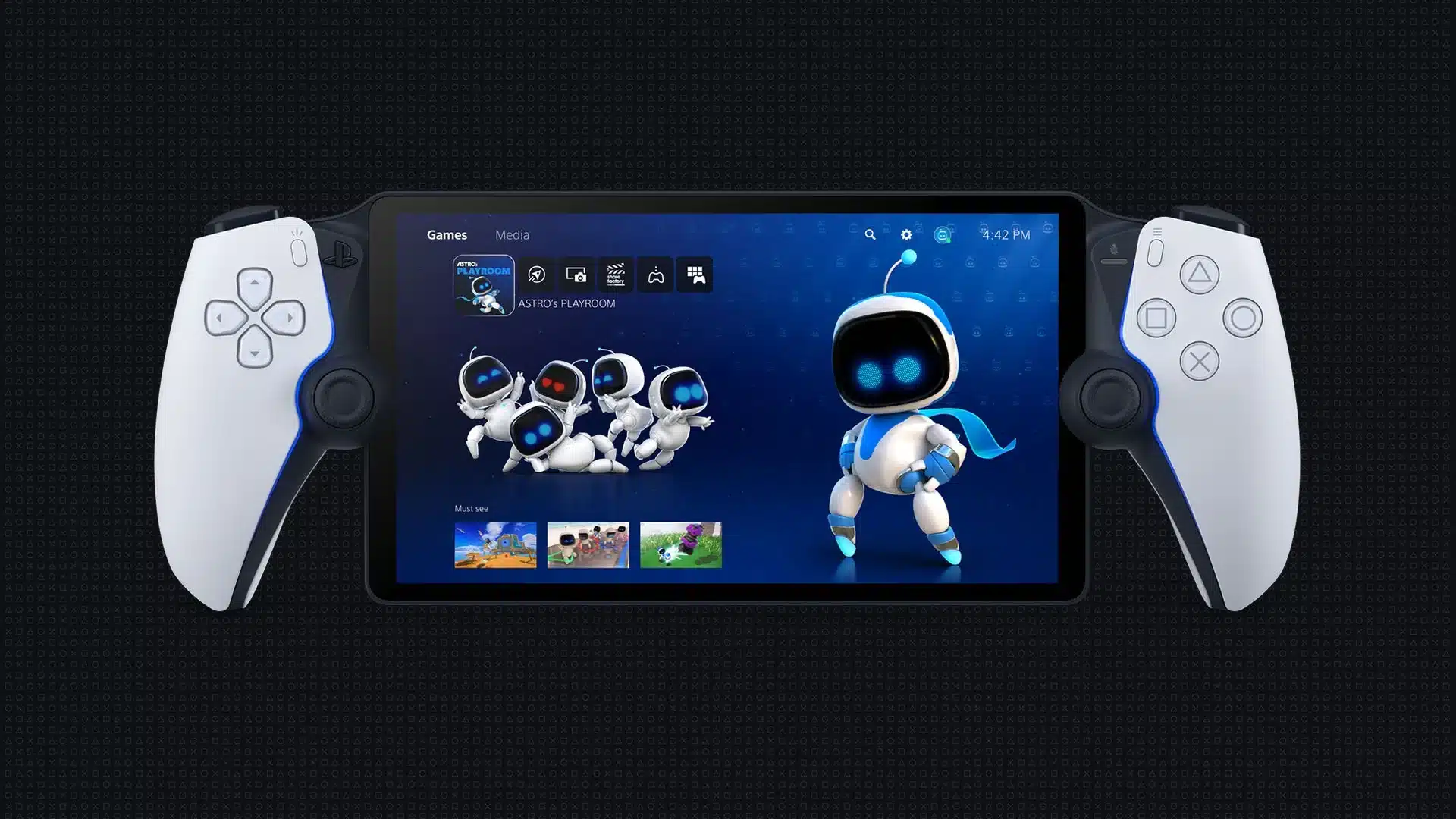
For those who play their PS5 games on the PlayStation Portal, the device has a new system update available for download today, and it’s more than a stability patch.
Much like the PS5’s latest system update released a week ago, this new download that appears to owners as PlayStation Portal system update 7.1.7 helps in making the device’s battery last longer.

For the complete list of changes made, read on.
PlayStation Portal System Update for September Brings It to Version 7.1.7

Given the PS Portal’s battery usually lasts at a max of 5-7 hours (and way less when at max use with screen brightness, high volume and heavy haptics use), this is a good move by Sony. Perhaps the newer iterations of the device will give us a longer battery life, but at the very least, the electronics giant is looking to prolong the device’s battery life.
While the device doesn’t get as many system updates as the PS5, it’s nice to see Sony set out to improve it. If we get another one, we’ll let our readers know.
In other PlayStation news, the PSN Store has launched its Autumn Adventures sale, and it houses over 2,700 titles.

This website contains affiliate links. If you click a link and make a purchase, we may earn a commission at no additional cost to you. This helps support our work. Learn more on our affiliate page.





I’m surprised they just haven’t just forgot about it like alot of there products, like it never existed before, once they get your money, use that door if you wish, this company does nothing for you, we’ll not nowadays, I’m surprised they don’t have a counter to see how many times you switch it in, after that you have to pay…
Since I updated it. It doesn’t let me know that I’m losing connection