Crimson Desert Update 1.000.675 Released as Third Patch Download
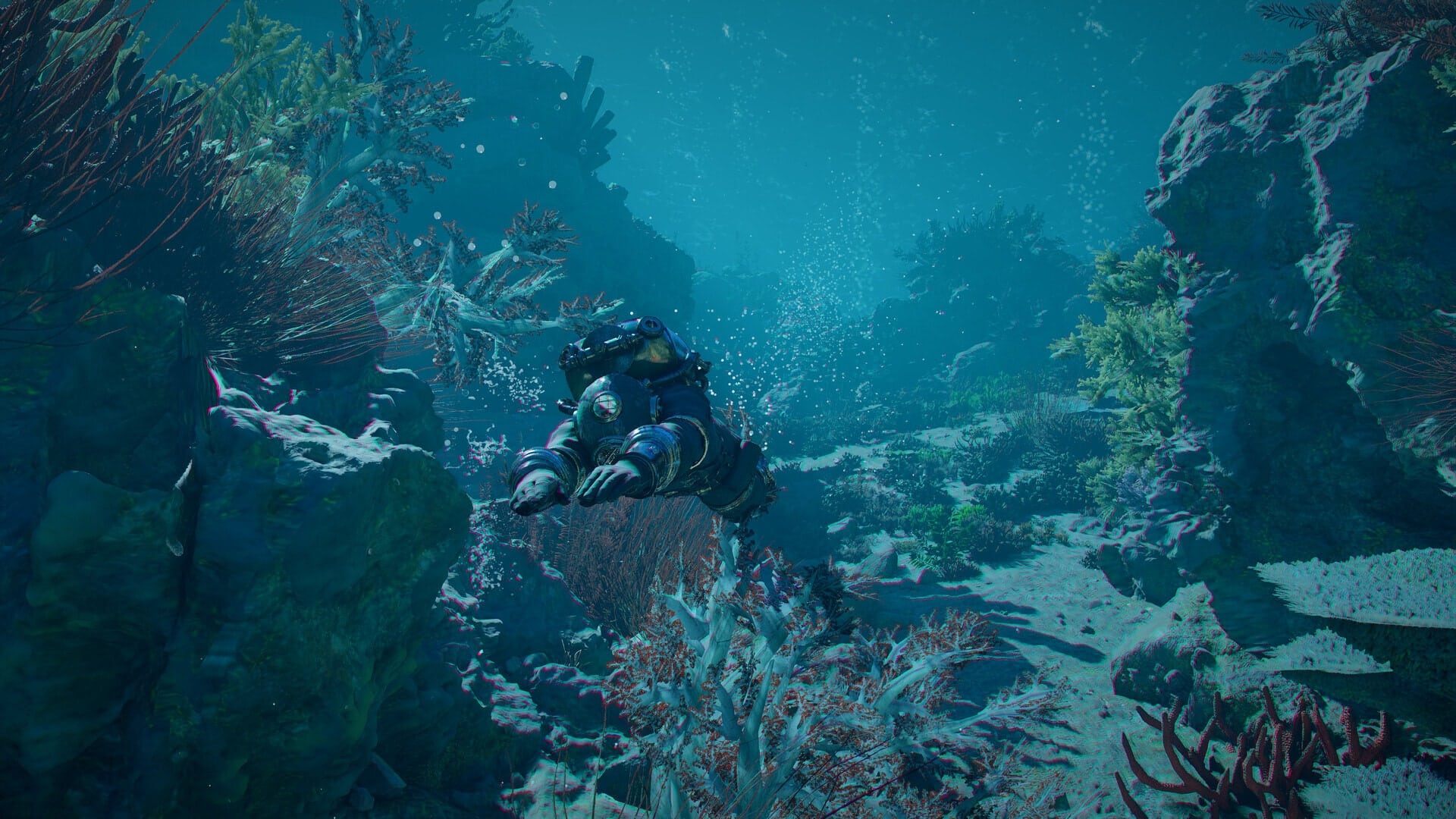
While we expected Pearl Abyss to release a hotfix or two for the Chartering the Unknown DLC for Crimson Desert, we didn’t expect them to release this much, this soon.
Aside from today’s hotfix, another one has been pushed out and it will appear as Crimson Desert update 1.000.675, and it’s out on PS5 and PC.
Players should expect another round of fixes in today’s download.
Crimson Desert Hotfix 2 for Chartering the Uknown Now Available
Here is the latest round of fixes released:
- Fixed an issue where your spouse or comrade would follow you into the water.
- Fixed an issue where your spouse would repeatedly behave abnormally during combat.
- Fixed an issue where pirates would teleport when falling into the water.
- Fixed an issue where Leviakan would stop moving in certain situations.
- Fixed an issue where sea serpents would not attack you.
- Fixed an issue where NPCs would not come back out after entering the restroom.
- Fixed an issue where certain ships would remain stationary.
- Fixed an issue where crew members would not appear on certain ships.
- Fixed an issue where rewards for certain quests and challenges were not granted.
- Fixed an issue where the game would occasionally crash.
- Fixed an issue where earnings from management facilities would increase abnormally in certain situations.
- Fixed an issue where waterfalls would appear incorrectly.
- Fixed an issue where Oongka would become invisible in certain situations.
- Improved the pioneering system so that when you enter an area available for pioneering, a notification appears in the menu on the right, allowing you to start the mission directly.
- [AMD] Fixed an issue where certain graphics would appear incorretly on driver version 26.10.1.
- Fixed an issue where certain interactions became unavailable when holding up your lantern while diving underwater.
- Fixed an issue where the playable character could catch fire and be unable to board a ship while attempting to do so.
However, it’s worth pointing out that Pearl Abyss has only released that patch notes list and there are two downloads rolled out today. Either this is the changelog for version 2.04.02, or there’s another changelog set to be released today.
When it comes to known issues, there are still a handful even with today’s hotfix.
Crimson Desert Known Issues as of October 30
- The Camel Constellation and a blockaded stronghold are located in an inaccessible region.
- The game may crash if the base game and DLC versions don’t match. To ensure the game launches successfully, update both to the latest versions.
- Twitch Drops rewards can’t currently be claimed from the Drops & Rewards menu. Until this issue is resolved, click Claim in the stream chat to claim your reward, then link your Twitch account on the Drops event page.
- [XBOX] Certain items, such as Drops and pre-order rewards, may not display in the Add-ons menu and cannot be claimed.
- Interactions with NPCs, mounts, and specific objects is unavailable in certain situations.
- This issue can be temporarily resolved by restarting the game.
- Fish being caught while fishing in certain areas are unable to move.
- Greymane faction quests cannot be progressed while playing as Damiane or Oongka.
- If the “Evasion Control” option is set to “Hold,” the default Evasion key still functions even after the Evasion key has been changed.NPCs required for quest progression cannot ride together on Legendary Animal mounts.
- [Mac] When using a keyboard and mouse at certain resolutions, the cursor position differs from the actual furniture placement point.
- [Mac] The colorblind filter is not applied to the UI when “Colorblind Mode” is enabled.
- [PlayStation] The screen may freeze if characters are entered rapidly while using the virtual keyboard to set the name of a pet or horse.
- Please enter characters slowly with brief pauses when changing names. We apologize for the inconvenience.
- When using FSR4 upscaling, an issue occurs in rainy environments where rain disappears, or the screen becomes blurry or distorted.
If we receive another set of fixes, we’ll be sure to let our readers know.

Save 5% on your next top-up, games, gift cards, and virtual currency at Eneba.
Use code MP1ST5 at checkout.
This website contains affiliate links. If you click a link and make a purchase, we may earn a commission at no additional cost to you. This helps support our work. Learn more on our affiliate page.