Modern Warfare 4 Weird Washed-out Graphics Fix for PC After Recent Nvidia Driver Update That Added ASD
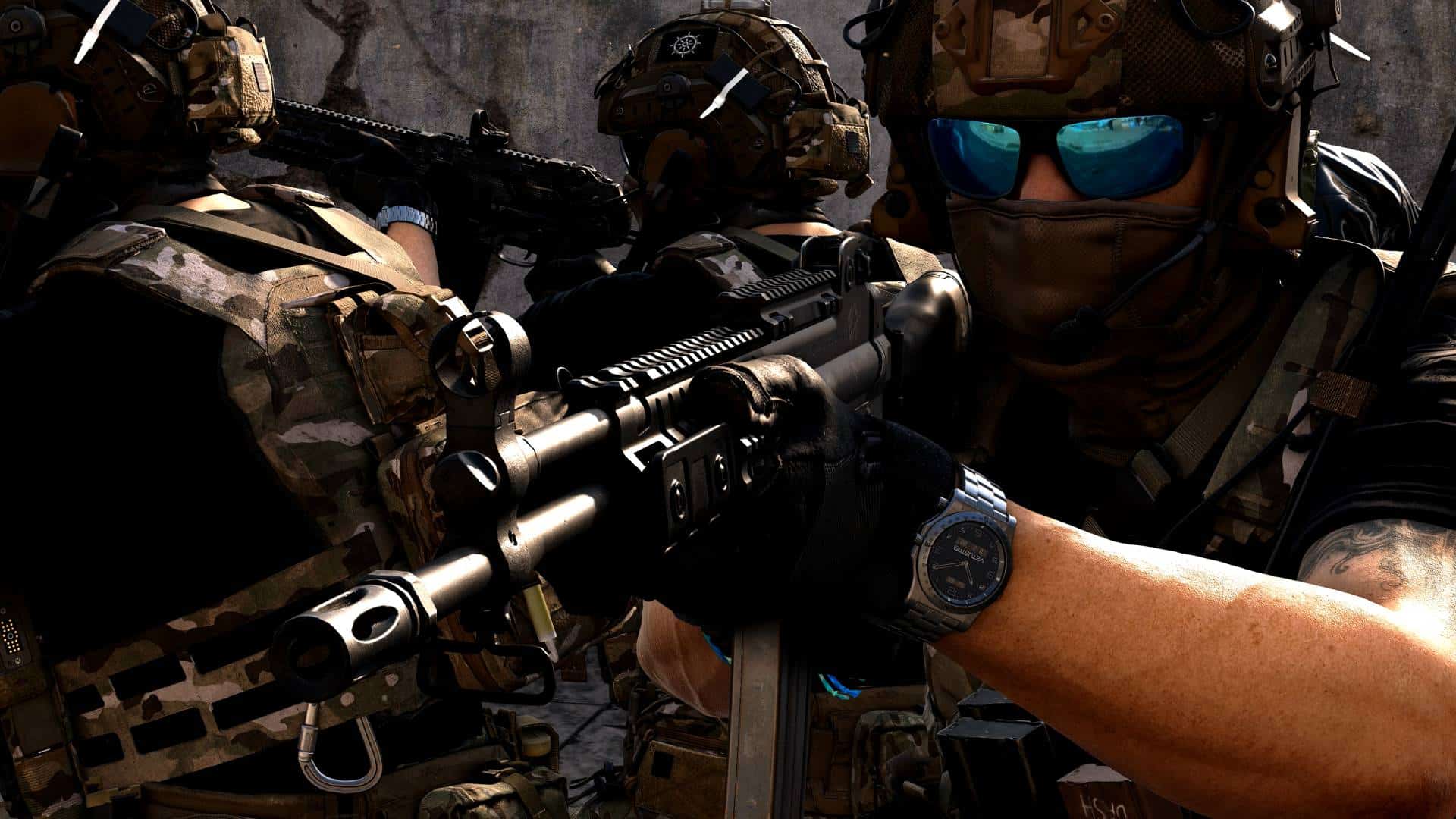
The latest Nvidia driver update is out, and it introduced support for Microsoft’s Advanced Shader Delivery (ASD) technology. PC gamers are all too familiar with shader compilation screens that pop up before a game even starts, often forcing them to wait several minutes before they can jump into action. Fortunately, Microsoft’s Advanced Shader Delivery aims to tackle this issue by allowing precompiled shaders to be downloaded alongside a game, reducing the need for players to compile them on their own hardware.
Call of Duty: Modern Warfare 4 is one of the few titles that currently supports ASD, though it seems to have brought an unwanted side effect for many: weird, washed-out in-game graphics. Luckily, there is an easy fix.

Modern Warfare 4 Graphics Fix After Nvidia Driver Update That Added ASD
If you recently updated your Nvidia GFX drivers to the latest version and booted up Call of Duty: Modern Warfare 4 in the past few days, you may have noticed your in-game visuals looking like they have strong chromatic aberration enabled, or some sort of weird negative colors going on. Don’t worry, your graphics card isn’t dying (or at least we hope not); many players, including us, have run into this issue after updating. In fact, a thread over on Reddit sprung up, with many players reporting the same issue.
Weird graphics / washed-out textures in Modern Warfare 4 on PC
byu/ryuugz inmodernwarfare4
Before you go crazy and start uninstalling the game, users in that thread have found a few ways to fix it, and they worked for us.
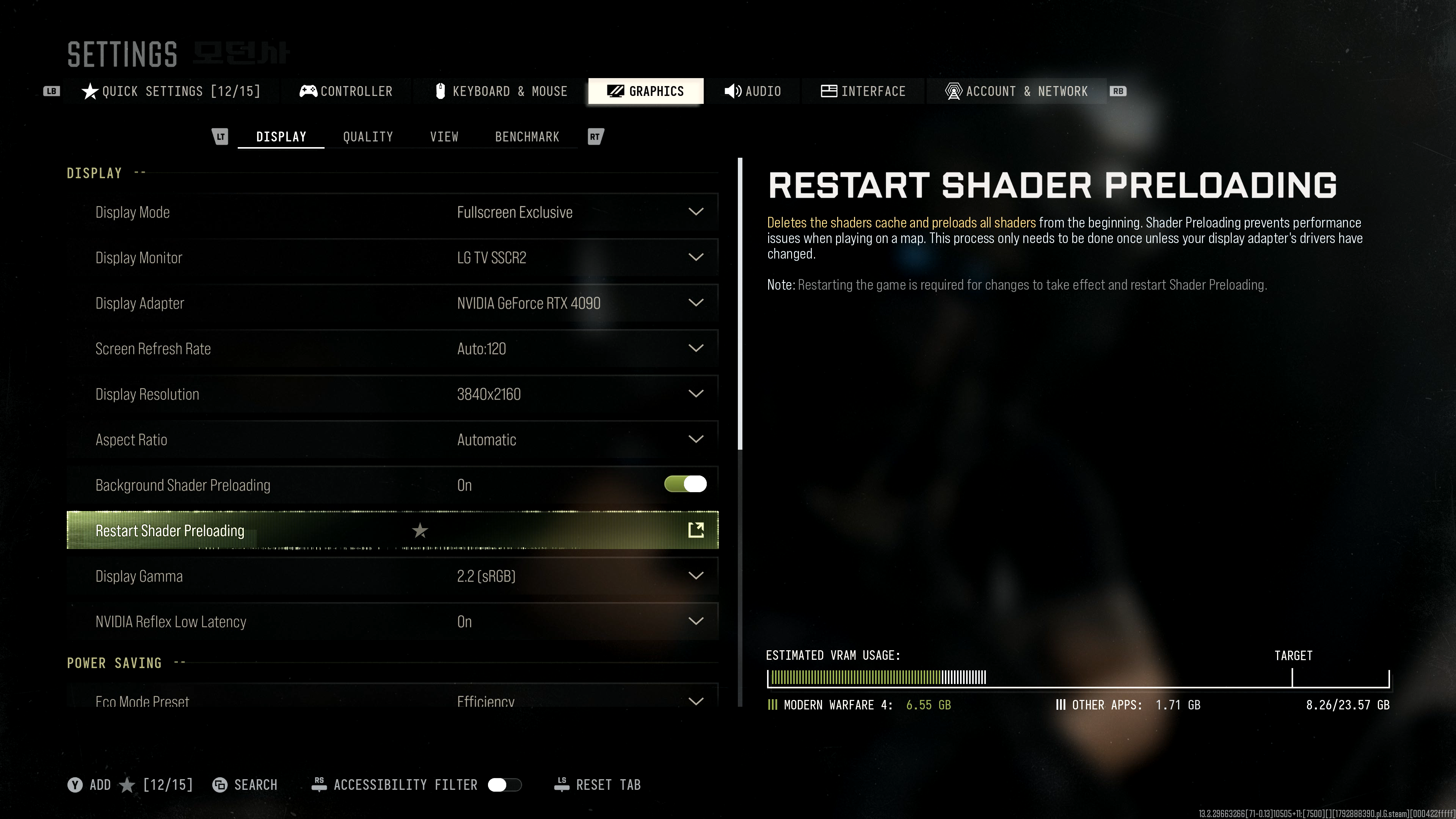
Here’s the method that ended up working for us:
- Restart Shader Preloading – You can scroll to the settings menu and use the search function to find this feature.
- Quit game
- Upon booting, shaders should recompile. Afterward, launch the campaign
- Quit campaign
- Join multiplayer
If that doesn’t work, then the next thing you can try is to delete your shadercache folders. You’ll need to navigate to where you installed the game on your PC, and there are two shadercache folders you need to delete. The first one is located in the “sp26” folder, and the other in the “cod26” folder. You want to delete the folders that say “shadercache,” DO NOT DELETE YOUR ENTIRE SP26 OR COD26 folders.
Restart the game; the shaders should recompile, and your visuals should be fixed now.
Shoutout to Reddit user Aggravating-Ear-6579 for the find!
In other Modern Warfare 4 news, while the single-player campaign of most Call of Duty games is an afterthought, it’s not the case for this year’s version. Read our review to know why this might be one of the best Call of Duty campaign entries in recent memory.

This website contains affiliate links. If you click a link and make a purchase, we may earn a commission at no additional cost to you. This helps support our work. Learn more on our affiliate page.