DayZ Patch 1 for Update 1.30 Released on October 21 as Console Update 1.87
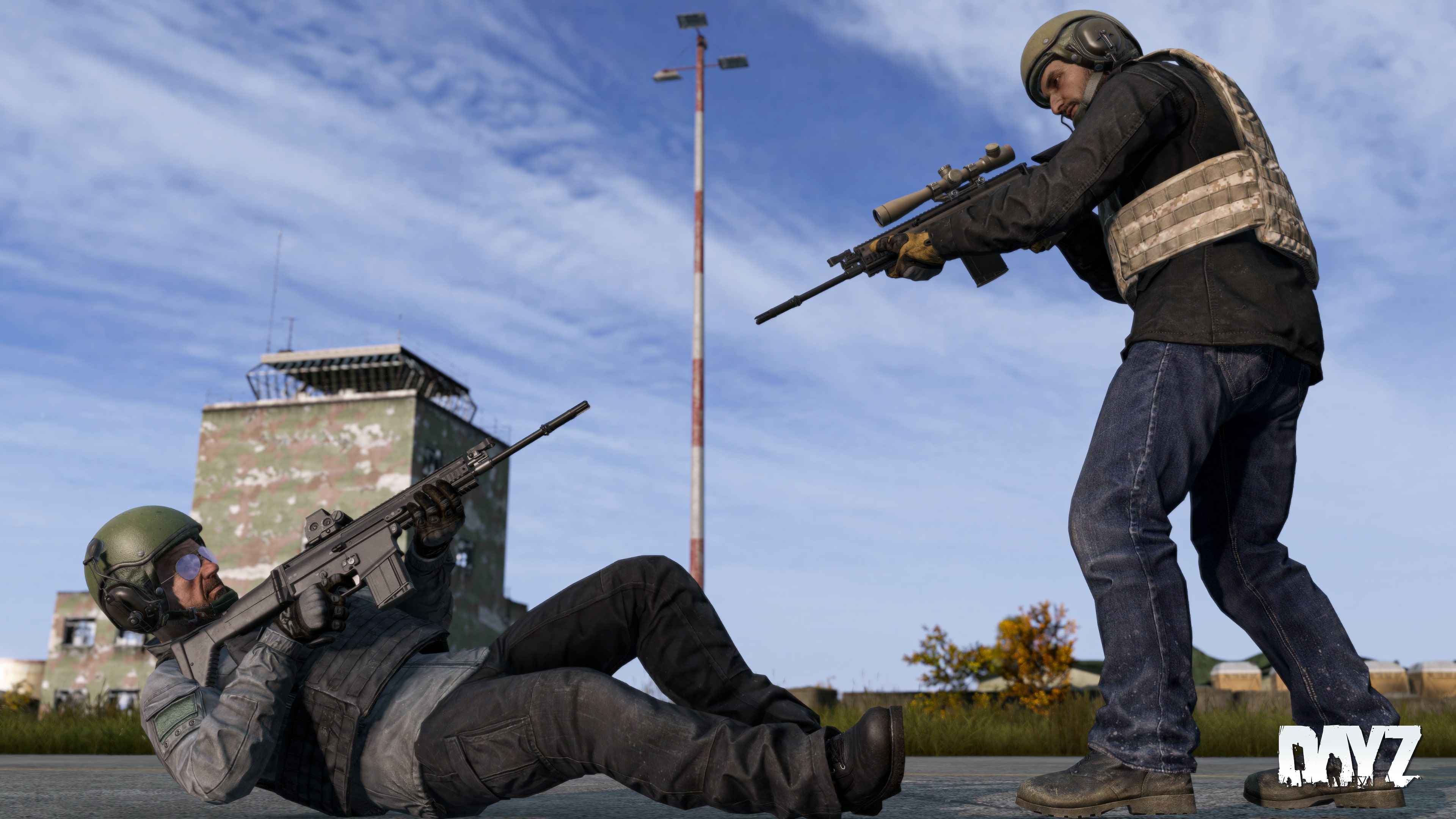
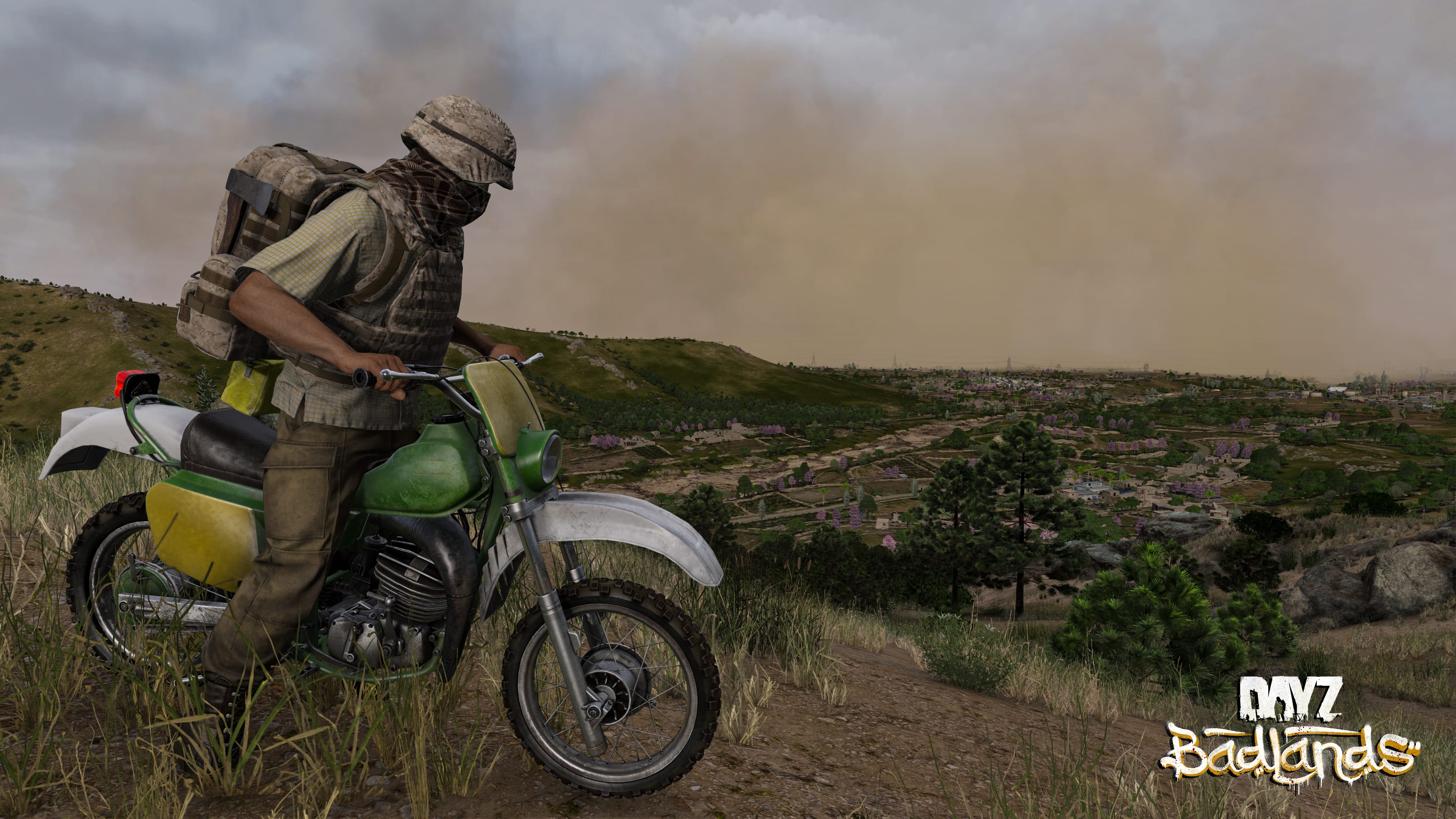
Following the release of the Badlands update for DayZ last week, Bohemia Interactive has now pushed out the first patch in response to it.
Players can download DayZ update 1.87 for consoles and PC today, and this is for Patch 1 of Update 1.30.

Check out the console and PC patch notes straight fom the developers.
DayZ Update 1.30 Hotfix 1 Released as Version 1.87
PlayStation Stable 1.30 Update 2 – Version 1.30.164200 (Release on 21.10.2026)
NOTES
- In case of problems, please check the Bohemia Interactive support F.A.Q., DayZ F.A.Q., or BattlEye F.A.Q.
- You can help us to further improve the game by posting your feedback on the Feedback Tracker.
BADLANDS EXPANSION
FIXED
- Infected and animals had numerous issues navigating rebuildable structures
- Rebuildable structures had number of issues with incorrect roadways and collisions
- Multiple environment issues with incorrect object placement
- Headlights on the bikes were misconfigured (DZEXP-92)
- Dogs did not produce any sound when hit
- Irrigation tunnel water gave character cholera
GENERAL GAME
FIXED
- Camera position was getting auto-corrected when it should not be
- Loading screens were too bright
- Motorbikes could be launched into air when colliding with small objects or on bridges
- Character no longer gets stuck in raised hance stance when pressing Shift and RMB at the same time
- Items appeared to be bouncing on terrain after being thrown
- Thrown items could sometimes pass through thin walls
- “Wash Face” action was incorrectly offered first instead of “Drink” action (DZEXP-164)
- Exploit enabling action usage at any distance (T187421)
- Desynchronization caused by interacting with another character while they are dropping an item
- Specific consumables were not filling up stomach
SERVER
- Fixed specific server crash

Steam Stable 1.30 Update 2 – Version 1.30.164200 (Release on 21.10.2026)
NOTES
- Consider using the Steam client option to verify the integrity of the local game cache to avoid corrupted data after downloading this update.
- Consider de-fragmenting your HDD after downloading large updates.
- In case of problems, please check the Bohemia Interactive support F.A.Q., DayZ F.A.Q., or BattlEye F.A.Q.
- You can help us to further improve the game by posting your feedback on the Feedback Tracker.
BADLANDS EXPANSION
FIXED
- Infected and animals had numerous issues navigating rebuildable structures
- Rebuildable structures had number of issues with incorrect roadways and collisions
- Multiple environment issues with incorrect object placement
- Headlights on the bikes were misconfigured (DZEXP-92)
- Dogs did not produce any sound when hit
- Irrigation tunnel water gave character cholera
GENERAL GAME
FIXED
- Camera position was getting auto-corrected when it should not be
- Loading screens were too bright
- Motorbikes could be launched into air when colliding with small objects or on bridges
- Character no longer gets stuck in raised hance stance when pressing Shift and RMB at the same time
- Items appeared to be bouncing on terrain after being thrown
- Thrown items could sometimes pass through thin walls
- “Wash Face” action was incorrectly offered first instead of “Drink” action (DZEXP-164)
- Exploit enabling action usage at any distance (T187421)
- Desynchronization caused by interacting with another character while they are dropping an item
- Specific consumables were not filling up stomach
SERVER
- Fixed specific server crash
MODDING
- Added: Named property to PBO ‘fsShadowing=1′ which will allow loading of the PBO even if it’s prefix matches another, to allow overriding of Enfusion config files such as .layout’ through ‘Variants’
- Changed: Gizmos now dither when they are behind an object
- Changed: Renamed ‘resolveFilePatchingUsingEnfusion’ to ‘loadRVFilesViaEnfusionFS’
- Fixed: Circle inheritance error in Script Compiler for all cases
- Fixed: Global function ‘FindFile’, now searches through the requested file system and normalises any path given to the internal engine delimiter ‘/’ (DZEXP-134)
- Fixed: Usage of ‘#include’ for scripts (DZEXP-85)
- Fixed: Widget images loaded using scripted ‘ImageWidget.LoadImageFile’ were missing the SRGB flag and so were appearing brighter than intended
TERRAIN BUILDER
WORKBENCH
- Added: Diag menu
- Fixed: Importing FBX files as models (DZEXP-151)
- Fixed: Locate resource buttons weren’t functional in Resource Browser or Animation Editor
- Fixed: Animation Editor: Missing context menus inside animation editor for Rename, Copy, Cut, Paste
- Fixed: Crash in Workbench after scripts were reloaded if the Animation Editor or the Particle Editor were open or if an .emat was to be opened
- Changed: Script plugins now only reload when Workbench is reloaded. Performed in the Script Editor by going to the toolbar and pressing ‘Build’ -> ‘Reload Scripts’
Once another patch is out, expect it here on MP1st.

This website contains affiliate links. If you click a link and make a purchase, we may earn a commission at no additional cost to you. This helps support our work. Learn more on our affiliate page.

Subscribe
0 Comments
Oldest