Metal Gear Solid Master Collection Vol. 2 Officially Announced, as Volume 1 Gets Final Update Today

by Alex Co February 12, 2026 9:34 pm in News
metal gear solid master collection vol. 2

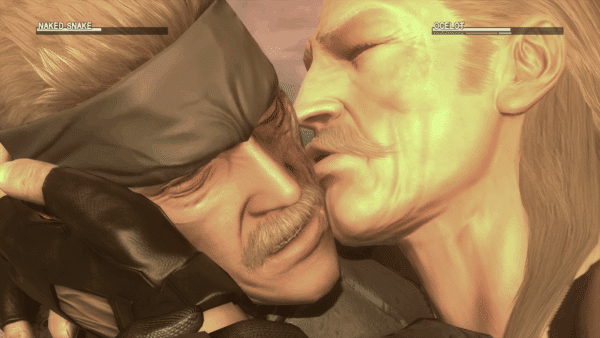
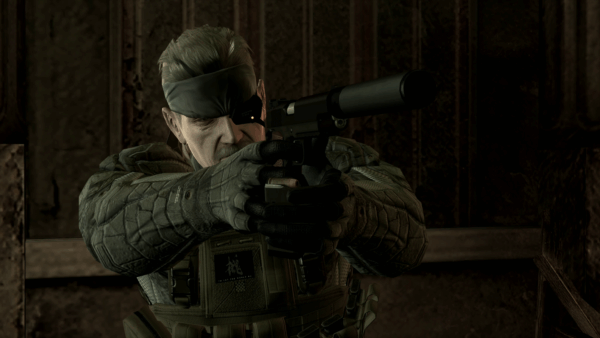
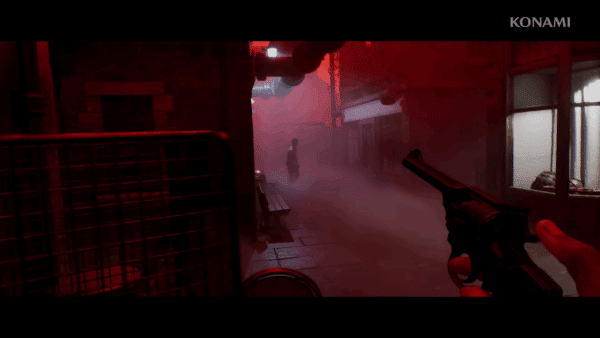
While Konami confirmed in 2024 that work on a second collection for Metal Gear Solid is in the works, it’s official now, as the publisher announced the Metal Gear Solid Master Collection Vol. 2. and what games it contains.

Check out the trailer and our first bit of info straight from Konami before the game officially releases on August 27 on PS5, Xbox Series X|S, Switch, Switch 2 and PC.

MGS Master Collection Volume 2 Games Officially Announced

The collection will contain:

  • Metal Gear Solid 4: Guns of the Patriots 
  • Metal Gear Solid: Peace Walker (HD Collection version)
  • Metal Gear: Ghost Babel 
  • Metal Gear Solid 4 Database 
  • Metal Gear Solid 4: Screenplay Book 
  • Metal Gear Solid 4: Master Book 
  • Metal Gear Solid: Peace Walker Screenplay Book 
  • Metal Gear Solid: Peace Walker Master Book 
  • Metal Gear Solid: Digital Soundtrack Vol.2

Players who pre-order will also receive the “Cardboard Camouflage” uniform, with additional in-game bonuses for those with existing MASTER COLLECTION Vol. 1 save data.
Fans can expect the following enhancements to be made with the collection:

MGS Master Collection Vol. 2 Enhancements

  • Metal Gear Solid 4 – improved internal resolution, frame rate hike and custom controls
  • Peace Walker – Custom controls, online co-op (up to six players)
  • Ghost Babel – Screen filters, pixel-perfect, screen settings, rewind function, custom controls

Metal Gear Solid Master Collection Vol. 1 Receives Final Update on February 2026
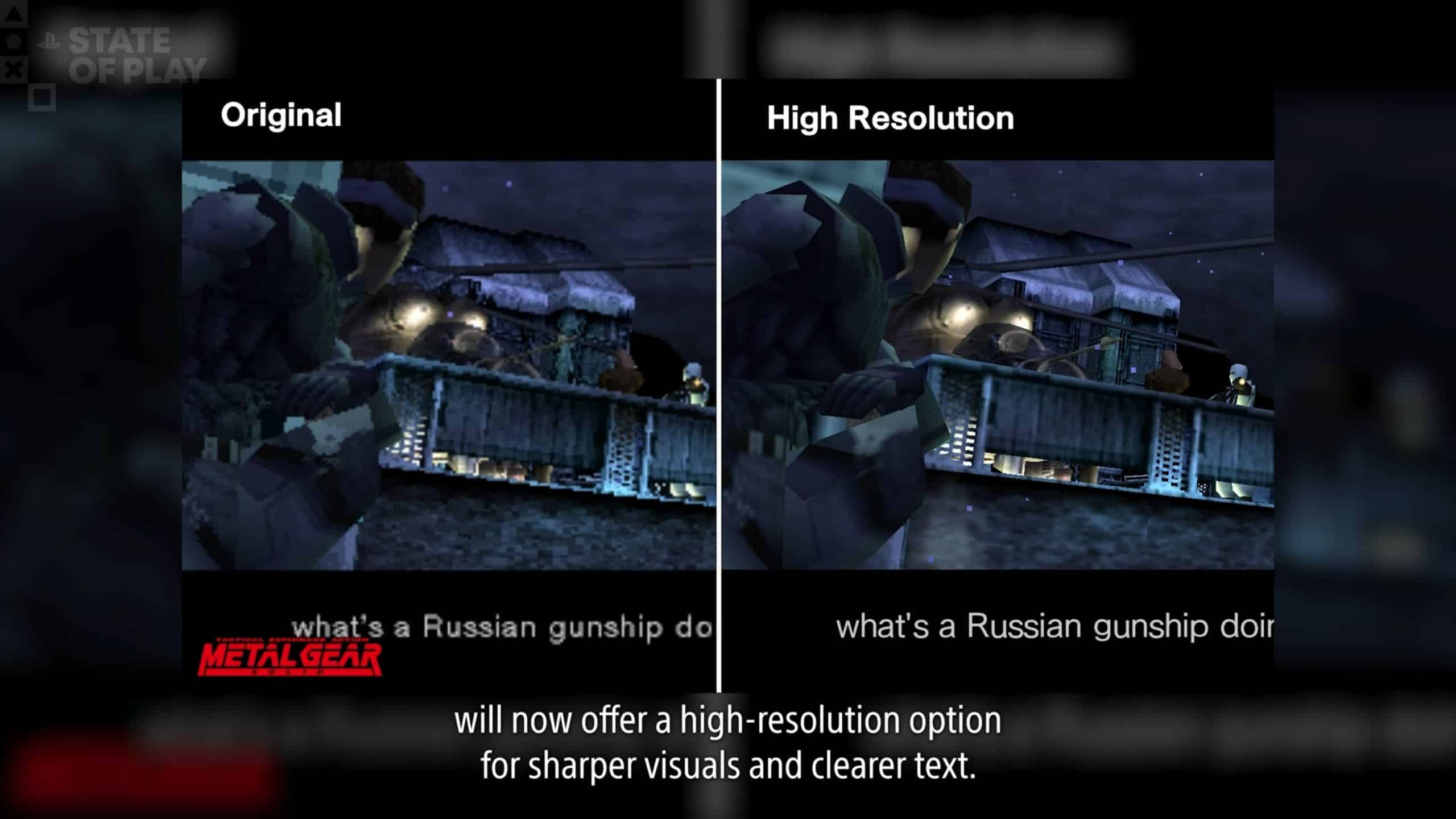
Alongside the Volume 2 announcement, Konami also confirmed that Metal Gear Solid Master Collection Vol. 1 is getting its final update today, and it improves the resolution.

The titles that received the update and their new version numbers are:

  • Metal Gear and Metal Gear 2: Snake Revenge updated to 2.000.002
  • Metal Gear Solid 1 – 3.000
  • Metal Gear Solid 2 updated to 2.100
  • Metal Gear Solid 3 updated to 3.000.002

Update: The complete patch notes have been released

METAL GEAR SOLID – Master Collection Version Ver. 3.0.0

Screen Settings Expanded

“Resolution” has been added to the Screen settings in the Options menu.
In “Resolution”, you will be able to select between “Original”, “High Resolution”, and “Max Resolution”. *
* On the PlayStation®4 and Nintendo Switch™ versions, only “Original” and “High Resolution” will be available.

These settings cannot be changed after starting the game.
If the resolution is set to anything other than “Original”, you will be unable to change the smoothing and screen filter options, and the “Pixel Perfect” option in “Game Screen Settings” will be unavailable.
Some setups may experience some instability if these settings are changed.
Consider reverting back to the default settings if you experience any instability.

Below are the minimum system requirements needed to use “High Resolution” on the Steam® version.

Processor Intel(R) Core(TM) i5-12400
Memory 16 GB RAM
Graphics NVIDIA GeForce GTX 1060

Below are the minimum system requirements needed to use “Max Resolution” on the Steam® version.

Processor Intel(R) Core(TM) i5-12400
Memory 16 GB RAM
Graphics NVIDIA GeForce GTX 1650

Option to swap Confirm/Cancel buttons added

The feature to swap buttons will be added to the Options screen.
This will allow you to swap the confirm and cancel buttons. *
* This feature has been added to the Steam® version under Button Settings within the Options screen.

This feature is not available on the Nintendo Switch™ version.
These settings cannot be changed after starting the game.

Keyboard Settings added(Steam® version)

A Control Settings option will be added to the in-game pause menu.
You can freely assign key bindings under Keyboard Settings within these Control Settings.
Due to the addition of Control Settings, Controller Settings will be moved under Control Settings.

  • Fixed an issue where sound would not play for certain codecs (Nintendo Switch™ version)
  • Fixed some other minor issues and made other adjustments

METAL GEAR SOLID 2: Sons of Liberty – Master Collection Version Ver. 2.1.0

Support for the Nintendo Switch™ 2

There will be a free update for the Nintendo Switch™ version to add compatibility with the Nintendo Switch™ 2.
The contents of the free update are listed below.

(1) Screen settings added

Screen settings have been added to the Options menu.
From the “Resolution” menu found under Screen settings, you can choose from either 2 types of presets or use custom settings.
These settings cannot be changed after starting the game.
Some setups may experience some instability if these settings are changed.
Consider reverting back to the default settings or try TV mode if you experience any instability.

“Original Mode” Preset

Display at the game’s original resolution.
Upon selecting “Original Mode”, the following settings will be applied.

Internal Resolution Original
Internal Upscaling Default
Movie Original

“Adjusted Mode” Preset

Displays the game at your current monitor’s highest possible resolution. Has sharper visuals compared to Original Mode.
Upon selecting “Adjusted Mode”, the following settings will be applied.

Internal resolution FHD (1080p)
Internal Upscaling FHD (1080p)
Movie High Resolution

“Custom” Preset

“Internal Resolution”, “Internal Upscaling”, and “Movie” can be adjusted to suit your current specs.

(A) Internal Resolution

Under “Internal Resolution”, you can now choose to have the game render in FHD or at its original resolution.

Original Renders the game at its original resolution.
FHD*1 Increases the game’s internal resolution to FHD when rendering.

(B) Internal Upscaling

This option will utilize upscaling technology in addition to the upscaling method in the original Master Collection release, allowing you to display the game at a higher resolution.
Changing this setting will result in sharper visuals.

Default Displays the game at the same resolution as the original Master Collection release.
FHD Displays the game in FHD using an upscaling method different to the original Master Collection release. *1 *2

*1 Results in sharp visuals.
*2 If your monitor can support a resolution that is higher than the resolution selected, then the game will be displayed using the original Master Collection release’s upscaling method at the highest possible resolution available.

(C) Movie

You can choose to set in-game movies to their original or higher resolution versions.
When selected, some movies will be displayed at a higher resolution.

  • (2)Supports smoother motion relative to the Nintendo Switch™ version

  • Fixed an issue where sound would not play for certain codecs (Nintendo Switch™ version)
  • Fixed some other minor issues and made other adjustments

METAL GEAR SOLID 3: Snake Eater – Master Collection Version

Nintendo Switch™, Steam®: Ver.3.0.0
PlayStation®5, PlayStation®4, Xbox Series X|S: Ver. 3.0.1

  • New DLC “High Resolution Texture Pack” added

    New DLC, “High Resolution Texture Pack”, will be added for the PlayStation®5, Xbox Series X|S, and Steam® versions.
    By selecting the High Resolution Texture Pack from Download, you will be able to download it for each respective platform.
    For instructions on how to install the DLC on Steam®, please refer to the Steam news post titled ” How to install the DLCs “, which was posted on October 26, 2023.
    The following amount of free space will be required in order to install the High Resolution Texture Pack.

    PlayStation®5 Approx. 22 GB
    XboxSeriesX|S Approx. 65 GB
    Steam® Approx. 70 GB
System specifications for this DLC when used with the Steam® version are listed below.

[Minimum system requirements]

*If the internal resolution is set to FHD with the High Resolution Texture Pack enabled

Processor Intel(R) Core(TM) i5-10400
Memory 16 GB RAM
Graphics NVIDIA GeForce GTX 1070
Additional Notes SSD recommended

[Recommended system requirements]

*If the internal resolution is set to 4K with the High Resolution Texture Pack enabled

Processor Intel(R) Core(TM) i7-10700
Memory 16 GB RAM
Graphics NVIDIA GeForce RTX 2070
Additional Notes SSD required

Please note that while installing the High Resolution Texture Pack is possible on the Steam Deck™, it is not possible use it in-game.

Screen settings will display additional options upon applying the High Resolution Texture Pack.
The following options will be added to the Screen settings.

(1)  “High Resolution Mode” preset added

A “High Resolution Mode” preset will be added to the Screen settings under the Options menu.
In High Resolution Mode, the game will be displayed in greater detail compared to Adjusted Mode.
The specific settings for the “High Resolution Mode” preset are as follows.

Internal Resolution : Maximum resolution possible on your device from FHD (1080p)/WQHD (1440p)/4K (2160p)

The highest internal resolutions for each platform are listed below.

PlayStation®5 FHD (1080p)
PlayStation®5Pro WQHD (1440p) *1
XboxSeriesX|S FHD (1080p)
Steam® 4K (2160p) *1

*1 The internal resolution may be set for you depending on the specifications of your device.

Internal Upscaling : Maximum resolution possible from FHD (1080p)/WQHD (1440p)/4K (2160p)

The maximum internal upscaling resolutions for each platform are listed below.

PlayStation®5 4K *1
Xbox Series X 4K
Xbox Series S WQHD
Steam® 4K (2160p) *1

*1 The internal upscaling resolution may be set for you depending on the specifications of your device.

Movie: High Resolution

Texture: High Resolution

(2) “Custom” preset expanded

The number of options available for the “Custom” resolution setting in Screen settings under the Options menu will be expanded.

(A) Increased maximum possible internal resolution

The maximum possible internal resolution for each platform will be increased.
The maximum possible internal resolutions for each platform are as follows.

PlayStation®5 WQHD(1440p) *1*2
PlayStation®5Pro WQHD(1440p) *1
XboxSeriesX|S WQHD(1440p)
Steam® 4K(2160p) *1

*1 This option may not be available depending on your setup.
*2 WQHD is only available when textures have been set to “Original”.

(B)Textures

High resolution textures can now be selected in addition to original textures.
By selecting High Resolution, certain textures will be displayed at a higher resolution.
These settings cannot be changed after starting the game.
Some setups may experience some instability if these settings are changed.
Consider reverting back to the default settings if you experience any instability.
Applying high resolution textures may cause longer loading times than previously.
When installing high resolution textures, please use a high-speed storage device such as an SSD.

Nintendo Switch™ 2 Support

A free update will be released to make the Nintendo Switch™ version compatible with the Nintendo Switch™ 2.
The contents of the free update are listed below.

(1) Screen Settings Added

Screen settings have been added to the Options menu.
From the “Resolution” menu found under Screen settings, you can choose from either 2 types of presets or use custom settings.
These settings cannot be changed after starting the game.
Some setups may experience some instability if these settings are changed.
Consider reverting back to the default settings or try TV mode if you experience any instability.

“Original Mode” Preset

Display at the game’s original resolution.
Upon selecting “Original Mode”, the following settings will be applied.

Internal Resolution Original
Internal Upscaling Default
Movie Original

“Adjusted Mode” Preset

Displays the game at your current monitor’s highest possible resolution. Has sharper visuals compared to Original Mode.
Upon selecting “Adjusted Mode”, the following settings will be applied.

Internal resolution FHD (1080p)
Internal Upscaling FHD (1080p)
Movie: High Resolution

“Custom” Preset

“Internal Resolution”, “Internal Upscaling”, and “Movie” can be adjusted to suit your current specs.

(A) Internal Resolution

Under “Internal Resolution”, you can now choose to have the game render in FHD or at its original resolution.

Original Renders the game at its original resolution.
FHD *1 Increases the game’s internal resolution to FHD when rendering.

(B) Internal Upscaling

This option will utilize upscaling technology in addition to the upscaling method in the original Master Collection release allowing you to display the game at a higher resolution.
Changing this setting will result in sharper visuals.

Default Displays the game at the same resolution as the original Master Collection release.
FHD Displays the game in FHD using an upscaling method different to the original Master Collection release. *1 *2

*1 Results in sharp visuals.
*2 If your monitor can support a resolution that is higher than the resolution selected, then the game will be displayed using the original Master Collection release’s upscaling method at the highest possible resolution available.

(C) Movie

You can choose to set in-game movies to their original or higher resolution versions.
When selected, some movies will be displayed at a higher resolution.

  • (2) Supports smoother motion relative to the Nintendo Switch™ version
  • Fixed an issue where sound would not play for certain codecs (Nintendo Switch™ version)
  • Fixed some other minor issues and made other adjustments

There are no gameplay changes made or new content added outside of the resolution bump.
Stay connected to MP1st and the latest news by following us on Bluesky, X, Facebook, TikTok, YouTube, and Google News.

Avatar photo

Alex Co

Father, gamer, games media vet, writer of words, killer of noobs.