Phantom Blade Zero Day-One Update 1.301.524 Improves Performance
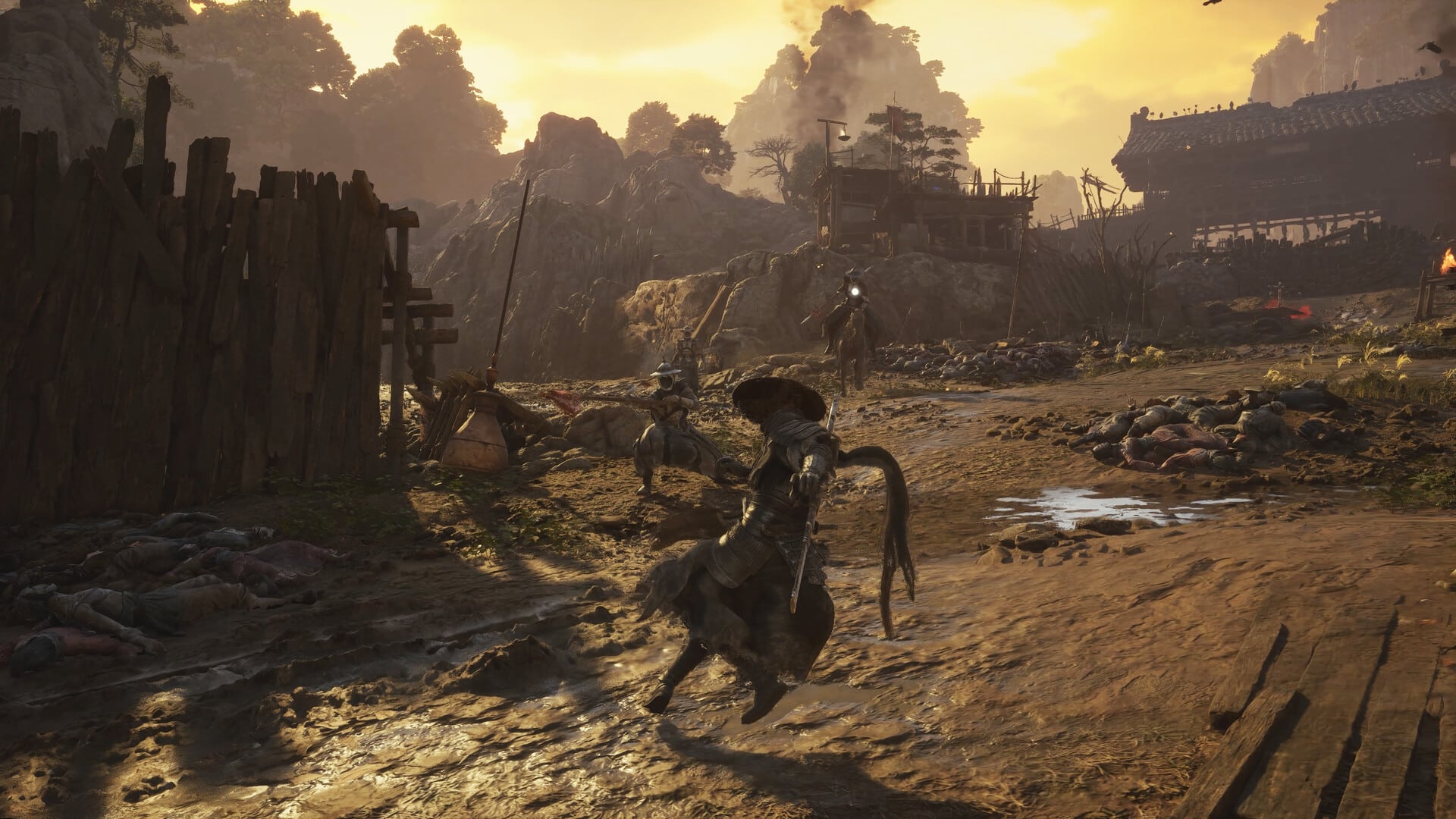
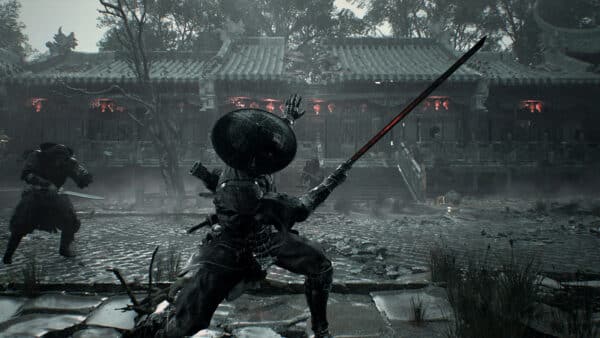
It’s time, action fans! The latest high-profile, AAA game from China is here, and it’s Phantom Blade Zero.
Before taking on this adventure, players will be greeted with the Phantom Blade Zero day-one update that appears as version 1.301.524 on PS5.
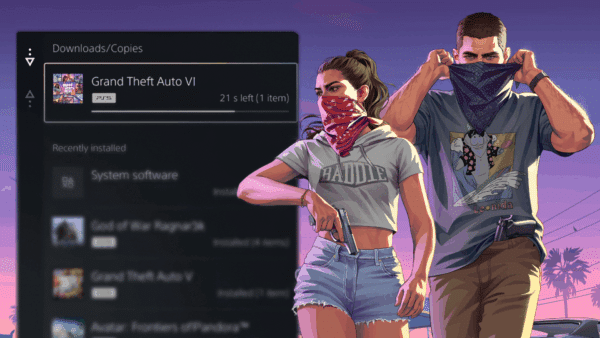
This isn’t just for bug fixes, as this also improves the technical performance of the title.
Phantom Blade Zero Day-One Update 1.301.524 Improves Ray Tracing

Clocking in at 2 GB on PS5, 5 GB on PC, today’s patch “significantly improves ray tracing and path tracing performance, and includes some bug fixes,” says developer S-Game.
The developer added, “We’ve spent a significant amount of time improving the visual presentation of rasterization, ensuring that the scene’s art style is perfectly conveyed even with ray tracing disabled. The experience on mid-range and even handheld devices has been extensively tested and is definitely worth trying.”
As for the PC version, S-Game also suggest not updating your Nvidia card to the latest version, stating, “We found that Nvidia’s latest driver 621.01 has some unstable performance issues. After testing, driver 617.42 is currently the most ideal driver version for Shadow Blade Zero. If you have already updated to a version after 617.42, you can select the corresponding version to reinstall (choose a clean install) in the driver interface, and wait for Nvidia’s new driver.”
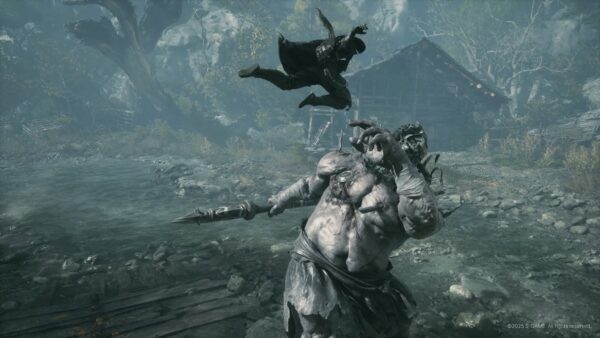
For more info, check out the PC requirements for the action game, as well as
Phantom Blade Zero PC Requirements
| Component | Minimum | Recommended |
|---|---|---|
| Operating system | Windows 10/11 (64-bit processor and operating system required) | Windows 10/11 (64-bit processor and operating system required) |
| Processor | Intel Core i7-8700K / AMD Ryzen 5 3600 | Intel Core i5-10600K / AMD Ryzen 5 5600X |
| Memory | 16 GB RAM | 16 GB RAM |
| Graphics | NVIDIA GeForce GTX 1660 6 GB / AMD Radeon RX 5500 XT 8 GB | NVIDIA GeForce RTX 3060 Ti 8 GB / AMD Radeon RX 6700 XT 12 GB |
| DirectX | Version 12 | Version 12 |
| Storage | 145 GB | 145 GB |
| Installation drive | SSD required | SSD required |
| Additional notes | Ray tracing and path tracing disabled; 1080p / 30 FPS with upscaling enabled | Ray tracing and path tracing disabled; 1440p / 60 FPS with upscaling enabled |
1. Free Up Enough Storage Space
For the best experience, install the game on a solid-state drive (SSD). To check your drive type, right-click the Windows taskbar and select Task Manager, or press Ctrl + Shift + Esc. Open the Performance tab and select the relevant disk. Where possible, avoid installing the game on your system drive (C:) to reduce the impact of system disk activity on frame rate stability.
The game requires approximately 145 GB of storage. Before preloading, make sure you have at least 300 GB of free space on the installation drive, as temporary files and the complete game files must coexist during the unlock process. Once the process is complete, storage usage will drop to approximately 145 GB. If a download, installation, or update fails due to insufficient space or a similar issue, free up the required space and try downloading the game again.
In related news, Phantom Blade Zero will feature 50 bosses and at least 30 main weapons. It is also NOT a Soulslike, and won’t have respawning enemies.
Phantom Blade Zero releases tomorrow, October 28, on the PS5 and PC.

Save 5% on your next top-up, games, gift cards, and virtual currency at Eneba.
Use code MP1ST5 at checkout.
This website contains affiliate links. If you click a link and make a purchase, we may earn a commission at no additional cost to you. This helps support our work. Learn more on our affiliate page.