Home > News

Minecraft Update 2.85 Chips Out for Version 1.20.72 This March 19

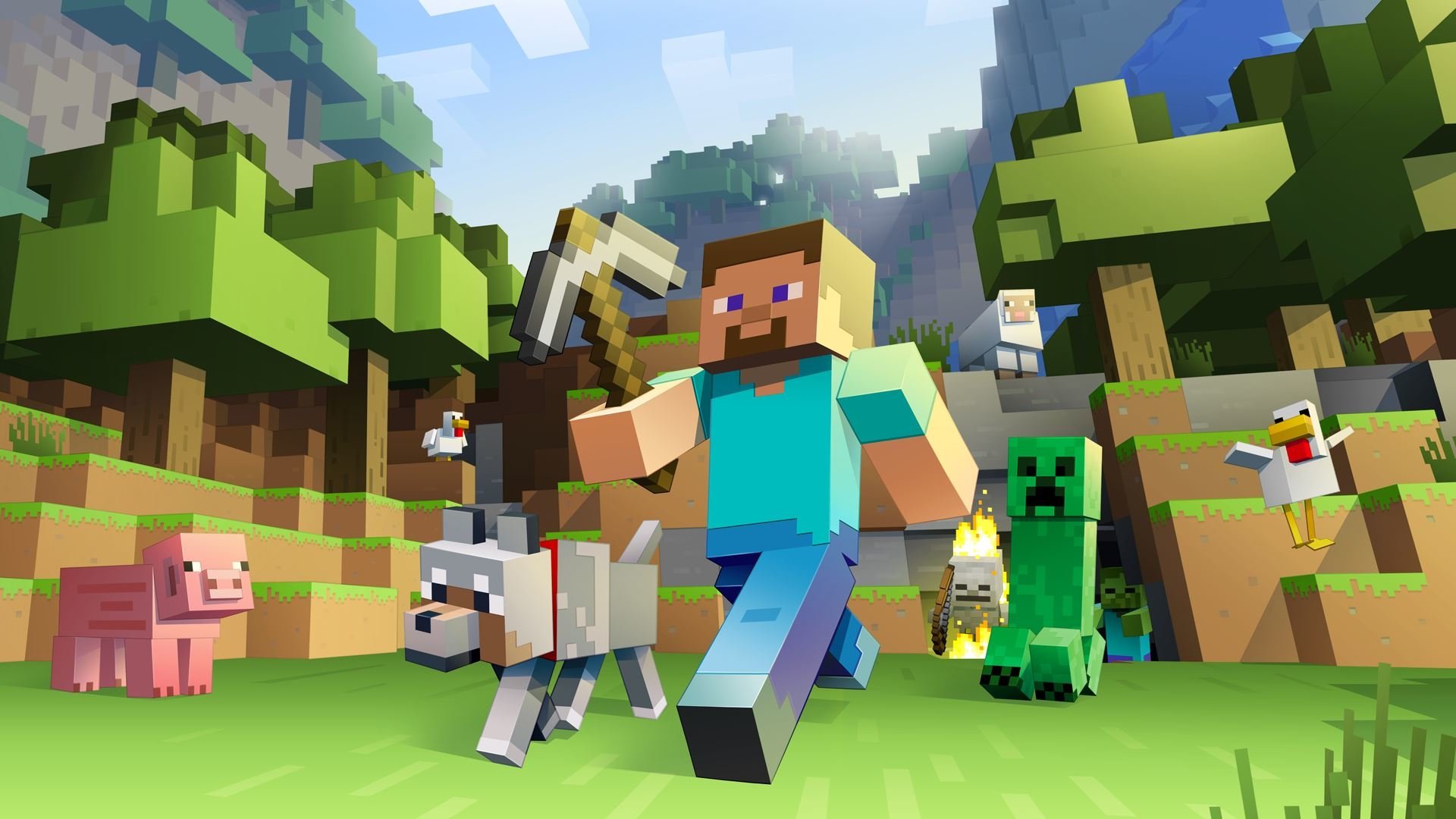
4J Studios has released Minecraft update 2.85, which is for Bedrock version 1.20.72. This is a minor patch that was issued by the devs to deal with crashes more than anything else. Read on for the official patch notes to see what’s new.

Minecraft Update 2.85 Patch Notes for March 19:

Game Bedrock Version: 1.20.72

A new update is now available to address stability issues introduced with the 1.20.70 update. The update is currently available on Android, iOS, and PlayStation 4, and other platforms will receive the update soon.

1.20.70 remains unavailable for Windows and we’re continuing to work on a solution. We’ll make an announcement as soon as the update becomes available again. We appreciate your continued patience as we work to address this issue.

Fixes:

  • Fixed several crashes that could occur during gameplay

It’s understandable that this is a minor update, as the latest one released last week was full of adjustments and fixes, which you can read about here.

Source: Minecraft

Avatar photo

Alex Co

Father, gamer, games media vet, writer of words, killer of noobs.

Home > News

Halo Infinite Update for March 19 Brings Easy Anti-Cheat to PC, New Custom Modes, and More

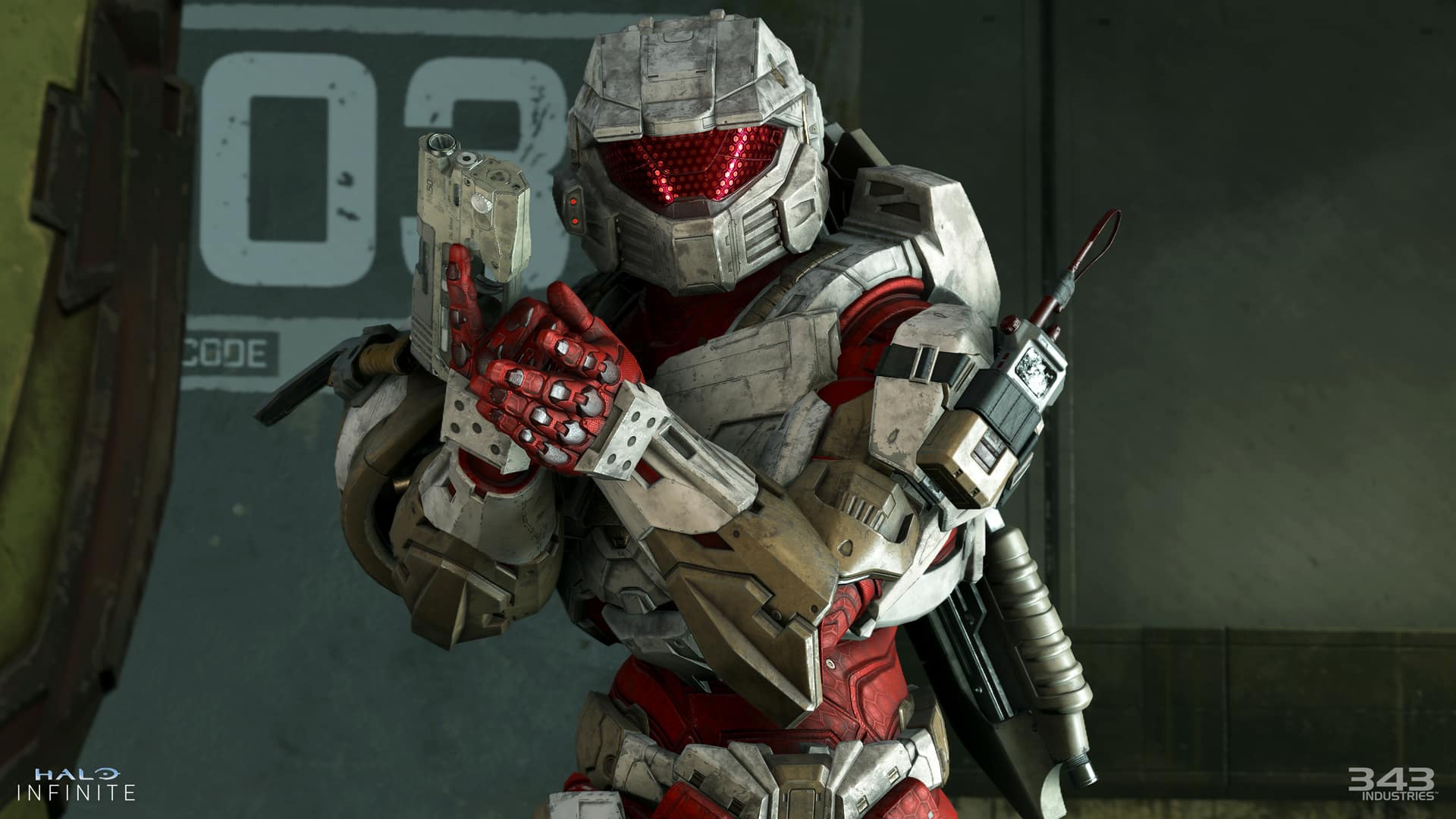
343 Industries has just released a massive Halo Infinite update for today, March 19, that adds easy anti-cheat on PC, along with some new custom firefight modes, and so much more! Here are the full patch notes for today’s Halo Infinite update.

Halo Infinite Update for March. 19 Patch Notes | Halo Infinite Content Update 31 Patch Notes:

NEW FEATURES

This update brings new content, numerous bug fixes, and several new features to Halo Infinite. For a full list of this update’s bug fixes, see the Resolved Issues section below. New features and content included in this update are:

OVERHAULED NETWORK MODEL

The new networking model ⁠introduced in the Firefight matchmaking playlists in December 2023 has been rolled out to the rest of the Halo Infinite online multiplayer experience. Players should experience less instances of rubberbanding movement, taking damage around corners, and other issues caused by becoming desynchronized with the multiplayer server.

The development team will be monitoring backend metrics, Halo Support bug report tickets, and player feedback to determine how this new networking model is working. If you encounter any issues in online multiplayer that may be network related, please submit a ticket so the development team can investigate!

EASY ANTI-CHEAT ON PC

Easy Anti-Cheat (EAC) has been added to Halo Infinite on PC. EAC helps provide a level playing field in online sessions by ensuring the integrity of all players’ game files and background programs. When EAC detects that a player may be attempting to cheat or alter game files in a multiplayer session, they will be removed from the match. EAC is not active in Campaign or Forge’s Edit Mode.

When playing Halo Infinite, players are bound by the Halo Spartan Code and the Xbox Community Standards. If you encounter a player in Halo Infinite who you believe to be cheating, follow the steps below to report a player during a multiplayer match:

  1. Using the default control bindings, open the multiplayer scoreboard by pressing either the View button on a controller or the Tab key on a keyboard.
  2. From the scoreboard, navigate to and select the Gamertag of the player you would like to report.
  3. Press the corresponding button prompt at the bottom of the screen to initiate a report.
  4. Select the reason for reporting the player.

For more information on reporting players and instructions on how to report a player outside of an in-progress multiplayer match, visit the How to Report a Player article.

If you happen to record in-game behavior that appears to be cheating, please submit a Report a Player ticket and attach the related video clip. Player-submitted tickets and videos are the most direct way to help the Halo Safety team investigate cheating.

The existing automated ban system for Halo Infinite will not be changing with this update. Players will still receive automatic bans for unsporting behavior such as idling, quitting matches repeatedly, and betraying teammates.

If you believe that you were incorrectly removed from a multiplayer match by EAC, try disabling any non-essential programs you may have running in the background on your PC. If you believe you were banned incorrectly, submit a Ban Appeal ticket and the Halo Safety team will re-review the evidence that led to your initial ban and any additional evidence you supply in your appeal.

EXPERIMENTAL DETERMINISTIC COMPETITIVE SKILL RANK (CSR) PAYOUTS

Alongside this update, players with a CSR of 1800 or higher will now earn 7 CSR for every win and lose 7 CSR for every loss in Ranked matchmaking playlists. The Halo Infinite development team will be monitoring telemetry and feedback for any unintended consequences of this change. You can share any feedback on this CSR payout change on the official Halo Discord server or, if you encounter any bugs or issues in-game due to this issue, submit a Bug Report ticket.

For additional information on this change, visit the “CU 31 Ranked Changes” blog on Halo Waypoint.

FIREFIGHT CUSTOM GAME MODE VARIANT

The new Firefight Custom game mode variant removes the King of the Hill game mode logic from the existing Firefight game mode variants. Similar to the Minigame Mode introduced in the Season 4 update, this game mode variant provides Forge creators a blank slate with which to build all-new Firefight experiences. To help support this, the following nodes are now available for Script Brains in Forge’s Edit Mode:

  • On Firefight Set Start: Event called when any Firefight game variant starts a new Set. Returns the Group Index the Set was Launched with, which determines which spawners and objectives were triggered for that Set. Only works in Firefight variants.
  • On Firefight Set End: Event called when any Firefight game variant ends a Set. Returns the Group Index the Set was Launched with, which determines which spawners and objectives were triggered for that Set. Only works in Firefight variants.
  • End Firefight Custom Set: Ends the currently running Firefight Custom Set. The defending (Eagle) team will gain a point if Defenders Successful is TRUE; otherwise, Cobra will earn a point. Only works in Firefight Custom. If called between Sets, will have no effect.
  • Fail Firefight Custom Perfect Set: Causes the defending (Eagle) team in the Firefight variant to fail their perfect Set, preventing them from earning Skulls after the Set completes. Only works in Firefight Custom when dynamic Skulls are enabled.
  • Adjust Firefight Lifepool: Adjusts the Team’s lifepool by the provided Life Count, if teams and lifepools are enabled. Negative values will subtract lives. Only works in Firefight variants.
  • Get Firefight Custom Set State: Returns information about the currently running Firefight Custom Set. If no Custom Set is active, Custom Set Active will be FALSE and the other pin values will default to FALSE and 1 as appropriate. Input pins determine the value in Forge to facilitate script testing. Only works in Firefight Custom.
  • Get Firefight Wave Spawners: Returns a randomly ordered Object List of AI Spawner objects that have the Firefight Spawner game mode label, a matching Group Index, and a matching Subgroup Label. List contents will be filtered to first provide Phantom spawners up to the max, and then the rest of all other spawner types. Only returns up to 32 spawners. Works in all game modes.
  • Get Firefight Boss Spawners: Returns a randomly ordered Object List of AI Spawner objects that have the Firefight Spawner game mode label and a matching Group Index. List contents will be filtered to first provide Phantom spawners up to the max, and then the rest of all other spawner types. Only returns up to 32 spawners. Works in all game modes.
  • Override AI Spawner: Overrides the units on the given AI Spawner with a squad definition from the Firefight enemy tables. Higher Difficulty and/or higher Intensity will produce harder squads. Works in any game mode.

2024 HCS WEAPON BUNDLES

2024 HCS Weapon Bundles are now available in the in-game Shop menu. These bundles contain the Corpsewrap Weapon Model for the BR75 Battle Rifle, a Multi-Use Weapon Coating, a Backdrop, an Emblem, and a Nameplate. Each of the following HCS teams has its own version of this bundle:

  • Cloud9
  • Complexity
  • FaZe Clan
  • OpTic Gaming
  • Quadrant
  • Sentinels
  • Spacestation Gaming (SSG)

For players who purchase multiple 2024 HCS Weapon Bundles, the first bundle purchase costs 1500 cR as it includes the Corpsewrap Weapon Model. The Corpsewrap Weapon Model is not themed for each team, so players will only be able to purchase it once. Subsequent purchases of other teams’ bundles cost 1000 cR as they will exclude the Corpsewrap Weapon Model.

Download Size by Platform

  • Xbox consoles: 12.8 GB or less
  • Microsoft Store app or Xbox app on PC: 5.4 GB or less
  • Steam: 5.2 GB or less

BALANCE CHANGES

WEAPONS

Gravity Hammer (all variants)

A bug that affected the Gravity Hammer’s damage and knockback values has been resolved, however, its new damage and knockback values will remain higher than they were in pre-Season 5 updates.

Bandit Evo and M392 Bandit

Based on community feedback, the reload speed has been increased for both the Bandit Evo and the M392 Bandit.

Developer Notes

We have received feedback that the reload speed from both Bandit variants is feeling clunky and slow. The act of reloading is something we want players to continuously think about, but not feel like a chore to complete.

  • Reload speed increased 10%.
  • Reload speed while empty increased 10%.

VK78 Commando Rifle

The VK78 Commando Rifle’s bloom now resets slightly faster.

Developer Notes

We have been getting consistent feedback that players struggle to find success when operating this weapon. Bloom and recoil control are both a requisite, which can be difficult for players to control. Also, with the change from the Battle Rifle to the Bandit EVO as the primary weapon in Ranked Arena, it inherently lowered the viability of the Commando Rifle as a scavenging pickup option. The goal of this change was to give the Commando Rifle better handling, more friction from close ranges, and the potential for consistent damage output.

  • Lower bound deceleration time decreased 0.22 >> 0.21 seconds.
  • Upper bound deceleration time decreased 0.22 >> 0.21 seconds.
  • Magnetism near fall off range increased 0 >> 1 wu.

Heatwave

To reduce its long-range viability, the Heatwave’s aim assist has been decreased.

Developer Notes

There’s been long standing feedback from competitive players that the effective range of the Heatwave is excelling outside of its intended range. We’ve made tunings to limit its mid to long range capabilities.

  • Aim assist angle decreased from 5 >> 4.
  • Aim assist range decreased from 12 >> 11.
  • Aim assist falloff range decreased from 7.5 >> 6.5.

Stalker Rifle

The Stalker Rifle now takes longer to vent once overheated and will require less shots before it overheats.

Developer Notes

Feedback from the ranked community signaled that the Stalker Rifle is over performant. Players can use the advantages of the weapon to chain together multiple kills without much counter play. This change will still allow players to achieve multiple kills in succession, but there will be less room for error and a bit more time spent venting.

  • Aim assist angle decreased from 5 >> 4.
  • Aim assist range decreased from 12 >> 11.
  • Aim assist falloff range decreased from 7.5 >> 6.5.

Plasma Pistol

The Plasma Pistol has received multiple changes: its rate of fire has decreased, it now overheats faster than before, and it now requires less time to fully charge up.

Developer Notes

Over time the single shot firing method for the Plasma Pistol has become the most effective way players utilize this weapon. By using it that way they are able to get most of the benefits the weapon provides with little to no risk. These changes are meant to give the charged shot more viability while still allowing the option to find success with the single shot.

  • Rate of fire for single shot trigger decreased from 10 >> 6.75 rounds per second.
  • Overheated threshold decreased from 1 >> 0.8.
  • The amount of time for trigger to fully charge decreased from 1.6 >> 1.2 seconds.

SYSTEMS

Bandit Spawn Influencer

The development team resolved an issue caused by the Bandit Evo and the M392 Bandit’s spawn influencer that resulted in players experiencing disadvantageous respawns in the Ranked Arena playlist.

Developer Notes

Since the Bandit EVO launched there has been feedback that the spawn logic has changed in Ranked Arena. Players were reporting that at times they would more frequently spawn into advantageous or disadvantageous locations. The intent of this change is to align the spawn behavior more closely with that of when the Battle Rifle was the starting weapon for Ranked Arena, which follows more consistent logic in connection with how players influence spawn locations.

  • Adjusted weapon spawn influencer for Bandit EVO to match BR75.
  • Adjusted weapon spawn influencer for M392 Bandit to match Assault Rifle.

Bandit Fire Volume

The M392 Bandit and Bandit Evo’s firing sound effects are now quieter.

Developer Notes

A bug was called out that the Bandit first-person firing audio was suppressing other environmental and hit detection sounds. While we can agree that weapon audio is important to player fantasy and immersion, there is importance in how the weapon audio mixes with other acoustics.

  • Lowered Bandit player fire volume >> -3dB.

RESOLVED ISSUES AND BUG FIXES

Many improvements come from Halo Insider and Halo Support tickets submitted by our community. Thank you for participating and please keep submitting tickets!

Halo Support tickets help the team here at 343 Industries understand what issues you would like to see addressed in future Halo Infinite updates. The development team is actively working on a variety of game updates and improvements based on both player feedback and bug report tickets.

If you experience a crash in Halo Infinite, please include as much of the following information as possible:

  • Step-by-step instructions on what caused the crash. The more specific, the better!
  • Attach an up-to-date DxDiagfile. To create a DxDiagfile, type “dxdiag” into the Start menu’s search bar, press the Enter key, then click “Save All Information” when the DirectX Diagnostic Tool pops up.
  • Include the Problem Report from the Control Panel app. To find this, open the Control Panel and enter “problem reports” in the search bar. Click “View all problem reports” then locate the recent Halo Infinite report. Double click on this Halo Infinite entry then use the “Copy to clipboard” button near the bottom of the window. Finally, paste this text into your ticket’s comments.

GLOBAL

  • Improved stability for Halo Infinite on both Xbox consoles and PC.

MULTIPLAYER

Gameplay

  • Resolved an issue that unintentionally increased the knockback and damage of the Gravity Hammer and its variants.
  • Equipment dropped upon death will no longer become stuck underneath the map’s playable area.
    • Due to this fix, Equipment Pads in the Ranked Arena matchmaking playlist will now enter the “red rack” state when players pick up their equipment.
  • Picking up Equipment just before being killed is now less likely to result in a crash.
  • Walking or jumping into the side of a Cone object placed in Forge no longer results in player movement becoming unpredictable.
  • Opening the scoreboard while loading into a multiplayer match no longer allows players to move during the match’s non-interactive intro sequence.
  • The spectator camera is now more stable when the spectated player is killed.
  • Resolved an issue that sometimes caused Extraction Devices to be planted in inaccessible areas while standing on dynamic map objects.

New Networking Model

The improvements in this section come from feedback and Halo Support tickets submitted by our community. Thank you for participating in the Combat Workshop playlist and please keep submitting tickets!

  • Pinging enemies or locations on a map will now work consistently.
  • The Banshee and Wasp’s aiming reticles no longer rapidly swap between their two firing modes while being piloted.
  • Banshee bombs now fire immediately after switching weapon modes while holding the fire button or key down.
  • When looking at a vehicle being driven by another player, it will no longer appear to turn in unintended directions.
  • Wraith mortar shots now fire at their intended targets more consistently.
  • Vehicle Pads will now push players obstructing the spawn area out of the way when spawning a new vehicle.
  • Grenades are now picked up consistently when throwing grenades when standing near a Grenade Pad.
  • The Warthog and Chopper no longer appear to turn in unintended directions when their drivers use the A or D keys.
  • Grappleshot charges are now counted correctly when they detach shortly after latching onto their original target.
  • The Repulsor no longer has a chance to consume 2 charges at once.

Menus

  • The post-match New Rank splash screen no longer displays an incorrect rank emblem.
  • The initial Operation Pass purchase menu will no longer allow players to purchase either premium offer while its price is loading.

Custom Games

  • 343 bots will now deal the appropriate amount of damage when playing a Forge map with the AI difficulty node set to Legendary.

Customization

  • Addressed various customization combinations that resulted in “Profile Sync” error messages or players becoming locked out of the Armor Hall menu.
  • Applying an Armor Emblem to an Armor Kit released since the Season 5 update then changing the Emblem Palette to a non-default option will no longer result in the Armor Kit being unequipped.

Visual

  • Firing a weapon mid-sprint no longer has a chance to show the weapon’s projectile emitting from an incorrect location.
  • The text size for both match time and team score on the heads-up display (HUD) has been increased.

Audio

  • The Thruster’s sound effects now play as intended when the Ark Reaction Mythic Effect Set is equipped.

Observer Mode

  • The Observer scoreboard no longer highlights two players at the same time.

FORGE

Edit Mode and Creation Tools

  • Improved stability when spawning and placing multiple objects in quick succession.
  • Leaving a Forge session via the pause menu while objects are selected is now less likely to result in a crash.
  • Improved stability when loading into Forge maps created on the Void or Ecliptic canvases.
  • Halo Infinite is now less likely to crash after placing multiple Biome objects in a row.
  • Player collision for the Leafy Bush A, B, C, and D objects is now aligned with their appearance.
  • Script Brains that grant Equipment charges upon use of existing charges no longer cause player movement to become unpredictable.
  • The “Get Random N Objects” node no longer returns an incomplete list of objects.
  • Selecting the Eye icon in the Folders menu will now hide and unhide FX objects as expected.
  • Removed two non-functional camera objects that appeared on all Halo Infinite Forge canvases.

File and Map Publishing

  • Resolved issues that allowed players to edit and save Copy Protected maps and Mode Prefabs.

KNOWN ISSUES

With this update, the team has added multiple new issues to our Known Issues lists:

MULTIPLAYER

  • Vehicles may play their “doom state” sound effects when they’re approaching the doom state but prior to it actually triggering. When this issue occurs, observe whether the vehicle is glowing red to confirm whether it is about to explode.
  • When leading in score in a match of Free-For-All (FFA) Escalation, the mini-scoreboard along the bottom center of the Heads-Up Display (HUD) may show the incorrect player in second place.
  • On the map Deadlock, Pelicans only deploy Scorpion and Wraith tanks when playing non-Heavies variants of Big Team Battle.
  • Rarely, EAC is not installed preventing players from launching the game.
    • Workaround: If Halo Infinite was installed via Steam, use the “Verify integrity of game files” option to resolve this issue. If this does not resolve the issue or if Halo Infinite was installed via the Microsoft Store or Xbox app, uninstall then reinstall Halo Infinite to re-trigger the EAC installation process.”
  • When Halo Infinite is installed via the Microsoft Store or Xbox app on PC, Comodo Antivirus may block Halo Infinite from launching.
    • Workaround: Manually add Halo Infinite to the Excluded Applications list in the Comodo Antivirus client to allow Halo Infinite to launch as expected.

FORGE

  • The Snapped Log A, B, C, and D objects appear as solid black models.
  • When its Object Mode setting is set Dynamic, the Broken Stump A object’s Physics dropdown does not list an option for Normal physics.
  • When two or more Script Brains approach their max node capacity and a caution symbol appears in its Budget meter, all scripts on that map will not function as expected.
  • When a player joins an in-progress Forge session where two objects have been welded together, the joining player will not see the two objects as welded and may experience “rubberbanding” or jittery movement when moving near the objects.
  • After placing a saved Prefab object, deleted gameplay objects may still appear in Forge’s Play Mode.

Source: Bungie

Avatar photo

James Lara

A gamer at heart, James has been working for MP1st for the last decade to do exactly what he loves, writing about video games and having fun doing it. Growing up in the 90's gaming has been in his DNA since the days of NES. One day he hopes to develop his own game.

Home > News

RDR2 Update 1.32 Brings Various Improvements This March 19

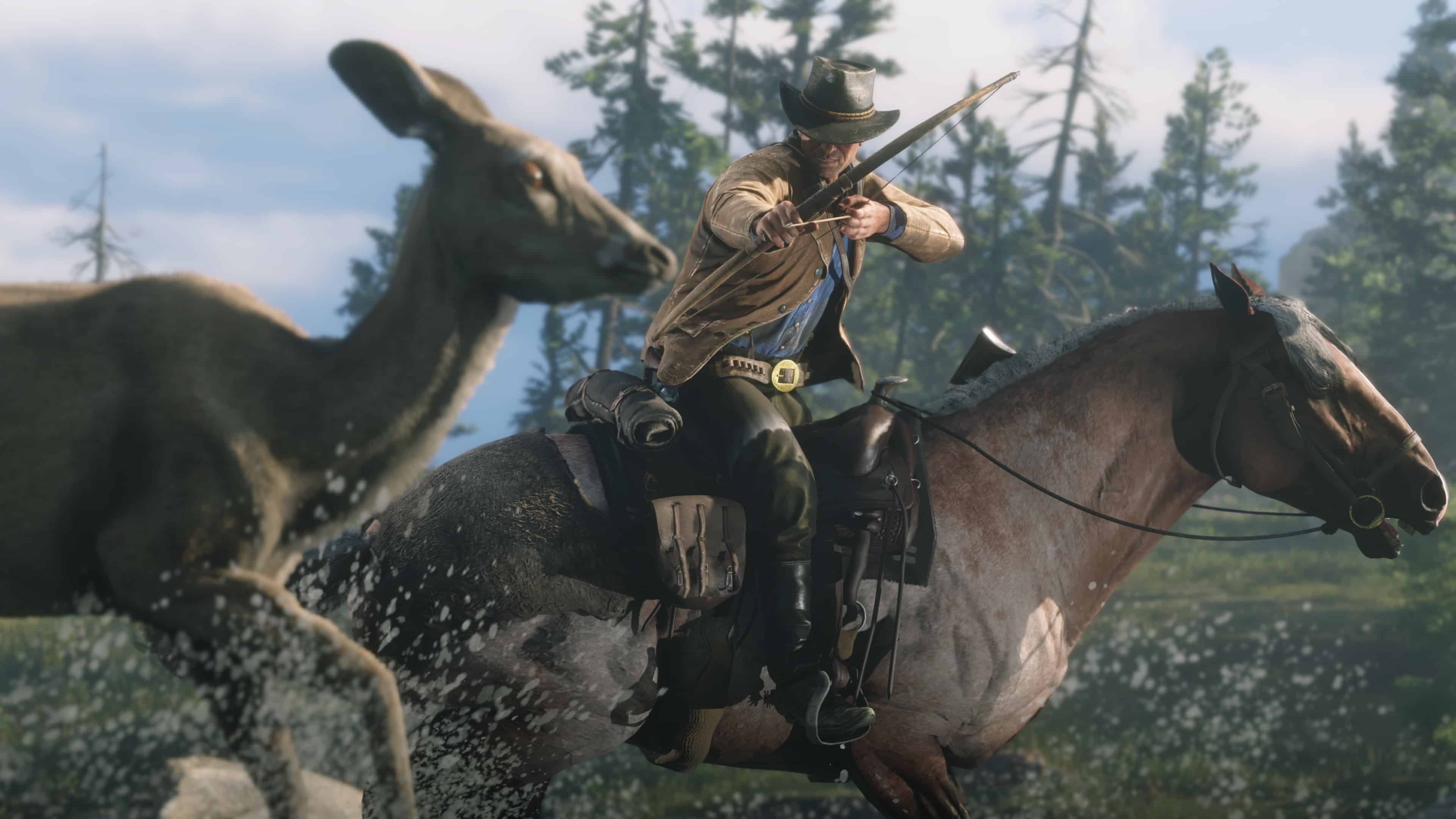
Rockstar Games has pushed out (Red Dead Redemption 2) RDR2 update 1.32, and this brings various fixes to the game and mostly for Red Dead Online. Read on for the official patch notes straight from Rockstar.

RDR2 Update 1.32 Patch Notes for March 19:

[March 19, 2024] – General Stability Fixes and Improvements

  • Red Dead Online General Fixes
  • Fixed an issue that resulted in Naturalist samples not being counted toward Daily Challenges
  • Fixed an issue in Dead of Night that resulted in Night Stalkers being able to collect the Night Stalker mask
  • Fixed an issue that resulted in ambient vehicles not appearing in certain content
  • Fixed an issue that resulted in Free Roam Missions not launching
  • Improved an issue that resulted in players becoming stuck when entering the stables
  • Improved an issue that resulted in players being unable to summon horses and wagons
  • Voice Chat now defaults to Off

Game Stability and Performance

  • Fixed various issues that could result in a crash

Game Stability and Performance (PC)

  • Fixed various issues that would result in the game crashing or failing to launch
  • Fixed an issue that resulted in Offline Mode not working due to Windows 11 updates
  • Fixed an issue that resulted in crashes after reporting other players
  • Fixed issues that resulted in Offline Mode not working correctly
  • Added support for HDR10+ GAMING, this will automatically set game graphics in HDR for HDR10+ GAMING displays on compatible graphics cards and monitors connected via HDMI
  • Updated AMD Fidelity Super Resolution (FSR) libraries to version 2.2
  • Fixed an issue that resulted in 3200×2400 resolution being unavailable

Speaking of Red Dead Online, we cover the game’s monthly reset of activities and rewards, with the one for March available here.

Source: Rockstar Support

Avatar photo

Alex Co

Father, gamer, games media vet, writer of words, killer of noobs.

Home > Title Updates and Patches

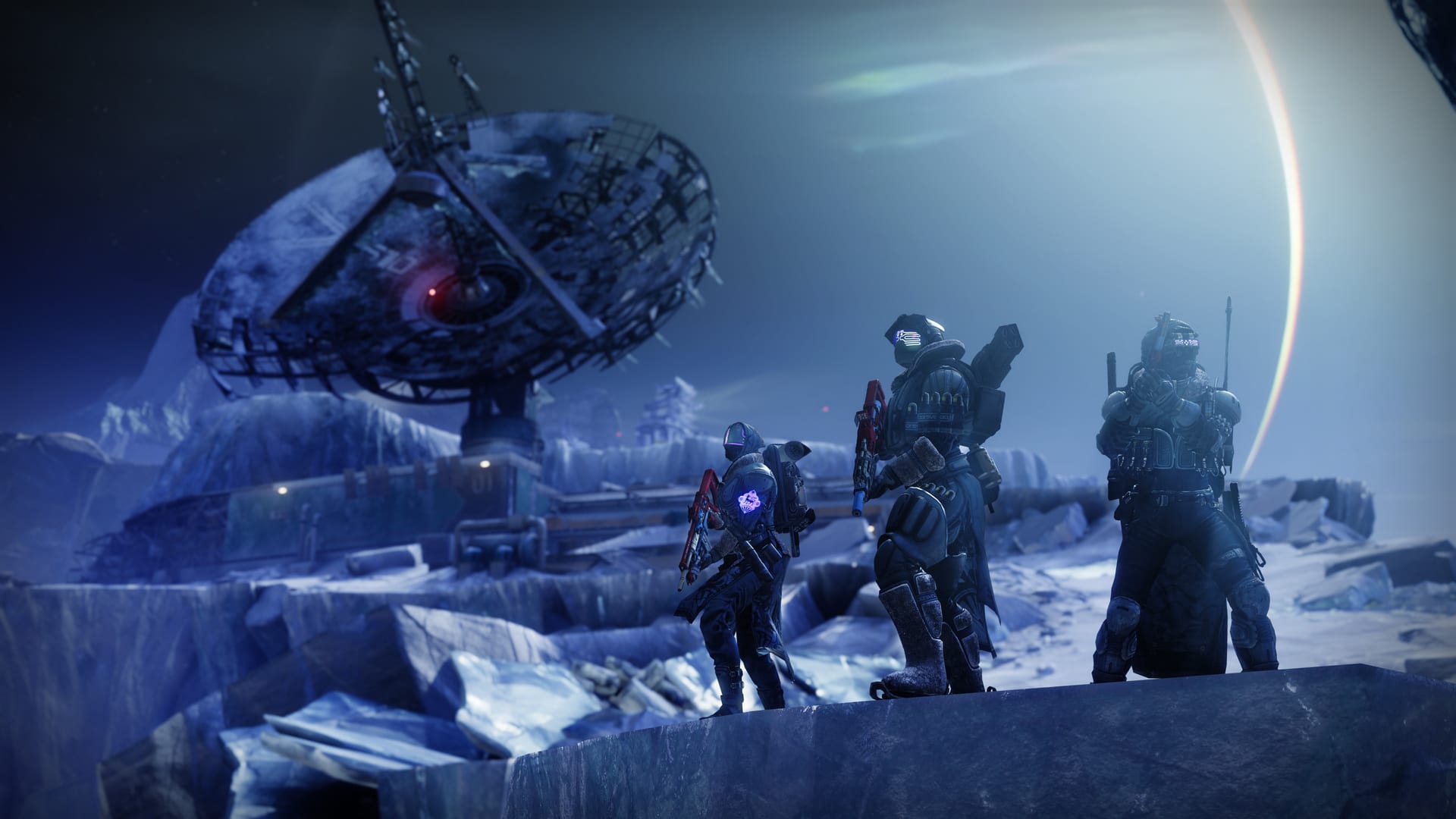
Destiny 2 Update 3.20 for Version 7.3.5.2 Released This March 19

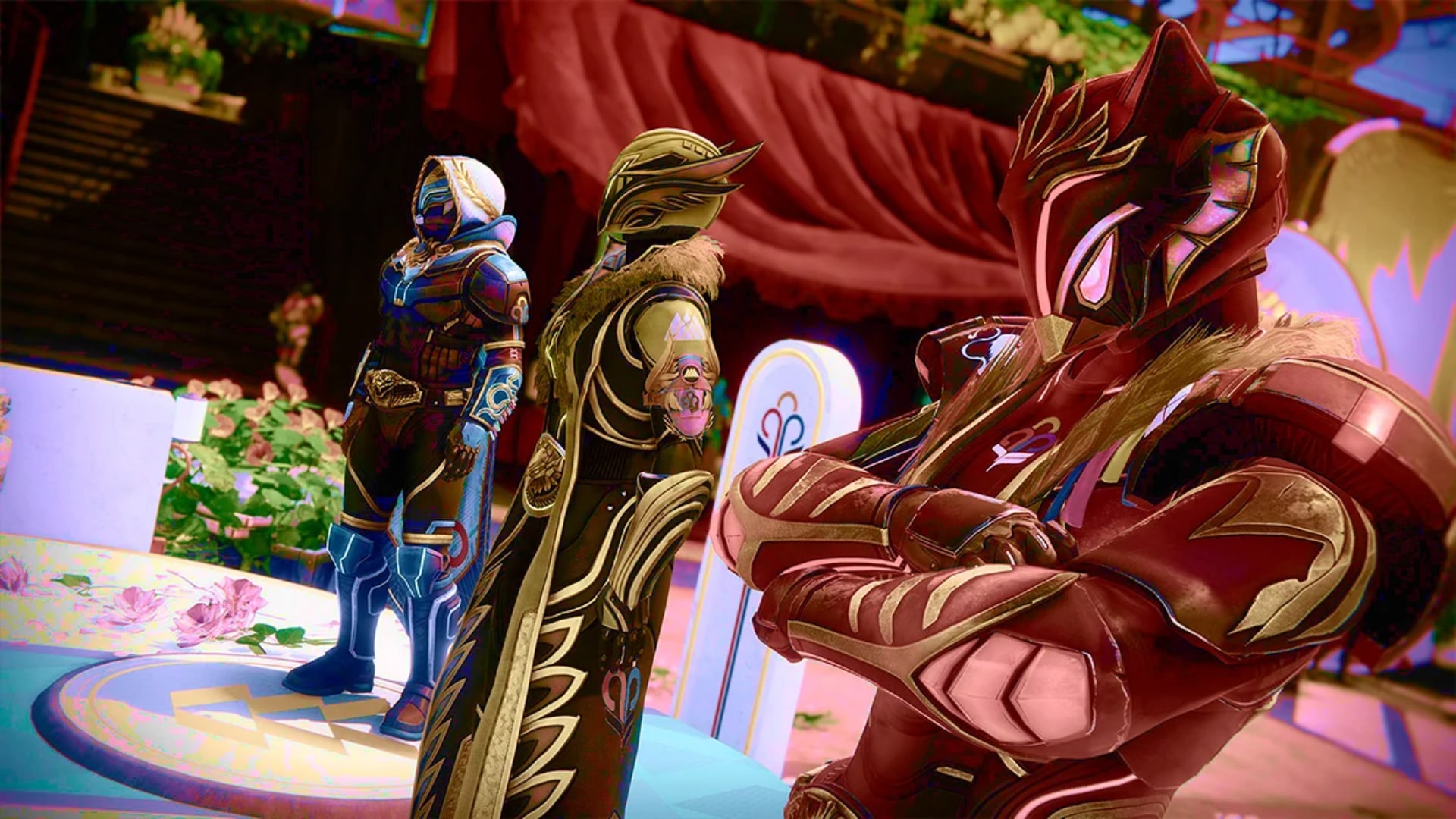
Bungie has begun releasing Destiny 2 update 3.19 (PS5 version 1.115) across all platforms, which addresses numerous bugs and gameplay mechanics. Here’s everything included in today’s Destiny 2 patch notes.

Destiny 2 Update 3.19 Patch Notes | Destiny 2 Update 1.115 Patch Notes | Destiny 2 Update 7.3.5.2 Patch Notes:

ACTIVITIES 

CRUCIBLE 

General

  • Fixed several issues where Special ammo crates were incorrectly spawning in Control and Supremacy game modes on Fragment, Pacifica, and Cathedral of Dusk.
  • Fixed an issue where Lord Shaxx’s announcement for Supremacy game mode was missing in Guardian Games Supremacy playlists. (He took some throat lozenges and was feeling up to the task once again.)
  • Fixed an issue where the Mercy ruling was absent in all Supremacy-based game modes, including Guardian Games playlists.
  • Fixed an issue where the game mode banner icon was the placeholder version for Collision mode in Crucible Labs.

Trials of Osiris

  • Fixed an issue where incorrect Special ammo meter reward amounts were used. The meter should fill slightly faster now.
  • Fixed an issue where the Passage of Persistence could become flawed when losing a game while at 0 wins, preventing players from earning the Adept reward at 7 wins.

GUARDIAN GAMES ALL-STARS 

  • Fixed an issue where the Heir Apparent Exotic Machine Gun catalyst quest could drop for players who have already obtained the Heir Apparent Catalyst.
  • Fixed an issue where the Hullabaloo Legendary Grenade Launcher rewards obtained from the weekly Gold and Platinum podiums could drop with a Range Masterwork.
  • Fixed an issue where the Drop In and Top of Class pursuits would remain available on Eva after claiming them.
  • Fixed an issue where the Trials of Osiris Diamond Contender Card would be collected more than one time.

UI AND UX 

  • Fixed an issue in which the emblem Out of the Airlock was not displaying properly.

GAMEPLAY AND INVESTMENT 

ARMOR 

  • Fixed an issue where the Stronghold Exotic Gauntlets was incorrectly granting Restoration x1 instead of Restoration x2.
  • Fixed an issue where the Allstar Cloak and Allstar Mark class items were not available to convert into universal ornaments.
  • Fixed an issue where the Titan Lion’s Might Helmet ornament wasn’t displaying properly.

BOUNTIES AND PURSUITS 

  • Players stuck on the first step of Season 22’s Toil and Trouble quest line should now have access to the Way of the Witch mission.
  • Completing this activity properly advances the quest line, ensuring eventual access to the portal in the H.E.L.M.
  • Affected players will briefly lose access to the Savathun’s Spire node until the Way of the Witch mission has been completed to advance the quest.
  • Players who were able to acquire Season 22’s Bladed Path quest line prior to the Toil and Trouble quest line were blocked from ever receiving Toil and Trouble.
  • Upon logging in (assuming the completion of the Season 23 introductory quest line), affected players should receive Toil and Trouble and be able to progress through that quest line to gain access to the portal in the H.E.L.M.
  • Affected players will briefly lose access to the Savathun’s Spire node until the Way of the Witch mission has been completed to advance the quest.
  • Fixed an issue where collecting the Cabal Missive did not advance The Final Strand quest. Collecting the Cabal Missive will now advance the quest.

GENERAL 

  • Fixed an issue where Skimmer grinding would not work when using the hold to crouch command.

PLATFORMS AND SYSTEMS 

  • Fixed an issue in which text and voice chat were not available for console play.

Source: Bungie

Avatar photo

James Lara

A gamer at heart, James has been working for MP1st for the last decade to do exactly what he loves, writing about video games and having fun doing it. Growing up in the 90's gaming has been in his DNA since the days of NES. One day he hopes to develop his own game.

Home > News

New Destiny 2 Weekly Reset March 19, 2024 and Eververse Inventory

As Xur departs from Destiny until next Friday, a new set of weekly activities and Eververse offerings have arrived to keep players occupied. The new Destiny 2 weekly reset March 19, 2024 refresh of activities is now live, fully detailed below along with the new Eververse inventory.

New Destiny 2 Weekly Reset March 19, 2024 and Eververse Inventory:

The highlights of this week’s update are:

  • Last week of Guardian Games
  • Nightfall: The Corrupted
  • Weekly Playlists: Supremacy & Showdown
  • Raid: Deep Stone Crypt
  • Dungeon: Pit of Heresy
  • Mission: Presage

That’s all for this week’s Destiny 2 update. Stay tuned for our Xur and Trials of Osiris posts on Friday.

(Thanks again, /r/DestinyTheGame!)

Avatar photo

Salman Haider Zaidi

That's a nice argument, Senator.

Home > News

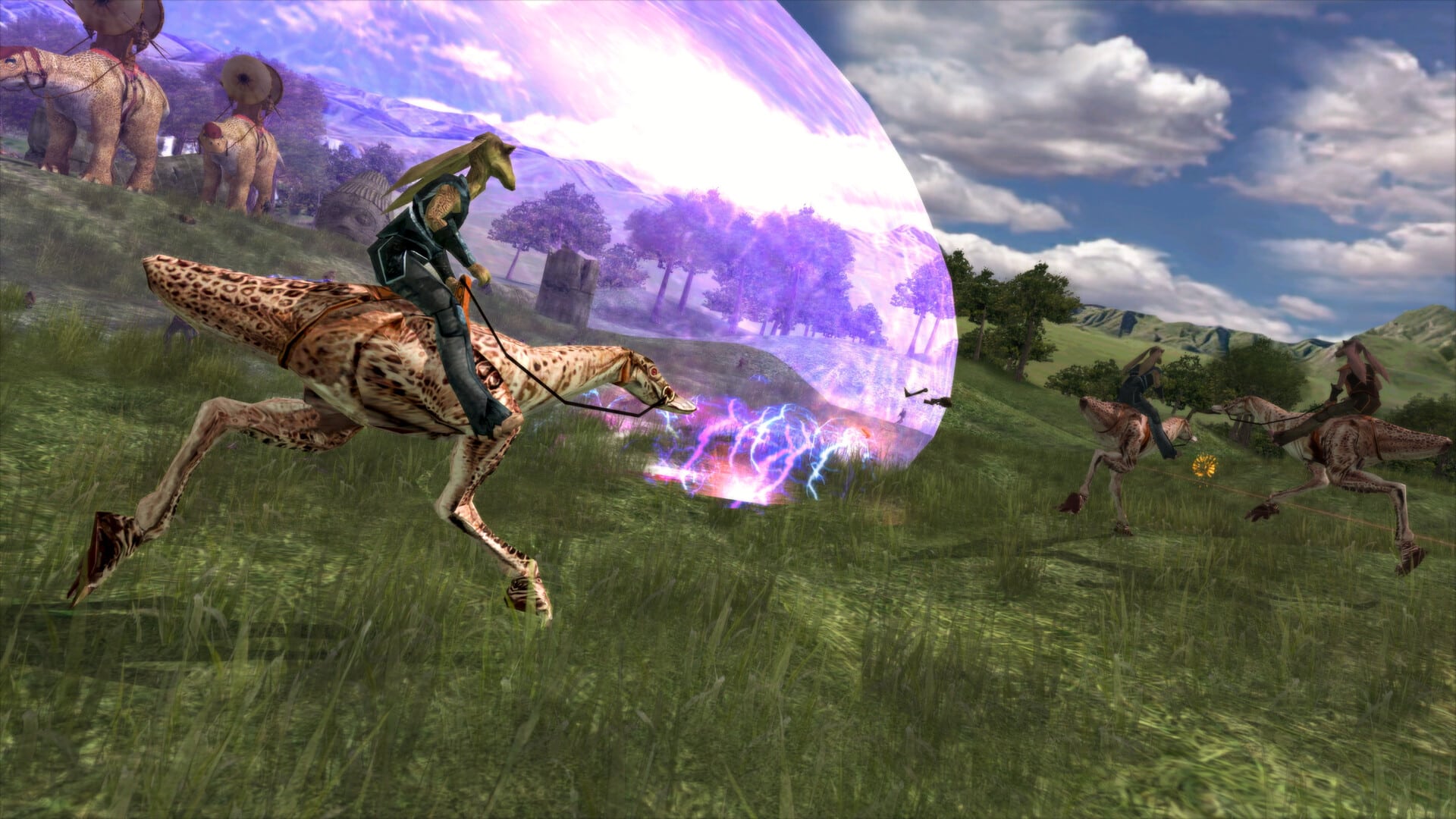
Star Wars Battlefront Classic Collection Update 1 Released This March 19

Aspyr has released Star Wars Battlefront Classic Collection Update 1 on PC, and as one might expect, this brings a host of fixes to the game ranging from control schemes, multiplayer crashes and more. For those on consoles, the patch will be released as soon as the certification process is approved.

Star Wars Battlefront Classic Collection Update 1 Patch Notes:

Full Changelist

Multiplayer

  • [BF2] Fixed a crash related to client message sends.
  • [BF2] Fixed the launch prompt to be present after timing out or selecting cancel while joining a server.
  • [BF1][BF2] Fixed password-locked games to no longer appear via the Quick Match option.

Control Schemes

  • [BF1] Fixed a crash when entering the split screen menu in BF1 where Player 1 would incorrectly be assigned to Player 2.
  • [BF2] Fixed a crash that would occur when attempting to build fleets while using Mouse and Keyboard in Galactic Conquest on BF2.
  • [BF2] Fixed bonuses to be able to be highlighted in the Bonus Selection screen in Galactic Conquest.
  • [BF1][BF2] Fixed Invert Y-Axis option to be visible.
  • [BF1][BF2] Fixed the options for Flip X-Axis and Swap LS and RS to be unhidden
  • [BF1][BF2] Fixed split screen games to be able to be started when only one controller is connected.

Visuals

  • [BF1] Fixed an issue where the ‘L’ button prompt would overlap the top arrow on the Instant Action menu.
  • [BF1] Fixed an issue in multiplayer mode where AI units would slide when not in direct sight of a human player.
  • [BF2] Fixed an issue where the zoom-in scope crosshair image would not  appropriately fit widescreen displays.
  • [BF2] Fixed an issue where hit VFX and hit character animations could not be seen by clients in Hero Assault mode. (long range).
  • [BF2] Fixed textures on Utapau map.
  • [BF2] Fixed an issue on the Kamino map in BF2 where the lights and bloom VFX  within were not displaying properly.
  • [BF2] Fixed an issue on the Endor: Bunker map in BF2 where a tree was  clipping up through the middle of a walkway.
  • [BF2] Fixed an issue where a seam in the skybox was visible on some maps in Battlefront 2.
  • [BF2] Fixed an issue  on the Naboo map in BF2 where the railing texture was missing.
  • [BF2] Fixed an issue on Space maps in BF2 where a  small white cube was present at the base of all openable doors on Republic, CIS, and Rebel capital ships.
  • [BF2] Fixed an issue on the Galactic Conquest screen in BF2 where a player’s name and their credit count would be overlapped by bonus boxes on the Bonus tab.
  • [BF2] Fixed an issue where the ESC menu would stay on the screen if it was opened at the end of a match.
  • [BF2] Fixed an issue  in Galactic Conquest where the hilt from the lightsaber icon would not show the Leader bonus.
  • [BF2] Fixed units sliding after respawn on XL maps.
  • [BF2] Fixed the jetpack gauge to correctly align.
  • [BF2][Split screen] Fixed the ammo counter reticle to fit inside the aiming reticle.
  • [BF1][BF2] The colorblind mode selection screen no longer overlaps with the text at the bottom of the screen.
  • Fixed the Quit and Register Your Game buttons to align correctly.

Hero Assault

  • Re-Balanced Asajj Ventress’ abilities
  • Fixed Kit Fisto lightsaber to animate.
  • Fixed Kit Fisto’s Force power to no longer remain stuck to the client in multiplayer.

Audio 

  • [BF1][Audio] Fixed the Battlefront 1 loading screen sounds.
  • [BF2] Fixed a crash that occurred when an audio output device was disconnected.
  • [BF2] Fixed the music to play on several maps in the Hero Assault mode.
  • [BF2] Fixed blaster SFX for certain Hero characters’ weapons to play at the correct volume.
  • [BF1][BF2] Fixed an issue where the audio outputs would reverse.

Other Notable Bug Fixes

  • [BF1] Fixed the soft locks upon finishing the game at the Victory screen.
  • [BF1] Fixed a bridge in Bespin: Cloud City to allow a Droideka to roll on it.
  • [BF2] Fixed Naboo Area 3’s respawn blocker.
  • [BF2] Fixed collision issues affecting multiple maps.
  • [BF2] Fixed the Assault gamemode to be present in the Mode section of the Pick Search Options menu.
  • [BF2] Fixed the reinforcements to correctly deduct 1 reinforcement when the Republic or Rebels die on Death Star.
  • [BF2] Fixed the Map and Mode settings reset button.
  • [BF1][BF2] Fixed the “Load Fail” error that occurred when loading a profile.

If you’ve noticed problems with the game, you’re not the only one, as Aspyr has given a statement on the game’s state, as gamers have bombarded the game with negative reviews.

Source: Aspyr Support

Avatar photo

Alex Co

Father, gamer, games media vet, writer of words, killer of noobs.

Home > News

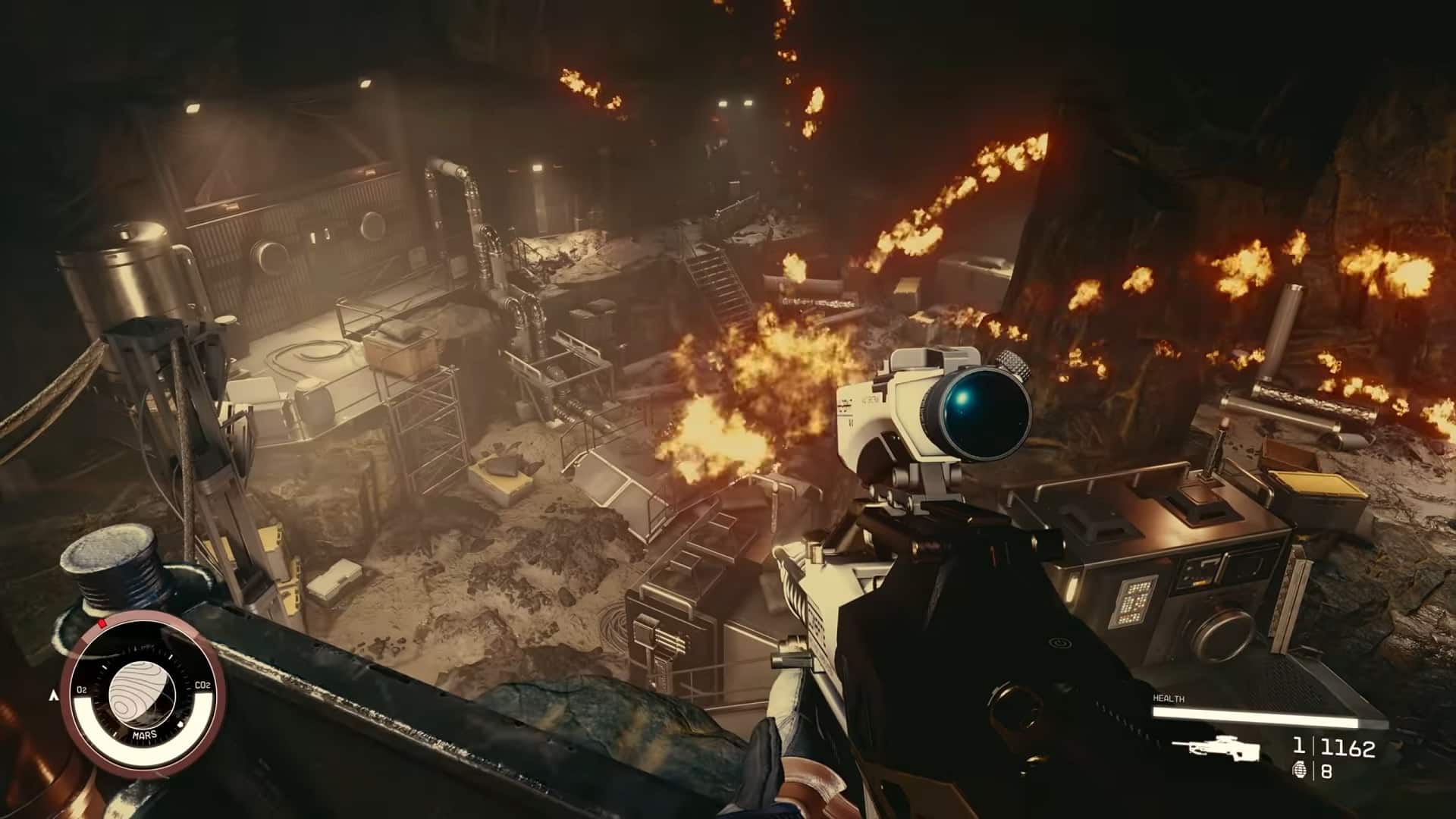
Starfield Update 1.10.31 for March 19 Brings Quality of Life Improvements and More

Bethesda has pushed out Starfield update 1.10.31 this March 19, and players can expect new quality of life improvements alongside bug fixes. You can check out the complete list of added features and the entire bug fix list in the patch notes.

Starfield Update 1.10.31 Patch Notes for March 19:

FEATURES

  • PHOTOMODE: Added the ability to set Expressions and Poses on player and companions in Photomode.
  • SCANNER: You can now open doors and harvest with the scanner opened.
  • Setting course on an inactive quest will now make it the active quest.
  • Added support for adjusting FOV when using 3rd Person Ship view.
  • Added an Anisotropic filtering quality slider (PC).
  • Removed the digipick cost for using Undo during the Security mini-game.
  • Added an autosave when fast travelling from a planet’s surface to orbit.
  • Updated the Ship UI to perform more smoothly at higher framerates.

FIXES

ART
  • Fixed an area that allowed the player access to the New Atlantis Ship Technician’s vendor chest.
  • Fixed the gap that allows players to access Spacesuits without picking locks of one of the Spacesuit display cases.
  • Fixed an issue that could cause the Fishworker Mask to not be visible when equipped.
  • Fixed a spot where the player could get out of the world on The Siren of the Stars.
  • Fixed a rare issue that could cause the player to remain stuck under an elevator.
  • Fixed a spot where the player could become stuck outside Hopetech.
  • Fixed flickering floors in the aquarium of a Research Station on Altair II.
  • Fixed the text on a sign from being cut off on The Key.
  • Corrected a sign found on The Key.
  • Adjusted the position of a floating speaker at the Nasa Launch Facility.
  • Fixed badly placed objects in the Paridiso Hotel.
  • Fixed a spot players can get stuck in the Lair of the Mantis.
  • Fixed a spot players can get stuck on top of a bookcase in Marco’s room.
  • Fixed a generator intersecting a railing on New Homestead.
  • Fixed disappearing objects on Starstation RE-939.
  • Fixed balloons that were stuck inside each other on the Siren of the Stars.
  • Fixed a spot where players could get stuck on a staircase in New Homestead.
  • Fixed flickering textures in the Vanguard Test Chamber.
  • Adjusted the position of some office objects on a desk in the Abandoned Hangar.
  • Fixed a spot where players could go through the wall in New Homestead.
  • Fixed a chair placement inside of Hopetech.
  • Fixed a spot where players could get stuck in Infinity LTD.
  • Fixed a chair stuck in the wall on the roof of Sonny Di Falco’s Island.
  • Fixed a spot where players could fall out of the world in the Autonomous Staryard.
  • Settled some floating items in the Argos Office of New Atlantis.
  • Fixed some decal placements in an Abandoned Hangar.
  • Fixed a spot where players could see outside the world in Red Devil Headquarters.
  • Fixed a spot where players could get stuck in Londinion.
  • Fixed a stool that couldn’t be sat on in the Red Mile.
  • Fixed a spot where players could get out of the world in the Red Devil Mines.
  • Fixed flickering mats in Neon.
  • Rotated a monitor to face the intended direction in the Deimos Staryard.
  • Fixed placement of some items in the Autonomous Dogstar Factory on Vega II-d.
  • Fixed a sign placement on Tau Gourmet.
  • Fixed a spot where players could get stuck near the Bayu Plaza of Neon.
  • Fixed a spot where player could get stuck underneath metal girders in Neon.
  • Rotated and electrical panel in a starstation.
  • Fixed disappearing decals on a wall in Research Outpost U3-09.
  • Fixed a chair placement that caused an intersection with a computer in a Mining Complex.
  • Fixed missing walls of the UC Syracuse.
  • Fixed floating whiteboard text inside Nishina Research Facility.
  • Fixed a disappearing paper on the wall of the Starstation RE-939.
  • Fixed a gap on the tarmac of Cydonia.
  • Fixed a spot where players could fall out of the world behind Chunks in New Atlantis.
  • Fixed storage bins intersecting at the Lair of the Mantis.
  • Fixed fire extinguishers stuck inside the wall of the Siren of the Stars.
  • Fixed flickering textures found on Mars Mech Factory.
  • Adjusted position of objects on shelves found in Gagarin.
  • Adjusted position of objects in the Akila City Barracks.
  • Settled a floating vent panel in the Infinity LTD HQ.
  • Adjusted position of objects on the Fortuna Spaceship.
  • Fixed a spot where players could get stuck on The Scow.
  • Fixed a spot where players could get stuck in the Vault of the Siren of the Stars.
  • Fixed a flickering sign found in Gagarin.
  • Fixed a disappearing note on a whiteboard found in a Fracking Station on Procyon V-B.
  • Fixed a disappearing painting found in The Lodge.
  • Fixed a spot where players could get stuck in the Bindi Mining Outpost.
  • Adjusted the position of shelves in The Emporium of Neon.
  • Fixed a flickering wall panel in the Deimos Staryard.
  • Fixed weapons placed incorrectly on a display case found in a Civilian Outpost.
  • Fixed object placement on shelves in Akila’s Stone root Inn.
  • Fixed decal issues on whiteboards placed in The Warlock ship.
  • Fixed shelves and objects placement in The Corvus.
  • Fixed items stuck inside shelves in Gagarin.
  • Fixed flickering textures found in New Homestead.
  • Fixed a texture on the tarmac of the Waggoner Farm.
  • Fixed a spot where players could get outside the world at the Bindi Mining Outpost.
  • Adjusted physics on objects found near Alex Shadid’s desk in Akila City.
  • Replaced a missing wall in Gagarin.
  • Fixed physics on some objects placed in New Homestead.
  • Fixed a spot where players could fall out of the world in a Science Outpost location.
  • Fixed an object stuck inside a shelf in MAST.
  • Fixed flickering posters found in The Vigilance.
  • Fixed item physics in cabinets found in Hopetech.
  • Fixed a spot where players could get stuck in The Lock.
  • Fixed a gap underneath the airlock door of a Science outpost on Magnar.
  • Fixed physics on the skull in the Coe Heritage Museum.
  • Fixed a decal texture on a table in The Lock.
  • Fixed a spot where players could see out of the World in The Lock.
  • Fixed physics on objects placed in The Emporium.
  • Fixed cabinets intersecting on Gagarin.
  • Fixed physics on the cabinets found at one of the United Colonies Garrison locations.
  • Fixed a gap in the ceiling of The Lock.
  • Fixed collision on the roof of the Pioneer Tower.
  • Fixed flickering windows at Terrabrew in New Atlantis.
  • Fixed collision on the floor in a Warehouse of Neon.
  • Fixed flickering posters in the Military Wing of MAST.
  • Smoothed out the collision near Madame Sauvage in Neon.
  • Fixed a spot in the Mercury Tower where players could fall outside the world.
  • Fixed disappearing decals outside the Astral Lounge.
  • Fixed disappearing vent frames in Neon.
  • Fixed a Fan position near the Xenofresh sign in Neon.
  • Fixed a shelf intersecting the wall near the UC Distribution.
  • Fixed a spot where players could get out of the world near the door of the Va’ruun Embassy.
  • Settled a floating rope near the Neon Landing Pad.
  • Fixed the collision on a wall in the Ryujin Industries Head Quarters.
  • Fixed spots where players could see outside the world near the pool of the Commercial District.
  • Fixed spots where players could see outside the world on the roofs of the Residential District in New Atlantis.
  • Fixed a spot where players could see outside the world under the MAST bridge in New Atlantis.
  • Rotated a monitor in the Stroud-Eklund Showroom.
  • Fixed a spot where players could fall out of the world near the Fishmonger in Neon.
  • Fixed a gap in the sidewalk and grass in New Atlantis.
  • Fixed multiple spots where players could see outside of the world on the roof of the Pioneer Tower.
  • Fixed a missing wall near the Pioneer Tower.
  • Fixed an issue where characters would suddenly disappear in the Neon elevator.
  • Fixed several spots where players could see out of the world in Neon.
  • Fixed the flickering computer monitors found in Apex Electronics.
  • Fixed a spot where players could see out of the world near the Pioneer tower in New Atlantis.
  • Fixed the netting from disappearing inside Neon at certain viewing angles.
  • Fixed flickering crates in Cydonia’s mine.
  • Fixed flickering textures in the corner of Bayu’s Penthouse bedroom.
  • Fixed gaps in the wall inside Galbank of New Atlantis.
  • Fixed a spot where players could see out of the world in the Trade Authority.
  • Fixed an area that a player could get out of the world in the Generdyne Industries.
  • Corrected a missing wall inside the Mercury Tower Lobby.
  • Fixed a backwards polygon floating outside a Warehouse in Neon.
  • Dropped a floating tree outside the entrance to the Lair of the Mantis.
  • Made it so a mineral resource can be properly harvested near Gagarin.
  • Settled a floating tree found near Remote Industrial Site locations.
  • Settled a floating rock arch near Industrial Mines.
  • Settled a floating tree to the ground at an Abandoned Farm location.
  • Fixed a spot where the player could get out of the world in a cave on Procyon I.
  • Improved LOD for Juniper trees.
  • Improved LOD for Fringe trees.
  • Improved LOD for Swamp Pods.
  • Improved LOD for Hickory trees.
  • Fixed a spot where the player could get outside of the world in a cave on Altair II.
  • Fixed a floating tree near the Lair of the Mantis.
  • Fixed an area that caused the player to see out of the world in the Mining Complex.
  • Fixed flickering bushes seen during Sam Coe’s Matter of the Hart quest scenes.
  • Settled a floating resource stone near Akila city.
  • Settled a floating stone near Gagarin’s Landing Pad.
  • Fixed an area that caused the player to fall out of the world near Gagarin.
  • Fixed floating fungus found on Procyon.
  • Settled floating stone arches near Gagarin.
  • Fixed a texture blend around one of the Wetland biomes.
  • Fixed textures on the leaves of the Sapling Trees.
  • Settled a floating rock near the Landing site on Toliman II-a.
  • Addressed texturing issues on various cave sections.
  • Fixed a few areas that caused the player to fall out of the world.
  • Fixed a spot where players could get stuck outside a mining complex.
  • Dropped a floating tree to the ground near Gagarin.
  • Fixed a spot where players could get stuck outside Cydonia.
  • Settled floating rocks to the ground around Eren’s Camp.
  • Fixed a spot in New Atlantis Spaceport where players could get stuck.
  • Fixed gaps in the caves that allowed visibility outside the playable space in underground caves.
  • Fixed texture issue on the landing pad of the Ranshaw Research Facility.
  • Settled a floating tree to the ground around the Dauntless Crash Site.
  • Fixed a flicker on the Quarantine Isolator.
  • Addressed flickering textures on the faucets in the Lock.
  • Adjusted Briggs pose when holding a weapon (The Showdown).
  • Adjusted assets for the “Living Outside Earth” airlock display (Revelation quest, NASA).
  • Fixed an issue that could cause the player to remain stuck when traversing the collapsed C Block hall near the Armory in The Lock.
  • Fixed an issue that could cause the player to become stuck between rocks near New Atlantis on Jemison.
  • Fixed an issue that could cause the player to become stuck inside the stairs that lead down to the Red Mile.
  • Fixed blast shield occasionally disappearing from landing pad near Nishina research station.
  • Fixed an issue that could cause the player to become stuck after falling down a tube in an Industrial Outpost.
  • Fixed a few landing areas (like Valerie’s Cache) that were too small for some ships.
GAMEPLAY
  • Fixed an issue with ship power allocations decreasing unintentionally due to crew member bonuses.
  • Crew bonuses for ship weapon recharge times should now be applied as intended while in targeting mode.
  • Fixed an issue that could turn the player’s head to the left when sprinting in 3rd person.
  • Addressed an issue that could cause artifacts to become inaccessible if the player left their location for a long time without retrieving them.
  • Fixed an issue that could cause the player housing decoration to be lost when there is a state change in New Atlantis.
  • Resolved an issue where Sarah could appear non-interactable if she was assigned to a ship or outpost during a conversation with Walter in the Lodge.
  • Resolved an issue where the player could be affected by weather while inside.
  • Fixed an issue that could prevent the player from getting 100% completion for Niira’s planet survey.
  • Fixed an issue on Heinlein V-A’s moon, which could cause Chlorine gas vent deposits to be extremely rare.
  • Fixed an issue that could cause weather to occur on planets with no atmosphere.
  • Addressed an issue where EM damage wasn’t being applied as intended to robot enemies.
  • Resolved a rare issue where robots might not power down after using the “Disable Robot Workforce” option in a terminal.
  • Minibots should no longer appear to influence the Stealth Meter.
  • Boarding encounters should now have a better difficulty distribution.
  • Fixed an issue that prevented commandeering a smuggler Freestar Rambler after killing all of its crew.
  • Alien Reanimation now works on Aquatic and Flying creatures.
  • Resolved an issue that could sometimes prevent the player from turning invisible when using Void Form in 1st person.
  • Resolved a time scaling issue that could occur if Phased Time was used before waiting/resting.
  • Parallel Self clone should now have the ability to follow the player through load doors.
  • Sunless Space should now be able to deal critical damage.
  • Fixed an issue that could cause allied ships to become hostile when using Anti-grav field inside your ship.
  • Addressed an issue where using a power on a Terromorph in the Red Devil HQ could potentially free it.
  • Resolved an issue with Alien Reanimation which caused it to last longer than intended when used by another character.
  • Fixed an issue with the Scavenging Skill challenge not incrementing when weapon cases were looted.
  • Resolved an issue that could cause Missile Weapon Systems Rank 4 to not recharge as intended.
  • Fixed an issue with Rejuvenation FX remaining active.
  • Fixed an issue where the EM Weapon Systems skill challenge wasn’t tracking EM damage as intended.
  • Fixed an issue where Starborn ship weapons were not being improved by ship skills.
  • Fixed an issue with using the Boostpack in Zero-G Environments counting towards Weight Lifting skill challenge.
  • Fixed an issue where the Wellness skill did not apply actively when leveling up.
  • Fixed a rare issue where Neurostrikes could count a crowd character as a stunned enemy.
  • Fixed an issue with the Neurostrikes challenge progress causing it to be more difficult than intended after the first Rank.
  • Fixed a Rank 4 Concealment issue that briefly made the player undetectable.
  • Contraband is now removed when rejecting a previously accepted smuggling mission.
  • Addressed an issue that allowed attacking the assigned home ship to progresses ship weapon systems skills.
  • Fixed an issue where Mom and Dad could participate in different conversations with each other at the same time.
  • Fixed an issue that could allow unusable ammo to be placed in the world.
  • Fixed an issue where the boostpack could be incorrectly hidden when using boostpack skills.
  • Fixed an issue with damage scaling for critical damage after going through the Unity.
  • Fixed an issue that could cause the Coe Estate to be inaccessible for Sam’s Commitment after going through the Unity.
  • Water in wetlands biomes should now correctly spawn creatures for scanning.
  • Fixed an issue that could occasionally cause swimming creatures to fly above water or appear on land.
  • Fixed an issue where flying creatures could sometimes appear to fall slowly after being killed.
  • Addressed an issue where occasionally a character could clip through the ground when knocked down.
  • Fixed an issue that could cause unstable ragdolls on some mercenaries.
  • Resolved an issue that could cause a technician’s body to turn invisible if a manipulated character was instructed to inspect the corpse.
  • Fixed a rare issue that could cause a character to spin when exiting a seated position.
  • Fixed an issue that could cause dead characters on the Red Mile to be standing upright.
  • Characters should no longer share the same chair at the same time in The Rock.
  • Fixed issue that could cause characters to shift out of the world after entering certain poses.
  • Fixed various character head tracking issue that could make some scenes look inconsistent.
  • Reduced the frequency of stun attacks from the Elder Terrormorph during Hostile Intelligence.
  • Fixed an issue that could cause Terrormorphs to not properly ambush during some encounters.
  • Turrets in The Mantis Lair should no longer be invisible after leaving and returning after a long period of time.
  • Boarding Encounter objectives should now be cleared when fast traveling off the boarded ship via the Starmap.
  • Resolved an issue that could cause crosshairs to turn red during combat when not pointing at an enemy character.
  • Fixed Kodama weapon recoil inconsistency between 1st and 3rd person.
  • Resolved an issue where releasing aim while turning in 3rd person could automatically cause aiming to begin again.
  • Aiming through a scoped weapon while attempting to enter dialogue should no longer cause the weapon to become invisible.
  • Fixed an issue that could sometimes cause initial melee attacks to fail after immediately drawing the weapon.
  • Resolved an issue where the player could lose a large amount of Oxygen when using a Power Attack and blocking.
  • Resolved an issue with scopes appearing too low if used in 3rd person directly after landing on a new planet.
  • The Rattler should now use the correct reload animation in zero-g environments.
  • Resolved an issue with the Frenzy Special Effect on the Keelhauler effecting allies.
  • Fixed an issue that could cause the Autorivet to fire in a wider cone when a laser sight was added.
  • Fixed an issue where the Drumbeat Burst fire attachment causing it to fire 3 shots instead of 4.
  • Special Weapon Effects with a damage increase should now function with EM weapons.
  • Fixed an issue with Anti-Ballistic that caused it to not reduce physical damage taken from Particle Beam Weapons.
  • Fixed an issue where EM weapons dealt health damage instead when used by a companion.
  • Added Special Effects to the Old Earth armor set reward.
  • Addressed an issue that could soft lock the player if they interacted with a stun mine in a specific way.
  • Fixed an issue where the player could avoid criminal repercussions by stowing their weapon at a very specific time.
  • Addressed an issue where companions would not be dressed correctly if a stolen outfit was removed due to an arrest.
  • Quest specific companions (such as Emma Wilcox or Walter Stroud) are now prevented from taking weapons from locked chests when they are out of ammo.
  • Fixed crash that could occur when the player holds a corpse in front of a miner.
  • Characters should no longer reaction to older bodies as if they were new corpses.
  • Fixed an issue where Sam Coe could still tell Cora she could try out her joke on a dead character. Tough crowd.
  • Fixed an issue where the player could talk about Adoring Fan’s fandom even though he had never joined the crew.
  • Addressed an issue that could cause the camera to appear detached when immediately boostpacking after entering a Temple.
  • Resolved an issue where using a boostpack while entering zero-g could disable boosting.
  • Ammo packs near Sergeant Yumi during Eyewitness should now provide more ammo.
  • Docking at a station with a stolen ship should now set it as your home ship.
  • Added reward for completing the injured guard activity at the Trade Authority Warehouse.
  • Added loot to a weapon rack hidden behind a Master locked door at the Ship Disassembly Platform.
  • Fixed an issue where a skill magazine could not be acquired in the abandoned farm.
  • Fixed an issue that could cause Havershaw to be tucked away from his desired position in Stroud-Eklund’s Staryard.
  • Removed an invisible collision that partially blocked movement through the plastic flaps at the entrance of The Clinic.
  • Fixed an issue where sometimes a supply shelf would not appear correctly in the Freestar Ranger station in Hopetown.
  • Fixed a texture issue that could occur when the tables in Jake’s bar were shot.
  • VFX and SFX will now occur when player discovers a scanner anomaly even while not directly facing it.
  • Fixed an issue with all guards on The Scow sharing a similar appearance.
  • Resolved an issue that could cause a quest for a legendary ship to not appear during a space encounter.
  • Fixed an issue where helping a Settler by using the Medicine skill in dialogue would incorrectly consume a medpack.
  • Adjusted ownership of Maurice Lyon’s journal so it can be taken without “stealing” in New Homestead.
  • Fixed an issue with the ramp of the Razorleaf that could cause characters pathing difficulty.
  • Fixed an issue could cause enemies in combat to slide between cover spots.
  • Fixed an issue that could cause Vasco to appear incorrectly in the player’s ship.
  • Fixed an issue that could stall character patrols if they spoke immediately before reaching a idle location.
  • Followers should no longer continue their conversations if the player exits a ship while they are speaking.
  • Fixed a rare issue that could cause Homesteaders to attack without provocation.
  • Improved crowd fleeing behavior.
  • Fixed an issue that could cause enemies to spawn on the roof areas of ships.
  • Fixed an issue that could cause a character using a melee attack to get stuck in a floating state.
  • Fixed an issue where Vasco may not path back to the ship through Cydonia when dismissed.
  • Fixed an issue that could leave Followers in zero-g animations if the ship is exited when gravity is being disabled.
  • Fixed an issue with companions jumping that could cause them to become stuck in a floating state.
  • Addressed an issue that allowed players to get into a state where they could wait while standing up.
  • Addressed an issue that could sometimes cause allied ships to not retaliate when being attacked by the player.
  • Fixed the player sometimes being stuck with a pending grav jump.
  • Fixed an issue that could cause spaceships to land slightly above the ground on various planets.
  • Addressed an issue that could temporarily alter the view of the ship in 3rd person after the FOV in Photo Mode was used.
  • Ship weapons should now target the nearest module on an enemy ship instead of the center of mass.
  • Fixed an issue that could sometimes prevent the player from gaining repair parts after helping an allied ship during a space encounter.
  • Addressed an issue that could cause Heller to briefly flicker during the boring machine countdown.
  • Fixed an issue that could sometimes cause characters to double blink during dialogue.
  • Improved an issue that could appear as an odd emotion transition on faces during dialogues.
  • Fixed an issue where characters could reopen their eyes after being killed.
  • Fixed an issue that could cause a character to say a generic greeting instead of a custom greeting.
  • Various fixes for planetary bodies with erroneous orbits.
  • Various stability improvements.
GRAPHICS
  • Improved lighting on particles at night when using the flashlight (PC medium / High / Ultra and Xbox Series X).
  • Fixed rare Depth Of Field visual issues.
  • Fixed an issue that could cause the sun’s lens flare to disappear when partially occluded by an object.
  • Fixed an issue causing the sun’s lens flare to have the wrong size when modifying the FOV.
  • Fixed an issue that could occasionally display the sun’s lens flare through opaque objects around the edge of the screen.
  • Fixed a rare issue that could cause shadows or lighting to flicker during sunset and dawn.
  • Fixed an issue in Neon Spaceport that could cause the atmosphere to be overly bright.
  • Fixed occasionally flickering bloom effect that could occur when the sun started appearing behind a planet in space.
  • Fixed occasional screen flickering that could occur when using medium graphics preset with vsync disabled (PC).
  • Fixed an issue that could cause the player view to have a momentary blur after waiting on a chair.
  • Fixed an issue that could display black squares around a planet when other planets rings were visible in the background of the Starmap.
  • Fixed an issue that could occasionally make lightning bolts appear to have missing sections.
  • Fixed occasionally missing lightning effect when the player was inside the ship during a storm.
  • Improved the look of beards and mustaches in the distance.
  • Fixed rare pixelated shadows that could occur on character outfits under certain exterior lighting conditions.
  • Fixed an issue with shadows occasionally appearing inconsistently on asteroids in space.
  • Fixed rare issue that could occasionally display outline on objects when seen through smoke.
  • Fixed rare issue that could lead to displaying wrong colors on smoke effects in Va’ruun Embassy.
  • Fixed fog abruptly appearing and disappearing in the The Lock’s shuttle bay during Echoes Of The Past.
  • Fixed popping smoke emitted from the crashed ship the player approaches during Back To Vectera.
  • Fixed white flickering dots that could occasionally appear on wet surfaces.
  • Fixed an issue that could occasionally make glass objects flicker in the distance.
  • Fixed rare flickering on characters when DLSS was enabled (PC).
  • Fixed flickering lines on the floor when seen through glass in Ryujin (Xbox Series S).
  • Fixed rare cases of flickering with FSR 2 (PC).
  • Fixed subtle flickering that could occasionally occur on the Equinox.
  • Fixed occasional flickering on the Magpulse.
  • Fixed flickering on the Navigator Pack.
  • Fixed an issue where the player’s hair could occasionally clip through the Chunks Cap in third person.
  • Fixed an issue where characters hair could have holes when wearing a cap.
  • Fixed an issue where the player’s facial hair partially disappears when wearing the ‘Fishworker Mask’ while the helmet is hidden.
  • Fixed an issue that could cause a parent planet’s axis to instantly shift at a certain time of day when seen from the surface of its moon.
  • Addressed an issue with electrical shock VFX that could happen at Argos Extractors.
  • Fixed an issue that could appear with Ship trails emitted from damaged ship engines at high speed.
  • Fixed missing VFX on canisters that could occur with certain weapons in the Akila City Prison.
  • Fixed an issue causing exploding tanks to occasionally miss an explosion VFX outside the Kreet Research Lab.
  • Various texture adjustments to fix occasional moiré, flickering and z-fighting issues.
  • Various decals and geometry fixes.
  • Various shadow quality improvements and bugfixes.
  • Various minor performance improvements
OUTPOSTS
  • Resolved an issue that could make a workbench appear to be obstructed.
  • Fixed an issue with outposts where the player could see an infinite loading spinner while using the fly camera.
  • Resolved an issue with displaying Survey Data on data slate display stands in Outposts.
  • Fixed an issue that could cause items placed on mannequins to be displayed incorrectly.
  • Fixed an issue that could cause objects placed near a connected hallway to disappear if the containing hab module was moved.
  • Tweaked the snap distance for storage containers.
  • Improved visible line for moving around objects for link.
  • Fixed objects stacked onto auto-foundations not moving correctly if the foundation is moved.
  • Resolved an issue where building near a landing zone was prevented if the beacon is placed outside of it.
  • Resolved an issue with moving a Power Management Robot at an Outpost after it was built.
  • Fixed an issue that could cause a wall to disappear when an Industrial Wall Light is placed and then deleted.
  • Fixed an issue that could cause generators to not increase power production after building the Power Management Robot.
QUESTS (NOTE: THERE MAY BE SPOILERS WITHIN. PROCEED WITH CAUTION!)
  • A Break at Dawn: Fixed an issue that could get the objective stuck on ‘Find Hugo Fournier at Athena Tower’ if persuasion failed and all dialogue options were exhausted with Hugo.
  • Absolute Power: Fixed an issue where the companion would not go inside the ventilation shaft with the player in Generdyne Industries.
  • All That Money Can Buy: Fixed an issue that could prevent this from starting if all of Ryujin Industries questline was previously completed.
  • All That Money Can Buy: Fixed an issue that could cause the ship and its technician to disappear after getting the ship back from impound.
  • Back to the Grind: Resolved an issue where trying to sit during the “Take a Seat” objective sometimes caused a control-lock.
  • Back to Vectera: Addressed an issue where the player could later become control-locked on the ramp if they missed Lin’s initial greeting and assigned her inside the ship.
  • Back to the Grind: If the TerraBrew Employee is killed while the player is in combat with Tomo, the quest will now properly handle the quest target.
  • Back to Vectera: Fixed an issue where the player could be unable to speak to Lin & Heller and be prevented from recruiting them as Crew.
  • Background Checks: Resolved an issue leaving the area of Ularu’s computer could cause a confusing quest marker.
  • Bare Metal: Fixed an issue at Neon Tactical where Styx still had graffiti despite the player having a dialogue option indicating otherwise.
  • Bare Metal: Fixed dialogue inconsistencies with Frank when talking about Styx.
  • Bone Dry: Fixed an issue where hailing the stranded ship after finishing the initial dialogue could restart the dialogue from the beginning.
  • Breach of Contract: Fixed an issue where Ellie Yankton would not talk to the player if they sat in Barrett’s chair.
  • Breach of Contract: Fixed various dialogue and camera inconsistencies that could occur if the player talked to Ellie before Barrett could enter the room.
  • Breach of Contract: Fixed an issue where canceling the dialogue with Keala could cause the objective to update earlier than intended.
  • Breach of Contract: Fixed an issue that could cause various issues with the objectives when hacking the Security terminal before talking to the community members to find Helgi.
  • Breach of Contract: Fixed a rare issue where Barrett’s quest did not appear in the quest tracker.
  • Breach of Contract: Addressed an issue with the camera panning to Barrett during his dialogue.
  • Castillo’s Revenge: Fixed an issue where canceling out of dialogue did not make Mathis hostile to the player.
  • Commitment with Barrett: Fixed an issue that could cause Ellie Yankton to remain in her apartment after agreeing to have her officiate the ceremony.
  • Deep Cover: Addressed a possible control lock when boarding UC Vigilance after loading a previous save where the player is an enemy of UC SysDef.
  • Delivering Devils: Addressed an issue with an objective not disappearing when speaking to Cambridge after already paying the debt.
  • Delivering Devils: Fixed an issue that could prevent companions from following the player to Percival at the end of the mine.
  • Divided Loyalties: Fixed an issue that could cause zealot ships to not appear during the encounter with Jaeda Huang.
  • Echoes Of The Past: Resolved an issue where failing to pickpocket a Rook inside the Lock could cause Delgado to become inaccessible.
  • Entangled: Fixed an issue that could rarely cause a control lock when Raphael greets the player.
  • Eye of the Storm: Addressed a rare issue that could prevent docking with the Legacy.
  • Eye of the Storm: Fixed a location where the player could get stuck on a section of wires while escaping from the UC Vigilance.
  • Eye Witness: Fixed an issue that could cause members of the Fireteam to run out of ammo.
  • Eye Witness: Addressed an issue that could cause some confusion with incapacitating the Thralls.
  • Eye Witness: Added a message to address possible confusion about why the Lodge is inaccessible.
  • Eye Witness: Resolved a possible progression issue related how Thralls were incapacitated by the player.
  • Eye Witness: Addressed a rare issue that could prevent Yumi from being present at the quest target location.
  • Final Thoughts: Addressed an issue that allowed the player to drop the “For Claire Maensah New Atlantis” dataslate.
  • Find the Missing… : Mission Objective should now complete when the targeted Quest Character is found and healed.
  • Friends Like These: Fixed a turret in the Va’ruun embassy that was always hostile and could not be turned off or turned friendly.
  • Friends Like These: The door inside the Va’ruun Embassy will now be correctly opened if the player left the Embassy and returned later.
  • Friends Like These: The door inside the Freestar Embassy will now be correctly opened if the player left the Embassy and returned later.
  • Fueling Greatness: Purchasing any velocity color from Madame Sauvage should now update the objective.
  • Grunt Work: Addressed an issue that could prevent Hadrian from moving to the microscope if she was downed before the sample was collected.
  • Grunt Work: Fixed an issue that could cause the Terrormorph to idle instead of stalking the player.
  • Grunt Work: Fixed an issue where the objective would repeat to Restore Power to Kill lanes.
  • Grunt Work: Removed an empty dialogue response that could occur after the player knows about Tau Ceti II.
  • Guilty Parties: Fixed an issue that could occur with getting into the Hideout if the player didn’t talk to Dalton.
  • Hard Luck: Clover MacKenna will be downed instead of killed before the quest is completed.
  • Hostile Intelligence: Resolved an issue where Hadrian may not follow the player out of the Steam Tunnels.
  • Hostile Intelligence: Fixed an issue that could cause Toliman II guard ships to repeat the scene after the player had already checked in with Hatoum.
  • In Memoriam: Resolved a rare issue with dialogue near the waterfall that could prevent romance with Sarah Morgan.
  • In Memoriam: Addressed an issue that could prevent progression if the player left Sarah while she was at the Colony War Memorial.
  • Incoming Storm: Fixed an issue that would grant the player double the intended reward.
  • Juno’s Gambit: Added a marker back to Juno if the player chooses to leave before completing the quest.
  • Keeping the Peace: Fixed an issue where attempting to speak to Yumi while ‘Eye Witness’ was active wouldn’t work as intended.
  • Leader of the Pack: Resolved an issue that could occur if Davis died just before the Alpha Ashta.
  • Legacy’s End: Crimson Fleet bounty is now removed if the player sides with UC SysDef since the Crimson Fleet will always be hostile.
  • Legacy’s End: The security door inside the Key will now be opened if the player left the station and returned later.
  • Legacy’s End: Fixed dialogue inconsistencies with Commander Ikande and Lt. Toft.
  • Legacy’s End: Addressed a rare issue that could cause Naeva to remain in the elevator longer than intended.
  • Legacy’s End: Credit cost now appears correctly in dialogue with Lt. Toft after completing the quest.
  • Legacy’s End: Fixed an issue with Bog’s dialogue that could allow it to occur before intended.
  • Lost and Found: Made it easier for the player to find Dirk during the ‘Speak To Dirk’ activity.
  • Mantis Shakedown: Addressed an exploit that allowed access to more credits than intended.
  • Matters of the Hart: Addressed an issue that could occur if progressing ‘Missed Beyond Measure’ simultaneously.
  • Matters of the Hart: Fixed an issue which allowed Neon Security to interrupt Cora’s lockpicking scene.
  • Matters of the Hart: Fixed an issue that could cause the player to arrive in the middle of the Victor compound.
  • Miner Inconvenience: Fixed an issue that could make finding the creatures more difficult than intended.
  • Missed Beyond Measure: Addressed a few issues that impacted other overlapping quests.
  • Missed Connections: Fixed an inconsistency with progressing the quest in a different order than anticipated.
  • New Driver: Fixed an issue where markers would occasionally not appear inside the ship.
  • One Giant Leap: Addressed an issue that could appear to prevent grav jumping when artifacts are split between the ship and an outpost.
  • One Giant Leap: Fixed an issue where companions still wanted to talk about less relevant information after Revelation is completed.
  • One Giant Leap: Addressed an issue that could cause a control lock when attempting to jump to the Unity while in Targeting mode.
  • One Small Step: Fixed an issue that could cause an odd dialogue camera when Walter speaks.
  • Operation Starseed: Fixed an issue where a door would be inaccessible if a crime was committed at Crucible and the player returned much later.
  • Operation Starseed: The door to the restricted wing should now be correctly opened if the player leaves the facility and returns later.
  • Operation Starseed: Resolved a rare issue where the door leading to Franklin Roosevelt was inaccessible on Charybdis III.
  • Operation Starseed: Fixed an issue where the player could be unable to talk to Genghis Khan after the civil war on Charybdis III.
  • Power From Beyond: Fixed an issue that could cause the Temple to not to appear where intended.
  • Power from Beyond: It should now be easier to talk to Vladimir.
  • Prank Caller: Fixed an issue where the joke ship did not grav jump away after finishing the dialogue.
  • Red Tape Reclamation: Addressed an issue that could cause Hank to be away from his desired position.
  • Red Tape Runaround: Fixed an issue with the pirate leader unintentionally changing poses in dialogue.
  • Research Outpost: Addressed an inconsistency that could occur when boarding Dr. Sohla’s ship.
  • Research Outpost: Added the ability to transfer items to Dr. Sohla from the ship cargo.
  • Party Cruise: Addressed some inconsistencies that could occur depending docking and boarding interactions.
  • Revelation: Fixed a rare issue that could cause the quest to not successfully complete.
  • Revelation: Fixed an issue where a guidance path would not appear in the Hand Scanner.
  • Revelation: Resolved an issue where “Activities” would be automatically set to Active after completing Unearthed.
  • Revelation: Fixed a rare issue where the Hunter/Emissary could appear in an unreachable section of the Astral Lounge.
  • Robot Survey Team: Addressed an issue that could lead to inconsistent robot behavior.
  • Rook Meets King: Fixed a rare issue that could cause Naeva to stall during the tour of The Key.
  • Rook Meets King: Fixed an issue where the player could unintentionally get better gear from Dmitri Moldavski.
  • Rook Meets King: The Captain can no longer be Instigated preventing a few inconsistencies.
  • Rook Meets King: Addressed an issue that could prevent travel after dealing with the Ragana in a specific way.
  • Rook Meets King: Addressed an issue with accepting the Ragana’s hail if the system was left and returned to later.
  • Rook Meets King: Addressed an issue with accepting the Astraea’s hail if the system was left and returned to later.
  • Rook Meets King: Fix a dialogue inconsistency that could occur when loading a save onboard the Ragana.
  • Sabotage: Fixed an exploit that allowed the player could avoid arrest after stealing.
  • Sabotage: Addressed an issue that could occur if the player was arrested after using manipulation on Demarcus at Ryujin HQ.
  • Sabotage: Resolved an issue that could occur if combat was started before trying to sit on the Neurosurgery Operating Table.
  • Sabotage: Fixed an issue that could make David Barron difficult to find.
  • Sensible Ship: The “Collect your new ship” objective should now clear if the player destroys the ship first.
  • Supply Missions: Fixed a rare issue that could list unobtainable items as the target.
  • Supra et Ultra: The Quest Marker should now point to intended elevator floors.
  • Supra Et Ultra: Addressed a rare issue that could interrupt Tuala from reaching his mark under the stars.
  • Supra Et Ultra: Fixed an issue with power distribution changing while using targeting mode during the simulation.
  • Supra et Ultra: Fixed a rare issue that could cause John Tuala to not appear at his intended location.
  • Surgical Strike: Ben Armistead should now more quickly head toward Ari Miller.
  • Surgical Strike: Fixed an issue that allowed players to become trapped under the mine elevator in the Bonner Eklund Excavation Site.
  • Survey Says: Fixed an issue that prevented the objective from clearing if the ship was destroyed.
  • The Audition: Addressed an issue with later passing a door if the area was left while Andrea escorted the player.
  • The Best There Is: Resolved an issue that allowed fast travel after the Jade Swan docked.
  • The Best There Is: Fixed an issue that could occur if Jasmine was downed during the dialogue with Naeva.
  • The Best There Is: Added the ability to progress the quest if any ship docked at the Key.
  • The Devils You Know: The door to the cockpit of The Warlock should now be open if the ship is left and returned to later.
  • The Empty Nest: Addressed a rare issue where Sam Coe would sometimes not appear at the Akila Spaceport.
  • The Old Neighborhood: Addressed a rare issue that could cause Sarah Morgan not to speak when traveling to Venus.
  • The Unusual Outpost: Fixed incorrect quest log text.
  • Unearthed: Addressed an issue that could cause the door leading to the Artifact to remain locked if the area is left.
  • Runaway: Should now be visible on the Misc Mission Tab when active.
  • War Relics: Fixed an inconsistency that can occur by trying to find Kaiser before his position is known.
  • War Relics: Addressed a issue with the quest starting if Demeter was dead.
  • Worlds Apart: The door to the Hephaestus Mine H-363 location will now be correctly accessible if the player left the planet and returned later.
  • Fixed various lore issues occurring during the dialogue with Amanda Oxendine.
SAVE AND LOAD
  • Resolved an issue that could cause bonus skins to appear to be removed from stored items after loading a save.
  • Fixed an issue where loading a save prior to repairing Nia Kalu’s ship could prevent the player from activating the switches.
  • Addressed a rare issue that could cause locations to be positioned incorrectly after loading a save.
  • Fixed an rare issue that could cause the player to appear to be in a falling state, unable to interact with characters or rotate the camera as intended.
  • Fixed an issue that could cause a crash or create a corrupted save file when attempting to sync with 0 local storage available (Steam).
  • Fixed an issue that caused the flashlight to stay on when reloading a save with no helmet equipped.
  • Resolved an issue that could cause characters to try to path through ships after loading a save.
  • Resolved an issue where loading a save could cause characters to shift in the furniture they were using.
  • Fixed an issue where scars and tattoos could appear removed when loading a save made in the Unity.
  • Various fixes for issues when loading saves.
SHIPS
  • Fixed a rare issue where New Atlantis would appear to follow the player ship.
  • Fixed a rare issue where the player could end up in a bad state if task swapping while fast traveling in space (PC).
  • Fixed an issue that could cause furniture to be doubled.
  • Fixed floating items found aboard some ships.
  • Fixed an issue that could result in missing items in ship after a module modification.
  • Addressed clutter items blocking pathways and ladders in ships.
TEXT AND LOCALIZATION
  • Special descriptors in weapon names now appear properly when playing in localized languages.
  • Updated ship persuasion minigame text for localized languages.
  • Fixed various typos and translation errors.
  • Fixed various text display issues.
UI
  • Added ability to invert the X-axis on a controller in the Settings menu.
  • Holding RB or Alt on the Starmap will now show the names of all star systems.
  • Fixed an issue that could rarely cause the wrong ship to appear on a landing pad after editing ships.
  • When using a keyboard, the player can now control their ship’s power allocation when pressing the Left Alt key and keys 2, 4, 6, and 8 on the number pad (PC).
  • Addressed some inconsistencies with Character Creation sliders where sometimes switching back and forth would not produce expected results.
  • Fixed an issue where body/face apparel would not be hidden when visiting Enhance.
  • Fixed an issue where the player’s skin tone could appear to change when rapidly scrolling through Apparel.
  • Fixed an issue where pressing certain buttons at the same time could cause the mission objective to remain on screen while the Scanner is closed.
  • Fixed an issue where the calibration image could disappear while adjusting Brightness in Display Settings.
  • Resolved an issue that caused the Incoming Hail prompt to disappear when Photo Mode was entered.
  • Fixed Enable VRS setting not resetting correctly when all Display settings were reset to default.
  • Fixed an issue that could prevent landing after binding “Activate” to “X” while using a controller (PC).
  • Fixed an issue that could cause the player to flicker when equipping apparel in the Inventory menu.
  • Fixed special characters from not appearing in Precognition responses in English.
  • Fixed an issue where pressing certain buttons while using a controller could prevent using the Ship Builder (PC).
  • Fuel and distance should now calculate as intended for long grav jumps.
  • Particle Beam weapon kills should now increment Laser Kills in Combat Stats.
  • Fixed an issue where the compass would not properly indicate the player is in combat.
  • Ship Builder Upgrade Mode now highlights both positive and negative stat changes.
  • Fixed an issue with the item card sometimes not appearing after inspecting an item.
  • Fixed an issue that caused tracked resources to not appear correctly on unvisited planets in the same solar system.
  • Fixed text display issues with various scopes.
  • Fixed an issue that could make the player character disappear when Show Character was switched to “On” in Photomode.
  • Adjusted the name of The London Landmark on the planet map.
  • Fixed various icon inconsistencies on the planet map for Landmark locations.
  • Various fixes for Large Menu Fonts.

That’s a lot of fixes! For the latest Starfield news, make sure to bookmark our game hub for it.

Source: Bethesda

Avatar photo

Alex Co

Father, gamer, games media vet, writer of words, killer of noobs.

Home > News

Destiny 2 Servers Down for Maintenance and Patch 7.3.5.2 Roll Out This March 19

Bungie has taken the Destiny 2 servers down this March 19, and during this time, players can expect update 7.3.5.2 to be released on all platforms. Read on for the complete maintenance schedule for today.

Update: Patch notes for update 7.3.5.2 are now out!

Destiny 2 Servers Down for Maintenance Schedule for March 19:

Tuesday, March 19, 2024 – Maintenance
5:00 AM PDT -7 UTC
    • Destiny 1 & 2 will undergo maintenance.
    • Sign-on and game integration features will be unavailable on web, mobile, 3rd-party apps, and the Bungie Store.
    • Players who observe issues should report to the #Help forum.
5:15 AM PDT -7 UTC
    • Destiny 1 & 2 will be brought offline for expected maintenance.
    • Players will be removed from activities and won’t be able to log back in until 10:00 AM PDT.
    • Ongoing Destiny maintenance is expected to conclude at 12 PM PDT.
10:00 AM PDT -7 UTC
    • The latest Destiny 2 Update will be available across all platforms and regions.
    • Players will be able to log back into Destiny 1 & 2.
    • Players logging into the game may be placed in a queue and may experience sign-on issues as background maintenance is still ongoing.
    • Clan features may remain offline until maintenance is complete.
12:00 PM PDT -7 UTC
    • Destiny 1 & 2 maintenance is expected to conclude.
    • Console players who encounter issues updating to the latest Update should restart their console and try downloading the Update.
    • Players who observe issues should report to the #Help forum.

As for what’s next for the game, Bungie is hosting an “Into the Light” livestream later today, which is the first part of a three-part stream before the actual title update is out on April 9.

If there are any changes to the maintenance downtime, we’ll update the article. We’ll also provide a link to the patch notes once it’s live.

For more on Destiny, keep it locked here on MP1st!

Source: Bungie

Avatar photo

Alex Co

Father, gamer, games media vet, writer of words, killer of noobs.

Home > News

New Battlefield 2042 Weekly Missions, Store Bundles for Season 7 Week 1 Listed (March 19)

Battlefield 2042’s weekly missions and store have just been refreshed with the launch of Season 7! MP1st’s Battlefield 2042 Season 7 Week 1 weekly missions, store bundles, and Portal Modes post lists this week’s new missions, modes, and store items down below.

New Battlefield 2042 Weekly Missions, Store Bundles for Season 7 Week 1 (March 19):

New Battlefield 2042 Weekly Missions

Weekly Missions:

  • 3 Objectives Captured or Neutralized (3)
  • 5 Kills and Revives (3)
  • 3 Enemies Disrupted With EMP or Concussion Effects (3)

Available After 2 Missions:

  • 15 Kills and Assists While Playing as Assault (4)
  • 15 Teammates Revived (4)
  • 6 Combat and Objective Ribbons Earned (4)

Available After 4 Missions:

  • 20 Melee Kills and Kills With Throwing Knives (6) – takedowns double mission progression
  • 20 Enemies Killed With Grenades (6) – kills with Scatter Grenade double mission progression
  • 10000 Damage Inflicted (6)

Available After 5 Missions (Bonus Mission):

  • 10 Kills and Assists While Playing as Sundance, Crawford, Angel, or Blasco (10)

Portal Modes:

New Battlefield 2042 Weekly Missions

  • Conquest of Ages (All Eras | Conquest | 32v32)
  • BF2042 Tank Superiority (2042 | Tank Superiority | 24v24)

New Store Bundles:

New Battlefield 2042 Weekly Missions

No new bundles have been added to the store this week. The Premium Battle Pass for Season 7 is now available for 1000 BFC.

That’s all for Week 1, kicking off Season 7’s weekly missions series. We’ll post Week 2’s rotation of missions, Portal Modes, and store bundles next week, so watch this space for further updates!

More Battlefield Reading:

Avatar photo

Salman Haider Zaidi

That's a nice argument, Senator.

Home > News

Unicorn Overlord Update 1.03 Issued for Rank Match Fixes This March 19

Vanillaware has pushed out Unicorn Overlord update 1.03 (PS5 update version 1.003), and this brings fixes to ranked matches and more. Check out the official patch notes released by Atlus for March 19.

Unicorn Overlord Update 1.03 Patch Notes:

PS5 Update Version: 1.003)

Update content

  • Fixed an issue with rank matches and friend matches in online battles .
  • Fixed bugs in some stages.

Function addition

  • In ranked matches, we have made a change so that you can compete without any reward even if you exceed the maximum number of matches .

Those on Switch and Xbox, Atlus has said that the patch will be released as soon as the patch is approved for their respective platforms.

Atlus’ Unicorn Overlord is a tactical role-playing game (think Final Fantasy Tactics, Vandal Hearts) in which players take on the role of exiled prince Alain as he leads the Liberation Army in a campaign across the realm of Fevrith.

More MP1st Reading:

Source: Atlus

Avatar photo

Alex Co

Father, gamer, games media vet, writer of words, killer of noobs.

Home > News

Riders Republic Update 1.23 Out for Spring Season This March 19

Ubisoft has released Riders Republic update 1.23 (PS5 version 1.023) today for the Spring Season. This season brings in Longboard skating and also introduces a new Year 3 pass. Several known issues have also been fixed. Check out the full Riders Republic March 19 patch notes down below.

Riders Republic Update 1.23 Patch Notes:

PS5 Update 1.023 Patch Notes

[RR] News - S10 Article - overview

Prepare for 4 weeks of adrenaline-fueled competitive Mass Races, 4 weeks of facing the challenges brought by ONI X, and additional weeks packed with unique opportunities. Plus, enjoy free skate and longboard access at our Live Events.

LONGBOARD

A star of the season is the longboard, a thrilling new toy featuring 3 distinct boards for 3 unique flavors—from smooth cruising to tearing down hills at breakneck speed. Alongside it, we’re rolling out 10 new events to leave your mark!

The longboard is up for grabs in a standalone pack exclusively in the in-game shop for 1050 RC. If you’re itching to dive deeper into the world of longboarding in the Republic, check out this article!

[RR] News - S10 Article - longboard

Available on March 20th

YEAR 3 PASS

You heard it right! The Year Pass is making a comeback for the 3rd year of the Republic. This time, which includes the Longboard Pack—featuring 3 boards, 10 events, and an exclusive outfit. Get ready to snag it at the kick-off of Season 10.

And because we believe more is more, Season 12 is introducing the Mountainboard to the eclectic mix of snowboard, skateboard, hoverboard, and longboards. As part of the Year 3 Pass, it’ll come with its own special outfit—details to follow, so stay tuned for the thrilling ride ahead!

It will only be available in-game for the price of 2300 RC on March 20th.

EVENT CREATOR EVOLUTION!

Prepare for a revolution in the now-renowned Event Creator! This takes center stage as one of the key themes for the third year of the game, undergoing transformative changes from Season 10 through Season 12. Season 10 serves as the groundwork, ensuring a robust foundation before we roll in additional enhancements.

Beyond name changes, we’ve revamped the menus. Now, you can access the LAB tower as usual or head straight to the LAB tab in the menu to start exploring.

Creating an event has never been smoother. It’s more intuitive with added options. Shape the experience by tweaking checkpoints—alter their shape, size, and placement.

The end flow received its fair share of upgrades too. You’ll need to validate your event before hitting that publish button. Plus, a game-changer—a unique event code. It’s generated upon publishing, simplifying event sharing like never before!

To top it all off, you’ll now be able to earn lots of experience points by completing events created by other players!

For an in-depth look, dive into this article for all the juicy details!

It’ll be available to everyone from March 19th.

Reminder: A heads-up: With the new Event Editor, existing player-created events won’t carry over into Season 10. We won’t be able to support old and new events, but the improvements will be worth it!

BLOSSOMING WITH NEW CONTENT!

Get ready for a wave of fresh content as the new season unfurls on March 20th at 1pm UTC! From the store to the weekly schedule, exciting additions are on the horizon. The Ridge is even getting a flowery facelift—nature’s way of saying, “Welcome to Spring!”

Mass Race competitions are making a triumphant return on April 3rd, happening every 3 weeks. Finish in the top 3, and you’ll score a unique item. Keep the winning streak alive across all 4 weeks to unlock the full outfit!

Speaking of Mass Races, your enthusiasm for them spoke volumes, and we’ve listened. After some testing, we’re excited to announce that Mass Races will now start every 20 minutes, every week!

But that’s not all; Oni X is back with his own set of challenges right after the Mass Race competition weeks. Best all his challenges in each of the 4 rounds to claim the full outfit!

[RR] News - S10 Article - outfit rewards

Count on a minimum of 6 live events each week, including one to showcase the skateboard and another for the longboard. Plus, there are 2 live areas every week, offering unique twists to your favorite events!

The shop receives new shipments too. Alongside a slew of fantastic outfits, we’re introducing a new effect with the Topographic outfit. The jersey features an ” evolutive FX ” transforming its texture from black & white to white & black as you pick up speed—changing between 20 and 100 km/h.

[RR] News - S10 Article - outfits shop

And drumroll, please! Season Progression brings 20 shiny new rewards. Your wishes have been heard! A new haircut is coming, and that’s not all – prepare for the arrival of a beard!

To top it off, Picture, Commencal, Nidecker, Pit Viper, Federal Bike, FlyBikes and Marin will be getting more content in the Republic this season! You can find them in the Weekly Rewards, the Season Progression, or the Shop!

[RR] News - S10 Article - outfits brands

One last surprise, riders! If you’ve been itching to know what’s in store for the rest of Year 3, the wait is over. Feast your eyes on the roadmap!

[RR] News - S10 Article - roadmap

Now, all that’s left is to countdown to the 20th. See you soon in a blooming Republic! 🌺

FIXES AND KNOWN ISSUES

MINOR ISSUES FIXED

[Effect] The snow effects that touch the characters have been reworked.
[World] No more invisible wall in the Riders Ridge!
[World] That one particular rail in The Deck shouldn’t keep you on an infinite ride!

KNOWN ISSUES

[Longboard] Wheels may get clipped on some parts of events.
[Outfit] Depending on the helmet and goggles you’re using, they may appear to stretch.
[UGC] You may still hear the gears sounds after you finish a line.
[UGC] Score events may be impossible to finish if the creator did a trick right before the finish line.
[UGC] The line history can sometimes be incorrectly positioned when exiting and quickly returning to the menu.
[UGC] Events may disappear from the published menu after creating more than 46 of them.
[UGC] Text to Speech may repeat “Test” when you try to adjust the score/time of your event.

We will let you know when the next patch will be released in the near future.

Source: Ubisoft

Damien Seeto

Home > News

The Division 2 Update 1.66 Dispatched for Title Update 20.2 This March 19

As part of today’s maintenance, Ubisoft has released The Division 2 update 1.66, which is for Title Update 20.2 (TU20.2). Players can expect adjustments to the Descent mode, gear, Manhunt and more! The official patch notes for the new The Division 2 update is available below.

The Division 2 Update 1.66 Patch Notes for March 19:

Game Patch Version: Title Update 20.2

MANHUNT

  • Fixed the issue with the progression meter for the Prime Target displaying incorrect percentage on the Map after playing in co-op.
  • Fixed the issue that was causing the Manhunt percentage to not update accurately when accessing the map.
  • Added missing VOs reaction lines for story characters in Castle Settlement.
  • Fixed the issue with the Year 4 Season 11 Climax Mission that allowed the fences to be jumped preventing the objective from updating.

TINKERING

  • Fixed the issue that hindered the Optimization of the first attribute “Incoming Repairs” of the Catharsis Exotic Mask.
  • Fixed the issue that hindered the Optimization of the second Core Attribute “Damage to Armor” of the Capacitor Exotic Assault Rifle.
  • Fixed the issue that hindered the Optimization of the Attribute of Exotic weapons if it’s a weapon type-specific Core Attribute.
  • Exotic items can now be optimized to maximum values by default, without the need to extract Attributes beforehand.
  • Fixed the issue where the progress bar would incorrectly display the arrow for a lower value when Optimizing exotics if the player had extracted the Attribute in the library with a lower value than the maximum.
  • Added missing localization for various elements in the Tinkering menu.
  • Added missing audio feedback when pressing “M” for Tinkering.
  • Fixed the issue with the menu crashing when two items of the same type are equipped and the Tinkering tab is opened in the Tinkering Station.

DESCENT

  • Fixed the issue with the Strained Talent appearing twice in the Wrath Talent pool.
  • To prevent the Vindicator Exotic Rifle purchased from the NSA Store from retaining the same Attributes and values as those initially displayed, its stats will now be rerolled in the store every 24 hours.
  • Fixed the issue with the Black Friday Named LMG blueprint not dropping from Reconstructed Caches.
  • Fixed the issue that resulted in not receiving any collectibles upon completing the weekly project.

PROJECTS

  • Fixed the issue that allowed the “Complete any Stronghold Mission on Hard or higher difficulty” objective in the Weekly DC Project to be completed by undertaking any mission on Hard difficulty.

VANITY

  • Resolved the issue of receiving a placeholder Backpack trophy instead of the “Hotdog” trophy when opening the Backpack trophy case at the National Bond Armory.
  • Added a new feature enabling in-game characters with longer hair to visibly retain their hairstyles while wearing bandanas, hats, or helmets.
  • Fixed multiple clipping issues for the Sewer Rat Uniform gloves and backpack.
  • Fixed multiple clipping issues for the Daggers shirt.
  • Fixed multiple clipping issues for the Handle boots.
  • Fixed multiple clipping issues for the Leopard Love boots.
  • Fixed multiple clipping issues for the Red Panda shirt.
  • Fixed multiple clipping issues for the The Rig Eyewear.

UI

  • Various store updates.
  • Resolved the issue of missing thumbnails when confirming a purchase for any Hats, Glasses, Scarves, Masks, or Shoes from the store.
  • Removed the Arm Patches category from the Crafting Station until next time.
  • Updated icons for Global Events.
  • Updated the description of the Polyethylene Plating Talent from the Aegis Backpack to show the correct values.
  • Updated the description of the Behind You Talent to clearly indicate that it does not work against other players.

GEAR, WEAPONS AND TALENTS

  • Fixed the issue with the Thunderstrike Talent missing from the Talent Library.
  • Reverted Doctor Home Exotic Rifle changes; It now grants Armor Kit on kill instead of headshot.
  • Fixed the issue with the Collector Exotic Chest blueprint not being purchasable at Inaya’s after obtaining it from either Exotic Caches or the loot pool.
  • Fixed the issue with the Iron Lung Exotic LMG blueprint not being purchasable at Inaya’s after obtaining it from either Exotic Caches or the loot pool.
  • Fixed the issue with the Focus Talent not working as intended when using Vindicator Exotic Rifle.
  • Fixed the issue where the Pummel Talent would remain in either enabled or disabled state after equipping or switching to another weapon with the same Talent.

COUNTDOWN

  • Fixed the issue with the Countdown Requisitions Station unlocking after completing the tutorial.

PVP

  • Updated the Aegis Gear Set 4-pieces Talent description for PvP.
  • Updated the Mosquito Exotic Pistol’s Talent description for PvP.

GLOBAL EVENTS

  • Fixed the issue with the Challenges Tracking UI missing for all Global Events.

OTHER

  • Fixed the issue with empty screens and infinite loadings when trying to load any character on consoles.
  • Fixed the issue with the missing texture on handguns during the Pentagon safehouse cutscene.
  • Fixed the issue that caused the Maniac blueprint to be obtained upon deconstructing any Skill Mod.
  • Fixed the issue where the elite force of Black Tusk faction that spawn from helicopters in Legendary Strongholds were not registered as Black Tusk.
  • Fixed the issue that that prohibited changing Loadouts at the Shooting Range.
  • Updated the in-game text descriptions.
  • Fixed the issue that prevented the players from reaching the final stage in the Federal Emergency Bunker Mission if they skipped interacting with the ladder.
  • Fixed the issue that caused random Open World Rogue Encounters spawn with Story difficulty stats.
  • Fixed the issue with the green quality Conflict cache incorrectly showing up in the Inventory after being bought from Danny Weaver.
  • Fixed the issue with Danny Weaver’s shop restocking twice a week.
  • Fixed the issue with the menu crashing when selecting multiple items in the Inventory using the Shift key.

Once a new patch is out, we’ll let our readers know.

Source: The Division Trello Board

Avatar photo

Alex Co

Father, gamer, games media vet, writer of words, killer of noobs.

Home > News

Battlefield 2042 Update 1.50 Drops for Season 7 This March 19

Battlefield 2042 update 1.50 is now available for download, and this brings Season 7: Turning Point into the shooter! Expect a new map, new weapons and more to be available this March 19.

Battlefield 2042 Update 1.50 Patch Notes:

Game Patch Version: 7.0.0

Size: 5.2GB (PS5)

WHAT’S NEW IN SEASON 7?

Here is an overview of the new content, alongside highlights for changes and improvements:

NEW MAPS

Haven

Haven, is the return of urban warfare that features a mixture of infantry and vehicle combat set in familiar territory, the Atacama Desert.

This map has been inspired by great favorites from Battlefield’s long history, including Arica Harbor (Bad Company 2), Strike At Karkand (Battlefield 2), and Amiens (Battlefield 1).

If you’d like to learn more about our new map check out our dedicated Haven blog, where we dive deeper into the construction of the map.

Stadium – Arriving later in Season 7

Stadium, an area from Hourglass, will be making its return as a standalone map; this highly requested location from the community has been significantly reworked and adapted for intense, infantry-only close-quarter battles. Stay tuned for more details on the work that has taken place with Stadium, as we get closer to its launch later in Season 7.

NEW WEAPONS: AK 5C, SCZ-3 & DFR STRIFE LMG

It’s time to step up and load up with this season’s new additions to Battlefield 2042’s arsenal.

  • AK 5C – This assault rifle offers an excellent balance of firepower and accuracy, making it the perfect partner for close-quarters combat.
  • SCZ-3 – This deadly submachine gun is a devastating option for close-quarters combat that stings, especially when equipped with a drum  magazine to give you even more time before your next reload.
  • DFR Strife LMG  Get the best of both worlds. Equip the DFR Strife with belt-fed ammo, giving you an LMG’s magazine size and suppressive quality, while retaining the mobility of an Assault Rifle.
    • The DFR Strife LMG will debut in a later update during Season 7: Turning Point.

NEW GADGET – PREDATOR SRAW

A classic staple from Battlefield’s history returns. This anti-vehicle launcher’s wire-guided missile will help you disable and eliminate both land and air vehicles.

NEW VEHICLE XFAD-4 DRAUGR

Keep your eyes on the sky with this cutting-edge  remote-controlled aerial bomber featuring advanced precision-guided ordinance – including EMP bombs and air-to-ground weaponry.

  • The XFAD-4 Draugr will come in a later update during Season 7: Turning Point.

NEW BATTLE PASS

You’ll need to be fearless and do whatever it takes to come out on top. A new Battle Pass featuring powerful weapons and useful gadgets will help you gain an edge in battle where every advantage is a necessary one while this season’s cosmetics will let you intimidate foes.

QUALITY OF LIFE IMPROVEMENTS

  • Visual Weapon Recoil Improvements for all weapons, providing more visual impact and immersion when aiming down sights.
  • Headshot Multiplier Rebalancing for all Weapon Archetypes such as SMGs, LMGs and Assault Rifles.
  • Infantry and Vehicle Rebalancing for Vehicles such as the Wildcat and providing further Class Identity to Engineers.
  • Body Armor Improvements, Sidearm Rebalancing, Casper Drone alterations and more.

CHANGELOG

Progression

  • Players will now get “Squad Wipe XP” after successfully killing the last remaining member of an enemy squad.

Maps and Modes

Spearhead

  • Fixed an issue causing the zipline next to the D1 objective to be invisible.
  • Fixed an issue causing players to be able to go under the map. No more digging too deep, you never know what waits down there.

Redacted

  • Fixed an issue causing a spawn point not working as intended under certain circumstances.

Exposure

  • Fixed an issue that could cause no vehicles to be shown in the call menu while vehicles were available.

Hourglass

  • Fixed a rare issue where players could not spawn vehicles.

Kaleidoscope

  • Fixed an issue where players could spawn out of bounds when deploying with a vehicle.

Battlefield Portal

  • Squad Spectator Modifier: Fixed an issue causing the Squad deploy to appear as available when the squad mate is outside of the combat arena.
  • Fixed an issue where the SPAS-12 could have achieved too high a rate of fire in semi-automatic mode.
  • Fixed several headshot multipliers on 1942 weapons, Thompson, Sten, STG 44, P38, and M2 Carbine.
  • Improved reliability and responsiveness when firing the BC2 Mortar

AI Soldiers

  • Fixed an issue that could cause the AI Soldiers to not properly switch between gunner seats under certain circumstances.
  • Fixed an issue causing AI Soldiers to get stuck under certain circumstances on Exposure.
  • Fixed an issue that could cause AI Soldiers to become stuck on a Capture Point on Battle of the Bulge.

UI & HUD

  • Fixed an issue causing the stats displayed on the left side of the scoreboard to show inaccurate data.
  • Fixed an issue that could cause UI elements to not correctly spawn after dying and causing players to be stuck in the deploy screen under rare circumstances.
  • Fixed an issue where weapon icons would not load properly in the pre-round lobby.

Gadgets

  • Fixed an issue where the Recon Drone could exit map boundaries.

Vehicles

  • Lowered explosion damage of Jet Anti Vehicle Rocket Pods to Ground Armored Vehicles by 15%. This change does not affect Transport Vehicles.
  • Increased the damage Air Vehicles receive when colliding with certain objects.
  • Increased flare reload time from 12 to 14 seconds.
  • Increased the damage regular bullets deal to Light Air Vehicles.
  • Improved instances of Anti-Vehicle Rocket Pods not registering damage to other vehicles
  • Increased the time before a vehicle can be hacked again from 10 to 12.5 seconds
  • Increased turret sensitivity on all turreted vehicles except the EMKV-TOR

EBAA Wildcat

  • Increased engine power on low speeds to allow for better acceleration and more power climbing uphill.
  • Increased Turret HP from 250 to 550.
  • Removed 40mm cannon to fully commit this vehicle to anti-air capabilities.
  • Lowered default cannon range from 700m to 550m.
  • Lowered delay for turret recovery from 10 to 5 seconds.
  • Lowered duration of turret recovery from 10 to 8 seconds.

Audio

  • Minor sound fixes when downed and hearing a Dozer shield bash an ally

Specialists & Gadgets

  • Vertical spotting distance of T-UGS has been decreased.
  • Lowered the amount of C5 the Assault and Recon class can carry from 3 to 2.
  • Casper’s OV-P Recon Drone will no longer be able to EMP Hack.
  • Anti-Tank Mines now take 2 seconds before they activate and detect vehicles.
  • Incendiary Grenades thrown through smoke will no longer be disabled if they haven’t yet started burning.
  • Fixed an issue that would make the UI icon for SOFLAM lock-on disappear too early, even while the lock-on was still valid.
  • EOD Bot can now kill enemies that are using Crawford’s Mounted Vulcan. Nowhere left to hide!
  • Fixed instances of projectile inaccuracies when using the RPG-7V2 against fast moving vehicles.

Weapons

  • Updated Visual Recoil on Primary AOW Weapons
  • Headshot damage multipliers have been updates for SMGs, Assault Rifles, and LMGs
    • SMG: 1.25x -> 1.55x
    • Assault Rifle: 2.15x -> 1.9x
    • LMG: 2x -> 1.9x
  • Increased move speed during ADS by:
    • 10% for K30, MP9, P90 and AC9
    • 5% for PP-2000 and PBX
  • Improved hip fire accuracy for P90, K30, MP9, AC9 and AKS-74u
  • To bring dispersion reset when bursting in line with other SMGs it is now a bit faster for AC9 and P90.
  • Bullet speed increase for AKS74u, P90 and PP-2000
  • Bullet speed decreased for PP-29 by ~10% (520 to 450)
  • Dispersion reduced by 10% for M240B, M60E4 and Type 88
  • M5A3 dispersion has received some changes in the way it’s calculated and biased within the dispersion circle. It will result in approximately 10% better accuracy, most noticeably when dispersion is high.
  • Reduced CQC damage for LMGs and ARs from 28 to 26, to reduce the occurrence of 2-headshot-kills. This affects SFAR-M GL, AK-24, LCMG, RPT-31, M60E4, M240B, AC-42, RM68, GEW-46, ACW-R
  • Fixed clipping when using the Fusion Holo sight on M44
  • Minor third person animation fixes when reloading LCMG
  • Iron Sights realigned for MP9, PP-2000, AM40, PKP and VHX
  • Improved location of scope glint for multiple scopes and weapons
  • Fixed minor issues in collection screen for Vault sidearms when selecting extended magazines
  • Fixed pros and cons of Close Combat / Extended magazines for: G57, L9CZ, M93R and MP433
  • Fixed an issue where recoil penalty was not active when using NTW-50’s High-Power ammunition
  • Fixed an issue where going into ADS with the T4 Thermal scope could affect Reload / Low ammo / No ammo prompts
  • Made the firing modes information in the Collection screen more consistent
  • Fixed instances of clipping in third person on the VHX-D3 when using different ammo types
  • Improved lock-on when a soldier gets in the line of sight – lock-on acquisition will be less affected by it
  • Fixed pros for several suppressors in Collection screen
  • Fixed a issue where enemy Laser Sights could cause the screen to turn black when pointed directly towards the player
  • Fixed Muzzle Flash being present when using Suppressors on Shotguns and certain ammo combinations

AC-42

Dispersion has been reduced for the first burst, but dispersion reset has been tweaked so that it doesn’t fully reset between bursts when firing at close to maximum RPM. When firing in controlled bursts and compensation for recoil, it will be possible to hit with higher accuracy over longer ranges. It now behaves closer to other burst firing weapons and should provide a good boost to usability in all ranges.

  • Damage curve tweaked:
    • Reduced damage from 26 to 25 for 0-30m (for High Power, Standard Issue, and Subsonic ammo)
    • Standard Issue: damage reduced 22 -> 20 between 50-75m
    • Subsonic: damage increased 18 -> 20 between 50-75m
    • High-Power: damage increased 18 -> 19 for 100-149m and 15 -> 17 for 150m+

G57

  • Damage reduced from 28 to 24 between 0-30m (Close Combat ammo) and 0-20m (Subsonic)

MP28

  • Damage reduced from 28 to 24 between 30 and 74 meters

PF51

  • Hip Fire accuracy +30%, ADS accuracy -15%

M93R

  • Hip Fire accuracy +30%

12M Auto

  • Tweaks have been made to the Shortened Barrel attachment. When it’s equipped, pellet dispersion will increase by 25% horizontally, reducing its effectiveness at range and 1-on-1 engagements
  • Body Armor:
    • The Body Armor gadget will now add extra protection against buckshot and flechette ammo. This effect will only apply when the projectiles hit the torso, and not the limbs or head
  • AP ammo:
    • Base damage on GVT was too low and has been increased across the board:
      • 0-29m: 35 -> 60
      • 30 – 49m: 28 -> 60
      • 50 – 150+m: 28 -> 35

Scope glint removed from 4x scopes:

  • All scopes with magnification 6x and above will still have glint

RPT-31

  • LS-1 Laser and STNR Laser beam VFX alignment improved

M416

  • Fixed an issue that could cause suppressor to disappear when activating certain underbarrel attachments

SPAS-12

  • Fixed the amount of shells reloaded

Avancys

  • Fixed the icon for T4 Thermal attachment

P90

  • Rate of fire in single fire mode was too low and has been fixed

PP-2000

  • Fixed magazine size shown in Collection Screen

There’s a lot more to dissect regarding the weapon recoil changes and vehicle adjustments. Read on here for DICE’s explanation behind those. You can check out more details of Haven right here.

More Battlefield Reading:

Avatar photo

Alex Co

Father, gamer, games media vet, writer of words, killer of noobs.

Home > News

Fortnite Update 29.01 for Version 1.000.130 Drops This March 19, Patch Notes & Datamined Stuff Listed

Epic Games has pushed out Fortnite update 29.01 (PS5 update version 1.000.130), and this called the Midas update. Read on for what got datamined, as well as the patch notes for Fortnite’s March 19 update.

Fortnite Update 1.000.130 Patch Notes and Known Issues for March 19:

Update: The official patch notes and details have finally been revealed by Epic!

In Battle Royale’s Rise of Midas, help Midas flee the Island with special Quests, feel the midsummer heat in the returning Floor is Lava experience, and go for gold in the Rise of Midas Cup! Rise of Midas runs until April 2, 2024, at 9 AM ET.

ASCENDING AGENT
First, the curious Marigold notices Midas was in The Underworld… but has escaped. Then, Midas suspects his associate Brutus of treason. But whether he’s guilty or not, the rest of Midas’ crew are committed to getting Midas on “The Marigold” yacht to escape Hades’ wrath. Follow the story in the Rise of Midas Quests and unlock in-game rewards along the way!

Fortnite Rise of Midas Quest Rewards

The Quests are split into five phases, each going live sequentially. All the phases will be available until Rise of Midas ends (Apr. 2, 2024, at 9 AM ET):

  • Midas Rises: available right now!
  • Et Tu, Brutus?: available March 20 at 9 AM ET
  • Jules vs. the Golden Touch: available March 25 at 9 AM ET
  • Myths of Midas: available March 27 at 9 AM ET
  • The Great Marigold Yacht Heist: available March 28 at 9 AM ET

For completing six Quests, you’ll unlock the Cerberus Medallion Spray, a memento of the gate to The Underworld. For completing 12, you’ll unlock the Rose of Avarice Back Bling, beauty transformed by golden greed. And for completing 18, you’ll unlock the Queen in Gold Glider, a masterpiece in merry gold.

“HOT AS HADES”: FLOOR IS LAVA RETURNS!

All that’s glittering hot is gold. During Rise of Midas, Midas presents a golden twist on a fan favorite limited-time experience! Floor is Lava is back for all of Rise of Midas, so jump in and get the high ground to best the lava overtaking the Island. Unlike regular Floor is Lava, Midas Presents: Floor is Lava features items from Chapter 5 Season 2… plus golden lava!

Midas Presents: Floor is Lava has its own Quests that’ll go live sequentially. Available until the end of Rise of Midas (Apr. 2, 2024, at 9 AM ET), complete them for even more in-game rewards! Unlock the Zeus-inspired Lightning King and Zeus Medallion Sprays, and The Gilded Vengeance Pickaxe (Midas’ symbol of the revenge that mattered most).

Fortnite Floor is Lava Rise of Midas Quest Rewards

THE GOLDEN KING GOES FORWARD

Add a golden touch to your Locker. The Outfit of the escaped Midas — a.k.a. Ascendant Midas — will be available in the Shop starting March 26 at 8 PM ET, as will the Golden King’s Cape Back Bling threaded with gold. Literally add a golden touch to your Locker: The Golden Touch Pickaxe will be in the Shop also!

Fortnite Ascendant Midas Outfit

RISE ABOVE THE REST IN THE RISE OF MIDAS CUP

A king always stays on top. Compete in the Solo Rise of Midas Cup on March 24, where players who earn the most points in each region will earn the Ascendant Midas Outfit and Golden King’s Cape Back Bling* before they hit the Shop, while all players who earn at least eight points will earn The Rise of Midas Loading Screen with the release of v29.10.

Competitors can play up to ten matches within their region’s three-hour time window, and the specific event timing for each region can be found in the “Compete” tab in-game. (Note: Once a player participates in a region in any competitive event during Battle Royale Chapter 5 Season 2, they will be locked to that region for any subsequent sessions of that event, as well as all sessions for future events in the Season.) Scoring will follow the format below:

MATCH PLACEMENT

Victory Royale: 30 points
2nd: 25 points
3rd: 22 points
4th: 20 points
5th: 19 points
6th: 17 points
7th: 16 points
8th: 15 points
9th: 14 points
10th: 13 points
11th – 15th: 11 points
16th – 20th: 9 points
21st – 25th: 7 points
26th – 30th: 5 points
31st – 35th: 4 points
36th – 40th: 3 points
41st – 50th: 2 points
51st – 75th: 1 point

EACH ELIMINATION

2 points

MORE IN V29.01: HURL THE CHAINS OF HADES

Can’t get over The Underworld? The Chains of Hades Olympian Power is here at last! Imbued with the energy of The Underworld, pull faraway enemies into range of its devastating attack combo. This Mythic power can be found from the ground or Chests, or by defeating Hades if you can handle it.

Fortnite Chains of Hades

SHIELD YOURSELF!

By Jove Zeus, the Island is crazy these days! Protect yourself from projectiles and explosives with the Shield Bubble Jr., a mini version of the classic Shield Bubble. You can find a Jr. from the ground or Chests.

Fortnite Shield Bubble Jr.

Like its bubbly predecessor, the Shield Bubble Jr. will cover you for a limited duration. It’s not without its vulnerabilities though: players can still run inside and it has a destroyable emitter. Don’t let others burst your bubble!

MAJOR BUG FIXES

  • Fixed an issue allowing players to throw the Thunderbolt of Zeus through structures.
  • Fixed an issue where players may have been able to shoot through player-built structures with the Gatekeeper Shotgun.
  • Fixed an issue where players may have been able to fly with the Wings of Icarus indefinitely.
  • Not a Battle Royale bug, but we also fixed a visual issue where players couldn’t see their earned XP from creator-made islands until returning to the Lobby.

Epic Games has not posted the official patch notes yet, but you can read the current known issues from the game’s official Trello Board.

GENERAL TOP ISSUES

In-Development:

  • Players may be unable to use their driving controls when attempting to drive a Vehicle.

LOCKER TOP ISSUES:

  • The LEGO Kits tab appears empty

Fixed in Future Game Update:

  • Shuffle Loadout option missing

BATTLE ROYALE TOP ISSUES:

Fixed in Future Game Update:

  • Hurdling and Clambering on Starter Island before the Battle Bus launches can cause broken dashes while in River Styx.

In-Development:

  • The D-Pad on controllers may not work after a match on the post-match screen.
  • Players are sometimes unable to open their Inventory or Map.
  • Players may be unable to start a God Challenge.

LEGO FORTNITE TOP ISSUES:

In-Development:

  • Dynamic Structure parts may displace and shift when moving fast
  • Consumable buff timers can be overwritten when eating another consumable with a buff
  • Players are unable to sit on Seating furniture that is touching a wall
  • There is no indication of which direction some furniture is being placed

Investigating:

  • Starting Location sometimes far away from resources.
  • Villagers exploring with players may destroy structures while trying to harvest.

Info:

  • Keybinds Not Saving

ROCKET RACING TOP ISSUES:

In-Development:

  • Default Octane may load even if it wasn’t the car body selected by the player
  • Occasionally after skipping the Rocket Racing trailer, screen turns black and is unresponsive.
  • Vehicle appears blurry at start of race

Investigating

  • Ranked quests show incomplete after reaching the next rank.
  • Tracks sometimes have unexpected collisions
  • Default outfit will not update/change when selecting other experiences upon returning to lobby
  • Console and Mobile players may experience hitches while navigating Discover Menu

FORTNITE FESTIVAL TOP ISSUES:

In-Development:

  • Jam Stage Mixers – Players need to equip Jam Tracks before hopping into the Jam Stage to access songs and start making music.
  • Not seeing any songs available upon launching Fortnite Festival Main Stage.
  • Players will sometimes not animate on the Main Stage.
  • Fender Stratocaster and Fender Precision Bass selectable colors show as an X.

Investigating:

  • Audio Stuttering On Switch After Extended Play
  • ‘Toggle’ custom keybind interfering with ‘Open Songlist’

SAVE THE WORLD TOP ISSUES:

In-Development:

  • Increase in crashes in Save the World
  • View Distance Rendering

Fortnite Update v29.00 Datamined Content:

We will update this post as soon as we can when the official patch notes are released by Epic Games later today. Be sure to refresh this page to see all the latest notes.

Update official details for v29.01!

Source: Fortnite Trello Board and Fortnite

Damien Seeto

Home > News

Fortnite Update 4.18 Parachutes Down for v29.01 This March 19

Epic Games has rolled out Fortnite update 4.18 on all platforms this March 19, and this for patch v29.01. This is being dubbed as the Midas patch. Read on for what’s new down below as well as the game’s current known issues for all modes.

Fortnite Update 4.18 Patch Notes for and Known Issues as of March 19:

Update: The official patch notes and details have finally been revealed by Epic!

In Battle Royale’s Rise of Midas, help Midas flee the Island with special Quests, feel the midsummer heat in the returning Floor is Lava experience, and go for gold in the Rise of Midas Cup! Rise of Midas runs until April 2, 2024, at 9 AM ET.

ASCENDING AGENT
First, the curious Marigold notices Midas was in The Underworld… but has escaped. Then, Midas suspects his associate Brutus of treason. But whether he’s guilty or not, the rest of Midas’ crew are committed to getting Midas on “The Marigold” yacht to escape Hades’ wrath. Follow the story in the Rise of Midas Quests and unlock in-game rewards along the way!

Fortnite Rise of Midas Quest Rewards

The Quests are split into five phases, each going live sequentially. All the phases will be available until Rise of Midas ends (Apr. 2, 2024, at 9 AM ET):

  • Midas Rises: available right now!
  • Et Tu, Brutus?: available March 20 at 9 AM ET
  • Jules vs. the Golden Touch: available March 25 at 9 AM ET
  • Myths of Midas: available March 27 at 9 AM ET
  • The Great Marigold Yacht Heist: available March 28 at 9 AM ET

For completing six Quests, you’ll unlock the Cerberus Medallion Spray, a memento of the gate to The Underworld. For completing 12, you’ll unlock the Rose of Avarice Back Bling, beauty transformed by golden greed. And for completing 18, you’ll unlock the Queen in Gold Glider, a masterpiece in merry gold.

“HOT AS HADES”: FLOOR IS LAVA RETURNS!

All that’s glittering hot is gold. During Rise of Midas, Midas presents a golden twist on a fan favorite limited-time experience! Floor is Lava is back for all of Rise of Midas, so jump in and get the high ground to best the lava overtaking the Island. Unlike regular Floor is Lava, Midas Presents: Floor is Lava features items from Chapter 5 Season 2… plus golden lava!

Midas Presents: Floor is Lava has its own Quests that’ll go live sequentially. Available until the end of Rise of Midas (Apr. 2, 2024, at 9 AM ET), complete them for even more in-game rewards! Unlock the Zeus-inspired Lightning King and Zeus Medallion Sprays, and The Gilded Vengeance Pickaxe (Midas’ symbol of the revenge that mattered most).

Fortnite Floor is Lava Rise of Midas Quest Rewards

THE GOLDEN KING GOES FORWARD

Add a golden touch to your Locker. The Outfit of the escaped Midas — a.k.a. Ascendant Midas — will be available in the Shop starting March 26 at 8 PM ET, as will the Golden King’s Cape Back Bling threaded with gold. Literally add a golden touch to your Locker: The Golden Touch Pickaxe will be in the Shop also!

Fortnite Ascendant Midas Outfit

RISE ABOVE THE REST IN THE RISE OF MIDAS CUP

A king always stays on top. Compete in the Solo Rise of Midas Cup on March 24, where players who earn the most points in each region will earn the Ascendant Midas Outfit and Golden King’s Cape Back Bling* before they hit the Shop, while all players who earn at least eight points will earn The Rise of Midas Loading Screen with the release of v29.10.

Competitors can play up to ten matches within their region’s three-hour time window, and the specific event timing for each region can be found in the “Compete” tab in-game. (Note: Once a player participates in a region in any competitive event during Battle Royale Chapter 5 Season 2, they will be locked to that region for any subsequent sessions of that event, as well as all sessions for future events in the Season.) Scoring will follow the format below:

MATCH PLACEMENT

Victory Royale: 30 points
2nd: 25 points
3rd: 22 points
4th: 20 points
5th: 19 points
6th: 17 points
7th: 16 points
8th: 15 points
9th: 14 points
10th: 13 points
11th – 15th: 11 points
16th – 20th: 9 points
21st – 25th: 7 points
26th – 30th: 5 points
31st – 35th: 4 points
36th – 40th: 3 points
41st – 50th: 2 points
51st – 75th: 1 point

EACH ELIMINATION

2 points

MORE IN V29.01: HURL THE CHAINS OF HADES

Can’t get over The Underworld? The Chains of Hades Olympian Power is here at last! Imbued with the energy of The Underworld, pull faraway enemies into range of its devastating attack combo. This Mythic power can be found from the ground or Chests, or by defeating Hades if you can handle it.

Fortnite Chains of Hades

SHIELD YOURSELF!

By Jove Zeus, the Island is crazy these days! Protect yourself from projectiles and explosives with the Shield Bubble Jr., a mini version of the classic Shield Bubble. You can find a Jr. from the ground or Chests.

Fortnite Shield Bubble Jr.

Like its bubbly predecessor, the Shield Bubble Jr. will cover you for a limited duration. It’s not without its vulnerabilities though: players can still run inside and it has a destroyable emitter. Don’t let others burst your bubble!

MAJOR BUG FIXES

  • Fixed an issue allowing players to throw the Thunderbolt of Zeus through structures.
  • Fixed an issue where players may have been able to shoot through player-built structures with the Gatekeeper Shotgun.
  • Fixed an issue where players may have been able to fly with the Wings of Icarus indefinitely.
  • Not a Battle Royale bug, but we also fixed a visual issue where players couldn’t see their earned XP from creator-made islands until returning to the Lobby.

While the official patch notes aren’t available yet, here are the known current issues for all modes, and don’t be surprised to see some of the items below fixed in today’s patch.

GENERAL TOP ISSUES

In-Development:

  • Players may be unable to use their driving controls when attempting to drive a Vehicle.

LOCKER TOP ISSUES:

  • The LEGO Kits tab appears empty

Fixed in Future Game Update:

  • Shuffle Loadout option missing

BATTLE ROYALE TOP ISSUES:

Fixed in Future Game Update:

  • Hurdling and Clambering on Starter Island before the Battle Bus launches can cause broken dashes while in River Styx.

In-Development:

  • The D-Pad on controllers may not work after a match on the post-match screen.
  • Players are sometimes unable to open their Inventory or Map.
  • Players may be unable to start a God Challenge.

LEGO FORTNITE TOP ISSUES:

In-Development:

  • Dynamic Structure parts may displace and shift when moving fast
  • Consumable buff timers can be overwritten when eating another consumable with a buff
  • Players are unable to sit on Seating furniture that is touching a wall
  • There is no indication of which direction some furniture is being placed

Investigating:

  • Starting Location sometimes far away from resources.
  • Villagers exploring with players may destroy structures while trying to harvest.

Info:

  • Keybinds Not Saving

ROCKET RACING TOP ISSUES:

In-Development:

  • Default Octane may load even if it wasn’t the car body selected by the player
  • Occasionally after skipping the Rocket Racing trailer, screen turns black and is unresponsive.
  • Vehicle appears blurry at start of race

Investigating

  • Ranked quests show incomplete after reaching the next rank.
  • Tracks sometimes have unexpected collisions
  • Default outfit will not update/change when selecting other experiences upon returning to lobby
  • Console and Mobile players may experience hitches while navigating Discover Menu

FORTNITE FESTIVAL TOP ISSUES:

In-Development:

  • Jam Stage Mixers – Players need to equip Jam Tracks before hopping into the Jam Stage to access songs and start making music.
  • Not seeing any songs available upon launching Fortnite Festival Main Stage.
  • Players will sometimes not animate on the Main Stage.
  • Fender Stratocaster and Fender Precision Bass selectable colors show as an X.

Investigating:

  • Audio Stuttering On Switch After Extended Play
  • ‘Toggle’ custom keybind interfering with ‘Open Songlist’

SAVE THE WORLD TOP ISSUES:

In-Development:

  • Increase in crashes in Save the World
  • View Distance Rendering

Fortnite Update v29.00 Datamined Content:

Once the official patch notes are out, we’ll update the article to reflect what’s new.

Update official details for v29.01!

Source: Fortnite Trello Board and Fortnite

Avatar photo

Alex Co

Father, gamer, games media vet, writer of words, killer of noobs.

Home > News

The Division 2 Down for Server Maintenance This March 19, and Title Update 20.2 Roll Out

Heads up, agents! Ubisoft has pulled The Division 2 servers down this March 19, and this is in order to conduct maintenance on the game’s servers, as well as to release Title Update 20.2!

The Division 2 Server Maintenance Outage Schedule for March 19:

Here’s the announcement from Ubisoft:

Start Time:

9:30 AM CET,
4:30 AM ET,
1:30 AM PT
4:30 PM HKT

Duration: 3 Hours

Convert to your timezone here

The Division 2 Title Update 2.20 Patch Notes:

TU20.2 PATCH NOTES

MANHUNT

  • Fixed the issue with the progression meter for the Prime Target displaying incorrect percentage on the Map after playing in co-op.
  • Fixed the issue that was causing the Manhunt percentage to not update accurately when accessing the map.
  • Added missing VOs reaction lines for story characters in Castle Settlement.
  • Fixed the issue with the Year 4 Season 11 Climax Mission that allowed the fences to be jumped preventing the objective from updating.

TINKERING

  • Fixed the issue that hindered the Optimization of the first attribute “Incoming Repairs” of the Catharsis Exotic Mask.
  • Fixed the issue that hindered the Optimization of the second Core Attribute “Damage to Armor” of the Capacitor Exotic Assault Rifle.
  • Fixed the issue that hindered the Optimization of the Attribute of Exotic weapons if it’s a weapon type-specific Core Attribute.
  • Exotic items can now be optimized to maximum values by default, without the need to extract Attributes beforehand.
  • Fixed the issue where the progress bar would incorrectly display the arrow for a lower value when Optimizing exotics if the player had extracted the Attribute in the library with a lower value than the maximum.
  • Added missing localization for various elements in the Tinkering menu.
  • Added missing audio feedback when pressing “M” for Tinkering.
  • Fixed the issue with the menu crashing when two items of the same type are equipped and the Tinkering tab is opened in the Tinkering Station.

DESCENT

  • Fixed the issue with the Strained Talent appearing twice in the Wrath Talent pool.
  • To prevent the Vindicator Exotic Rifle purchased from the NSA Store from retaining the same Attributes and values as those initially displayed, its stats will now be rerolled in the store every 24 hours.
  • Fixed the issue with the Black Friday Named LMG blueprint not dropping from Reconstructed Caches.
  • Fixed the issue that resulted in not receiving any collectibles upon completing the weekly project.

PROJECTS

  • Fixed the issue that allowed the “Complete any Stronghold Mission on Hard or higher difficulty” objective in the Weekly DC Project to be completed by undertaking any mission on Hard difficulty.

VANITY

  • Resolved the issue of receiving a placeholder Backpack trophy instead of the “Hotdog” trophy when opening the Backpack trophy case at the National Bond Armory.
  • Added a new feature enabling in-game characters with longer hair to visibly retain their hairstyles while wearing bandanas, hats, or helmets.
  • Fixed multiple clipping issues for the Sewer Rat Uniform gloves and backpack.
  • Fixed multiple clipping issues for the Daggers shirt.
  • Fixed multiple clipping issues for the Handle boots.
  • Fixed multiple clipping issues for the Leopard Love boots.
  • Fixed multiple clipping issues for the Red Panda shirt.
  • Fixed multiple clipping issues for the The Rig Eyewear.

UI

  • Various store updates.
  • Resolved the issue of missing thumbnails when confirming a purchase for any Hats, Glasses, Scarves, Masks, or Shoes from the store.
  • Removed the Arm Patches category from the Crafting Station until next time.
  • Updated icons for Global Events.
  • Updated the description of the Polyethylene Plating Talent from the Aegis Backpack to show the correct values.
  • Updated the description of the Behind You Talent to clearly indicate that it does not work against other players.

GEAR, WEAPONS AND TALENTS

  • Fixed the issue with the Thunderstrike Talent missing from the Talent Library.
  • Reverted Doctor Home Exotic Rifle changes; It now grants Armor Kit on kill instead of headshot.
  • Fixed the issue with the Collector Exotic Chest blueprint not being purchasable at Inaya’s after obtaining it from either Exotic Caches or the loot pool.
  • Fixed the issue with the Iron Lung Exotic LMG blueprint not being purchasable at Inaya’s after obtaining it from either Exotic Caches or the loot pool.
  • Fixed the issue with the Focus Talent not working as intended when using Vindicator Exotic Rifle.
  • Fixed the issue where the Pummel Talent would remain in either enabled or disabled state after equipping or switching to another weapon with the same Talent.

COUNTDOWN

  • Fixed the issue with the Countdown Requisitions Station unlocking after completing the tutorial.

PVP

  • Updated the Aegis Gear Set 4-pieces Talent description for PvP.
  • Updated the Mosquito Exotic Pistol’s Talent description for PvP.

GLOBAL EVENTS

  • Fixed the issue with the Challenges Tracking UI missing for all Global Events.

OTHER

  • Fixed the issue with empty screens and infinite loadings when trying to load any character on consoles.
  • Fixed the issue with the missing texture on handguns during the Pentagon safehouse cutscene.
  • Fixed the issue that caused the Maniac blueprint to be obtained upon deconstructing any Skill Mod.
  • Fixed the issue where the elite force of Black Tusk faction that spawn from helicopters in Legendary Strongholds were not registered as Black Tusk.
  • Fixed the issue that that prohibited changing Loadouts at the Shooting Range.
  • Updated the in-game text descriptions.
  • Fixed the issue that prevented the players from reaching the final stage in the Federal Emergency Bunker Mission if they skipped interacting with the ladder.
  • Fixed the issue that caused random Open World Rogue Encounters spawn with Story difficulty stats.
  • Fixed the issue with the green quality Conflict cache incorrectly showing up in the Inventory after being bought from Danny Weaver.
  • Fixed the issue with Danny Weaver’s shop restocking twice a week.
  • Fixed the issue with the menu crashing when selecting multiple items in the Inventory using the Shift key.

If there are any changes to the maintenance schedule, we’ll be sure to let our readers know.

Source: The Division Trello Board

Avatar photo

Alex Co

Father, gamer, games media vet, writer of words, killer of noobs.

Home > News

BF 2042 Update 1.000.53 Released for Season 7 Patch 7.0.0 This March 19

DICE has released (Battlefield 2042) BF 2042 update 1.000.53 on last-gen and current-gen platforms, and this is for Season 7! This is tagged as dev version 7.0.0, and players will get a new map, new weapons and loads more with this title update.

BF 2042 Update 1.000.53 Patch Notes for March 19:

Size: 5.2GB (PS5)

WHAT’S NEW IN SEASON 7?

Here is an overview of the new content, alongside highlights for changes and improvements:

NEW MAPS

Haven

Haven, is the return of urban warfare that features a mixture of infantry and vehicle combat set in familiar territory, the Atacama Desert.

This map has been inspired by great favorites from Battlefield’s long history, including Arica Harbor (Bad Company 2), Strike At Karkand (Battlefield 2), and Amiens (Battlefield 1).

If you’d like to learn more about our new map check out our dedicated Haven blog, where we dive deeper into the construction of the map.

Stadium – Arriving later in Season 7

Stadium, an area from Hourglass, will be making its return as a standalone map; this highly requested location from the community has been significantly reworked and adapted for intense, infantry-only close-quarter battles. Stay tuned for more details on the work that has taken place with Stadium, as we get closer to its launch later in Season 7.

NEW WEAPONS: AK 5C, SCZ-3 & DFR STRIFE LMG

It’s time to step up and load up with this season’s new additions to Battlefield 2042’s arsenal.

  • AK 5C – This assault rifle offers an excellent balance of firepower and accuracy, making it the perfect partner for close-quarters combat.
  • SCZ-3 – This deadly submachine gun is a devastating option for close-quarters combat that stings, especially when equipped with a drum  magazine to give you even more time before your next reload.
  • DFR Strife LMG  Get the best of both worlds. Equip the DFR Strife with belt-fed ammo, giving you an LMG’s magazine size and suppressive quality, while retaining the mobility of an Assault Rifle.
    • The DFR Strife LMG will debut in a later update during Season 7: Turning Point.

NEW GADGET – PREDATOR SRAW

A classic staple from Battlefield’s history returns. This anti-vehicle launcher’s wire-guided missile will help you disable and eliminate both land and air vehicles.

NEW VEHICLE XFAD-4 DRAUGR

Keep your eyes on the sky with this cutting-edge  remote-controlled aerial bomber featuring advanced precision-guided ordinance – including EMP bombs and air-to-ground weaponry.

  • The XFAD-4 Draugr will come in a later update during Season 7: Turning Point.

NEW BATTLE PASS

You’ll need to be fearless and do whatever it takes to come out on top. A new Battle Pass featuring powerful weapons and useful gadgets will help you gain an edge in battle where every advantage is a necessary one while this season’s cosmetics will let you intimidate foes.

QUALITY OF LIFE IMPROVEMENTS

  • Visual Weapon Recoil Improvements for all weapons, providing more visual impact and immersion when aiming down sights.
  • Headshot Multiplier Rebalancing for all Weapon Archetypes such as SMGs, LMGs and Assault Rifles.
  • Infantry and Vehicle Rebalancing for Vehicles such as the Wildcat and providing further Class Identity to Engineers.
  • Body Armor Improvements, Sidearm Rebalancing, Casper Drone alterations and more.

CHANGELOG

Progression

  • Players will now get “Squad Wipe XP” after successfully killing the last remaining member of an enemy squad.

Maps and Modes

Spearhead

  • Fixed an issue causing the zipline next to the D1 objective to be invisible.
  • Fixed an issue causing players to be able to go under the map. No more digging too deep, you never know what waits down there.

Redacted

  • Fixed an issue causing a spawn point not working as intended under certain circumstances.

Exposure

  • Fixed an issue that could cause no vehicles to be shown in the call menu while vehicles were available.

Hourglass

  • Fixed a rare issue where players could not spawn vehicles.

Kaleidoscope

  • Fixed an issue where players could spawn out of bounds when deploying with a vehicle.

Battlefield Portal

  • Squad Spectator Modifier: Fixed an issue causing the Squad deploy to appear as available when the squad mate is outside of the combat arena.
  • Fixed an issue where the SPAS-12 could have achieved too high a rate of fire in semi-automatic mode.
  • Fixed several headshot multipliers on 1942 weapons, Thompson, Sten, STG 44, P38, and M2 Carbine.
  • Improved reliability and responsiveness when firing the BC2 Mortar

AI Soldiers

  • Fixed an issue that could cause the AI Soldiers to not properly switch between gunner seats under certain circumstances.
  • Fixed an issue causing AI Soldiers to get stuck under certain circumstances on Exposure.
  • Fixed an issue that could cause AI Soldiers to become stuck on a Capture Point on Battle of the Bulge.

UI & HUD

  • Fixed an issue causing the stats displayed on the left side of the scoreboard to show inaccurate data.
  • Fixed an issue that could cause UI elements to not correctly spawn after dying and causing players to be stuck in the deploy screen under rare circumstances.
  • Fixed an issue where weapon icons would not load properly in the pre-round lobby.

Gadgets

  • Fixed an issue where the Recon Drone could exit map boundaries.

Vehicles

  • Lowered explosion damage of Jet Anti Vehicle Rocket Pods to Ground Armored Vehicles by 15%. This change does not affect Transport Vehicles.
  • Increased the damage Air Vehicles receive when colliding with certain objects.
  • Increased flare reload time from 12 to 14 seconds.
  • Increased the damage regular bullets deal to Light Air Vehicles.
  • Improved instances of Anti-Vehicle Rocket Pods not registering damage to other vehicles
  • Increased the time before a vehicle can be hacked again from 10 to 12.5 seconds
  • Increased turret sensitivity on all turreted vehicles except the EMKV-TOR

EBAA Wildcat

  • Increased engine power on low speeds to allow for better acceleration and more power climbing uphill.
  • Increased Turret HP from 250 to 550.
  • Removed 40mm cannon to fully commit this vehicle to anti-air capabilities.
  • Lowered default cannon range from 700m to 550m.
  • Lowered delay for turret recovery from 10 to 5 seconds.
  • Lowered duration of turret recovery from 10 to 8 seconds.

Audio

  • Minor sound fixes when downed and hearing a Dozer shield bash an ally

Specialists & Gadgets

  • Vertical spotting distance of T-UGS has been decreased.
  • Lowered the amount of C5 the Assault and Recon class can carry from 3 to 2.
  • Casper’s OV-P Recon Drone will no longer be able to EMP Hack.
  • Anti-Tank Mines now take 2 seconds before they activate and detect vehicles.
  • Incendiary Grenades thrown through smoke will no longer be disabled if they haven’t yet started burning.
  • Fixed an issue that would make the UI icon for SOFLAM lock-on disappear too early, even while the lock-on was still valid.
  • EOD Bot can now kill enemies that are using Crawford’s Mounted Vulcan. Nowhere left to hide!
  • Fixed instances of projectile inaccuracies when using the RPG-7V2 against fast moving vehicles.

Weapons

  • Updated Visual Recoil on Primary AOW Weapons
  • Headshot damage multipliers have been updates for SMGs, Assault Rifles, and LMGs
    • SMG: 1.25x -> 1.55x
    • Assault Rifle: 2.15x -> 1.9x
    • LMG: 2x -> 1.9x
  • Increased move speed during ADS by:
    • 10% for K30, MP9, P90 and AC9
    • 5% for PP-2000 and PBX
  • Improved hip fire accuracy for P90, K30, MP9, AC9 and AKS-74u
  • To bring dispersion reset when bursting in line with other SMGs it is now a bit faster for AC9 and P90.
  • Bullet speed increase for AKS74u, P90 and PP-2000
  • Bullet speed decreased for PP-29 by ~10% (520 to 450)
  • Dispersion reduced by 10% for M240B, M60E4 and Type 88
  • M5A3 dispersion has received some changes in the way it’s calculated and biased within the dispersion circle. It will result in approximately 10% better accuracy, most noticeably when dispersion is high.
  • Reduced CQC damage for LMGs and ARs from 28 to 26, to reduce the occurrence of 2-headshot-kills. This affects SFAR-M GL, AK-24, LCMG, RPT-31, M60E4, M240B, AC-42, RM68, GEW-46, ACW-R
  • Fixed clipping when using the Fusion Holo sight on M44
  • Minor third person animation fixes when reloading LCMG
  • Iron Sights realigned for MP9, PP-2000, AM40, PKP and VHX
  • Improved location of scope glint for multiple scopes and weapons
  • Fixed minor issues in collection screen for Vault sidearms when selecting extended magazines
  • Fixed pros and cons of Close Combat / Extended magazines for: G57, L9CZ, M93R and MP433
  • Fixed an issue where recoil penalty was not active when using NTW-50’s High-Power ammunition
  • Fixed an issue where going into ADS with the T4 Thermal scope could affect Reload / Low ammo / No ammo prompts
  • Made the firing modes information in the Collection screen more consistent
  • Fixed instances of clipping in third person on the VHX-D3 when using different ammo types
  • Improved lock-on when a soldier gets in the line of sight – lock-on acquisition will be less affected by it
  • Fixed pros for several suppressors in Collection screen
  • Fixed a issue where enemy Laser Sights could cause the screen to turn black when pointed directly towards the player
  • Fixed Muzzle Flash being present when using Suppressors on Shotguns and certain ammo combinations

AC-42

Dispersion has been reduced for the first burst, but dispersion reset has been tweaked so that it doesn’t fully reset between bursts when firing at close to maximum RPM. When firing in controlled bursts and compensation for recoil, it will be possible to hit with higher accuracy over longer ranges. It now behaves closer to other burst firing weapons and should provide a good boost to usability in all ranges.

  • Damage curve tweaked:
    • Reduced damage from 26 to 25 for 0-30m (for High Power, Standard Issue, and Subsonic ammo)
    • Standard Issue: damage reduced 22 -> 20 between 50-75m
    • Subsonic: damage increased 18 -> 20 between 50-75m
    • High-Power: damage increased 18 -> 19 for 100-149m and 15 -> 17 for 150m+

G57

  • Damage reduced from 28 to 24 between 0-30m (Close Combat ammo) and 0-20m (Subsonic)

MP28

  • Damage reduced from 28 to 24 between 30 and 74 meters

PF51

  • Hip Fire accuracy +30%, ADS accuracy -15%

M93R

  • Hip Fire accuracy +30%

12M Auto

  • Tweaks have been made to the Shortened Barrel attachment. When it’s equipped, pellet dispersion will increase by 25% horizontally, reducing its effectiveness at range and 1-on-1 engagements
  • Body Armor:
    • The Body Armor gadget will now add extra protection against buckshot and flechette ammo. This effect will only apply when the projectiles hit the torso, and not the limbs or head
  • AP ammo:
    • Base damage on GVT was too low and has been increased across the board:
      • 0-29m: 35 -> 60
      • 30 – 49m: 28 -> 60
      • 50 – 150+m: 28 -> 35

Scope glint removed from 4x scopes:

  • All scopes with magnification 6x and above will still have glint

RPT-31

  • LS-1 Laser and STNR Laser beam VFX alignment improved

M416

  • Fixed an issue that could cause suppressor to disappear when activating certain underbarrel attachments

SPAS-12

  • Fixed the amount of shells reloaded

Avancys

  • Fixed the icon for T4 Thermal attachment

P90

  • Rate of fire in single fire mode was too low and has been fixed

PP-2000

  • Fixed magazine size shown in Collection Screen

There’s a lot more to dissect regarding the weapon recoil changes and vehicle adjustments. Read on here for DICE’s explanation behind those. You can check out more details of Haven right here.

More Battlefield Reading:

Avatar photo

Alex Co

Father, gamer, games media vet, writer of words, killer of noobs.

Home > News

Metal Gear Solid Master Collection Update 1.03 Released for 1.5.0 Fixes This March 19

Developer Bluepoint Games has released the (Metal Gear Solid) MGS Master Collection Vol. 1 update 1.03 (PS5 update version 1.500), and this is for patch version 1.5.0! While the PC has been updated already, the Switch and Xbox versions will get the same patch at a later time. Check out the what’s new for each game in the patch notes below.

Note that while the first game will show up as version 1.03 on consoles (1.500 on PS5), the other games will have version 1.50 (1.500 on PS5) be their version number, so don’t get confused.

Metal Gear Solid Master Collection Update 1.03 Patch Notes:

MGS1 Master Collection PS5 Update Version: 1.500

Changes apply to all platforms unless otherwise specified.
Fixes of previously known issues are marked with an asterisk.

METAL GEAR SOLID – Master Collection Version 1.03

  • Fixed an issue in which certain cutscenes stopped playing
  • Fixed an issue in which analog input did not work as intended
  • Removed the “Download” option from the main menu ( Steam® )
  • Changed it so that Window Mode settings cannot be altered on Steam Deck™ ( Steam® )
  • Fixed some other minor issues

METAL GEAR SOLID 2: Sons of Liberty – Master Collection Version 1.50

  • Added pause menu

    Audio settings, screen settings (Steam® only), the online manual, resetting the game, and returning to the main menu can now be accessed via the pause menu.

  • Fixed a portion of in-game text
  • Added Steam Input support ( Steam® )
  • Fixed an issue where inputs via the keyboard were registered in-game even while the Alt key was held down ( Steam® )
  • Fixed some other minor issues

METAL GEAR SOLID 3: Snake Eater – Master Collection Version 1.50

  • Added “ADDITIONAL SETTINGS” feature

    Audio options, screen options (Steam® only), mouse sensitivity options (Steam® only), the online manual, and returning to the main menu can be accessed via “ADDITIONAL SETTINGS” within the Options menu.

  • Added “MOUSE SENSITIVITY” options ( Steam® )

    Mouse sensitivity can be adjusted via the Additional Settings menu.

  • Fixed an issue where a portion of character textures were displayed at a low resolution
  • Fixed a portion of in-game text
  • Added Steam Input support ( Steam® )
  • Fixed an issue where inputs via the keyboard were registered in-game even while the Alt key was held down ( Steam® )
  • Fixed some other minor issues

Metal Gear & Metal Gear 2: Solid Snake – Master Collection Version 1.50

  • Added the option to mute audio
  • Fixed a portion of in-game text
  • Added Steam Input support ( Steam® )
  • Fixed an issue where inputs via the keyboard were registered in-game even while the Alt key was held down ( Steam® )
  • Fixed some other minor issues

METAL GEAR SOLID MASTER COLLECTION Vol.1 BONUS CONTENT

  • Removed the “Download” option from the main menu ( Steam® )
  • Changed it so that Window Mode settings cannot be altered on Steam Deck™ ( Steam® )
  • Fixed some other minor issues

Issues Under Investigation

We are investigating the issues below and working to resolve them.
We will provide further details regarding fixes for these issues at a later time.

METAL GEAR SOLID 3: Snake Eater – Master Collection Version 1.50

  • An issue where audio distortions occur ( Nintendo Switch™ )
Once a new patch is out, we’ll be sure to let our readers know.

Source: Konami

Damien Seeto

Home > News

Metal Gear Solid 2 and MGS3 Snake Eater Update 1.50 Drops for Version 1.5.0

Konami has released Metal Gear Solid 2 and the MGS3 Snake Eater update 1.50 (PS5 update version 1.500) for the Master Collection Vol. 1 bundle. This is available now for PC, PS5 and PS4. The Nintendo Switch and Xbox versions are getting the same patch in late March. Read on for the official March 19 patch notes down below.

Metal Gear Solid 2 Update and MGS3 Snake Eater Update 1.50 Patch Notes:

PS5 Update Version: 1.500 | Game Patch Version: 1.5.0 

Fixes of previously known issues are marked with an asterisk.

METAL GEAR SOLID – Master Collection Version Update Version 1.03

  • Fixed an issue in which certain cutscenes stopped playing
  • Fixed an issue in which analog input did not work as intended
  • Removed the “Download” option from the main menu ( Steam® )
  • Changed it so that Window Mode settings cannot be altered on Steam Deck™ ( Steam® )
  • Fixed some other minor issues

METAL GEAR SOLID 2: Sons of Liberty – Master Collection Version 1.50

  • Added pause menu

    Audio settings, screen settings (Steam® only), the online manual, resetting the game, and returning to the main menu can now be accessed via the pause menu.

  • Fixed a portion of in-game text
  • Added Steam Input support ( Steam® )
  • Fixed an issue where inputs via the keyboard were registered in-game even while the Alt key was held down ( Steam® )
  • Fixed some other minor issues

METAL GEAR SOLID 3: Snake Eater – Master Collection Version 1.50

  • Added “ADDITIONAL SETTINGS” feature

    Audio options, screen options (Steam® only), mouse sensitivity options (Steam® only), the online manual, and returning to the main menu can be accessed via “ADDITIONAL SETTINGS” within the Options menu.

  • Added “MOUSE SENSITIVITY” options ( Steam® )

    Mouse sensitivity can be adjusted via the Additional Settings menu.

  • Fixed an issue where a portion of character textures were displayed at a low resolution
  • Fixed a portion of in-game text
  • Added Steam Input support ( Steam® )
  • Fixed an issue where inputs via the keyboard were registered in-game even while the Alt key was held down ( Steam® )
  • Fixed some other minor issues

Metal Gear & Metal Gear 2: Solid Snake – Master Collection Version 1.50

  • Added the option to mute audio
  • Fixed a portion of in-game text
  • Added Steam Input support ( Steam® )
  • Fixed an issue where inputs via the keyboard were registered in-game even while the Alt key was held down ( Steam® )
  • Fixed some other minor issues

METAL GEAR SOLID MASTER COLLECTION Vol.1 BONUS CONTENT

  • Removed the “Download” option from the main menu ( Steam® )
  • Changed it so that Window Mode settings cannot be altered on Steam Deck™ ( Steam® )
  • Fixed some other minor issues

Issues Under Investigation

We are investigating the issues below and working to resolve them.
We will provide further details regarding fixes for these issues at a later time.

METAL GEAR SOLID 3: Snake Eater – Master Collection Version 1.50

  • An issue where audio distortions occur ( Nintendo Switch™ )

Once a new patch is released, we’ll let our readers know.

Source: Konami

Damien Seeto

Home > News

Final Fantasy XIV Update 10.41 Released for Patch 6.58 This March 19

Square Enix has released Final Fantasy XIV update 10.41 (PS5 version 1.000.239) today for patch 6.58. This update includes an increase to EXP for Trust NPCs, a better drop rate for the Lynx of Abyssal Grief Flute in the Abyssal Fracture (Extreme) and more. A ton of resolved issues have also been addressed in this new patch. Check out the Final Fantasy XIV March 19 patch notes down below.

Final Fantasy XIV Update 10.41 Patch Notes | Final Fantasy XVI Update 6.57 Patch Notes| FFXIV 1.000.239 Patch Notes:

EXP gained by Trust NPCs has been increased.

Applicable Duties

  • The Tower of Zot
  • The Tower of Babil
  • Vanaspati
  • Ktisis Hyperboreia
  • The Aitiascope

The number of Allagan tomestones of causality available as a reward for completing two rows in Wondrous Tails has been increased from 500 to 1,000.

The Abyssal Fracture (Extreme) has been moved from the Raid Finder to the Duty Finder.

The drop rate for the Lynx of Abyssal Grief Flute in the Abyssal Fracture (Extreme) has been further increased.

Item Obtained Item Required
Lynx of Abyssal Grief Flute Voidvessel Totem x99

The weekly restriction on receiving Unsung Blades of Anabaseios from Anabaseios: The Twelfth Circle has been removed.

The strength of the Echo granted in Pandæmonium: Anabaseios (Savage) has been increased.

The Echo will take effect upon entering Pandæmonium: Anabaseios (Savage) raids, increasing players’ maximum HP, damage dealt, and healing potency by 15%.
* Unlike other instances, the strength of the Echo will not increase in the event all party members are incapacitated.

The following adjustments have been made to Thaleia:

The weekly limit on rewards from treasure coffers has been removed.
The weekly limit on Thaleia coins has been removed.

The item required to enhance equipment purchased with Allagan tomestones of comedy, Divine Solvent, can be purchased from the following vendors:

Vendor Item Required
Nesvaaz, Radz-at-Han (X:10.6 Y:10.0) Aglaia Coin
Euphrosyne Coin
Thaleia Coin

Upgrading Equipment

  • After acquiring the items to enhance your equipment from J’lakshai, Wilmetta, or Nesvaaz, speak with Khaldeen in Radz-at-Han (X:10.9 Y:10.4) and exchange them for augmented gear of your choice.

PvP

The following adjustments have been made to PvP actions:

Further explanations of PvP action changes and adjustments can be found in the job guide.
View the job guide.

Paladin

Action Adjustment
Holy Sheltron The barrier effect duration has been reduced from 5 seconds to 4 seconds.
The barrier potency has been reduced from 12,000 to 8,000.
The unaspected damage dealt to nearby enemies when the effect expires has been increased from 100% of the remaining barrier potency to 150%.
The Knight’s Resolve effect duration has been reduced from 10 seconds to 8 seconds.
Confiteor Damage potency has been increased from 8,000 to 12,000.
Blade of Faith Damage potency has been increased from 6,000 to 7,000.
Blade of Truth Damage potency has been increased from 7,000 to 8,000.
Blade of Valor Damage potency has been increased from 8,000 to 9,000.

* Certain adjustments have not been reflected in action descriptions. For further details, please check known issues.

Dancer

Action Adjustment
Honing Ovation Attack and barrier potency granted by each stack of Acclaim has been decreased from 2,000/3,000/4,000/5,000/6,000 to 1,000/2,000/3,000/4,000/5,000.

Crystalline Conflict

Season Ten will end and Season Eleven will begin.

When the season ends, the top 100 ranking players from each data center will receive vouchers via the moogle delivery service.

Players finishing in the Bronze tier or higher can claim rewards by speaking with the Seasonal Quartermaster at the Wolves’ Den Pier (X:4.9 Y:5.7).

Learn more about rewards.
* Tier rewards for Season Ten must be claimed before the end of Season Eleven.

Players will begin Season Eleven five risers lower than the rank at which they finished Season Ten. Rising Stars will be reset to zero.

In accordance with the end of the stress test, the cloud data center has been removed from the list of options on the Data Center Selection screen.

All Worlds on the Oceanian data center are now available as destinations in the Data Center Travel menu.

* The Oceanian data center will be open for travel starting Sunday, March 24 around 8:00 p.m. (PDT). Learn more about Oceanian data center travel.

sin

  • The following issues have been addressed.
    • An issue during the main scenario quest “The Satrap of Radz-at-Han” wherein Estinien would not be present in the main hall of the Baldesion Annex under certain conditions.
    • An issue during the duty Alexander – The Burden of the Son (Savage) wherein the damage of the enemy action Height Error was not downscaled.
    • An issue during the duty of Alexander – The Burden of the Son (Savage) wherein certain actions did not function properly when targeting enemies.
    • An issue in Crystalline Conflict wherein the Crystalline Conflict Map would continue to display even after unchecking “Display Element” in the HUD Layout menu.
    • An issue after completing the seasonal quest “Breaking Brick Mountains” wherein players were unable to repurchase the item Thug’s Mug from the recompense officer.

Other various issues have also been addressed.

  • An issue wherein the description of the paladin PvP action Holy Sheltron does not reflect the adjustments made in Patch 6.58.
    * This is an issue only in the description. The action functions as intended.

These are all the patch notes for today. This game is continually supported so stay tuned for even more patches soon.

Source: Final Fantasy XIV


Damien Seeto