Indiana Jones and the Great Circle Anniversary Update Adds New Game+ and More via Patch 1.009
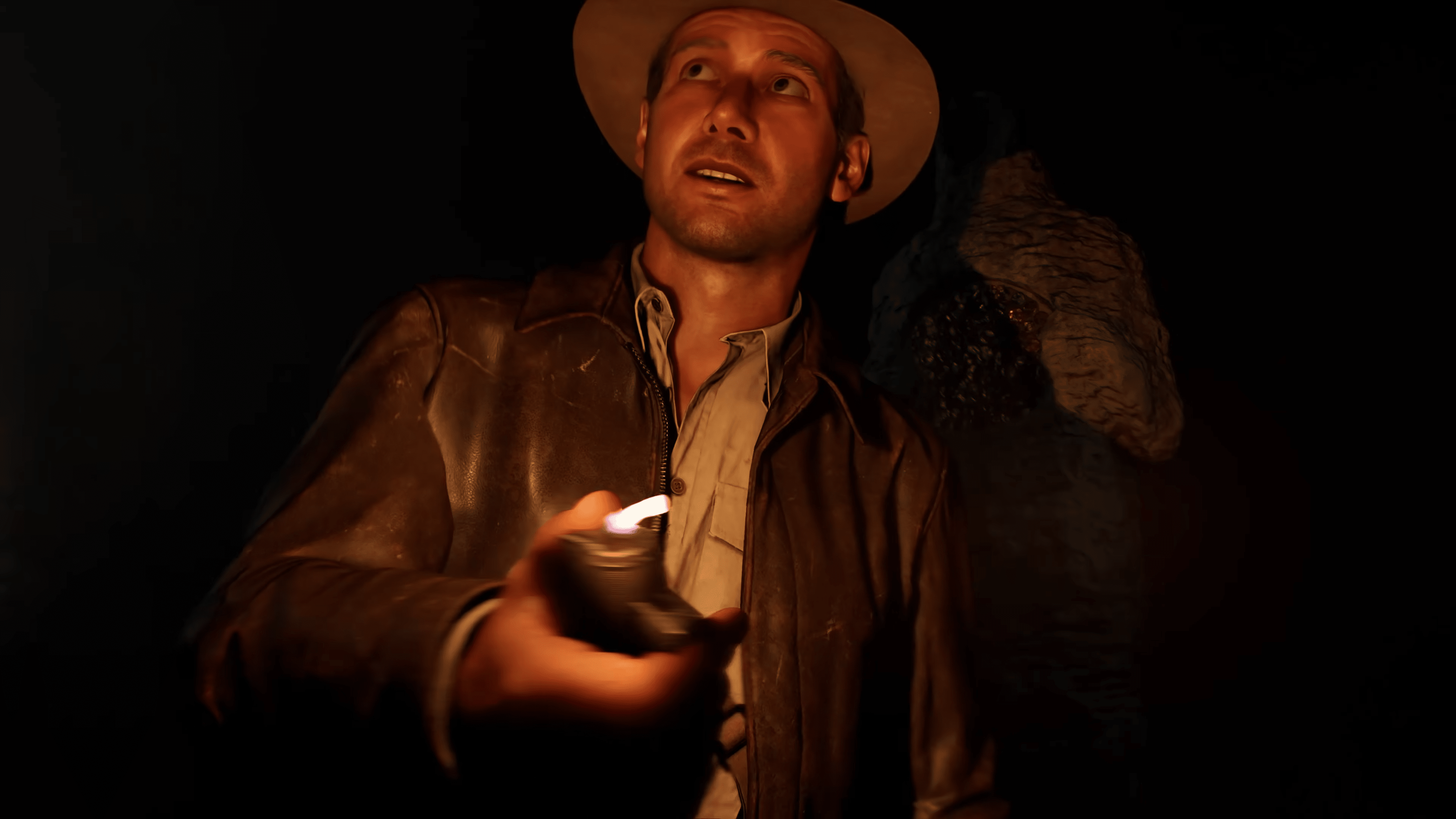
Indiana Jones and the Great Circle turns one today! To mark the occassion, MachineGames has released the Anniversary Update for the game, that adds new features, content and more all for free.
Console gamers will see today’s patch as Indiana Jones and the Great Circle update 1.009 (complete version 1.009.000), and this adds a new outfit, a swathe of fixes and more.
For the complete patch notes, head on below.
Indiana Jones and the Great Circle Anniversary Update Adds New Content via Patch 1.009
ANNIVERSARY UPDATE HIGHLIGHTS
New Game+
The highly-anticipated New Game+ mode is coming to the game! With the release of Indiana Jones and the Great Circle: The Order of Giants DLC, now is the perfect time to jump back into the game and experience the story all over again.
How It Works: Once you’ve completed the main story, New Game+ will be available right from the main menu. Select a Game Slot containing a completed playthrough of the story and you’ll be taken to the New Game+ set up menu. (Because you’ll be significantly stronger this time around, we recommend bumping your difficulty up. You can adjust this during the New Game+ setup.)
What Carries Over: Jump back into the adventure with all your collected and unlocked Adventure Books, plus any unspent Adventure Points, local currency, and Medicine Bottles from your previous playthrough.
A New Reward: Complete the story in New Game+ and unlock a brand-new ending sequence after the credits!
Cairo Outfit
Looking to cool off in the sweltering heat of Gizeh or the humid temples of Sukhothai? With the Anniversary Update, all players can unlock a free new Indy outfit inspired by his classic, jacket-free Cairo look in “Raiders of the Lost Ark™.” To don this “cooler” look, visit the Outfit tab in the Options menu. This outfit can be worn by Indy whenever he isn’t wearing a disguise, unless the level requires a special outfit, such as in Marshall College or Nepal.

Voice Language Select
The third major addition coming in the Anniversary Update is Voice Language Select. Now, you can mix and match any of the nine available voice languages with any of the fourteen text languages. Prefer to hear the original English performances with subtitles in your native language? Want to try a new combination? The choice is yours.
To change the language settings, go to the Audio tab in the Options menu and scroll down to Language settings. There you can choose your preferred languages for Text and VO. After choosing the new settings, additional files may need to be downloaded in the background. A message will pop up telling you when the files have been downloaded. Your changes will take effect after starting a new level or if you restart from a checkpoint.
Note: In the Steam version of the game, only the Text language option is set in-game. You will need to select the VO language in the game properties in the Steam client.

For the rest of the patch notes that lists the bug fixes applied, head on below.
General Fixes
- Fixed an issue where enemies might linger in their “stumble” animation if you punched them while they’re breaking out of your grab.
- Fixed an issue where pushing a grabbed enemy into a tight space could leave the enemy detached from Indy but still in the “grabbed” animation state.
- Fixed an issue with a specific “finisher” animation where the camera would clip through Indy’s arms.
- Fixed an issue where you could enter wall squeezes while downed and using the “Lucky Hat” ability that resulted in you standing up and unable to progress properly.
- Fixed an issue that could cause a control-lock if restarting a checkpoint during the middle of a save.
- Fixed an issue where using the “push” button to open “disguise doors” could prevent you from being able to walk through the door.
- Fixed an issue where, if you left a level while holding an inventory item, it would be stuck to your hands when revisiting the level
Missions & Quests
DLC
- Fixed another issue that might cause pipes to be placed incorrectly during the Gladiator puzzle.
- Fixed the animation of the blackshirt being dropped from the bridge near the entrance to the Gladiator puzzle.
- Fixed many minor graphical glitches through the whole story.
Peru
-
Fixed an issue where audio was missing in the Main Menu if you quit the game during the opening cutscene.
Gizeh
-
Fixed an issue where the clothes of certain villager NPCs would not animate when the character moved.
Sukhothai
-
Fixed an issue that might cause the boat engine sounds to never stop when you arrive at the rebel village at night.
Iraq
-
Fixed an issue where skipping the cinematic where Indy frees Gina might result in the Siren sounds to never stop.
UI
-
The price of guides and books now show correctly when inspecting them from one of the vendors.
PC Specific Fixes
- Fixed an issue where binding the interact/use key to be the same as the “buy” button from vendors, it could prevent you from buying items.
- Fixed an issue where setting Reflections to the lowest quality made certain objects look completely black.
Localization
-
In Arabic, fixed the alignment of the quick-inventory warning text about restricted zones.
Aside from The Order of Giants DLC, Bethesda has not mentioned whether we’re getting more content for the game. If I had to hazard a guess, we’ll still be getting updates, but no major expansion. While Microsoft hasn’t announced a sequel, it’s almost a lock at this point given how well the game did, and Xbox boss Phil Spencer’s statement about it backs it up too.
This website contains affiliate links. If you click a link and make a purchase, we may earn a commission at no additional cost to you. This helps support our work. Learn more on our affiliate page.