Indiana Jones and the Great Circle Update on May 12 Adds New Technical Features via Patch 1.013

MachineGames has released a new game update for Indiana Jones and the Great Circle today, and this is to mark the game’s Nintendo Switch 2 release.
The patch, which is available now on consoles and PC, will show up as Indiana Jones and the Great Circle update 1.013 (complete version 1.013.000), and this adds new technical features such as HDR on all versions, bug fixes to missions and a lot more.
Indiana Jones and the Great Circle’s May 2026 Update Adds New Features
New Features
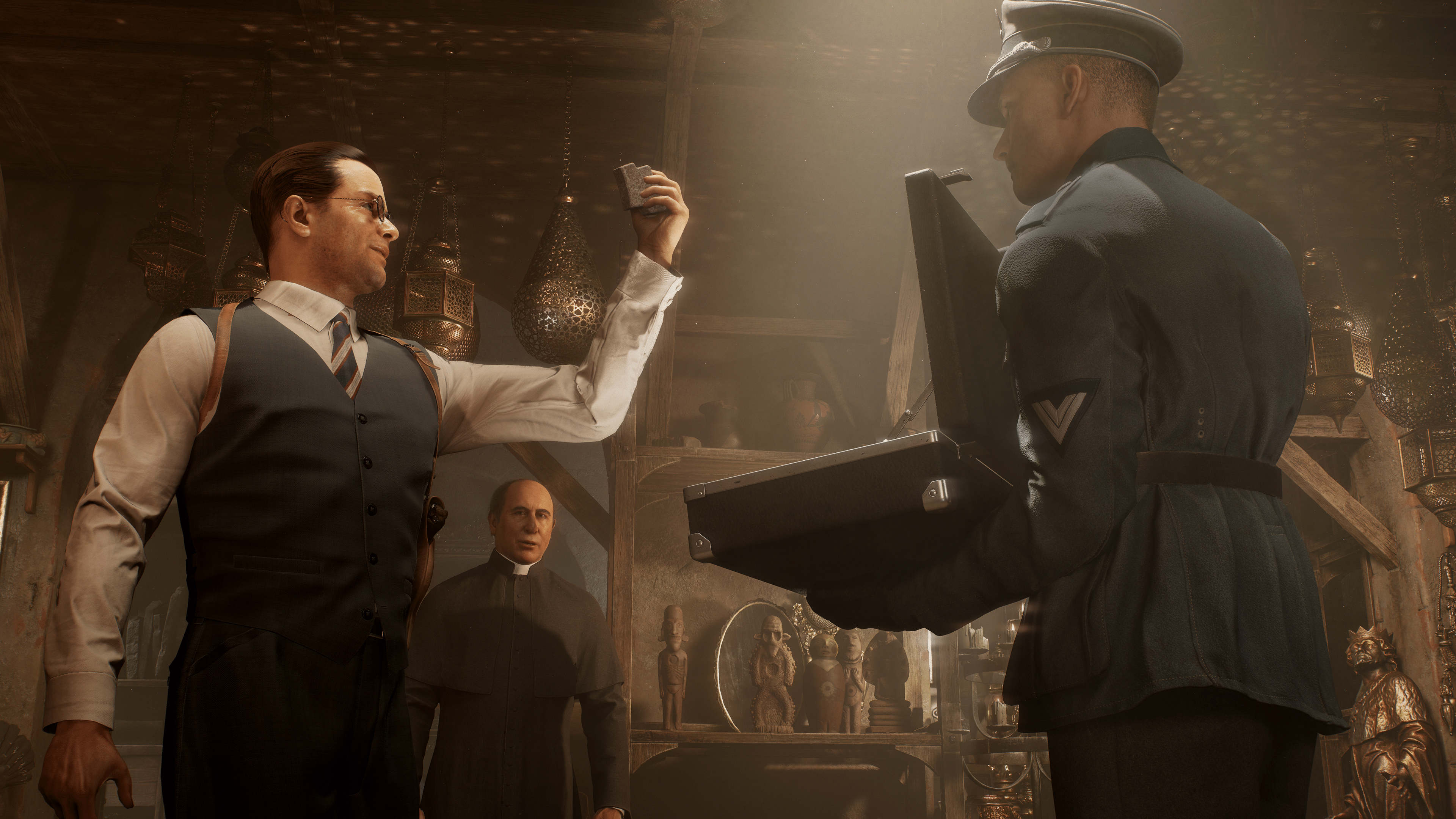
Shanghai Club outfit is now available!
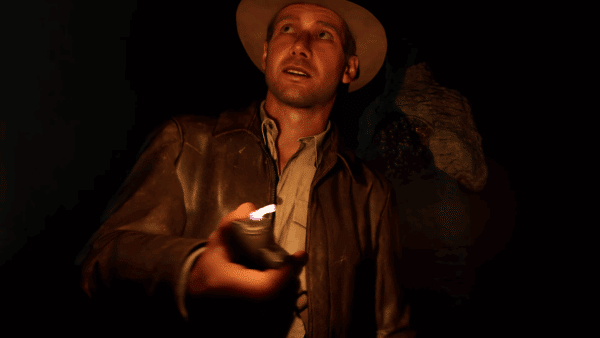
We’ve added a new outfit for Indy for all players across all platforms, based on the suit he wore in Club Obi Wan at the beginning of Indiana Jones and the Temple of Doom™.
To switch to this outfit, visit the “Outfit” tab in the Options menu and select the “Shanghai Club” outfit.
When equipped, Indy will wear this outfit whenever he isn’t wearing a disguise, or if the level requires a special outfit such as in Marshall College or in Nepal.
GOG – DualSense support
The GOG version of the game now supports the DualSense controller.
Nintendo Switch 2 – Features
Update 8 brings new Nintendo Switch 2 features for launch day, including support for Polish Localization and adds Mouse Controls. Mouse controls can be activated from within the game’s “Options” menu from the “Controller” tab in the “Mouse Controls Look” setting.

Technical updates
Optimizations
- Many CPU optimizations were made throughout the game in advance of the initial Nintendo Switch 2 cartridge release, to reduce overall CPU load.
Path Tracing (PC)
- Fixed crashes that could occur on AMD graphics cards when Path Tracing option was enabled.
- Reviewed against Vulkan validation layers and fixed some minor issues to help safeguard against possible future driver updates.
- Fixed an issue where some specific reflections were too bright when using Ray Traced Reflections.
Upscalers and Frame Generation (PC)
- Frame Generation for Nvidia DLSS and AMD FSR can now be utilized during cinematics.
- Fixed an issue where VRAM reserved for AMD FSR would not be released when switching from AMD FSR to a different upscaler.
- Fixed an issue where you would see ghosting in some cinematics if using HDR with Nvidia DLSS.
- Fixed an issue where brightest parts of the screen could look overexposed when using AMD FSR upscaling with HDR
HDR (All Platforms)
- Fixed an issue where player photographs taken when playing with HDR active could appear washed out when viewing them from your Journal. Note: this will not update any photographs you have already taken.
- Colors in the start-up video now look more natural when running in HDR.
Misc Visuals (Platforms Noted Below)
- Ambient Occlusion from Hair, and the Contact Shadows on characters have been made slightly smoother, with less noise, on all platforms.
- Fixed frame pacing issues in some specific cinematics that could show if you were running the game at a locked 30fps on PC.
- Fixed an issue where sun shadows could be missing for a short time after using the in-game signposts to fast travel, on all platforms.
- Fixed an issue where hair grooms could appear spikey on some Intel and AMD GPUs when using lower hair quality settings.
Audio (All Platforms)
- Fixed an issue where some specific kinds of footstep sounds for Indy were missing when wearing either the Traveling Suit, Cairo Shirt, Pankot Palace or Marshall College outfits.
Gameplay updates

Missions (All Platforms)
Sukhothai
- Fixed an issue where Gina could get permanently stuck/left behind if you had entered a zipline while she was performing certain actions, therefore she could not join you on the zipline. If Gina has gone missing for you in your game, she will be where you last left her. If that is far away, getting in and out of your boat at a dock should teleport her back to you.
- Hitting the giant mushrooms with the Khmer Spears in the Nephilim Archive should now be easier to achieve.
Iraq
- Fixed an issue that could cause Indy to become invincible if completing the final Ancient Artifacts puzzle in the Ziggurat and then skipping the game credits.
The Order of Giants DLC
- Fixed an issue where the game could crash in specific circumstances when starting the fight with Abgal in The Order of Giants.
UI and Markers
- Fixed an issue where you could not photograph the “Game Room,” the “Messenger Statue” and the “Messenger Statue Symbol” in Sukhothai if you revisited Sukhothai after having already reached the end of the game.
- Fixed an issue where you could not pick up the “Lockbox Note” again below the Vatican Post Office if you did not press “Collect” the very first time that you inspected it.
- Fixed an issue to ensure the “Lockbox Note” has a map marker when looking at your Field Notes in your Journal.
- Fixed an issue where in-world map markers for Adventure Books would still appear onscreen if you had already collected a copy of that book in a different level.
- Fixed the Sukhothai Guide map marker location for one of the Ancient Relics near Wat Si Sawai.
- Fixed an issue where the location marker for the “Button Man II” adventure book is now shown correctly when using the Kummetz Guide in Nepal.
- Fixed an issue where the in-world photo opportunity marker for the “Symbol Pedestal” in Sukhothai was showing before it could be photographed.
- Fixed an issue where the description text for the Sacred Wounds puzzle photographs in the Vatican did not display when inspected if the wine was poured before the photographs were taken.
- Fixed an issue where the photo description texts for the Light and Dark dragons were reversed in the Fountain of Confession puzzle.
- Fixed an issue where the journal map didn’t change to a Local Map until you were very close to the Tomb of Gibborim in The Order of Giants DLC.
- Fixed an issue where the onscreen objective header wasn’t very visible if a mission was automatically tracked.
- Fixed an issue where the highlighted heading in the journal would reset to the first in the list if you zoomed in on a map.
- Fixed an issue where exiting from sub-menus very quickly might result in the Options Menu heading disappearing.
- Made several minor corrections to the game’s Manual in the Options menu to be more accurate.
- Added some more information to the descriptions of some PC Video settings to be more useful.
Given we don’t usually get a lot of updates for the game, don’t expect another one anytime soon, unless it’s for a hotfix to resolve any issues that arises.
This website contains affiliate links. If you click a link and make a purchase, we may earn a commission at no additional cost to you. This helps support our work. Learn more on our affiliate page.