Marvel Tokon: Fighting Souls Update 1.002.003 Punches Out
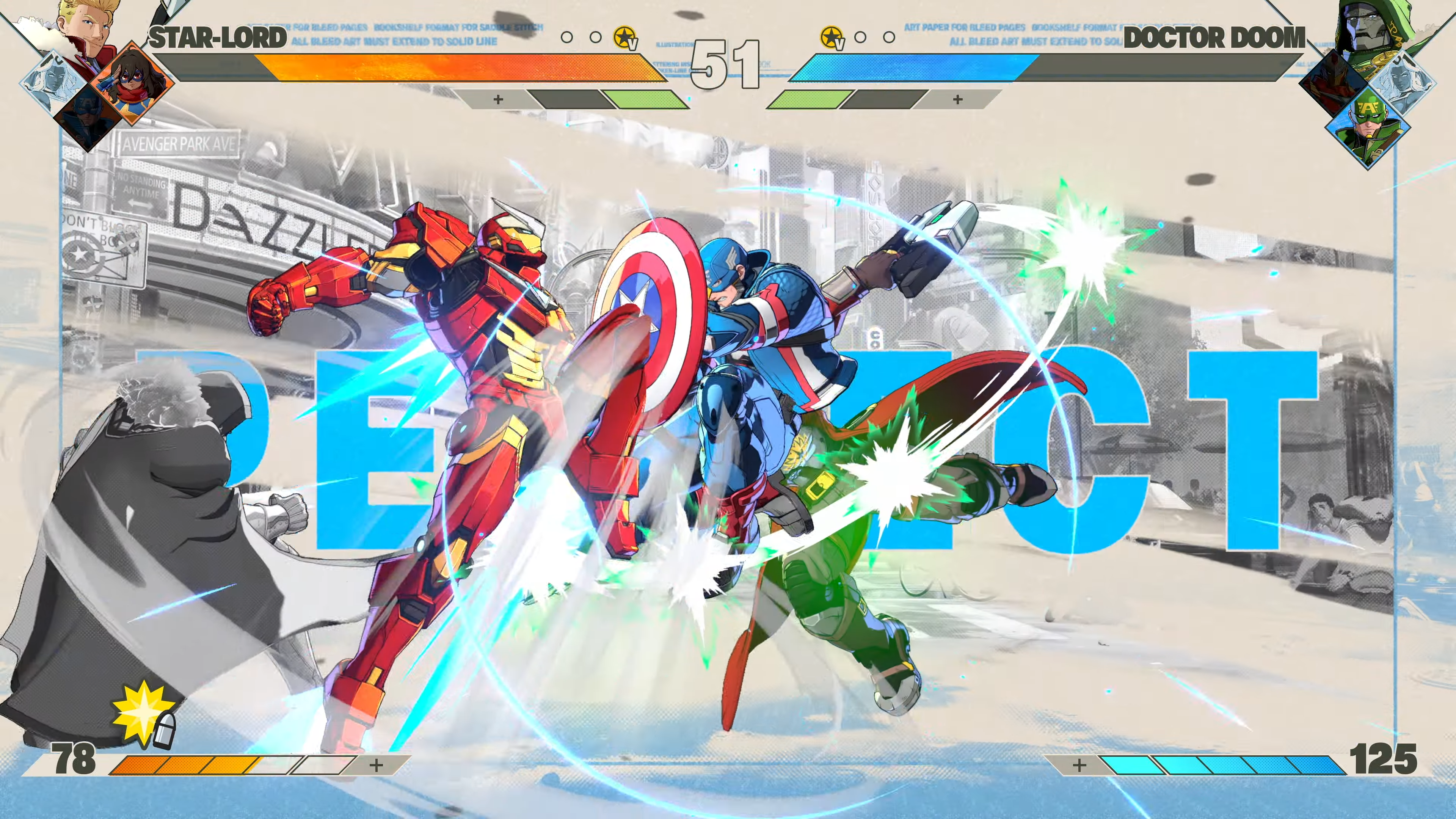
ARC System Works has released a new game update for Marvel Tokon: Fighting Souls today on consoles and PC, and this is another minor patch for the fighting game.
Players will see this as Marvel Tokon: Fighting Souls update 1.002.003, and this was released during today’s downtime.

For the official patch notes, read on.
Marvel Tokon: Fighting Souls Update 1.002.003 Improves Performance
PC Fixes
Performance Improvements
-Fixed issues where the system would periodically experience heavy processing loads during matches.
PS5 Fixes
-Fixed an issue where online battle settings, lobby avatar customization settings, and team building settings would reset when restarting the game.
-Fixed an issue where players could automatically forfeit their match if they did not press the Participate button within a specific window, even when still within the eligible time limit.
PS5 & PC
General
-Fixed an issue where badge progress on the battle result screen would not save correctly.
For reference, the patch released last week tackled the following issues:
PC Fixes
Reduced CPU Usage
Multiple fixes have been implemented to reduce overall CPU usage, including:
-An issue where the CPU ran high throughout the start up process.
-An issue where additional load on the system was being created due to periodic audio processing during matches.
Sudden Performance Drops
We identified an issue where the game was regularly checking for available audio inputs. These unnecessary checks could cause sudden frame drops and performance drops. This has now been addressed.
Frame Rate Drops
Fixed an issue where the frame rate would drop when certain resolutions were selected.
Bug Fixes
Settings
Fixed an issue where restarting the game with certain customization items or colors enabled would cause the settings to revert to default.
Online Lobby
Fixed an issue where changing how attack buttons were displayed to action icons resulted in some buttons becoming unresponsive during the open lobby mini games.
On PC
Warm Up Those Shaders
With the game being updated to the latest version, the PC version will prompt you to warm-up the shaders. Do so now for a smoother experience.
Auto Graphics Quality Setting
Improved auto spec detection to select a graphics profile that better fits your system.
No word yet on when we’ll be getting a balance patch, but once it’s out, expect it here on MP1ts.

This website contains affiliate links. If you click a link and make a purchase, we may earn a commission at no additional cost to you. This helps support our work. Learn more on our affiliate page.