Battlefield 6 Beta Gets Updated to Version 1.000.004 for Week 2, Bringing a New Map, Modes and More

As expected, DICE has updated the Battlefield 6 open beta client a day before it goes live again (download it here if you still haven’t accessed it yet). This isn’t just a patch for bug fixes, as this introduces us to a new map, new modes, and more.
Console gamers will see the download appear as Battlefield 6 beta update 1.000.004. If you’re wondering what to expect, read on, as there are also new challenges and rewards to complete that will net you items for use in the final version of the shooter.
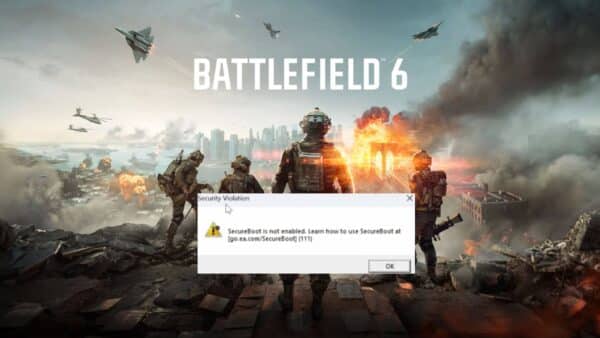
Don’t forget, any challenges you didn’t complete in the first week, you can still finish it in the second week of the beta.
Battlefield 6 Beta Gets Updated for Week 2 Before Servers Go Live to Version 1.000.004

Clocking in at 380 MB (PS5), the file preps Battlefield 6 for Open Beta Weekend 2! Curious what’s new for this week? Read on, soldier.
Battlefield 6 Open Beta Weekend 2 Info
Duration: August 14 – 17
Maps:
- All Week 1 maps
- (New) Empire State
Modes:
- All Week 1 modes (Conquest, Breakthrough, Domination, King of the Hill)
- Rush
- Squad Deathmatch
DICE has a surprise or two up their sleeve, and chances are, it’s the new mode “Escalation.” The mode is described as a Domination-style mode where capture points disappear as the match progresses, forcing players into closer quarters and more intense battles.
Not only are we getting a new map and modes, but there are also new challenges and rewards to complete as well.

Battlefield 6 Open Beta Week 2 Challenges and Rewards

- Capture 42 flags in Conquest, Domination or King of the Hill – Reward is the War Machine Vehicle Skin
- Get 200 kills or assists – Upon completion, players will get the Bat Company Dog Tag
- Capture 10 sectors in Breakthrough or Rush – Get the Strikling Distance Weapon Package
While DICE hasn’t announced anything when it comes to gameplay adjustments or fixes, the studio has revealed a long list of known issues affecting weapons, the UI and a lot more via the game’s official Discord.
Note that there is no confirmation that all these changes will be implemented in the BF6 Open Beta Week 2, although we wouldn’t be surprised if they are.
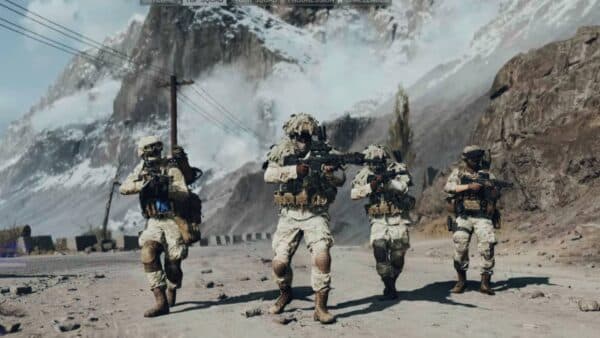
Battlefield 6 Beta Known Issues
Soldier:
- The primary weapon deploy function is currently delayed during sprint
- Players are unable to ping enemies when they are using stationary weapons
- Sometimes, a takedown is not performed even if the prompt is present in HUD
- The player is currently unable to ping or spot whilst in any vehicle
- Users transition to the first perspective if they redeploy while driving from an open-seat vehicle
- Character attach to the zipline and riding animations are currently work in progress
- Spamming the mount weapon function will exit a player from prone if they are in prone
- Aim assist when the player is close to smoke is work in progress
- The player can sink into the ground after reviving a teammate
Weapons and Gadgets:
- All barrel slot attachments have a placeholder in the description
- All machine gun weapons have a placeholder in the description
- Several weapons’ back iron sight clip through the camera when firing in ADS if customized with some scopes
- Incorrect names are present for Scopes in Loadout
DICE on Weapon Recoil in the Open Beta
Those worried about the recoil, don’t be. DICE has acknowledged it already, stating, “Early Access and Open Beta use the same build as the Multiplayer Reveal Event, and we want to acknowledge that we’re aware of some of the feedback around weapon recoil patterns. While not present within the Open Beta, a series of balance passes have already taken place around Weapon Recoil; however, they were not able to be included in the Open Beta build in time.”
UI/UX:
- The ‘Close Map’ button is non-functional upon opening the map in-game
- Soldier supply providers are missing an animation
- Settings which feature slider UI elements are currently work in progress and will be refined
- Out of bounds elements for air vehicles (diagonal stripes) are not present on the Capstone overview map
- The icon for a Spotted Vehicle is not currently present
- Game Mode Widget objective icons disappear while having selected another user who leaves the server
- Pick up prompt is missing on some gadgets
- The ability to bind crouch to a different key away from C is currently not functioning as intended, even if you rebound a different key C will still function as crouch.
Maps & Modes:
- Distorted VFX or mirage/water effects can be seen in the Firing Range for PlayStation 5, Xbox Series X|S, and PC
- Capstone has some missing lighting elements, causing darker than intended areas
- Barbed wire throughout the Capstone does not damage or slow the player
- Zipline ropes don’t have a proper texture
Settings & Functionality:
- The Big Map opacity slider within settings is not functional
- Dual Sense’s vibration is currently not functioning via Bluetooth
Client:
- Upon loading the Open Beta on PlayStation 5 some users may experience a “ID OptionsModify” screen, this is due to a language not being the same as intended for this Open Beta version.
- We advise the following workaround to resolve this issue:
Delete your install of Battlefield Open Beta. Delete the Saved Data attached to that install. Change your console language to English. Freshly reinstall the Battlefield Open Beta and get on the Battlefield.
Crash Awareness:
- Players may experience a crash on the splash screen, which states “D3D12CreateDevice” failed.
This can be resolved by repairing the game. Players may experience a crash on the splash screen without any errors. You need to disable Force randomization for images (Mandatory ASLR) globally or add an exception for bf6event.exe: Disable globally (requires PC restart): Open Windows Security → App & browser control → Exploit protection settings – Under System settings, turn Force randomization for images (Mandatory ASLR) Off Restart your PC and launch the game again.

DICE has also said that they will be testing the server browser soon, although it remains unconfirmed whether this feature will be included in Week 2 of the Open Beta.
Will we see DICE turn on the BF6 Open Beta Week 2 servers early? We’re not counting on it, but stranger things have happened.
Another thing to look forward to is a community challenge where if $1 trillion worth of damage is done in-game, players can earn a weapon skin! Details about that have been revealed, and it’s definitely something to aim for.
For those on consoles joining the beta for the first time, check out our console settings guide where we list down aiming values and more.
Will the Week 2 reception be as well-received as last weekend’s? We wouldn’t be surprised if it were.
This website contains affiliate links. If you click a link and make a purchase, we may earn a commission at no additional cost to you. This helps support our work. Learn more on our affiliate page.