

Fallout 4 Creations Update via Version 1.39/1.000.004 Released for the Game’s 10th Anniversary
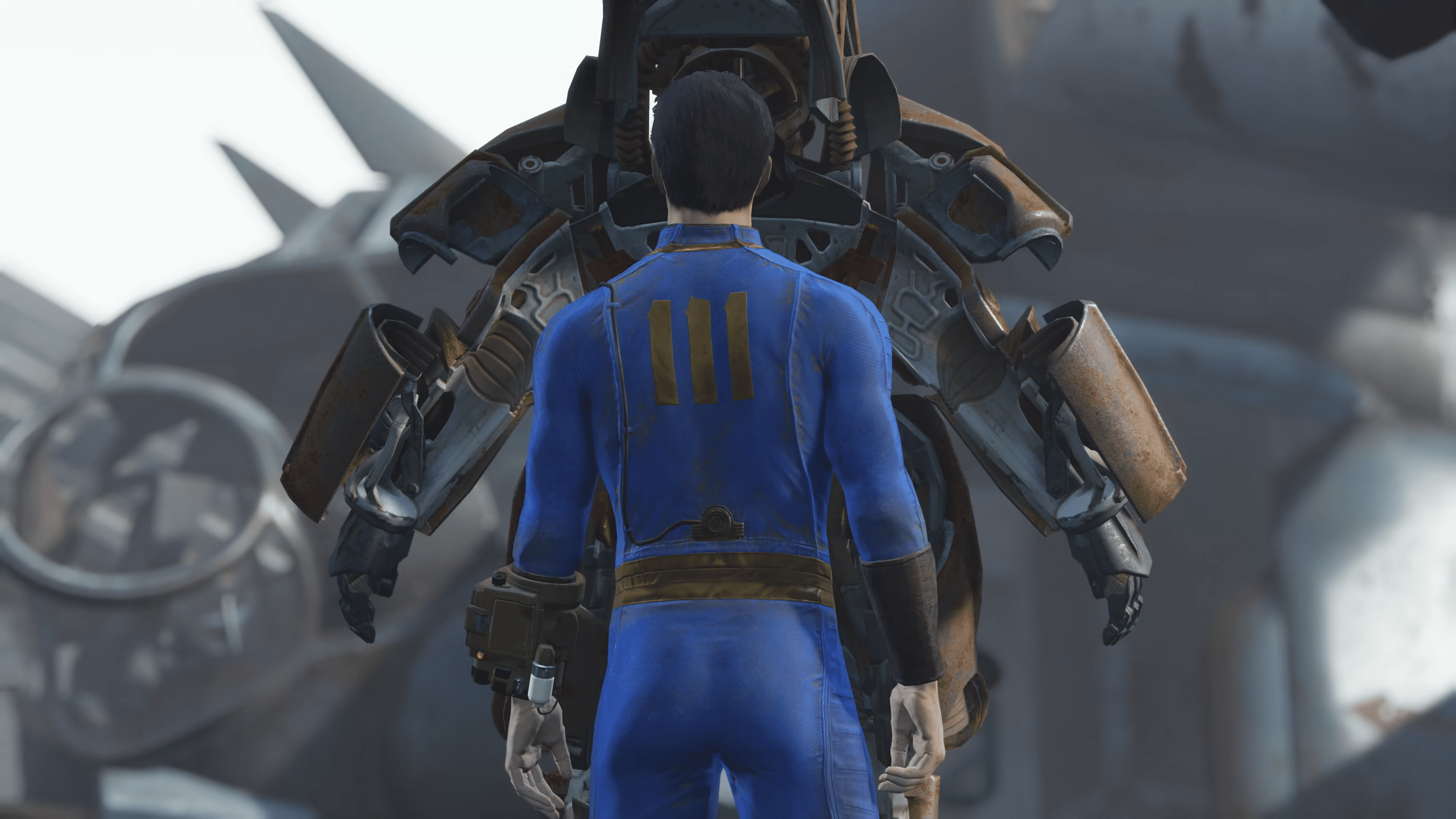
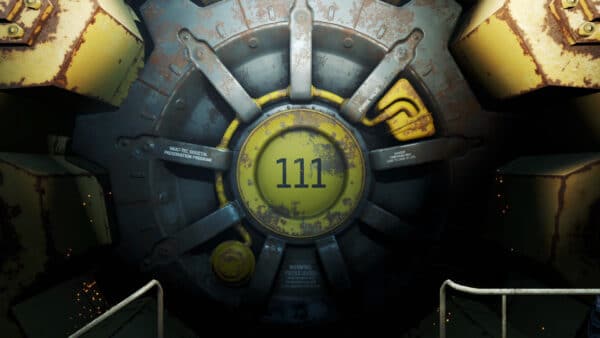
In case you didn’t know, it’s been 10 years since Fallout 4 braved the world outside Vault 111. To mark the occasion, Bethesda has not only released the Fallout 4: 10th Anniversary Edition, but also a new title update for consoles and PC that introduces Creations into the game.
Players will see this as Fallout 4 update 1.39/1.000.004, which introduces the Creations Menu to the game, along with several bug fixes.

Read on for info on the Creations content, as well as the bug fixes applied in the offiical patch notes.
Fallout 4 Creations Update Released on November 10 as Patch 1.39/1.000.004
Upcoming Fallout 4 Creations
“Tale of the Beast Hunter” from the team at Hobgoblin Studios is available now! Pick it up through the Creations menu and uncover the legend of the Beast Hunter. Unlock the Beast Hunter’s outfit and his revolver shotgun and face off against his pet Deathclaw, Bessy, in a brutal showdown. “Tale of the Beast Hunter” is also your chance to bring a piece of the Mojave to the Commonwealth with ‘The Bar,’ a unique new player home that feels straight out of the Strip.
In-Game Creations Menu
Owners of Fallout 4: Anniversary Edition and previous versions of Fallout 4 will all have access to the in-game Creations menu. Here you can easily discover, download and enjoy content from professional developers and enthusiasts alike. Some Creations will be free and some will be purchasable with Creation Credits directly through the menu.
* Bethesda Game Studios Creations and Creation availability may vary by region, title and/or platform. Please consult the in-game Creations menu for details.

Fallout 4 – Patch Notes/New Features

-
Creations Menu: A new in-game Creations menu has been added, making it easier than ever to discover, download and enjoy content from professional developers and passionate enthusiasts alike.
Gameplay & Performance
-
VATS Accuracy: VATS hit chances are now consistent across platforms and no longer drop to 0% or show incorrect values. Targeting enemies through walls without the Penetrator perk is no longer possible.
-
NPC Visual Creations: Fixed stuttering and hitching caused by Creations that edit NPC visuals. Performance is improved when using such Creations.
Stability & Crashes
-
BNET Connectivity: Better handling when there is a Bethesda.net outage
-
Crafting Station Crash: Interacting with crafting stations or the workshop on ultrawide monitors no longer causes crashes.
Ultrawide & Super Ultrawide Support
-
UI & HUD Scaling: UI elements, HUD backgrounds, and item previews now scale correctly for 21:9 and 32:9 aspect ratios. Menus, quest updates, tutorials, workshops, and inspected objects are no longer stretched or squished.
-
Pip-Boy Map: Players can now place markers, fast travel, and pan the map to the right side in the Pip-Boy when using ultrawide resolutions.
-
Save Preview Images: Save preview images are now letterboxed to avoid looking squished on ultrawide monitors.
Miscellaneous
-
Resolution Detection: Autodetect now sets supported display resolutions, preventing crashes on launch.
Hopefully, nothing breaks with today’s update, but if it does, expect the new patch to be posted here on MP1st.
This website contains affiliate links. If you click a link and make a purchase, we may earn a commission at no additional cost to you. This helps support our work. Learn more on our affiliate page.


Well. I didn’t buy any update, and it totally screwed up the game. I have NO mods at the moment, clean install from Steam (GOTY). Yes, I have a new CREATIONS menu. I attempted to install the unofficial FO4 patch from the CREATIONS menu. It downloaded then says it can’t be enabled due to missing files. It will not tell me what files, or download them automatically. I also discovered that exiting the game to the Desktop causes the game to hang, requiring accessing the task manager to kill the Fallout 4 task.
Thanks for nothing, Bethesda.
Thankfully I also bought a GOG version to play Fallout London, so I still have that.