Home > News

Sea of Stars Update 1.05 Soars Out This December 7

Sabotage Studio has released Sea of Stars Update 1.05 (1.005 on PS5) for today, December 7. This patch comes with several bug fixes and changes. Read on for the full Sea of Stars December 7 patch notes.

Sea of Stars Update 1.005 Patch Notes | Sea of Stars 1.05 Patch Notes | Sea of Stars December 7 Patch Notes |

  • Added a new Relic: Tactician’s Mettle, which will unlock after the graduation ceremony. It is also given retroactively when loading a save beyond that point in Zenith Academy.
  • Updated all campfire rest scenes to offer more varied placement and animations.
  • Sea of Nightmare: Fixed an issue that could cause the break crystal cutscene to not play entirely, locking the player in Sea of Nightmare. Save files that are locked in Sea of Nightmare should be fixed after a reload.
  • Adjusted the logic on the Parrot to properly offer insight regarding Fishing Island’s conches.
  • Fixed props flickering, clipping and adjusted collisions in multiple levels.
  • Fixed known typos in all languages.
  • Fixed crash that could occur when spamming the “back” button while the end game save screen appeared.
  • Fixed an issue that could cause the player’s death count to be incorrect.
  • Fixed issue where dying after an auto-save could also overwrite the manual save.
  • Adjusted Bs’t’s animations in some cutscenes where the combat pose could be playing when not intended.
  • Adjusted animations on some characters to prevent idle breaker animations from playing during Stormcaller and Acolytes fights outro cutscenes.
  • Adjusted party advice to avoid lines about going to Settler Island while already on the island.
  • Made sure that Clockwork Castle’s name is displayed properly in the hud when loading the scene from Mirth.
  • Conflagrate should no longer emit scorch marks after the fire pillar has disappeared.
  • Fishing: removed water VFX that could appear when bobber lands on land.
  • Adjusted some enemies in Dweller’s Fall Arena to make sure they don’t give XP.
  • Fixed an issue that caused Three’s idle animation to interrupt the “low health idle” animation.
  • Added checks to ensure that the level up music plays properly in Maelstrom Point and Trek to Center of the World.
  • Added checks to ensure the player icon can be seen on the map screen even when the player is near the borders.
  • Added checks to ensure consistent letterboxing during the “Sea of Stars Sequence” camera shift.
  • Fixed a glitch in the Game Menu’s character portrait tray when switching between gamepad and keyboard.
  • Changing the PixelPerfect video option during Fishing minigame will now update the letterboxing.
  • Fixed character misplacement that could occur when spamming pause while using the clock tower’s big lift.
  • Added Sequent Flare timing VFX and SFX to Arcane Barrage combo move.
  • MossyCache: Added a check to prevent a character potentially getting stuck in running animation.
  • Fixed an issue that could cause the game to change resolution for a few moments during loading screens.
  • Fixed an issue that caused the character sprites in the loading screen to flicker and run too fast.
  • Added checks to make sure all “boat triggers” that remove map fog can also be triggered while flying.
  • Cooking: added a check to prevent the quantity selector SFX to play while grayed out.
  • Fixed an issue that could cause Resh’an’s puppet to unintentionally have dialogue.
  • Fixed an issue that could cause the player to do negative damage in some cases.
  • Fixed an issue that caused the pirate music track 36 to not play properly.
  • Fixed an issue that caused Gaëtan Piment’s hand to flip after talking to him a few times.
  • Stonemasons Outpost: Made sure that the right cutscene is played for the water pump and statue.
  • Wraith Island Docks: Made sure that the raft is still visible after loading a save file.
  • Fixed an issue that could cause undiscovered area names to not display properly if the language is changed while they are displayed.
  • Brisk Arena: Fixed an issue that could cause the camera to follow B’st after exiting the arena.
  • Cerulean Expense: Disabled probe during level up sequence.
  • Fixed an issue that caused no attack name to be displayed while Romaya summons Lonzon or Revenant
  • Cursed Woods: Fixed an issue that could prevent the player from accessing menus after playing the cutscene for opening the passage.
  • Fixed an issue that could cause the camera to be locked after yeeting to X’tol or Y’eet.
  • Antsudlo: Fixed an issue with climbing and changing water level.
  • Antsudlo: Adjusted follower behavior to prevent them from getting stuck mid air.
  • Added an auto full heal to the party before the Dweller of Woe encounter.
  • Fixed possible softlock when using a combat move after the Dweller of Strife encounter.
  • Added a full heal after each Boss fight in the arena.
  • Fixed an inconsistency in diagonal flight speed that occurred depending on whether D-pad or joystick was being used.
  • Now disabling all in-game hud panels during encounter outros.
  • Fixed the locked TOD (time of day) when loading a save file on the second planet after defeating Dweller of Dread.
  • Fixed an issue with focus crystal activation zones when swapping the party leader.
  • Adjusted a chest that could be found floating in the air in the Cursed Woods.
  • Fixed an issue with the light ball trigger position after a failed landing.
  • Added a check to cancel avoidance when a character gets selected, to prevent them from potentially getting stuck in the avoid state and softlock the encounter.
  • Antsudlo: Added a failsafe to make sure the water’s level is correct after reloading the save.
  • Vespertine: added a check to muffle the pirate music in Resh’an’s room.
  • Added a check to resurrect KO’d party members in-between Catalyst phases.
  • Sea of Nightmare: Fixed an issue that caused interaction with a stone totem to show outdated information after shattering the crystals.
  • Fixed an issue that caused Shimmering Shard to not actually increase damage against undead.
  • Fixed crash that could occur after 5 or more strife minion eyeballs exploded in a single move.
  • Wizard Lab: Fixed an issue where the user could miss out on a chest if they did the purple room first and didn’t use the pearl stand. Fix has been implemented retroactively, so anyone missing a chest should now find it in the magenta room.
  • Fixed an issue that could cause the title to become unresponsive if the player changes party order at the very start of combat.
  • Fixed a crash that could occur when trying to change the equipped weapon of a character while having a certain quantity of duplicates.
  • Fixed a possible crash when sending the leader to the back row while a “loot notification queue” is running.
  • Fixed an issue that could cause a crash if the player receives a loot notification after the Golden Pelican sequence.
  • Increased compatibility to help the PC version of the game run on some older cpus.
  • Fixed a specific encounter’s intro which could result in a crash if the player initiated combat with a sneak attack.
  • Fixed a crash that could occur when a follower gets deactivated or stops following the leader while a geyser is waiting for them.
  • Fixed an issue that could cause some SFX to persist throughout the credits if both the player and World Eater die on the same frame.
  • Fixed B.S. Roulette to prevent the “back” button from being used during the dialog choice.
  • Dweller’s Fall Arena: Fixed an issue that could cause loss of HP/MP when entering/exiting.
  • Fixed a crash/softlock that could happen while B’st was the first follower and entered a climb zone from the top.
  • Fixed a softlock/crash that could occur if the Dweller of Strife died on the same hit as the crystal device got fully charged.
  • Fixed an issue where the tight ropes could disappear when the player landed on them.
  • Fixed an issue where a crash could occur when teleporting or talking to an NPC at a specific time during their pathfinding.
  • Fixed an issue that could cause the game to crash if the Graplou was used immediately after combat.
  • Fixed an issue that could cause Duke Aventry’s sprite to vanish from the cutscene if the party leveled up by beating him.

Big patch, with loads of fixes, though a bit of a surprise to see some new content in there like the new relic.

Source: Steam
Avatar photo

James Lara

A gamer at heart, James has been working for MP1st for the last decade to do exactly what he loves, writing about video games and having fun doing it. Growing up in the 90's gaming has been in his DNA since the days of NES. One day he hopes to develop his own game.

Home > guides

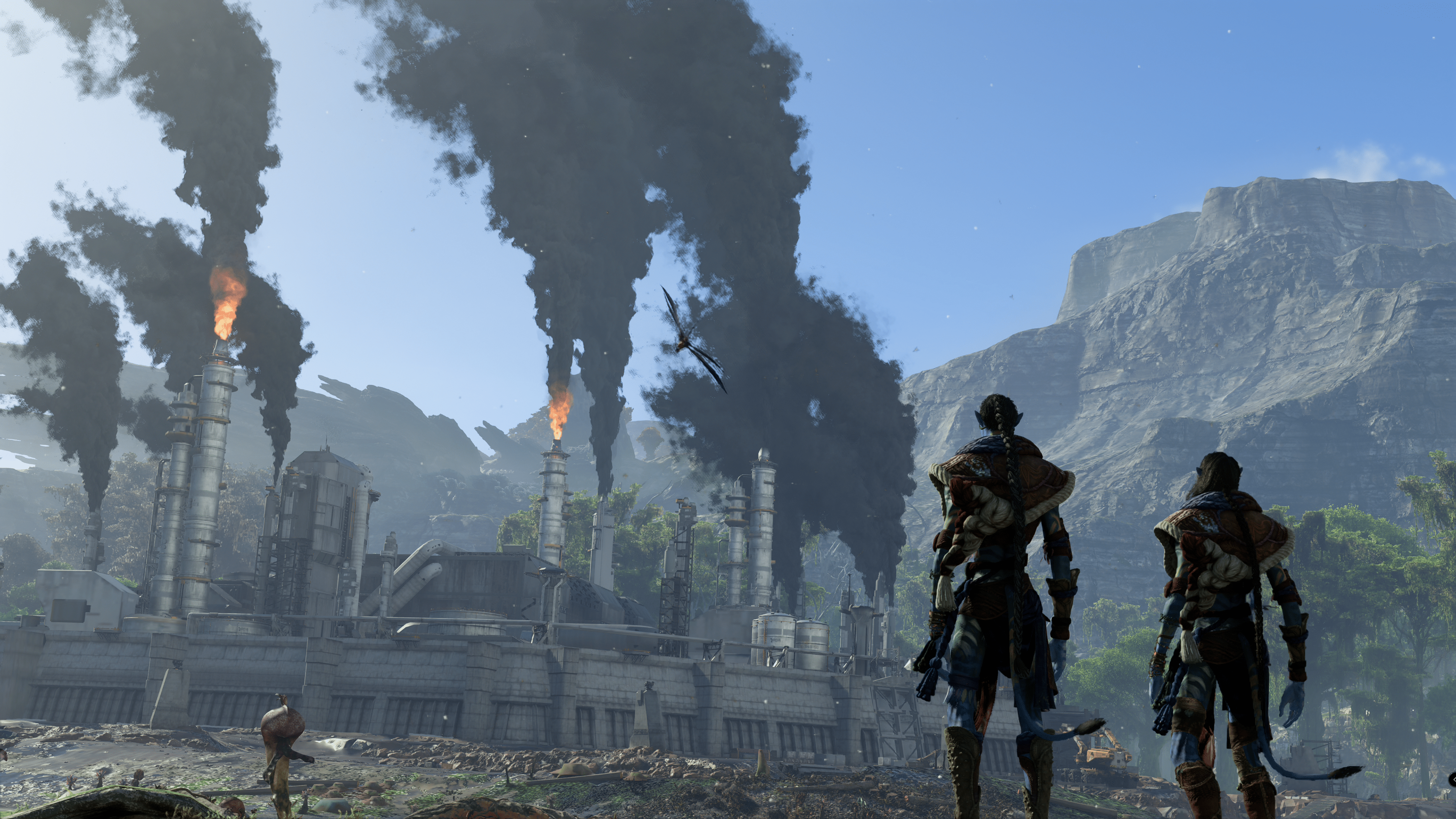
Avatar Frontiers of Pandora Best Settings for PC and Consoles

MP1st is here to bring you the Avatar Frontiers of Pandora best settings on PC and consoles that ensure the best experience from our own testing! Read on for the best graphics, gameplay settings and more that you’ll want to use while playing.

Avatar Frontiers of Pandora Best Settings Consoles – Performance or Quality Mode?

On both the Xbox Series and PlayStation 5, Avatar Frontiers of Pandora offers quality and performance modes. Quality targets 4K resolution while dropping the performance down to 30 FPS. On the other hand, performance targets 60 FPS at the cost of resolution being lower than 4K. 

Avatar Frontiers of Pandora is a gorgeous game, so we can understand why you want to opt for quality mode to get the best visuals possible. However, from our testing, the 30 FPS mode doesn’t feel that smooth of an experience, especially for a first-person shooter. Performance still struggles to hold a solid 60 FPS, but overall, the drop in visuals is worth the sacrifice for a more optimized experience. That smoother framerate is going to help you when the action kicks up.

Motion blur is forced off in performance mode for those wondering, while quality keeps it optional, though we recommend it if you use quality mode. 

Avatar Frontiers of Pandora Best Settings – Nvidia 4090 GPU – Ultra – 4K

With this GPU and a strong enough CPU, you should be able to run Avatar Frontiers of Pandora on its highest possible preset and at 4K. These are my settings, though I did force a 60 FPS lock, 100 FPS or higher is achievable. 

Video

  • Windowed Mode – Fullscreen or Borderless Fullscreen
  • Aspect Ratio – Whatever suits your monitor. 
  • Resolution – Select by monitor.
  • Refresh Rate – Select by monitor.
  • Temporal Upscaler – If you are using Nvidia, stick with DLSS. No frame gen option, but we found this to be the ideal option. AMD cards use Fidelity FX and frame generation. 
  • Frame Generation – ON for AMD cards, off if you notice issues with Nvidia cards.
  • Scaling Quality – Ultra Performance – We found this fixed most of the stutter we experienced. 
  • V-Synce – On
  • Frame Rate Limit – Off for uncapped, On for lock. 

Graphics

  • Motion Blur – Off 
  • Depth of Field – Off – We noticed it blurred things in the background too strongly, even on the low setting, and it came off as more distracting.
  • Shadow Quality – High
  • Sun Contact Shadows – High 
  • Spot Shadows – High
  • Spot Shadows Resolution – Very High 
  • Shadow Proxies – Off
  • Specular Reflections – Very High 
  • Diffuse Reflections – High
  • Environment Reflection Quality – High 
  • Volumetric Clouds – High
  • Volumetric Fog – Ultra
  • Extra Streaming Distance – 10
  • Object Detail – 25
  • BVH Quality – High
  • Microdetail Quality – Ultra
  • Particle Quality – High
  • Scatter Density – Ultra
  • Dither Fade – On
  • Spotlight Projection Resolution – 512
  • Destruction Quality – High 
  • Terrain Tessellation – Ultra

Avatar Frontiers of Pandora Best Settings – Nvidia 4070 GPU –  Tested 1080P-4K (Mainly 4K)

Our second build was with a 4070. For the most, it can handle everything on Ultra also. We went with quality rather than performance though on this build. 

Video

  • Windowed Mode – Fullscreen or Borderless Fullscreen
  • Aspect Ratio – Whatever suits your monitor. 
  • Resolution – Select by monitor.
  • Refresh Rate – Select by monitor.
  • Temporal Upscaler – If you are using Nvidia, stick with DLSS. No frame gen option, but we found this to be the ideal option. AMD cards use Fidelity FX and frame generation. 
  • Frame Generation – ON for AMD cards, off if you notice issues with Nvidia cards.
  • Scaling Quality – Ultra Performance – We found this fixed most of the stutter we experienced. 
  • V-Sync – On
  • Scaling Mode – Fixed
  • Frame Rate Limit – Off for uncapped, On for lock. 

Graphics

  • Motion Blur – Off 
  • Depth of Field – Off – We noticed it blurred things in the background too strongly, even on the low setting, and it came off as more distracting.
  • Shadow Quality – High
  • Sun Contact Shadows – High 
  • Spot Shadows – High
  • Spot Shadows Resolution – Very High 
  • Shadow Proxies – Off
  • Specular Reflections – Very High 
  • Diffuse Reflections – High
  • Environment Reflection Quality – High 
  • Volumetric Clouds – High
  • Volumetric Fog – Ultra
  • Extra Streaming Distance – 10
  • Object Detail – 18
  • BVH Quality – High
  • Microdetail Quality – Ultra
  • Particle Quality – High
  • Scatter Density – Ultra
  • Dither Fade – On
  • Spotlight Projection Resolution – 512
  • Destruction Quality – High 
  • Terrain Tessellation – Ultra

Avatar Frontiers of Pandora Best Settings – Nvidia 3080 GPU – Tested 1080P-4K (Mainly 4K)

Our final build is running a 3000 series Nvidia card. We had to turn down the graphics in order to get a smooth experience, but it’s a smooth one nonetheless, and the game still looks gorgeous. 

Video

  • Windowed Mode – Fullscreen or Borderless Fullscreen
  • Aspect Ratio – Whatever suits your monitor. 
  • Resolution – Select by monitor.
  • Refresh Rate – Select by monitor.
  • Temporal Upscaler – For this build, we noticed that AMD Fidelity FX offered a smoother experience than Nvidia DLSS, though DLSS is still great to use.
  • Frame Generation – ON for AMD cards, off if you notice issues with Nvidia cards.
  • Scaling Quality – Ultra Performance 
  • Scaling Mode – Fixed
  • V-Sync – On
  • Frame Rate Limit – Off for uncapped, On for lock. 

Graphics

  • Motion Blur – Off 
  • Depth of Field – Off – We noticed it blurred things in the background too strongly, even on the low setting, and it came off as more distracting.
  • Shadow Quality – High
  • Sun Contact Shadows – Medium
  • Spot Shadows – High
  • Spot Shadows Resolution – High 
  • Shadow Proxies – Off
  • Specular Reflections – Medium
  • Diffuse Reflections – Medium
  • Environment Reflection Quality – Medium
  • Volumetric Clouds – Medium
  • Volumetric Fog – High
  • Extra Streaming Distance – 5
  • Object Detail – 15
  • BVH Quality – High
  • Microdetail Quality – High
  • Particle Quality – High
  • Scatter Density – High
  • Dither Fade – On
  • Spotlight Projection Resolution – 512
  • Destruction Quality – High 
  • Terrain Tessellation – High

Noticing Avatar Pandora Frontier Stuttering?

During the review process, we noticed some micro stuttering occurring and, in rare cases, heavy dips during cutscenes. The micro stuttering was a consistent issue until I started messing around with the in-game and Windows FPS options. If you notice some stuttering, for Nvidia cards, you can force the FPS to 60 FPS, while in-game, you’ll want to set the FPS limiter to 120 FPS. I had initially set it to 60, which still had stutters, but sliding it to 120 FPS while the software locked the frame game was a rock-solid 60FPS experience. 

As mentioned, there is no DLSS Frame Generation support, only from AMD cards. You’ll either need to wait for a mod or Ubisoft to add it officially. 

There you go, our graphic best settings for Avatar Frontiers of Pandora on PC. 

Avatar Frontiers of Pandora Best Settings for PC and Consoles – General Settings

Gameplay 

  • Quest Guidance – Guided – The waypoint system in the game is pretty annoying as is, so guided does help navigate the world a tad better.
  • Field of View – 90-95
  • Exit Photo Mode When Taking Damage – On
  • Auto Complete Sid Lock – I recommend keeping it as is for a while to enjoy the feature, though you may want to turn it autocomplete as the mechanic can get old and boring.
  • Auto Complete Sid Hacking – I recommend keeping it as is to enjoy the feature, though you may want to turn it to autocomplete as the mechanic can get old and boring.
  • Memory Painting Difficulty – I recommend keeping it as is to enjoy the feature, though you may want to turn it to autocomplete as the mechanic can get old and boring.
  • Gathering Complexity – When you pick up plants, a mini-game plays out. This game determines the quality of the plant, offering you higher-quality crafting materials. I turned this off, as gathering is essential to the game, meaning you’ll do it a lot. That can get very annoying, so skipping the game and just going straight to picking up plants is the better way to play, even if your crafting quality suffers. 

Display 

  • Dither Fade – Off

The rest is user preference, such as accessibility options and HUD options. Play around with what you think is best for you in those settings. Otherwise, most of what I recommend above are the major ones you should change. 

There is nothing too complicated here outside of PC configurations. We generally found Avatar Frontiers of Pandora to be a decently optimized game. No significant performance dips were had outside the initial stuttering fixed with the above steps. But these are the best settings we found for Avatar Frontiers of Pandora on consoles and PC. 

If there are any major changes or issues we see players having, we’ll update the guide with more tips. If you haven’t already, be sure to check out our full Avatar Frontiers of Pandora review, just in case you need convincing on whether the game is worth playing or not. 

Avatar photo

James Lara

A gamer at heart, James has been working for MP1st for the last decade to do exactly what he loves, writing about video games and having fun doing it. Growing up in the 90's gaming has been in his DNA since the days of NES. One day he hopes to develop his own game.

Home > News

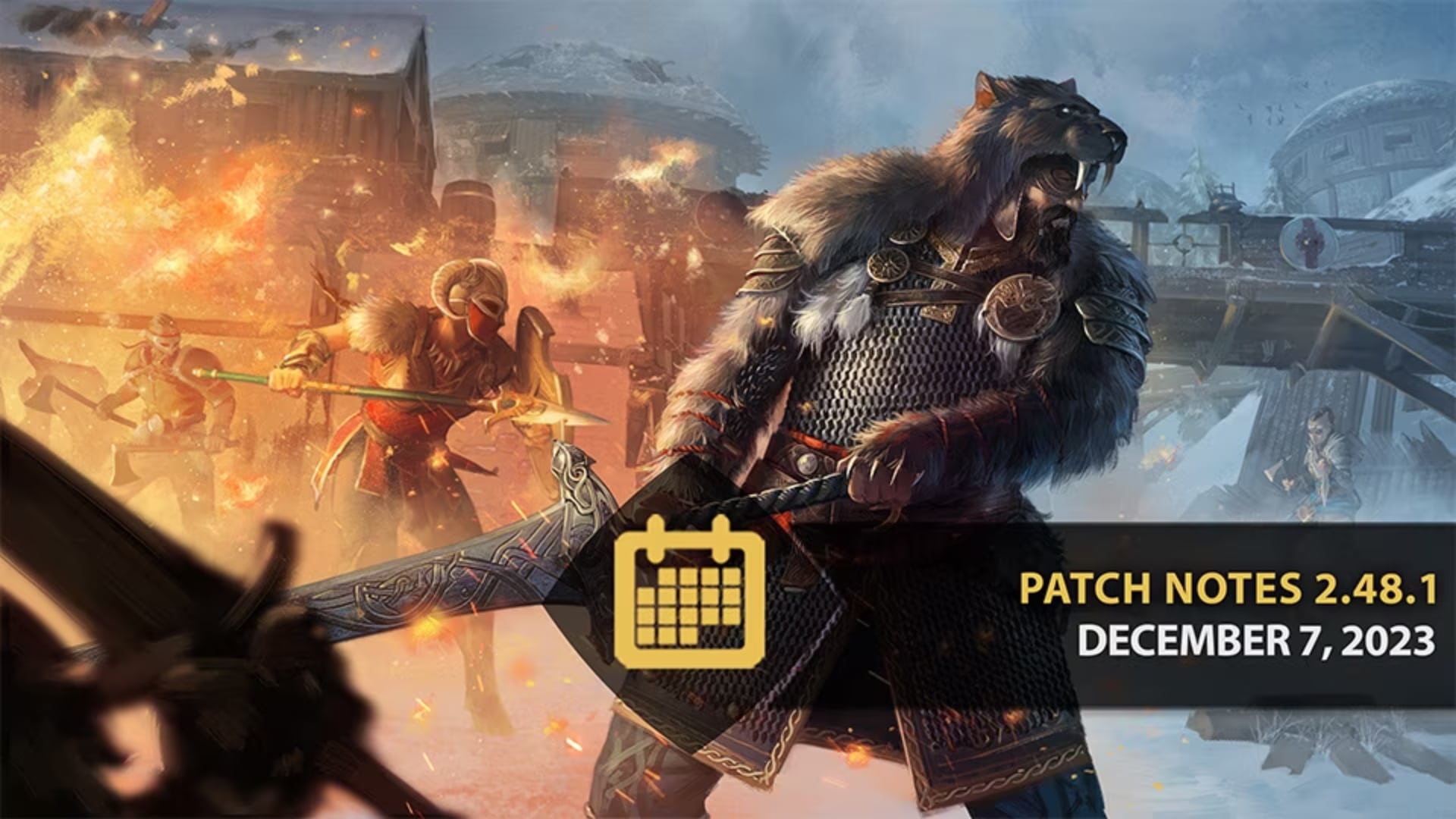
For Honor Update 2.48 Bashes Out for December 7 for Patch 2.48.1

Ubisoft has pushed out For Honor update 2.48, which is for patch version 2.48.1, bringing a sleight of improvements, adjustments, and bug fixes. Read what’s new for today’s December 7 update in the official For Honor update 2.48.1 patch notes.

For Honor Update 2.48 | For Honor Update 2.48.1 Patch Notes | For Honor December 7 Patch Notes:

IMPROVEMENT – FIGHTERS

Front Dodge Bash changes

In the previous patch, we’ve sped up our 500ms front dodge bashes to be 433ms. This introduced an unfortunate interaction where these attacks could reliably be dodged on a single timing. We’ve made the following changes to ensure there is no singular dodge timing to beat these attacks:

  • All 433ms Front Dodge Bashes now lose tracking 100ms later during the attack against dodging opponents

  • The following heroes have their Front Dodge recovery lowered by 100ms

    • Conqueror

    • Jormungandr

    • Zhanhu

  • Additional changes

    • Medjay’s Throne Room Tackle can now be performed starting at 300ms during their Front Dodge, up from 100ms

    • Tiandi’s Palm Strike can now be performed starting at 366ms during their Front Dodge, up from 300ms

Dev comments: The changes to the way Front Dodge Bashes track opponents makes it to that delayed Front Dodge Bashes will now properly connect against early dodges. This should return to the type of play we had before the changes, where the intent was that opponents had to read between dodging early or late; due to how the changes were implemented, there was an issue where a single dodge timing could beat buffered bashes, delayed bashes and dodge to guardbreak; with these new timings, this type of situation should no longer happen.

To ensure this is also fixed on Conqueror, Jormungandr and Zhanhu, we’ve also lowered their recovery from Front Dodge so they can Guardbreak earlier and catch the outlier dodges that can effectively dodge both the buffered and delayed bashes.

Finally, we’ve also applied a change to Medjay and Tiandi; Medjay’s Throne Room Tackle was too oppressive at their new timings, while Tiandi’s new timings meant that players had one less option to beat Tiandi when the hero performed a dodge cancel from Light attacks into Palm Strike. With this new change, players should be able to trade with Palm Strike by using a Light Attack.

Hitokiri

  • Meikai Rift (Light Finishers) no longer have Uninterruptible Stance.

  • Hitokiri now gains Uninterruptible Stance at 100ms when performing Endless Myriad, down from starting at 300ms

*Dev comment: Hitokiri used to have Uninterruptible Stance on Meikai Rift to be used as an early trading tool, but this proved to be awkward as the hero needed to end their chain and pressure to trade with opponents. As the hero’s identity is to be a relentless attacker and have strong mixups, we’ve adjusted the position of the Uninterruptible Stance so Hitokiri is able to use their chained Heavies more effectively in outnumbered situations and be more difficult to peel.*

  • Chain Link Timing changes from Opener Light attack to Rei Kick / Rei Sweep

    • On Hit and On Block, chain link timing now starts at 333ms, up from 200ms

    • On Miss, chain link timing now starts at 233ms, up from 100ms

*Dev comment: With Hitokiri’s chained Heavy attacks getting better Uninterruptible Stance timings, we changed this chain link timing to give opponents more options after the hero’s Light Openers; they can now interrupt Rei Kick with a Light attack on a successful read.*

  • Adjusted the Weapon Trajectories for all Heavy Attacks to have better range

*Dev comment: One of our goals for Hitokiri is to ensure players can effectively use the hero’s Side Heavy attacks in outnumbered situations, in combination with Uninterruptible Stance. Their current values were underwhelming and made it too difficult to hit external opponents; with these adjustments, they should hit more reliably and give Hitokiri more offense-based defense in group fights.*

WHITE BONUS SPIRIT ARMOR

  • Improved the White Bonus Spirit Armor, adapted the model to better fit Body Type 1 and fixed a few clipping issues

LOCAL TONE MAPPING

  • Added new Local Tone Mapping Display Option

*Dev comments: Instead of using one average exposure value for the frame, we adjust it independently for different parts of the image. It means that we can get back details in very bright or very dark areas, without losing the overall quality.*

It’s an option you can enable on Playstation 5 and Xbox Series X in Quality Mode, and on PC. It’s off by default, so you can choose to try it or not.

BUG FIXES – FIGHTERS

Shugoki

  • [Bug Fix] Fixed an issue that caused the Shugoki to have backward dodge animation on right stance and side dodges (FH-6073)

Nuxia

  • [Bug Fix] Fixed an issue that caused the Nuxia left dodge animation to trigger when on the left guard and performing a back dodge (FH-6160)

Jiang Jun

  • [Bug Fix] Fixed an issue that caused the Jiang Jun neutral zone attack to move him backwards when attacking minions (FH-5707)

Ocelotl

  • [Bug Fix] Fixed an issue that caused the Ocelotl to instant kill an opponent using the ballista with Hunter’s Snare (FH-5926)

Orochi

  • [Bug Fix] Fixed an issue that caused the Orochi’s side heavy finisher animations to not be in sync with his sword (FH-3118)

UI

  • [Bug Fix] Fixed an issue that caused the Event and Hidden Gears to appear as not obtained and locked when equipped (FH-5759)

SOUND

  • [Bug Fix] Fixed an issue that caused the Jiang Jun to play Sifu’s Swirl voice line on Sifu’s Poise stance (FH-5921)

CUSTOMIZATION

  • [Bug Fix] Fixed an issue that caused the Zhanhu “Songshen” Arms to have “Wei Ling” visual on right arm on Alternate Body Type (FH-6104)

  • [Bug Fix] Fixed an issue that caused the Medjay’s ornaments are misplaced on left arm (FH-6072/FH-6118)

  • [Bug Fix] Fixed an issue that caused the Conqueror “Dark Pellinor” shield to not apply Paint Patterns properly (FH-6027)

  • [Bug Fix] Fixed an issue that caused the “Zealous Zhu Que” effect to be delayed on idle emote (FH-5900)

  • [Bug Fix] Fixed an issue that caused the Peacekeeper shoulder pauldrons to be missing from Arms sets” Sapiencia” and “Horkos” during preview

  • [Bug Fix] Fixed an issue that caused the Kyoshin scabbard to be offset during neutral dodges (FH-4709)

Source: Ubisoft

Avatar photo

James Lara

A gamer at heart, James has been working for MP1st for the last decade to do exactly what he loves, writing about video games and having fun doing it. Growing up in the 90's gaming has been in his DNA since the days of NES. One day he hopes to develop his own game.

Home > News

Ghostrunner 2 Update 1.000.009 Slides Out This Dec. 7 for Hardcore Mode and New Cosmetics

One More Level has released Ghostrunner 2 update 1.000.009, which adds a new free Hardcore Mode and some paid cosmetics. Here’s everything included in the December 7 Ghostrunner 2 patch notes.

Ghostrunner 2 Update 1.000.009 Patch Notes for December 7

One More Level has yet to publish the full patch notes, though we know from a press release the update adds the following.

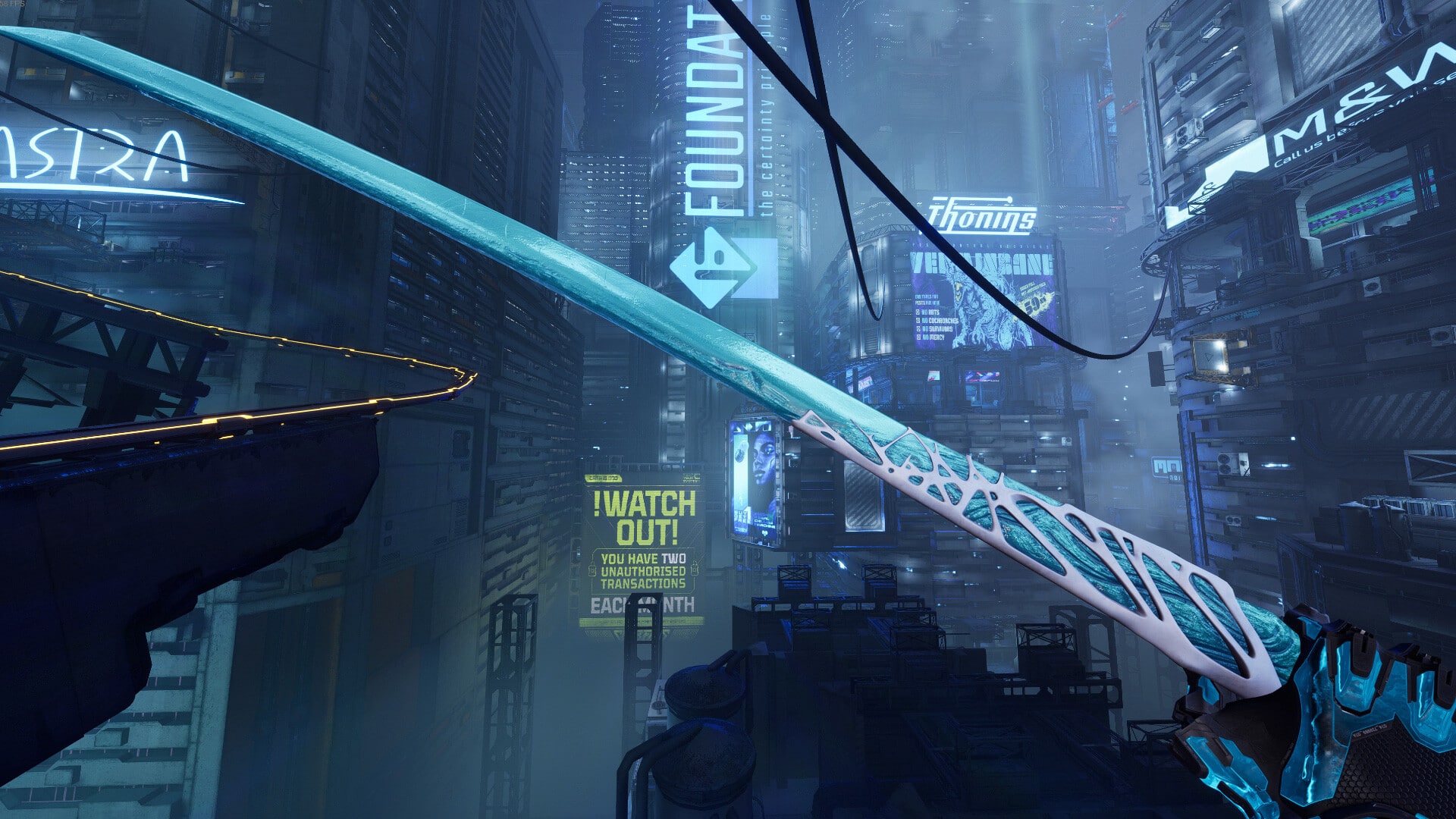
  • Hardcore Mode, available for free for all players after completing the main story, contains rearranged level designs with different enemy placements, platforming objects, hazards, and more. While the challenge sees a marked increase, Jack can wield all upgrades and abilities from the very start. Players who will complete this new challenging mode will be rewarded with an exclusive Sword & Hand Skin.
  • The Ice Pack contains three Sword and Hand skins and a motorcycle skin, all with a frozen, web-inspired theme:
  • Design IC3 Motorcycle Skin
  • Ice Tarantula Sword and Hand Skin
  • Black Widow Sword and Hand Skin
  • Web Cutter Sword and Hand Skin

Hardcore Mode is free for every player, while the Ice Pack (cosmetics) is included with the Season Pass, as well as being a standalone purchase.

That’s all we know about today’s Ghostrunner 2 update, though we expect some bug fixes and such included in this update. We’ll update the post with the full patch notes once One More Level has released them. Otherwise, have fun with the new Hardcore Mode!

Avatar photo

James Lara

A gamer at heart, James has been working for MP1st for the last decade to do exactly what he loves, writing about video games and having fun doing it. Growing up in the 90's gaming has been in his DNA since the days of NES. One day he hopes to develop his own game.

Home > News

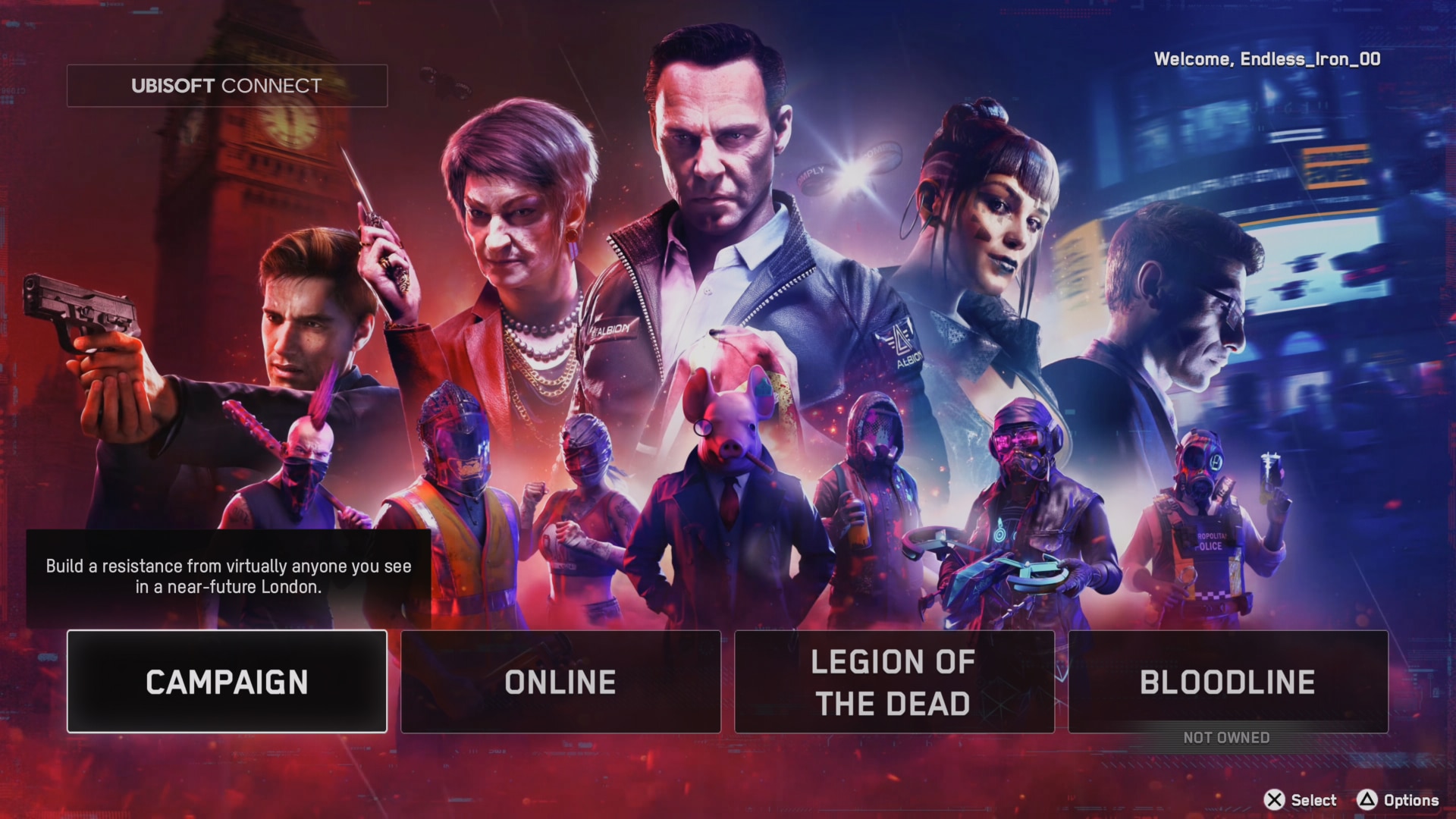
Watch Dogs Legion Receives Mysterious New Update After Ending Support Two Years Ago

Over two years ago, Ubisoft announced they would stop releasing updates for Watch Dogs Legions. Yet mysteriously, over two years later, the game received a surprise update on the day of The Game Awards. 

Watch Dogs Legion Update 1.25 (PS4) | Watch Dogs Legion Update 1.191 (PS5)

“TU 5.6 was our final update for Watch Dogs: Legion.” the studio said back in January 2022, referring to the update that had previously been released in September of 2021. Since then, the franchise has remained dormant, with Ubisoft shifting its focus to other titles. However, Legion’s social media accounts remained active throughout the years, with most posts around the game joining subscription services and being on sale. 

Yet, with no warning or acknowledgment, the studio has begun rolling out a new update on PlayStation, dubbed 1.25 on PS4, while the PS5 is now 1.191. Upon inspection of the game’s patch history on PS4, there are no mentions of what this patch does, and visiting the Legion website gives no information on the update either. 

Ubisoft mentioned at the time of support ending of the game that they would continue to rotate seasons in-game, and upon inspection of that, it does look like that’s still continuing with the game currently on Season 14. Online functionalities are still in working order, too, though that’s not to say that this update isn’t to prepare the game for a server shutdown. 

As far as we can tell, we haven’t noticed anything “new” or changed in-game, and our suspensions are that this update is most likely related to some background fix. PlayStation recently released a new PS5 update that was related to security fixes. While they didn’t disclose exactly what those security fixes were, members of the PS5 hacking community have noted that the update patched DNS and link messaging methods that could have been used to “jailbreak” the PS5. Those DNS routed the PS5’s User Guide browser to a web exploit. 

Watch Dogs Legion features a web browser, though it is limited in what it can do. Our guess is that this patch may be related to it, as Legion is one of the oldest PS5 games to feature one. 

However, it does come as suspicious to see the update dropped on the day of The Game Awards. We aren’t holding our breath, but could there be a teaser of sorts that was added with this update to suggest a new Watch Dogs is on its way?

We’ve reached out to Ubisoft for a statement.

Avatar photo

James Lara

A gamer at heart, James has been working for MP1st for the last decade to do exactly what he loves, writing about video games and having fun doing it. Growing up in the 90's gaming has been in his DNA since the days of NES. One day he hopes to develop his own game.

Home > News

Destiny 2 Down for Server Maintenance and Update 7.3.0.2 Roll Out This Dec. 7

Bungie has taken the Destiny 2 servers down for the second time this week, and this is for planned maintenance, where players will see patch 7.3.0.2 be released on all platforms this December 7.

Destiny 2 Down for Server Maintenance Schedule for Dec. 7:

Thursday, December 7, 2023 – Update 7.3.0.2
5:00 AM PST -8 UTC
    • Destiny 2 will undergo maintenance.
    • Sign-on and game integration features will be unavailable on web, mobile, 3rd-party apps, and the Bungie Store.
    • Players who observe issues should report to the #Help forum.
6:15AM PST -8 UTC
    • Destiny 2 will be brought offline for expected maintenance.
    • Players will be removed from activities and won’t be able to log back in until 9 AM PST.
    • Ongoing Destiny maintenance is expected to conclude at 11 AM PST.
9:00 AM PST -8 UTC
    • The latest Destiny 2 Update will be available across all platforms and regions.
    • Players will be able to log back into Destiny 2.
    • Players logging into the game may be placed in a queue and may experience sign-on issues as background maintenance is still ongoing.
    • Clan features may remain offline until maintenance is complete.
11:00 AM PST -8 UTC
    • Destiny 2 maintenance is expected to conclude.
    • Console players who encounter issues updating to the latest Update should restart their console and try downloading the Update.
    • Players who observe issues should report to the #Help forum.

Given this is the second title update this week, don’t expect a lot of changes from patch 7.3.0.2, as the previous patch released this week included quite a lot of improvements and bug fixes.

If there are any changes to the schedule, we’ll update the article with the info.

Source: Bungie

Avatar photo

Alex Co

Father, gamer, games media vet, writer of words, killer of noobs.

Home > News

Dragon Ball: Xenoverse 2 Down With Server Issues and Stuck at Loading Problems After Latest Patch This Dec. 7

If you’re having a tough time connecting to the Dragon Ball: Xenoverse 2 servers or are simply getting stuck at the loading screen, it’s not just you, as multiple players have reported Xenoverse 2 down reports after a new game update was released this December 7.

Dragon Ball: Xenoverse 2 Down With Server Issues This December 7:

Multiple threads have popped up over on the game’s Steam page and even on Reddit about players having issues playing the game after applying today’s patch.

Per user Looney128:

Update gone wrong today 🙁
update is here and the game is not loading em into the game after picking a lobby and i waited for a long time but the game will not load in even i i come back and still the same, even if i reset my PC it might be ended up the same, Xenoverse 2 really screw this up, and we will never get our rewards at the universe festival and crossover challenges on Xenoverse 2 because of that bugged update, you really done it now Xenoverse 2 FIX THIS BUG AT ONCE! >:(

Steam user δικ also shared that the Xenoverse servers are not available after applying the patch.

Over on Reddit, a user has reported an issue that there is an error applying the patch:

i keep getting failed to apply patch protectisgbbmode
byu/JtizzyDaGod indbxv

So far, Bandai Namco has not released anything about today’s server issues. We are on the lookout for any workaround on this. If you know of any, leave a comment below and let us know.

Avatar photo

Alex Co

Father, gamer, games media vet, writer of words, killer of noobs.

Home > News

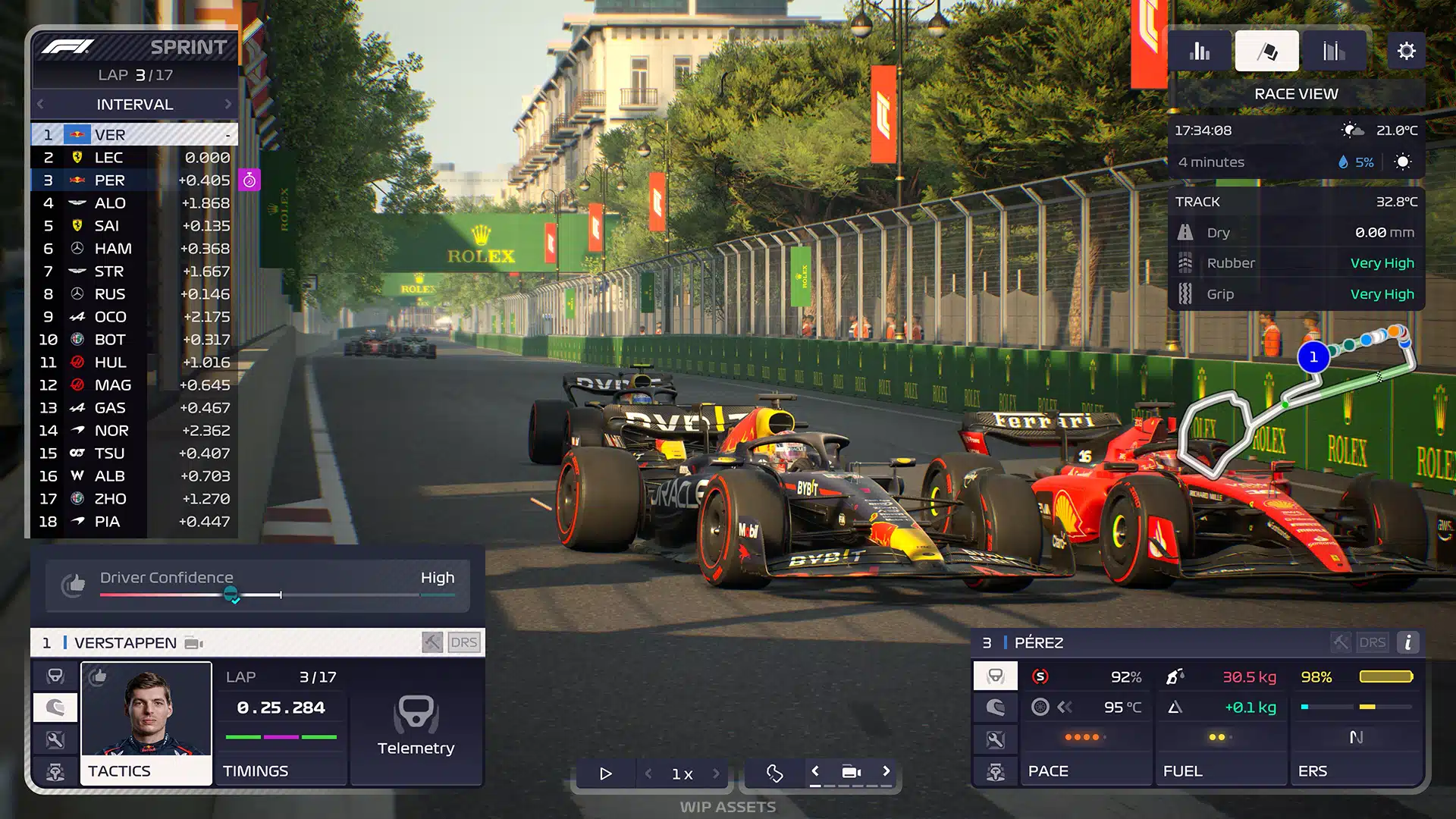
F1 Manager 2023 Update 1.10 Drives Out This Dec. 7

Frontier Developments has released F1 Manager 2023 update 1.10 (PS5 update version number 1.010), which once again brings a list of improvements and bug fixes. Read on for everything new in the official patch notes.

F1 Manager 2023 Update 1.10 Patch Notes | F1 Manager 2023 Update 1.010 Patch Notes:

GAME STABILITY 

  • Fixed crash that could occur when multiple cars are involved a collision resulting in an investigation
  • Further GPU stability improvements

RACE SIM 

  • Improved pit releases to prevent cars being held back from traffic unnecessarily
  • ‘Avoid Kerbs’ command tweaked to reduce cornering speeds more appropriately
  • Increased base tyre wear rate for Attack and Aggressive pace modes to improve strategy variety and authenticity

TEAM MANAGEMENT 

  • Fixed occurrences of design centre being shut down for 2 days longer than stated in email

PRESENTATION 

  • Updated car screens to improve presentation of various part states
  • Added staff photo for Jonathan Wheatley
  • Fixed Lance Stroll missing career history entry for 2022
  • Added alert icons to Driver/Staff tab and screens when less than 3 months remaining on a contract
  • Added “Data Not Available” state in Data View when no lap history present, rather than a blank screen
  • Increased delay on mouse repeat button presses, to prevent potential photo sensitivity issues
  • Fixed occurrences of fanfare is not displayed when driver rating changes
  • Fixed occurrences of text on ‘Design’ and ‘Research’ buttons overrunning edges
  • Fixed occurrences of ‘Pit Options’ button reducing in size
  • Fixed disproportionately small edit button on Pit Crew screen on Xbox
  • Fixed ‘Restore Defaults’ and ‘Apply Settings’ buttons not working when Settings is opened whilst in Pit Options, when using a controller
  • Fixed new season fanfare appearing incorrectly when opting to switch team
  • Added SFX for new season fanfare
  • Fixed inconsistent Pit Lane Time Loss detail in Circuit Overview screens

ANIMATION 

  • Fixed occurrence of engineers clipping into car jack in race weekend background shots
  • Fixed occurrence of engineers fiddling with empty air in race weekend background shots

ART 

  • Updated DRS zones on Miami circuit map
  • Fixed grass appearing in front of camera at Barcelona
  • Fixed static Rolex clock time display at Barcelona & Hungary
  • Fixed distorted foliage appearing around Spa

RACE REPLAY 

  • Fixed Hungarian Starting Grid displaying polesitter as “undefined”
  • Fixed player’s best finishing position not being displayed after completing Monza Race Moment

Once a new patch is out, we’ll let our readers know.

Source: F1 Manager

Avatar photo

Alex Co

Father, gamer, games media vet, writer of words, killer of noobs.

Home > News

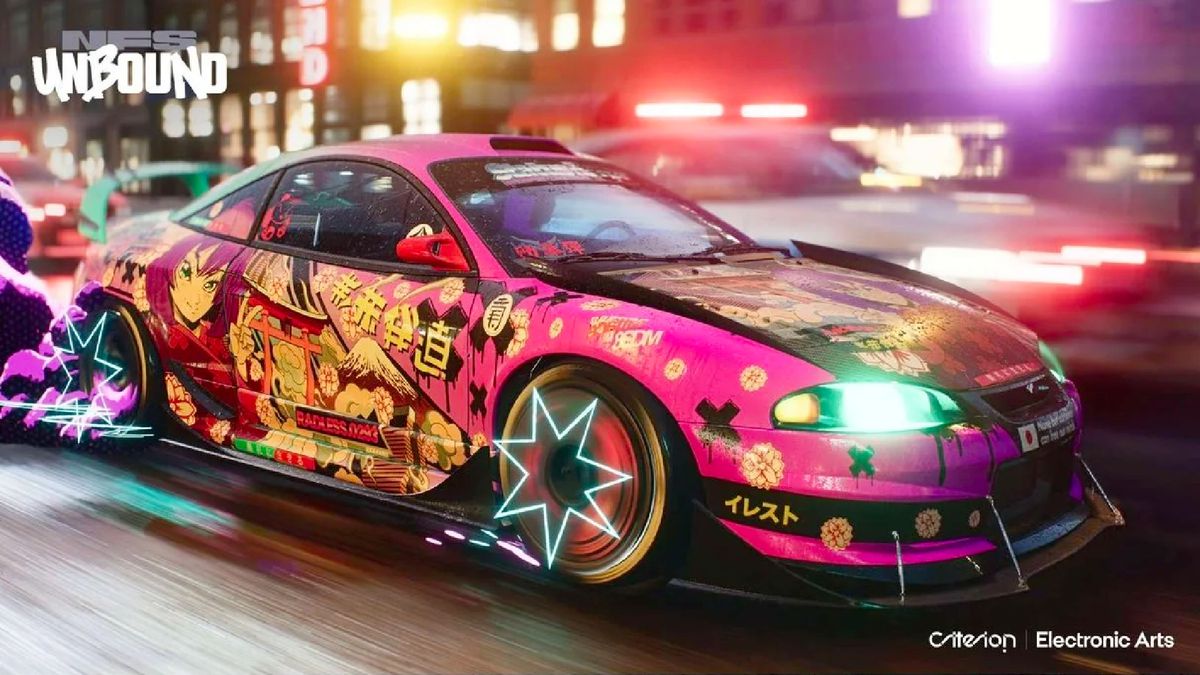
Need for Speed Unbound Update 1.000.016 Out for Patch 5.1.0

Criterion has raced out Need for Speed Unbound update 1.000.016 which is called patch 5.1.0. This update adds realistic driving effects tag and also adds sorting for All My Rides. Check out the NFS Unbound December 7 patch notes down below.

Need for Speed Unbound Update 1.000.016 Patch Notes | NFS Unbound Update 5.1.0 Patch Notes | NFS Unbound Update Patch Notes for December 7:

Yo! So, I know we said the Volume 5 update was our final one for the year, and honestly, it is in terms of full updates. What’s this then you ask?! Merely a few much asked-for additions from the NFS Unbound community.

We’re working in a slightly different way now, looking at improving Unbound by adding new features and enhancing existing ones. Going forward, we want to try out some things with you all and see what you think.

Want to help us? Then please give us feedback! Let us know what you think, what you want to see added,more of, or less of? and we will let you know what we are doing. You can expect to hear more from us in the new year. So for now, check out the updates below; see you on the streets!

– John Stanley, Creative Director

PATCH 5.1.0

Added realistic driving effects tag – “Original”

‘Original’ driving effect, has now been added to the tags menu, bringing a more authentic and realistic feel to tire smoke.

We know that many people have requested this feature, but this version of smoke couldn’t possibly work like other tags whilst remaining realistic. Ultimately this is about you expressing what you want, realistic or stylistic. We feel it’s important you now have that choice!

Please note that equipping ‘Original’ smoke can impact the game experience. For example, you won’t get visual feedback on the vehicle for perfect starts or for signature boost earning as you will with other tags.

Added sorting for All My Rides

We have now added sort orders to the All My Rides screen in the garage for those of you committed to larger car collections. We salute all car collectors, and we hope this small improvement helps you to organize your collections.

We have further ideas on ways to make it clear which vehicles you already own on other screens, but we aren’t quite ready yet and really wanted to give you the ability to sort your vehicles first

Added Open Playlists

Open Playlists have now been added to Freedrive. These are playlists that don’t come from other players. In the downtime between other freedrive events (linkups, boosted events), the server will send out invites to playlists.

Our hope is that you all find the action keeps rolling and playlists become fuller. We have more thoughts around this too, and hope to share soon.

Source: EA.com

Damien Seeto

Home > News

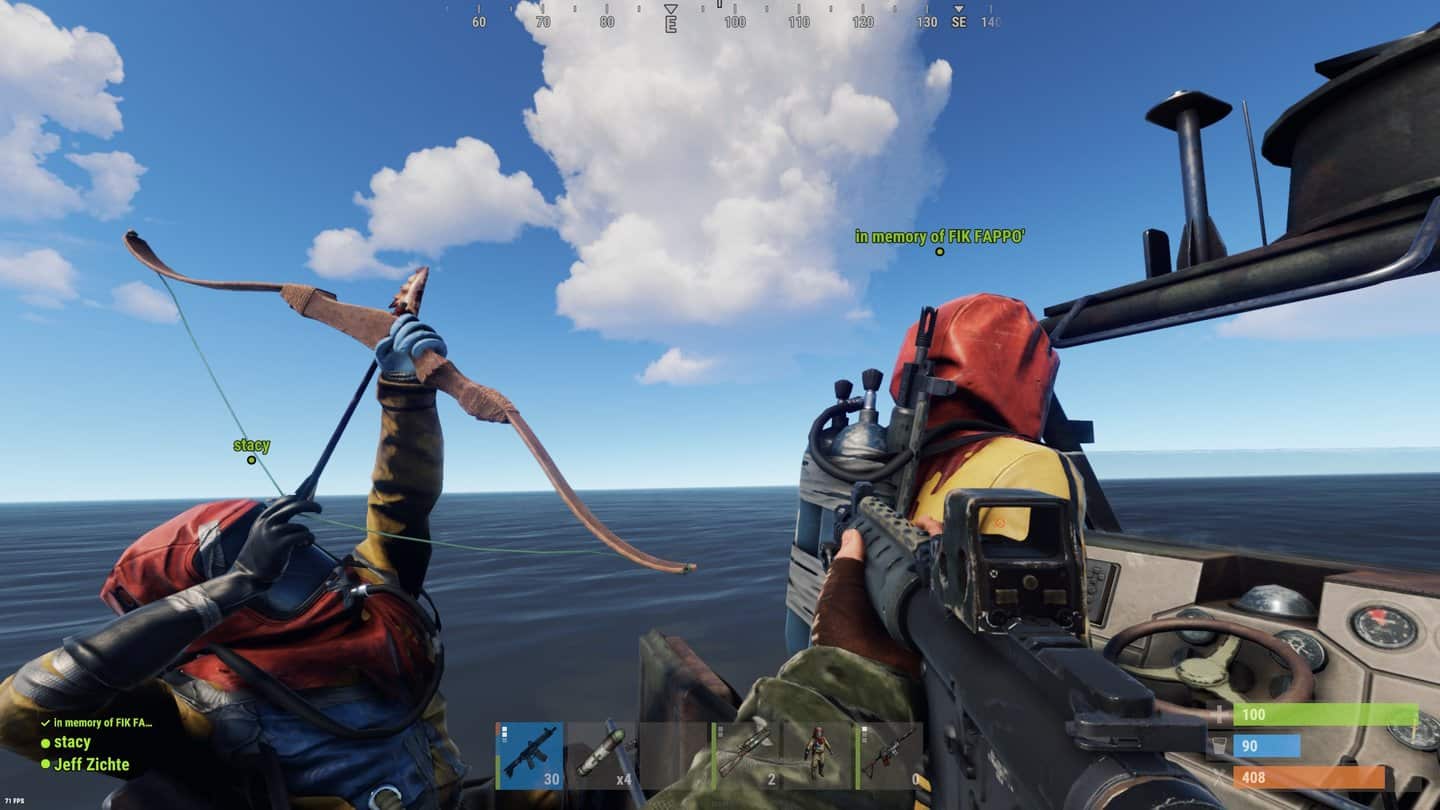
Rust Update 1.85 Out for Community Server Changes

Rust update 1.85 has been released by Double Eleven, and this adds several Community Server changes and more. Read on for the complete Rust December 7 patch notes down below.

Rust Update 1.85 Patch Notes | Rust December 7 Patch Notes:

COMMUNITY SERVER CHANGES

  • Fixed a bug allowing entity.spawnitem and adddefaultitem commands to spawn unreleased / legacy items.
  • Added the monumentspawns.forcespawnconfig command to spawn recycler configs.
  • Added “printpos” and “printrot” commands to display positions.
  • Removed Raidable bases and Junkyard from the GPortal page.
  • Added filter navigation tooltip to Community Servers
  • VIPs can no longer enter queues larger than 200 to prevent server instability.
  • Fixed profanity filter for History and Favourites.
  • Adjusted the killzone at Dome so that it covers the tippy top.
  • Both players must now be in killzones for damage to be applied.
  • Added a potential fix for teams being randomised on server restart.

UI

  • Fixed a bug causing players to be pushed back to Start Screen when entering the Main Menu.

Source: Rust

Damien Seeto

Home > News

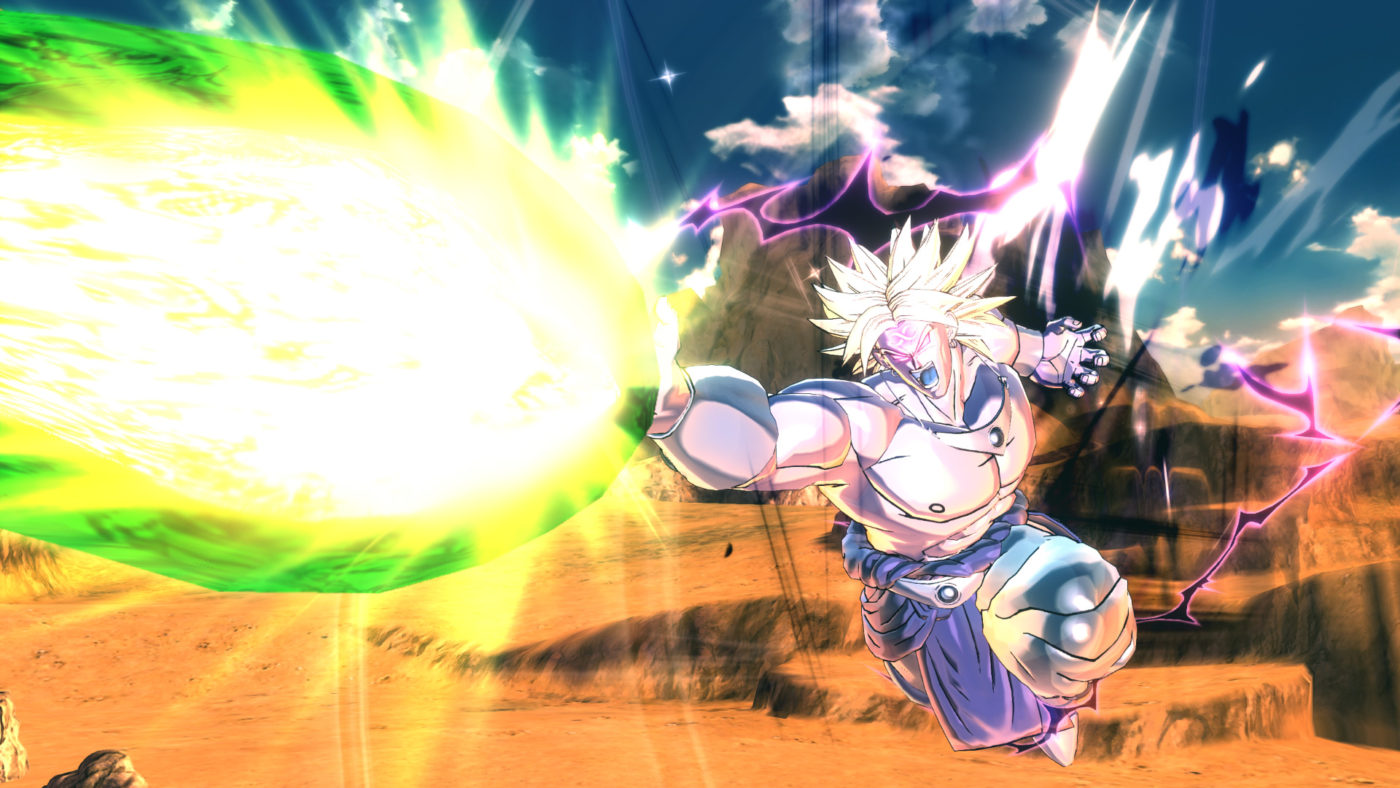
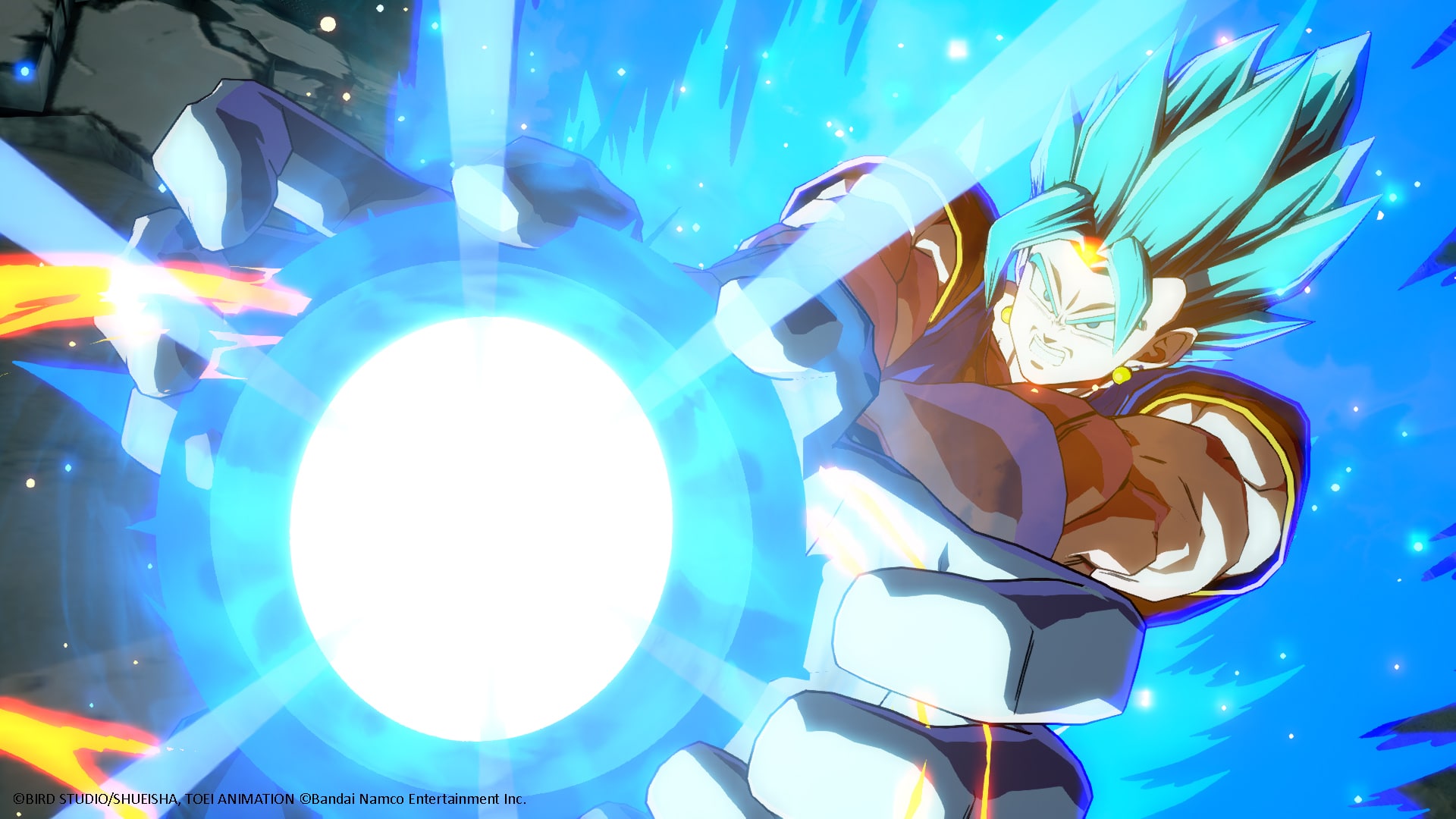
Dragon Ball: Xenoverse 2 Update 1.38 Flies Out This Dec. 7

Bandai Namco and Dimps have released Dragon Ball: Xenoverse 2 update 1.38 on all platforms, and this is an unannounced title update, so don’t expect much in terms of content, as this should have been released primarily for fixes.

Dragon Ball: Xenoverse 2 Patch Notes for December 7:

Bandai Namco hasn’t said anything about the patch yet, and the PS4 update history only has the following as its patch notes:

– Made other improvements/adjustments

So far, that’s about it. We’re on the lookout for what got changed, and hopefully, the community can see what’s new. If we get wind of anything significant, we’ll update the article right away.

For those that notice something that got added or got adjusted, leave a comment below and let us know.

Avatar photo

Alex Co

Father, gamer, games media vet, writer of words, killer of noobs.

Home > News

Fortnite Down This December 7 to Bring LEGO Goodness Into the Game

Heads up! Epic Games has taken the Fortnite servers down this December 7, and this is so they can bring the LEGO crafting content into the game.

Fortnite Down This December 7 Schedule:

Here’s the announcement from Epic Games:

No word on how long the maintenance will last, but expect it to be around 2-3 hours, if past maintenance outages are to be taken as reference.

As for the LEGO content and what’s in store for this update, head on over here.

Here’s a description of it via Epic:

LEGO Fortnite

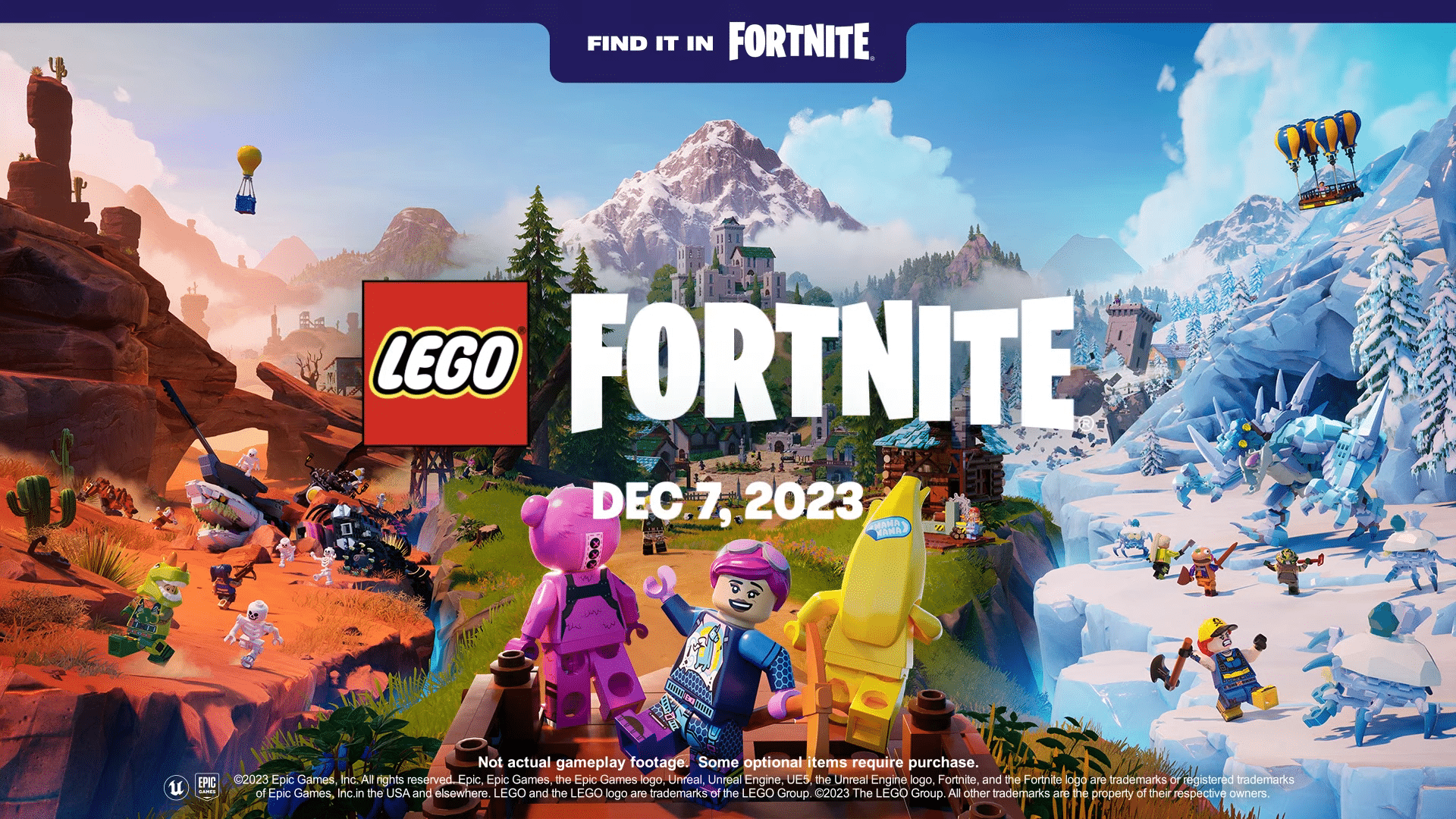
LEGO Fortnite is the ultimate survival crafting LEGO adventure. It introduces vast, open worlds where the magic of LEGO building and Fortnite collide. Designed for people of all ages to enjoy together, the game will encourage creativity, experimentation and collaboration through play.

Once the maintenance is over, we’ll update the article.
Avatar photo

Alex Co

Father, gamer, games media vet, writer of words, killer of noobs.

Home > News

Fortnite Update 1.000.120 Deployed for Lego Fortnite Content (Update)

Epic Games has released Fortnite update 1.000.120 today for players around the world. Today’s update includes the special Lego Fortnite collaboration. Check out the Fortnite December 7 patch notes posted down below.

Fortnite Update 1.000.120 Patch Notes | Fortnite December 7 Patch Notes:

Update: Epic Games has released the official overview and info regarding LEGO Fortnite!

INTRO TO LEGO FORTNITE

You’ve fallen into a new world… in LEGO form? The nature around you seems familiar, but under the surface it’s made of LEGO bricks! Harvest LEGO resources to create your own builds, and create villages for you and your friends to live it up. The LEGO life takes courage — face enemies and the elements in your quest of construction. Food and swords will come in handy!

Build structures to build your community. As your villages develop, attract Villagers to go on adventures with you or improve your community! From Farmers, Chefs, and Smelters, your Villagers have your back.

 ONCE I HAVE FORTNITE, HOW DO I GET TO LEGO FORTNITE?

Inside Fortnite, scroll down to go to the Discover screen. You’ll see a variety of experiences you can… well… discover! Scroll down to the “By Epic” row and select “LEGO Fortnite.” No additional download is required.

CAN I PLAY LEGO FORTNITE FOR FREE?

Yes, you can play LEGO Fortnite for free!

IS SPLIT-SCREEN AVAILABLE IN LEGO FORTNITE?

Split-screen is currently not available in LEGO Fortnite.

BRICK BY BRICK: LEGO FORTNITE OVERVIEW

STARTING LEGO FORTNITE

Just like a LEGO set, let’s start from the beginning! Before playing LEGO Fortnite for the first time, you’ll need to create a new world or jump into a world a player has made you a key holder of.

When creating a new world, you’ll choose a save slot to save it to. (You can have up to eight worlds!) Then, you’ll be given some options for enjoying your world your way.

The most important decision is the mode you’ll play. Choose the default Survival mode if you want to overcome the world around you. Gather and craft resources for your builds, and face off against mighty foes while exploring the world! Just wanna let your imagination run free? Choose Sandbox mode where you can spawn builds and items without needing to find resources.

If you choose Sandbox mode, you can select options for customizing your world further!

Advanced Settings for Sandbox Mode

  • Enemies: On or Off
  • Hunger: On or Off
  • Temperature: On or Off
  • Stamina: On or Off
  • Elimination: On or Off
  • Drop Inventory Upon Elimination: On or Off
  • Friendly Creatures: On or Off
  • Villagers: On or Off

Heads-up! These settings cannot be changed once your world is created, so make sure you double-check what you chose.

TIME TO BUILD!

When starting out in Survival mode, you’ll want to build a Campfire and shelter to help you survive the first night. After building those, it’s a good idea to build a Crafting Bench! Use the Crafting Bench to craft basic tools that’ll make resource gathering quicker.

The more resources you have, the easier it’ll be to create builds you unlock, including LEGO structures and individual LEGO bricks.

LEGO Fortnite Crafting Bench

Get crackin’ at the Crafting Bench!

The Crafting Bench is just one of many Stations. Stations are LEGO builds where you can make things like tools, crafting materials, and food! Another Station is the Lumber Mill, which you can use to make Planks for furniture.

LEGO Fortnite Lumber Mill

A look at the Lumber Mill!

With enough resources, establish a village by building a Village Square. Then develop your village with pre-planned Builds or builds of your own imagination! If you have the resources, you can build what you see on the blueprint.

Going for a campground feel? Use wood to build a Log Home:

LEGO Fortnite Log Home

A Log Shed or Log Cabin not enough? A Jumbo Lodge too much? Then a Log Home’s right for you!

Going for a more medieval feel instead? Use wood and granite to build a Grand Manor:

LEGO Fortnite Grand Manor

Hear ye, hear ye.

Don’t like to build by the book? Use resources to build Building Parts like Foundations, Floors, Walls, Roofs, and more. Then make your own distinct build! Whether your build is a pre-planned Build or custom one, decorate it with Furniture like Beds, Tables, and Sofas.

LEGO Fortnite Imagination

Make what you want in LEGO Fortnite.

STAY INTACT!

Don’t let yourself get knocked down. Many things will try to get in your way in your world — foes, the weather, and even your own hunger.

To face off against foes, craft self-defense tools at a Crafting Bench. To endure the extreme cold or heat, eat certain foods or craft certain Charms. To prevent hunger, forage or hunt for food. You can grow your own food too!

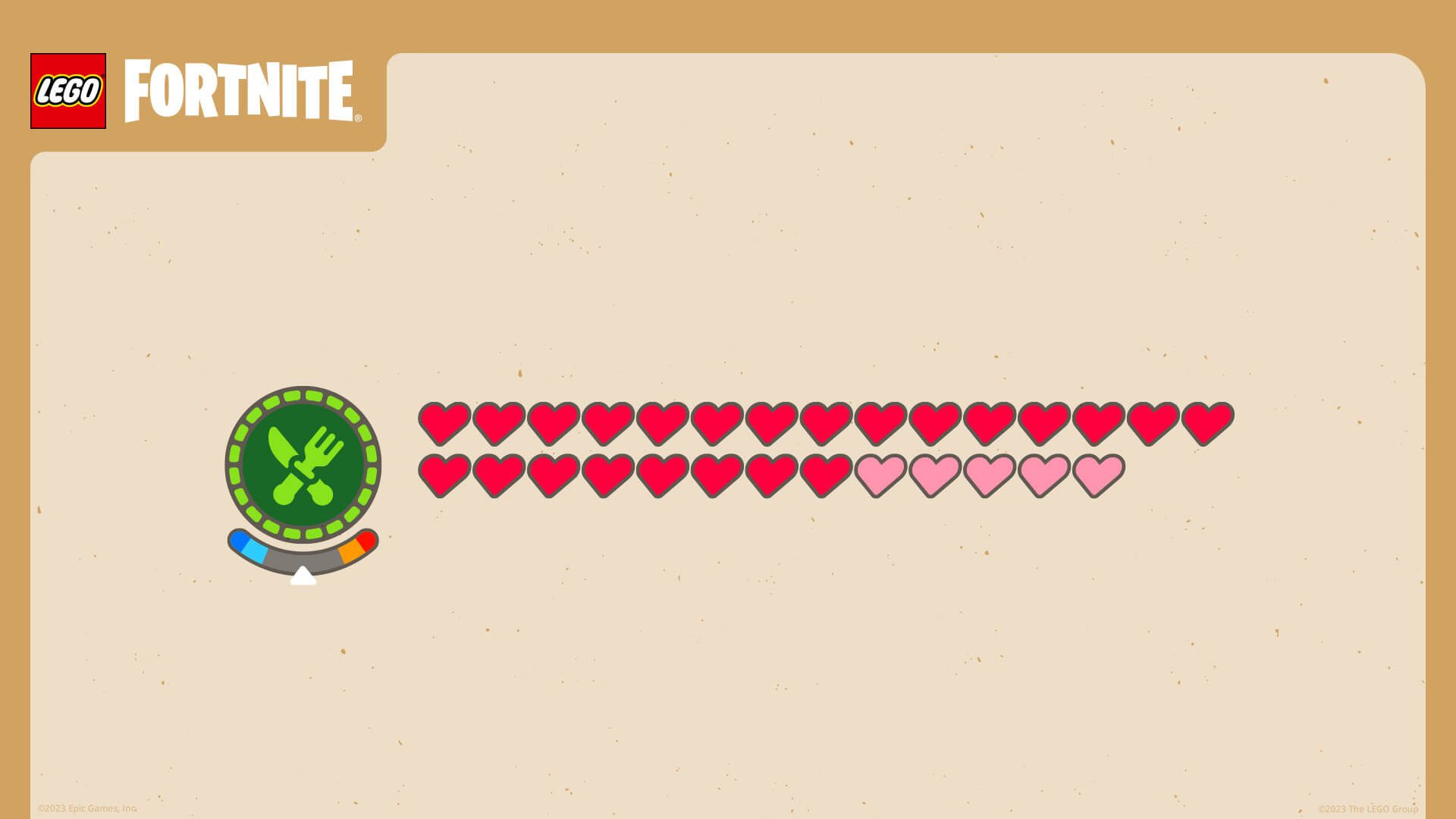
Tip: food prevents hunger, but it also recovers hearts. Eat food to stay strong in a battle!

LEGO Fortnite Meters

Keep track of your hunger, temperature, and hearts on your screen.

PLAY WITH FRIENDS

Bring other players into your world. LEGO Fortnite supports parties of up to eight players, meaning seven other people can jump into your world while you’re in it!

Everyone wants to rule their own world. You can do that alone, or share the responsibility with friends! Invite up to seven players to be a key holder of your world, which means they can access and edit the world anytime. This includes when they’re joining you online or when you’re away offline.

To invite a player to be a key holder, choose a player currently in your world with you. Make this selection in the Players tab of the Map menu. All party members without a key will be removed from your world when you leave your party or world.
CUSTOMIZE YOUR CHARACTER

There’s customizing your world, but how about customizing yourself?

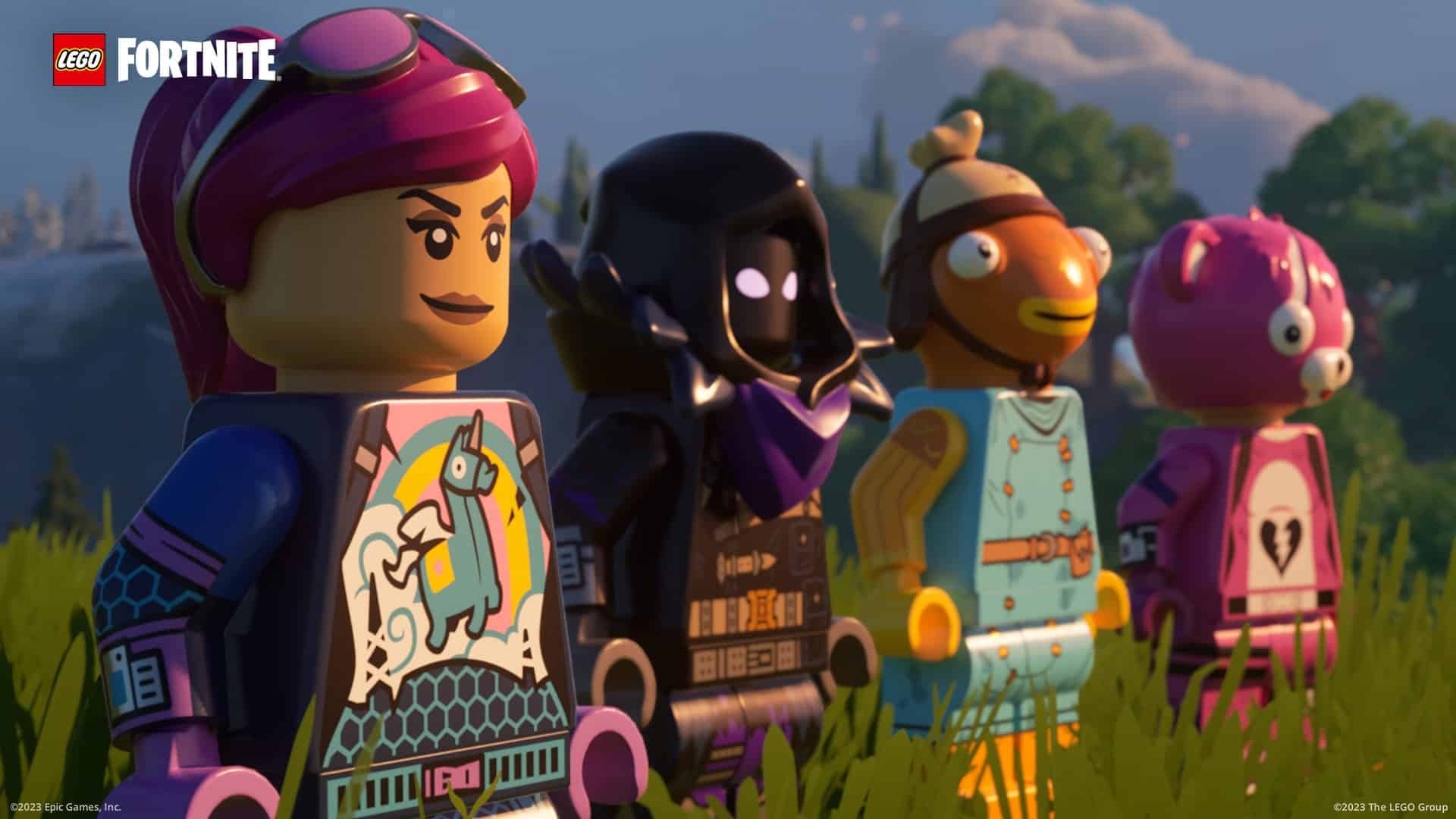
The characters you play in Fortnite are called Outfits, and over 1,200 Outfits have LEGO Styles! LEGO Styles are playable in LEGO Fortnite. For example, if you have the Brite Bomber Outfit in your Locker, it’ll appear as a LEGO Style in LEGO Fortnite which you can use to play. LEGO Styles are included with Outfits at no additional cost.

LEGO Fortnite Brite Bomber

LEGO Style of the Brite Bomber Outfit.

Fortnite Outfits also have a Fortnite Style, which is usable in other Fortnite experiences.

You can purchase Outfits in Fortnite’s Shop using V-Bucks, but you don’t need to purchase an Outfit to play Fortnite. If you don’t have an Outfit in your Locker, you can jump into LEGO Fortnite with a preselected Outfit!

Heads-up! There are existing Emotes you can use with the LEGO Styles of your Outfits. Emotes are items for your Locker you can use to express yourself. They are purchasable in the Shop with V-Bucks, like Outfits.

START YOUR ADVENTURE WITH THE EXPLORER EMILIE OUTFIT

Wanna explore LEGO Fortnite as an explorer? Unlock the Explorer Emilie Outfit by connecting your Epic Games and LEGO accounts together! When your Epic and LEGO accounts are connected, they “speak to” each other to give you benefits:

  • If you connect your Epic and LEGO accounts together, you’ll unlock the new Explorer Emilie Outfit in Fortnite! This Outfit has a LEGO Style and Fortnite Style.
  • For LEGO Insiders Club members, you’ll be able to customize and equip your LEGO Insiders Club avatar with the Explorer Emilie Outfit (LEGO Style version) – plus claim an exclusive badge! For more kids benefits, look here: kids.lego.com/insiders-club
  • You’ll be able to sign into your Epic account with your LEGO account.

LEGO Fortnite Explorer Emilie

LEGO Style of the Explorer Emilie Outfit.

How to connect your accounts? Check out our LEGO account connecting article to learn the steps to get started!

Heads-up! You can only unlock the Outfit reward by starting the connecting process from epicgames.com/id/login. (Or from Apps and Accounts if you’re already logged in.) Connecting your Epic and LEGO accounts together is NOT required to play LEGO Fortnite.

The official patch notes have not been released yet, but here is some info about the Lego Fortnite content you can play today.

LEGO Fortnite

LEGO Fortnite is the ultimate survival crafting LEGO adventure. It introduces vast, open worlds where the magic of LEGO building and Fortnite collide. Designed for people of all ages to enjoy together, the game will encourage creativity, experimentation and collaboration through play.

Here is some datamined content from Twitter/X user Hypex:

https://twitter.com/HYPEX/status/1732520862891294983

In addition to the LEGO stuff, we’ve also listed the known issues (via the official Fortnite Trello Board):

GENERAL TOP ISSUES:

  • Unable to Gift the Big Bang Battle Pass on Xbox platforms
  • Players may get stuck in build mode
  • The Fire button may be missing for some new players on Android

BATTLE ROYALE TOP ISSUES:

  • Ranker’s Tags, Competitor’s Skyblades, and Competitor’s Time Brella may show an incorrect Rank.

LOCKER TOP ISSUES:

  • Players are not able to unarchive Backblings.
  • Players are unable to purchase 25 or more levels of the Big Bang Battle Pass at once, displaying an error that “This offer can only be purchased 1 time”.
  • Shuffle Loadout option missing
  • The Lights on Omegarok’s second outfit style can disconnect from the outfit

We will update this post as soon as possible when the official patch notes are released by Epic Games. Keep visiting MP1st for more updates about Fortnite in the near future.

Update: We’ve updated the article with the official LEGO Fortnite info from Epic Games.

Damien Seeto

Home > News

Fortnite Update 4.09 Drops This December 7 (Update)

Epic Games has released Fortnite update 4.09 and this is to bring the LEGO collab following the big v28.00 title update that was released a few days ago! Read on for what to expect in the new Fortnite patch notes for December 7.

Fortnite Update 4.09 Patch Notes | Fortnite Patch Notes for December 7:

Update: Epic Games has released the official overview and info regarding LEGO Fortnite!

INTRO TO LEGO FORTNITE

You’ve fallen into a new world… in LEGO form? The nature around you seems familiar, but under the surface it’s made of LEGO bricks! Harvest LEGO resources to create your own builds, and create villages for you and your friends to live it up. The LEGO life takes courage — face enemies and the elements in your quest of construction. Food and swords will come in handy!

Build structures to build your community. As your villages develop, attract Villagers to go on adventures with you or improve your community! From Farmers, Chefs, and Smelters, your Villagers have your back.

 ONCE I HAVE FORTNITE, HOW DO I GET TO LEGO FORTNITE?

Inside Fortnite, scroll down to go to the Discover screen. You’ll see a variety of experiences you can… well… discover! Scroll down to the “By Epic” row and select “LEGO Fortnite.” No additional download is required.

CAN I PLAY LEGO FORTNITE FOR FREE?

Yes, you can play LEGO Fortnite for free!

IS SPLIT-SCREEN AVAILABLE IN LEGO FORTNITE?

Split-screen is currently not available in LEGO Fortnite.

BRICK BY BRICK: LEGO FORTNITE OVERVIEW

STARTING LEGO FORTNITE

Just like a LEGO set, let’s start from the beginning! Before playing LEGO Fortnite for the first time, you’ll need to create a new world or jump into a world a player has made you a key holder of.

When creating a new world, you’ll choose a save slot to save it to. (You can have up to eight worlds!) Then, you’ll be given some options for enjoying your world your way.

The most important decision is the mode you’ll play. Choose the default Survival mode if you want to overcome the world around you. Gather and craft resources for your builds, and face off against mighty foes while exploring the world! Just wanna let your imagination run free? Choose Sandbox mode where you can spawn builds and items without needing to find resources.

If you choose Sandbox mode, you can select options for customizing your world further!

Advanced Settings for Sandbox Mode

  • Enemies: On or Off
  • Hunger: On or Off
  • Temperature: On or Off
  • Stamina: On or Off
  • Elimination: On or Off
  • Drop Inventory Upon Elimination: On or Off
  • Friendly Creatures: On or Off
  • Villagers: On or Off

Heads-up! These settings cannot be changed once your world is created, so make sure you double-check what you chose.

TIME TO BUILD!

When starting out in Survival mode, you’ll want to build a Campfire and shelter to help you survive the first night. After building those, it’s a good idea to build a Crafting Bench! Use the Crafting Bench to craft basic tools that’ll make resource gathering quicker.

The more resources you have, the easier it’ll be to create builds you unlock, including LEGO structures and individual LEGO bricks.

LEGO Fortnite Crafting Bench

Get crackin’ at the Crafting Bench!

The Crafting Bench is just one of many Stations. Stations are LEGO builds where you can make things like tools, crafting materials, and food! Another Station is the Lumber Mill, which you can use to make Planks for furniture.

LEGO Fortnite Lumber Mill

A look at the Lumber Mill!

With enough resources, establish a village by building a Village Square. Then develop your village with pre-planned Builds or builds of your own imagination! If you have the resources, you can build what you see on the blueprint.

Going for a campground feel? Use wood to build a Log Home:

LEGO Fortnite Log Home

A Log Shed or Log Cabin not enough? A Jumbo Lodge too much? Then a Log Home’s right for you!

Going for a more medieval feel instead? Use wood and granite to build a Grand Manor:

LEGO Fortnite Grand Manor

Hear ye, hear ye.

Don’t like to build by the book? Use resources to build Building Parts like Foundations, Floors, Walls, Roofs, and more. Then make your own distinct build! Whether your build is a pre-planned Build or custom one, decorate it with Furniture like Beds, Tables, and Sofas.

LEGO Fortnite Imagination

Make what you want in LEGO Fortnite.

STAY INTACT!

Don’t let yourself get knocked down. Many things will try to get in your way in your world — foes, the weather, and even your own hunger.

To face off against foes, craft self-defense tools at a Crafting Bench. To endure the extreme cold or heat, eat certain foods or craft certain Charms. To prevent hunger, forage or hunt for food. You can grow your own food too!

Tip: food prevents hunger, but it also recovers hearts. Eat food to stay strong in a battle!

LEGO Fortnite Meters

Keep track of your hunger, temperature, and hearts on your screen.

PLAY WITH FRIENDS

Bring other players into your world. LEGO Fortnite supports parties of up to eight players, meaning seven other people can jump into your world while you’re in it!

Everyone wants to rule their own world. You can do that alone, or share the responsibility with friends! Invite up to seven players to be a key holder of your world, which means they can access and edit the world anytime. This includes when they’re joining you online or when you’re away offline.

To invite a player to be a key holder, choose a player currently in your world with you. Make this selection in the Players tab of the Map menu. All party members without a key will be removed from your world when you leave your party or world.
CUSTOMIZE YOUR CHARACTER

There’s customizing your world, but how about customizing yourself?

The characters you play in Fortnite are called Outfits, and over 1,200 Outfits have LEGO Styles! LEGO Styles are playable in LEGO Fortnite. For example, if you have the Brite Bomber Outfit in your Locker, it’ll appear as a LEGO Style in LEGO Fortnite which you can use to play. LEGO Styles are included with Outfits at no additional cost.

LEGO Fortnite Brite Bomber

LEGO Style of the Brite Bomber Outfit.

Fortnite Outfits also have a Fortnite Style, which is usable in other Fortnite experiences.

You can purchase Outfits in Fortnite’s Shop using V-Bucks, but you don’t need to purchase an Outfit to play Fortnite. If you don’t have an Outfit in your Locker, you can jump into LEGO Fortnite with a preselected Outfit!

Heads-up! There are existing Emotes you can use with the LEGO Styles of your Outfits. Emotes are items for your Locker you can use to express yourself. They are purchasable in the Shop with V-Bucks, like Outfits.

START YOUR ADVENTURE WITH THE EXPLORER EMILIE OUTFIT

Wanna explore LEGO Fortnite as an explorer? Unlock the Explorer Emilie Outfit by connecting your Epic Games and LEGO accounts together! When your Epic and LEGO accounts are connected, they “speak to” each other to give you benefits:

  • If you connect your Epic and LEGO accounts together, you’ll unlock the new Explorer Emilie Outfit in Fortnite! This Outfit has a LEGO Style and Fortnite Style.
  • For LEGO Insiders Club members, you’ll be able to customize and equip your LEGO Insiders Club avatar with the Explorer Emilie Outfit (LEGO Style version) – plus claim an exclusive badge! For more kids benefits, look here: kids.lego.com/insiders-club
  • You’ll be able to sign into your Epic account with your LEGO account.

LEGO Fortnite Explorer Emilie

LEGO Style of the Explorer Emilie Outfit.

How to connect your accounts? Check out our LEGO account connecting article to learn the steps to get started!

Heads-up! You can only unlock the Outfit reward by starting the connecting process from epicgames.com/id/login. (Or from Apps and Accounts if you’re already logged in.) Connecting your Epic and LEGO accounts together is NOT required to play LEGO Fortnite.


While Epic Games hasn’t said anything yet about today’s title update, we surmise it’s for the LEGO collaboration that’s set to launch today! Here’s some info about it straight from Epic:

LEGO Fortnite

LEGO Fortnite is the ultimate survival crafting LEGO adventure. It introduces vast, open worlds where the magic of LEGO building and Fortnite collide. Designed for people of all ages to enjoy together, the game will encourage creativity, experimentation and collaboration through play.

Here is some datamined content from Twitter/X user Hypex:

https://twitter.com/HYPEX/status/1732520862891294983

In addition to the LEGO stuff, we’ve also listed the known issues (via the official Fortnite Trello Board):

GENERAL TOP ISSUES:

  • Unable to Gift the Big Bang Battle Pass on Xbox platforms
  • Players may get stuck in build mode
  • The Fire button may be missing for some new players on Android

BATTLE ROYALE TOP ISSUES:

  • Ranker’s Tags, Competitor’s Skyblades, and Competitor’s Time Brella may show an incorrect Rank.

LOCKER TOP ISSUES:

  • Players are not able to unarchive Backblings.
  • Players are unable to purchase 25 or more levels of the Big Bang Battle Pass at once, displaying an error that “This offer can only be purchased 1 time”.
  • Shuffle Loadout option missing
  • The Lights on Omegarok’s second outfit style can disconnect from the outfit

In addition to the LEGO collab, Rocket Racing and a Fortnite Festival is also set to be available in the game. You can read more about those other two events here.

Once the complete patch notes are out, we’ll update the article with the info.

Update: We’ve updated the article with the official LEGO Fortnite info from Epic Games.

Avatar photo

Alex Co

Father, gamer, games media vet, writer of words, killer of noobs.

Home > News

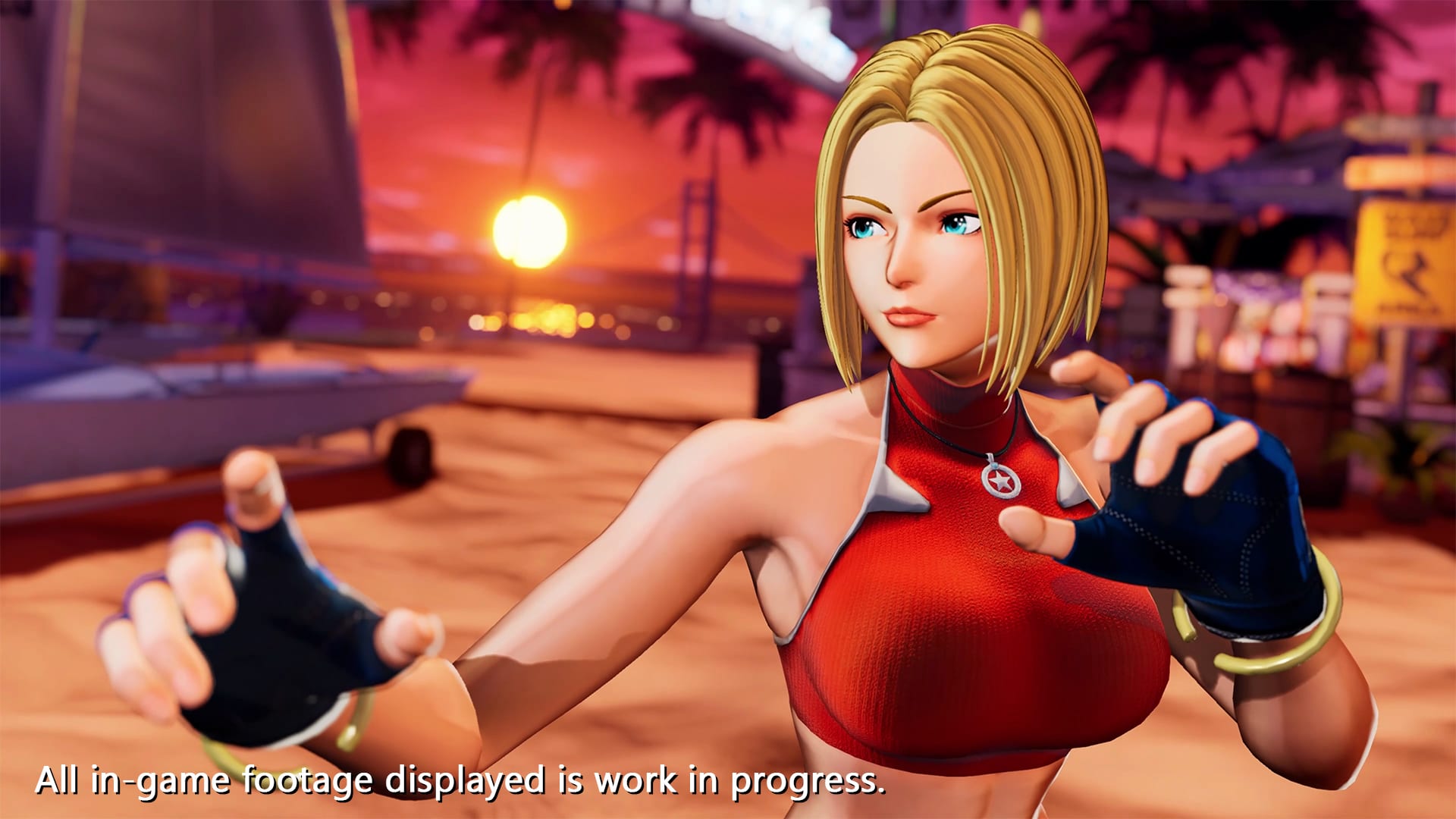
King of Fighters 15 Update 2.21 Out for Small Changes

SNK has released King of Fighters 15 update 2.21 (PS5 version 2.002.001) today for some gameplay improvements and balance adjustments. Check out the King of Fighters 15 December 7 patch notes down below.

King of Fighters 15 Update 2.21 Patch Notes | King of Fighters XV Update 2.002.001 Patch Notes | KOF15 Patch Notes for December 7:

ONLINE
Improved situations where the number of rollback frames would increase for a few
seconds immediately after a fight begins.

RANKED MATCH / CASUAL MATCH
Resolved an issue where, in certain circumstances, you would be matched to players
with a lower-level Connection Speed than the one specified.

■ HINAKO SHIJO
Shikofumi
Changed the attack’s classification from physical to projectile, resolving an issue
where certain counter moves would trigger off it.
* Despite its projectile properties, the move cannot be reflected (or nullified by other
projectiles).
Gaburiyori
Resolved an issue where the grab would not work properly when the Teishi
command was input at the same time that the character seizes the opponent.

■ BENIMARU NIKAIDO
Special Intro (Round Start)
Resolved an issue where this character’s special intros with Sylvie Paula Paula, Najd,
and Hinako Shijo were not playing as intended.

Source: SNK PDF

Damien Seeto

Home > News

The Division 2 Down for Maintenance Again This December 7

Ubisoft has taken The Division 2 down for server maintenance again, which is the second time this week. This is following the disastrous maintenance period that transpired during the Title Update 19.3 roll out on Tuesday.

The Division 2 Down for Maintenance Schedule for December 7:

Schedule:

9:30 AM CET,
3:30 AM ET,
12:30 AM PT.
4:30 PM HKT

Convert to your timezone here

Duration: 3 Hours

If things go past the scheduled downtime again, we’ll update the article to reflect it. We are not expecting a patch to be released during the downtime, but if anything is released, we’ll be sure to let our readers know.

While there’s no word on what’s incoming for The Division 2 in terms of new content, Ubisoft did announce The Division 3! You can read more about that and its announcement here.

Source: The Division (Twitter)

Avatar photo

Alex Co

Father, gamer, games media vet, writer of words, killer of noobs.

Home > News

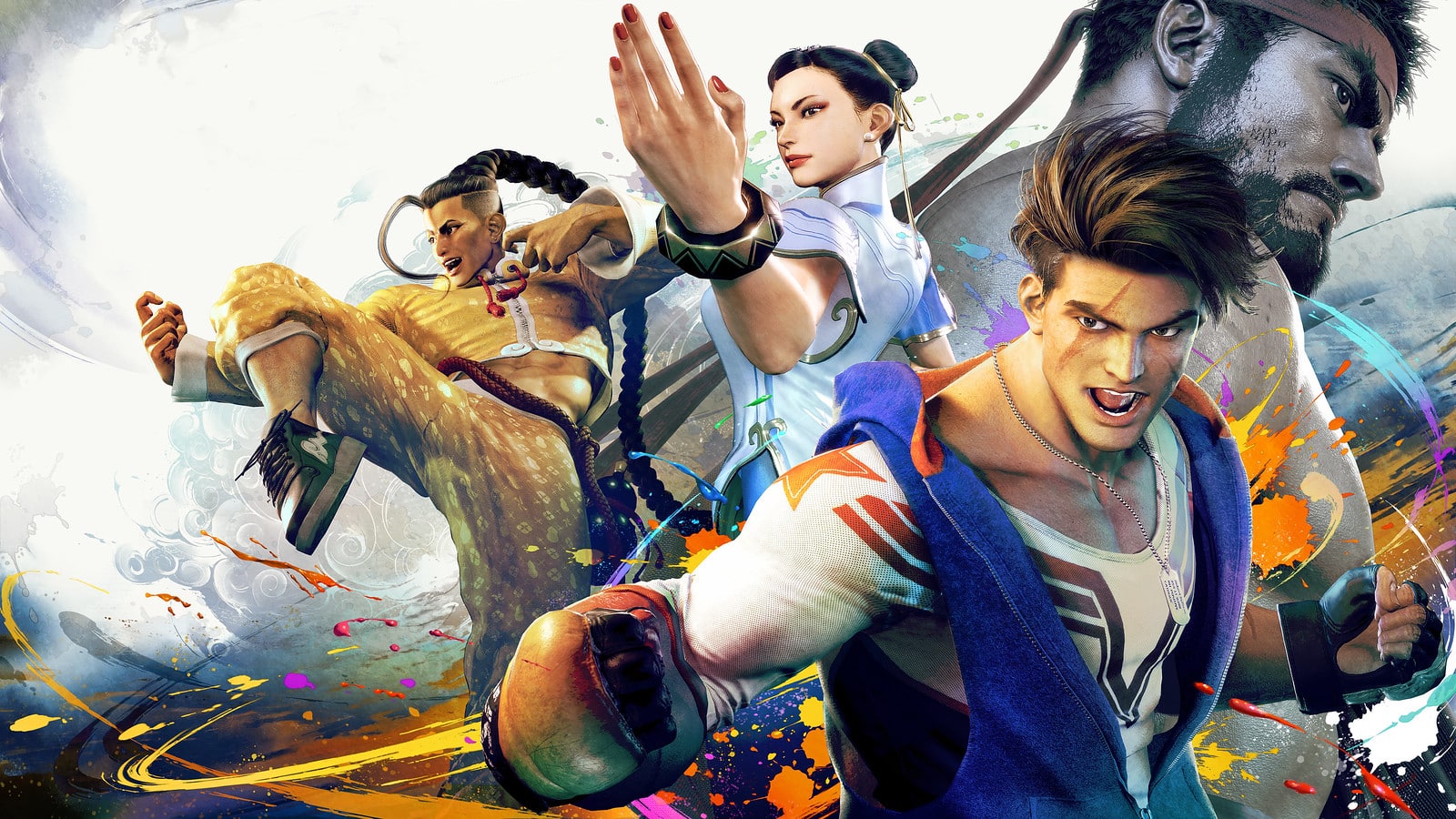
Street Fighter 6 Update 1.09 Released This December 7 (Update)

Capcom has released Street Fighter 6 update 1.09 (PS5 version 1.000.009) today for console and PC platforms. Read on for the Street Fighter 6 December 7 patch notes down below.

Street Fighter 6 Update 1.09 Patch Notes | SF6 Update 1.000.009 Patch Notes:

Update: Complete patch notes added.

Update Details

Goods Shop Items Added

  • Fixed an issue that caused communication errors to occur during online matches.
  • Fixed an issue where spectating an online match would not begin immediately.

Capcom has not released the full patch notes as this is just a minor fix. Check out the Twitter/X post below for more info.

Maintenance Period

Thursday, December 7 3:00 p.m. – 4:30 p.m. JST
Wednesday, December 6 10:00 p.m. – 11:30 p.m. PST
Thursday, December 7 6:00 a.m. – 7:30 a.m. UTC

Caution
– The maintenance period may change.
– All online content cannot be used as players cannot log in during the maintenance period.
– Regardless of their availability periods Challenges, Fighting Pass, Shop, etc. cannot be accessed during the maintenance. Be sure to access them if needed before the maintenance.

We apologize in advance to everyone for the inconvenience and appreciate your understanding and cooperation.

We will update this post as soon as we can if more info is added. Keep it locked at MP1st for more updates about Street Fighter 6 in the near future.

Source: Street Fighter

Damien Seeto

Home > News

Sonic Frontiers Update 1.41 Zooms Out This December 6

SEGA has pushed out Sonic Frontiers update 1.41 (PS5 version 1.041), which makes several adjustments to the game. Read on for the Sonic Frontiers September 28 patch notes.

Sonic Frontiers Update 1.41 | Sonic Frontiers Update 1.041 |Sonic Frontiers Final Horizon Update #3 Patch Notes:

Free Content Update 3: The Final Horizon – Patch Notes

  • Made Balance Adjustments to Easy Mode
    The following changes have been made to Easy mode:

    • • Trial Towers: New level designs have been added.
    • • Towers of the Master: The default difficulty and Sonic’s attack level have been adjusted.
    • • Master King Koco’s Trial: Your maximum Ring capacity and the health of each Titan have been adjusted.
  • Made changes to some of the controls for Amy, Knuckles and Tails.
  • The parry window for perfect parries was adjusted to be more forgiving.
    *The window will be extended even further when playing on Easy.
  • Knuckles’ maneuverability during gliding has significantly increased.
  •  Adjusted the stats of some special moves for Amy, Knuckles, and Tails after leveling them up
  • The attack and defense of certain special moves for Amy, Knuckles, and Tails after they level up have been increased.
  • Made it Easier to Retry After a Game Over
  • The pink panels in the Trial Towers will respawn after a certain amount of time has passed and you are a certain distance away.
  • If you make a mistake before a Cyber Space checkpoint and you have to restart from the beginning, the timer will now reset so you don’t need to manually restart.
    *Excluding Cyber Space Challenge

Various bug fixes, including the issue where audio would not play during sub-events, have also been addressed.

Source: SEGA

Avatar photo

James Lara

A gamer at heart, James has been working for MP1st for the last decade to do exactly what he loves, writing about video games and having fun doing it. Growing up in the 90's gaming has been in his DNA since the days of NES. One day he hopes to develop his own game.

Home > News

Fortnite Lego Cinematic Trailer Gives Us a Taste of Brick-Based Survival Action

Following last week’s announcement of several new experiences coming to Fortnite, we’ve received a new Fortnite Lego cinematic trailer to hype us up for tomorrow’s release. The trailer, which clocks in at just under three minutes, shows us all sorts of teasers as to what the brick-heavy crossover is going to be like.

You can view the cinematic here:

The teaser shows us an idyllic version of Fortnite’s battle royale map sprinkled with bits and pieces of Lego. We can also see all the usual survival game staples: crafting, chopping down trees, building houses and farms, and fighting dangerous creatures.

Judging by the halfway point of the teaser, the extent to which players can create settlements seems impressive. It’s unclear how many players each world in this mode will support, but the cinematic shows well over a dozen characters running around in the same space.

We can also see the characters exploring different biomes and running across massive amounts of enemies in underground caves. We’re interested to see whether boss enemies will be a thing in this mode. Either way, it’s clear that combat will still retain a significant role in Lego Fortnite.

Lego Fortnite launches within Fortnite on December 7. You can view the patch notes for the game’s recent Chapter 5 update here.

Jack Breitenbach

Game the night away!

Home > News

Turtle Beach New Stealth Ultra Wireless Controller Comes With Antidrift Thumbsticks

Turtle Beach has just announced a new premium pro controller for Xbox and PC, dubbed the Stealth Ultra Wireless, that comes with an onboard screen and promises to combat stick drift with its antidrift thumbsticks.

Built for the Xbox and compatible with PC, the Stealth Ultra Wireless Controller is making its way to retailers this December 15, with an MSRP of $199.99. A heft price point, though, the controller comes packed with pro features, such as back buttons found in premium controllers, as well as staple features from their previous Recon Controller.

The Stealth Ultra’s premium components, build quality, and features elevate it beyond any other controller in the market today, and firmly establishes it as the must-have controller for gamers who want the best,” notes Cris Keirn, Interim CEO & SVP of Global Sales, Turtle Beach Corporation. “Turtle Beach controllers have been designed to provide the ultimate in control and to integrate features far exceeding the category. The all-new Stealth Ultra is a supreme testament to that ideal and another clear example of Turtle Beach continuing to deliver on that promise to our fans.”

The most notable features have to be the AntiDrift sticks, which use contactless Hall Effect sensors to improve not only the controller lives but also provide better precision with enhanced accuracy. The battery life also can last a whopping 30 hours, which is even comparable to Xbox’s own Elite Series controller.

  • High-Performance, Lag-Free Wireless Technology
  • 30-Hour Battery Life with Adjustable Power Modes
  • Connected Command Display for Extensive Settings Adjustments
  • AntiDrift™ Thumbsticks for Long-Lasting, Smooth Control
  • Tactile Microswitch Buttons for Faster, More Reliable Response
  • Durable, Hard-Shell Case with Charge-Through Capability

“The Stealth Ultra wouldn’t be a true Turtle Beach game controller without the brand’s standard suite of audio features. As with Turtle Beach’s award-winning Recon and REACT-R controllers, the Stealth Ultra also enhances any wired gaming headset connected via the 3.5mm jack with exclusive Turtle Beach-only audio features, including Superhuman Hearing® for a competitive advantage, EQ audio presets, game and chat volume mix, mic monitoring, and more. Turtle Beach’s Pro-Aim™ Focus Mode also returns in the Stealth Ultra, which allows gamers to tune thumbstick sensitivity for enhanced long-range accuracy and is selectable as a preset for any of the four mappable buttons on the back of the controller.”

Turtle Beach Stealth Ultra Wireless will be made available on December 15, for $199.99. It’s currently up for pre-order for those interested on the Turtle Beach website.

Avatar photo

James Lara

A gamer at heart, James has been working for MP1st for the last decade to do exactly what he loves, writing about video games and having fun doing it. Growing up in the 90's gaming has been in his DNA since the days of NES. One day he hopes to develop his own game.