Home > News

Modern Warfare 3 Play Early Guide: How to Access Multiplayer on PS5, Xbox, and PC Before Official Launch

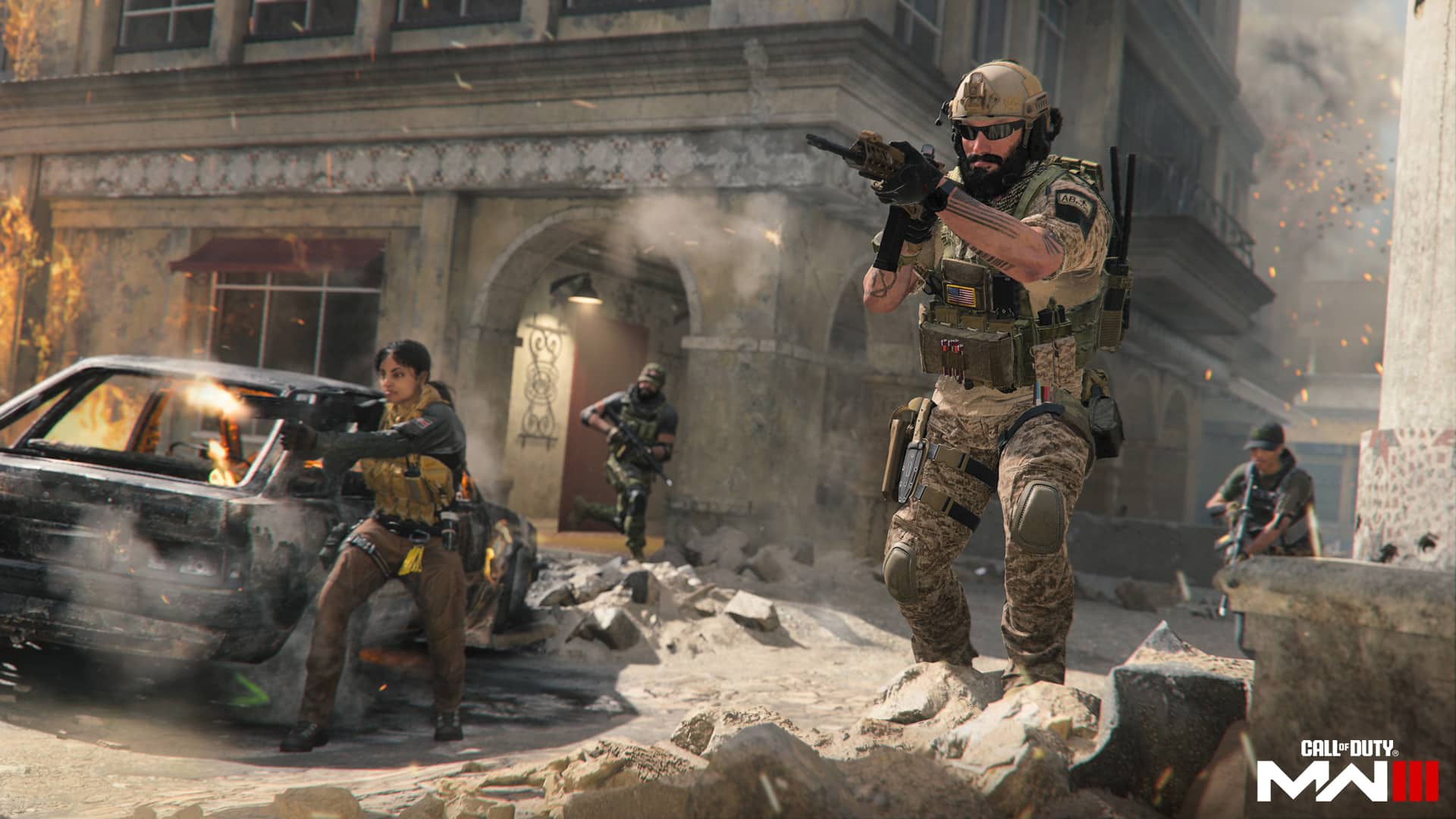
With Modern Warfare 3 multiplayer live in New Zealand, players are starting to find ways to get into the game early in other regions before the game’s official November 10 launch.  If you’re curious on how to play Modern Warfare 3 early, look no further: we’ve got details on how to get in.

Without further ado, let’s get started:

Modern Warfare 3 Play Early Guide

PlayStation 5

If you’re playing on PS5, all you have to do is log into the Call of Duty website and click on “Basic Info” from the dropdown in the top right. From there, simply go to Address and change your country to be New Zealand. This should allow you to start playing the multiplayer on PS5.

Xbox

Over on Xbox, there’s an extra step. On top of changing your region on your COD profile as explained above, you’ll also have to change your Xbox console region to New Zealand. To do so, go to Profile & system > Settings > System > Language & location. From there, just change your Location to New Zealand and follow the prompted restart. You’re good to go!

PC

PC players have a couple different workarounds to play early. For one, all you need to do on PC (or any platform, for that matter) to get in early is be invited to a lobby by someone else who’s playing early. From there, the player who invited you can just kick you to send you back to a lobby of your own.

The other options PC players have is a little more involved, and it requires you to own Modern Warfare II. For this method, you’ll need to have your Task Manager opened and ready to go. Here’s how it goes:

  1. Launch COD HQ and select MWII Multiplayer.
  2. When the screen launching MWII turns black (about 2-4 seconds), click End Task on Call of Duty HQ in Task Manager.
  3. Launch your game as soon as possible in either Steam or Battle.net, whichever platform you’re playing on.
  4. Upon relaunch, the game should put you in your very own Modern Warfare 3 lobby.

This method might take a few tries to get the timing down. Once you do, though, you’ll be all set to start grinding!

That sums up how to get in early. For those of you who get in, we recommend checking out our Mastery Camos guide here.

Thanks to CharlieIntel and CamNuggets! for pointing out these tricks!

Jack Breitenbach

Game the night away!

Home > News

Steam Deck OLED Announced, Available Starting November 16; Features and Technical Specifications Listed

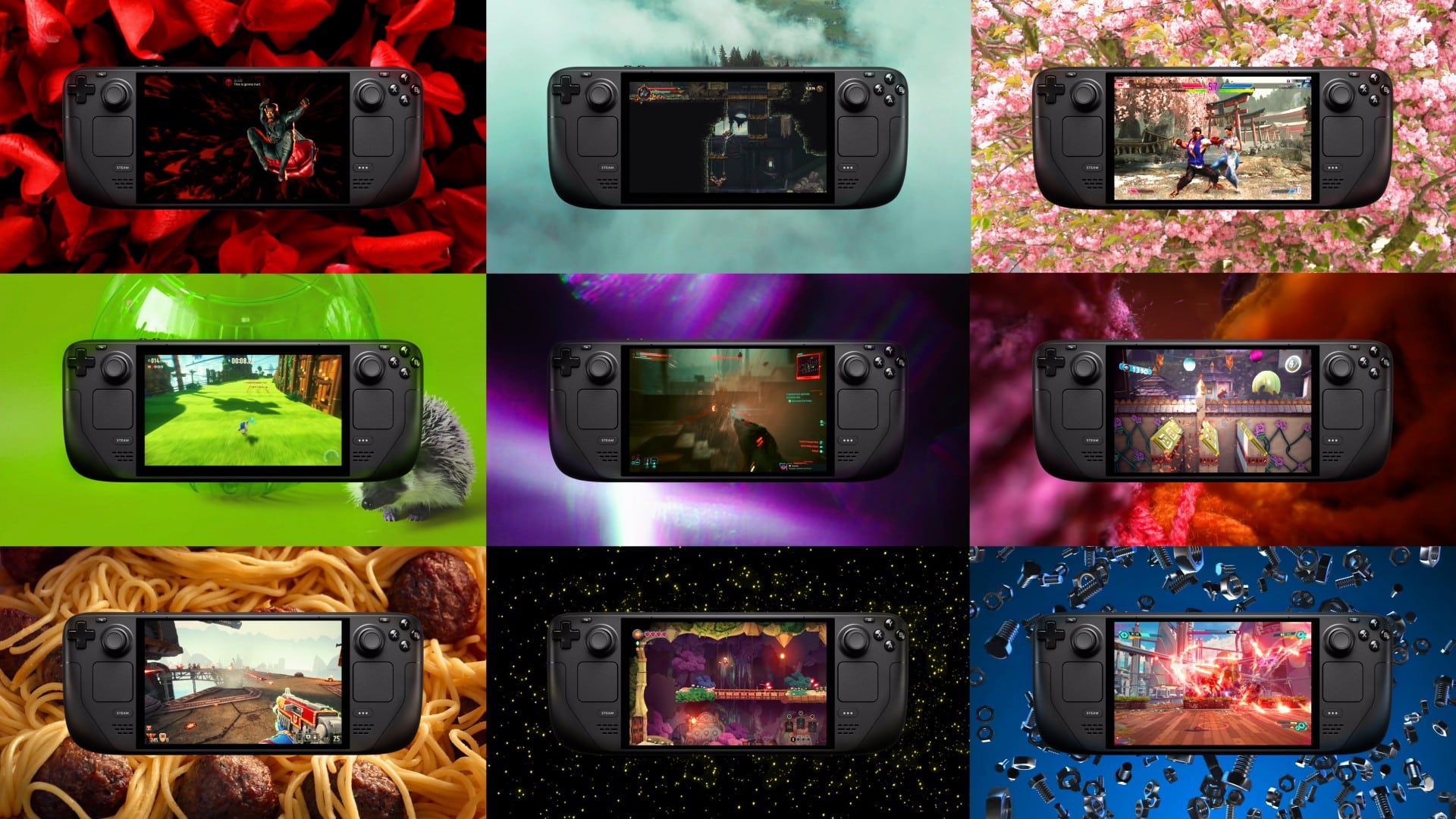
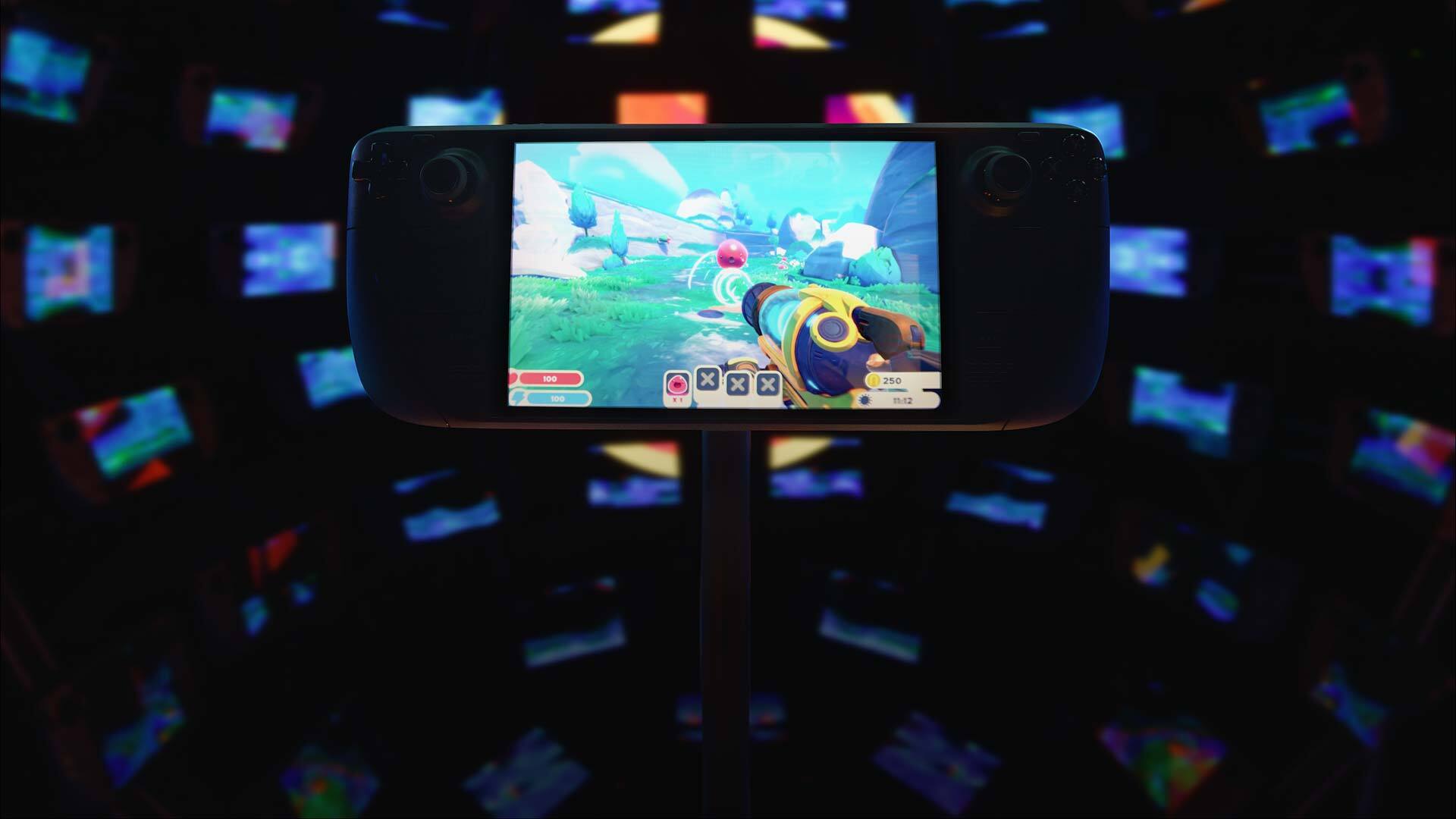
Following the success of the original Steam Deck, Valve has announced the Steam Deck OLED. This bigger and better version of the portable system features a number of improvements over the original, not the least of which is a shiny new OLED display.

Here’s everything you need to know about the new Steam Deck OLED:

Steam Deck OLED Features

Steam Deck OLED 1

On the official Steam Deck website, the new OLED edition boasts an improved range of colors over the base LCD screen. Additionally, the new and improved version includes several other handy improvements:

  • Longer Battery Life – Steam Deck OLED has 30-50% more battery life. The team fit a bigger battery into the case, and the OLED display draws less power. Combined with the updated, more efficient AMD APU, you have way more time to play your favorites.
  • Faster Downloads – Steam Deck OLED comes with Wifi 6E, offering increased bandwidth and lower latency. This means faster downloads (up to 3 times faster!) and stable online play.
  • Lighter Form Factor – Thanks to a bigger fan and updated thermals, Steam Deck OLED runs cooler. It also weighs 30g, or ~5% lighter than the LCD model, due to the screen.

While this is just a sample of the changes included with the new model, there’s an extensive list of upgrades meant to make your handheld gaming experience more immersive. The display is now 7.4″ over the original 7″, the refresh rate is now 90Hz instead of 60Hz, and touchscreen functionality has been improved.

The new OLED models will feature a 512GB and a 1TB version for $549 USD and $649 USD, respectively. Additionally, the 1TB OLED will feature a brand-new carrying case with a removable liner. This will allow gamers to carry their Steam Deck in a backpack or duffel without worrying about the bulk of the full hard case.

Currently, Valve is also offering a Limited Edition Steam Deck OLED for the same price as the 1TB model. This version functions the same but includes a unique orange and gray translucent look. This version will cost $679 USD, an extra $30 more than the regular 1TB OLED.

Here’s the full list of changes made to the Steam Deck OLED:

Steam Deck OLED Upgrades

  • General
    • Updated APU to 6 nm for better efficiency
    • Updated memory to 6400 MT/s, improving latency and power management
    • Increased thermal module thickness and performance
  • Updated Display
    • Increased active area to 7.4″ (from 7.0″)
    • Updated refresh rate to 90Hz (from 60Hz)
    • Updated peak brightness to 1000 nits
    • Updated touchscreen polling rate to 180Hz, improved latency and accuracy
    • Updated WiFi / Bluetooth module
    • Added support for WiFi 6E
    • Added support for Bluetooth 5.3, supporting newer codecs such as aptX HD and aptX low-latency
    • Added third antenna near the top of the device for better Bluetooth performance, including when docked
    • Added support for wake from Bluetooth controllers
  • Audio
    • Improved bass response for an overall flatter sound profile
    • Added support for using onboard microphone array simultaneously with the 3.5mm headphones connector
  • Controls
    • Adjusted analog stick top material and shape for increased grip and dust build-up resistance
    • Adjusted analog stick post material to improve interaction feel with front cover and reduce wear
    • Improved reliability of analog stick touch detection
    • Improved responsiveness and tactility of shoulder buttons switch mechanism
    • Adjusted D-pad snap ratio and diagonal interactions
    • Redesigned trackpad for improved fidelity and edge detection
    • Greatly improved trackpad haptics feel and precision
  • Power
    • Improved battery capacity from 40Wh to 50Wh
    • Improved battery chemistry for faster charging, from 20% to 80% in as little as 45 minutes
    • Changed charging LED to WRGB
    • Added support for waking up from initial unboxing by long-pressing power button instead of requiring AC power
    • Adjusted power supply cable length from 1.5m to 2.5m
    • Added logo to power supply
  • Frame
    • Reduced total system weight to ~640g, or ~5% less than Steam Deck
    • Rear cover screws now thread into metal
    • Adjusted rear cover screw heads to Torx™, as well as other materials and geometry tweaks on the heads to reduce stripping risk
    • Lowered number of screw types throughout system
    • Reduced step count required for common repairs
    • Improved bumper switch mechanism drop reliability
    • Moved bumper switch to joystick board for easier repair
    • Improved display repair/replacement to not require taking rear cover off
  • Software
    • Greatly improved memory power management firmware
    • Added preliminary support for open-source BIOS and EC firmware
    • Improved resume time by roughly 30%

If you’re curious about the system specifications for the OLED, worry not: we’ve got those too:

Steam Deck OLED System Specifications

Compute

  • Processor
    • 6 nm AMD APU
    • CPU: Zen 2 4c/8t, 2.4-3.5GHz (up to 448 GFlops FP32)
    • GPU: 8 RDNA 2 CUs, 1.6GHz (1.6 TFlops FP32)
    • APU power: 4-15W
  • RAM
    • 16 GB LPDDR5 on-board RAM (6400 MT/s quad 32-bit channels)
  • Storage
    • Steam Deck 512GB NVMe SSD
    • Steam Deck 1TB NVMe SSD
    • Both include high-speed microSD card slot

Controls and Input

  • Gamepad controls
    • A B X Y buttons
    • D-pad
    • L & R analog triggers
    • L & R bumpers
    • View & Menu buttons
    • 4 x assignable grip buttons
  • Thumbsticks
    • 2 x full-size analog sticks with capacitive touch
  • Haptics
    • HD haptics
  • Trackpads
    • 2 x 32.5mm square trackpads with haptic feedback
    • Pressure-sensitivity for configurable click strength
  • Gyro
    • 6-Axis IMU

Display

  • Resolution
    • 1280 x 800 x RGB
  • Type
    • HDR OLED
  • Display size
    • 7.4” diagonal
  • Maximum brightness
    • 1,000 nits peak brightness (HDR)
    • 600 nits (SDR)
  • Contrast ratio
    • > 1,000,000 : 1
  • Color gamut
    • 110% P3
  • Refresh rate
    • up to 90Hz
  • Response time
    • <0.1 ms
  • Touch enabled
    • High performance touch

Sensors

  • Light
    • Dual ambient light sensor ALS

Connectivity

  • Bluetooth
    • Bluetooth 5.3 (support for controllers, accessories and audio)
    • Dedicated bluetooth antenna
  • Wi-Fi
    • Tri-band Wi-Fi 6E radio, 2.4GHz, 5GHz, and 6GHz 2 x 2 MIMO, IEEE 802.11a/b/g/n/ac/ax

Audio

  • Channels
    • Stereo with embedded DSP for an immersive listening experience
  • Microphones
    • Dual microphone array
  • Headphone / mic jack
    • 3.5mm stereo headphone / headset jack
  • Digital
    • Multichannel audio via DisplayPort over USB-C, standard USB-C, or Bluetooth 5.3

Power

  • Input
    • PD3.0 Type C power supply, 45W
    • 2.5m cable
  • Battery
    • 50Whr battery. 3-12 hours of gameplay

Battery life estimates based on running titles at 30FPS, 50% brightness, and 50% volume. Running titles under different settings (such as uncapped framerate, higher brightness, and/or higher volume) may result in faster battery discharge.

Expansion

  • microSD
    • UHS-I supports SD, SDXC and SDHC
  • External connectivity for controllers & displays
    • Display port over Type C; up to 8K @60Hz or 4K @120Hz, USB3 gen 2

Size and Weight

  • Size
    • 298mm x 117mm x 49mm
  • Weight
    • Approx. 640 grams

Software

  • Operating System
    • SteamOS 3 (Arch-based)
  • Desktop
    • KDE Plasma

That’s everything you should ever need to know about the Steam Deck OLED. The new model will be available on the Steam website starting on November 16.

Source: Steam

Jack Breitenbach

Game the night away!

Home > News

Modern Warfare 3 Day One Update Patch Notes Revealed, Here’s What Changed From the Beta

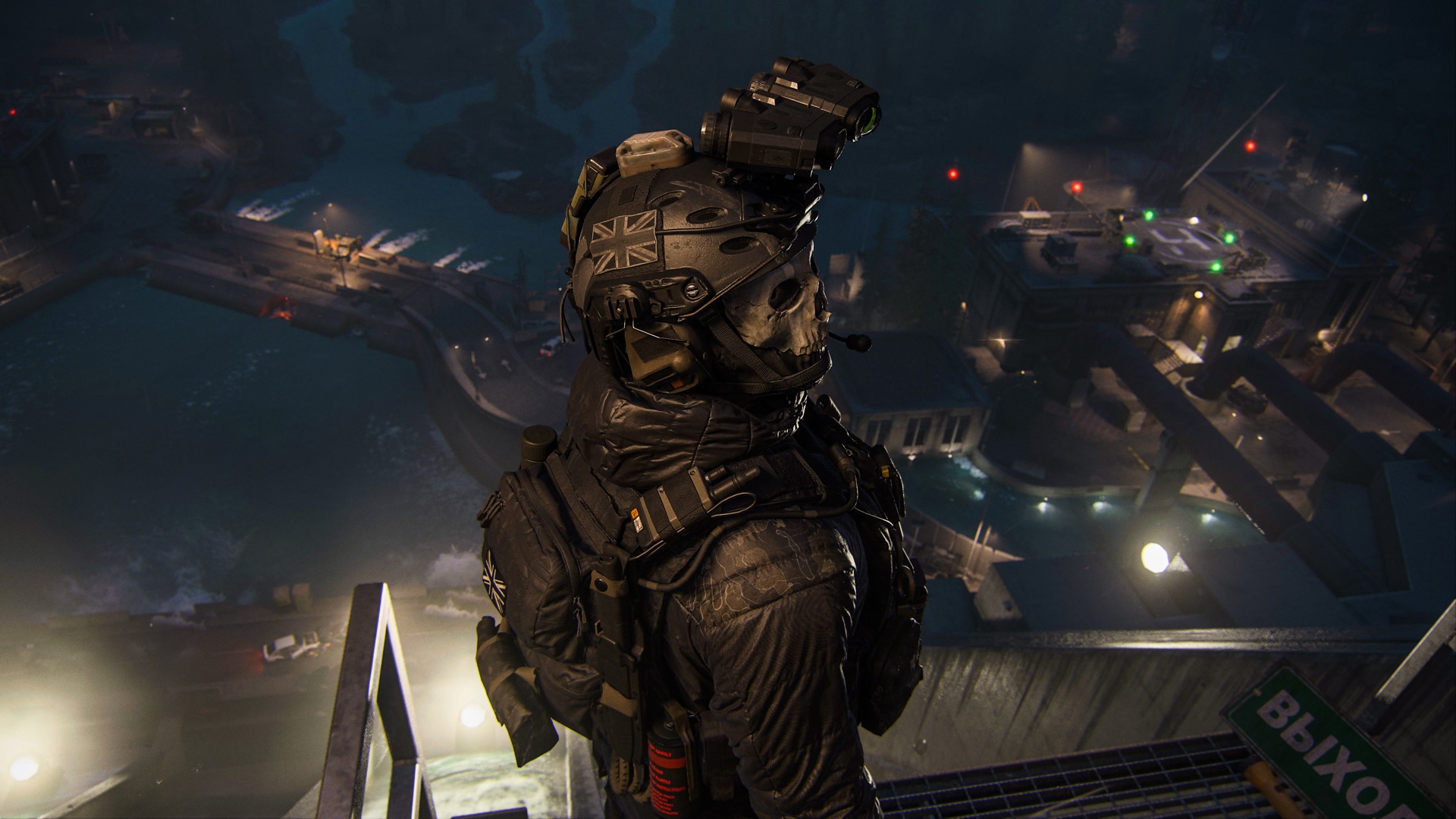
Following last month’s Call of Duty: Modern Warfare 3 beta, we are now a day away from the game releasing worldwide! With this in mind, Sledgehammer Games has released the Modern Warfare 3 day one update patch notes that touch on the campaign, and more importantly, the multiplayer.

If you’re curious what changes were made from the beta to the live client version, read on below for the complete changelog.

Modern Warfare 3 Day One Update Patch Notes:

CAMPAIGN

STABILITY & PERFORMANCE

  • Offline play will no longer be prevented after first setting up an Activision account.
  • Save data integrity has been reviewed and checkpoint loading errors have been solved.
  • Fixed multiple UI-related crashes that occurred while navigating menus.
  • Resolved several crash bugs when loading into some missions.
  • Fixed an issue in which some players experienced an excessive load time after the opening title splash.
  • Fixed several graphical bugs that resulted in hitching after a melee kill.
  • Fixed a graphical bug that resulted in assets loading in low quality.

GAMEPLAY BUG FIXES

  • Resolved a bug that resulted in low audio, audio skipping, and missing dialogue in some cutscenes.
  • Addressed areas in multiple maps in which players could use vehicles and helicopters to access out of map locations.
  • Enemies should no longer stay in cover more often or longer than intended.
  • Fixed a bug in which certain command inputs unintentionally reset loadout selection.
  • Players can now toggle the Optic for the silenced M4 and the Cronen Squall.
  • Fixed a bug in which players became immune to damage from Gas and Equipment.
  • Fixed a bug in which Supply Boxes will not open on first attempt.
  • Fixed a bug in which weapons were missing from orange Supply Boxes.
  • Fixed enemy clipping through objects in the environment on death or in combat.
  • Fixed warning message for areas where the player could only crouch.

MULTIPLAYER

UIX

  • Visual Changes
    • Added a stroke to player nameplates to improve visibility.
    • Adjusted font and contrast of the score event text on the HUD to be less obstructive.
  • New Features
    • Added a HUD element that displays the player’s current streak after each kill.
    • Match event popups now feature the respective player’s equipped Calling Card.
    • Skillful player achievements, such as Kingslayer, Collateral, etc., will now display a Medal splash on the player’s HUD.
    • Tac-Stance toggle state is now indicated by a widget in the lower-right area of the HUD, replacing the previous prompt while aiming down sights.
    • Match Stats are now available during gameplay via a new tab in the Scoreboard, allowing the player to compare current performance to their career average.
    • Detailed Statistics are now viewable while choosing an Attachment in the Gunsmith.
  • Bug Fixes
    • Players will no longer be unexpectedly prompted to choose a Loadout after earning multiple rewards.

MAPS

  • Added spawn anchors to many maps in order to influence the flow of combat in the direction of each map’s intended design.
  • In Team Deathmatch, team-owned areas are now more favored by spawn selection and resistant to enemy pressure.
  • In Domination, spawn selection is now more resistant to enemy pressure on flags, improving consistency by favoring owned flags.
  • Estate
    • Added frontline logic to prevent unintentionally frequent spawn flips.
  • Favela
    • Decreased the priority of spawn points near the Shacks and Construction Site.
  • Highrise
    • Decreased the priority of spawn points in the Actibase and Phonic Tunnels.

GAMEPLAY

  • Adjusted footstep volume to further distinguish enemy and friendly players.
  • Added an option to double-tap the aim down sights button to activate Tac-Stance.
  • Refreshed Default Loadout options with a widened range of content.
  • Movement
    • Sprint input while sliding will now cancel the slide animation.
    • Decreased aim down sights time penalty while jumping by 20%.
  • Settings
    • Added an option to double-tap the aim down sights button to activate Tac-Stance.
    • Added new options to Slide/Dive Behavior.
      • Tap to slide, disables the dive.
      • Tap to dive, disables the slide.

WEAPONS & ATTACHMENTS

  • SVA 545 (Assault Rifle)
    • Increased bullet velocity by 19%.
    • Increased rate of fire from 632 RPM to 682 RPM (+8%).
    • Increased lower-torso damage multiplier from 1x to 1.1x.
    • Decreased recoil to veer less to the right.
  • MTZ-556 (Assault Rifle)
    • Increased bullet velocity by 18%.
    • Increased maximum damage range from 23m to 27m (+17%).
  • MCW (Assault Rifle)
    • Increased bullet velocity by 18%.
    • Increased recoil during sustained fire.
    • Decreased minimum damage from 24 to 21 (-13%).
  • Striker (Submachine Gun)
    • Decreased maximum damage from 42 to 36 (-14%).
    • Decreased near-medium damage from 33 to 27 (-18%).
    • Decreased fear-medium damage from 27 to 25 (-7%).
    • Decreased minimum damage from 21 to 20 (-5%).
    • Decreased aim down sights time from 250ms to 240ms (-4%).
  • Holger 26 (Light Machine Gun)
    • Increased bullet velocity by 13%.
  • Pulemyot 762 (Light Machine Gun)
    • Increased bullet velocity by 16%.
    • Decreased maximum damage from 47 to 45 (-4%).
    • JAK Annihilator Bullpup Kit (Conversion Kit)
      • Increased bullet velocity by 29%.
      • Decreased rate of fire from 666 RPM to 571 RPM (-14%).
  • MTZ Interceptor (Marksman Rifle)
    • Increased bullet velocity by 15%.
    • Increased hipfire spread during sustained fire.
    • Decreased aim down sights time from 330ms to 265ms (-20%).
  • MCW 6.8 (Marksman Rifle)
    • Increased bullet velocity by 12%.
    • Increased hipfire spread during sustained fire.
    • Decreased aim down sights time from 260ms to 245ms (-6%).
  • Longbow (Sniper Rifle)
    • Increased bullet velocity by 13%.
    • Swapped full-auto crosshair for expected semi-auto crosshair.
    • Increased flinch when shot by an enemy player to align with other Sniper Rifles.
    • Increased hipfire spread while moving and during sustained fire.
  • KV Inhibitor (Sniper Rifle)
    • Increased bullet velocity by 5%.
    • Increased hipfire spread while moving.
    • Increased flinch when shot by an enemy player by 18%.
  • WSP Stinger (Handgun)
    • Swapped semi-auto crosshair for expected full-auto crosshair.
    • Decreased maximum damage from 25 to 24 (-4%).
    • Decreased maximum damage from 27 to 25 (-7%).
    • Decreased maximum damage range from 12m to 6m (-50%).
    • Decreased upper-torso damage multiplier from 1.1x to 1x.
    • Decreased hipfire spread during sustained fire.
  • Renetti (Handgun)
    • Swapped semi-auto crosshair for expected burst-fire crosshair.
    • Slightly increased recoil during sustained fire.
    • Decreased minimum damage.
    • JAK Ferocity Carbine Kit (Conversion Kit)
      • Swapped semi-auto crosshair for expected full-auto crosshair.
      • Increased aim down sight time 200ms.
      • Increased sprint to fire time from 80ms to 100ms (+25%).
  • COR-45 (Handgun)
    • Decreased maximum damage range from 9m to 6m (-33%).
    • Decreased near-medium damage range from 20m to 10m (-50%).
  • High Velocity (Ammunition)
    • Decreased bullet velocity multiplier from 1.2x to 1.15x.
    • Decreased Sniper Rifle bullet velocity multiplier from 1.3x to 1.17x.
  • Low Grain Rounds (Ammunition)
    • Decreased damage range penalty.
    • Decreased bullet velocity penalty.
    • Decreased recoil control advantage.
  • High Grain Rounds (Ammunition)
    • Decreased recoil control penalty.
    • Decreased bullet velocity advantage.
    • Decreased damage range advantage.
  • Optics (Attachment)
    • Decreased aim down sights time penalty across multiple Optic types.
      • Dots & Holographics: 30ms to 0ms (-100%).
      • 2.5x: 70ms to 15ms (-79%).
      • 4x & Hybrids: 40ms to 20ms (-50%).
      • Scopes: 100ms to 50ms (-50%).
  • Muzzles (Attachment)
    • Slightly increased aim down sight penalty for Flash Hider, Compensator, and Muzzle Break types.

PERKS

  • Demolition Vest
    • Battle Rage (Tactical) will now only restock up to 1 use.
  • Tactical Pads (Boots)
    • Increased slide velocity, replacing the slide distance advantage.
      • Note: Perk description will reflect this change in a future update.
  • Tac Mask (Gear)
    • Added immunity to Flash Grandes (Tactical) thrown by the player’s self.

FIELD UPGRADES

  • Trophy System
    • Mosquito Drone (Killstreak) will no longer be targeted and destroyed.
  • Med Box
    • Updated description to better reflect functionality.
      • Deploy a box of medical supplies for you and your teammates to reduce healing delay.

KILLSTREAKS

  • Enemy Killstreak activations will now invoke announcer voicelines as expected.
  • Guardian-SC
    • Decreased volume of Guardian-SC’s owned by teammates.
    • Increased environmental audio occlusion.
    • Addressed an issue that caused a player’s HUD to disappear until respawn after being stunned.
  • Counter UAV
    • Players within interior areas will no longer receive a “Not enough space to call in” error upon activation.
  • Juggernaut Recon
    • Decreased magazine capacity from 20 rounds to 8 rounds (-60%).

VEHICLES

  • NSTV
    • Increased traction to improve handling on slippery surfaces.

That’s about it. Stay tuned to our full Modern Warfare 3 review hitting the site soon, as well as various guides for multiplayer.

Modern Warfare 3 officially launches November 10 on the PS4, PS5, Xbox One, Xbox Series X|S and PC.

Source: Call of Duty

More Call of Duty: MW3 Reading:

Avatar photo

Alex Co

Father, gamer, games media vet, writer of words, killer of noobs.

Home > News

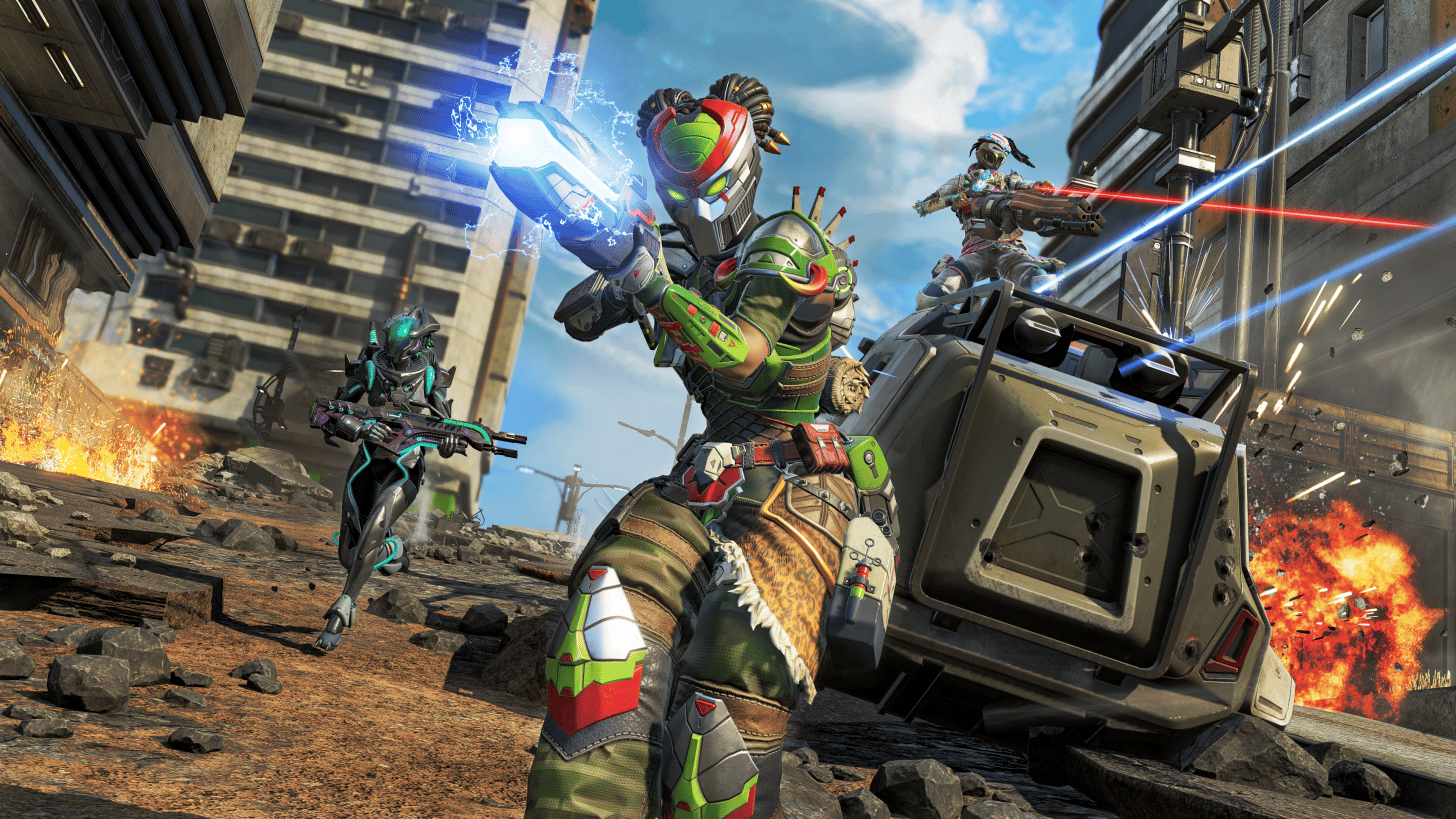
Apex Legends Down With Connection Errors This November 9 (Update)

Are you having connection issues in Apex Legends currently? If so, you’re not alone, as Apex Legends down reports have surfaced this November 9, and this is something Respawn has acknowledged.

Apex Legends Down With Connection Errors This Nov. 9:

Update: Respawn has announced that a fix has been released for this.

Here’s Respawn’s announcement of the issues:

Heads up, legends: We are aware some @PlayApex players are seeing intermittent connection issues this morning. We’re working on a fix and will let you know as soon as it’s resolved.

The Downdetector site for Apex Legends has also seen a spike in reports in the last hour.

This outage comes just a day after we got a new title update to the game. Once any new developments surface, we’ll update the article, so sit tight and refresh it from time to time.

Avatar photo

Alex Co

Father, gamer, games media vet, writer of words, killer of noobs.

Home > News

Project Wingman: Frontline 59 Review – Soaring in Limited Airspace

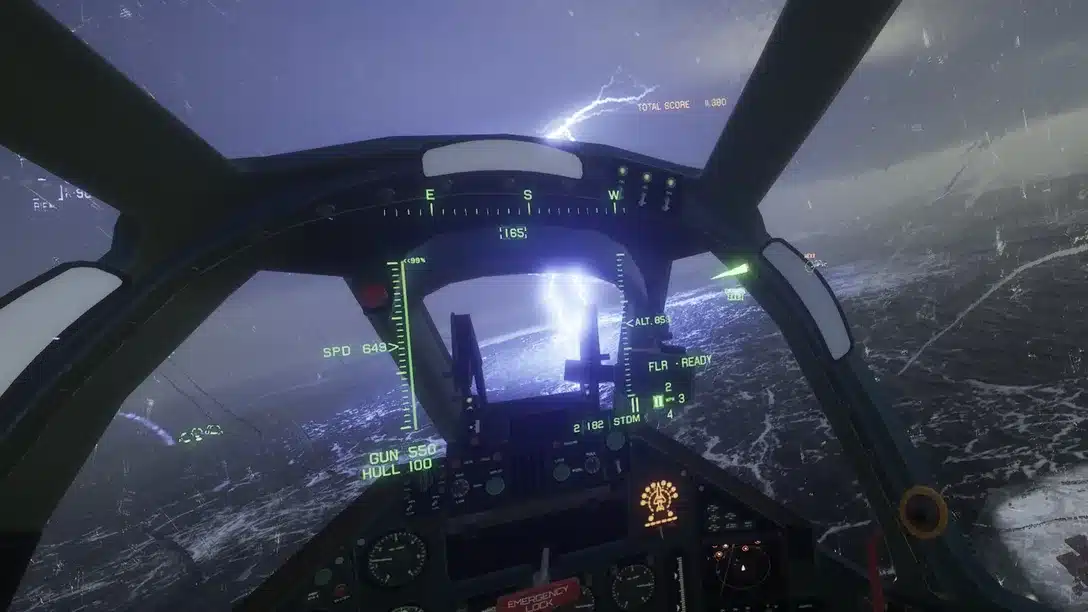
Project Wingman originally released on Steam in December of 2020. Inspired by Ace Combat, the game features a futuristic setting, and an arcade-sim style to aerial dogfighting. With the promise of delivering intense immersion on the PSVR 2, can developer Sector D2 deliver? We took to the skies and played Project Wingman: Frontline 59, and have our review ready to tell you all about it.

Under-Utilized Headset

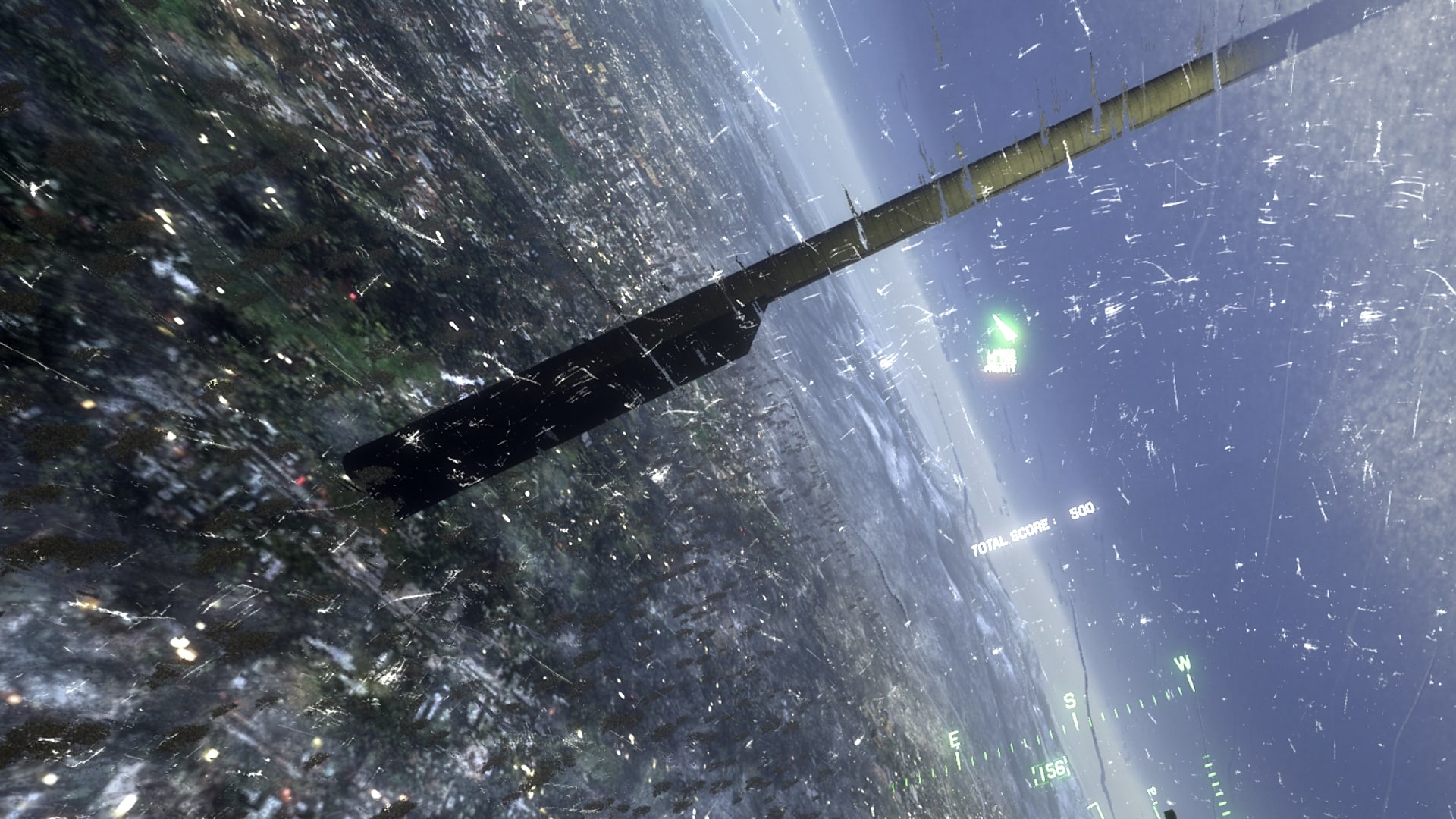
The PSVR 2 is a great upgrade from Sony’s original headset. It features bright OLED panels, which offer 2000×2040 pixel resolution to each eye, at refresh rates of up to 120 Hz. Foveated rendering enables razor-sharp visuals wherever you are currently looking, saving resources as the rest of the game is rendered at a lower detail level. Yet Frontline 59 is among the worst-looking VR games I have played in two generations of PSVR headsets. I’m not sure what went wrong here, but I expected to perhaps get a little motion sickness when getting into dogfights. But since the visuals were so blocky, I didn’t even feel that rollercoaster-like twinge in my stomach that I get when flying something, like when taking off in my ship in No Man’s Sky. The Unreal Engine was used for development, which makes the poor visual quality even more confusing.

Bad visuals aside, what’s here is a solid arcade fighter pilot simulator. Two campaigns are included: the original, and Frontline 59. It takes place in a futuristic version of Earth, where there are two major warring countries. The details aren’t too important, and the story progresses in-between missions. Missions are usually a mixture of taking out a certain amount of enemies, or defending some other craft, with the exception of mission four in the Frontline 59 campaign. There are 21 missions in the original campaign, plus the Conquest mode, and six missions for Frontline 59. So for $30 you are getting a lot of gameplay for not a whole lot of money. However, it should be noted that only the new Frontline 59 missions are available in VR mode. This is a baffling limitation that is compounded by the fact that the original game is completely playable in VR on PC. I’m not sure if this is the result of running out of development time or what, but I know it’s disappointing.

Eye Tracking Is Neat

One area of Frontline 59 that really shines, though, is its use of the PSVR 2’s eye tracking feature to let you track and lock-on to enemies. It works exceedingly well, and helps to add to the immersion factor of the game, which as mentioned is otherwise lacking. It feels satisfying to keep your eyes fixed on a target, seeing the HUD lock on, and then following along as your missiles hit their target. Alternatively, this feature makes it easy to switch targets as the situation calls for it.

Combat is as hectic as fighter pilot games get, with threats often approaching you from all sides, and the careful monitoring of incoming fire needed in order to stay alive. Simply swooping in on the enemy without considering how easy of a target it makes you is a quick way to die, even on the game’s normal difficulty level. Controls are a mixture of arcade and sim, with the throttle being controlled with R1 and L1, and rudder pedals controlled with R2 and L2. In another unfortunate limitation, the game is not compatible with HOTAS (thruster and joystick), so your only option control-wise is to use the DualSense controller, as even the Sense controllers are not usable in Frontline 59. Overall, the control options on offer here, or rather the lack thereof, are a limiting factor to immersion.

Verdict

Project Wingman: Frontline 59 is a mixed bag. On the one hand, it is an arcade fighter pilot game in VR, something we haven’t seen much of lately. But the conversion is not complete, and only a small portion of the game is even playable in VR. This is especially baffling as the original release on Steam was completely in VR. Throw in a subpar graphical experience, and the whole package is rather uninspiring. There is a decent-length main campaign in addition to the new bonus VR missions, though, so if you’re okay with soaring in the skies in flat-screen gaming, then it is still a good amount of content for the price.

Score: 7/10

Pros:

  • What’s available in VR is fun
  • Eye tracking to lock-on and switch targets is really cool
  • A healthy collection of missions spread across two campaigns

Cons:

  • Visuals are not crisp at all
  • Only a handful of missions available in VR
  • No HOTAS compatibility

Project Wingman: Frontline 59 review code provided by the publisher. You can read MP1st’s review and scoring policy right here.

Avatar photo

Paulmichael Contreras

Paulmichael has been writing in the gaming industry since 2008. Living just outside of Los Angeles, he has been lucky enough to attend numerous gaming events around the world, including the last ten E3 shows (RIP)! A thoughtful reviewer, every game you see scored by PmC has been given careful attention. Paulmichael is also an aviation fan and an avid snowboarder. Favorite games include: No Man's Sky, Gran Turismo 7, skate., CloverPit.

Home > News

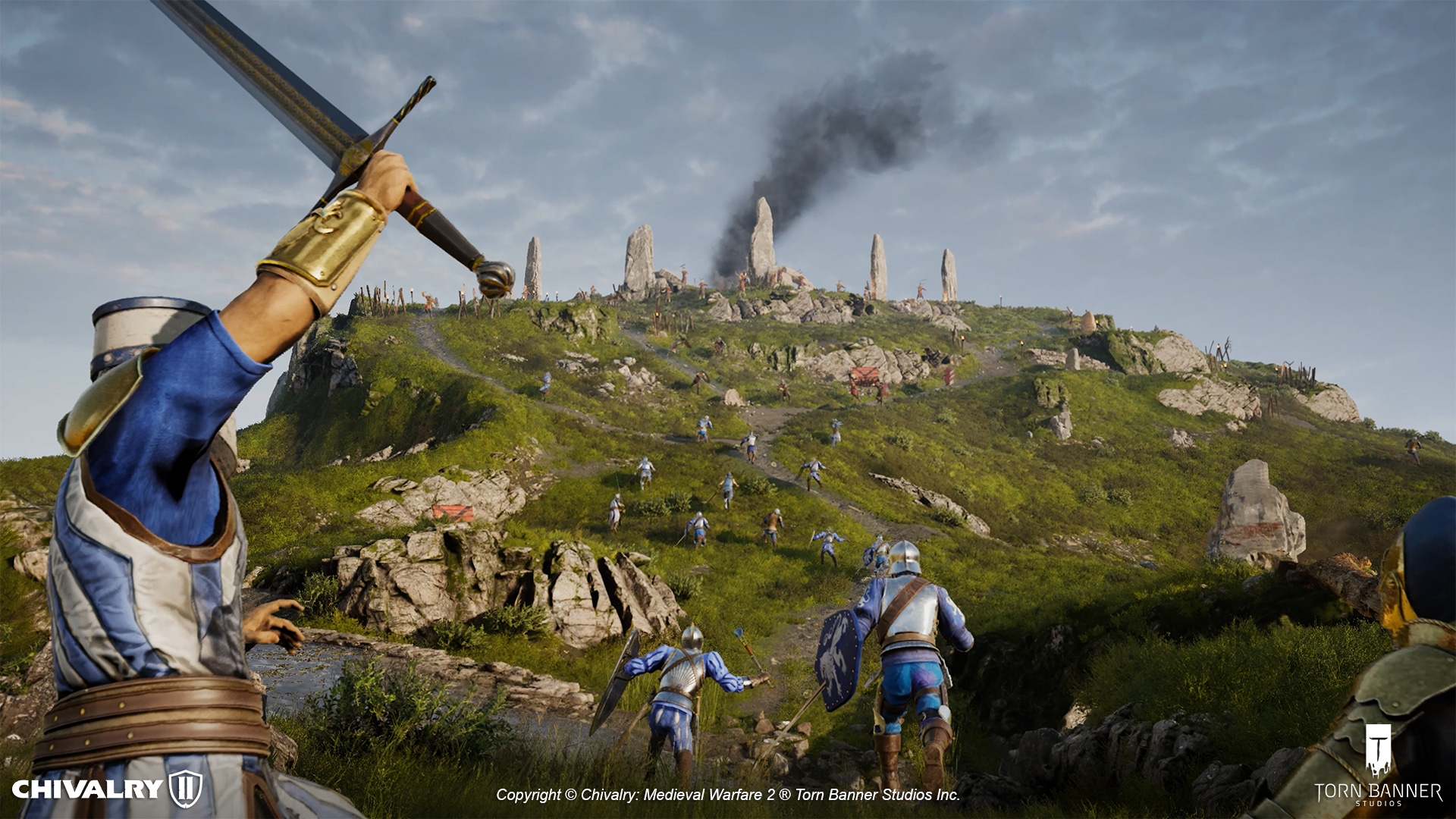
Chivalry 2 Update 1.32 Brings Matchmaking Fixes to PS4

Following yesterday’s big Chivalry 2 Reclamation 2.9 patch roll out, Torn Banner Studios has pushed out Chivalry 2 update 1.32 and this seems to be just for the PS4. Read on for what’s new down in the patch notes.

Chivalry 2 Update 1.32 Patch Notes:

Here’s the announcement from the devs on what got fixed:

We have made steps towards resolving the PS4 issue and believe players can now login (as of early this morning). Bear with us as we carry out further testing to ensure that PS4 players now have full functionality.

As you can see, this is to fix login issues more than anything else. If you’re curious what got added yesterday, here’s a highlights recap:

Chivalry 2: Reclamation Update Highlights:

  • New Team Objective Map | The Reclamation of Montcrux: The crown jewel of the latest Chivalry 2 update finds the Agathians fighting back against the Tenosian Empire’s invasion. The new 64-player map promises a challenging uphill battle for the attacking Agathian faction, who must break through the fortress’s walls with petards while avoiding a rain of ballista fire from the defending Tenosians as the bombarbs continue to fire against the Agathian siege towers and camp. Should they break through, Agathians must then lift the keep’s gates and disable the bombards launching above, reclaiming the fortress for Agatha.
  • New Limited-time Game Mode | Last Peasant Standing: The peasantry of Aberfell are having a feud! As a fragile peasant owing fealty to the Agathian Knights or Mason Order, scramble for what limited weapons you can find to defeat the enemy team through multiple rounds. Victory goes to the team that wins five rounds in total.
  • New Weapon | Siege Crossbow: Unlike its more lightweight predecessor, the Siege Crossbow (available for the Crossbowman subclass) fires bolts that can deal notable damage to non-objective siege weapons and constructables. It also has the power to pierce through them. Be wary when hiding behind barricades! While it may deal considerable damage, use caution when reloading, aiming, and shooting, as this is a bulky weapon and you are limited in the amount of shots you can fire. Make them count!
  • New Free-for-All Map | Desert: Take to the Tenosian desert once more — but this time, in a glorious contest where every knight fights for themselves!
  • New Campaign Pass | Reclamation: Embark on our new progression-based Campaign Pass: Reclamation to unlock new armors, weapon skins, heraldry and more! Rewards range from the impressive Agatha Templar armor sets to a variety of Warhammer skins and many more.

Once a new patch is released, we’ll let our readers know.

Avatar photo

Alex Co

Father, gamer, games media vet, writer of words, killer of noobs.

Home > News

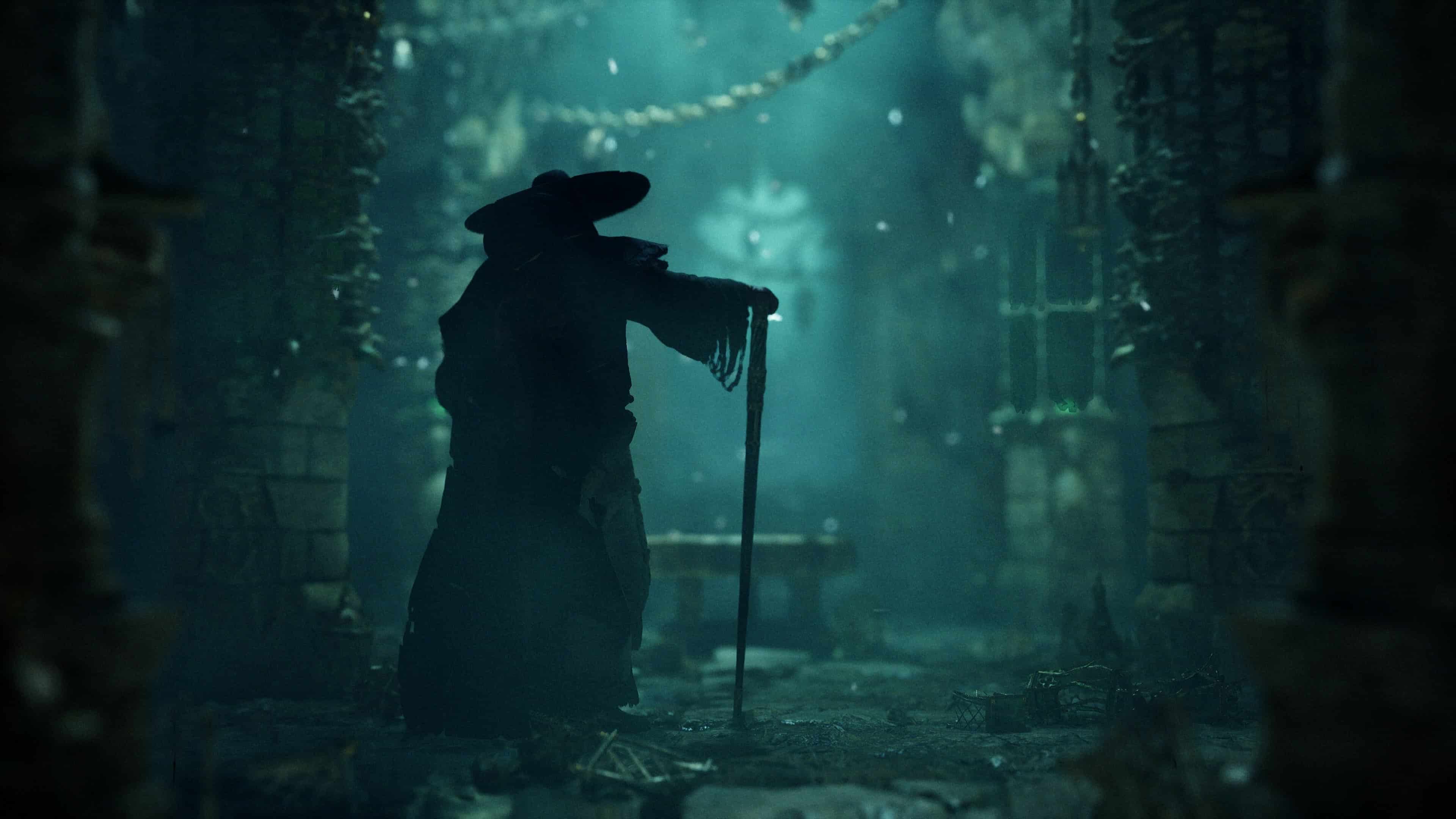
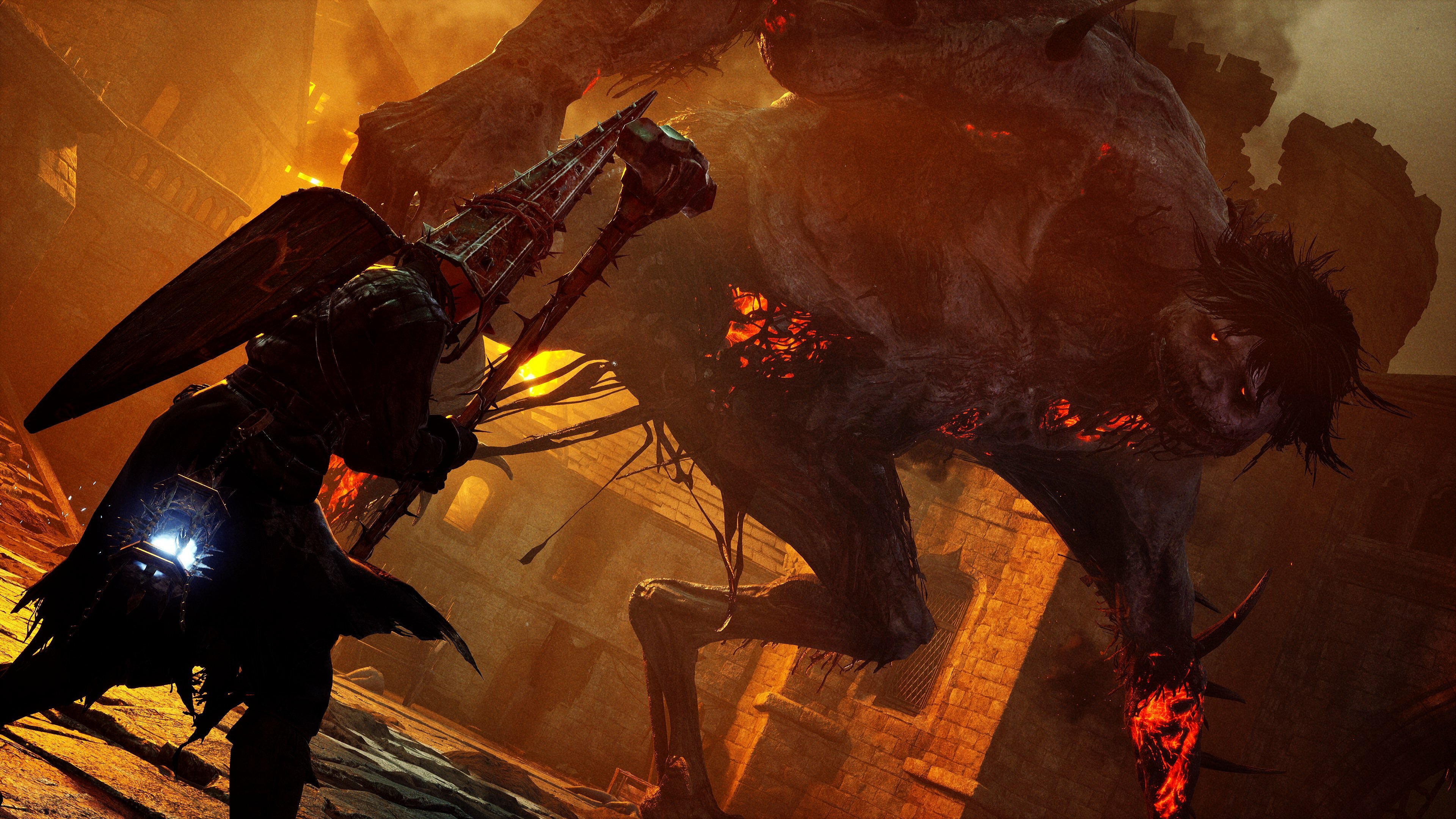
Lords of the Fallen Update 1.016 Drops for Patch 1.1.310, Over 100 Improvements Listed

HexWorks has dispatched Lords of the Fallen update 1.016 this November 9, and this is for patch version 1.1.310 that includes over 100 fixes and improvements! Expect adjustments to the inventory, bosses and more, which are all listed in the official LOTF update 1.1.310 patch notes.

Lords of the Fallen Update 1.016 Patch Notes | LOFT Update 1.1.310 Patch Notes:

Today’s weekly Update introduces over 100 significant tweaks and improvements across the board. Alongside this, it also includes the first inventory expansion pass, a full revamp for the Sundered Monarch boss encounter, online functionality for Steam deck, further HDR improvements… and we’re also very pleased to confirm key quest items will no longer be affected by inventory limitations. As requested by some of you, we’ve also added the option to hide damage numbers on the HUD for a more immersive experience.

Inventory

Previously, unique items couldn’t be picked up when the inventory was full. Now, key/quest items and unique items will be picked up even if the inventory is full, exceeding the inventory limit as necessary. This applies to keys, spells, quest items, ammo types, gestures, etc.

This change should also resolve any potential issues with questlines where a required item couldn’t be picked up due to an “inventory full” message. Additionally, starting from patch 1.1.310, if the inventory is full, the items will drop to the ground so they can be picked up later.

Please note that the stash expansion is still in progress and will be available later this year.

HDR
  • HDR has been further tweaked to provide an even wider range of colors.
SteamDeck
  • Online functionality is now fully operational on SteamDeck.
  • SteamDeck no longer crashes when the Scarlet Shadow spawns, so it’s back on SteamDeck! VALVE’s drivers should automatically update when you start the game.
Stability
  • Fixed a crash that could occur when accessing the Shrine of Orius when switching to Offline Mode.
  • Fixed a crash that could occur when quitting to the main menu while being in a multiplayer session.
  • Fixed a blocker that could prevent players from finishing the game with the Umbral ending.
Performance
  • Optimized certain actors in the game to increase performance in several areas.
  • Optimized performance in Skyrest by reducing cast shadows without reducing visual quality.
  • Optimized performance in Upper Calrath marketplace square by reducing cast shadows without reducing visual quality.
  • Optimized performance in Castle Bramis while being in Umbral.
  • Optimized performance in Penitent Path by reducing cast shadows without reducing visual quality.
  • Optimized performance in Skyrest Bridge by reducing cast shadows without reducing visual quality.
  • Optimized performance in the Manse area by reducing cast shadows without reducing visual quality.
  • Optimized performance in Red Corpse Church by reducing cast shadows without reducing visual quality.
  • Optimized performance for wither entity spawning without reducing visual quality.
  • Optimized performance in Lower Calrath by reducing cast shadows without reducing visual quality.
  • Optimized collision meshes in Lower Calrath – Bridge area to reduce collision counts and increase performance.
PVP
  • Fixed an issue with fog walls that would allow players to leave a Crimson Ritual area.
  • Added music to Crimson Rituals to increase tension in PVP.
  • Improved the UI for finishing Crimson Rituals.
  • Added additional descriptions for failed connections for Crimson Rituals.
Revenge
  • Improved the UI for finishing Revenges.
Balancing (PVE-focused)
  • Stomping on drowners, hounds, and sparrows now instantly kills them.
  • Braided Ring: Summoned allies can use more ranged attacks before disappearing. The ring used to add +5, but now adds +10 with this change.
  • Pendant of Atrophy: Umbral sorceries can be cast with insufficient mana, but at the cost of wither damage. Equipping this amulet now also reduces your wither health regain rate when you deal damage. Withered health cost increased.
  • Umbral Eye of Loash: While charging a heavy attack, all damage is received as wither damage, and your posture cannot be broken. Equipping this eyeball now also reduces your wither health regain rate when you deal damage.
  • Umbral Eye of Lydia the Numb Witch: Use ranged weapons without ammunition but at the cost of withered health. Equipping this amulet now also reduces your wither health regain rate when you deal damage.
  • Hurt reactions sometimes triggered in the wrong direction. This is now fixed.

Bosses
  • Now the trio in the dark spot waits more diligently for the player to be at the exact arena space before triggering the whole combat.
  • The Sundered Monarch boss encounter has received a full revamp and, as a result, it is more challenging. Achieved without tweaking his HP or damage output, pure behavioral upgrade. It’s tougher.
  • Improved the hitboxes of the following bosses to better support throwable weapons: Dervla, Sundered Monarch, Lightreaper, Cleric, Hushed Saint, Reinhold, and Spurned Progeny.
  • Enhanced the combat camera behavior to prevent looking down when being close to a target.
  • Lightreaper could sometimes get out of bounds in one of the encounters, leading to him just leaving the fight.
  • Adjusted the trigger areas for the Skinstealer boss to prevent the player from hitting him from a distance without his reaction.
AI
  • Fief of the Chill Curse: Adjusted and added leashing volumes.
  • Manse of the Hallowed Brothers: Received additional leashing volumes and added new ones.
  • Added leashing volumes for all enemies at the Cistern. Also adjusted two triggers to account for edge cases in which enemies would be unresponsive if you traverse the level backward.
  • Improved navmesh and collisions of Forsaken Fen where the fallen tree is.
  • Changed navlink position for better navigation going down one of the platforms of Pilgrim’s Perch.
  • Added nav modifier volumes to avoid the AI from taking a dangerous path and getting stuck in the Cellar of the Manse.
  • Added nav modifier volumes to prevent Umbral enemies from getting stuck with collisions in the Cellar at the Manse of the Hallowed Brothers.
  • Added additional AI blocking volumes at Redcopse to avoid Umbral enemies spawning above dangerous collisions. We want our AIs to be safe, or they might resort to their syndicate against our Level Designers.
  • Tower of Penance: Adjusted and added leashing volumes.
  • Skyrest Bridge: Adjusted and added leashing volumes.
  • Adjusted spawning boxes for the enemy encounter before the Lamphunter area at Fritzroy’s Gorge.
  • Applying wither damage to Fortunatrix enemies sometimes did not cause them to trigger aggro on the player. Now they always react properly.
  • Further refinement of leashing volumes in Upper Calrath’s big plaza encounter.
  • Adjusted and added leashing volumes at the Skyrest Bridge.
  • Adjusted and added leashing volumes at the Pilgrim’s Perch upper area.
  • Added leashing volumes for all enemies at the Empyrean.
  • Adjusted and added leashing volumes at the Abbey of the Hallowed Sisters.
  • Adjusted and added leashing volumes in Bramis Castle.
  • New leashing pass on different enemies and encounters in Lower Calrath.
  • New leashing pass on different enemies and encounters at Fritzroy’s Gorge.
  • The chaser could use some floating navmesh at Redcopse Village. Navmesh has been cleaned.
  • Second pass on leashing volumes for Redcopse, Pilgrim’s Perch, Forsaken Fen, Fief of the Chill Curse, Tower of Penance, and Bramis Castle.
  • Manse of the Hallowed Brothers: Had a new leashing pass on different enemies and encounters.
  • Pieta now plays her upgraded sanguinarix animation with better alignment, regardless of the action the player was doing before interacting.
  • Corrected a navmesh on Upper Calrath for improved AI navigation.
Umbral
  • Tweaked the distance of Soulflay vs. UI icon. In some cases, the interaction icon appeared, but the Soulflay was not triggering the desired effect. Now they match in all cases.
  • Fixed offsetted particles that could sometimes occur on Soulflayable umbral bellies (containers).
  • Fixed offsetted particles that could sometimes occur on Soulflayable doors.
  • Fixed a bug in which axiom items would sometimes fall through the umbral ground under certain conditions (while transitioning), making them only pickable in axiom.
Level Design
  • Abbey of Hallowed Sisters: Tweaked existing outer collision boxes to ensure they match the invasion fog walls.
  • Empyrean: Tweaked existing outer collision boxes to ensure they match the invasion fog walls. This follows a code request to improve disconnection during host/invader connection.
  • Lower Calrath: Tweaked existing outer collision boxes to ensure they match the invasion fog walls. This follows a code request to improve disconnection during host/invader connection.
  • Bramis Castle: Tweaked existing outer collision boxes to ensure they match the invasion fog walls.
Collisions
  • Adjusted umbral platforms so players won’t get stuck between them in Bramis Castle.
  • Fixed a collision bug in Forsaken Fen to prevent skipping of Hushed Saint.
  • Fixed some asset collisions in Lower Calrath, making it possible both to clip and blocking the player from getting to the other side.
  • Changed collision presets for different blocking volumes that allowed projectiles to pass through in Redcopse’s Church catacombs.
  • Made the rotating stairs’ player collisions taller in Bramis Castle.
  • Collision tweaks in Forsaken Fen, near the vestige of the Pale Butcher.
  • Sunless Skein had some collisions that would not let projectiles pass in some narrow spaces. These have been fixed.
  • Bramis Castle has seen two places adjusted to prevent the player from getting stuck under certain conditions.
  • Bramis Castle collision fixes for an umbral bridge when transitioning from axiom.
  • Fief of the Chill Curse has seen some tweaked collisions in the cannon for smoother navigation.
  • Blocker fixed in Lower Calrath in the Smelter tower, where the player was getting stuck in a small area.
  • The player could get in and out of the game at the Abbey of the Hallowed Sisters and get a bit stuck. Also, it could get floaty and have collision issues due to collisions, so blocking volumes were added to improve and block.
  • In Abbey of the Hallowed Sister, there was a corpse with the wrong collision. The collision has been removed and placed manually with structure detail so it doesn’t block the pick-up.
  • In the Cistern, an AI could get on top of the collision and get stuck while doing the charge attack.
  • There is a spot in Lower Calrath where the player can get stuck a bit due to a corpse on top of a table with block-all collision preset. The collision preset has been changed to structure detail, and now the player can move freely at that spot.
  • The waterfall cave at Pilgrim’s Perch had a rock with block-all that messed with the player’s navigation. The collision preset has been changed to structure detail so it doesn’t interfere with navigation, but the player can’t overlap with the rock.
  • Added blocking volumes to Fritzroy’s Gorge to improve navmesh and prevent enemies from getting stuck after falling in certain places.
  • Fief of the Chill Curse fix for collisions on the Canyon sublevel.
Lighting
  • Manse of the Hallowed Brothers has received an additional lighting pass to add extra detail, with no performance impact.
  • Redcopse Village has received an additional lighting pass to add extra detail, with no performance impact.
  • Lower Calrath has received an additional lighting pass to add extra detail, with no performance impact.
  • Forsaken Fen has received an additional lighting pass to add extra detail, with no performance impact.
  • Pilgrim’s Perch has received an additional lighting pass to add extra detail, with no performance impact.
  • Lighting in Redcopse Church Crypt has been fixed to eliminate the visible leaking in one of the tunnels caused by a spotlight. This was resolved by fine-tuning the falloff of the light without any additional cost.
  • There was a vista at the Fief of the Chill Curse that triggered fog too early.
Cinematics
  • Fixed the missing lantern dynamics during cinematics when cleansing the Beacon at the Fief of the Chill Curse.
  • A small camera clipping issue during Dervla’s second phase cinematics has been resolved.
  • Removed a couple of nails that were obstructing the camera view during Dervla’s phase 2 cutscene.
UI
  • We’ve resolved the issue where the “The Empyrean” area name wouldn’t appear on-screen when entering the area.
  • Addressed a problem causing significant delays when quitting to the main menu under certain circumstances.
  • In response to community feedback, you now have the option to disable damage output numbers from the settings menu.
  • Fixed the bug that prevented players from buying more than one unique item from the faction shrines (the chrysalis purchase bug + Daralium chunk).
  • All endings now correctly display the unlocked class; previously, in some cases, it would continue showing the Radiant Purifier, even when unlocking the correct one.
  • Key rebindings and language selections will no longer reset after each version update.
Audio
  • Enhanced ambience transitions in Manse, Tower of Penance, Pilgrim’s Perch, and Forsaken Fen.

Lastly, the studio announced that work has begun to allow character appearance re-customization in-game and this is slated to be released within the year. This will come with its own mini-quest to unlock, and is something that wasn’t mentioned in yesterday’s roadmap reveal.

Source: Steam

Avatar photo

Alex Co

Father, gamer, games media vet, writer of words, killer of noobs.

Home > News

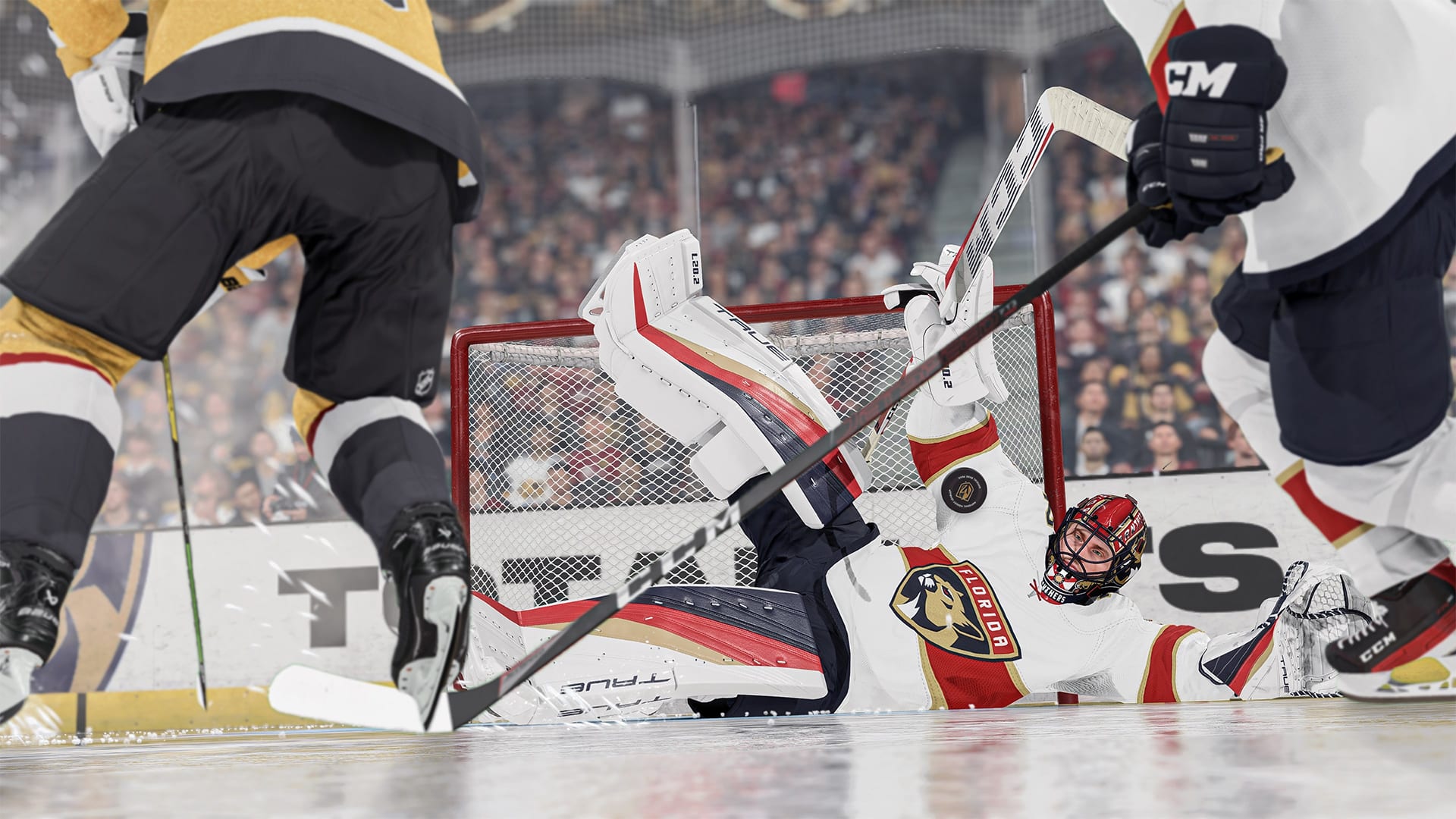
NHL 24 Update 1.20 Hits the Ice for Patch 1.2.0, Patch Notes Listed

EA has pushed NHL 24 update 1.12 (PS5 version 1.020) out on all platforms this November 9, and this is for patch 1.2.0! Expect gameplay-related changes based on community feedback alongside bug fixes. Read on for everything new in the official NHL 24 update 1.2.0 patch notes.

NHL 24 Update 1.20 Patch Notes | NHL 24 Update 1.2.0 Patch Notes | NHL 24 Update 1.020 Patch Notes:

Gameplay

Community Feedback: Lacrosse Shot is too easy to perform with low dekeing rated players.

– Added a chance to bobble a Lacrosse attempt while performing the move using the Total Control skill move button. The lower the deke attribute rating on the skater, the higher the chance for a bobble.

– Increased the difficulty of performing a Lacrosse attempt via Skillstick to match NHL23. The right stick now requires a more consistent Rotation Speed or the skater will lose the puck.

– Skilled Up X-Factor improves the playback speed of the animation like before and keeps control of the puck similar to last patch

Community Feedback: Players are taking unintentional push check related penalties in the offensive zone when trying to one time or shoot a loose puck.

– Holding Vision Control, while in the offensive zone and opponent doesn’t possess the puck will now prioritize Shooting over Hitting when using the Right Stick.

Community Feedback: Players have found unintentional ways to shoot the puck while charging a Pass, resulting in ‘curve’ shots or unrealistic shot animations.

– Fixed the reported issues so players cannot trigger the wrong shot animations and gain an unfair advantage.

Community Feedback: Charging a Shoulder Check can cause your skater to gain a quick boost of speed as they align for a hit which allows them to catch up to players unintentionally.

– The maximum velocity a skater can reach while charging a hit has been capped.

– Removed the bonus Hit Assistance while using Truculence Zone Ability.

Community Feedback: Goalies are stuck in their poke check animation too long without being able to breakout into a save. This allows players to easily bait them into a poke and then score. Some poke check animations take too long for the goalie to extend and recover.

– After the apex of a Goalies poke check animation, they are now able to break out into a save animation.

– Extremely long poke check animations have been shortened to be more consistent with the rest of the poke check animations.

Community Feedback: Players have found a high percentage way to score, while shooting the puck while the goalie is transitioning off Hug Post in a specific pose.

– Slightly increased the distance a Goalie will stay hugging the post when a skater comes out of the corner, allowing them to make more controlled butterfly saves.

Community Feedback: Players have found a way to gain an unintentional boost of speed while saucer passing to themselves with certain skaters and from the backhand.

– The distance the puck travels at minimum power saucer pass is now based on player velocity, pushing the puck further from the player.

Community Feedback: Skaters unintentionally enter the Slap Shot windup animation after stopping Protect Puck while holding right stick in a downward angle.

– Users must release the right stick to the neutral position and push the stick down again to trigger a slapshot windup from protect puck.

Other Fixes:

– Fixed an issue where Vision Pass Icons remained visible after the end of a Period.

– Fixed an issue where NHL Skaters who lost their helmet would not skate directly to the bench.

– Fixed an issue when using Vision Pass to pass to an extra attacker could trigger a poke check animation.

– Fixed an issue where a team may accidentally get a too many men penalty in OT.

– Fixed an issue where an extra Goalie Indicator was visible in Ones.

– Fixed an issue where the faceoff location after a net is knocked off the moorings was incorrect.

– Fixed an issue where certain Shot Block animations were playing incorrectly.

– Fixed an issue where Goalies can get push checked through the net while in Hug Post.

– Fixed an issue where Nets were coming off the mooring too easily during gameplay.

Tournament

Champions Hockey League – Added new rules for the tournament.

– Minor penalties are dealt the same as a major penalty: a team which caused a minor penalty will remain shorthanded even if the opposing team score a goal

– Serving delayed penalties: a minor penalty will be served even if a goal is scored while a delayed penalty is pending

– Shorthanded goal erases current minor penalty: if a shorthanded team score, the minor penalty against will end

Franchise

– Added Regulation Wins to Standings

– Added more chemistry links between X-Factors for abilities based in skating, shooting and puck skills

– Increased impact of total player worth when running Head Coach Preferred Lines for all Coaches

– Fixed an issue where CPU teams couldn’t sign 2-way contracts when up against the salary cap, this change helps teams sign more contracts

– Fixed an issue with CPU teams signing AHL potential players to entry level contracts in Free Agency and during the Re-Sign Phase, this change can prevent teams from signing more contracts and these changes end up canceling out, causing CPU teams to sign roughly the same number of players as before, however they will be signing players who have a better chance at developing

– Fixed issue with the stats shown on the Conn Smythe trophy overlay

– Fixed an issue where players without scouted X-Factors showed up in Player Search when filtering by players with X-Factors

– Improved rookie signing logic so CPU teams can hold off on signing lower overall prospects who have potential until they develop

– Improved CPU team logic so they sign low overall AHL potential players in free agency less frequently

Creation Zone

– Removed invalid UI popup when creating a large number of players and teams

– Added Chel branded NHL goalie equipment to offline creation zone

– Music now ducks when previewing player audio emotes in Creation Zone

– Various UI Fixes

– Fixed an issue causing players to be unable to bypass NHL23-level player, goalie and team creation limits.

Players will now be able to create:

– 80 total teams

– 1750 total skaters

– 250 total goalies

Presentation

– Faceoff Hype Spotlights – Reduced brightness intensity. Animated logos no longer converge on ref’s puck-dropping hand.

– Goal Multiplier Banner now properly appears in broadcast flow in HUT Rush

– Fix for the score clock displaying remaining time incorrectly

– Improved authenticity of Detroit Red Wings goal horn

– Improved authenticity of Buffalo Sabres goal horn – three blasts

Commentary

– Fix for incorrect reference to overtime in shootout mode

– Fix for incorrect reference to “first goal” on goals scored in WoC drop-in

– Improvement to Shot Block commentary flow

– Fix for intro speech incorrectly referencing teams being from Western/Eastern conference teams

World of Chel

Matchmaking Update:

Community Feedback: When forming a Drop-in Team in WOC, users may have to wait the full matchmaking time looking for a User Goalie who may not be available.

Once a Drop-in Team has reached Max Skaters, the team will continue to search for a User Goalie for 5 seconds and then automatically begin searching for an opponent.

Club Info / Player Stats Drawer Update:

In preparation for EASHL Club Finals, we have restructured the way the Club Info / Player Stats Drawer appears in WOC modes. The info displayed will be relevant to the mode you are currently in, with the ability to toggle between Club Info and Skater/Goalie stats using the Right Stick.

Creation Zone Update in World of CHEL:

Community Feedback: The multiple presets within CZ is very confusing to users, many of which don’t even realize they have to customize Home and Away separately for Skater Casual and Pro as well as Goalie Causal and Pro

Consolidated the Home/Away/Alternate outfit Presets to a single button instead of a subscreen to make the switch between each simpler to understand.

Edits from Character Appearance (inclusive of applying a special character), Details, Shot Style, and Skating Style will be copied between Home/Away/Alternate outfit presets, so the user doesn’t have to manually maintain these changes for consistency between them. We did leave everything else to be manually edited so a user could decide they may want a completely different clothing and equipment style between Home/Away for example.

– Fixed a crash that would occur when a user navigates to the customization screen from recent items after opening the World of Chel Starter bag

– Fixed an issue where Player names are displayed as “EA PLAYER” throughout Leaderboards

– Fixed an issue where the Ones/Threes Eliminator leaderboards were not displaying the rankings

– Fixed an issue where push checks were leading to a lot of penalties around the net

– Fixed an issue where rarely a goalie could get push checks through the net while in a standing hug post

– Fixed an issue where the player avatar isn’t loading correct in the World of Chel Main Hub, or in Gameplay

– Fixed an issue where the stats drawer was missing the player level and gamerpic

– Fixed an issue where the glass would never break in the Carter Lake arena

– Fixed an issue where the player banner backgrounds are squished during the starter bag open animation

– Fixed an issue where the character and scene darken for a moment before loading into free skate

– Fixed an issue where the score clock has the EASHL logo overlapping the team’s name in EASHL

– Fixed an issue where special character would appear in the presets after editing multiple presets

– Fixed an issue where the special characters do not reflect the current selected home or away presets

– Fixed an issue where having a facemask equipped before equipping a special character will result in their mouths being closed

– Fixed an issue where special characters would cause minor rendering issues on the ice

– Fixed an issue where alternate Pro presets couldn’t select a special character

– Fixed an issue where if you had a special character equipped on loadout slot 11 and reboot the game it would then show loadout slot 11 as locked

– Fixed an issue where World of Chel store displays countdown timers as expired when quick resuming

– Fixed an issue where non-actionable buttons were present when selecting certain items in the World of Chel store

– Fixed an issue where the Home/Away options would stay on screen when purchasing a banner

– Fixed an issue where the soundtrack was still playing when emotes were being previewed

– Fixed an issue there equipping the Chel helmets would cause customizable helmets to read as non-editable

– Fixed an issue where new branded gear is not sorted alphabetically in the customize tab

– Fixed an issue where rarities are not present on default unlocks in the World of Chel creation zone

– Fixed an issue where the helmet cage color wasn’t locked/disabled if the user’s helmet did not support a cage

– Fixed an issue where changing Club Identity or Captaincy sometimes caused crashes for club members

– Fixed an issue where the user was unable to navigate to the club alternate jerseys in the post matchup dressing room

– Fixed an issue where the user would crash when inviting another user to the club when the club was just created

– Fixed an issue where a user was not presented with an error message when sending club invites to a user who has blocked communication set to on

– Fixed an issue where the EASHL stats drawer was not tracking 3v3 and 6v6 stats separately

– Fixed an issue where the condensed info drawer doesn’t show up in the EASHL 3v3/6v6 dressing room

– Fixed an issue where it was possible to search solo in quickplay 3v3 as a club

– Fixed an issue where Away and Alternate fonts for club jerseys had extra color zones with no functionality

– Fixed an issue where the user was able to open the select mode option overtop of match strategies in the clubs dressing room

– Fixed an issue where Club Finals Drawer was appearing outside of the club finals dressing room if the if the user leaves their club while in a dressing room and creates another club

– Fixed an issue where the club UI overlaps when user is in gameplay

– Fixed an issue where the club finals champion message had text that was cut off on the screen

– Fixed an issue where the correct club jersey was not being displayed in the dressing room

– Fixed an issue where crowds are not wearing the home club colors

– Fixed an issue where selecting the logo tile in stock branding took the user to a blank screen

– Fixed an issue where the user was removed from the dressing room after a game if they selected the Battlepass unlocked items pop up

– Fixed an issue where the XP token appeared squished if the user opened Battle Hub Rewards while on the Battlepass Tab

– Fixed an issue where users would receive a debug text message when trying to use a Battlepass token after they had completed the current Battlepass

– Fixed an issue where the locked icon appears in the wrong place for Battlepass items the user has not unlocked yet

– Fixed an issue where the pause text was missing when a global xp token is active

– Fixed an issue where the user would get softlocked in-between the state screen of Battlepass when timer hits zero

– Fixed an issue where the premium Battlepass reward tiles were showing the incorrect color in the Tiers unlocked screen after returning to the World of Chel

– Fixed an issue where the pre-order Battlepass XP multiplier tokens would temporarily disappear after completing the Battlepass

– Fixed an issue where the scrollbar issue in the Battlepass tier rewards

– Removed text that incorrectly showed a chapter completion reward in Pro-Am

– Fixed an issue where the locked icon only showed in from of the Player XP reward and not the Battlepass XP reward for Pro-Am games

– Fixed an issue where the Pro-Am reward icons were inconsistent sizes

– Fixed an issue where reporting a user through EA Layer would cause an error saying, “content could not be reported.”

– Fixed an audio issue that would say it was a user’s first goal with this team in every drop-in game

– Fixed an issue where the VOIP status icons were missing in the VOIP overlay during gameplay for World of Chel and Online Versus games

– Fixed an issue where the VOIP icon triggers when a user is not talking instead of when they are talking

– Fixed a text issue where the goalie save % was 3 decimal points

– Fixed various missing assets & text in World of Chel

– Fixed multiple debug text, wrong text, and wrong color text issues

Hockey Ultimate Team

– Removed fighting from HUT Moments

– Fixed issue in HUT Moments where coins earned would not be granted until backing out to HUT Main Menu.

– Fixed issue in HUT Rush where pack was not displaying correctly.

– Fixed issue in Trade Pile screen where backing out from Compare Price took you to the wrong screen.

– Fixed issue where some Jersey images were not displayed at the correct proportions on items.

– Fixed issue with ability to edit extra attackers and shootout lineup.

– Various UI fixes.

Uniforms

The following uniforms have been added or updated in NHL 24

NHL

Calgary Flames – Away and Heritage Classic

Carolina Hurricanes – Home, Away and Third

Edmonton Oilers – Heritage Classic

Florida Panthers – Home

Los Angeles Kings – Home

Nashville Predators – Home and Away

Ottawa Senators – Home

Pittsburgh Penguins – Away

Toronto Maple Leafs – Home, Away and Third

AHL

Bakersfield Condors – Third

ECHL

Adirondack Thunder – Home and Away

Allen Americans – Home and Away

Florida Everblades – Home and Away

Greenville Swamp Rabbits – Home and Away

Idaho Steelheads – Home and Away

Kalamazoo Wings – Home and Away

Norfolk Admirals – Home and Away

Rapid City Rush – Home and Away

Worcester Railers – Home and Away

Canadian Hockey League

Brandon Wheat Kings – Third

Lethbridge Hurricanes – Third

Liiga

Lahden Pelicans – Home and Away

Tappara Tampere – Home and Away

SHL

Frolunda HC – Home and Away

Linkoping HC – Home and Away

Modo Hockey – Home and Away

Rogle BK – Home and Away

Skelleftea AIK – Home and Away

That’s about it for this patch. Once another one is released, we’ll be sure to post it ASAP.

Source: EA

Avatar photo

Alex Co

Father, gamer, games media vet, writer of words, killer of noobs.

Home > News

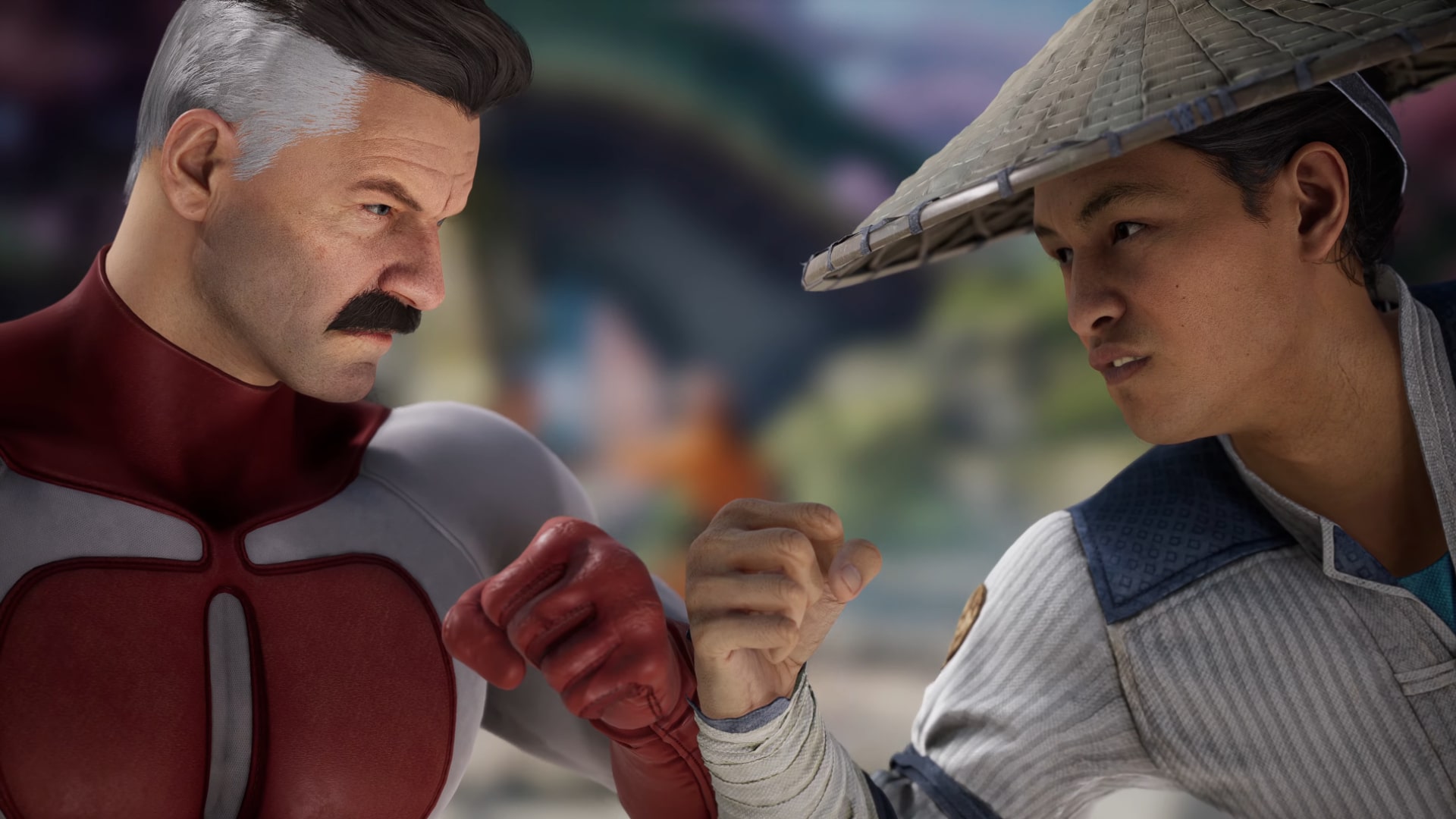
Mortal Kombat 1 Update 1.001.003 Flies Out for Second Patch Today (Update)

Mortal Kombat 1 update 1.001.003 has just been released by NetherRealm Studios this November 9, and this is the the second patch that was released (well, third, but you’ll jump to this immediately if you’re only updating your game client now), with the first patch released just minutes ago clocking in at a whopping 12GB.

Mortal Kombat 1 Update 1.001.003 Patch Notes:

Size: 800MB (PS5)

Update: NetherRealm Studios has released the official patch notes!

NOVEMBER UPDATE

  • Move list corrections
  • Localization fixes
  • AI adjustments & improvements
  • Improvements to Screen Reader & Test to Speech functionality
  • Fixed issue causing character dialogue during a brutality to be missing facial animations
  • Improvements to filtering in Kombat League Leaderboards
  • Fixed issue that could cause notification indicator to not disappear after checking a new Kombo Challenge
  • Fixed rare issue that could cause the game to become unresponsive if the user performs a certain sequence of actions involving Quick Resume
  • Fixed several visual issues with brutalities
  • Interrupting a Kameo will no longer occasionally not cause damage if the Kameo was recently interrupted by a Fatal Blow
  • Fixed issue with “Become A Ninja In No Time” Trophy / Achievement not unlocking correctly when using cross-progression
  • Adjustments to scoring for Endless Tower
  • Fixed rare crash that could occur when an online opponent declined after connecting
  • Fixed rare crash that could occur when a player’s notification window is holding a large amount of messages
  • Fixed several issues that could cause desyncs in King of the Hill
  • Added additional Kombo Challenge for Fighters

Practice Mode

  • Players can now change the current Kameo for either team from within Practice Settings
  • Fixed issue with Playback Recording that could cause a character’s Tagged Moves to persist on screen
  • Kustomize Kontrol settings will now always properly apply when using Recording
  • Adjusted how Auto Block setting works with Sub-Zero’s Deadly Vapors

Invasions

  • Fixed visual issues that could occur when travelling between Encounters and repeatedly pressing the inventory button
  • Maximum Damage is now disabled in most Encounters
  • Additional uses of the Ethereal Talisman will now count toward the progress of the “Talis-mania” achievement
  • Fixed visual issue where some characters’ weapon animations could become out of sync with the character after teleporting to Shop or Forge
  • Scorpion’s Enhanced Devouring Flame will no longer occasionally cause issues if it defeats a boss enemy in the first phase of the fight
  • Fixed visual issues with some Kombat Modifiers
  • Fixed missing audio when defeating an airborne opponent in an endurance match
  • Fixed issue with endurance matches preventing the AI from performing Shang Tsung Old Morph
  • Fixed crash that could occur when recharging a Talisman with more than 8 charges
  • Fixed rare issue that could cause the game to become unresponsive if disconnected from the internet while at the Mesa Selection

Character Specific Adjustments

  • Ashrah – Fixed hitting an airborne opponent with Ascension outside of a combo causing the opponent to appear at an incorrect location in the air
  • Geras – Double Time attacks will no longer sometimes not work correctly with certain changes with Kontrols
  • Geras – Fixed visual issue that could occur when using Fixed Point while Sub-Zero’s Arctic Armor is active
  • Havik – Fixed hitting an airborne opponent with final hit of Helping Hand outside of a combo causing the opponent to appear at an incorrect location in the air
  • Johnny Cage – Reduced base health value to 650 (from 700)
  • Johnny Cage – Sky Die (Up + Front Punch) is now able to be parried by Johnny Cage’s Fatal Blow
  • Kenshi – Fixed issue which was preventing forward throws using Kameo from executing while Ancestor is active
  • Kenshi – Enhanced Demon Drop can now be Up Blocked
  • Kung Lao – Fixed hitting an airborne opponent with Soaring Monk outside of a combo causing the opponent to appear at an incorrect location in the air
  • Kung Lao – Fixed visual issue with his hat returning with no visual effects in certain circumstances
  • Mileena – Adjusted auto-facing of Enhanced Roll follow-up attack
  • Mileena – Fixed rare issue with Teleport Down when used against a cornered opponent that could cause players to be outside the arena for a short time
  • Nitara – Fixed hitting an airborne opponent with Flying Kolors (Back Punch, Back Punch, Front Punch) outside of a combo causing the opponent to appear at an incorrect location in the air
  • Nitara – Fixed visual issue with wings animation being incorrect when a throw escape occurs
  • Rain – Holding Rain God now allows for additional diagonal Up directions
  • Rain – Fixed rare issue with Water Gate Teleport not moving to correct location when cancelled from attacks in certain circumstances
  • Rain – Fixed visual issue that could cause jittering animation when landing from Overkast (Jump + Back Punch, Back Kick) or Drownpour (Jump + Back Punch, Back Kick, Front Kick)
  • Rain – Fixed AI being unable to use Water Gate portals
  • Reptile – Fixed issue that could cause Dash Attack to sometimes be throw immune when blocked
  • Shang Tsung – Fixed being able to slightly extend opponent morph duration by ducking without inputting any actions
  • Shang Tsung – Fixed Enhanced Inspire while morphed into Sindel not triggering Breaker Denied when the opponent attempts a Breaker
  • Sindel – Fixed Enhanced Queen’s Command not preventing opponent from performing Fatal Blow after it has hit
  • Sindel – Fixed issue with lingering visual effects if Inspire is performed as Shang Tsung morphed into Sindel
  • Smoke – Fixed being able to cancel Tele-Stab (Back + Back Punch) after it is Up Blocked
  • Smoke – Fixed visual issue with opponent’s animation when they are defeated by Fatal Blow
  • Smoke – Fixed visual issue during the startup of Smoke-Port
  • Cyrax (Kameo) – Reduced knock out duration when hit during Self-Destruct to 3 seconds (from 6)
  • Frost (Kameo) – Fixed issue which could cause an opponent to clip through the ground if hit while frozen from Ice Karpet at specific timing
  • Goro (Kameo) – Fixed rare issue with Shokan Stomp that could prevent a player from performing some special cancels with specific timing
  • Jax (Kameo) – Fixed rare situations where Ground Pound was not considering the opponent to be in a reaction
  • Motaro (Kameo) – Reduced knock out duration when hit during Reflect to 3 seconds (from 6)
  • Motaro (Kameo) – Fixed issue with interrupting Charge! Fatal Blow which could cause the background visual effects to linger
  • Sareena (Kameo)  Fixed issue that could prevent brutalities from being performed in a Kombo after defeating the opponent with Kia’s Blades
  • Scorpion (Kameo)  Fixed rare bug that could cause Get Over Here to pass through the Fighter if they are hit at a specific timing
  • Sektor (Kameo)  Fixed rare issue with Activate Homing that could prevent a player from performing some special cancels with specific timing
  • Shujinko (Kameo)  Reduced knock out duration when hit during Meditate to 3 seconds (from 6)
  • Shujinko (Kameo)  Fixed using Reiko’s Retaliation as a special cancel after Apep Punch or Konquest Kick not being able to Parry
  • Shujinko (Kameo)  Fixed issues with Mimic & Kopy Kat Invisibility lingering into cinematics
  • Shujinko (Kameo)  Fixed visual issue causing claws to appear clipping through the ground when performing Kopy Kat against Shang Tsung
  • Shujinko (Kameo)  Fixed AI being unable to use several stolen moves

  • We spotted that all DLC fighters are now included in the roster selection screen.
  • We spotted all DLC Kameos are now on the selection screen.

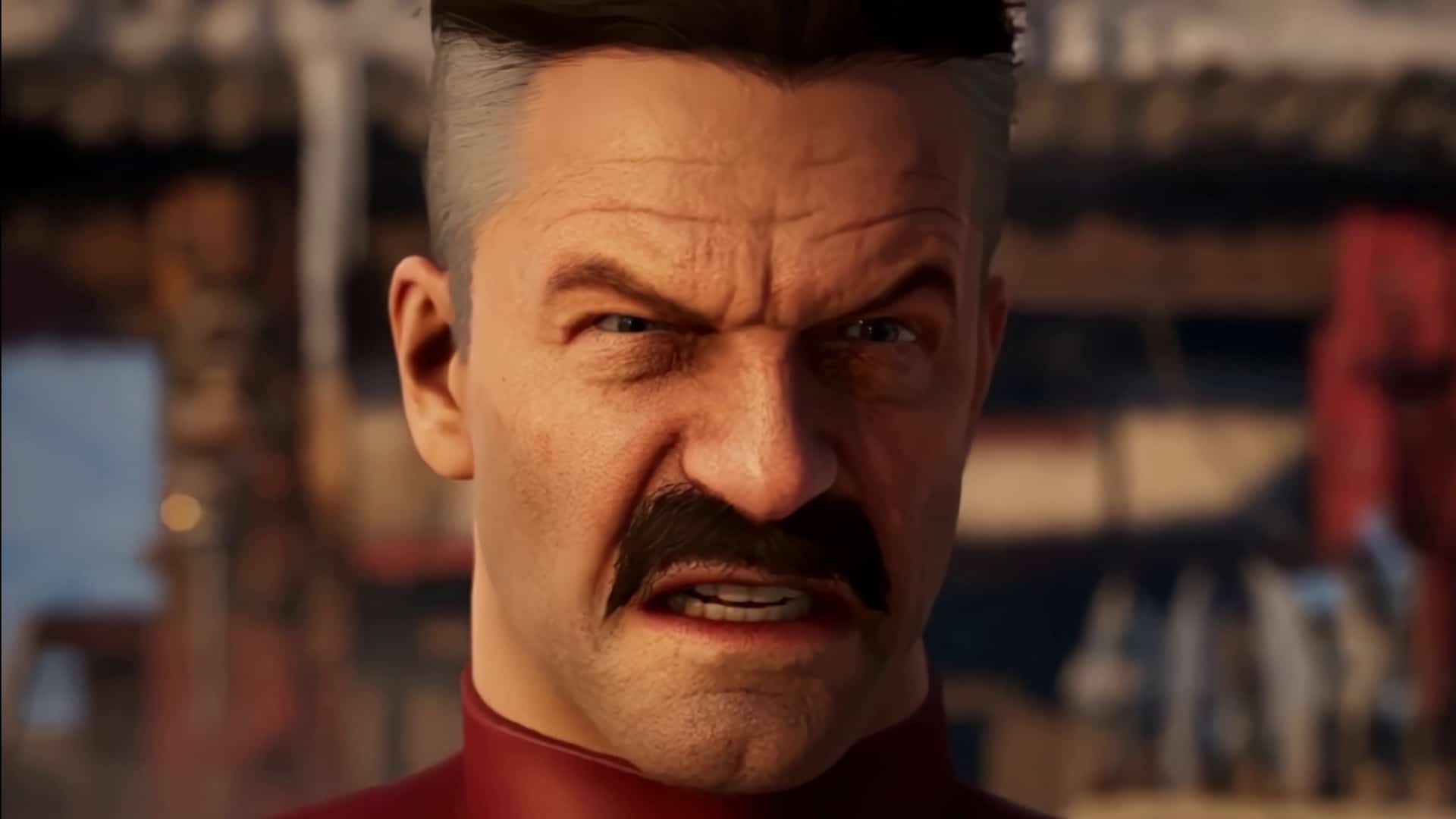
Note that this small update is more than likely the license for Omni-Man hence the quick follow up patch.

So far, NetherRealm Studios has not released the official patch notes just yet, though that will change within the day. For now, go watch the gameplay for both Omni-Man right here to see how he plays in the game. Tremor, who is an upcoming kameo fighter, is included in the patch as well, though he won’t be available until much later.

Don’t forget, Season Pass holders can snag the new fighters for free right now, though they will also be available for purchase piecemeal at a later date.

Stay tuned for the official patch notes, which should be available soon! Refresh this article from time to time to see what changes have been made.

Update: Official patch notes have been added!

Source: Mortal Kombat

Avatar photo

Alex Co

Father, gamer, games media vet, writer of words, killer of noobs.

Home > News

Mortal Kombat 1 Update 1.001.001 Smashes Out for New Fighters and More (Update)

NetherRealm Studios has punched out Mortal Kombat 1 update 1.001.001 on all platforms this November 9, and this brings a new character in Omni-Man into the game alongside other changes. Read on for what’s new in the MK1 patch notes for today.

Mortal Kombat 1 Update 1.001.001 Patch Notes | MK1 Patch Notes for Today:

Size: 12GB (PS5), 22.9GB (Steam), 19GB (Xbox)

Update: NetherRealm has released another patch today, which you can read about here.

Update 2: NetherRealm has released the official patch notes.

NOVEMBER UPDATE

General Gameplay Adjustments

  • Move list corrections
  • Localization fixes
  • AI adjustments & improvements
  • Improvements to Screen Reader & Test to Speech functionality
  • Fixed issue causing character dialogue during a brutality to be missing facial animations
  • Improvements to filtering in Kombat League Leaderboards
  • Fixed issue that could cause notification indicator to not disappear after checking a new Kombo Challenge
  • Fixed rare issue that could cause the game to become unresponsive if the user performs a certain sequence of actions involving Quick Resume
  • Fixed several visual issues with brutalities
  • Interrupting a Kameo will no longer occasionally not cause damage if the Kameo was recently interrupted by a Fatal Blow
  • Fixed issue with “Become A Ninja In No Time” Trophy / Achievement not unlocking correctly when using cross-progression
  • Adjustments to scoring for Endless Tower
  • Fixed rare crash that could occur when an online opponent declined after connecting
  • Fixed rare crash that could occur when a player’s notification window is holding a large amount of messages
  • Fixed several issues that could cause desyncs in King of the Hill
  • Added additional Kombo Challenge for Fighters

Practice Mode

  • Players can now change the current Kameo for either team from within Practice Settings
  • Fixed issue with Playback Recording that could cause a character’s Tagged Moves to persist on screen
  • Kustomize Kontrol settings will now always properly apply when using Recording
  • Adjusted how Auto Block setting works with Sub-Zero’s Deadly Vapors

Invasions

  • Fixed visual issues that could occur when travelling between Encounters and repeatedly pressing the inventory button
  • Maximum Damage is now disabled in most Encounters
  • Additional uses of the Ethereal Talisman will now count toward the progress of the “Talis-mania” achievement
  • Fixed visual issue where some characters’ weapon animations could become out of sync with the character after teleporting to Shop or Forge
  • Scorpion’s Enhanced Devouring Flame will no longer occasionally cause issues if it defeats a boss enemy in the first phase of the fight
  • Fixed visual issues with some Kombat Modifiers
  • Fixed missing audio when defeating an airborne opponent in an endurance match
  • Fixed issue with endurance matches preventing the AI from performing Shang Tsung Old Morph
  • Fixed crash that could occur when recharging a Talisman with more than 8 charges
  • Fixed rare issue that could cause the game to become unresponsive if disconnected from the internet while at the Mesa Selection
  • Ashrah – Fixed hitting an airborne opponent with Ascension outside of a combo causing the opponent to appear at an incorrect location in the air
  • Geras – Double Time attacks will no longer sometimes not work correctly with certain changes with Kontrols
  • Geras – Fixed visual issue that could occur when using Fixed Point while Sub-Zero’s Arctic Armor is active
  • Havik – Fixed hitting an airborne opponent with final hit of Helping Hand outside of a combo causing the opponent to appear at an incorrect location in the air
  • Johnny Cage – Reduced base health value to 650 (from 700)
  • Johnny Cage – Sky Die (Up + Front Punch) is now able to be parried by Johnny Cage’s Fatal Blow
  • Kenshi – Fixed issue which was preventing forward throws using Kameo from executing while Ancestor is active
  • Kenshi – Enhanced Demon Drop can now be Up Blocked
  • Kung Lao – Fixed hitting an airborne opponent with Soaring Monk outside of a combo causing the opponent to appear at an incorrect location in the air
  • Kung Lao – Fixed visual issue with his hat returning with no visual effects in certain circumstances
  • Mileena – Adjusted auto-facing of Enhanced Roll follow-up attack
  • Mileena – Fixed rare issue with Teleport Down when used against a cornered opponent that could cause players to be outside the arena for a short time
  • Nitara – Fixed hitting an airborne opponent with Flying Kolors (Back Punch, Back Punch, Front Punch) outside of a combo causing the opponent to appear at an incorrect location in the air
  • Nitara – Fixed visual issue with wings animation being incorrect when a throw escape occurs
  • Rain – Holding Rain God now allows for additional diagonal Up directions
  • Rain – Fixed rare issue with Water Gate Teleport not moving to correct location when cancelled from attacks in certain circumstances
  • Rain – Fixed visual issue that could cause jittering animation when landing from Overkast (Jump + Back Punch, Back Kick) or Drownpour (Jump + Back Punch, Back Kick, Front Kick)
  • Rain – Fixed AI being unable to use Water Gate portals
  • Reptile – Fixed issue that could cause Dash Attack to sometimes be throw immune when blocked
  • Shang Tsung – Fixed being able to slightly extend opponent morph duration by ducking without inputting any actions
  • Shang Tsung – Fixed Enhanced Inspire while morphed into Sindel not triggering Breaker Denied when the opponent attempts a Breaker
  • Sindel – Fixed Enhanced Queen’s Command not preventing opponent from performing Fatal Blow after it has hit
  • Sindel – Fixed issue with lingering visual effects if Inspire is performed as Shang Tsung morphed into Sindel
  • Smoke – Fixed being able to cancel Tele-Stab (Back + Back Punch) after it is Up Blocked
  • Smoke – Fixed visual issue with opponent’s animation when they are defeated by Fatal Blow
  • Smoke – Fixed visual issue during the startup of Smoke-Port
  • Cyrax (Kameo) – Reduced knock out duration when hit during Self-Destruct to 3 seconds (from 6)
  • Frost (Kameo) – Fixed issue which could cause an opponent to clip through the ground if hit while frozen from Ice Karpet at specific timing
  • Goro (Kameo) – Fixed rare issue with Shokan Stomp that could prevent a player from performing some special cancels with specific timing
  • Jax (Kameo) – Fixed rare situations where Ground Pound was not considering the opponent to be in a reaction
  • Motaro (Kameo) – Reduced knock out duration when hit during Reflect to 3 seconds (from 6)
  • Motaro (Kameo) – Fixed issue with interrupting Charge! Fatal Blow which could cause the background visual effects to linger
  • Sareena (Kameo)  Fixed issue that could prevent brutalities from being performed in a Kombo after defeating the opponent with Kia’s Blades
  • Scorpion (Kameo)  Fixed rare bug that could cause Get Over Here to pass through the Fighter if they are hit at a specific timing
  • Sektor (Kameo)  Fixed rare issue with Activate Homing that could prevent a player from performing some special cancels with specific timing
  • Shujinko (Kameo)  Reduced knock out duration when hit during Meditate to 3 seconds (from 6)
  • Shujinko (Kameo)  Fixed using Reiko’s Retaliation as a special cancel after Apep Punch or Konquest Kick not being able to Parry
  • Shujinko (Kameo)  Fixed issues with Mimic & Kopy Kat Invisibility lingering into cinematics
  • Shujinko (Kameo)  Fixed visual issue causing claws to appear clipping through the ground when performing Kopy Kat against Shang Tsung
  • Shujinko (Kameo)  Fixed AI being unable to use several stolen moves

  • We spotted that all DLC fighters are now included in the roster selection screen.
  • We spotted all DLC Kameos are now on the selection screen.

So far, NetherRealm Studios has not released the official patch notes just yet, though that will change within the day. For now, go watch the gameplay for both Omni-Man right here to see how he plays in the game. Tremor, who is an upcoming kameo fighter, is included in the patch as well, though he won’t be available until much later.

Don’t forget, Season Pass holders can snag the new fighters for free right now, though they will also be available for purchase piecemeal at a later date.

Stay tuned for the official patch notes, which should be available soon! Refresh this article from time to time to see what changes have been made.

Update: Official patch notes have been added!

Source: Mortal Kombat

Avatar photo

Alex Co

Father, gamer, games media vet, writer of words, killer of noobs.

Home > News

Marvel’s Spider-Man 2 Sales Break 5 Million Copies

With this many Spider-Men, it’s a shock that there’s any crime left in New York City. Insomniac Games announced early this morning that Marvel’s Spider-Man 2 sales have crossed the 5 million copies line.

In a tweet from the official Insomniac Games account, the team shared their gratitude towards players with a Kraven the Hunter GIF:

Five million is no small feat. For comparison, Lords of the Fallen recently surpassed 1 million sales in its first 10 days. Cyberpunk 2077: Phantom Liberty, which was also very well received, sold 3 million copies in its first week. 5 million in less than a month is pretty impressive, and it’s well-deserved for a game as widely praised as Insomniac’s latest.

If you’d like to read more about Spider-Man 2, you can check out our review at this link. Our reviewer gave it a 9/10 and said “Spider-Man 2 is a worthy sequel to both of Insomniac’s previous entries and delivers a complex story that will please all fans of the webhead.”

More Spider-Man 2 Reading

Jack Breitenbach

Game the night away!

Home > News

Baldur’s Gate 3 Update 1.004.001 Brings Hotfix 10, Here Are the Patch Notes

Larian Studios has released Baldur’s Gate 3 update 1.004.001, and this is for hotfix 10! This once again brings a host of gameplay improvements and bug fixes, which includes Shadowheart not following the party and more. Read on for the complete BG3 patch notes for the update released this November 9.

Baldur’s Gate 3 Update 1.004.001 Patch Notes | BG3 Hotfix 10 Patch Notes:

Size: 798MB (PS5)

This hotfix corrects an issue where Astarion’s voice wasn’t quite following what he was supposed to say during dialogues.

Speaking of following, we’ve also asked Shadowheart to stop getting distracted by the wonderful vistas of the Sword Coast. She should now follow along with the rest of the team.

FIXES:

  • Fixed Shadowheart not following the party.
  • Fixed the sliders for eye makeup and tattoo intensity not working on controller.
  • Fixed a potential crash relating to Vulkan. This solves the DEVICE_LOST error upon minimising the game window.
  • Fixed an issue causing a desync between Astarion’s voiced lines and subtitles.
  • Player characters will no longer be on literal fire in the scene with Vlaakith in the crèche.
  • Fixed male dwarf barbarians’ shoes, which were missing their texture and looked like big blueberries.
  • The waypoints menu now opens correctly when triggered from the Character Sheet on controller.
  • Fixed items always being picked up as wares after you picked up at least one as a ware.
  • Fixed enemies in Ramazith’s Tower getting stuck during combat if they are trying to fly from a lower floor to reach players on an upper floor.

In other Baldur’s Gate 3 news, Larian released Patch 4 last week, which housed over 1000 fixes! As for the Xbox version, Larian states it is still due for release before the end of the year.

Source: Steam

Avatar photo

Alex Co

Father, gamer, games media vet, writer of words, killer of noobs.

Home > News

God of War Ragnarok 1-Year Anniversary Celebrated With New Episode of Midgard Mishaps And Rapping Kratos

Who doesn’t like to have a good laugh once in a while in video games? Well, the folks at Santa Monica Studios certainly love to, and much like God of War 2018, development on the sequel, God of War Ragnarok, wasn’t quite as smooth as the final product, as the team ran into countless bugs throughout. Lucky you, to celebrate the 1 year anniversary of God of War Ragnarok, Santa Monica has released the follow-up episode of Midgard Mishap showcasing those bugs. Get ready for some laughs and possibly some nightmare-inducing bugs. 

God of War Ragnarok Midgard Mishaps Episode 2

Oh, and here’s, huh, this. 

Santa Monica also had this to share about God of War Ragnarok 1-Year Anniversary:

“The team at Santa Monica Studio poured their hearts and souls into God of War Ragnarök, and along the way, encountered some unforgettable mishaps. For the one-year anniversary, we wanted to share a few of the unexpected moments from development that remind us how complex, challenging, and unintentionally hilarious making a game can be. A special thank you to the fantastic QA teams at Santa Monica Studio, PlayStation, and our partners around the world whose invaluable work helped keep these mishaps out of the experience we were able to share with fans one year ago!”

It may not be a surprise game update or the announcement of DLC, but hey, at least it gave us some good laughs. Also, can we please get that glorious Valkyrie version of Kratos as a skin? It may be silly, but that’s exactly why we want it!

Either way, here’s hoping that Santa Monica Studios is working on something related to the game, be it a brand-new update or a DLC expansion of sorts.

Avatar photo

James Lara

A gamer at heart, James has been working for MP1st for the last decade to do exactly what he loves, writing about video games and having fun doing it. Growing up in the 90's gaming has been in his DNA since the days of NES. One day he hopes to develop his own game.

Home > News

GTA Online Weekly Update for November 9 – Discounts, GTA Plus & More

Rockstar Games has unleashed a new GTA Online weekly update for November 9 with a fresh set of activities plus discounts, GTA Plus benefits and more! Read on for the full highlights and details in one convenient list below.

New GTA Online Weekly Update for November 9 – Discounts, GTA Plus & More:

The Sprunk & eCola Challenge returns to GTA Online, encouraging the community to show their support of either Sprunk and eCola, and to unite to drink 100 million cans in total by November 29, for the chance to receive the new Sprunk x eCola Bodysuit, plus a Sprunk x eCola livery and vanity plates coming later this year.

Simeon Yetarian is also sweetening the deal for his loyal employees – launching Simeon’s Employee of the Month Challenge, offering special rewards for the entire GTA Online community should they collectively complete GTA$15,000,000,000 worth of Simeon Export requests by November 15.

Full details include:

  • 5X GTA$ for Taxi Work
  • Triple GTA$ and RP on Kill Quota, VIP Work and Challenges
  • Double GTA$ and RP on Import/Export Sell Missions
  • New Sprunk & eCola Challenge: join the community to drink a combined 100 million cans of Sprunk and eCola by November 29 to unlock the new Sprunk x eCola Bodysuit and a Sprunk x eCola livery and vanity plates later this year
  • Simeon’s Employee of the Month Challenge: Collectively complete GTA$15,000,000,000 worth of Simeon Export Requests by November 15 to earn a special livery later this year
  • 50% off Executive Offices, Vehicle Warehouses, and HSW Conversions
  • On PlayStation 5 and Xbox Series X|S:
    • Premium Test Ride: The Principe Deveste Eight
    • This week’s HSW Time Trial takes place between Terminal and Chiliad Mountain State Wilderness
  • This week at Simeon’s Premium Deluxe Motorsport Showroom: The Vysser Neo, Pegassi Infernus, Grotti Cheetah, Bravado Banshee, and Ocelot Locust
  • On Display at the Luxury Autos Showroom: The Übermacht Revolter and Emperor ETR1
  • LS Car Meet Test Rides: The Obey 9F Cabrio, Progen GP1, and Pfister 811
  • LS Car Meet Prize Ride: Place in the Top 6 of the LS Car Meet Serries two days in a row to earn the Dewbauchee Rapid GT Classic
  • Lucky Wheel Top Prize: The Ocelot Penetrator
  • Vehicle Discounts: 50% off the Pegassi Infernus and Grotti Cheetah, 40% off the Obey 9F Cabrio, Progen GP1, Vysser Neo, Pfister 811, Ocelot Locust, and Grotti Itali GTO Stinger TT, and 25% off the Mammoth F-160 Raiju
  • Gun Van Discounts: 20% off the Military Rifle, 40% off the Fireworks Launcher for GTA+ Members
  • GTA+ Members: Free Ocelot Pariah, Boosted chance of finding Diamonds in The Diamond Casino Heist vault each week, 40% off Arcade Upgrades and Modifications, 50% off Super Yacht and Casino Penthouse Modifications, free clothing and much more

GTA+:

Step your game up with GTA+ membership status and claim the following benefits and privileges through December 11:

  • Free Ocelot Pariah (Sports)
  • Bleedin’ Tasty Hoodie and Bleedin’ Tasty Shorts, Cluckin’ Bell Hoodie and Cluckin’ Bell Cuffed Sweats
  • Boosted chance of finding Diamonds in The Diamond Casino Heist vault each week
  • 40% off Arcade Upgrades and Modifications
  • 50% off Super Yacht and Casino Penthouse Modifications

And much more, including a GTA$500,000 bonus delivered upon billing each month, access to The Vinewood Car Club, and other benefits updated monthly. Visit the GTA+ website for the complete breakdown.

Discounts:

Drink up: take advantage of open bars inside The Diamond Casino & Resort, and enjoy 40–50% off a range of high-value properties and vehicles, including Vehicle Warehouses, Executive Offices, conversion costs at Hao’s Special Works, returning sportscars and supercars, and more:

  • Vehicle Warehouses – 50% off
  • Executive Offices – 50% off
  • HSW Conversion Costs – 50% off
  • Pegassi Infernus (Super) – 50% off
  • Grotti Cheetah (Super) – 50% off
  • Obey 9F Cabrio (Sports) – 40% off
  • Progen GP1 (Super) – 40% off
  • Vysser Neo (Sports) – 40% off
  • Pfister 811 (Super) – 40% off
  • Ocelot Locust (Sports) – 40% off
  • Grotti Itali GTO Stinger TT (Sports) – 40% off
  • Mammoth F-160 Raiju (Plane) – 25% off

Gun Van Inventory and Discounts:

Crowbar | Railgun | Widowmaker | Up-N-Atomizer | Unholy Hellbringer | Fireworks Launcher (40% off for GTA+ Members) | Tactical SMG | Military Rifle (20% off) | Compact EMP Launcher | Grenades | Molotovs | Pipe Bombs | Armor

That’s all for this week’s update. Check again next Thursday for the new GTA Online weekly update.

Avatar photo

Salman Haider Zaidi

That's a nice argument, Senator.

Home > News

Farming Simulator 22 Update 1.25 Crops Out for New Content, Features, and Fixes

Farming Simulator 22 update 1.25 (PS5 version 1.240) is now on all platforms, bringing patch 1.13.1 content. A new firefighting suit features, and of course, bug fixes. Check out the Farming Simulator 22 August 3 patch notes down below.

Farming Simulator 22 Update 1.25 Patch Notes | Farming Simulator 22 Update 1.240 | Farming Simulator 22 Update 1.13.1 Patch Notes | Farming Simulator 22 Patch Notes for November 9

New Additions

  • Added Firefighting Suit

Bugfixes & Changes

  • Adjustments on Kröger PWO 24 and increased available wheelconfigurations
  • Fixed issues with mod updates if the game has not been restarted

Arena-Mode

  • Added functionality for players to initiate a technical break
  • Fixed various issues with technical break
  • Fixed various issues after a game reset
  • Fixed direct delivery drop calculation
  • Fixed admin settings on console
  • Improved overloading into Kinze trailer

Modding

  • New GIANTS Editor 9.0.5 is needed for map modding
  • Changing the number of angle channels for the fields no longer needs a separate custom shader
  • Fixed crashes on maps with an empty traffic system

Additionally, a free Emergency Pack is also available on PC and Consoles. Which adds the following:

Respond to Emergencies!

Developed by Creative Mesh, makers of Pumps N’ Hoses and Straw Harvest, the Emergency Pack offers you ten emergencies from four different scenarios that occur on and around local farmlands. When the pager starts to beep, you dispatch with two multifunctional firetrucks and a variety of professional tools to rush to the scene.

Fight Fires, Rescue People – and Cats!

Your responsibilities as a firefighter include, well… firefighting, of course, as well as mitigation of hazardous, obstructive materials on the road (like trees or oil spills), and technical rescue of injured passengers in a car crash. More than that, a good firefighter also responds to helpless kittens stuck in trees. So, put up a ladder and save the cat!

When it comes to fires in the area, extinguish rising flames by hand or from the safety of the fire truck. Pallets, containers, bales, or fields catch on fire from time to time (change the frequency of occurrence in the settings). When oil is spilled, fallen trees block the road, or a car crash occurred, you have to secure the area, first.

Specialized Firetrucks & Tools

You can’t dispatch to emergencies without proper vehicles and tools, can you? Included in the Emergency Pack are the authentically digitized HLF20 and TLF3000 firetrucks by German manufacturer Schlingmann. With specialized tools, you eliminate dangerous materials or obstacles and cut free passengers trapped in automobiles.

That’s all for today’s update, should there be any additional changes spotted, we’ll be sure to update the notes. Otherwise, get out there and start saving those crops!

Source: Farming Simulator

Avatar photo

James Lara

A gamer at heart, James has been working for MP1st for the last decade to do exactly what he loves, writing about video games and having fun doing it. Growing up in the 90's gaming has been in his DNA since the days of NES. One day he hopes to develop his own game.

Home > News

Hitman 3 Update 1.20 Releases Alongside Winter 2023 Roadmap (Update)

IO Interactive has released Hitman 3 update 1.20 (PS5 version 1.020) today for all platforms, which brings new content for players to enjoy. Check out the Hitman 3 November 9 patch notes, as well as the Hitman 3 Winter 2023 roadmap.

Hitman 3 Update 1.20 Patch Notes | Hitman 3 Update 1.020 Patch Notes | Hitman World of Assassins Update 1.20 | Hitman 3 November 9 Update Patch Notes 

  • 3.170.1 Patch Update: We have fixed an issue on Steam and Epic Games Store that was causing the game to crash upon launch

Update:  Notes above were added as IO Interactive previously confirmed this fix coming to consoles. 

IO Interactive has yet to release any patch notes, though we know from a new posting this morning for the Hitman 3 Winter Roadmap that today, players should expect this update to have the Cloud Nine Challenge Pack. The full roadmap for WInter 2023 is below. 

Hitman 3 Winter Roadmap 2023

November 9 

  • Challenge Pack: Cloud Nine – Unlock the Sunset Rubber Duck, Orange Pinstripe Briefcase and White Sunset Suit in this brand-new Challenge Pack. Travel to Whittleton Creek, Hokkaido and Ambrose Island to complete the Cloud Nine Challenges and be rewarded with these long requested unlocks! 
  • New Content
    • The Sunset Rubber Duck
    • Orange Pinstripe Briefcase
    • White Sunset Suit

Featured Contracts: Wiggles Music Mayhem

Get ready for some music-themed contract mayhem this month! Including such classics as: 

  • ‘Hit Me Bangkok One More Time‘ 
  • ‘Thunderstruck‘ 
  • ‘White Noise’  
  • And much, much more! 

November 23

Challenge: Public Enemy

  • Absolve in this stylish black suit, with black driving gloves and an elegant black stetson to match. Sure to pack a punch with anyone who refuses. 
  • Make sure your SMG or Assault Rifle skills are up to snuff before taking on the Public Enemy Challenge.  

December 7

Challenge: The Gift That Keeps on Giving

  • Christmas sweaters get a famously bad rap. Itchy? Yes. Ugly? Depends on who you ask. But these festive garments do have at least one positive quality to consider: They mask suspicious red stains very well.
  • Return to Holiday Hoarders on December 7th and compete this brand-new event to unlock this festive Cozy Christmas Suit.  

December + January Content

December 21

  • Hokkaido Snow Festival – The Hokkaido Snow Festival returns on December 21st for all players! The perfect mission to get into the Holiday Spirit! If this is your first time playing the Hokkaido Snow Festival, don’t miss your chance to unlock the Snow Festival suit! 

December 22

  • Elusive Target Galore – Hungry for more Elusive Targets to complete your challenges? During the holiday season we’ll be making a whole bunch of returning Elusive Targets available for you to complete! More information coming shortly. 

We’ll update the post once the official patch notes are out. In the meantime, you can now enjoy some fresh new content, and have later this month to look forward to more. 

Avatar photo

James Lara

A gamer at heart, James has been working for MP1st for the last decade to do exactly what he loves, writing about video games and having fun doing it. Growing up in the 90's gaming has been in his DNA since the days of NES. One day he hopes to develop his own game.

Home > News

Mortal Kombat 1 Down for Server Maintenance, Here’s the Schedule (Update)

NetherRealm Studios has pulled the Mortal Kombat 1 servers down this November 9, and this is for planned maintenance, where players will see the first Kombat Pack be released housing Omni-Man and Tremor.

Update: The title update to bring Omni-Man is live and it’s a huge download! Read on here for more details.

Mortal Kombat 1 Down for Server Maintenance Schedule for November 9:

Update: NetherRealm has announced that maintenance has ended!

https://twitter.com/MortalKombat/status/1722697987670016031

Here’s the schedule per NetherRealm:

Downtime: November 9 at 6 am PT/9 am ET/10 pm HKT/8am CT.

Duration: Unspecific, though it should be 1-3 hours.

We are expecting a title update to be released alongside the maintenance period, and once that’s out, we’ll update the article with a link out to it. As for the maintenance window, once that’s done, we’ll also update the article, so hit refresh from time to time.

Speaking of Omni-Man and Tremor, go watch skads of gameplay we captured during yesterday’s stream from the devs.

Avatar photo

Alex Co

Father, gamer, games media vet, writer of words, killer of noobs.

Home > News

Jurassic World Evolution 2 Update 1.27 Chomps Out for Patch 1.8.10

Frontier Developments has released Jurassic World Evolution 2 update 1.27 today for patch 1.8.10. Today’s update comes with a John Hammond statue and some bug fixes. Check out the Jurassic World Evolution 2 November 9 patch notes down below.

Jurassic World Evolution 2 Update 1.27 Patch Notes | Jurassic World Evolution 2 Update 1.8.10 Patch Notes | Jurassic World Evolution 2 November 9 Patch Notes:

Hello, Park Managers!

Today, November 9, marks the 2nd anniversary of Jurassic World Evolution 2 – so of course, we had to celebrate!

JWE2_2nd_Ann_960x540_JP_CU_2.jpg

That’s why we’re incredibly excited to share Free Update 1.8.10 with you. Upon updating your game, you’ll be able to place a brand new John Hammond statue in your dinosaur park!
Give a nod to Jurassic Park’s iconic founder and give your guests a taste of dinousaur history with this decorative item, which you can add to your parks as soon as you’ve downloaded the update.

We’ll also be launching a social competition on our InstagramFacebook, and Twitter later today so you can win some Jurassic World Evolution 2 merch  – keep an eye on our channels to be in with a chance to win!

Free Update 1.8.10 is now available for all versions of Jurassic World Evolution 2.

Changelog:

  • Decorations
    • Added John Hammond statue
  • Bug Fixes
    • Fixed a rare issue where theropods escaped from enclosures
    • Stop dinosaurs panicking when near a group of Moros Intrepidus’ as they start to hunt a goat
  • Misc
    • Various stability fixes

Source: Frontier Forums

Damien Seeto

Home > News

Jurassic World Evolution 2 Update 1.008.010 Released for 1.8.10 Anniversary Patch

Jurassic World Evolution 2 update 1.008.010 is now out and this is for the game’s 1.8.10 Anniversary patch. Read on for what’s new in the Jurassic World Evolution 2 November 9 patch notes down below.

Jurassic World Evolution 2 Update 1.008.010 Patch Notes | Jurassic World Evolution 2 Update 1.8.10 Patch Notes | Jurassic World Evolution 2 November 9 Patch Notes:

Hello, Park Managers!

Today, November 9, marks the 2nd anniversary of Jurassic World Evolution 2 – so of course, we had to celebrate!

JWE2_2nd_Ann_960x540_JP_CU_2.jpg

That’s why we’re incredibly excited to share Free Update 1.8.10 with you. Upon updating your game, you’ll be able to place a brand new John Hammond statue in your dinosaur park!
Give a nod to Jurassic Park’s iconic founder and give your guests a taste of dinousaur history with this decorative item, which you can add to your parks as soon as you’ve downloaded the update.

We’ll also be launching a social competition on our InstagramFacebook, and Twitter later today so you can win some  Jurassic World Evolution 2 merch – keep an eye on our channels to be in with a chance to win!

Free Update 1.8.10 is now available for all versions of Jurassic World Evolution 2.

Changelog:

  • Decorations
    • Added John Hammond statue
  • Bug Fixes
    • Fixed a rare issue where theropods escaped from enclosures
    • Stop dinosaurs panicking when near a group of Moros Intrepidus’ as they start to hunt a goat
  • Misc
    • Various stability fixes

Source: Frontier Forums

Damien Seeto

Home > News

TT Isle of Man: Ride on the Edge 3 Update 1.07 Races Out for New DLC

Developer Raceward Studio has released TT Isle of Man: Ride on the Edge 3 update 1.07 (PS5 version 1.007) for PC, PlayStation and Xbox. This update comes with small bug fixes as well as support for the latest 2023 TT Races Roster DLC. Check out the TT Isle of Man: Ride on the Edge 3 November 9 patch notes posted down below.

TT Isle of Man: Ride on the Edge 3 Update 1.07 Patch Notes | TT Isle of Man: Ride on the Edge 3 Update 1.007 Patch Notes:

Here are the fixes on Steam:

– Support for “2023 TT Races Roster” add-on.
– New time trial mode.
– Fixed an audio bug that could lead to sound disappearing completely and eventually to the game crashing.

Here is info on the DLC from the game’s official Twitter/X page.

We will update this post if more additional details are revealed. We will have more news about this game in the future if other updates are released.

Source: Steam

Damien Seeto