Announced during today’s Annapurna Interactive showcase, the Game of the Year nominee, Stray, is finally coming to Xbox later this Summer.
Stray Xbox Announcement Trailer
Stray launches on Xbox on August 10. No confirmation has been provided if it is available as a Game Pass title, though judging from the trailer, that might not be the case, as other trailers for other titles showed the Game Pass logo, whereas Stray doesn’t.
Stray was originally released last year on the PS4, PS5, and PC. It received high praise from both players and critics (our review) and was nominated in six major categories at The Game Awards show, including one for Game of The Year.
Certainly, a title that every gamer (and cat lover) should play at one point in their life. The news of it becoming available on more platforms is a much welcomed one, and I for one cannot wait to see what more gamers think of this adorable, loveable, and artsy cat-adventure.
Developer Messhof took the stage during today’s Annapurna Interactive Showcase, where they revealed their new title, Ghost Bike.
Ghost Bike puts players in the shoes of a streetwise kid from Freehub City on a mission to revive the last of the Ghost Bikes– magical couriers who rode between the world of the living to the world of the dead. Check out the announcement trailer below:
Beat ghosts in contests of speed and skill to win back the Ghost power. Once you get the skill of the Ghost power, only then you can make the journey to the afterworld.
Ghost Bike – Key Features
Explore a beautifully stylized semi-open world, completing challenges at your own pace
Find hidden bike parts and customize your bike’s build
Test your mettle through a variety of challenges from pro peloton racing to back alley crits and general tomfoolery
Original soundtrack by artists from the hit music label, Italians Do It Better
Encounter many facets of bike culture, bespoke spokemakers, radical roadies, troublesome tourists, badass bmx’ers, fanatical fans, super fun stunts, intrigue, adventure, and more!
Ghost Bike releases in 2024 for Xbox Series X|S, Xbox One, PS5, PS4, and PC. It will be available with Xbox Game Pass upon its release.
Lushfoil Photography Sim is a new game with detailed, true-to-life recreations of beautiful and diverse locations around the world. Developer Matt Newell announced his latest game at the Annapurna Interactive Showcase today.
Walk through and explore new environments and capture stunning vistas and landscapes with your fully-featured in-game camera. Discover hidden secrets and objectives that reward patient and observant players who have a good eye for angles.
The in-game camera includes settings that you can find in a real-life DSLR camera. This includes Auto/Manual Focus, Flash, Exposure, Contrast, and more. Furthermore, the game features manipulating environmental conditions for your photos such as light angles, fog, snow, wind, and rain.
Dive into the game’s abundant locations and unlock cameras and experience along the way. A first-person drone allowing you to soar above the landscape and see the world through a whole new lens is also available.
Lushfoil Photography Sim has been developed using Unreal Engine 5, and has been built from the ground up to be optimized and showcase the game’s locations in stunning visual fidelity.
Lushfoil Photography Sim will be launching on PC and unspecified consoles at a later date.
Limbo and Inside’s lead gameplay designer, Jeppe Carlsen, revealed her latest game, Cocoon at the Xbox and Bethesda Games Showcase last year. Today, during the Annapurna Interactive Showcase, Cocoon release date has been set for September 29, 2023.
Cocoon will take players on an adventure across worlds within worlds– a unique take on the puzzle genre where each world exists within an orb. Master the mechanics and unravel a cosmic mystery. Watch the Cocoon release date trailer here:
About Cocoon:
Worlds within Worlds
COCOON is a unique take on the puzzle adventure genre, where each world exists within an orb that you can carry on your back. Wrap your head around the core mechanic of leaping between worlds—and combine, manipulate, and rearrange them to solve intricate puzzles.
Alien Machinery
Interact with alien environments and biomechanical devices left behind by an ancient civilization. Journey through unique and diverse biomes, from industrial structures to massive organic caverns, and discover how they are connected to one another.
Orb Abilities
Each orb has an ability that can be unlocked, thereby turning the orb into a unique toolfor you to utilize within other worlds. Use these abilities to uncover hidden pathways and objects, re projectiles to trigger switches, and more.
Monstrous Guardians
Mighty guardians protect every world, and you must face them in erce battles. Each ght is unique and requires you to master new and satisfying mechanics.
Cocoon launches September 29, 2023 for $24.99 on Xbox Series X|S, Xbox One, PS5, PS4, Nintendo Switch, and PC. Cocoon will be available with Xbox Game Pass as well.
Just the other day, Blizzard released Diablo 4’s first major patch that ushered in class adjustments, bug fixes and more. However, it seems there’s something from this patch that managed to escape Blizzard’s eye, and it’s a Diablo 4 unlimited Nightmare Dungeon reset for group exploit!
Here’s a step-by-step guide on how to do this new exploit that we can confirm works after the latest patch.
Diablo 4 Unlimited Nightmare Dungeon Reset for Group Exploit Step-by-Step:
Open Nightmare instance
Enter the dungeon
The party leader should pass the party leader status to another player (which we’ll call Player B)
Player B will now gain leadership of the party, but the game will ask Player B if they would like to return to their own world state, which they NEED TO DECLINE.
All four players can finish and claim the Glyph upgrade
Player B leaves party (make sure to claim the upgrades before doing so), and once you do, you’ll be transported outside the dungeon.
Everyone joins Player B.
Once you’ve done this (join Player B), you will find that the Nightmare Dungeon has reset! This means that you don’t need to consume another Sigil for it (outside of the first one you used), and you and your party members can obtain a TON of XP, as well as all the loot that each Nightmare Dungeon run brings.
Given how insanely easy it is to level up (and collect loads of top-tier loot) with this method, we are expecting Blizzard to roll out another patch (client or server-side) for this soon.
Note: One of the main advantages of this exploit is if you find an awesome Glyph that has great Dungeon Affixes (such as Magic Find and/or Gold Find), you can re-use this Dungeon Affixes over and over without needing to consume the Sigil.
Deep Rock Galactic update 1.38 (PS5 version 1.000.038) has been released on all platforms this June 29, and this brings the S04.03 list fixes! Read on for the complete patch notes straight from the studio.
Deep Rock Galactic Update 1.38 Patch Notes | Deep Rock Galactic Update 1.000.038 Patch Notes | Deep Rock Galactic Update S04.03 Patch Notes:
— PATCH NOTES —
– Fixed an issue that would make the lobber walk up to the player and boop them without trying to shoot at them
– Attempt at fixing Randoweisser beer has problem with certain Overclocks
– Fixed Players can pick up two beers at once from the bar
– Fixed that you could Lose your beer when equipping Jetty Boots in Space Rig
– The barrel hoop will now kill you when jet booting up through it
– Fixed Glyphid Dreadnought (standard Dreadnought) armor broken
– Fixed Retrievable crossbow bolts don’t emit ANY light as client
– Fixed Glyphid animation that raises forelegs overhead creates errant dirt particles mid-air
– Fixed bubbles in small bio tank
– Fixed Macteras missing dissolve animation on their corpse
this fix fixes the grabbers
– Fixed crash when copy-pasting boscos loadout
– SMG now correctly tagged as Primary weapon in the weapon id
– Typo fixes
That’s about it. Once a new patch is out, we’ll let our readers know.
Offoworld Industries has released Starship Troopers Extermination update 0.3.1, which brings in fixes for the issues brought in by the Mutated Sands patch released last week. Read on for the complete patch notes.
Starship Troopers Extermination Update 0.3.1 Patch Notes for June 29:
Gameplay
Veteran (Hard) Difficulty
Developer Note: Mutators affected Veteran difficulty modifiers to Bug health and Bug damage and made them apply incorrectly, causing Veteran difficulty to lose its intended balancing.
Bug health modifier has been corrected, it was higher than intended.
Bug spawn frequency has been corrected, it was much slower than intended.
Bug damage multiplier has been corrected, it was lower than intended.
Recruit (Easy) Difficulty
Bug damage multiplier has been corrected, it was higher than intended.
Mutators
Added dormant Mutators, meaning Trooper (Normal) and Veteran (Hard) difficulty missions may have no Mutator effects.
Ambush: Reduced frequency of ambushes.
Ambush: Slightly reduced enemy counts when ambushes trigger.
Arachnid Rush: Reduced Warrior Bug run speed.
Bug Pack Mutators: Now trigger periodically throughout the mission instead of all at once at mission start.
Bug Pack Mutator: Reduced kill requirements and per-pack spawn amounts.
Game Modes
Increased refinery cooldown to 30 seconds (from 4 seconds) for AAS game mode.
Reverted change to refinery cooldown for ARC Slam game mode.
Developer Note: The refinery cooldown timer change was not intended to affect ARC Slam matches. We will replace it with a new timer that is reflective of the ARC Slam game mode in a future update.
Corrected the damage radius of player-deployed explosives to account for friendly fire damage resistance.
Quality of Life Improvements & Bug Fixes
Corrected inconsistent language related to the Build Tool in the Controls menu.
Updated the mapping layout to improve class skill usability while using a controller.
Fixed the ability to exit the Twin Machine Gun Emplacement while using a controller.
Fixed an issue where refilling ammo from an ammo crate while reloading a weapon resulted in the weapon not reloading.
Fixed an issue where the Grenade Field Test Mutator could cause players to spawn in with no grenades.
Fixed an issue where the Pilum Surplus Mutator could cause players to spawn in with an empty secondary weapon slot.
Fixed an issue where the Armory Incident Mutator could cause players to spawn in with no equipment.
Whew! That’s one meaty patch notes list! Once a new one is released, we’ll let our readers know. If you haven’t picked the game up yet, go read our early access impressions of it here.
Valve has kicked off the Steam Summer Sale for this year! Once again, players can expect a host of discounted games. If you want to quickly check out the latest games added to the sale, which happens everyday as long as the sale is on-going, you’ve come to the right place! Check out our Steam Summer Sale 2023 day 1 games list for June 29!
Steam Summer Sale 2023 Day 1 Featured Games List for June 29:
Note that the discounts will remain the same throughout the sale, so you don’t need to wait for a featured deal before you buy a certain game.
Saber Interactive has collaborated with the NFL Players Association (NFLPA) to reveal a new title in the arcade-sports genre titled Wild Card Football.
Wild Card Football is an over-the-top, pick-up-and-play video game that features an extensive roster of football players including Colin Kaepernick, Jalen Hurts, Patrick Mahomes, Justin Jefferson, T.J. Watt, Joey Bosa, Ja’Marr Chase, Aaron Donald among others. Check out the reveal trailer here:
Wild Card Football – Key Features
Create Your Dream Team: Choose from hundreds of genuine pro players, reimagined Playgrounds-style, and assemble the ultimate 7-on-7 gridiron squad. Advance through different challenges and events to unlock new players and other exciting rewards.
Play Your Wild Cards: Unleash over 150 Wild Cards to turn the tide of the game in your favor in an instant. Bust out special moves like summoning walls or invisibility, boost your team’s stats at a crucial moment, or play a Rule-Breaker and flip the rules of the game completely.
Become a Champion: Prove your skills in single-player Season mode, climb to the top of the leaderboards in competitive online multiplayer with full crossplay, or challenge your friends at home for bragging rights in local multiplayer.
Customize Your Squad: Personalize your team’s logo, uniforms and colors, choose your home stadium, then build unique playbooks and Wild Card decks to perfect your strategies on the field.
Wild Card Football shoots out October 10, 2023 for PS5, PS4, Xbox Series X|S, Xbox One, Nintendo Switch, and PC.
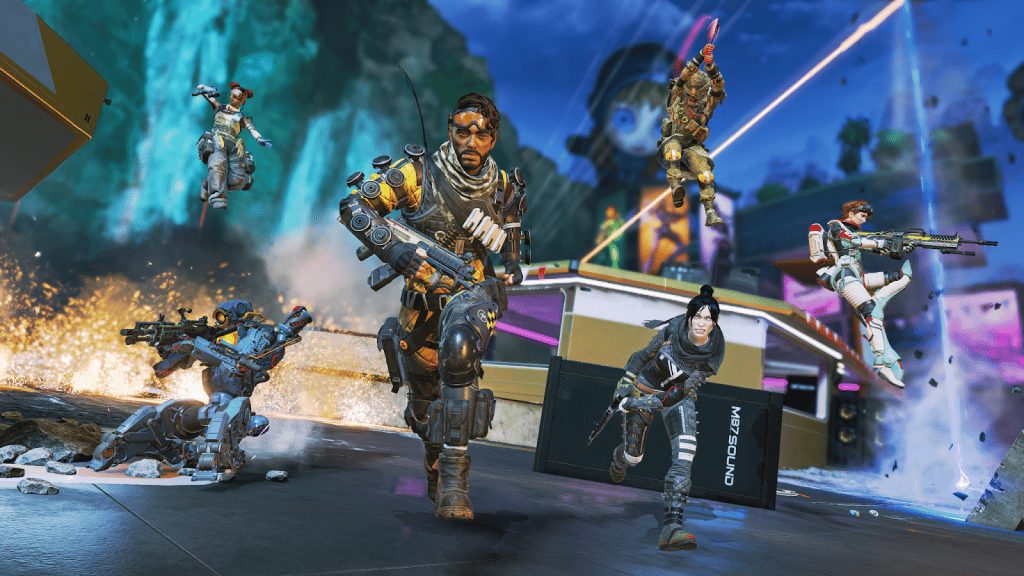
Apex Legends update 1.000.042 is now out on all platforms, and given we just got the Dressed to Kill Collection event a few weeks ago, don’t expect anything from this outside of fixes. Read on for what’s new in the Apex Legends patch notes for June 29.
Update: Respawn has released the official patch notes for today’s update!
🕵️♂️Names no longer incorrectly appear when in Anonymous mode
💀Deaths outside the Ring now show in the kill feed
👀Quips now display subtitles when selected in Banner menus
🐀Sound effects for Ash select animations now play correctly
Respawn hasn’t released the patch notes just yet, but here are the confirmed items/issues the studio is looking into (via the official Apex Legends Trello board):
INVESTIGATING:
Playing at 165+ FPS may cause stuttering during some gameplay scenarios
[Windows 7] With DirectX11, game crashes upon launch
[Firing Range] Aim assist doesn’t work on all dummies
Support Bins not awarding Mobile Respawn Beacons when ally is dead
Crashes referencing FS_CheckAsyncRequest when loading into a map.
Legends may rotate when exiting a Trident.
FIX IN PROGRESS- COMING IN FUTURE PATCH:
Button prompts may not appear on summary/death screen, including report button – but buttons still work!
[Control] Players are occasionally unable to spawn on any captured zones, besides the Dropship zone
Same as always, once the official patch notes are out, we’ll update the article to reflect the changes made.
Update: Article has been updated with today’s official patch notes.
Respawn Entertainment has released Apex Legends update 2.28 on all platforms this June 29, and given we just got the Dressed to Kill Collection event a few weeks ago, don’t expect anything from it outside of fixes. Read on for what’s new in the Apex Legends new update patch notes.
Apex Legends Update 2.28 for June 29 Patch Notes:
Update: Respawn has released the official patch notes for today’s update!
🕵️♂️Names no longer incorrectly appear when in Anonymous mode
💀Deaths outside the Ring now show in the kill feed
👀Quips now display subtitles when selected in Banner menus
🐀Sound effects for Ash select animations now play correctly
Respawn hasn’t released the patch notes just yet, but here are the confirmed items/issues the studio is looking into (via the official Apex Legends Trello board):
INVESTIGATING:
Playing at 165+ FPS may cause stuttering during some gameplay scenarios
[Windows 7] With DirectX11, game crashes upon launch
[Firing Range] Aim assist doesn’t work on all dummies
Support Bins not awarding Mobile Respawn Beacons when ally is dead
Crashes referencing FS_CheckAsyncRequest when loading into a map.
Legends may rotate when exiting a Trident.
FIX IN PROGRESS- COMING IN FUTURE PATCH:
Button prompts may not appear on summary/death screen, including report button – but buttons still work!
[Control] Players are occasionally unable to spawn on any captured zones, besides the Dropship zone
Same as always, once the official patch notes are out, we’ll update the article to reflect the changes made.
Update: Article has been updated with today’s official patch notes.
Released last year for the Xbox Series X|S and PC, Ebb Software’s Scorn is headed to the PS5 later this year. The Scorn PS5 version has been announced today with a new trailer, with the game out sometime this fall.
Scorn PS5 Version Trailer:
PlayStation players can also look forward to solving the game’s flesh-based puzzles in 4K/60fps with the help of the PlayStation’s haptic & DualSense features which will aid in further immersion in the disturbing and unforgettable world of Scorn.
About the Game:
Set in a desolate world abandoned by its previous inhabitants and left to monstrous creatures, Scorn tasks players with navigating an interconnected bio-labyrinth. However, the only way to escape is by learning the rules of this nightmarish place and manipulating the cruel machinery left there. By piecing together these secrets and using the organic tools available to you, surviving and escaping this world may just be possible.
Larian Studios has revealed that Baldur’s Gate 3 PC release date has been bumped up by almost a month, and the game will now launch on August 3, ahead of its original August 31 launch date. The PS5 version has been delayed to September 6.
Director of Publishing Michael Douse had this to say about the announcement:
Reaching a technical bar that matches our design ambitions felt like the right move, while holding back the PC version when we knew we’d be ready felt like the wrong move in such a busy launch period.
Moreover, Larian has also unveiled more details about the content of Baldur’s Gate 3, including which D&D races and classes will appear in the game, new playable characters, companions, and character customization options.
Baldur’s Gate 3 – Features:
More dialogue than three times all three Lord of the Rings books combined, the script for Baldur’s Gate 3 contains over 2 million words
Over 170 hours of cinematics, twice the length of every season of Game of Thrones combined
Seven playable protagonists, each with their own rich stories, personalities, desires, and objectives, as well as a best-in-class character creation system for custom characters
Play as one of 11 playable races and 31 subraces, with multiple body types
12 classes and 46 subclasses, compared to Divinity: Original Sin 2’s 10 “schools of spells”
Over 600 spells and actions (excluding upcasts), compared to Divinity: Original Sin 2’s 225 player spells and actions
CEO and Creative Director Swen Vincke praised the features in a statement:
We set out to make a game that would reward player creativity and truly bring D&D to life in a cinematic way that explores the breadth and depth RPGs can offer. Baldur’s Gate 3 has become an astronomical game that never fails to surprise, and I’m super proud of the team. We couldn’t have done this without our early access community, but it’s crazy to think that all this time they experienced less than a quarter of what BG3 has to offer. I cannot wait to hear the stories our players will tell when the full game releases. It’s time to gather your party!
Again, Baldur’s Gate 3 PC release date is now set for August 3, 2023, with a PS5 release following on September 6. An Xbox version of the title has not been announced as of yet due to split-screen co-op issues.
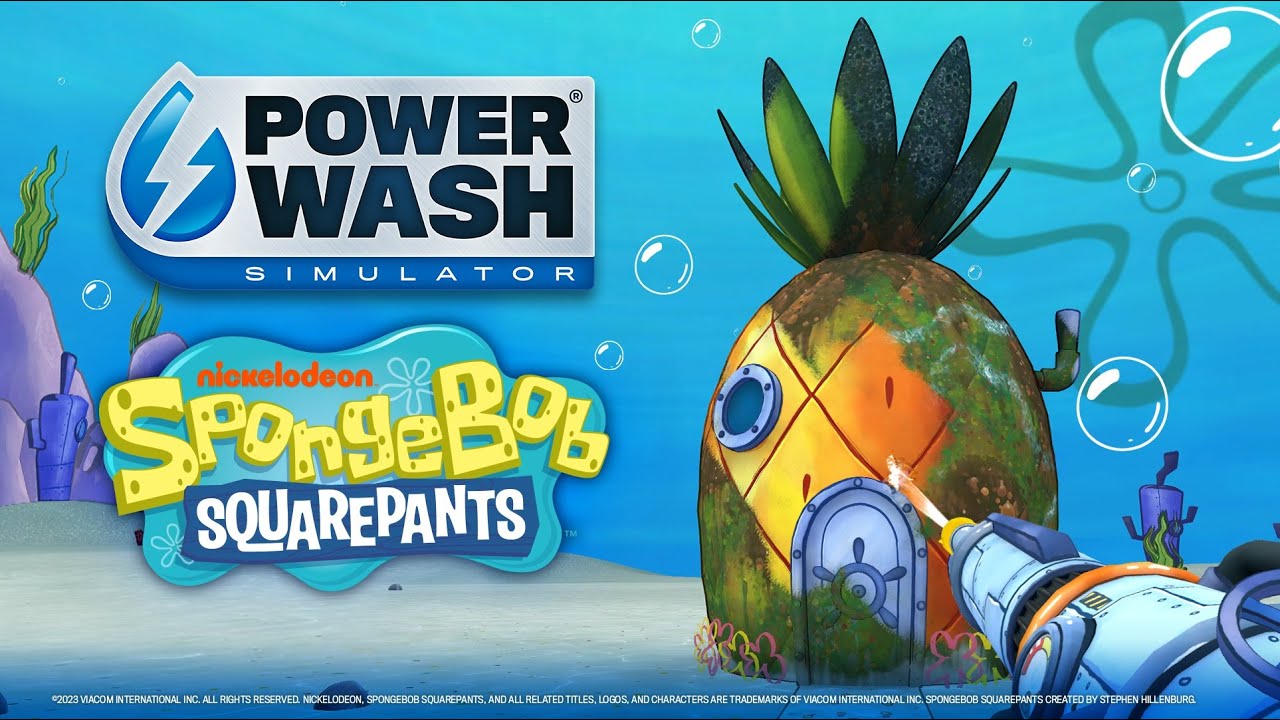
FutureLab has released Powerwash Simulator update 1.06 on all platforms, and this is for patch 1.3, and also brings the SpongeBob Squarepants content into the game. Read on for what’s new in the Powerwash Simulator June 29 patch notes.
Alongside this DLC is a patch for the base game, including:
– Achievement Fixes
– As it was foretold
– First Steps
– Impeccable Balance
– Online stability updates
– Performance updates
– Various bug fixes
Powerwash Simulator SpongeBob SquarePants New Content:
What’s included in the SpongeBob SquarePants Special Pack?
Six Jobs and a New Mini-Campaign
Someone, or something, has been depositing dirt all over the once tidy tidal town of Bikini Bottom, get to the bottom of it in a new mini-campaign spanning across six iconic vehicles and locations from the animated series: Conch Street, The Bikini Bottom Bus, The Krusty Krab; The Patty Wagon; The Invisible Boatmobile and The Mermalair.
A New Look for the PWS Character Model
For the first time ever, we’ve redesigned the PowerWash character model exclusively for this Special Pack. You’ll fit right in with the crowd as a true Bottomite, with a custom-designed gear that could rival even Sandy Cheeks’ best inventions. We’ve been ashore-d that your power washer will work just fine underwater, powered by advanced technology from the SpongeBob SquarePants universe: imagination.
Ten Achievements!
We’ve also added ten new achievements to fish for in this Special Pack.
That’s about it for this title update. The Powerwash Simulator SpongeBob content can be bought for $7.99/€7.99/£6.49.
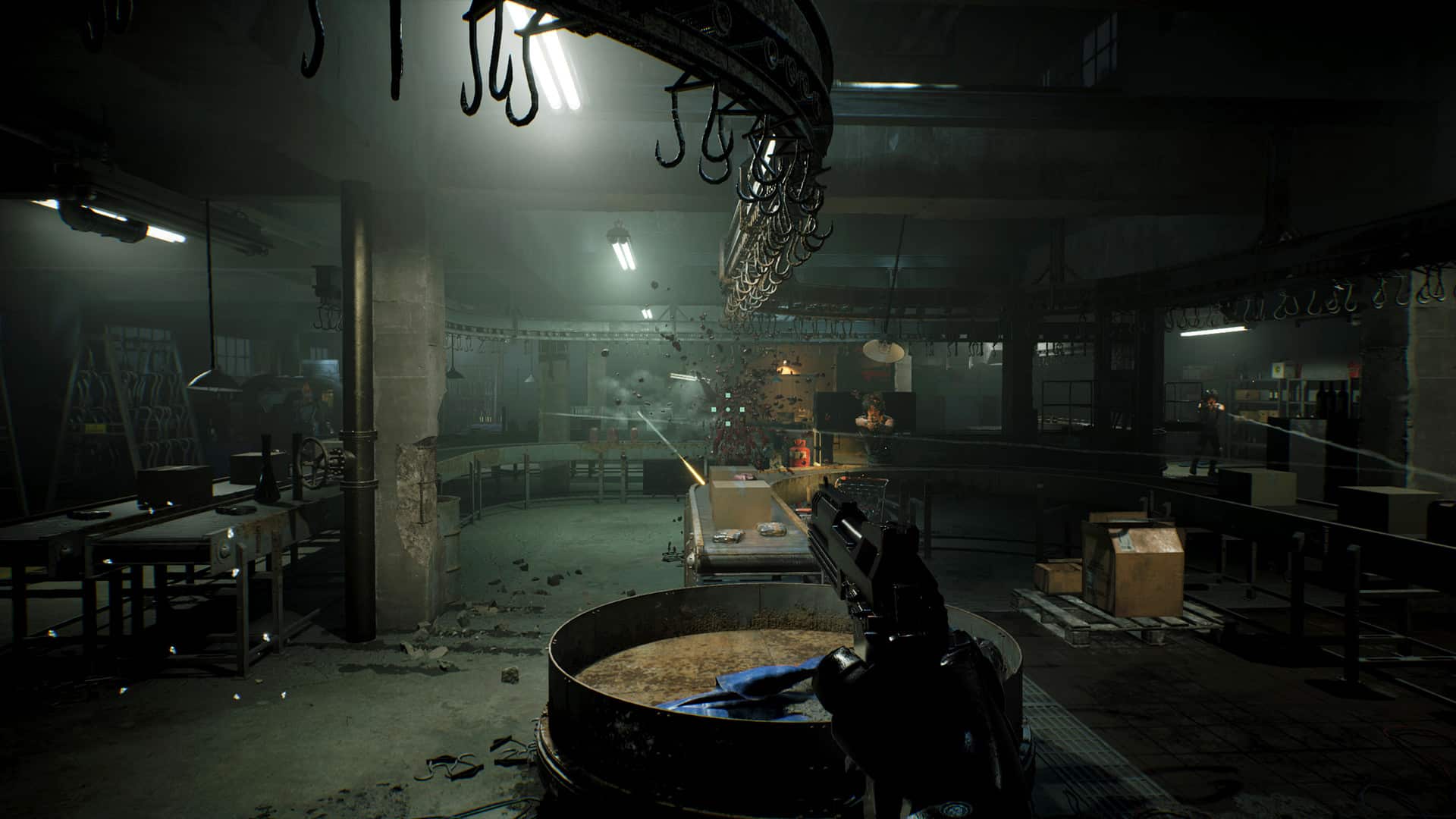
Teyon has collaborated with Omni Consumer Products (OCP) to announce the RoboCop: Rogue City closed beta from July 3 through July 9 on Steam. OCP is conducting a “special program” during the closed beta, where “only the most upstanding citizens will be selected.”
The goal of the upcoming RoboCop: Rogue City closed beta is to focus on the game’s balancing, and the playtest will be under NDA. Players cannot share anything about the game during its closed beta stage.
Folks selected for the closed beta will be rewarded with a 30% promo code that can be used on the Nacon Gaming website and a PC code that contains the game’s digital artbook. Players will receive the digital artbook when RoboCop: Rogue City launches.
To take part in the upcoming playtest, you have to fill out this form. Only a few people will be selected to try out the RoboCop: Rogue City beta.
RoboCop: Rogue City launches for Xbox Series X|S, PS5, and PC in September 2023.
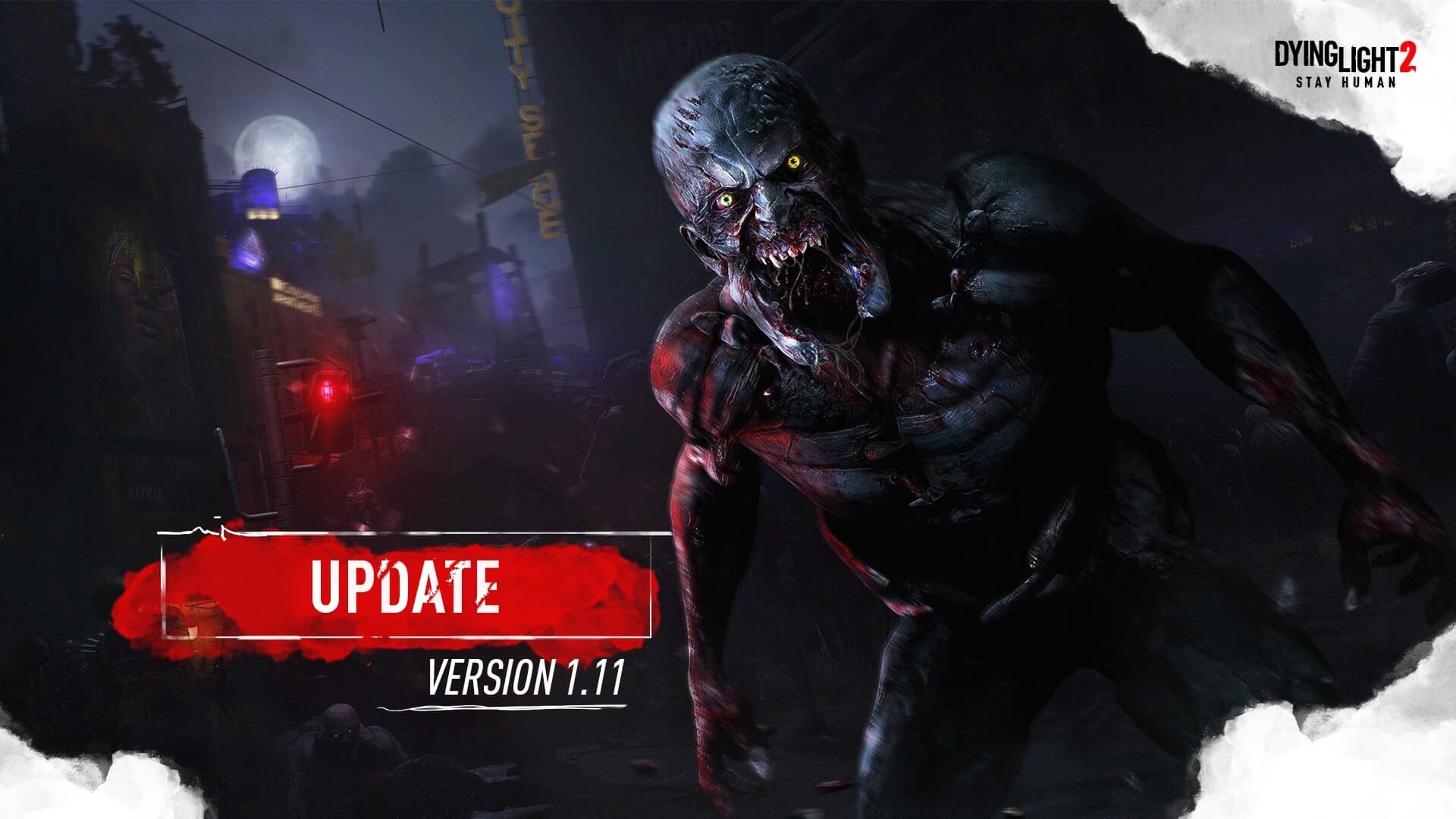
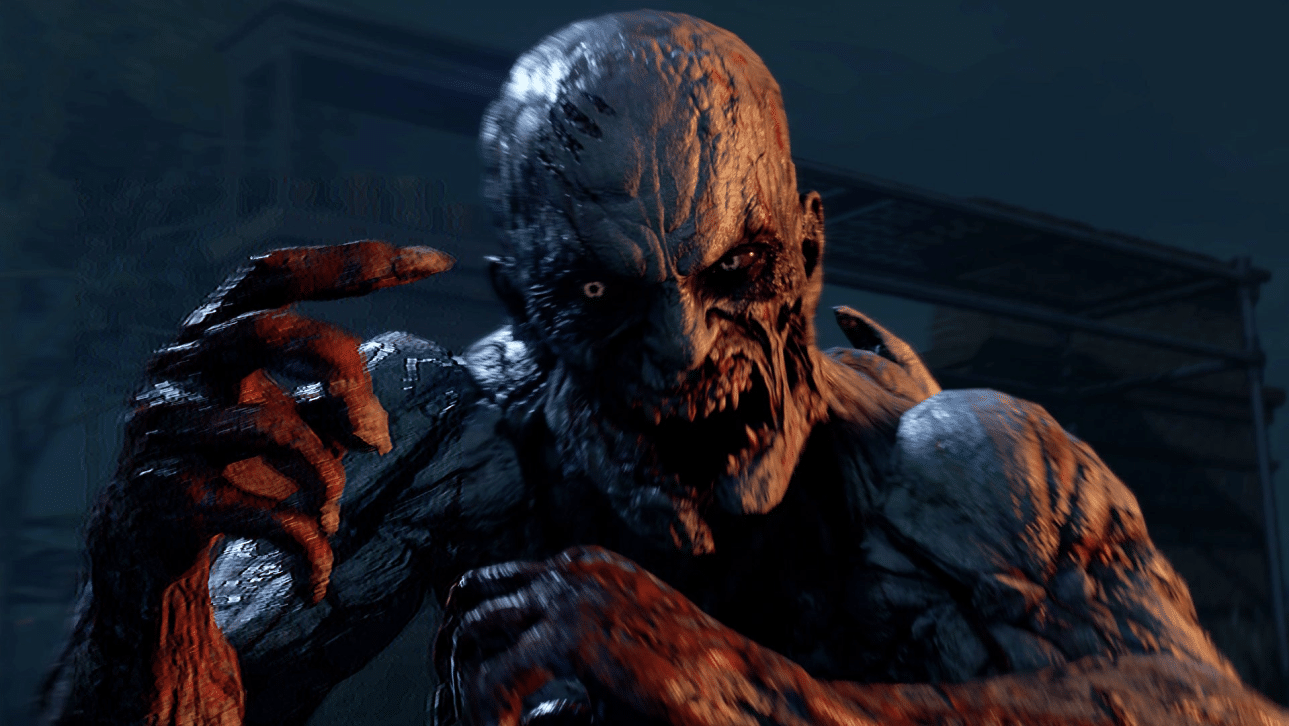
Dying Light 2 update 1.11 version is now out for the Good Night, Good Luck content drop! This brings new parkour movements, night changes and more! Read on for the DL2 Good Night, Good Luck patch notes.
Dying Light 2 Update 1.11 Patch Notes | DL2 Good Night, Good Luck Patch Notes:
PC | XBOX | PS
Good Night – Night changes
The day and night cycle has always been a fundamental element in the Dying Light series, introducing both visual and, more importantly, gameplay changes to our zombie-infested world. In this update, we aimed to enhance the nighttime aspect of this unique feature by introducing heightened tension, horror, and the presence of roaming Volatiles. To achieve this, we are implementing a series of modifications,
• Ensuring that the night has a heavy, almost horror-like feel.
• A new color grading called “Darker Nights” reduces player visibility exponentially, making your experience more terrifying.
• Updated flashlight rendering that creates more dynamic shadows and better corresponds to the darker environment.
• Improved audio gameplay solidifies the nocturnal atmosphere. Music takes a backseat to sound effects.
• HUD improvements support an immersive nighttime experience.
• Volatiles roam across the rooftops, ensuring you will never feel safe at night.
• The night population of zombies have been reworked to create more unexpected moments while exploring both streets and building interiors
• Chase sequences are less arcade-like and more unpredictable.
Good Luck – Parkour changes
With the initial release of Dying Light 2, we managed to make the complex mechanics of parkour accessible to all players. However, we cannot ignore the voices of real traceurs like you, who desire fewer assists, more physicality, better control, and less hand-holding. In response, we have introduced a new set of parkour settings called ‘Physical’ specifically designed to cater to seasoned veterans of Dying Light 1 and new Pilgrims who want to experience the real deal when traversing The City.
• Several animations have been improved to reduce floatiness.
• Personalize your sprinting experience with the option to switch between auto and manual mode, giving you complete control over how you sprint in the game.
• Keep your momentum while performing a series of parkour moves.
• Regain air control in mid-flight, allowing for reactive maneuvers.
• Added variety of vault animations.
• Tweaked afterboost mechanics now allow for its use after a number of parkour moves, with improved responsiveness and a balanced duration and cooldown.
• Accelerate down ziplines and during pipe slides for a thrilling descent.
• Bid farewell to ghost walking; wall run and roll animations halt when reaching the end of a surface.
• Enjoy smoother wall running with improved starting animations.
• Improved jumping, active landing, and balancing animations.
• Elevator and landing bags animations are sped-up.
• The active landing skill can be performed while paragliding – safety landings!
• Head-bob animation is adjustable in the settings, allowing players to increase camera movement while running. A new default value is set to 50.
• Car safety landing animation duration shortened, and VFX feedback improved.
• We’ve refined gameplay mechanics for the following skills, enhancing their overall feeling: Slide Jump, Bash, Crown Runner, Sleek Runner.
On top of those changes, we are introducing improved parkour actions and animations, and two main options that you can pick. To change between those, head to the Game sub-menu in Options.
• Assisted Parkour: Perfect for beginners, maintaining the original Dying Light 2 experience.
• Physical Parkour: Enable this setting for a grounded, physical, and intense journey. A more grounded and ruthless experience. The ability to disable “jump magnets” for more authentic gameplay.
As a cherry-on-top, we’re introducing the ability to slide down billboards with a knife, giving you more immersive gameplay.
Mod.io in-game integration
Parkour across a multiverse of possibilities with a new section in the main menu – Community Maps! PC players can delve into a treasure trove of custom maps crafted by fellow Pilgrims using our Developer Tools. This is just the first step, and we plan to further develop this feature in the future. Expand your horizons within the vast world of Dying Light!
Before diving into the immersive world of Community Maps, please keep the following in mind:
• Each map is a standalone experience, separate from the main campaign and its progression.
• Custom maps must be completed in a single playthrough, as progress cannot be saved.
• Presently, co-op integration is not available for Community Maps.
• Currently, “script” mods that modify gameplay are not supported.
For the time being, Community Maps feature is available only on PC. Mod.io integration for PlayStation, Xbox, and Steamdeck is set to arrive on these platforms later this year!
Highlights
In addition to the aforementioned changes, we are thrilled to introduce several significant features:
Enhanced Graphics:
Experience a series of graphical improvements, including a new graphics option on PC: SSR Ultra (Screen Space Reflections – Ultra setting).
SSR Ultra dramatically enhances the drawing distance of reflections, immersing you in a more realistic and detailed world.
LOD range multiplier being extended from 100 to 140 for Quality and RT presets.
• Immerse yourself in the nostalgia of Kyle Crane’s era with a new color grading option called “Harran Sunset”.
• Unleash your inner yeet-master with the ability to throw weapons and retrieve them later.
• Enjoy improved UI changes at the beginning and end of the Dynamic Challenges.
• An additional menu option to auto-skip opening movies on PC, saving you time and getting you into the action faster.
• Preserve your unique character aesthetic by hiding your helmet using the new transmog options, allowing you to flaunt your signature Dying Drip.
Game Update
Apart from all the big news from the Good Night Good Luck update above, we’ve also introduced the following fixes and improvements to the game:
Co-op
• Rewards for Dynamic Challenges should be received properly.
• The game will no longer crash for users upon entering the inventory while going to sleep after being teleported.
Weapons that were claimable in the stash are now blueprints available to be crafted at Craftmaster.
Gameplay
• Fixed ability to grab the ledge of some objects.
• Fire from burning bodies render correctly from a further distance.
• During the Getting Stronger quest, Virals will no longer spawn directly in Aiden’s position during the chase sequence, blocking further progress.
• The user is no longer able to use the “Afterboost” parkour skill without being active.
• Anna’s sentences during the Stolen Goods quest are louder.
• The sound effect played when Aiden is punching while jumping is fixed.
• Fixed an issue where the player could remain stuck inside the metro station during the Prometheus main quest.
• Chase can be no longer be triggered during the Prometheus quest.
• Waltz behavior improved during the chase sequence in the Veronica quest.
• Volatile health bars should be visible again upon enabling that feature in the settings.
• Removed improperly placed parkour and environment objects in the world.
• Lieutenants in the Heron Renegados bandit camp will spawn correctly.
• Dismembered body parts will no longer instantly disappear.
• Renegade zones have their own characteristic sound of night coming.
• 1H-weapon attack animations are faster than before.
Technical
• Corrupted particles in the distance were fixed during the Catch Hubert objective.
• Fixed missing materials in various locations.
• Removed invisible walls that occurred in various locations.
• Motion Blur settings in the game should stick to the set values.
• Synchronization of some voice over lines with subtitles.
• The game will no longer receive both inputs from mouse and keyboard while having two options selected.
• Fixed an issue with textures that allowed players to go outside the map.
• Spike pathing is fixed during the prologue.
• The music does not stop in some regions of the map.
• Fixed water shaders when swimming underwater.
• Fixed crashes that might occur when entering water.
• Fixed the position of NPCs during some dialogues.
• Dockets will correctly appear in Aiden’s Stash.
UI
• Player will no longer be stuck in an empty screen upon closing the pop-up about too many save slots being occupied while starting a New Game.
• The Military Bundles description balloon is fixed and no longer contains Gunslinger Bundle content text in the In-game Store tab.
• News is no longer duplicated in the main menu.
• The chase indicator no longer overlaps with XP gained icons.
• Gunslinger Bundle is present in the in-game shop.
• A typo was present in the “new arena unlocked” message in the Bloody Ties DLC – it’s gone now, forever.
• Left Stick Forward UI prompt was misplaced during prologue tutorials.
• Main menu options were not highlighted correctly when the cursor was hovering over them.
• Removed an improper shadow in the co-op menu.
– Fixed an issue with NG+ and NG++ options not showing up after completing the story.
Rockstar Games has now released a new GTA Online weekly update for June 29 with a new set of activities plus discounts, GTA Plus benefits and more! Check out the full highlights and recap in one handy list below.
New GTA Online Weekly Update for June 29 – Discounts, GTA Plus & More:
Independence Day celebrations are in full swing this week in GTA Online, asplayers can claim a free Vapid Liberator monster truck, themed liveries for the Mobile Operations Center, seasonal discounts to the Firework Launcher, Firework Ammo, the USA Chute Bag, and more.
In addition, disrupting the supply chains of rival gangs by stealing their goods will fully replenish players’ business Supplies in a new Dynamic Event arriving in Los Santos.
Full highlights from this week include:
Free Vehicle: The Vapid Liberator monster truck, available to claim from Warstock Cache & Carry
Free Themed Liveries: The Stars & Stripes, Eagle Claw, Eagle Claw Flag, and Fighting Freedom liveries for the Mobile Operations Center
New Dynamic Event: Finders Keepers
San Andreas Mercenaries Bonuses through July 12:
Buy (or already own) the Operations Terminal and Mammoth Thruster Upgrades for the Mammoth Avenger to receive the Hinterland Bomber Jacket
Sell GTA$500,000 worth of Smuggler cargo goods by July 12 to receive the LS Pounders Cap
Complete all 6 Project Overthrow Missions by July 12 to get the Blue & Green Camo livery for the Mammoth Avenger
Complete all 3 LSA Operations by July 12 to receive the Conveyor livery for the V-65 Molotok
2X GTA$ and RP on Hangar Sell Missions and Air Force Zero
3X GTA$ and RP onBusiness Battles
On PlayStation 5 and Xbox Series X|S
Premium Test Ride: The Imponte Arbiter GT
This week’s HSW Time Trial takes place between Sandy Shores and La Puerta
Premium Deluxe Motorsport Showroom Vehicles: The Karin Boor (Off-Road) with the Star-Spangled Patriot livery, Truffade Z-Type (Sports Classics), Western Sovereign (Motorcycle) with the Independence Day livery, Annis RE-7B (Super) in the Pegasus livery, and the Vapid Bullet (Super)
Luxury Autos Showroom Vehicles: The Truffade Thrax (Super) and Grotti Visione (Super)
Lucky Wheel Top Prize: The Vapid Dominator GTX
LS Car Meet Test Rides: The Annis ZR350, Invetero Coquette D10, and Pfister Neon
LS Car Meet Prize Ride: The Grotti Cheetah Classic for those who finish in the Top 3 in the Pursuit Series for two days in a row this week
Independence Day Discounts: 50% off theWestern Sovereign (Motorcycle), Car Horns, Musket, Firework Launcher, Firework Ammo, Tire/Parachute Smoke, Facepaint, Clothing, Mk II Weapon finishes, Select Haircuts, Masks, Patriot Parachute, and the USA Chute Bag
50% off the Hangar Workshop
Vehicle Discounts: 30% off the Pegassi Weaponized Ignus (Super), Annis ZR350 (Sports), and Grotti Visione (Super), 40% off the HVY Menacer (Off-Road), and LF-22 Starling (Plane), 50% off the FH-1 Hunter (Helicopter) and Mobile Operations Center (and Upgrades)
Gun Van Discounts: 35% off the Service Carbine and the Unholy Hellbringer (for GTA+ Members)
GTA+ Benefits: A free Maibatsu MonstroCiti (Off-Road), the new Avenger Operations Terminal, Cream Pearl and Blue-Green Flip Chameleon Wheel Paints, Project Overthrow bonuses, 40% off Avenger upgrades, and more
GTA+:
GTA+ Members can enjoy a wide selection of rewards, bonuses, and other perks through July 19, including:
New Maibatsu MonstroCiti Off-Road Vehicle
New Avenger Operations Terminal
Cream Pearl and Blue-Green Flip Chameleon Wheel Paints
1.5X GTA$ and RP on Project Overthrow Missions
40% off the Mammoth Thruster docking station, Front Machine Guns, and Missiles Upgrades for the Avenger
And much more, including a GTA$500,000 bonus delivered upon billing each month. Visit the GTA+ website for the complete breakdown.
Discounts:
A Hangar Workshop gives you access to the Weapons Workshop as well, helping to bring your aircraft and weaponry up to code. This vital upgrade is available from Maze Bank Foreclosures and 50% off through July 5. Plus, see below for the complete list of vehicles on sale.
Pegassi Weaponized Ignus (Super) – 30% off
Annis ZR350 (Sports) – 30% off
Grotti Visione (Super) – 30% off
HVY Menacer (Off-Road) – 40% off
LF-22 Starling (Plane) – 40% off
FH-1 Hunter (Helicopter) – 50% off
Mobile Operations Center (and Upgrades) – 50% off
Gun Van Inventory and Discounts:
You can purchase discounted instruments of destruction at Ammu-Nation. See below for the complete inventory.
Service Carbine (35% off) | Minigun | Up-N-Atomizer | Widowmaker | Unholy Hellbringer (35% off for GTA+ Members) | Tactical SMG | Firework Launcher | Musket | Pool Cue | Proximity Mines | Sticky Bombs | Grenades | Armor
That’s all for this week’s update. Be sure to check again next week for the new GTA Online weekly update.
Techland has rolled out Dying Light 2 update 1.35 (PS5 version 1.035) this June 29, and this is for the big “Good Night, Good Luck” update! This brings darker nights into the game, new parkour movements and more. Read on for the Dying Light 2
Update: The full patch notes have been added to the article.
PC | XBOX | PS
Good Night – Night changes
The day and night cycle has always been a fundamental element in the Dying Light series, introducing both visual and, more importantly, gameplay changes to our zombie-infested world. In this update, we aimed to enhance the nighttime aspect of this unique feature by introducing heightened tension, horror, and the presence of roaming Volatiles. To achieve this, we are implementing a series of modifications,
• Ensuring that the night has a heavy, almost horror-like feel.
• A new color grading called “Darker Nights” reduces player visibility exponentially, making your experience more terrifying.
• Updated flashlight rendering that creates more dynamic shadows and better corresponds to the darker environment.
• Improved audio gameplay solidifies the nocturnal atmosphere. Music takes a backseat to sound effects.
• HUD improvements support an immersive nighttime experience.
• Volatiles roam across the rooftops, ensuring you will never feel safe at night.
• The night population of zombies have been reworked to create more unexpected moments while exploring both streets and building interiors
• Chase sequences are less arcade-like and more unpredictable.
Good Luck – Parkour changes
With the initial release of Dying Light 2, we managed to make the complex mechanics of parkour accessible to all players. However, we cannot ignore the voices of real traceurs like you, who desire fewer assists, more physicality, better control, and less hand-holding. In response, we have introduced a new set of parkour settings called ‘Physical’ specifically designed to cater to seasoned veterans of Dying Light 1 and new Pilgrims who want to experience the real deal when traversing The City.
• Several animations have been improved to reduce floatiness.
• Personalize your sprinting experience with the option to switch between auto and manual mode, giving you complete control over how you sprint in the game.
• Keep your momentum while performing a series of parkour moves.
• Regain air control in mid-flight, allowing for reactive maneuvers.
• Added variety of vault animations.
• Tweaked afterboost mechanics now allow for its use after a number of parkour moves, with improved responsiveness and a balanced duration and cooldown.
• Accelerate down ziplines and during pipe slides for a thrilling descent.
• Bid farewell to ghost walking; wall run and roll animations halt when reaching the end of a surface.
• Enjoy smoother wall running with improved starting animations.
• Improved jumping, active landing, and balancing animations.
• Elevator and landing bags animations are sped-up.
• The active landing skill can be performed while paragliding – safety landings!
• Head-bob animation is adjustable in the settings, allowing players to increase camera movement while running. A new default value is set to 50.
• Car safety landing animation duration shortened, and VFX feedback improved.
• We’ve refined gameplay mechanics for the following skills, enhancing their overall feeling: Slide Jump, Bash, Crown Runner, Sleek Runner.
On top of those changes, we are introducing improved parkour actions and animations, and two main options that you can pick. To change between those, head to the Game sub-menu in Options.
• Assisted Parkour: Perfect for beginners, maintaining the original Dying Light 2 experience.
• Physical Parkour: Enable this setting for a grounded, physical, and intense journey. A more grounded and ruthless experience. The ability to disable “jump magnets” for more authentic gameplay.
As a cherry-on-top, we’re introducing the ability to slide down billboards with a knife, giving you more immersive gameplay.
Mod.io in-game integration
Parkour across a multiverse of possibilities with a new section in the main menu – Community Maps! PC players can delve into a treasure trove of custom maps crafted by fellow Pilgrims using our Developer Tools. This is just the first step, and we plan to further develop this feature in the future. Expand your horizons within the vast world of Dying Light!
Before diving into the immersive world of Community Maps, please keep the following in mind:
• Each map is a standalone experience, separate from the main campaign and its progression.
• Custom maps must be completed in a single playthrough, as progress cannot be saved.
• Presently, co-op integration is not available for Community Maps.
• Currently, “script” mods that modify gameplay are not supported.
For the time being, Community Maps feature is available only on PC. Mod.io integration for PlayStation, Xbox, and Steamdeck is set to arrive on these platforms later this year!
Highlights
In addition to the aforementioned changes, we are thrilled to introduce several significant features:
Enhanced Graphics:
Experience a series of graphical improvements, including a new graphics option on PC: SSR Ultra (Screen Space Reflections – Ultra setting).
SSR Ultra dramatically enhances the drawing distance of reflections, immersing you in a more realistic and detailed world.
LOD range multiplier being extended from 100 to 140 for Quality and RT presets.
• Immerse yourself in the nostalgia of Kyle Crane’s era with a new color grading option called “Harran Sunset”.
• Unleash your inner yeet-master with the ability to throw weapons and retrieve them later.
• Enjoy improved UI changes at the beginning and end of the Dynamic Challenges.
• An additional menu option to auto-skip opening movies on PC, saving you time and getting you into the action faster.
• Preserve your unique character aesthetic by hiding your helmet using the new transmog options, allowing you to flaunt your signature Dying Drip.
Game Update
Apart from all the big news from the Good Night Good Luck update above, we’ve also introduced the following fixes and improvements to the game:
Co-op
• Rewards for Dynamic Challenges should be received properly.
• The game will no longer crash for users upon entering the inventory while going to sleep after being teleported.
Weapons that were claimable in the stash are now blueprints available to be crafted at Craftmaster.
Gameplay
• Fixed ability to grab the ledge of some objects.
• Fire from burning bodies render correctly from a further distance.
• During the Getting Stronger quest, Virals will no longer spawn directly in Aiden’s position during the chase sequence, blocking further progress.
• The user is no longer able to use the “Afterboost” parkour skill without being active.
• Anna’s sentences during the Stolen Goods quest are louder.
• The sound effect played when Aiden is punching while jumping is fixed.
• Fixed an issue where the player could remain stuck inside the metro station during the Prometheus main quest.
• Chase can be no longer be triggered during the Prometheus quest.
• Waltz behavior improved during the chase sequence in the Veronica quest.
• Volatile health bars should be visible again upon enabling that feature in the settings.
• Removed improperly placed parkour and environment objects in the world.
• Lieutenants in the Heron Renegados bandit camp will spawn correctly.
• Dismembered body parts will no longer instantly disappear.
• Renegade zones have their own characteristic sound of night coming.
• 1H-weapon attack animations are faster than before.
Technical
• Corrupted particles in the distance were fixed during the Catch Hubert objective.
• Fixed missing materials in various locations.
• Removed invisible walls that occurred in various locations.
• Motion Blur settings in the game should stick to the set values.
• Synchronization of some voice over lines with subtitles.
• The game will no longer receive both inputs from mouse and keyboard while having two options selected.
• Fixed an issue with textures that allowed players to go outside the map.
• Spike pathing is fixed during the prologue.
• The music does not stop in some regions of the map.
• Fixed water shaders when swimming underwater.
• Fixed crashes that might occur when entering water.
• Fixed the position of NPCs during some dialogues.
• Dockets will correctly appear in Aiden’s Stash.
UI
• Player will no longer be stuck in an empty screen upon closing the pop-up about too many save slots being occupied while starting a New Game.
• The Military Bundles description balloon is fixed and no longer contains Gunslinger Bundle content text in the In-game Store tab.
• News is no longer duplicated in the main menu.
• The chase indicator no longer overlaps with XP gained icons.
• Gunslinger Bundle is present in the in-game shop.
• A typo was present in the “new arena unlocked” message in the Bloody Ties DLC – it’s gone now, forever.
• Left Stick Forward UI prompt was misplaced during prologue tutorials.
• Main menu options were not highlighted correctly when the cursor was hovering over them.
• Removed an improper shadow in the co-op menu.
– Fixed an issue with NG+ and NG++ options not showing up after completing the story.
Here’s the terrifying trailer for the upcoming Dying Light 2 update: Good Night, Good Luck. Arriving as part of the game’s Summer of Horrors, the update overhauls the night experience – ushering in darker nights by significantly reducing visibility and having the infected, like Volatiles, show up in more locations. The Good Night, Good Luck update introduces more parkour improvements including new animations, increased control while airborne, and the ability to maintain momentum. There’s also a new parkour style so players can decide whether they want more control over their movement (Physical mode) or whether they prefer assisted gameplay. Explore Dying Light 2’s Community Maps, which are coming to PC as part of the update and will be coming to consoles and Steam Deck soon.
Dying Light 2’s Good Night, Good Luck update arrives on June 29, 2023. Its Summer of Horrors period will host a series of events, crossovers, and updates throughout the season, into September this year. Players can also check out the Bloody Nights Event, which runs from June 29 to July 13. Beware of Volatiles as you prepare to loot valuables in the dead of night and earn rewards.
Once the official patch notes are out, we’ll update the article to reflect it.
Update: Added official patch notes and article has been updated.
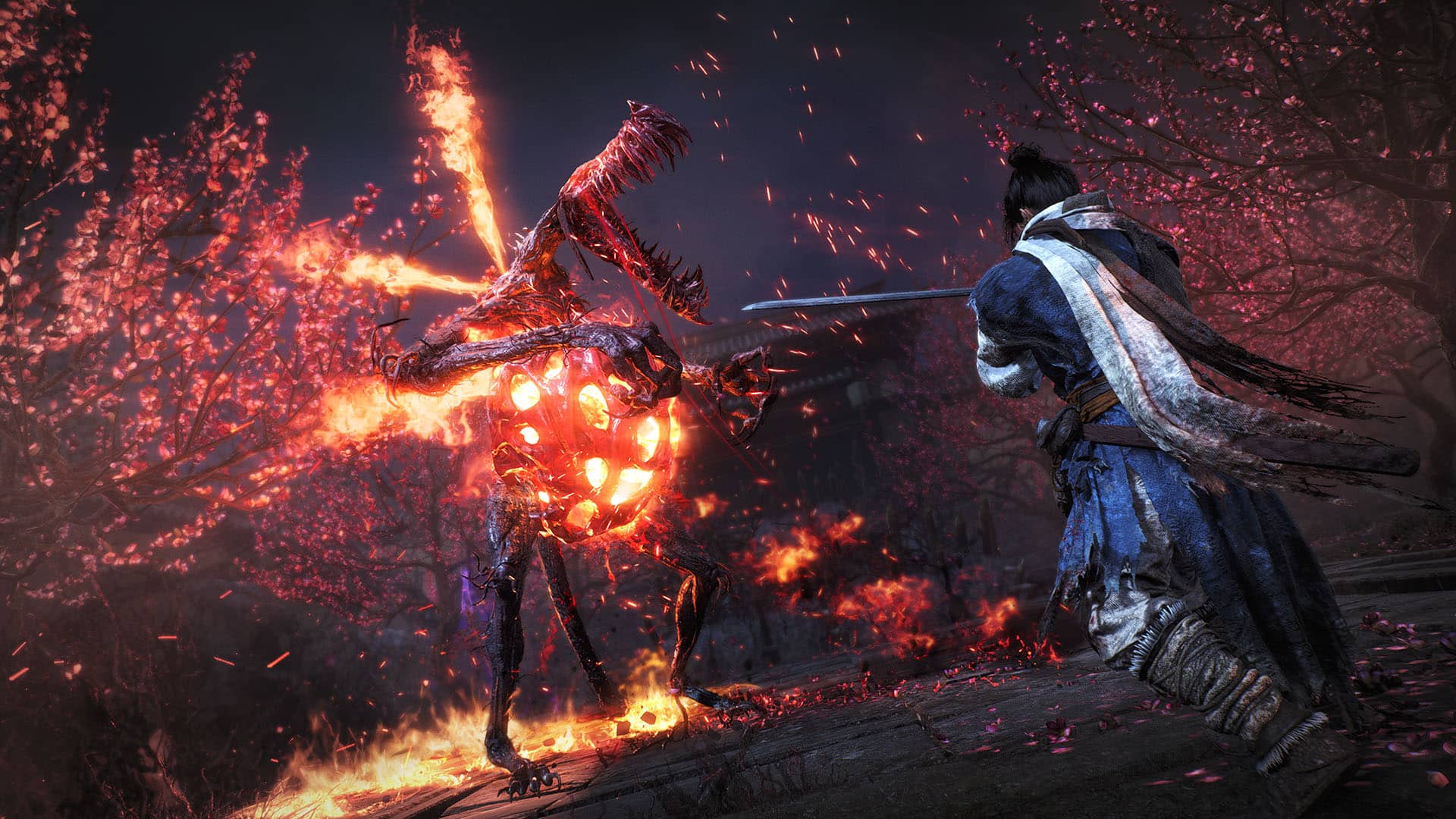
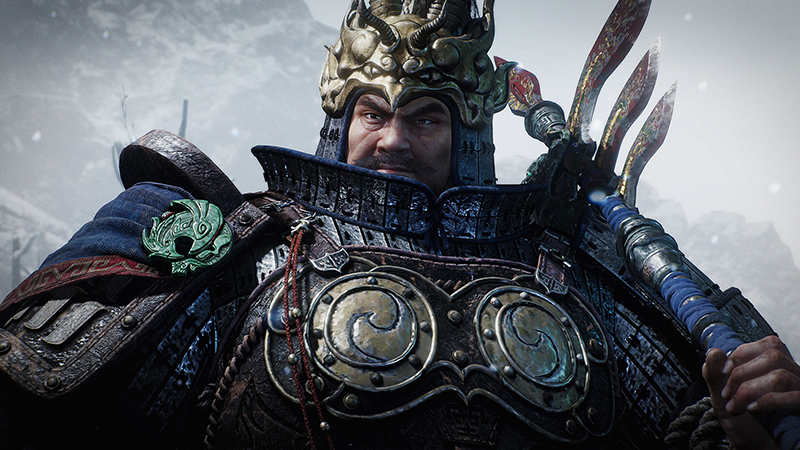
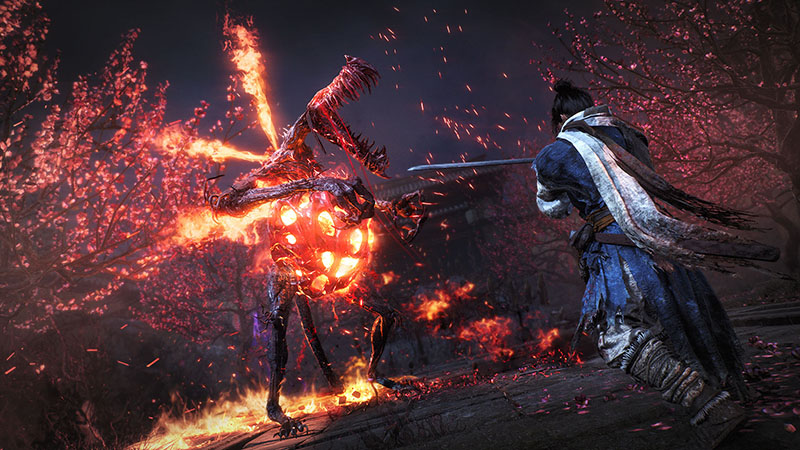
Team Ninja has released Wo Long: Fallen Dynasty update 1.11 (PS5 version 1.011) and this is for the “Battle of Zhongyuan” DLC. In addition to that, several other bug fixes have been implemented. Read on for the Wo Long: Fallen Dynasty June 29 patch notes.
Wo Long: Fallen Dynasty Update 1.11 Patch Notes | Wo Long: Fallen Dynasty Update 1.011 Patch Notes | Wo Long: Fallen Dynasty Update June 29 Patch Notes:
The following contents will be unlocked by purchasing the DLC “Battle of Zhongyuan” or the “Wo Long: Fallen Dynasty Season Pass.”
Added the new story “Battle of Zhongyuan.”
Players must first complete the main battlefield “Tyrant’s Final Banquet” in the main game to play “Battle of Zhongyuan.”
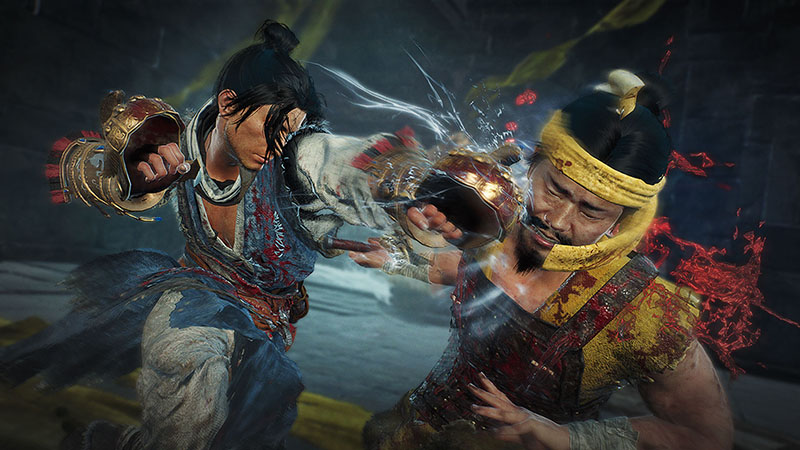
Added cestuses as a new weapon category.
These weapons will be available from the beginning of the game.
After the DLC is applied, players may claim a cestus for free via Deliveries in the Battle Flag menu.
Cestuses will be added to reward and dropped item lotteries.
Added the higher difficulty mode “Path of the Soaring Dragon.”
Players can unlock this difficulty by conquering a certain number of battlefields under the difficulty “Path of the Rising Dragon.”
In “Path of the Soaring Dragon,” it is now possible to obtain equipment with upgrade levels and rarities higher than the current maximum level, and the maximum cap for players’ levels and Morale Ranks will have been increased.
Added new demons and enemies.
Added a new Divine Beast.
Added new weapons, armor, and accessories.
Added set bonuses exclusive to equipment obtainable in “Path of the Rising Dragon.”
After applying the update, these items can be claimed via Deliveries in the Battle Flag menu.
After these items have been claimed via Deliveries, they may be obtained as possible drop rewards from enemies.
The appearance and name of these items will change depending upon the figure type selected in Character Creation.
Made it possible to set 8 Wizardry Spells.
This can be done via Set Wizardry Spells.
Please refer to “Wizardry Spells” under Tutorial for instructions on how to switch Spells in-game.
Added 10 new Wizardry Spells.
Players can use these new spells by obtaining the item Hidden Tomes.
These tomes can be obtained as possible drops after defeating bosses on the Path of the Rising Dragon and beyond.
Added the feature “Store Genuine Qi.”
Players will be able to use this feature by accessing the Level Up menu upon reaching the maximum level.
This allows players to store Genuine Qi so that it will not be lost upon their death.
Added the consumable item Handheld Gong.
This item may be obtained as possible drop rewards from some enemies.
Added a new Martial Arts technique Turning Clouds, which can be used with straight sabres, swords, and curbed sabres.
This technique will be randomly assigned upon acquiring an applicable weapon.
Added new special effects.
These special effects will be randomly assigned to equipment in the same way as existing special effects.
Made changes so that equipment upgrade levels and rarities will now be displayed on the screen when rewards are acquired.
Made changes so that Undistributed Virtues will be displayed in the Level Up menu.
Added a function to display a list of currently owned Jewelry Essence on the Embedment screen in the Blacksmith menu or in the Inventory menu.
Added a function to compare a piece of equipment with another in the Inventory menu.
Made changes so that the remaining and maximum number of uses of the Dragon’s Cure Pot will be displayed in the Inventory menu.
Made it possible to filter the items within the storehouse from the Blacksmith menu.
Added a function to preview the appearance of the item before applying the decoration.
Made changes so that players can set or remove Favorites and Lock on an item with a single button in the Inventory and Blacksmith menus.
This is also possible in the Equipment menu.
Favorites and Lock can be set or removed separately in the Inventory and Blacksmith menus by pressing the Confirm.
Made changes so that the tutorial videos for Martial Arts are accessible in the Equipment and Inventory menus will switch automatically.
Made it possible for players to browse the upgrade levels and rarities of their companions’ equipment via Companion Details in the Co-op menu.
Added the new filters Bleach Bypass and Glitch to the Photograph menu.
Made it possible for players to check equipment upgrade levels, rarities, and special effects via Battle Sets in the Battle Preparation menu.
Added Display Identification above Enemy Player’s Head as an option in the Online Settings within the Settings menu.
Made it possible to pause and resume scrolling texts in the Documents menu.
Applied font color to highlight segments of the text that explains effects and uses of items in the item descriptions.
Adjustments
Made changes so that Morale Rank is no longer an activation requirement for Wizardry Spells, but instead acts as a condition that changes the resulting actions of the spell.
Wizardry Spells can now be casted regardless of Morale Rank.
For Morale Ranks below the level listed for each spell, the following actions occur:
Spirit consumption is increased.
If the spell would apply a positive effect, it will also incur a negative effect that slows down automatic Spirit recovery while the user is in Low Spirit.
Shortened the startup sequence of deflecting counterattacks when using glaives, spears, staffs, dual swords, dual sabres, or dual halberds.
Increased the range from which players can perform Fatal Strikes while remaining unnoticed by Changgui.
Made changes so that pieces of 5★ equipment obtained as a reward for the number of battlefields conquered will have a random chance to be bestowed with one of the Grace set bonuses.
Made adjustments so that equipment obtained from the accolade reward Chests of Equipment will have a random chance to be bestowed with one of the Grace set bonuses.
Made downward adjustments to the probability of receiving a Grace set bonus for dropped equipment.
Made changes so that the following special effects will be activated just after the player’s Fatal Strike sequence has ended:
Regeneration (upon Fatal Strike)
Power Gain (upon Fatal Strike)
Damage Reduction (upon Fatal Strike)
Spirit Fervor (upon Fatal Strike)
Made changes so that at times when players are unable to control their characters during missions, processing of all status effects would stop.
Made changes so that the camera angle adjusts to match the character’s height when they are hit.
Made changes so that players no longer lose Genuine Qi if they die due to damage not directly inflicted by an attack, such as from status effects, falling, or stage gimmicks.
Made it impossible to use the item Willow Branch while jumping.
Made improvements to action synchronization during multiplayer sessions.
Changed the name of the adjustment field for the Black and White filter in the Photograph menu to Contrast.
Made adjustments to the camera movement in the Photograph menu.
Changed the sort order in the Reinforcements menu.
Changed the confirmation message displayed when exiting the Battle Flag Customization and Character Creation menus.
Made changes to the name of the Martial Arts technique Dead Foliage (formerly Falling Leaf in English) in some languages.
Major Bug Fixes
Fixed crash-prone situations that occurred in certain environments.
Fixed a bug that allowed players to go outside the bounds of the current stage from certain locations in some stages.
Fixed a bug that caused characters to become stuck (in the ground/surrounding objects) in certain locations in some stages, making it impossible for players to progress.
Fixed a bug causing the sky to flicker for a moment when the player rested at Battle Flags in some stages.
Fixed a bug that prevented players from scaling over certain objects in the main battlefield “Centuries of Glory Burned Away” after the game was restarted under certain conditions.
Fixed a bug that caused unnecessary enemy alert sound effects to play under certain conditions in the main battlefield “Centuries of Glory Burned Away.”
Fixed a bug that caused reward item rarities to be lower than they should be in the main battlefield “Village of Calamity” in “Path of the Rising Dragon.”
Fixed a bug in the main battlefield “The Way of the Warrior” in “Path of the Rising Dragon” that prevented players from acquiring Dragon Vein Crystals even if those crystals had not yet been acquired.
Fixed a bug in the sub battlefield “Escape from the Capital” in which the follower settings for enemies along the player’s path were incorrect.
Fixed a bug in the sub battlefield “Fate of the Entertainer” in which leaders would not yield appropriate levels of drop rewards after they were defeated.
Fixed a bug in the sub battlefield “The Request of Goddess Luo” in which destroyed terracotta soldiers would respawn after the player interacted with a Battle Flag.
Fixed a bug that caused incorrect actions to be performed despite players pressing the input for Summon Divine Beast/Divine Beast Resolution after successfully deflecting against an enemy’s Critical Blow.
Fixed a bug in which the player’s Martial Arts technique Looming Cloud would not aim toward the enemy when activated.
Fixed a bug that would cause some bosses who were in Spirit Disruption to immediately recover and return to their normal state.
Fixed a bug in which the correct elemental affinity was not set for Bo Cai.
Fixed a bug in which the boss Zhang Liao would perform Critical Blows without consuming Spirit.
Fixed a bug in which unintended Spirit damage would be inflicted when the boss Zhang Liao’s Critical Blows were deflected.
Fixed a bug in which the boss Demonized Liu Bei would perform Critical Blows without consuming Spirit.
Fixed a bug in which the boss Hua Xiong would perform Critical Blows without consuming Spirit.
Fixed a bug in which the player’s Morale Rank would not fall even when they were hit by Hong Jing’s Critical Blow.
Fixed a bug occurring when the player used the Wizardry Spell Poison Bubbles, in which the effects of Unseeable Form would be activated.
Fixed a bug that would sometimes cause the player to remain semi-transparent after the effects of Unseeable Form should have worn off.
Fixed a bug that occurred when using dual weapons to perform a Fatal Strike against an enemy on the edge of a cliff, in which the action sequence of the attack would cause the player to fall to their death.
Fixed a bug in which elemental damage was not reduced when guarding immediately after deflecting.
Fixed a bug preventing certain sounds from playing in THEATER.
Fixed a bug preventing icons from being displayed during loading in THEATER.
Fixed a bug in which the amount of HP recovered as a result of the special effect HP Restoration from Melee Attack Damage did not appropriately correspond to the amount of damage inflicted.
Fixed a bug that would prevent some cutscenes from appearing on the list in the THEATER menu after downloading cross save management data.
Fixed a bug that occurred when selecting saved data displayed in cross save management uploads/downloads, in which incorrect saved data would be selected instead under certain conditions.
Fixed a bug that prevented icons indicating newly obtained items from being displayed under certain conditions in the Equipment and Inventory menus.
Fixed a bug in which enemies’ Spirit gauge during Spirit Disruption would sometimes be displayed incorrectly during online multiplayer sessions.
Fixed a bug that applied the Ink Painting filter to the screen when exiting the Photograph menu under certain conditions.
Fixed a bug occurring after dropping an item from the Inventory menu, in which players would sometimes become unable to close the menu and progress.
Fixed a bug in which the enemy’s detection meter would sometimes not be displayed under certain conditions.
Fixed a bug in which enemies would sometimes not respawn in their set positions after players interacted with a Battle Flag.
Fixed a bug that caused death and mission failure after completing the mission, if the player falls from a cliff, etc., and then gets hit by an enemy.
Fixed a bug that would sometimes cause the game to crash after companions retreated from battle.
Fixed a bug that caused the aimpoint to go out of the camera frame if the player moved the aimpoint while zooming and aiming a throwing weapon.
Fixed a bug in which performing the Divine Beast Resonation for Baihu would occasionally activate Summon Divine Beast instead.
Fixed a glitch in which an enemy’s dead body would get stuck in midair if they had died by falling from higher ground.
Fixed a bug in which moving the mouse during tutorial videos would cause the game camera to move.
Fixed a bug that would sometimes cause NPCs’ eyes to glow red after the player lowered their Morale Rank limit by utilizing Inner Discipline at a Battle Flag during a mission.
Fixed a bug that would occasionally cause characters’ positions to shift significantly after the player changed weapons in the Equipment menu.
Fixed a bug that would sometimes prevent companions from participating in boss battles.
Fixed a bug that would inflict the opponent with the hit effects of Molten Calamity Thorn even when the user did not successfully land the attack.
Fixed a bug in which equipping a weapon enchanted with elemental effects and then performing an Aerial skill would manifest the hit effects of that particular element upon stomping on an enemy.
Fixed a bug that would sometimes occur after using the item Genuine Qi Crystal, in which the interface displayed an incorrect amount of Genuine Qi obtained instead of what was actually obtained.
Fixed a bug that would sometimes allow nearby enemies to attack while the player was interacting with Battle Flags in the main battlefield “Decisive Battle of Guandu.”
Fixed a bug which made it possible for the player to impractically encourage a companion who is about to retreat from battle after they had been defeated and failed to receive aid.
Fixed a bug in which enemies would sometimes not react to the player if they retained their Battle Flag progress and started a sub mission that had already been completed once.
Fixed a bug that reset Inner Discipline settings if the player had enabled Inner Discipline during a mission, returned to the title screen without interacting with a Battle Flag, and then returned to the same mission from CONTINUE.
Fixed a bug allowing players in Recruit and Co-op sessions to obtain Titles that included the condition “Recruit and co-op not permitted.”
Fixed a bug causing the camera to focus on the forehead when the Cheek Bulge or Cheek Position options were selected in Character Creation.
Fixed a bug that would sometimes cause the Face Shape settings in Character Creation to be displayed incorrectly when decorations were applied on equipments.
Fixed a bug that would include the hashtag #Wolong_Code even when sharing screenshots unrelated to Character Creation Codes.
Fixed a bug occurring when using Martial Arts that continuously consume Spirit while players hold the input, in which the Spirit consumption speed differed depending on the player’s selected frame rate.
Fixed other minor bugs.
PlayStation®5/PlayStation®4/Xbox Series X|S/Xbox One Versions
Major Bug Fixes
Reduced rendering time.
Steam®/Microsoft Store Versions
Major Bug Fixes
Fixed a bug that would sometimes prevent the game from launching when using certain driver versions for NVIDIA GPUs.
Fixed a bug that would sometimes cause shadows to flicker in stages when certain resolutions and graphics settings were selected.
Fixed a bug that would sometimes cause reflections on the water’s surface to flicker when DLSS was enabled.
Fixed a bug that prevented some mouse operations from working properly in the Control Settings section of the Settings menu.
Fixed a bug that would prevent some of Zhang Bao’s Critical Blows from hitting the player when the game was running at 120FPS.
Fixed a bug that would sometimes cause the game to crash when defeating Dong Zhuo while the player is inflicted with Poison.
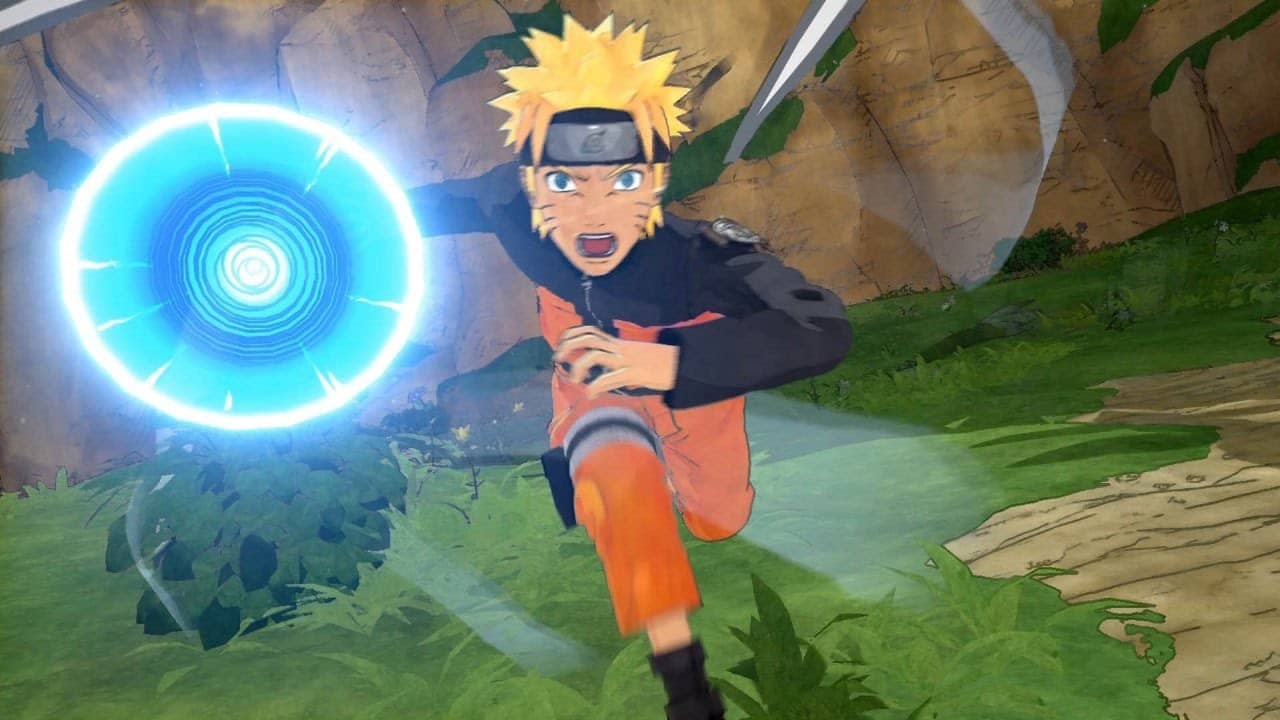
Bandai Namco has released Naruto to Boruto: Shinobi Striker update 2.45 for all supporting platforms. Today’s update comes with new weapons, improved playability, and more. Check out the full Naruto to Boruto: Shinobi Striker June 29 patch notes down below.
Naruto to Boruto: Shinobi Striker Update 2.45 Patch Notes | Naruto to Boruto: Shinobi Striker June 29 Patch Notes:
The only patch notes released so far come from the game’s PS4 update history. You can read the details below.
The following patch notes were provided by the developer of this title.
– Improved playability in the lobby.
– New VR Master added
– New Ninjutsu and weapons added
– New customization parts added
– Rebalanced Ninjutsu
– Fixed minor bugs
If Bandai Namco decides to post more detailed patch notes, we’ll be sure to update this post as soon as possible. Keep it locked at MP1st for more updates about this game in the future.