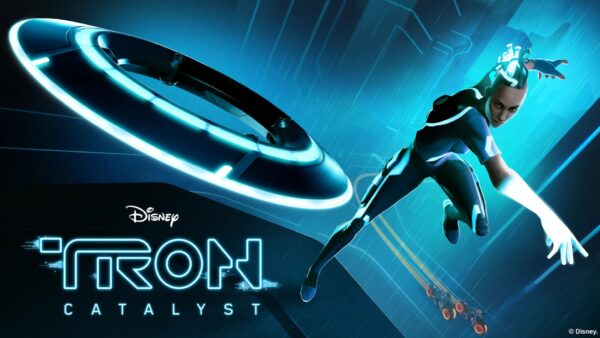
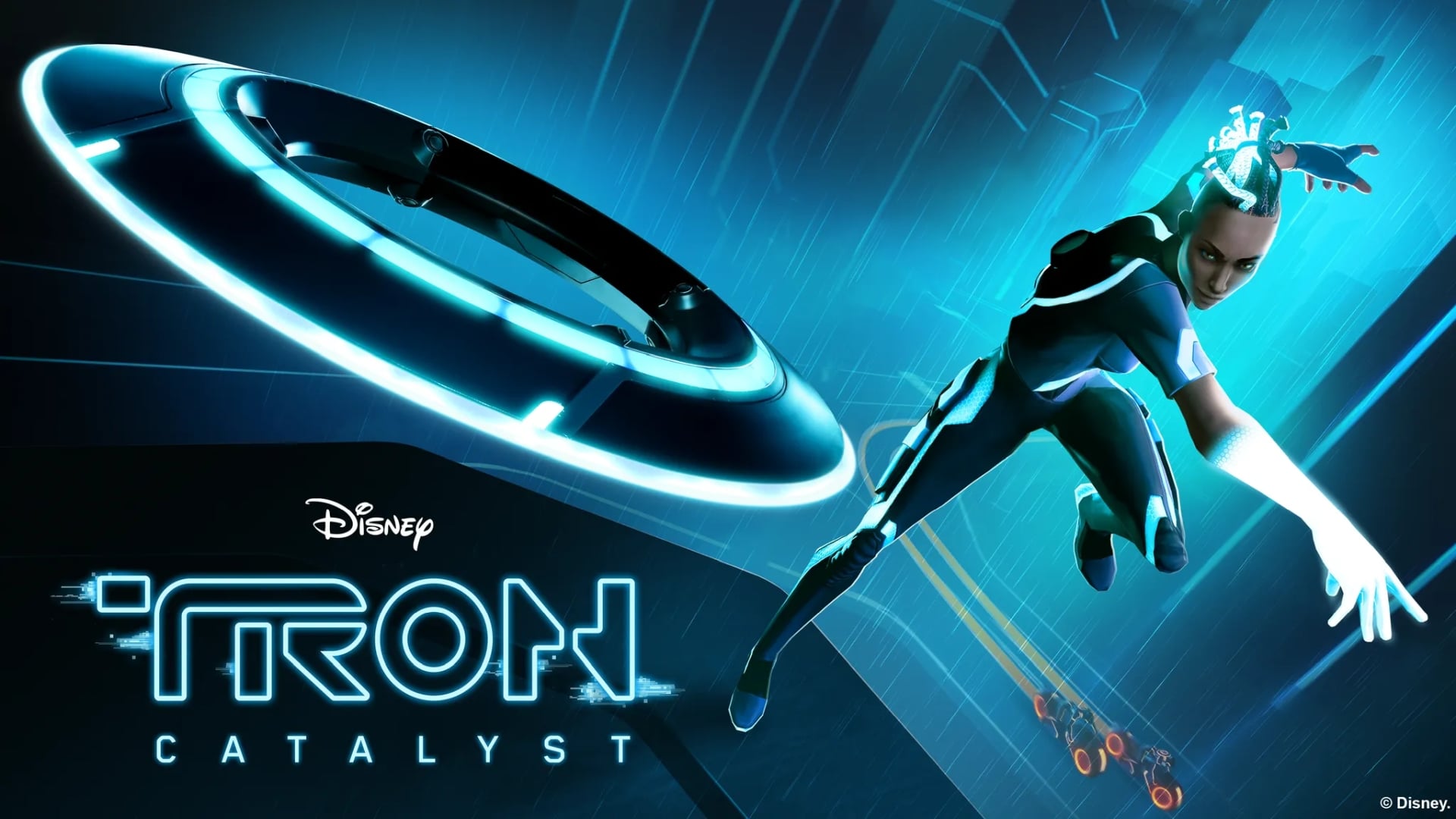
The media hype train is starting to ramp up for the upcoming third Tron movie. Bithell Games has been tasked with developing a new game set within the same universe. TRON: Catalyst has just released, and it has a lot more interactivity than Bithell Games’ last entry, TRON: Identity. We’ve spent some time locked into the Arq Grid, and have our TRON: Catalyst review ready right now.
In Like Flynn
If you’re a fan of Tron, and remember just what the hell that series is about, then you’ll enjoy all of the references to the world that Flynn saved. Every “person” you speak to is a program running on a computer, some time after the events of the films. Computer nerds will likely appreciate the numerous references to industry terms, such as null, FLAC, and higher-order functions, among others, which are incorporated into the lexicon of those who reside on the Grid. The more pedantic of us will notice some of the terms being used in very odd ways considering how they are used in real life, but you shouldn’t take a game about a whole world of sentient programs living within our computers too seriously anyway.
Now, if you are not well-versed in the world of Tron, while I wouldn’t say it’s a necessity to enjoy the well-written narrative, it will definitely increase your enjoyment of it if you are. An in-game codex does help to decipher some of the meaning behind various locations, programs/characters, and events, but it’s probably easier to enjoy the movies ahead of playing the game.
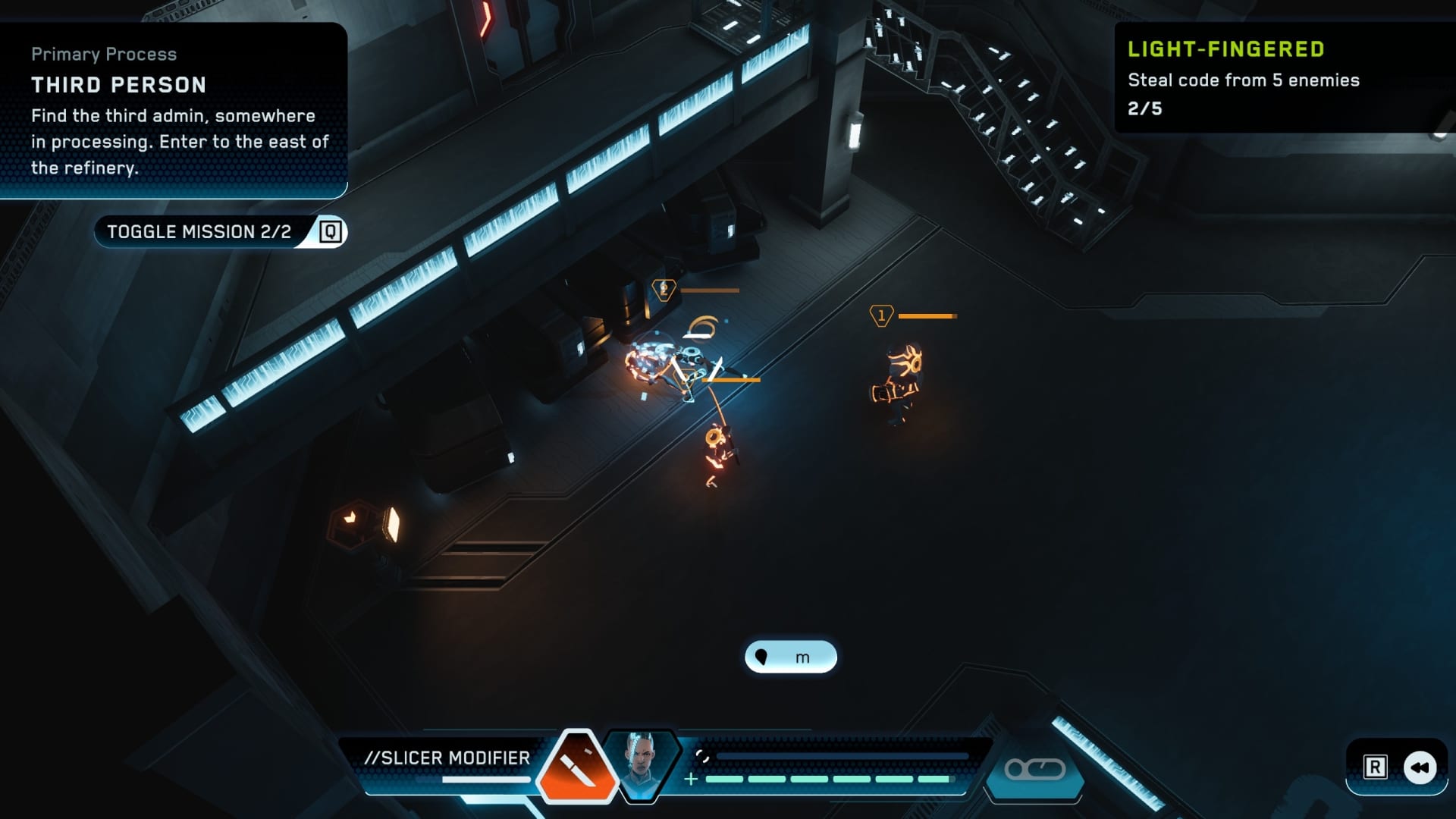
TRON: Catalyst is an isometric action-adventure game with some very light RPG elements. You play as Exo, a courier just trying to get by delivering data in the bustling and oppressed Arq Grid. As she is carrying her final package for one random day, it unexpectedly explodes, granting her an ability to repeat chunks of time at will. Many factions are interested in figuring out what happened, and why, for a variety of reasons. TRON: Catalyst drives most of the more important story beats via fully-voiced cutscenes which can be likened to visual novels – a character’s avatar cutout displays some sort of emotion while they voice their lines, leaving your imagination to fill in the gaps that the cutscenes don’t elaborate on.
Tron Just Wants to Hold Your Hand
While some of the story isn’t told explicitly, one thing that is done is explicitly is the use of Exo’s looping ability. When you cannot progress the story any further and must restart the loop, the game simply tells you, rather than leaving you to discover that you need to restart it. While this is an interesting mechanic, any sense of being clever and using it when you were supposed to is all but removed by the game holding your hand.
When not consuming cutscenes, you are free to walk or run around. Once you get through the first couple of loops and bust out into the wider Grid, you can also explore some of the vast city (or whichever area you find yourself in, since the story does take place in multiple locations). However, there is not much to do other than fight stationed Core guards to earn some experience, if you so choose. You can spend points earned by defeating enemies and smashing crates at any time, by bringing up the menu and navigating to the Abilities tab. Here, there are a couple (later, three) core abilities, with three upgrades per ability, which range in cost from 500 to 1000 points apiece. You can give yourself a longer parry window (which will likely become your favorite way of derezzing enemies), quickly recall your thrown identity disc, and later, you can copy an enemy’s abilities to buff yourself for a short time.
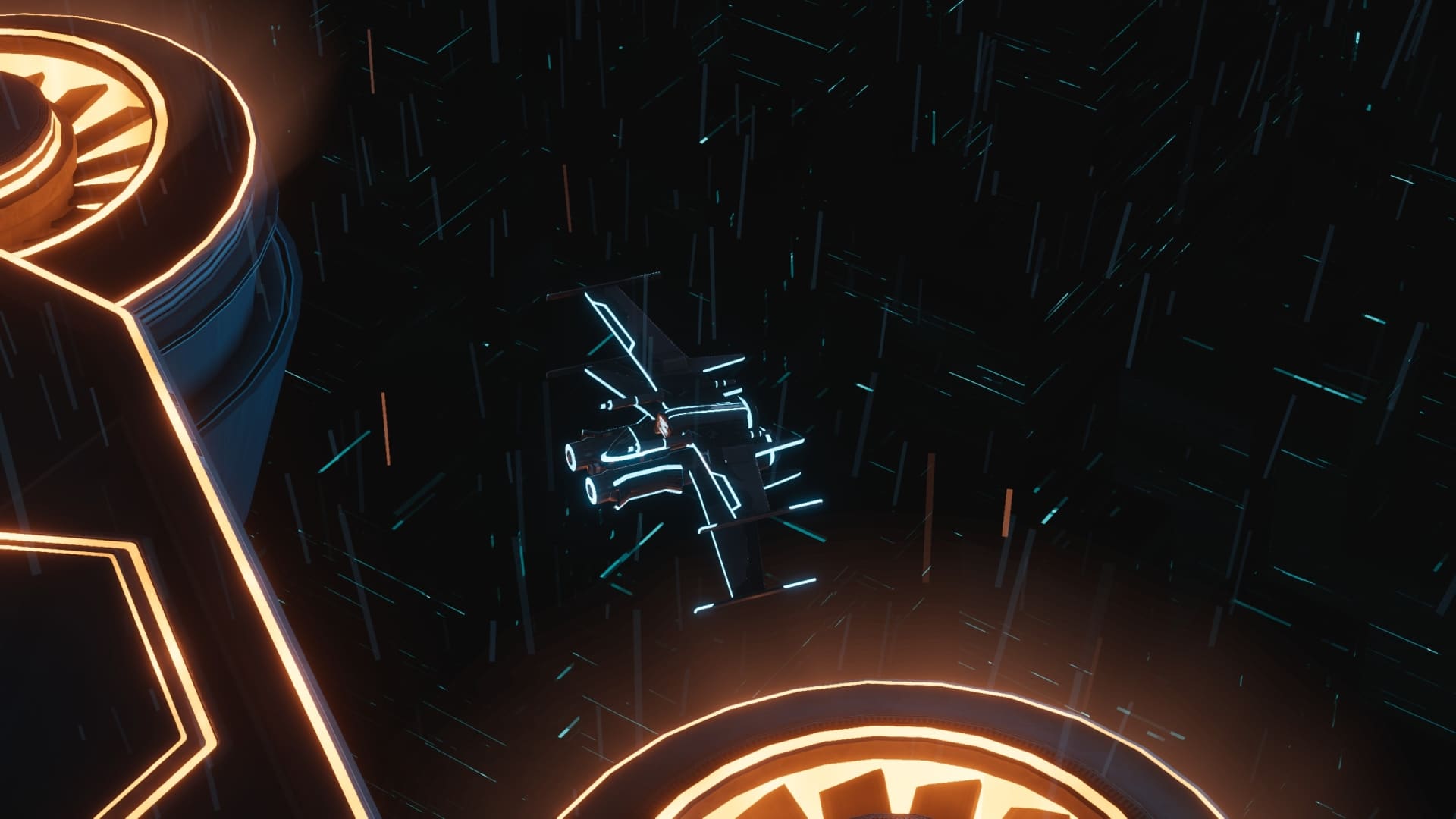
Combat in TRON: Catalyst is pretty simple. You can perform melee attacks, dodge, parry, and throw your identity disc. Parrying is the most effective combat option, with devastating damage dealt every time. Once upgraded, this ability will kill most enemies in one hit, and will also deal a bunch of damage to stronger enemies. Your disc is an effective ranged option, especially once it gets upgraded and parrying THAT is an option. You can also whip out your Light Cycle on any road, and lay down light walls to destroy enemy vehicles. There is also a fun section involving a hovercraft which, though short-lived, does change things up for a brief time.
Will Run on Almost Anything
TRON: Catalyst should run very well for most systems out there. On my gaming laptop sporting a 13th-gen i7 and RTX 4070 (8GB), in 1440p with every visual setting cranked up, frame rates stayed in the triple digits, and areas often hit my screen refresh rate of 240 FPS. Minimum specs call for a GTX 970 or RX 460, so if you’ve got a rig built within the last decade plus, this game will probably run just fine.
Graphically, TRON: Catalyst is serviceable. There’s not much in the way of fancy ray-tracing and the like, but considering this is a more budget-friendly title, it’s to be expected. Having said that, it definitely looks, feels, and sounds like a Tron game, with a bright neon look to most areas, light cycles, identity discs, and other suitable textures befitting the Tron universe.
Verdict
TRON: Catalyst is a fun game for Tron fans, but outside of that niche, there isn’t much else to dig into, if you treat this as a standalone isometric action adventure game. The restart mechanic is intriguing at first, but feels a bit underutilized as a puzzle mechanic when the game tells you exactly when you should use it to progress the story. Combat is fine, and repeatedly parrying your own disc back at the enemies can make you feel like an expert in no time. Overall, TRON: Catalyst has some fun to be found in its 12-ish hour campaign, which is only more enhanced for franchise fans. Just, don’t expect anything groundbreaking, and you’ll probably enjoy your time back on the Grid. Now, finish the game!
Score: 7/10
Pros:
- Very well-written story
- Looks and feels like a proper Tron story
- Looping backwards in time can be intriguing…
Cons:
- …but a shame the game always tells you when to use it
- Combat mostly plays it safe – parries are the way to go
- Mostly one to check out if you enjoy Tron
TRON Catalyst review code was provided by the publisher. You can read MP1st’s review and scoring policy right here.