Home > Title Updates and Patches

Monster Hunter Wilds Update Version 1.011 Smashes Out for Street Fighter 6 Collaboration, Weapon Balance Changes

[summaraize]

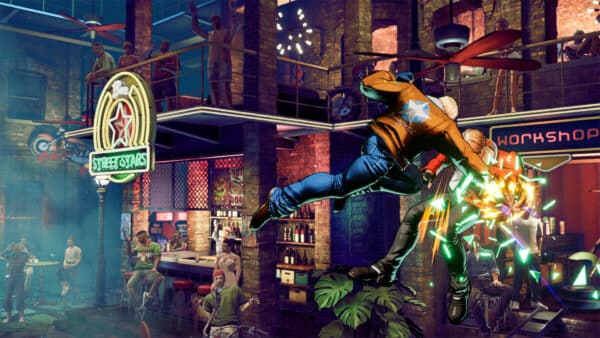
While we still haven’t seen Title Update 2 for Monster Hunter Wilds yet, Capcom has released a new content drop that ushers in the Street Fighter franchise into the game! Players will see this as Monster Hunter Wilds update 1.011, and this ushers in the Street Fighter 6 side missions, adds Akuma as an NPC and a lot more.

Alongside the collaboration, there are alsobalanced adjustments and bug fixes. There are also platform-specific fixes, which are outlined below in the complete patch notes. For players on PC and Xbox Series X|S, this will show up as version 1.011.00.00.

Monster Hunter Wilds New Update 1.011 Delivers Akuma to Slay Beasts and More

File Size:

  • PlayStation®5 : Approx. 9 GB
  • Xbox Series X|S : Approx. 4 GB
  • Steam® : Approx. 5 GB (With High Resolution Texture Pack: Approx. 7 GB total)

Major Additions and Changes

  • – Street Fighter 6 Special Collaboration is now available.
  • – Street Fighter 6 Special Collaboration side missions have been added.
  • – Street Fighter 6 Special Collaboration Arena Quests have been added.
  • – Akuma has been added as an NPC.
  • – Akuma-only actions have been added, which can also deal damage to monsters.
  • – Five more Tempered Monsters (8★) have been added to the game. At HR 41 or higher, Tempered 8★ versions of Gore Magala, Rey Dau, Uth Duna, Nu Udra, and Jin Dahaad will be available to hunt. (Their Tempered 7★ versions will continue to appear.)
  • – Higher-difficulty quests should now appear more frequently as your HR increases.
    – Increased the spawn rate of quests with multiple monsters.
    – Increased the appearance rate of tempered monsters with higher strength ratings.
    – Increased the appearance rate of all tempered monsters excluding Uth Duna.
  • – Added a feature that lets you preview the endemic life you’ve captured by talking with Ferdinand, located in the Windward Plains Base Camp.
  • – New armor, talismans, and skills have been added.
  • – New pendants and stickers have been added.
  • – Hunter and Palico Full Armor Sets have been added.
  • – New outfits for Alma (the Handler) have been added. Collab-themed outfits have their own unique animations.
  • – New gestures have been added.

Steam®

– Added Mandarin Chinese as an optional voice language setting.

PlayStation®5

– Added Mandarin Chinese as an optional voice language setting for specific regions.

Xbox Series X|S

– Added Mandarin Chinese as an optional voice language setting for specific regions.

  • – Added Mandarin Chinese as an optional voice language setting for specific regions.
  • – Added new backgrounds, poses, nameplates, and titles to hunter profiles.
  • – An Aquatic Life page has been added to hunter profiles.
  • – An Aquatic Life category has been added to the hunter profile widgets.
  • – The frequency of notifications that appear while in the field has been decreased.
  • – Updates that show up in the Environment Overview have been adjusted to display only high-priority targets.
  • – You can now use the Rest feature in your tents in Suja and the Grand Hub.

Bug Fixes and Balance Adjustments

Bases and Facilities

  • – Fixed an issue that prevented changing tabs in the Wishlist at the Smithy.
  • – Using the Rest feature in your tent will now repair all destroyed Pop-up Camps.
  • – Fixed an issue where some Barrel Bowling objects wouldn’t respawn if you started the mini-game immediately after rolling a Barrel Bowling Bomb.
  • – Barrel Bowling rewards will now have a chance to include a free meal voucher from the various regions.
  • – Fixed an issue where the Diva’s background music would continue to play longer than intended.
  • – Added a new chat notification when accepting a quest in private lobbies or squad lobbies.
  • – An option to automatically switch text channels was added to the Voice Chat Auto-toggle settings in the Options.
  • – Fixed an issue that caused Mizutsune’s hunting theme not to appear in the Change BGM settings.
  • – Fixed an issue where material retrieval requests and item trade options would not refresh when they should

Missions

  • – Chapter 1 – 1: Desert Trotters: Fixed an issue where the Chatacabra quest wouldn’t start, preventing progress.
  • – Chapter 1 – 2: Back to Camp: Fixed an issue where Gemma’s dialogue wouldn’t trigger, preventing progress.
  • – Chapter 5 – 1: Premonitions: Changed the mission objective text to “Complete more missions and quests.”
  • – Fixed an issue where slaying Uth Duna in the assignment Tide Overtaking Timber wouldn’t complete the quest, preventing progress.
  • – Fixed an issue where players could join quests without meeting the conditions for participation, preventing progress. (Also fixed an issue where certain area names would not display.)
  • – Chapter 6 – 2: A First Cry: Fixed an issue where the player might receive a meal invitation from the Allhearken during this mission but could not start the meal.

Monsters

  • – Improved visibility by adjusting the transparency effect for large monsters that appear close to the camera.
  • – Monsters resistant to paralysis now gain more paralysis resistance each time the ailment is triggered on them.
  • – Fixed an issue where Jin Dahaad would unintentionally fall out of the area.
  • – Fixed an issue where a player’s attack would not hit a monster’s weak point if a tear was present when the weak point was exposed.
  • – Fixed an issue where certain Blangonga attacks would not register stun values.
  • – Fixed an issue where the size of a monster in the Wounded Hollow would change when fast traveling to and from the locale.
  • – Fixed an issue where flying monsters would get stuck on Pop-up Camp locations.

Endemic Life

  • – Reduced the amount of guild points earned from capturing certain aquatic life.
    – Increased the amount of guild points earned from capturing certain rare Whoppers.
    – Fixed an issue where some endemic life wouldn’t disappear after being captured.
    – Increased the appearance rate for gold crown size Escunite and Grand Escunite.
    – Fixed an issue where the honey in Area 8 of the Ruins of Wyveria couldn’t be gathered with the slinger.

Monster Hunter Wilds Latest Weapon Balance Changes via Patch 1.011

General

  • – Fixed a visual issue that occurred when resetting hunter profile edits.
  • – Increased certain properties for the Artian Cannon I, Artian Cannon II, and Argenesis gunlance.
  • – Added an option that lets you toggle Slinger aiming on/off when your weapon is sheathed.
  • – Fixed an issue where, when recovering stamina, the time left until your stamina would begin to deplete naturally would not reset properly.
  • – Fixed an issue where using the Hook Slinger to activate the Survival Expert skill would allow players to recover health repeatedly.
  • – Fixed an issue where skills that activate when the player is wet would not activate correctly under certain conditions.
  • – Rocksteady Mantle now fully negates stun.
  • – Item use inputs are now prioritized after exiting from the Seikret Pouch menu.
  • – Fixed an issue where follow-up damage would not register correctly for certain weapon types while having the Corrupted Mantle equipped.
  • – Fixed an issue where gestures couldn’t be used for a certain period after climbing up a ledge.
  • – Fixed an issue where the hunter would sometimes freeze during the leaping motion.
  • – Fixed an issue where sneak attacks performed in the Wounded Hollow would sometimes not deal normal damage.
  • – Fixed an issue that allowed you to take an extra mantle into a quest by performing specific actions.
  • – Resting will now reset the cooldown for all mantles.
  • – Other minor fixes and related adjustments have been made for all weapon actions.

Great Sword

  • – Fixed an issue where guarding immediately after turning would not properly block attacks.

Long Sword

  • – Fixed an issue where, if a wound was destroyed during the multi-hit sequence of Spirit Helm Breaker, subsequent hits would not register.

Sword & Shield

  • – Fixed an issue where performing a Focus Strike with the Sword & Shield on certain terrain would cause the player to continuously slash while falling for several seconds.
  • – Fixed an issue where Arch-Tempered Rey Dau wouldn’t topple even after landing a Focus Strike on a weak point.

Dual Blades

  • – Fixed an issue where a Sliding Slash could not be canceled.
  • – Fixed an issue where Demon Mode attacks could be performed even after exiting Demon Mode.

Hammer

  • – The overall power of attacks has been increased.
  • – Element scaling for Charge Shot and Overhead Smash has been increased.
  • – You can now evade while readying an Upswing attack.
  • – The responsiveness of actions performed while charging has been improved, and sliding has been made easier to perform.
  • – Enlarged the hitboxes for Upswing and sneak attacks.
  • – The cancel timing for Focus Blow: Earthquake is now slightly earlier.
  • – Fixed an issue where selecting an item from the Custom Radial Menu would not automatically use the item after sheathing your weapon.

Hunting Horn

  • – Echo Bubble, Performance, and Focus Strike: Reverb damage has been increased.
  • – Encore damage has been significantly increased.
  • – The cancel timings for Encore and Offset Melody are now slightly earlier.
  • – Toned down the visual effects of Echo Bubbles to improve visibility during a hunt.

Gunlance

  • – The overall power of attacks and element scaling has been increased.
  • – Elemental values and crit rate now apply to the consecutive hit damage of Wyrmstake Cannon.
  • – Adjusted the power of Shelling: increased the attack power scaling for “Slightly Weak” and below, and decreased it for “Slightly Strong” and above.
  • – Increased the attack power scaling for the long shelling type Wyrmstake Cannon.
  • – Slightly decreased the attack power scaling of Wyrmstake Full Blast, while significantly increasing it for Burst Fire.
  • – Fixed an issue where the number of hits from Wyvern’s Fire varied depending on the frame rate settings.

Insect Glaive

  • – Improved the behavior of Kinsects so that they fly more accurately in the aimed direction when using Kinsect: Harvest Extract.
  • – Fixed an issue where hitboxes would not function properly when chaining into a Strong Rising Slash Combo from certain attacks.
  • – Fixed an issue where ailments would not be applied by Kinsect attacks despite meeting the conditions.
  • – Fixed an issue where charging your Kinsect consecutively could prevent some of its attacks from hitting monsters.

Light Bowgun

  • – Normal Ammo damage has been increased.
  • – The amount of Rapid Fire Gauge consumed while using Normal Ammo in Rapid Fire Mode has been decreased.
  • – The amount of Rapid Fire Gauge recovered while using Pierce Ammo has been decreased.
  • – Spread Ammo damage has been increased.
  • – The critical range of Spread Ammo has been extended.
  • – The damage of Rapid Chaser Shot’s last shot with Spread Ammo has been increased.
  • – The amount of Rapid Fire Gauge recovered while using Spread Ammo has been increased.
  • – The cancel timing for Spread Ammo is now slightly earlier.
  • – The recoil distance of Spread Ammo has been reduced.
  • – The maximum number of hits from Elemental Ammo has been decreased.
  • – Elemental Ammo damage has been decreased.
  • – The amount of Rapid Fire Gauge consumed while using Elemental Ammo in Rapid Fire Mode has been decreased.
  • – Sticky Ammo damage has been increased.
  • – Sticky Ammo stun value has been increased.
  • – The cancel timing for Sticky Ammo is now slightly earlier.
  • – The maximum number of hits from Dragon Ammo has been increased.

Heavy Bowgun

  • – Normal Ammo damage has been increased.
  • – The amount of Ignition Gauge recovered while using Pierce Ammo has been decreased.
  • – Spread Ammo damage has been increased.
  • – The critical range of Spread Ammo has been extended.
  • – The amount of Ignition Gauge recovered while using Spread Ammo has been increased.
  • – The maximum number of hits from Elemental Ammo has been decreased.
  • – Elemental Ammo damage has been decreased.
  • – Sticky Ammo damage has been increased.
  • – Sticky Ammo stun value has been increased.
  • – Adjusted the cancel timing for Sticky Ammo to be earlier.
  • – Slicing Ammo damage has been increased.
  • – Wyvernpiercer Ignition damage has been increased.
  • – The maximum number of hits from Dragon Ammo has been increased.

Bow

  • – Fixed an issue where charging could not be performed after applying coatings while in Aim/Focus Mode.
  • – Fixed an issue where some of the damage for Power Shot would not display during combos using Pierce Coating.
  • – Fixed an issue where the knockback animation from being hit could be overridden if you fired the bow at the same time.

Skills

  • – Added supplemental information to descriptions for damage-related skills such as Bludgeoner.
  • – Fixed an issue where the effects of the skill Maximum Might would not deactivate properly.
  • – Fixed an issue where the Slugger skill would not increase the stun effect of Sticky Ammo.
  • – Fixed an issue where the values for the skill Antivirus was different in certain language versions.

Support Hunters

  • – Adjusted the performance of Olivia to reflect the improvements made to the hammer.
  • – Fixed an issue that caused Support Hunters to be unable to reach certain areas, preventing them from reaching the player.
  • – Fixed an issue that caused Support Hunters to head toward base camp immediately after fast travel.

Seikret

  • – Adjusted the positions of the Handler and Seikret when fishing.
  • – Fixed an issue where changes made in Seikret Customization would not be reflected while in the Grand Hub.
  • – Fixed an issue where riding the Seikret would allow players to enter certain areas that should not be accessible.
  • – Fixed an issue where controls would become unresponsive under certain conditions while riding the Seikret.
  • – Fixed an issue where player health would not recover after a Vigorwasp Delivery or Vigorwasp Revival while riding the Seikret.

Handler

– Decreased how often the Handler moves around freely in Suja, Peaks of Accord.

Palico

  • – Adjusted various support moves as follows:\
  • – Reduced the frequency of Vigorwasp Delivery after receiving boosts.
  • – Reduced the frequency of Purewasp Delivery.
  • – Increased the likelihood of Vigorwasp Delivery if it previously failed to activate.
  • – Increased the speed of Vigorwasp Delivery and Purewasp Delivery.
  • – Adjusted Palico behavior so that when Vigorwasp Revival is triggered, other actions are canceled more quickly.
  • – Made additional adjustments to Palico actions.
  • – Fixed an issue where player health would not recover after a Vigorwasp Revival was activated.
  • – Fixed an issue where the Palico would receive a status ailment when Vigorwasp Delivery triggered while the Palico is equipped with a weapon with elemental properties.

Miscellaneous

System

  • – A confirmation window no longer appears after obtaining an item when your item pouch is full. The obtained item is automatically sent to your item box.
  • – Fixed an issue where cutscenes from earlier in the story would not be added to the gallery.
  • – Revised the error message that appears when attempting to join a Private Lobby/Squad Lobby via the Hunter Friend Search.
  • – Fixed an issue where the “!” icon would not appear in the Start Menu even after receiving a Hunter Friend Request/Squad Invitation.
  • – Improved the visibility of the remaining time of meal effects. The countdown now displays 10 minutes before expiration.
  • – Health and stamina gauges will now remain expanded while the start menu is open, allowing players to view the duration of meal effects, etc.
  • – Fixed an issue where the size of a creature would differ between the Endemic Life preview and the Aquatic Life Field Guide.
  • – Adjusted the icons for the various support effects to be more visible.
  • – Updated icons related to bases and fast travel locations on the map.
  • – Added a cursor display when changing decorations.
  • – Fixed an issue where controls would become unstable in certain areas of the Oilwell Basin.
  • – Fixed an issue that would cause the game to crash due to insufficient VRAM.

Steam®

– VRAM usage has been optimized.

PlayStation®5

– Fixed an issue where PS5 activity progress would stay at 95% even after completing them all.

  • – Fixed an issue where PS5 activity progress would stay at 95% even after completing them all.
  • – Fixed an issue where “maximum upgrade reached” would display for talismans yet to be fully unlocked in the Upgrade from Box menu.
  • – Fixed an issue where some messages would display while the game was paused.
  • – Fixed an issue where Arabic text would display from left to right in the DLC menu.

Quests

  • – Fixed an issue where quests of certain difficulties would not appear when searching for SOS Flare Quests.\
  • – Fixed an issue where certain quests listed as “?????” could not be joined when searching for SOS Flare Quests.
  • – Fixed an issue where Tempered Mizutsune would not appear in the Wounded Hollow.
  • – Adjusted 8★ Investigation Quests and Field Surveys to now grant higher reward money.
  • – Fixed an issue where weapon decorations were being awarded twice in 6★ quest rewards. (Going forward, both weapon and armor decorations will be awarded separately.)
  • – Fixed an issue where, when retrying an Arena/Challenge Quest under certain conditions, the bowgun would not be fully loaded to its maximum capacity.
  • – Fixed an issue where completing an Arena/Challenge Quest at certain times would register the completion time as 0’00″00 in the rankings.
  • – Fixed an issue where the game would fail to load when departing on an Investigation at the same time as other players depending on certain departure animations.
  • – Fixed an issue where, in a Link Party of three or more, it would become impossible to join a quest created by a member who had set specific quest options if the number of members decreased.
  • – Fixed an issue with the difficulty-levels of the monsters that appear in the event quests King of a Faraway Sky and Running Wild.
  • – Fixed an issue where the contribution “Perfect Counters” would not appear in the results screen after performing an Offset Attack with the hammer, hunting horn, insect glaive, or heavy bowgun.
  • – Fixed an issue where a Lucky Voucher could be used after returning from a quest and would then be used up on the next quest that you joined.

Other

  • – Fixed an issue where some voice lines would not trigger properly.
  • – Fixed various text issues.
  • – Fixed other miscellaneous issues.

Bear in mind, this is still NOT Title Update 2, but there’s already a ton of improvements and new stuff added. Given the size of this patch, don’t be surprised to see a follow-up update be released by Capcom.

Avatar photo

Alex Co

Father, gamer, games media vet, writer of words, killer of noobs.

Home > Title Updates and Patches

Minecraft Preview Update 1.72 for Version 1.21.90.27 Released on May 27

[summaraize]

Another day, another Minecraft preview update! This time update 1.72, or as Mojang officially dubs it, version 1.21.90.27.

If you’re playing the beta branch on PS5/Xbox Series, you’ll see this as Minecraft Preview and Beta patch version 1.055, with the complete patch notes available below.

Minecraft Preview Branch Is All About Fixes

Information on Minecraft Preview and Beta:

  • These work-in-progress versions can be unstable and may not be representative of final version quality
  • Minecraft Preview is available on Xbox, PlayStation, Windows, and iOS devices. More information can be found at aka.ms/PreviewFAQ
  • The beta is available on Android (Google Play). To join or leave the beta, see aka.ms/JoinMCBeta for detailed instructions

It’s time for another Beta & Preview! For the full list of changes and additions, browse the changelog below. And as always, we’re keen to get your feedback on these new features at feedback.minecraft.net, and you can report any bugs at bugs.mojang.com.

Features and Bug Fixes

Graphical

  • Fixed ambient lighting levels in the Nether in Vibrant Visuals
  • Fixed fog settings in warm and humid biomes in Vibrant Visuals
  • Fixed black screen issues on some Android devices when in Vibrant Visuals
  • Vibrant Visuals is no longer tinted green on Android devices (MCPE-220308)
  • Temporarily reverted weather-related changes to sky color in Vibrant Visuals while some issues are sorted out.

Items

  • Resolved an issue that caused items held in hand to not animate properly (MCPE-219652)

Mobs

  • Updated Ghastling speed to slow it down. Chill, friend, you have time to take in the sights.
  • The Happy Ghast’s player detection area has been reverted to a single box: it now extends 2 blocks above its top, 1 block below, and 1 block to each side
  • The Happy Ghast no longer jitters when a player is detected at the edge of its detection area
  • Fixed the leash attach positions for the following mobs:
  • The correct leash physics simulating four ropes is now used when a Mule is leashed to a Happy Ghast (MCPE-219640)
  • Entities can now be leashed to Glow Squid, just like regular Squid (MCPE-220040)

Technical Updates

Blocks

  • “alpha_test_to_opaque”, “alpha_test_single_sided_to_opaque”, and “blend_to_opaque” will not shift to “opaque” in the distance. This is a temporary rollback of functionality that will be fixed later.

Items

  • Fixed items with empty icon textures displaying as garbled pixels when held in hand

Gameplay

  • Fixed the default control schemes for all cameras

That’s all for today’s preview update. Hopefully, the next one will include some new content, like earlier this month!

Avatar photo

James Lara

A gamer at heart, James has been working for MP1st for the last decade to do exactly what he loves, writing about video games and having fun doing it. Growing up in the 90's gaming has been in his DNA since the days of NES. One day he hopes to develop his own game.

Home > News

TCL Launches the QM8K miniLED TV Models

[summaraize]

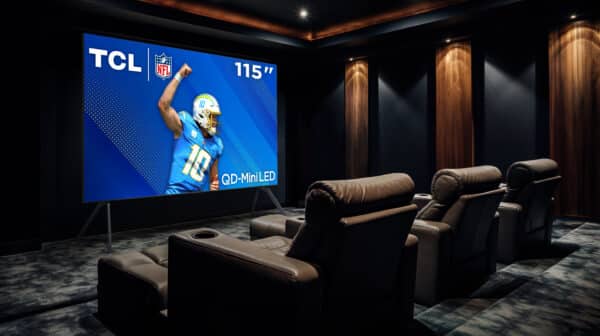
Television and sound systems maker TCL has just unveiled its new flagship miniLED TV, the QM8K! Those who previously owned a TCL QM8 or are looking to upgrade their current sets will want to pay close attention to the QM8K, as it boasts some rather impressive coloring and performance.  

Perhaps the biggest surprise is that the QM8K will be the first TCL to feature a CrystalGlow WHVA Panel with ZeroBorder.

TCL Goes Big for the 2025 Television Season

TCL is bringing massive upgrades to their televisions this year with their latest line of sets, the QM8K. With the QM8K officially launching today at select retailers, TCL is again bringing a slew of innovative technology to the QD-Mini LED market, giving you much more for a lot less. The QM8K will be replacing their previous 2024 model, the QM851G, though it comes with a ton of improvements, including a new display type which has improved anti-reflection, filmmaker mode, better dimming, higher-peak brightness, and so much more. A full breakdown of key features and improvements can be found below. 

  • Halo Control System – NEW Super High Energy LED Chip, Super Condensed Micro Lens, Micro OD, 23-bit Backlight Controller, Zero-Delay Transient Response, Dynamic Light Algorithm (DLA), High  Contrast HVA Panel, Enhanced QLED & NEW Color Optimization Algorithm
  • NEW CrystGlow WHVA Panel with ZeroBorder
  • Anti-Reflective Panel
  • Up to LD3800 Precise Dimming
  • Up to HDR5000 Peak Brightness
  • TCL AiPQ Pro Processor
  • 144Hz Native Panel Refresh Rate
  • Game Accelerator 288, for up to blistering fast 288 VRR
  • NEW Filmmaker Mode
  • Dolby Vision IQ & HDR10+
  • IMAX Enhanced & AMD FreeSync PP Certifications
  • Audio by Bang & Olufsen, with Up-firing Dolby Atmos Drivers
  • NEW Backlit Remote
  • Dolby Atmos & DTS Virtual:X
  • Hands-Free Voice Control (Far Field)
  • NEW Art Mode, Art Gallery and AI Art
  • Google TV with Enhanced TV GUI
  • Nextgen TV (ATSC 3.0)
  • NEW Thinner, Flatter, Cabinet with height adjustable pedestal stand (65”- 85”)

The TCL QM8K comes in 65-85-inch display options, with a price breakdown available below. 

  • 65-inch QM8K: $2,299.99
  • 75-inch QM8K: $2,999.99
  • 85-inch QM8K: $3,799.99 (available June 2025)
  • 98-inch QM8K: $6,499.99 (available June 2025)

More details on availability can be found on the official TCL Qm8K product page.

The perfect television for those looking to get the best performance out of their gaming, especially for Call of Duty, and other first-person shooters.

Avatar photo

James Lara

A gamer at heart, James has been working for MP1st for the last decade to do exactly what he loves, writing about video games and having fun doing it. Growing up in the 90's gaming has been in his DNA since the days of NES. One day he hopes to develop his own game.

Home > News

F1 25 Review – Start Your Engines!

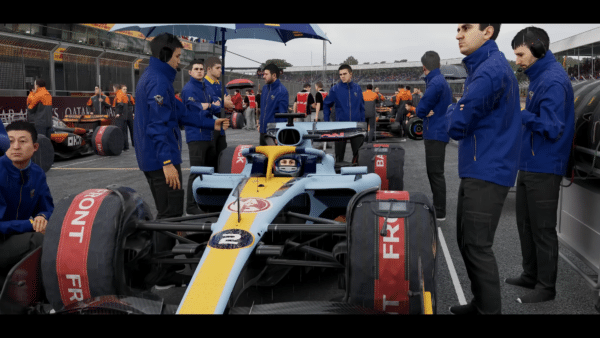
F1 has become one of the fastest-growing sports in the country in recent years behind the rise of superstars such as Lewis Hamilton and Max Verstappen. This may even grow more with the upcoming movie based around the sport titled F1. There have always been F1 games around for decades now, with with now EA subsidiary Codemasters being the developer since 2009. The future is a bit murky for the series right now, as F1 has yet to renew its partnership with EA, which ends this year. However, Codemasters and EA Sports have delivered yet another winning entry in the meantime with F1 25.

Take a Lap

The F1 series in its current form under EA has now been around for the last five years and has always had pretty solid controls and handling until last year’s game where the fanbase expressed some concerns with the handling. Thankfully, the development team managed to course correct and get back on track with F1 25. While it’s never going to be appease everyone out there, whether players prefer a too realistic or most accessible option, the handling in this year’s game felt the best it has in awhile. You can tell that there was a lot of work done to make tires feel much better here as well, which was a major complaint before.

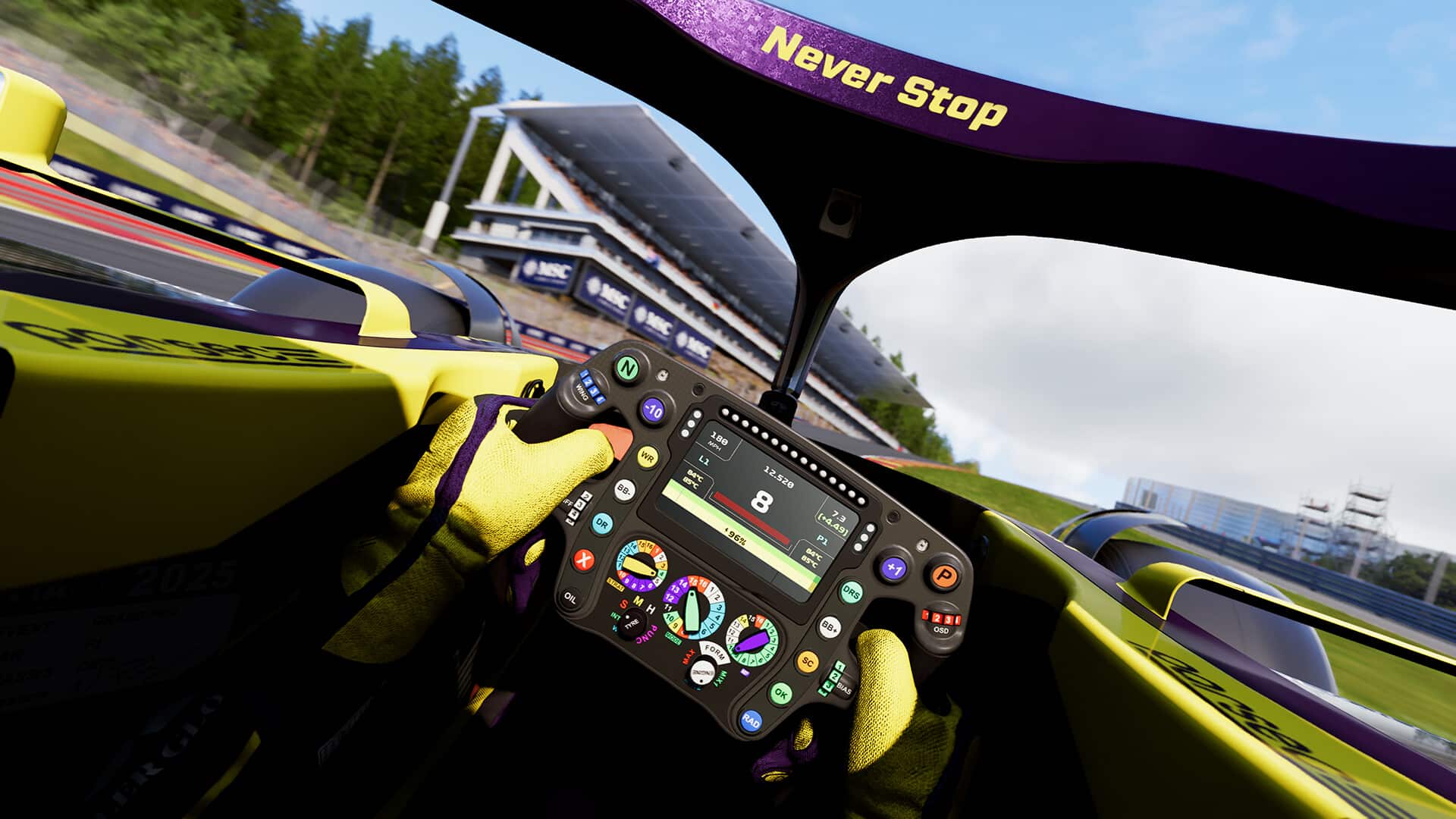
On the other hand, the series has never been lacking in visuals and this year is no different thanks to continued improvements to the realism. This is due to not only the game’s excellent visuals overall, but the Light Detection and Ranging scanning system, known as LIDAR. The development team specifically digitally scanned Bahrain, Miami, Melbourne, Suzuka and Imola tracks and used all of the technologies at their disposal to make them seem as true to life as possible. This even extends to the asphalt details and elevation changes in the map, creating the most authentic experience to date.

F1 25 has a few game modes to select from, including a couple of different story-based modes. The first of these is Braking Point 3, the third interation of this ongoing series. Rather than releasing yearly, Braking Point entries have been broken up into every couple years, with Braking Point and Braking Point 2 coming in F1 21 and F1 23 respectively.

Braking Point starts off with a recap of what happens prior in Braking Point, including following Braking Point protagonist Aiden Jackson’s journey, as well as how one-time rival turned teammate Devon Butler got injured and was replaced with his sister Callie Mayer. This leads into Braking Point 3, where we rotate playing between Aiden and Callie as Konnersport is run by Devon and Callie’s father Davidoff Butler.

Story modes in EA Sports games are something I really did enjoy on a surface level when we saw it in other games like Madden and FIFA, with F1 being one of the best due to the cross-game story continuing. While it has been weird to not be in every entry, it does allow for some turmoil to occur between entries to set up the new story better. I really appreciate that the developers actually use cinematics to tell the story here with really realistic looking character models and solid voice acting to tell the story. They do also take great use of phone calls to push the story forward between chapters as well, but it’s handled well here to where you don’t feel like it’s taking away from the game.

Performance and Reputation play a big part in Braking Point, as they both fluctuate depending on your actions on the track and off. Raising your level in both will allow you to have more dialogue options during interviews and department events. You’ll even see the additional choices that would be unlocked during conversations that tell you the required level to unlock them or what level you needed to be at to have previously unlocked them. These ratings are carried across the entire Konnersport team as well, regardless of whether you choose Callie or Aiden.

Braking Point essentially becomes a mix of answering phone call in the main hub, going to the next chapter and participating in a race of some sort and then have a post-race cinematic that pushes the story forward and then you end up in the hub again. The hub sequences switch off between characters, including even segments with Casper Akkerman, who helps run the team under Davidoff Butler and has been around since the first iteration of Braking Point.

As in the past, Braking Points does get pretty dramatic at times which may or may not be your cup of tea. We won’t go into the details about what happens here to avoid spoilers, but I quite enjoyed having a story-based mode like this to experience in the game, while also being a good teaching tool for the game as well. Otherwise, you can just choose to skip this and move onto the other games modes if you want more focus on just the racing or technical side of things

My Team also returns this year through Career mode, which has received a major overhaul this time around. From the beginning, you have the option for Driver Career, My Team Career, Two Player Career, or Challenge Career. Driver Career is the most basic of the bunch where you create a single driver and play through their career, whether you choose to skip to F1 or start in F2 at the start. A new cool feature here is that the AI can now recruit Driver Icons to join their teams, which means you may see classic names showing up on other teams in the mode that can make things all the more difficult for you and your career. Challenge Career works similar to the regular Driver Career, except for you will be competing against an online leaderboard of real players.

Two Player Career lets you invite a friend online to join you and share a career mode together. As soon as you start, the game gives you two options, whether you and your teammate are locked to one team or not through contracts. This means you could eventually end up on rival teams if you are not locked together. At that point, you are prompted to invite a friend online and they will join your career that works just like the Driver Career does.

My Team Career is where the most changes have come this year as the mode was pretty much overhauled. In My Team Career, you can choose to take full control of all aspects of Konnersport, APXGP, or an entirely new team altogether. First, you need to create your owner and choose the level you want your team to start at in areas such as financials and facilities.

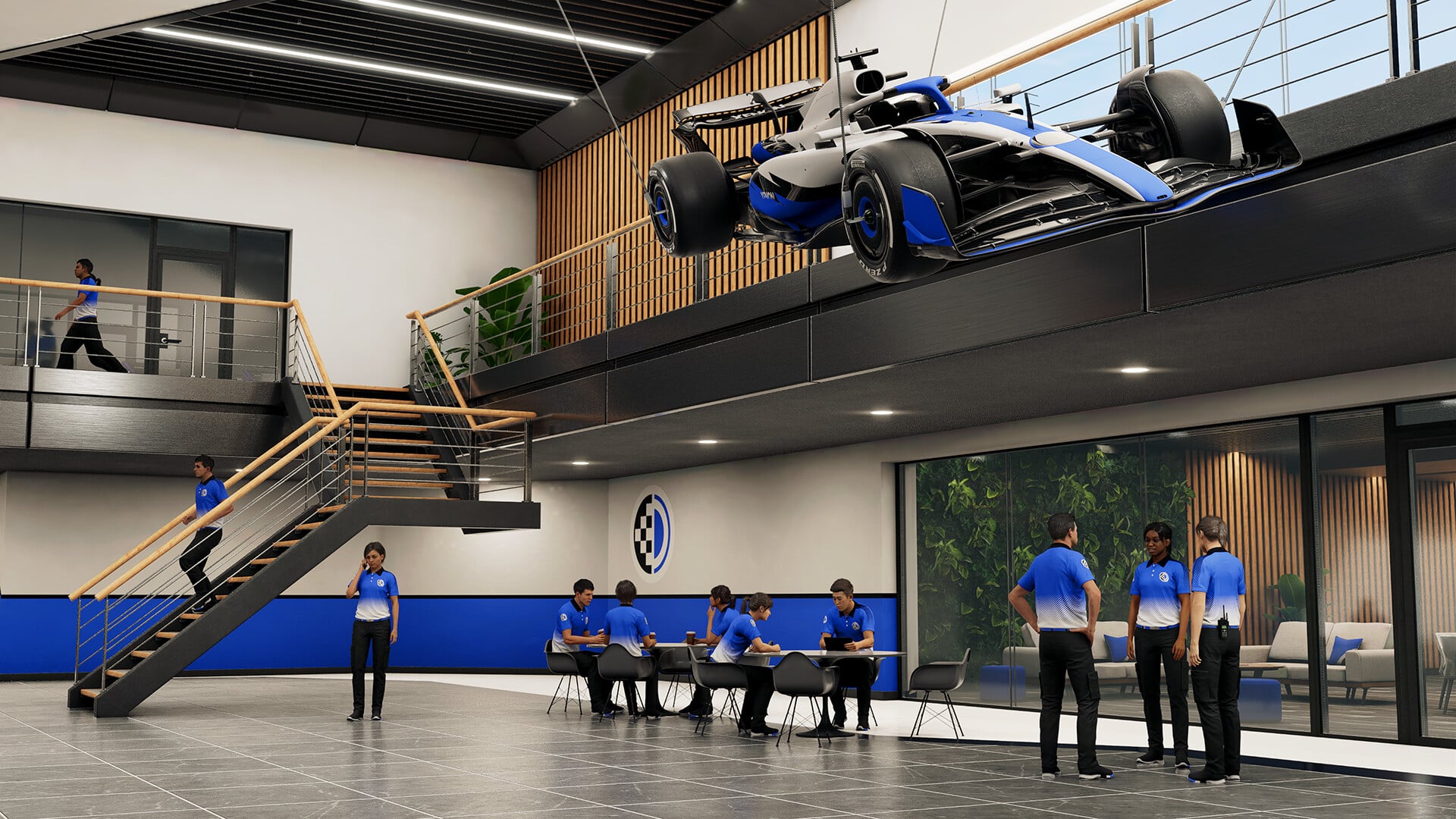
Once everything is set up, My Team consists of a hub that lets you look at upcoming activities, as well as the important areas of Team Owner, Engineering, Personnel, and Corporate. Team Owner is where you find messages, fan rating, and the new Owner Training. This is essentially a skill tree for your owner, allowing you to focus on the paths of engineering, personnel, and corporate development as you earn training points. The Engineering area is one of the most in-depth areas of the group, as it involves research and development, which are completely separate in this year’s game. This can get pretty involved and requires some learning to understand at first. Personnel is where you get to hire and maintain drivers and the workforce in general. Then you have Corporate, where sponsors and finance are located. Within each section are also specific facility improvements related to that area as well.

I really found myself getting into playing this mode, though I was a bit disappointed that this came as a result of the removal of the Owner-Driver option in the past. It would have been fun to still have that option here, but My Team Career is still a really enjoyable option, especially for simulation nerds like myself.

An interesting mode added in F1 25 is that of F1 The Movie, which revolves around the upcoming F1 movie starring Brad Pitt. This mode is set to let you play moments related to the upcoming movie, but the only problem is that the majority of this content will be coming more than a month after the release of the game. As of launch, you can watch the movie’s trailer and do a special preview test around the track that has an introductory scene and ending scene directly from the movie. They use actual clips from the movie here, which is really cool and should be a lot of fun to experience once the seven chapters are available. As of right now, we can only see the first two chapters listed, which say coming June 30, so hopefully the remaining five come the same day. For completing these seven chapters, you’ll be able to earn a special Sonny Hayes helmet, who is the character Pitt plays in the movie.

F1 World is the name for the mode that contains most of the basic content in F1 25. This includes going into solo races, online multiplayer races, as well as others like time trials and grand prix. While you can do plenty of customization here with your vehicles and players, these events are very much meant to be jumped in and out of very easily. There is pretty much a game option for any kind of player, whether they are looking to play more casually, competitive, or somewhere in between.

The Garage is also found within F1 World, where you can manage your Car Parts and Team Member upgrades that you’ve found while playing F1 World. The Customization area lets you alter your driver’s avatar, outfit, and even what their car’s base look is within this mode. This also includes the ability to create badges.

The most hardcore players once again have F1 League to play in F1 25. Here you can match up with other real players in leagues where you actually race with one another at the same time and can setup when you do so. This is done as a league until one driver sits upon the standings at the end of the season and is crowned the champion of the league. Utilizing EA Racenet, which can be accessed through a phone, tablet, or PC, you can setup your league and maintain them from there. It is kind of weird that you cannot setup anything with this mode in the actual game, but at least they make it pretty easy otherwise. F1 League is something that is beyond my level of expertise, but it’s definitely something that a lot of people can enjoy.

For those who just want some good ole traditional local multiplayer racing, F1 25 does include that as an option. There is the option for splitscreen for two opponents or there is even the option for a LAN game with multiple players aross a LAN connection. While this is likely the most uncommon way people will play today with the existence of online play and everything, I always appreciate a game including an option like this that takes me back to the days of having LAN parties with friends on the weekend on the original Xbox.

Verdict

While we await news of the future of the series, F1 25 is a really enjoyable entry in the series that offers players plenty to do, albeit without reinventing the wheel. The continuation of Braking Point is well done and is something fans of it in past entries will enjoy, and the varying options in My Career will make most players happy, though the removal of Owner-Driver was disappointing. F1 World is back again and mostly as you would expect here too. Perhaps the most unique addition is for F1 The Movie with the connection to the upcoming movie, but most of that content will have to wait until over a month post-release to actually enjoy. Especially after fixing the handling complaints found in last year’s game, F1 25 felt like a return to form that fans of the series will not want to skip.

Score: 8.5/10

Pros:

  • Impressive visual detail using LIDAR
  • Improved handling from last year’s game
  • Braking Point Part 3 is well done
  • My Team revamp

Cons:

  • Removal of Driver-Owner option in Career
  • Braking Point may be too dramatic at times for some

F1 25 was provided by the publisher. You can read MP1st’s review and scoring policy right here.

Avatar photo

Dean James

Home > Title Updates and Patches

Split Fiction Gets Mysterious New Update on All Platforms, But It’s Causing Space Issues on PC

[summaraize]

Hazelight Studios’ latest game Split Fiction is currently one of the best-rated games of the year, and has sold enough to call it a success. Given it’s not a live-service title and isn’t really poised to get any expansions, it’s surprising to see the game got an update today. Console owners will see this as Split Fiction update 1.500, which is a small download on all platforms.

While this should be a small download on PC as well, there are issues that are causing gamers to lose disk space when trying to apply the update.

Split Fiction’s Latest Patch Version 1.500 Is Causing Disk Space Issues

Oddly enough, the studio has not mentioned anything regarding today’s patch, so we’re all left wondering what’s in it. Unfortunately for PC gamers, not only did we not get patch notes, but they are also experiencing disk issues, which is something EA acknowledged.

On the game’s Steam board, “Joe_EA” mentioned, “There appears to be a glitch with the update on Steam right now. We are looking into this. If players are getting the not enough space to install warning, we recommend uninstalling the game and reinstalling it.”

Players are reporting issues where they see the game’s size balloon up to 80 GB. The actual patch should be around 700mb, but players are seeing an error where the game client is asking gamers to redownload the entire game!  Even the game’s community is left scratching their heads on what got changed with today’s patch.

The last update released for Split Fiction was in March, which had the following changelog:

  • Fixed the rolling wheel in “Royal Palace” to improve experience when playing with more than 150 FPS.
  • Fixed the magnetized harpoon in “Down the Rabbit Hole” to take into account camera sensitivity settings for aiming.
  • Fixed not being able to stand inside the big pots in “The Legend of the Sandfish”
  • Fixed several minor visual glitches and pops visible during online play
  • Improved the tutorial prompts in “Walking Stick of Doom” to be more clear about available actions.
  • Various localization and subtitle fixes across all languages.

Given the size, and how the game is feature-complete, today’s patch should be for bug fixes and possible performance improvements. If we get anything from EA officially, expect the article to be updated.

Avatar photo

Alex Co

Father, gamer, games media vet, writer of words, killer of noobs.

Home > Title Updates and Patches

The Precinct Update 1.500 Dispatched on Consoles as the GTA Cop Game’s First Post-Release Patch

Developer Fallen Tree Games Ltd has released The Precinct update 1.500 on consoles, and unless we’re mistaken, this is the game’s first post-release patch for what people consider the “GTA cop game.”

Expect a slew of fixes that was released last week on PC, which should be applied for the PS5 and Xbox Series X|S versions starting today.

The Precinct’s First Post-Release Patch for Consoles Breaks Free as Version 1.500

Here’s what’s new per the developers based on last week’s PC patch.

Here’s a list of all of the fixes included in this update:

  • More potential fixes for save game loss
  • Fixed many reported crashes
  • The new game confirmation box requires holding if using keys or a controller
  • Fixed graphical artifacts when using Intel ARC A770/A750
  • ROG Ally will now default to Handheld mode
  • Kelly will get into the player’s vehicle quicker
  • Police officers should now be able to arrest suspects surrounded by vehicles during a helicopter patrol
  • Increased chance of gang burglaries and fights if they haven’t occurred recently
  • Improvements to how Kelly arrests and escorts suspects (more improvements planned for next patch)
  • Improved ability for player to self-right their car when flipped
  • Prevent AI from getting into a vehicle while ragdolled
  • Improved helicopter backup support
  • Added map markers for found rare vehicles and historic plaques
  • Improved animation when falling out of a jumping vehicle
  • Changed ‘Brake’ controls string to ‘Brake / Reverse’ for all languages
  • Fixed being able to trigger gang missions from detectives after being outside the precinct if the player also had played a race or time trial
  • Fixed several issues with animations when the player character is close to objects
  • Rebalanced fleeing vehicle speeds
  • Fixed handcuffing SFX playing when Kosta gets teleported next to patrol vehicle after being restrained
  • Several localisation fixes
  • Burglars should not be trapped in Ben’s Beanies anymore
  • Fixed issue where AI could get stuck on top of a vehicle when surrendering
  • Potential fix for characters disappearing after tackling them
  • Fix for characters clipping through the floor when searched on uneven surfaces
  • Visual pass on aiming animation when aiming repeatedly
  • Fix for NPCs dodging vehicles that are significantly lower/higher than them
  • Removed the unneeded shoreline ladder blocked by a cargo container in Carver Port
  • Fixed problems with system messages after disconnecting a controller
  • Fixed vehicles reverting to their damaged visual state after being damaged after repairing the vehicle
  • Fixed an issue with car alarm taking too long to time out after driving a car inside the police station garage
  • Fixed slow motion SFX stopping if you opened a radial menu from inside a radial menu, then went back to the first radial menu
  • Fixed callout panel not displaying properly if you started a shift, left through the garage doors and then went back inside the precinct
  • Fixed stamina bar depleting while player is inside phone booth if they were sprinting when they entered
  • Fixed criminals not being despawned when the subway gets shutdown
  • Fixed issue where graffiti vandals could despawn during training, and reappear only when the player was very close
  • Fixed incorrect patrol unit showing on shift scoreboard when on a helicopter patrol, but not boarding a helicopter
  • Fixed vehicle drop-off locations not highlighting on “Book suspects” sub-objectives
  • Fixed optional objective markers incorrectly showing when in a helicopter
  • Fixed issue where blipping your siren would cause vehicles behind you to pull over
  • Fixed several issues with objectives and fail screens after reloading the game
  • Fixed crime header not flashing on route to the bank heist
  • Several fixes for Kelly’s VO barks
  • Fixed player avatar being highlighted despite not being the first character to speak in conversation during certain cutscenes
  • Fixed characters being stuck in the dumpster after it’s tipped over
  • Prevent certain missions from starting when the player is interacting with a civilian
  • Fixed issue with littering objective not clearing after being abandoned
  • Fixed Traffic Stop showing incorrect colour icon at times
  • Fixed issue where drivers returning to their vehicle would incorrectly choose the closest seat, not the driver seat
  • Fix for issues with lights on vehicles
  • Fixed the map mouse cursor failing to display after you exited the map screen while hovering over any buttons
  • Fixed multiple SFX issues
  • Added some variants to door opening sound
  • Fixed a lot of collider issues
  • Fixed a lot of camera fade and z-fighting issues
  • Fixed multiple cases of misaligned decals
  • Several fixes for the Steel Mill mission
  • If the passenger of a pulled-over vehicle fires a weapon, then the driver now drives the vehicle away
  • Fixed several issues with time trials and races
  • Fixed several issues occurring during arrests (i.e. can’t arrest someone)
  • Fixed NPC navigation after destroying their stands
  • Fix for suspects sometimes not leaving their vehicles after surrendering
  • Fixed issue where the 3rd speed training suspect could stand around after getting out of their vehicle
  • Fixed player vehicle spawning inside or on top of other vehicles
  • Car skid marks won’t appear if a tyre is flat
  • Fixed splash VFX playing on low roads
  • Fixed characters standing in T-pose during a shoot-out
  • Antonio and Chief should leave the Act 3 meeting correctly now
  • Fixed issues when Act 3 meeting was failed
  • Fixed Antonio hints showing incorrectly when on a helicopter patrol
  • Fixed pause menu not opening on controller disconnect if radial was open
  • Fixed a shader issue with phone booth in the fog
  • Fixed audio issue when Stun gun was out of ammo
  • Fixed gun not being reloaded when out of ammo and restarting due to a fail scenario
  • Added some variety to sounds played when bumping into people
  • Improvements to force restrain context hints
  • Fixed several UI overflows
  • Fixed several issues with graphical presets
  • Fixed problems with some ladders
  • Fixed the wrong gender flag on some characters
  • Fixed exterior street lights are enabled during daytime when exiting interiors
  • It should no longer be possible to clip through some gates when running
  • Fixed sprite scaling in some conversations
  • Fixed the death screen restart triggering after a restart callout
  • Fixed possible player clipping with cars when the radial menu is open
  • Fixed suspects pushing the player to escape, but then immediately surrendering
  • Fixed issue where suspects (Litter / Speeding Vehicles) would stand around after being fined or let go
  • The requested patrol vehicle should be spawning as close as possible to the player, instead of randomly
  • Support tokens are no longer added while traffic stop targets are complying
  • Fixed issue where plate checks could result in multiple callout panels being shown for the same suspect

The developers have confirmed that there are still save issues, so they recommend backing up save files, while they are investigating the issue.

Avatar photo

Alex Co

Father, gamer, games media vet, writer of words, killer of noobs.

Home > Title Updates and Patches

Forza Horizon 5 New Update 1.685.019 Races Out for All Platforms and Includes PS5-Specific Fixes

[summaraize]

Playground Games has pushed out Forza Horizon 5 update 1.685.019 on PS5, Xbox Series X|S and PC. This is a ptch aimed at fixing bugs, and doesn’t include any new content.

For PS5 users, a host of platform-specific issues have been fixed in relation to the Friends List tab, as well as various bugs affecting steering wheels.

Forza Horizon 5’s New Update on May 27 Addresses Steering Wheel Issues and Accolades Bugs

Version Number:

  • Xbox One: 2.684.745.0
  • Xbox Series X|S: 3684.745.0
  • PC: 3.684.745.0
  • Steam: 1.684.745.0
  • PlayStation 5: 1.685.019.0

Bug Fixes and Improvements (All Platforms)

Avatar photo

Alex Co

Father, gamer, games media vet, writer of words, killer of noobs.

Home > Title Updates and Patches

Diablo 4 New Update Version 1.087 Reduces Material Cost for Masterworking, Belial”s Return Bugs and More

[summaraize]

Blizzard has released the latest patch for Diablo 4 on all platforms, and this brings a quality-of-life change that should be appreciated by players. Those on consoles, this should show up as Diablo 4 new update 1.087, with those on last-gen seeing this patch as version 1.87.

Aside from the quality-of-life change for Masterworking, there are bugs sorted out in terms of Belial’s Return, gameplay issues like Grigoire’s Hoard Chest can be opened even those by people who didn’t participate in defeating the boss and more.

Diablo 4 Build 2.2.2 Now Out on All Platforms as Update 1.087/1.87

Base Game Update

The basic materials cost of Masterworking through Ranks 1–4 has been reduced, as well as the Masterwork Reset requirements. All costs except Obducite and Gold have been substantially reduced.

Developer’s Note: intent is to ensure costs besides Obducite and Gold don’t limit Masterworking, especially when the player engages in a significant number of Masterwork Resets.

Developer’s Note: intent is to ensure costs besides Obducite and Gold don’t limit Masterworking, especially when the player engages in a significant number of Masterwork Resets.

  • We are disabling the DirectStorage setting to investigate performance issues. If you’d like to continue using DirectStorage to take advantage of faster load times on supported NVMe drives, you can re-enable it through these steps:
    • Open the Battle.net Launcher
    • Navigate to Diablo IV—”(Gear Icon) next to Play”—Game Settings
    • Check “Additional command line arguments”
    • Add: -enableds

Bug Fixes

Accessibility

  • Fixed an issue where the Screen Reader wouldn’t read cosmetic details in the Reliquary Menu.
  • Fixed an issue where the Screen Reader would repeat supported classes for Reliquary cosmetic items.
  • Fixed an issue where the Screen Reader read Season Journey objectives as fractions.
  • Fixed an issue where the Screen Reader didn’t function when viewing Steam Friends.

Season of Belial’s Return

  • Fixed an issue where the Buried Hope quest could have progress blocked if the player left the dungeon while the Slay the Ghosts objective was active.
  • Fixed an issue where defeating Duz-Agur in Eriman’s Pyre using Avarice’s Explosive Ore Main power caused the stronghold shrine to become uninteractable.
  • Fixed an issue where Staggering the Apparition of Kirma in the middle of its leap attack would result in the boss being unable to attack the player afterwards.
  • Fixed an issue where the teleport effect from the Jah rune didn’t work while Duriel’s Burrow Main Power was equipped.

Gameplay

  • Fixed an issue where Grigoire’s Hoard Chest could be opened by players who did not participate in defeating the boss.
  • Fixed an issue where Captain Willcocks, a rare monster in Hawezar, could become invincible if damaged too fast.
  • Fixed an issue where Obducite could be dropped by one player and picked up by another.
  • Fixed an issue where the Raven of the Tree would become uninteractable after closing the rewards selection without picking a reward.
  • Fixed an issue where Lair Boss Chests could become uninteractable in certain scenarios.

User Interface and User Experience

  • Fixed an issue where an icon for the Tree of Whispers displayed on the map for Ked Bardu.
  • Fixed an issue where Season Journey objectives achieved before unlocking the chapter didn’t display as completed.
  • Fixed an issue where the game could freeze after double clicking the Create Character button in the character select menu.
  • Fixed an issue where the Wave Counter in Infernal Hordes would fail to update.

Miscellaneous

  • Fixed an issue where the Devout Champion achievement didn’t unlock as expected in certain situations.
  • Fixed an issue where the party vote would timeout then fail if someone left the party while the vote was active.
  • Various visual, performance, stability, UI, and audio improvements.

Those are all the changes per Blizzard, though don’t be surprised to see another patch released soon given how consistent Blizzard has been in supporting the game.

Avatar photo

Alex Co

Father, gamer, games media vet, writer of words, killer of noobs.

Home > Title Updates and Patches

Assassin’s Creed Shadows Update 1.007.043 for Version 1.0.5 Adds Dead by Daylight Content, New Parkour Improvements

[summaraize]

Even if Assassin’s Creed Shadows is entirely a single-player experience (for now), Ubisoft has a lot of stuff planned for the game. Today, one of those plans come to fruition, as Assassin’s Creed Shadows update 1.007.043 is now live, and this brings two crossover collaborations, new parkour elements and more.

Alongside the new features and content, there are also bug fixes as well. For the patch notes and file sizes, read on below.

AC Shadows May 2025 Patch Adds Dead by Daylight Content and New Parkour Elements

PATCH SIZES:

  • PS5: ~3.31 GB
  • XBS: ~19 GB
  • MAC: ~9 GB
  • PC: ~13 GB
  • Steam: ~4.3 GB

“Thrown to the Dogs” Quest Unlocked

With this update, all players will receive access to the pre-order bonus quest, “Thrown to the Dogs”. Help a loyal dog avenge his late master and unlock Tsuki-maru as a pet to place in your Hideout.

The quest is available in early game, once you have completed “From Spark to Flame”. It can be found at the Tennoji Temple, outside of Osaka.

SPECIAL COLLABORATIONS

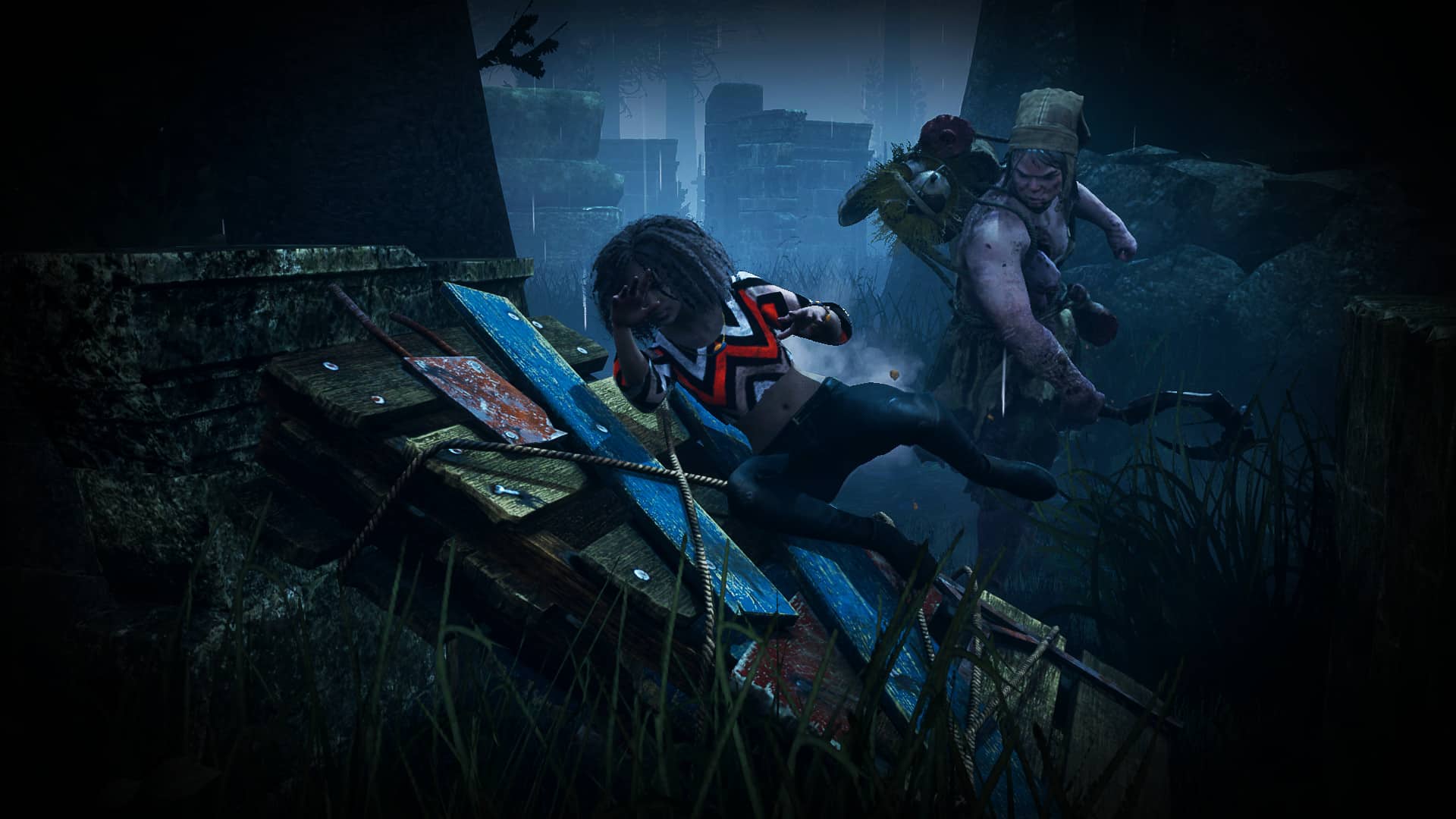
Dead By Daylight Event

This event comes with a new free quest that you can access from the Hideout upon unlocking Yasuke as a playable character. Once the event is completed, you will obtain a free trinket and banner.

You will also be able to further personalize your two characters with a Dead by Daylight-inspired pack in the store, featuring outfits, weapons, trinkets, and the chance to ride off into the shadows with none other than the loyal steed, Maurice.

Balatro Trinket

We are also adding a new trinket for Naoe, and an amulet for Yasuke called “Winning Hand” — directly inspired by Balatro. These new items come with a legendary perk that gives you a chance to trigger a random affliction effect on combo enders.

PARKOUR IMPROVEMENTS

  • New Vertical Jump
  • Sprint Toggle Lock
  • Enhanced Back and Side Ejects

NEW PHOTO MODE FEATURES

Photo Mode is receiving its biggest update for an Assassin’s Creed game, with the addition of new features to better customize your shots and make the most out of capturing the beauty of Feudal Japan.

These include the following options:

  • Change the time of day
  • Play around with numerous poses and facial expressions
  • Toggle headgear on/off
  • Play music while editing your shots
  • Sticker colorization
  • New customization frames
  • Save Custom Filters
  • Reset only one parameter
  • Tweak camera speed
  • Improved preview mode
  • Fullscreen (PC only)

LIST OF BUG FIXES

General

  • Fixed the issue where players had a persistent New Item notification in their inventory. We did it!
  • Addressed an issue where some players were given a new save file at level 60, with gear and all objectives uncovered.
  • Fixed an issue where the desynchronization warning for ‘killing civilians’ would appear without any reason.
  • Fixed an issue where romancing Lady Oichi before romancing Rin could cause a breakup.
  • Fixed various localization issues.

Balancing

  • Fixed an issue where the Samurai Daisho and Ronin occasionally gave an extremely high amount of Mon regardless of their level, disincentivizing other methods of gaining Mon.
  • We have also partially rebalanced the Mon economy to encourage more world exploration and gameplay activities to earn Crafting Materials and Hideout Resources instead of purchasing them through merchants.
  • In pursuit of this, we’ve bumped up the cost of Crafting Materials and Hideout Resources sold by Merchants and lowered the quantity available each season for each Merchant.
  • If you still want to purchase them, we’ve increased the amount of Mon acquired from completing contracts.

World

  • Fixed an issue where Yagoro would become trapped in a Kofun and not return to the hideout.
  • Fixed an issue where players could remain stuck inside the construction site at Osaka Castle.

Quests

  • Fixed an issue where players could not exit the quest “Vision of Realms” if they selected ‘Quit to Memories’ and loaded their progress from the Animus Memories menu.
  • Fixed an issue where quitting during the “Nobutsuna Sensei” quest caused Yasuke to become stuck in the flashback.
  • Fixed an issue where Yaya doesn’t join “The League” after being successfully recruited.
  • Fixed progress issues in the “Showdown in Sakamoto” quest that happened if Katsuhime previously died.
  • Fixed an issue in the “Wake Up Call” quest where the “troublemaker” couldn’t be hunted down.
  • Fixed an issue in the “Find Local Dishes” quest where Narezushi could not be obtained from merchants.
  • Fixed an issue in the “Wolves and Foxes” quest where players were not able to speak with Hattori Hanzo. I guess we’ll let you talk to him now.
  • Fixed an issue where players could not progress in “A Peculiar Guest”.
  • Fixed an issue where players could not complete the “Missing Missive” quest due to being unable to retrieve the letter.
  • Fixed an issue where the game would crash during the “Temple of the Horseman (An Eye for an Eye)” quest.
  • Fixed an issue in the “Diary of Lady Rokkaku” quest where Katsuhime’s letter would sometimes disappear. You got mail!
  • Fixed an issue where the game incorrectly believed Katsuhime was dead and players could not complete the “Diary of Lady Rokkaku” quest.
  • Fixed an issue where players could not complete the “Diary of Lady Rokkaku” quest due to Naoe and Katsuhime being attached to surrounding water. They just wanted to go on a little swim!
  • Fixed an issue where players could not complete the “Diary of Lady Rokkaku” quest due to Katsuhime dropping into the water and swimming to shore.

Stealth

  • Fixed an issue where the Shinobi Bell effect was blocked by line of sight from NPCs.

Combat

  • Adjusted an issue where the +600% affliction buildup engravings was a text error. It now has been fixed to reflect the real build-up amount of 6%.

Visuals & Graphics

  • Fixed visual issues.
  • Fixed some issues where the “Kaen” and “Sekiryu” mounts would not fully fit in the stables.
  • Fixed a visual issue with the “Samurai Daimyo Armor”.
  • Addressed an issue where players could sometimes see a giant NPC in towns.

Hideout

  • Improved stability for heavily customized Hideout.
  • Fixed an issue where players could sometimes not interact with Gennojo in the Hideout.

PLATFORM-SPECIFIC FIXES

Xbox

  • Addressed an issue where the gamertag would load indefinitely in the thumbnail of Photo Mode images on the World Map.
  • Addressed Mouse and Keyboard input issues.
  • Restored Balanced Performance Mode that was missing on Xbox Series X after Update 1.0.4.
  • NOTE: Balanced Performance Mode requires having the proper setup with a 120, 144, 165 or 240 Hz monitor.

Ubisof has outlined that more content is on the way, with the second story drop scheduled out next month for free.

Avatar photo

Alex Co

Father, gamer, games media vet, writer of words, killer of noobs.

Home > Title Updates and Patches

Conan Exiles Update 2.13 Released for May Hotfix

[summaraize]

Developer Funcom has released the May hotfix for Conan Exiles on consoles and PC, and this implements gameplay fixes and bug fixes. Console players should see the patch download live now as Conan Exiles update 2.13, though don’t expect any new content.

For the complete list of what got fixed, read on for the patch notes.

Conan Exiles May Hotfix List of Changes/Fixes

Conan Exiles Download Version 2.10

Here are the full list of fixes per Funcom:

  • Fixed splitting item stack from the hotbar, causing items to go missing
  • Made objects easier to build with construction hammer while standing under a low ceiling (aka “View Obstructed” bug)
  • Fix for “Continue” option not working in the Liu Fei quest
  • Fix for Freya sometimes refusing to join the player for the hunt
    • We will continue to monitor and explore this issue but this update includes an initial fix.
  • Added DBNO, Living Settlements, and the Age of War Purge to the Event Log, and made the Event Log more transparent with information
    • Note: The patch will reset the Event Log Visibility server settings, which need to be configured again by server admins. To give more granular control, it has been split into 2 settings (PvE/PvP).
    • The settings for official servers are: PvE – “Owner or Admin”, and PvP – “Admin”. With this configuration, recorded PvE events (such as a crocodile killing a thrall) will report the full information to the Clan users. However, recorded PvP events (such as a player killing a thrall) will only report “a player” and not the player’s name.
  • Fix Tavern Patrons occasionally teleporting to 0, 0, 0
    • Specifically, this addresses some NPCs being assigned invalid coordinates when spawning to approach the tavern, resulting in ending up in limbo.
  • Fixed “house pet” style pets (such as cats and turtles) becoming aggressive
  • Switched the hunger and thirst indicators on the UI back to their intended locations
  • Various crash fixes

The changelog above applies to both PC and consoles, as upon checking, they have the same items that got fixed for May.

Avatar photo

Alex Co

Father, gamer, games media vet, writer of words, killer of noobs.

Home > Title Updates and Patches

Helldivers 2 Update 1.003.003 Features Changes to Masters of Ceremony Armors

[summaraize]

Arrowhead Game Studios has released Helldivers 2 update 1.003.003 for PC and PS5 players today. This update features a change to the Masters of Ceremony armors, and also further fixes the game from crashing.

Read on for the rest of the fixes below.

Helldivers 2 Update 1.003.003 Includes Armor Changes

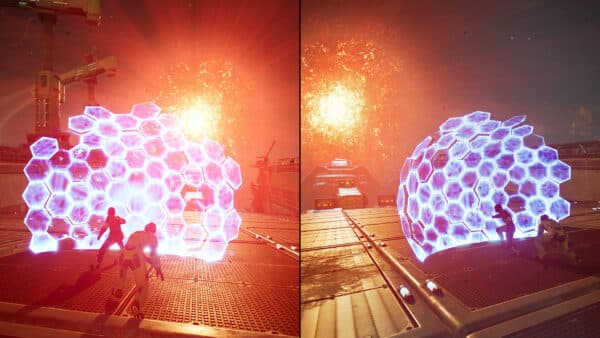
helldivers 2 screen

Overview

  • Bug fixes
  • Stability
  • Crash Fixes
  • Reinforced Epaullettes passive adjustment

Armor Passive Change

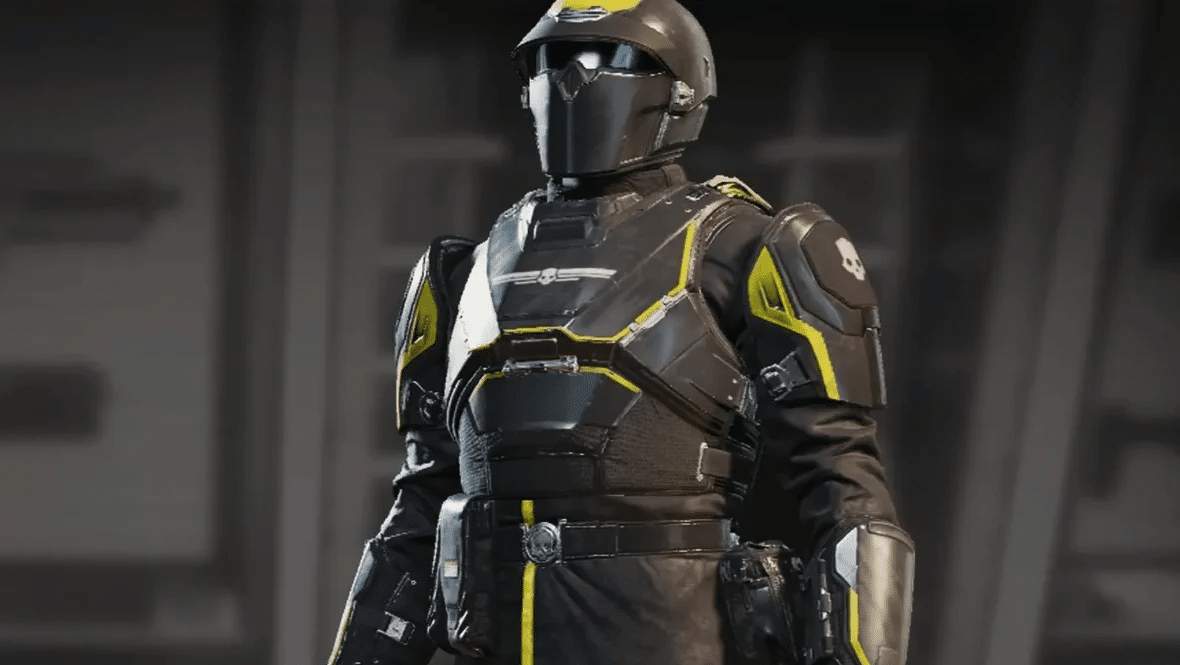
After hard fought battles on super earth our Masters of Ceremony have become more grizzled and stronger. With their limbs not suffering any breakages, Helldivers adorned with these armors are finding themselves able to reload faster and punch harder.

We have been monitoring your feedback in regards to armors and their passives. We have made some adjustments to the Masters of Ceremony armors, adding 2 extra perks:

  • Increased Reload Speed of primary weapons by 30%
  • Increased Melee Damage by 50%

We will monitor sentiment around this and assess going forward

Fixes

Crash Fixes, Hangs and Soft-locks:

  • Fix a crash caused by browsing and interacting with the weapon customization menu too quickly
  • Fixed crash that could occur when exiting a ‘Take down overship’ mission after joining mid session
  • Fixed crash that could occur when joining an ongoing ‘Repel invasion fleet’ mission
  • Fix for another crash that could occur in “Repel invasion fleet” mission
  • Fix for crash related to audio
  • Fixed crash that could occur when dropping into a game that is transitioning back to ship

Enemies:

  • Leviathans no longer targets power generators in defense missions
  • Fixed an issue with enemy pathing on the military uplink objective

Weapons and Stratagems

  • Fix weapons not reloading after switching equipment while holding an active stratagem ball
  • Fixed ship damage to shields held by traitors

Miscellaneous Fixes

  • Improved stability on city-missions featuring a Leviathan
  • Fixed players sometimes disconnecting when multiple Leviathans were present in the mission
  • Fixed issue where due to illuminate interference, time was offset incorrectly on Super Earth clocks
  • Fixed an issue with friendly & enemy pathing around the Shuttlebay location
  • Helldivers should no longer be branded traitors from civilians willingly stepping on mines

When a newer update for Helldivers 2 is out, MP1st will let our readers know all about it.

Damien Seeto

Home > Title Updates and Patches

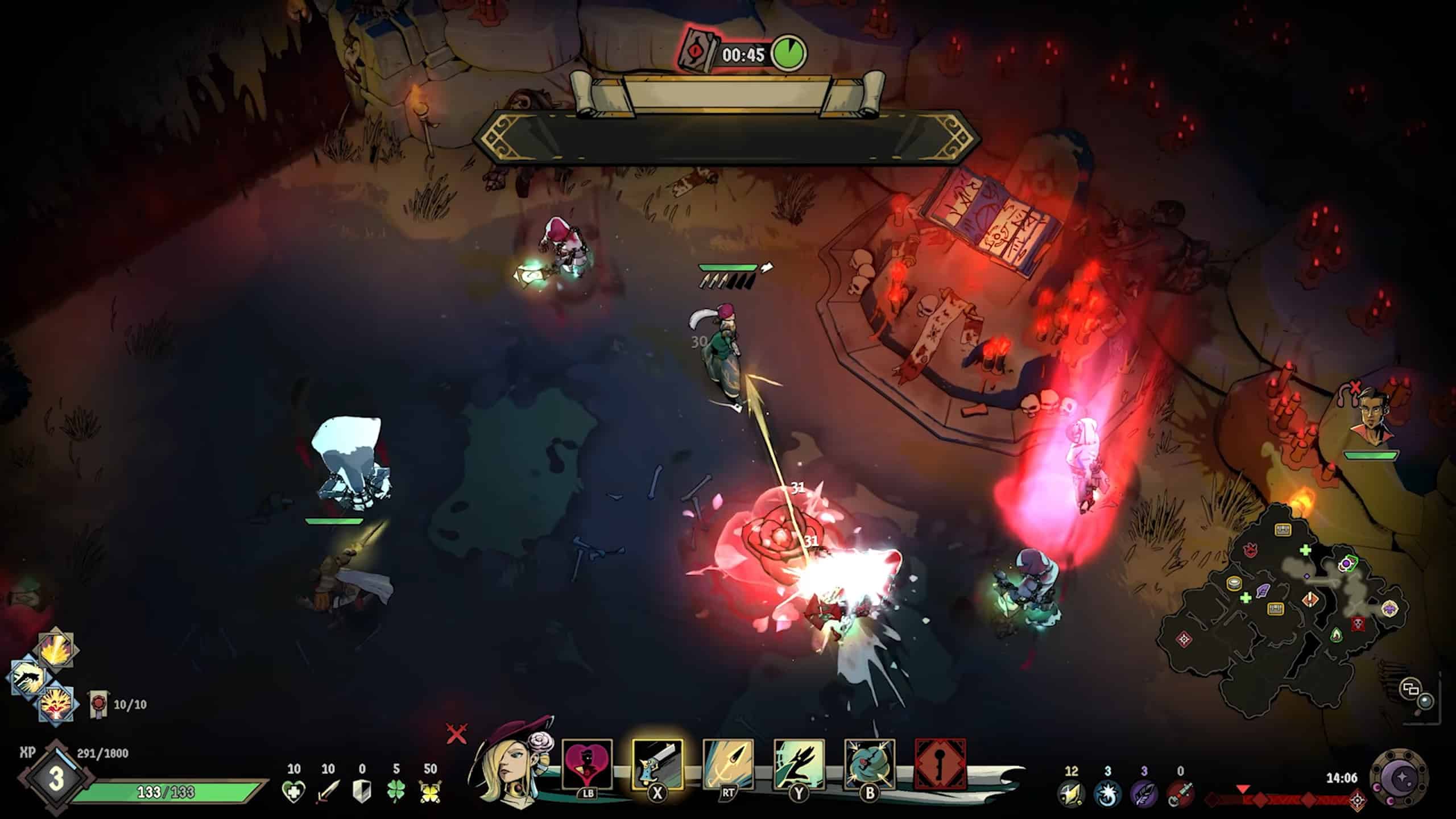
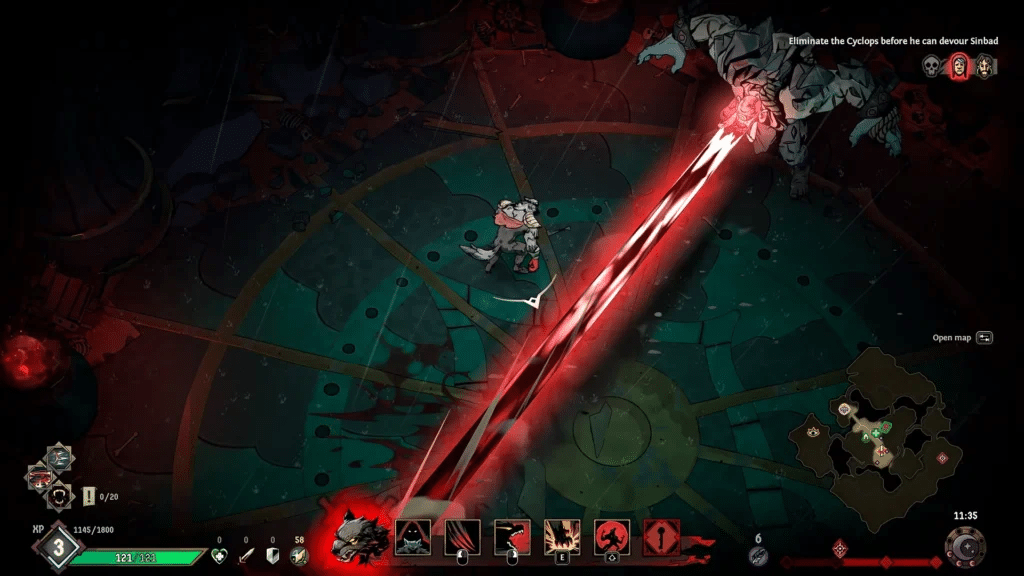
Ravenswatch Update 1.010.000 Out for Free Romeo & Juliet DLC

[summaraize]

Update 1.010.000 has been released for Ravenswatch, and this is to support the new Romeo & Juliet DLC that is out today. They will be available as two new heroes in the game. Not to mention, both of them are free for all players.

Check out more details about the DLC below.

Ravenswatch Update 1.010.000 Includes Romeo & Juliet

DLCs

  • 2 New Heroes! Romeo & Juliet join the Ravenswatch (Free DLC)
    • Unique co-op gameplay style
    • Playable in solo as well
    • 3 New Achievements (Steam only)
  • Additional Skin Pack for Romeo & Juliet (Paid DLC)

Free Update

  • Multiplayer scaling balancing
  • Talents balancing
  • Magical Objects balancing
  • Quality of life and Bug fixes

Patch Notes (1.2.1)

🐦= Inspired by community reports and suggestions

⚠ Due to major content changes, any existing run in progress has been discarded. Your overall progress has not been affected. Finish your run before updating the game if you don’t want to lose it! Thank you for your understanding.

New content and features (DLCs)

ROMEO & JULIET JOIN THE RAVENSWATCH

  • Two new Heroes with a unique set of abilities and co-op gameplay style
    • Romeo, a fencing master, swinging his rapier with natural elegance
    • Juliet, a sharpshooter who wields her gun with a steady hand
  • Playable in solo
  • 2 Ultimate abilities each
  • 26 talents each
  • 14 pages of their Memoirs
  • 8 unlockable Outfits
  • 6 additional Outfits (Paid DLC)
  • 3 new achievements (Steam only)

GET ROMEO & JULIET FREE DLC

GET THE ROMEO & JULIET SKIN PACK

  • Ravens Outfits
  • Nightmares Outfits
  • Eternal Love Outfits

Balancing

GENERAL ADJUSTEMENTS

  • 🐦 Multiplayer Difficulty Scaling adjustments:
    • The number of additional enemies added by players has been decreased to +13% (from +17%)
    • The Standard Enemies’ health points by additional players have been decreased to +30% (from +40%)
    • The Elite Enemies’ health points by additional players have been decreased to +60% (from +70%)
    • The Standard Enemies’ Stagger by additional players has been decreased to +30/40/50% (Chapter 1/2/3, from +50/60/70%)
    • The Elite Enemies’ Stagger by additional players has been decreased to +60/70/80/90% (Chapter 1/2/3/Epilog, from +80/90/100/110%)
  • Leash mechanic: Changed Leashing behavior
    • The waiting time for enemies to “flee” (Leash) has been reduced to 3 sec (instead of 10)
    • The waiting time remains the same (10s) if a player within range of an enemy is at death’s door.
      Design Note: This would result in situations where players could re-attract the attention of enemies they had long lost, simply by retracing their steps. This should now prevent players from aggroing back enemies by mistake.
  • 🐦 Abu Al-Jaan:
    • The mini-boss will not recover the stagger bar when he’s in the possession phase
    • Reduced Abu Al-Jaan’s maximum number of possession (maximum 2)

HEROES ADJUSTEMENTS

  • SCARLET
    • 🐦 Distant Blows: Special can now be aimed. The longer it’s held, the further it aims
    • Bones Cracker:
      • Human: Ash cloud now deals 87 damage per second (from 70) to enemies within
      • Wolf: Now deals 176 to 530 damage around (from 40 to 120) and its radius of explosion has been multiplied by 3
  • THE PIED PIPER
    • Explosive Rat: Not a Starting Talent anymore. Switched with Horde.
  • BEOWULF
    • 🐦 Dragon Flight: Wyrm now prioritizes enemies close to Beowulf
  • ALADDIN
    • Special: Now deals up to 90 damage (from 60)
    • 🐦 Wish of Omnipotence: The effect has been reworked
      • New effect: Casting a Wish using TRAIT grants OMNIPOTENCE to all nearby Heroes for 8 seconds. During OMNIPOTENCE, Heroes’ abilities have a 0.5 sec cooldown
  • GEPPETTO
    • Rocket Science: Crossed DUMMIES now catch fire and deal fire attacks for a few seconds
  • MELUSINE
    • Bewitching Song: Not a Starting Talent anymore. Switched with Underwater Predator
    • Underwater Predator: Increase the movement speed of Melusine while underwater by 30%, but last 25% less than before
    • Sea Dance & Spring Water: Changed the meta unlock order to balance the character mastery
  • SUN WUKONG
    • Way of Awakening: Now, after blocking 8 times (from 10), the next Trait enters Awakened Stance for 12 seconds

MAGICAL OBJECTS ADJUSTMENTS

  • Goldilocks’ Porridge: The effect has been reworked
    • New effect: Healing Orbs now also heals 10% more (it’s also additive) and gives 8 sec of STRENGTH (not stackable)
  • Raven Eye: Now reduces Ultimate’s cooldown by 25% (from 20%)
  • Ring of Dispel: Dash now applies Vulnerable for 4 sec to enemies hit (from 3 sec)
  • Witch’s Broom: Any damage taken is now increased by +15% (from +25%)
  • Bloody Mary’s Mirror: The effect has been reworked
    • New effect: Gives +0.5 DMG per VITALITY. VITALITY now only increases maximum health by 0.5% points (from 1%)
  • Oni Mask: Armor -10 for each Legendary Magical Object (previously Vitality)

ravenswatch screenshot

Design note: With this update, we took the opportunity to start tackling balancing issues. Since the release of Ravenswatch, we have received countless feedback, especially on Talents and Magical Objects.

In this update, you will discover the first wave of reworked Talents and Objects. The selection is based on the pick rate from players (data), internal ideas, and the resources that were available at the time of the development. As we were working on Romeo & Juliet at the same time, we prioritized Talents and Objects that could be reworked but not reinvented entirely.

For example, Bloody Mary was by far the object with the lowest pick rate in the Cursed category due to the effect being very niche. The new effect should bolster its popularity while opening new ways of playing. We applied the same logic to Heroes’ Talents, such as Wish of Omnipotence, and focused our attention on those that were underutilized. On the other hand, some Talents like Seductive Provocation need to be changed entirely and basically become new Talents.

Rest assured that it will be our top priority for future balancing waves!

General improvements and QoL

  • 🐦 Refugees: Interactions are now cancellable. It’s now possible to talk to them again if the interaction was cancelled.
  • 🐦 Cyclops: Changed the grab window to make it more accurate with the visual
  • 🐦 Priest Cultists: Healing ability of the Cultists cannot damage Heroes anymore. The attack targeted at Heroes can still inflict damage
  • 🐦 Modifiers: ‘Bloodlust’ modifier doesn’t make the screen flash when losing HP anymore
  • 🐦 Book:
    • Added the possibility to consult Scarlet’s Wolf abilities in the Compendium
    • Added the possibility to consult Rarity changes on Talents in the Compendium
    • Updated the Quick guide with new Status and new Activities
    • Using ‘Random Hero’ will now also select a random unlocked Skin (Option available in the ‘Misc’ category, disabled by default)
  • 🐦 UI / Interfaces / FX:
    • Made the Inventory consultable when buying items at the Sandman’s shop or talking to a Refugee
    • Made the revive indicator more visible when another player is currently reviving a Hero
    • Made the attack indicator of the Dullahan more visible on the ground
    • Added the possibility to consult more tips in the Loading Screen
    • Added an Icon for the Omnipotence status
    • Added a new VFX for Hero’s Vulnerable status
  • 🐦 Options:
    • Added an option to mute the game when Alt+Tab on PC (enabled by default)
    • Added a button for mapping Push-to-Talk on gamepads
    • Added an option to dash towards the cursor
    • Added an option to disable the damage numbers in the UI
    • Added an option to select preferred controller inputs (PS4, PS5, Xbox, and Nintendo Switch) regardless of the controller used
  • Sound:
    • Added Victory and Defeat voice lines for all Heroes
    • 🐦 Added a sound FX when a player joins or leaves a lobby
  • Misc:
    • 🐦 Version numbers/watermarks now only appear at the top of the screen when the game is paused
    • Voice chat is now enabled by default (the setting is unchanged if it was manually changed at one point)
    • 🐦 Various localization fixes

Fixed bugs

HEROES

  • Scarlet:
    • Fixed an issue where Scarlet’s ‘Evisceration’ Talent’s VFX would continue playing after the affected enemy died
  • The Pied Piper:
    • Fixed an issue where ‘Sforzando’ would not attract enemies in multiplayer
    • 🐦 Fixed an issue where ‘Unchained Melody’ Ultimate could not be cancelled by pressing the input again
    • Fixed an issue where Dreamshard chunks’ damage reduction would not count if ‘Low Notes’ was used
  • Beowulf:
    • Fixed an issue where Beowulf’s ‘Dragon Flight’ wyrm would not target Tentacles
    • Fixed an issue where the Wyrm’s Empowerment VFX was displayed on all abilities upon being revived or using a feather
  • Aladdin:
    • Fixed an issue where the Cursed status could disable Aladdin’s Trait
    • Fixed an issue where ‘Magic Carpet’ Ultimate didn’t give Intangible status right after using ‘Quick Ride’
    • Fixed an issue where Aladdin’s Defense Wish was conserved after a loading screen
    • 🐦 Fixed an issue where ‘Magic Carpet’ Ultimate could not be cancelled by pressing the input again
    • The description for Aladdin’s Defense Wish could be misleading; it now reads: Revives all nearby Heroes or fully heals them with a permanent 30 SHIELD
  • Melusine:
    • Fixed an issue where ‘Protective Flow’’s shield was scaling incorrectly
    • Fixed an issue where ‘Vortex Bomb’’s visual feedback was not replicated to other players in multiplayer
    • Fixed an issue where Dreamshard chunks’ damage reduction would not count if ‘Aftershock’ was used
  • Geppetto:
    • 🐦 Fixed a crash that could occur with Geppetto’s ‘Overclock’ or ‘Hyperclock’ Talents
  • Sun Wukong:
    • 🐦 Fixed an issue where Wukong could get stuck in walls / OOB after a dash or a Power ability
    • Fixed an issue where effects stacked by Hungry Grass and Philosopher’s Stone were lost under Wukong’s transfiguration effect
    • 🐦 Fixed an issue where consumables granted by Horn of Plenty while transfigured were doubled
    • 🐦 Fixed an issue where the lightning effect for ‘Thundercloud’ was not triggered on enemies if they died before it could strike
    • 🐦 Fixed an issue where blocking with DEFENSE wasn’t properly counted in with ‘Awakened Stance’

ENEMIES

  • General:
    • Fixed an issue where status effects were not displayed on full HP enemies
    • Fixed an issue where Chilled and Ignite status effects were still displayed after enemies died
    • Fixed an issue where multiple Master Nightmares’ VFX and SFX were not correctly paused while in the pause menu
  • Wolves: Fixed an issue where Wolves could still trap Intangible Heroes
  • Master Nightmares:
    • Faceless Master Nightmare: Fixed an issue where the VFX from the floating eyes were not visible in multiplayer
    • Claw Master Nightmare: Fixed the speed of shooting orbs that did not increase when the Master Nightmare entered enraged phase

MAGICAL OBJECTS

  • Golden Egg: Fixed an issue where Dream Shards spent by Aladdin’s ‘Dream Wish’ Ultimate were not counted towards DMG increase for the Golden Egg
  • Fairy Dust:
    • Fixed an issue where Fairy Dust was not activated upon receiving a hit from Undead Hogs’ explosion and Efrit’s flamethrower
    • Fixed an issue where Baba Yaga’s skull and the Faceless Master Nightmare’s Eye Bomb damage did not trigger Fairy Dust
  • Dreamcatcher: Fixed an issue where the Sandman’s displayed prices were not automatically updated upon gaining the super effect of Dreamcatcher when buying Minor Shaping
  • Baba Yaga’s Mortar: Fixed an issue where other players’ HP bar was not properly displayed upon using Baba Yaga’s Mortar
  • 🐦 Tamatebako: Fixed an issue where Tamatebako would not work on Grimoire’s rerolls

ravenswatch screenshot

ACTIVITIES

  • Blood Fountains: Fixed an issue where the Blood Fountain would not trigger properly
  • Blood Rituals:
    • Fixed an issue where Tentacles from the Summoner Cultists could spawn outside of the Blood Ritual arena on Dark Hills
    • Fixed an issue where Heroes were able to travel outside the arena while waves of enemies were spawning
    • Fixed an issue where the event would never fail if no Hero were present in the arena
  • 🐦 Pig’s Quest: Fixed an issue where Caves from the Stone quest would not open in multiplayer
  • 🐦 Morgan’s Quest: Fixed an issue where the following part of Morgan’s quest would not unlock after defeating the Knights and saving Morgan
  • Refugees:
    • 🐦 Fixed a crash that would occur if a Magical Object with a cooldown was removed by one of the Refugees
    • Fixed an issue where Crystal Shards earned by Refugees were not counted in the result screen
    • Fixed an issue where a choice could not be selected if the shards were acquired during the selection menu
    • 🐦 Fixed an issue where a Refugee could offer to duplicate a Legendary or Cursed object, resulting in just losing your shards…
    • Fixed an issue where Magical Objects offered to Refugees when not properly removed from the Inventory when Sun Wukong was transfigured
    • Fixed the fact that no audio or SFX were played when a choice was selected
  • 🐦 Astral Shrines: Fixed an issue where Wukong could lose all Talents if relearned at the Astral Shrine while transfigured
  • 🐦 Altar of Heroes: Fixed an issue where resurrected Heroes at the Altar of Heroes would sometimes reappear without a 3D model

UI

  • 🐦 General: Fixed an issue where the ‘OK’ button was not centered in the ‘Disconnected’ pop-up
  • Status:
    • Fixed an issue where the Curse and Strength status effects were clipping together
    • Fixed an issue where notifications for status effects were stacked together
  • Enemies:
    • Abu Al Jaan: Fixed an issue where Abu Al Jaan’s HP bar remained on the screen after the event timer ran out
    • Melion: Fixed an issue where Melion’s HP bar could appear prematurely on the screen
  • Results Screen:
    • Fixed an issue where Activities in the score details were not displayed for other players in multiplayer
    • Fixed an issue where Activities and Bonuses were not displayed in the Results screen if the count was over 30
  • Ultimates screen selection: Fixed an issue where locked Ultimates were not visible in the selection menu
  • Deathsdoor: Fixed an issue where the player’s revive timer was not displayed after using the last feather available

CAMERA

  • 🐦 Observer Mode: Fixed an issue where the camera continues to follow the spectated Hero after getting revived by a teammate
  • 🐦 Epilogue: Fixed an issue where a dead Hero’s camera was placed OOB after the cutscene of defeating Baba Yaga’s Hut

NETWORK

  • General: Fixed an issue where Players’ nicknames would disappear after any loading screen
  • Matchmaking: Fixed an issue where the matchmaking search would dysfunction after a 5 to 10 minute wait

SKINS

  • General: Fixed an issue where players could not select an Outfit if the Host chose a default Outfit
  • Carmilla: Fixed an issue where Blood Vials from Carmilla’s Unleashed Outfits would not display VFX for other players in multiplayer
  • Beowulf: Fixed an issue where Beowulf’s Wyrm would alter to its default skin color for other players in multiplayer when activating the Trait ability
  • The Pied Piper: Fixed an issue where the Pied Piper’s rats’ Nightmares Outfit would not be properly displayed to other players in multiplayer

MISC

  • 🐦 Reroll: Fixed an issue where Rerolls were not usable if the Reroll and Contextual Actions shared the same button
  • 🐦 Charges: Fixed an issue where multiple abilities (charges) could be triggered if the ability button was held
  • Subtitles: Fixed some subtitles that were inconsistent with the voice-overs for Scarlet and Beowulf
  • 🐦 Achievement: Fixed the Master of Challenge achievement/trophy that would not unlock

We will have more news and updates about Ravenswatch very soon.

Damien Seeto

Home > Title Updates and Patches

Battlefield 2042’s Latest Update 1.000.073 Brings Back Battle of Nordvik and Various Fixes

[summaraize]

DICE has released Battlefeild 2042 update 1.000.073 on consoles and PC, and this is to bring the Battle of Nordvik limited-time event back, as well as a host of gameplay fixes affectinbv vehicles, weapons and more.

For last-gen players, this will pop up as BF2042 patch 1.70, and includes the same changelog as its current-gen brethren.

Battlefield 2042’s New Update Patch Notes for May 27:

Battlefield 2042 Update 1.000.039

Returning Time-limited event: Battle of Nordvik

When Nordvik’s secret alliance with the West is revealed, Eastern Forces retaliate with an aggressive siege of this remote facility in the Swedish wilderness. Join the Nordvik Control Corps or the Black Storm regiment in the three-week power struggle that marks a turning point in the global conflict between two superpowers.

Secure Boot

With Update 8.8.0 on Battlefield 2042, we will be requiring that Secure Boot is enabled for PC hardware that can support it, in order to provide you with a higher standard of trust and safety whilst you play select EA titles.

As cheat developers keep evolving their tactics, we’re stepping up our game too. To keep Battlefield 2042 fair and fun for everyone, we’re strengthening our defenses—especially against cheats that try to sneak in during the Windows boot process. This move supports our Positive Play commitment and helps ensure a level playing field for all players.

If you attempt to load the game following Update 8.8.0 without Secure Boot enabled, but are on a piece of hardware that supports it, you will be prompted with a message stating that Secure Boot is required. Secure Boot is a feature that is available for Windows 11 and Windows 10 devices, and you’re able to learn more about how to enable this functionality via our EA Help article here.

Patch Notes

Maps:

  • Fixed some unnaturally large pits/crevices on the terrain on Orbital.
  • Fixed an invisible zipline cable on Spearhead’s Conquest gamemode.

Vehicles:

  • Fixed a bug where some vehicles would be incorrectly marked as unavailable in some Breakthrough sectors.

Weapons:

  • Fixed a bug where the Subsonic magazine would not be visible when using an underbarrel grenade launcher on the DM7.
  • Fixed an issue on the Battlefield 3 SPAS-12 in Portal where the fire rate was faster than intended if using semi-auto mode. It should now be capped to the weapon’s maximum rate of fire, 150/120/100, depending on ammo type.
  • Fixed an issue on the AN-94 where the rail was not visible when you had a grip equipped.
  • Fixed an issue where the attachments would be positioned incorrectly on the weapon icon for the GVT 45-70.

Characters & Gadgets:

  • Following player feedback, we’re bringing back the EMP ability to Casper’s Recon Drone, but with some changes to improve its balance.

Developer Note: The EMP was removed previously as part of a larger change to clean up gameplay and increase readability between infantry and vehicles. With this update, we are bringing back the EMP; however, it will only be able to interact with and destroy enemy gadgets and equipment. The ability is not designed to interact with vehicles.

Progression:

  • Codex Update: Added new lore content.
  • Quest requirements for weapon customizations are now easier to read.
  • Fixed a bug where the SOFLAM gadget was missing from the statistics page of your profile.

AI:

  • Reduced AI soldiers’ accuracy when firing rocket launchers against airborne targets. You now have a higher chance of avoiding getting sniped with rockets if you keep on moving around with your air vehicles.

Modes:

Killswitch Remix

  • Fixed a bug where the objective capture UI would not be visible in the Killswitch Remix gamemode.

Gameplay Flow & Social:

  • Fixed a bug that shows the wrong specialist when interacting with a locked specialist in the menus.
  • Fixed a bug where friends would show up twice if they were online on multiple platforms simultaneously.

With EA and DICE transitioning to the new Battlefield game, don’t expect a lot of updates to BF2042 in the future. But for the new Battlefield game, things are just starting, and you can keep track of all our Battlefield coverage in the franchise’s hub page.

Avatar photo

Alex Co

Father, gamer, games media vet, writer of words, killer of noobs.

Home > News

The Division 2 Down for an Extended Period on May 27 for Y7S1

[summaraize]

Agents trying to log in to The Division 2 on May 27, you’ll be greeted with a message stating you can’t connect to the servers. While most downtime for the game is over in just three hours, today will be a particularly long one, and it’s due to not only the new season but also the Battle of Brooklyn DLC.

During this time, players will be unable to access the game completely.

Players can expect the servers to be down starting at 3 a.m. EDT/12 a.m. PDT/3 p.m. HKT, and this will run for an estimated seven hours on all platforms. This means that servers should be back up around 10 a.m. EDT/67 a.n. PDT/7 p.m. HKT.

Once the servers are back up, the Battle for Brooklyn DLC will be accessible (if you purchased it), alongside Y7S1.

Here’s an overview of what to expect with today’s massive title update:

  • New seasonal modifiers
  • New Manhunt Scouts
  • New gear, weapons and talents
  • Master Climax Mission
  • New player onboarding improvemnts
  • Quality-of-Life changes
  • Level 40 boost

You can check out the complete patch notes to see everything new in what’s new for the first season of Year 7 of The Division 2. If anything changes regarding the downtime, we’ll be sure to let our readers know.

Avatar photo

Alex Co

Father, gamer, games media vet, writer of words, killer of noobs.

Home > Title Updates and Patches

Guilty Gear Strive Update 1.046 Punches Out Unika as New DLC

[summaraize]

A new character named Unika has been released for Guilty Gear Strive update 1.046.000. Not only do players get her, but two new DLC stages have also been added. Several fixes are included in this patch as well.

Read on for Guilty Gear update patch 1.46 down below.

Guilty Gear Strive Update 1.046 Includes Unika

guilty gear strive unika

General/All Modes

・Added Unika as a playable character.
*Unika will be available after purchasing “GGST Season Pass 4” or the “Unika” DLC item.

・Added the Unika theme, “CARPE DIEM.”
*Unika must be selectable in order to use the BGM.

・Added avatar and gallery items for Unika.
*The new avatar and gallery items can be obtained via “fishing.”

・Added Unika related articles to GG WORLD.

・Added two DLC stages, “In the Name of Peace” and “New Dawn, A Future Unfolding.”
*The stages will be available after purchasing “GGST Season Pass 4″ or the “In the Name of Peace” and “New Dawn, A Future Unfolding” DLC items.

・Added new pre-battle interaction dialogue for the following match-ups.
- Bridget vs Bedman? and Bedman? vs Bridget

Digital Figure

・Added additional content for Venom.
*The new Digital Figure items can be accessed after obtaining them via “fishing.”

Training Mode

・Added Frame Data Display feature.
This feature is available in Training, Combo Search, Combo Create, and Sparring modes.

・Added information displayed under Input History.
- Now displays input frame numbers.
- Now displays a neutral icon when there is no directional input.

・Added a feature making it possible to disable Negative Penalty in the settings. This feature is available in Training and Combo Create modes.

Fixes for Issues

・Fixed an issue in Mission Mode making it impossible for some characters to complete Elphelt Match-up Tutorial 1.

・Fixed an issue making it impossible to complete Combo Recipes created under certain conditions.

・Fixed an issue causing the set counter-attack not to be performed as intended after making certain inputs when playing a Combo Recipe with a custom counter-attack recording.

・Fixed several incorrect descriptions within the Command List.

・Fixed other minor text or visual issues.

unika ggs

Battle-Related

・Updated the battle version from Ver.4.04 to Ver.4.05.
・This update only includes minor adjustments intended to improve the control feel for universal mechanics and fixes for issues. See below for details.

Adjustments:

【All Throw Moves】
When Roman Cancel is input directly before the last hit of a throw hits, a Red Roman Cancel now activates after the final hit.

This makes it less likely for a Purple Roman Cancel to activate when the Roman Cancel is unintentionally input before the final hit connects.

【All Air Throw Moves】
For characters who move backwards after the final hit of their throw hits, they no longer move backwards if the action is interrupted.

This makes it easier to follow up after performing a Roman Cancel.

Issue Fixes:

Universal Mechanics:
・Fixed an issue causing disparity in the timing when the slow-down effect was applied when canceling a normal or special move with Red, Purple, or Blue Roman Cancel if not performed at the soonest possible timing.

・Fixed an issue making it possible to use Psych Burst during the Wall Break sequence when activated under certain conditions.

Nagoriyuki:
・Fixed an issue sometimes causing Nagoriyuki to move during the superflash when Blood Rage ends under certain conditions.

A.B.A:
・Fixed an issue sometimes causing A.B.A to move during the superflash when Jealous Rage ends under certain conditions.

Slayer:
・Fixed an issue sometimes causing momentum to apply to a special move even when the startup of his dash was not canceled into a jump.

Dizzy:
・Fixed an error making it possible for the opponent to tech when landing an un-techable knockdown if the opponent lands at the same time Ice Field disappears. As a result of this fix, the active time of Ice Field has been extended by 1 frame.

When a newer Guilty Gear Strive update is out, we will be the first to post about it.

Damien Seeto

Home > Title Updates and Patches

The Division 2 Update 2.06 Brings Y7S1 and the Battle for Brooklyn DLC

[summaraize]

The latest (and possibly last) major update for The Division 2 is live now, agents! Players will be prompted to download The Division 2 update 2.06, which is for the Y7S1 patch.

Those who have the dough, the Battle for Brooklyn DLC is also part of the roll out. The complete breakdown and patch notes are available below. which feature the new exotic items and more.

The Division 2 Year 7 Season 1 Now Live via Update 2.06

While Crossroads is at the heart of this update, the biggest addition is the launch of our new DLC – Battle for Brooklyn. Set in post-pandemic New York during fall, this campaign takes agents to the streets of Brooklyn Heights and Dumbo to face the growing threat of the Purple Flame.

Featuring new enemies, unlockable skills (including the return of Smart Cover), and the exclusive Catalyst Exotic Mask, Battle for Brooklyn lays the foundation for what’s next in The Division 2.

The DLC officially launches on May 27, with access granted after maintenance concludes.

MODIFIERS

Global Modifier

This season’s Global Modifier is “Hard-Core”, bringing new build-focused bonuses for yourself and your allies that grow based on your Gear Cores, and increase even further upon defeating enemies marked with Hostile Countermeasures.

You will gain three Attribute Scores: Firearms, Stamina and Electronics, each bonus scaling with the current Attribute Tier.

Firearms

  • Grants +[X]% Critical Hit Chance (CHC) that bypasses the CHC cap.
  • Tier 5 Effect: Instantly refills all ammo, including Signature Weapon ammo.

Stamina

  • Applies +[Y]% Bonus Armor every 300K damage you take.
    • Note: Shields require 1.2M damage instead of 300k for the modifier’s effects to apply.
  • Tier 5 Effect: Instantly refills all Armor Kits.

Electronics

  • Every time a skill is used, the cooldown of your other skill is reduced by [Z]% of its current value. (Note: Shields are excluded.)

Tier Progression and Effects Based on Score:

SCORE TIER FIREARMS [X] STAMINA [Y] ELECTRONICS [Z]
0 – 249 Tier 1 2 1 7.5
250 – 499 Tier 2 4 1.5 11.25
500 – 749 Tier 3 5 2 13.75
750 – 999 Tier 4 6 2.5 16.25
1000 Tier 5 10 3.5 22.5
Tier 5 Extra Effect Complete Ammo Refill (including Signature) Armor Kits Refilled. Both Cooldowns Reset.

Attribute Scores are influenced by your gear and combat actions:

  • Each Gear Core adds to your baseline score.
  • Killing marked enemies grants bonus points.

Active Modifiers

This season introduces five Active Modifiers, designed to consume your current score bonus in exchange for a powerful temporary boost. While they work best when coordinated with a team, solo players will also benefit significantly from their effects.

Additionally, Passive Modifier values are doubled for the full duration of any Active Modifier.

  • Broken Link – on activation, freeze all attributes at their current score and double the values of each current bonus offered by the attributes’ respective tiers, for a limited duration.
  • Target-Rich Environment – on activation,3 unmarked targets within 35m will each be marked with a different mark. For the next 15s, your kills and assists will yield a x2 attribute score multiplier. After the 15s are up, freeze the attributes at their current score and the values of each current bonus offered by the attributes’ respective tiers is multiplied by 4 for 25s.
  • Assault Link – on activation, the player’s Firearms Score is set to Tier 5 for the duration of the ability. Allies within 25m are granted a Firearms Score bonus when cast. The player gains +5% Weapon DMG for every non-red core equipped. Attributes are frozen and bonuses are multiplied by 4 for the duration of the modifier. Duration increased by 3s for each ally nearby at the time of activation.
  • Security Link – on activation, the player’s Stamina Score is set to Tier 5 for the duration of the ability. Allies within 25__m__ are granted a Stamina Score bonus when cast. The player gains 60k extra Max Armor for every non-Blue core equipped. Attributes are frozen and bonuses are multiplied by 4 for the duration of the modifier. Duration increased by 3s for each ally nearby at the time of activation.
  • Tech Link – on activation, the player’s Electronics Score is set to Tier 5 for the duration of the ability. Allies within 25 m are granted an Electronics Score bonus when cast. The player gains +10% Skill Efficiency for every non-Yellow Core equipped. Attributes are frozen and bonuses are multiplied by 4 for the duration of the modifier. Duration increased by 3s for each ally nearby at the time of activation.

Passive Modifiers

This season’s Passive Modifiers are directly tied to your current Attribute Tiers. For a passive modifier to be activated, you need to have one or more attributes reaching a minimum tier. If you drop below the required Tier, the bonus becomes inactive.

  • Loaded up – 25% of +Critical Hit Chance (CHC%) is added as +Critical Hit Damage (CHD%) while Max Tier in Firearms.
  • Specialized – Signature Weapon DMG is boosted by 10% for each Firearms Tier.
  • Extra Padding – Gain 5% Protection from Elites per Blue Core while Max Tier in Stamina.
  • Safety First – Hazard Protection is increased by 7.5% for each Stamina Tier.
  • Hands-on – While in Max Electronics Tier, 50% of the current Skill Haste bonus is added as a Skill Damage Bonus. ​
  • Interference Blocker – Disrupt Resistance is increased by 10% for each Electronics Tier.
  • The Best Kind of Defense – While at least Tier 3 in both Firearms and Stamina, gain +2.5% Headshot Damage for every 100K Armor you have.
  • Supportive – While at least Tier 3 in both Stamina and Electronics increases outgoing and incoming repair by 25%.
  • Tech Upgrades – While at least Tier 3 in both Firearms and Electronics increases Skill Duration by 25% of the current CHD value.
  • Multitasker – While at Tier 5 in all Attributes, you receive +7.5% Weapon DMG, 85k Max Armor increase and +1 Skill Tier.
  • A Tier a Day – For each Tier in any attribute, gain +10% Max Health.

Hostile Countermeasures

This season, there are 3 hostile modifiers in the form of coloured marks, offering enemy buffs.

Enemies can spawn with one, two, or all three unique Marks at once. But they cannot gain the same mark twice. Marks are directly tied to the Global Modifier and the Attribute Score system.

Enemy Marks and Effects

  • Firearms Mark – the marked enemy gains +15% DMG and +20% Movement Speed.
  • Stamina Mark – the marked enemy gains Overheal. Critical Hit Damage is reduced by 35% on this enemy.
  • Electronics Mark – the marked enemy takes -33% Damage from skills and -33% Damage to Weakpoints. While their gadgets are deployed, they take -33% Damage.

Note: Enemies cannot receive the same Mark more than once, but they can carry up to 3 different Marks at the same time.

Rewards for Engaging Marked Enemies

  • Killing a marked enemy grants Score Points in each Attribute corresponding to their Marks.
  • Assisting (dealing any damage) grants Score Points per relevant Attribute when the enemy dies.
  • Skill kills count as assists, not kills.
  • Skill-based assists do not grant any Score Points.

MANHUNT SCOUTS

In Crossroads, new Manhunt Scouts will continue to be released weekly – but there’s no longer a requirement to complete them in a fixed order once they’re available.

This season, only the two Scout missions designated as High-Value Targets are required to unlock access to the Climax Mission. These missions are critical for gathering intel and progressing through the Manhunt. The rest can be completed in any order – or skipped entirely. Prioritize accordingly, Agent.

SEASONAL JOURNEY

We’re introducing several updates aimed at making the Seasonal Journey more flexible and rewarding:

  • Journey Missions 4,5, and 6 now unlock simultaneously after completing Mission 3. You can now tackle these missions in any order.
  • Each mission is themed around a specific attribute – Firearms, Stamina, and Electronics – and focuses on related objectives and passives.

Passive Modifiers are no longer unlocked by completing entire missions. Instead, they’re tied to specific objectives within Missions 4 through 7:

  • Missions 4-6: The first two objectives in each unlock their respective attribute-base passives.
  • Mission 6: Unlocks Hybrid passives through its first five objectives.

Active Modifiers continue to be unlocked by completing at least 6 objectives in Missions 3-6:

  • Broken Link is granted automatically alongside the Global Modifier.
  • Additional Active Modifiers are awarded based on total objectives completed within each mission.

Finally, Mission 7 becomes available once you’ve earned at least 4 Passive Modifiers from Missions 4-6.

This new structure allows for a more gradual and customizable progression, giving you the freedom to unlock passives and active modifiers in the order that best suits your build and playstyle.

GEAR, WEAPONS & TALENTS

Gear up for new build opportunities: this season brings two new Named Weapons, several new Talents, and fresh additions with a new Gear and Brand Set.

Exotic enthusiasts have plenty to chase, too – a powerful new Exotic Holster, an exclusive Exotic Mask tied to the Climax Mission, and the return of a familiar face from The Division in the form of an Exotic RPK-74. If you remember the Pahkan, you’ll want to make room in your loadout!

NEW EXOTIC WEAPON

Pakhan Exotic RPK-74 Talent Pakhan Each kill with this weapon grants a stack of 75% Magazine Size to the next magazine, up to 4 stacks.

Weapon Mods
Muzzle: +10% Reload Speed
Optics: +15% Weapon Damage
Underbarrel: +15% Crit Chan

NEW EXOTIC GEAR

Nimble Holster Exotic Holster Talent Bob and Weave

For PvE: Receive 5% Repairs for every 1m run in cover-to-cover. Damage taken while doing a cover-to-cover is healed over 10s.
For PvP: Receive 3% Repairs for every 1m run in cover-to-cover. Damage taken while doing a cover-to-cover is healed over 10s.

Attributes
– Red Core
– Critical Hit Chance
– Critical Hit Damage

NEW GEAR

Measured Assembly
Gear Set
2 Pieces equipped give +15% Skill Haste.
3 Pieces equipped give +60% Repair Skills; +40% Explosive Resistance.
4 Pieces equipped unlock a new unique talent.Talent Huddle

Receive +1 Skill Tier for each ally Agent that is within range of your Hive. While at Skill Tier 6, having at least one ally Agent in the range of your Hive of Smart Cover for 4s will grant Overcharge for 15s. Cooldown: 40s.
Mortars and enemy Skills that enter the range of your Hive or Smart Cover will be destroyed. Cooldown 10s. The cooldown is 20% faster for each ally Agent within the range of your Hive or Smart Cover.

Chest and Backpack Talents:
Chest Bonus – Talent Hivemind

Decrease the Overcharge cooldown from 40 to 25.

Backpack Bonus – Talent “Smart Cooperation”
Decrease the cooldown for destroying Mortars or enemy Skills from 10 to 1.

Imminence Armaments
Brand Set
1 Piece equipped gives +5% Weapon Damage.
2 Pieces equipped give +100% Increased Threat.
3 Pieces equipped +60% Pistol Damage.Named Gear Pieces:
Named Backpack “Cap’n” – Talent Perfect Leadership
Performing a cover-to cover grants 20% of your armor as bonus armor to you and all allies for 10s. This is tripled if you end within 10m of an enemy.  Cooldown: 10s.

Named Kneepads “Cloak” – Talent Perfect Attribute
+50% Reduced Threat.

Players can obtain the Measured Assembly Gear Set through seasonal caches, by progressing through the final three chapters of the Seasonal Journey, or by exploring the Open World. It can also be farmed through targeted loot for those looking to complete their set. Additionally, Blueprints for the set will be available exclusively through the Seasonal Journey.

NEW NAMED WEAPONS & TALENTS

Lud
SOCOM MK16
Talent Perfect Streamline

PvE: Receive +47% Weapon Damage when no Skills are Deployed or on Cooldown.

PvP: Receive +37% Weapon Damage when no Skills are Deployed or on Cooldown.

Purist
Converted SMG-9 A2
Talent Perfect Streamline

PvE: Receive +47% Weapon Damage when no Skills are Deployed or on Cooldown.

PvP: Receive +37% Weapon Damage when no Skills are Deployed or on Cooldown.

Talent Streamline PvE: Receive +42% Weapon Damage when no Skills are Deployed or on Cooldown.

PvP: Receive +32% Weapon Damage when no Skills are Deployed or on Cooldown.

MASTER CLIMAX MISSION

Successfully completing the Master Climax Mission for the first time guarantees players the Exotic Mask “Tinkerer” as a special reward.

While completing the Climax Mission on Master guaranteed the Tinkerer Mask, it can also drop at any difficulty – just with lower chances. The higher the difficulty, the better your odds.

Tinkerer
Exotic Mask
Talent Abridged

If your Primary and Secondary weapon are not Exotic or Named and of the same type, the Secondary Weapon’s talent will also be applied to the Primary Weapon.

– Doesn’t apply to talents that include Weapon Swapping.
– Doesn’t apply if the Primary and Secondary weapon have the same Talent.

PLAYER ONBOARDING IMPROVEMENTS

We’re making it easier for new Agents to learn the ropes and hit the ground running with two onboarding features: Milestone Builds and the new Level 40 Boost.

Milestone Builds

Milestone Builds are designed to help new players understand the basics of build-making through guided progression.

  • One Milestone Cache is granted at each of the following levels: 8,15,25, and 35.
  • Each Cache includes a strong weapon and gear pieces that work well together, encouraging players to experiment with synergy and loadout structure.
  • Equipping the gear triggers quick explanations that highlight how pieces work together.

QUALITY OF LIFE CHANGES

Progression and Objectives

  • Seasonal Journey objectives can now be progressed while playing in co-op.
  • Season XP rewards for all Living World Activities, Main Missions and Game Modes have been increased by 85%.

Scavenging Points

This season, we’re updating how Scavenging Points work to create a more balanced and account-friendly system.

  • Scavenging Points are now shared across all characters on your account. Hardcore characters have a separate pool.
  • The shared pool becomes available once a character unlocks the SHD Watch.
  • On first login, the available pool will be set to match the maximum amount earned by any single character on your account.
  • From then on, any use of these points will draw from the same account wide total, meaning they can’t be reused across multiple characters.

To support this change, we’ve tripled the resource rewards earned from Scavenging Points. This ensures better value and a smoother progression experience for all Agents.

Resource Y6S3 Y7S1
E-Credits 11500 34500
Ceramics 100 300
Polycarbonate 100 300
Steel 100 300
Carbon Fiber 75 225
Electronics 75 225
Titanium 75 225
Printer Filament 15 45
SHD Calibration 1 3
Field Recon Data 2 6

We understand this is a big shift, that’s why you’ll receive a one-time grant of 100% of your previously earned Scavenging Points that one character would get, based on your SHDlevel,so you can spend them freely under the new system.

Level 40 Boost

The new Level 40 Boost offers a faster path to endgame content.

  • It instantly levels a character to 40 and provides a full set of Level 40 gear.
  • It can be purchased individually per character and is also automatically granted to anyone who owns the Battle for Brooklyn DLC.

Other Changes

  • Fixed the issue with the “Combat Medic” talent on Birdie’s Quick Fix exotic backpack not working as intended.
  • Fixed the issue with agents being unable to open caches when their inventory is full.
  • Fixed the issue with mortars in the Y6S3 Climax Mission dealing full damage through props in Beat 4 and Beat 7, hitting players below with both the explosion and poison cloud.
  • Fixed the issue with exotic skin textures not loading properly in the Apparel tab of the inventory.

Ubisoft has also rolled out a new Season Pass, which players can pay real;-world money for to gain access.

Avatar photo

Alex Co

Father, gamer, games media vet, writer of words, killer of noobs.

Home > Title Updates and Patches

Final Fantasy 14 Update 1.000.315 Out for Patch 7.25 Includes Occult Crescent: South Horn

[summaraize]

Square Enix has released Final Fantasy 14 update 1.000.315 for patch 7.25 today. This update includes Occult Cresent: South Horn, which is a new side story quest with a new area to explore. Several other bug fixes have also been made.

If you’re still playing on last-gen, this should appear as FF14 update version 11.14 and it should be a massive download.,

Final Fantasy 14 Update 1.000.315 Features a New Side Story Quest
ff14 south horn

Playable Content

Quests

New side story quests have been added.

Occult Crescent: South Horn

One Last Hurrah
Disciple of War or Magic level 100
Tuliyollal (X:17.1 Y:11.8)
Expedition Messenger
Players must first complete the main scenario quest “Dawntrail.”

The Phantom Village

Disciple of War or Magic level 100
The Phantom Village (X:7.0 Y:6.9)
Ketenramm
Players must first complete the quest “One Last Hurrah.”

Unfamiliar Territory

Disciple of War or Magic level 100
The Phantom Village (X:6.1 Y:6.4)
Archive
Players must first complete the quest “The Phantom Village.”

New Job, Old Tricks

Disciple of War or Magic level 100
South Horn (X:38.3 Y:7.4)
Ketenramm
Players must first complete the quest “Unfamiliar Territory.”

???

Disciple of War or Magic level 100
???
???
Players must first complete the quest “New Job, Old Tricks.”

???

Disciple of War or Magic level 100
???
???
Players must first complete the quest “???”

???

Disciple of War or Magic level 100
???
???
Players must first complete the quest “???” and unlock certain entries in the Occult Record.

???

Disciple of War or Magic level 100
???
???
Players must first complete the quest “???” and unlock certain entries in the Occult Record.

???

Disciple of War or Magic level 100
???
???
Players must first complete the quest “???” and unlock certain entries in the Occult Record.

???

Disciple of War or Magic level 100
???
???
Players must first complete the quest “???”

Phantom Weapons

Arcane Artistry

Disciple of War or Magic level 100
The Phantom Village (X:6.6 Y:7.1)
Lydirceil
Players must first complete the quest “Unfamiliar Territory.”

Forging the Phantasmal

Disciple of War or Magic level 100
The Phantom Village (X:6.6 Y:7.1)
Lydirceil
Players must first complete the quest “Arcane Artistry.”

Inconceivably Further Hildibrand Adventures

Wizened Testimony

Disciple of War or Magic level 100
Solution Nine (X:18.5 Y:13.6)
Nashu Mhakaracca
Players must first complete the main scenario quest “Crossroads” and the quest “The Case of the Displaced Inspector.”

???

Disciple of War or Magic level 100
???
???
Players must first complete the quest “Wizened Testimony.”

Mamool Ja allied society quests have been added.

Quest Sync

The Mamool Ja allied society main quests and daily quests will employ an automatic level adjustment system known as quest sync, which will match the difficulty of the battles to the player’s current job and class levels. Any experience received upon the completion of these quests will be adjusted accordingly. Furthermore, certain quests will not allow players to proceed with a job or class that is different than when they accepted them.

Allied Society Quests

Cultivating Hope

Disciple of the Land level 90
Yak T’el (X:35.6 Y:32.0)
Gotoll Ja
Players must first complete the main scenario quest “Dawntrail” and the sidequest “One Forest.”

* The quest “One Forest” will become available after progressing through the quest chains beginning with “Aiming High” and “Lost and Powerless.”

???

Disciple of the Land level 90
???
???
Players must first complete the quest “Cultivating Hope.”

???

Disciple of the Land level 90
???
???
Players must first complete the allied society quest “???”

???

Disciple of the Land level 90
???
???
Players must first complete the allied society quest “???”

???

Disciple of the Land level 90
???
???
Players must first complete the allied society quest “???”

???

Disciple of the Land level 90
???
???
Players must first complete the allied society quest “???”

Allied Society Quests

To unlock Mamool Ja daily quests, players must first complete the allied society quest “Cultivating Hope.”

Requested materials can only be collected while undertaking each quest. Furthermore, these materials will not be listed in the Gathering or Fishing Log, but will appear in the Duty List.

Allied Society Currency

Players can earn Mamool Ja nanook by completing Mamool Ja daily quests. The number of Mamool Ja nanook currently held is displayed in the Currency window.

Allied Society Vendors

The vendor for the Mamool Ja will be unlocked upon completing the quest “Cultivating Hope.”

Housing

New furnishings have been added.

New orchestrion rolls have been added.

The Manderville Gold Saucer

The following additions have been made to Triple Triad:

New cards have been added.
New NPC opponents for Triple Triad have been added.

Miscellaneous

Entries for the Occult Crescent have been added to the Challenge Log under the “Field Operations” category.

A new hairstyle inspired by an FFXIV Hairstyle Design Contest entry is now available.

Learn more about the Hairstyle Design Contest 2023.

A new emote has been added.

Battle System

Actions and traits have been adjusted as follows:

Each action and trait is listed as it appears at level 100.

For further explanations of action changes and adjustments, please refer to the job guide.

Ninja

Action Adjustment
Phantom Kamaitachi Potency is no longer reduced after the first enemy.
Hollow Nozuchi Potency has been increased from 50 to 70.
Kunai’s Bane Potency is no longer reduced after the first enemy.
Tenri Jindo Potency is no longer reduced after the first enemy.

Bard

Action Adjustment
Pitch Perfect Reduction in potency after the first target has been changed from 55% to 50%.
Shadowbite Potency has been increased from 180 to 200.
Barrage potency has been increased from 280 to 300.
Blast Arrow Reduction in potency after the first target has been changed from 60% to 50%.
Resonant Arrow Reduction in potency after the first target has been changed from 55% to 50%.
Radiant Encore Reduction in potency after the first target has been changed from 55% to 50%.

Machinist

Action Adjustment
Ricochet Reduction in potency after the first target has been changed from 40% to 30%.
Chain Saw Reduction in potency after the first target has been changed from 50% to 35%.
Double Check Reduction in potency after the first target has been changed from 40% to 30%.
Checkmate Reduction in potency after the first target has been changed from 40% to 30%.
Excavator Reduction in potency after the first target has been changed from 50% to 35%.
Full Metal Field Reduction in potency after the first target has been changed from 40% to 30%.

Summoner

Action Adjustment
Deathflare Reduction in potency after the first target has been changed from 60% to 50%.
Akh Morn Reduction in potency after the first target has been changed from 60% to 50%.
Revelation Reduction in potency after the first target has been changed from 60% to 50%.
Sunflare Reduction in potency after the first target has been changed from 60% to 50%.
Exodus Reduction in potency after the first target has been changed from 60% to 50%.

The Occult Crescent: South Horn has been added.

The Occult Crescent is a new instanced encounter wherein players explore an island enveloped in a magical ward, participating in large-scale battles and challenging skirmishes with their fellow explorers.

Read on and learn what awaits you upon this curious isle in the heart of Shades’ Triangle.

Level Requirement Disciple of War or Magic level 100
Item Level Requirement Average item level 690 or above
Party Size Eight players
Time Limit 180 minutes

Requirements

Unfamiliar Territory

Disciple of War or Magic level 100
The Phantom Village (X:6.1 Y:6.4)
Archive
Players must first complete the quest “The Phantom Village.”

Entering the Occult Crescent

Players can enter the Occult Crescent by speaking with Jeffroy in the phantom village (X:4.5 Y:6.6). If entering as a party, the leader must speak with Jeffroy.

Traversing the Occult Crescent

Players are free to ride mounts at any time after entering the Occult Crescent, but they cannot fly.

Occult Return

While on the Occult Crescent, the action Return will be replaced by Occult Return.

Using this action will return players to return to the base camp.

Changing Classes and Jobs

You may change between Disciple of War and Magic classes and jobs that are at level 100. Note, however, that you cannot change classes or jobs during combat or under certain other conditions.

Character Progress

Progress on the Occult Crescent is measured by a separate leveling system.

Knowledge

Players accrue knowledge─akin to experience points─by completing quests and defeating enemies that inhabit the isle.

Knowledge Level

This is the leveling system specific to the Occult Crescent. Your knowledge level can be increased by accumulating sufficient knowledge.

Engaging foes with a knowledge level higher than your own will reduce damage dealt and increase damage received, but will garner more knowledge upon victory.

Current knowledge level is displayed via the Occult Crescent HUD and the experience bar.

Incapacitation Penalty

If your knowledge level is above 5, falling in battle on the Occult Crescent can incur a penalty. If you are incapacitated and return to base camp without being revived, or if you leave the instance while incapacitated, you will lose a portion of your knowledge. Should your knowledge fall below zero, your knowledge level will also decrease. The amount of knowledge lost depends on your current knowledge level.

EXP Chains

Under certain conditions, consecutively defeating enemies within a set time period will yield a bonus to knowledge, phantom experience, and rewards accrued.

The bonus yielded increases incrementally up until chain 30, beyond which the bonus is capped.

EXP chains occur upon defeating an enemy whose knowledge level exceeds your own, but the exact threshold will change depending on party size.

During solo play, the threshold is based on your own knowledge level. While in a balanced party, the threshold is based on the party’s average knowledge level. The exact thresholds are as follows:

  • Solo: 2 levels higher
  • 2 players: 3 levels higher
  • 3 or 4 players: 4 or 5 levels higher
  • 5 or 6 players: 6 or 7 levels higher
  • 7 or 8 players: 7 or 8 levels higher
    * Chain bonuses will not occur when defeating enemies whose knowledge level falls outside the applicable threshold.

Enemies that can generate an EXP chain upon defeat are indicated with a special icon.

Phantom Jobs

Phantom jobs are supplemental jobs that can be acquired in addition to your main job.

Selecting a phantom job will grant access to specific phantom actions.

Acquiring Phantom Jobs

As you progress through quests on the Occult Crescent: South Horn, you will gain access to different phantom jobs. Further phantom jobs can be acquired using items called “soul shards.” These crystalline objects can be purchased from a vendor on the isle, or found in coffers in the field and in critical encounters.

Outside of combat and certain specific conditions, phantom jobs can be changed at any time by selecting Phantom Job Details on the Occult Crescent HUD, selecting Change Phantom Job, and then choosing your desired phantom job from the Phantom Job Repertoire window.

Phantom Job Progression

Phantom job progression is governed by your phantom job level, which is increased by accruing phantom EXP. Defeating enemies and completing encounters upon the isle will garner phantom EXP for your current phantom job.

Acquiring sufficient phantom EXP will increase your phantom job level, unlocking new phantom actions and phantom traits in the process.

Upon reaching a phantom job’s maximum level, you will receive the Phantom Mastery status, which grants increased damage dealt and other helpful effects, and remains active even should you change to another phantom job.

The more jobs you master, the more powerful your Phantom Mastery effects become.

The exception to this is the first phantom job available to you, Phantom Freelancer. Freelancers do not gain experience through traditional means. Instead, it levels up with every additional phantom job you master.

Phantom Actions

Phantom actions are special actions available while on the Occult Crescent.

Different phantom jobs have access to a variety of offensive, restorative, and supplemental phantom actions.

Phantom actions can be executed and toggled using the following methods:

Phantom Action Panel

Upon acquisition, phantom actions are registered to the phantom action panel, from which they can be selected for execution.

When using a gamepad, press RT + Right Thumb-click (R2 + R3) to execute the currently selected phantom action. If multiple phantom actions are available to use, pressing LT + Right Thumb-click (L2 + R3) will rotate the phantom action panel, allowing you to toggle between different phantom actions.

The phantom action panel can also be controlled using duty action found under the Duties tab in the Actions & Traits window.

Action Effect
Duty Action I Execute Phantom Action
Duty Action II Select Phantom Action
  • Assign to Default Phantom Action Slot
    Assigns the selected phantom action to the default slot on the phantom action panel.
  • Hide from Phantom Action Panel / Display in Phantom Action Panel
    Hides or displays the selected phantom action in the phantom action panel. Actions assigned to the default phantom action slot cannot be hidden.
  • Set to Hotbar (Gamepad Only)

The following settings are accessible via the Phantom Job window:

  • Phantom Action Rotation (Clockwise / Counterclockwise)
  • Reset After Execution
    When enabled, resets the phantom action panel after executing actions.
  • Gamepad Input
    Select which combination of inputs are used to select and execute phantom actions.

Executing Phantom Actions via the Hotbar

Phantom actions can executed via the hotbar just like other actions. To do so, simply register the phantom action icons found under the Duties tab in Actions & Traits to your hotbar.

Phantom Actions I-V are automatically switched to their respective phantom actions while on the Occult Crescent.

They can be dragged and dropped to the hotbar, or registered via the subcommand menu.

Encounters on the Occult Crescent

While exploring the isle, players can participate in FATEs and critical encounters. Neither FATEs nor critical encounters are affected by your knowledge level.

FATEs

FATEs are combat encounters that occur around the isle. Players may join FATEs by going to the indicated location on the map, even after an encounter has started.

Critical Encounters

Critical encounters are large-scale battles wherein up to 72 players band together to take on powerful opponents. Certain critical encounters can only be triggered by defeating monsters on the isle.

To participate, players must go to the location indicated on their map before the battle begins and remain in the designated area.

The Forked Tower: Blood

The Forked Towers are the greatest challenge to be found on the Occult Crescent. Accessible upon reaching knowledge level 20 or greater, you may work together with up to 48 total players to overcome powerful foes and tricky battle mechanics.

The Forked Towers may be unlocked by completing a certain quest available on the Occult Crescent.

Entering the Forked Towers

Players must offer sanguine ciphers at a cipher reliquary to activate an aetherial node, which will teleport them inside the tower’s halls. Ciphers can be purchased from a member of the expedition via a currency exclusive to the Occult Crescent. The quantity of ciphers in your possession is displayed on the Occult Crescent HUD.

Cipher reliquaries will only appear during special weather conditions. When 16 or more players offer sanguine ciphers to a reliquary, the aetherial node will activate.

A short time after the node is activated, a maximum of 48 players who offered sanguine ciphers will receive the Right of Entry: The Forked Tower status effect, granting them clearance to enter the Forked Tower. If more than 48 players offered ciphers, those who invested a greater number will have a higher chance of being selected for entry.

Note that expended sanguine ciphers will be returned to those who are not selected.

Resurrection Restrictions

While inside the Forked Tower: Blood, players will be subjected to a status effect that limits resurrection. Stacks of this effect are lost each time players are revived using certain phantom actions. After reaching 0 stacks, players can no longer be resurrected.

Abandoning Duty

Players who are incapacitated and elect to return to the starting point, or use Occult Return, will be transported back to the base camp and will not be permitted to reenter the tower.

Occult Crescent Currencies

On the Occult Crescent, there are two forms of currency: Enlightenment silver pieces, primarily acquired from critical encounters and FATEs, and Enlightenment gold pieces, primarily acquired from defeating enemies in the wild.

Both can be traded to the expedition antiquarian on the South Horn (X:38.1 Y:7.0) for a variety of items.

You can confirm the amount of these currencies in your possession at any time by viewing the Occult Crescent interface.

Parties

Unlike normal instanced duties, you may form, disband, or leave a party at any time on the Occult Crescent. You may also change your online status to Looking for Party.
* Note that if you enter the Occult Crescent with a party and decide to leave the party while exploring, you will be returned to the previously formed party upon exiting the instance.

Balanced Parties

A party formed on the Occult Crescent will be considered balanced when all members of the party are within 3 knowledge levels of each other.

In balanced parties, your knowledge level is adjusted to the average level of all party members, and enemies defeated award increased phantom experience.

Knowledge Level Sync

A warning icon will display at the top of the Occult Crescent interface when your party is not balanced.

The party leader may press the level sync icon at the top of the Occult Crescent interface to toggle knowledge level sync on or off.

Enabling this setting will adjust the knowledge level of all members three or more levels higher than the member whose knowledge level is lowest, creating a balanced party. Warriors of Light are encouraged to make use of this feature as needed when playing in a group.

Knowledge Crystals

These mysterious crystals erected around the Occult Crescent hold a special power.

Knowledge crystals resonate with certain phantom actions, granting players and their party members corresponding effects, such as reduced vulnerability against certain types of attacks, increased movement speed, and more.

Treasure Coffers

The Occult Crescent is teeming with treasure for the taking.

These chests are only visible to you, so be sure to reap the spoils when you encounter one while exploring.

Defeating monsters on the Occult Crescent and completing certain events may cause chests to appear somewhere on the isle.

Persistent Pots, Plentiful Treasure

Some FATEs on the Occult Crescent will task you with defending magic pots from hostile creatures. Those who contribute to the successful completion of these FATEs will discover a persistent pot NPC following them afterwards.
* Should a large number of players participate in one of these FATEs, players will instead be selected at random to have a persistent pot follow them.

Players being followed by a persistent pot will be granted the status “Cache Me if You Can.” In exchange for sips of elixir, these soulkin will offer hints as to the location of hidden treasure.

Follow the hints and use your elixir at the correct location to reveal a concealed coffer. On rare occasions, the “Cache Me if You Can” status may persist even after finding treasure, allowing you to pursue further spoils.

The hunt for treasure will end when the status expires, you join a critical engagement while being followed by a persistent pot, you are incapacitated, or the persistent pot is incapacitated.
* Note that leaving the Occult Crescent or logging out of the game will also prematurely conclude your treasure pursuits.

Fortune Carrots

Treasure chests on the Occult Crescent sometimes hold a fortune carrot.

With one in your possession, you may start to notice signs of certain creatures nearby.

Using a fortune carrot near such signs will draw these creatures out into the open, eager to repay you with treasure. Be mindful that when someone receives a reward, however, you will have to search elsewhere for new signs of the creatures.

Occult Record

Complete quests on the Occult Crescent: South Horn to unlock the Occult Record, accessible under Collection in the Duty section of the main menu.

Information concerning the Occult Crescent discovered during your expedition is compiled in the Occult Record.

Entries will be added to the record as you progress through the story, discover notes in the course of your expedition, and after you access certain areas of the isle.

The phantom weapons quest line has been added.

As players explore the Occult Crescent and advance through the phantom weapon quests, they will be able to obtain job-specific weapons which can be enhanced as they progress.

Requirements

Arcane Artistry

Disciple of War or Magic level 100
Phantom Village (X:6.6 Y:7.1)
Lydirceil
Players must first progress to the relevant stage of the quest “One Last Hurrah.”

Obtaining Phantom Weapons

Upon completing the quest “Forging the Phantasmal,” players will receive one phantom weapon based on the job with which they progressed through the quest.

Additional Phantom Weapons

Upon repeating the quest “Forging the Phantasmal,” players may receive additional weapons by speaking with Dodokkuli in the Phantom Village (X:6 Y:7.1).

Class/Job-specific Quests

Phantom weapon quests employ a system which will require players to proceed using the same class or job with which they accepted the quest.

The strength of the Echo granted in AAC Light-heavyweight Tier (Savage) has been increased.

The Echo will take effect upon entering AAC Light-heavyweight Tier (Savage) raids, increasing players’ maximum HP, damage dealt, and healing potency by 15%.
* Unlike other instances, the strength of the Echo will not increase in the event all party members are incapacitated.

PVP

The following adjustments have been made to PvP actions:

Further explanations of PvP action changes and adjustments can be found in the job guide.
View the job guide.

Physical Ranged DPS

Action Adjustment
Dervish Increased movement speed effect has been changed from 25% to 33%.
Bravery Effect duration has been increased from 10 to 15 seconds.

Magical Ranged DPS

Action Adjustment
Rust Potency of the reduced damage dealt effect has been increased from 25% to 33%.
Potency of the reduced healing potency effect has been increased from 25% to 33%.

Healer

Action Adjustment
Haelan Cure potency has been increased from 12,000 to 15,000.
Stoneskin II Barrier potency has been increased from 10,000 to 12,000.
Diabrosis Potency has been increased from 8,000 to 9,000.
Potency of reduced HP recovered effect has been increased from 25% to 33%.

Warrior

Action Adjustment
Primal Scream Increase to maximum HP has been changed from 20% to 25%.
Amount of HP restored has been increased from 20% to 25% of maximum HP.
Fell Cleave The additional effect “Absorbs 25% of damage dealt as HP” has been added.

Dark Knight

Action Adjustment
Eventide Base potency has been increased from 10,000 to 12,000.
Maximum potency has been increased from 20,000 to 24,000.

Gunbreaker

Action Adjustment
Fated Brand Heavy effect duration has been reduced from 4 to 3 seconds.

Monk

Action Adjustment
Meteodrive Limit gauge charge time has been increased from 60 to 75 seconds.
Phantom Rush Potency for enemies after the first has been increased from 8,000 to 9,000.

Samurai

Action Adjustment
Ogi Namikiri Barrier potency has been increased from 8,000 to 9,000.
Kaeshi: Namikiri Barrier potency has been increased from 8,000 to 9,000.

Reaper

Action Adjustment
Communio Potency has been increased from 15,000 to 16,000.
Perfectio Potency has been increased from 10,000 to 12,000.

Viper

Action Adjustment
Uncoiled Fury Potency for the first enemy struck, even when attacking multiple targets, has been increased from 4,000 to 8,000.

Bard

Action Adjustment
Repelling Shot Recast time has been reduced from 12 to 10 seconds.
The Warden’s Paean Effect duration has been increased from 8 to 10 seconds.
Warden’s Grace effect duration has been increased from 4 to 5 seconds.
The additional effect “increases movement speed by 25%” has been added to Warden’s Grace.
Harmonic Arrow Potency when consuming 1 charge has been increased from 8,000 to 9,000.
Potency when consuming 4 charges has been increased from 4,250 to 4,500.

Machinist

Action Adjustment
Bioblaster Effect duration has been increased from 9 to 12 seconds.
Aether Mortar Potency has been increased from 6,000 to 7,500.
Barrier potency has been increased from 6,000 to 7,500.

Dancer

Action Adjustment
Starfall Dance Potency has been increased from 10,000 to 12,000.
Saber Dance Potency for enemies after the first has been increased from 8,000 to 9,000.
Dance of the Dawn Potency has been increased from 15,000 to 16,000.
Potency for enemies after the first has been increased from 10,000 to 12,000.

Black Mage

Action Adjustment
Soul Resonance Maximum stacks has been increased from 5 to 6.
Flare Star Potency has been increased from 18,000 to 20,000.
Damage over time effect duration has been increased from 9 to 12 seconds.
Frost Star Potency has been increased from 12,000 to 15,000.

Summoner

Action Adjustment
Radiant Aegis Barrier potency has been increased from 10,000 to 12,000.
Megaflare Potency has been increased from 18,000 to 20,000.
Everlasting Flight Cure potency when HP falls below 25% has been increased from 12,000 to 16,000.
Deathflare Potency has been increased from 8,000 to 10,000.
Brand of Purgatory Potency has been increased from 4,000 to 7,500.

Pictomancer

Action Adjustment
Holy in White Recast time has been reduced from 16 to 15 seconds.
Comet in Black Recast time has been reduced from 16 to 15 seconds.
Living Muse Recast time has been reduced from 16 to 15 seconds.
Mog of the Ages Potency has been increased from 12,000 to 14,000.
Retribution of the Madeen Potency has been increased from 12,000 to 16,000.

White Mage

Action Adjustment
Seraph Strike Reduction to damage taken has been changed from 10% to 8%.

Scholar

Action Adjustment
Adloquium The time between action execution and effect activation has been shortened.

Sage

Action Adjustment
Mesotes Damage over time potency has been increased from 8,000 to 9,000.
Toxikon Effect duration has been increased from 6 to 7 seconds.
The time between action execution and effect activation has been shortened.
Toxikon II Effect duration has been increased from 6 to 7 seconds.
The time between action execution and effect activation has been shortened.

Frontline

The following adjustments have been made to job damage output, damage taken, and limit gauge fill rates:

Paladin

Parameter Adjustment
Damage Dealt Increased from -20% to -10%.

Gunbreaker

Parameter Adjustment
Damage Dealt Increased from -10% to 0%.
Damage Taken Reduced from -50% to -55%.

Monk

Parameter Adjustment
Limit Gauge Fill Rate Reduced from +15 seconds to +0 seconds.

The following adjustments have been made to the Borderland Ruins (Secure):

Tactical points required for victory have been reduced from 3,000 to 2,400.
Tactical points earned for defeating interceptor drones have been reduced from 15 to 10.
Tactical points earned for defeating interceptor drones α have been reduced from 45 to 30.
Tactical points earned for defeating interceptor command systems have been reduced from 30 to 24.
Tactical points earned for defeating interceptor nodes have been reduced from 225 to 150.
HP of interceptor nodes have been reduced from 1,800,000 to 1,500,000.
Tactical points earned for knocking out players of opposing teams have been reduced from 15 to 10.
Tactical points lost when being knocked out have been reduced from 15 to 10.

Items

New items have been added.

Items added in Patch 7.25 will be listed at a later date.

The following item names have been changed:

Before After
Eastern Lord’s Togi Far Eastern Lord’s Robe
Eastern Lord’s Trousers Far Eastern Lord’s Trousers
Eastern Lord’s Crakows Far Eastern Lord’s Crakows
Eastern Lady’s Togi Far Eastern Lady’s Dress
Eastern Lady’s Loincloth Far Eastern Lady’s Loincloth
Eastern Lady’s Crakows Far Eastern Lady’s Crakows
Eastern Journey Battle Staff Far Eastern Journey Battle Staff
Eastern Journey Circlet Far Eastern Journey Circlet
Eastern Journey Jacket Far Eastern Journey Jacket
Eastern Journey Armlets Far Eastern Journey Armlets
Eastern Journey Bottoms Far Eastern Journey Bottoms
Eastern Journey Shoes Far Eastern Journey Shoes
Far Eastern Gentleman’s Haidate Far Eastern Gentleman’s Trousers
Far Eastern Beauty’s Koshita Far Eastern Beauty’s Skirt
Exclusive Eastern Journey Circlet Exclusive Far Eastern Journey Circlet
Exclusive Eastern Journey Jacket Exclusive Far Eastern Journey Jacket
Exclusive Eastern Journey Armlets Exclusive Far Eastern Journey Armlets
Exclusive Eastern Journey Bottoms Exclusive Far Eastern Journey Bottoms
Exclusive Eastern Journey Shoes Exclusive Far Eastern Journey Shoes
Nezha Lord’s Togi Nezha Lord’s Jacket
Nezha Lady’s Togi Nezha Lady’s Jacket
Mun’gaek Hat Far Eastern Enforcer’s Hat
Mun’gaek Uibok Far Eastern Enforcer’s Robe
Mun’gaek Cuffs Far Eastern Enforcer’s Cuffs
Mun’gaek Trousers Far Eastern Enforcer’s Trousers
Mun’gaek Boots Far Eastern Enforcer’s Boots
Eastern Socialite’s Hat Far Eastern Socialite’s Hat
Eastern Socialite’s Dress Far Eastern Socialite’s Dress
Eastern Socialite’s Gloves Far Eastern Socialite’s Gloves
Eastern Socialite’s Skirt Far Eastern Socialite’s Skirt
Eastern Socialite’s Boots Far Eastern Socialite’s Boots
Exclusive Eastern Journey Battle Staff Exclusive Far Eastern Journey Battle Staff
Eastern Journey Attire Coffer Far Eastern Journey Attire Coffer
Eastern Lord Errant’s Hat Far Eastern Lord Errant’s Hat
Eastern Lord Errant’s Jacket Far Eastern Lord Errant’s Jacket
Eastern Lord Errant’s Wristbands Far Eastern Lord Errant’s Wristbands
Eastern Lord Errant’s Trousers Far Eastern Lord Errant’s Trousers
Eastern Lord Errant’s Shoes Far Eastern Lord Errant’s Shoes
Eastern Lady Errant’s Hat Far Eastern Lady Errant’s Hat
Eastern Lady Errant’s Coat Far Eastern Lady Errant’s Coat
Eastern Lady Errant’s Gloves Far Eastern Lady Errant’s Gloves
Eastern Lady Errant’s Skirt Far Eastern Lady Errant’s Skirt
Eastern Lady Errant’s Boots Far Eastern Lady Errant’s Boots
Far Eastern Performer’s Dogi Far Eastern Performer’s Halfrobe
Far Eastern Performer’s Kyakui Far Eastern Performer’s Trousers
Far Eastern Performer’s Zori Far Eastern Performer’s Shoes
Doman Lord’s Attire Far Eastern Patriarch Attire
Doman Lady’s Attire Far Eastern Matriarch Attire
Eastern Journey Attire Far Eastern Journey Attire
Exclusive Eastern Journey Attire Exclusive Far Eastern Journey Attire
Mun’gaek Attire Far Eastern Enforcer’s Attire
Eastern Socialite’s Attire Far Eastern Socialite’s Attire
Eastern Lord Errant’s Attire Far Eastern Lord Errant’s Attire
Eastern Lady Errant’s Attire Far Eastern Lady Errant’s Attire
Eastern Lord’s Attire Far Eastern Lord’s Attire
Eastern Lady’s Attire Far Eastern Lady’s Attire
Exclusive Eastern Journey Attire Exclusive Far Eastern Journey Attire
Eastern Lord’s Attire Far Eastern Lord’s Attire
Eastern Lady’s Attire Far Eastern Lady’s Attire
Mun’gaek Attire Far Eastern Enforcer’s Attire
Eastern Socialite’s Attire Far Eastern Socialite’s Attire
Eastern Lord Errant’s Attire Far Eastern Lord Errant’s Attire
Eastern Lady Errant’s Attire Far Eastern Lady Errant’s Attire
Exclusive Eastern Journey Attire Exclusive Far Eastern Journey Attire
Exclusive Eastern Journey Exclusive Far Eastern Journey
Mun’gaek & Socialite Enforcer & Socialite
Eastern Lord & Lady Far Eastern Lord & Lady
Eastern Lord & Lady Errant Far Eastern Lord & Lady Errant

The progress required to complete cosmic exploration projects has been reduced.

The difficulty, maximum quality, and rewards for certain missions in cosmic exploration have been adjusted.

Affected Stellar Missions

Carpenter

  • A-1: Packing Materials I

Blacksmith

  • A-1: High-performance Drone Materials I

Armorer

  • A-1: High-performance Drone Materials I

Goldsmith

  • A-1: High-performance Drone Materials I

Leatherworker

  • A-1: Packing Materials I

Weaver

  • A-1: Packing Materials I

Alchemist

  • A-1: Nutrient Jelly Materials I

Culinarian

  • A-1: Nutrient-rich Foodstuffs I

Adjustments

Recipe Adjustment
Difficulty
900 5,000
Maximum Quality
16,900 14,100
Rewards Adjustment
Cosmocredit
17 18
Lunar Credit
19 20
Cosmic Class Score
178 182

During cosmic exploration, on-screen text will now inform players that gathering points are not being displayed when a stellar mission is accepted without an active status of Prospect or Triangulate.

New miner and botanist gathering points have been added.

New items have been added to gathering points.

The following adjustments have been made to fishing holes in Yak T’el.

The level of Ankledeep and Bitterbark Cenote has been reduced from 95 to 94.
The level of Cenote Moxutural and Cenote Jayunja has been reduced from 96 to 94.

New mounts have been added.

New minions have been added.

New accessories have been added.

New facewear has been added.

System

In order to reduce server congestion, we will be implementing multiple field instances for Tuliyollal, Yak T’el, and the area newly added in Patch 7.25.

* We will monitor server activity and remove this feature when congestion is determined to no longer be an issue.

The number of multiple field instances implemented in Patch 7.21 for Sinus Ardorum has been reduced from 5 to 3.

As congestion has now alleviated, we will be removing the instancing of Heritage Found field areas implemented in Patch 7.2.

The following actions have been added under Duties in the Actions & Traits window:

  • Phantom Action I
  • Phantom Action II
  • Phantom Action III
  • Phantom Action IV
  • Phantom Action V

New achievements and titles have been added.

New portrait accents have been added.

New adventurer plate accents have been added.

The following text command has been added:

Command Description
/twirl USAGE:
/twirl [subcommand]→Merrily spin around to flaunt your presently equipped attire.>>Subcommands:
motion Perform motion only.Both text and motion will be displayed when no subcommand is specified.

Additions have been made to the auto-translation dictionary.

Additions have been made to the PlayStation®5, PlayStation®4, and Xbox Series X|S auto-complete dictionaries.

New trophies have been added. (PlayStation®5)

New achievements have been added. (Xbox Series X|S)

New music and sound effects have been added.

Resolved Issues

  • The following issues have been addressed.
    • An issue when playing cosmic exploration wherein specific NPCs were displayed incorrectly under certain conditions.
    • An issue when speaking with Scanningway during cosmic exploration wherein dialogue relevant to the player’s contribution in the previous ranking period was erroneously displayed.
    • An issue when playing cosmic exploration wherein Godgyth’s shop did not include patrician’s bottoms among its wares.
    • An issue when undertaking stellar missions as a gatherer in cosmic exploration wherein closing the stellar reduction window before displaying the automatic aetherial reduction window would cause automatic aetherial reduction to become inoperable.
    • An issue when participating in cosmic exploration mech ops wherein effect duration was displayed for the status Ground Support.
    • An issue when participating in cosmic exploration mech ops as ground support wherein leaving and rejoining caused the field scanner to become inaccessible.
    • An issue wherein Stellar Return and warp loaders’ special actions were affected by battle effects settings.
    • An issue when playing cosmic exploration wherein the lunar credit bonus granted by cosmic tools occasionally did not function correctly.
    • An issue when playing cosmic exploration wherein the 5% lunar credit bonus for certain levels of cosmic tool was not adequately accrued.
    • An issue when playing cosmic exploration wherein the days displayed on the Starward Standings stela changed with incorrect timing.
      * This was a display-only issue and did not affect the calculation of player contributions.
    • An issue wherein traveling to and within Sinus Ardorum would cause equipped fashion accessories to be removed.
    • An issue wherein executing the scholar PvP action Expedient directly after Adloquium would cause the additional effect Recitation to be consumed.
    • An issue wherein queuing the sage PvP action Phlegma III after executing Toxikon would occasionally deactivate Toxikon’s 10% increase to a target’s damage.
    • An issue when playing as a Miqo’te wherein equipping certain headgear would cause graphics in the ears and back of the head to display incorrectly.
    • An issue wherein changing certain body gear would result in incorrect graphics.
    • An issue wherein the evoker’s waistclout and augmented evoker’s waistclout were partially colored incorrectly.
    • An issue when using the vacuum suit and high mobility vacuum suit mounts wherein the pet hotbar would automatically replace hotbar 1 even when this setting was disabled in the Hotbar Settings tab of the Character Configuration menu.
    • An issue when playing as a Lalafell wherein graphics were incorrectly displayed when using the Sit emote under certain conditions.
      * In addressing this issue, certain graphics for the following gear have been adjusted:
      Red Summer Pareo / Red Summer Maro / Sea Breeze Summer Pareo / Blue Summer Maro / Coeurl Beach Pareo / Coeurl Beach Maro / Coeurl Beach Tanga / Southern Seas Tanga / Antiquated Seventh Heaven Bottoms / Rathalos Coil [F] / Augmented Rathalos Coil [F] / Scion Liberator’s Pantalettes

Other various issues have also been addressed.

Known Issues

  • An issue when playing on the Occult Crescent: South Horn as a Phantom Thief wherein the phantom action Vigilance does not apply the status Foreseen Offense under certain conditions.
  • An issue when playing as certain phantom jobs on the Occult Crescent: South Horn wherein the effects for phantom actions may not display correctly.
  • An issue when playing on the Occult Crescent: South Horn wherein Regen’s normally hidden cure amount is displayed when the following jobs are under the effect of Battle High and take certain actions:
    Dark knight, when conjuring a simulacrum / Machinist, when deploying an Automaton Queen / Summoner, when summoning Carbuncle / Scholar, when summoning a faerie
  • An issue when engaging the critical encounters “The Black Regiment” and “Company of Stone” on the Occult Crescent: South Horn wherein the limit gauge erroneously resets when the boss monster appears.
  • An issue when engaging certain critical encounters on the Occult Crescent: South Horn wherein monster actions will cause the ground to shake even at a distance.
  • An issue when entering the Forked Tower: Blood on the Occult Crescent: South Horn wherein the following message is not displayed: “If a player logs out or disconnects, then re-enters this duty, they will be incapacitated upon returning to battle.”
  • An issue when playing certain quests on the Occult Crescent: South Horn wherein the map icon indicating progress may not display correctly.
  • An issue when checking quest icons on the map of the Occult Crescent: South Horn wherein the tooltip for level requirement displays the knowledge level icon.
  • An issue when changing to Phantom Freelancer on the Occult Crescent: South Horn wherein the previous phantom job’s action panel is visible for a few seconds under certain conditions.
  • An issue after acquiring five actions for a single phantom job on the Occult Crescent: South Horn wherein turning the action panel before leaving the duty will cause the action panel to appear in the turned state upon reentering, instead of being reset.
  • An issue when playing on the Occult Crescent: South Horn wherein coffers placed indoors are still dampened by rain.
  • An issue when playing the Mamool Ja society quests wherein the help text for certain fish is incorrect. (English version only)
  • An issue when playing the Mamool Ja society quests wherein the icon indicating incomplete quest requirements appears on the minimap regardless of gathered items.
    * The icon in question is displayed only on the minimap.
  • Other minor text issues have also been discovered.

Make sure to visit MP1st again for more updates on Final Fantasy 14 very soon.

Damien Seeto

Home > Title Updates and Patches

The First Berserker Khazan Update 1.009.021 Is a Huge Patch That Applies Balance Changes, New Features

[summaraize]

Developer Neople has released a huge balance patch for The First Berserker Khazan, which is out now on PS5, Xbox Series X|S, and PC this May 27.

Players will see this download as The First Berserker Khazan update 1.009.021, and this also adds in new features, bug fixes and a lot more. This might be the game’s biggest patch to date. If you’re playing on Xbox, this patch should appear as version 1.1.9.21 and 510609 on Steam.

There’s a lot to unpack here, so read on for the complete patch notes, which detail every balance change and new quality-of-life addition applied.

The First Berserker Khazan Balance Changes in Version 1.009.21

Update Highlights

  • Balance Adjustments
  • UI/UX Improvements
  • QoL Enhancements
  • Bug Fixes

[Balance Adjustments – Skills]

Some of the unpopular skills for each weapon have been rebalanced, and their descriptions have been partially revised or updated accordingly.

Common

Please Note:

The required Skill Points for learning certain skills have been changed, so all Common Skills have been reset.
You can reassign the reset skills as you’d like.

  • Phantom Form: Death’s Denial
    • The Skill Point required for unlocking the skill is reduced from 7 → 3.
  • Phantom Attack: Havoc
    • The Phantom Form Gauge cost is reduced by 30% on skill use.
  • Phantom Attack: Charge
    • The Phantom Form Gauge cost is reduced by 30% on skill use.
  • Phantom Form: Extension
    • The Skill Point required for unlocking the skill is reduced from 5 → 1.
    • The upgrade level cap has been increased from Lv.3 → Lv.5.
    • The Phantom Form duration has been updated to reflect additional levels.
      • Base (Unlearned): 20s
      • Lv.1: 25s
      • Lv.2: 30s
      • Lv.3: 35s
      • Lv.4: 45s (new)
      • Lv.5: 60s (new)
  • Brutal Attack: Phantom
    • The Phantom Form Gauge cost is reduced by 70% on skill use.

Dual Wield

  • Tags for certain skills derived from Sprint or Dodge have been changed:
    • Wind Chaser: Sprint Attack → Potent Blow
    • Outrage: Sprint Attack → Potent Blow
    • Nimble Blitz: Dodge Attack → Swift Attack
    • Aggressive Action: Dodge Attack → Potent Blow
    • Reversal: Not Tagged → Dodge Attack
  • Blazing Assault
    • If the 4th attack lands successfully, you can use Blazing Assault without consuming Stamina.
  • Dragon Slayer
    • If the attack lands successfully with Dragon Slayer, the following damage increase effects apply:
      • When Dragon Slayer strikes an enemy, the next attack deals 5% more damage compared to the pre-update value.
      • When Dragon Slayer: Intuition strikes an enemy, the next attack deals 10% more damage compared to the pre-update value.
      • When Dragon Slayer: Chain downward attack strikes an enemy, the next attack deals 20% more damage compared to the pre-update value.
    • Conditions
      • The effects apply only if the last attack in each phase successfully hits.
      • The effect lasts for 5 seconds and disappears upon the next attack.
      • Does not apply to Dragon Slayer’s own Skill Attack.
  • Breeze Dash: Chain
    • The activation condition has changed for the strike projectile of Breeze Dash.
      • If the strike projectile is activated by nullifying damage, it will be activated automatically in subsequent phases.
      • The window of damage nullification timing has become slightly more lenient.
  • Ruthless
    • Attack increases by 10% during the multi-hit section.
    • Improvements have been made to the skill use.
      • Movement distance increased from 2.25m → 2.5m.
      • The duration has been increased so that the hitbox remains briefly after movement ends.
  • Gust
    • It takes less time to transition to the follow-up action after using Gust.
  • Dragon Slayer: Momentum
    • While Phantom: Sword Dance is active, attacking activates Phantom projectiles.
      • On Momentum activation, 1 time
      • Swift Attack during Momentum, 2 times
      • Potent Blow during Momentum
        • Normal use of Ascent, 2 times
        • Charged use of Ascent, 3 times
        • Fall Attack, 3 times
      • Brink Dodge Attack during Momentum, 3 times
  • Howling Blade: Resolve
    • The finishing blow is enhanced based on the number of Swift Attacks chained with Howling Blade.
      • 1 Swift Attack: No change
      • 2 Swift Attacks: Attack Increase 37% and Stamina Attack Increase 30%
      • 3 Swift Attacks: Attack Increase 97.5% and Stamina Attack Increase 45%
      • 4 Swift Attacks: Attack Increase 115% and Stamina Attack Increase 70%
    • When successfully countering an enemy attack during Invincibility, you can gain the Cold Blood: Stamina and Cold Blood: Spirit Skill effects.

Spear

  • Tags for certain skills derived from Sprint or Dodge have been changed:
    • Dodge Attack: Dodge Attack → Swift Attack
    • Quick Slash: Dodge Attack → Swift Attack
    • Sprint Attack: Sprint Attack → Potent Blow
  • Trance: Spirit
    • The Spirit cost is reduced by 50% for Spirit Skills used after Trance hits.
    • 50% of the Spirit consumed during the use of Trance is refunded over 8 seconds, but the effect does not stack.
  • Trance: Resolve
    • Attack increases only for Spirit Skills used after Trance hits.
    • Attack increases as follows based on the Spirit Skill level:
      • Lv.1: 20%
      • Lv.2: 25%
      • Lv.3: 30%
  • Trance: Liberation
    • When chaining Stamina Attacks such as Normal Attacks, Dodge Attacks, or Brutal Attacks with Trance, Trance Skill Attack decreases appx. 44%.
  • Assault: Descent
    • Assault: Descent can now be used only once on Exhausted targets.
    • While active, the target’s Exhaustion duration is temporarily paused.
  • Assault: Skyfall
    • The Spirit cost of Assault: Skyfall has been removed.
  • Buster Spear
    • The Spirit cost has been adjusted.
      • Normal Use: 2 → 1
      • Charged Use: 3 → 2
  • It takes less time to transition from one action to Buster Spear.
    • The normal use now has the same range as the charged use.
  • Phantom: Whirlwind
    • Using Phantom: Heatwave again while it’s active increases Counterstrike damage by an additional 30%.
    • Using Phantom: Heatwave again while it’s active increases Guard Stamina Damage Decrease by an additional 25%.
  • Phantom: Heatwave
    • The projectile effect now applies to Quick Slash, Shadow Cleave, and Frenzied Cleave as well.
      • Before: On use, Moonlight and Full Moon projectiles trigger 2 times for 30 seconds, with increased damage.
      • Changes: On use, Moonlight, Full Moon, Quick Slash, Shadow Cleave, and Frenzied Cleave projectiles trigger 2 times for 30 seconds, with increased damage.
    • Each skill’s damage increase has been adjusted as follows compared to the pre-update value:
      • Moonlight: Attack DMG Increase appx. 43% and Stamina DMG Increase 9%
      • Full Moon: Attack DMG Increase appx. 22% and Stamina DMG Increase 15%
      • Quick Slash: Attack DMG Increase 80% and Stamina DMG Increase 16%
      • Shadow Cleave: Attack DMG Increase 40% and Stamina DMG Increase appx. 8%
      • Frenzied Cleave: Attack DMG Increase 30% and Stamina DMG Increase appx. 12.5%
  • Full Moon
    • The window of cancel timing for the consecutive use of Full Moon has been adjusted.
    • Stamina DMG decreases appx. 3%.
    • The usability of the Full Moon chain skill has been improved.
      • Potent Blows that follow Sprint Attacks, Vital Strikes, or Quick Slashes have been changed from the second attack to the first one.
      • The skill startup time is reduced.
  • Afterimage Thrust
    • When using charged attacks, Attack DMG increases by 11%.
    • When using charged attacks, Stamina DMG increases by 100%.
  • Frenzied Cleave
    • Frenzied Cleave’s Base Attack increases by 25% while in Moonlight Stance.
    • Will now fill only 20% of the Spirit gained when Frenzied Cleave’s projectile hits.
  • Furious Drive
    • When a weapon has an elemental infusion, the elemental damage accumulation increases significantly.
  • Eagle Wind: Gale
    • The skill use will apply upgraded effects based on the element infused with the weapon.
      • Fire Attribute: Attack DMG Increase 15%
      • Water/Lightning Attributes: Stamina DMG Increase 15%
      • Poison/Earth Attributes: Attribute Accumulation Increase 30%
  • Eagle Wind: Storm
    • The skill use will additionally apply upgraded effects based on the effect of the active status effect damage.
      • Fire Attribute Damage Accumulation: Attack DMG Increase 10%
      • Water/Lightning Attribute Damage Accumulation: Stamina DMG Increase 10%
      • Poison/Venom Attribute Damage Accumulation: Attribute Accumulation Increase 10%
      • Chaos/Plague/Hallucination Attribute Damage Accumulation: Health and Stamina DMG Increase 10%
  • Afterimage
    • Attack increases by 15% for derivative skills used after a successful Brink Dodge.
    • Derivative skills used after a successful Brink Dodge have no Stamina cost.
    • Derivative Skills: Normal Dodge Attack, Vital Strike, Quick Slash
  • Crescent Strike
    • The amount of stagger during an attack increases from 3 → 4.

Greatsword

  • Tags for certain skills derived from Sprint or Dodge have been changed:
    • Helm Break: Sprint Attack → Potent Blow
    • Combat Cadence: Dodge Attack → Swift Attack
  • Breakthrough, Breakthrough: Rising
    • The skill startup time of normal use is reduced from 0.3s → 0.15s.
    • Dash distance on Normal Use increased from 7.6 m → 9.1 m.
    • The amount of stagger of charged Dash Attack increases from 3 → 4.
    • Stamina DMG increases during Dash Attack.
      • (If the strike hits during the entire dash section) For normal use, increased by 50% compared to the pre-update value.
      • (If the strike hits during the entire dash section) For charged use, increased by 22% compared to the pre-update value.
    • Your stance will not break during the Breakthrough attack.
  • War Cry
    • Skill mechanics have been added.
      • You can now charge the use. If hit while charging, the attack will trigger.
      • If the counter succeeds, Stamina DMG increases by 200%.
    • Buff Enhancement (Basic)
      • Damage Reduction increases from 7.5% → 15%.
      • 15% Attribute Damage Reduction is added.
    • Buff Enhancement (if acquired at Skill Lv.3):
      • Damage Reduction increases from 15% → 30%.
      • 30% Attribute Damage Reduction is added.
    • Usable even during hit animations.
  • Mad Dash
    • Improvements have been made to the skill use.
      • The skill startup time of normal use is reduced from 0.5s → 0.35s.
      • The charge time is reduced from 0.5 – 0.75s → 0.35 – 0.75s.
    • The charged Spirit cost increases from 2 → 3.
    • Charged Attack DMG increases by 50% compared to the pre-update value.
    • Charged Stamina DMG increases by 33% compared to the pre-update value.
  • Ghost Arm Block
    • Brink Guard timing increased from 0.2s → 0.3s.
    • Guard or Brink Guard reduces Attribute Damage Taken by 100% compared to the pre-update value.
    • On successful Brink Guard, grants a 10% Attack DMG Increase buff for 10s.
    • The window to chain into Armor Breaker after using Ghost Arm Block is extended.
  • Heart Piercer
    • On charged use, grants a 20% Damage Increase buff for 5s.
    • Poise increases from 7 → 8 while executing a charged attack.
  • Titanic Descent: Eruption
    • The Eruption attack has been improved to hit all enemies within range, regardless of their size.
  • Limit Break: Apex
    • Deals an additional 33% damage to Exhausted targets.
  • Mortal Blow
    • The effects for each skill level have been enhanced.
      • Lv.2: Stamina Cost Reduction changed from 5% → 10%
      • Lv.3: Stamina Cost Reduction changed from 10% → 20%
  • Mortal Blow: Nascence
    • Improvements have been made to the skill use.
      • The window to chaining into Mortal Blow is shortened by appx. 0.1s.
      • The skill startup time for Mortal Blow is reduced by appx. 0.2s.
  • Using Mortal Blow: Nascence to activate Mortal Blow: Bloodshed increases the charge speed.
    • The required Mastery Level to learn the Mortal Blow series skills has been adjusted.
      • Mortal Blow: Lv.2 → Lv.1
      • Mortal Blow: Nascence: Lv.10 → Lv.2
      • Mortal Blow: Bloodshed: Lv.18 → Lv.10
  • Furious Swipe
    • The window to cancel after skill use is shortened by 0.2 sec.
  • Combat Cadence
    • The Stamina Cost is reduced from 150 → 75.
  • Titanic Descent
    • Deals 15% more damage to enemies whose stance is broken.
  • Volcanic Wrath
    • When a Greatsword skill’s buff is activated, Damage increases by 5% for each buff icon.
    • Applicable Skills
      • Inner Fury: Charge Speed Increase
      • Heart Piercer: Attack DMG Increase
      • Furious Swipe: Return Spirit
      • Counterstrike: Return Spirit
      • Phantom: Night’s Veil: Aura Generation
      • Solid Stance / Extreme Dodge (Brink Guard / Brink Dodge): Stamina Recovery Increase
      • Spirit Boost: Spirit Recovery
      • Ghost Arm Block: Attack DMG Increase
      • War Cry: Damage Reduction and Poise Increase
  • Scorching Earth
    • On skill use, the lower your remaining Spirit, the more your Attack increases (up to 30%).
    • The upgrade decreases by 6% for each remaining Spirit.
      • 0: 30%
      • 1: 24%
      • 2: 18%
      • 3: 12%
      • 4: 6%
    • After using Scorching Earth, Mortal Blow can be used without charging.
    • If used right after Phantom: Night’s Veil, the second attack becomes immediately available.

[Balance Adjustments – Gear]

Gear Set Effects

The properties of less effective existing gear sets have had their upgrades / orders / set effect locations adjusted.

[Special] Frozen Mountain Set

  • Set effects have been significantly revised.
  • [2 Equipped] (Changed) Health Recovery Increase 20% → Brutal Attack: Health Recovery 10%
  • [3 Equipped] (Changed) Bonus Endurance +10 → Bonus Vitality +10
  • [4 Equipped] (Changed) Unscathed: Received Damage Decrease 100% → Brink Dodge: Health Recovery 5%
  • [5 Equipped] (Changed) Brutal Attack: Health Recovery 10% → Unscathed: Damage Multiplier Increase 20%
  • [6 Equipped] (Changed) Unscathed: DMG Increase 30% → Unscathed & Attack: Damage Increase 10% for 15 sec (stacks up to 4 times)

[Special] Soul Eater Set

  • Set effects have been significantly revised.
  • [2 Equipped] (Changed) Max Stamina +100 → Max Stamina +200
  • [3 Equipped] (Changed) Enemy Defeated: Health Recovery 5% → Potent Blow: Stamina Damage 15%
  • [4 Equipped] (Changed) Stamina Recovery Rate Increase 15% → Enemy Exhausted & Attack: Damage Increase 6% for 30 sec (stacks up to 5 times)
  • [5 Equipped] (Unchanged) Brutal Attack: Damage Increase 15%
  • [6 Equipped] (Unchanged) [Phantom Judgement] Learned

[Special] Fallen Lord Set

  • The general direction of set effects remains the same. Some effects and order have been changed or enhanced.
  • [2 Equipped] (Changed) Charged Attack: Damage Increase 10% → Stamina Recovery Rate Increase 25% for 15 sec
  • [3 Equipped] (Changed) Brink Dodge: Stamina Recovery Rate 25% for 10 sec → Brink Dodge: Damage Increase 15% for 15 sec
  • [4 Equipped] (Changed) Enemy Exhausted: Damage Increase 10% → Charged Attack: Damage Increase 15%
  • [5 Equipped] (Unchanged) [Full Moon]: Damage Increase 15%
  • [6 Equipped] (Changed) [Spiral Thrust]: Damage Increase 15% → [Spiral Thrust]: Damage Increase 25%

[Special] Devourer of Darkness Set

  • Set effects have been significantly revised.
  • [2 Equipped] (Changed) Charged Attack: Stamina Damage 15% for 10 sec → Frontal Assault: Damage Increase 10%
  • [3 Equipped] (Changed) Enemy Poison: Damage Increase 15% → Charged Attack: Stamina Damage 15% for 10 sec
  • [4 Equipped] (Changed) [Ghost Arm Block]: Stamina Damage Increase 100% → [Ghost Arm Block]: Damage Increase 25% for 7 sec
  • [5 Equipped] (Changed) Brutal Attack: Enemy Poison → Brutal Attack: Enemy Poison, Enemy Poison: Damage Increase 15%
  • [6 Equipped] (Unchanged) [Ghost Arm Block: Overpower] Learned

[Special] Furious Bandit Set

  • The general direction of set effects remains the same. Some effects and order have been changed or enhanced.
  • [2 Equipped] (Unchanged) Brink Dodge: Stamina Damage Increase 15% for 10 sec
  • [3 Equipped] (Changed) Enraged: Damage Multiplier Increase 10% → Charged Attack: Damage Increase 20%
  • [4 Equipped] (Changed) Potent Blow: Damage Increase 10% → Charged Attack: Grant Fire Attributes for 10 sec
  • [5 Equipped] (Changed) Charged Attack: Grant Fire Attributes for 10 sec → Enraged: Damage Multiplier Increase 15%
  • [6 Equipped] (Changed) Charged Attack: Damage Increase 20% → Enemy Exhausted: Damage Increase 20%

[Special] Crushed Dreams Set

  • Set effects have been significantly revised.
  • [2 Equipped] (Unchanged) Confront: Damage Increase 10%
  • [3 Equipped] (Changed) Lightning Attack DMG +15 → Lightning Attack DMG +20
  • [4 Equipped] (Changed) Enemy Electrocution: Damage Increase 15% → Brink Dodge: Grant Lightning Attribute for 15 sec
  • [5 Equipped] (Changed) Brink Guard: Grant Lightning Attribute for 10 sec → Brink Dodge: Spirit Gain +0.3
  • [6 Equipped] (Changed) Guard: Gain [Counterstrike] for 10 sec → Brink Dodge: Damage Increase 10% for 15 sec (stacks up to 3 times)
  • [7 Equipped] (Unchanged) Learn [Furious Drive]

[Special] Drowned Witch Set

  • The general direction of set effects remains the same. Some effects and order have been changed or enhanced.
  • [2 Equipped] (Changed) Water Attack DMG +15 → Water Attack DMG +20
  • [3 Equipped] (Changed) Dodge Stamina Cost Decrease 10% → Ranged Attack: Damage Increase
  • [4 Equipped] (Changed) Ranged Attack: Damage Increase 10% → [Eagle Wind] & Ranged Attack: Grant Water Attributes for 10 sec
  • [5 Equipped] (Changed) Confront & [Javelin]: Damage Increase 100% → Enemy Frost: Damage Increase +0.15
  • [6 Equipped] (Changed) [Eagle Wind]: Damage Increase 15% → [Eagle Wind] & Ranged Attack: Spirit Gain +0.3
  • [7 Equipped] (Changed) Brink Dodge: Spirit Gain +0.25 → Learn [Tides of Fury]
  • [8 Equipped] (Changed) Learn [Tides of Fury] → [Tides of Fury]: Damage Increase 2% for 15 sec (stacks up to 15 times)

[Special] Fugitive Mage Set

  • The general direction of set effects remains the same. Some effects and order have been changed or enhanced.
  • [2 Equipped] (Unchanged) Charged Attack: Damage Increase 10%
  • [3 Equipped] (Changed) Guard Stamina Damage Decrease 15% → Brink Guard: Stamina Damage Increase 15% for 10 sec
  • [4 Equipped] (Changed) [Armor Breaker]: Stamina Damage Increase 15% → [Armor Breaker]: Spirit Gain +0.2
  • [5 Equipped] (Changed) Brink Guard: Stamina Damage Increase 15% for 5 sec → Brink Guard: Stamina Recovery +200
  • [6 Equipped] (Changed) [Heart Piercer]: Damage Increase 15% → [Heart Piercer]: Damage Increase 40%
  • [7 Equipped] (Changed) Brink Guard: Damage Increase 15% for 5 sec → Brink Guard: Damage Increase 20% for 10 sec
  • [8 Equipped] (Unchanged) [Heart Piercer: Fury] Acquired

[Special] Flesh Ripper Set

  • The general direction of set effects remains the same. Some effects and order have been changed or enhanced.
  • [2 Equipped] (Changed) Brutal Attack: 100% DMG Decrease from Next Attack → Potent Blow: Damage Increase 15%
  • [3 Equipped] (Changed) Charged Attack: Damage Increase 15% → Charged Attack: Spirit Gain +0.3
  • [4 Equipped] (Changed) Received Stamina DMG Decrease 15% → Frontal Assault: Damage Increase 15%
  • [5 Equipped] (Changed) Charged Attack: Stamina Damage Increase 15% → Charged Attack: Damage Increase 20%
  • [6 Equipped] (Unchanged) Learn [Limit Break: Apex]

[Special] Faded Memories Set

  • The general direction of set effects remains the same. Some effects and order have been changed or enhanced.
  • [2 Equipped] (Changed) Stamina Recovery Speed 20% → Brink Dodge: Spirit Gain +0.3
  • [3 Equipped] (Changed) Enraged: Stamina Damage Increase 10% → Rear Assault: Damage Multiplier Increase 15%
  • [4 Equipped] (Changed) Max Stamina +200 → Enemy Exhausted: Damage Increase 15%
  • [5 Equipped] (Changed) Rear Assault: Damage Increase 10% → Potent Blow: Spirit Gain +0.05
  • [6 Equipped] (Changed) [Shadow Strike]: Damage Increase 15% → [Shadow Strike]: Damage Increase 15% for 10 sec
  • [7 Equipped] (Changed) Enraged & Potent Blow: Damage Increase 1% for 15 sec (stacks up to 20 times) → Learn [Frenzied Cleave]
  • [8 Equipped] (Changed) Learn [Frenzied Cleave] → Potent Blow: For 15 sec, Damage increased by 1.5% (stacks up to 20 times)

[Bonus] Ashen Wolf Set

  • Set effects have been significantly revised.
  • [2 Equipped] (Changed) Dodge Stamina Cost Decrease 10% → Health Recovery Increase 20%
  • [3 Equipped] (Changed) Health Recovery Increase 20% → Spirit Skill: Damage Increase 10% for 15 sec (stacks up to 3 times)
  • [4 Equipped] (Changed) Composed & Potent Blow: Stamina Damage Increase 10% → Potent Blow: Damage Increase 20%
  • [5 Equipped] (Unchanged) Netherworld Energy Increase +1
  • [6 Equipped] (Changed) Potent Blow: Damage Increase 15% → Spirit Skill: Stamina Damage 30% for 15 sec

[Bonus] Deep Shadow Set

  • Set effects have been significantly revised.
  • [2 Equipped] (Changed) Frontal Assault: Stamina Damage Increase 15% → Guard Penetration 90%
  • [3 Equipped] (Changed) Frontal Assault: Damage Increase 10% → Enemy Exhausted: Damage Increase 15%
  • [4 Equipped] (Changed) Guard Penetration 90% → [Assault]: Stamina Damage Increase 50%
  • [5 Equipped] (Changed) [Assault]: Damage Increase 15% → [Assault]: Damage Increase 15% for 10 sec
  • [6 Equipped] (Changed) [Afterimage Thrust]: Damage Increase 20% → [Afterimage Thrust]: Damage Increase 25%

[Bonus] Devourer Set

  • Set effects have been partially changed.
  • [2 Equipped] (Unchanged) Confront: Damage Increase 10%
  • [3 Equipped] (Unchanged) Rear Assault: Spirit Gain +0.15
  • [4 Equipped] (Unchanged) [Breeze Dash]: Damage Increase 15%
  • [5 Equipped] (Changed) Brutal Attack: Health Recovery 10% → Rear Assault: Damage Multiplier Increase 20%
  • [6 Equipped] (Unchanged) Learn [Breeze Dash: Penetrate]

[Bonus] Dragonscale Set

  • Set effects have been partially changed.
  • [2 Equipped] (Unchanged) Confront: Stamina Damage Increase 10%
  • [3 Equipped] (Unchanged) Brutal Attack: Damage Increase 15%
  • [4 Equipped] (Unchanged) Brutal Attack: Spirit Gain +1
  • [5 Equipped] (Changed) [Reflection: Offense]: Damage Increase 30% for 10 sec → [Reflection: Offense]: Damage Increase 35% for 15 sec

[Bonus] Great General Set

  • Set effects have been partially changed.
  • [2 Equipped] (Unchanged) Frontal Assault: Damage Increase 10%
  • [3 Equipped] (Unchanged) Unscathed: Received Damage Decrease 100%
  • [4 Equipped] (Unchanged) Frontal Assault: Damage Multiplier Increase 10%
  • [5 Equipped] (Changed) On Successful Counterstrike: Damage Increase 20% for 15 sec → On Successful Counterstrike: Damage Increase 30% for 20 sec

[Bonus] Pilgrim Set

  • Set effects have been significantly revised.
  • [2 Equipped] (Changed) Potent Blow: Damage Increase 10% → Potent Blow: Damage Increase 15%
  • [3 Equipped] (Changed) Potent Blow: Stamina Damage Increase 10% → Brink Dodge: Damage Increase 10% for 15 sec (stacks up to 2 times)

[Bonus] Warrior Set

  • Set effects have been partially changed.
  • [2 Equipped] (Unchanged) Brink Dodge: Spirit Gain +0.25
  • [3 Equipped] (Changed) [Wind Piercer]: Damage Increase 20% → [Wind Piercer]: Damage Increase 30%

[Bonus] Mercenary Set

  • Set effects have been significantly revised.
  • [2 Equipped] (Changed) Ranged Attack: Damage Increase 10% → Ranged Attack: Stamina Damage Increase 15%
  • [3 Equipped] (Changed) Ranged Attack: Stamina Damage Increase 10% → Ranged Attack: Damage Increase 3% for 10 sec (stacks up to 10 times)

[Bonus] Temple Knight Set

  • Set effects have been significantly revised.
  • [2 Equipped] (Changed) [Phantom: Heatwave]: Damage Increase 20% → Learn [Phantom: Absorption]
  • [3 Equipped] (Changed) Learn [Phantom: Absorption] → [Ghost Strike]: Damage Increase 30% for 20 sec

[Default] Guardian Set

  • The locations of 3-piece and 4-piece gear set effects have been swapped.
  • [2 Equipped] (Unchanged) Attack Damage +50
  • [3 Equipped] (Changed) Chaos Resistance +250 → Health Recovery Increase 15%
  • [4 Equipped] (Changed) Health Recovery Increase 15% → Chaos Resistance +250
  • [5 Equipped] (Unchanged) Unscathed: Damage Increase 30%

[Default] Slayer Set

  • The 3-piece and 4-piece gear set effects have been swapped, and the 5-piece gear set effect has been enhanced.
  • [2 Equipped] (Unchanged) Dodge Stamina Cost Decrease 10%
  • [3 Equipped] (Changed) Poison Resistance +250 → Swift Attack: Damage Increase 20%
  • [4 Equipped] (Changed) Swift Attack: Damage Increase +20% → Poison Resistance +250
  • [5 Equipped] (Changed) Brink Dodge: Stamina Damage Increase 15% for 10 sec → Brink Dodge: Stamina Damage Increase 25% for 10 sec

[Default] Dragon Knight Set

  • The locations of 3-piece and 4-piece gear set effects have been swapped.
  • [2 Equipped] (Unchanged) Attack Damage +50
  • [3 Equipped] (Changed) Fire Resistance +250 → Enemy Exhausted & Attack: Spirit Gain +0.1
  • [4 Equipped] (Changed) Enemy Exhausted & Attack: Spirit Gain +0.1 → Fire Resistance +250
  • [5 Equipped] (Unchanged) Brutal Attack: Spirit Gain +1

[Default] Crusader Set

  • The locations of 3-piece and 4-piece gear set effects have been swapped.
  • [2 Equipped] (Unchanged) Stamina Damage Increase 8%
  • [3 Equipped] (Changed) Lightning Resistance +250 → Brutal Attack: Health Recovery 10%
  • [4 Equipped] (Changed) Brutal Attack: Health Recovery 10% → Lightning Resistance +250
  • [5 Equipped] (Unchanged) Unscathed: Received Damage Decrease 100%

[Default] Nomad Set

  • The 5-piece gear set effect has been enhanced.
  • [2 Equipped] (Unchanged) Disease Resistance +250
  • [3 Equipped] (Unchanged) Critical: Received Damage Decrease 30%
  • [4 Equipped] (Unchanged) Max Health +500
  • [5 Equipped] (Changed) Critical: Damage Increase 30% → Critical: Damage Increase 40%

[Default] Shredder Set

  • The 5-piece gear set effect has been enhanced.
  • [2 Equipped] (Unchanged) Against Undead: Damage Increase 10%
  • [3 Equipped] (Unchanged) Guard Penetration 75%
  • [4 Equipped] (Unchanged) Against Undead: Damage Increase 15%
  • [5 Equipped] (Changed) Enemy Guard: Stamina Damage Increase 10% for 15 sec (stacks up to 3 times) → Enemy Guard: Stamina Damage Increase 20% for 15 sec (stacks up to 3 times)

[Other Balance Adjustments]

Mission Difficulty

  • Difficulty levels in certain segments of main and side missions have been adjusted to reduce excessive challenge or aspects that got in the way of completing the missions.
  • These changes aim to alleviate frustration in the problematic sections and allow smoother completion of missions through a broader range of strategies.

✅ Affected Missions

  • Main Missions: Heinmach, Stormpass, Embars, Nadin, Aldevir, Vaisar, Rovelion, Vitalon, and Imperial Palace
  • Side Missions: Kaleido, Final Conquest, Last Command, and Birth of Evil

Phantom Form

1. The Phantom Form has been enhanced to grant stronger gear set effects against Chaos enemies.

  • Damage dealt to Chaos enemies increases.
  • Damage taken from Chaos enemies decreases.
  • The duration of the Phantom Form increases with every time you defeat a Chaos enemy.

2. Phantom Form information has been added in the Daphrona’s Codex, alongside the tips on monsters’ attribute weakness.

Monsters

The combat range of certain monsters within missions has been adjusted. You can now disengage from monster combat more easily.

  • Before: Monsters will attack the character when you entering their current combat range. Leave the range to exit combat.
  • After: Combat range is now calculated from the monster’s current range and the player’s starting position in combat. Leaving this area ends combat.

Developer’s Comment:
You no longer need to defeat every enemy along the path. It is now easier to run past enemies.

Stat Limit

  • A stat limit has been added to Khazan’s stats.
    • All Attribute Resistances: Up to 750
    • Dodge Stamina Cost Decrease: Up to 75%
    • Guard Stamina Damage Decrease: Up to 75%
    • Received Stamina Damage Decrease: Up to 75%
  • The next screen will display the maximum upgrade values for each stat.
    • The [Encyclopedia] > Attribute section will now include a guide on maximum values.
    • On the Status screen, capped stats will be highlighted in yellow.
    • In the Upgrade Stats preview, capped stats will also be highlighted in yellow.

[UI/UX Improvements]

Background

The dark or awkward lighting and color tones across all mission areas have been improved.

[QoL Enhancements]

Teleport

1. You can now travel between Blade Nexus points within the same mission via Blade Nexus.

  • A “Teleport to Blade Nexus” feature has been added to the Blade Nexus menu.
  • Only active standard Blade Nexus are displayed in the “Teleport to Blade Nexus” menu.
    • Battered Blade Nexus and those located in the Crevice are not shown.
    • The list does not display starting points without a Blade Nexus.
  • Your current Blade Nexus will appear in the list but cannot be selected for travel.
  • After clearing the main mission Stormpass the Blade Nexuses in Heinmach and Stormpass will always be displayed regardless of activation status.

2. Two consumable teleport items have been added.

  • Hearthstone
    • While in a mission, you can use a Hearthstone to travel to the Crevice.
    • It can only be used within the mission, and will take you to the Spectral Portal for that mission.
  • Blade Nexus Shard
    • You will return to the last Blade Nexus you interacted with during the mission.
    • Usable only within missions.

Item Info

  • The use of Hearthstone and Blade Nexus Shard will be canceled in the following situations:
    • If the character is hit or killed when the item confirmation window appears
    • If you select “Cancel” in the item confirmation window
  • You cannot use Hearthstone or Blade Nexus Shard in the following areas.
    • The Crevice
    • Codex Training Grounds
    • Ozma’s Quarters
  • Travel items become available for purchase from NPC Duimuk after clearing the main mission Phraugh in the first playthrough.

Developer’s Comment:
It was originally intended as a permanent item, but it has been temporarily released as consumables since we need to develop a few additional features. We will add the permanent version in a future update.

Boss Battle Retry

Convenience has been improved for retrying bosses after their first defeat in each playthrough.

  • When retrying a boss, you will return to the Crevice (Netherworld) after clearing the mission.
  • The retry will begin at the Spectral Portal of the cleared mission.

Training Grounds

1. Item usability has been improved:

  • 9 training items are now provided and auto-registered to shortcuts.
    • Assigned Shortcuts: Netherstone, Special Cleanse Potion, Large Spirit Ore, Vitality Sphere, Fire Enhancer, and Earth Enhancer
    • Unassigned Shortcuts: Water Enhancer, Lightning Enhancer, and Poison Enhancer

2. Improvements have been made to the Training Grounds settings.

  • Improvements have been made to the Training Grounds guide.
    • In the Ready state, [Restart Training] has been changed to [Change Training Grounds].
    • In the Training state, [Restart Training] has been changed to [Summon Training Opponent].
  • The [Training Settings] function has been improved.

    • [Select Training Opponent] is now merged into [Set Training Opponent].
    • The [Auto Recovery] label has been changed to [Health Recovery].
    • [Select Training Grounds] has been removed.
    • The [Training Summon Settings] function has been improved.
      • In [Auto Summon], you can now set whether to auto-summon the training target.
    • [Khazan Resource Settings] has been added.
      • Configurable Resources: Health Recovery, Stamina Recovery, Spirit Recovery, and Phantom Form Gauge Recovery
      • Phantom Form Gauge Recovery is unavailable until Phantom Form skills are acquired.
    • You can now access the Training Grounds from Daphrona’s Codex.
    • Training Grounds UI/UX readability has been improved.
  • Improvements have been made to the Training Grounds tutorial.

Camera

A new mode has been added to allow camera zoom in/out outside combat.

  • Camera zoom is no longer available outside of the Camera Mode.
  • Activate this feature by selecting Camera Mode from the main menu.
  • Camera Mode Features: Zoom In, Zoom Out, Exit Mode, and Hide/Unhide HUD

However, you will immediately exit the Camera Mode upon encountering combat-related actions:

  • When hit by enemy attacks (excluding attacks without hit animations, such as damage from status effects)
  • When taking fall damage
  • When guarding successfully
  • When Khazan successfully lands an attack on an enemy
  • When engaging in interactions
  • Upon successful interactions that do not require player control (e.g., death, Lacrima gain, etc.)

Miscellaneous

  • The restriction preventing interaction near monsters around Blade Nexus has been removed.

[Bug Fixes]

Common

  • Issue Fixed: Intermittent freezing and crashing during combat with monsters
  • Issue Fixed: Save data from the online demo version could not be loaded in the full game
  • Bug Fixed: During the side mission “Final Conquest,” defeating the boss without speaking to Xilence made it impossible to complete Khazan’s Memories
  • Bug Fixed: During the side mission “Last Sentinel,” falling below stairs at a specific spot would trap the player
  • Bug Fixed: Unfinished content in Khazan’s Memories appeared prematurely at the start of certain side missions
  • Bug Fixed: Using the Spear skill “Assault” in Vaisar could cause terrain collision issues
  • Bug Fixed: Bellerian in a boss battle would stop attacking if taking Poison Damage during a phase transition
  • Bug Fixed: Completing all phases of the final boss added a second defeat count to Daphrona’s Codex
  • Bug Fixed: Successful dodges with a Dual Wield would occasionally still result in getting hit
  • Bug Fixed: Using the Dual Wield skill “Gale: Doom” followed by Brutal Attack would occasionally reduce the character’s Health
  • Bug Fixed: “Battle Thirst” effect did not apply to certain skills
  • Bug Fixed: Being hit by the Beast of Rampage Monster in the Great Temple could push the character out of bounds, making it impossible to make progress
  • Bug Fixed: Certain Blade Nexus points in the Crevice Spectral Portal did not display correctly
  • Bug Fixed: Upgrade notifications continued when holding multiple Lacrima of Circulation even after fully completing the Spirit of Advocacy upgrade
  • Bug Fixed: Visual glitch made a Dragonscale Helm appeared incorrectly when worn with Devourer’s Pauldrons
  • Bug Fixed: Entry into [Ultimate Challenge] was possible before completing the first playthrough under certain conditions
  • Bug Fixed: Boss monsters would occasionally remain still when starting a fight in [Great General’s Crucible] mode
  • Bug Fixed: Item set effect info only appeared on first entry to the [Ultimate Challenge] Token Exchange Shop

PlayStation

  • System Updated: Performance mode on PS5 and PS5 Pro now supports higher monitor refresh rates

※ Note: The Frame Rate Limit option must be off.

Improvements

  • The path guidance in the side mission “Transcendental Sword” has been improved to be more intuitive
  • The controls and combo usability for the Spear skill “Assault: Glide” have been improved
  • The description of the Spear skill “Trance: Liberation” has been updated to add: “Gain the ability to use Trance after skills that do not consume fury. Deals decreased damage compared to when chained after a fury skill.”
  • The description of the Spear skill “Eagle Wind: Gale” now reflects added effects based on Status Effect Damage
  • Certain text has been revised for consistency in skill descriptions
  • The Equipped Skill HUD has been adjusted so that it would not be displayed before completing the skill tutorial
  • Some of the Phantom Form skills now display icons in the HUD
  • The environment visuals have been improved around certain Blade Nexus points in Stormpass for easier navigation
  • The duration of [Ultimate Challenge] result screen has been extended for better readability
  • An adjustment has been made to random text being displayed below the region name when entering the Crevice
  • (PC) An adjustment has been made to the audio/video desync issue in some environments when using windowed mode
  • (PlayStation, Xbox) An adjustment has been made to the audio/video desync issue when switching screens during cinematics

Whew! Given the scope of this patch, we’re expecting a follow-up update to be released by Neople to fix any inconsistencies associated with this patch. Once it’s out, expect it here on MP1st.

Avatar photo

Alex Co

Father, gamer, games media vet, writer of words, killer of noobs.

Home > News

New Battlefield Game Being Tested With 120fps Support for PS5 Pro

[summaraize]

Those who own the PS5 Pro and plan to play the new Battlefield game are in for one buttery experience that’s usually only available for PC gamers. The beefier console essentially doubles the framerate of the game’s base PS5 console performance.

This is according to the Battlefield Labs client, which is currently being playtested privately on PS5.

New Battlefield Game on PS5 Pro Will Feature Insane Framerates for Consoles

New Battlefield Game ps5 pro

The news comes from one playtester who reached out to MP1st about this confirmation. While we can’t share what we’ve been shown, given that the screenshot can be traced back to the leaker, the framerate overlay showed the game running at 100-110fps, with the lowest drop in the high 80’s, and only for a quick moment. Usually, it’s at 100fps in the center of the map, even with lots of destruction in effect.

If it’s just infantry combat, it sticks to a super-smooth 120fps. The monitor overlay is accurate enough, given that it’s lowering the refresh rate based on the game’s frames-per-second, which suggests VRR (Variable Refresh Rate) is enabled.

We were told that dips into 80fps range were “rare,” which is promising. In comparison, Battlefield 2042 topped out at 60fps. Of course, given this is Battlefield Labs, there is a chance DICE is experimenting with various technical configurations, and the final version of the game won’t even offer anything past 60fps even for the PS5 Pro. That said, based on the performance of the pre-alpha client, expect this framerate to stick to the final version.

The new Battlefield game is expected to be revealed sometime this summer, and we’re counting on EA to discuss it next month.

Avatar photo

Alex Co

Father, gamer, games media vet, writer of words, killer of noobs.

Home > Title Updates and Patches

Dead by Daylight Update 3.45 for Bugfix Patch 8.7.2 Applies Abandon Changes and More

[summaraize]

Behaviour Interactive has a new patch for Dead by Daylight out on all platforms this May 26. This is bugfix patch 8.7.2. Those on consoles will see it as Dead by Daylight update 3.45 on PS4 and Xbox One and patch version 8.700.200 on PS5 and Xbox Series X|S.

This title update changes the Abandon option, applies bug fixes to the 2v8 mode and a lot more. Check out the complete patch notes below straight from the developers.

Dead by Daylight’s Fixes and Improvements in New Update Version 3.45

Abandon Option

  • Changed the match outcome for the following scenario to count as a loss for the Survivor (was a draw):
    • Survivor abandons the match while all remaining Survivors are in the Dying state.

Bug Fixes

2V8

  • Fixed an issue where loud noise notification bubbles were displayed to Killers when Survivors affected by the Silent Rush Bonus performed a rushed action.
  • Fixed an issue where Survivors had no struggle animation when interrupted by The Deathslinger’s harpoon while another Survivor is applying the Vaccine or Spray to them.
  • Fixed an issue where The Oni did not lose charges from his power when downing a Survivor while in Blood Fury state.
  • Fixed an issue in the Wretched Shop (2v8) map, where tires appeared to be floating.
  • Fixed an issue in the Shelter Woods (2v8) map, where grass appeared to be floating.

Audio

  • Fixed an issue where the incorrect sound effects played when walking on some metal stairs in The Game map.
  • Fixed an issue where The Oni’s cleaning weapon sound effects were out of sync with the animation.

Characters

  • Fixed an issue that caused Survivors to get stuck inside pallets when interrupted by The Ghoul’s Kagune Leap attack.
  • Fixed an issue where The Ghoul could launch himself at a faster speed after using his second dash immediately after the first one.
  • Tentatively fixed an issue where Survivors were temporarily stuck in an animation while dropping a pallet during The Ghoul’s grab-attack.
  • Fixed an issue where Survivors could be prevented from performing most interactions if The Ghoul was stunned at the same time as the Kagune Leap hit the Survivor.
  • Fixed an issue where The Demogorgon could become invisible after traversing through a Portal.
  • Fixed an issue that caused Killer Instinct to be missing when The Artist launched a crow through a locker with a Survivor hiding inside.
  • Fixed an issue that caused The Nemesis’ Tentacle Strike to pass through certain walls and objects.

Environment/Maps

  • Fixed an issue in The Underground Complex map where a hook would spawn in front of a door.
  • Fixed an issue in the Azarov’s Resting Place map where a character would clip through the top of lockers when exiting.
  • Fixed an issue in The Temple of Purgation map where characters would clip through the top of lockers when exiting.
  • Fixed an issue in the Father Campbell’s Chapel map where Killers could land on top of a pallet.
  • Fixed an issue in the Dead Dawg Saloon map that caused flickering on the ground texture.
  • Fixed an issue in the Mount Ormond Resort map that caused a seam on the floor of the Main Building to appear.
  • Fixed an issue where the player was able to walk out of bounds through the Exit Gates while using a Gamepad.

Perks

  • Fixed an issue where the Entity blocker was not seen in the generator aura caused by Deja Vu.
  • Fixed an issue where Camaraderie could be reactivated by Survivors after it deactivated.

Quests

  • Fixed an issue which caused “Earn Bloodpoints” quests to not progress after abandoning a Trial as a Survivor.
  • Fixed an issue with the 2v8 “Kill Survivors” quest where it would not progress when Survivors were sacrificed in cages.
  • Fixed an issue where players could not complete the “Mad Skills” challenge.

UI

  • Fixed a crash which occurred when previewing certain rewards in the Rift Pass.
  • Improved stability when moving between menus.
  • Fixed a crash which occurred when displaying a large quantity of completed quests.
  • Fixed an issue where the Pin/Unpin Quest sound effect was missing.
  • Fixed an issue where the Gamepad cursor on PC would disappear and be replaced by the PC mouse cursor when going into the Quests menu.
  • Fixed an issue where the infinity sign was missing from the reward alert when tiering up to infinite tier in the Rift Pass.

If Behaviour releases another patch for Dead by Daylight, expect it up here on MP1st.

Avatar photo

Alex Co

Father, gamer, games media vet, writer of words, killer of noobs.