Maxis has pushed out The Sims 4 update 2.29 on all platforms, and this acts as the Royalty & Legacy DLC launch day patch notes. When it comes to fixes, this addresses a few player-reported issues regarding the base game.
For the complete list of changes, as well as details on the Royalty & Legacy pack, read on.
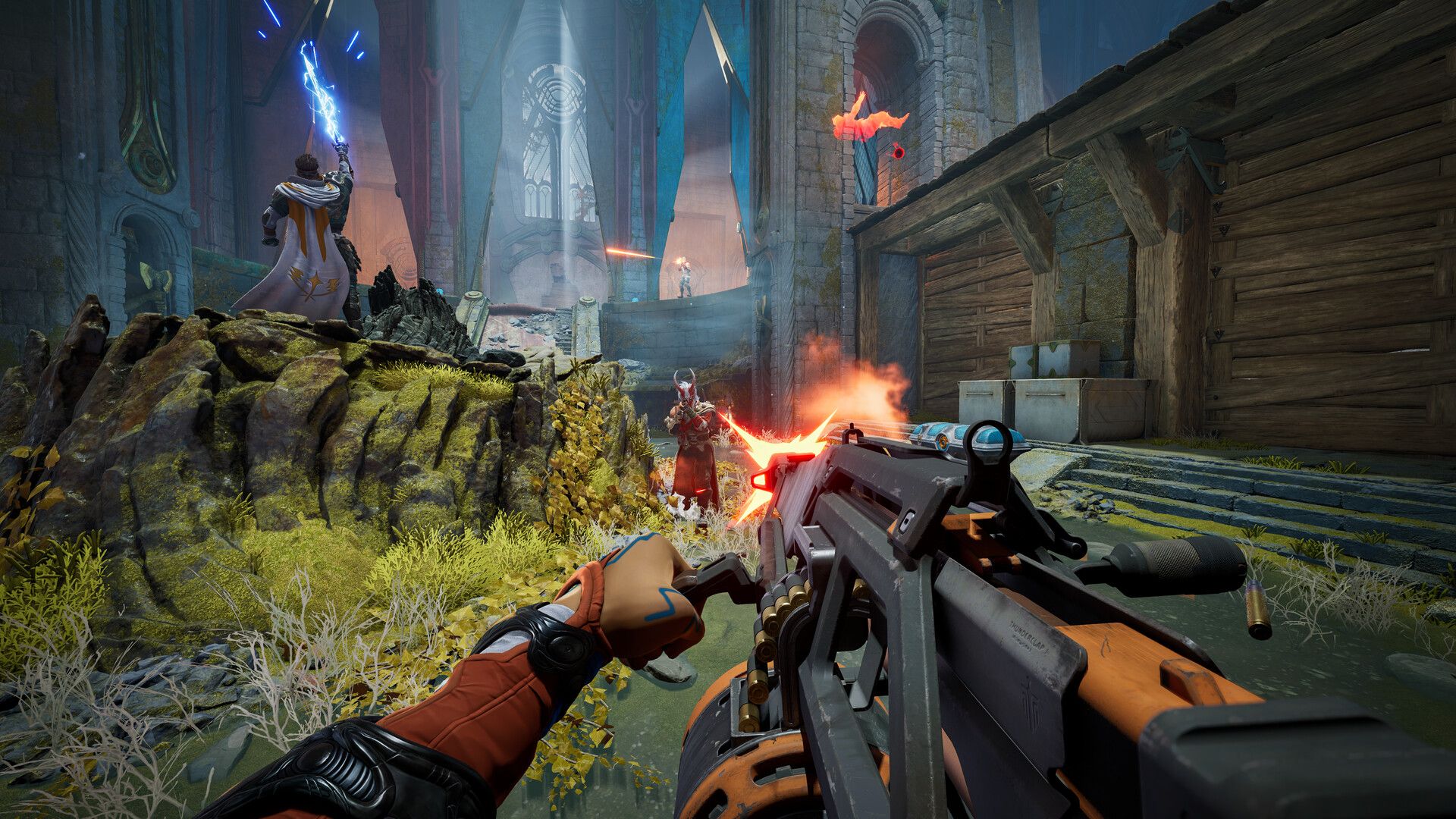
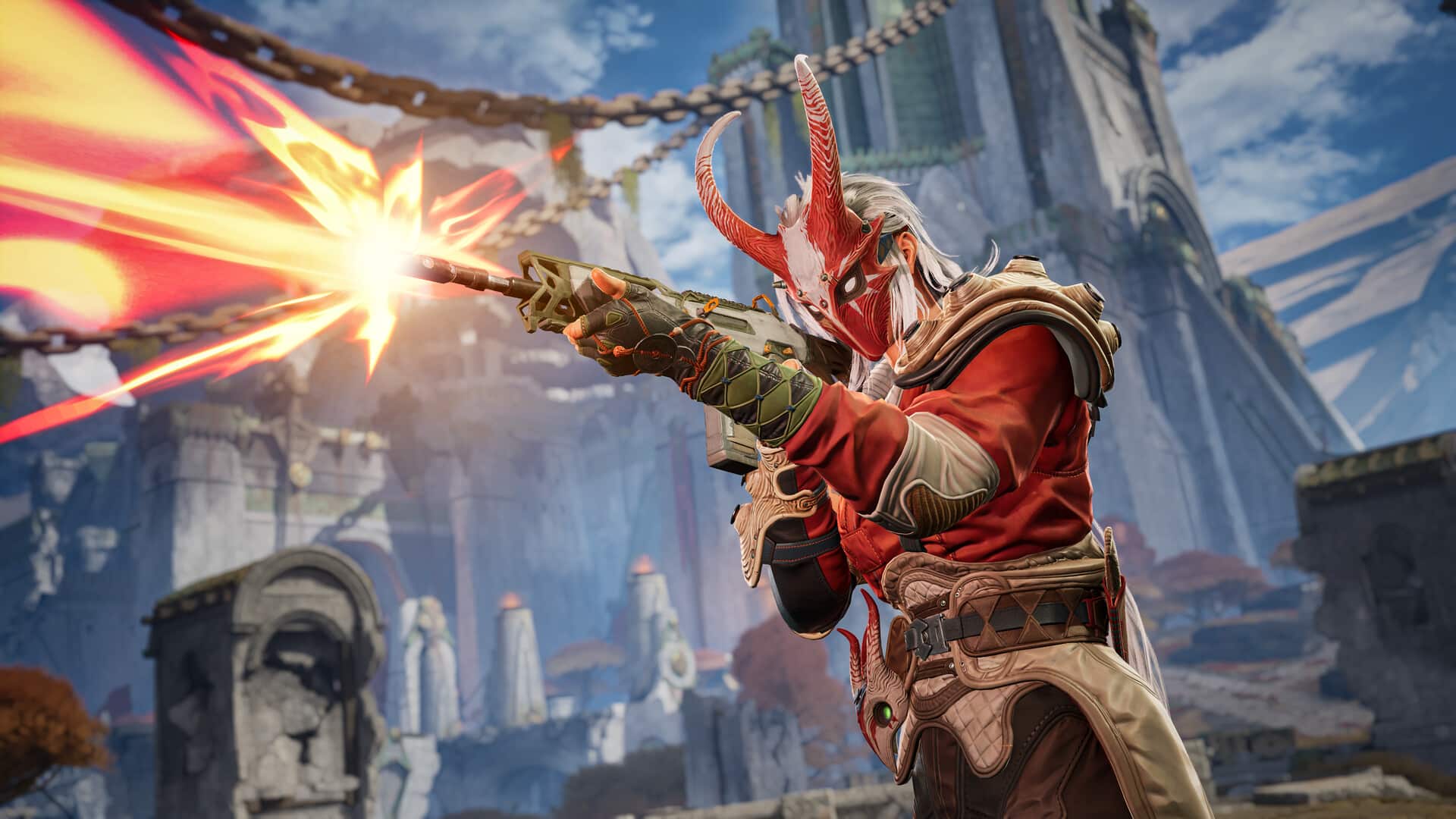
In December last year, The Game Awards ended the show with the reveal of Highguard, a free-to-play shooter from Widlight Entertainment.
The Sims 4 Update on February 12 Ushers in Version 2.29
Base Game / Multipack
Live Mode
[EA Forums] Stair railings will no longer be missing on premade lots, Gallery Lots, and player-created lots.
Resolved an issue where Distant Relative and Distant Relative-In-Law relationship labels were showing up inconsistently.
Resolved an issue where newly adopted Sims failed to appear in the Family Tree after exceeding a certain number of children.
The same Sim will no longer show up as a part of different generations in the Family Tree.
As for the Royalty & Legacy Pack, read on for info on it, as well as how to receive a free upgrade to the Grand Bundle.
Royalty & Legacy Overview
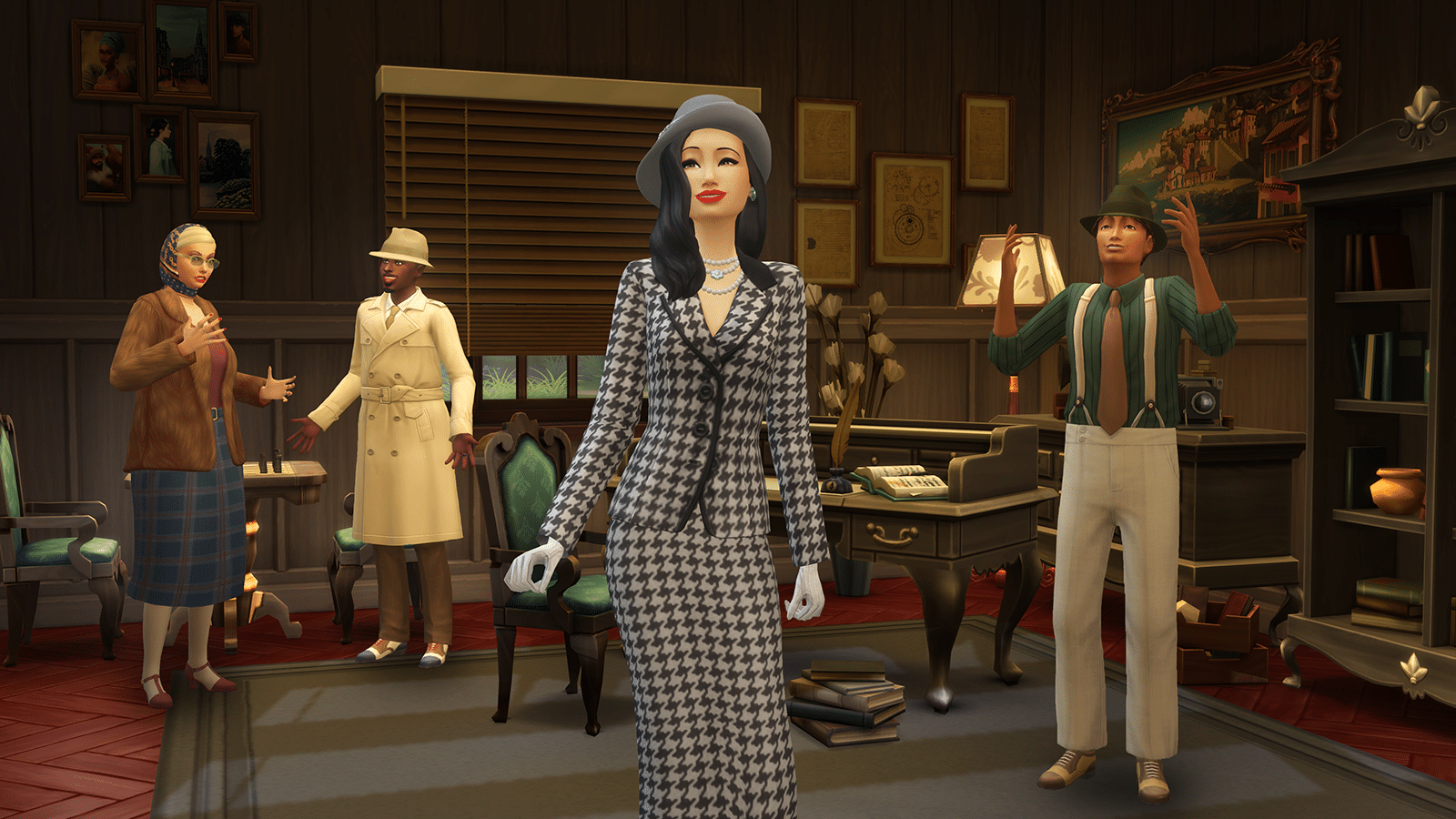
Every region is home to noble dynasties, but the royal throne stands unclaimed in The Sims 4 Royalty & Legacy Expansion Pack, where Sims experience storybook twists as they carve their path to the crown. Explore the splendid coastal kingdom of Ondarion, steeped in historic charm, rich culture, and the occasional whisper of scandal, as you navigate enchanted Powershifts, Dynasties and Nobility. Every decision matters, and even the smallest choice can quietly tip the balance of power.
For more information on The Sims 4 Royalty & Legacy Expansion Pack and the Grand Bundle, please visit the newsroom here. You can learn more about how the world and culture of Ondarion was brought to life in collaboration with our talented creators here.
That’s about it. Once we get another The Sims 4 update, we’ll let our readers know.
Techland has dropped the first major patch for Dying Light 2: Stay Human for 2026, and this brings a new event, alongside the Chinese New Year festivities.
The developers tag this as version 1.27, and console gamers will see this as Dying Light 2 update 1.87/1.087 (complete version 1.087.000), and this also includes gameplay fixes and more.
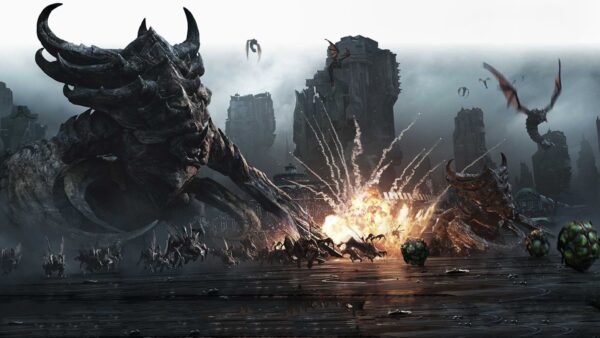
While there hasn't been an entirely new StarCraft game since StarCraft 2: Wings of Liberty was released way back in 2010, things could be changing in the near future.
Read on for everyting new in the official patch notes.
Dying Light 2 February Update Brings Infected Outbreak via Patch Version 1.87/1.087
Infected Outbreak
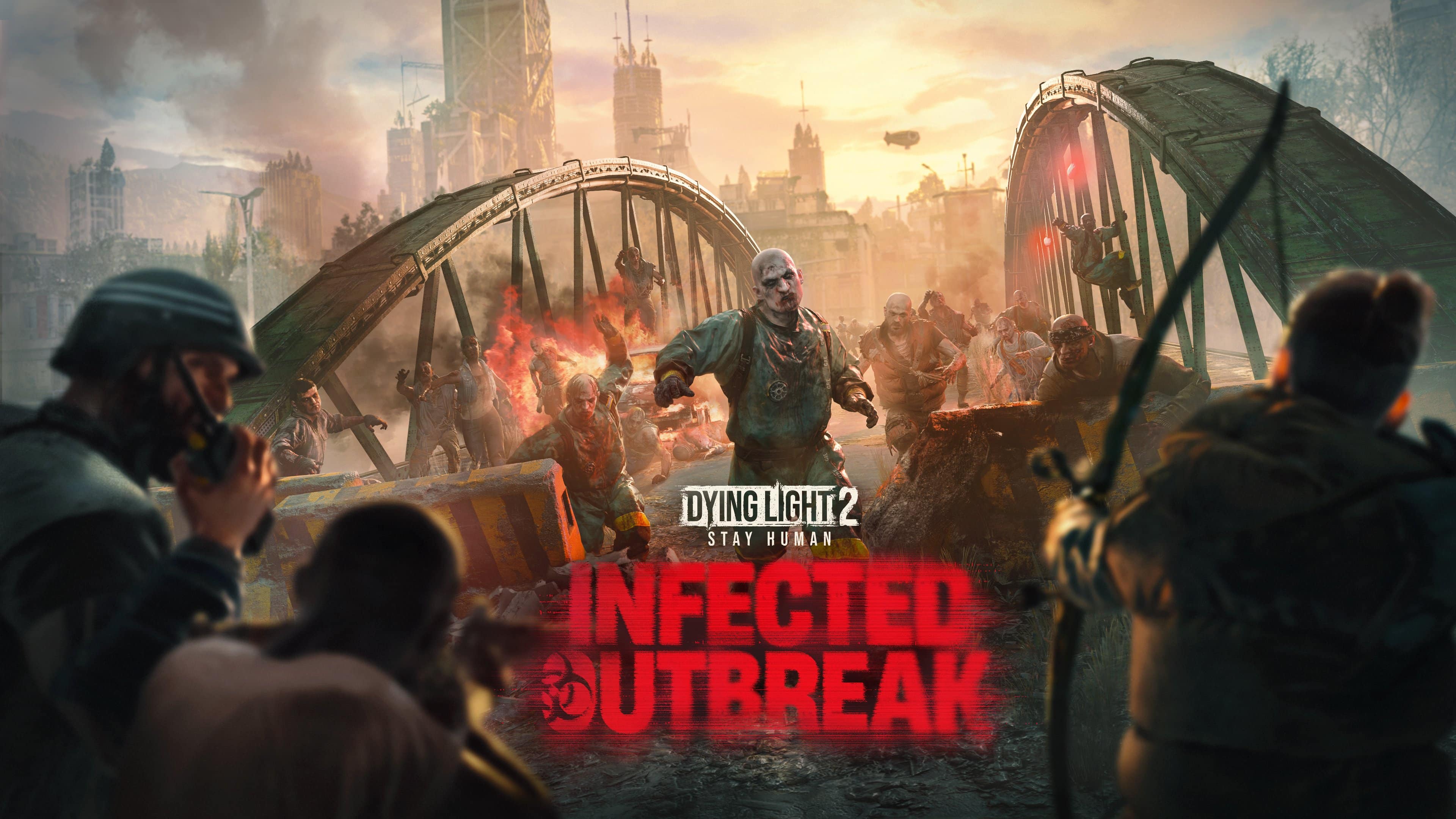
Defend the city from a spreading outbreak of Infected – head to the Dying Light Outpost, activate special bounties, and earn unique rewards! Over a three‑week period, different areas of Villedor will fall under siege by relentless waves of zombies, each outbreak escalating in intensity. Every outbreak cleared contributes to the global effort to keep Villedor safe – but if the community fails to contain it, expect harsher conditions and more enemies the following week. Stay ready, because in this event, nowhere in the city remains untouched for long!
Two experimental variants have joined the fight, both wearing familiar GRE green and have unsettling mutations. A twisted Biters and Virals are more resistant to damage, and deal toxic damage, driven by unpredictable aggression. Their presence is strongest within outbreak zones, serving as both a challenge and a warning of failed containment. Each infected wave grows bolder as the event spreads through new districts week by week. Players must help the community eliminate enough infected within each sector to earn rewards and new milestones. Failure to reach the global goal results in an even more hostile environment for everyone! These encounters put the spirit of cooperation to the ultimate test – survive together, or suffer the fallout.
New Collectibles
Over 10 new collectible notes have been added to the game, found on the bodies of the new infected and scattered throughout outbreak zones. Each note reveals part of a larger story. Internal logs, survivor messages and snippets of research hint at an impending threat to the city. Do you have what it takes to gather them all and uncover the roots of the outbreak and the truth behind these new mutations?
Eidos-Montréal is a studio that has participated in the development of major games like the Tomb Raider saga, but lately has been relegated to a support studio for other projects.
Celebrate the Lunar New Year in Villedor!
The Lunar New Year has arrived in Villedor – for one week, the city glows with crimson light and festive energy, inviting everyone to take part in a fresh set of challenges and themed rewards.
From February 17-24, take on five bounties available at the Dying Light Outpost to earn exclusive festive rewards. During the event, enemies have a chance to drop Red Envelopes, each containing special bonuses and resources – the more you fight, the more good fortune you’ll find.
Game Updates
Along with the event, Update 1.27 introduced the following fixes and improvements to the game:
Gameplay
Fixed the issue with some Prisoners from Bandit encounters being immune to Player’s damage
Technical
Fixed the issue with game crashes on RTX 50 series in Raid Hub if frame generation combined with DLSSFixed the issue where the player can paraglide into the ship’s hull
Fixed the crash sometimes happening upon applying the XeSS Frame Generation in the Video Settings
Fixed the issue with the snow sometimes being present on some Tower Raid FloorsFixed the issue with shadows sometimes not being properly showed with Ray Tracing on
Fixed the issue with faulty sunlight and shadows sometimes being displayed throughout the game
Fixed the issue with sharpness option not saving values correctly
Fixed various LOD’s being improperly displayed throughout the game
Fixed some broken geometries on various Tower Raid floors
Fixed the preview for Legend Level Outfits not displaying character’s model
Fixed the issue with Aitor’s body missing blood during the “Orders” quest
Fixed the issue with tactical stamina setting regenerating stamina too quickly
Fixed skin clipping in various skins
Once Techland releases another patch, we’ll let our readers know/
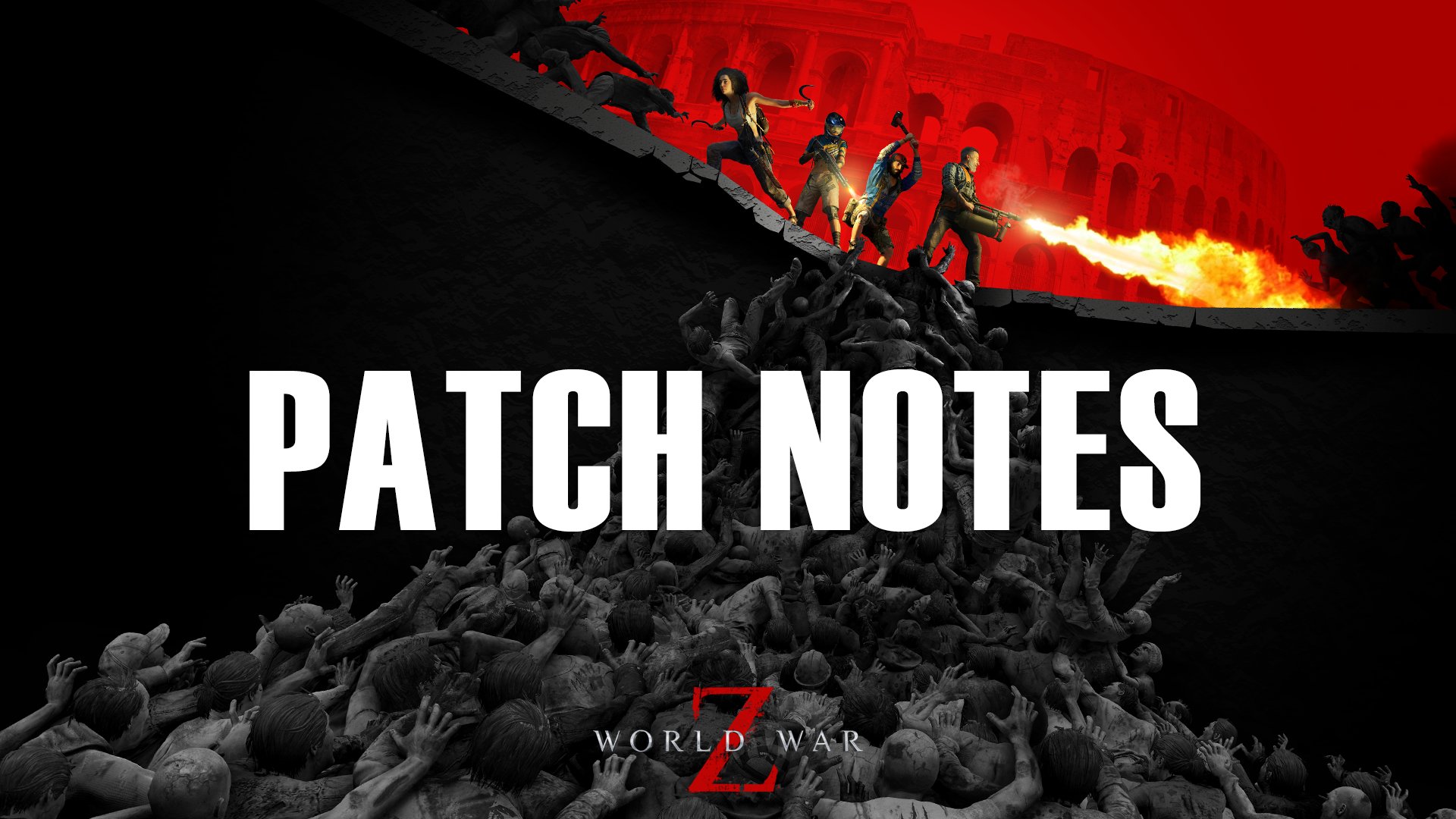
While we just got a hotfix for World War Z two days ago, Saber Interactive isn’t done applying fixes to the game’s The Walking Dead crossover content, as a new one has been released today, February 12.
Console gamers will see this as World War Z update 1.73/1.036 (complete version 1.036.000), and this is a small download to apply a small set of fixes.
While Sony just released a new PS5 system update two weeks ago, another firmware update is out today, February 12, and this slots in some quality-of-life features.
Gamers will see PS5 update26.01-12.70.00.01 available for download now worldwide, and this brings more than your standard stability patch.
In December last year, The Game Awards ended the show with the reveal of Highguard, a free-to-play shooter from Widlight Entertainment.
Read on for what Sony added today in the official patch notes.
PS5 System Update on February 12 Brings Version 26.01-12.70.00.01
Update: Unfortunately, due to a communication error, we shared the incorrect patch notes. The actual changelog only mentioned stability improvements.
We’ve improved system software performance and stability.
We apologize for any issues this might have caused.
Original Story
Here’s what Sony added with today’s patch:
You can now use your console to check the serial number of your console, and of DualSense wireless controllers that are currently connected by USB or Bluetooth®.
For your console, select Settings > System > System Software > Console Information, and then check Serial Number.
For a DualSense wireless controller, select Settings > Accessories > General > Advanced Settings View Serial Number.
We’ve updated the device software of the DualSense Edge wireless controller to improve stability.
We’ve improved the messages and usability on some screens.
We’ve improved system software performance and stability.
It doesn’t seem like the PS4 has gotten a system update, but if it does, we’ll let our readers know.
In other PlayStation news, the Critics’ Choice sale is still live on the PlayStation Store and it houses some amazing deals.
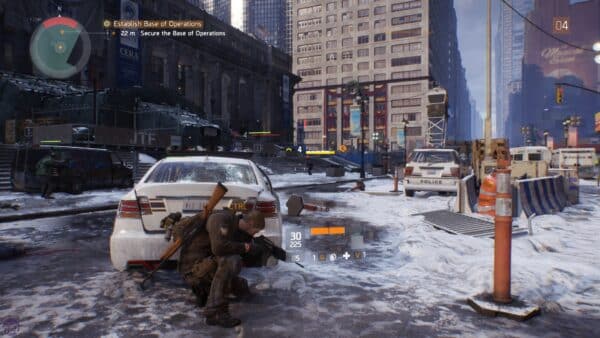
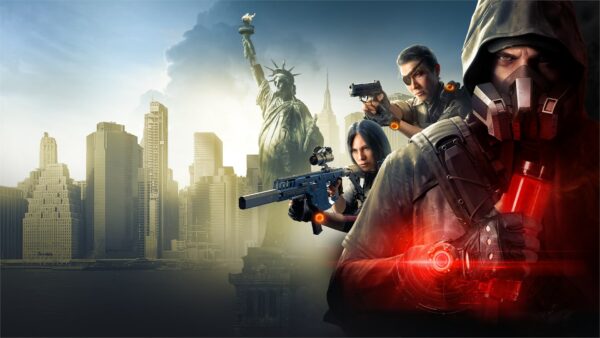
The latest major update for The Division 2 is live, and this is for the Y7S3.3 content drop. Console gamers will see this as The Division 2 update version 2.20, and this brings the Bloody Valentine event and more.
Alongside the patch rollout, Ubisoft has also taken The Division 2 servers down for a few hours to conduct maintenance and to roll out the update.
For the maintenance schedule and patch notes, read on.
The Division 2 Y7S3.3 Update Released as Console Patch 2.20 During the February 12 Downtime
Downtime begins at 3:30 am ET/12:30 am PT/4:30 pm HKT and is expected to last for five hours. If you can’t connect during that timeframe, it’s not just you.
With the tragic death of Respawn Entertainment CEO and head of the Battlefield franchise Vince Zampella, in December 2025, Publisher Electronic Arts is shoring up Battlefield Studios with another games industry veteran from Ubisoft's Massive Entertainment.
Summary
Bloody Valentine Event, February 12 to 26, brings the Bloody Houndsman and a red themed Reanimated Global Event.
Stretch Goals Season Pass extension begins February 17.
Climax Mission unlocks February 17, featuring the Sheriff Exotic Super 90 Shotgun reward.
Optimization Surge, February 20 to 24, offers double Optimization Materials.
Bug fixes for mission skills, vanity items, and the Immobilize Talent.
Bloody Valentine Event
Runs February 12 to 26.
Reanimated Global Event returns as part of Bloody Valentine. During this event only, Seasonal Modifiers can be used at the same time as the Global Event, including deployment of your NPC Companion.
Mutiny Stretch Goals begin on February 17 and will be available until the end of the season. Once you reach Tier 100 of the Season Pass, this extension track becomes accessible, giving you the opportunity to continue earning additional rewards as you play. As always, everything in Mutiny Stretch Goals is available on the free track, so no premium purchase is needed to take part.
After reaching Tier 100, progression through Mutiny Stretch Goals can only be earned through gameplay and cannot be advanced using level skips. You will keep earning Season Pass XP from the same activities you are already familiar with, including Manhunt Scouts, the Seasonal Journey, Priority Objectives, Weekly Projects, missions, and open world activities. XP Multiplier Event bonuses will also count toward your progression.
This extension features two cache types, the Mutiny Cache and the Prestige Mutiny Cache. The Prestige version is earned in the same way as the standard cache and appears as the Tier 10 reward on the track, but it offers improved chances for exotic and names item drops.
Mutiny Cache Contents
Each Mutiny Cache contains guaranteed seasonal items and crafting materials, with additional chance-based drops:
Vanity Items – high chance per cache.
General Anderson Outfit – 2 pieces.
Green Tracksuit Outfit – 3 pieces.
Arm Patches – 4 pieces.
Weapon Skins – 2 pieces.
Rare Named Items – moderate drop chance with each cache.
Lexington
Stack Broker
Turmoil
Caretaker
Shield Splinterer
Hunter-Killer
Huntsman
First Sight
Sleigher
Slingshot
Oh Carol
Handbasket
The Harvest
Chill Out
Festive Delivery
Snow Machine
Bell Ringer
Quickstep
Seasonal and Special Exotics – moderate drop chance with each cache.
Bittersweet
Beacon
Nemesis
Liberty
Chatterbox
Dodge City Gunslinger’s Holster
Ridgeway’s Pride
Exclusive Exotics – rare drop chance with each cache.
Agents still braving the streets of New York in the first The Divison game, Ubisoft has a sweet little surprise, as the developers have rolled out a surprise update, which makes the game available on PS5.
Prestige Mutiny Cache Contents
The Prestige Mutiny Cache upgrades the standard Mutiny Cache with stronger guaranteed rewards and higher odds for exotic and names item drops.
Each Prestige Mutiny Cache also contains guaranteed seasonal items and crafting materials, with additional chance-based drops:
Vanity Items – 100% chance per cache
Rare Named Items – 100% drop chance with each cache.
Seasonal and Special Exotics – high drop chance with each cache.
Exclusive Exotics – moderate drop chance with each cache.
Climax Mission
Successfully completing the Climax Mission on Master difficulty for the first time guarantees the Exotic Super 90 Shotgun “Sheriff” as a special reward. It can also drop at any difficulty, though with lower chances. The higher the difficulty, the better your odds.
Available starting February 17.
Sheriff Exotic Super 90 Shotgun has been updated following PTS Feedback. It now has a magazine and the reload time has been adjusted to 3.65 seconds.
Optimization Surge – Resource Multiplier Event
Runs February 20 to 24.
Earn double Optimization Materials from all available sources throughout the event, making it the perfect time to fine tune your build.
OTHER
Fixed an issue where skills deployed in Beat 05 of the Y7S2 Master Climax Mission would attack Hyena NPCs or stop functioning.
Fixed an issue where the BTSU Blizzard Mask would clip through certain vanity hoodies
Fixed an issue where the Woodsman boots would remain visible when equipping certain vanity outfits.
Fixed an issue where certain skill deployment devices in Beat 04 of the Y7S2 Master Climax Mission could stop functioning.
Fixed an issue where the Immobilize talent and its Perfect variant would stop working if another weapon with the same talent was equipped.
Asode from The Division 2, Massive is hard at work on The Division 3, which its former producer says is “shaping up to be a monster.”
In December last year, The Game Awards ended the show with the reveal of Highguard, a free-to-play shooter from Widlight Entertainment. Given the competitive landscape of F2P games, it’s hard to blame gamers who were less than enthused with the title’s end-of-show placement.
While the studio hasn’t mentioned how many players took up arms to play the game at launch, it seems it’s not doing that well, as Widlight has conducted layoffs recently, and they’re pretty significant if employee remarks are to be believed.
While there hasn't been an entirely new StarCraft game since StarCraft 2: Wings of Liberty was released way back in 2010, things could be changing in the near future.
Highguard Developer Lays Off Most Staff Members
Multiple developers at the studio have confirmed the layoffs with Level Designer Alex Graner announcing it on LinkedIn, “Unfortunately, along with most of the team at Wildlight, I was laid off today.”
Graner added, “This one really stings as there was a lot of unreleased content I was really looking forward to that I and others designed for Highguard.”
It wasn’t just Graner that confirmed that “most” of the staff was laid off, as Tech Artist Josh Soble also confirmed it on X, stating, “Today I was laid off from Wildlight along with most of the staff. It was the best team I’ve ever worked with, and I’ve never put so much of myself into a project before. I wouldn’t trade the past 2.5+ yrs for anything. I’m still spinning, and won’t be in a place to start thinking about the future for a while, but please keep me in mind if, in the near future, you’re looking for a senior or higher level rigger, CFX artist, or tech artist with experience writing Maya Python rigging pipelines, rigging assets, setting up game assets in Unreal Engine, leading a team through asset production with quick turnarounds, cloth and hair simulation, etc. I’m located in Los Angeles, and prefer remote work options. Thanks.”
Both developers, like countless others who got laid off, are looking for work. Let’s hope both land on their feet quickly.
While Highguard stormed out of the gate at launch, amassing close to 100K concurrent players on Steam alone (it’s also out on PS5, Xbox Series), that number quickly fell off. The game’s 24-hour peak is now at just 3,600 (per Steam Charts), though that’s not factoring the console numbers. Even if we did and assumed each console platform had the same number of players as on Steam, that would mean less than 12K players are online, which isn’t the worst, but not the best either — especially for a game that just came out and is relying on players to infuse money into it.
Eidos-Montréal is a studio that has participated in the development of major games like the Tomb Raider saga, but lately has been relegated to a support studio for other projects.
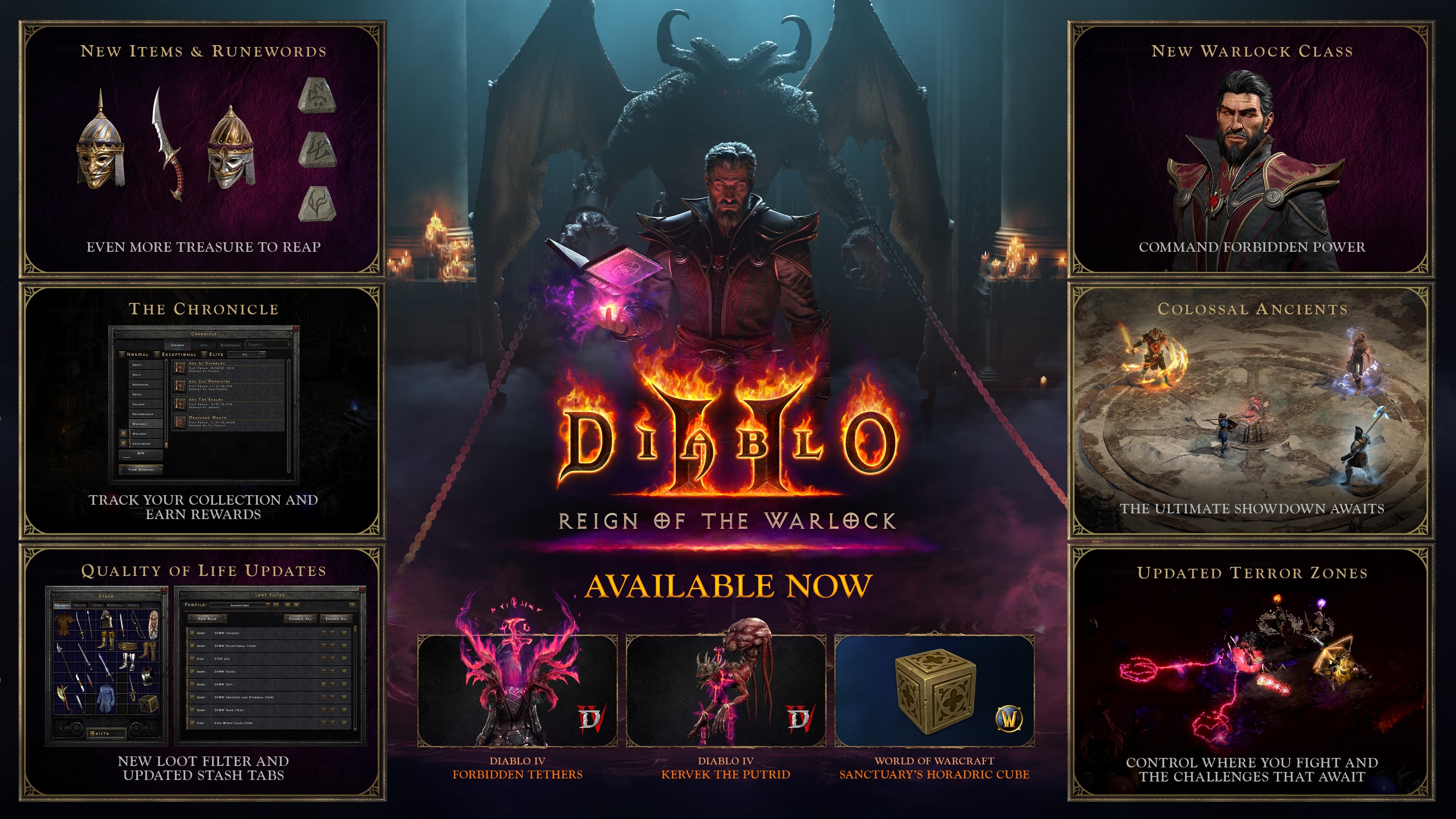
Who said you couldn’t teach an old dog new tricks? Apparently, that’s what Blizzard has in mind, as the developers have released Diablo 2: Resurrected update 1.34/1.034 (complete version 1.034.000), and this adds new content to the game.
I’m not talking about some random cosmetic item, but an honest-to-goodness new class has been added today with new premium DLC.
With its first anniversary approaching, Monster Hunter Wilds is starting to outline its near future.
Check out the info on the new game update and the Warlock class in the information below.
Diablo 2: Resurrected February 2026 Update Adds New Content via Patch 1.34/1.034
Diablo II: Resurrected – Reign of the Warlock Highlights
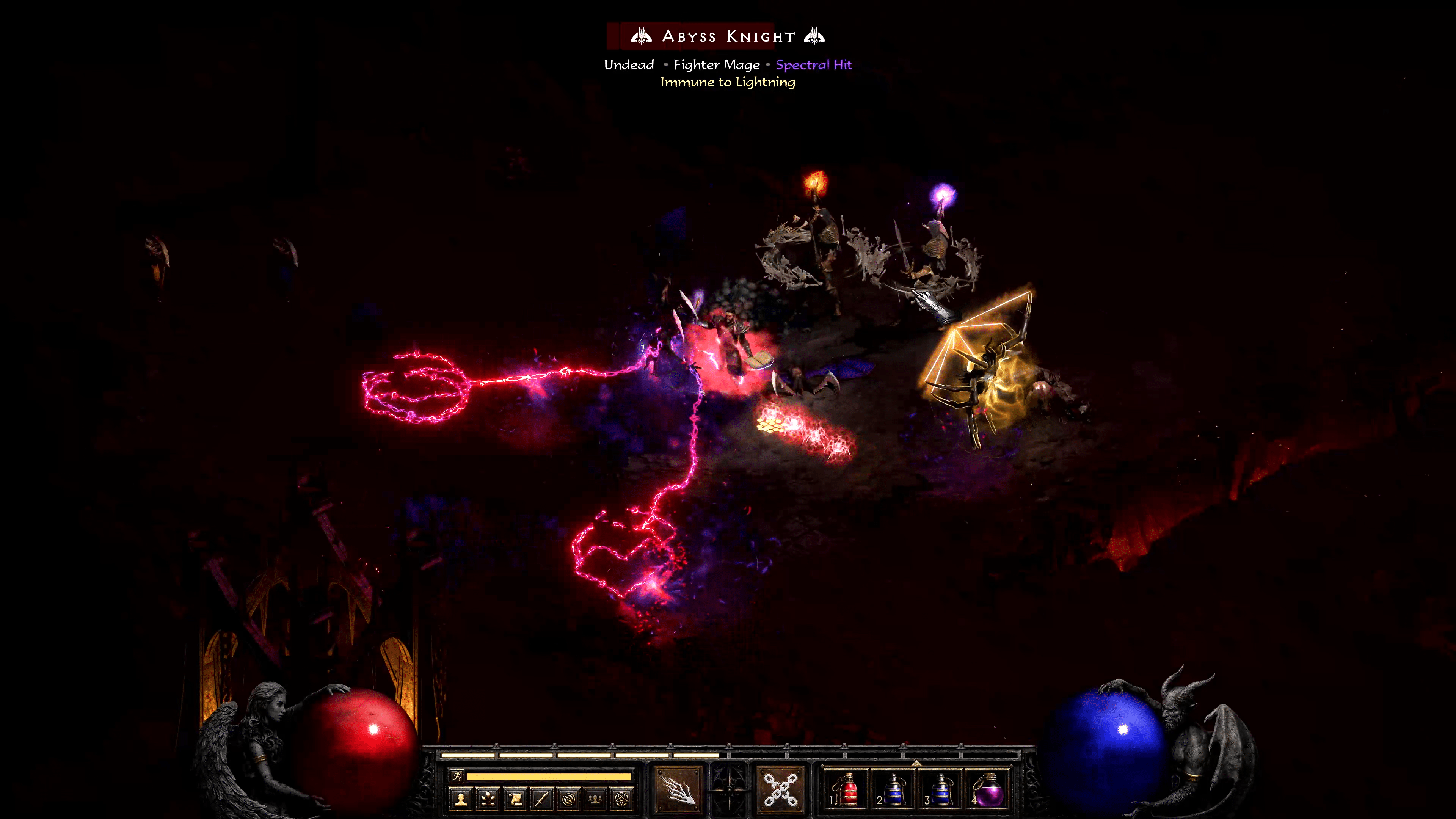
Introducing the Warlock: A class whose power is forged in the fires of Hell, that is focused on demon summoning, binding and transformation to dominate the battlefield.
New Endgame Challenge: Earn consumables and choose which acts are Terrorized, cranking up difficulty and rewards to their peak. Conquering Terrorized Act bosses in Hell difficulty may unveil one of five mystical statues. Combine them to unlock a punishing new boss battle, the Colossal Ancients, designed to push your skills and builds to the next level.
Quality-of-Life Updates: Reign of the Warlock is enhanced with the addition of loot filters, advanced stash tabs, and an all-new Chronicle system to track your treasure-hunting legacy and gain new rewards after completion.
Play Reign of the Warlock Today
Already own Diablo II: Resurrected? Purchase the Reign of the Warlock DLC to unlock:
Diablo II: Resurrected – Reign of the Warlock
Diablo IV: Forbidden Tethers Back Trophy
Diablo IV: Kervek the Putrid Pet
World of Warcraft: Horadric Cube Housing Decor
2 Stash Tabs
2 Character Slots
New to Diablo II: Resurrected? Purchase the Diablo II: Resurrected – Infernal Edition to unlock:
While there hasn't been an entirely new StarCraft game since StarCraft 2: Wings of Liberty was released way back in 2010, things could be changing in the near future.
Steam
For the first time, Diablo: II Resurrected is coming to Xbox Game Pass and Steam. Steam players can jump in with the Diablo II: Resurrected – Infernal Edition, which includes:
Diablo II: Resurrected – Reign of the Warlock
Diablo II: Resurrected Base Game
Diablo IV: Forbidden Tethers Back Trophy
Diablo IV Warlock Kervek The Putrid Pet
World of Warcraft: Horadric Cube Housing Decor
2 Stash Tabs
2 Character Slots
Xbox Game Pass
Xbox Games Pass members can now play:
Diablo II: Resurrected Base Game
Note:Reign of the Warlock is not included with Xbox Game Pass. Players who want to access this major update can purchase the Infernal Edition, which unlocks the Warlock and all associated rewards.
Brave New Terror Zones
Prepare to have even greater control over the desecrated killing fields of Terror Zones. Terror Zones intensify with stronger foes, and greater rewards—reshaping end-game routes if you crave the increased challenge.
You can now earn consumables to choose which Act becomes terrorized. While an Act is terrorized, every zone within it becomes greatly enhanced, spiking the difficulty, and offering bountiful rewards.
When playing in Hell difficulty, you’ll have a fearsome new adversary, Heralds of Terror. These deadly hunters stalk you as prey, and each one that tracks you down is exponentially more dangerous than the last.
When conquering a Terrorized Act boss, you’ll have a chance to uncover new statues that reference something that should be familiar to well-travelled wanderers, in an entirely new way. Combine all five statues in the Horadric Cube to unlock a brand-new pinnacle boss encounter against a terrible new foe—the Colossal Ancients.
Terror Zone Rotation Updates
Terror zones now have a shortened rotation, changing every 30 minutes rather than every hour, and now rotate in the following groups:
Act 1
Cold Plains and The Cave
Burial Grounds, The Crypt, and the Mausoleum
Stony Field / Tristram
Dark Wood / Underground Passage
Black Marsh / The Hole / The Forgotten Tower
Jail / Barracks
The Pit / Tamoe Highland / Outer Cloister
Inner Cloister / Cathedral and Catacombs
Moo Moo Farm
Act 2
Sewers
Rocky Waste and Stony Tomb
Dry Hills and Halls of the Dead
Far Oasis and The Maggot Lair
Lost City, Valley of Snakes, and Claw Viper Temple, Ancient Tunnels
Eidos-Montréal is a studio that has participated in the development of major games like the Tomb Raider saga, but lately has been relegated to a support studio for other projects.
Quality of Life: Loot Filter and Stash Tabs
Reign of the Warlock is replete with quality-of-life features so you can spend more time draining your foes of their life, and less time tracking your horde of spoils.
New Loot Filter
This Loot Filter gives you total control over how to personalize what loot you want to focus attention on to what you really desire. These Loot Filters are built right into the game, letting you quickly adjust and then return to the pulse-pounding action.
The Loot Filter impacts what items show up when you select the ‘Alt’ key.
You can also create your own, share with friends, or pre-made filters from the community and dive right in. These are simple, flexible, and community-driven. Share and link Loot Filters to other players when playing on PC.
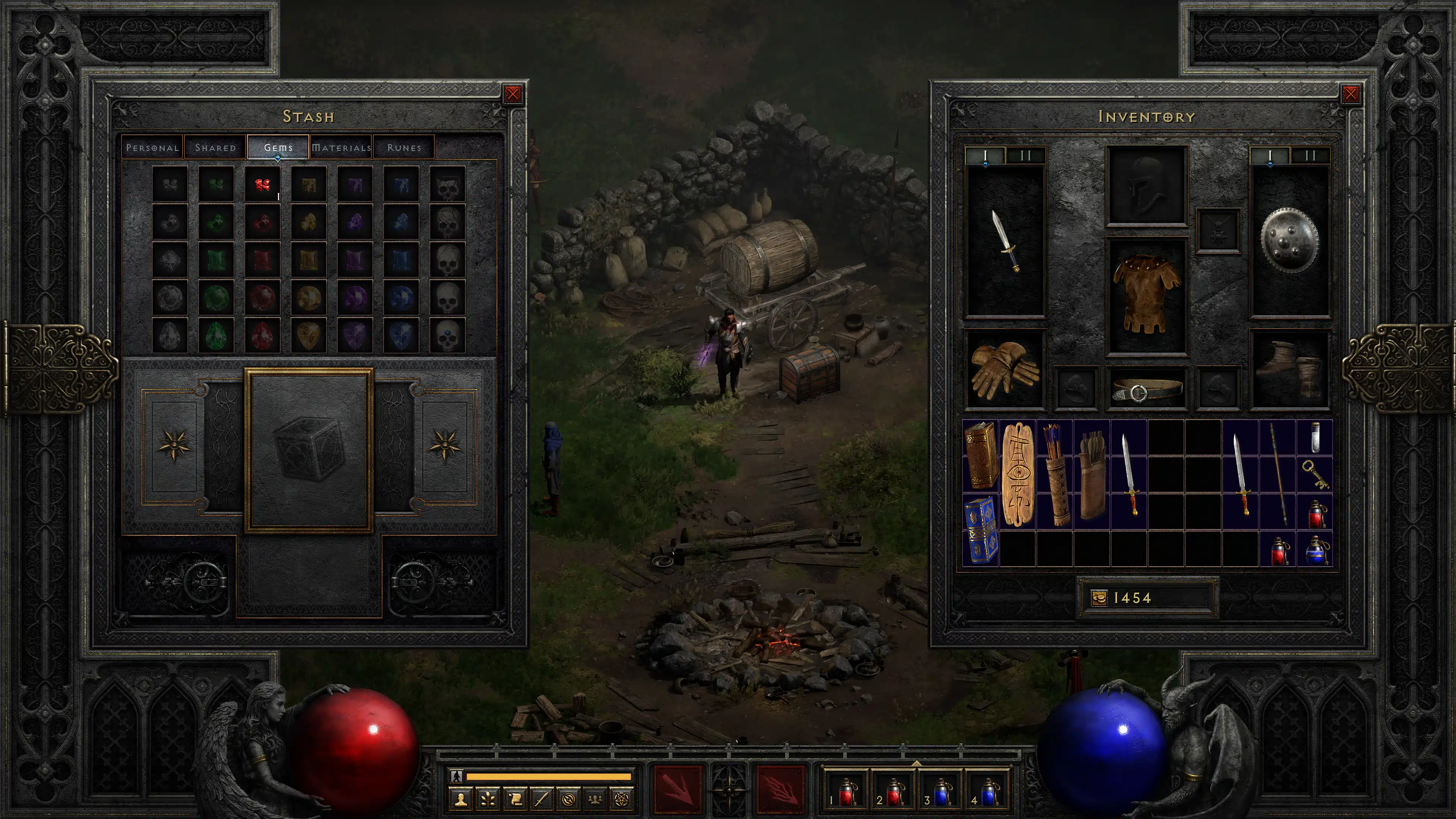
Advanced Stash Tabs
There are now more stash tabs, with a heavily requested feature: stacking items. Gone are the days of scrolling across several pages of gems to locate your items. Additionally, purchasing Reign of the Warlock grants two additional stash tabs and 2 character slots!
There are now dedicated tabs for Materials, Gems, Runes, and consumables.
Don’t be surprised to see a follow-up game update be released for any issues or balancing changes needed for the title.
A steaming batch of gameplay fixes has been released by Poncle for Vampire Survivors this February 11, and this should satisfy bullet-hell gamers until the next content drop rolls around.
Console players will see this download appear as Vampire Survivors update 1.22/1.014.111, and it applies a sizable chunk of gameplay-related fixes.
With its first anniversary approaching, Monster Hunter Wilds is starting to outline its near future.
For the full info, read on for the official patch notes.
Vampire Survivors February 2026 Patch Applies Gameplay Fixes
Fixed Sammy coffin unlock text in Adventure
Fixed the unlocks related to the ‘Glimmer’ ability of the character ‘Diva No. 5’ are not being unlocked after completing the requirements in online multiplayer mode
Fixing treasure limits so chests don’t teleport when in the north of the map
Fixed chests may not spawn where bosses are killed in Westwoods.
Fixed “Fully Evolve the Super Missile” and “Get the twin dragon to level 6” unlocks
Fixed party hat icon positioning
Fixed Secrets for OTC Megalo characters show up before getting the Pile of Secrets
Fix for secret spells
Fixed host exiting adventure mode after choosing an adventure to play when playing online
Credits updates
Player 2 can now transition out of death boss fight fine in online mode
Fixed Diva No.5 – Virginia Skin Won’t Unlock
Fixed Uppercut a Red Reaper secret doesn’t function in online
Fixed stage specific achievements incorrectly unlocking for newly unlocked stages if their conditions were met during the run where you unlocked the stage
Rearrange buttons on level up page if in portrait and can pass
Fixed Player’s online background remains as adventure background, if invited from adventure.
Highlight weapons owned by all main players in arcana page
Allow ameya to pickup cats when they’re a follower
Allow fake trio, slogra and gaibon, bonnie and formina to spawn followers when they’re cpus
Fixed First player character spawns out of map bounds on Party Mode in Astral Stairs
Moved where we show the coop button
Added transition for backing out of online stage select
Fixed issue where you get access to the adventures button in online even when adventures are not unlocked
Allow online errors to pop inside the online menu
Fixed After the death fight when it fades to black you are stuck on a black screen rather than going to the credits
Allow players to seal the party mode relic to play vanilla co op
Fixed Client player soft locks, when Host exits character selection before Clients load in fully.
Fixed coop+party mode button text
Making sure join button is selected again when closing the join game error popup after failing to join a game because the specified room didn’t exist
Party mode UI changes
Fix corner cases where UI would update incorrectly if controllers were added and removed during selections in party mode
Don’t expect a patch until at least March, and once we get one, let’s hope the devs release the changelog sooner.
With Battlefield 6's Season 2 set to kick off in a few days' time, DICE has now given us our official look at the cinematic trailer, as well as a general idea on what to expect from the new season.
Developer AdHoc Studios has released a minor patch this February 11 on both consoles and PC. Players will see it as Dispatch update 1.000.011, and this includes fixes to various technical issues.
While a patch was released last month that housed a good amount of fixes, today’s title update is mostly for localization and text issues.
Eidos-Montréal is a studio that has participated in the development of major games like the Tomb Raider saga, but lately has been relegated to a support studio for other projects.
Read on for the latest round of fixes, as well as what was previously fixed.
Dispatch February Update Released as Version 1.000.011/1.0.16838
Per AdHoc, today’s patch fixes:
PC | PS5
Fix for English text showing up in other language subtitles and UI
Fixed incorrect choice text display in Episode 6
Minor audio, subtitle, and localization fixes across the season
Last month’s patch housed a significant amount of gameplay-related fixes, and we’ve included it below for reference, though be wary of spoilers since it does contain some.
Potential fix for some players experiencing issues when starting the first gameplay shift of Episode 5 where hero cards would not load and the game entered a state of softlock
Unlock Robert Tactician personality type for game end player stats
Fixes to hero power reveals in the first shift of Episode 3
Fix for “Air Team Rescue” scenario in the second shift of Episode 5 to no longer prevent the flight enabled heroes from being dispatchable. Also fixed issue where this scenario would not appear
Fix for the gameplay shift in Episode 7 “Self Sabotage” scenario if failed or missed to down Golem
Fix for heroes getting permanently stuck on the map in gameplay shifts of Episode 8 when triggering Malevola’s “Portal Ritual” ability
Fix to hover preview showing Golem’s adjusted hero stats when triggering his “Diamond in the Rough” ability
Fix when upgrading a hero’s stats while injured returning them to an uninjured state
Fix for SDN Pharmacy – Coffee item resetting “Waiting” heroes
Fix for multiple hero stat boosts when using Coupe’s “A la Seconde” ability
Implemented missing dialogue in certain gameplay shifts
Minor UI fixes and input fixes for controller in gameplay shifts
Improvements to analytics performance
Minor audio, visual, subtitle and localization fixes across the season
Once another patch is out, expect it here on MP1st.
While there hasn't been an entirely new StarCraft game since StarCraft 2: Wings of Liberty was released way back in 2010, things could be changing in the near future.
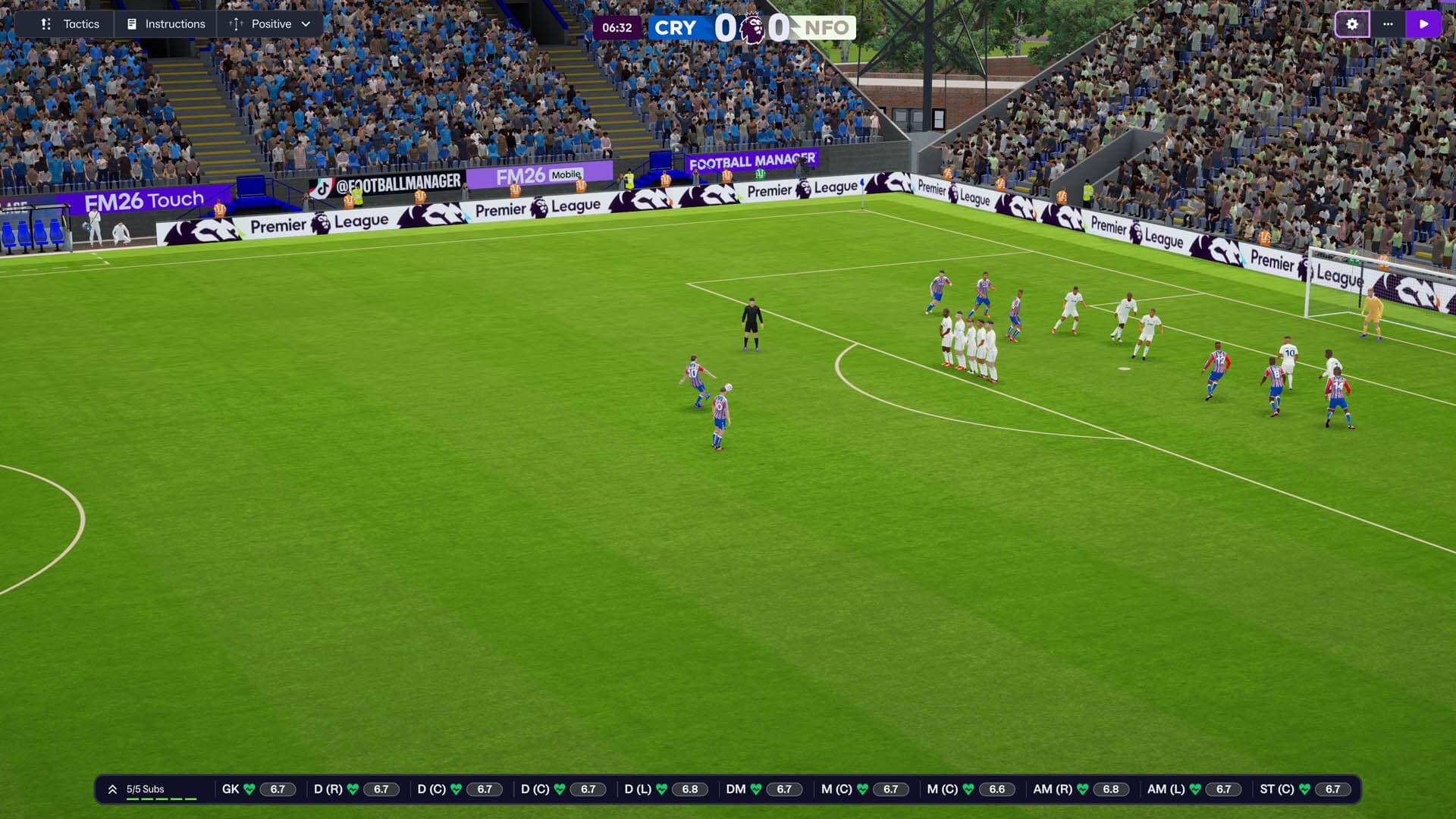
Sports Interactive has released Football Manager 26’s latest patch, which the studio calls vedrsion 26.1.3. This is live today on consoles, mobile and PC, and it brings a large list of bug fixes and even quality-of-life additions.
Console gamers will see this as Football Manager 26 update 1.008 (complete version 1.008.000), and this should be a relatively small download across all platforms.
With Battlefield 6's Season 2 set to kick off in a few days' time, DICE has now given us our official look at the cinematic trailer, as well as a general idea on what to expect from the new season.
For the complete list of fixes made, read on for the official patch notes.
Football Manager 26’s February Update Released as Console Patch 1.008
Technical Issues
Various Crash and Stability fixes
Fixed a Crash on Hotseat Mode after finishing the 1st match of the day
Fixed Crash on Tactics screen when rapidly switching between In & Out Possession
Fixed an issue causing a black screen appearing for several seconds when entering second match as hot seat manager
Match Engine(Changes include but are not limited to)
Lowered the frequency of rain in matches across all leagues
Defensive improvements against strikerless formations
Tweaks to the frequency that AI managers make substitutions during matches
Improvements to how players react to shots that hit the post
Improvements to short goal kick decisions from GK
Improvements to wide player pressing logic
Improvements to marking decisions from midfielders during pressing situations
Improvements to marking of runs made from deep
Improved dribbling logic to allow dribbler to perform 180-turns where appropriate instead of running into a dead end
Improvements to how ‘trap inside’ instruction affects team shape when opposition has a goal kick
Fixes to wide midfielders sitting too deep in 442 OOP formation in high press setups
Channel Midfielder at CM now correctly rotates into AM strata after build-up phase
Added ability for players to control the ball with their head in certain situations to bring the ball down
Adjustments to OOP tactical positions of Wide AMs to now keep width better
You are now able to select more than one player in a match to bring up the player’s name with Ctrl/Alt, Left Click
Fixed an issue where VAR captions would sometimes display over a goal replay
Fixed an issue where league trophy celebration wouldn’t trigger in certain leagues
Assortment of animation fixes
Increased the quality of the 2D Discs when on 2D Classic View
While there hasn't been an entirely new StarCraft game since StarCraft 2: Wings of Liberty was released way back in 2010, things could be changing in the near future.
Gameplay
Fixed an issue where B-Team staff weren’t joining the club after they were recruited
Fixed an issue where some transfers would not display within Transfer History tool
Staff search now displays comparable ratings to Staff Report
Fixed a rare issue where the Board would be delighted about an objective being completed that occurred before user took over at the club
Agents no longer illogically suggest to ‘Make an Offer Now’ alongside ‘Wait for Contract Expiry.’
Young players with Training Targets won’t become unhappy after a loan offer is accepted for them
Scouted players will now appear in the Squad Comparison section of the Shortlist tool
Tweaks to Saudi clubs making repeated lowball offers for a star player
Teams should no longer take excessively long to appoint a new manager
Fixed an issue within Match Meetings that would state that the team could ‘qualify for the Premier League’ when it should be referencing the Champions League.
UAE clubs now have a more realistic number of first team players
Advice button no longer shows when users manager is unemployed
Tweaked the AI logic to ensure when you use the Ask Assistant button to select an MLS squad it will no longer breach the salary cap
Recruitment Transfer History > Appearance column will now specify if appearances were starts or substitutions
User will now receive a message that a requested coaching course is confirmed/rejected by the board
User is now able to manually select coach assignments for Reserve/Youth teams
If a player is deemed ‘Not for Sale’, the fee cited in the Media Speculation News Item will no longer display as £226m
News articles will now make reference to a player’s previous stint at the same club if they’re a former player, rather than treating them like a brand-new signing.
Player Biographies should no longer have any inaccurate information
Set Transfer Status action is now correctly disabled for Non-Contract Players
The agreed transfer fee now displays correctly on Transfer Activity screen if user has negotiated a deal with an intermediary
User will now get a summary news item about recent press conferences if media responsibilities have been delegated
Fixed an issue causing Women’s Football news story to appear under Men’s News classification
Tweaked the number of injuries occurring at AI controlled clubs within Women’s Football
NWSL Clubs are no longer given sponsorship deals with relegation clauses within Women’s Football
Adjustments made to female player wage demands in the Australian League
In-Game Editor (IGE)
The Editor icon is now correctly enabled when on the First Team card
In-game currency will no longer change if user edits financial information with the IGE tools
Nation information now visible on lists when moving a player using the IGE
Hidden columns on 1-20 scale are now correctly colour coded
User can now add multiple Club Affiliations to a player
“Move to my club” option now showing on all unemployed staff
Added confirmation dialog when moving a person to a role that is taken or maxed out
Fixed ‘Become Unsackable’ incorrectly appearing as right-click action when multiple players were selected
Once another patch is released, we’ll be sure to let our readers know.
Eidos-Montréal is a studio that has participated in the development of major games like the Tomb Raider saga, but lately has been relegated to a support studio for other projects.
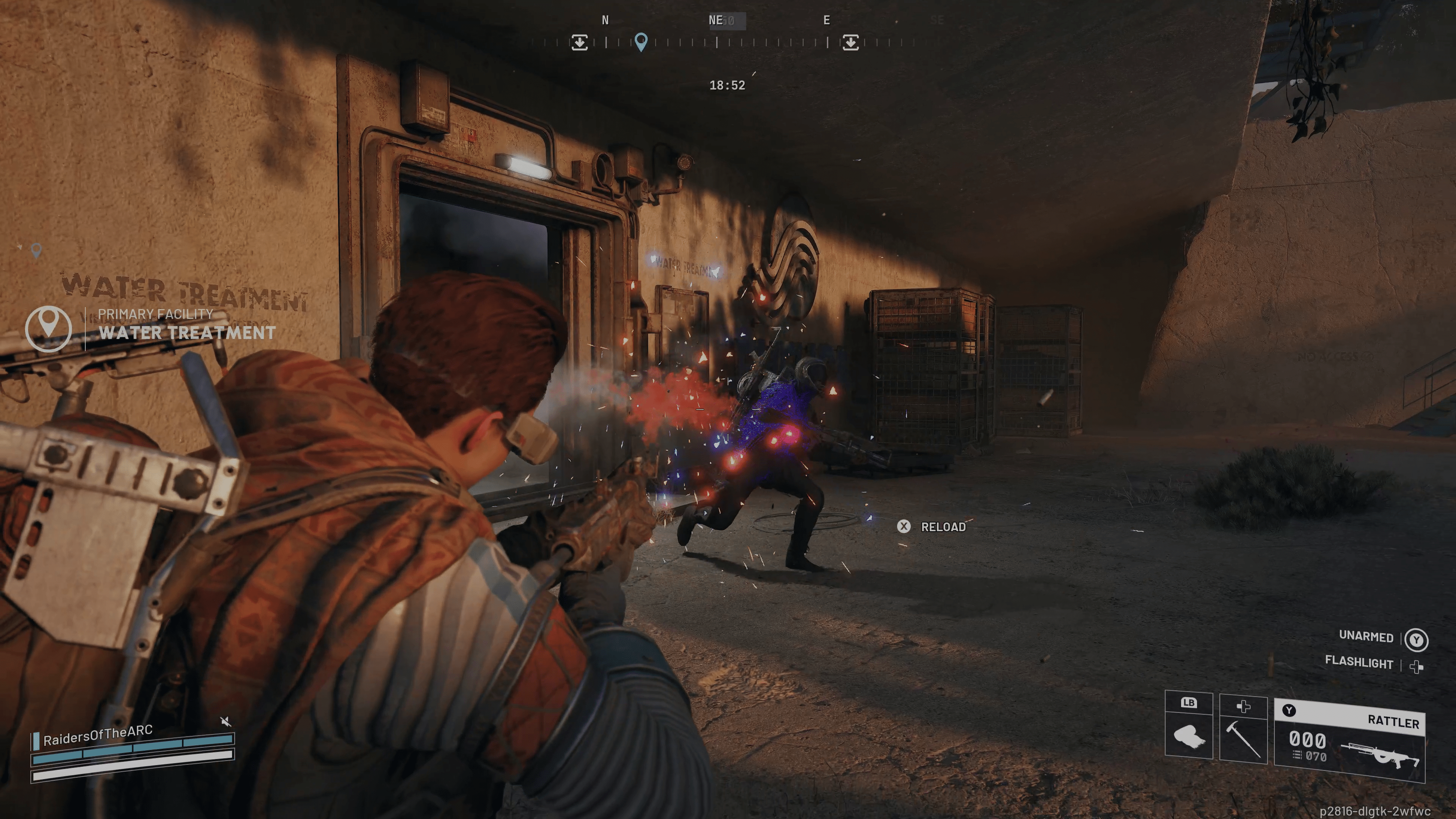
While Embark just released a patch for ARC Raiders yesterday, the dev team has released a server-side hotfix on all platforms, and this is to remove the infinite ammo exploit.
Alongside removing that exploit, there are also other issues addressed in today’s ARC Raiders patch. Read on for the complete patch notes.
With Battlefield 6's Season 2 set to kick off in a few days' time, DICE has now given us our official look at the cinematic trailer, as well as a general idea on what to expect from the new season.
ARC Raiders February 11 Update Plugs Exploit
The items fixed by Embark in today’s update include:
Fixed an inventory slot mechanic duplication glitch
Fixed an infinite ammo weapon glitch\
Fixed an issue where some quests were missing from the Headwinds update
Fixed an issue where partially incomplete quests appeared after yesterday’s update
Embark adds that they are dedicated to investigating and squashing exploits, and how they’ll keep players in the loop.
No word on when the next update will be released, but it will be sometime this month and will be called “Shrouded Sky” based on the Q1 2026 roadnap.
Once we know more details about it, we’ll let our readers know. We do know it’ll bring a new map condition, new ARC threat, a map update and more.
While there hasn't been an entirely new StarCraft game since StarCraft 2: Wings of Liberty was released way back in 2010, things could be changing in the near future.
Hello Games has released the first major update for No Man’s Sky today, and this is for the “Remnant” content. The February update for No Man’s Sky will appear as download version 6.20/6.020 (complete version 6.020.000), and this is a major download across all platforms.
Called patch 6.2 by Hello Games, the Remnant update upgrades the Multi-Tool and harnesses the power of gravity. There’s also the off-road Colossus, a new cross-country expedition and more.
With its first anniversary approaching, Monster Hunter Wilds is starting to outline its near future.
Read on for everything new for No Man’s Sky February update, which is the first major one for 2026.
No Man’s Sky February Update Brings Remnant via Version 6.20/6.020
THE GRAVITINO COIL
A new gravity-manipulation device for the Multi-Tool, the Gravitino Coil, is now available at the Space Anomaly or at planetary Waste Processing Plants.
A number of moveable objects can be magnetised and launched with the Gravitino Coil, including industrial waste, golden balls at planetary ruins, spheres fabricated by the Sphere Creator base part, combat supplies dropped by Sentinel drones, and Sentinel drones themselves.
Sentinels will be stunned for a short period after being launched from the Gravitino Coil.
INDUSTRIAL WASTE COLLECTION AND SALVAGE
Industrial waste can now be found on planets featuring salvageable scrap, distributed in small piles and large heaps.
These scrap worlds also feature a new building type, the Waste Processing Plant: highly interactive facilities where scrap-hunters can extract recycled resources and earn rewards for cleansing planets of debris.
Double-tooting the Colossus horn while parked at a Waste Processing Plant valuation scale will initiate the control panel interaction.
The Colossus can utilise the Exocraft Radar to pinpoint the location of nearby processing plants and waste heaps.
A small tutorial mission has been added to guide new scrap-hunters.
A new Scrap Salvaging & Industrial Waste entry has been added to the guide.
A set of new player titles are available for accomplishments in scrap hauling and waste processing.
These titles also unlock a number of customisation modules for the Colossus Exocraft.
COLOSSUS CUSTOMISATION
The Colossus Exocraft can now be customised with a number of aesthetic and utility modules, including a tippable flatbed for transporting hauls of industrial waste, and a mountable furnace, for processing materials while on the road.
The cabin alternatives for the Colossus also include new cockpit interiors that reflect their external geometry.
The Appearance Modifier for the player, and the Geobay for the Colossus Exocraft can now both store up to 6 named appearance configurations.
While there hasn't been an entirely new StarCraft game since StarCraft 2: Wings of Liberty was released way back in 2010, things could be changing in the near future.
REMNANT EXPEDITION
Expedition Twenty-One, Remnant, will begin shortly and run for approximately six weeks.
Rewards include new posters, decals and titles; a playful animated gesture; three exclusive modules for the Colossus Exocraft – a camouflage finish, asymmetrical cabin, and mechanical legs – and the stunningly detailed five-piece Heirloom customisation set.
TWITCH REWARDS
A new package of Twitch drops will begin shortly. Sign up and connect your platform accounts on the Twitch Drops page, then tune in to Twitch to earn exotic base parts, high-tech starships, fireworks, appearance modifications, and more.
EXOCRAFT
Improved Exocraft capability for destroying obstacles in their path, reducing how often they get caught or snagged.
Improved the handling of the Colossus – in particular, the braking performance when driving downhill, and the turning responsiveness in first person.
Fixed the “Follow” vs “Manual” setting for Third Person Camera Movement not being correctly applied to the Exocraft camera.
Significantly improved the appearance of Exocraft dust trail and exhaust effects.
Added a new Exocraft technology, the Cyclops Scope, which allows use of the Analysis Visor while driving.
Added a new Colossus-specific technology, the Excavation Blade, which harvests resources from obstacles destroyed by vehicle collision.
Added a new music track associated with driving the Colossus Exocraft.
Fixed an issue that prevented other players from hearing Exocraft horns in multiplayer.
Fixed an issue that caused technology to appear on the exterior of Exocraft before it was fully installed.
Fixed a number of subtle issues in missions where markers placed by Exocraft scans were not always detected.
Fixed an issue that could cause the player to exit their Exocraft when attempting to tag a marker.
Fixed an issue that caused the Exocraft laser to create small holes in the terrain.
Fixed an issue that caused Exocraft to visually re-generate when customising minor details such as decals.
Fixed an issue that prevented the Exocraft laser audio from playing when first fired.
Fixed an issue that caused Exocraft driving input to be registered while adjusting the camera in Photo Mode.
Fixed an issue that prevented the Exocraft Radar option in the Quick Menu from detecting if the required technology was damaged or only partially installed.
Eidos-Montréal is a studio that has participated in the development of major games like the Tomb Raider saga, but lately has been relegated to a support studio for other projects.
CORVETTES
Corvettes are now available to build on Nintendo Switch.
Added the ability for players in multiplayer to help decorate the interior of other players’ corvettes. Base editing permissions can be modified in the Network settings page of the pause menu.
Added the ability for players to decorate the interior of a corvette while the corvette is in flight.
Fixed a number of edge-case camera, placement, and collision issues related to adding small corvette modules when standing close to the corvette.
Fixed an issue that allowed players to place corvette parts on top of themselves.
Fixed a rare timing-specific softlock when trying to open the Build Menu at exactly the same time as confirming changes to a corvette.
Fixed an issue that caused interactive corvette modules, such as Refiner Units, to allow interactions when placed on a non-finalised corvette.
Fixed a rare timing-specific issue that could allow invalid corvettes to be finalised.
Fixed an issue that could cause corvette landing pads to flash their lights indefinitely.
Fixed an issue that could prevent the Build Menu from opening after beginning design on a new corvette, but not finalising the build.
Fixed an issue that caused a duplicate marker when starting a new corvette and exiting the Workshop without placing any modules.
Fixed an issue that could cause a newly purchased corvette to be placed at the player’s position, instead of on the landing pad.
Improved a number of lighting transitions related to space stations and corvettes. In particular, prevented some issues where corvette interiors could adopt the lighting conditions from nearby planets.
Fixed a number of messaging issues related to beaming aboard a derelict freighter from a corvette.
Fixed an issue that caused the Space Rescue mission to disappear from the Log after rescuing a freighter in a corvette.
Fixed an issue that prevented exclusive reward corvette modules – such as the Aeron Drive – from rewarding any units if sold at a Galactic Trade Terminal.
Fixed an issue that prevented the quantity arrows from being visible when purchasing modules from the Corvette Workshop.
Fixed an issue that caused the colour of external corvette parts to impact the colour of interior decorations.
Fixed some missing geometry in the Titan Cockpit on lower quality settings.
Fixed an issue that prevented the Titan Hab from connecting correctly to the Wings of Aeron.
Improved player movement animations while aboard a corvette.
Improved the appearance and animations of the corvette hydraulic legs.
CLOUDS
Significantly improved the visual stability and performance of clouds, and enhanced their appearance, especially on lower quality settings.
UI AND INPUT
Improved the layout and appearance of unlockable technology trees, especially on handheld devices.
Fixed a number of cropped UI elements on handheld devices.
Fixed a number of UI overlap and alignment issues on handheld devices.
Fixed an issue that caused button glyph icons embedded in text to appear blurry on handheld devices.
Increased the text size on a number of UI screens on handheld devices.
Fixed an issue that could prevent the “Phase 5” patch appearing at the expedition terminus at some screen resolutions.
Fixed a number of UI textures that appeared blurry in sub-4K resolutions on PC.
Fixed the background alignment for images that can appear in the bottom-right notification area of the HUD (for example, when installing a technology).
Fixed an issue that prevented planet thumbnails from appearing in Personal Records without exiting and re-entering the screen.
INPUT
Fixed an issue that prevented touch input from being detected on Steam Deck.
Fixed a number of virtual keyboard input issues on handheld devices.
Fixed an issue that prevented DS4 and DS5 controllers on Steam from being able to scan while in an Exocraft.
Fixed a PC-only issue that caused the mouse cursor to lag on the initial boot screens if V-Sync was enabled.
If you use Discord on a daily basis, big changes are coming — and they will affect how you access the platform.
STABILITY AND OPTIMISATION
Enabled multi-threaded rendering on Nintendo Switch and Nintendo Switch 2, significantly improving GPU performance.
Implemented tiled lighting, significantly improving performance in environments with many individual lights, and fixing a number of minor flickering issues.
Added support for DLSS 4.5.
Made a number of performance improvements to deep space and planetary environments.
Implemented a number of memory-saving optimisations.
Implemented a significant performance optimisation in settlements.
Implemented a significant performance optimisation for big save games which have completed a large number of missions.
Fixed a number of rare crashes.
Fixed a number of multiplayer disconnection issues.
QOL AND BUG FIXES
Fixed an issue that could prevent Helios from allowing players to submit discoveries to them each day.
Added a number of visual variations for floating stone guardians.
Visited Space Stations are now automatically added to the teleport list if the player owns a base in that system.
Fixed an issue that prevented the Nutrient Processor from automatically retrieving the contents of its output slot when picked up.
Fixed an issue that could cause deployable Refiners and Nutrient Processors to refund an incorrect amount of fuel when picked up.
Fixed an issue that prevented the Personal Refiner from operating immediately if its input slots were filled prior to its fuel slot.
Fixed a rare issue that could prevent the Lost in Space guidance mission from appearing in the Mission Log when the player had a Crew Manifest or Captain’s Log available to sell.
Fixed an issue that caused the Multi-Tool to automatically holster when switching to a specialist mode, such as the Fishing Rig, in VR.
Improved the placement of the “View Craft Steps” tree in VR.
Fixed an issue that could cause player-owned starships to spawn at the wrong scale.
Smoothed the rotation of docking ships in multiplayer.
Fixed an issue which could cause ships to sink into their landing pad in multiplayer.
Fixed an issue that could prevent the player’s Multi-Tool from automatically holstering.
Fixed an issue that could cause freighters to load the wrong bridge type (for example, a pirate freighter bridge on a non-pirate freighter) when reloading a save without fully quitting the game.
Fixed a rare timing-specific issue that caused the camera to malfunction when loading a game on a freighter and immediately interacting with the galaxy map.
Fixed an issue that could cause Sentinel drones to fly through planetary terrain.
Fixed an issue that could cause planetary creatures to sometimes ping off into the air after being shot.
Fixed an issue which prevented monstrosities from accurately tracking the player’s position.
Fixed an issue that could allow vehicle weapons to hit the vehicle itself.
Fixed an issue that could cause Exocraft or Starships to fall through the landscape when the owner travelled a long distance away.
Prevented offline short-range teleporters on derelict freighters from announcing “Network Reactivation Required” when a bit of space debris floated into teleportation range.
Fixed an issue where “Visited” labels for lifeforms in the space station would be shared between all players in multiplayer.
Fixed a rare issue on Nintendo Switch which could cause full-screen flickering when shooting planetary creatures.
Improved volumetrics and lighting on Nintendo Switch, especially in Space Stations and the Space Anomaly.
Fixed an issue that caused the player torch to illuminate the player’s head.
Fixed an issue that caused a portion of the Space Anomaly to fail to render when directly teleporting there.
Fixed a visual issue that could cause planetary atmosphere effects to “pop”, especially when flying quickly across planets.
Fixed an issue that caused a temporary black screen when placing the Emergency Light base part.
Fixed an issue that could cause some very large objects to suddenly disappear when close to the camera.
Fixed an issue that could leave visible specular behind when fading out objects close to the camera.
Fixed an issue that caused some large planetary props to be spawned sunk into the terrain.
Improved the stability of light rendering within cockpits.
Improved the lighting at planetary digsites.
Improved the materials of several settlement objects and base parts.
Improved the glow on Gravitino Balls.
Fixed a visual issue with the glass in the Horizontal Alloy Window (Top) base part.
Made a number of minor visual improvements to the Skyborn Armour customisation set.
Fixed an issue that caused the lights on the freighter bridge to flicker.
Fixed an issue that caused the surface of the buildable Light Table to flicker.
Fixed an issue that caused capes to hang rigidly after sprinting.
Fixed a number of visual and performance issues when viewing planetary objects such as trees and rocks from a distance.
Miscellaneous text fixes.
We’re fully expecting multiple hotfixes to be released in the coming days and weeks, and we wouldn’t be surprised if one was released tomorrow. If we do get one from Hello Games, expect it here on MP1st.
KT Racing has released the Test Drive Unlimited Solar Crown Season 5 Update 2 downoload today, and this ushers in fixes to various gameplay-related bugs. For those on consoles, this will show up as Test Drive Unlimited Solar Crown update 1.017 (complete version 1.017.000), and this should be a minor download.
For the complete details on what got changed, read on for the official patch notes.
While there hasn't been an entirely new StarCraft game since StarCraft 2: Wings of Liberty was released way back in 2010, things could be changing in the near future.
Vehicle Fixes/Improvements
Exclude turbo upgrade of Dodge Challenger SRT Hellcat
Fixed Audi E-Tron dashboard not changing gears
Fixed Lamborghini Miura headlight animation
Fixed Bugatti Chiron wing animations (for all versions)
Steering Wheels
Fixed a performance issue for Logitech G920 wheels
FIxed wheel angle not being correct for some wheels
Now non-SDK wheels (others than Thrustmaster Fanatec, Logitech) will find the wheel angle slider in options menu grey out and unusable. But can be managed through each constructor steering wheel app.
Fixed a crash with some non-Trueforce Logitech wheels
Fixed steering wheel animation in cockpit view when switching from steering wheel to pad or keyboard input (like driving with a steering wheel and using a button to put turn indicator)
Note:Is my old PC, PS3, or Xbox One racing wheel model compatible with TDUSC?
Some older Logitech, Thrustmaster, or Fanatec models are no longer supported by the SDK provided to us each year by the technical support teams of racing wheel manufacturers. If you encounter problems with models dating back to the PS3-Xbox One era or earlier, please use the following solution:
Go to UserSettings.cfg located in C:\Users\YourUserName\Documents\My Games\Test Drive Unlimited Solar Crown and set Engine.Input.EnableNaconSDK = true; to false.
This will allow your machine to enable DirectInput, the standardized API that will ensure the most basic controls of your steering wheel work.
Example: the Logitech G27 is no longer supported by the Logitech SDK and now uses the DirectInput system for basic commands, but you can continue to use Logitech G Hub to configure your settings.
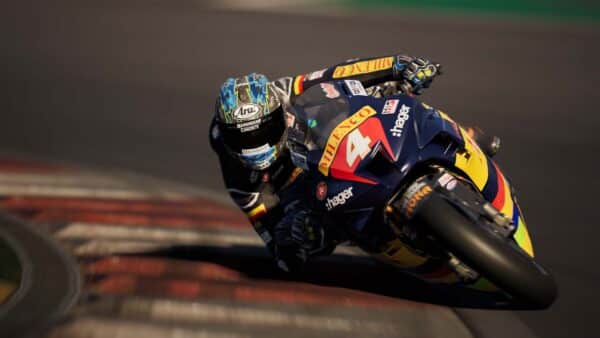
The RIDE series of games first raced onto the scene back in 2015 and had received five entries up to this point.
PC
Enabled multiple controllers at the same time.
Move dynamic probe from high to ultra in “SSR” option
Fixed players gaining an unfair time advantage through alt-tab while in-game
PS5
Removed HDR black point and white point options on consoles to directly use console parameters.
Improved dynamic resolution
Xbox Series
Removed HDR black point and white point options on consoles to directly use console parameters.
Fixed game returning to main menu when using a secondary controller after disconnecting the primary one.
Improved dynamic resolution
Network
Better Stability and Performance
While a significant amount of bugs have been resolved, there are still a handful of known issues that persists. Not only but the devs confirmed some of the future fixes and improvements planned for the racing game.
Future Fixes & Improvements
Upgrade costs are too high for Ford F150 ‘The Adventurer’, Nissan GTR ‘The Tyger’, BMW M4 Competition ‘PUMA Go Wild’
The car obtained through the casino slots is unable to be sold in Car Resale (Mercedes-AMG GT Black Series
Both issues are confirmed to be fixed in the Season 6 update, which should be pushed out soon. There are also more bugs resolved in Season 6’s first planned patch. As you can see, a ton of support are on the way for not only bugs, but for new content as well.
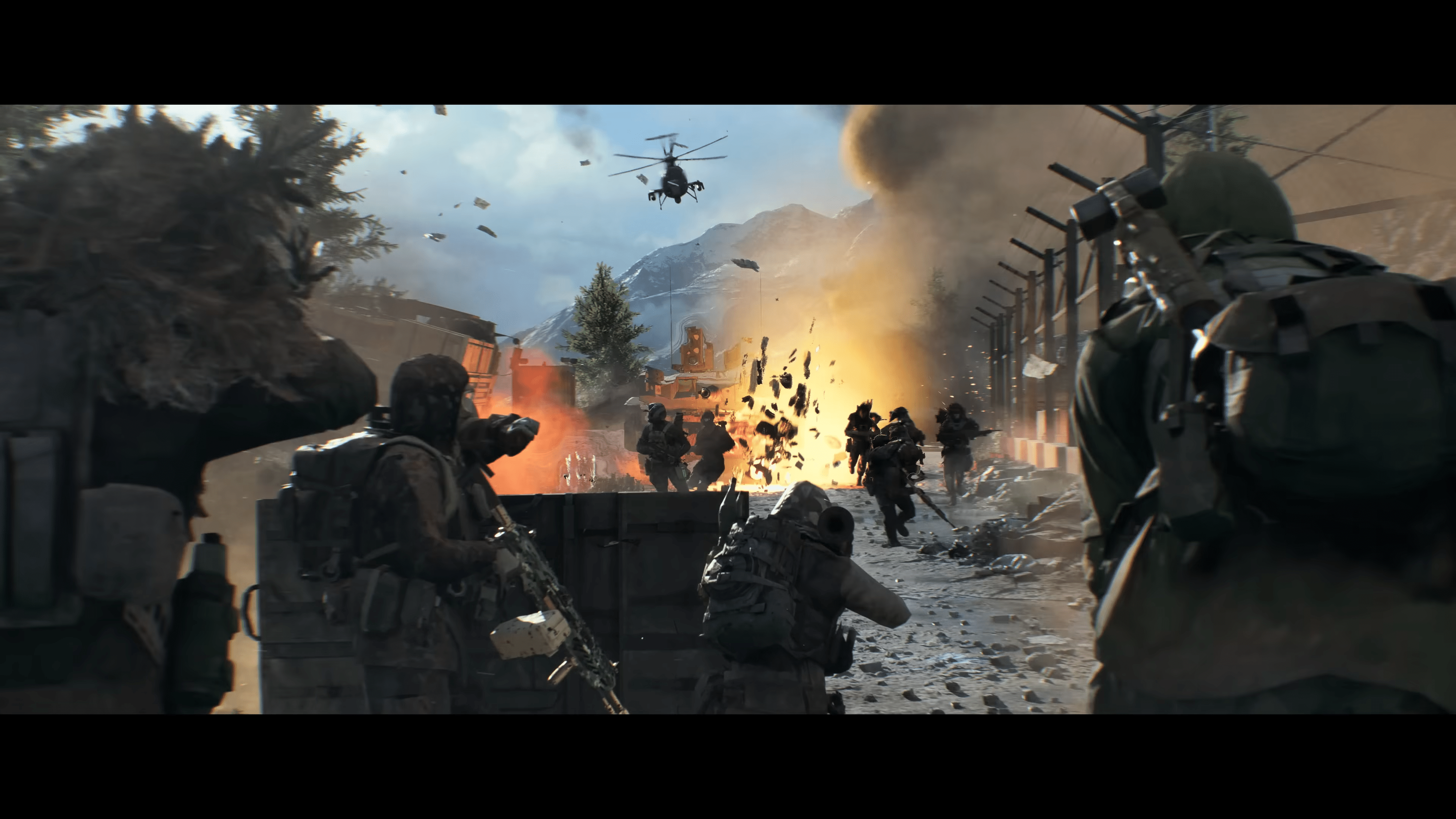
With Battlefield 6’s Season 2 set to kick off in a few days’ time, DICE has now given us our official look at the cinematic trailer, as well as a general idea on what to expect from the new season.
First off, the developers confirmed we’ll be getting two new multiplayer maps in Season 2, with Contaminted confirmed to be the first map being pushed out when Season 2 starts on February 17. Coming at a later time is a new map and a new limited-time mode, though details about this will be shared at a later date.
Eidos-Montréal is a studio that has participated in the development of major games like the Tomb Raider saga, but lately has been relegated to a support studio for other projects.
For the cinematic intro, as well as the official overview of improvements on the way, read on.
Battlefield 6 Season 2 Planned Updates Outlined by DICE
Progression Improvements:
Broader Challenge Parameters: Challenges have been streamlined by reducing the emphasis on highly mode-specific challenges, removing the daily sidearm challenge from regular rotation, and expanding criteria like allowing assists to count toward Daily Challenges. We’ll continue to closely monitor completion rates and adjust challenge criteria where they feel too restrictive.
Faster Battle Pass: Battle Pass progression has been adjusted to be more rewarding this season. This includes recalculating how Battle Pass Tokens are earned from Career XP, allowing you to earn progress more quickly through regular gameplay and Weekly Challenges.
More Rewarding Progression in REDSEC: Career XP and Weapon XP earn rates have been increased in Battle Royale and Gauntlet, helping progression feel more balanced between REDSEC and Battlefield 6 experiences.
Career Reward Rebalance: Career and Battle Pass Boosters were added to some earlier Career ranks, particularly to better support players who focus on REDSEC. This change helps progression feel meaningful even when standard Career unlocks, such as gadgets, throwables, and loadout slots, don’t provide direct benefits in Battle Royale or Gauntlet.
Weapon Balance and Recoil Improvements: Recoil compensation has been made fully consistent, resulting in more predictable and reliable weapon handling. Building on this, automatic weapons have received a broad tuning pass to reinforce role clarity and ensure weapons feel appropriately distinct across different combat distances.
Player Movement: Soldier movement has been improved to feel more predictable and readable in fast-paced combat. This includes updated acceleration curves, smoother vaulting and ladder transitions, and fixes that reduce visual inconsistencies or unexpected behavior during traversal and close-quarters interactions.
Audio Improvements: Audio has been polished to improve clarity and reliability during matches. This includes clearer cues for movement and interactions to help with positioning, better handling of overlapping sounds, and more dependable playback of critical audio in busy combat scenarios. Continued refinements and improvements are already in the works for later in the season as well.
If you use Discord on a daily basis, big changes are coming — and they will affect how you access the platform.
Development Focus
Current areas for improvement that are in active development include hit registration and netcode, ongoing recoil review, visibility, the ping system for map locations, and additional audio improvements (i.e. footsteps). We are targeting some of these improvements to be tested in Battlefield Labs for player-driven iteration, and will be included throughout upcoming game updates once they are validated. There are additional areas under review that we’ll provide more details on as decisions are finalized.
Golmud Railway Testing
This version of the map is not a one-to-one copy but instead being reworked and adjusted to best fit the experience of Battlefield 6, and early impressions show that players are already picking up on the differences in this new interpretation.
Initial reactions have been positive, particularly around the overall scale and flow of the playspace. Players noted that the map feels familiar while still offering something new, including improvements to the northern town area and added cover that better supports infantry movement and engagements.
REDSEC Updates
DICE states, “We recently introduced a change that ensures players drop a minimum of two armor plates upon death. Building on that, we’re planning to increase overall armor availability in Season 2 by adding a chance for additional armor plates to spawn in Class Crates. This is intended to improve pacing and survivability across matches, particularly in situations where armor plates can feel scarce as a match progresses.”
“We’re also making additional changes to the availability of Vehicle Keycard rewards. Tanks are a core part of what makes REDSEC unique, and we want players to have meaningful access to them. At the same time, having multiple tanks active for a single team should be rare and earned. To support this, we’re introducing a cooldown on Vehicle Keycards as a mission reward after one is successfully acquired, making it significantly harder to chain tank access back-to-back,” the devs added.
We should be getting the Season 2 roadmap soon, and we’ll let our readers know once that’s available. Expect the patch notes to be revealed ahead of the season kick-off on February 17.
While there hasn't been an entirely new StarCraft game since StarCraft 2: Wings of Liberty was released way back in 2010, things could be changing in the near future.
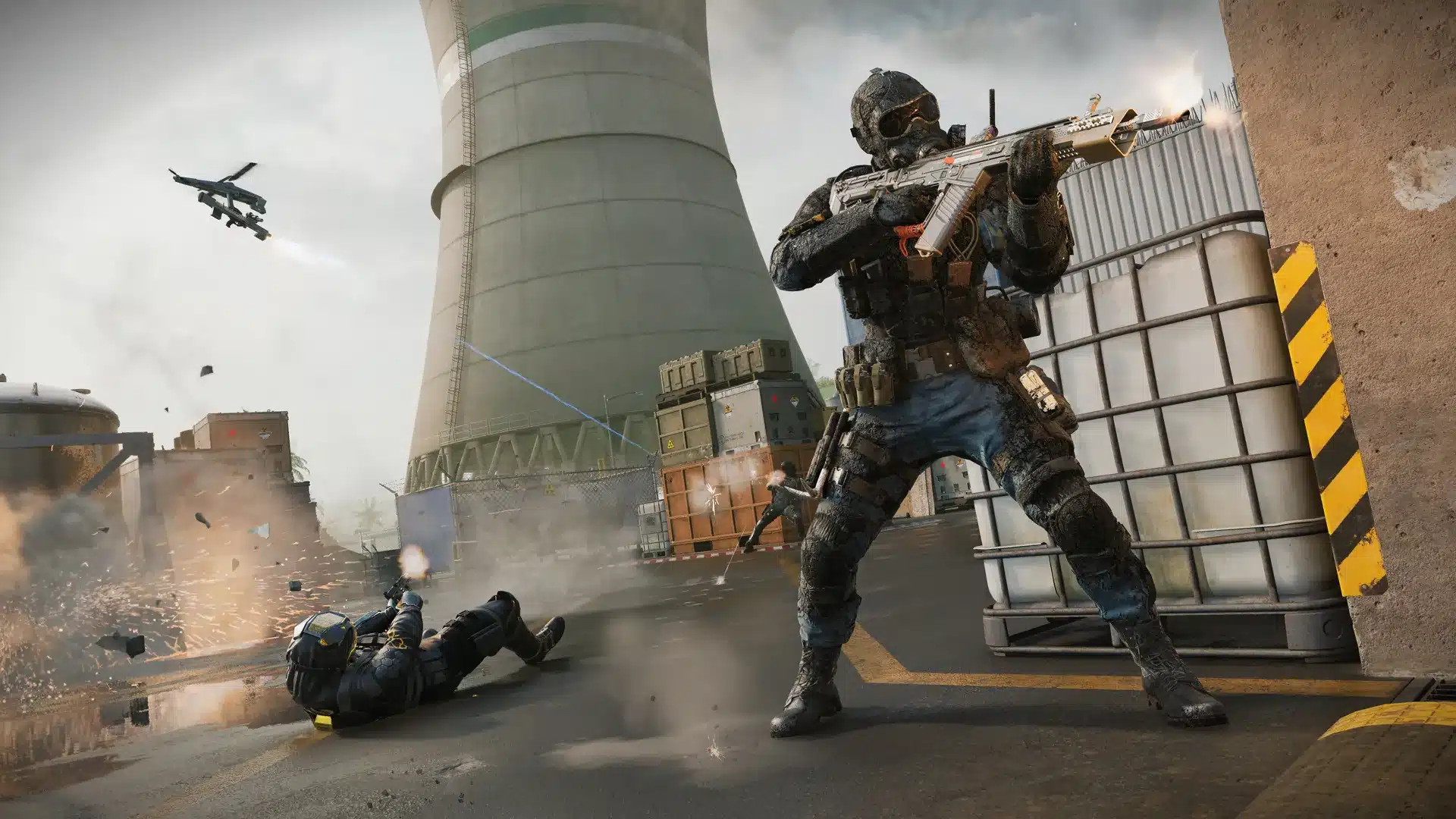
Treyarch has released Black Ops 7 & Warzone update 1.92/1.092, and this addresses certain issues for both games. This is a minor update, so don’t expect any new content given we just got Season 2 last week.
For the bug fixes and known issues being looked at by the developers, read on.
WWE 2K26 is just around the corner, and the developers have been sharing more updates with fans to build hype and excitement around the title.
Black Ops 7 & Warzone February 10 Update Brings It to Version 1.92/1.092
Unfortunately, the developers have not said anything about today’s changes. We do know the issues being tackled thanks to the official Trello boards for both games.
Black Ops 7 Issues
Global Known Issues
All Platforms: Crashing and Stability
Players on PlayStation 5 consoles will encounter a crash if their controller disconnects.
The Genesis and Apocalypse Camos do not animate as expected when a weapon is fired.
Multiplayer Known Issues
Ranked Play Restrictions will be adjusted to include the following in a future update: Flashbang Tactical, RC-XD Scorestreak, all Assault Rifle Muzzles, and all Rapid Fire Attachments in Ranked Play.
Flagship has been temporarily removed from the map pool due to a stability issue.
The “Return to Combat” timer has been temporarily adjusted to 1 second on all maps.
HKDs Scorestreak pods can occasionally fail to land or open properly
Custom Loadouts may reset if a player switches between Multiplayer and Call of Duty: Warzone too quickly.
Zombies Known Issues
Some Support items that aren’t usable on Mars Survival can drop as items on the map
Some UI widget elements may overlap unexpectedly
Healing Aura does not currently knock down zombies with the Stoic Presence Augment equipped
Doomsteel and Infestation Camo progress on new Season 02 Weapons may not track as expected.
Endgame Known Issues
Endgame Operators may change Slots unintentionally.
The Gunboat has been temporarily disabled in Endgame while we investigate its impact on match performance.
While there hasn't been an entirely new StarCraft game since StarCraft 2: Wings of Liberty was released way back in 2010, things could be changing in the near future.
With its first anniversary approaching, Monster Hunter Wilds is starting to outline its near future.
For the complete details on what’s new, read on for the official patch notes.
Apex Legends Breachers Update Live on February 10 for Version 3.03/1.000.117
HARDLIGHT MESH
A NEW ENTRY INTO THE WORLD – Hardlight
The Apex Games are evolving once again, adding new ways for players to move, engage, and fight. Legends will encounter Hardlight across windows in structures scattered throughout the world. Hardlight acts as destructible and breachable Windows. While Hardlight Meshes are intact they are translucent: allowing players to see through them, but they block projectiles and player movement. When broken or damaged, Hardlight Meshes rebuild after a lengthy delay.
Hardlight takes Damage from weapon fire, and increased Damage from specific weapon classes, Explosives, Melee, and Legends’ Abilities. Break Hardlight to breach into buildings creating new entries, and find new angles to lay down an assault on opponents.
Hardlight can be Rebuilt or Reinforced by Controller Legends. Reinforced Hardlight is much stronger than normal Hardlight meshes, taking more damage before breaking. Providing Controller Legends an opportunity to bunker down and delay enemy assaults.
Hardlight Details:
At Match Start:Hardlight Meshes are automatically spawned into the world at preset positions on various structures.
Hardlight Mesh defaults to 200 HP.
Hardlight takes increased damage from Explosives (8.5x), Shotguns (2.5x), Snipers (3.5x), and Legend Abilities (10.0x).
Hardlight takes damage from Ring.
Hardlight cannot repair, rebuild, or be Reinforced in Ring.
Upon Reinforce, Hardlight health total is set to 1250HP.
Hardlight cannot be rebuilt immediately after breaking. Rebuild Delay: 4 seconds
Controllers subject to a limit on the number of Reinforced Hardlights: Max 4 Reinforced Hardlights.
Reinforced Hardlight Decays when the original reinforcing player exceeds Reinforcement Limit.
Reinforced Hardlight Decays when there are no players nearby for an extended period of time.
When Reinforced Hardlight Decays, it returns to a standard Hardlight Mesh state it decays to baseline Health 200 HP.
Six months ago, Game Science announced the next entry in the Black Myth franchise, and it's titled Black Myth: Zhong Kui, which stars a different Chinese folklore character.
RANKED MATCHMAKING
We are implementing focused changes based on learnings from our previous matchmaking tests. Our previous end-of-season tests that restricted Masters (+Pred) players from matching below various Diamond ranks have led us to bake in these changes directly into each season. To provide the best possible matchmaking experience, we will be shifting the restrictions dynamically each season as Ranked populations naturally shift throughout the duration of the split. The timing of when these restrictions kick in, as well as exactly which Diamond ranks can match with Masters, will depend on when the population of those players is high enough to sustain good matchmaking. We will continue to provide additional updates throughout the coming season as we monitor and adjust.
AUDIO UPDATES
In Season 28, in response to community feedback, we’re taking it a step further by adding more audio customization options and giving you control. You can look forward to more granular customization options surrounding: Legend Dialogue, Ping Dialogue, and Announcer Dialogue. In Season 27 we added the Focused Mix to provide a more robust contextual in-game soundscape – we’re excited to continue down this path, providing you with even more options to use to customize your experience. In addition to other smaller changes, we’ve also split enemy and geo bullet impact audio in order to prioritize them independently, ensuring players always know when they’ve landed a shot.
Apex Legends Breachers Update Patch Notes
LEGENDS
FUSE
Dev Note: This old dog needed some new tricks. In particular, Fuse’s ultimate was seen as being too difficult to use and often unimpactful. The ult’s new behavior should make it easier to find effective use cases while cementing Fuse’s identity as mobile artillery. With the ultimate focused on clearing out large spaces, we wanted to focus the tactical on being quicker and easier to tag enemies. The reduced duration on Knuckle Cluster can also help you follow up on your own damage, particularly alongside his passive change. Knuckle Jumper replaces Knuckle Hustler as a movement option that feels more Fuse-y, with plenty of nuance to master the many ways to use it.
Abilities
Passive
Fuse is no longer slowed when taking explosive damage
Tactical
Faster weapon stow time when switching to the tactical
Flattened the trajectory to make tap-firing more accurate
Reduced delay before explosions start up (was 1.7s, now 1.0s)
Increased base damage (was 10, now 15)
Reduced the duration by 50%
Ultimate
Refreshed ultimate behavior. Fires a mortar that explodes against the ground, then sprays out smaller bombs around its landing point. When aiming down sights, the mortar can pierce cover up to 13m deep and deliver explosives to the other side.
Upgrades
Level 2
Pyro Techniques: Your ultimate will drop behind patches of fire for 8 seconds after the bombs explode
Knuckle Jumper: Jumping when next to your own Knuckle Clusters will give you an explosive boost (destroys the cluster afterwards).
Level 3
Reignition: Dealing explosive damage to enemies recharges your ultimate (for every 2 damage dealt, reduces cooldown by 1 second)
Removed Ring Master, Scar Tissue, and Knuckle Hustler
CATALYST
Dev note: Catalyst has needed help for a while, especially as other controllers have gotten buffs in the past few seasons. While the ultimate is generally well liked, the tactical needed some attention to help her compete; the bigger area and extra max trap lets you block off more territory. With a reduced activation time and two new upgrade options, you should have more options on how to deploy your spikes to distract and punish your opponents. We have some bigger changes in the works for her, but we feel this is enough to give Catalyst players more opportunities to shine. We will be actively looking for community feedback for how these changes feel, so Catalyst mains, get loud!
Abilities
Passive
Can now reinforce up to 4 doors (was 2)
Tactical
Flattened the trajectory, slightly lowered the pitch, and increased the overall range
Increased size by roughly 50%
Reduced the delay before spikes can deal damage (was 2s, now 1s)
Can now have 3 traps maximum (was 2)
Activation radius reduced by 20%
This is how close you have to be before the spikes stand up and the core is vulnerable
Ultimate
You can now toggle to deploy the ultimate horizontally
Length increased by 5m
The wall can now build up through standard doors, Lifeline’s D.O.C. Halo, and Gibraltar’s Dome of Protection.
Can now be placed on steeper angles
Reduced Dark Veil duration when enemies walk through (was 7s, now 5s)
Upgrades
Level 2
Hidden Spikes: The spike pool is now hidden to enemies while inactive
Sole Piercer: Spike traps activate 50% faster and deal 5 more damage per hit
While there hasn't been an entirely new StarCraft game since StarCraft 2: Wings of Liberty was released way back in 2010, things could be changing in the near future.
BLOODHOUND
Dev note: As the seasons have progressed, Bloodhound has found themselves outclassed by other Recon characters. The tactical and passive changes can help you track where enemy squads are while reducing distractions. Big quality of life changes to the ultimate, on top of the new upgrades, should make it easier to chain kills instead of getting quickly shut down as the fights get more intense. We intend to give them a bigger set of changes down the road, but we’re hoping this is enough to push the veteran Legend back towards relevance as we retool the kit.
Abilities
Passive
Enemies outside of 13m no longer block white ravens from spawning (Flock upgrade brought into base kit)
Clues more than 13m away no longer block White ravens (was ~50m)
Tactical
Total scan duration up to 4s (was 3s), full-body duration remains half the full scan duration (so now 2s, was 1.5s)
Reduced screen coloration during scan
Fewer clues will pop-up on screen when your tactical successfully scans an enemy
Ultimate:
Cooldown reduced to 2.5 minutes (was 4 minutes)
Activation time reduced by ~20%
After activation, the wider FOV gradually shifts back to your normal FOV
Knocks while your ultimate is active increase the duration by 5s (will always reset to 10s if below)
(Unchanged) Knocks while your ultimate is active resets your tactical duration
This has been active for a while but is now called out in the ability description
Upgrades
Level 2
Taste of Blood: Regen 50 health when getting a knock while your ultimate is active
Raven’s Flight: When activating your white ravens, they can ping enemies twice as far as normal
Level 3
Hunter’s Agility: Your tactical is faster to use and has -5s cooldown
Eye of the Allfather removed from level 2
Removed Raven’s Blessing, Flock, and Sighthound
CRYPTO
Dev Note: We wanted power coupling to add value for Crypto while actively piloting the drone and scanning enemies. But with the current version, it’s main impact is in refunding ult charge on EMP scan. To help refocus the upgrade, we changed the behavior so that it no longer gains ult charge on EMP scan. From data we also saw that the amount of ult charge gained from players was too generous so we’re taking the opportunity to bring that in line as well.
Prevent Power Coupling for 5s after EMP
Reduced charge gained from scanning players from 10 to 5
PATHFINDER
Dev Note: Grapple God is the runaway upgrade choice at level 3. We wanted to offer some more benefit to Feeling Zippy without a big refresh for Pathfinder so the choices are more compelling.
Feeling Zippy additionally increases allied movement speed on Energized Ziplines from 1000 -> 1350
Feeling Zippy additionally increases allied acceleration on Energized Ziplines from 700 -> 800
OCTANE
Dev Note: Daredevils time extension was letting Octane chain sequential fights longer than we’d like. As such we’re making an adjustment to the max time extension.
Eidos-Montréal is a studio that has participated in the development of major games like the Tomb Raider saga, but lately has been relegated to a support studio for other projects.
MARKSMAN WEAPONS
G7 Scout [Care Package]
Added Hop-up: Double Tap Trigger
Damage increased to 37 (was 36)
Increased rate of fire
Can be equipped with sniper optics
Bocek Compound Bow
Max damage decreased to 60 (was 65)
Max energized damage decreased to 50 (was 55)
Increased draw time
30-30 Repeater
Decreased base damage to 41 (was 43)
Decreased charged damage multiplier
Slightly increased charge time
Triple Take
Reduced rate of fire
Slightly increased choke time
PISTOL
P2020 [Floor Loot]
Removed Hop-Up: Kinetic Feeder
Damage decreased to 23 (was 25)
Reduced reload speed
Reduced rate of fire
Increased enhanced hipfire spread
SHOTGUNS
Dev Note: With Hardlight making its grand entrance into the Apex Games, it felt right for the Breach and Clear weapon class to make their way to the spotlight. Shotguns are getting a little love with some targeted updates and new hop-up additions.
Mastiff
Decreased pellets per blast to 5 (was 6)
Damage per pellet increased to 19 (was 16)
Adjusted blast pattern
EVA-8
Slightly increased rate of fire
Tightened blast pattern
LOCKED HOP-UPS
Dual Shell
300 Locked Hop-Up Points to unlock
Added to: Mastiff and 30-30 Repeater
Hammerpoints
500 Locked Hop-Up Points to unlock
Added to: P2020
Disruptors
500 Locked Hop-Up Points to unlock
Added to: Peacekeeper
Gun Shield Generator
Removed from: Tripletake, Hemlok and R301
Graffiti Mod
Removed from: Volt and Mastiff
Added to: L-STAR and Longbow DMR
Double Tap Trigger
Added to: EVA-8
Turbocharger
Decreased points to unlock to 500 on the Devotion (was 600)
Reviving Teammates only provides full Evo (100 points) for the first 2 Revives per team per game. Each subsequent Revive will reward 25 less Evo until no Evo is rewarded.
Dev Note: At higher levels of play, we have observed players are intentionally getting knocked to set up Revives for excessive Evo gain. We’re activating a diminishing return on Revives to reduce the max Evo that can be farmed in this way. Don’t feed face for Evo, it does not pay dividends.
EQUIPMENT
Dev Note: We’re doing a little loot pool clean-up with this patch. Integrated Knockdown Shields not only keep your survivability consistent with Evo progression across the game, but it also means that when you are looting, you will be finding more desirable items in the loot pool. We’re actioning on community feedback and making changes to White Backpacks, giving players an easier looting ramp up in early game, and removing an item of negligible value in late game. Now, in their place, you’ll find more of what you want and start with more inventory space.
Knockdown Shields
Removed from loot pool.
Knockdown shield level is now tied to legend level.
i.e. Legend Level 1 = White Knockdown
Backpacks
White backpack removed from loot pool.
White backpack added to starter kit.
MAPS
Pubs & Ranked
Broken Moon
E-District
World’s Edge
Mixtape
2/10/26 – 3/24/26 Map Rotation
TDM
Fragment, Skull Town, Zeus Station
CONTROL
Production Yard, Barometer, Lava Siphon
GUN RUN
Wattson Pylon, Monument, Skull Town
RANKED
Drop Zones disabled in Ranked
All Ranked matches return to the singular Dropship deploy, with Jump Masters leading your skydives into the BR, putting the game start back into your hands, Legends.
Dev Note: Drop Zones was a big change for Ranked, a way to bring fairer and faster starts to the Ranked experience. While we saw positive reactions and outcomes for some players, it was not a universal win for everyone. Some players felt that having randomly assigned Drop Zones deterred them from the playstyle they wanted and greatly impacted their match outcome. For now, returning to the big Dropship brings us back to known ground and puts full control back in your hands. We are still working out what the future looks like for Drop Zones, as part of the overall future of Ranked and competitive play.
Ranked Ladders (coming later this split)
Ranked Event 1
2/19/2026
2/22/2026
Ranked Event 2
2/26/2026
3/1/2026
Ranked Event 3
3/5/2026
3/8/2026
Ranked Event 4
3/12/2026
3/15/2026
Ranked Event 5
3/19/2026
3/22/2026
Ranked Event 6
4/2/2026
4/5/2026
Ranked Event 7
4/9/2026
4/12/2026
Ranked Event 8
4/16/2026
4/19/2026
Ranked Event 9
4/23/2026
4/26/2026
Ranked Event 10
4/30/2026
5/3/2026
WILDCARD
Wildcard
2/10/26 – 3/10/26
Wildcard: Kings Canyon
Wild Cards
Wild Card Rotation
Here are the Wild Cards that will be available this season:
Chain Reaction
Damage is chained to additional enemies within an affected area
Crackerjack
Instantly reload weapon on knock
Extra Ordnance
The player gains the ability to carry +1 Ordnance
Fast Draw
Reload weapons and use shield cells faster
Get Up and Go
When a player revives a teammate, both receive a burst of speed
Good Doctor
Revive teammates with additional health and shields
Gren-Aid
Mark enemies damaged by your explosives
Love Potion
When using a consumable, nearby teammates receive the same health
Sent Packing
Explosions have increased knockback.
Smoke Out
Drop smoke cover when downed, smoke regens shields for self and teammates
Status Report
Reveal enemy locations on knock
Wildcard Respawning
When players die in quick succession, they will be more aggressively pushed further away from their previous death location and closer towards the center of the ring.
Dev Note: After parsing the data from Wildcard matches, we are seeing an emerging pattern that the majority of fights are happening in the same POI for a large portion of a Wildcard match. We hope that this change will slow down the rate at which players continue to re-land at a hot drop POI and allow for a bit more breathing room for players to reset.
Controller Legends
Controller Legends can now remotely pick up their deployed tacticals, just as they can in other game modes.
Dev Note: With Wildcard disabling all Class Perks, we observed this to be a massive QoL improvement for players and have now enabled this perk.
BOT ROYALE EVOLVED
Bot Royale has evolved, it is now a full BR experience mixing humans and Apex Bots.
Bot Royale Evolved lobbies will consist of 1-5 full human squads and 15-19 Apex Bots squads (20 squads total).
Bot Royale Evolved has a tighter matchmaking compared to Trios to make sure you have an opponent at your level. If we cannot find those, we backfill with bots.
Bot Royale Evolved has the same game length and ring tuning as Unranked BR (whereas the original Bot Royale had shorter matches) for a full BR experience.
XP gains are no longer capped, and the ability to progress your Challenges has been added!
Earning Badges is still restricted, and no stats will advance while playing this mode.
Dev Note: By designing a space with less pressure than Unranked, Ranked and Wildcard, we hope to provide a game mode that can be played for different use cases: Learning the game at your own pace, practice with a friend, warm-up before jumping into a more intense game mode, wind down after some high-intensity ranked games, etc. Regardless of what drives you to play Bot Royale Evolved, your time will be well spent and you will continue to progress towards Challenge and Account rewards.
APEX BOTS
New accuracy system
that rewards players for moving and shooting. Stand still and their accuracy will increase!
New drop logic system
Apex Bots will distribute evenly across POIs, allowing the decision to hotdrop on you – the player!
Improved ring survival
Apex Bots have a better understanding of the ring, will rotate to safe areas and avoid fighting while in the ring.
Improved strafing
When in combat range, bots will strafe to avoid incoming damage
New Bot Loadout System
While Apex Bots will still loot, as they survive into further rounds their loadouts will improve with better attachments and better equipment. Making them a tougher target in further rounds.
Improved Squad Coherence
Apex Bot squads will no longer roam away from their squad, they’ll stick close to their squad leader to move as a group and attack as a group.
Dev Note: Improvements to Apex Bots are key to providing a fun and challenging experience for our lower-skilled players, as well as improving the overall matchmaking quality for unranked BR modes. We hope that you enjoy the new Apex Bots as we work to monitor, tune and improve their challenge profiles and their overall behaviours.
Apex Legends Quality-of-Life Additions via Update 3.03/1.000.117
Control
Weapons will no longer interrupt shooting, healing, or other actions when a player levels up.
Weapons will now seamlessly update in hand or in their inventory upon level up, matching the way it works in Wildcard.
The button prompt for manually upgrading a weapon has been removed, as the weapons will upgrade seamlessly.
Ballistic
Ballistic’s Sling will no longer interrupt shooting when the Sling weapon is being upgraded/downgraded as part of the Ultimate or when leveling up EVO.
Settings Menu
Gameplay menu options have been broken up and reorganized into 5 subcategories (Combat, Movement, HUD UI, Accessibility, Privacy) so they’re easier to find.
Added additional voicelines when pinging an Elite Weapon.
Respawn Beacon icons on the map and mini-map will now flash after they have been used by another team.
ENGINE
Improved graphics device selection when multiple are present on the system.
Added a user facing error message if the minimum spec Shader Model 6.0 is not supported, including a reminder that this is likely due to outdated drivers.
WISHLIST UPDATE
Certain Rare, Epic, and Legendary Apex Packs can now be upgraded to Wishlist-enabled packs.
Once these packs are upgraded, your Active Wishlist selections will influence the guaranteed item slot for these packs. All previous rarity drop rates and Apex Pack guarantee rules apply to the upgraded Wishlist pack.
Upgrade Apex Packs into Wishlist-enabled packs in the Pack Inventory Screen using Legend Tokens. The Upgrade button will only show for eligible packs and you can upgrade multiple at a time. If your Wishlist is Unavailable, pack upgrading is also unavailable.
The cost to upgrade is:
Rare Apex Pack: 1,500 Legend Tokens
Epic Apex Pack: 3,000 Legend Tokens
Legendary Apex Pack: 5,000 Legend Tokens
Whew! That’s one hefty patch! Chances are, there will be a fix or two needed to address any issues from this massive update.
Those on PS4 annoyed at the missing DLC for Fallout 4, rejoice! That should be addressed with today’s Fallout 4 update 1.43 download! This is an update exclusive to the PS4 version, so if you’re playing on PS5 with the native Fallout 4 Anniversary version, you won’t be prompted to download anything.
This is a minor download, so don’t expect anything huge in terms of file size and what the patch offers.
While there hasn't been an entirely new StarCraft game since StarCraft 2: Wings of Liberty was released way back in 2010, things could be changing in the near future.
As for those who wish to see the Creation Storage (mod) expanded, Bethesda has confirmed it’s on the way, though it has failed to give a timeline for when it’ll happen.
Fallout 4 Update 1.43 Released on PS4 on February 10
Bethesda announced, “An update has gone out for Fallout 4 Anniversary Edition on PlayStation 4 that addresses missing DLC,” confirming today’s patch is exclusive to the PS4 version and that it addresses DLC issues.
Alongside it, the developers mentioned, “For those on console interested in the Creation Storage expansion, we’ll have more details to share in the coming weeks. Thank you for your patience.”
There was a patch released in December that was available on all platforms that aimed to fix a good number of issues, which included:
Save/Load and Content Handling
Fixed issues with the missing Creations Bundle add-on for Steam
Game now recognizes Creation Club content upon loading a save file from an older build.
Correct warning dialogue is shown when Creations are disabled but not deleted.
General UI/UX Improvements
Improved visibility and interaction in the Category List, fixed overlapping boxes, and ensured button prompts display correctly on all platforms (including ROG Ally and Steam Deck).
Fixed issues with missing or broken UI elements, such as missing button layouts, gallery image enlargement, and empty titles in “My Library”.
Improved sort menu transparency and restored the ‘Best Results’ sort option.
Addressed keyboard input loss and cursor visibility issues in the Creations menu.
Fixed prompt and navigation issues when rapidly re-entering the Creations Store or using the PS Store overlay.
Creations removed from the storefront can now be individually deleted from the Load Order.
Banner carousel/category rows no longer endlessly scroll when opening the Purchase Credits menu.
Eidos-Montréal is a studio that has participated in the development of major games like the Tomb Raider saga, but lately has been relegated to a support studio for other projects.
Crash & Stability Fixes
Addressed crashes related to downloading all Creations, data reloads, idling in menus, profile sign-out, and leaving the Creations menu (especially on PS4/PS5).
Fixed rare crashes after store purchases, during scrolling/viewing in the Creations menu, and when starting a new game with Creations enabled.
Improved error handling for rapid menu actions and ensured the game no longer hangs on quit.
Ultrawide, Steam Deck, and Platform-Specific Fixes
Workshop menus and reset screens are now optimized for ultrawide and super ultrawide monitors.
Fixed performance hitches and UI alignment issues on ultrawide
Addressed platform-specific issues such as button prompts, misplaced UI
Text, Localization, and Miscellaneous
Apostrophes and other special characters now display correctly in the in-game Creations menu.
Prompt for Anniversary Upgrade now fits correctly in German, French, and Spanish localizations.
Once we hear more about the mod storage plans for consoles, we’ll let our readers know.
Mojang has released Bedrock 26.0 for Minecraft on all platforms this February 10, and this brings new Experimental new features, bug fixes and a lot more.
Those on consoles, you’ll see this download appear as Minecraft update 3.30/1.040 (complete version 1.040.000), and this should have the same changelog across all versions of the game.
While there hasn't been an entirely new StarCraft game since StarCraft 2: Wings of Liberty was released way back in 2010, things could be changing in the near future.
For the complete patch notes on what’s new today, read on.
Minecraft’s February Update Applies Bedrock 26.0 via Patch 3.30/1.040
Experimental Features
General
Added experimental toggle for Drop 1 of 2026
Items
Name Tags are now craftable, using paper and any metal nugget
Baby Mobs
Updated the models and textures of the following Baby Mobs:
Cow
Tweaked the bounding box of both adult and baby to align with Java Edition and the new model
Mooshroom
Tweaked the bounding box of both adult and baby to align with Java Edition and the new model
Pig
Wolf
Tweaked the bounding box of both adult and baby to align with Java Edition and the new model
Known Issue: The MERS texture of the tamed Wolf is currently a placeholder, and will be updated in a future Preview update
Rabbit
Both adult and baby Rabbits also received new animations
Tweaked the bounding box to align with the new model
Cat
Tweaked the baby’s bounding box to align with the new model
Ocelot
Chicken
Tweaked the bounding box to align with the new model
Sheep
Using a Spawn Egg on the corresponding Mob will now spawn the Baby form of that Mob
Sounds
Baby Pigs, Cats, and Wolves, now have a unique set of sounds
Known Issue: Adult Wolf sound variants are currently not working as expected, and will be fixed in a future release
Eidos-Montréal is a studio that has participated in the development of major games like the Tomb Raider saga, but lately has been relegated to a support studio for other projects.
Features and Bug Fixes
New Version Numbering System
Going forward, we’ll be numbering our versions based on the year. So, for both Bedrock and Java Edition, version numbers in the year 2026 will begin with ‘26′
Fixed player data becoming disconnected from account for Xbox players in split-screen mode (MCPE-233088)
Accessibility
The new Gameplay subtitles (closed captions) will remain in the Beta and Preview versions only for a while longer, while we work on polishing and bug fixing
Blocks
Bamboo Stalks no longer pop in as obviously, from a distance they have no transparency instead (like Sugar Cane and Cactus) unless on Simple graphics
Rotated Y axis orientation of blocks in hand rendered in third person to match Java (MCPE-231979)
If you use Discord on a daily basis, big changes are coming — and they will affect how you access the platform.
Creator
Added command macro support
Adds toggle to the Creator Settings screen, which when enabled adds 10 new key mappings to the keyboard/mouse controls settings screen which each have a text input for what command to run when the input is pressed
Commands can only be run while in game
All re-mappable keys are coordinates of Alt plus the chosen key
Added guard to prevent mapping a command macro key to Alt, as Alt is the coordinates key already
Dressing Room and Character Creator
Fixed upgrade from UWP to GDK causing corrupt skin states
Updated Android Photo Picker instead of requesting media permissions.
While in a world, classic skins equipped within the marketplace will now be reflected in game after exiting the marketplace and unpausing
Loading cached appearances works while offline
Prefer loading cached appearance over random skin
Gameplay
Vindicator now correctly attacks all non-illager mobs when the nametag “Johnny” is applied (REALMS-13166)
Fixed an issue that caused Nether Portals to not get ignited by lava (MCPE-232906)
Fixed the End gateway portal that teleported the player to the void area (MCPE-228267)
General
The Adventuring Time achievement no longer unlocks after visiting fewer than 17 biomes on PC (MCPE-156784)
Fixed an issue on Windows where the window reset to a smaller size on reopening, even when a single monitor had sufficient space (MCPE-228875)
Graphical
Fixed a bug where screenshots taken with Ray Traced graphics mode selected did not render accurately
Fixed an issue where block highlight was not visible when the Outline Selection toggle was turned off in Vibrant Visuals (MCPE-222491)
Fixed an issue where the graphics mode options were changing after game updates (MCPE-226682)
Fixed water extinction being drawn over fog when the chunk behind it is missing in Vibrant Visuals
Fixed an issue that caused darker colors in some skins to appear washed out in Vibrant Visuals (MCPE-206669)
Fixed a bug with the ‘Hide Sky Flashes’ option causing The End entrance sound to loop
Fixed note effects on Note Blocks not displaying the correct color in darkness
Fixed an issue that caused lighting on End Portals to render incorrectly if a resource pack defined a Portal block as a point light in Vibrant Visuals
Made the fire effect on burning mobs and players dither when the player-camera is nearby
Fixed the Snow Golem’s pumpkin head not being dithered when the toggle is enabled (MCPE-228082)
Fixed dithered objects flickering when resolution is set to 50% in Vibrant Visuals (MCPE-231582)
Fixed a bug that would sometimes allow sunlight to shine through walls, e.g. near cave entrances, in Vibrant Visuals mode
The textures of Stripped Spruce Logs and Stripped Spruce Wood are now in parity with Java (MCPE-137379)
Fixed an issue where textures would not be correctly reloaded when changing between graphics modes in the main menu
Mobs no longer randomly flicker every few seconds (MCPE-220557)
Fixed shadow stripes appearing on the ground during sunset and sunrise with high FoV on low quality settings in Vibrant Visuals mode.
Fixed an issue that caused all player markers on locator maps to have the same color in Vibrant Visuals mode.
Fixed an issue which was causing textured items held-in-hand to be double-tinted in Vibrant Visuals mode.
Fixed an issue in the Editor that would cause the viewport to become distorted in Vibrant Visuals mode when using the Paste or Repeater tool
Fixed an issue where the screen would be completely black when the camera was inside of a block in Vibrant Visuals mode. (MCPE-221667)
Fixed an issue that caused banner poles to appear darker in Vibrant Visuals.
Fixed shields with banner designs rendering incorrectly when equipped in first person. (MCPE-232638)
Dithering
Added dithering to items held by Players and Mobs if dithering is enabled in Accessibility menu.
Added dithering to skulls, heads, chests, shulker boxes, banners, conduits, decorated pots and copper colem statues held by Players and Mobs if dithering is enabled in the Accessibility menu.
Added Cobweb block to the list of ditherable blocks.
Fixed dithering for equipped shields with banner designs when held by entities.
Data-driving
Added the ability to specify ambient light colors according to the time of day in the Vibrant Visual lighting configuration files.
Added the ability to specify ambient light illuminances according to the time of day in the Vibrant Visual lighting configuration files.
Added the ability to specify sky light intensity according to the time of day in the Vibrant Visual lighting configuration files.
WWE 2K26 is just around the corner, and the developers have been sharing more updates with fans to build hype and excitement around the title.
Input
Fixed an issue where pressing the Alt key would cause the game to freeze display (MCPE-230294)
The on-screen keyboard will now close when typing with a physical keyboard (MCPE-228584)
Fixed not being able to type into a text box when hovered (MCPE-229178)
Fixed an issue on Windows where the camera would shift slightly after closing the pause menu (MCPE-227945)
Fixed a bug on Windows where scrolling could cause the camera to move (MCPE-230921)
Items
Spears now rotate in the same direction when charging in first and third person view
Fixed an issue where adding items to a Bundle in a Chest would sometimes not save after leaving the game (MCPE-187058)
Diamond and Netherite Horse Armor now provide toughness values of 2 and 3, respectively
Diamond and Netherite Nautilus Armor now provide toughness values of 2 and 3, respectively
Horse Armor, Nautilus Armor, and Wolf Armor now display their toughness, armor, and knockback resistance values when greater than 0
Piglin Spawn Egg and Piglin Brute Spawn Egg are now correctly sorted in alphabetical order (MCPE-231580)
Fixed an issue where the map marker was stuck when a Locator Map in an Item Frame was deleted (MCPE-185362)
Diamond Horse Armor now provides 2 points of toughness, while Golden Horse Armor provides none (MCPE-232700)
Carried item models will no longer be larger when using a HD texture pack (MCPE-169754)
Equipping an item with a storage item component in an armor or hand slot will no longer delete storage contents.
Fixed an issue where trimmed armor would not appear correctly after suspending and resuming the game. (MCPE-234122)
Items now flow properly in water again (MCPE-234749)
Mobs
Wolf shadow and model are now centered (MCPE-176018)
The baby variants of Zombies, Zombie Villagers, Drowned, and Husks now drop items when killed (MCPE-93172)
The baby variants of Squid and Glow Squid no longer drop items when killed (MCPE-189551)
Fixed an issue where Polar Bears recalculated their path to the target twice as often during the stomp attack
Improved movement logic for Nautili and other underwater mobs
They are now less likely to get stuck on block edges
When tempted, they navigate around obstacles instead of moving in a straight line toward the player
They no longer spin while moving vertically
They no longer move excessively slowly when moving vertically
Mob effect particles can now appear slightly outside of the mob’s bounding box
Tweaked the chance of Zombie Riders spawning with Copper Armor to more closely match Java (MCPE-229469)
Tweaked the chance of Husk Riders spawning with Copper Armor to more closely match Java
Players and baby Drowned no longer float on Nautili when riding them
Attachable items no longer render when equipped to a Zombie Nautilus via commands
Drowned, Skeleton, Stray, Bogged and Parched can no longer pick up spears
Zombies that spawn riding Zombie Horses now have a loot table with an armor chance matching that of regular Zombies (MCPE-232098)
Baby Horses, Donkeys, and Mules no longer gradually grow in size as they age, matching Java Edition (MCPE-121628)
Fixed a bug where baby Zombie Horses would shrink in size when they grew into adult Zombie Horses
They cannot now grow into adult Zombie Horses at all, matching Java Edition
Nautilus and baby Nautilus now have swim sounds
Zombie Nautilus now has swim sounds
Nautilus now has alternative ambient, hurt, and death sounds when on land
Baby Nautilus now has unique swim sounds, including alternative ambient, hurt, and death sounds when on land
Zombie Nautilus now has alternative ambient, hurt, and death sounds when on land
Baby Drowned can now spawn with Tridents
Adjusted the ratio at which Drowned spawn with Tridents and Fishing Rods, matching Java Edition
Creaking attack animation is no longer cut short (MCPE-187288)
The Water Breathing effect now prevents the Nautilus from suffocating outside of water, consistent with its behavior for other aquatic mobs (MCPE-232061)
Drowned can now control the Zombie Nautilus they ride, allowing them to actively chase their target (MCPE-232370)
The Baby Zombie Horse can no longer be ridden
The Baby Zombie Horse can no longer be equipped with a Saddle or Horse Armor
The following undead mobs will no longer panic when hit
Camel Husks
Skeleton Horses
Zombie Horses
Wolf Armor is now aligned to the Wolf when it has the Armor equipped (MCPE-232488)
Fixed a bug that prevented some zombie variants to form Chicken Jockeys, including: (MCPE-223845)
Baby Drowned
Baby Husk
Baby Zombie Villager
Baby Zombified Piglin
These now have the random ability to sometimes mount the following mobs:
Cat
Cave Spider
Chicken
Cow
Donkey
Horse
Husk
Mooshroom
Mule
Ocelot
Panda
Pig
Spider
Wolf
Zombie
Zombie Horse
Zombie Villager
Zombified Piglin
Zombie horses and Zombie Nautiluses no longer occasionally burn while swimming in water (MCPE-229542)
Fixed a bug where most mobs would stare at players, mobs or targets for an excessive amount of time
For more details see the technical section
Fixed bug where several mobs would look at players from a further distance than intended
Allay
Armadillo
Axolotl
Camel
Frog
Sniffer
Tadpole
Turtle
Wolf
All three Nautilus variants no longer have a gap between their head and shell (MCPE-231602)
Improved swimming animations for all three Nautilus variants:
The head now slightly retracts into the shell while swimming, creating a propelling motion
This only occurs when the Nautilus is moving and not being ridden
Nautilus and Zombie Nautilus no longer have permanently increased movement speed after becoming hostile
Skeleton Horse, Zombie Horse, Zombie Nautilus, and Husk Camel are no longer damaged by the Conduit
Skeleton Horse, Zombie Horse, Zombie Nautilus, and Husk Camel no longer prevent the Player from sleeping when nearby
It's been a long time since we last heard from Bend Studio, the team behind Days Gone and the classic Syphon Filter.
Projectiles
Lingering and Splash Potions now deflect Ghast Fireballs and other deflectable projectiles on hit (MCPE-191655)
All projectiles now deflect Ghast fireballs and other deflectable projectiles on hit (MCPE-232731)
Realms
Fixed “Realm couldn’t load” error from occurring after joining a Realm via invite
Fixed input legends for Realms purchase reconciliation modal
Fixed issue where narration was not always reading the description for the “Free up space” popup dialog when using a mouse
The description and storage bar labels under the “Free up space” popup dialog are now treated as two separate objects for narration instead of one
For the Realms Edit World screen, the description of the Reset and Replace confirmation modals have been updated
Overwriting saves to create a new save while the “Automatic” tab is active no longer throws an error
The Realm Saves screen will now properly exit its loading state after encountering an error while performing a save, delete, or restore action
Realms feed moderation report notifiers is now a separate screen instead of a modal to fix visual bugs.
Fixed a bug where the game could crash if the player cancelled in the middle of creating a template world on a Realm.
The leading “1” is no longer displayed in the game server version for backups
Fix players potentially getting stuck between Realms timeline opt-in screen and play on Realms progress screen
Navigate players to a Realms Purchase Complete screen instead of showing a modal upon a successful purchase
Fixed bug in Realms where Villages would not generate until approached
Fixed a freeze that could happen when buying a Realm on Nintendo Switch
Sounds
Saddle equip sound is no longer played twice
Added underwater saddle sound for the Nautilus and the Zombie Nautilus
Equipping Nautilus Armor through the UI now plays the equip sound
Players can now hear the Nautilus riding sound at 16 blocks distance, and the sound volume is now lower
User Interface
Cancelling during transfer between servers will no longer softlock players
You can now change the world name in a new template world without unlocking settings (MCPE-188434)
Ambient mob effects in the Mob Effects screen now have a blue outline (MCPE-230838)
Fixed various interactions not swinging the player’s hand (MCPE-52105)
Leash interactions
Bucketing a mob
Feeding a mob its taming item
Feeding a mob its aging item
Feeding a mob its trusting item
Feeding a mob its breeding item
Feeding a mob its healing item
Feeding a mob its bribing item
Attaching/removing a Balloon
Using a Name Tag on a mob
Starting to ride a mob
Make a mob sit
Giving a mob an item
Starting to trade with a mob
Opening a mob’s inventory
Applying dye to a mob
Interacting with an Armor Stand
Interacting with a Redstone Ore block
Interacting with a Beehive or Bee Nest block
Curing a Zombie Villager
Shearing a mob
Milking a Cow or Mooshroom
Fixed a bug where the Escape key would not open the game menu when on the death screen
Changed Settings button on the Game Menu back to being a text button. The change will be rolled out over the course of a few weeks, so you might not see the new menu right away.
Newly bred and mounted baby Gorses, Mules, and Donkeys now show the correct number of hearts when fully grown (MCPE-165899)
Fixed a misleading message shown when trying to sleep in a Bed (MCPE-184973)
Fixed a typo in the Minecoins section of Encyclopedia (MCPE-227680)
Fixed text inconsistency in the Navigation section of Encyclopedia (MCPE-228203)
Fixed typos in the Worlds section in Encyclopedia (MCPE-229652)
Fixed incorrect character follow-cursor behavior in the inventory (MCPE-228287)
Fixed incorrect character follow-cursor behavior in the inventory (MCPE-228287)
Marketplace behavior packs will not be listed as reason for achievements disabled in Create new world (MCPE-232391)
Fixed an issue where a text field would receive focus when the mouse hovered over it (MCPE-229178)
Fixed an issue where it was impossible to enter text into the always listening text field after it lost focus (MCPE-230779)
Reverted name of “Only add/see trusted skins” option in Ore UI General Settings to “Only Allow Trusted Skins” and removed attached description (MCPE-229312)
Fixed the wrong panorama movement direction in the main menu (MCPE-225208)
Fixed an issue that caused the graphics quality preset option under Vibrant Visual Options not to change to Custom the after adjusting the quality settings for the first time (MCPE-219844)
Fixed a bug that prevented strings within Storage Settings to update when changing language (MCPE-230775)
Reverted name of “Enter sleep mode when no inputs detected” option in Ore UI General Settings to “Lower framerate when controller is disconnected” and removed attached description (MCPE-229351)
Fixed an issue that caused the “Extra large UI” option in Ore UI Video Settings to set the wrong GUI scale
Removed the “recommended” value information for “Deferred render distance” option when Vibrant Visuals graphics mode is selected in Ore UI Video Settings (MCPE-232366)
Fixed the description of the “Show player names” option in Ore UI Video Settings (MCPE-232690)
Fixed a bug where the text to speech settings incorrectly auto enabled after restarting the game. (MCPE-232656)
Fixed an issue that caused the shield to appear colored if placed in a slot that previously contained a colored shield.
Windows light and dark theme is now supported correctly for the title bar (MCPE-230820)
Worlds that have periods in the folder name on Windows will now show on the Play screen (MCPE-231432)
Fixed a bug where global resource packs did not apply after leaving the settings screen. (MCPE-233214)
Fixed a bug where the social settings screen softlocks the game upon any dropdown selection. (MCPE-233215)
Settings
The new design for Settings will remain in the Beta and Preview versions only for a while longer, while we work on polishing and bug fixing
Vanilla Parity
The outline color of an active effect now changes if an ambient effect is replaced by an identical non-ambient effect, or vice versa (MCPE-230918)
Changed the updating logic for Mob Effects to be more aligned with Java Edition
Red Barrels has the latest major update for The Outlast Trials available today wit the Advent of Bogomolova content drop. There are new routine therapies, new MK Challenge, bug fixes and more.
For those on consoles, you’ll see this download appear as The Outlast Trials update 1.50/1.000.048, and don’t be surprised if this is a much larger patch than you’re accustomed to getting.
To welcome Liliya to the Sinyala facility, Murkoff has granted her audience with the other Prime Assets. For a limited time, Liliya will hide within the backdrop of selected Trials, waiting to pounce when you least expect it. God be with you, whether you want it or not.
Error: Invalid URL or the post is not found on this site.
Variators
LILIYA BOGOMOLOVA – Liliya Bogomolova makes a special appearance in the Trial.
COLLECT THE AMULETS – Recover all the mannequin’s amulets within the Trial. Fulfill the objective for additional rewards.
New MK-Challenge: ELIMINATE THE LEGACY
Children born to wealth are the inbred bastards of greed and corruption, cheating at even the games for idiot children, drooling at the teat of avarice. Match the symbols, eliminate the legacy, and we will let you out.
New MK-Challenge: FLATTEN THE FOREMAN
Breach deeper into the factory where time brings new dangers. Opening emergency doors triggers lockdowns that enrage the Gooseberry, turning your escape into a tense race against time. Murkoff is teaching you sabotage and strategy, work smart, or suffer the consequences.
New Routine Therapies
Those new routine therapies will come after the time limited event.
DEADLOCK – SECURITY LOCKDOWN – The Trial is under full lockdown. You are issued two lockpicks to progress. Active surveillance cameras will administer shocks if detected.
BURNOUT – FIRE AND ICE PROTOCOL – Locate heat sources to maintain warmth – but extinguishing them is required to progress. Choose carefully.
If you use Discord on a daily basis, big changes are coming — and they will affect how you access the platform.
Join Trials in Progress
We are relaunching the Join-in-Progress feature, but now with more control.
Enable or Disable “Join-in-Progress” feature before launching any Trial (Group Leader only).
Decide whether or not you want to join trials in progress or groups in formation via the Group Finder Menu.
Additions/Fixes/Balancing
It is now possible to change the Trial difficulty, Invasion settings, and “Join in Progress” setting directly from the Trial Details menu. (as seen in above screenshot)
Fixed crash occurring with some AMD graphics card that have raytracing activated.
Therapies now have a minimum therapy level requirement:
Events: Therapy Level 5
Trial Maker: Therapy Level 10
Escalation: Therapy Level 15
Invasion: Therapy Level 30
Trial Maker: Added new variators:
LELAND COYLE – Leland Coyle makes a special appearance in the Trial.
MOTHER GOOSEBERRY – Mother Gooseberry makes a special appearance in the Trial.
In-Game Store: Reworked the purchase confirmation modal for better clarity on transaction.
Invasion: Fixed an issue where the Ping input while in camera wasn’t working correctly on some controller layouts.
Invasion: Ping icon will now be removed when pinged Reagent uses a hidespot.
Tasks mentioning “enemies” now support the Invasion Imposters. (Ex: Throw projectiles on enemies.)
You can now use the Quick Communication wheels in the shuttle.
Other various bug fixes and improvements
Given the amount of changes and new content rolled out, we’re expecting a follow-up patch to be released soon.
While there hasn't been an entirely new StarCraft game since StarCraft 2: Wings of Liberty was released way back in 2010, things could be changing in the near future.
With its first anniversary approaching, Monster Hunter Wilds is starting to outline its near future. Capcom has confirmed that a major expansion is currently in development and that update 1.041 will be released on February 18, bringing new monsters, missions, and anniversary events.
The announcement was made by producer Ryozo Tsujimoto, who explained that the team is working on a “large-scale” expansion comparable to Monster Hunter World: Iceborne and Monster Hunter Rise: Sunbreak.
While there hasn't been an entirely new StarCraft game since StarCraft 2: Wings of Liberty was released way back in 2010, things could be changing in the near future.
All The New Features In Version 1.041 And The Events Coming In February And March
In a video message, Tsujimoto stated that the first official details about this expansion will be shared during the summer.
Update 1.041 will introduce Arch-tempered Arkveld, along with several 10-star Arch Tempered Monsters, including Rey Dau, Uth Duna, Nu Udra, and Jin Dahaad. The update will also add new event quests, optional high-difficulty challenges, and a new side mission.
Among the most notable rewards are weapon designs and pendants created by winners of the official design contest, as well as a free voucher that allows players to edit their character and Palico.
Another key addition is a collaboration event with Monster Hunter Stories 3: Twisted Reflection, which will include a special side quest, themed equipment, and exclusive pendants. The game will also add a new voice language option: Latin American Spanish.
Capcom has also detailed the event schedule for February and March. This includes several limited-time Festivals of Accord, special anniversary quests on February 28, and free challenges that will conclude on March 19 with a final showdown against Arch-tempered Arkveld.
If you still haven’t played the game and are wondering if it’s worth buying, read our review, where we gave it a score of 9 out of 10, stating, “Monster Hunter Wilds comes highly recommended for gamers of all types, especially RPG fans and fans of the series.”
Eidos-Montréal is a studio that has participated in the development of major games like the Tomb Raider saga, but lately has been relegated to a support studio for other projects.