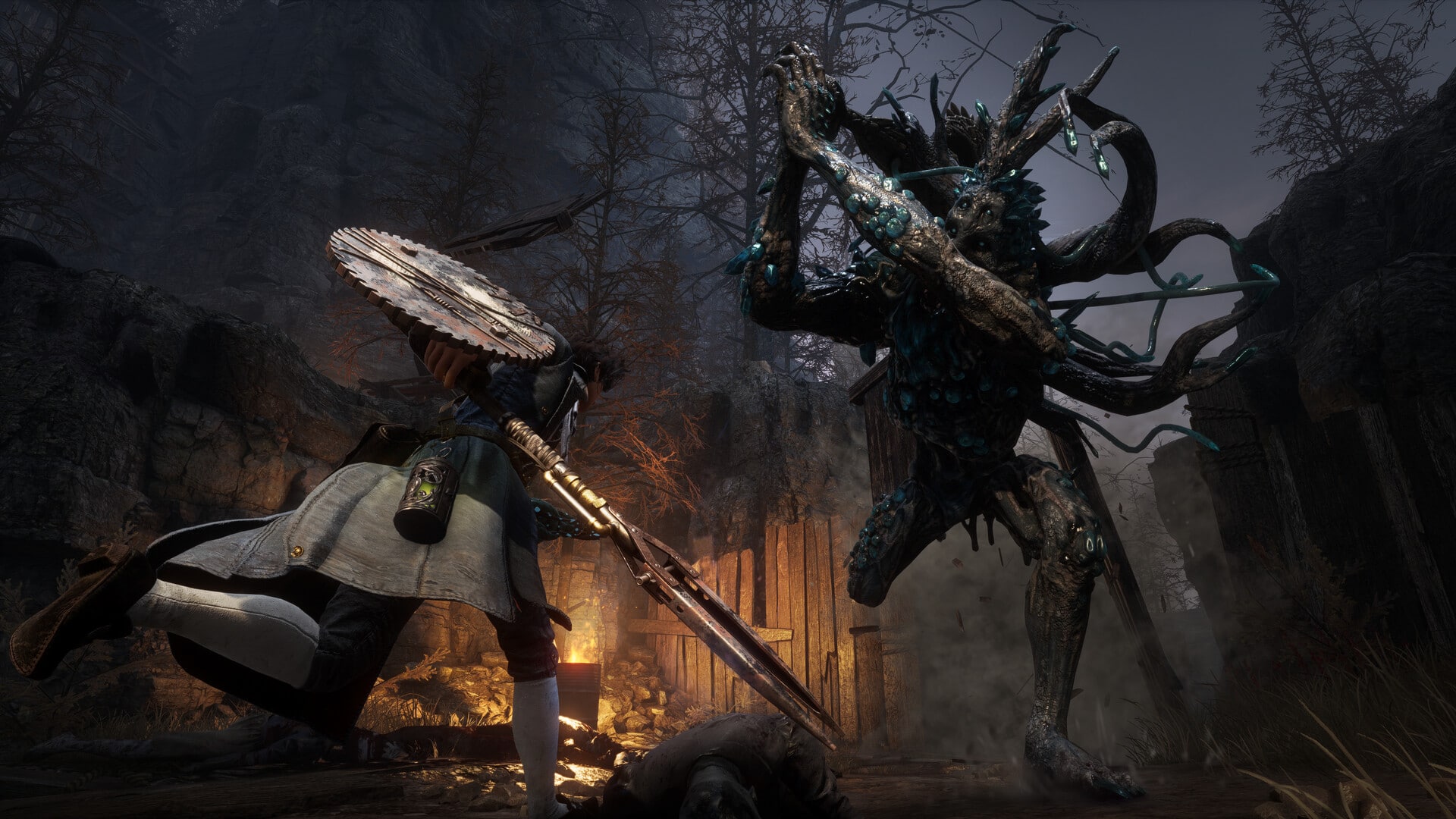
Itching for some more Souls-like action? Lies of P’s release is imminent, and the developers have given us a tasty new sneak peek into the game’s combat following the reveal of the game’s trophy list. A new Lies of P Weapon Showcase Gameplay video dropped this afternoon demonstrating the game’s “Weapon Assemble” system. Essentially, this system allows players to combine different weapon heads and handles to create unique combinations suited for all sorts of different combat styles. You can check out the gameplay video below:
Here are some of the weapons that were shown off in the video:
Dancer’s Curved Sword Blade + Booster Glaive Handle – This weapon combines a curved blade and a long pole handle so the player can execute all sorts of quick spinning and slashing attacks.
Salamander Dagger Blade + Master Chef’s Knife Handle – Combining a short dagger and a small chef’s handle allows the player to perform speedy stabbing attacks with a fiery flair.
Wintry Rapier’s Blade + Blind Man’s Double-Sided Spear Handle – This defensive combo has a built-in shield at the handle to give the player a protective edge while giving them a long piercing range with a rapier blade to keep enemies at bay.
Bone-Cutting Sawblade + Carcass Crystal Axe Handle – By throwing a sawblade on a hefty axe handle, this weapon grants players the ability to take heavy sweeping strikes and chops at the enemy.
Live Puppet Axe’s Blade + Acidic Great Curved Sword Handle – A giant axe-like weapon, this combo is useful for big chopping attacks that dismember the enemy in just a few blows.
Circular Electric Chainsaw Blade + Exploding Pickaxe Handle – Perhaps the coolest assembly in the showcase, this long-reaching slicer has a spinning blade at the end of a lengthy handle that electrifies enemies as it buzzes through them.
Coil Mjolnir Head + Big Pipe Wrench Handle – This weapon is effectively an oversized meat tenderizer attached to a wrench, but it allows for a heavy swing that can completely pulverize opponents.
Additionally, the gameplay video shows off a few unique weapons:
Proof of Humanity – What’s better than one sword? One sword that can turn into two swords as part of a flurry of attacks.
Holy Sword of the Ark – This is a behemoth of a greatsword that can transform to have a longer handle for quicker attacks and slightly more range.
Uroboros’s Eye – Last but not least, we have a large circular sawblade that spins up in order to rip through enemies at a speedy pace.
The Lies of P team also released another video in their “Hidden Journal of Krat” series today. If you’re interested in catching up on some more of the game’s cryptic lore, you can check that out below:
Lies of P releases on September 19, 2023 for PS4, PS5, Xbox One, Xbox Series X|S, and PC. To learn about the game’s pre-order bonuses and watch the trailer from last month’s Gamescom, click here.
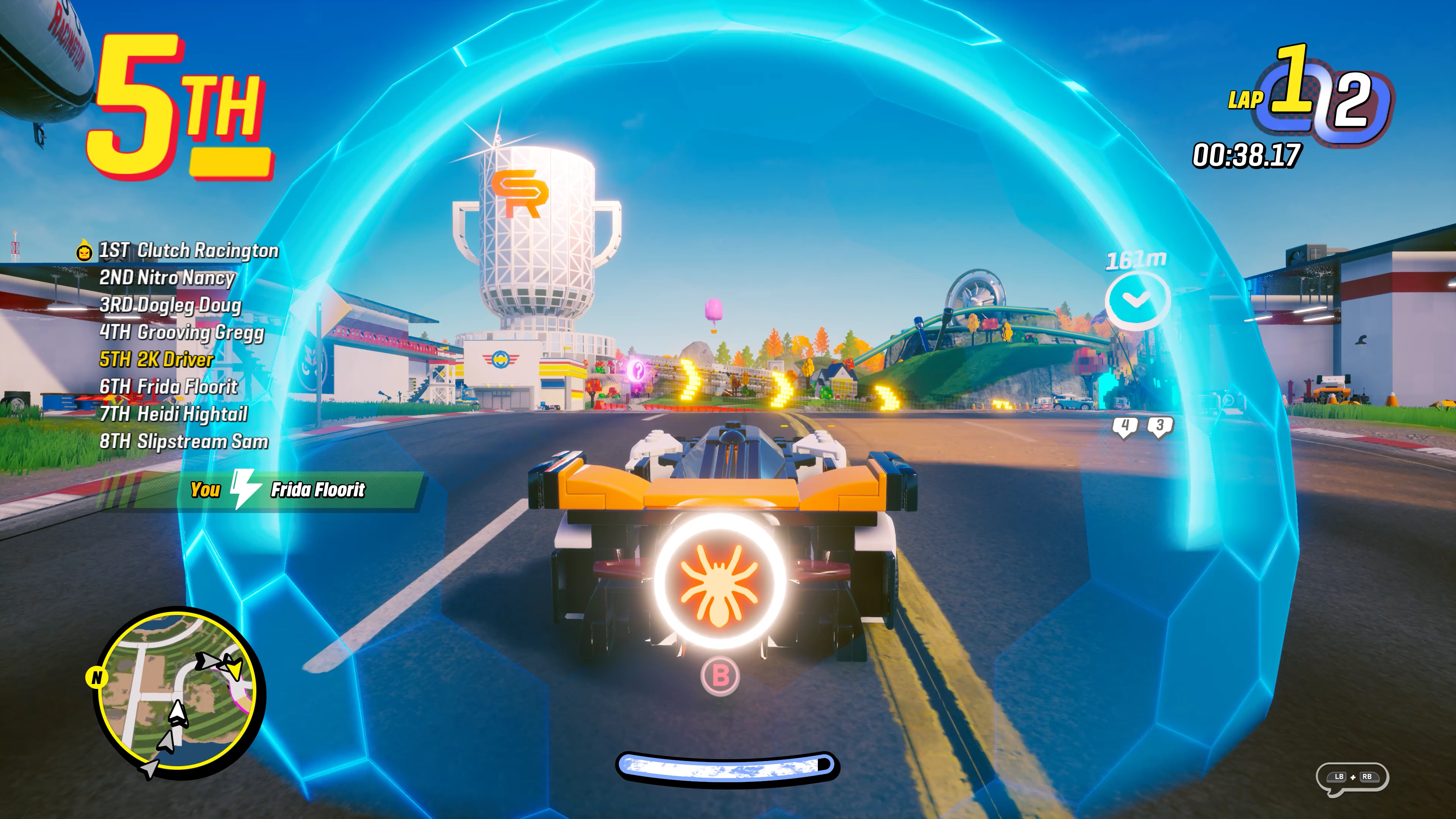
Visual Concepts has released LEGO 2K Drive update 1.11 (PS5 version 1.011) and this brings a new mode into the game. Note that there seems to be two patches released in succession for some reason for the game. Read on for the LEGO 2K Drive September 6 patch notes.
If anything changes, we’ll be sure to update the article. In the meantime, go enjoy the mode, people! You can check the update released last month to see the new features introduced.
For those that spot any gameplay-related tweaks, leave a comment below and let us know.
Ubisoft has revealed The Division 2 Year 5 Season 2 PTS patch notes today! While the patch has been delayed to now release sometime in October, Massive Entertainment has revealed just what changes and new gear are incoming for The Division 2’s upcoming season.
The Division 2 Year 5 Season 2 PTS Patch Notes:
PATCH SIZE:
Size without PTS build on Connect: ~ 75.26 GB
Size if PTS build already is on Connect ~ 7.8 GB
START DATE:
Friday, September 8th, at 11:00 AM CEST, 5:00 AM EDT, 2:00 AM PDT
END DATE:
Monday, September 11th, at 2:00 PM CEST, 8:00 AM EDT, 5:00 AM PDT
DESCENT
Buffed the Descent rewards across all loops for level 40 players.
Increased the chance to receive reconstructed and exotic cache from defeating Nemesis from 12% to 50%.
Added new Talents to the mode:
NEW GEAR
Lengmo – Brand Set
1 Piece equipped gives +20% Explosive Resistance
2 Pieces equipped give +10% Skill Health
3 Pieces equipped give +15% LMG Damage
Named Chest and Backpack:
Named Chest “Carpenter” – Talent “Perfectly Mad Bomber”
Grenade Radius is increased by 75.
Grenades that kill an enemy are refunded.
Grenades can now be “cooked” by holding the fire button, making them explode earlier. Allows to gain +15% bonus Armor while aiming when throwing out a grenade.
Named Backpack “Backbone” – Talent “Perfectly Unstoppable Force”
Killing an enemy increases total weapon damage by 5% for 15s.
Stacks up to 7.
Grenade kills add 2 stacks.
Ortiz: Exuro – Gear Set:
2 Pieces equipped give +20% Burn Duration & +15% Skill Health
3 Pieces equipped give +40% Burn Damage
4 Pieces equipped unlock a new unique Turret talent
Ortiz Incinerator Turret Prototype
The Incinerator Turret spins 360°
You are immune to your own Incinerator Turret’s fire.
The Incinerator Turret explodes when disabled.
Chest and Backpack Talents:
Chest Bonus – Talent “Chain Combustion”
Enemies set ablaze by the Ortiz Incinerator Turret Prototype ignite other enemies within 2m.
Backpack Bonus – Talent “Heatstroke”
+25% Weapon Damage to enemies set on fire by the Ortiz Incinerator Turret Prototype
+25% Ortiz Incinerator Turret Prototype Range
Collector – Exotic Chest Piece:
Talent: “Hoarder”
+3 Grenade Capacity
+50% Grenade Radius
+35% Grenade Damage
+25% Grenade for each extra enemy caught in the blast
Automatically regenerate grenades every 60s, up to 2 grenades.
NEW WEAPONS & TALENTS
Exotic Weapons
Iron Lung – Exotic LMG
Talent “Ardent”
Shooting heats the weapon up filling the “heat meter”. The meter is equivalent to 50% of the weapon’s standard Magazine Size.
When the meter is full, rounds shot by the weapon will ignite enemies.
When not shooting, the meter constantly depletes. Reloading or swapping to another weapon fully depletes the meter.
Ouroboros – Exotic SMG*
Talent “Rule them all”
When the agent has a Status Effect applied to them, 50% of the ammo in their next magazine will apply the same Status Effect to their targets.
This effect will only occur during combat.
*Please note that this Exotic is exclusive to a new Incursion and not a part of the Seasonal Rewards Track
Named Weapons & Talents
Stabilize – Weapon Talent
+1% Weapon Accuracy and +1% Weapon Stability per bullet shot, up to +60%.
Stopping shooting will start a timer of 2 seconds, after which the bonuses reset
Grown Great – Named Tommy Gun SMG
Talent “Perfect Stabilize”
+1% Weapon Accuracy and +1% Weapon Stability per bullet shot, up to +75%.
Stopping shooting will start a timer of 4 seconds, after which the bonuses reset
Born Great – Named Military G36 AR
Talent “Perfect Stabilize”
+1% Weapon Accuracy and +1% Weapon Stability per bullet shot, up to +75%.
Stopping shooting will start a timer of 4 seconds, after which the bonuses reset
BALANCING AND REWORK
Tip of the Spear – Gear Set
2 Pieces equipped give +20% Signature Weapon Damage
3 Pieces equipped give +10% Weapon Damage
4 Pieces equipped unlock Aggressive Recon Talent
Talent “Aggressive Recon”
Getting a Signature Weapon kill gives +15% Signature Weapon Damage for 5s and +25% Reload Speed for the next reload of the weapon (the bonuses do not stack). Automatically regenerate Signature Weapon Ammo every 60s.
Previously: Dealing damage with a signature weapon increases total weapon damage by 20% for 60s. Automatically generate specialization ammo every 60s.
Chest and Backpack Bonuses:
Chest Bonus – Talent “Specialized Destruction”
+50% Weapon Damage for 15s after fully depleting the Signature Weapon of ammo. Doubles the amount of ammo generated by Aggressive Recon.
Previously: Increases Aggressive Recon weapon damage from 20% to 40%.
Backpack Bonus – Talent “Signature Moves”
Increase Aggressive Recon Signature Weapon Damage bonus from 15% to 30%. Every 3rd Signature Weapon kill generates Signature Weapon ammo.
Previously: Increases Specialization Weapon damage by 20%. Doubles the amount of the Specialization Weapon ammo generated by Aggressive Recon.
QUALITY OF LIFE CHANGES
Exotic Caches are now available for purchase at the DZ vendors in any of the three locations.
Reduced Stinger Hive’s range by 30% in PVP
KNOWN ISSUES
Iron Lung – Exotic LMG
The Reconfiguration Blueprint appears twice at the Crafting Vendor
Ouroboros – Exotic SMG
The Reconfiguration Blueprint is not available at the Crating Vendor
Ortiz: Exuro – Gear Set
The Ortiz Incinerator Turret Prototype will sometimes reapply the Burn Status Effect without the current Burn Status Effect depleting
Tip of the Spear – Gear Set
The Signature Moves talent has a placeholder indicator icon
PTS Cache
The cache does not contain Umbra Initiative and Heartbreaker Wires
No word yet on when we can expect the actual Year 5 Season 2 retail patch will be released other than October, but given we’re in the testing phase, it shouldn’t be that long.
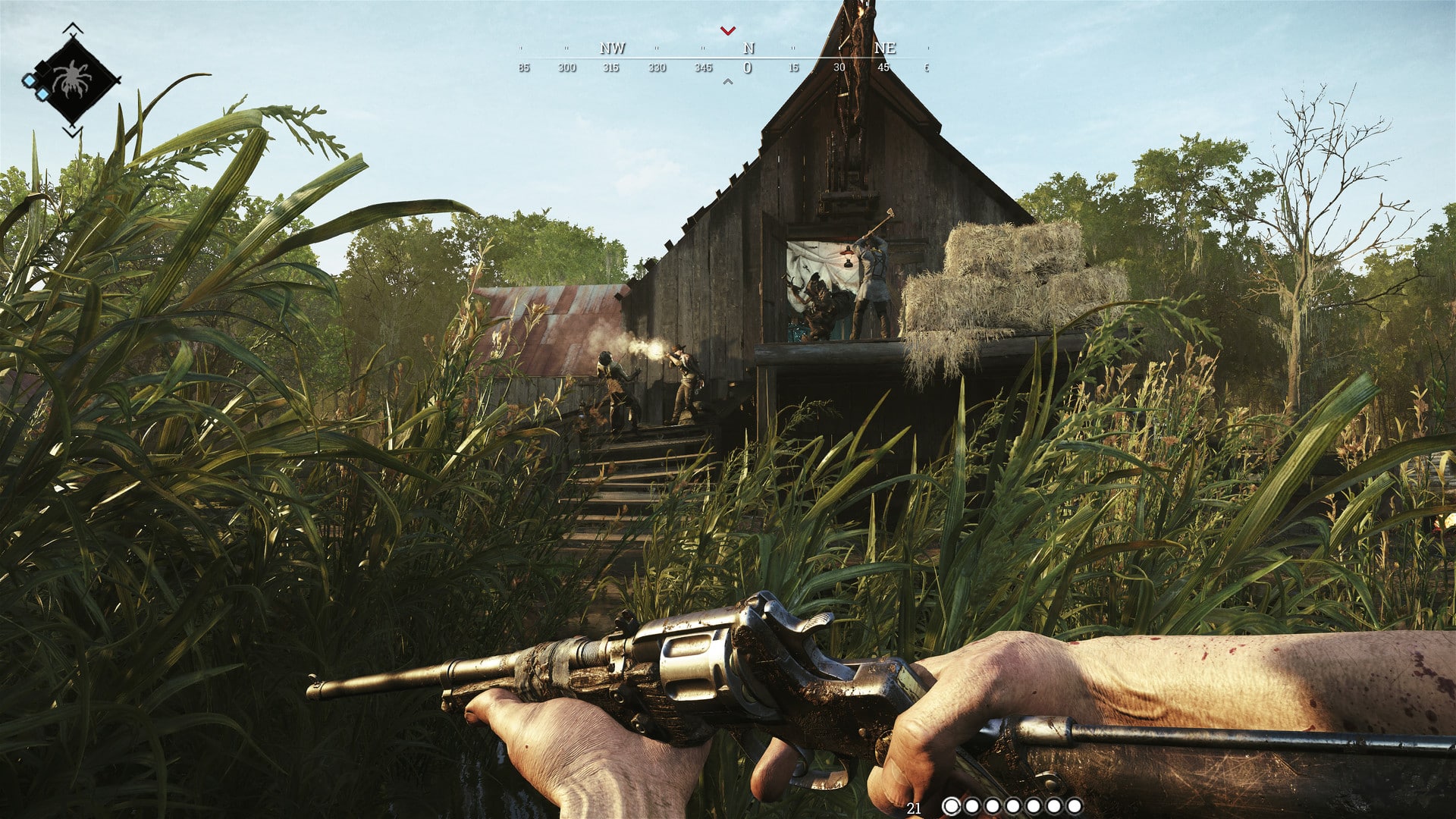
Crytek has released Hunt Showdown update 1.89, and this is an unannounced title update that doesn’t bring in any new content or tangible gameplay changes. Read on for what’s new in the Hunt Showdown patch notes for September 6.
Hunt Showdown Update 1.89 Patch Notes for September 6:
The title update was released during today’s maintenance period. Here’s the announcement from the dev team regarding today’s maintenance and patch:
There will be a scheduled maintenance period tomorrow, September 6th, at 9am CEST. Estimated downtime is 2.5 hours, after which there will be a small client patch to download. There will not be any new content, only some general upkeep.
In case you’re still wondering, a fan asked what changed, to which the official Hunt Showdown Twitter account confirmed it’s backend changes.
There are no changes to note, just backend maintenance.
Epic Games has released the Fortnite update for September 6, and this is a hotfix for the v26.00 patch released two weeks ago. This brings new items in the form of the Shield Breaker EMP and the Sticky Grenade Launcher alongside tweaks.
Note that this is a server-side fix, so players should automatically see the changes once they connect to the game’s servers.
Fortnite Update for September 6 Patch Notes | Fortnite Battle Royale Hotfix Patch Notes:
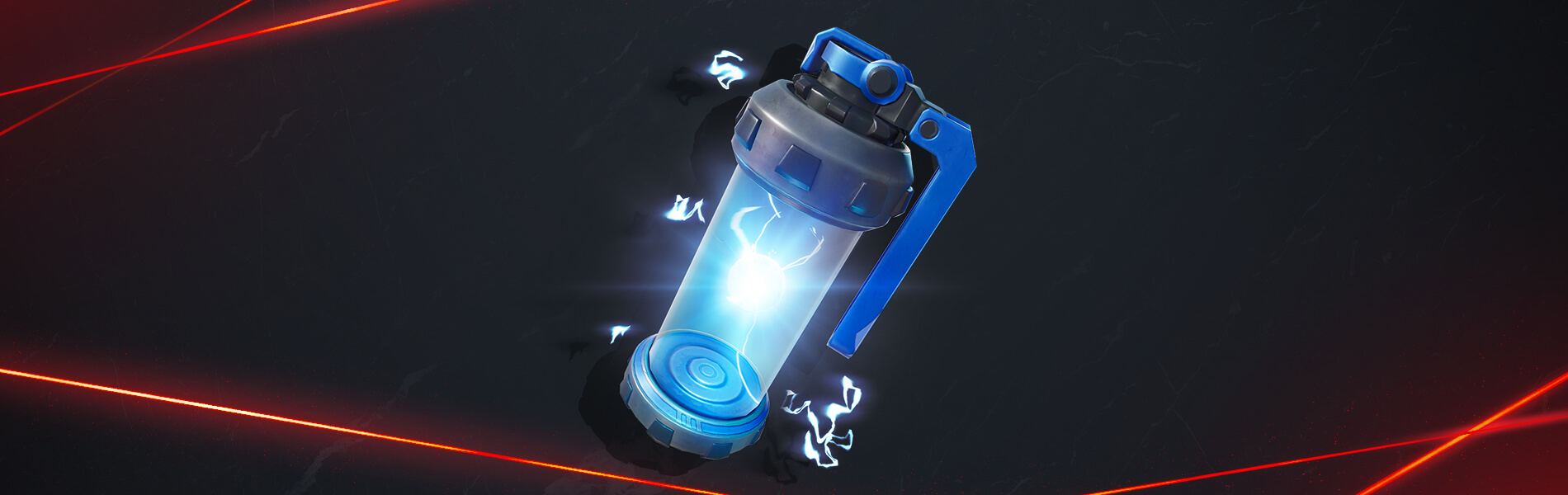
SHIELD BREAKER EMP
Throw down a Shield Breaker EMP to damage enemy Shields and temporarily disable electrical systems like cameras, turrets, and laser grids. But watch out during your base escape, as Shield Breakers EMPs can also bring vehicles to a stop.
STICKY GRENADE LAUNCHER
So your robbery attempts aren’t sticking the landing. No big deal — use the Sticky Grenade Launcher to fire projectiles that stick on surfaces! These projectiles will explode after a short delay, damaging nearby enemies and structures.
NEW REALITY AUGMENTS
EXPLOSIVE SURPLUS
When explosions aren’t enough, add more explosions. After activating the Explosive Surplus Reality Augment, you’ll instantly gain rocket ammo, and containers you open will always have rocket ammo. Combo the rocket-ammo-using Sticky Grenade Launcher with this Reality Augment to be a fiery force to be reckoned with!
HIGH VOLTAGE
Activate the High Voltage Reality Augment to instantly gain a Business Turret and Shield Breaker EMPs. With this Reality Augment activated, eliminations you get will grant additional Shield Breaker EMPs.
STORM CHASER
Also thinkable as “Storm running-away-from-er,” the Storm Chaser Reality Augment reduces the amount of Energy drained while sprinting. The drain will be even more reduced in the Storm.
If chasing the Storm (or rather, running away from the Storm) isn’t a thrill enough, the Roaming Redeploy Reality Augment has been unvaulted. Gain Glider Redeploy whenever you gain immunity to fall damage!
COMPETITIVE NOTES
The Sticky Grenade Launcher and Explosive Surplus Reality Augment are not included in tournaments.
Once a new patch is released, we’ll let our readers know.
Are you looking forward to more content in Diablo 4 outside of the seasonal drops we get? While Blizzard already confirmed that there’s at least two DLC drops on the way for the game, Blizzard’s Rod Fergusson confirmed that Diablo 4 annual expansions are planned.
Speaking with Dexerto, Diablo franchise General Manager Rod Fergusson confirmed that players could expect larger annual expansions on top of the quarterly seasons that have already been laid out for the game’s future. When asked about how far out the future of Diablo 4 is planned, he had this to say:
But you know, it’s years and years. That’s the thing we’re focused on. When you look at the launch of the game and this first season, we see that as building a foundation on which we can build for the future. So, as we look at our quarterly seasons, and we look at our annual expansions, those are the things that we’re really focused on for live service.
Judging by the wording of this statement, we can assume that players might be able to expect a larger expansion to drop sometime during the summer of 2024. If Blizzard is able to stay on-track with their release plans, that means that players can look forward to four seasons and one expansion per year, which will hopefully be plenty of content to keep them entertained.
Diablo 4’s second season, “Season of Blood,” recently got a new trailer and a release date of October 17. To see the trailer and get an idea of what to expect, click here.
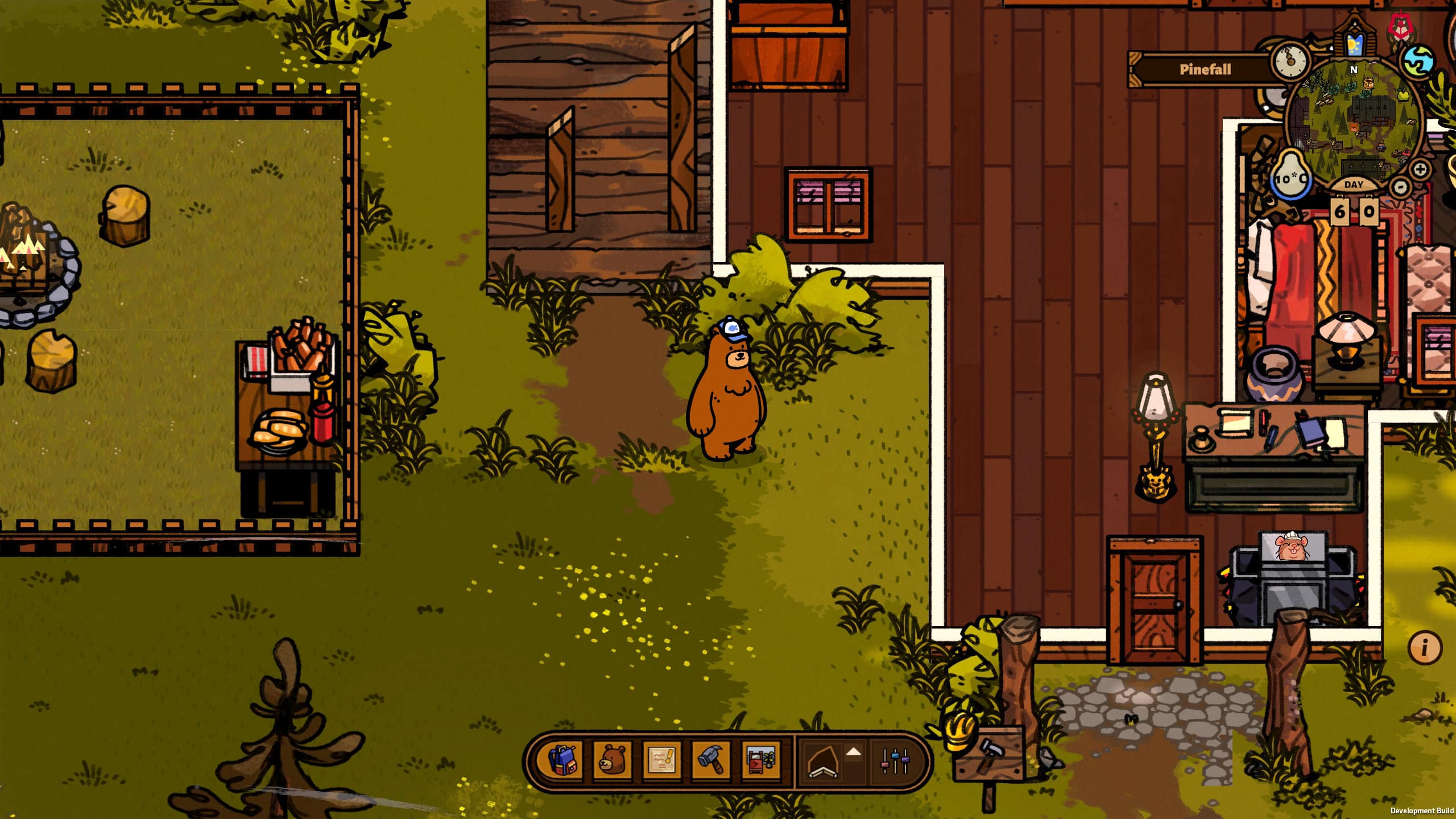
The Bear & Breakfast physical edition was highly requested by the Switch players and now they have finally got their wish. The game is now available at retailers all over the world.
The game initially launched on PC via Steam on July 28, 2022 with Switch release a bit later on September 15, 2022.
Despite the existence of digital version, fans eagerly anticipated the Bear & Breakfast physical edition to complement their collections. Responding to the substantial demand, the developers “iam8bit” have made it a reality.
Accompanying the launch is a new small trailer, which gives a glimpse of what’s in store for the players.
Bear and Breakfast, at its core is a management simulator, but it has an underlying story which unfolds as you play through it.
If you were amongst the enthusiasts who were waiting for the physical release, now is your chance to get your hands on it. Dive into the game, and share your experience with us in the comments below!
Eiji Aonuma, the producer of Tears of the Kingdom has ruled out the possibility of there being a The Legend of Zelda: Tears of the Kingdom DLC. During an interview with Famitsu, Aonuma emphasized his belief that the game stands as a comprehensive and complete experience.
There are no plans to release additional content this time, but that’s because I feel like we’ve done everything we can to create fun in that world.
The Legend of Zelda: Breath of the Wild received an expansion pass that included multiple DLCs. So, it is a bit surprising that the sequel is not getting additional content despite selling incredibly well.
Nintendo obviously knows better so who are we to question it. Silver-lining is that there may be a sequel in works based on the comments made by Mr. Aonuma:
In the first place, the reason I decided to make this a sequel to the previous work was because I thought there was value in experiencing a new game in that Hyrule place. If that’s the case, if a new reason arises, we might return to the same world again. Whether it’s a sequel or a new work, I think it’s going to be a completely new game, so I hope you’re looking forward to it.
A completely new Legend of Zelda game in place of Tears of the Kingdom DLC is not a bad trade. Nintendo has consistently delivered innovative entries in the series, and there’s every reason to anticipate the same level of ingenuity in the third installments.
The Legend of Zelda: Tears of the Kingdom is now available now on Nintendo Switch. You can read our review of the game here where we gave it a perfect 10/10 score and said, “Just when you think you’ve reached the pinnacle of a series, Nintendo comes out with a bigger, more ambitious, creative, and innovative follow-up to perhaps what was already one of the greatest games ever released.”
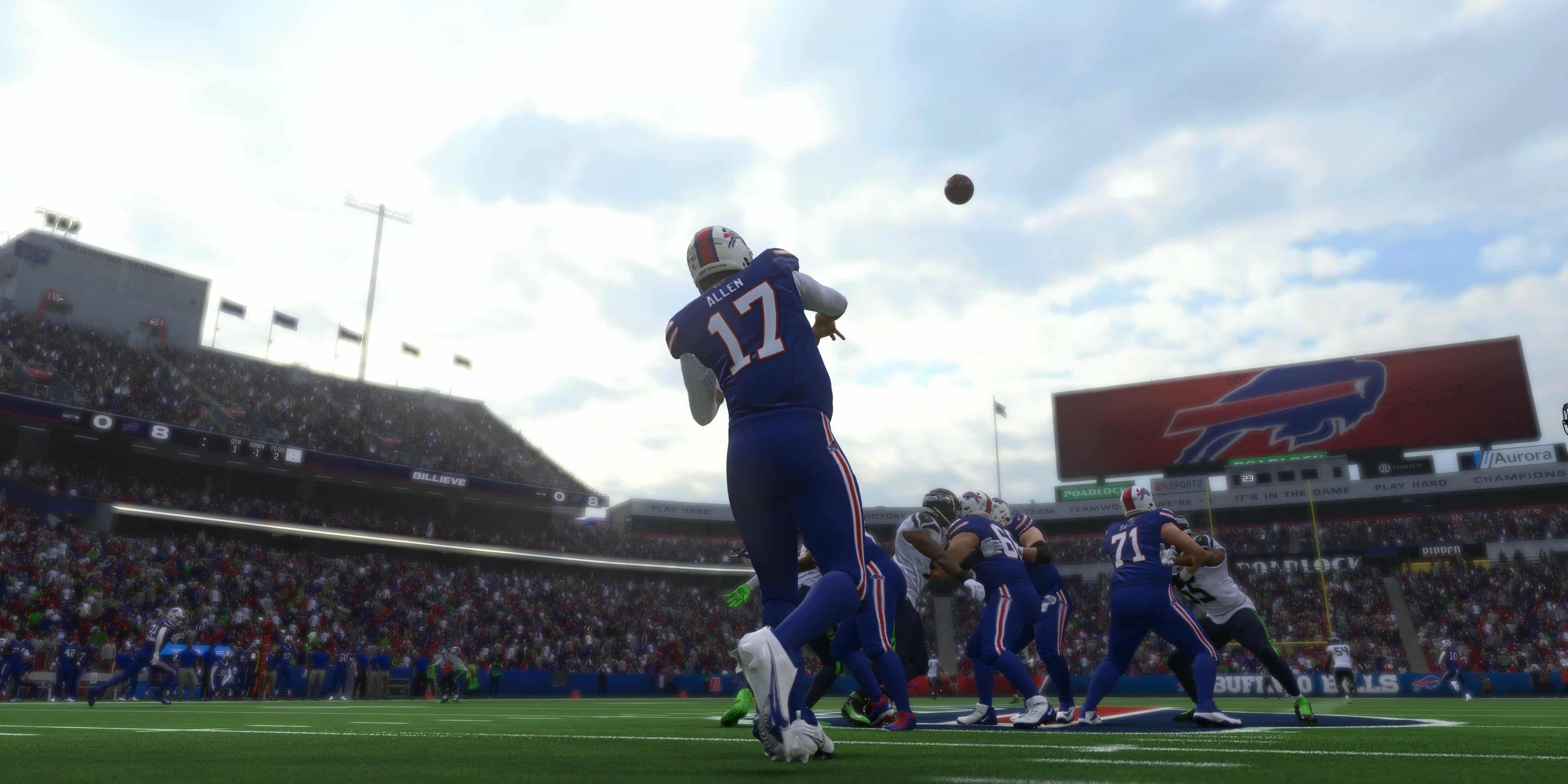
Madden NFL 24 update 1.004 is out now on all platforms this September 6. This is an unannounced update, which is unexpected given we just got Title Update 2 a few days ago. Read on for what’s new in the Madden NFL 24 new update patch notes.
Madden NFL 24 Update 1.004 Patch Notes | Madden NFL 24 New Update Patch Notes for Sept. 6:
As expected, EA has not released the patch notes just yet, though we expect that to change in a few hours.
Here are some of the issues the dev team is looking into:
Passing Accuracy –We’ve heard players feedback about passing accuracy, specifically inside of Ultimate Team gameplay. This title update does not include any updates or tuning to passing accuracy. As the player content in Ultimate Team progresses and the passing ratings get better, the expectation is QB’s will naturally become more accurate. However, we will continue to actively monitor QB performance, take feedback and if necessary, make tuning changes in future title updates.
Franchise Draft Classes – The team is aware of an issue that is impacting Draft Classes and is prioritizing fixes. We will provide an update via answers HQ when we have a timeline.
Once the patch notes are live, we’ll be sure to update the article, so refresh this article from time to time.
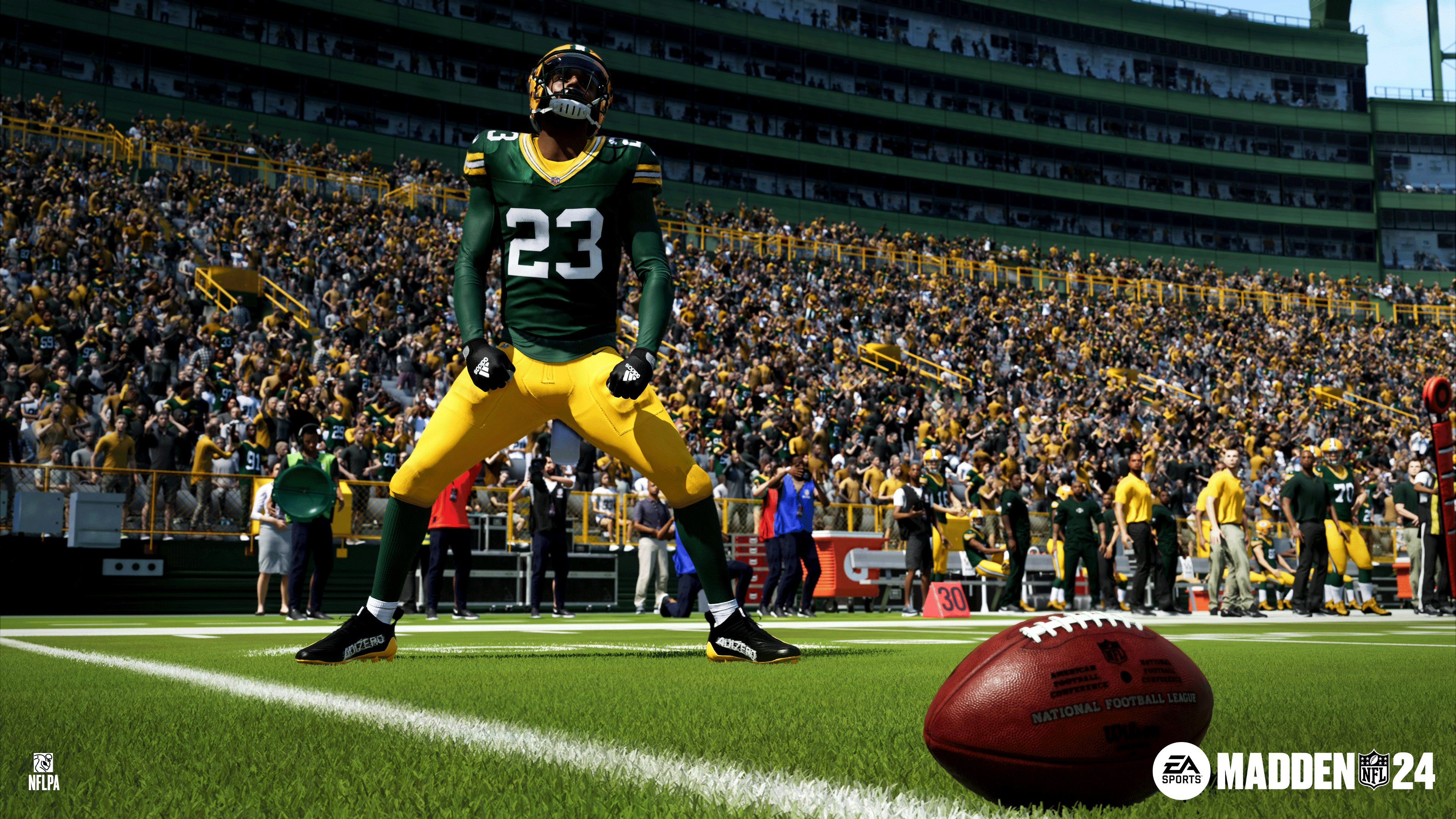
EA has released Madden 24 update 1.04 on last-gen and current-gen platforms, and this is a surprise update given we just got the big Title Update 2 patch a few days ago. Don’t expect anything major from this outside fixes. Read on for what’s new in the Madden 24 patch notes for September 6
Madden 24 Update 1.04 Patch Notes | Madden 24 Patch Notes for September 6:
As expected, EA has not released the patch notes just yet, though we expect that to change in a few hours.
Here are some of the issues the dev team is looking into:
Passing Accuracy –We’ve heard players feedback about passing accuracy, specifically inside of Ultimate Team gameplay. This title update does not include any updates or tuning to passing accuracy. As the player content in Ultimate Team progresses and the passing ratings get better, the expectation is QB’s will naturally become more accurate. However, we will continue to actively monitor QB performance, take feedback and if necessary, make tuning changes in future title updates.
Franchise Draft Classes – The team is aware of an issue that is impacting Draft Classes and is prioritizing fixes. We will provide an update via answers HQ when we have a timeline.
Once the patch notes are live, we’ll be sure to update the article, so refresh this article from time to time.
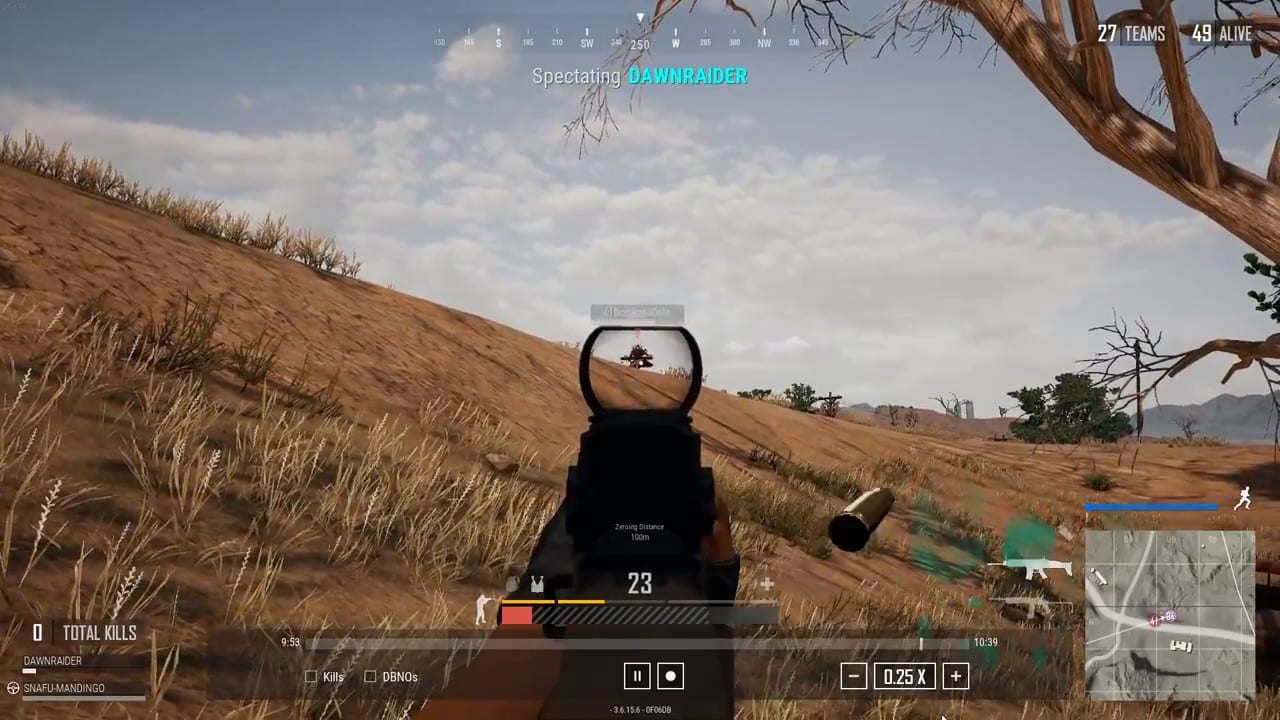
PUBG Studios has released PUBG update 25.2 today for PC players. This update will be available for console players on September 14. This patch comes with new gear, bug fixes, and more. Check out the PUBG September 6 patch notes down below.
PUBG Update 25.2 Patch Notes, Release Dates, New Content:
Live Maintenance Schedule
※ The times shown below are subject to change.
PC: September 6, 12 AM – 8:30 AM (UTC)
Console: September 14, 1 AM – 9 AM (UTC)
Map Service
※ Please note that PC players can anticipate map changes every Wednesday at 2 AM UTC, while Console players can expect the same every Thursday at 7 AM UTC.
※ In Random Map regions, each map will have an equal probability of being selected, with a probability of 25% for larger maps and 12.5% for smaller maps.
The map service for Ranked is updated on a season-by-season basis.
※ Please note that the features and updates described below are subject to change or removal due to issues such as bugs, in-game problems, and community feedback. The images used are intended as visual references only; the actual game may look different as the builds are continually developed and refined before release.
Gunplay
Dragunov
Dragunov is now available in the game.
Weapon type: Designated Marksman Rifles (DMR)
Ammo: 7.62mm
Fire Mode: Single
Damage: 60
Effective range: 500m
Muzzle velocity: 830m/s
Rate of fire: 150 RPM
Muzzle attachment: Every AR, DMR muzzle attachment.
Magazine attachment: Every AR, DMR magazine attachment.
Stock attachment: Cheekpad
Can attach up to the 15x Scope.
World-spawns.
Dragunov is available in Normal Matches, Ranked, Training Grounds, and Custom Matches.
In the case of Arcade, Dragunov can be used in Team Deathmatch and Intense Battle Royale, but not in Bluebomb Rush mode.
We’ve been listening to your invaluable feedback regarding the introduction of Dragunov, a weapon that was initially set to debut with a unique probabilistic damage system. Your participation in our recent survey allowed us to grasp your concerns regarding the probabilistic damage system and the fact that it might conflict with traditional skill-based gunplay. Our initial goal with Dragunov was to create a different gameplay experience and to add new excitement and unique elements to the usual game flow. But as we listened to your voices, we realized that this change might disrupt the core gameplay.
So in response to your input, we’ve made some critical changes. We’ve removed the probabilistic damage system, giving Dragunov a higher headshot damage compared to other DMRs. However, it still has a slower fire rate and higher recoil than other weapons in its category, giving it a more high-risk, high-reward feel. We also took into account your concerns shared in the survey and created limitations through damage thresholds ensuring that the new weapon doesn’t overperform SRs in that area.
We will continue to monitor community feedback and metrics after Dragunov’s release. We intend to maintain consistent communication with our players and strive to craft a well-balanced gunplay environment.
AUG Adjustments
Rate of fire: 750 → 720
Adjusted horizontal and vertical recoil.
Dev’s comment:
In March, we made changes to the existing meta, aiming to make the 5.56mm weaponss more appealing choices, and rebalanced the AUG, converting it to a world-spawn weapon. However, despite no separate balancing, its recent usage and win rates have risen rapidly, leading us to believe that performance adjustments are necessary. The fire rate of the AUG will be reduced, decreasing its DPS to a level that falls between the Beryl M762 and M416. Additionally, since a decrease in fire rate tends to lower perceived recoil, we’ve slightly increased the recoil so that the perceived level is going to stay approximately the same. We anticipate that AUG’s usage difficulty will remain similar and it will continue to be a competitive weapon even after this change.
Tactical Gear
Tactical Gear has been temporarily disabled.
Dev’s comment: Tactical Gear will be temporarily removed as we’ve received considerable feedback regarding them following the 24.1 Update. We’re undertaking a thorough review to ensure Tactical Gear aligns better with our gameplay, focusing on acquisition methods and performance. Once we’ve refined these elements, we plan to reintroduce Tactical Gear to the game.
Aston Martin
Fixed the issue where the vehicle flips and/or driving feels awkward when driving through certain areas, with the “V12 Vantage Roadster” Sports Car or “V12 Vantage Roadster (Luxe)” Sports Car skin equipped.
(PC) Fixed the issue where the Vantage Paint (Cumberland Grey) is shown as Vantage (Luxe) Paint (Tayos Turquoise) after you initially equip the skin.
World: Miramar
※ The following updates apply to every mode.
To promote a more balanced gameplay environment, we’ve adjusted some high ground areas to prevent players from gaining an unfair advantage when attacking from extremely elevated positions.
Danger Zones
Blizzard Zone and Sandstorm are now less likely to appear throughout the game.
Modes
Intense Battle Royale
TPP mode has been added.
FPP mode has been removed.
Dev’s comment: Following the initial release of Intense Battle Royale, we acknowledged the widespread feedback suggesting the implementation of FPP mode, and subsequently introduced it. However, after a thorough analysis of both internal data and global feedback, we decided to revert to TPP starting this update. We understand how such change might affect our diverse player base and we ask for your understanding as these experimental changes aim to enhance the overall gameplay experience. We remain committed to monitoring your feedback after this update, so that our future adjustments can be more flexible and in tune with your preferences.
(PC) Bluebomb Rush
Shop Key Binding
You can now change the Bluebomb Rush Shop Key Binding which is currently set to “,” key.
The option above can be changed via “Settings → Key Bindings → Common → Spawn Tool”.
Map / Scoreboard
The default Key Binding for the map/scoreboard has been changed from two keys “M” and “Caps Lock” to a single key “M”.
Two Key Bindings can still be configured via “Settings → Key Bindings → Common → World Map”.
(PC) Training Mode
You can now change the Item Spawn Manager keybinding that was previously set to the “,” key.
The option above can be changed via “Settings → Key Bindings → Common → Spawn Tool”.
Progressive Weapon Skin System
New Skin Type: Chroma
Presenting Chroma, a new type of skin that allows you to modify the color and effects of your Progressive Weapon Skins. Elevate the vibrancy of your weapon skin collection with this new addition!
Chroma is a skin you can apply to Progressive Weapon Skins – it applies to the weapon skin, attachment skins, loot crates, and killfeeds.
Obtaining Chroma:
Obtainable via the Hideout; further details on each Chroma skin can be found in our upcoming Store Update announcements.
Multiple identical Chromas can be obtained, the first of which will be locked upon acquisition.
Applying Chroma:
Click on the obtained Chroma icon on the Hideout – Weapons page.
An applied Chroma will reflect every progressive level of the corresponding Progressive Weapon Skin.
You do not need an individual Chroma per progressive level.
Cannot be applied separately to specific progressive levels or attachments.
If you own multiple identical Chromas and apply Chroma to a Progressive Weapon Skin, the locked Chroma will be applied.
Previewing Chroma:
Preview is available through Hideout – Weapons – Chroma icon.
Preview appears upon clicking the icon, regardless of owning the Progressive Weapon Skin or Chroma.
Preview displays Chroma applied to the corresponding Progressive Weapon Skin, reflecting currently unlocked progressive levels.
BATTLESTAT Skin
The BATTLESTAT skin for cumulative kills + headshots now features a new design.
Dev’s Comment: While the Progressive Weapon Skin system has been a great way to add variety to PUBG gameplay, our current collection of diverse Progressive Weapon Skins prompted us to consider a transformation that can take effect in the present and moving forward. We’re unveiling the new Chroma skin, which can be acquired and applied regardless of the Progressive Weapon Skin’s progressive level. With this new feature, we hope to provide even more customization options for your valuable Progressive Weapon Skins. Additionally, starting from Update 25.2, the BATTLESTAT skin will now showcase a fresh look for future cumulative kills + headshots skins.
Performance
(PC) New Stability Improvement: GPU Debug
Added two new options: “Collect GPU Crash Data” and “GPU Crash Report”
Collect GPU Crash Data– Enable or disable the collection of GPU crash and related data including user crash dump files.
The option is disabled by default.
The option will be activated after enabling this setting and restarting the game.
The option may lower game performance due to stability checks and will be automatically disabled after 7 days of being enabled.
For fresh game installations, “DirectX 11 Enhanced” is now the default option.
In other cases, the option has to be manually changed through “Settings > Advanced > DirectX Version > DirectX 11 Enhanced”.
If a PC does not support DX11 Enhanced, DX11 will be set as the default option.
DirectX 11 Enhanced is an option optimized for CPU performance, enhanced to support multi-threading during rendering.
DirectX 11 Enhanced offers similar stability compared to DirectX 11, but in some cases can lead to increases in FPS.
Bug Fixes
Gameplay
Fixed general in-game bugs.
Fixed the issue where the last surviving player dies immediately at 0 HP after getting on a vehicle, while possessing Self-AED.
Fixed the issue where the silhouette of the character is temporarily visible before the smoke disappears if the Sandstorm moves to the location of the smoke.
Fixed the issue where melee weapons go through walls when thrown from a corner of a building while prone.
Fixed the issue where Smoke Grenade sounds play longer than the actual smoke exposure time.
Fixed the issue where, under certain conditions, players with Self-AEDs don’t get knocked out at 0 HP while riding a vehicle.
Fixed the issue where weapons automatically fire when gripping a weapon after repeatedly switching between Drone and character perspectives with the Additional Action Queuing active.
(PC) Fixed the issue where a Bluebomb Rush match does not conclude immediately when there are no players on the opposing team.
(PC) Fixed the issue where firing a handgun while riding a vehicle and moving to another seat causes stuttering gunshot sound effects.
World
Fixed Miramar map issues.
Fixed the issue where 40mm Smoke Grenades in Vikendi spawn without accompanying the M79.
Fixed the issue where 40mm Smoke Grenades in Vikendi spawn in quantities beyond a certain limit.
Fixed the issue in Miramar where the character gets stuck in a certain cliff.
Fixed the issue in Erangel where characters teleport after partially destroying and stepping on the door of certain houses.
Fixed the Care Package Plane audio issue in Boardwalk TDM map.
Reduced the volume of BGM in Boardwalk TDM map.
Lobby
Fixed the issue where only the last vehicle displayed in the Showroom lobby skin shows vehicle light/animations when the party leader clicks Ready.
UX/UI
Fixed the issue where the game does not direct you to the Clan page even after clicking on the Clan button from the Customize page.
Fixed the incorrect reward instructions at the bottom of the Crafter Pass: Aston Martin page.
Fixed the awkward item description for the Crowbar in Chinese language setting.
Fixed the issue where a magnifying glass icon is shown when hovering over the preview of Prime Parcels items that cannot be equipped at the same time.
Fixed the issue where the left and right buttons are displayed in the Workshop when there is only one applicable vehicle at the top right of the preview screen.
Fixed the issue where locked holographic battlestat weapon previews expose the locked battlestat area in ADS mode.
(PC) Fixed the issue where certain parts of the Clan page are not displayed.
(PC) Fixed the issue where the Gas Can image is incorrectly displayed when viewing the Gas Can in inventory.
(Console) Fixed the issue where the Cancel Matchmaking button does not work in some screens.
Items & Skins
※ Clipping issue: Graphics that are shown outside the visible part of an image/object.
Fixed the issue where the Crowbar covers other areas of the inventory when the Punk Axe skin is equipped.
Fixed the issue where the character’s legs appear partially transparent after equipping the Summer Shorts (Gray).
Fixed the clipping issue occurring at the wrist when NieR Replicant ver.1.22 – Kainé’s Gloves and PGC 2022 Tac-Tech Shirt are both equipped.
Fixed the clipping issue occurring when PGI.S Tactical Pants and Duncan’s/NH-ESPORTS Shoes are both equipped.
Fixed the issue where the character’s pelvis appears transparent after equipping the Long Sleeved Turtleneck with the Orange Crush Bottom.
Fixed the issue where the character’s pelvis appears transparent after equipping the Bloody Nurse Uniform with the PGI Ringside Hoodie.
Fixed the clipping issue occurring at the ankle when PCS3 Suntouched Boots are equipped.
Fixed the issue where the character’s pelvis appears transparent after equipping the Lucky Bandit Outfit with the Neon Deco Hoodie.
Fixed the issue where the earrings are shown on the screen at certain FPP angles when STREET FIGHTER 6 – Chun-Li’s Hairstyle 1 or 2 is equipped.
Fixed the issue where the earring is shown on the screen when the player is in ADS mode with STREET FIGHTER 6 – Chun-Li’s Hairstyle 1 or 2 equipped.
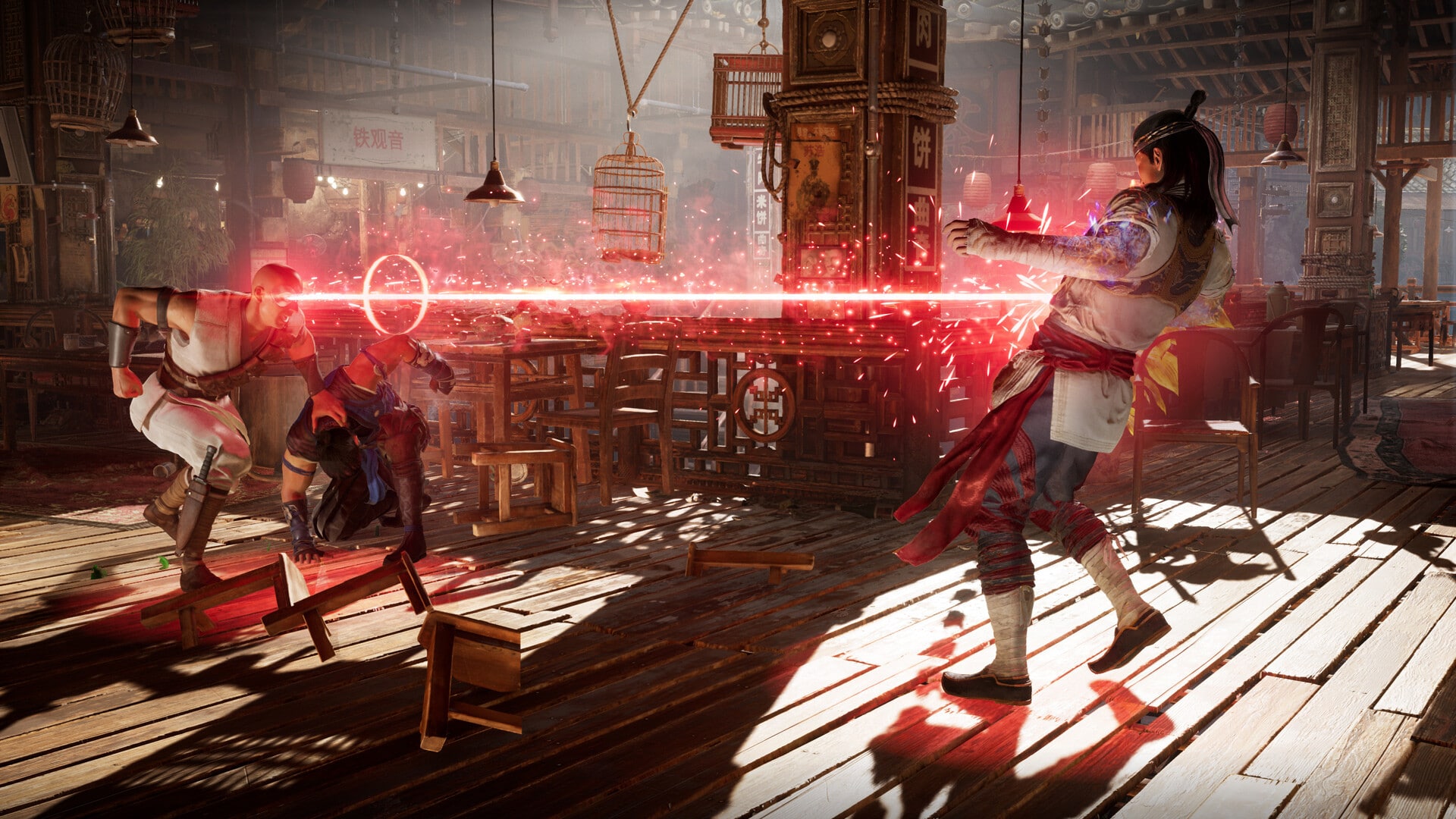
While Mortal Kombat 1 won’t be released onto store shelves (and digitally) until September 14, it seems some stores already have the game and even sold physical copies already. Having said that, someone took a snapshot of the complete Mortal Kombat 1 roster for the base game (no DLCs).
As you can see from the images, the copy that leaked was for the Nintendo Switch version. Unfortunately, it seems this version of the fighting game isn’t exactly a beacon of technical achievement. Reddit user rearisen who has the game, offered up their impressions so far of the Switch version, and it doesn’t seem to a glowing one.
Here’s a rundown of the comments left by the Reddit user who calls it “terrible,” and how it might trigger gamers given its $70 price tag with all the technical issues and all.
Since its release date announcement at E3 2023, Cities: Skylines 2 has been receiving a trailer every Monday, highlighting the new features that will set it apart from its predecessor. This week’s video shines a spotlight Cities: Skylines 2 sound and music.
Check it out right here:
Loads of new sound effects have been incorporated to breathe life into the cities. From the sound of cars and animals to the chatter of people, every element has its distinct auditory presence.
Furthermore, the game’s soundscape adapts dynamically based on the weather and time of day. Snow, rain, wind and other types of weather will have their unique audio characteristics.
In addition to that, the sound adapts to where the camera is aiming, offering a different ambient sounds in residential areas compared to industrial zones.
The city does not feel complete without a touch of music. For that, the developers have introduced two radio stations, each with its own music and fully voiced anchors who engage in conversation between songs.
You can watch the video above for more information, or read the full Cities: Skylines 2 sound and music blog post here for a more detailed reading.
Cities: Skylines 2 is shaping up to one of the most detailed city builders out there and we cannot wait to get our hands on it. The game launches on October 24, 2023 for PlayStation 5, Xbox Series X|S, and PC – also day 1 on Game Pass.
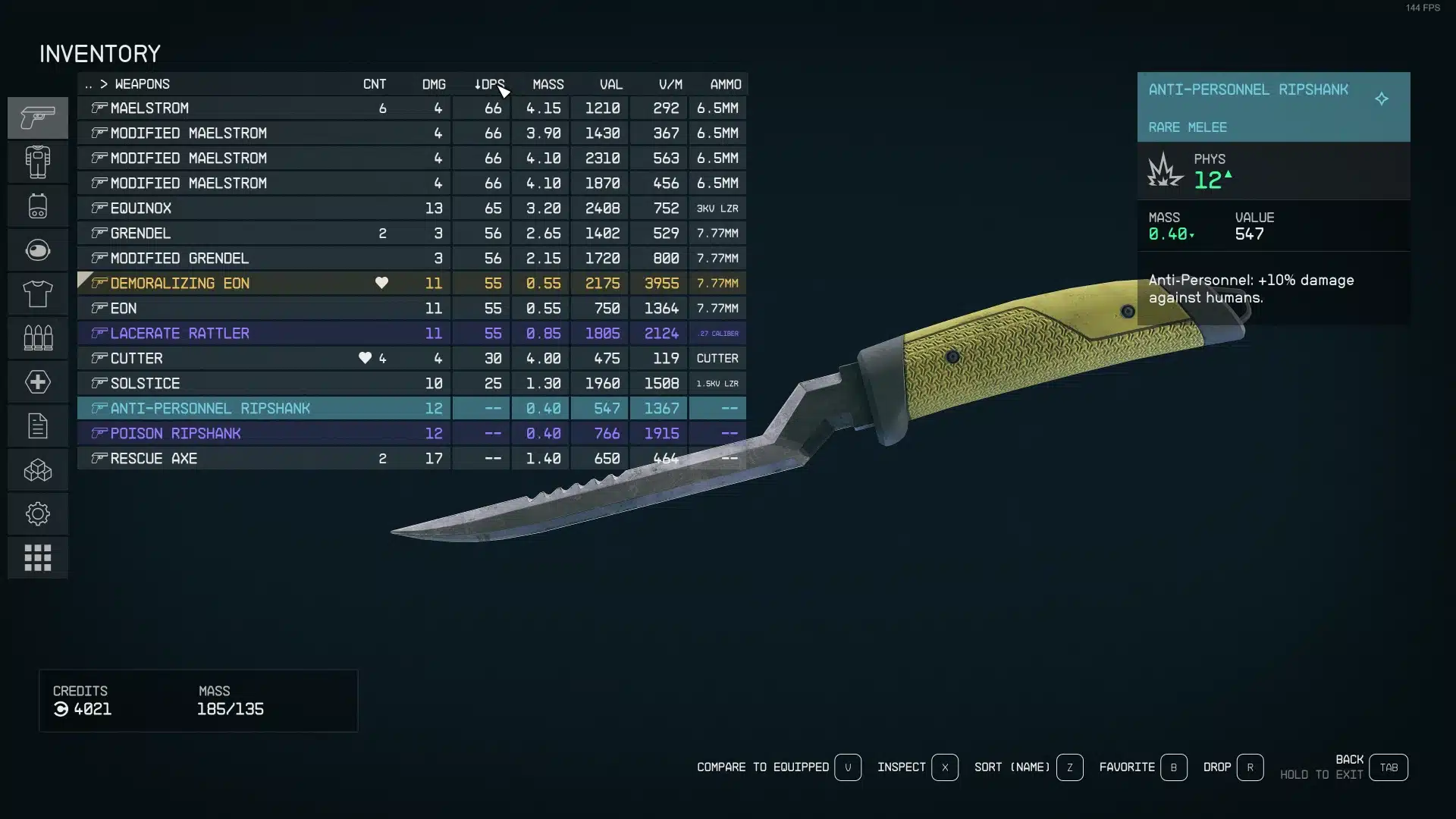
Modders have released a Starfield UI mod that aims to improve the clunky interface present in the base game. Dubbed StarUI in reference to the popular SkyUI mod for Skyrim, the mod compresses and simplifies Starfield’s inventory system to showcase all the relevant information on one screen. You can see screenshots in the tweet from SynthPotato below:
Modders have already fixed Starfield’s UI
StarUI, Starfield equivalent of “SkyUI” is already here and gives PC players a far more intuitive and informative at a glance interface, Insane to me how fast modders work considering the game isn’t even “officially” out yet! pic.twitter.com/smZThoaMGm
On the mod’s official Nexus page, mod creator m8r98a4f2 has listed some of the following features:
Features
More compact view of categories and items
Completely configurable item properties columns (editable via INI file)
Lists can be sorted by properties with a simple click of the respective column
Category icons precede item names, making it easy to tell what type of item it is
Categories now show the combined mass of all items within them
Keyboard shortcuts for list navigation with Page Up, Page Down, Home, and End
Categories can be mass-transferred between inventories or for buying/selling
Larger scrollbar for easier grabbing
Adjustable fonts/font sizes
Configurable mouse wheel scroll amount of lists
Option to make <TAB> return you directly to the game instead of the character screen
Completely safe to install/uninstall without affecting your game
This mod is sure to make the overall experience of playing Starfield much more seamless and enjoyable. Not having to worry about navigating the game’s stilted inventory menus ensures players will be able to spend more time focusing on exploring the galaxy.
If you’re interested in hearing more about Starfield, check out these secret rooms that can be opened with the mining laser.
Starfield releases this midnight, September 6, 2023, for Xbox Series X|S and PC.
Behaviour Interactive has released Dead by Daylight update 2.93 (PS5 version 7.200.100), which is for patch 7.2.1! This brings fixes and adjustments to the Alien crossover content. Read on for what’s new in the Dead by Daylight new update patch notes for September 5.
Dead by Daylight Update 2.93 Patch Notes | Dead by Daylight Update 7.2.1 Patch Notes | Dead by Daylight Update 7.200.100 Patch Notes:
Bug Fixes
Archives
Currency previews in The Rift no longer stack, which was decreasing game performance.
Audio
The Modern Tales’ menu theme is no longer played when Meg is equipped with the Movie Night outfit.
Characters
The Xenomorph no longer has an animation stutter upon entering a tunnel.
The Xenomorph is no longer able to perform a Tail Attack against Survivors who have escaped through the Exit Gate.
Survivors now correctly play an animation when interrupted from interacting with the Flame Turret.
The Xenomorph is no longer able to see Generators, Lockers, and Survivors during transitions in and out of tunnels.
The Oni Outfit “The Minotaur” is no longer missing horns and teeth during a Mori.
When a Survivor sabotages a Hook, their head no longer clips inside the Hook.
Fixed an issue that caused Ellen Ripley’s Very Rare ‘Out Of Uniform’ t-shirt to clip through her arm during certain animations.
Fixed an issue where The Trickster’s arm would clip into the camera with certain Cosmetics after a Survivor escapes from his grasp.
Fixed an issue with The Cenobite Add-On “Greasy Black Lens”, which would fail to reveal the Survivor hit by a possessed chain.
Fixed an issue with The Doctor madness effect where some of the Doctor illusions would sometimes spawn in the floor or outside of the levels.
Fixed an issue where The Xenomorph was able to see Survivors in Tunnels, located on 2nd floor, if they were standing in the path
Fixed an issue where The Xenomorph tail was missing while in Crawler Mode
Environment/Maps
Fixed an issue in Haddonfield where an invisible collision was blocking the players on the roof of the house
Fixed an issue in Nostromo Wreckage map where the traps would be hidden under assets
Fixed an issue where Victor could jump on the table in the Nostromo
Fixed alignment issues with the survivor animation vault
Fixed an issue where a placeholder tile would spawn in Eyrie of Crows
Fixed an issue with the vaulting in Junkyard that affected the animation of the female characters
Fixed an issue where a branch is floating over the Skull Merchant base
Fixed an issue where small branches were blocking killers with chainsaws in Eyrie of Crows
Fixed an issue where the killer could not grab a survivor off a generator in Thompson’s House map
Fixed an issue where Killers could not grab survivor from a generator in Badham Preschool map
Fixed an issue in Nostromo Wreckage map where an invisible collision would block characters
Fixed an issue in Dead Dawg Saloon where an entrance was not blocked as intended
Fixed an issue where the lighting on Haddonfield and in Nostromo Wreckage would change after The Xenomorph exited the Tunnels
Fixed an issue where the Killer was unable to pick up Survivors in the dying state on the Temple of Purgation and re-enabled the map into rotation
Perks
Footsteps are no longer silent when walking while Light-Footed is equipped.
Blood Rush is no longer active after being downed by the Killer.
Blast Mine can no longer be placed on a Generator blocked by Repressed Alliance.
UI
Fixed an issue where the match result appears when spectating the last survivor during Memento Mori.
Fixed an issue where the Bot Loadout Menu displays an incorrect page of items when quickly changing pages.
Fixed transparency texture for locked tooltips.
Misc
The Steam Pipes reset progress bar now correctly shows a yellow-colour when used by multiple Survivors.
Players are now correctly able to advance progress with The Onryo’s “Viral Video” achievement.
Localization issues with certain Cosmetics have been fixed.
Fixed an issue where The Xenomorph’s Tunnels may lose lighting and ambiance when the game is paused or the Graphic Settings are changed
That’s it for this patch. Stay tuned to more patches for DbD here on MP1st.
Microsoft has announced that the Xbox September update will introduce the highly requested “stream to Discord” feature to Xbox consoles. People have long desired the ability to stream to their Discord friends, and it is finally on the horizon.
While this is a significant addition, the Xbox September update does not stop there – it also brings Variable Refresh Rate (VRR) for Xbox Series X|S. For those of you unfamiliar with VRR, it is the ability of your TV or monitor to dynamically adjust its refresh rate depending on the content being viewed.
It is worth noting that if you are not playing video games, you might want to turn it off as it may hinder your entertainment experience. To aid in that, Xbox will add an option for “Gaming Only” in VRR section, catering to those who use their console for entertainment purposes as well.
Additionally, Microsoft Rewards feature has been refined to offer easier access so that you can browse Game Pass quests with ease.
Xbox September Update New Features:
Complete List of Features Include:
Ability to stream to Discord friends.
VRR for Xbox Series X|S.
Microsoft Rewards will become easily accessible.
Wish list notifications that will tell you when a game you want is on sale.
Accessories can now be paired with console with just a push of a button.
Xbox App on PC will have new filters, installation queues, consolidated settings and more.
Xbox voice reporting will give you the ability to record 60 seconds clips of the incident and report instantly.
Stay tuned for the September update, which is expected to arrive in the next couple of weeks! Once it’s live, we’ll be sure to let our readers know.
Maxis has released The Sims 4 update 1.80, and this brings in another round of fixes. Expect new filters for Build mode, and the Gallery has been given a major tweak as well. Read up on what’s new in The Sims 4 patch notes for September 5.
The Sims 4 Update 1.80 Patch Notes | The Sims 4 New Update Patch Notes for September 5:
PC: 1.100.147.1030 / Mac: 1.100.144.1230
Console: Version: 1.80
What’s New?
The Filters in Build Mode and Create-a-Sim have been expanded to allow filtering of individual Kits rather than only being able to filter by all Kits.
Some Gallery features and fixes are able to be released directly to you, more frequently, without a game update. Another benefit of the new Gallery is that we no-longer require maintenance down time to release those updates. This means that some features could appear and bug fixes could be fixed at any time. We have added a new section to the release notes called Gallery Server where we explain updates and fixes we have been able to release this way and you might have already seen in your visit to the Gallery.
Bug Fixes
Base Game
Duplicate items should not appear in the Gallery when scrolling through the creations anymore. This won’t affect duplicates if someone has uploaded the same item multiple times, so no need to check your settings.
Reporting a comment on the Gallery will no longer hide the entire upload from your view but will hide the comment from your view as intended; the comment continues through the reporting system to be reviewed and actioned where needed.
Reported Comments in the Gallery will not display if you enable the Hide Reported Content setting in Game Options > Other
Favoriting items in the Gallery should correctly reflect with the green heart icon even if you restart The Sims 4 or delete your local files.
Parenting can be tough, but having Baby Envy when the other parent brags about your baby shouldn’t be one of the reasons it’s tough.
Console
Simmers using a controller will be able to use Free Cam and zoom the camera in and out without increasing and decreasing the game speed.
While you are in Free Cam, press in the left stick on your controller to confirm the controls layout.
Gallery Server
Trending Hashtags have been reenabled and should help you find new and interesting content.
Downloads and Favorite counts should count higher than 1 now, in fact it should be accurate as well.
Searching for Gallery creations by EA Account ID should return the results you were expecting.
Searching by Item Name should feel more like it used to when using multiple words. We have returned to AND operators instead of OR operators.
This means if you search for the words Cat Dog, you will get results where Cat and Dog appear in the Item name, not results where only Cat or Dog was used.
You will also see results that are not an exact to the word you searched, for example Cat will show items that used the word Cat or Cats included in the name.
City Living
Those Sims pursuing the creative book writing route can now get published, if it’s good enough, by being able to use the mailbox to Submit book copy to literary digest. And don’t worry, mailboxes included in Snowy Escape are accepting publication requests too.
Growing Together
Fundamental skills should no longer reset to skill level 1 after being maxed out.
Sims no longer wait patiently for their turn enjoying the splash pad and water emitters as everyone plays in the water one Sim at a time, now groups of Sims can all Play in Water Together.
High School Years
While in Game Options > Music > Alternative you might have noticed the track called corook by the artist sims. This has been updated to correctly list the track as sims by the artist corook. If you didn’t notice it, it’s too late to check now.
Horse Ranch
When your adult Sims are on a horse and go reins down, the reins will no longer move in unexpected and honestly confusing ways.
Realm of Magic
Morgyn Ember will start to use their preferred They/Them pronouns in new game saves if The Sims 4 is set to English.
My Wedding Stories
yfShoes_GP11WedgeHeels_SolidMauve are now correctly tagged as sandals instead of heels. But don’t worry, they do still have a heel on them.
Simtimates Collection
Your footwear choice no longer matches the colors of the full body outfit yfBody_SP38ShirtOpenBra even if your Sim is lounging in some bunny slippers.
Female Sims with a masculine body frame should find comfort with a better fitting ymTop_SP38BraSheer.
Once a new patch is out, we’ll let our Simmers know.
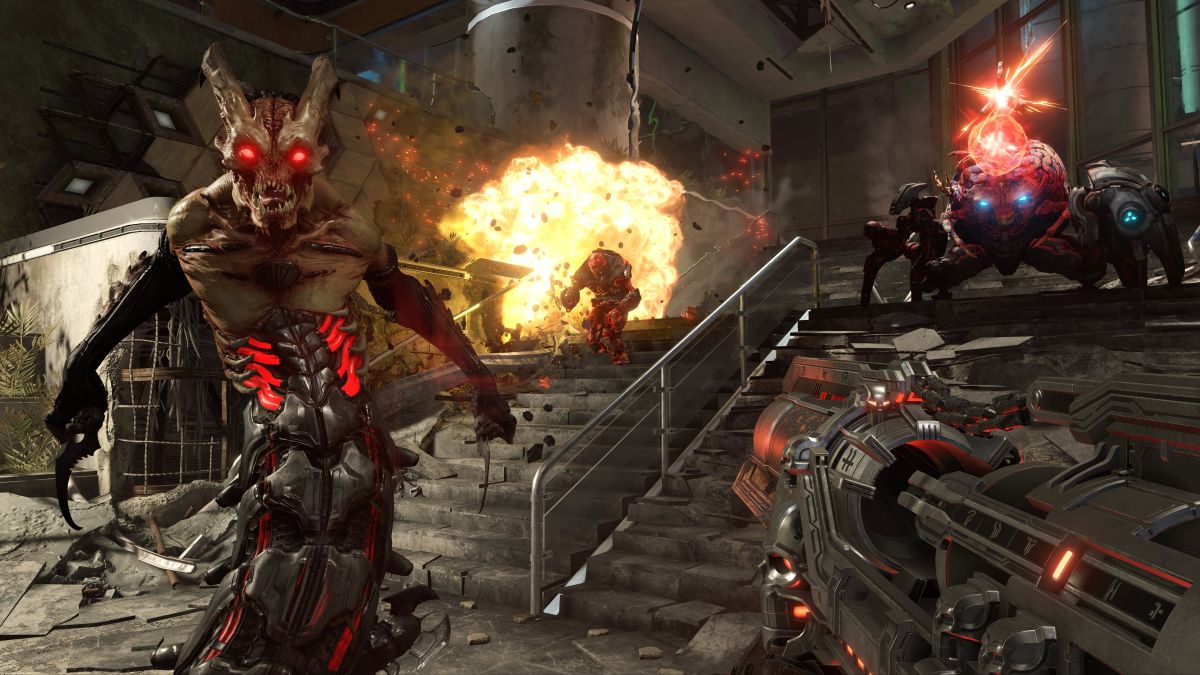
DOOM Eternal update 1.26 (PS5 version 1.010) has been released this September 5, and this is an unannounced update, so don’t expect any new content. Read on for what’s new in the DOOM Eternal new update patch notes.
Update: id Software has released the patch notes for today’s update for what the devs call 6.66 revision 2.
This minor update removes the Boosters feature on all platforms and removes Denuvo Anti-Tamper from the PC versions of DOOM Eternal.
Developer id Software has not acknowledged any new update for the game, with the latest patch notes released back in April 2022.
On the PC side of things, this update has seemingly removed Denuvo (thanks, mrtnptrs), and has affected some of the other files too.
We’re going to check and dig around to see if any gameplay-related changes are part of this, or whether we’ll see any new content was pushed out alongside this patch. Once we know more info, we’ll be sure to update the article to reflect it.
Update: The official patch notes are now available and we’ve updated the article to reflect it.
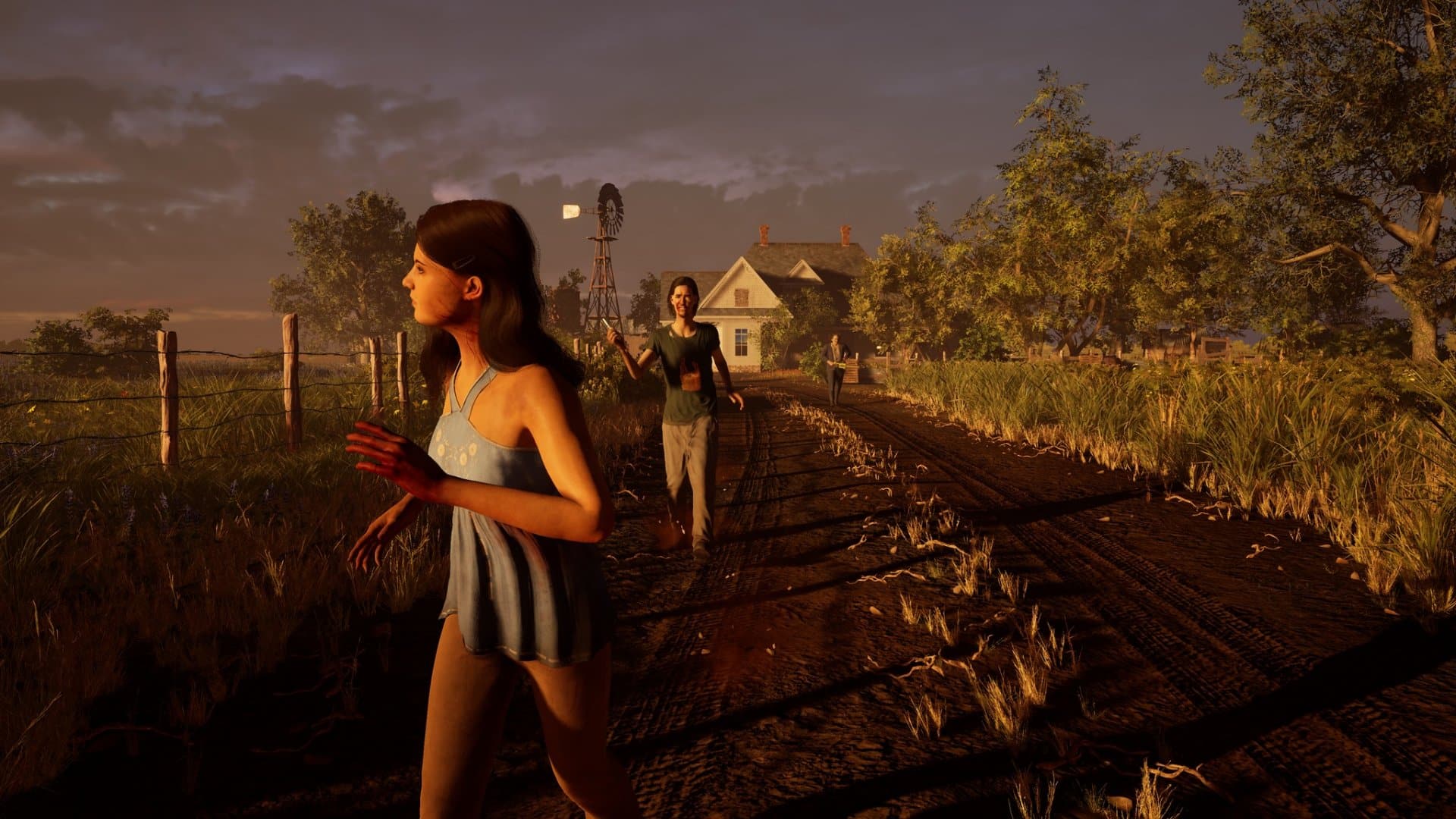
The Texas Chainsaw Massacre update 1.000.003 is out now on last-gen and current-gen platforms this September 5, and this brings a host of fixes to the game, and temporarily removes PC players from the crossplay pool. Read on for everything new in the official Texas Chain Saw Massacre new update patch notes.
This fix resolves graphical issues when running the game on Ultra settings with appropriate hardware.
This also fixes an issue causing FPS drops when attacking or grappling with opponents while running the game on Ultra settings with appropriate hardware.
Fixed: Voice chat not working in lobbies for party members
This fix is for an issue where party members would lose voice chat functionality once in a lobby.
Fixed: XP Progression
This fix resolves a UI issue that would appear to rank up after every match, despite not gaining the required XP to do so.
This fix also resolves inaccurate XP and XP delays related to earning XP.
Fixed: Various Crashes and Freezes
This includes a PS4 crash related to unlocking trophies.
This also includes a fix for high level players experiencing a crash on the match results screen.
Changed: Key Rebinding
We’ve added key rebinding to the PC version of the game.
Changed: Lobbies will now launch with 6 players
This change should help lobbies get running smoother, quicker, and with less drops due to incomplete lobbies.
Leatherface is STILL required for a match.
Changed: Quick Match Menu
We’ve moved Quick Match to the top of the menu options when looking to join games.
Quick Match will result in not only quicker matchmaking into a lobby, but also fuller lobbies.
Changed: PC Removed from Cross Play
We are temporarily separating PC from the console player base in cross play while we continue to improve our anti-cheat tools and resources.
Tuning: EAC and Anti Cheat Improvements
We have made several improvements to our anti-cheat and protection from additional cheat resources.
We’ve also improved our tracking and logging for cheat detection and consistent future improvement.
Once a new patch is released, we’ll let our readers know.
Gun Interactive has released The Texas Chain Saw Massacre update 1.02, and this is the game’s first post-release patch. This temporarily removes PC players from the crossplay pool alongside fixes. Read on for the official Texas Chain Saw Massacre game September 5 patch notes.
This fix resolves graphical issues when running the game on Ultra settings with appropriate hardware.
This also fixes an issue causing FPS drops when attacking or grappling with opponents while running the game on Ultra settings with appropriate hardware.
Fixed: Voice chat not working in lobbies for party members
This fix is for an issue where party members would lose voice chat functionality once in a lobby.
Fixed: XP Progression
This fix resolves a UI issue that would appear to rank up after every match, despite not gaining the required XP to do so.
This fix also resolves inaccurate XP and XP delays related to earning XP.
Fixed: Various Crashes and Freezes
This includes a PS4 crash related to unlocking trophies.
This also includes a fix for high level players experiencing a crash on the match results screen.
Changed: Key Rebinding
We’ve added key rebinding to the PC version of the game.
Changed: Lobbies will now launch with 6 players
This change should help lobbies get running smoother, quicker, and with less drops due to incomplete lobbies.
Leatherface is STILL required for a match.
Changed: Quick Match Menu
We’ve moved Quick Match to the top of the menu options when looking to join games.
Quick Match will result in not only quicker matchmaking into a lobby, but also fuller lobbies.
Changed: PC Removed from Cross Play
We are temporarily separating PC from the console player base in cross play while we continue to improve our anti-cheat tools and resources.
Tuning: EAC and Anti Cheat Improvements
We have made several improvements to our anti-cheat and protection from additional cheat resources.
We’ve also improved our tracking and logging for cheat detection and consistent future improvement.
Once a new patch is released, we’ll let our readers know.