Home > News

New Battlefield 2042 Weekly Missions, Store Bundles for Season 7 Week 4 Listed (April 9)

Battlefield 2042’s weekly missions and store have just been refreshed for this week! MP1st’s Battlefield 2042 Season 7 Week 4 weekly missions, store bundles, and Portal Modes post lists this week’s new missions, modes, and store items down below.

New Battlefield 2042 Weekly Missions, Store Bundles for Season 7 Week 4 (April 9):

New Battlefield 2042 Weekly Missions

Weekly Missions:

  • 5 Kills and Assists (3)
  • 10 Teammates Revived or Healed (3)
  • 2 Rounds Played (3)

Available After 2 Missions:

  • 10 Kills From a Distance of 50m or Less (4)
  • 15 Kills and Assists With Assault Rifles (4)
  • 10 Objectives Captured or Neutralized (4)

Available After 4 Missions:

  • 20 Hip-Fire Kills With Secondary Weapons or SMGs (6)
  • 9 Combat, Wingman, or Objective Ribbons Earned (6)
  • 10 Headshot Kills With Assault Rifles (6)

Available After 5 Missions (Bonus Mission):

  • 8 Kills With Assault Rifles or SMGs (10)

Portal Modes:

New Battlefield 2042 Weekly Missions

  • SMG Rush (2042 | Rush | 32v32)
  • Battlefield 2042 Free-For-All (2042 | Free-For-All | 24)

New Store Bundles:

New Battlefield 2042 Weekly Missions

  • Home Guard (5 Items, 1000 BFC)
    • For the People – Epic Boris Specialist Set
    • Serpent’s Quarry – Epic AC9 Weapon Skin
    • Coiled Grip – Epic L9CZ Weapon Skin
    • Trentren’s Hold – Epic Universal Weapon Charm
    • People’s Guardian – Rare Player Card Tag

That’s all for Week 4. We’ll post Week 5’s rotation of missions, Portal Modes, and store bundles next week, so watch this space for further updates!

More Battlefield Reading:

Avatar photo

Salman Haider Zaidi

That's a nice argument, Senator.

Home > News

Destiny 2 Servers Down and Offline for Scheduled Maintenance This April 9

Heads up, guardians! The Destiny 2 servers have been taken offline and down by Bungie, and this is for another scheduled maintenance, where we will also see patch 7.3.6 be released on all platforms.

Update: Here are the patch notes for version 7.3.6!

Destiny 2 Maintenance Schedule for April 9:

Tuesday, April 9, 2024 – Maintenance
4:00 AM PDT -7 UTC
    • Destiny 2 will undergo maintenance.
    • Sign-on and game integration features will be unavailable on web, mobile, 3rd-party apps, and the Bungie Store.
    • Players who observe issues should report to the #Help forum.
4:45AM PDT -7 UTC
    • Destiny 2 will be brought offline for expected maintenance.
    • Players will be removed from activities and won’t be able to log back in until 10:00 AM PDT.
    • Ongoing Destiny maintenance is expected to conclude at 12 PM PDT.
10:00 AM PDT -7 UTC
    • The latest Destiny 2 Update will be available across all platforms and regions.
    • Players will be able to log back into Destiny 2.
    • Players logging into the game may be placed in a queue and may experience sign-on issues as background maintenance is still ongoing.
    • Clan features may remain offline until maintenance is complete.
12:00 PM PDT -7 UTC
    • Destiny 2 maintenance is expected to conclude.
    • Console players who encounter issues updating to the latest Update should restart their console and try downloading the Update.
    • Players who observe issues should report to the #Help forum.

Same as before, if there are any changes to the server outage’s schedule, we’ll update the article to reflect it. No word yet whether today’s patch is a client download or will be via server-side just like patch 7.3.5.3. Regardless of that, once the patch is out, we’ll provide a link to it from this article as well, so stay tuned.

Source: Bungie

Avatar photo

Alex Co

Father, gamer, games media vet, writer of words, killer of noobs.

Home > News

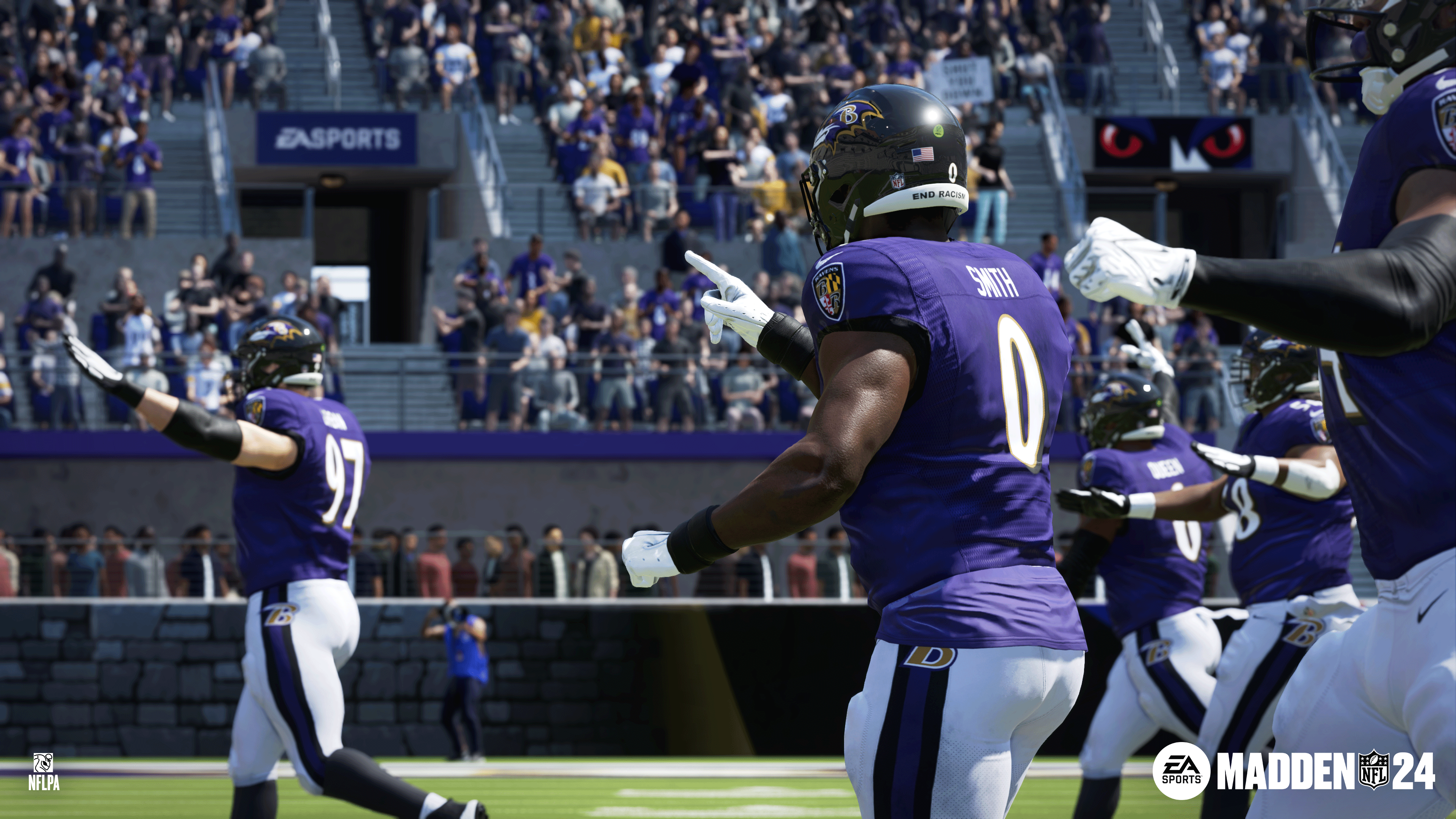
Madden NFL 24 Update 1.017 Touches Down on Current-Gen

Madden NFL update 1.017 has been released by EA on PS5 and Xbox Series X|S (also out on PC and last-gen under a different version), and this ushers in new content, and we’re assuming a new season given Season 5 launched way back in February..

Madden NFL 24 Update 1.017 Patch Notes:

While the studio hasn’t released the official patch notes yet (which is to be expected given they make it public later on in the day), we do know some of the new stuff incoming today thanks to the official Madden Twitter/X account!

There are more Reel Deals incoming today as well.

Alongside the new stuff, we are expecting bug fixes and adjustments to be part of the patch roll out. If past title update roll outs are any indication, EA will release the official changelog around afternoon time (EDT). Once it’s live, we’ll update the article to reflect it.

You can keep track of all our Madden 24 coverage here.

Avatar photo

Alex Co

Father, gamer, games media vet, writer of words, killer of noobs.

Home > News

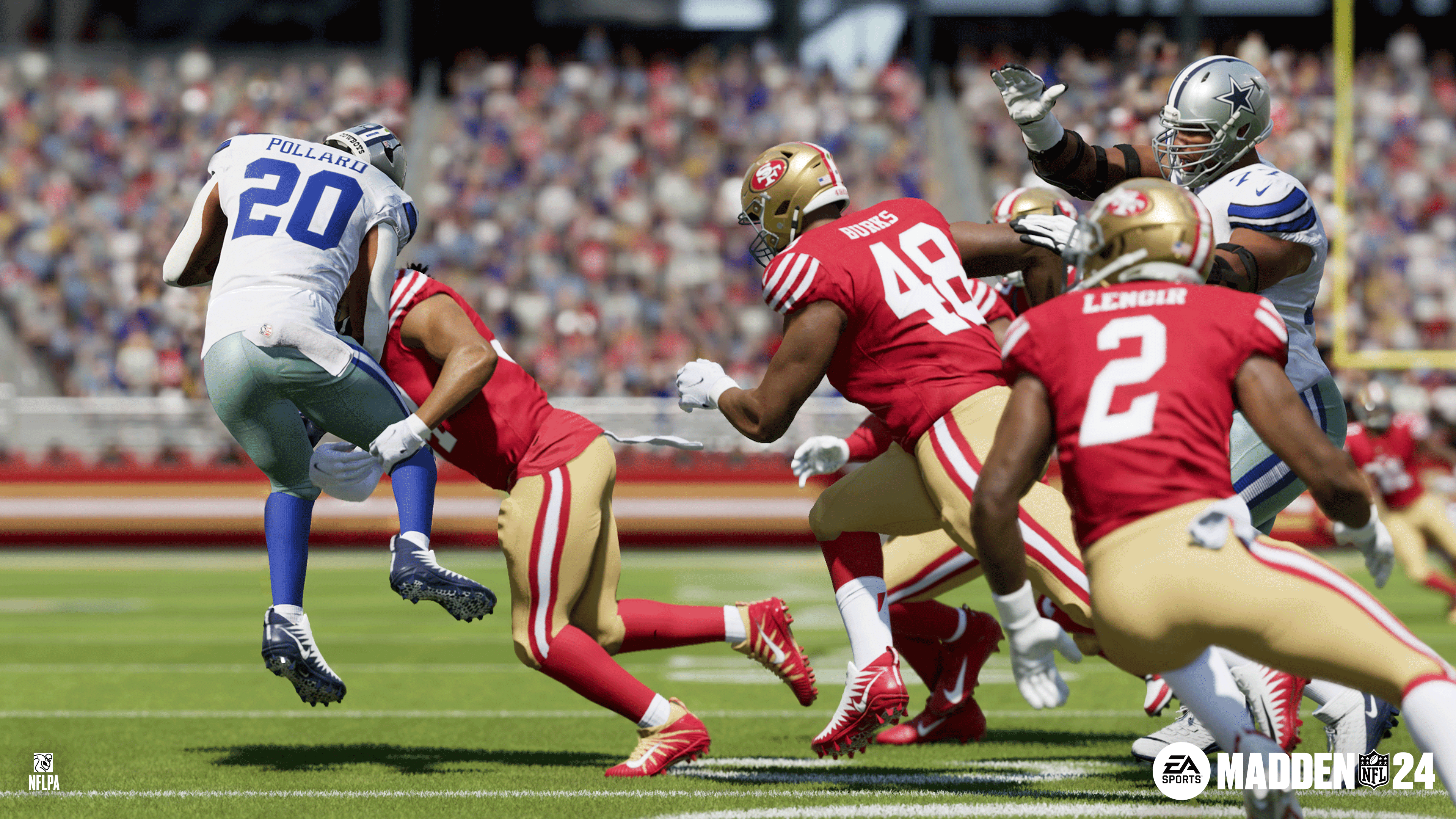
Madden 24 Update 1.15 Barrels Out This April 9

EA has pushed out Madden 24 update 1.15 on consoles and PC, and this is should usher in a new season, which means new content! Read on for what’s new in today’s Madden 24 update for April 9.

Madden 24 Update 1.15 Patch Notes:

While the studio hasn’t released the official patch notes yet (which is to be expected), we do know some of the new stuff incoming today.

There are more Reel Deals incoming today as well.

Alongside the new stuff, we are expecting bug fixes and adjustments to be part of the patch roll out. If past title update roll outs are any indication, EA will release the official changelog around afternoon time (EDT). Once it’s live, we’ll update the article to reflect it.

You can keep track of all our Madden 24 coverage here.

Avatar photo

Alex Co

Father, gamer, games media vet, writer of words, killer of noobs.

Home > News

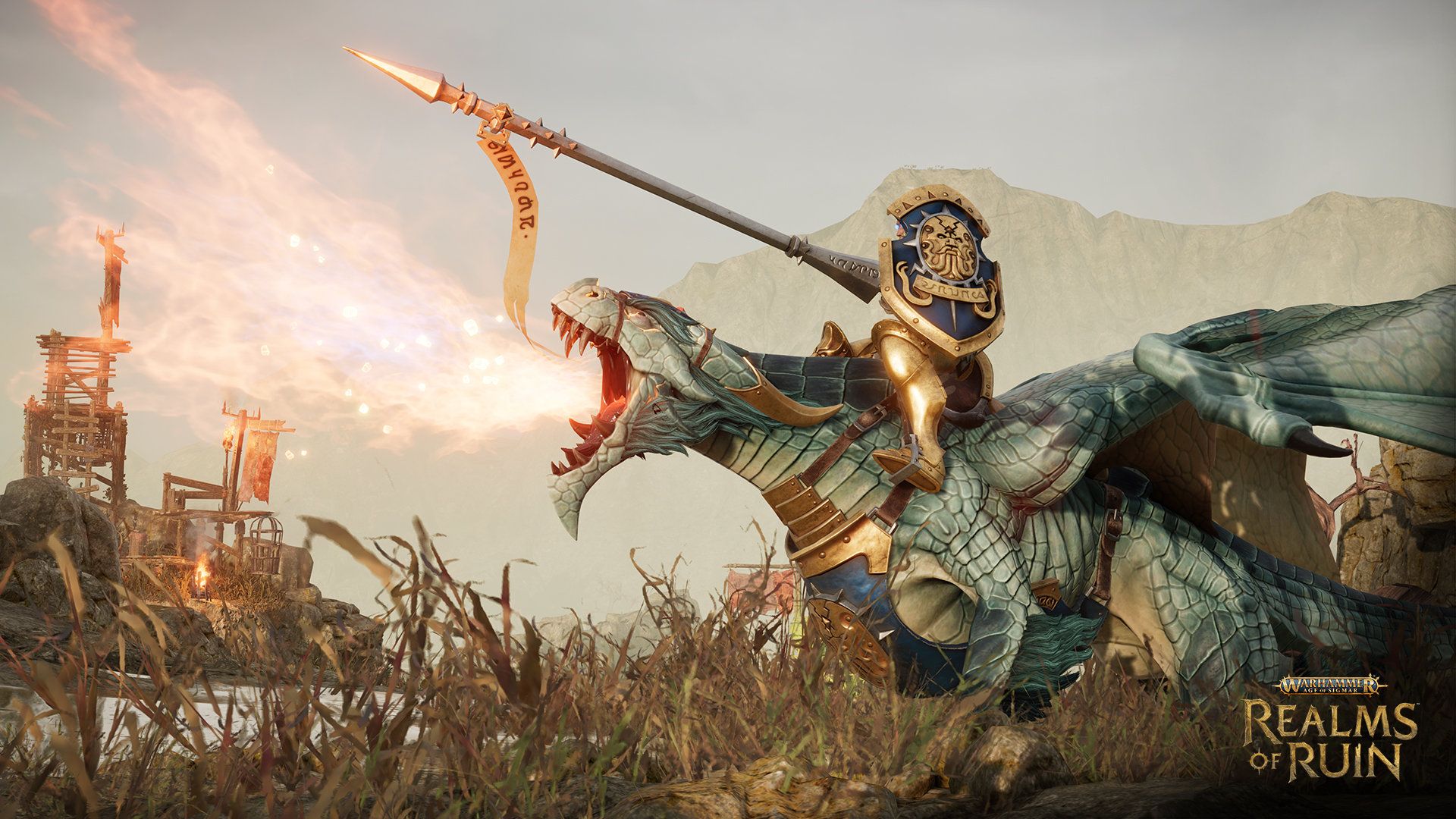
Warhammer Age of Sigmar: Realms of Ruin Update 1.007 Out for Patch 1.2.1 This April 9

Frontier Developments has released Warhammer Age of Sigmar: Realms of Ruin update 1.007 for PC, PS5, and Xbox Series X/S today. This is tagged as patch 1.2.1 and it fixes game crashes and addresses a ton of other issues. Read on for the Warhammer Age of Sigmar: Realms of Ruin April 9 patch notes below.

Warhammer Age of Sigmar: Realms of Ruin Update 1.2.1 Patch Notes:

PS5 Update Version: 1.007.000 

Please find the Patch notes for Hotfix 1.2.1, which addresses a number of issues.

  • Fixed an issue with game crashes
  • Bastion health for maps Epicentre, Rotting Maw, Eternal Siege, Creeping Drought brought in line with other multiplayer maps
  • Fixed an issue whereby two opposing units charging at each other would sometimes not engage in combat
  • Setting default stance to ‘Hold’ now works for multiplayer matches
  • Server stability improvements

We will let you know in the near future if more patches are released for this game.

Source: Realms of Ruin

Damien Seeto

Home > News

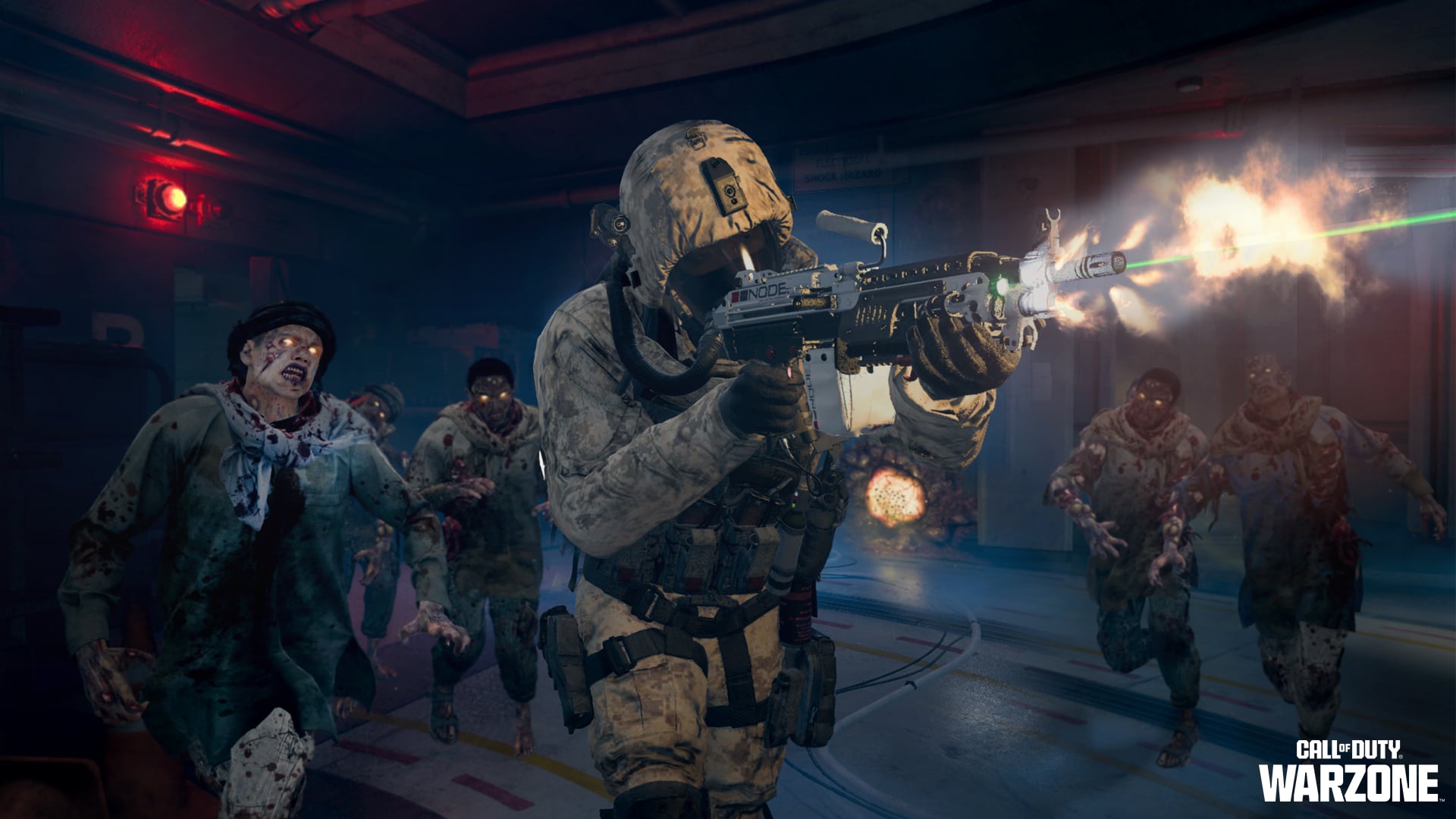
Call of Duty: Modern Warfare 3 Update 1.42 Rappels Down for Fixes This April 9

Sledgehammer Games has pushed out Call of Duty: Modern Warfare 3 update 1.42 on on all platforms, with PS4 and PS5 gamers getting an early download via pre-load. This brings various fixes to the game that came from the Season 3 patch.

Call of Duty: Modern Warfare 3 Update 1.42 Patch Notes for April 9:

Size: 2.2GB (PS5)

Update: Official patch notes have been added for Multiplayer and Zombies.

GLOBAL

STABILITY

  • Addressed a crash that could occur while viewing Weapon Attachments.

CUSTOMIZATION

  • Resolved various issues with Quick Equipping Weapon Charms in the Store.
  • Corrected the display names of the Season 3 Prestige Emblems.

SETTINGS

  • Addressed an issue causing the Latency telemetry widget to constantly display N/A.

MULTIPLAYER

UIX

  • Bug Fixes
    • Armory Unlock Challenges will now display a splash upon completion.
    • Operators will no longer appear to have two Riot Shields equipped in the Lobby.
    • Removing certain Conversion Kits is now properly reflected in the Gunsmith.
    • Weekly Challenge countdown timer will no longer display an invalid time as the Midseason update approaches.
    • Corrected positioning of the FJX Horus in the Gunsmith.
    • Calling Card and Emblem rewards from Weapon Mastery completion are now displayed properly in the After-Action Report.
    • Removing a Weapon Sticker in the Gunsmith will no longer cause the placement indicators to disappear.
    • Revised Pros/Cons labels for multiple Attachments to better reflect their true properties.

GAMEPLAY

  • Improved deprioritization of spawn locations while any Killstreak is active and nearby.

PROGRESSION

  • Ripper Light Stock for the FJX Horus will no longer appear locked and without unlock requirements.
  • Improved tracking of one-shot kills for the What’s Your Sign? Camo for the MORS.

MAPS

  • Shipment
    • Added additional spawn points to improve the probabality of a quality spawn selection in Team Deathmatch, Domination, and Hardpoint Modes.
  • Tanked
    • Enemy nameplates are no longer visible through the walls of the Tunnel.

WEAPONS & ATTACHMENTS

» Assault Rifles «

  • SVA 545
    • Increased maximum damage range from 31.8m to 44.5m (+40%).
    • Increased near-medium damage range from 44.5m to 51.8m (+17%).
    • Increased medium damage range from 51.8m to 61m (+18%).

» Submachine Guns «

  • FJX Horus
    • Optic Attachments with an integrated laser are no longer compatible with the ECS Requieter Suppressor Muzzle.

» Light Machine Guns «

  • TAQ Evolvere
    • Removed duplicate ZEHMN35 Compensated Flash Hider Muzzle Attachment.

» Sniper Rifles «

  • MORS
    • Hurricane 9 Variable Optic
      • Removed the ability to equip this incompatible Attachment.
    • Photonic Charge Barrel
      • Improved consistency of penetration damage through enemy Operators.

PERKS

  • Ninja Vest (Vest)
    • While equipped with Reinforced Boots, players now gain the effects of Running Sneakers.
  • Compression Carrier (Vest)
    • Kills with a Launcher will now immediately trigger health regeneration.

EQUIPMENT

  • EMD Grenade (Tactical)
    • Changed the tracker removal keybind to Interact on keyboard input devices.
    • Improved prioritization when multiple actions are available for the tracker removal keybind.
    • Tracker removal time is now aligned with the HUD progress bar.
  • Scatter Mine (Tactical)
    • Enemy stun effects are now correctly applied in Hardcode Modes.
  • C4 (Lethal)
    • Detonation can no longer occur until stuck to a surface for 500ms.

Note: This mechanic was expected for the Season 3 update but did not function as intended at the time of release.

KILLSTREAKS

  • Guardian-SC
    • Ledge Hanging after equipping the Guardian-SC will no longer cause the player to become unable to fire their Weapon.
  • Remote Turret
    • Attempting to deploy while swimming will no longer cause the player to become unable to fire their Weapon.

While Sledgehammer hasn’t released the complete patch notes just yet, we do have the list of issues being looked into (via the official Modern Warfare 3 Trello board).

GLOBAL KNOWN ISSUES:

Fix Scheduled:

  • MORS Sniper Rifle exhibits a slight optic misalignment.
  • Server Latency Telemetry widget constantly reports “N/A”.

Investigating:

  • Some players may encounter scenarios where in-game and menu UI, such as the player HUD and AAR, can enter a bugged state.

MULTIPLAYER KNOWN ISSUES:

Fix Scheduled:

  • Editing a Loadout during a match may give the player a Loadout different than what is expected.

Investigating:

  • An unintended object is near the Tank Garage on Quarry.
  • Ranked Play: The Time stat is not being tracked properly on the in-game CDL Hardpoint scoreboard.

ZOMBIES KNOWN ISSUES:

Fix Scheduled:

  • The successful Exfil end-of-match flow includes mentions of the unreleased Exfil Schematic Cooldown mechanic.

Investigating:

  • Player Containment Levels are being knocked back a tier when exfiltrating from a Dark Aether Rift or a Story Mission

Monitoring:

  • Some Players report losing the contents of their Acquisition Stashes after an Exfil or entering the Zombies menu.

Once the patch notes are out (around 11 am ET/8 am PT), we’ll be sure to update the article with the info, so stay tuned.

Update: Article has been updated with the official patch notes from Sledgehammer.

More Call of Duty Reading on MP1st:

Avatar photo

Alex Co

Father, gamer, games media vet, writer of words, killer of noobs.

Home > News

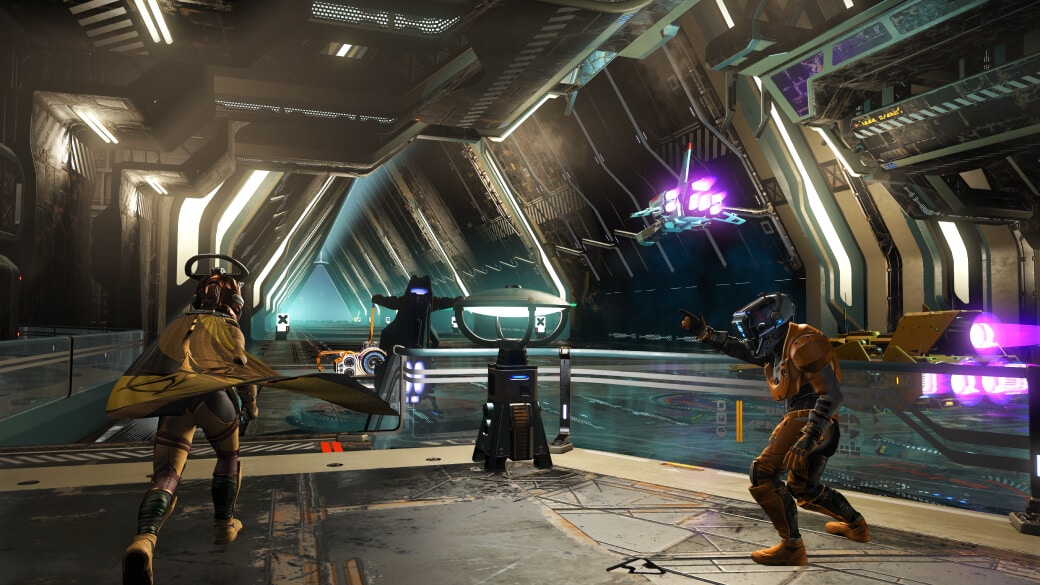
No Man’s Sky Update 4.64 Drops for an Assortment of Fixes This April 9

Hello Games has pushed out No Man’s Sky update 4.64 (PS5 update version 4.064) on PC and PlayStation platforms, and players can expect a wave of bug fixes once again. Read on for everything new in the official NMS patch notes for April 9.

No Man’s Sky Update 4.64 Patch Notes for April 9:

PS5 Version 4.064

Bug Fixes

    • Fixed an issue that could cause some non-Gek frigates to address the player as “Captain-Friend”.
    • Fixed an issue that could cause the ship communicator hologram to display the incorrect lifeform when communicating with a frigate commander.
    • Fixed an issue that could cause the Fleet Command Station to fabricate a captain name for organic frigates.
    • Fixed an issue that could prevent frigate commander holograms from appearing when a fleet sought the player’s assistance via a Fleet Command Station.
    • Added a distinct icon for fleet expeditions on the galaxy map.
    • Fixed a number of issues that could cause frigate expedition intervention missions involving translation to interact with each other, if more than one translation mission was active simultaneously.
    • Organic frigates on expeditions will no longer attempt to contact the player with reports about their non-existent crew.
    • Fixed an issue that caused frigates on expeditions to try to call the player for help while the game wasn’t running.
    • Frigate commanders now delegate freighter liaison duties to the first lieutenant.
    • Added a number of new dialogue possibilities to a frigate expedition intervention event involving irresistible-smelling fruit.
    • Added a number of new alien-language messages to translate for frigate expedition intervention missions.
    • Fixed a number of mission flow issues with fleet expedition events.
    • Fixed a number of text issues related to fleet expeditions.
    • Added a set of fighter-class wings that were missing from the Starship Fabricator options.
    • Fixed a number of UI issues in the Starship Fabricator, particularly in ultrawide resolutions.
    • Fixed an issue with the Starship Fabricator that could incorrectly bring up a warning about not having enough ship components to finalise a design after the design had already been locked in.
    • The mannequins around the space station Exosuit Technology Merchant’s kiosk are now procedurally generated.
    • Fixed an issue that could cause asteroid fields near the player’s capital ship to flicker.
    • Fixed a number of minor visual issues in space stations.
    • Fixed an issue that caused some new space station base parts to clip off the edge of the screen at the Construction Research Terminal.
    • Added a sign to indicate the location of the teleporter within the space station.
    • Improved the visual responsiveness of interactable items on the space station.
    • Fixed a number of collision issues on the space station.
    • Improved the pad selection when teleporting to a space station.
    • Fixed a number of minor visual issues with the mode select menu.
    • Fixed an issue that could cause inventory slots to highlight with a flash as usable for crafting when they were in an inaccessible inventory.
    • Increased the charge duration and efficiency of the Minotaur Bore.
    • Improved the visual effects on civilian ship weaponry when they warp in to assist in space combat against pirates.
    • Fixed an issue that made some interactions in the space station difficult to trigger in VR.
    • Fixed a minor visual issue with the shadow casting of some specific starship engines.
    • Various text fixes.
    • Fixed an issue that could occasionally render Geks as too tall when using the Starship Communicator.
    • Fixed a number of visual issues with the neck join on Autophage heads.
    • Fixed an issue that caused the names and appearances of some buildable holographic signs to be out of sync.
    • Fixed an issue that made it difficult to delete the Hydraulic Arms base part.
    • Fixed an issue that prevented portal dddresses from being displayed in the Wonders catalogue in French.
    • Optimised the loading of freighter bases to prevent an issue where the base would disappear and reappear when first loading into the game.
    • Added a number of new alien words to learn and translate.
    • Fixed a rare issue with very large starships that could cause them not to attach correctly to landing pads.
    • Fixed an issue that prevented the ‘previous expedition’ label from showing on the main menu saves made in old expeditions.
    • Fixed an exposed variable in some frigate maintainence hints.
    • Fixed an issue that prevented the Space Anomaly missions from advancing correctly with progress along the Artemis Path.
    • Fixed a rare blocker in the Space Anomaly mission chain that could occur when upgrading from very old saves.
    • Fixed an issue that caused a hologram to appear in the starship cockpit when activing the Economy Scanner from the Quick Menu.
    • Fixed an issue that could cause the trade surge timer to reset when warping.
  • Fixed a crash related to refiners.
  • Fixed a crash related to player movement.
  • Fixed a crash caused by Sentinel-owned ships getting added to the player’s collection.
  • Fixed a crash related to terrain editing.
  • Fixed a rare crash related to creature navigation.
  • Fixed a crash that could occur if unusual frigates were chosen as the leader of a fleet expedition.
  • Added a significant memory optimisation for Xbox platforms.

Once Hello Games releases a new patch, we’ll be sure to let our readers know.

Avatar photo

Alex Co

Father, gamer, games media vet, writer of words, killer of noobs.

Home > News

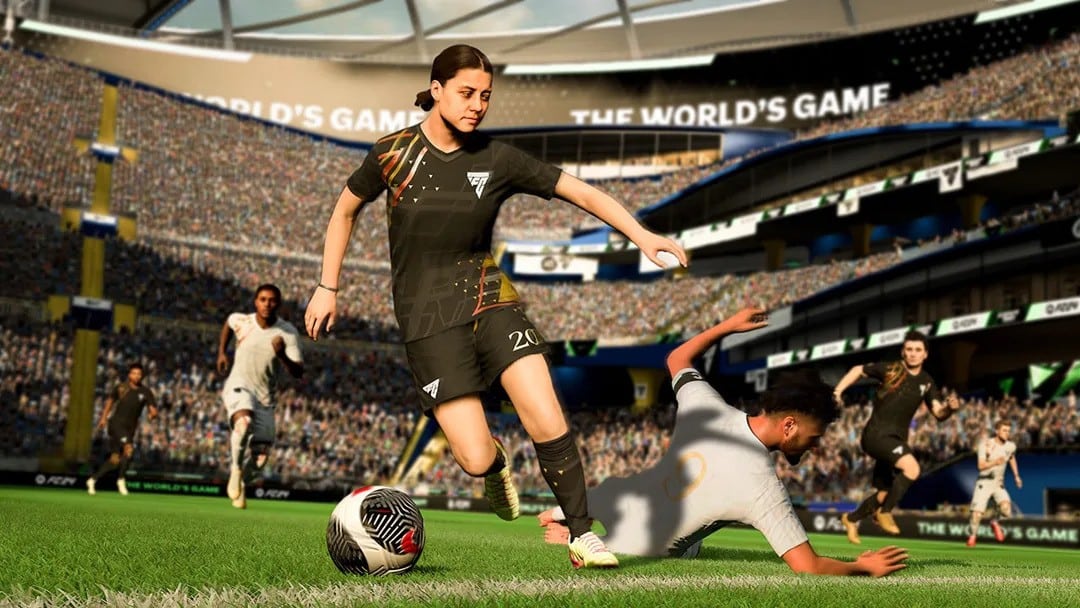
EA Sports FC 24 Update 1.15 Kicks Out for Title Update 12 This April 9

EA Sports FC 24 update 1.15 (PS5 update version 1.000.015) is now available to download on all platforms today. This patch includes updated kits, player models and even stability fixes. Check out what’s new in the official patch notes for EA Sports FC 24 this April 9.

EA Sports FC 24 Update 1.15 Patch Notes:

PS5 Update Version: 1.000.015

Title Update #12 will soon be available for all versions of EA SPORTS FC™ 24, and it will include the changes below.

Ultimate Team

‌Addressed the following issue:

  • A stability issue could have occurred when removing expired Items from Transfer Targets.

General, Audio, and Visual

‌Made the following changes:

  • Updated several aspects of CONMEBOL competitions, such as competition seeds, kits, teams, and ad boards.
  • Updated some player models, kits, badges, balls, boots, banners, flags, UI elements, button callouts, sponsors, and trophies.
  • Updated 12 star heads which will become visible in-game following a Server Release.

‌Addressed the following issues:

  • Addressed some stability issues that could have occurred.
  • Addressed instances of placeholder images.

Be sure to download this new patch to keep updated with the latest content. More updates will be released for this game later this year.

Via: EA Sports FC Trello Board

Damien Seeto

Home > News

Helldivers 2 Update 1.000.202 Brings Stability and Bug Fixes in Our Fight for Democracy This April 9

Arrowhead Game Studios has fired out Helldivers 2 update 1.000.202 on both PC and PS5, and this adds in a load of fixes to make our fight for democracy a wee bit less bug-filled (pun intended). It also aids in game stability, and chances are, it also houses the data for the new “Democratic Demolition” Warbond that’s set to launch on April 11.

Helldivers 2 Update 1.000.202 Patch Notes for April 9:

Size: 303MB (PS5)

Overview
This update includes:

  • Stability fixes

Gameplay
We have updated the stats UI for weapons to take into account any explosive damage done by them. This is to give weapons that do damage with explosive projectiles a more fair representation in the UI. Most notably affected is the PLAS-1 Scorcher.

Fixes

  • Fixed some crashes that occurred when deploying to mission.
  • Fixed some crashes that occurred during extraction and right after it.
  • Fixed crashes that could occur if the squad deployed a large amount of support weapons.
  • Fixed various crashes that could occur during gameplay.
  • Fixed a crash that could occur when using heat based weapons.
  • Fixed crashes which could occur if a player died while using the jetpack.
  • Fixed crash which could occur when large volumes of enemies were present.
  • Fixed crash which could occur when the player picked up a snowball.
  • Fixed crash which could occur when completing an objective.
  • Fixed hang that could occur while navigating the social menu.
  • Picking up Medals and Super Credits will no longer lock the player in place.

Known Issues
These are issues that were either introduced by this patch and are being worked on, or are from a previous version and have not yet been fixed. This list is not exhaustive, and we are continuing to identify issues and create fixes. These are organized by feedback, reports, severity, etc.

  • Various issues involving friend invites and cross-play:
  • Player name may show up blank on the other player’s friend list.
  • Friend Request cannot be accepted when the requesting player changed their username before the request was accepted.
  • Cross-platform friend invites might not show up in the Friend Requests tab.
  • Players cannot unfriend players befriended via friend code.
  • Players cannot unblock players that were not in their Friends list beforehand.
  • Damage-over-time effects may only apply when dealt by the host.
  • Players may experience delays in Medals and Super Credits payouts.
  • Enemies that bleed out do not progress Personal Orders and Eradicate missions.
  • Certain weapons like the Sickle cannot shoot through foliage.
  • Scopes on some weapons such as the Anti-Materiel Rifle are slightly misaligned.
  • Arc weapons sometimes behave inconsistently and sometimes misfire.
  • Spear’s targeting is inconsistent, making it hard to lock-on to larger enemies.
  • Stratagem beam might attach itself to an enemy but it will deploy to its original location.
  • Explosions do not break your limbs (except for when you fly into a rock).
  • Area around Automaton Detector Tower makes blue stratagems such as the hellbomb bounce and be repelled when trying to call them down close to the tower.
  • Planet liberation reaches 100% at the end of every Defend mission.

While we’re assuming this patch houses the data for the new Warbond, don’t be surprised to see another update released soon as well. If we spot anything, we’ll be sure to let our readers know.

Source: Helldivers Discord

Avatar photo

Alex Co

Father, gamer, games media vet, writer of words, killer of noobs.

Home > News

The Division 2 Update 1.68 for TU20.3 Dispatched, Read on for the Patch Notes

Ubisoft has deployed The Division 2 update 1.68 on consoles and PC, which is for Title Update 20.3 (TU20.3). Players can expect fixes to Manhunt, Descent and a lot more! Read on for the complete The Division 2.

The Division 2 Update 1.68 Patch Notes | The Division 2 TU20.3 Patch Notes | The Division 2 New Update Patch Notes for April 9:

MANHUNT

  • Fixed the issue with The Lost Ellis Memos collectibles not dropping from named NPCs during the Faye Lau climax mission.
  • Fixed the issue where progress would remain stuck at “Friendly takeover in progress” during any control point takeover in NY/DC, as a result of nearby side missions.

DESCENT

  • Fixed the issue with the Nemesis arm patch not being rewarded upon defeating the Nemesis at loop 8.
  • Fixed the issue where an Agent was able to enter the Descent game mode by interacting with the loot crate while positioned in front of the door.

GLOBAL EVENTS

  • Fixed the issue with the Black Tusk challenges not including legendary elite force of Black Tusk faction in every Global Event.

GEAR, WEAPONS AND TALENTS

  • Fixed the issue with the Mantis Exotic Rifle not displaying additional information when using the scoped view.

UI

  • Fixed the issue with The Aegis Wires material amounts not being consistent across all characters on the same account.
  • Fixed the issue with The Palisade Steelworks materials amount not being consistent across all characters on the same account.
  • Fixed the issue where players were unable to scroll down on the Vindicator Exotic Rifle description in the NSA station.

VANITY

  • Fixed the issue where players were unable to modify any mask while using the Aegis Backpack as a cosmetic for any backpack.
  • Fixed multiple clipping issues with Theo Parnell Mask.
  • Fixed multiple clipping issues with The Skully Shirt.
  • Fixed multiple clipping issues with The Skully Boots.
  • Fixed multiple clipping issues with The Scrim Master Backpack.
  • Fixed multiple clipping issues with The Scrim Master Gloves.
  • Fixed multiple clipping issues with The Handle Pants.
  • Fixed multiple clipping issues with The Crescent Gloves.
  • Fixed multiple clipping issues with The Rig Hoodie.

OTHER

  • Fixed the issue with normal Turrets firing through the walls in Tidal Basin.
  • Fixed the issue with players being able to earn 90K XP per briefing mission reset while all global directives and target double XP event were active.
  • Fixed the issue with The Tombs mission not being available for completion after encountering Rogue Agents in the Infirmary
  • Fixed multiple animation issues.
  • Stability improvements.

Once Ubisoft releases another title update, we’ll be sure to let our readers know.

Avatar photo

Alex Co

Father, gamer, games media vet, writer of words, killer of noobs.

Home > News

Fortnite Update 29.20 for Version 1.000.133 Out This April 9, Patch Notes and Known Issues Listed

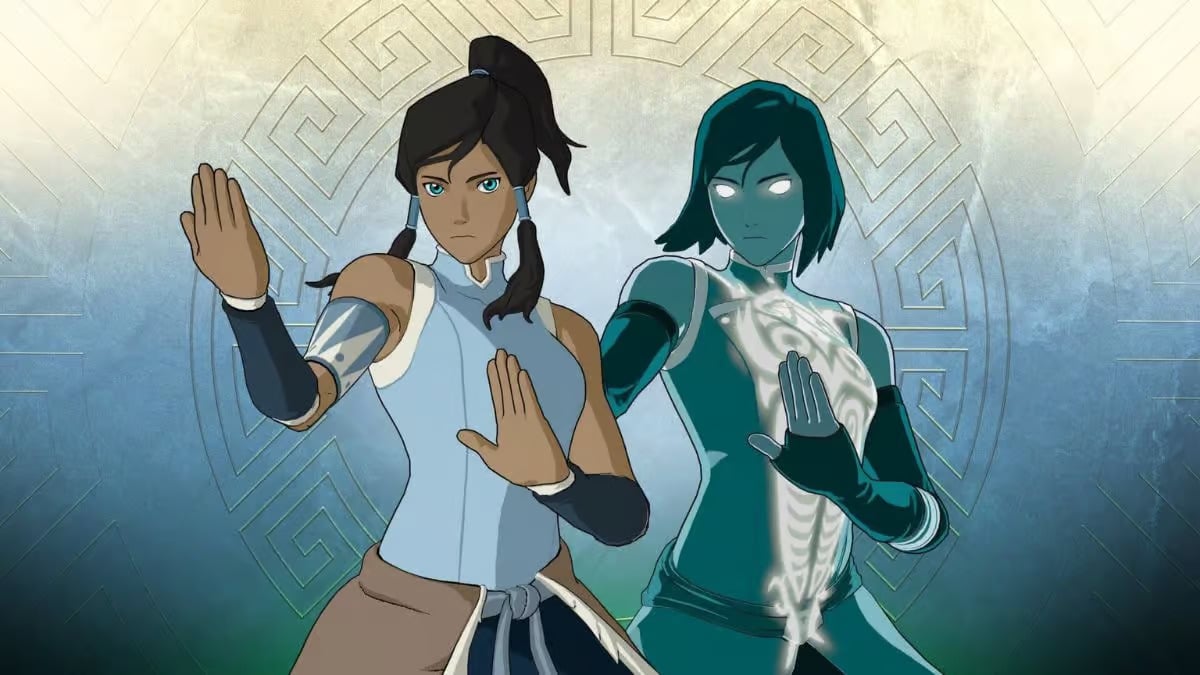
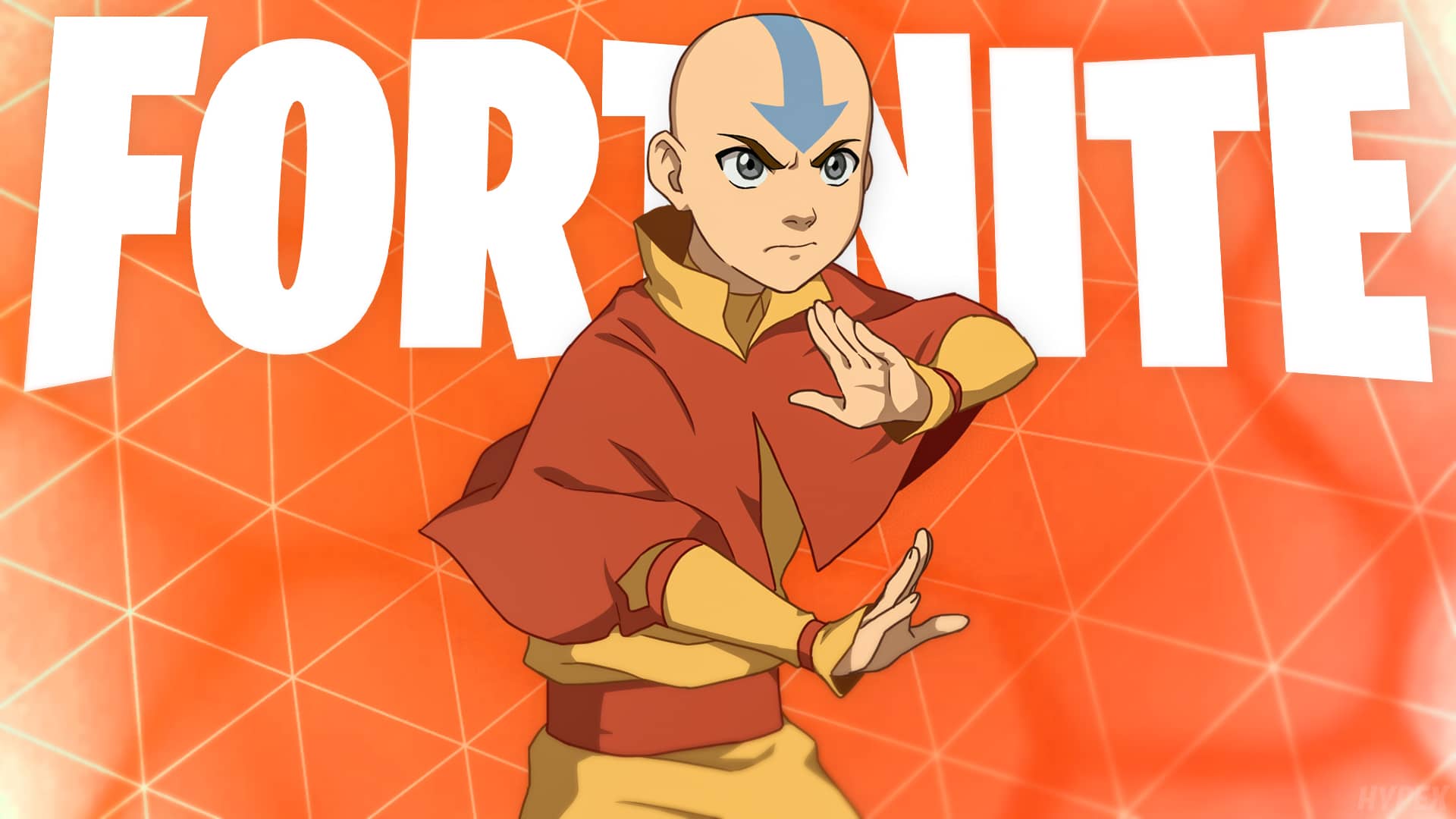
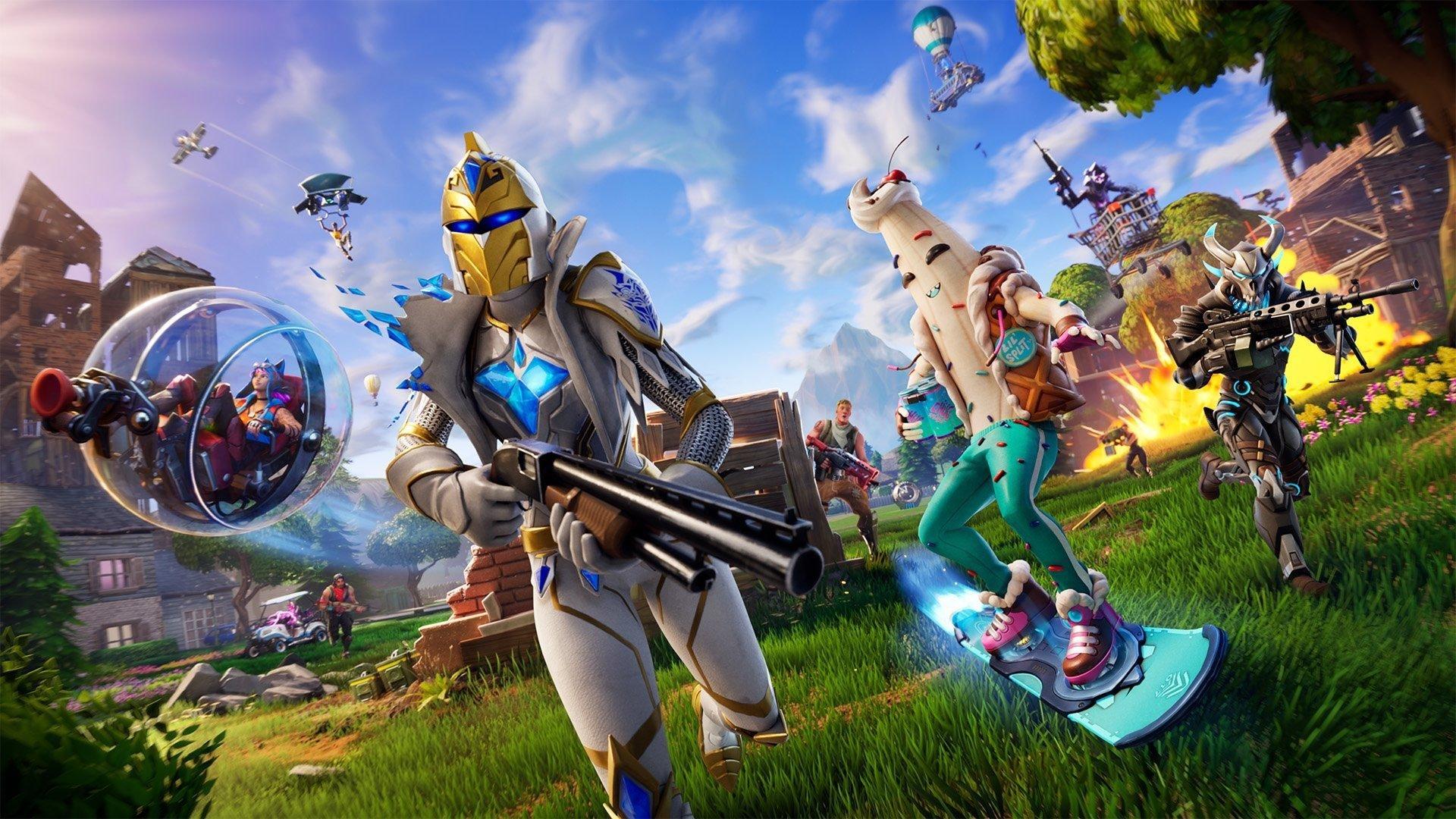
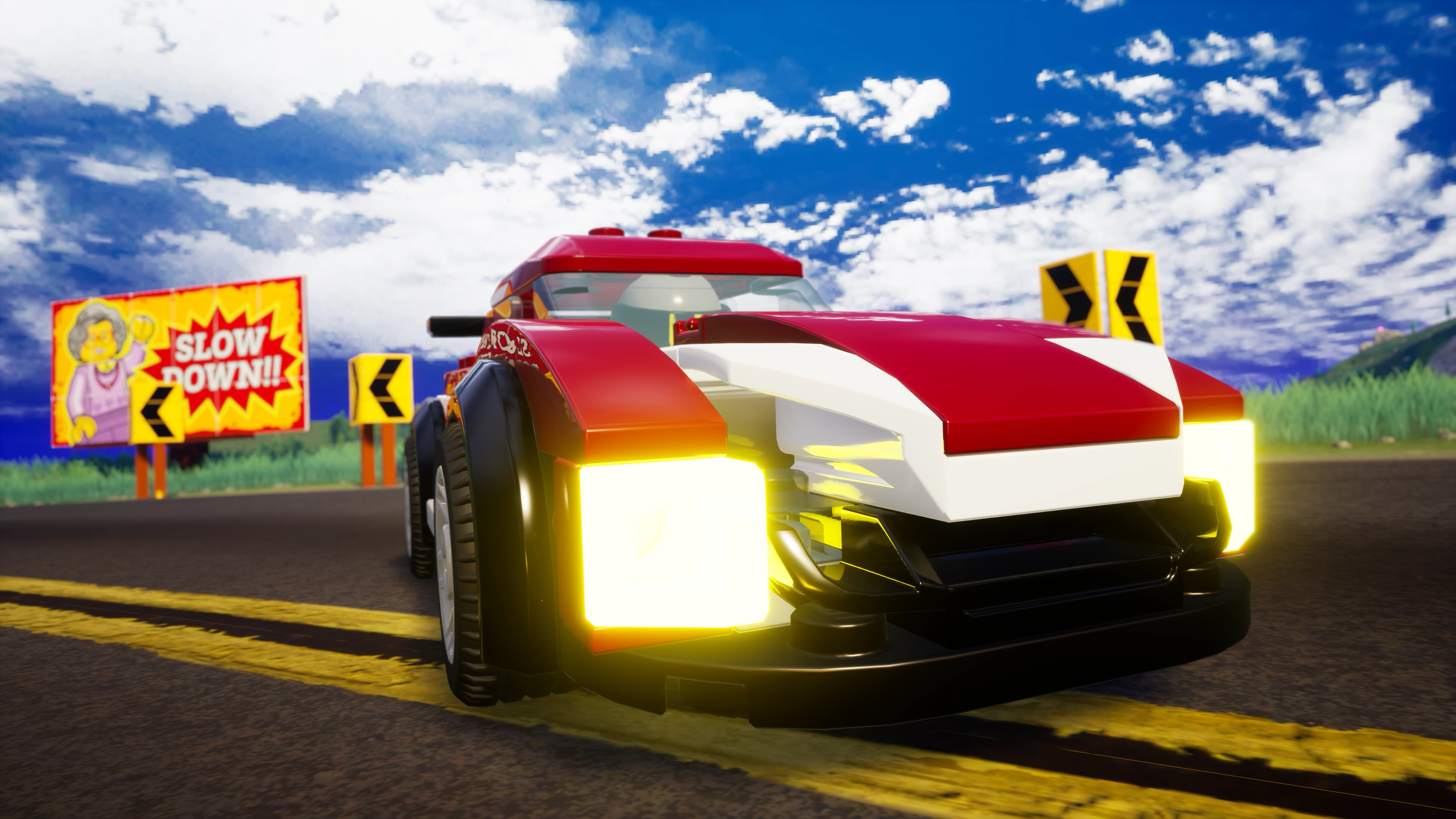
Epic Games has released Fortnite update 29.20 (PS5 update version 1.000.133), and you can expect to see a ton of new content today. Some of the things being released are Avatar skins, and new content for Lego Fortnite and Rocket Racing. Read on for the known issues, as well as the patch notes for Fortnite’s April 9 update.

Fortnite Update 29.20 Patch Notes for April 9:

PS5 Update Version: 1.000.133

Update: Here are the patch notes.

ROCKET RACING NEON RUSH: LIGHT UP THE NIGHT!

Racers,
Season Zero comes to a close as Neon Rush begins! Get ready for some night driving in neon metropolitan raceways. But that’s not even the main event of Neon Rush — creator-made tracks are becoming fully unleashed! What are the perilous paths and stunning scenery the community will come up with? Whatever the answer, enjoy creator-made tracks in Racing or Speed Run matches!

THE CITY STREETS AWAIT

Neon Rush presents five new tracks from Epic — four that turn a different city into a street race. Make bright lights bygone blurs in these neon-packed tracks.

Here are all five Epic tracks available at Neon Rush’s launch:

  • Jackrabbit: Drift and take shortcuts for a slick city finish. (Difficulty: Novice. Track unlocked in ranked racing at Bronze I.)
  • Tri-City: Air dodge between different roads for a true freeway experience. (Difficulty: Novice. Unlocked in ranked racing at Silver I.)
  • Conduit: This rainforest city features waterfalls… and a giant free fall. (Difficulty: Expert. Unlocked in ranked racing at Platinum I.)
  • Delirium: How well can you handle driving upside down downtown? (Difficulty: Expert. Unlocked in ranked racing at Diamond I.)
  • Slap Happy: Take a break from the neon nightlife by drifting ‘round a humble town. (Difficulty: Advanced. Unlocked in ranked racing at Gold I.)

COMPETE ON CREATOR-MADE TRACKS

With Unreal Editor for Fortnite (UEFN), creators are able to make their own Rocket Racing tracks! You can access a specific creator-made track with a Fortnite island code, or find them naturally in five new rows in the track selection:

  • What’s Possible in UEFN: A temporary row highlighting the possibilities of creating tracks with UEFN!
  • Community Speed Run: Top Tracks: The most popular creator-made Speed Run tracks in the community.
  • Community Speed Run: New Tracks: Creator-made Speed Run tracks quickly rising in popularity.
  • Community Racing: Top Tracks: The most popular creator-made Racing tracks in the community.
  • Community Racing: New Tracks: Creator-made Racing tracks quickly rising in popularity.

Creator-made Racing tracks are ineligible for ranked play currently, but it’s something we’re considering for the future.

The tracks in the “What’s Possible in UEFN” row are creator-made tracks to help showcase what’s possible with the newly released Rocket Racing templates in UEFN. Try out these tracks and see what the community is capable of! Are you a creator and want to make your own tracks? Check out the Build Your Own Rocket Racing Islands with UEFN! post.

RANK RESET

Neon Rush brings a new Ranked period! With this new beginning, everyone’s rank has been reset. Your rank is based on your finishing rank in the last Ranked period, meaning you may start at Gold, Silver, etc. instead of Bronze if you finished at a high rank in the last Ranked period.

This Ranked period will run until Neon Rush ends. Zoom back to the rank you were and then some!

SPEED RUN EXPANSION

Wished your favorite Racing tracks had leaderboards? Get your engines ready because all Epic-made Racing tracks can be played as Speed Run tracks too ⏱

FEEL THE RUSH OF QUEST REWARDS

The kickoff of Neon Rush brings Neon Rush Kickoff Quests! Complete Neon Rush Kickoff Quests to unlock the Aetherius Wheels and 13 different paint colors for them. These Quests are available until the end of Neon Rush.

The Aetherius Wheels.

Neon Rush’s Ranked Quests, available until the end of Neon Rush, offer in-game rewards like the Psypher Trail and different paint colors for it!

NEON ALL THE TIME WITH THE FUSE STARTER QUEST PACK

With the streets lighting up in neon, the racer Matius is anything but stock and ready to “fuse” rubber with the road. Get a glowing start to your Neon Rush journey with the Fuse Starter Quest Pack in the Shop starting April 11 at 8 PM ET! This Pack includes:

  • Fuse Car Body
  • 5 Fuse Decals (Flames, Lightning, Stripes, Wings, Formline)
  • Matius Outfit (Has a Fortnite Style, and a LEGO® Style to use in Fortnite experiences that support LEGO Styles)
  • Fuse Quest Bundle* – Complete Quests in Rocket Racing to earn:
    • 13 standard paint colors for Fuse
    • 2 Fuse Decals (Fluorescent and Whip-Tail)
    • Silver Rush Style for the Matius Outfit
    • Gold paint color for Fuse

*The Quests will be auto-completed on or around June 25, 2025.

All the Car components in the Fuse Starter Quest Pack — including those unlockable from Quests — are eligible for cross-game ownership with Rocket League!

SPEAKING OF “PACK”… 

Love the howl of an engine? The Werewolf Car Body breaks away from the wolf pack, tracking its prey from Rocket League all the way to Fortnite! If you have Werewolf in Rocket League, you now have it in Fortnite thanks to cross-game ownership.

If you’re not a Werewolf owner, you can follow the scent to the Werewolf Bundle available in the Fortnite Shop now. The Werewolf Bundle includes the following items:

  • Werewolf Car Body (has 13 paint colors)
  • Anticlipse Werewolf Decal
  • Arcadia Werewolf Decal
  • Big Scratches Werewolf Decal
  • Shapeshifter Werewolf Decal
  • Stripes Werewolf Decal
  • Pro Werewolf Decal

All of the items in the bundle are eligible for cross-game ownership between Fortnite and Rocket League!

WHAT ABOUT SEASON 1?

Good question! Just like how Rocket Racing is all about racing without limits, we wanted to treat Rocket Racing development the same way. So with that in mind, we decided not to approach major updates as typical “Seasons.” Instead, we want to introduce themed content while leaving room for features that go beyond the overall theme.

For example, Neon Rush has neon-themed courses, but also celebrates creator-made tracks and brings the small-town “Slap Happy” track.

There’s something for everyone in Neon Rush, and we want future major updates to take their own exciting roads!

MAJOR IMPROVEMENTS, ADJUSTMENTS, AND BUG FIXES

RANKED RACING, MATCHMAKING, AND LEADERBOARDS

  • Ranked Progression Balancing: Alongside the rank reset, we are making adjustments to progress gains in ranked play. Our intention is to reduce some of the grind players felt climbing the ranks in the last Ranked period. Good luck to everyone playing ranked races, and let us know what you think about the progression changes!
  • Ranked Racing Matchmaking: With the start of Neon Rush, we’ve made some adjustments to how matchmaking works in ranked play, with the goal of improving queue times for players at all ranks.
  • Speed Run Leaderboards: With Neon Rush, the Speed Run leaderboards have been reset. Good luck keeping your name at the top, everyone!

BUG FIXES

General

  • Made several improvements to help prevent cars from getting stuck or getting redirected the wrong way when hitting an edge.
  • Fixed an issue causing cars to get demolished by objects that should be instantly destroyed when hit.
  • Fixed an issue where the “Wrong Way” indicator would appear during sharp drifts.
  • The camera will no longer snap into place when you’re driving up a vertical surface that goes upside down (for example: when you’re going through a loop).
  • Fixed an issue where the starting line boost visual effects were not appearing on other racers’ cars.
  • Fixed an issue where the visual effects for certain surface types did not appear.
  • Fixed an issue with drafting visual effects behaving unexpectedly when drafting on walls or upside down.
  • Fixed an issue where the visual effects of the underthrust (the part of the car activated during flying) could be cancelled out by air dodge visual effects.
  • Fixed an issue where players could control their car while a UI screen was in the foreground, such as the post-match screen.
  • Fixed an issue causing an error message to appear when returning to the Lobby during post-match matchmaking.
  • Made fixes to prevent access to unintended parts of tracks.
  • Fixed an issue that would allow speed pads set up in a horizontal row to sometimes give a car multiple stacks of bonus speed when driving over two at the same time.
    • This change does not affect speed pads that are placed in front of another, like in Dust Up 2.
  • Smoothed out some visual elements of the Anaconda track.
  • Fixed an issue on Nintendo Switch where players were unable to controller map the ZL and SL buttons.
  • Fixed an issue on Nintendo Switch where cars would briefly appear low poly when loading into a race.

Speed Run

  • Fixed a game crash that occurred when completing a Speed Run match while an anonymous player was present on the leaderboard.
  • Fixed an issue where the Top 100 leaderboards would sometimes only show 99 players.
  • Fixed an issue causing late-joining players from spawning correctly on the starting line in Speed Run.
  • Fixed an issue causing the “Wrong Way” indicator to remain on-screen after the “End Run” button is pressed.
  • Fixed various issues for late-joining players with the post-match screen UI.
  • Fixed an issue causing the Best Run Time icon to disappear when scrolling through run times in the post-match screen.

Car Items in the Fortnite Ecosystem

  • The City Slam Mammoths Decal has a more consistent appearance between Fortnite and Rocket League.
  • Fixed an issue with certain parts of Dominus GT not appearing as metallic as intended.
  • Fixed an issue with the engine block of Dominus GT not changing to the selected Car Body paint color.

Epic Games has not posted the official patch notes yet, but you can read the current known issues from the game’s official Trello Board.

GENERAL TOP ISSUES:

In Development:

  • Players may be unable to use their driving controls when attempting to drive a Vehicle.
  • Gifting Unavailable For Some Players

BATTLE ROYALE TOP ISSUES:

In Development:

  • The D-Pad on controllers may not work after a match on the post-match screen.
  • Players are sometimes unable to open their Inventory or Map.

Fixed in Future Game Update:

  • The visual indicator showing “First Match Loss Prevention” in Ranked Battle Royale & Ranked Zero Build has been temporarily disabled.

LEGO FORTNITE TOP ISSUES:

In Development:

  • Dynamic Structure parts may displace and shift when moving fast
  • Consumable buff timers can be overwritten when eating another consumable with a buff
  • Players are unable to sit on Seating furniture that is touching a wall
  • There is no indication of which direction some furniture is being placed

Fixed in Future Game Update:

  • Tower Manor stair railings can’t be placed

Investigating:

  • Starting Location sometimes far away from resources.
  • Villagers exploring with players may destroy structures while trying to harvest.

ROCKET RACING TOP ISSUES:

Fixed in Future Game Update:

  • Occasionally after skipping the Rocket Racing trailer, screen turns black and is unresponsive.
  • Tracks sometimes have unexpected collisions
  • Console and Mobile players may experience hitches while navigating Discover Menu

In Development:

  • Vehicle appears blurry at start of race

Investigating:

  • Ranked quests show incomplete after reaching the next rank.

FORTNITE FESTIVAL TOP ISSUES:

In Development:

  • Jam Stage Mixers – Players need to equip Jam Tracks before hopping into the Jam Stage to access songs and start making music.
  • Not seeing any songs available upon launching Fortnite Festival Main Stage.
  • Players will sometimes not animate on the Main Stage.
  • Fender Stratocaster and Fender Precision Bass selectable colors show as an X.

Investigating:

  • Audio Stuttering On Switch After Extended Play
  • ‘Toggle’ custom keybind interfering with ‘Open Songlist’

SAVE THE WORLD TOP ISSUES:

In Development:

  • Crosshairs disappear after eating a consumable.
  • Increase in crashes in Save the World
  • View Distance Rendering

Fixed in Future Game Update:

  • Materials received when recycling traps reduced

Fortnite Update v29.20 Datamined Content:

https://twitter.com/HYPEX/status/1777614943367344331

We will update this post as soon as we can when the official patch notes are released by Epic Games later today. Be sure to refresh this page to see all the latest notes.

Source: Epic Games

Damien Seeto

Home > News

Fortnite Update 4.21 Deployed for v29.20, Check Out the Patch Notes and Datamined Content

Epic Games has pushed out Fortnite update 4.21 on all platforms, and this is for the v29.20 patch! Expect an Avatar collab to go live, new cosmetics, new gameplay additions and improvements across all of Fortnite’s modes. Read on for what’s new in the patch notes, and the datamined content from reliable sources.

Fortnite Update 4.21 Patch Notes for April 9:

Update: Here are the patch notes.

ROCKET RACING NEON RUSH: LIGHT UP THE NIGHT!

Racers,
Season Zero comes to a close as Neon Rush begins! Get ready for some night driving in neon metropolitan raceways. But that’s not even the main event of Neon Rush — creator-made tracks are becoming fully unleashed! What are the perilous paths and stunning scenery the community will come up with? Whatever the answer, enjoy creator-made tracks in Racing or Speed Run matches!THE CITY STREETS AWAIT

Neon Rush presents five new tracks from Epic — four that turn a different city into a street race. Make bright lights bygone blurs in these neon-packed tracks.

Here are all five Epic tracks available at Neon Rush’s launch:

  • Jackrabbit: Drift and take shortcuts for a slick city finish. (Difficulty: Novice. Track unlocked in ranked racing at Bronze I.)
  • Tri-City: Air dodge between different roads for a true freeway experience. (Difficulty: Novice. Unlocked in ranked racing at Silver I.)
  • Conduit: This rainforest city features waterfalls… and a giant free fall. (Difficulty: Expert. Unlocked in ranked racing at Platinum I.)
  • Delirium: How well can you handle driving upside down downtown? (Difficulty: Expert. Unlocked in ranked racing at Diamond I.)
  • Slap Happy: Take a break from the neon nightlife by drifting ‘round a humble town. (Difficulty: Advanced. Unlocked in ranked racing at Gold I.)

COMPETE ON CREATOR-MADE TRACKS

With Unreal Editor for Fortnite (UEFN), creators are able to make their own Rocket Racing tracks! You can access a specific creator-made track with a Fortnite island code, or find them naturally in five new rows in the track selection:

  • What’s Possible in UEFN: A temporary row highlighting the possibilities of creating tracks with UEFN!
  • Community Speed Run: Top Tracks: The most popular creator-made Speed Run tracks in the community.
  • Community Speed Run: New Tracks: Creator-made Speed Run tracks quickly rising in popularity.
  • Community Racing: Top Tracks: The most popular creator-made Racing tracks in the community.
  • Community Racing: New Tracks: Creator-made Racing tracks quickly rising in popularity.

Creator-made Racing tracks are ineligible for ranked play currently, but it’s something we’re considering for the future.

The tracks in the “What’s Possible in UEFN” row are creator-made tracks to help showcase what’s possible with the newly released Rocket Racing templates in UEFN. Try out these tracks and see what the community is capable of! Are you a creator and want to make your own tracks? Check out the Build Your Own Rocket Racing Islands with UEFN! post.

RANK RESET

Neon Rush brings a new Ranked period! With this new beginning, everyone’s rank has been reset. Your rank is based on your finishing rank in the last Ranked period, meaning you may start at Gold, Silver, etc. instead of Bronze if you finished at a high rank in the last Ranked period.

This Ranked period will run until Neon Rush ends. Zoom back to the rank you were and then some!

SPEED RUN EXPANSION

Wished your favorite Racing tracks had leaderboards? Get your engines ready because all Epic-made Racing tracks can be played as Speed Run tracks too ⏱

FEEL THE RUSH OF QUEST REWARDS

The kickoff of Neon Rush brings Neon Rush Kickoff Quests! Complete Neon Rush Kickoff Quests to unlock the Aetherius Wheels and 13 different paint colors for them. These Quests are available until the end of Neon Rush.

The Aetherius Wheels.

Neon Rush’s Ranked Quests, available until the end of Neon Rush, offer in-game rewards like the Psypher Trail and different paint colors for it!

NEON ALL THE TIME WITH THE FUSE STARTER QUEST PACK

With the streets lighting up in neon, the racer Matius is anything but stock and ready to “fuse” rubber with the road. Get a glowing start to your Neon Rush journey with the Fuse Starter Quest Pack in the Shop starting April 11 at 8 PM ET! This Pack includes:

  • Fuse Car Body
  • 5 Fuse Decals (Flames, Lightning, Stripes, Wings, Formline)
  • Matius Outfit (Has a Fortnite Style, and a LEGO® Style to use in Fortnite experiences that support LEGO Styles)
  • Fuse Quest Bundle* – Complete Quests in Rocket Racing to earn:
    • 13 standard paint colors for Fuse
    • 2 Fuse Decals (Fluorescent and Whip-Tail)
    • Silver Rush Style for the Matius Outfit
    • Gold paint color for Fuse

*The Quests will be auto-completed on or around June 25, 2025.

All the Car components in the Fuse Starter Quest Pack — including those unlockable from Quests — are eligible for cross-game ownership with Rocket League!

SPEAKING OF “PACK”… 

Love the howl of an engine? The Werewolf Car Body breaks away from the wolf pack, tracking its prey from Rocket League all the way to Fortnite! If you have Werewolf in Rocket League, you now have it in Fortnite thanks to cross-game ownership.

If you’re not a Werewolf owner, you can follow the scent to the Werewolf Bundle available in the Fortnite Shop now. The Werewolf Bundle includes the following items:

  • Werewolf Car Body (has 13 paint colors)
  • Anticlipse Werewolf Decal
  • Arcadia Werewolf Decal
  • Big Scratches Werewolf Decal
  • Shapeshifter Werewolf Decal
  • Stripes Werewolf Decal
  • Pro Werewolf Decal

All of the items in the bundle are eligible for cross-game ownership between Fortnite and Rocket League!

WHAT ABOUT SEASON 1?

Good question! Just like how Rocket Racing is all about racing without limits, we wanted to treat Rocket Racing development the same way. So with that in mind, we decided not to approach major updates as typical “Seasons.” Instead, we want to introduce themed content while leaving room for features that go beyond the overall theme.

For example, Neon Rush has neon-themed courses, but also celebrates creator-made tracks and brings the small-town “Slap Happy” track.

There’s something for everyone in Neon Rush, and we want future major updates to take their own exciting roads!

MAJOR IMPROVEMENTS, ADJUSTMENTS, AND BUG FIXES

RANKED RACING, MATCHMAKING, AND LEADERBOARDS

  • Ranked Progression Balancing: Alongside the rank reset, we are making adjustments to progress gains in ranked play. Our intention is to reduce some of the grind players felt climbing the ranks in the last Ranked period. Good luck to everyone playing ranked races, and let us know what you think about the progression changes!
  • Ranked Racing Matchmaking: With the start of Neon Rush, we’ve made some adjustments to how matchmaking works in ranked play, with the goal of improving queue times for players at all ranks.
  • Speed Run Leaderboards: With Neon Rush, the Speed Run leaderboards have been reset. Good luck keeping your name at the top, everyone!

BUG FIXES

General

  • Made several improvements to help prevent cars from getting stuck or getting redirected the wrong way when hitting an edge.
  • Fixed an issue causing cars to get demolished by objects that should be instantly destroyed when hit.
  • Fixed an issue where the “Wrong Way” indicator would appear during sharp drifts.
  • The camera will no longer snap into place when you’re driving up a vertical surface that goes upside down (for example: when you’re going through a loop).
  • Fixed an issue where the starting line boost visual effects were not appearing on other racers’ cars.
  • Fixed an issue where the visual effects for certain surface types did not appear.
  • Fixed an issue with drafting visual effects behaving unexpectedly when drafting on walls or upside down.
  • Fixed an issue where the visual effects of the underthrust (the part of the car activated during flying) could be cancelled out by air dodge visual effects.
  • Fixed an issue where players could control their car while a UI screen was in the foreground, such as the post-match screen.
  • Fixed an issue causing an error message to appear when returning to the Lobby during post-match matchmaking.
  • Made fixes to prevent access to unintended parts of tracks.
  • Fixed an issue that would allow speed pads set up in a horizontal row to sometimes give a car multiple stacks of bonus speed when driving over two at the same time.
    • This change does not affect speed pads that are placed in front of another, like in Dust Up 2.
  • Smoothed out some visual elements of the Anaconda track.
  • Fixed an issue on Nintendo Switch where players were unable to controller map the ZL and SL buttons.
  • Fixed an issue on Nintendo Switch where cars would briefly appear low poly when loading into a race.

Speed Run

  • Fixed a game crash that occurred when completing a Speed Run match while an anonymous player was present on the leaderboard.
  • Fixed an issue where the Top 100 leaderboards would sometimes only show 99 players.
  • Fixed an issue causing late-joining players from spawning correctly on the starting line in Speed Run.
  • Fixed an issue causing the “Wrong Way” indicator to remain on-screen after the “End Run” button is pressed.
  • Fixed various issues for late-joining players with the post-match screen UI.
  • Fixed an issue causing the Best Run Time icon to disappear when scrolling through run times in the post-match screen.

Car Items in the Fortnite Ecosystem

  • The City Slam Mammoths Decal has a more consistent appearance between Fortnite and Rocket League.
  • Fixed an issue with certain parts of Dominus GT not appearing as metallic as intended.
  • Fixed an issue with the engine block of Dominus GT not changing to the selected Car Body paint color.

While there’s no official patch notes available just yet, we’ve compiled the list of known issues being investigated by Epic (via the official Trello board).  Do note that some of the issues below might be part of the fixes in today’s patch.

GENERAL TOP ISSUES:

In Development:

  • Players may be unable to use their driving controls when attempting to drive a Vehicle.
  • Gifting Unavailable For Some Players

BATTLE ROYALE TOP ISSUES:

In Development:

  • The D-Pad on controllers may not work after a match on the post-match screen.
  • Players are sometimes unable to open their Inventory or Map.

Fixed in Future Game Update:

  • The visual indicator showing “First Match Loss Prevention” in Ranked Battle Royale & Ranked Zero Build has been temporarily disabled.

LEGO FORTNITE TOP ISSUES:

In Development:

  • Dynamic Structure parts may displace and shift when moving fast
  • Consumable buff timers can be overwritten when eating another consumable with a buff
  • Players are unable to sit on Seating furniture that is touching a wall
  • There is no indication of which direction some furniture is being placed

Fixed in Future Game Update:

  • Tower Manor stair railings can’t be placed

Investigating:

  • Starting Location sometimes far away from resources.
  • Villagers exploring with players may destroy structures while trying to harvest.

ROCKET RACING TOP ISSUES:

Fixed in Future Game Update:

  • Occasionally after skipping the Rocket Racing trailer, screen turns black and is unresponsive.
  • Tracks sometimes have unexpected collisions
  • Console and Mobile players may experience hitches while navigating Discover Menu

In Development:

  • Vehicle appears blurry at start of race

Investigating:

  • Ranked quests show incomplete after reaching the next rank.

FORTNITE FESTIVAL TOP ISSUES:

In Development:

  • Jam Stage Mixers – Players need to equip Jam Tracks before hopping into the Jam Stage to access songs and start making music.
  • Not seeing any songs available upon launching Fortnite Festival Main Stage.
  • Players will sometimes not animate on the Main Stage.
  • Fender Stratocaster and Fender Precision Bass selectable colors show as an X.

Investigating:

  • Audio Stuttering On Switch After Extended Play
  • ‘Toggle’ custom keybind interfering with ‘Open Songlist’

SAVE THE WORLD TOP ISSUES:

In Development:

  • Crosshairs disappear after eating a consumable.
  • Increase in crashes in Save the World
  • View Distance Rendering

Fixed in Future Game Update:

  • Materials received when recycling traps reduced

Fortnite Update 4.21 Datamined Content:

https://twitter.com/HYPEX/status/1777614943367344331

We’ll update the article once the patch notes are released, and more datamined content seeps out. Once everything is final, we’ll add an update to the article to reflect this.

Source: Epic Games

Avatar photo

Alex Co

Father, gamer, games media vet, writer of words, killer of noobs.

Home > News

Fortnite Down as Servers Get Pulled for Maintenance This April 9

For those having issues connecting to Fortnite today, it’s not just you, as Epic Games has pulled the servers down for scheduled maintenance this April 9, and this is to release the v29.20 patch on all available platforms.

Fortnite Servers Down Maintenance Schedule for April 9:

Per Epic Games, here’s when servers will go under:

Start: April 9 at 4 am ET/1 am PT/4 pm HKT

Duration: Unspecified but usually, it lasts for at least two hours

Same as always, we’ll have the patch notes and datamined content posted the moment the patch download is live, though don’t expect the official list of new content and changes until maintenance is close to being one.

If there are any changes to the maintenance, we’ll be sure to update the article. You can keep tabs of all our Fortnite coverage here.

Avatar photo

Alex Co

Father, gamer, games media vet, writer of words, killer of noobs.

Home > News

The Division 2 Servers Down This April 9 for Title Update 20.3 Roll Out

Ubisoft has yanked The Division 2 servers down this April 9, and this is for planned maintenance, as well as for the release of Title Update 20.3! Read on for the schedule and details for today’s server outage and patch roll out.

The Division 2 Servers Down This April 9 and Title Update 20.3 Info:

Start: April 9

  • 9:30 AM CEST
  • 3:30 AM EDT
  • 12:30 AM PDT
  • 3:30 PM HKT

Duration: 3 hours

The Division 2 TU20.3 PATCH NOTES

MANHUNT

  • Fixed the issue with The Lost Ellis Memos collectibles not dropping from named NPCs during the Faye Lau climax mission.
  • Fixed the issue where progress would remain stuck at “Friendly takeover in progress” during any control point takeover in NY/DC, as a result of nearby side missions.

DESCENT

  • Fixed the issue with the Nemesis arm patch not being rewarded upon defeating the Nemesis at loop 8.
  • Fixed the issue where an Agent was able to enter the Descent game mode by interacting with the loot crate while positioned in front of the door.

GLOBAL EVENTS

  • Fixed the issue with the Black Tusk challenges not including legendary elite force of Black Tusk faction in every Global Event.

GEAR, WEAPONS AND TALENTS

  • Fixed the issue with the Mantis Exotic Rifle not displaying additional information when using the scoped view.

UI

  • Fixed the issue with The Aegis Wires material amounts not being consistent across all characters on the same account.
  • Fixed the issue with The Palisade Steelworks materials amount not being consistent across all characters on the same account.
  • Fixed the issue where players were unable to scroll down on the Vindicator Exotic Rifle description in the NSA station.

VANITY

  • Fixed the issue where players were unable to modify any mask while using the Aegis Backpack as a cosmetic for any backpack.
  • Fixed multiple clipping issues with Theo Parnell Mask.
  • Fixed multiple clipping issues with The Skully Shirt.
  • Fixed multiple clipping issues with The Skully Boots.
  • Fixed multiple clipping issues with The Scrim Master Backpack.
  • Fixed multiple clipping issues with The Scrim Master Gloves.
  • Fixed multiple clipping issues with The Handle Pants.
  • Fixed multiple clipping issues with The Crescent Gloves.
  • Fixed multiple clipping issues with The Rig Hoodie.

OTHER

  • Fixed the issue with normal Turrets firing through the walls in Tidal Basin.
  • Fixed the issue with players being able to earn 90K XP per briefing mission reset while all global directives and target double XP event were active.
  • Fixed the issue with The Tombs mission not being available for completion after encountering Rogue Agents in the Infirmary
  • Fixed multiple animation issues.
  • Stability improvements.

If there are any changes to the maintenance by Ubisoft. we’ll be sure to update the article with the new info.

Avatar photo

Alex Co

Father, gamer, games media vet, writer of words, killer of noobs.

Home > News

AC Mirage Update 1.08 for Title Update 1.0.8 Released This April 9

Ubisoft has released (Assassin’s Creed) AC Mirage update 1.08 (PS5 update version 1.008), and this is for Title Update 1.0.8! THis brings various bug fixes to the game such as the DualSense Edge controller now working properly on PC, Full Synchronization Challenge bug fixes and a lot more.

AC Mirage Update 1.08 Patch Notes for Title Update 1.0.8 Patch Notes:

PS5 Version 1.008

Patch Roll Out Time:

April 9 at 12 PM UTC / 1 PM GMT / 7 AM ET / 4 AM PT / 7 PM HKT

Patch Sizes:

  • Xbox Series X|S: ~4.55 GB
  • Xbox One: ~3.15 GB
  • PlayStation®5: ~1.89 GB
  • PlayStation®4: ~5.31 GB
  • PC: ~3.34 GB

BUG FIXING

GENERAL

  • Multiple stability improvements.
  • PS5 DualSense Edge Controller is now properly detected on PC.
  • Saves will now appear correctly in the loading menu when playing with the Full Synchronization Challenge on.
  • Fixed an issue where equipping the Light Blade upgrade for the Throwing Knife would cause the aiming reticle to lock while aiming and charging a Throwing Knife.

FULL SYNCHRONIZATION CHALLENGE

  • Fixed an issue where the total number of kills and conflicts were not displayed correctly upon finishing a Full Synchronization playthrough
  • Fixed an issue where the completion celebration pop-up overlapped the resume button.
  • Improved the Full Synchronization Challenge flow to prevent players activating the mode without knowing.
    • Inverted the placement of the ON & OFF Buttons in the menus when starting a new game.
    • Clarification of the mode description when hovering over the ON/OFF buttons.

MISC (SPOILERS)

  • “Bookworm”: In New Game Plus, the Lost Books tracker now shows the correct amount of books collected when all 7 books were found in a previously completed playthrough.
  • “Trouble at the Souq”: Fixed an issue where Al Anga would enter in a t-pose after being hit by a berserk dart.
  • *Get Scroll (World Event after “Follow Al-Mahani”): *Fixed an issue where two of the scrolls wouldn’t be highlighted in orange whilst using Eagle Vision.
  • Costume dye names are now aligned correctly in the Inventory Menu when the game is played in Arabic.

Hopefully, we get another dose of new content for the game from Ubisoft, and if we hear anything about it, we’ll be sure to let our readers know.

Don’t forget, there is Ubisoft Forward happening this June 10, and chances are, we’ll see more of the franchise in some capacity at the show.

Avatar photo

Alex Co

Father, gamer, games media vet, writer of words, killer of noobs.

Home > News

Palworld Xbox Update v0.2.0.6 Released This April 9 for First Raid Boss

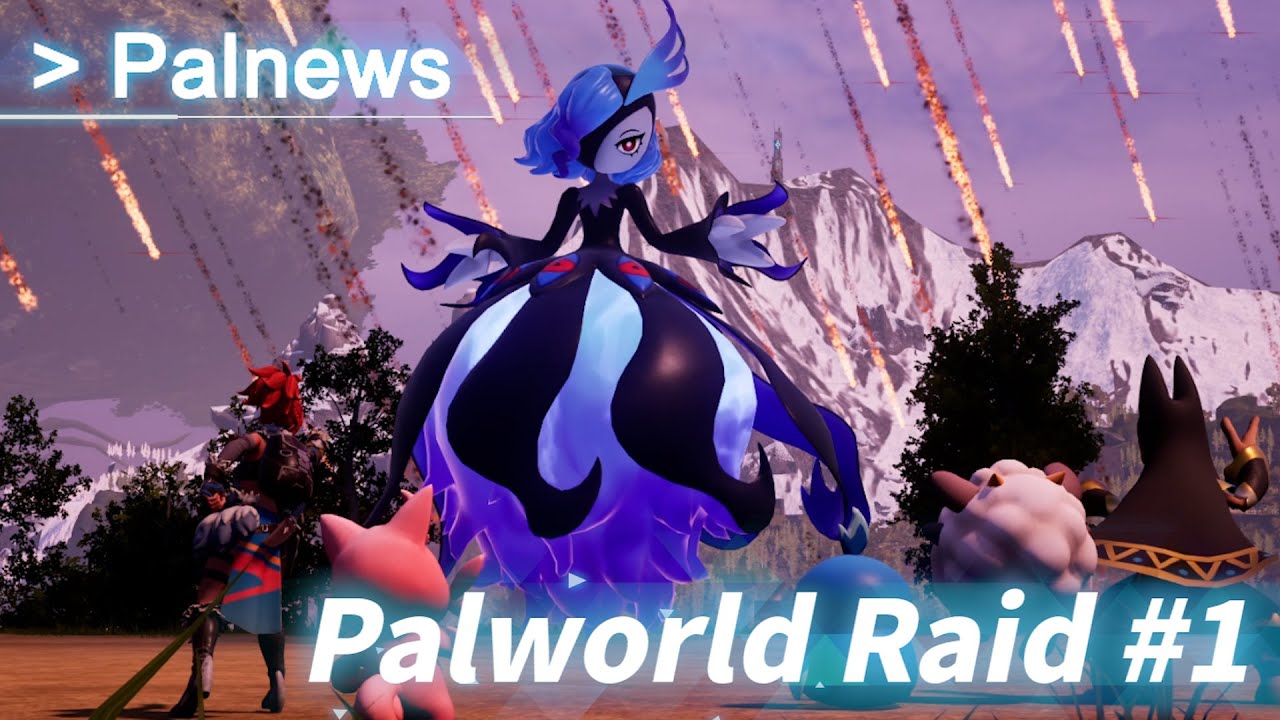
After last week’s release on PC, Pocket Pair has pushed out Palworld Xbox update v0.2.0.6 this April 9, and this brings the game’s first raid boss! Check out everything new below, as well as a confirmation of a known issue.

Palworld Xbox Update v0.2.0.6 Patch Notes:

▼New Content
・Implemented the first Raid Boss
⤷ You can summon Raid Boss Pals by using slabs at the new Summoning Altar
⤷ Raid Boss Pals summoned by slabs are very powerful and can not be captured. Work alongside your base Pals to take on these powerful foes.
⤷ Pals Eggs can drop after defeating Raid Boss Pals.
⤷ The “extreme” version of the Raid Boss is incredibly powerful and difficult to defeat

・New “Training Manual” items have been added. These manuals allow you to give experience points to Pals.
・New item “Ancient Technical Manual” has been added. This manual gives you ancient technology points and can be randomly found inside dungeon chests.
・New “Recovery Meds” items have been added. Using these meds will slowly recover your HP over time.
・New item “Homeward Thundercloud” has been added. When used, this item will instantly move you to your nearest base.
・New item “Ability Glasses” has been added. When equipped, you can see Pal’s stats.
・New stat boosting items have been added: “Power Fruit, Life Fruit, Stout Fruit”. These items will boost Pal’s stats when used.
・Added a new passive “Mercy Hit”. Pals with this passive cannot reduce enemy HP below 1 when attacking.
・New item “Ring of Mercy” has been added. When wearing this ring, you cannot reduce enemy HP below 1 when attacking.
・New armour “Multiclimate Undershirt” has been added. Protect yourself against both the heat and the cold with just one slot!
・New building “Electric Egg Incubator” has been added. This incubator consumes electricity to automatically adjust the temperature to the optimum temperature for each egg.
・New building “Ore Mining Site” has been added. This mining site allows you to produce ores from the comfort of your base!

Pals
・Kelpsea can now produce Pal Fluids at the ranch
・Dumud can now produce High-Quality Pal Oil at the ranch
・You can now reduce the weight of metal ore while riding Surfent Terra
・Increased the amount of ore dropped while riding Astegon
・You can now raise Pal’s rank to the maximum with a single synthesis using the Pal Essence Condenser.
(Condensation progress is now accumulated in the individual Pal)
・Negative Pal status will now be resolved after spending some time in the Pal Box

UI
・While aiming a sphere, it will now display how many of the target Pal has already been captured
・You can now check the cooldowns on partner skills for all your Pals on the main screen
・Equipment and item stats are now visible on the technology screen, even if you have not unlocked them first
・The tutorial has been improved and renamed to “Journey”
・You can now show/hide the “Journey” in the game options
・Damage number display size can be changed in the game options.
(In Raid Boss battles, the damage numbers tend to overlap a lot and it may be difficult to see, so we recommend adjusting the size)

Player
・Items dropped by players after death on a dedicated server can now be picked up by anyone after 24 hours of real-time have passed
・Added a new “sleeping” player emote

Base Related
・You can now allow/disallow certain work for base Pals at the Monitoring Stand
・Chest filters have been added. Select item types to allow or disallow inside chests
・Crafted items are now transported from crafting facilities. Selecting “allow transport” when crafting will result in Pals transporting those items to chests when finished
・You can now edit your character’s appearance at any time by using the “Antique Dresser”
・Building and building piece placement rules have been relaxed
⤷ You can now connect stairs facing upwards
⤷ Roof pieces can now directly connect to foundations
⤷ Triangular walls can now be connected to stairs

・You can now force a Pal to work and cancel their break by picking them up and throwing them towards a facility
(Pals recover their SAN while taking a break, so be careful!)
・Fixed assignments remain fixed, even after bad events occur. Previously, some assignments would change due to certain conditions, but now they will remain fixed unless the Pal is placed inside the Pal Box

Balance Adjustment
・Minimum heat and cold resistance have been added to various armour. You will no longer need to take off your heat-resistance armour when it is cold at night in the starting areas!
・Reduce the button press time in the egg incubator
・Change the pattern for Jormuntide Ignis to something more unique
・Added legendary blueprints for some firearms (Dropped from specific enemies)
・Corrected the selling price of diamonds
・In single-player, it is no longer possible to select the initial spawn point for multiplayer
・Blocked the back of the starting area with rocks to prevent players from getting lost or stuck
・The increased attack power multiplier of partner skills that increase the player’s attack power while riding has been uniformly reduced from 2.0 to 1.2
・Eggs now have a small chance to produce Alpha Pals
・Flying and floating Pals are now immune to falling damage
・Shop price adjustments

Bug Fixes
・Fixed a bug where treasure chests would become empty when dying in a dungeon, etc
・Fixed an issue where the effect that increases the player’s attack power while riding was duplicating and accumulating under certain conditions
・Fixed an issue where players were not receiving loot when capturing Pals while mounted
・Adjusted the HP of the Legendary Pal and fixed an issue where the difference in HP between the captured Legendary Pal and the bred Legendary Pal was too large
・Fixed an issue where Pal would eat while riding.
・Fixed an issue where spheres thrown close to wild pals would not hit and be lost

Others
・Improved various Pal models and textures
・Added and adjusted some sound effects
・Many other minor bug fixes

Dedicated Server
・Fixed an issue where sorting did not work in the server list
・Improved the server list to allow page transitions
・Dedicated servers now support various log outputs
・Implemented REST API

Cheat Prevention
・Fixed a vulnerability that allowed Steam account spoofing
・Fixed 7 other critical vulnerabilities

Soundtrack
・One new song has been added to the soundtrack. If you have already purchased the soundtrack, please update and enjoy the new song!
※ Please note that the soundtrack may take a few days to update

Pocket Pair has also acknowledged an egg incubator issue:

Known Bugs
・After the v0.2.0.6 update, it has been reported that there is an issue where eggs cannot be placed inside the incubator. We apologize for this inconvenience. The problem can be resolved by rebuilding the incubator. We plan to fix this in the next few days.

Mind, this bug has been fixed with another patch on PC, which should make its way to Xbox soon. too.

Source: Palworld Discord

Avatar photo

Alex Co

Father, gamer, games media vet, writer of words, killer of noobs.

Home > News

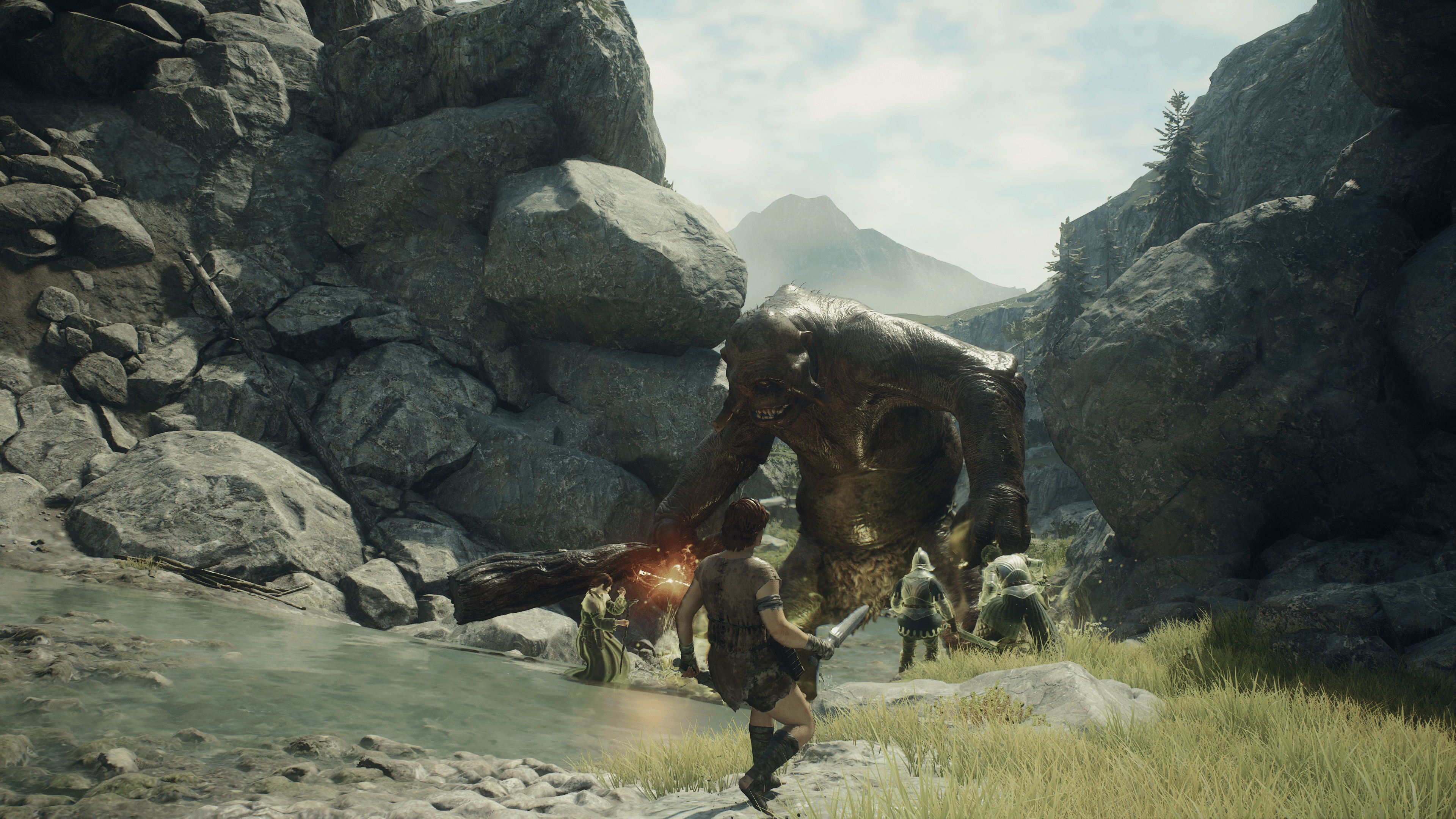
Dragon’s Dogma 2 Update 1.060 Rises Out This April 8 for Bug Fixes

Capcom released Dragon’s Dogma 2 update 1.060 on April 8, an unannounced update that fixes a few bugs. Here’s everything we know that is included in today’s update.

Dragon’s Dogma 2 Update 1.060 Patch Notes:

Size:

PS5: 514.8 MB 

PC: 250 MB

[PlayStation®5 / Xbox Series X|S / Steam]

  • Fixed issues that prevented progression in some quests.
  • Fixed some terrain that caused characters to get stuck.
  • Miscellaneous bug fixes.

It’s not a very big update, though for those who may have run into some progression bugs, you may want to check if this patch has resolved it. Otherwise, don’t expect much else besides some potential improved performance and general crash fixes. 

For those who may have missed it, the update before this one added the option to start a new game and some graphical options on PCs and consoles. 

Source: Dragon’s Dogma

Related Reading:

Avatar photo

James Lara

A gamer at heart, James has been working for MP1st for the last decade to do exactly what he loves, writing about video games and having fun doing it. Growing up in the 90's gaming has been in his DNA since the days of NES. One day he hopes to develop his own game.

Home > Features

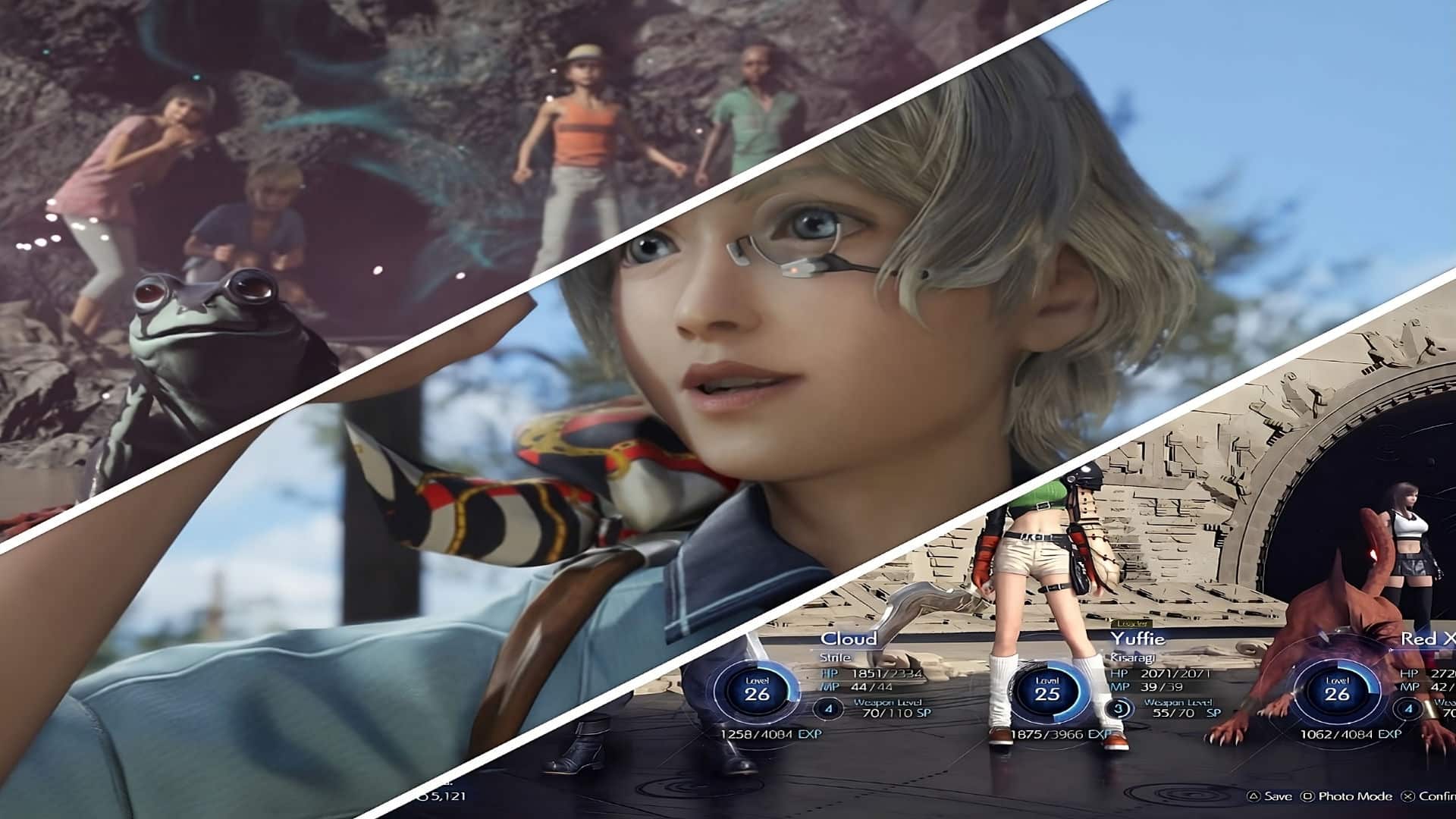
Five Things Final Fantasy VII Rebirth Could Have Done Better

The wait is finally over! Final Fantasy VII Rebirth, the second chapter of the three part epic, has released and fans have been singing its praises ever since. The game is an absolute must-play, with MP1st giving the game a perfect 10/10 score. For a game as wonderfully ambitious as FF7R, it somehow manages to keep a consistent bar of quality over an astonishingly wide range of different gameplay elements.

Even with all this though, it isn’t without its occasional hiccups. Some of the game has been criticized for it’s over-abundance of mini-games, changes to the original, and how it has handled the switch to open world. While not everyone shares these same sentiments, it is never a bad idea to take them into consideration in the spirit of creating a better product for the future. Here are five things that FF7R could have done better!

Warning: This Article Contains Major Story/Gameplay Spoilers for Final Fantasy VII Rebirth 

#5 – Chadley Needs to Chill 

I think we can all agree that it was a nice surprise to have a returning character like Chadley make an appearance near the beginning of Rebirth. What was much less appreciated, was him going from a forgettable side character, to a never ending spout of dialogue whenever you complete an open world objective. Seriously, it seems every time your party moves an inch, Chadley calls you and decides to have a 30 second conversation with himself which more often than not doesn’t add anything to what we are doing.

Of course these dialogues can be skipped by holding triangle, but it is still such a jarring decision to have him appear as often as he does. I would be more than willing to wager that Chadley, a character who isn’t even in the original game, has more voice lines than any other character in the game as it currently stands. It throws a serious wrench in the flow of exploration of the open world when you have to completely stop moving to listen to him (and sometimes MAI) bicker back and forth constantly. Cloud rarely has anything to say back too. He will just hang up after Chadley is done talking and go on about his day. It’s not that I think Chadley should be gone for the next game, just that I want less Chadley.

#4 – More Diverse Open World Activities

When this game came out, I think it surprised us all with just how big it really was. Not only in the size and scope of the world but the countless number of different things to do. I was able to get past the Ubisoft-esque tower unlock system, but the copy paste nature of the exact same things to do in each region began to get stale after awhile. Upon entering a new region you are greeted with the same activities you had done in the previous one, just with a different backdrop. That magical feeling of coming across a big chunk of materia as the music softly changes loses its charm when you have done it a dozen times already.

Obviously, the Protorelic challenges were different and did a lot to break up the mindless monotony, but it still left something to be desired. They should have done more to change what was available for you to do in each region. A few different icons that is unique to each region would have done a lot to make it feel less like a checklist you were mindlessly crossing off. It was still enjoyable of course to have a reason to go through and explore these worlds, but adding in some greater variation in what you were doing would have helped the gameplay immensely.

#3 – A Larger Focus Should Have Been Placed on Aerith’s Death

With Tetsuya Nomura, you know things are going to be weird and crazy. Regardless of how you feel about the multiversal aspect of Rebirth, it is hard to pass judgement before seeing its conclusion. Perhaps the grand plans behind all of it will tie everything together in a manner that makes it all work. One thing that is hard to ignore though, is Aerith’s death. It seems that her death was overshadowed and undercut in favor of the grand multiversal story at hand. Aerith’s death has been and remains one of the most impactful moments, not only for this series, but in all of gaming.

The flashes and quick editing cuts that happened around her death didn’t allow the emotional toll of what had happened to fully sink in. Not only for the player, but for Cloud as well. With the way it is edited, what is happening becomes ambiguous and makes it difficult to process and feel any emotion because you are presented with so much at once. It is hard to distinguish what is actually happening due to the multiversal happenings and that takes away from the actual impact of her death. With this being such a pivotal scene in the original I was hoping to have more time to see it beautifully realized the same way so many other iconic scenes were.

#2 – Better Menu / UI

This may seem like a small complaint, and well, it absolutely is. However, for how much time someone spends in menu’s during a 100 hour JRPG the menu’s should be easy to navigate and understand. It just seems like there is some bizarre design decisions, especially when comparing it to the previous Final Fantasy 7 Remake’s menu’s. Item Transmuter is at the top of the menu which assuredly could be switched with something that is far more useful. You, for some reason, cannot change your party in the party tab, but instead must go to combat settings. Finally, the upgrade weapons tab is useless as the weapons can be upgraded from the equipment tab as well.

It isn’t like these decision are going to actively hurt it’s Metacritic score but it does seem baffling as a basic design decision to make. these odd choices also extend to some of their phrasing decisions after a game over screen. Upon death in the final sections of the game, you are presented with three options. Restart from before current battle , restart from this battle, and restart from before battle. Like many others had the misfortune of finding out, selecting restart from this battle sent them back 45 min to the beginning of the series of battles and killed a lot of the pacing in the final moments of the game. Simple phrasing issues like this shouldn’t be so confusing and some tinkering with the menu’s and wording could have gone a long way.

#1 – Speed up Slow Gameplay Sequences

This game truly is incredible in almost every way. From the music, to the battle systems, to its wonderful cast of characters. Yet I still can’t help shake the feeling that it wants to deliberately waste my time. It seems so many animations and gameplay sections are intentionally drawn out to make them as long as possible. Climbing, getting out of your Dune Buggy, pushing large boxes, freezing in place for a call with Chadley, and that god damn chicken box luring side quest. It makes no sense, because there seems to be no gameplay reason these animations take so long, so why are they like this!?

Normally you could chalk this up to intentional padding, but with the game being as long as it is it certainly doesn’t need it. It is truly baffling. We all like our time to be respected when we are playing games and having cloud count to five before he makes the next leap when climbing every time becomes painful to watch when you are constantly doing it. What hurts the most though, is there is a small 15 second section of climbing at the very end of the game where Cloud is climbing fast as hell. Just enough to tease you, so you know they had it in the game, but you had to suffer the last 80 hours anyways.

It may seem like I am being overly critical of this game. That is probably true, because to be honest, there isn’t that much wrong with it considering its size and scope. To say something bad about it you have to get nitpicky. It accomplishes so much of what it set out to do and provides countless hours of surprisingly unique gameplay experiences and genuine moments of wonder and joy. For every small gripe, there are countless highlights that make up for it in every way. While it certainly isn’t free from criticism, it simultaneously does deserve every bit of the phenomenally high praise it has received thus far.


Josh Richardson

Home > News

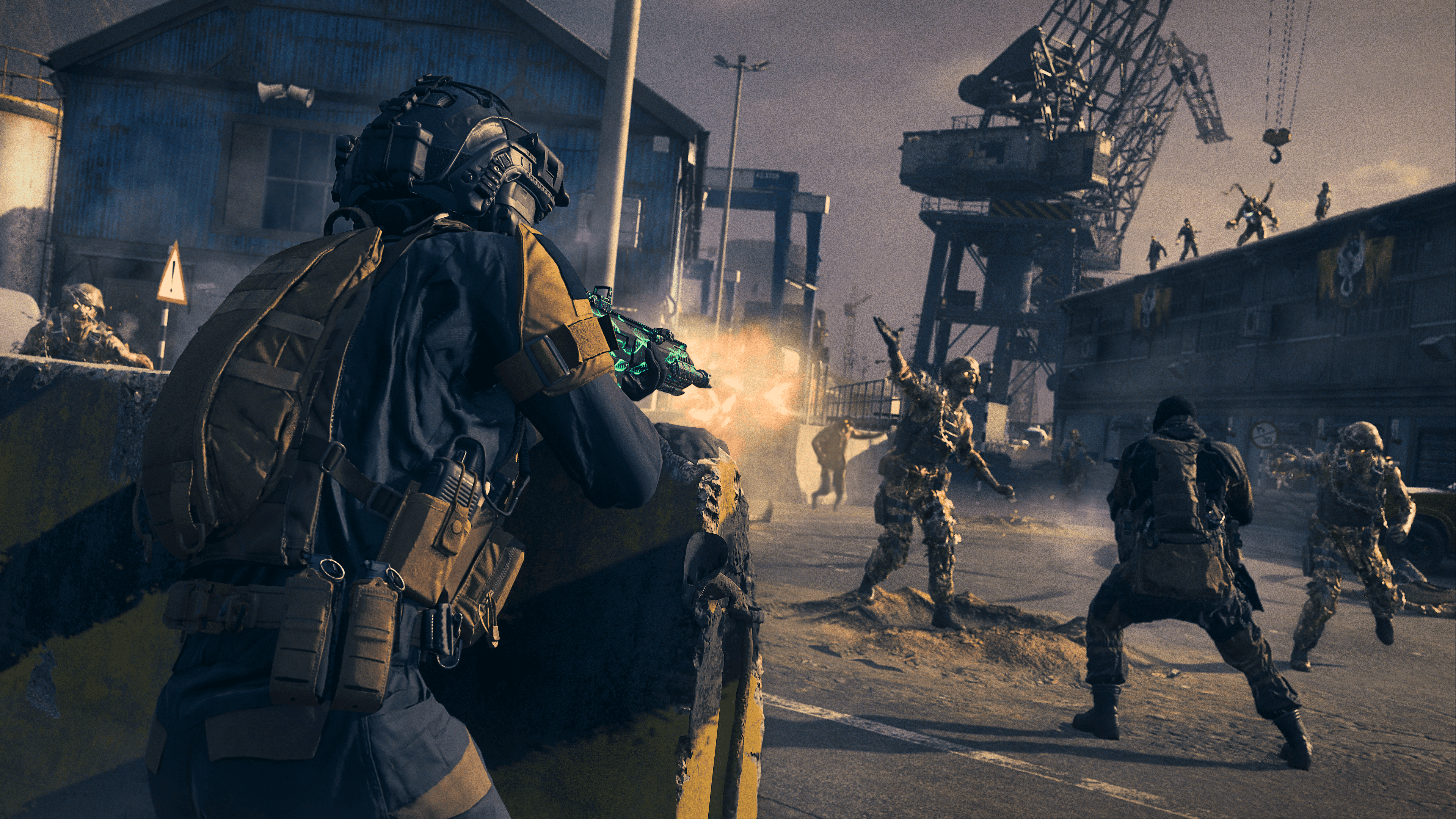
Treyarch Confirms Studio Has Moved on From MW3 Zombies Development for “Something Exciting”

In case you didn’t know, Call of Duty: Modern Warfare 3’s Zombies mode wasn’t developed by Sledgehammer Games (the studio behind the single-player and multiplayer), but by Treyarch, though it seems that isn’t the case now.

Treyarch has confirmed that it has moved on from Modern Warfare 3 Zombies, and Sledgehammer Games will be the one continuing development to finish the narrative. This was revealed by the studio in a recent content creator call where the studio mentioned that they have shifted “”focus to something exciting on the horizon,” which we’re assuming is this year’s Call of Duty game allegedly titled “Call of Duty: Black Ops Gulf War.”

For Zombies fans who noticed the slim content released for it in Season 3, this is most likely the reason why. Of course, multiplayer and Warzone are still getting a lot of support with new weapons and maps, as each game is supported by separate studios.

Treyarch’s Black Ops Gulf War has not officially been announced yet, but that should change within the month or in May, as we’re expecting the title to be officially announced by Activision with an in-game event in Warzone like in previous years’ reveals.

If Treyarch releases a new Call of Duty game this year, it will do so without studio chief David “Vahn” Vonderhaar, who left the studio after 18 years of service to start his new studio called “BulletFarm.”

While nothing has been announced for Call of Duty 2024 just yet, Activision did push out an in-game eclipse in Warzone to coincide with today’s real-world solar eclipse.

Related Call of Duty Content on MP1st:

Avatar photo

Alex Co

Father, gamer, games media vet, writer of words, killer of noobs.

Home > News

LEGO 2K Drive Update 1.17 for Patch 1.7 Brings Various Improvements

Visual Concepts has pushed out LEGO 2K Drive update 1.17 (PS5 update version 1.017) on all platforms, and this is officially called patch 1.7 by the developers. While there doesn’t seem to be new content in it, there’s a good list of fixes and improvements which are outlined below.

LEGO 2K Drive Update 1.17 Patch Notes:

PS5 Version 1.17 | Game Version 1.7

IMPROVEMENTS

  • Added more Rival Vehicles as rewards for completing individual races at “Reverse Class” difficulty in Single Player

BUG FIXES

  • Fixed an issue where some bricks are missing stud
  • Fixed an issue where parts are not mirroring or categorizing correctly in Garage
  • Fixed an issue where entries were missing in the Part Locator
  • Fixed an issue where improperly placed bricks were added to the part budget unintentionally
  • Fixed an issue where the Creators Hub cursor would disappear after removing a vehicle
  • Fixed an issue where white thumbnails would appear in the loadout with custom UI scaling
  • Fixed issues with floating/clipping Infobox rings
  • Fixed an issue where some destructible vehicles weren’t really destructible
  • Fixed an issue where the Heat Rewards preview would remain on-screen after accepting an invite
  • Fixed an issue where the Slushy Truck had misaligned bricks
  • Fixed an issue where self-destructions would count towards player eliminations in Brick Brawl
  • Fixed multiple crashes to improve stability

With how the game’s performing so far, don’t expect a lot of new content and additions to be released by 2K for the arcade racer.

Are you still playing LEGO 2K Drive? Do you think it will get more content drops in the future?

Source: Steam

Avatar photo

Alex Co

Father, gamer, games media vet, writer of words, killer of noobs.