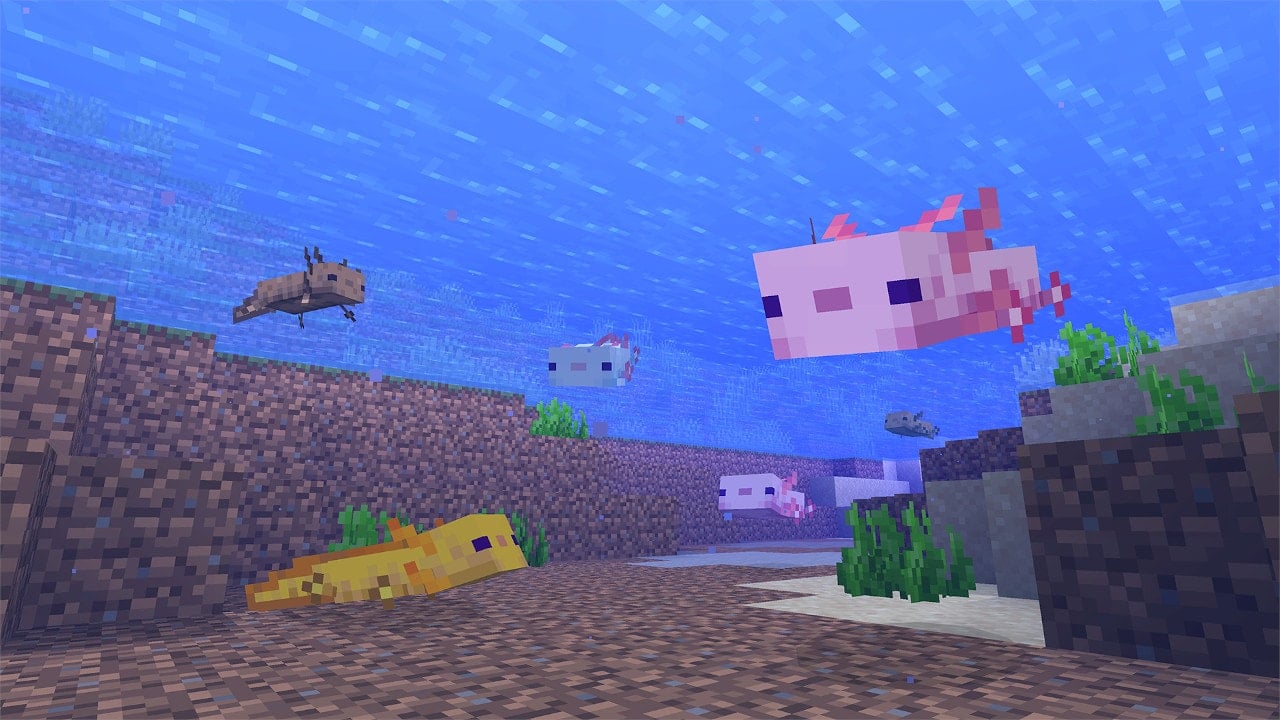
Mojang has deployed Minecraft update 2.73 on all platforms, and this is for Bedrock patch version 1.20.31. This brings a short list of fixes based on the big patch released last week. Read on for everything new outlined in the official Minecraft new update patch notes for September 26.
Feeling bloodthirsty? The Vampire Survivors Whiteout Update has just been revealed for patch 1.7, and it includes some shiny new content for survivors to try out (perhaps with a friend). Get ready for a new map, a new character, a new weapon, and more!
The trailer for the new update can be seen here:
Here are the new pieces of content coming in this update:
Vampire Survivors Whiteout Update Content
New Stage – A new stage, Ultra Whiteout, makes an appearance in the game. It’s a wintry wonderland full of horrific snow creatures.
New Weapon – Survivors have access to a new weapon: the Glass Fandango. This weapon stabs large shards of glass outwards from your survivor towards enemies.
New Survivor – Surviving for 20 minutes on Ultra Whiteout unlocks She-Moon, an enchantress-type character. She fits the aesthetic of the new update perfectly.
New Enemies/Upgrades – Fearful new enemy types and a handy new upgrade also make an appearance in the Whiteout Update, so get out there and find them.
We can never have too much Vampire Survivors content. This game is the gift that keeps on giving. Regular updates like these keep the game from getting stale and keep us coming back every time.
The trailer lists no release date for the Whiteout Update, just that it’s “coming soon.” The description teases a global release in “a few weeks.” It’s likely that this’ll come out sometime around Halloween, but we’ll let our readers know when the update drops.
If you’re in the mood for more spooky indie games, check out our hands-on preview of Hauntii here. Let us know if you’re looking forward to spooky season in the comments.
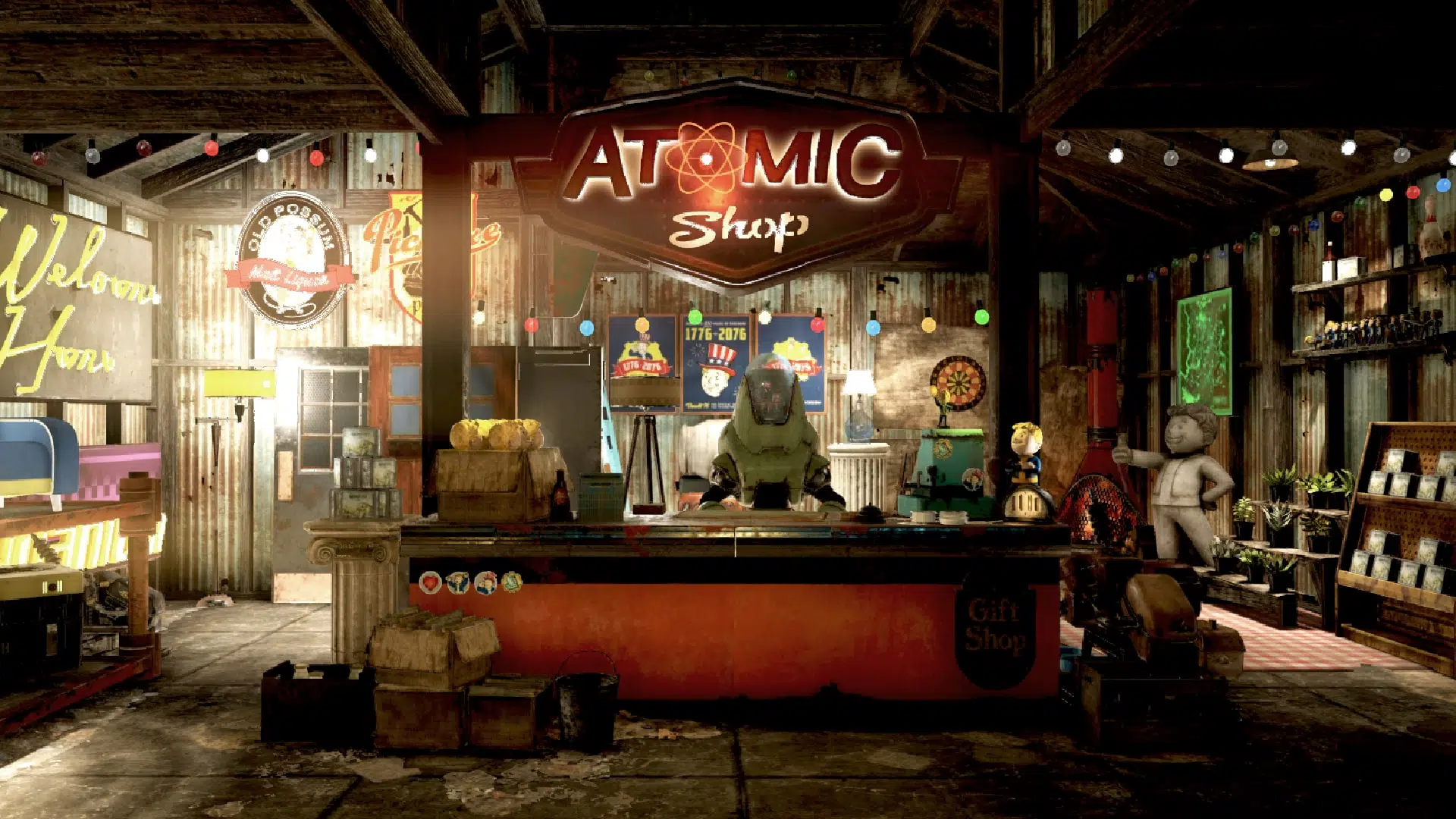
It’s a new Tuesday, bringing yet another store refresh for Fallout players. That’s right, the items for sale in Fallout 76’sAtomic Shop have been updated!
As usual, MP1st is here with the new Fallout 76 Atomic Shop weekly update today, September 26’s list of items for sale. Check out this week’s best Atomic Shop items and bundles below.
New Fallout 76 Atomic Shop Weekly Update for September 26:
Notable Items This Week:
Ranger Bundle – 1080
Red Rocket Bundle – 900
Red Rocket Mega Furniture Bundle – 720
Palace of the Winding Path Bundle – 1500
Winding Path Kit – 700
Winding Path Door – 500
C.A.M.P. Bundle – 840
Corvega C.A.M.P. Bundle – 720
C.A.M.P. Wallpaper and Flooring Bundle – 720
Vault-Tec Starburst – Free
Free Scout’s Banner – Free
Arktos Excavator Paint – 480
What is the Fallout 76 Atomic Shop?
The Atomic Shop is an in-game store in Fallout 76 offering cosmetics, C.A.M.P. objects and more in exchange for a special currency called Atoms. Most purchases are unlocked account-wide, and may be accessed by any character on the account.
Some objects require an in-game plan to be learned in order to gain access, while other items are only unlocked for a single, specified character. All exclusive items are character-bound, and cannot be dropped or traded with other players. The Atomic Shop is accessible at any time from the main menu, as well as the pause screen after leaving Vault 76 for the first time.
That’s it for this week’s refresh. Is there anything in particular that interests you?
If not, there’s always next week, which we’ll have covered, so be sure to check again next Tuesday!
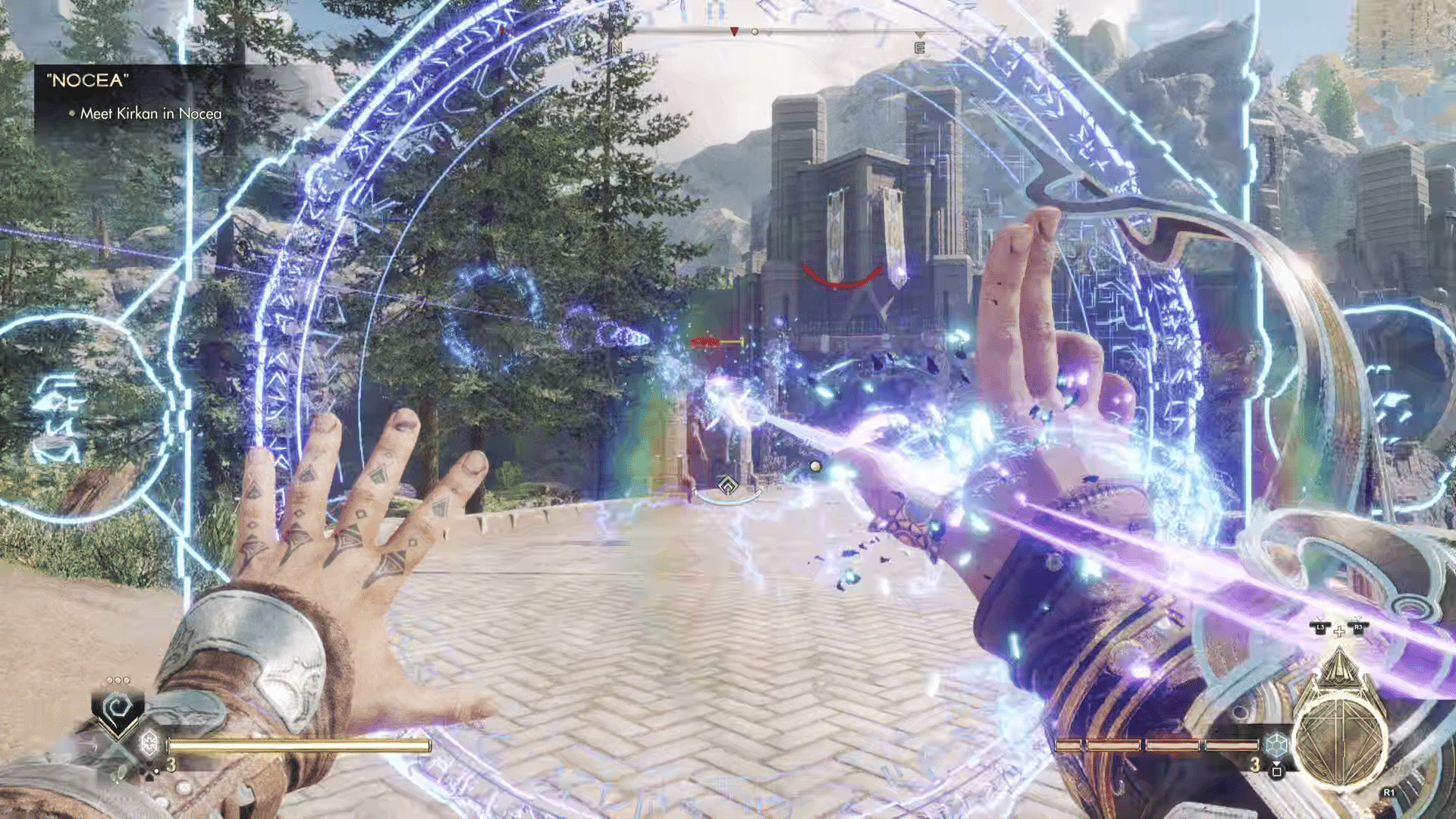
Ascendant Studios has pushed out Immortals of Aveum update 1.004.002 this September 26, and this is another patch that brings fixes and other improvements to the game. Read on for what’s new in the patch notes.
Immortals of Aveum Update 1.004.002 Patch Notes for September 26:
No official patch notes have been released just yet, but this should be for Update #4. Once we know the official patch notes, we’ll update the article.
While not a bad game, it’s not really one that stands out among the crowd, either. Go read our review of Immortals of Aveum here where we state, “Immortals of Aveum is a game that attempts to break out of the saturated FPS genre by offering a fantasy-themed, magic-based shooter based on an entirely new story. It’s an ambitious attempt, and while Ascendant Studios definitely did a solid job at creating a satisfying gunplay experience, its mediocre story and almost non-existent replayability make it difficult to recommend to others, unless they’re looking for something relatively short to try out.”
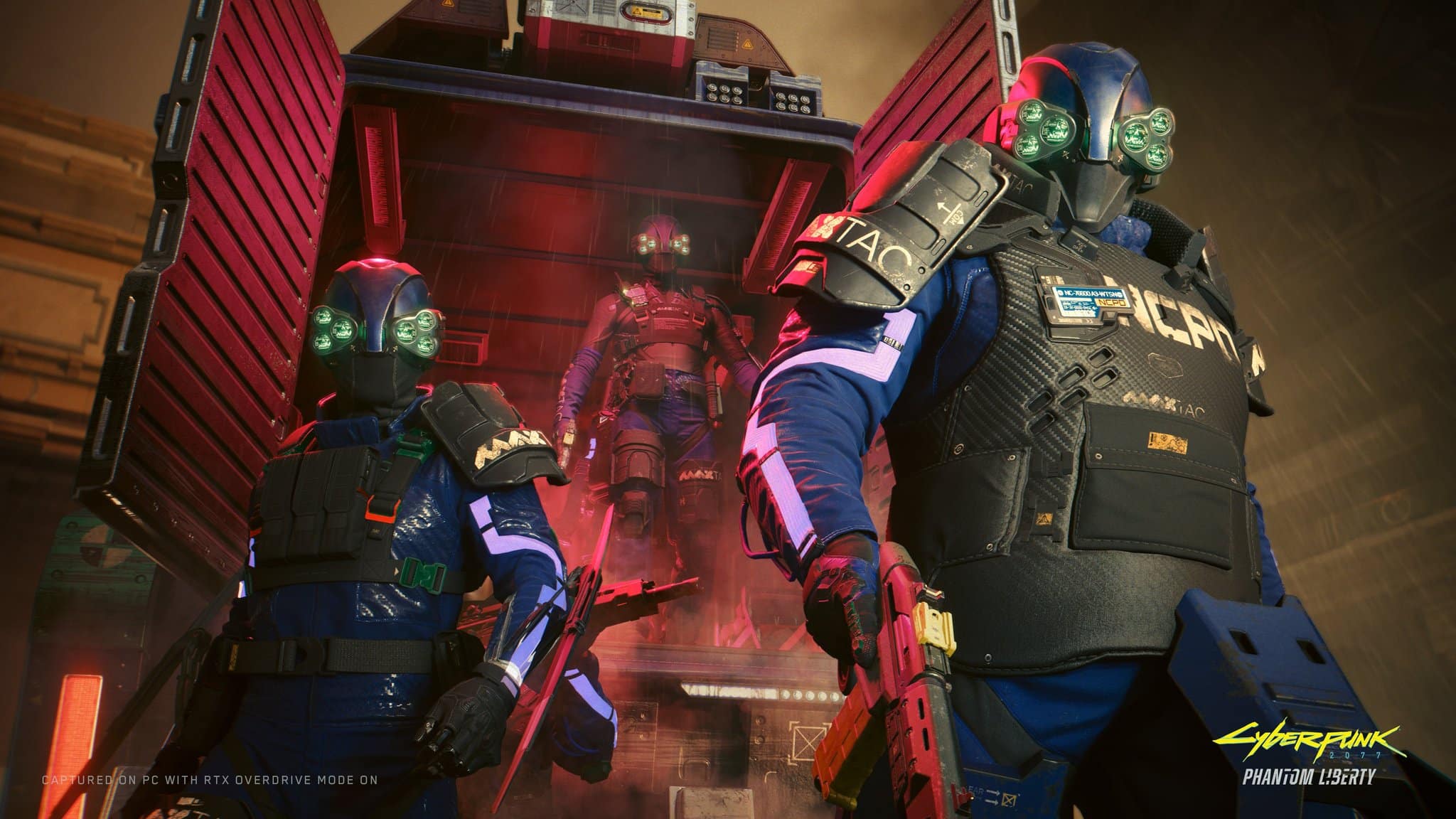
CD Project Red has apologized to the Russians for several lines of dialogue and graffiti found in the Ukrainian localization of Cyberpunk 2077: Phantom Liberty. The corresponding message was posted on the studio’s official Russian Telegram channel (Translated via Google).
“The Ukrainian localization of Cyberpunk 2077 contains several remarks that could offend some Russian players. These remarks were not written by CD PROJEKT RED employees and do not represent our views. We are working to fix them and replace them in the next update. We apologize for this situation and are taking steps to ensure it does not happen again.”
The apology was posted after certain lines and elements were found to reference Russians in a potentially offensive or insensitive manner. For example, there’s usage of the word ‘rusnia’ which is a derogatory Ukrainian term for the Russians.
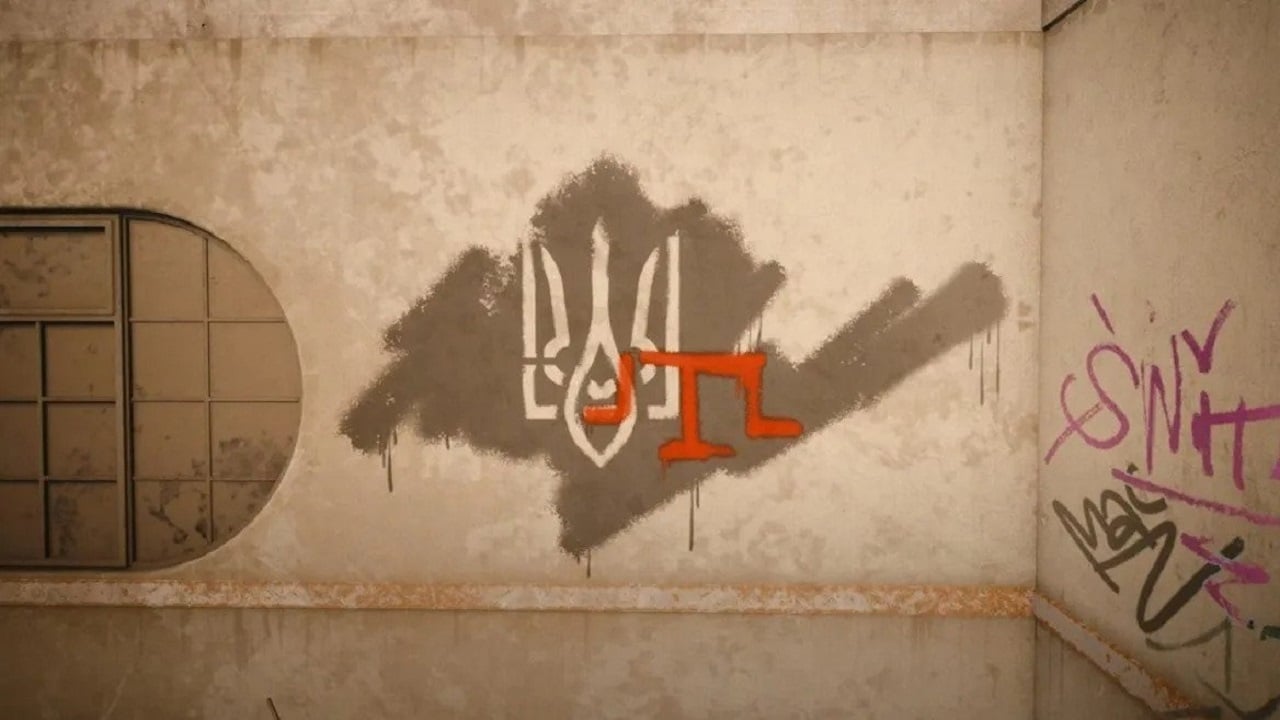
There’s also graffiti (as seen below) that depicts the Ukrainian coat of arms and the symbol of the Crimean Tatars over a basic outline of Crimea, alluding to Russia’s occupation of the region in 2014.
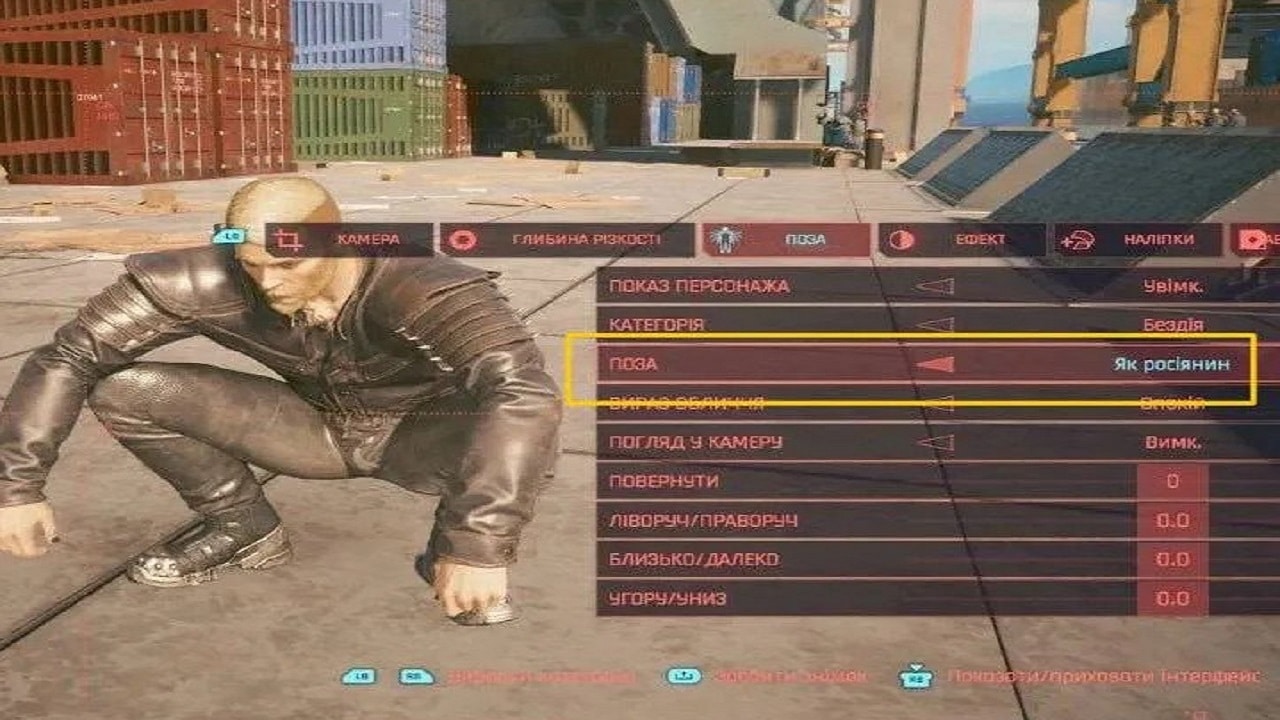
Additionally, there’s a crouching photo mode pose in the Ukrainian localization called “Like a Russian,” as seen in the image below.
UNLOCTEAM, the studio responsible for the Ukrainian localization, clarified on Twitter that they didn’t make any independent additions; every term in the game was directly approved by CDPR. They further assured that a fix is on the way.
“We would also like to draw your attention to:
— All terminology is directly agreed with the CDPR. Again: ALL THE TERMINOLOGY 🙂
— The translation went through several full-fledged LQAs, but something can always go wrong. Wait for the fix.”
Besides the Telegram post, there hasn’t been any official statement on the matter. However, given the sensitivity of the issue, a fix should be coming soon.
Cyberpunk 2077’s Phantom Liberty DLC is out now, and you should read our review to see why it’s a must-play.
Ubisoft has rolled out (Rainbow Six) R6 Siege update 1.000.063 on consoles and PC this September 26, and this is for the Year 8 Season 3.2 patch. Read on for the complete list of changes in the R6 Siege new update patch notes and file sizes for each platform.
R6 Siege Update Update 1.000.063 Patch Notes | R6 Siege Update Update Patch Notes for September 26:
Y8S3.2 Patch Size
Find the download sizes for each platform below.
Ubisoft Connect: 1.16 GB
Steam: 780 MB
Xbox One: 1.09 GB
Xbox Series X: 1.32 GB
PlayStation 4: 1.62 GB
PlayStation 5: 1.28 GB
BUG FIXES
GAMEPLAY
FIXED – Operators can’t escort the hostage using the controller input if they’re holding a deployable device.
FIXED – Devices placed on the ceiling are detected outside in 2F Red Stairs on the Kanal map.
FIXED – Wrong VFX is triggered when using Oryx’s Remah Dash against an opponent standing next to an indestructible wall.
FIXED – Players get an advantageous line of sight when using Azami’s Kiba Barrier.
FIXED – Various advantageous position issues when using Azami’s Kiba Barrier.
LEVEL DESIGN
FIXED – Red barrier is missing during the Preparation Phase after destroying barrel wall in B Tasting Room on the Villa map.
FIXED – Operators are able to go out of bounds at the west wall of EXT Tunnel on the Bank map.
FIXED – Defenders are detected outside when standing next to a wall in 1F Trophy Room on the Chalet map.
FIXED – Barricades float when placed at 2F Master Bedroom on the Oregon map.
FIXED – Operator becomes stuck when going on top of the white chair nexsxt to the fruit stand in EXT Market on the Favela map.
FIXED – Operators can get stuck in the barrel located on the Clubhouse map.
FIXED – Ace’s S.E.L.M.A. Aqua Breacher doesn’t detonate a second time when throwin on the destructible wall of the Consulate map.
AUDIO
FIXED – VFX does not match with the timer when joining a match in progress.
USER EXPERIENCE
FIXED – Operators have improper idle animations in the Operator album.
FIXED – Commendation system is occasionally greyed out.
FIXED – Teammate outlines are inconsistently displayed.
FIXED – Devices are detected as outside when deployed inside 2F Piano Room on the Chalet map.
FIXED – The Maps tab for the Standard playlist is empty while playing in offline mode.
FIXED – Crosshair disappears aiming down sight multiple times after respawning.
FIXED – Operator Portraits and Card Backgrounds rewards are not displayed after opening a pack.
FIXED – Match options only available to the host when in Custom Match lobby.
FIXED – Placeholder text is present for the defuser location when planted at 4F Cockpit on the Yacht map.
FIXED – Language packs missing for Ukraine region.
FIXED – Multiple LOD issues on various maps.
FIXED – Various shop and Customization issues.
FIXED – Various Localization issues.
Once a new patch is released, we’ll let our readers know.
Rainbow Six Siege update 2.59 is now out on all platforms, and this brings in patch Y8S3.2. This update contains a ton of helpful bug fixes. Read on for the complete Rainbow Six Siege patch notes for September 26.
Rainbow Six Siege Update 2.59 Patch Notes | Rainbow Six Siege Y8S3.2 Patch Notes:
Y8S3.2 Patch Size
Find the download sizes for each platform below.
Ubisoft Connect: 1.16 GB
Steam: 780 MB
Xbox One: 1.09 GB
Xbox Series X: 1.32 GB
PlayStation 4: 1.62 GB
PlayStation 5: 1.28 GB
BUG FIXES
GAMEPLAY
FIXED – Operators can’t escort the hostage using the controller input if they’re holding a deployable device.
FIXED – Devices placed on the ceiling are detected outside in 2F Red Stairs on the Kanal map.
FIXED – Wrong VFX is triggered when using Oryx’s Remah Dash against an opponent standing next to an indestructible wall.
FIXED – Players get an advantageous line of sight when using Azami’s Kiba Barrier.
FIXED – Various advantageous position issues when using Azami’s Kiba Barrier.
LEVEL DESIGN
FIXED – Red barrier is missing during the Preparation Phase after destroying barrel wall in B Tasting Room on the Villa map.
FIXED – Operators are able to go out of bounds at the west wall of EXT Tunnel on the Bank map.
FIXED – Defenders are detected outside when standing next to a wall in 1F Trophy Room on the Chalet map.
FIXED – Barricades float when placed at 2F Master Bedroom on the Oregon map.
FIXED – Operator becomes stuck when going on top of the white chair nexsxt to the fruit stand in EXT Market on the Favela map.
FIXED – Operators can get stuck in the barrel located on the Clubhouse map.
FIXED – Ace’s S.E.L.M.A. Aqua Breacher doesn’t detonate a second time when throwin on the destructible wall of the Consulate map.
AUDIO
FIXED – VFX does not match with the timer when joining a match in progress.
USER EXPERIENCE
FIXED – Operators have improper idle animations in the Operator album.
FIXED – Commendation system is occasionally greyed out.
FIXED – Teammate outlines are inconsistently displayed.
FIXED – Devices are detected as outside when deployed inside 2F Piano Room on the Chalet map.
FIXED – The Maps tab for the Standard playlist is empty while playing in offline mode.
FIXED – Crosshair disappears aiming down sight multiple times after respawning.
FIXED – Operator Portraits and Card Backgrounds rewards are not displayed after opening a pack.
FIXED – Match options only available to the host when in Custom Match lobby.
FIXED – Placeholder text is present for the defuser location when planted at 4F Cockpit on the Yacht map.
FIXED – Language packs missing for Ukraine region.
Those who can’t log in to Destiny 2, it’s not just you, as Bungie has taken the Destiny 2 servers down this September 26, and this is for maintenance where players will see a new patch be released.
Destiny 2 Down for Server Maintenance Schedule This Sept. 26:
Tuesday, September 26, 2023
Update 7.2.0.5
6:00 AM PDT
-7 UTC
Destiny 2 will undergo maintenance.
Sign-on and game integration features will be unavailable on web, mobile, 3rd-party apps, and the Bungie Store.
Players who observe issues should report to the #Help forum.
7:15AM PDT
-7 UTC
Destiny 2 will be brought offline for expected maintenance.
Players will be removed from activities and won’t be able to log back in until 10 AM PDT.
Ongoing Destiny maintenance is expected to conclude at 12 PM PDT.
10:00 AM PDT
-7 UTC
The latest Destiny 2 Update will be available across all platforms and regions.
Players will be able to log back into Destiny 2.
Players logging into the game may be placed in a queue and may experience sign-on issues as background maintenance is still ongoing.
Clan features may remain offline until maintenance is complete.
12:00 PM PDT
-7 UTC
Destiny 2 maintenance is expected to conclude.
Console players who encounter issues updating to the latest Update should restart their console and try downloading the Update.
Players who observe issues should report to the #Help forum.
Same as always, once the patch is live, we’ll link provide a link out to it from this article. If anything changes regarding the downtime, we’ll update the article as well.
Codemasters has released F1 23 update 1.14 (PS5 version 1.014), which is oddly enough, called patch version 1.13 by the devs. This brings a short list of fixes to the racing sim, with the full F1 23 patch notes for September 26 available below.
F1 23 Update 1.14 Patch Notes | F1 23 Update 1.014 Patch Notes | F1 23 Update 1.13 Patch Notes:
Fixed an issue where Equal Performance was not showing correct performance when enabled
Fixed an issue where custom controller profiles were incorrectly reset*
*Players who made a new controller scheme in the Patch 1.12 keep this one this Hotfix. Any previous scheme is unavailable.
Players who didn’t make a new controller scheme in Patch 1.12 and updates to Hotfix will have their old scheme present to use again.”
That’s about it. If there’s a new patch released, we’ll be sure to let our readers know. Make sure to bookmark our F1 23 game hub to know the latest updates.
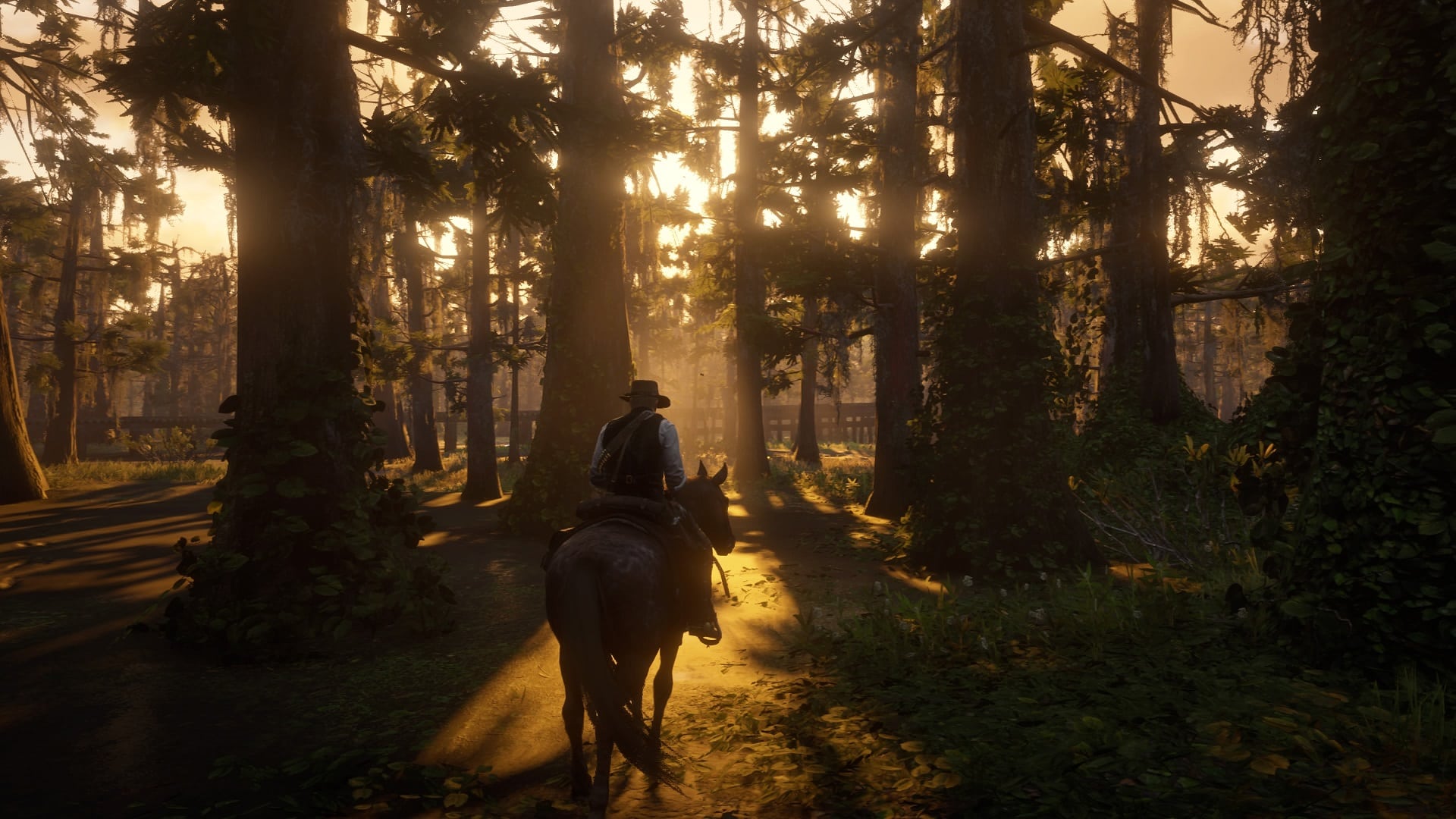
There might be a surprise release of the Red Dead Redemption 2 Switch version, as the game has received a rating in Brazil. This implies that a Nintendo Switch version of the game could be in the works.
Rockstar Games recently released a port of the original Red Dead Redemption for the Switch, which suggests they might be interested in bringing the sequel to the platform as well.
There have been rumors of the Xbox Series X|S and PS5 versions in development, so this rating could be related to those projects. Rockstar Games might consider releasing the current-gen versions alongside a Switch port.
However, all of this is just speculation on our part, there’s nothing concrete to go on at the moment. If anything regarding Red Dead Redemption 2 Switch does come up, we will be the first to let you know.
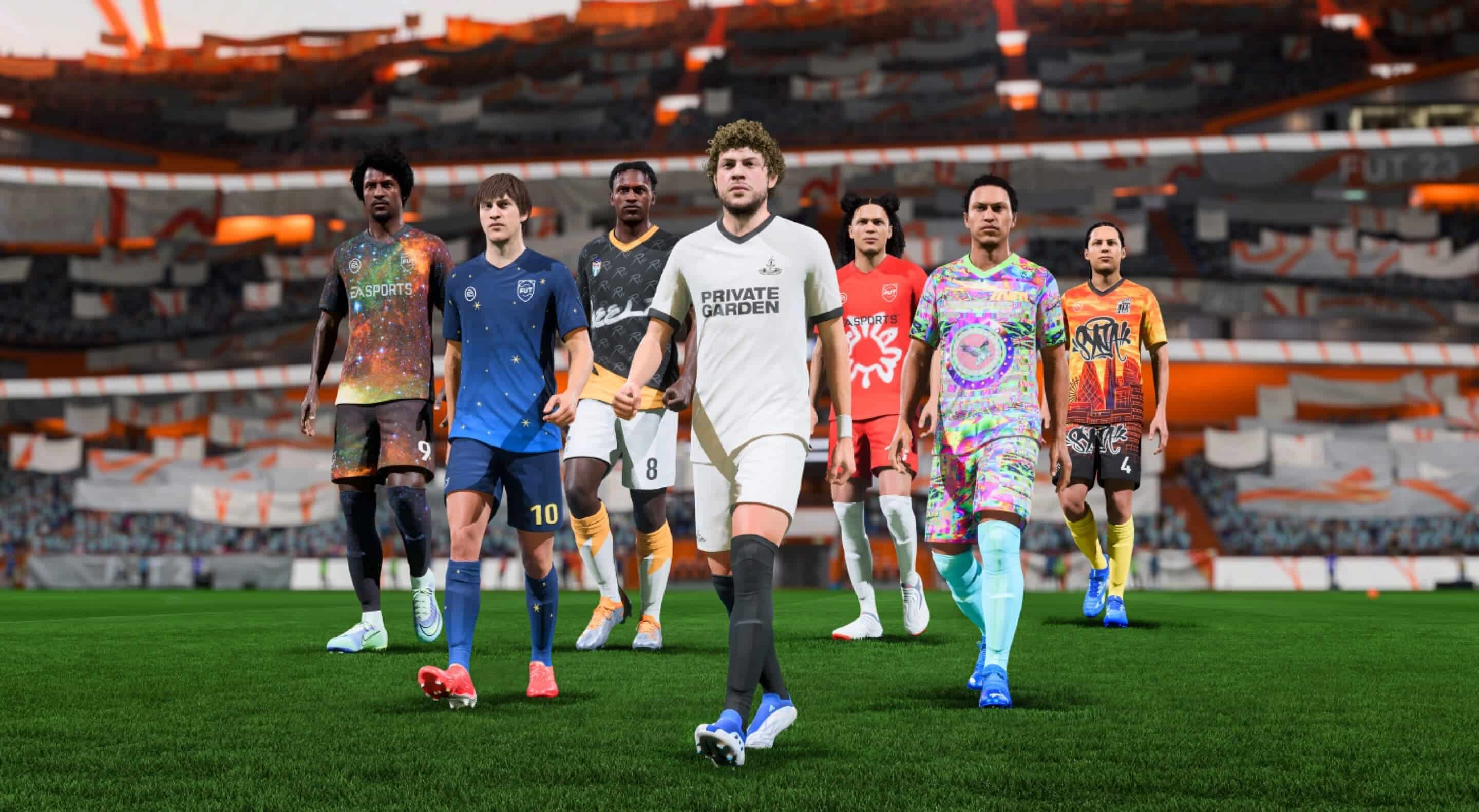
EA has released EA Sports FC update 1.000.002 on consoles this September 26, and this is the same patch released on PC yesterday, which the devs call Title Update 1. Read on for the new EA Sports FC update patch notes below.
EA Sports FC Update 1.000.002 Patch Notes | EA Sports FC Title Update 1 Patch Notes :
Title Update #1 is now available for the PC version of EA SPORTS FC 24 and addresses stability issues that could have impacted some players.
This TU will soon be available for PS4/PS5/XB1/XBSX|S versions of EA SPORTS FC 24
Thanks to those who’ve provided feedback. Throughout the course of the EA SPORTS FC 24 season, we’ll provide you with more information and updates if and when they become available. Be sure to follow EASFCDIRECT on Twitter and the EASFC Tracker for the latest updates.
Once a new patch is released, we’ll let our readers know, so make sure to bookmark our EA Sports FC 24 game hub.
EA has pushed out EA Sports PGA Tour update 1.000.012 on all platforms this September 26 and this is for Season 6! This is called patch version 7.0 by EA, and it seems the devs pushed out two patches, so after downloading update 1.000.0011, players will be prompted to download the other one as well. Read on for what’s new in the EA Sports PGA Tour Season 6 patch notes.
EA Sports PGA Tour Update 1.000.012 Patch Notes | EA Sports PGA Tour Update 7.0 Patch Notes | EA Sports PGA Tour Season 6 Patch Notes:
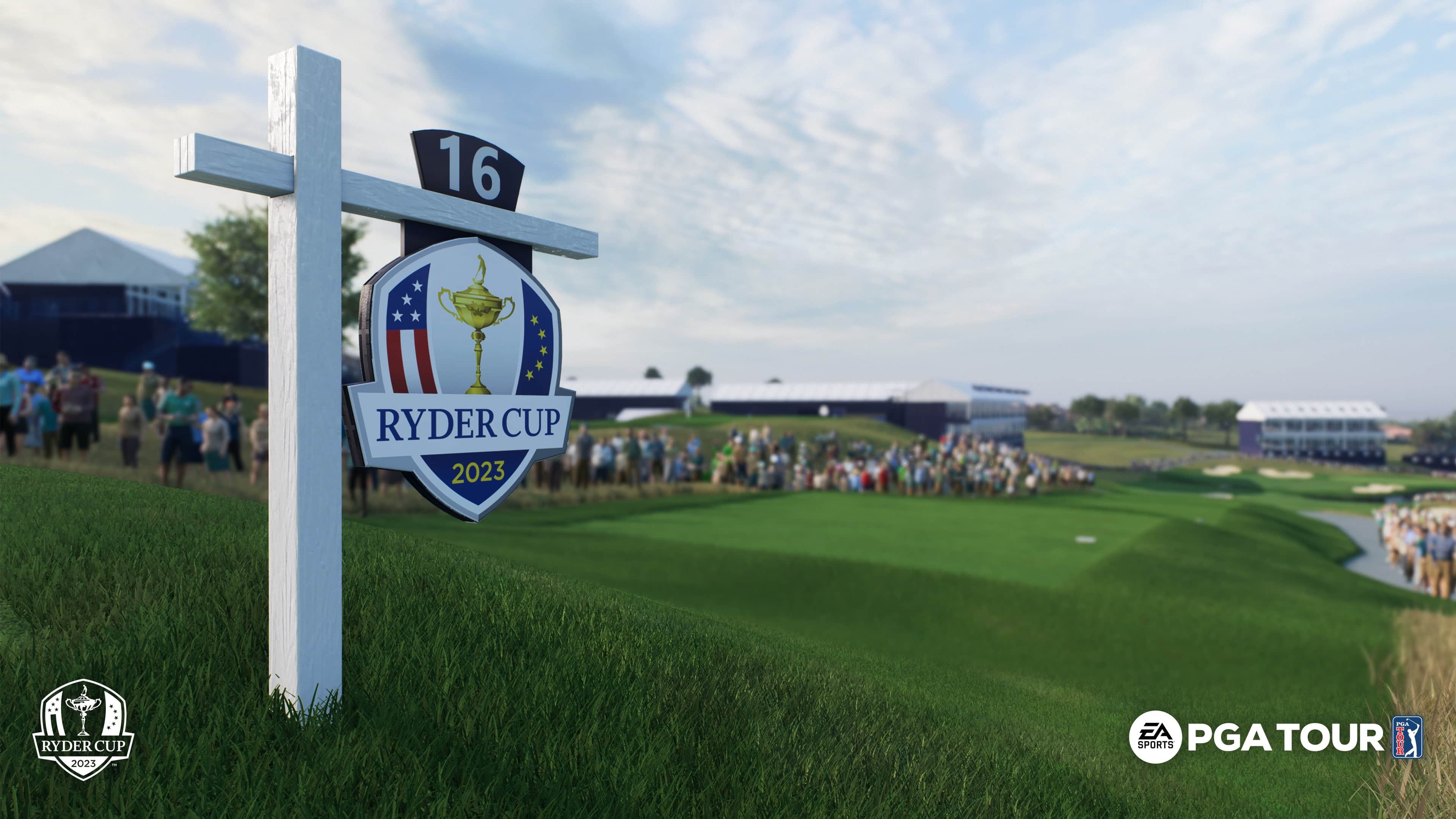
Welcome to Season 6 and the Ryder Cup!
This season the Ryder Cup has taken over EA SPORTS™ PGA TOUR™ with big changes that you can’t miss. When you enter the game, you’ll now be presented with a choice between team USA or Europe. This decision impacts many aspects of your journey and remains in effect for the entire season so choose wisely!
In the main menu, you’ll now see your golfer representing either team Europe or USA, proudly wearing the uniform of your chosen team. Additionally, you will be greeted with the captivating Ryder Cup theme music and see that the UI and background reflect the theme of your selection.
You can now play the prestigious Marco Simone Golf & Country Club, the host of the 2023 Ryder Cup. Additionally, you have the opportunity to participate in the Ryder Cup on other iconic courses that have previously hosted the event, including Kiawah Island, Oak Hill, The Country Club, and Whistling Straits.
Season 6 brings exciting updates to the Pro Pass*, allowing you to earn the coveted “MultiVerse” gear set for either team USA or Europe. If you complete the Pro Pass, you’ll also earn Scottie Scheffler’s Ball Spec in the free tier, while the premium tier unlocks a brand new Titleist SM9 Custom Team USA or Europe Wedge. Just like last season, you’ll earn tokens to level up your Pro Pass by completing live Quests, Ryder Cup Challenges, and playing rounds in Online, Tournaments, and Career modes. In Season 6, new Quest types have been added to reward your participation in Ryder Cup formats, including Match Play, Foursomes, and Four-Ball.
Playing in the Ryder Cup takes on many forms throughout Season 6, depending on which mode you choose: Online, Tournaments, Challenges, Quick Play, or Private Match. But regardless of which mode you choose, we wanted to make sure that every round feels like the Ryder Cup. When you start a round, you’ll hear the Ryder Cup anthem and commentary that brings you into the action. Throughout the round, you’ll hear the crowd chanting for their favorite team and notice the more dedicated fans that dressed up for the occasion. Because the crowd is such an essential part of the Ryder Cup, we made sure to expand the game’s capabilities so you can now play with crowd enabled in any of the turn-based formats across Online and Private Match modes.
We are excited to announce that 2v2 team formats Foursomes and Four-Ball are now available to play in Online and Private Match modes. In Online mode, you can choose whether to matchmake by yourself or invite a friend and compete as a team. Note that your team USA or Europe affiliation is purely visual and has no effect on who you can compete with or against in Online or Private Match. In these Ryder Cup formats, you’ll always see your partner wearing the uniform of your team, while your opponents will be wearing the uniform of the opposing team.
Online leaderboards now feature updated filters for tracking performance in Foursomes and Four-Ball formats. Additionally, a new “Top 100 Teams Leaderboard” tracks the performance of each unique team of player pairs.
Challenges mode is also getting into the spirit of the Ryder Cup. New challenge series have been added, showcasing history from the 1991, 1995, 1999, and 2020 Ryder Cups. You can also look forward to Challenges for the 2023 Ryder Cup that will be released after the event.
Weekly and Seasonal Tournaments are also Ryder Cup themed and are hosted at Marco Simone or any of the other historic Ryder Cup courses. These tournaments also mark the introduction of crowds for the first time.
You can also play any of the Ryder Cup formats in Quick Play, with friends or AI players in any combination that suits your preference.
We are also raising the max level for created golfers from 50 to 60. In order to support this update, note that the OVR calculation has been adjusted to fit this scale to avoid player OVRs entering into the 100’s. Players at a lower OVR likely won’t notice much change, but unfortunately players at a high OVR will see their rating reduced.
There have also been some improvements to the zoom camera. The low-view putting zoom camera’s accuracy has been improved and can now be moved all the way back to the ball, allowing you to read the entire putt without changing your aim location. The zoom camera now smoothly transitions between zoom camera heights without resetting its orientation, providing a more immersive and less disorienting experience.
Store & Content:
New USA and Europe “MultiVerse” gear sets are available in Pro Pass and Challenges.
Superior Command and Superior Escape Specs are available in Pro Pass and Tournaments.
New items will be rotating through the store including:
Official Team USA and Team Europe clothing and bag sets
Nelly Korda Signature Series Specs
Cobra AeroJet “Volition” Driver
Brooks Koepka’s Scotty Cameron Putter
Patrick Cantlay’s Scotty Cameron Putter
New gear from Scotty Cameron, Jordan, and Nike
New cosmetics available in Challenge rewards:
G/Fore Hats
Titleist colored golf balls
Under Armour shoes
TaylorMade clubs
XP Boosters:
XP Boosters are a new consumable item that allows players to earn XP at an increased rate for a fixed amount of time.
Boosters will only be available in the store at limited times during the season.
Gameplay:
Fixed logic in match play formats that was ending the match before the leading golfer hit their final putt in situations where they have already clinched a tie in the match (aka. dormie).
Fixed logic in match play formats that would incorrectly display “3 UP” in the scorecard immediately after a golfer scored a triple bogey on the first hole.
Fixed logic in best ball formats so that golfers are skipped when their score is too high to tie the current hole.
Fixed logic in skins format to advance to the next hole when 2 golfers have tied the hole and no remaining golfers can beat the current score.
Fixed putt meter power target line not being visible on the first putt of a round.
Updated golfer etiquette so that they no longer leave their ball in the cup after holing out in a multiplayer match.
Balls on the green for other golfers are no longer shown when playing alternate shot and foursomes formats.
The golfer is now hidden while viewing the unplayable lie menu to select drop position.
Moved the aim info widget further away from the aim marker.
Cameras:
Updated the low-view putting zoom camera to allow for moving the camera all the way back to the ball.
Improved accuracy of the low-view putting zoom camera by ensuring that it is always perfectly level. Previously, the camera could include a small amount of roll when on severe slopes.
Updated zoom camera so that it now transitions smoothly without resetting its orientation when toggling between zoom camera heights.
Online:
Fixed a number of rare issues where golfers or balls could be invisible during an online match.
Improved syncing of remote golfers in Online and Private Match lobbies.
Fix for some Stroke Play round results in Online mode not being recorded to leaderboards. The fix was applied to servers on August 11th.
Fixed the Crowd round setting being selectable in Private Match when it should have been forced to Off. The fix was applied to servers on August 17th.
Fixed an issue where the Match Play “All Time” leaderboards were not showing stats when filtering for a specific gameplay style. The fix was applied to servers on August 30th.
Fixed an issue where some players were being disconnected when entering an online match and being returned to the main menu with the error message “Authentication Required. Please try again.”. The fix was applied to servers on September 18th.
Fixed opponent’s Ball Trail VFX sometimes being shown on your golfer when playing in online match play.
Quick Play:
Updated lobbies in match play, foursomes, four-ball, alternate shot, and best ball formats to be pre-populated with golfers so that the player doesn’t have to manually add them each time.
Added a new option to golfers in quick play lobbies that allows players to change a golfer from CPU to a locally controlled golfer and vice versa.
Career:
Updated round settings confirmation popup to clarify which round of the tournament the player is about to enter.
Fixed course preview screen so that it correctly shows which holes you will play in the upcoming round when using quick rounds.
Fixed current position being shown as 3,333rd in the event info screen when starting a new 1 round event.
Fix for no “Event Results” leaderboard being shown for any tournaments that the player skipped.
Challenges:
Fixed broken hole location in “No Need For Speed Here” challenge. The fix was applied to servers on August 11th.
Fix for the pro golfer you are playing sometimes being replaced by your created golfer after restarting a change.
Tournaments:
Fixed a broken daily tournament “6 Holes – Arcade on Top of the Rock”. The tournament was moved to Torrey Pines to resolve the issue. This fix was applied to servers on August 17th.
Pro Pass:
Improved UI navigation so that when entering Pro Pass you view your current level instead of level 1.
After previewing a reward, you are now returned to the level you were viewing instead of level 1.
Fix for needing to reboot the game in order to claim Premium Tier rewards if the player previously claimed Free Tier rewards and then purchased Pro Pass Premium.
Fixed incorrect level progress sometimes being shown in the Rewards Summary screen after a level up occurs.
Updated UI animations added sound effects when unlocking and claiming levels.
Various improvements to support cleanly transitioning from one season to the next.
Quests:
Fixed a crash that could occur when using the notification to view rewards after completing a daily or weekly quest. This was mitigated by updating the quest reward packs to be sent to the player’s inventory instead of being automatically opened. The fix was applied to servers on August 21st.
Updated tab order so that “Live” Quests are listed first.
Courses:
[Banff Springs] Fixed lake reflection flickering while viewing from the green on hole 4.
[Banff Springs]: Fixed camera being obstructed by the crowd on the hole 4 tee box.
[Olympia Fields] Adjusted lighting on tee boxes to make for a more consistent overall lighting level.
[Pebble Beach] Course specific memory optimizations.
[PGA WEST] Added American Express sign to water on hole 17.
[Royal Liverpool] Fixed incorrect first cut grass on right side of fairway on hole 8.
[Torrey Pines] Adjust color of the cliff to be darker
[TPC Scottsdale] Fixed incorrect color on some structure railings.
[Wolf Creek] Fixed incorrect handicap listed for hole 9.
Outfits & Gear:
Bryson DeChambeau updated to wear Puma baseball hats.
Danielle Kang updated to wear FootJoy Premiere shoes.
Fixed missing Under Armour logo on the back of Jordan Spieth’s pants in his Round 1 outfit.
Fixed EA Sports Standard Belt Buckle clipping through Woven Belt Strap.
Fixed Under Armour Curry 8 Spikeless missing Under Armour logo on the back of the shoes.
Fix for some hairstyles clipping through snapback hats.
Fix for the Odyssey Ten putter head being misshapen in gameplay.
Fixed Nike logo appearing on some non-Nike polos on the golfer in the main menu after equipping and rebooting title.
Fix for Ping G425 LST and Masters driver appearing slightly disconnected from the shaft when viewed in the Equipment screen.
UI:
[Career] Fixed incorrect mode description being displayed in the scorecard screen if a quick play round was played previously.
[Course Select] Fix for Pebble Beach background being briefly displayed when entering the Course Select Screen.
[Course Select] Updated Olympia Fields and Royal Liverpool to display the short version of their names in the tile and description.
[Gameplay] Update text in Match Play formats to say “…to halve hole” instead of “…to tie hole”
[Gameplay] Fixed incorrect club thumbnails being shown in the HUD for a created golfer when playing in a local multiplayer match.
[Online] Fix for the leaderboard in the scorecard screen sometimes showing a different player highlighted at the bottom even though it should always highlight your stats.
[Online] Updated popup text to clarify when a player has been kicked from a lobby by the host.
[Online] Added button hints to the View Golfer screen.
[Outfits] Fixed “Set outfit as default” button flashing briefly at the bottom right of the screen when navigating from a tab back to the outfits screen.
[Leaderboards] Updated so that when a leaderboard is initially viewed it shows the value of each filter instead of the category of the filter.
[Main Menu] Fixed main menu tabs disappearing if the player loses network connection in the equipment screen.
[PC] Fixed the “enter” key on the numpad not registering.
[Private Match] Removed the “Are you sure…” invite confirmation popup.
[Private Match] Removed team name information from “Change Teams” popup.
[Private Match] Fixed “Custom Hole Select” tab being available to a guest player if they accept an invite while in a Custom Hole Select screen.
[Pro Pass] Updated all text referencing “node” to “level”.
[Pro Pass] Updated levels to show reward quantity.
[Pro Pass] Added a notification that indicates when a level was unlocked after returning from gameplay.
[PS5] Fixed menu background theme not being updated when using a PS5 Activity to leave Career mode.
[Quests] Fix for the quest slider reset to the top when pinning quests.
[Quick Play] Fix for the pro golfer you’ve selected being replaced by your created golfer if you return to the event info screen from Quests or Settings tab by pressing the “Back” button.
[Tournaments] Updated the tournament payout popup to specify when a player achieved “Missed Rank” position for a tournament.
Audio:
Wholesale improvements to commentary for alternate shot and best ball formats.
Fixed cases where you could hear the crowd clapping after a bad shot was made.
Fixed a couple commentary lines that were Career mode specific, incorrectly being mentioned during Quick Play rounds.
Fixed Harris English being misgendered in Career mode commentary, incorrectly referred to as “she/her”.
Branding:
Update The Open Championship logo shown on flag wipes.
Stability:
Fixed an issue where the store UI could get stuck permanently on screen.
Fixed a crash related to playoffs in Career mode.
Fixed a crash related to saving progress in Career mode.
Fixed a softlock that could occur after accepting an invite while in gameplay.
Xbox Series S memory optimizations.
Additional crash and stability-related fixes.
That’s about it. If there are other changes released soon to fix any Season 6 issues, we’ll let our readers know.
Hotta Studio has released Tower of Fantasy update 1.16 (PS5 update 1.000.016) today for all platforms. This update includes some new content and various gifts for players. Check out the Tower of Fantasy September 26 patch notes down below.
Tower of Fantasy Update 1.16 Patch Notes | Tower of Fantasy 1.000.016 Patch Notes:
Dear Wanderer,
Today’s maintenance is over. Thank you for your understanding, patience and support!
◤ Compensation ◢
Server shutdown compensation: 300 Dark Crystals + 100 Dark Crystals / hour (additional compensation for the extension)
– Compensation range: Wanderers who reached level 6 before the update
– We will send the above compensation to your Mailbox within 2 hours of the maintenance update completion. Please check your Mailbox.
◤ Update Content ◢
◆ New Gameplays
1. A new Simulacrum, Fei Se, is coming soon with a new Simulacrum Story
◆ Added Events
We will start a series of new activities and events after the version update. The detailed rules for the events can be found in v3.2 Event Announcements (Round II).
1. Bamboo Festival
Event Time:
09-26-2023, after version update to 10-16-2023, 21:00 (UTC+0)
Event Introduction:
Three limited-time gameplays will be available during the event period: Trophy Tycoon, Bubble Rumble, and Cloud Arena Martial Arts. Participate in the event to claim bamboo coins. These coins can be exchanged in the Store for rewards.
1) Trophy Tycoon
Event Time:
09-26-2023, after version update to 10-16-2023, 21:00 (UTC+0)
2) Bubble Rumble
Event Time:
10-03-2023, 03:00 to 10-16-2023, 21:00 (UTC+0)
3) Cloud Arena Martial Arts
Event Time:
10-10-2023, 03:00 to 10-16-2023, 21:00 (UTC+0)
2. Supply Run (Round II)
Event Time:
09-26-2023, after version update to 10-23-2023, 21:00 (UTC+0)
Event Introduction:
Participate in the 7-Day Sign-In to get rewards.
3. Fei Se Special Gift
Event Time:
09-26-2023, after version update to 09-30-2023, 21:00 (UTC+0)
4. Fei Se Limited Order
Event Time:
09-26-2023, after version update to 10-23-2023, 21:00 (UTC+0)
5. Fei Se Special Order Gift
Event Time:
09-26-2023, after version update to 10-23-2023, 21:00 (UTC+0)
※ Reminder:
1. Due to server calculation delays, making Special Orders immediately after Limited Orders are made available may result in abnormal calculations. It is recommended to wait 1–3 minutes after the event starts to start drawing. Please contact our Customer Service if you encounter any issues.
2. Event rewards will be automatically claimed when the Special Orders reach the target. There is no need to collect rewards manually in the interface. Check the item acquisition tip after making your Special Order.
6. Liu Huo & Lan & Annabella Free Pick Reissue
Event Time:
09-26-2023, after version update to 10-23-2023, 21:00 (UTC+0)
7. Free Pick Reissue Special Order Gift
Event Time:
09-26-2023, after version update to 10-23-2023, 21:00 (UTC+0)
※ Reminder:
1. Due to server calculation delays, making Special Orders immediately after Limited Orders are made available may result in abnormal calculations. It is recommended to wait 1–3 minutes after the event starts to start drawing. Please contact our Customer Service if you encounter any issues.
2. Event rewards will be automatically claimed when the Special Orders reach the target. There is no need to collect rewards manually in the interface. Check the item acquisition tip after making your Special Order.
8. Ivory Bloom Reissue
Event Time:
09-26-2023, after version update to 10-02-2023, 21:00 (UTC+0)
※ Reminder: If you have previously unlocked Ivory Bloom, Akaba, Fanciful Dreamscape, Commitment, and Rose Thornvine, you might still get these items in this reissue event without any extra rewards. Please make careful considerations before participating in this event.
9. Molinia
Event Time:
10-10-2023, 03:00 to 10-16-2023, 21:00 (UTC+0)
10. Eleventh Pass Update
Event Time:
10-04-2023, 21:00 to 11-15-2023, 21:00 (UTC+0)
※Special note: The Pass contents will be updated to the Eleventh Pass on October 4, 2023, at 21:00 (UTC+0). However, you need to re-enter the Pass interface to update. If you are making your purchase on the Midasbuy webpage, please be sure to log into the game beforehand and confirm that the BP content has been updated before placing your order.
11. A Sweet Night of Horror Event Time:
10-17-2023, 03:00 to 10-30-2023, 21:00 (UTC+0)
12. Rose Gift Event Time:
10-17-2023, 03:00 to 10-23-2023, 21:00 (UTC+0)
13. Thorned Rose Event Time:
10-17-2023, 03:00 to 10-23-2023, 21:00 (UTC+0) ※ Reminder:
1. If you have previously unlocked Rosy Banquet, Mi-a’s Halloween Costume, Rosy Letter, Pumpkin Enchantment, Night of Fun, and Candy Feast, you might still get these items in this reissue event without any extra rewards. Please make careful considerations before participating in this event.
2. New Halloween-themed outfits will be launched after the v3.3 update. Please stay tuned!
◆ Version Improvement and Bug Fixing
1. Increased the drop rate of Affixes when clearing the Origin of War gameplay.
2. Fixed the error where players were able to exceed Level 30 in Bygone Phantasm – Boundless Realm with Mentor Assist.
※The Boundless Realm season will be reset at 0:00, September 27th (server time), and Wanderers will be able to challenge the season again for season rewards.3. Fixed the level limit error in the Lobby during Crew Member recruitment of Frontier Clash – Hard.
4. Fixed the slow accumulation of Mobius’ warmup points when attacking with Onyx Tortoise.
5. Fixed an issue affecting the purchase of the Eighth Pass Retro Revival outfit in the Store.
EA Sports has released EA Sports FC 24 update 1.02 today for console platforms. This update was released yesterday for PC owners. Check out the EA Sports FC 24 September 26 patch notes posted down below.
EA Sports FC 24 Update 1.02 Patch Notes | EA Sports FC 24 September 26 Patch Notes:
Title Update #1 is now available for the PC version of EA SPORTS FC 24 and addresses stability issues that could have impacted some players.
This TU will soon be available for PS4/PS5/XB1/XBSX|S versions of EA SPORTS FC 24
Thanks to those who’ve provided feedback. Throughout the course of the EA SPORTS FC 24 season, we’ll provide you with more information and updates if and when they become available. Be sure to follow EASFCDIRECT on Twitter and the EASFC Tracker for the latest updates.
That’s it for the patch notes. We’ll update you in the near future about more patches coming to the game soon.
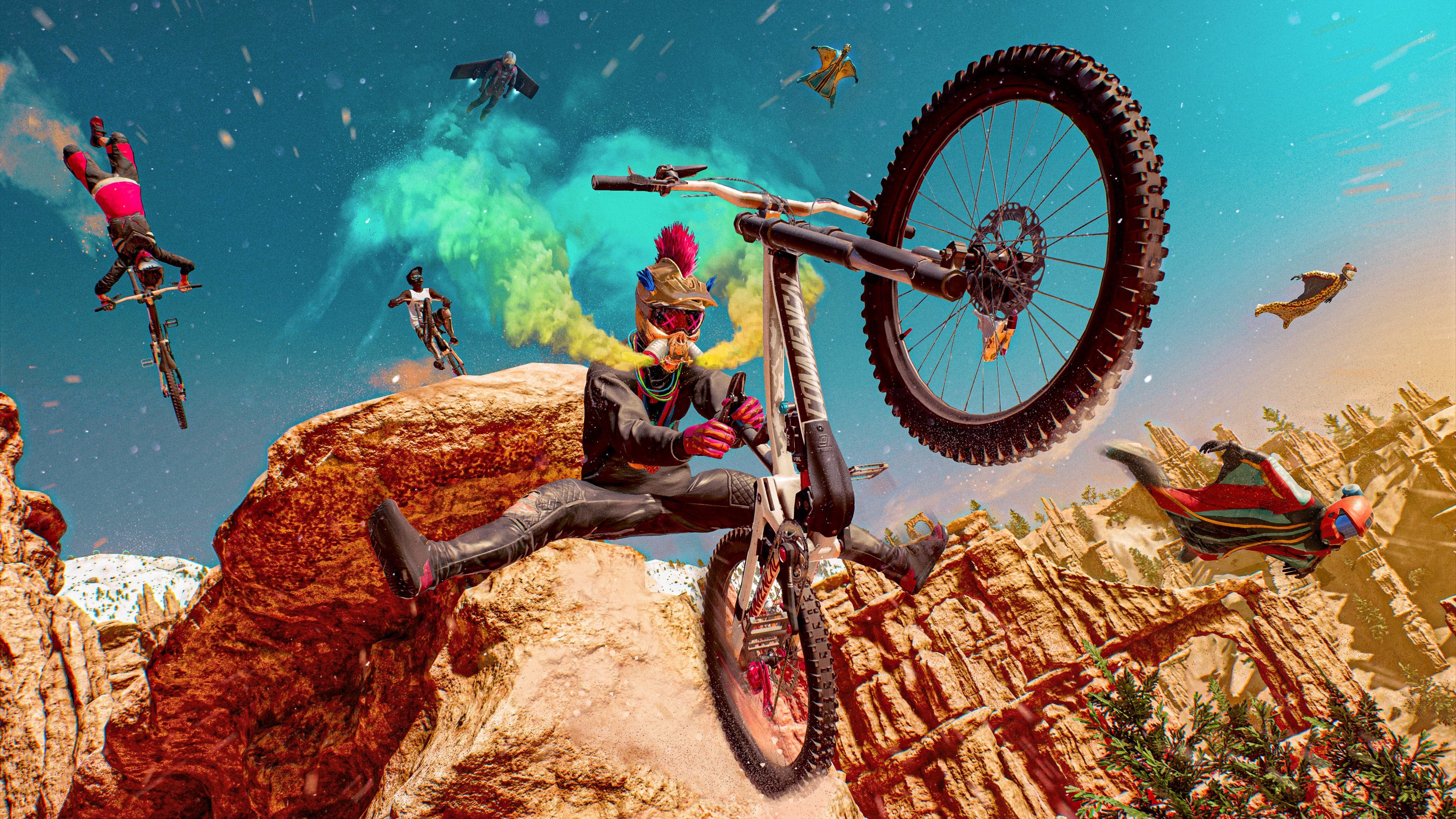
Ubisoft has released Riders Republic update 1.21 (PS5 version 1.021) today for all platforms. This update brings in Season 8 content to the game. Check out the full Riders Republic September 26 patch notes down below.
New sport: The skateboard arrives in the Republic on September 27th.
Try it out for free with the demo or through our season program of weekly content. And if you want to continue the experience anytime, anywhere, grab the Skate add-on or the Skate Plus Pack. It’ll unlock the Skate Career with 15 events, 4 stunts and 3 new sponsors: Pizza, Mini Logo and Powell Peralta.
World update: Located in Brice Canyon, a new festival venue is born! Join The Deck and explore its different areas, The Vans Skate Park, The Plaza, The X Games site, The Containers village, The Pools or the Hangar. Each offers different opportunities for a different style!
New gameplay features: Once you’re on the skateboard, you’ll notice a few changes from the way you played in Republic. A different scoring method. And pipe edges are now fair game for grinding! The BMX hasn’t been left behind and will be able to grind bowls and pipes as well!
User Generated Content: You asked for Replay Mode, and it’ll be available after maintenance on September 26th. Capture your best tricks from a whole new set of angles or use it to find the best moment to get the best shot.
IMPROVEMENTS
Controls: The “Walk” and “Backtrack” inputs are switched by default in this patch. You can always change the controls to suit your style in the Options tab to return to the previous preset.
Live Content: The weekly activities have received some upgrades to make them more interesting, don’t sleep on them!
UGC Menu: Big changes are coming to events and we’re preparing the field. The UGC menu has received its first changes with the addition of the Skate tab and the Recommended Content tab, which will be filled based on the creations you play.
Tricks: Spamming the same trick won’t count towards the combo score.
Tricks Academy: Multiple lessons for the same sport can be taken right after the previous one. No more skipping classes!
Sponsors: Daily sponsor contracts asking you to participate in a showdown match have been removed.
FIXES
The Peace Out emote has changed slightly.
Live Events and Live Areas are now correctly displayed on every weekly rotation.
Fixed some weekly challenges that were difficult to complete.
Fixed some first-person camera issues.
Ice Melt secondary objectives can now be completed.
Various hoverboard, snowmobile tricks and BMX bug fixes.
Fixed PS button appearing in wrong places.
Fixed some checkpoints that would still count if you did not pass through them.
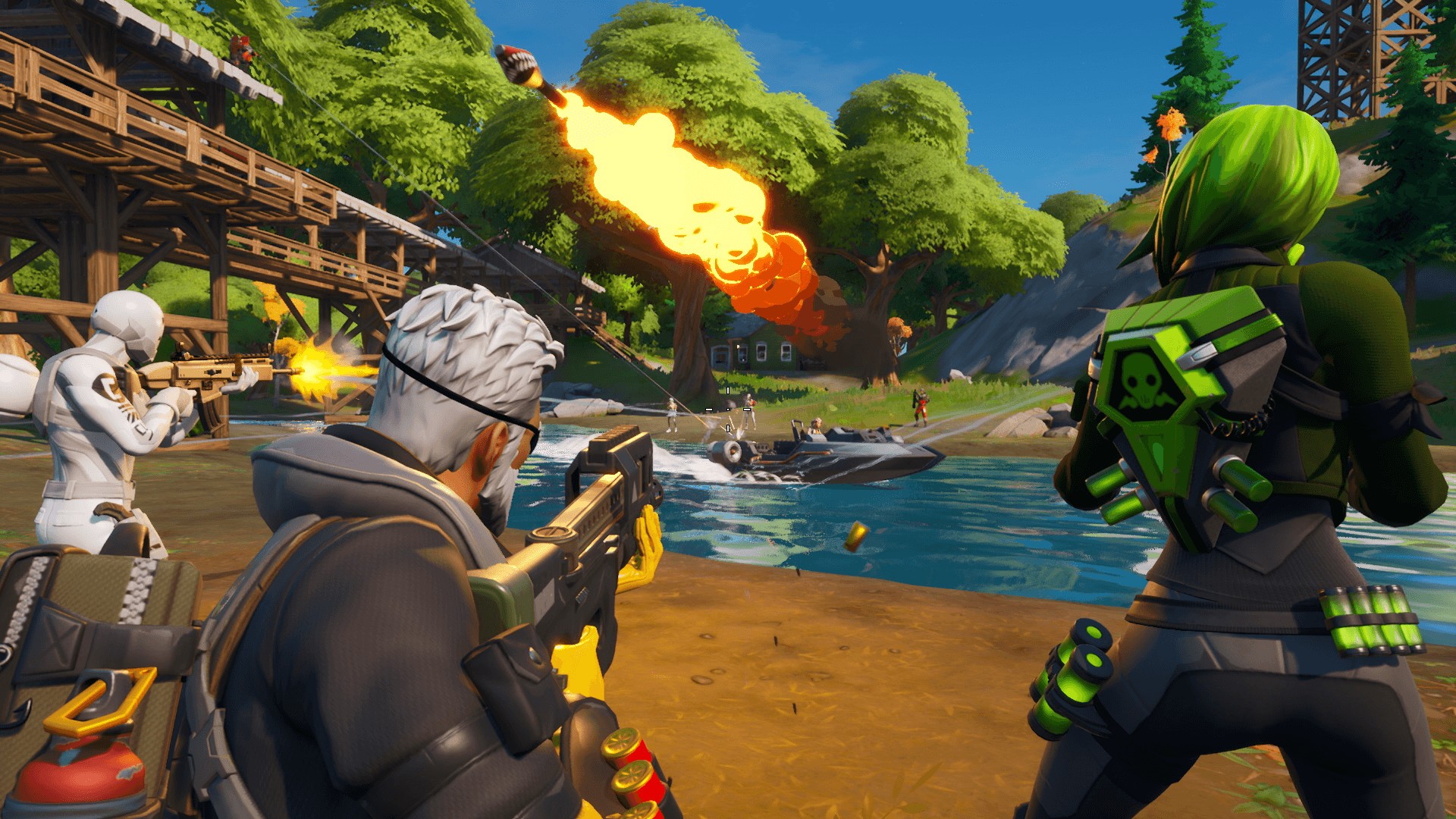
Fortnite update v26.20 is out this September 26 for the 1.000.113 patch, and this brings new content to the game. You can expect to see new skins, new guns, and more. Check out what’s new in the Fortnite update v26.20 patch notes and the datamined content.
FORTNITE BATTLE ROYALE V26.20 UPDATE: LEARN FORCE ABILITIES FROM AHSOKA TANO!
9.26.2023
The Fortnite Team
Warrior. Outcast. Rebel. Jedi.
In v26.20, Ahsoka Tano appears on the Battle Royale Island in hologram form, awaiting to train you in the ways of the Jedi. Accept her offer to train you to proceed into a rift, then return to the Island wielding the white Jedi Training Lightsaber! With this lightsaber equipped, use the Force abilities that Ahsoka taught you.
Ahsoka’s not just appearing in hologram form — the Ahsoka Tano Outfit becomes unlockable in the purchasable Chapter 4 Season 4 Battle Pass on September 26 at 9 AM ET! Give your squad hope in even their darkest times.
A NEW DAY, A NEW BEGINNING: GAIN FORCE ABILITIES
When you encounter a hologram of Ahsoka Tano on the Island, speak to her and accept her offer to train you. You’ll then enter a rift, and exit with a Jedi Training Lightsaber and knowledge of Force abilities! These Force abilities can only be used if you went through Ahsoka’s training and are actively wielding a Jedi Training Lightsaber. Your knowledge of these abilities will last until the end of the match.
The Jedi Training Lightsaber: the weapon of a Jedi trainee, wielded by those who have chosen to embrace the light side of the Force.
FORCE ABILITIES FROM AHSOKA TANO
Use the Force to sprint faster and double jump.
Use the Force to push objects and players away.
The Ahsoka Tano holograms, Jedi Training Lightsaber, and Force abilities will remain in Battle Royale until v26.30.
UNLOCK THE AHSOKA TANO OUTFIT IN THE BATTLE PASS
Sending the message to this system and beyond: the Ahsoka Tano Outfit is unlockable in the Battle Pass starting 9 AM ET on September 26! Complete the Ahsoka Tano Battle Pass Quests during Battle Royale Chapter 4 Season 4 to unlock the Outfit and Ahsoka Tano accessories:
LOADING SCREEN
Art by Brandon Kenney.
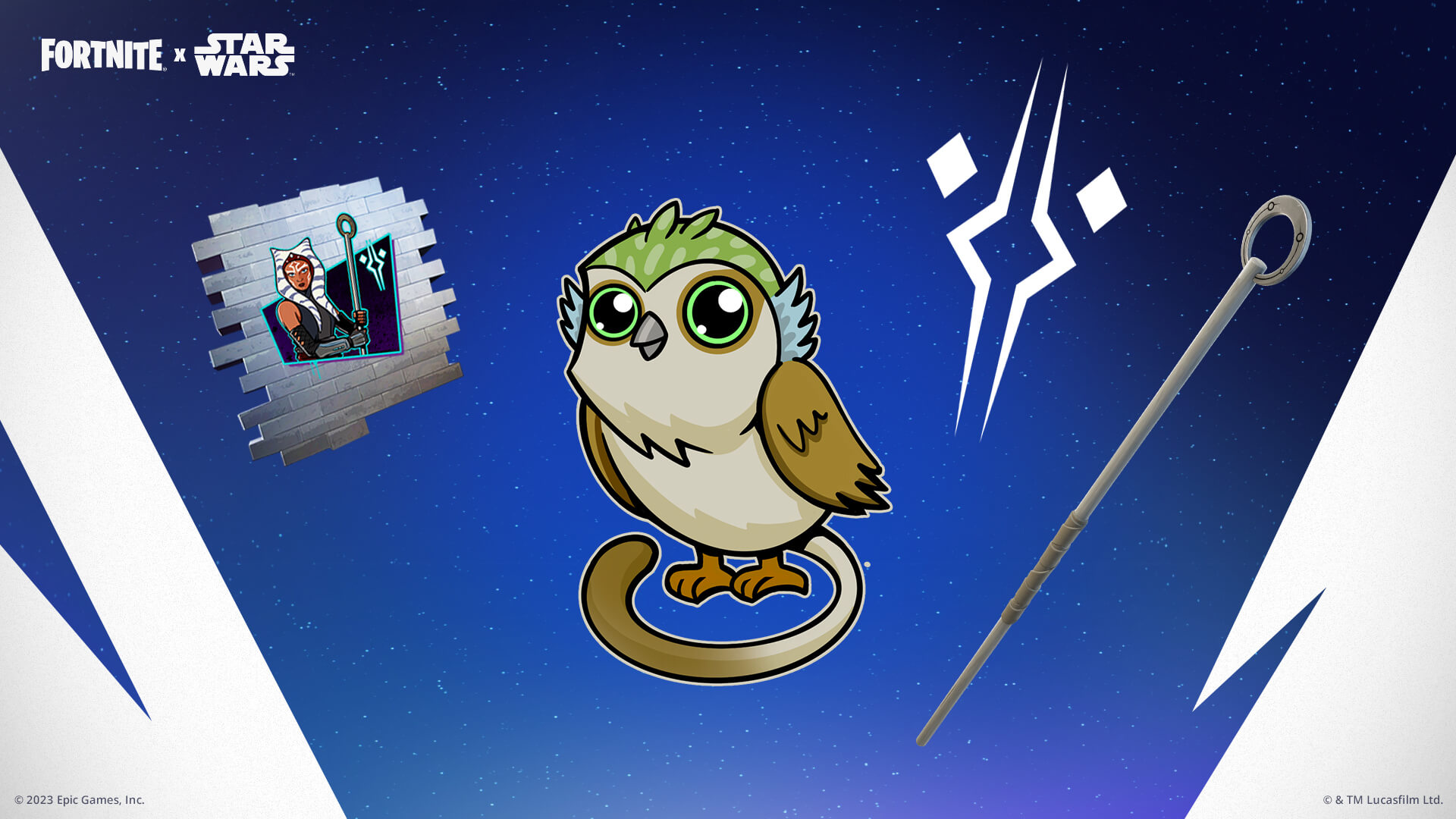
BANNER ICON, PICKAXE, SPRAY, AND EMOTICON
BACK BLING, WRAP, EMOTE, AND THE AHSOKA TANO OUTFIT!
If you’ve purchased the Chapter 4 Season 4 Battle Pass, the Ahsoka Tano Quests will be available in the “Quests” tab. The Quests will remain available until the end of the Season! (The Chapter 4 Season 4 Battle Pass purchase is required to complete the Ahsoka Tano Quests.)
MORE IN V26.20: MARKSMAN HEADSHOTS REALITY AUGMENT
For all the deadeyes out there, v26.20 introduces the Marksman Headshots Reality Augment. With this Reality Augment activated, your Marksman Rifle headshots will deal increased damage!
Get moving after you land your shot — the More Parkour and Soaring Sprints Reality Augments are unvaulted in v26.20. Activate More Parkour to briefly regenerate your Energy each time you mantle, and activate Soaring Sprints to jump higher and with lower gravity while sprinting.
RANKED SOLO ZERO BUILD RETURNS!
Ranked Solo Zero Build is back! We’ve heard your feedback and are excited to provide this option for Ranked Zero Build players to test their solo mettle. As matchmaking health is one of our top priorities to ensure you’re able to get into a fair match in a reasonable time, some matchmaking regions will have the playlist open only for certain hours of the day.
Here are the times when Ranked Solo Zero Build will be enabled:
NA-East
All hours of the week
NA-Central
All week: 3 PM – 7 AM UTC (11 AM – 3 AM EDT / 10 AM – 2 AM CDT)
NA-West
All week: 3 PM – 8 AM UTC (11 AM – 4 AM EDT / 8 AM – 1 AM PDT)
Europe
All hours of the week
Oceania
Monday – Friday: 4 AM – 11 AM UTC (12 AM – 7 AM EDT)
Saturday – Sunday: 1 AM – 12 PM UTC (9 PM – 8 AM EDT)
Brazil
Monday – Friday: 4 PM – 3 AM UTC (12 PM EDT – 11 PM EDT)
Saturday – Sunday: 3 PM – 4 AM UTC (11 AM EDT – 12 AM EDT)
Asia
Monday – Friday: 2 AM – 3 PM UTC (10 PM EDT – 11 AM EDT)
Saturday – Sunday: 2 AM – 4 PM UTC (10 PM EDT – 12 PM EDT)
Middle East
All hours of the week
IN CASE YOU MISSED IT: SEP 20 HOTFIX
In a hotfix on September 20, we made the following balance adjustments:
Zyg and Choppy’s Ray Gun charges and fires faster.
TNTina’s Ka-Boom Bow charges, reloads, and recharges faster.
Slurp Juice drops with less quantity, chug wisely!
Havoc Suppressed Assault Rifle has increased damage and faster fire rate.
The Foundation’s MK-Seven Assault Rifle has reduced damage and a slightly slower fire rate.
Sticky Grenade Launcher has a slower fire rate and a longer reload time. We’ve added a cooldown when swapping between two Launchers.
Gunnar’s Stinger SMG deals slightly more damage per bullet with decreased vertical recoil.
Epic Games has not shared the patch notes for today’s update just yet, but we do have some details from datamined content. Check out the details below.
Fortnite v26.20 Datamined Content:
Here are the datamined content straight from reliable miners (not yet final):
Once more datamined content is unearthed, we’ll be sure to update the article with the info, so hit refresh from time to time. Once it’s done, we’ll post an “Update” on the article headline to reflect that changes have been made and finalized.
Epic Games has released Fortnite update 4.02 on all platforms, and this is for the v26.20 content drop. You can read up on everything new in the Fortnite patch notes and datamined content for September 12 below.
FORTNITE BATTLE ROYALE V26.20 UPDATE: LEARN FORCE ABILITIES FROM AHSOKA TANO!
9.26.2023
The Fortnite Team
Warrior. Outcast. Rebel. Jedi.
In v26.20, Ahsoka Tano appears on the Battle Royale Island in hologram form, awaiting to train you in the ways of the Jedi. Accept her offer to train you to proceed into a rift, then return to the Island wielding the white Jedi Training Lightsaber! With this lightsaber equipped, use the Force abilities that Ahsoka taught you.
Ahsoka’s not just appearing in hologram form — the Ahsoka Tano Outfit becomes unlockable in the purchasable Chapter 4 Season 4 Battle Pass on September 26 at 9 AM ET! Give your squad hope in even their darkest times.
A NEW DAY, A NEW BEGINNING: GAIN FORCE ABILITIES
When you encounter a hologram of Ahsoka Tano on the Island, speak to her and accept her offer to train you. You’ll then enter a rift, and exit with a Jedi Training Lightsaber and knowledge of Force abilities! These Force abilities can only be used if you went through Ahsoka’s training and are actively wielding a Jedi Training Lightsaber. Your knowledge of these abilities will last until the end of the match.
The Jedi Training Lightsaber: the weapon of a Jedi trainee, wielded by those who have chosen to embrace the light side of the Force.
FORCE ABILITIES FROM AHSOKA TANO
Use the Force to sprint faster and double jump.
Use the Force to push objects and players away.
The Ahsoka Tano holograms, Jedi Training Lightsaber, and Force abilities will remain in Battle Royale until v26.30.
UNLOCK THE AHSOKA TANO OUTFIT IN THE BATTLE PASS
Sending the message to this system and beyond: the Ahsoka Tano Outfit is unlockable in the Battle Pass starting 9 AM ET on September 26! Complete the Ahsoka Tano Battle Pass Quests during Battle Royale Chapter 4 Season 4 to unlock the Outfit and Ahsoka Tano accessories:
LOADING SCREEN
Art by Brandon Kenney.
BANNER ICON, PICKAXE, SPRAY, AND EMOTICON
BACK BLING, WRAP, EMOTE, AND THE AHSOKA TANO OUTFIT!
If you’ve purchased the Chapter 4 Season 4 Battle Pass, the Ahsoka Tano Quests will be available in the “Quests” tab. The Quests will remain available until the end of the Season! (The Chapter 4 Season 4 Battle Pass purchase is required to complete the Ahsoka Tano Quests.)
MORE IN V26.20: MARKSMAN HEADSHOTS REALITY AUGMENT
For all the deadeyes out there, v26.20 introduces the Marksman Headshots Reality Augment. With this Reality Augment activated, your Marksman Rifle headshots will deal increased damage!
Get moving after you land your shot — the More Parkour and Soaring Sprints Reality Augments are unvaulted in v26.20. Activate More Parkour to briefly regenerate your Energy each time you mantle, and activate Soaring Sprints to jump higher and with lower gravity while sprinting.
RANKED SOLO ZERO BUILD RETURNS!
Ranked Solo Zero Build is back! We’ve heard your feedback and are excited to provide this option for Ranked Zero Build players to test their solo mettle. As matchmaking health is one of our top priorities to ensure you’re able to get into a fair match in a reasonable time, some matchmaking regions will have the playlist open only for certain hours of the day.
Here are the times when Ranked Solo Zero Build will be enabled:
NA-East
All hours of the week
NA-Central
All week: 3 PM – 7 AM UTC (11 AM – 3 AM EDT / 10 AM – 2 AM CDT)
NA-West
All week: 3 PM – 8 AM UTC (11 AM – 4 AM EDT / 8 AM – 1 AM PDT)
Europe
All hours of the week
Oceania
Monday – Friday: 4 AM – 11 AM UTC (12 AM – 7 AM EDT)
Saturday – Sunday: 1 AM – 12 PM UTC (9 PM – 8 AM EDT)
Brazil
Monday – Friday: 4 PM – 3 AM UTC (12 PM EDT – 11 PM EDT)
Saturday – Sunday: 3 PM – 4 AM UTC (11 AM EDT – 12 AM EDT)
Asia
Monday – Friday: 2 AM – 3 PM UTC (10 PM EDT – 11 AM EDT)
Saturday – Sunday: 2 AM – 4 PM UTC (10 PM EDT – 12 PM EDT)
Middle East
All hours of the week
IN CASE YOU MISSED IT: SEP 20 HOTFIX
In a hotfix on September 20, we made the following balance adjustments:
Zyg and Choppy’s Ray Gun charges and fires faster.
TNTina’s Ka-Boom Bow charges, reloads, and recharges faster.
Slurp Juice drops with less quantity, chug wisely!
Havoc Suppressed Assault Rifle has increased damage and faster fire rate.
The Foundation’s MK-Seven Assault Rifle has reduced damage and a slightly slower fire rate.
Sticky Grenade Launcher has a slower fire rate and a longer reload time. We’ve added a cooldown when swapping between two Launchers.
Gunnar’s Stinger SMG deals slightly more damage per bullet with decreased vertical recoil.
Epic Games has not shared the patch notes for today’s update just yet, but we do have some details from datamined content. Check out the details below.
Fortnite v26.20 Datamined Content:
Here are the datamined content straight from reliable miners (not yet final):
Once more datamined content is unearthed, we’ll be sure to update the article with the info, so hit refresh from time to time. Once it’s done, we’ll post an “Update” on the article headline to reflect that changes have been made and finalized.
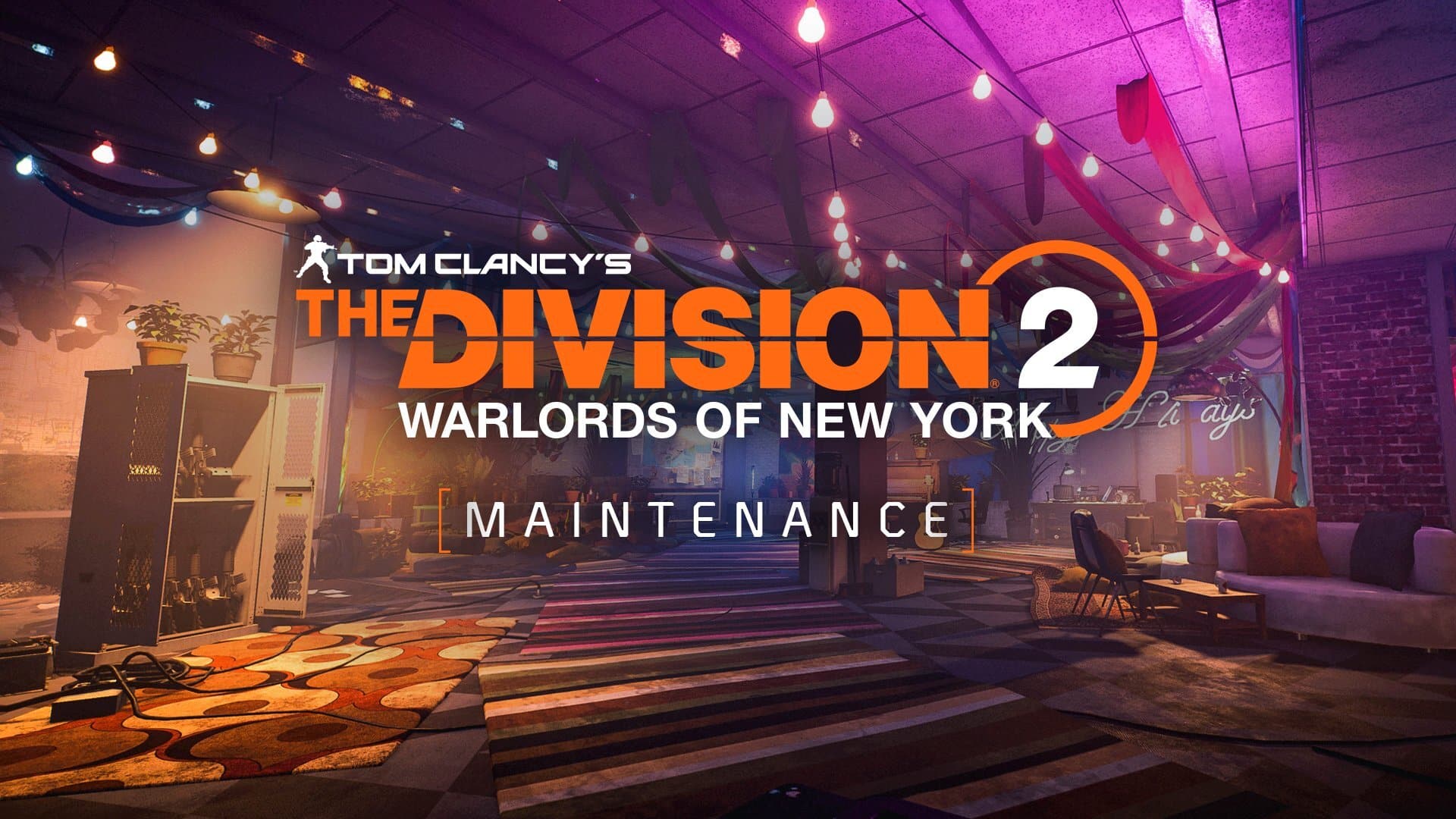
Ubisoft has taken The Division 2 servers down, and this is the first of two planned outages this week, as the game undergoes infrastructure optimization for the upcoming season.
The Division 2 Down Maintenance Schedule for Sept. 26:
Here’s the announcement from Ubisoft:
We have planned two rounds of infrastructure optimizations in preparation for the upcoming season. We’ll be taking #TheDivision2 servers down for a scheduled maintenance:
Tuesday – 🕛 At 9:30 AM CEST, 3:30 AM EDT, 12:30 AM PDT/3:30 PM HKT
Friday – 🕛 At 9:30 AM CEST, 3:30 AM EDT, 12:30 AM PDT/3:30 PM HKT
We’re not expecting any patches to be rolled out during this time, but if anything changes, we’ll let our readers know. If the maintenance schedule is extended, we’ll update the article to reflect it.
In other The Division news, Ubisoft has recently announced The Division 3! Read on here for the first details about it.
Epic Games has taken the Fortnite servers down for standard maintenance this September 26, and this is to roll out the v26.20 patch. Read on for the schedule and the planned outage today.
Fortnite Down for Server Maintenance Schedule for September 26:
Here’s the announcement from Epic Games regarding today’s downtime:
A new day, a new beginning…
v26.20 downtime begins at 3 AM ET, and matchmaking will be disabled shortly beforehand. pic.twitter.com/qZK18BIqKD
Same as before, once the patch is live, we’ll provide a link out to the patch notes and datamined content. If the scheduled downtime changes, or gets extended, we’ll be sure to update the article with the info as well.
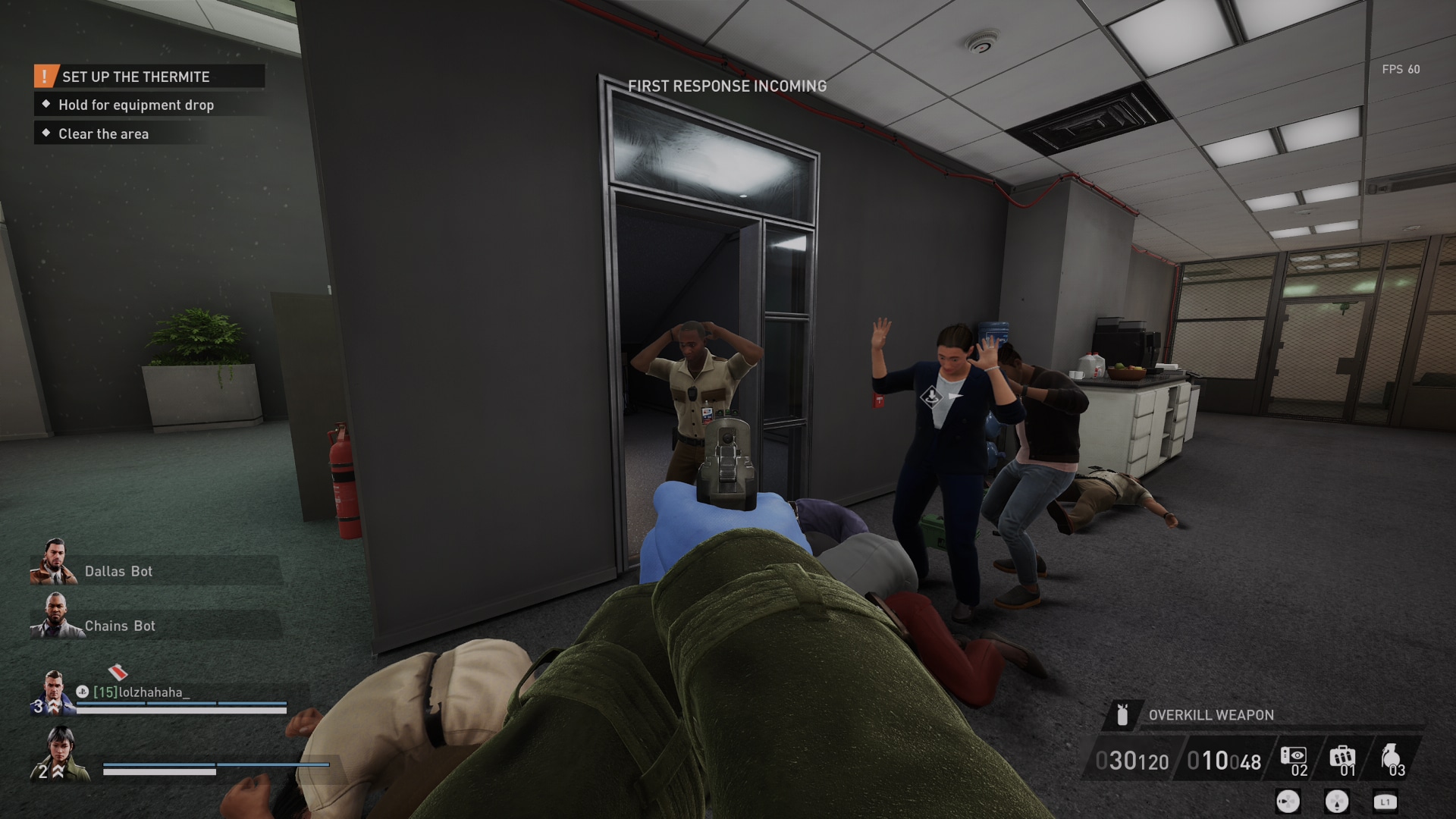
Starbreeze Studios has taken the Payday 3 servers down for maintenance today, September 26, as they work on server improvements and matchmaking stability.
Payday 3 Servers Down Schedule and Status for September 26:
Payday 3 maintenance schedule.
8AM and 11AM CEST
2PM and 5PM CST
7AM and 10AM BST
2AM and 5AM EDT
11PM and 2AM PDT
As you can see, the servers will be down for roughly three hours. Starbreeze has provided a statement as to what they’re doing during this time.
“In order to improve server and matchmaking stability, we will make upgrades to the environment ahead of this weekend. In order to perform these upgrades, the service will be offline between 8AM and 11AM CEST Tuesday and Friday.”
As noted, there will be another planned maintenance happening this Friday.
Hopefully, once the studio is done with its upgrades, the servers for Payday 3 will be far more reliable than they have been since launch. Fingers crossed, though as always, we’ll continue to update you with server statuses, should there be any extended downtime.
A gamer at heart, James has been working for MP1st for the last decade to do exactly what he loves, writing about video games and having fun doing it. Growing up in the 90's gaming has been in his DNA since the days of NES. One day he hopes to develop his own game.