Home > News

The Division 2 Year 5 Roadmap Revealed With S1 Starting in June; New Story DLC Incoming in Season 4

As part of The Division Day event, Ubisoft has revealed the full The Division 2 Year 5 roadmap, as well as the expected launch window and when PC players can begin testing. 

MP1st was invited to a closed door session with The Division 2 developers to talk about the game, learn what new content is incoming to The Division 2 franchise and the rest of the games harboring The Division name.

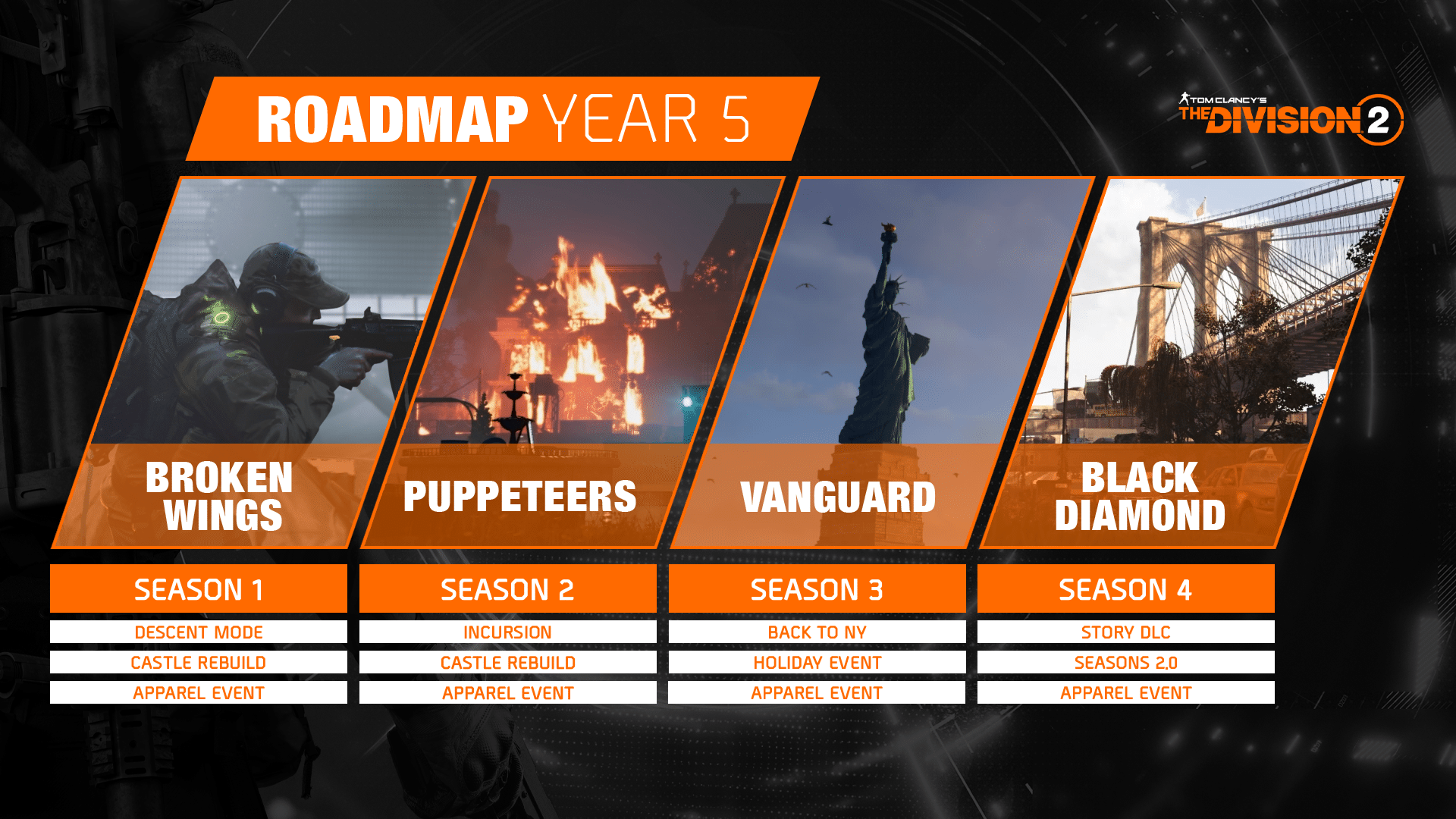
Below you’ll find the full roadmap for Year 5 of The Division, including the season’s names and content. 

The Division 2 Year 5 Roadmap:

Season 1 – Broken Wings (launches early June)

This new season brings a new twist on Manhunts and introduces a new game mode titled Descent, a rogue-lite mode available for free to all Division 2 players when Year 5 begins. Players will also see the continuation of a multi-season rebuild of the Castle Settlement that will bring the devastated landmark back to life with a renewed purpose. As a part of the premium pass for Season One: Broken Wings, players will be able to unlock pieces of a Splinter Cell themed outfit to help Fifth Freedom their way throughout DC and NYC.

  • Descent Mode – A rogue-lite mode that is free for all agents (no pass required).
  • Castle Rebuilt (multi-season rebuild)
  • Apparel Event 

Season 2 – Puppeteers

A challenging new Incursion will take Agents on a venture out to the Meret Estate for another confrontation with the Cleaners.

  • Incursion
  • Castle Rebuild
  • Apparel Event

Season 3 – Vanguard

Agents will go back to New York City for the holidays and discover new revelations about Aaron Keener and his Rogues.

  • Back to NY
  • Holiday Event
  • Apparel Event

Season 4 – Black Diamond

A new story DLC will be available that adds new zones, new main missions, and a whole new endgame structure.

  • Story DLC – Includes new zones, new main missions, and a whole new end-game structure. 
  • Season 2.0
  • Apparel Event

The Division 2 Year 5 will kick off in early June! But wait, that’s not the only news from today’s festivities. 

While console players will have to wait until June to get their hands on this year’s content, for those playing on PC, you’ll be excited to hear that test servers will go live tomorrow. That’s right, you’ll be amongst the first agents to experience the newest content coming to The Division 2. This includes access to the newest mode, Descent. 

Have fun out there, agents, and if you haven’t already seen the rest of the coverage from today’s stream, be sure to check out our The Division 2 channel!

Avatar photo

James Lara

A gamer at heart, James has been working for MP1st for the last decade to do exactly what he loves, writing about video games and having fun doing it. Growing up in the 90's gaming has been in his DNA since the days of NES. One day he hopes to develop his own game.

Home > News

Ghostbusters Spirits Unleashed Update 1.14 Zaps Out for DLC 2 This April 20 (Update)

Illfonic has dispatched Ghostbusters Spirits Unleashed update 1.14, and this is for DLC 2! Players can expect a new map, ghost type and more to be rolled out to all players today, and for free! Read on for what’s new in the Ghostbusters Spirits Unleashed April 20 patch notes.

Ghostbusters Spirits Unleashed Update 1.14 Patch Notes | Ghostbusters Spirits Unleashed April 20 Patch Notes:

Update: Illfonic has released the official patch notes for today’s content drop.

New Map


S.C.Y. County Courthouse

Strange activity reported at this Courthouse has made it difficult to conduct legal proceedings. It would seem that decades of dark activity and paranormal contact have made the courthouse a hotbed for ghost activity. Halls, offices, and courtrooms connect together to form a uniquely entwined gameplay space.

New Ghost Type

Possessor

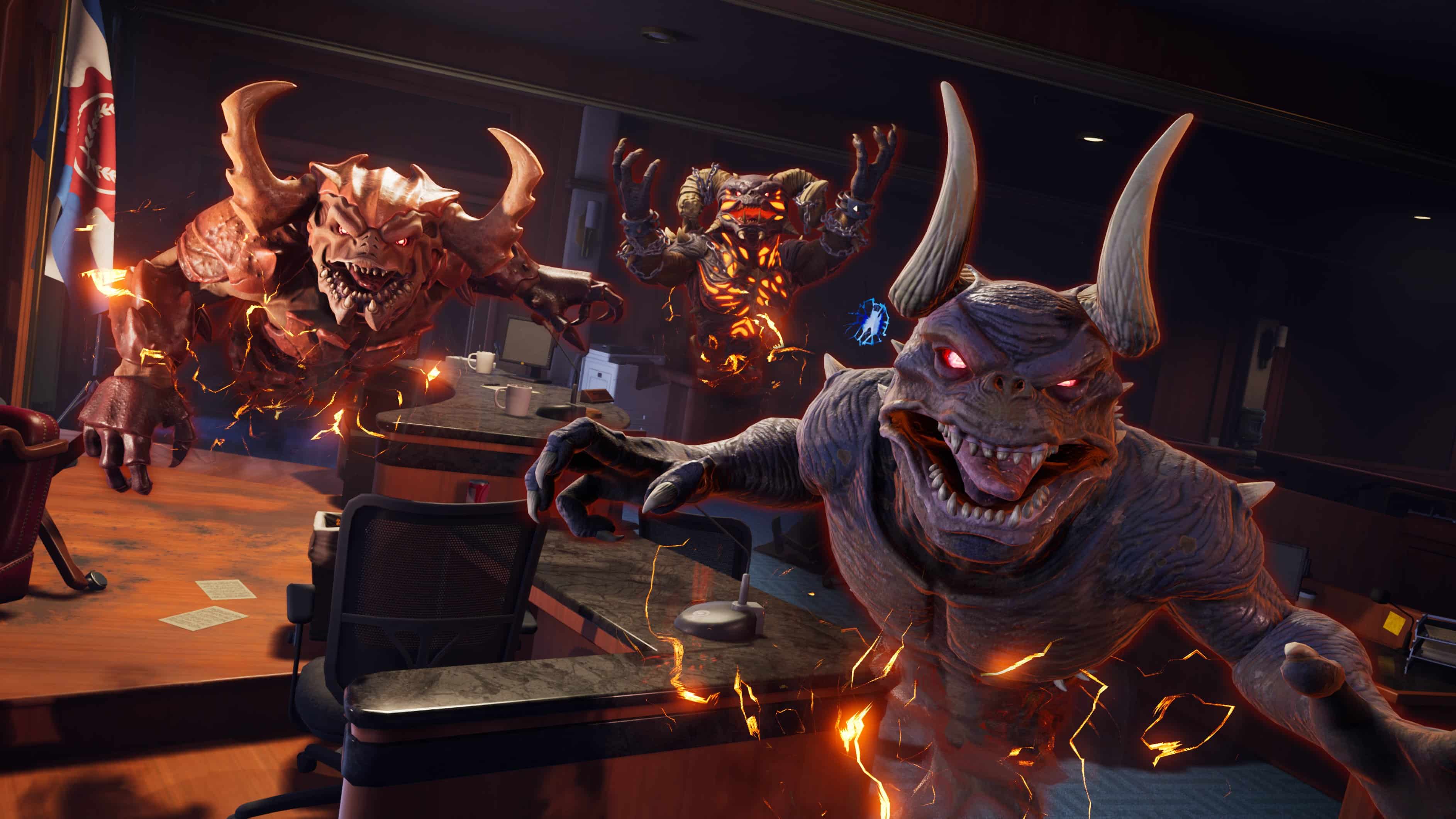
ScuttleHellion, and the famous Terror Sentinel  provide the Possessor Ghost type with a unique playstyle.

Use unique abilities and the Ultimate Possession to take over Civilians and even Busters!

New Enemy Type

Drudges

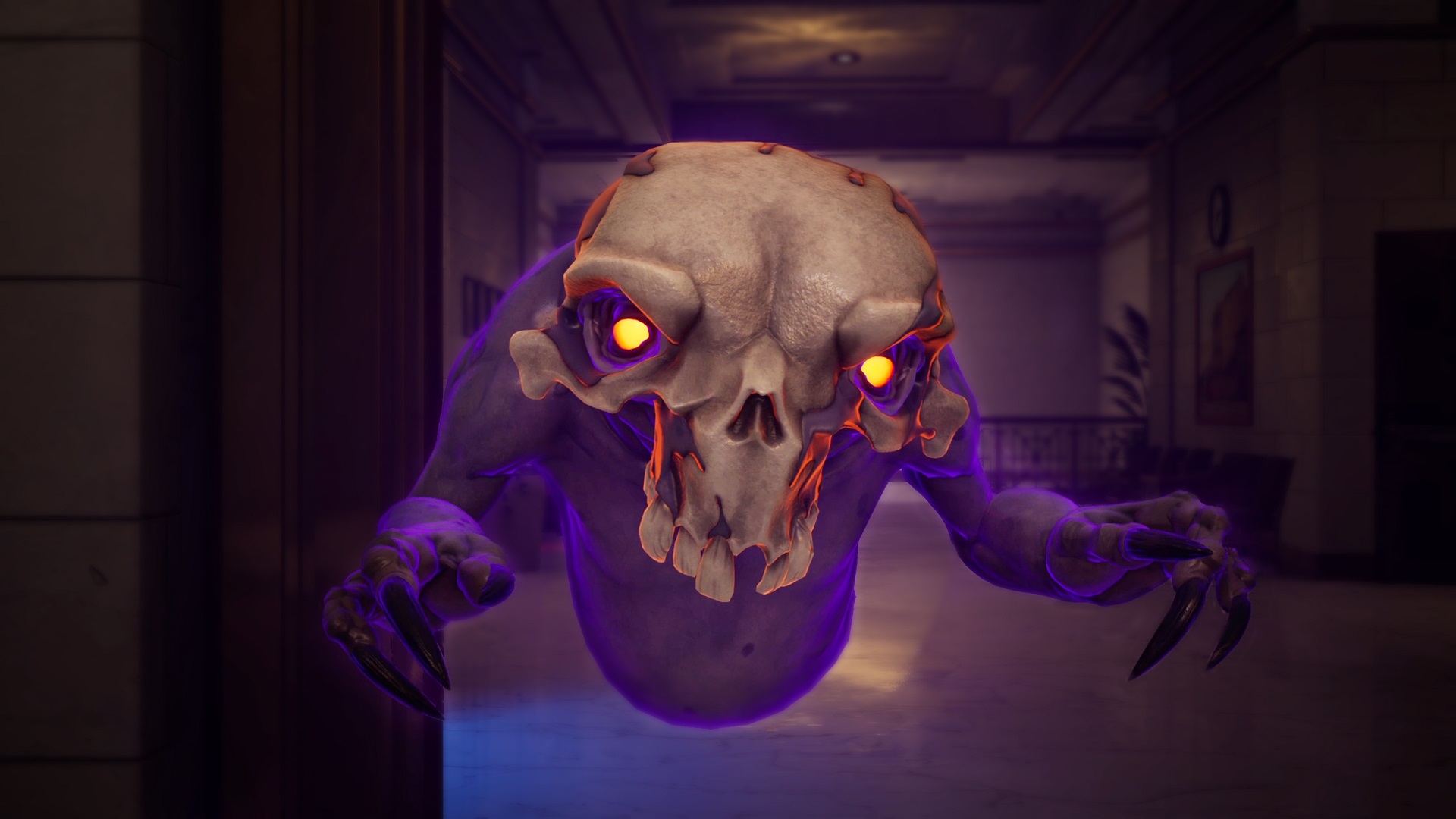
From the depths of the Ghost Realm come the drudges to help! Summoned by Tobin, these helpful little entities help the ghost haunt the building and scare humans. Busters would be wise to focus on eliminating these helpers and the Ghost can use the rifts to spawn more!

New Minions Type

Trap Minions 

A singular minion that the ghost can plant hidden on the ground or inside of objects. This minion will spring to life when their stasis field is tripped and latch on to the unsuspecting victim!

Extreme Ghostbusters 

Cosmetics and Gear Shells

Buster cosmetics and Gear Shells that harken back to the Extreme Ghostbusters Cartoon series!

Unlockable through various Side Hustles and Research Contracts.

New Tenure Level

Tenure (Level 3)

Tenure once again has an additional level that is now available!

Make sure to level up in order to unlock the special cosmetic that comes with upgrading your Tenure level!

Ghostbuster Customization

Makeup

Several makeup styles will now be selectable to the player, all with numerous color options.

Shirt Logos

Shirt logos can now also be applied to appropriate tops.

New Ghostbuster Cosmetics

More customization options for the buster characters including footwear, a skirt and kilt bottom.

Gear Tint Customization

Unlock and apply some unique colors for all 4 of your main gear to really stand out.

Changes and Fixes

General

  • Various Crash Fixes and Stability Improvements
  • Increased Experience awarded for the Busters game mode related events to better reward productive Ghostbusting
  • New Announcer dialogue from Catt and Tobin
  • Added Gear Customization preview videos
  • Made improvements lighting in the Ghost Customization menu
  • Made improvements to the frequency and timing of Civilian, Buster, and Ghost voice lines
  • Updated the AAR and Gear menu to reflect when the player has reached the maximum Gear levels
  • Updated the Team Preference and Ready Up UI elements in the Firehouse
  • Updated the UI for the Spores, Mold, and Fungus Collection menu to reflect a completed collection
  • Added SFX for the final 10 countdown UI element
  • Added SFX for destruction of haunted objects
  • Made improvements to the Civilian horrified SFX
  • Added SFX for Civilians reacting to Notice Me
  • Fixed several SFX issues related to objects that roll around
  • Fixed several issues related to contracts not behaving properly
  • Fixed an issue where the Announcer VO would play during the intro cinematic
  • Fixed an issue where the Preferred Monitor setting did not automatically change when moving the window to a different monitor
  • Fixed an issue where the pause menu would be unavailable during cinematics
  • Fixed an issue where a black bar would persist after the match has ended
  • Fixed an issue where the host crown would sometimes not appear on the player nameplates
  • Fixed an issue where a controller pairing error would display when round cycling
  • Fixed an issue where, when a player joins a game in progress, certain meshes would sometimes not properly display
  • Fixed various locations on several maps that were causing players to become stuck
  • Fixed an issue where certain interactions did not behave properly when emoting at the same time
  • Fixed an issue where AI would sometimes not use the proper loadout when taking over after a player has left the match
  • Civilians will now knock back other civilians when sprinting
  • Fixed an issue where supported civilians would sometimes incorrectly announce that there is a ghost nearby when there is not

Buster

  • Gear Menu has been updated to show clearer information about what each attachment does and what equipping or removing it will do to your current setup
  • Added a feature that briefly increases Tether Form Time on Ghosts that have been recently let go from a Tether
  • Added an “escaped from Tether buff” to Ghosts who are released by the buster just before breaking the Tether
  • Adjusted Busters horrified fear threshold;, making it slightly easier to get into a horrified state
  • Slight increase to the angle of magnetism on the Particle Beam when locking onto a ghost
  • Increased Busters personal fear reduction when standing nearby other Busters
  • Reduced the Self Revive and Buster Revive interact times
  • Increased the degradation speed of Tether forming when Tether is not fully formed
  • Slightly increased radius of Minion suction pull on Ghost Trap
  • Clear Slime now automatically reattempts to clear the slime if the Buster is still holding down the Clear Slime input
  • Quick use Gadgets will now interrupt other actions
  • Made improvements to Buster Slimed SFX
  • Added additional Disruptor Pylon SFX
  • The Disruptor Pylon can no longer be Thrown or Consumed
  • Fixed an issue where the Disruptor Pylon could cause the Ghost to become invisible under certain conditions
  • Fixed an issue where the Buster would sometimes hold the Disruptor Pylon incorrectly
  • Fixed an issue where the Disruptor Pylon’s health bar would not display properly after being damaged
  • The Outboard Chipset attachment for the P.K.E. Meter now automatically spots objects that are haunted, possess or contain a Rift.
  • Fixed an issue where the Buster’s animations while holding the P.K.E. Meter were not behaving properly
  • Fixed an issue where the Proton Pack Repair animation was not behaving properly when hit while repairing
  • Fixed an issue where the Remote Receiver attachment would sometimes cause the Ghost Trap to not function properly
  • Fixed an issue where the Ecto Goggles would not behave properly when the Buster rapidly presses certain buttons
  • Fixed an issue where the Ecto Goggles would not behave properly after using the R.T.V. Kit attachment
  • Fixed an issue where the Ecto Goggles were not behaving properly when equipped with certain hairstyles and glasses
  • Fixed an issue where the Ecto Goggles could sometimes cause the Buster to enter a state where they are unable to perform any actions
  • Fixed an issue where the Radar Puck was not destroyable
  • Fixed an issue where the Emote Wheel would sometimes not behave properly when using the RC Ghost Trap
  • Fixed an issue where the Tether meter would sometimes persist on the screen when swapping off the Particle Thrower
  • Fixed an issue where the Particle Thrower would not play the overheat animation under certain conditions
  • Fixed an issue where the UI element for the Whip Pulsar attachment cooldown was not behaving properly
  • Fixed an issue where the stamina bar would sometimes no longer update after mantling
  • Fixed an issue where the spot icon would sometimes not display properly
  • Improved AI Busters possessable object perception and gave them the ability to fire on suspicious, non possessed items
  • Improved AI Buster’s Ghost Prioritization when in more chaotic scenarios
  • Improved AI Busters tracking and PKE meter behaviors
  • Improved AI Buster trap use and allowing quick throwing

Ghosts

Ghosts

  • Made improvements to the Ghost Emote SFX system
  • Ghost Trap escape minigame UI has been updated to indicate which direction the Ghost needs to move towards in order to escape the Ghost Trap easier
  • Increased the interaction time when picking up a Rift
  • Increased energy cost when Phasing through a Buster
  • Reduced the passive Room Haunt speed that occurs when the area is occupied by a Ghost
  • Reduced Global Haunt added when an area is full haunted
  • Reduced Global Haunt rate
  • Increased amount of time it takes for a Rift to begin its passive health regen
  • Reduced max amount of time that  Rift Fractures can appear for
  • Added SFX to various Ghost event UI elements
  • Added SFX for when the Ghost cancels an ability
  • Added SFX for when a Ghost escapes a trap
  • Added a VFX to the following events:
    – Ghost while inside a haunted room being buffed
    – Closing a trap as the Ghost
    – Minion attacks
  • Haunt bar now correctly turns when completely red when reaching a certain threshold
  • Addressed an issue where unpossessing an object may cause the Ghost to not re-appear properly
  • Fixed an issue where certain cooldown timers were not displaying properly after the Ghost has been trapped
  • Fixed an issue where Ghosts are able to use ectovision even when the P.K.E. bar is drained
  • Fixed an issue where object destruction was not properly influencing Room Haunt rates
  • Fixed an issue where certain possessed objects would not display their health bar when damaged
  • Fixed an issue where possessable objects would sometimes become stuck in the air when unpossessed above an active rift
  • Fixed an issue where the Ghost would sometimes load into a match without a HUD
  • Fixed an issue where Possessed objects were not glowing as intended during the initial possession

Ectoplast

  • Fixed an issue where the Ectoplast’s Slimenado was not behaving properly when performed by an AI Ghost

Ghouly

  • Adjusted Fear Inferno animation to properly line up with when the damage is applied Reduced Possess Human cooldown
  • Reduced Drake’s Possess Human cooldown
  • Reduced Drake’s Possess Human Initial Cost
  • Fixed an issue where the knockback animations for Possessed Civilians were not behaving correctly

Muncher

  • Updated Glutton’s VFX
  • Glutton’s projectiles now visually scale to match Consume levels
  • Fixed an issue where Glutton’s Reduced Haunted Object Time was not working properly

Howler

  • Howler’s Sonic Pulse now slows Buster’s nearby during its activation
  • Increased Bramble’s Floating Seeker health
  • Reduced Bramble’s Floating Seeker speed
  • Made improvements to Bramble’s Floating Seeker to track Busters based on threat level and distance
  • Bramble’s Floating Seeker now has a new explosion effect when successfully destroyed by a Buster
  • Fixed an issue where Shriek’s Scream Wave would sometimes not behave properly when colliding with an unpossessed object

The official patch notes aren’t live just yet, but here are the new stuff incoming as per Illfonic:

● New Map, The Courthouse – Strange activity is reported at the courthouse, which has made it challenging to conduct legal proceedings. Decades of dark practices and paranormal contact have made the courthouse a hotbed for ghost activity. Halls, offices, and courtrooms all connect to form a uniquely entwined gameplay space.

● New Ghost Type – Possessor Ghost Type + 3 Variants – Scuttle, Hellion, and the famous Terror Sentinel provide the Possessor Ghost type with a unique playstyle. Use unique abilities and the Ultimate Possession to take over Civilians and even Busters!

● New AI type: Drudges – From the depths of the Ghost Realm, come the drudges to help! Summoned by Tobin, these helpful little entities help the ghost haunt the building and scare humans. Busters would be wise to focus on eliminating these spectral aides, and the Ghost can use the rifts to spawn more!

● New Minion Ability: Trap Minions – A singular minion that the ghost plants hidden on the ground or inside of objects will spring to un-life when its stasis field is tripped and latch onto the unsuspecting victim!

● Extreme Ghostbusters cosmetics, gear shells, and other customizations – Buster cosmetics and gear shells that harken back to the Extreme Ghostbusters cartoon series that are unlockable through various Side Hustles and Research Contracts. The team also has new footwear, skirts, kilt bottoms, and several makeup styles to choose from. Shirt logos can now be used on appropriate tops.

● General Improvements – Gear Upgrade Menu Overhaul, Ghost/Buster Bot Improvements, bug fixes, balance, QOL fixes, etc. to further improve the overall experience!

If there are any other official patch notes released, we’ll update the article.

Update: Illfonic has released the official patch notes, and we’ve update the article with the info.

Avatar photo

Alex Co

Father, gamer, games media vet, writer of words, killer of noobs.

Home > News

Tiny Tina’s Wonderlands Update 1.11 Rolled Out This April 20

Gearbox Software has pushed out Tiny Tina’s Wonderlands update 1.11 (PS5 version 1.011), and this doesn’t include any gameplay-related fixes. Read on for what’s new in the Tiny Tina’s Wonderlands April 20 patch notes.

Tiny Tina’s Wonderlands Update 1.11 Patch Notes | Tiny Tina’s Wonderlands Update 1.011 Patch Notes | Tiny Tina’s Wonderlands April 20 Patch Notes:

Here’s the announcement from Gearbox regarding the patch:

An update for Tiny Tina’s Wonderlands is being rolled out. This update helps us future-proof the weekly rotational events happening in-game

Outside of that, there’s no mention of gameplay changes, bug fixes or whatnot. The last client patch released before today was pushed out last year in September. If anything changes regarding today’s patch, we’ll update the article.

You can read our thoughts on the game in our review.

Avatar photo

Alex Co

Father, gamer, games media vet, writer of words, killer of noobs.

Home > News

R6 Siege Down This April 20, Ubisoft Aware and Working on Fixes

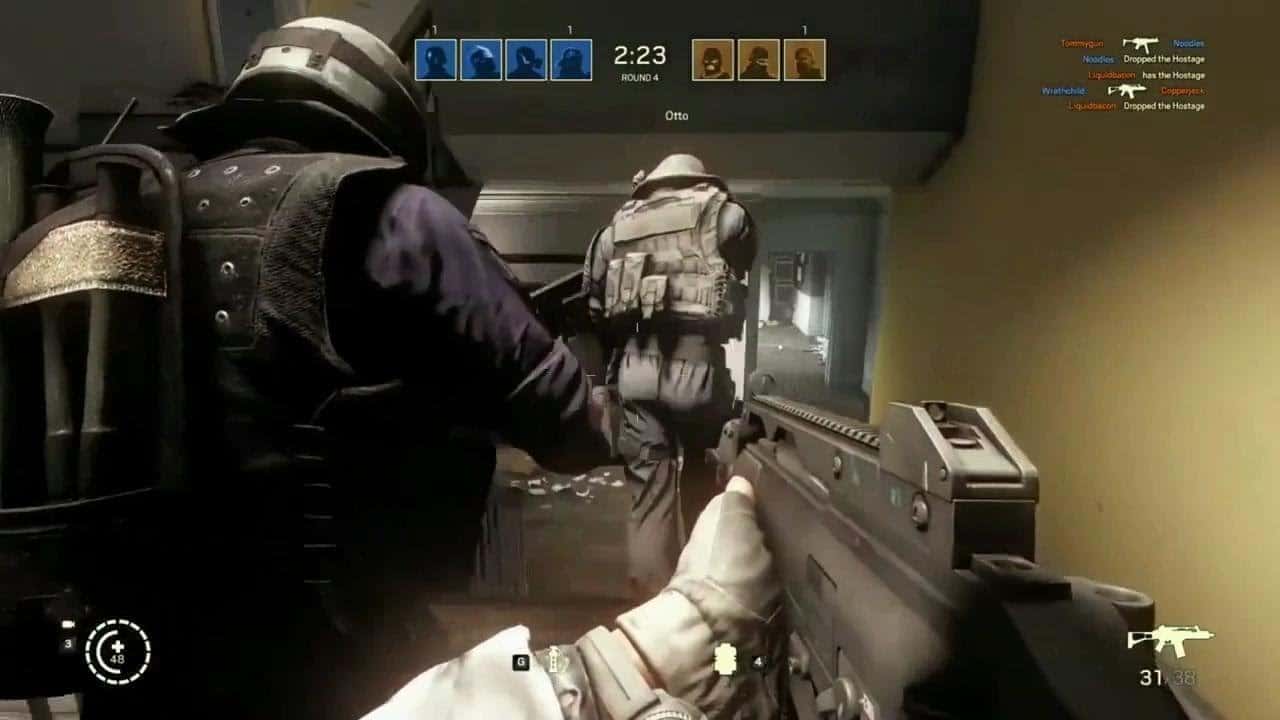
If you’re seeing (Rainbow Six) R6 Siege down reports surface this April 20, it’s because the servers are acting up again, which was the case yesterday too.

R6 Siege Down Status and Updates for April 20:

Multiple reports on the game’s subreddit have surfaced recently, with people lamenting how the servers were down yesterday too.

Servers took a fat dookie again
byu/LoadUpOW inRainbow6

Anyone else’s game not working?
byu/DekuXBakugouisnotok inRainbow6

Here’s the latest announcement from Ubisoft regarding the outage:

Same as always, once the servers are back up or if Ubisoft issues an update, we’ll be sure to notify our readers in this article, so refresh this page from time to time.

If you can somehow play, leave a comment below stating which platform you’re on and where you’re connecting from.

Avatar photo

Alex Co

Father, gamer, games media vet, writer of words, killer of noobs.

Home > News

New GTA Online Update This Week for April 20 – Discounts, GTA Plus & More

Rockstar Games has rolled out the new GTA Online update this week for April 20 featuring new activities alongside discounts, GTA Plus bonuses and more! Check out the complete highlights and recap in one handy list below.

New GTA Online Update This Week for April 20 – Discounts, GTA Plus & More:

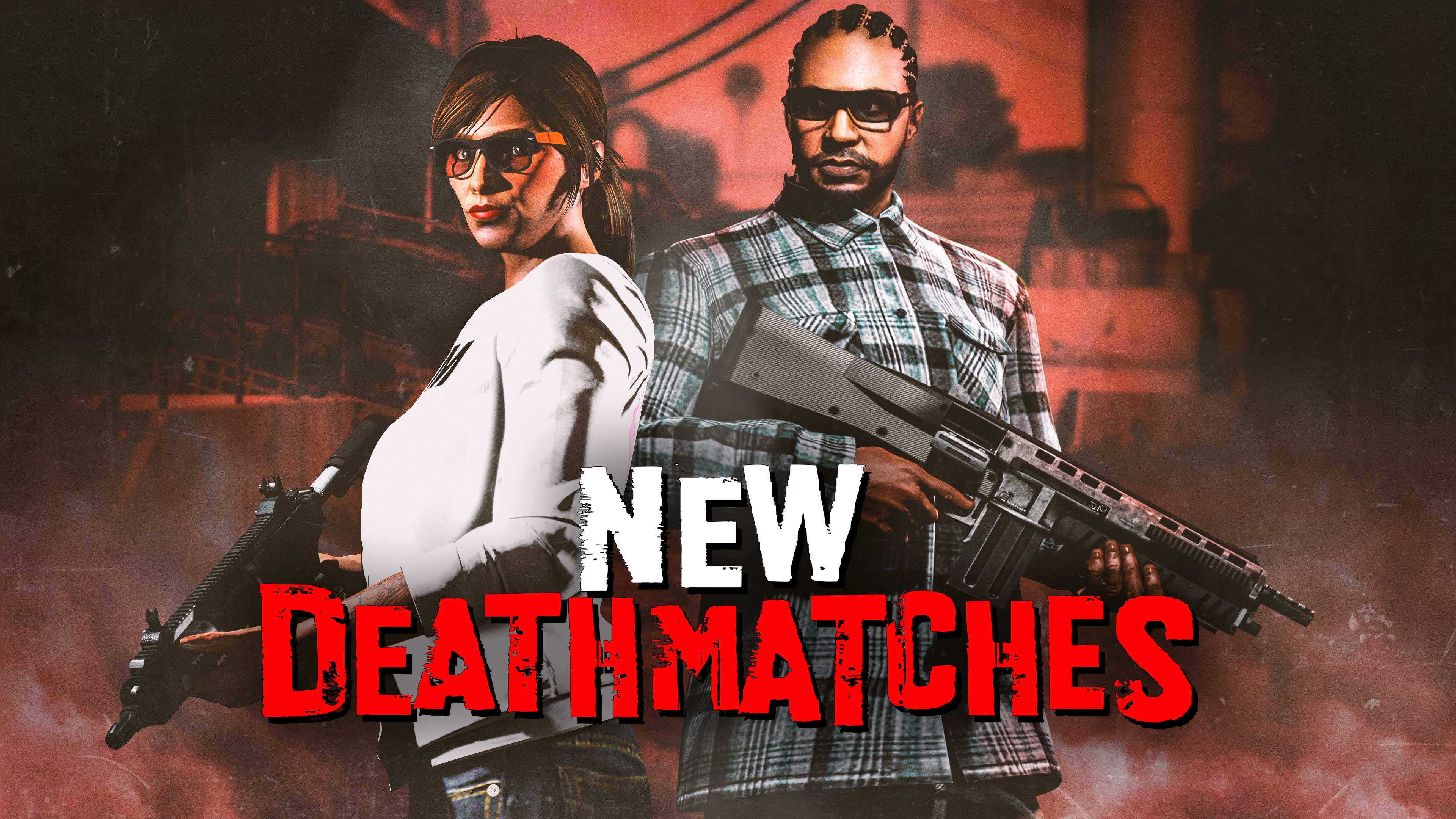
Two new Deathmatches come to GTA Online this week – Shake Up and Top Marks – each featuring constantly changing loadouts putting a new spin on the classic game of hunt or be hunted.

Plus, it’s high times throughout Southern San Andreas, with double GTA$ and RP on Short Trips, Weed Farm Bonuses, and rare 4/20 clothing and accessories available for completing this week’s objectives. Additionally, Soda fans who missed out on rare Sprunk items during last summer’s Sprunk v eCola battle will get a second chance to pick up the Sprunk Varsity Jacket, Sprunk Chute Bag, and Sprunk cap.

Full details include:

  • 2 New Deathmatches: Shake Up and Top Marks
  • Triple GTA$ and RP on new Deathmatches, the Community Series, and Lamar Contact Missions
  • Double GTA$ and RP on Short Trips and RC Bandito Races
  • Doubled Weed Farm Production Speed and supplies paid out for completing Biker Ressupply Missions
  • 30% off all Weed Farms and their Upgrades & Modifications, High-End Apartments
  • 4/20 Rewards:
    • Log in to receive the High Flyer Parachute BagSprunk Chute Bag, and Pastel Green Smoking Jacket
    • Complete any Biker Sell Mission to receive the Sprunk Varsity Jacket
    • Become an Associate or Bodyguard to receive the Sprunk cap
  • This week at Simeon’s Premium Deluxe Motorsport Showroom: The Karin Sultan Classic, Vulcar Nebula Turbo, Progen T20, Dinka Blista Kanjo, and Declasse Mamba
  • On Display at the Luxury Autos Showroom: The Lampadati Tigon and Progen Emerus
  • PlayStation 5 and Xbox Series X|S:
    • HSW Premium Test Ride: The Übermacht Sentinel XS
    • HSW Time Trial: East Vinewood — Vespucci Beach
  • Lucky Wheel Top Prize: Übermacht Revolter
  • LS Car Meet Prize Ride: Win a LS Car Meet Series Race three days in a row to earn the Dominator GTT
  • LS Car Meet Test Rides: Pfister Neon, Übermacht Cypher, and Karin Previon
  • 50% off Green Tire Smoke and the Green Space Horror Suit
  • Vehicle Discounts: 30% off the Pfister Neon, Lampadati Tigon, and Vulcar Nebula Turbo
  • This week’s Gun Van Discounts: 10% off Weapons, 15% off Throwables, and 20% off Armor
  • GTA+ Benefits: A free Karin Boor; the Paleto Bay Meth Lab property with a free staff upgrade; Spatter finishes for the Baseball Bat and Knife at the Gun Van; new Dark Blue Pearl and Green Prismatic Pearl Chameleon Paints free at Los Santos Customs; 50% extra GTA$ and RP for completing Acid Lab Sell Missions, and more

GTA+:

GTA+ Members get a wide range of new bonuses, benefits, and more through May 10, including:

  • A free Karin Boor Off-Road vehicle
  • The Paleto Bay Meth Lab, with a free staff upgrade
  • Spatter finishes for the Baseball Bat and Knife at the Gun Van
  • New Dark Blue Pearl and Green Prismatic Pearl Chameleon Paints free at Los Santos Customs
  • 50% extra GTA$ and RP for completing Acid Lab Sell Missions

Plus, a bonus GTA$500,000 delivered upon billing and deposited automatically into your Maze Bank account, and more for just $5.99 a month. For full details, visit the GTA+ website.

Discounts:

In addition to the discounts on Weed Farm locations and their upgrades above, you can put the “high” in High-End Apartments this week by taking 30% off the cost of these plush crash-pads.

Complete your out-of-this-world costume with a smokey getaway: The Green Tire Smoke and the Green Space Horror Suit are both 50% off. The following vehicles are also on sale this week:

  • Pfister Neon (Sports) – 30% off
  • Lampadati Tigon (Super) – 30% off
  • Vulcar Nebula Turbo (Sports Classic) – 30% off

Locate the Gun Van this week to take 10% off the cost of Weapons, 15% off Throwables, and 20% off Armor. GTA+ Membership increases those discounts significantly, and confers 50% off the Service Carbine. See below for this week’s rotating inventory:

Baseball Bat | Knife | Machine Pistol | Machete | Railgun | Heavy Sniper (30% off) | Service Carbine (50% off for GTA+ Members) | Sweeper Shotgun | Molotovs | Proximity Mines | Grenades

Tune in next week for the new GTA Online update.

Avatar photo

Salman Haider Zaidi

That's a nice argument, Senator.

Home > News

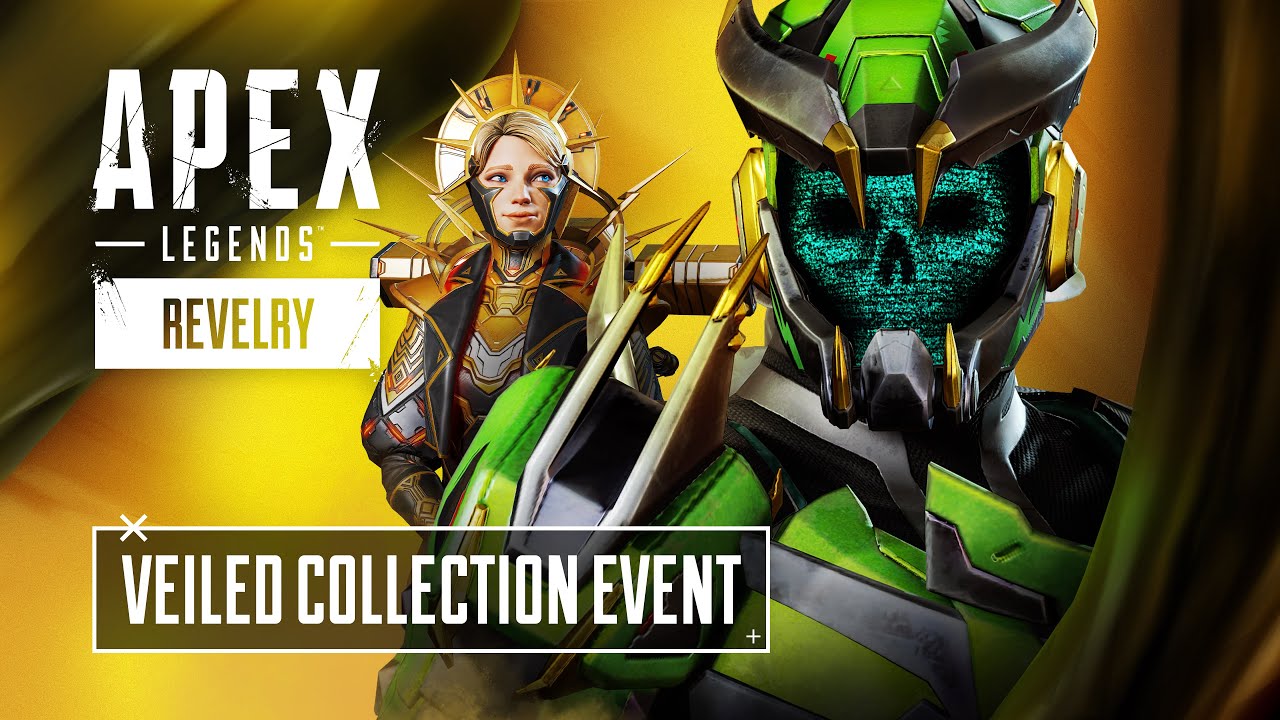
Apex Legends Veiled Collection Event Starts April 25, Brings New TDM Mode and More

Respawn has announced the Apex Legends Veiled Collection Event, and it kicks off this April 25 until May 9. This new event will feature a new TDM mode alongside new cosmetics.

Check out what’s new for the event in the new trailer released today.

NEW LIMITED-TIME MODE: TDM UNSHIELDED DEADEYE

TDM Unshielded Deadeye is a twist on Team Deathmatch with Legends wielding limited, rotating loadouts each match to prove their skill. Every match loadouts will be randomly given so players will start with one of the following weapon sets:

  • Wingman and 30-30 Repeater
  • Hemlok and G7 Scout
  • Kraber and Sentinel

Care packages are turned off and players will have no shields or helmets. The first team to 50 kills wins and will reveal the true Champions among Legends.

You can also check out the new Veiled Collection Event items and reward tracker that will be available during the event.

VEILED COLLECTION EVENT ITEMS

Unlock 24 explosive limited-time cosmetics, with Legendary skins for Wattson, Rampart, Gibraltar, and more.

All 24 items will be available in exchange for Apex Coins or Crafting Metals and in Veiled  Collection Event Apex Packs for the entire duration of the event.

If you unlock all 24 cosmetics in the collection before the event ends, you’ll automatically receive Caustic’s new Prestige skin, “Apex Contagion”!

REWARD TRACKER

You can earn up to 1,600 points per day and challenges refresh daily. All these challenges also stack with your Battle Pass so you can complete multiple challenges at once.

You can check out the new weekly store items right here.

Usually, new events are rolled out via a game update, but given that we just got a patch yesterday (and given its file size), we suspect that the data for the event has already been included in yesterday’s download. Of course, if there’s a new patch released on April 25, we’ll be sure to let our readers know.

Avatar photo

Alex Co

Father, gamer, games media vet, writer of words, killer of noobs.

Home > News

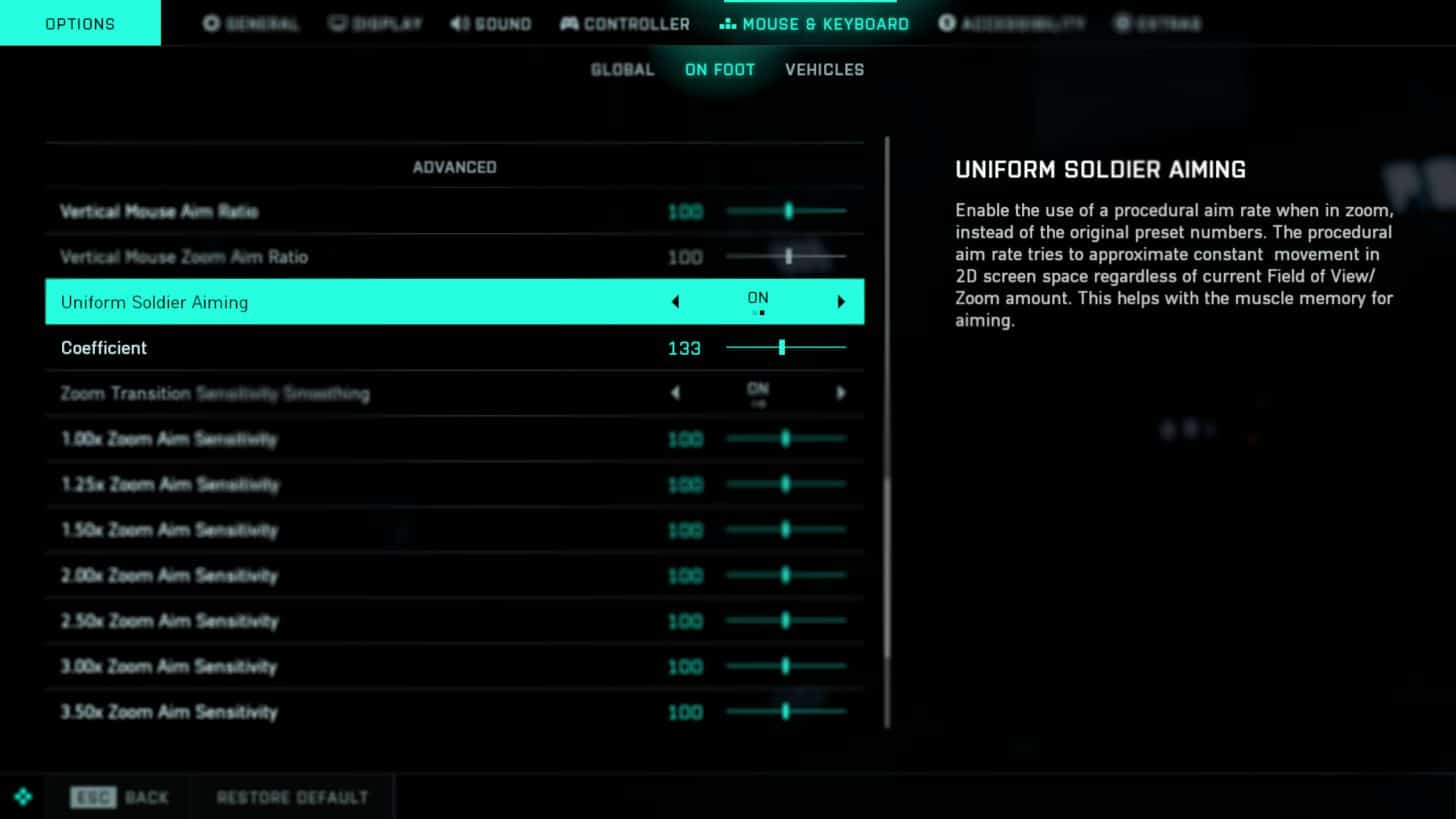
Battlefield 2042 Uniform Soldier Aiming to Be Turned on by Default in Next Update, Here’s What It Means

DICE has announced that the Battlefield 2042 “Uniform Soldier Aiming” default setting will be changed to “on” for both controller and mouse & keyboard players in the next game update.

Not familiar with what the term means? Don’t fret, here’s an explanation straight from DICE:

What is Uniform Soldier Aiming?
Uniform Soldier Aiming is a feature beneficial to the process of developing good muscle memory when aiming. It calculates the amount of input it takes for your aim to move across screen space to be consistent regardless of field of view changes. As a result, it will always take the same amount of pixel distance on screen for a given physical movement of the mouse. This creates more consistency between non-zoom and zoom, as long as individual zoom aim sensitivity (e.g. 1.00x or 1.25x) has not been changed from the default.

It’s important to note that it’s not an immediate setting to improve your aim, but rather a tool which over time helps your aiming movement to gradually become more consistent during gameplay.

According to DICE, the reason why it was by default turned off in BF2042 was because in previous Battlefield games, they expected a slower aim rate in zoom to be a benefit in helping players learn to aim. However, DICE has instead noticed that for both new and experienced players, this variance doesn’t promote good muscle memory build up.

Finally, the studio also mentions that if you play with a controller, you will already notice aiming variance due to aim assist. One example is your aim slowing down when close to a target alongside other similar helpful acceleration settings. By having Uniform Soldier Aiming on by default, DICE is reducing unnecessary aiming variance to help the player learn the input curves on the controller sticks consistently. This should also help players aim while using higher magnification scopes to better track fast moving targets.

Those on mouse & keyboard, you don’t have the same variance to account for as using a controller, However, the same principle applies to Uniform Soldier Aiming, as over time, this will help players build muscle memory and improves aiming skills through more consistent aim rates regardless of the weapon’s magnification level.

Those who prefer to play without Uniform Soldier Aiming, you can still toggle it off viaOptions -> Controller / Mouse & Keyboard -> On Foot -> Uniform Soldier Aiming under the Aim category.

No word yet on when this next game update will be released, but once we know more, we’ll let our readers know.

Source: EA

Avatar photo

Alex Co

Father, gamer, games media vet, writer of words, killer of noobs.

Home > News

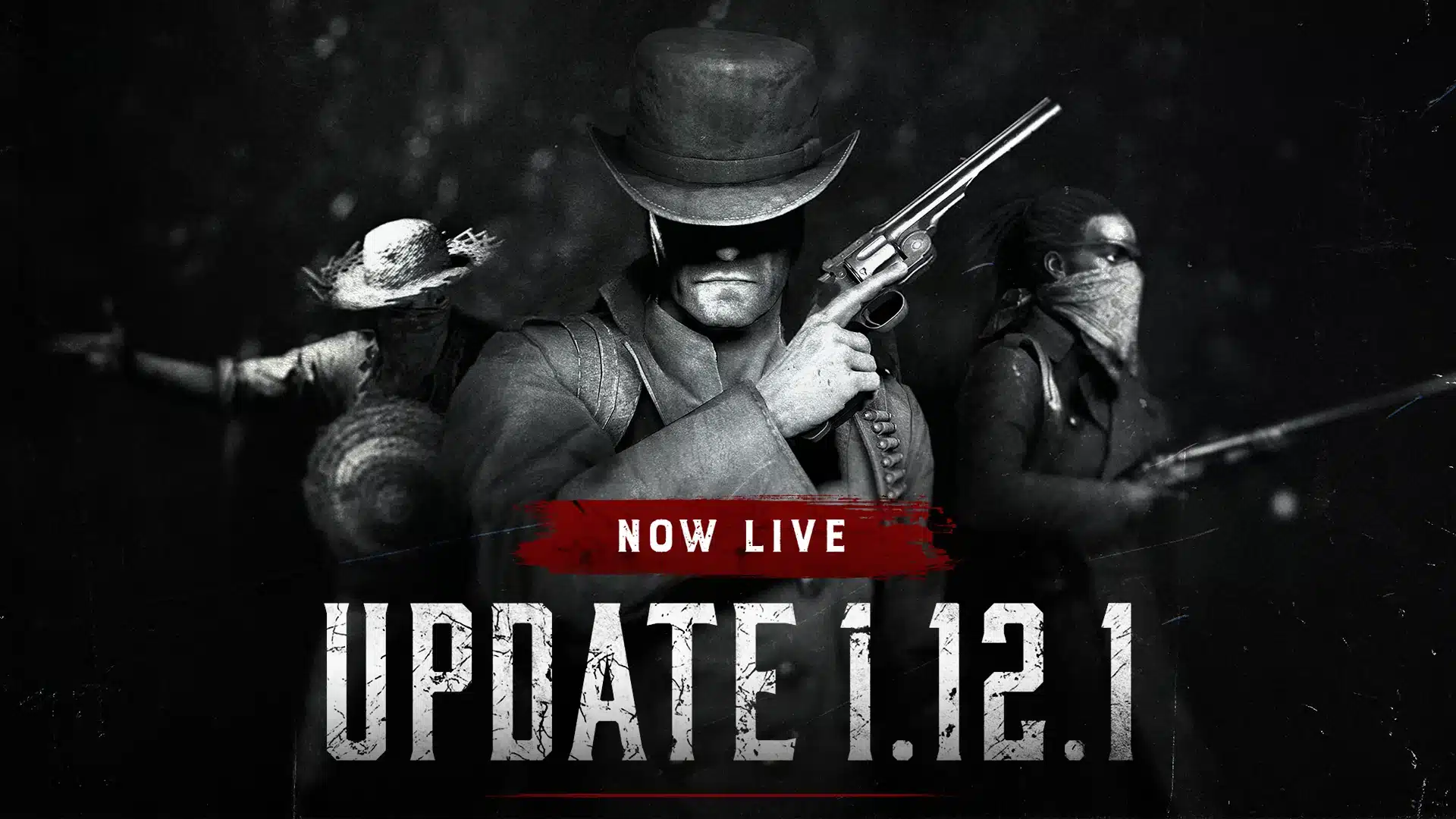
Hunt Showdown Update 1.81 Shoots Out for Patch 1.12.1 This April 20

Crytek has released Hunt Showdown update 1.81, which is for version 1.12.1! This brings Wildcard Contract adjustments alongside a short list of bug fixes. Read on for what’s new in the Hunt Showdown April 20 patch notes.

Hunt Showdown Update 1.81 Patch Notes | Hunt Showdown Update 1.12.1 Patch Notes:

Wildcard Contract Experiment

In this release, the Wildcard Contract has undergone further adjustments as we plan to run them again and continue our experiment around separate contracts. Players who choose the Wildcard option will be placed on a random map and will only encounter single Boss Targets during nighttime. Furthermore, players will only have the option to play against trios to help streamline waiting times. In addition, the Wildcard Contract now offers an increased Bounty Bonus of 300 per extracted token!

As mentioned in the notes for Update 1.12.1, we will be continuing to experiment with the Wildcard Contract over the coming weekend (Friday 21st – Monday 24th).

Here are the details:

✔️ Start time: Friday 21st @ 07:00 UTC.

✔️ Standard Contract: Random missions excluding the “Night” Time of Day. No extra bonus for a successful extraction.

✔️ Wildcard Contract: Night missions with one Boss Target. The Boss Target will be random. +300 bonus Bounty per successful token extraction.

Wildcard Contract will only have one queuing option, which will be set to trios only. This means solos, duos, and trios will all be in the same matchmaking pool.

End time: Monday 24th @ 7:00 UTC.

On Monday morning, we will revert to the single Standard Contract and the “Night” Time of Day will be added back into the rotation.

  • Fixed an issue that caused FPS drops when closing the map.
  • Fixed an issue that caused the “Match Found” and “All Servers Occupied” banners to disappear after switching tabs.
  • Fixed an issue that prevented the base ammo of special weapons (IE: Hunting Bow and Crossbow) from progressing Challenges or Quests, like “Kill an enemy with special or custom ammo” and “Deal damage to enemy Hunters using any Custom Ammo or Special Ammo”.
  • Fixed a rare issue that caused environmental elements to disappear when a Hunter was revived.
  • Fixed an issue that allowed poison clouds to deal excessively high damage to AI per damage tick.
  • Fixed an issue that enabled 5 consumables to be in a Hunter’s inventory after looting static saddles.

You can monitor all our Hunt Showdown coverage right here.

Source: Reddit (1, 2)

Avatar photo

Alex Co

Father, gamer, games media vet, writer of words, killer of noobs.

Home > News

Warframe Servers Down With Connectivity Issues, Workaround Listed by Devs

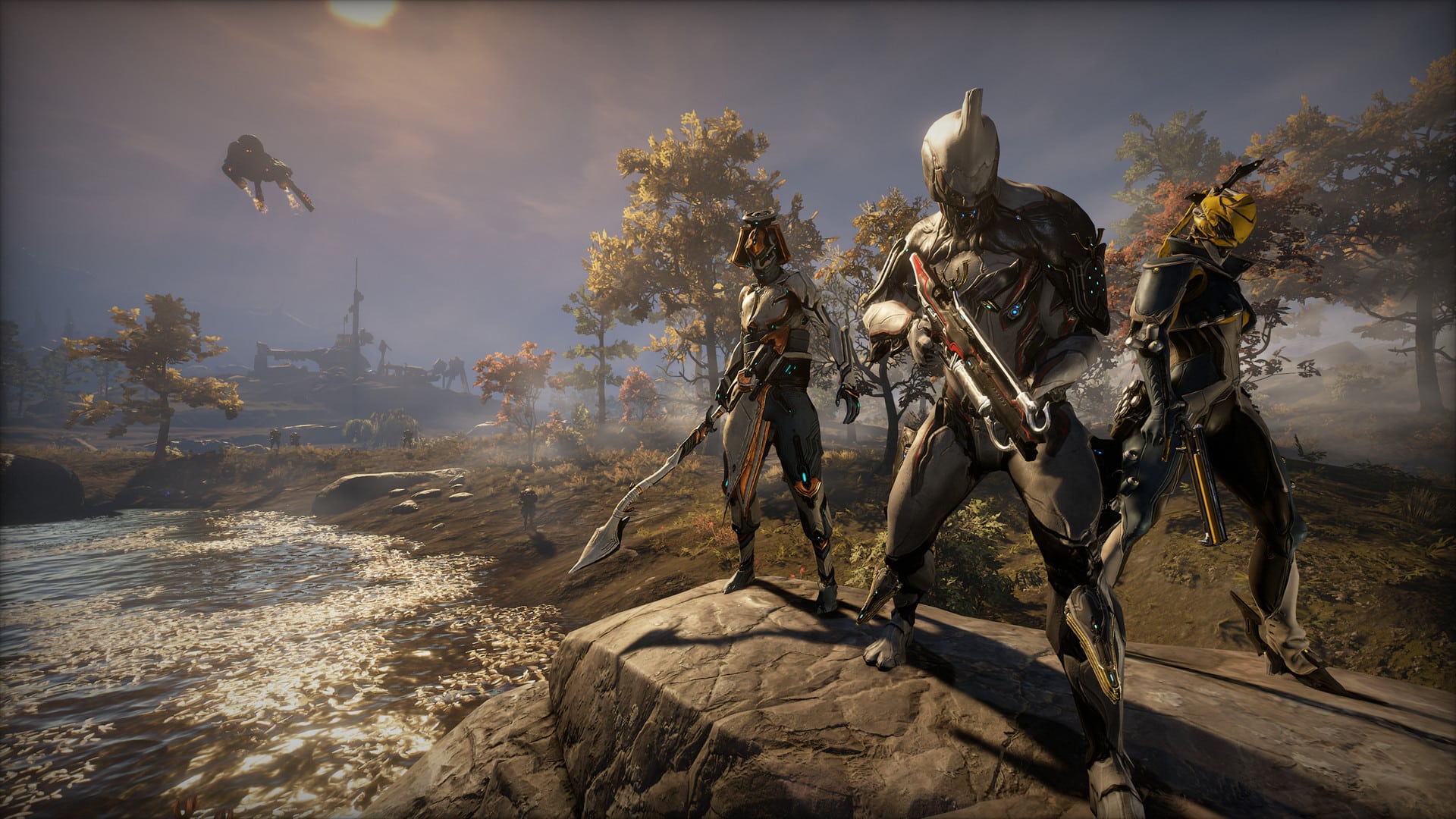
If you’re seeing Warframe servers down reports surface, it’s not just you, as Digital Extremes has acknowledged that the game is suffering connectivity issues this April 20.

Warframe Servers Down Status and Workaround for April 20:

Digital Extremes has posted a workaround for this issue affecting both console and PC players:

We’ve been able to narrow down the issue and can confirm this is a problem with a specific ISP.

If you have a PC you can confirm that you have this problem by:

  • Opening a command prompt and typing “nslookup api.warframe.com”
    • if it reports 23.40.172.184 as one of the addresses, your DNS server is returning stale information and is effected.
  • Unfortunately it seems there is a pool of addresses returned and you may not see the bad one immediately (this is why the game can sometimes work but then will fail at random).
  • Tip: press the up arrow and then enter to re-run the same command a few times – in normal circumstances the addresses resolved might change every 20 seconds or so.

As others have pointed out in this thread there is a workaround: you don’t have to use the DNS servers provided by your ISP. You can switch to a free DNS server locally on your PC, console or on your home router:

One issue we encountered with overriding your ISP’s DNS server, however, is that it appears this ISP specifies IPv6 DNS servers as well – we’re still investigating but in some cases changing the IPv4 DNS settings didn’t work until either IPv6 was disabled or the IPv6 settings were changed in tandem with the IPv4 settings.

Sadly, this is not the first time we’ve had this problem: in February we saw the same issue with this ISP. For some reason their DNS servers are returning stale addresses and ignoring the 20-second expiry we specify and have been returning a value that changed almost a week ago.

The last time our network partners were able to rearrange some equipment so that the stale address returned by the ISP’s DNS server still worked but unfortunately this is not possible this time. Our network partners are trying to reach out to this ISP to tell them about their misconfiguration but since we aren’t their customers this has not been effective.

We’re currently waiting to hear back from our network partner about their efforts to contact this ISP however if you want to try to contact your ISP yourself the key things to tell them are:

  1. Their DNS servers are sometimes returning stale addresses for api.warframe.com (and probably others)
  2. Specifically it should not resolve to 23.40.172.184
  3. This is not a problem for millions of people on connecting through different ISPs.
  4. Other customers impacted by this have successfully switched DNS servers to work around this problem.

Digital Extremes has added that they are hoping the issue is fixed soon, though players will need to do this workaround for now.

In other Warframe news, The Duviri Paradox is out next week, and you can check out gameplay of the upcoming mode right here.

Source: Warframe Forums

Avatar photo

Alex Co

Father, gamer, games media vet, writer of words, killer of noobs.

Home > News

Watch Over 6 Minutes of New Immortals of Aveum Gameplay, Featuring Spell-Based Combat and Gear Customization

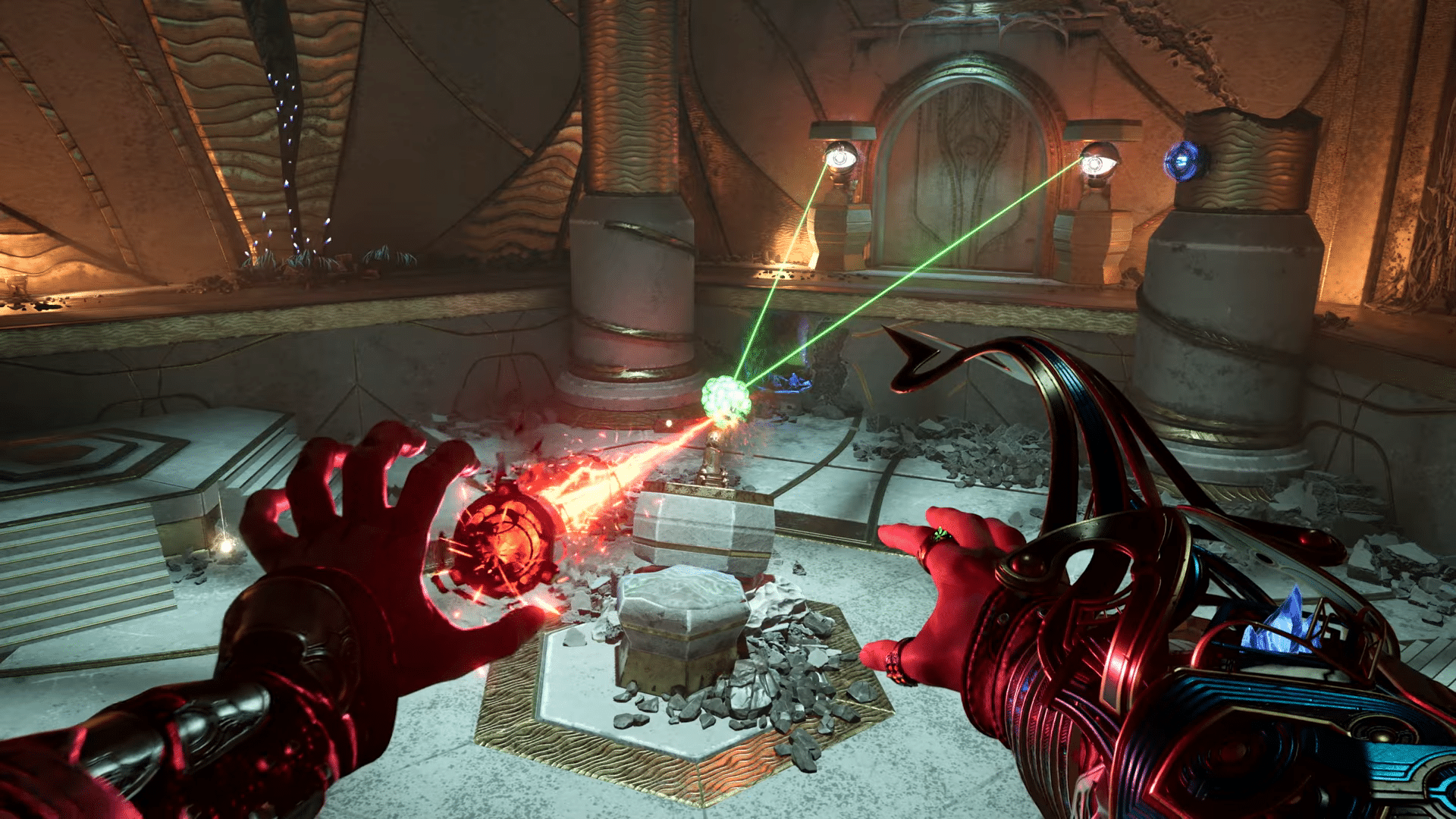
As promised, Ascendant Studios and EA have released the first-look Immortals of Aveum gameplay trailer, showing off over six minutes of new gameplay from the title. The player character is shown off using a variety of offensive and defensive spells to effectively take down enemies, solve puzzles and traverse in-game environments. The trailer also briefly goes over the game’s extensive gear and weapon customization system.

Watch the Immortals of Aveum gameplay trailer below:

Immortals of Aveum’s gameplay features a fleshed-out magical combat system that lets the player use a variety of elemental spells for both offense and defense. Composed of bothc cinematics and gameplay, the footage shows off the player character launching both skillshots and targeted abilities at enemies, creating barriers to block attacks, disrupting the battlefield with magical grenades and AoE explosions, and quickly repositioning to vantage points using magical tethers. The game also includes other movement spells for evasion and navigation, such as a lateral dodge. Players are additionally able to use a wide variety of weapons and gear, with a selection of Sigils, Totems, Rings, and Bracers shown off in the trailer.

Immortals of Aveum will be released this July 20, 2023 on the PS5, Xbox Series X|S and PC. Check out our recent interview with the developers in which we discussed multiple aspects of the game’s design, story content, and worldbuilding.

More Immortals of Aveum Reading:

Avatar photo

Salman Haider Zaidi

That's a nice argument, Senator.

Home > News

Dying Light 2 Update 1.10.0 “Gut Feeling” Out for PC & Consoles This April 20

Techland has released Dying Light 2 update 1.10.0 “Gut Feeling” for PC & consoles this April 20, bringing a brutal combat overhaul, a transmog system, weapon blueprints, a cosmetic pack, and a new event. Read on for what’s new in the Dying Light 2 April 20 patch notes.

Dying Light 2 Update 1.10.0 Patch Notes | Dying Light 2 Update for April 20 Patch Notes:

Patch Notes:

Combat Improvements, including Brutality and Physicality
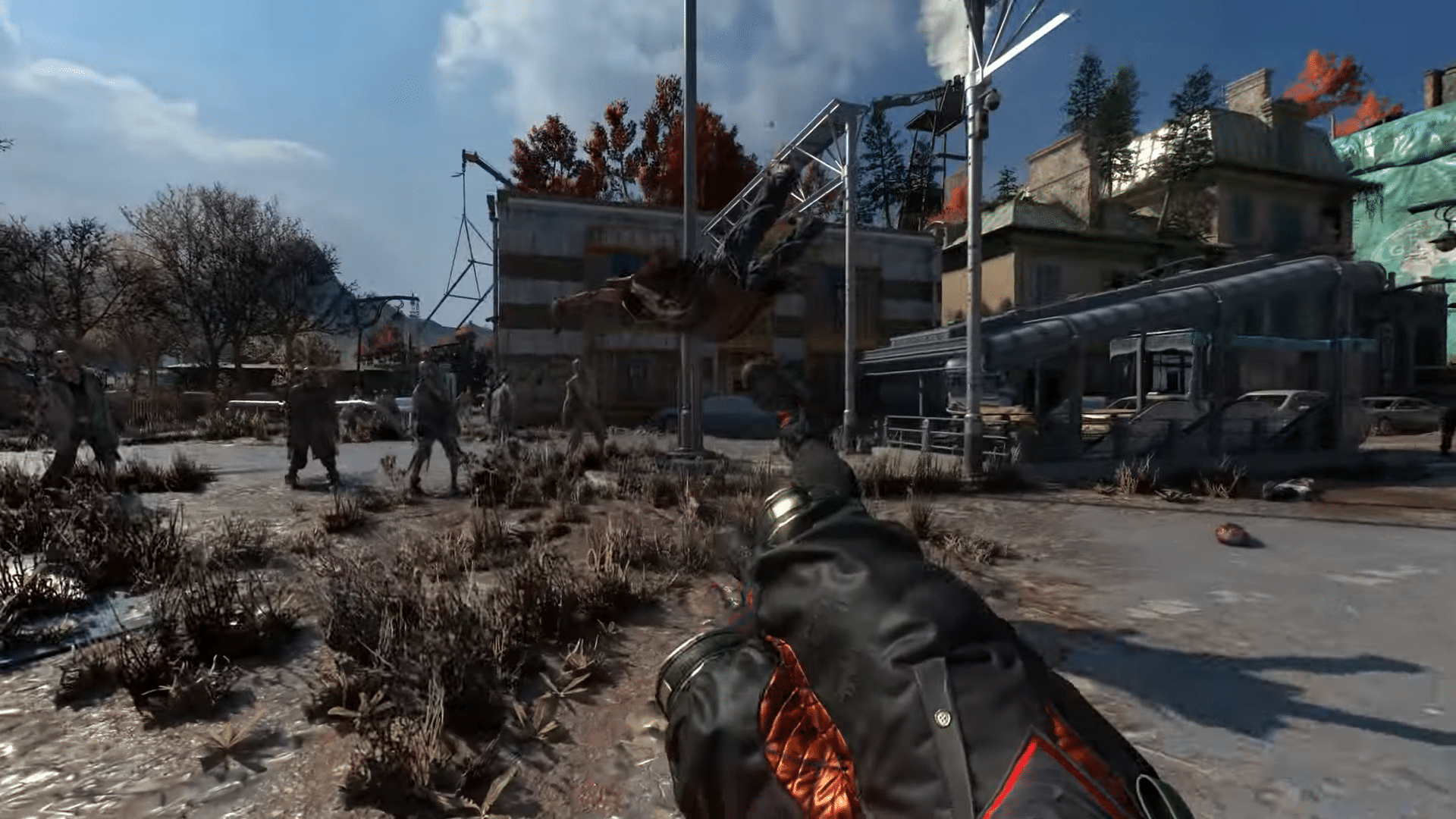
As the name of the update suggests, in this patch, we focus on the physical combat and brutality that revolves around it. Top up your slay-game, and brutalize both Infected and Human type enemies.
• Cut Demolishers – and everything else – in half.
– More dismemberment!
– Every limb can be cut in 3 places.
– New visualizations of damage done to enemies (visible bones, ribs, eyeballs, etc.).
• VFX adjustments for blood and guts.
• Players can rip out a chunk of flesh and leave a hole in the enemy’s body.
• “Spill the beans” takes on a literal meaning with the possibility of ripping the guts from your foe.
• New hit detection code for improved enemy reactions to being hit with a weapon.
• More smashed head variants.
• “Domino Ragdoll” introduced, where enemies can fall on each other, with a proper reaction to the force and weight that pushes them.
• More ragdoll improvements for immersion and emergent gameplay.
• Added an ability to dismember enemies through collisions with environment objects.
• Support for Biters seamlessly falling from high ground, including rooftops.
• Enemies can pass burning and electrocuted effects to each other.
• Added new hit reactions and improved some of the existing ones.

Gear Transmog
We know how important it is to maintain the best stats in the game and look good while you do. That said, we have introduced a Gear Transmog feature that will help you slay enemies with style! You can now Modify the visuals of most of your gear pieces by using a new slot called “Appearance”.

Weapon Crafting
To slay enemies with style, you need the proper weapon, and we understand how durability makes you cycle through your arsenal and how hard it is to loot good weapons. With Weapon Crafting, we offer you full control over your loadout.
• Crafting will happen with… Craftmasters (hooray!).
• You will need to obtain weapon blueprints by exploring The City or claiming them as a reward. Then, you can find your claimed blueprints at the Craftmaster’s shop.
• IMPORTANT: Blueprints are upgradable – the higher the blueprint level, the better the weapon quality you’ll get. A blueprint’s level dictates damage, durability, modification slots, and the number of affixes.
• Affixes (additional stats like “Increased damage against Humans +20%”) are randomized when a weapon is created – so good luck, Pilgrims!
• Crafting, as always, requires resources.

Pilgrim Outpost Introduction
Pilgrim Outpost is here! A new Hub for all Dying Light fans is open with some new, long-demanded features. Visit pilgrimoutpost.com, where the one and only Spike is already waiting for you. Activate bounties and complete them in game to receive new Pilgrim Reputation Points.
These points advance you through Pilgrim Reputation Ranks, and with each rank, you get Pilgrim Tokens.
You can spend them in the Armory, where you can buy unique weapons and outfits from a Pilgrim Outpost merchant. We regularly update the items on offer. With Pilgrim Tokens, you can also buy an Outpost Drop, where you can get random crafting materials and weapons. If you’re lucky, you can get one of five completely new Pilgrim Weapons that are exclusive to the Pilgrim Outpost.
The more bounties you complete, the better gear you can get. Every week, you get six unique bounties to complete. If you finish them all, you’ll get additional Reputation points.

In-game Bounties
For those thirsty for new challenges, we have new Daily and Weekly bounties:
• Bounties are introduced after the prologue.
• Bounties are divided into the following categories:
Daily – one simple Bounty per day.
Weekly – one challenging Bounty to be completed within a week.
• Finishing Daily and Weekly Bounties will grant you in-game rewards (like experience points – or Legend points if you’re already playing Legend Levels).
• For every 5 either Daily or Weekly Bounties completed, you’ll receive an additional reward – Bounty Bonus Box that has the possibility to drop exceptional weapons and other equipment.

Highlights
This update brings a number of major changes that will impact gameplay. Let’s take a look at some of the highlights in this update.

Teleporting to other players in co-op.
• Players in a co-op session can gather teammates during common interactions (for example, to talk with an NPC or go to sleep).
• Ability to dismantle weapons to receive crafting resources.
• Two-handed weapons received some love with the ability to add mods to them.
• Possibility to switch on/off in-game event participation.
• Rebalance of the number of Howlers during the night.
• Players can knock over enemies by sliding into them.
• More special infected encounters during the day.

On top of that, we’ll be releasing a variety of skin bundles in the upcoming weeks. With those, you’ll look outstanding in The City!

Game Update
Apart from all the big news from the Gut Feeling update above, we’ve also introduced the following changes to the game:

Co-op
• Improved stability related to the host’s game crashing when another user attempts to connect.
• Aiden’s head animation is now displayed properly when turning around while hanging from a pole or pipe.
• Fixed a game crash for the host or peers upon finishing the Carriers 3 side quest.
• Fixed an issue where the host could encounter a black screen during dialogues.
• In-game music no longer stops playing when the player is downed in the Bloody Ties challenge.
• Functionality of mines is fixed.
• Adjusted the Respawn button prompt to be more intuitive for players.
• Players are now able to see the distance to teammates when downed in co-op sessions.
• Players will no longer see multiple icons when joining a co-op session.
• Players in co-op are less likely to spawn in the model of an NPC after dialogue or a cutscene.
• Notifications about inability to join co-op sessions have been improved to reflect more accurate information to players.

Gameplay
• Huge groups of Tyrants and Volatiles will no longer be spotted in the open world.
• Fixed an issue where players couldn’t complete Achievements.
• Players can no longer perform a Knife Takedown and instantly kill infected with a higher level than Aiden.
• Fixed a bug where Biters would grab Aiden one after another.
• It’s easier to aim for the head with a baseball bat.
• Adjusted stamina consumption for higher-tier weapons.
• Players will be able to escape from a Volatile if QTE Hold Mode is enabled.
• The attack animation on some weapons is now faster, making all the attacks have the exact timing.
• A proper light is present in multiple places between 10 a.m. and 12 p.m. and during specific weather conditions.
• Fixed an issue where Hakon would become unresponsive, show improper behavior, or not follow the correct path in various quests.
• Fixed an issue with loot missing from the Sunken Airdrop.
• Human enemies no longer die instantly after removing their masks.
• Improved Spitter’s damaging actions.
• Added missing textures on The City map.
• Fixed an issue where craft plans were missing, resulting in blocking game progress.
• There will be a proper time change when the player dies during the “Get to the Safe Zone” objective.
• Fixed multiple issues related to Aiden being respawned incorrectly.
• The correct animation is played when the “Ground Pound” skill is used.
• Aiden’s model will no longer lose collision upon jumping through certain points of the Artist Workshop, Trading post, and Rooftop School.
• Players will no longer be moved under the map when changing to any of Legendary Level outfits.
• Instant Escape stabbing audio fixed.
• Fixed an issue where Play from Chapter was not available under some circumstances.
• Players can no longer see what’s under the map during the X13 quest.
• Players can no longer obtain an unlimited amount of spears during the last fight in the Bloody Ties DLC.
• Improved sound for the taunt animation done by Renegades.
• Shadows related to players’ movement will be rendered correctly.
• No more Waltz waltzing around after the game is completed – he will no longer spawn randomly.
• Dynamic Competitions won’t trigger near Hubs as often.
• Blocked revealing discoverables and detectable zones during dynamic competitions.

Technical
• Improvements to memory usage and performance in longer play sessions.
• Updated XeSS to 1.1. XeSS is now the default upscaler on ARC.
• Improved foliage lighting.
• Improved dissolve dithering to better simulate transparency.
• Improved water reflections, turbidity, and refraction.
• Improved shadows with ray tracing enabled.
• Improved specular reflections on chemicals.
• Improved volumetric shadows.
• Memory usage optimization.
• Fixed mesh flickering on some models.
• Fixes an issue where the game crashed when Photo Mode was spammed during the Windmill or Antenna panel animations.
• Fixed left-hand grip animation.

UI
• Fixed missing text from the Stash, Respawn, Bounty, Fast Travel menu, Inventory, Crafting, and Collectibles menus.
• Fixed text translations when starting parkour challenges before acquiring the paraglider.
• The health bar is now visible during the grab animation.
• The stamina bar depletes as usual upon Aiden’s death and respawning.
• Fixed minor typos and translation errors.

Source: Dying Light

Avatar photo

Salman Haider Zaidi

That's a nice argument, Senator.

Home > News

Dying Light 2 Update 1.32 Crawls Out for “Gut Feeling” Patch This April 20 (Update)

Techland has released Dying Light 2 update 1.32 (PS5 version 1.032) to usher in the “Gut Feeling” update, bringing a brutal combat overhaul, a transmog system, weapon blueprints, a cosmetic pack, and a new event. Read on for what’s new in the Dying Light 2 April 20 patch notes.

Dying Light 2 Update 1.32 Patch Notes | Dying Light 2 Update 1.032 Patch Notes | Dying Light 2 April 20 Patch Notes:

Update: The official patch notes have been added.

Patch Notes:

Combat Improvements, including Brutality and Physicality
As the name of the update suggests, in this patch, we focus on the physical combat and brutality that revolves around it. Top up your slay-game, and brutalize both Infected and Human type enemies.
• Cut Demolishers – and everything else – in half.
– More dismemberment!
– Every limb can be cut in 3 places.
– New visualizations of damage done to enemies (visible bones, ribs, eyeballs, etc.).
• VFX adjustments for blood and guts.
• Players can rip out a chunk of flesh and leave a hole in the enemy’s body.
• “Spill the beans” takes on a literal meaning with the possibility of ripping the guts from your foe.
• New hit detection code for improved enemy reactions to being hit with a weapon.
• More smashed head variants.
• “Domino Ragdoll” introduced, where enemies can fall on each other, with a proper reaction to the force and weight that pushes them.
• More ragdoll improvements for immersion and emergent gameplay.
• Added an ability to dismember enemies through collisions with environment objects.
• Support for Biters seamlessly falling from high ground, including rooftops.
• Enemies can pass burning and electrocuted effects to each other.
• Added new hit reactions and improved some of the existing ones.

Gear Transmog
We know how important it is to maintain the best stats in the game and look good while you do. That said, we have introduced a Gear Transmog feature that will help you slay enemies with style! You can now Modify the visuals of most of your gear pieces by using a new slot called “Appearance”.

Weapon Crafting
To slay enemies with style, you need the proper weapon, and we understand how durability makes you cycle through your arsenal and how hard it is to loot good weapons. With Weapon Crafting, we offer you full control over your loadout.
• Crafting will happen with… Craftmasters (hooray!).
• You will need to obtain weapon blueprints by exploring The City or claiming them as a reward. Then, you can find your claimed blueprints at the Craftmaster’s shop.
• IMPORTANT: Blueprints are upgradable – the higher the blueprint level, the better the weapon quality you’ll get. A blueprint’s level dictates damage, durability, modification slots, and the number of affixes.
• Affixes (additional stats like “Increased damage against Humans +20%”) are randomized when a weapon is created – so good luck, Pilgrims!
• Crafting, as always, requires resources.

Pilgrim Outpost Introduction
Pilgrim Outpost is here! A new Hub for all Dying Light fans is open with some new, long-demanded features. Visit pilgrimoutpost.com, where the one and only Spike is already waiting for you. Activate bounties and complete them in game to receive new Pilgrim Reputation Points.
These points advance you through Pilgrim Reputation Ranks, and with each rank, you get Pilgrim Tokens.
You can spend them in the Armory, where you can buy unique weapons and outfits from a Pilgrim Outpost merchant. We regularly update the items on offer. With Pilgrim Tokens, you can also buy an Outpost Drop, where you can get random crafting materials and weapons. If you’re lucky, you can get one of five completely new Pilgrim Weapons that are exclusive to the Pilgrim Outpost.
The more bounties you complete, the better gear you can get. Every week, you get six unique bounties to complete. If you finish them all, you’ll get additional Reputation points.

In-game Bounties
For those thirsty for new challenges, we have new Daily and Weekly bounties:
• Bounties are introduced after the prologue.
• Bounties are divided into the following categories:
Daily – one simple Bounty per day.
Weekly – one challenging Bounty to be completed within a week.
• Finishing Daily and Weekly Bounties will grant you in-game rewards (like experience points – or Legend points if you’re already playing Legend Levels).
• For every 5 either Daily or Weekly Bounties completed, you’ll receive an additional reward – Bounty Bonus Box that has the possibility to drop exceptional weapons and other equipment.

Highlights
This update brings a number of major changes that will impact gameplay. Let’s take a look at some of the highlights in this update.

Teleporting to other players in co-op.
• Players in a co-op session can gather teammates during common interactions (for example, to talk with an NPC or go to sleep).
• Ability to dismantle weapons to receive crafting resources.
• Two-handed weapons received some love with the ability to add mods to them.
• Possibility to switch on/off in-game event participation.
• Rebalance of the number of Howlers during the night.
• Players can knock over enemies by sliding into them.
• More special infected encounters during the day.

On top of that, we’ll be releasing a variety of skin bundles in the upcoming weeks. With those, you’ll look outstanding in The City!

Game Update
Apart from all the big news from the Gut Feeling update above, we’ve also introduced the following changes to the game:

Co-op
• Improved stability related to the host’s game crashing when another user attempts to connect.
• Aiden’s head animation is now displayed properly when turning around while hanging from a pole or pipe.
• Fixed a game crash for the host or peers upon finishing the Carriers 3 side quest.
• Fixed an issue where the host could encounter a black screen during dialogues.
• In-game music no longer stops playing when the player is downed in the Bloody Ties challenge.
• Functionality of mines is fixed.
• Adjusted the Respawn button prompt to be more intuitive for players.
• Players are now able to see the distance to teammates when downed in co-op sessions.
• Players will no longer see multiple icons when joining a co-op session.
• Players in co-op are less likely to spawn in the model of an NPC after dialogue or a cutscene.
• Notifications about inability to join co-op sessions have been improved to reflect more accurate information to players.

Gameplay
• Huge groups of Tyrants and Volatiles will no longer be spotted in the open world.
• Fixed an issue where players couldn’t complete Achievements.
• Players can no longer perform a Knife Takedown and instantly kill infected with a higher level than Aiden.
• Fixed a bug where Biters would grab Aiden one after another.
• It’s easier to aim for the head with a baseball bat.
• Adjusted stamina consumption for higher-tier weapons.
• Players will be able to escape from a Volatile if QTE Hold Mode is enabled.
• The attack animation on some weapons is now faster, making all the attacks have the exact timing.
• A proper light is present in multiple places between 10 a.m. and 12 p.m. and during specific weather conditions.
• Fixed an issue where Hakon would become unresponsive, show improper behavior, or not follow the correct path in various quests.
• Fixed an issue with loot missing from the Sunken Airdrop.
• Human enemies no longer die instantly after removing their masks.
• Improved Spitter’s damaging actions.
• Added missing textures on The City map.
• Fixed an issue where craft plans were missing, resulting in blocking game progress.
• There will be a proper time change when the player dies during the “Get to the Safe Zone” objective.
• Fixed multiple issues related to Aiden being respawned incorrectly.
• The correct animation is played when the “Ground Pound” skill is used.
• Aiden’s model will no longer lose collision upon jumping through certain points of the Artist Workshop, Trading post, and Rooftop School.
• Players will no longer be moved under the map when changing to any of Legendary Level outfits.
• Instant Escape stabbing audio fixed.
• Fixed an issue where Play from Chapter was not available under some circumstances.
• Players can no longer see what’s under the map during the X13 quest.
• Players can no longer obtain an unlimited amount of spears during the last fight in the Bloody Ties DLC.
• Improved sound for the taunt animation done by Renegades.
• Shadows related to players’ movement will be rendered correctly.
• No more Waltz waltzing around after the game is completed – he will no longer spawn randomly.
• Dynamic Competitions won’t trigger near Hubs as often.
• Blocked revealing discoverables and detectable zones during dynamic competitions.

Technical
• Improvements to memory usage and performance in longer play sessions.
• Updated XeSS to 1.1. XeSS is now the default upscaler on ARC.
• Improved foliage lighting.
• Improved dissolve dithering to better simulate transparency.
• Improved water reflections, turbidity, and refraction.
• Improved shadows with ray tracing enabled.
• Improved specular reflections on chemicals.
• Improved volumetric shadows.
• Memory usage optimization.
• Fixed mesh flickering on some models.
• Fixes an issue where the game crashed when Photo Mode was spammed during the Windmill or Antenna panel animations.
• Fixed left-hand grip animation.

UI
• Fixed missing text from the Stash, Respawn, Bounty, Fast Travel menu, Inventory, Crafting, and Collectibles menus.
• Fixed text translations when starting parkour challenges before acquiring the paraglider.
• The health bar is now visible during the grab animation.
• The stamina bar depletes as usual upon Aiden’s death and respawning.
• Fixed minor typos and translation errors.


Dying Light 2’s “Gut Feeling” update has gone live today, bringing an overhauled, realistic combat system that incorporates over-the-top gory executions, attacks, and animations. Alongside the combat changes, a transmog system has also been added to let players switch out visible gear without having to compromise on their builds. A new weapon crafting system will also let players find blueprints to craft weapons. Finally, a “Rahim Bundle” (which includes both Rahim and Viral Rahim outfits) has also been added; the items can be acquired through the new PvE Viral Rush event which will run from April 20 till May 4.

Techland has not yet released the patch notes, but once it does, we’ll be sure to update the post accordingly.

Update: The official patch notes have been added to the post.

Source: Dying Light

Avatar photo

Salman Haider Zaidi

That's a nice argument, Senator.

Home > News

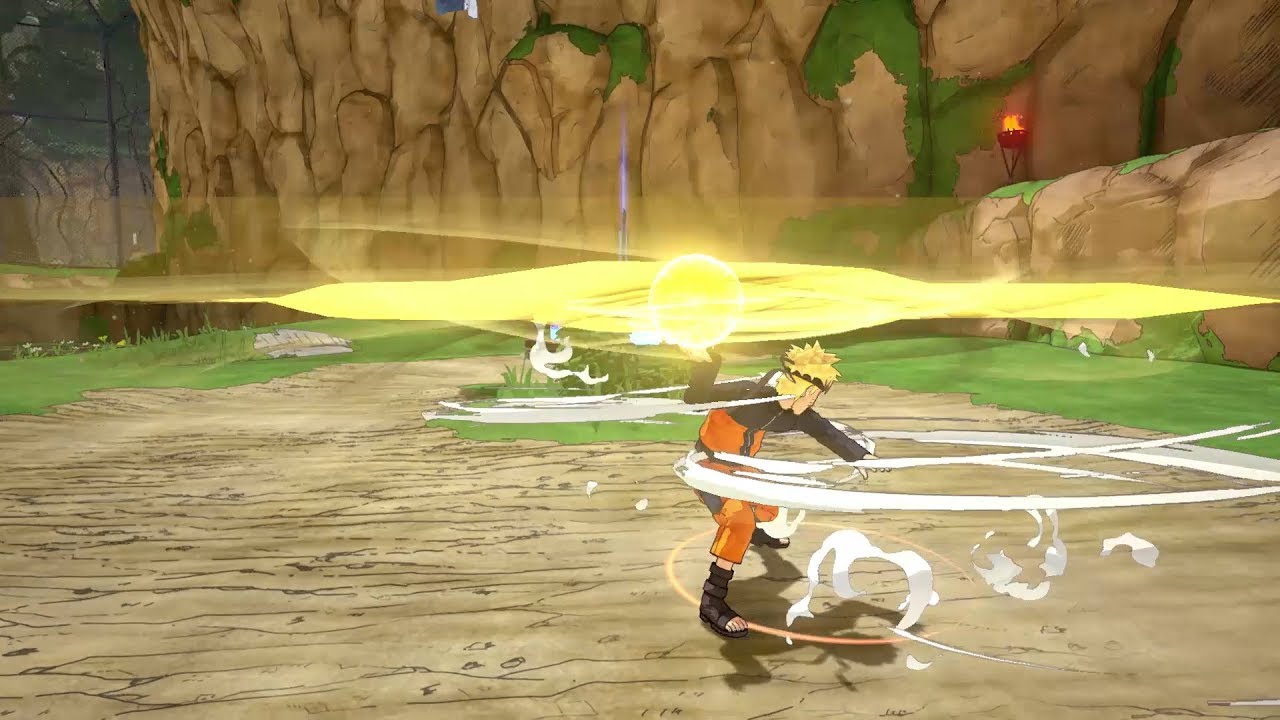
Naruto to Boruto: Shinobi Striker Update 2.44 Out for New Content This April 20

Bandai Namco has released Naruto to Boruto: Shinobi Striker update 2.44 for all supporting platforms. Today’s update comes with a new map, new items, and more. Check out the full Naruto to Boruto: Shinobi Striker April 20 patch notes down below.

Naruto to Boruto: Shinobi Striker Update 2.44 Patch Notes | Naruto to Boruto: Shinobi Striker April 20 Patch Notes:

The only patch notes released so far come from the game’s PS4 update history. You can read the details below.

– New Battle Map Added
– Improved playability in the lobby.
– New VR Master added
– New Ninjutsu and weapons added
– New customization parts added
– New DLC item purchase function added
– Rebalanced Ninjutsu
– Fixed minor bugs

If Bandai Namco decides to post more detailed patch notes, we’ll be sure to update this post as soon as possible. Keep it locked at MP1st for more updates about this game in the future.

Damien Seeto

Home > News

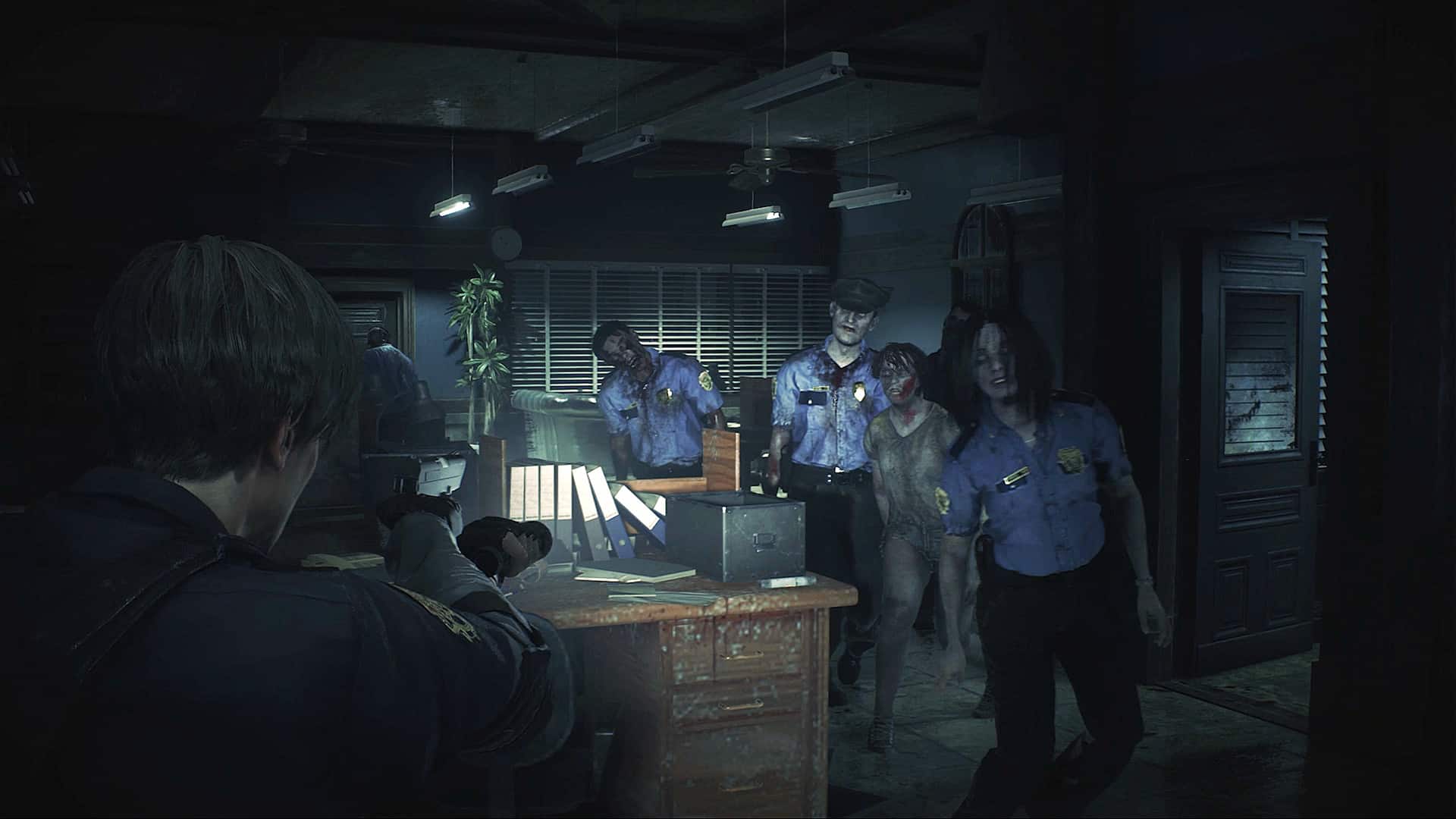
Resident Evil 2 and RE3 Updates Released on PC This April 20 Brings Back Ray Tracing Options

Following an odd occurrence where both Resident Evil 2 remake and Resident Evil 3 remake got their ray tracing support pulled, the company has reverted just that. The Resident Evil 2 and RE3 updates for April 20 are live now on PC, which does the trick.

Resident Evil 2 and RE3 Update Patch Notes for April 20:

Here’s the announcement from Capcom:

Update for Steam users: A patch for the missing raytracing options should now be available!

This is definitely good news for those on PC. Let’s hope no more of these technical “issues” arises from here on out.

If you haven’t played both games, I suggest you do so. You can read our review of the RE2 remake right here where we state, “From the updated and revamped visuals, tweaked story, to the new stuff packed in; Resident Evil 2 Remake feels like the best of both worlds for both nostalgia fans, and newcomers alike.”

While we didn’t like RE3 remake as much as RE2 or even the recently released Resident Evil 4 remake, it’s still worth a playthrough especially at today’s discounted price.

Avatar photo

Alex Co

Father, gamer, games media vet, writer of words, killer of noobs.

Home > News

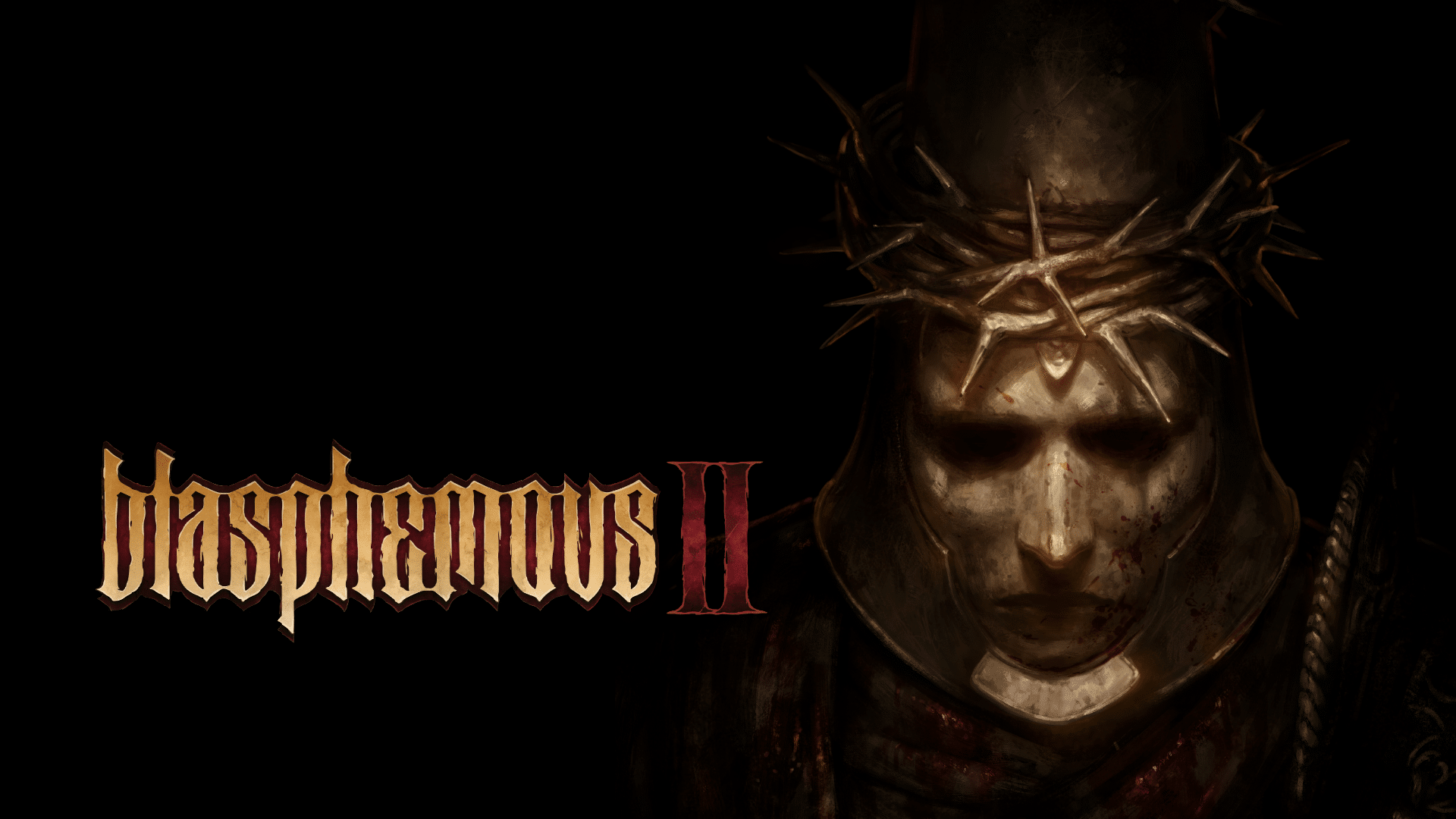
Blasphemous 2 Trailer and Key Features Announced, Out Later This Year

The Game Kitchen alongside publisher Team17 have announced Blasphemous 2, the sequel to the hit action platformer released back in 2019.

Check out the trailer alongside the game features to see how heavy the combat is for the sequel.

Set after the events of the original Blasphemous’ 2021 update Wounds of EventideBlasphemous 2 sees the return of the supernatural entity The Miracle, leaving The Penitent One no choice but to explore a strange unfamiliar world, defeat the monstrosities that lay in wait, and try to stop the prophetic birth of a new miracle child from coming to pass. Featuring grotesque enemies and titanic bosses clambering to return him to the grave, The Penitent One will need to utilise and master new weapons and an enhanced skillset and try to survive long enough to deliver judgment to those who stand in his way, while unravelling long forgotten secrets.

Blasphemous 2 Key Features

  • Discover a rich non-linear world: A series of enchantingly grotesque landscapes await, oozing gothic charm and littered with unforgiving traps; there is no wrong turn to take, only scores to settle
  • Unleash savage combat: Brutal executions and expanded combos provide new and devastating ways to rain destruction on the abominations that await
  • Play your way: Blasphemous 2 provides the ability to customise and improve the Penitent Ones’ base skillset, and introduces new unique weapons that expand player tactics
  • Overcome intense Boss Battles: Twisted bosses with unique attack patterns and sundering abilities await in the darkest corners of this twisted new land

No firm release date is known for the title just yet other than it’s coming out this year on the PS5, Xbox Series X|S, Switch and PC.

Avatar photo

Alex Co

Father, gamer, games media vet, writer of words, killer of noobs.

Home > News

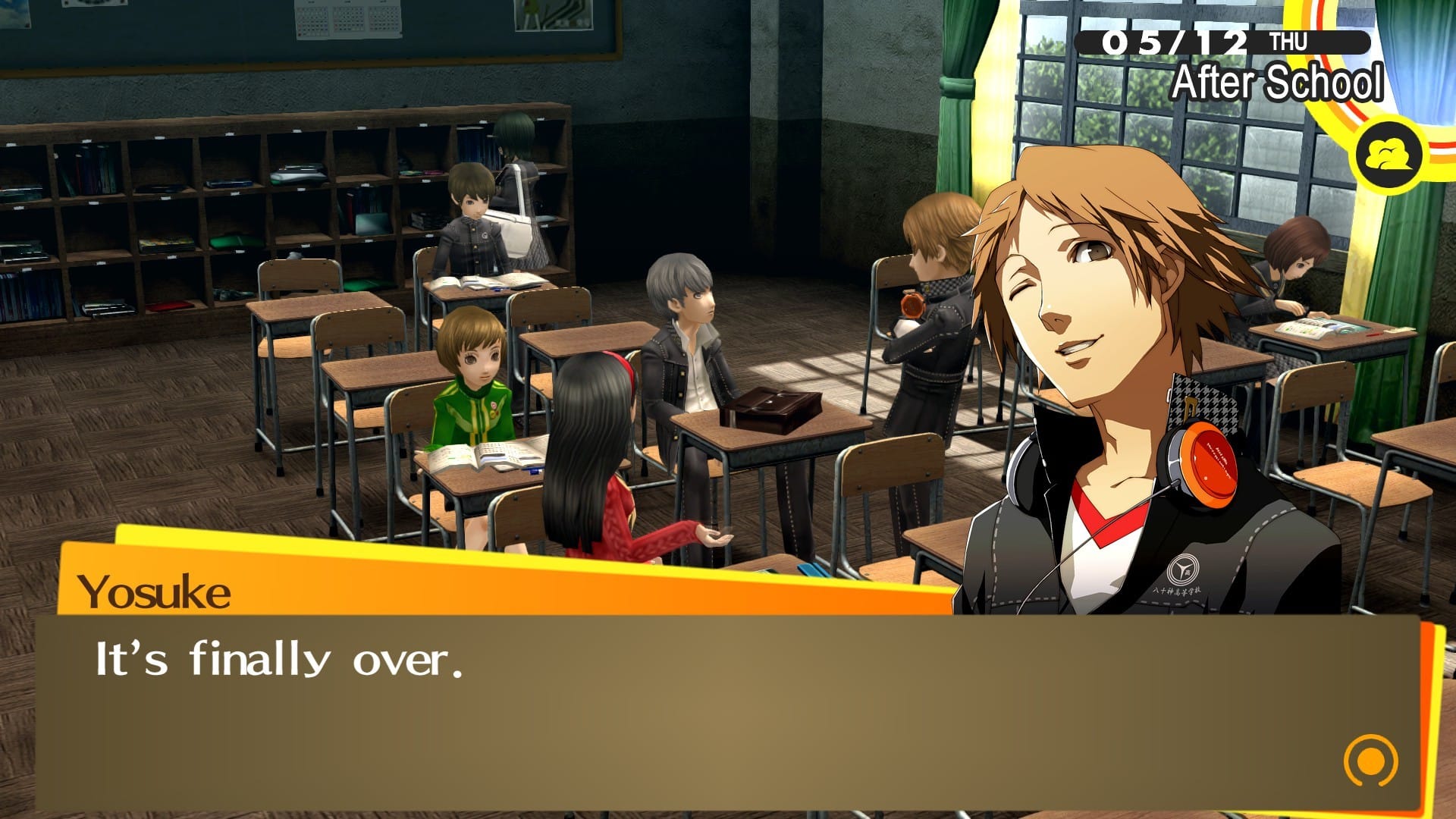
Persona 4 Golden Update 1.01 Brings Minor Changes This April 20

Atlus has just dropped Persona 4 Golden update 1.01 on all platforms this April 20, and this surprise update brings in minor fixes and no new content (as one might expect). Tagged as patch version 1.05, you can see everything that’s new in the official patch notes.

Persona 4 Golden Update 1.01 Patch Notes | Persona 4 Golden Update 1.05 Patch Notes:

A full list of changes can be found below:

Steam version (ver1.0.5)

  • Minor graphical fixes
  • Minor text changes
  • Fixes for inability to progress with certain choices.
  • Fixed a bug in screen resolution settings.

Yep, that’s about it. Don’t expect a lot more patches for the game though given it’s a re-release.

Source: Steam

Avatar photo

Alex Co

Father, gamer, games media vet, writer of words, killer of noobs.

Home > News

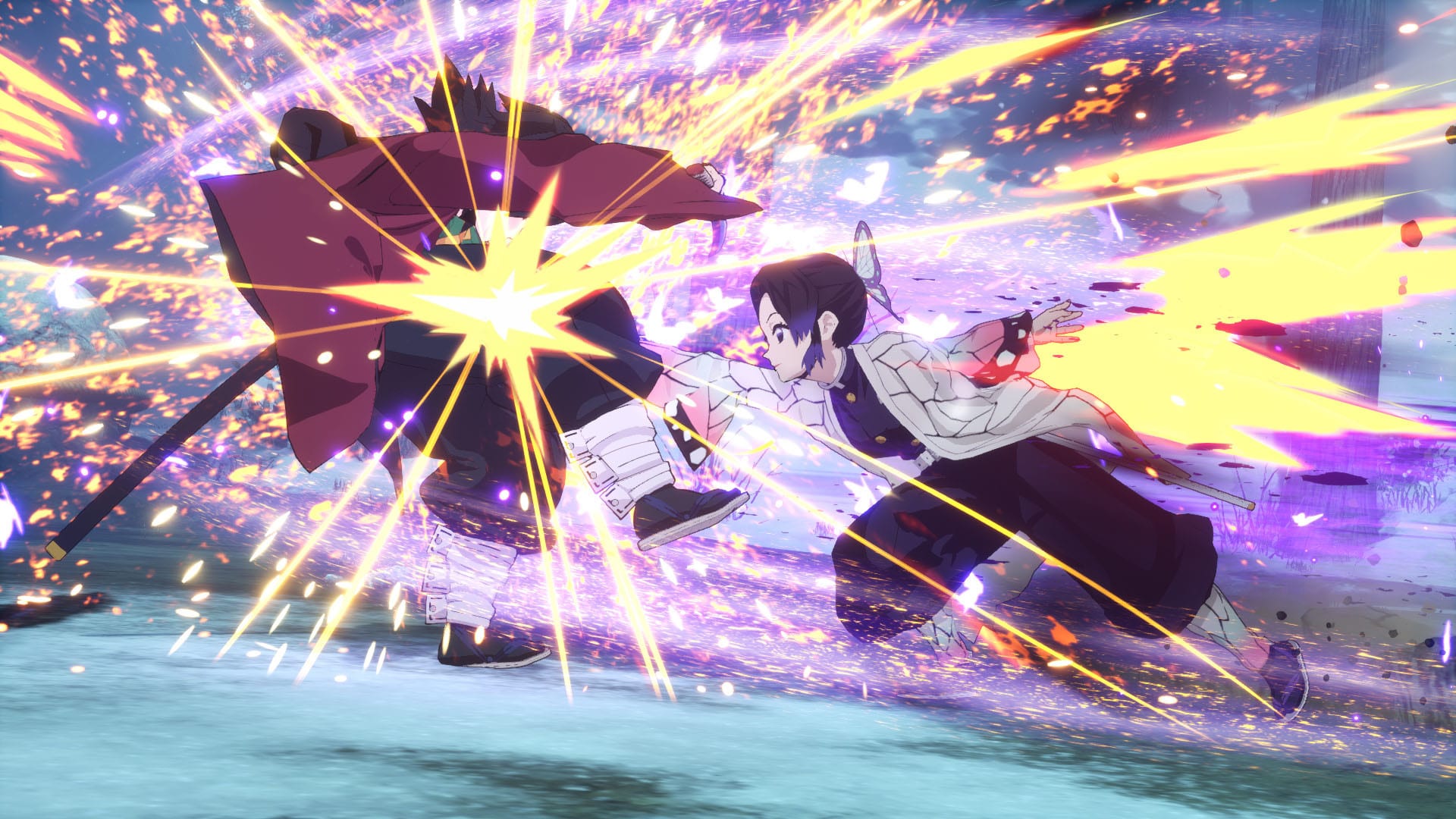
Demon Slayer -Kimetsu no Yaiba- The Hinokami Chronicles Update 1.83 Brings Balance Changes This April 20

CyberConnect2 has rolled out Demon Slayer -Kimetsu no Yaiba- The Hinokami Chronicles update 1.83 on all platforms, and this brings in a host of balance changes this April 20! Read on for the official patch notes.

Demon Slayer -Kimetsu no Yaiba- The Hinokami Chronicles Update 1.83 Patch Notes:

Patch Version 1.83 for Demon Slayer -Kimetsu no Yaiba- The Hinokami Chronicles features several balance changes to the gameplay. Please take a look at the changelog below. Thank you for continuing to play Demon Slayer -Kimetsu no Yaiba- The Hinokami Chronicles

Combat Changes
  • Guarding
    • Lengthened window during which you can guard following the animation upon activating Surge.
  • Super Armor
    • The super armor effect was difficult to see in some cases, so all characters now flash white when they have super armor.


Character-Specific Changes
  • Tanjiro Kamado / Kimetsu Academy Tanjiro Kamado
    • Shortened recovery time after landing when using Skill 3 (Sixth Form: Whirlpool). The opponent will also be knocked back farther if they guard against it.
  • Tanjiro Kamado (Hinokami Kagura)
    • Lengthened combo timer when repeating input on Skill 3 (Phoenix Flash).
  • Nezuko Kamado / Kimetsu Academy Nezuko Kamado
    • Reduced size of hitbox for Skill 2 (Heel Bash).
    • Improved ease of performing an Emergency Escape when being hit by an uncharged Skill 3 (Flying Kick).
    • Increased damage dealt by a charged Skill 3 (Flying Kick).
  • Zenitsu Agatsuma / Kimetsu Academy Zenitsu Agatsuma
    • Increased Throw damage and lengthened recovery time for when it misses.
  • Inosuke Hashibira / Kimetsu Academy Inosuke Hashibira
    • Shortened recovery time when Skill 3 (Boar Rush) lands or is guarded. The opponent will also be knocked back farther if they guard against it.
  • Sakonji Urokodaki
    • Improved ease of landing Skill 1 (Eighth Form: Waterfall Basin), making the second hit easier to land.
    • Shortened time where an opponent is stunned after triggering a trap placed by Skill 3 (Master’s Wisdom). The max number of traps has been reduced from 3 to 2, and the duration of traps has been shortened.
  • Sabito
    • Increased both Movement and Chase Dash speed.
    • Lengthened guard stun for the first hit of Skill 1 (Eighth Form: Waterfall Basin) when used on the ground.
    • Improved ease of landing Skill 2 (Third Form: Flowing Dance, Shadows of Dawn), making the second hit easier to land.
    • Improved ability to lock onto opponents more easily when using Skill 2 (Third Form: Flowing Dance, Shadows of Dawn) on the ground.
    • Shortened recovery time after landing when using Skill 3 (Sixth Form: Whirlpool). The opponent will also be knocked back farther if they guard against it.
  • Makomo
    • Special Gauge charges more easily.
    • Increased hitbox size and damage dealt by Light Attacks.
    • Increased Throw damage.
    • Hitboxes come out earlier for Skill 1 (First Form: Water Surface Slash).
    • Skill 2 (Second Form: Water Wheel) can no longer be canceled with Quick Dodge when completing the entire attack without hitting the opponent or being guarded, nor can it be canceled with another skill while charging forward.
    • When a grounded Skill 2 (Second Form: Water Wheel) hits the opponent, it can now be canceled into another skill, an Aerial Attack, or Aerial Attack (Plunge).
    • When an aerial Skill 2 (Second Form: Water Wheel) hits the opponent, it can now be canceled into another skill or an Aerial Attack (Plunge).
    • Increased how much the Special Gauge charges when Makomo lands her Support Skill.
  • Giyu Tomioka / Kimetsu Academy Giyu Tomioka
    • Increased both Movement and Chase Dash speed.
    • Shortened recovery time after Skill 1 (Tenth Form: Constant Flux) completes.
    • Combo can now be continued with a light attack after landing Skill 2 (Second Form: Water Wheel).
    • Lengthened counterattack window for Skill 3 (Eleventh Form: Dead Calm).
  • Shinobu Kocho / Kimetsu Academy Shinobu Kocho
    • Special Gauge charges more easily.
    • Increased damage dealt by Skill 3 (Rising Thrust). Can be canceled with Quick Dodge when it hits.
    • Increased how much the Special Gauge charges when Shinobu lands her Support Skill.
  • Kyojuro Rengoku
    • Increased Throw damage.
  • Murata
    • Skill 3 (Cheer) now recovers more of the Support Gauge.
  • Akaza
    • Increased hitbox size of Aerial Attack (Plunge) when landing on the ground.
    • Shortened combo timer for Skill 1 (Destructive Death: Air Type).
    • Increased damage dealt by Demon Skill 1 (Collapse).
  • Rui
    • Demon Skill 1 (Blood Demon Art: Murderous Eye Basket) will now nullify the opponent’s projectiles (excluding Ultimate Art startups).
  • Yahaba
    • Shortened Jump height.
    • Increased Throw damage and hitbox size.
    • Shortened distance that Yahaba moves backwards when using Aerial Attack and Aerial Attack: 2-Hit Combo.
    • Shortened distance that Yahaba moves backwards when using Skill 1 (Boulder Toss).
  • Susamaru
    • Increased the damage dealt by Light Attacks.
    • It is now more difficult to dodge the homing effect on the startup of Skill 2 (Spinning Throw). The Skill Gauge also begins recovering earlier.
    • Reduced damage of an uncharged Skill 3 (Piercing Kick). It is also now possible to cancel with Quick Dodge when blocked.
  • Enmu
    • Aerial Attack can no longer be canceled with Quick Dodge.
    • Delayed when the hitbox comes out during a Throw.
    • Lengthened combo timer for Demon Skill 1 (Blood Demon Art: Whispers of Ordained Unconscious Mesmerism). The hitbox will also come out later.
  • Yushiro & Tamayo
    • Increased the damage dealt by Heavy Attacks.
    • Increased the damage dealt by Skill 1 (Strike).
    • Increased the damage dealt by Skill 2 (Spinning Attack).
    • Increased the damage dealt by Skill 3 (Debilitating Blow). The counterattack window will also begin sooner, and a successful counter can no longer be parried and will be easier to follow up with other attacks.
  • Tengen Uzui
    • Increased Throw damage.
    • Shortened recovery time when Skill 3 (Rising Kick) does not hit the opponent. Also, the opponent will be knocked back farther if they guard against it.
  • Nezuko Kamado (Advanced Demon Form)
    • Skill 1 (Frenzied Kicks) can now be canceled with Quick Dodge.
    • Increased damage dealt by Demon Skill 1 (Fiery Slash) and made it easier to break opponent’s guard.
  • Tanjiro Kamado (Entertainment District)
    • Increased minimum damage dealt when landing Skill 3 (Hinokami Kagura: Clear Blue Sky) as part of a combo.
  • Zenitsu Agatsuma (Entertainment District)
    • Increased Chase Dash speed.
    • Increased Throw damage and lengthened recovery time for when it misses.
    • Reduced damage dealt by Skill 1 (Lightning Burst).
  • Inosuke Hashibira (Entertainment District)
    • Made it easier to break opponent’s guard when using Chase Dash.
    • Increased Throw damage.
  • Daki
    • The Skill Gauge begins recovering sooner after using Skill 2 (Obi Pursuit).
  • Gyutaro
    • The Skill Gauge begins recovering sooner after using Skill 2 (Blood Sickle Slash)

If there’s another patch released, we’ll let our readers know.

Source: Steam

Avatar photo

Alex Co

Father, gamer, games media vet, writer of words, killer of noobs.

Home > News

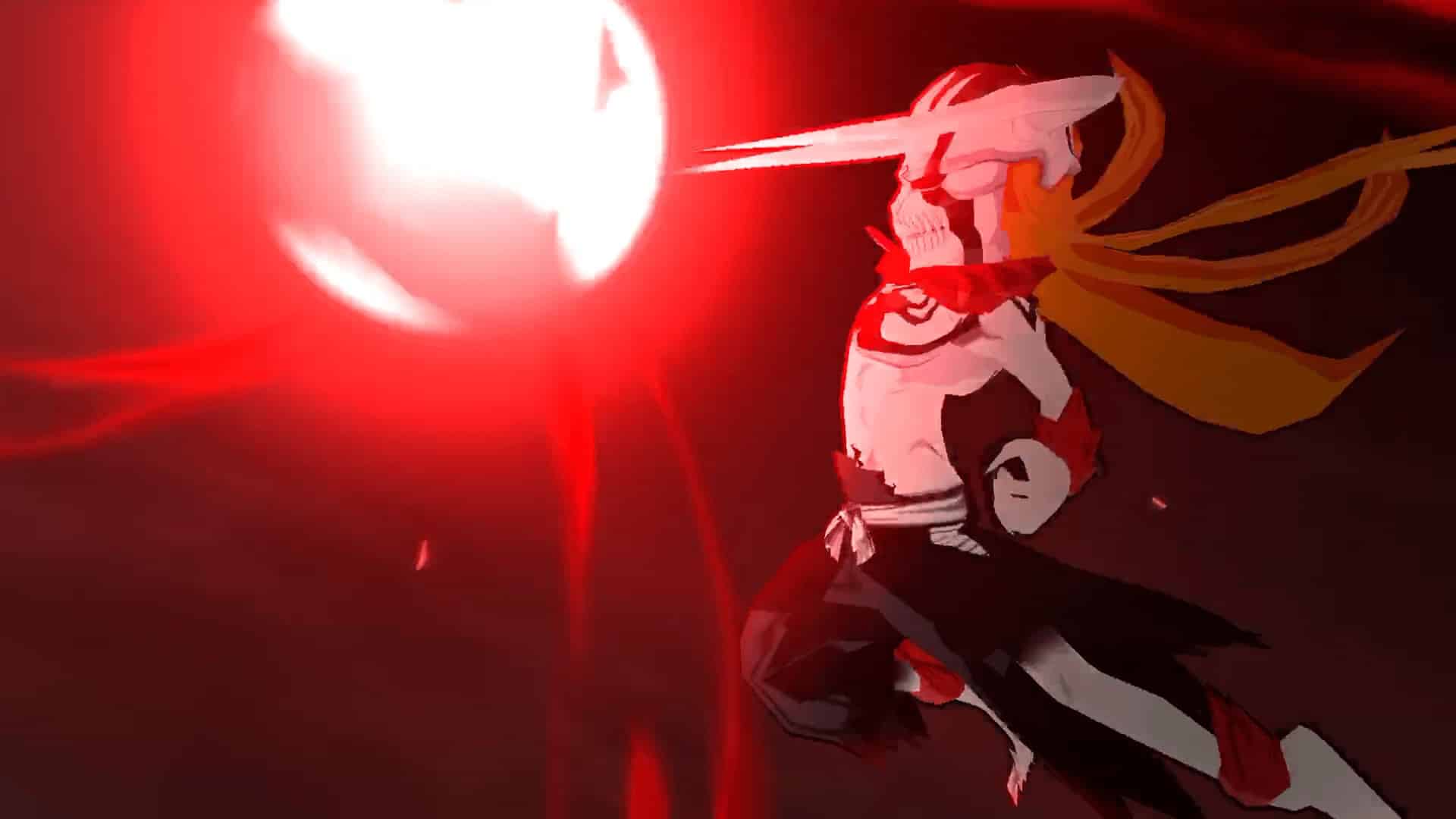
Bleach Brave Souls Update 1.35 Now Out for Patch 14.5.0 This April 20

KLabGames has pushed out Bleach Brave Souls update 1.35, and this is for what the devs call patch version 14.5.0. This brings gameplay adjustments related to Power-Up quests and more. Read on for what’s new this April 20 in the patch notes.

Bleach Brave Souls Update 1.35 Patch Notes | Bleach Brave Souls Update 14.5.0 Patch Notes:

Version 14.5.0 Update

Addition of YouTube Link to Summons Screen and Removal of Test Play

Certain Summons will now have a link to a YouTube video introducing the characters available in the summons.

With this change, the Test Play function will be removed.

Please be aware that the character introduction video link will not be added to the PS4 version of the game.

Character Power-Up Quests and Items Adjustment

We have adjusted character Power-Up Quests and items.

Link Slots/Transcendence Button

To make powering up characters even easier, we have added a button to the Character Info screens of ★6 characters that allows players to set and power up Link Slots, Transcendence Slots, and Bonus Abilities.

Kon’s Corner Adjustment

We have adjusted the contents, draw rate, and Friend Point cost per use of Kon’s Corner. We have also increased the limit on the number of times Kon’s Corner can be used to 100 and added a button allowing players to skip the Summons’ animation by tapping the screen.

Brave Battles Adjustment

We will be removing “Score x2” and “Extra Battles” from Brave Battles.

With this removal, we will be increasing the points attainable from regular Brave Battles and win streak bonuses.

This change will be implemented from the League starting on 4/24 06:00

Free Orders Added

We have added new Free Orders.

Orders Added
– Obtain characters
– Clear Co-Op Quests or Epic Raids

That’s it for this patch. For the other news we have for the game, head on over here.

Source: Bleach Brave Souls

Avatar photo

Alex Co

Father, gamer, games media vet, writer of words, killer of noobs.

Home > News

Turtle Beach Stealth Pro Review – Hail to the King of Audio

Just last month, Turtle Beach unveiled its ultra premium headset the “Stealth Pro” which included a whole list of features you usually don’t see in just any other headset. MP1st goes hands-on with Turtle Beach’s newest flagship to test just how premium it really is. Is this the headset you’ve been waiting for? Find out in our Turtle Beach Stealth Pro review!

Design and Features

Designed to support nearly any gaming platform and device, the Stealth Pro is the newest flagship gaming headset from Turtle Beach. With the Stealth Pro, Turtle Beach seeks to rejuvenate the landscape of gaming headsets, not just with a sleek, modernized look but by offering perhaps one of the most feature-packed headsets we’ve ever seen and used.
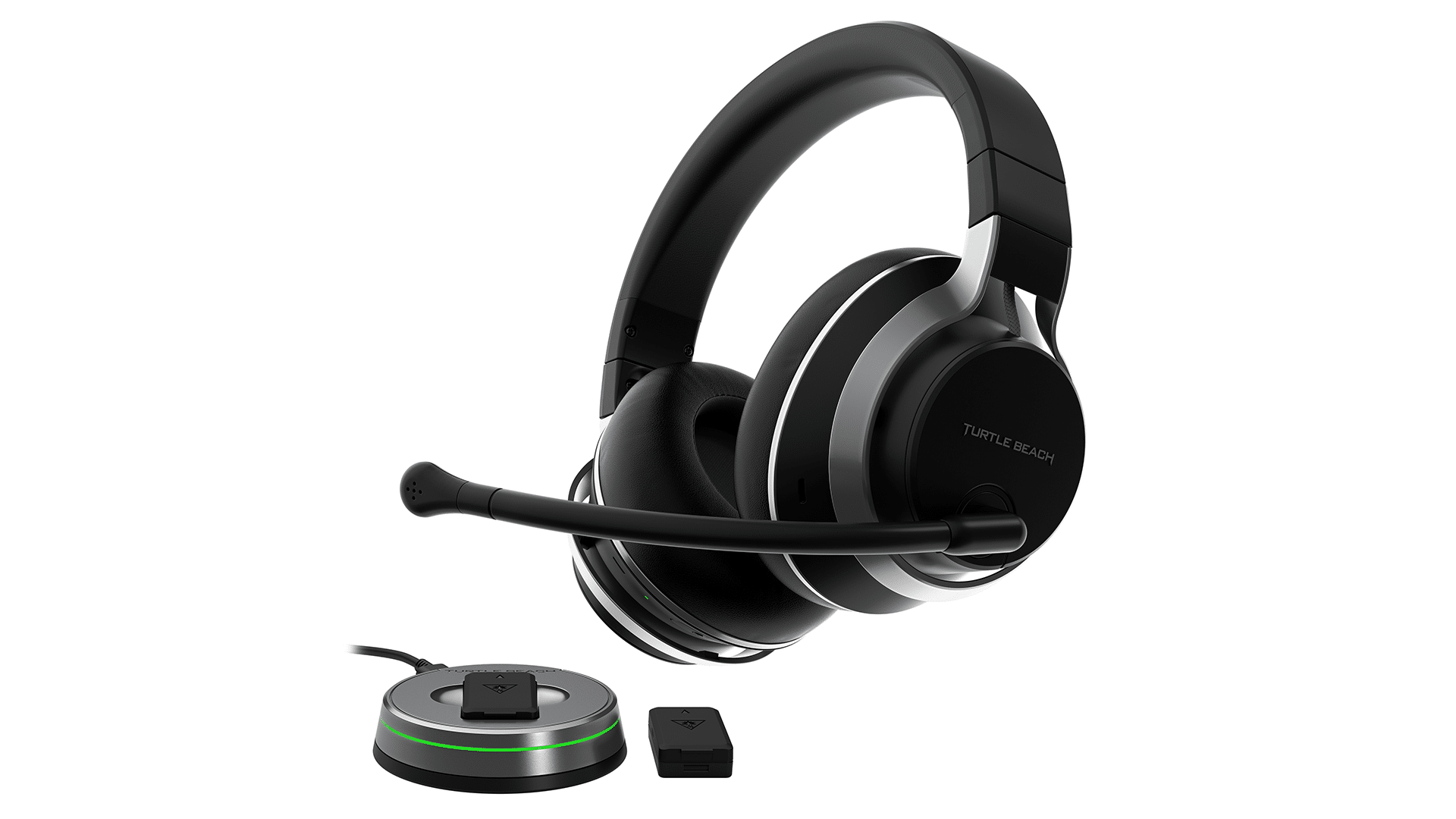
Looking at it, you’d probably have a hard time guessing that it’s a headset designed by a company known for gaming headsets. That’s because while the Stealth Pro is mainly for gaming, Turtle Beach wanted a set that could fit any lifestyle.

And it does, as the Stealth Pro is sleek, offering a modern look at what could be an every-case-use kind of headset. It has a lightly textured black coating that is smooth to the touch, with leather-like ear cushioning filled with soft memory foam capable of airtight sound blockage, separating you from the rest of the world. 

If you find any sound leakage, the Stealth Pro comes packed with active noise cancellation features, capable of 25dB of noise reduction. This is the perfect cancellation level for most gaming set-ups, as it blocks nearly every sound. 

There are three microphones on the Stealth Pro, two concealed, while the other is a detachable boom mic. It’s the best of both worlds here, as you can enjoy the benefits of using an adjustable boom mic, or if you want something that looks less like a gaming headset and is suited for travel, you can use the ones built in. 

All three mics feature S.M.A.R.T. noise-canceling, ensuring the wearer’s voice is always crisp and clear while reducing background noises.

The headband is reinforced with a metallic skeleton and memory foam cushioning for comfort. Like all modern headsets, the band can be adjusted to different lengths, and the earcups have complete 180-degree joint rotations for added flexibility. 

Like the Stealth 600 and 700 series headsets, the Stealth Pro is equipped with 50mm drivers versus the more traditional 40mm. With the bigger drivers, Turtle Beach can produce a more expansive sound stage (so you hear more) and bass, which pops during music playback. 

The volume dial, USB-C port, and all other buttons, like Bluetooth, superhuman hearing, and noise-canceling, are tucked into the right earcup, though you wouldn’t notice them unless you looked. 

The left earcup houses perhaps my favorite feature on the Stealth Pro: the external battery pack hidden under a protective magnetic door.

For battery life, we clocked in around 12 hours from our testing until charging was needed. While that may seem low compared to other wireless sets, it’s the battery delivery method that puts the Stealth Pro well above the flock. 

That’s because the Stealth Pro uses rechargeable battery packs that are entirely swappable. Turtle Beach ships two of them per unit, supplying 24 hours of life. So while you’re using one of the battery packs that conveniently snaps into the left side, the other pack sits on the wireless transmitter/charger dock, charging and ready for use when the battery in the headset begins running low. 

Swapping the battery out is easy, too, as the magnetic door pops off with little effort, allowing you to slide in the second battery once the other has been drained. 
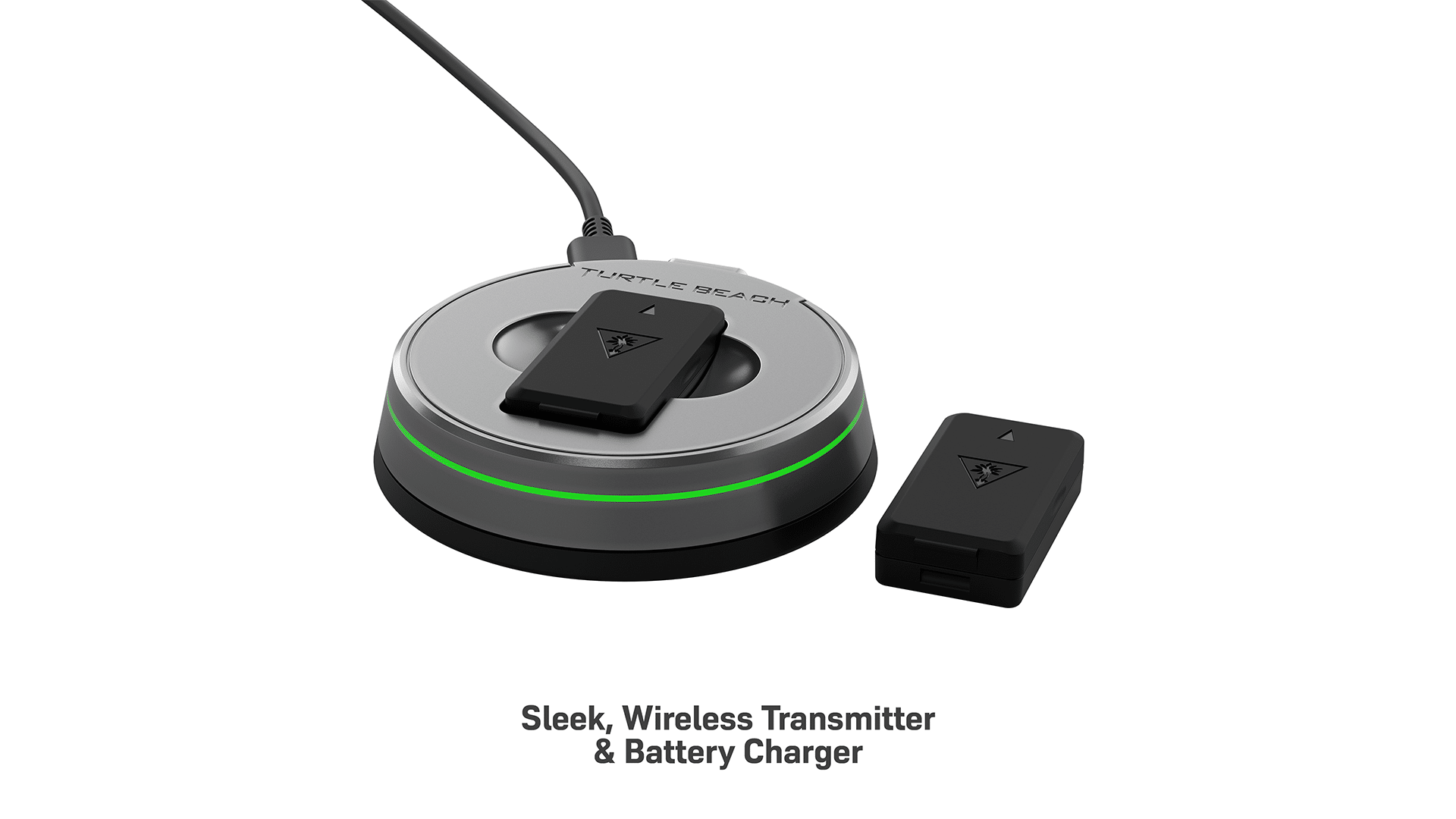
I know some may prefer having a built-in battery, but I think this should be something more gamers should fight for. Rechargeable batteries tend to go “bad” after many years of use. Having them built into a device makes it all the worse as it gives the average consumer limited options for repair or forces them into buying a new device altogether. I’m sure you’ve run into the issue of wondering why your device’s battery no longer lasts as long as it did before because that’s an issue I have with my phone, a few headsets, and even my PS5 controllers. That’s the sacrifice you make when going wireless, but with the Stealth Pro, Turtle Beach offers a reasonable compromise. I may not know the exact plans for replacing or buying additional battery packs but knowing Turtle Beach; they’ll definitely be supporting this form of delivery for a long time, so expect to see some options down the road. That, in turn, means that the Stealth Pro should last you a very long time — that is, if you take care of it well, the only thing you’ll ever need are some replacement battery packs.  

The battery charger and transmitter station is a small, circular base with a bit of weight. It won’t take up much room, if any, as you can easily tuck it underneath something. There’s a ring LED. Depending on the version you get (PlayStation or Xbox) that will glow blue or green. 

Now to truly unlock the full potential of the Turtle Beach Stealth Pro, there is a desktop and mobile app called the Turtle Beach Audio Hub. With this app, you can adjust things like E.Q. settings, noise-cancellation levels, noise gates, and other audio-related sliders. The volume wheel and mode button on it are also fully mappable, with the audio hub giving users access to several different functions. If you plan on using the Stealth Pro on a P.C., you can also set up hotkeys via the audio hub software.

What does make the Stealth Pro such a killer headset, though, is that it has built-in memory to store any edits you make. That means you can tweak the headset to your liking without worrying about losing them after disconnecting from the audio hub app. For PC gamers, that’s not so much of an issue, but from the console side of things, headsets are typically forced to use whatever settings those consoles have. Too often, I have found myself with a $100-$300 headset sounding awful because there was no way to tweak it outside of the volume. 

With the Stealth Pro, I can boot up the app on my phone, apply the changes, close the app, and then those changes will stick and work on my PS5 or Xbox Series. It just shows you how versatile the Stealth Pro can be.

Speaking of PS5 and Xbox Series, the Turtle Beach Stealth Pro fully uses the audio options from those consoles. So full Dolby Atmos support is there for Xbox and 3D audio for PlayStation. PCs can, of course, enjoy the benefits of a number of different 3D software-based audio programs, including Windows Sonic. 
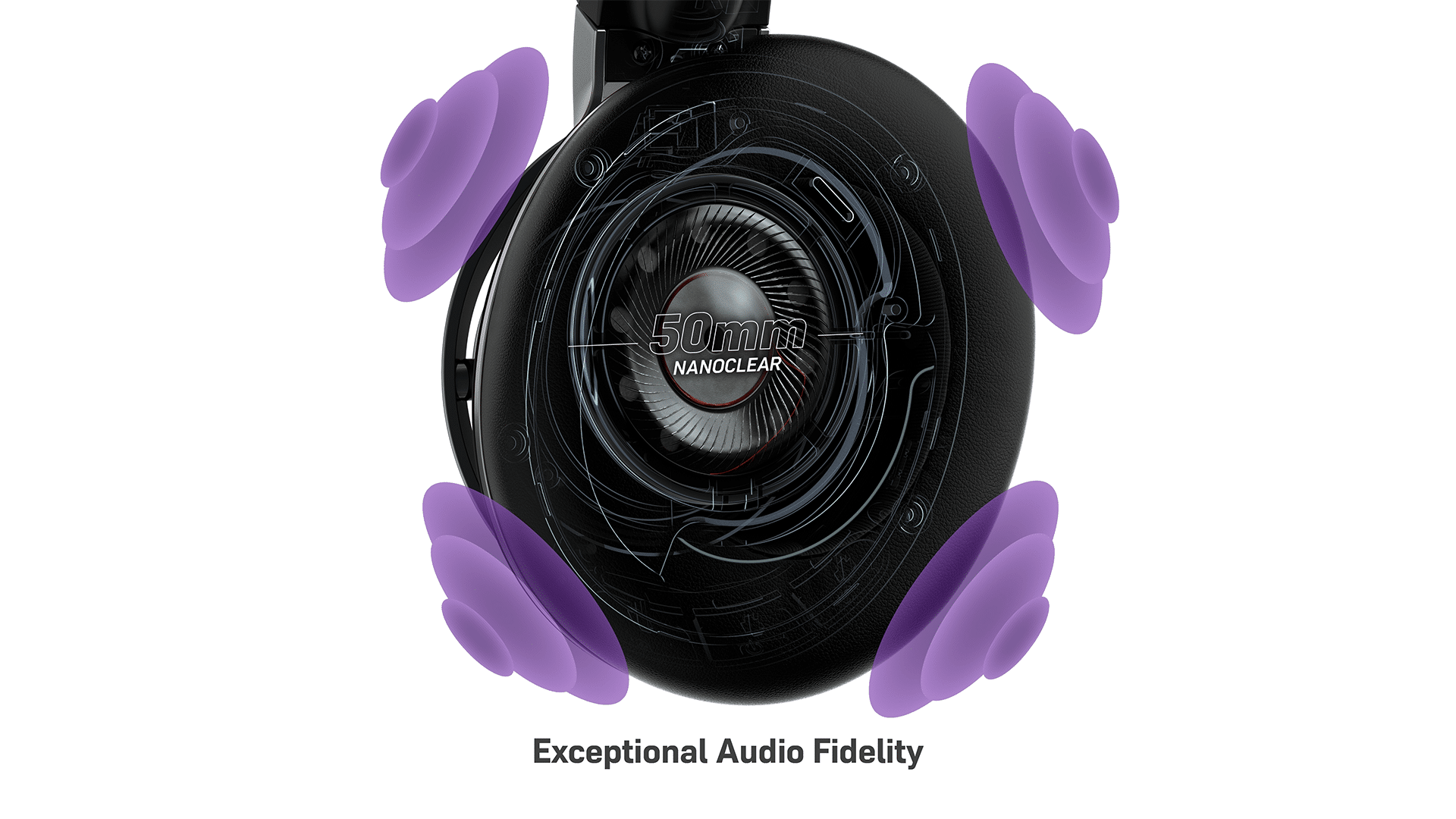
I have some minor, if not more nitpicking, complaints about the Stealth Pro design. The first is the wheel and battery covers aren’t texturized (or painted?) like the rest of the material on the headset. They’re smooth and flat, and because of that, it’s easy to leave fingerprint markings behind. They’re not easy to wipe off, but it’s not like you’d notice those prints from afar anyway.

The wheel also sounds like it’s rubbing against the headset as you turn it, producing a grinding of plastic sound. It’s unpleasant and, given the overall build quality of the Stealth Pro, noticeable and makes it feel a little cheap. Perhaps future iterations can give it more spacing with better feedback, such as light notches when turning.

I would have also liked to be able to customize the lighting on the transmitter, depending on which model you get (one designed for Xbox or PlayStation, but they’re nearly the same in functionality) the light will be for that platform. So green for Xbox and blue for PlayStation. It’s just for looks in the end, but I like having matching lighting wherever possible. 

If there’s one area I think the Stealth Pro could improve, it’s the audio cues on specific functions. Weren’t it for having a sheet of paper or the app telling you what each button does, you’d probably be confused by what exactly the presses are enabling or disabling. There’s a standard on/off cue that is a series of beeps, but in terms of the headset giving some narration, you’ll only hear it speak during certain battery levels and when Bluetooth pairing is enabled. A firmware update might be able to add these options down the road, but I’d like to see the same narration we get for before mentioned applied when noise canceling and superhuman hearing are enabled or disabled. Nothing wrong with a bit of quality of life improvements. 

Audio and Mic

Now more than ever, audio in gaming has become a central focal for console manufacturers and developers alike. New technologies have brought forth many audio improvements, such as Dolby Atmos, 3D, and ray tracing audio (it’s not just for graphics!) in the latest games. So one could understand why they’d be in the market for some new audio peripherals, and if that’s the case for you, and you’re looking for a headset that’s going to take your audio to that next level, then look no further than the Turtle Beach Stealth Pro. 

Using the headset over the course of three weeks, I have been thoroughly impressed with what Turtle Beach has accomplished with its range of audio. With powerful and precision-tuned audio 50mm drivers, it’s hard to walk away from the experience without feeling blown away. 

The first game I wanted to try was with nonother than the spectacular Resident Evil 4 remake. An incredible showcase of 3D audio, which the Stealth Pro beautifully displays in full. Hearing the wind howl in the background, the dripping of blood somewhere in a damp and cold facility, and the rich soundtrack of the game, all sent goosebumps down my spine. There was so much punch to what the Stealth Pro provided, immersing me fully in the cinematic experience. 
I dove into some multiplayer action, with games such as Battlefield 2042, Warzone 2, and the upcoming XDefiant. I’ve loved the offering of past headsets from Turtle Beach when it comes to their usage in multiplayer games, and I can’t complain about the results of the Stealth Pro. Hearing a bullet graze past me and the precise direction, footsteps, and other essential sounds have always been part of the competitive edge that I found Turtle Beach to be able to deliver. With the incredible work put into the Stealth Pro, it’s even more so of an edge. Of course, that’s also in parts of the superhuman hearing feature the headset has, making subtle sounds be heard even more. 

I also took it for a spin in the VR space with games like Project Wingman and Star Wars Squadron (which both support Turtle Beach’s VelocityOne Flightstick to deliver the ultimate immersive experience) and a few racers. Hearing the engine rumble of a plane and car and the bass tremble with such ferocity felt so satisfying. 

As for the microphone quality, I think Turtle Beach nailed down the clarity with the last few headsets iterations (Stealth 600 and 700 Gen 2,) and the Stealth Pro certainly lives up to the quality that one would expect, especially with its hefty price tag. My voice was crystal clear across all tested gaming platforms, though I was most impressed with how it handled on my Samsung Galaxy phone during live calls. It was undoubtedly cleaner than using the direct microphone from the phone and blocked far more sounds when I was out and about in public. Mind: this was using the built-in mics and not the boom one. 

For gaming, I used the boom set-up because I liked having a bit of control over the distance my voice would be from the microphone. The boom mic is mostly made of rubber that can be flexed in any direction. So if someone said I sounded too loud, I simply moved it away. Either way, my voice was coming in just as clearly, and because I like gaming while using my PC, my teammates barely, if at all, heard the clicking noises of my keyboard. 

Verdict – Is it the New King?

I won’t dance around the pricing of the Turtle Beach Stealth Pro, as it clocks in at a staggering $329.99. It’s an expensive headset. However, it’s also marketed as the company’s premium flagship. Compared to other similarly priced top-of-the-line headset brands, such as Sennheiser, Astro, Sony, Beats, and even Boss, The Turtle Beach Stealth Pro’s price-for-performance is bar none. This is, by far, the most feature-packed headset on the market, on top of being one of the most comfortable and most versatile headsets I’ve ever used.

It sets a gold standard of what premium headsets should offer, and the fact that it isn’t locked to a single ecosystem like many of the brands mentioned above makes this headset a fantastic buy for anyone. It’s perfect for a gaming headset, but even beyond that, it’s perfect for all audiophiles out there. This is easily Turtle Beach’s best headset yet. 

Score: 10/10

Pros:

  • Sleek, beautiful, modernized design that fits any lifestyle. 
  • Comfortable
  • Flawless wireless connectivity that is easy to pair with any device and easy to hook to any console. 
  • The 50mm drivers really bring audio to life, with active noise canceling immersing you in it.  
  • Comes with two rechargeable battery packs for a full 24 hours of life. 

Cons:

  • Lack of headset narration options, though one that could potentially be solved with a software update. 

The Turtle Beach Stealth Pro is available for purchase for $329.99. Turtle Beach provided a Turtle Beach Stealth Pro unit for review purposes. All images were provided by the company. You can read MP1st’s review and scoring policy right here.


Avatar photo

James Lara

A gamer at heart, James has been working for MP1st for the last decade to do exactly what he loves, writing about video games and having fun doing it. Growing up in the 90's gaming has been in his DNA since the days of NES. One day he hopes to develop his own game.

Home > News

PUBG Update 2.34 Dispatches for April 19 as Servers Continue to be Down for Maintenance

While the planned maintenance for PUBG is still currently ongoing, it seems that players can now download the PUBG update 2.34 on both the PS4 and Xbox, which introduces a number of new content and fixes. Read on for the full patch notes.

PUBG Update 2.34 Patch Notes | PUBG April 19 Update Patch Notes:

Live Maintenance Schedule

※ The times shown below are subject to change.

  • PC
    • PDT: April 11, 5:00 PM – April 12, 1:30 AM
    • CEST: April 12, 2:00 AM – 10:30 AM
    • KST: April 12, 9:00 AM – 5:30 PM
  • Console
    • PDT: April 19, 6 PM – April 20, 2 AM
    • CEST: April 20, 3 AM – 11 AM
    • KST: April 20, 10 AM – 6 PM

Live Server Fixes

  • Fixed the issue where flames would not ignite after throwing a Molotov on certain stairs.
  • Fixed the issue where the initial audio effect of Victory Dance 70 would not play when another player attempts to join in.
  • (Console) Fixed the issue where the platform icon was not being displayed in front of nicknames on the Ranked leaderboard.
  • (Console) Fixed the issue where the platform icon was not being displayed next to the player’s nickname when you move to a deathbox and the key guide appears.

※ Please note that the features and updates described below are subject to change or removal due to issues such as bugs, in-game problems, and community feedback. The images used are intended as visual references only; the actual game may look different as the builds are continually developed and refined before release.

Normal Match

The general ruleset for Normal Matches has been updated.

※ These changes affect Erangel, Miramar, Taego, and Deston.

  • Phase
    • The Blue Zone during Phases 1 to 3 is now similar as Ranked’s and slightly faster than before.
  • Items
    • More items will spawn overall.
      • Main AR, DMR, SR weapons
      • Helmets, Vests, Backpacks
      • Scopes
    • Motor Gliders have been added to Taego, Vikendi, and Deston.
  • Vehicles
    • More vehicles will spawn overall.
      • The spawn rate of major vehicles, such as four-wheels, has been adjusted to make them appear more frequently among all spawned vehicles.
    • Some vehicles will spawn at fixed locations.
  • Other systems such as the plane route and the final circle location have been adjusted to match Ranked’s.

< Dev’s Comment >

Beginning with this update, we will be implementing the Normal Match change-up outlined in our recent 2023 Roadmap. Through analysis of player data, playstyles, and feedback accumulated over the years, we recognized a disparity in your gameplay experience between Normal Matches and Ranked due to differences in rulesets. For instance, Normal Matches provide ample time early on for looting, moving, and strategizing, while Ranked is faster-paced, making it potentially challenging to adapt between the two modes.

Our top priority is ensuring players enjoy every mode, so we’re adjusting the fundamental ruleset that creates the foundation of PUBG: BATTLEGROUNDS in a consistent manner, making it easier to adapt between different modes. We plan to decrease playtime during the early phase in Normal Matches while increasing the overall spawn of items and vehicles to enhance your farming experience. Moreover, we intend to sustain existing content exclusive to Normal Matches, such as items, different Zones, Comeback BR, etc. to continue providing opportunities for experimentation and enjoyment.


Ranked

Season 23

  • Deston has been added to the map pool.
    • Number of players: 64
    • Weather: Sunny
    • The Red Zone, Security Keys, and Tactical Gear will not be available.
    • Fixed vehicle spawn spots have been added.
    • The O12 and MP9 is available.
  • The leaderboard will reset after the Live Server maintenance.
  • Check out your final Tier from the previous season through your Career page.

Season 22 Rewards

Below are the rewards you’ll be receiving based on your final Tier from the previous Ranked season.

Tier

Season 22 Rewards

Bronze Bronze PUBG ID Emblem
Silver Silver PUBG ID Emblem
Gold Gold PUBG ID Emblem

Ranked Parachute Skin

Platinum Animated Platinum PUBG ID Emblem

Ranked Parachute Skin

Platinum Medal

Diamond Animated Diamond PUBG ID Emblem

Ranked Parachute Skin

Platinum, Diamond Medal

Master Animated Master PUBG ID Emblem

Animated Master Nameplate

Ranked Parachute Skin

Platinum, Diamond, Master Medal

Top 500 Bonus rewards for Top 500 players:

  • Animated Top 500 PUBG ID Emblem
  • Animated Top 500 Nameplate

  • The Parachute skin and Medals are permanent rewards.
  • The rest of the obtainable rewards are available for use during a single Ranked season.
  • Rewards can be found in your Inventory once Season 23 starts.
  • Once Season 23 is over and the server undergoes maintenance, every reward but the Parachute and Medal will be withdrawn from your Edit Profile page.

Items

  • BZ Grenades added to Taego and Deston.
  • Folded Shields added to all maps.
  • Emergency Pickups added to Erangel, Miramar, and Taego.
  • Motor Gliders added to Taego and Deston.

< Dev’s Comment >

This update will also introduce new changes to Ranked. As announced in our 2023 Roadmap, we’re committed to providing more exciting gameplay through various updates. Beginning from Season 23, we’re adding items and vehicles that were previously only available in Normal Matches, bringing more diversity and intensity to Ranked gameplay. Additionally, Deston has been added to the map pool with a 10% matchmaking probability. Although the unique weapons O12 and MP9 are available, we’ve excluded Security Keys and Tactical Gear from Ranked play as we’re still assessing how these features will work in this mode.


Gameplay

  • To heighten the sense of satisfaction and impact when landing a headshot, we’ve added a new visual effect that causes the helmet to be knocked off upon impact.
    • If a weapon is used to land a headshot and the helmet’s durability is reduced to 0, the helmet will be knocked off.

  • Ascender Attachment and Utility Parachute are now provided as basic equipment on every map.
    • Ascender Attachment and Utility Parachute icons that occupied their own Inventory slots have been removed.
    • Utility Parachutes can be used any time on every map.
    • The Ascender Attachment can be used where Ascenders are attached.
  • With the Utility Parachutes available everywhere, the Emergency Parachute has been removed from Miramar and Haven.
  • If a player disconnects before the plane drop, their parachute will now automatically follow the player with the next number after theirs.
    • Example: If you are Player 4, you will follow Player 1.
    • If you had previously chosen a player to follow before disconnecting, you will continue to follow them.
    • Once you reconnect while on the plane, you will automatically follow a player.
    • Only players who have not yet dropped from the plane can be chosen to follow.

Map Service

Starting with this update, maps will now be rotated on a weekly basis, increasing the chances of encountering your preferred map. The Patch Notes will now include the weekly map rotation plan for the update period. Additionally, we’re preparing a Dev Letter that will delve into our thoughts on the updated map rotation system. For further details, keep an eye out for the upcoming Map Service Plan – April 2023 announcement!

Furthermore, the Ranked map pool now includes Deston.

※ Please note that PC players can anticipate map changes every Wednesday at 2 AM UTC, while Console players can expect the same every Thursday at 7 AM UTC.

※ In Random Map regions, each map will have an equal probability of being selected, with a probability of 20%.

  • (PC) Test Server
    • Normal Match: Miramar / Deston / Vikendi
      • AS region: Squad
      • NA region: Squad – FPP
  • Live Server – Normal Match
    • Week 1: Erangel / Taego / Deston / Sanhok / Paramo
      • PC: April 12 ~ April 19
      • Console: April 20 ~ April 27
    • Week 2: Erangel / Miramar / Vikendi / Sanhok / Karakin
      • PC: April 19 ~ April 26
      • Console: April 27 ~ May 4
    • Week 3: Erangel / Taego / Deston / Sanhok / Paramo
      • PC: April 26 ~ May 3
      • Console: May 4 ~ May 11
    • Week 4: Erangel / Miramar / Vikendi / Sanhok / Karakin
      • PC: May 3 ~ May 10
      • Console: May 11 ~ May 18
    • Week 5: Erangel / Taego / Deston / Sanhok / Paramo
      • PC: May 10 ~ May 17
      • Console: May 18 ~ May 25
  • Live Server – Ranked
    • Ranked: Erangel (30%) / Miramar (30%) / Taego (30%) / Deston (10%)

World

  • The festive 6th anniversary decorations have been removed from Erangel, Miramar, Vikendi, and Sanhok. Thank you again for all your heartwarming birthday wishes!

Modes

LABS: Intense Battle Royale

The adrenaline-fueled mode is back with new updates!

  • Three new Vikendi areas added.
    • The Blizzard Zone is not available.
  • Three new Sanhok areas added.
  • AUG added to the AR weapon crate.
  • Service period
    • PC
      • PDT: April 12, After live server maintenance – June 13, 5:30 PM
      • CEST: April 12, After live server maintenance – June 14, 2:30 AM
      • KST: April 12, After live server maintenance – June 14, 9:30 AM
    • Console
      • PDT: April 20, After live server maintenance – June 21, 6 PM
      • CEST: April 20, After live server maintenance – June 22, 3 AM
      • KST: April 20, After live server maintenance – June 22, 10 AM

Esports Mode

As previously announced, we’re aligning the settings for Esports Mode with Ranked to allow you to enjoy an even more intense Esports experience.

  • Added Taego and Deston.
    • Follows Ranked’s ruleset.
    • Global Rule Settings available only.
    • Perspective: FPP, TPP
    • Minimum required number of players: 10
    • Maximum number of players: 100 (Default 64)
    • Maximum number of players in a team: 4 (Default 4)
  • Sanhok has been removed.

UX/UI

  • The interaction feature has been improved when equipping Special Vehicle Skins.
    • To make it easier for you to select your desired skin from the list that appears after using the Limited Interact key, you can now use the following:
      • PC: Mouse click, Enter key, Interaction key (F), Limited Interact key (H)
  • (PC) A new “Toggle” option has been added to Voice Chat settings.
    • Enable and disable Voice Chat using the T key, which can be customized in the Key Bindings setting.
    • A “mic muted” icon has been added, and will now be visible to your teammates.
    • The “speaker muted” icon has been removed from your teammate list.
  • (Console) The “mic muted” icon will appear when your Voice Chat Input Mode is deactivated, and will be visible to your teammates.

Lobby

  • The default lobby has been changed from the Vikendi theme → default plane theme.

Survivor Pass: The Big Score

Experienced painful goodbyes to your previous Passes without reaching their maximum levels before they expired? We understand how frustrating that can be, which is why we’re aiming to help players to fully enjoy everything the Pass has to offer throughout its duration by making adjustments to the Pass XP system.

Strive for the maximum level in the new Survivor Pass: The Big Score and become the ultimate safe-cracker.

  • To facilitate a smoother leveling experience, the proportion of XP gained through playtime and weekly missions has been increased in relation to the total amount of XP.
    • The maximum XP you can earn through max daily playtime has been greatly increased.
    • XP earned through daily missions has been slightly decreased.
  • Please refer to the upcoming April Store Update announcement for more detailed information.

Workshop

Chest

  • New item sets have been added to the Hunter’s Chest and Archivist’s Chest.
    • PGC 2022

Performance

  • Improved vaulting performance in-game.
  • Optimized memory usage by compressing and adjusting the quality of in-game sound. This will only load essential sounds for each mode and map, leading to improved memory efficiency.
  • (Epic Games, Kakao) A game file integrity check pop-up will appear if damaged files are detected upon opening the client.
  • (Console) Improved the hitch that occurred when you first open the Inventory in game.
    • (PC) Improved the hitch that occurred when you open the Inventory with a joypad controller.

Bug Fixes

Gameplay

  • General in-game bugs have been fixed.
  • Fixed the issue where flames were not being generated on the ground depending on the height at which Molotovs explode.
  • Fixed the issue where the weather information is not being displayed in the Custom Match session list for a Custom Match with a Haven – Sunset setting.
  • Fixed the issue where you are able to make a Pan bigger using a Mountain Bike and Dirt Bike.
  • Fixed the issue where the sound of the Porter and Pony Coupe suddenly decreases from a certain perspective.
  • Fixed the issue where the Motor Glider is sometimes not shown at the proper location or not visible at all through Death Cam.
  • Fixed the issue where you are sometimes disconnected from the game when climbing the stairs.
  • Fixed the awkward FPP perspective when you are being carried.
  • (Console) Fixed the issue where the Limited Interact key for equpiping vehicle skins does not work when the interact and reload/interaction and Limited interact are assigned to the same buttons.

World

  • Fixed collision, texture, performance, and more general issues in Deston, Taego, and Miramar.
  • Fixed the issue where after dropping the Security Key in a dumpster, it cannot be obtained through Inventory, interaction, or using Drones.

UX/UI

    • Fixed the issue where the Go to Store button is disabled when Presets 3 to 5 are disabled.
    • Fixed the issue where the interaction UI prioritizes the item over the team member who gets knocked out on top of an item.
    • Fixed the issue where both the Revive and Carry keys are displayed when you’re knocked out and holding a Self-AED.
    • (PC) Fixed the issue where specific players were shown on leaderboards of different regions at the same time.
    • (PC) Fixed the issue where the incorrect interact UI is displayed after changing the Limited Interact key.

Items & Skins

※ Clipping issue: Graphics that are shown outside the visible part of an image/object.

  • Fixed the issue where the White Tiger – Pan skin is flipped backwards at Hideout – Weapon.
  • Fixed the issue where the female character’s arms turn transparent in FPP when the equipped Doomsday Hoodie is taken off.
  • Fixed the clipping issue on a female character’s bottom part when equipping Ailee’s Jacket with PGC 2021 Contingent Chaos Boots.
  • Fixed the clipping issue on a female character’s bottom part when equipping Ailee’s Jacket with JENNIE’s BLACKPINK Leggings.
  • Fixed the clipping issue when equipping PGI.S Tactical Pants with Vikendi Snow Sports Boots/Retro Rewind Shoes.
  • (PC) Fixed the issue where the Pillar Security – Helmet (Level 1) appears differently when equipping the skin.

Source: PUBG

Avatar photo

James Lara

A gamer at heart, James has been working for MP1st for the last decade to do exactly what he loves, writing about video games and having fun doing it. Growing up in the 90's gaming has been in his DNA since the days of NES. One day he hopes to develop his own game.