Home > News

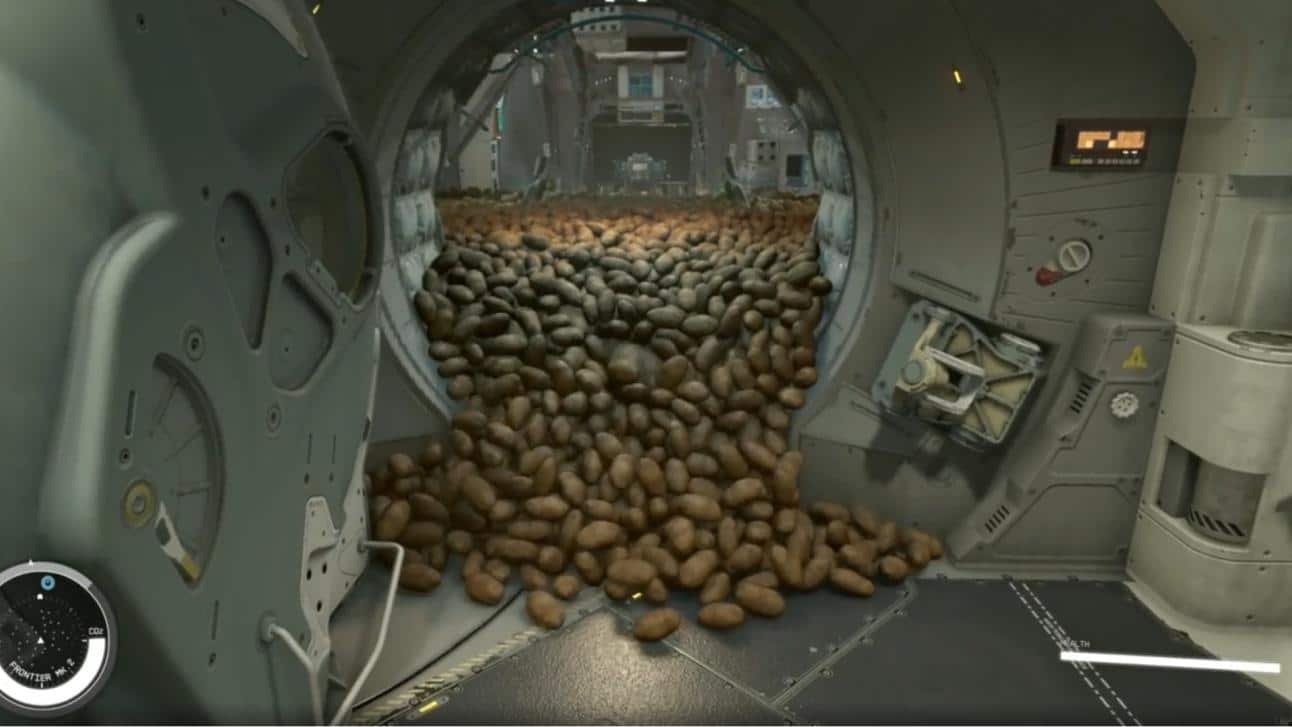
Starfield Update 1.8.86 for Nov. 20 Brings Nvidia DLSS Supportand Fixes, Patch Notes Listed

Bethesda has delivered Starfield update 1.8.86 on PC and Xbox this November 20, and this brings Nvidia DLSS support to PC players, as well as a host of fixes and improvements! This is the patch that was beta tested earlier this month. Read on for the official patch notes.

Starfield Update 1.8.86 Patch Notes for November 20:

Update Highlights
Nvidia DLSS Support

This update introduces Nvidia DLSS support for our PC players. Compatible Nvidia graphic cards can now use DLSS Super Resolution, Deep Learning Anti-aliasing (DLAA), Nvidia Reflex Low Latency, and DLSS Frame generation.

Let Them Eat!

By popular request, we have added the ability to ingest food and drink items upon finding them in the environment. You can enjoy those Chunks immediately or save them for later. The choice is yours.

Fixes and Improvements
Performance And Stability
  • Addressed a number of memory related issues and leaks.
  • Added some GPU performance optimizations, which will be more impactful on higher end cards.
  • Improved renderer threading model, improving CPU usage most notably on higher end systems.
  • Various stability and performance improvements.
Gameplay
  • Added the ability to eat the food placed in the world.
  • Adjusted stealth to be a bit more forgiving.
  • Fixed an issue where Andreja’s head would stay permanently cloaked.
  • Fixed an issue that could prevent players from firing their weapons.
  • Fixed issues where some NPC could be seen not wearing clothes (Note: This issue may resolve itself over time).
  • Fixed an issue where already in-progress skill challenges could stop progressing after reaching the Unity and starting a new game.
  • Fixed an issue that could temporarily prevent opening the inventory or saving after entering the Unity.
  • PC: Fixed an issue where mouse movement could be choppy.
  • Fixed a rare issue that could cause the home ship to be lost.
  • Fixed an issue where the ship services technician might be missing.
  • Fixed an issue where occasionally the camera could shake incorrectly during Traveling, Grav Jumping, Docking, or Landing transitions.
Graphics
  • Addressed an issue with how ambient occlusion appeared in ultrawide resolutions.
  • Optimized initial shader compilation that occurs on start-up.
  • Added the ability to adjust Brightness and Contrast in the Display Settings menu.
  • Added the ability to adjust HDR Brightness provided that the system supports it. (Xbox & Windows 11 only).
  • Addressed a number of materials that could sometimes present an unintended pattern under certain conditions.
  • Fixed various visual issues related to the new FOV slider options.
  • Improved the appearance of the eyes on crowd characters.
  • Addressed a number of minor visual issues related to lighting, shadows, terrain, and vegetation.
  • PC: Addressed additional visual issues related to DLSS.
Quests
  • All That Money Can Buy: Fixed a rare issue where players couldn’t sit during the negotiation with Musgrove.
  • Blast Zone: Fixed an issue where the hard rocks that need to be cleared out by players will not appear on Ngodup Tate’s land.
  • Echoes of the Past: Fixed an issue where the Grylloba Queen could sometimes not be reachable during the objective “Secure the Shuttle Bay”.
  • Eye of the Storm: Fixed an issue where players’ quest progression could potentially be blocked due to a missing docking prompt.
  • Grunt Work: Addressed an issue where progress could appear blocked if “Supra et Ultra” was completed while returning to the Lodge during “High Price to Pay”.
  • No Sudden Moves: Fixed an issue that could prevent the entrance door to the Scow ship from being opened again.
  • Operation Starseed: Fixed an issue where the key that is needed to exit the facility could sometimes not be present.
  • Sabotage: Fixed an issue where David Barron could potentially not be found by players.
  • Short Sighted: Fixed an issue where players could rarely become control-locked while speaking with Vladimir.
  • The Heart of Mars: Fixed an issue where players might not be able to mine the “The Heart of Mars”.

Once a new patch is released, we’ll be sure to let our readers know.

Source: Steam

Avatar photo

Alex Co

Father, gamer, games media vet, writer of words, killer of noobs.

Home > News

Mortal Kombat 1’s The Walking Dead Michonne DLC Was Considered Before Omni-Man

Ed Boon has revealed that the team was discussing a potential Mortal Kombat 1 and The Walking Dead crossover, with Michonne as their fighter pick, before settling on Omni-Man. 

During their first meeting with Robert Kirkman, the creator of both The Walking Dead and Invincible, Ed Boon revealed (via X) that they had originally pitched for Michonne to be in Mortal Kombat 1, though obviously talks evolved into adding Omni-Man instead. 

“Coincidentally, before we eventually went with Omniman, the first meeting I had with  @RobertKirkman was to talk about the possibility of Michonne being a guest fighter in Mortal Kombat.”

That definitely would have been an interesting choice, one that would have fit considering the violent nature of The Walking Dead. Though we’re sure, many of you probably would have questioned why Negan wouldn’t have been the choice instead. That may be due to the fact that Negan is already a guest fighter in Tekken 7, so certain contracts may have prohibited that, or perhaps the team didn’t want to have him featured in two different fighting IPs. 

Perhaps there’s a chance we can still see Michonne in future Kombat Packs, though personally, I’d love to see more characters from the Invincible universe. This Kombat Pack does have a “hero” theme going for it, and I wouldn’t be against seeing more in the future. 

Omni-Man is now available as a fighter in Mortal Kombat 1, as is Tremor as a Kameo

Avatar photo

James Lara

A gamer at heart, James has been working for MP1st for the last decade to do exactly what he loves, writing about video games and having fun doing it. Growing up in the 90's gaming has been in his DNA since the days of NES. One day he hopes to develop his own game.

Home > News

New Suicide Squad: Kill the Justice League Trailer Spotlghts Harley Quinn

She’s unpredictable, she’s violent, and she’s definitely clinically insane, but that just might be what Amanda Waller needs to take down the Justice League, as Harley Quinn proves she’s one of the biggest assets for Task Force X in the latest Suicide Squad: Kill the Justice League trailer.

Suicide Squad: Kill the Justice League Trailer – Harley Quinn Spotlight

Harley looks like a valuable asset for Task Force X, let’s just hope that Amanda Waller isn’t driven insane by her antics to force her to press denoate that bomb. Expect plenty of more trailers to drop in the coming weeks for the rest of the squad!

About The Game:

Suicide Squad: Kill the Justice League, is a genre-defying, action-adventure third-person shooter from Rocksteady Studios, creators of the critically acclaimed Batman: Arkham series. 

Featuring an original narrative set within an expansive open-world city of Metropolis, Suicide Squad: Kill the Justice League puts the four DC Super-Villains on a collision course with an invading alien force and DC Super Heroes who are now laser-focused on destroying the city they once vowed to protect. All the while, the Suicide Squad must be mindful of the lethal explosives implanted in their heads that could go off at the first sign of defiance.

Each squad member has their own unique moveset with enhanced traversal abilities to freely explore the dynamic open-world of Metropolis, along with a variety of weapons to customize, and skills to master. 

Take down The Justice League yourself in single-player or team up with friends in multiplayer co-op.

Don’t be a hero.

Suicide Squad: Kill the Justice League launches February 2, 2024, for PlayStation 5, Xbox Series X|S, and PC (Steam and Epic Games Store).

Related Reading:

Avatar photo

James Lara

A gamer at heart, James has been working for MP1st for the last decade to do exactly what he loves, writing about video games and having fun doing it. Growing up in the 90's gaming has been in his DNA since the days of NES. One day he hopes to develop his own game.

Home > News

Spirittea Review – Catching Spirits for Business Purposes

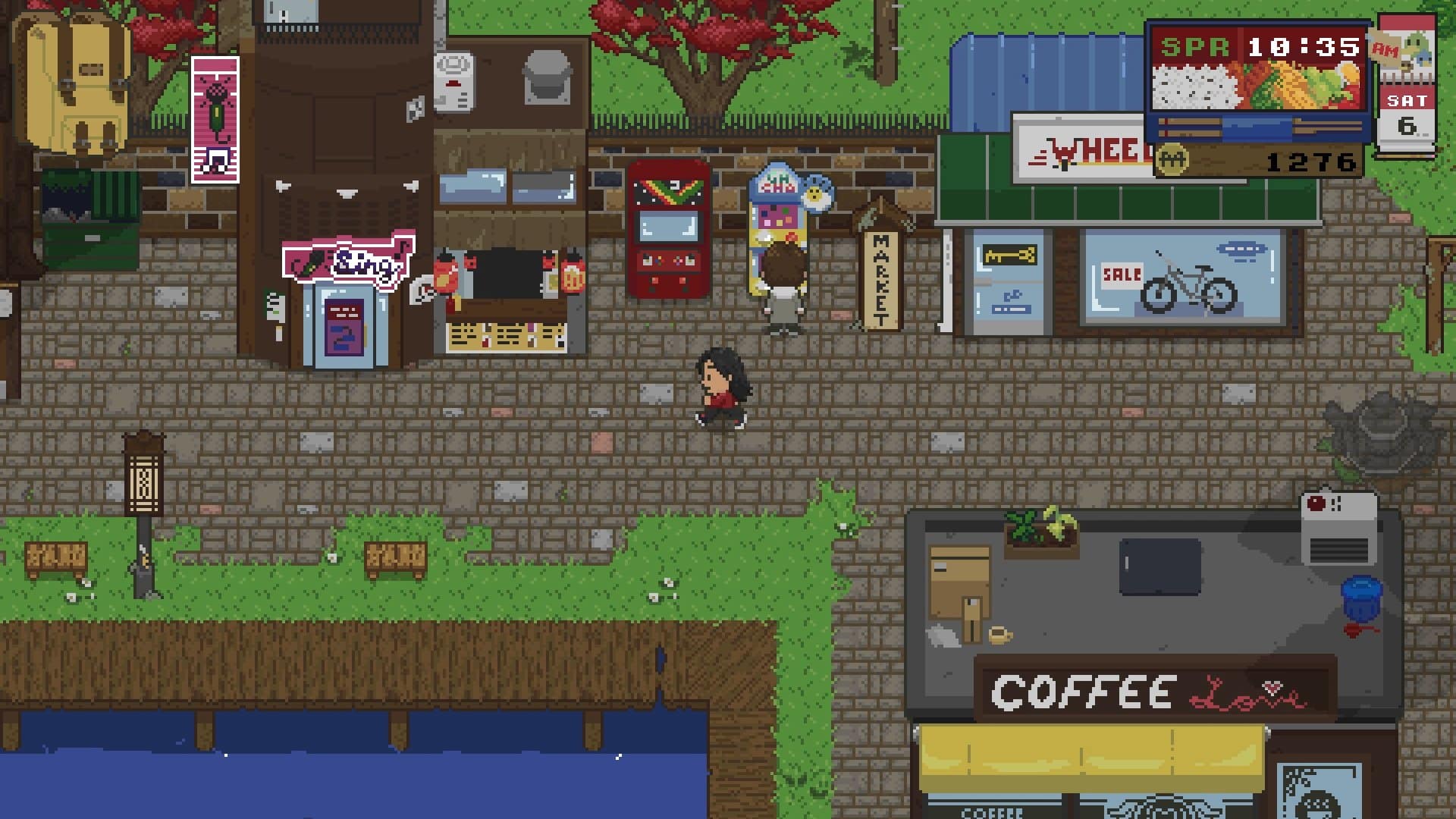
Spirittea is what would happen to Stardew Valley if it was to be invaded by troublesome spirits who seem to love their sauna a bit too much. This is a cute life simulator where you try to start a new life in a cozy town only to be surprised by a spirit right in your home, sweet home. From this moment, it’s a mashup of the best things that the genre has to offer, with some addictive gameplay that accomplishes a nice balance between open exploration and handheld narrative. It’s not without its flaws, but if you are looking for an enjoyable adventure with a business management spin, this is a solid choice.

Spirited Away

Your first steps in Spirittea take you into town discovery and meeting all of the townspeople, a wildly varied bunch with different personalities and likings, even clearly diverse backgrounds, and a surprisingly friendly behavior apart from an oddball or two – they even leave their doors open, so you’re free to “borrow” some stuff if you so wish. They are well-developed and exciting to meet and hang around, as you learn their tastes and advance your friendship level, something that is going to come in handy when you unlock one of the main features of the game: the bathhouse.

Spirittea Review

The bathhouse is Spirittea’s spin on the business management simulator. Think of this as a restaurant, but with the focus on pools for spirits to have a relaxing bath. Being abandoned for a long time, it is full of cobwebs and dirt, tree branches all over the place, patently requiring some repairs and dusting from the ground up, something that will come with time. You have a broom and a duster to tidy up the place, but the process is slow and somewhat dull, so don’t focus entirely on this as customers require your attention. A local is handy with repairs, and when you have enough currency, you can request her to fix one of the areas at a time, from the kitchen to several pools.

There is a chain of actions at work here which you must fully abide by to earn the always useful currency. Each spirit needs a clean towel before you show them to the pool, where they stay for a – long – period before exiting, paying their share and leaving a dirty towel for you to wash. This cycle repeats frequently, washing and drying up towels before taking the stack to the entrance, where new customers await. The bath water must be warm and there’s even a boiler room powered by a magical ever-growing tree. Use the saw to cut a log and burn it to warm the water, and do this a few times until it stops growing for the day.

Spirits like to sit close to others of the season after theirs, and dislike when they are near the ones who are of the opposite season, another detail that we must pay attention to if we want to earn the most amount of coins, but that isn’t entirely easy to decipher. You can either try your luck even if it means earning less, or try to find buried maps with the spirit’s tome, because finding the spirit and having it in your collection isn’t enough for them to spill the information, making the process cumbersome and something that should be revealed sooner than later, not to mention that the tomes don’t always correspond to the spirits you have already freed.

Spirittea Review

Spending time in the bathhouse is worthwhile and pretty much mandatory, as this is the place where every new spirit flocks too, and the more you serve, the more your spirituality level increases, which in turn allows you to discover additional spirits in town. It’s a gameplay loop that also provides you with currency to buy tools, furniture, a bicycle to move faster, and other options, so there’s no escaping it even if the shadow of repetition soon looms over, the towels starting to creep into your dreams, so many have you carried throughout a single journey.

You can ease things slightly by convincing a few residents to give you a hand with some tasks, including keeping the boiler alight, carrying towels, or giving spirits a  good back scrub to improve their mood. With a few helpers, the tasks become more tolerable, but the grind for money persists and it doesn’t get any more fun.

Country Life

Spirittea Review

Given all this, purely labeling Spirittea as a relaxing life sim may be deceiving, as there is a frequent requirement to repeat the bathhouse actions to progress. This is probably the part of the game that gets the most tiresome, as the outside adventure is more enjoyable and hands-free, an experience that isn’t quite sandbox but does allow you to focus on your favorite locals and spend time with them by playing a host of mini-games.

Each townsfolk has their own likings and that is patent in the conversation. The lore behind the characters is interesting to listen to, with more than meets the eye, and they have a life routine that keeps the world alive and in motion. If no one is at the store to sell you a bicycle, then you must return at another time, because the owner may be at home sleeping, eventually at the café or the restaurant, or maybe even going for some karaoke or a drink. Enjoying a favorite activity with someone is the best way to see the friendship rating skyrocket, and this is where some minigames come into play, fishing obviously included.

Some are very simple, such as catching bugs or the rhythm-based karaoke game, while others are more on the convoluted side, like the cooking one. It’s not the minigame itself that is overly complicated, but the lengthy tutorial for a handful of actions felt a bit daunting and unnecessary. But it’s always fun to discover a new minigame associated with a specific person, and your preferences may end up steering you to this or that local.

Spirittea Review

A quest system of sorts is there to point you in the right direction, with a notice board reporting on strange events deserving of your investigation, mostly issues caused by troublesome spirits. Chatting with the locals may also unearth clues about the whereabouts of more spirits, but again, the adventure only develops if you have taken your spirituality to the next level by successfully progressing in the bathhouse.

The map will be your second best companion right after cat spirit Wonyan, but it leaves something to be desired in terms of ease of use. It only displays the player and NPC locations along with the buildings, but there’s no indication on who is who or any distinction between stores apart from the actual tiny graphics. This means that you have to memorize character names and buildings, an unnecessary initial hurdle for a game that goes for a relaxing mindset but is asking you to do something that could be solved with a mere legend system.

There are a few glitches as well, an early one with our guide dog Jan as she takes us around town to meet every single person. However, right at the second request she became stuck between a chair and the wall inside the school, looking for a way out that didn’t appear. Only by exiting the building this situation was fixed.

Good Spirits

Spirittea Review

Despite the repetition associated with the bathhouse progression and some flaws here and there, Spirittea remains a cheerful game that deserves a look from every fan of Stardew Valley and other retro life sims. At its best when we have all the time in the world to talk to the townsfolk and steer clear of the bathhouse money grind pains, the gameplay loop is entertaining to the point of occasionally becoming addictive.

Spirittea is best played in short sessions, just long enough to get the bathhouse running for a few days, making some new friends, and finding those naughty spirits, one at a time. It may not be as relaxing as first impressions seemed to indicate, but it absolutely captures that often elusive addictive spirit.

Score: 8/10

Pros:

  • Pleasant balance between freedom and handholding
  • Townsfolk with daily routines and likings
  • Many secrets to discover
  • Cute pixel graphics

Cons:

  • Bathhouse gameplay becomes dull
  • Map is a little on the lazy side

Spirittea review code provided by the publisher. You can read MP1st’s review and scoring policy right here.

Vitor Braz

Home > News

Apex Legends Update 1.000.054 Deployed, Patch Notes Listed

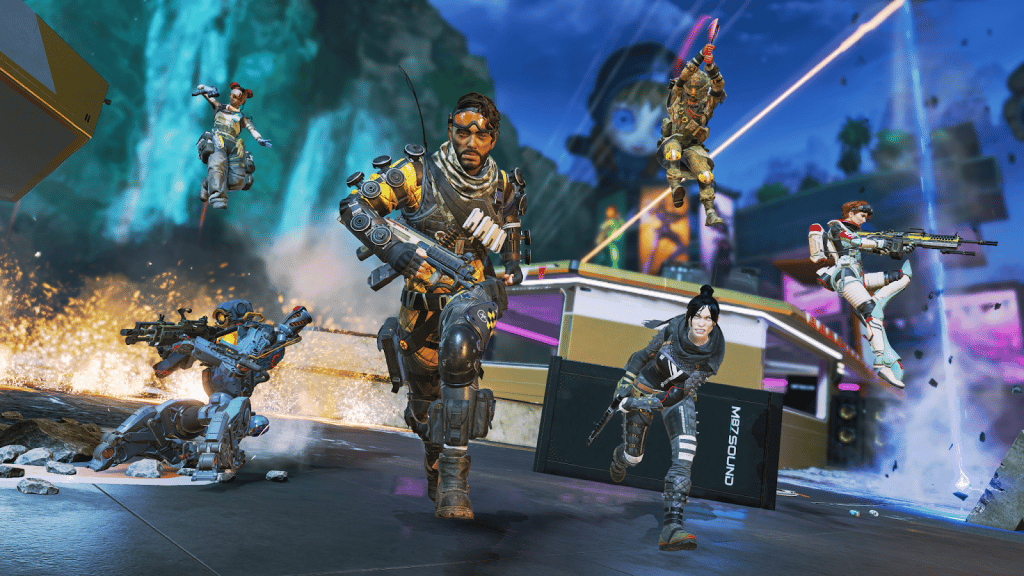
Respawn Entertainment has deployed Apex Legends update 1.000.054 on all platforms, and this is another minor patch that brings in fixes to the game. Read on for the official patch notes straight from Respawn.

Apex Legends Update 1.000.054 Patch Notes | Apex Legends New Update Patch Notes:

Here are the confirmed list of fixes straight via Respawn:

📍 Bullet tracers should now originate from the proper location.
🎯 Shooting Revenant’s Ultimate shield now gives the correct amount of Evo armor progress.
🔎Player’s profiles no longer sometimes appear black when being inspected.

That’s about it. As for the known issues still being checked on by the devs, you can check out the list below straight from the official Apex Legends Trello board:

INVESTIGATING:

  • [Ballistic] Crash after swapping primary weapon into sling and immediately equipping after entering TDM/Control
  • Legends may rotate when exiting a Trident
  • Playing at 165+ FPS may cause stuttering during some gameplay scenarios

IN PROGRESS:

  • Crashes referencing FS_CheckAsyncRequest when loading into a map
  • Some players encountering Detected Data Mismatch error
  • [DX11] Nvidia Reflex is greyed out
  • Players can spectate others while respawning
  • Bullet tracer VFX appears offset when strafing
  • [Ranked] Button mashing during rank up animation occasionally causes crash
  • S18 Masters badge is missing white diamond details
  • [Conduit] “Matulog ka na lang” quip incorrect
  • Button prompts may not appear on summary/death screen, including report button – but buttons still work!

Once a new patch is released, we’ll be sure to let our readers know.

Avatar photo

Alex Co

Father, gamer, games media vet, writer of words, killer of noobs.

Home > News

Apex Legends Update 2.40 Pushed Out, Fixes Listed

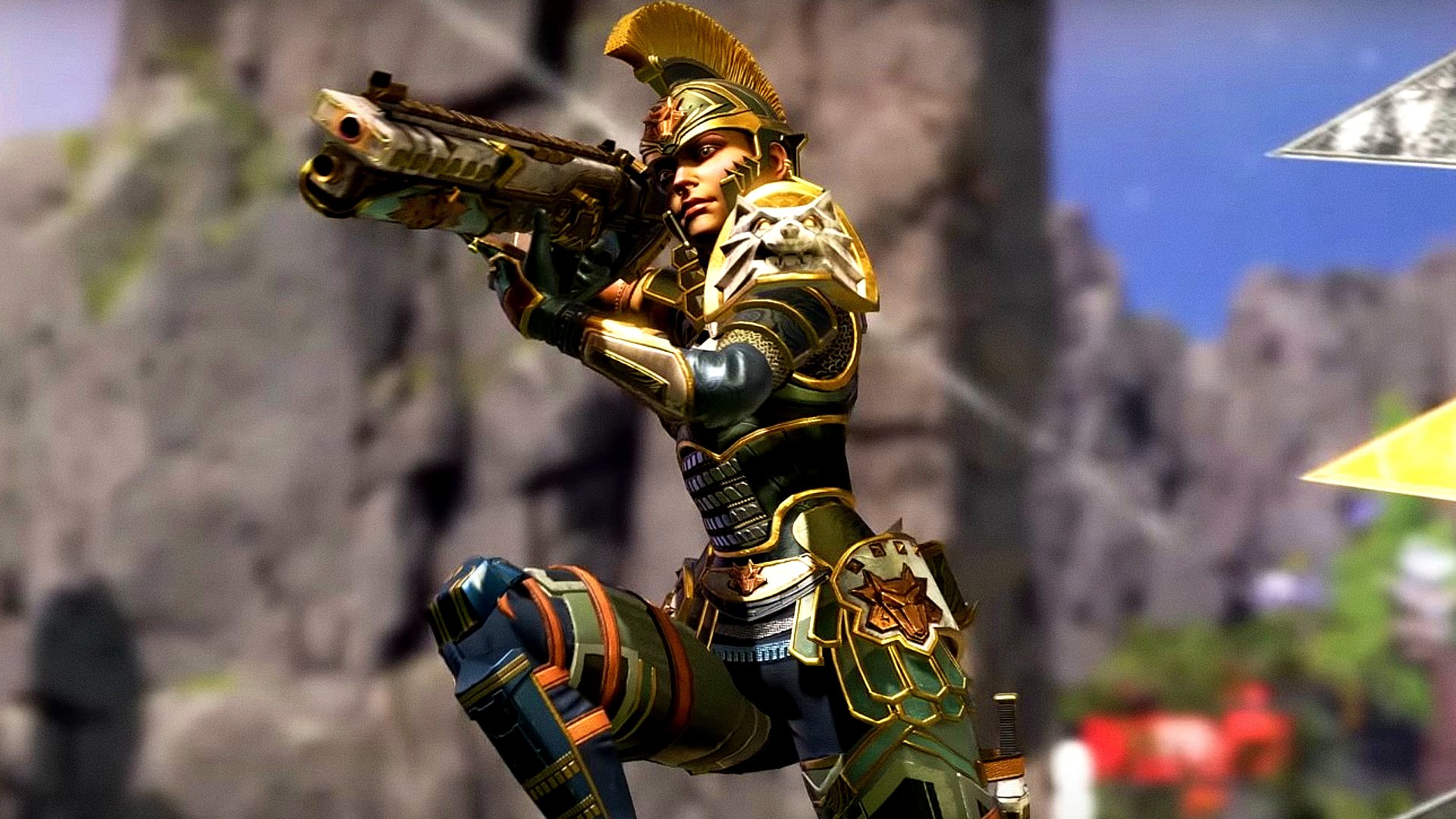
Apex Legends update 2.40 has been released by Respawn Entertainment this November 20, and this is another unannounced patch, so don’t expect any new content outside of fixes. Read on for what’s new in the patch notes and known issues below.

Apex Legends Update 2.40 Patch Notes for November 20:

Here are the confirmed list of fixes straight via Respawn:

📍 Bullet tracers should now originate from the proper location.
🎯 Shooting Revenant’s Ultimate shield now gives the correct amount of Evo armor progress.
🔎Player’s profiles no longer sometimes appear black when being inspected.

That’s about it. As for the known issues still being checked on by the devs, you can check out the list below straight from the official Apex Legends Trello board:

INVESTIGATING:

  • [Ballistic] Crash after swapping primary weapon into sling and immediately equipping after entering TDM/Control
  • Legends may rotate when exiting a Trident
  • Playing at 165+ FPS may cause stuttering during some gameplay scenarios

IN PROGRESS:

  • Crashes referencing FS_CheckAsyncRequest when loading into a map
  • Some players encountering Detected Data Mismatch error
  • [DX11] Nvidia Reflex is greyed out
  • Players can spectate others while respawning
  • Bullet tracer VFX appears offset when strafing
  • [Ranked] Button mashing during rank up animation occasionally causes crash
  • S18 Masters badge is missing white diamond details
  • [Conduit] “Matulog ka na lang” quip incorrect
  • Button prompts may not appear on summary/death screen, including report button – but buttons still work!

Once a new patch is released, we’ll be sure to let our readers know.

Avatar photo

Alex Co

Father, gamer, games media vet, writer of words, killer of noobs.

Home > News

League of Legends Season 2024 Gameplay Changes Include Void, Terrain, and Item Adjustments

The League of Legends Season 2024 is almost here! In preparation for the upcoming season, the team at Riot has pushed some changes to the PBE and listed every change being made to the main game when it launches at the beginning of next year.

Here are all the details on upcoming changes from today’s press release and the official blog post:

League of Legends Season 2024 Gameplay Changes:

Void Changes

Voidgrubs and Voidmites


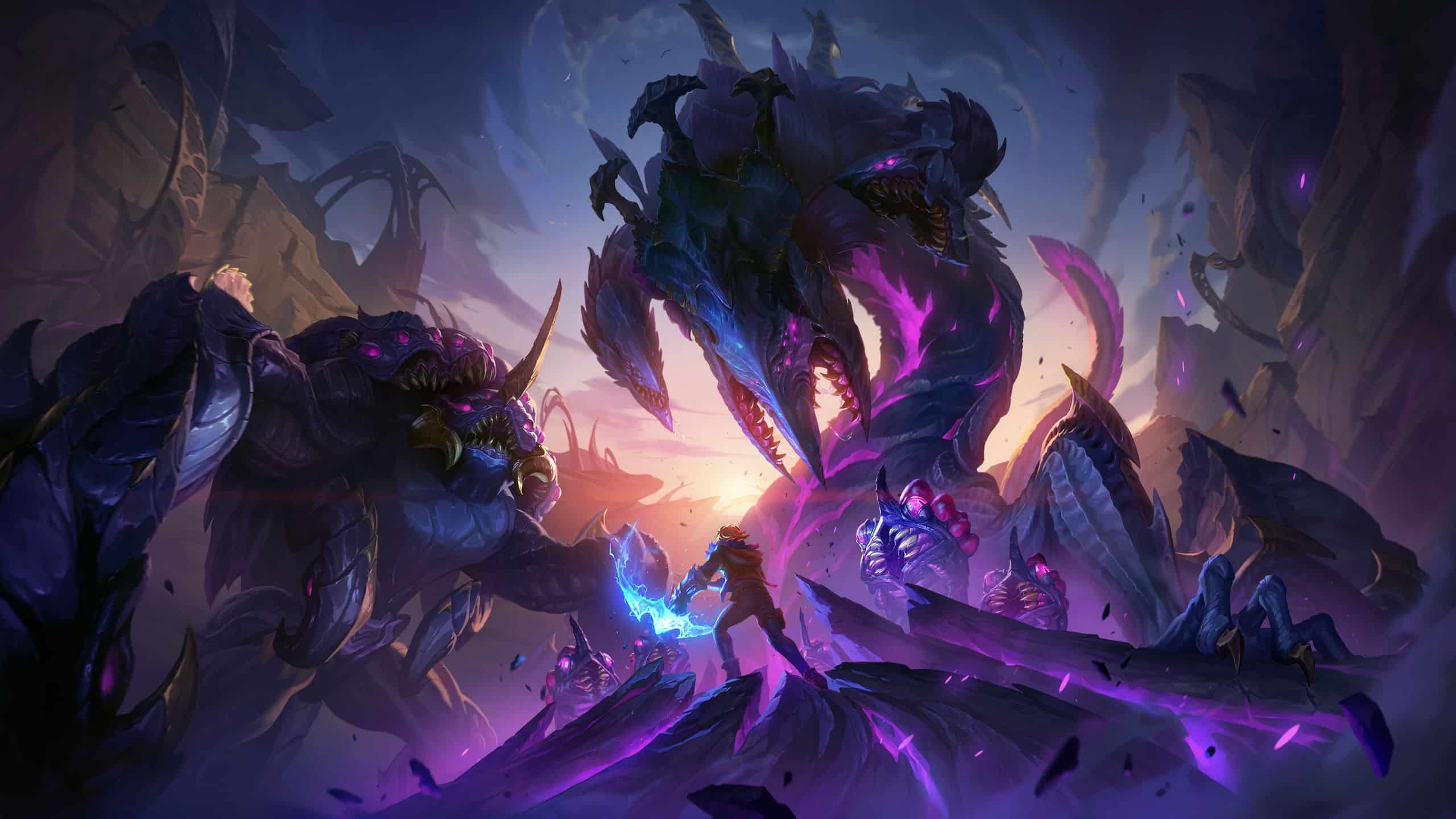
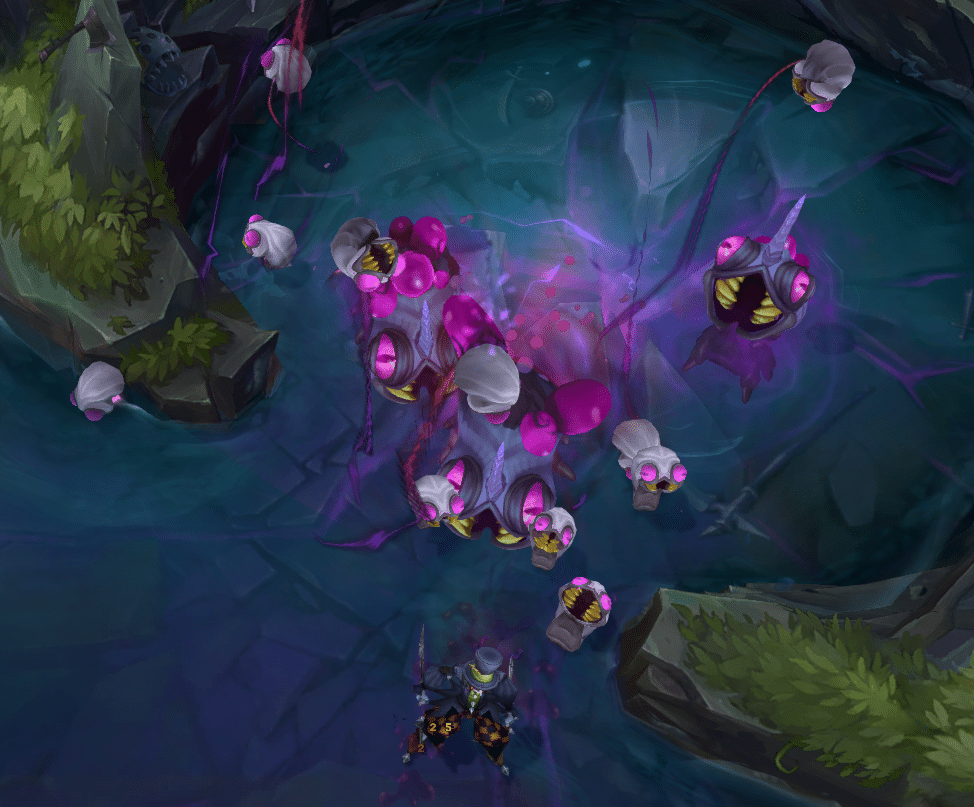
We’ve got some brand new residents moving into the Baron pit this season: the Voidgrubs. They are Voidborn beasties that will be taking the place of the first Rift Herald of each game before despawning at 14 minutes to make room for Rift Herald. Three Voidgrubs will spawn at 5 minutes, each with its own respawn timer of 4 minutes, and a maximum of six can spawn in a single game.

When aggroed each Voidgrub will unleash a swarm of Voidmites to attack their enemies. Should you manage to take down some Voidgrubs your entire team will earn the Hunger of the Void buff which will give the user damage over time bonus damage to structures. This buff stacks based on the amount of Voidgrubs you manage to take down and, when you manage to take down 5 or 6, you’ll also periodically summon 1 or 2 Voidmites respectively to help you take down structures.

Rift Herald

Rift_Herald_Normal_View.png

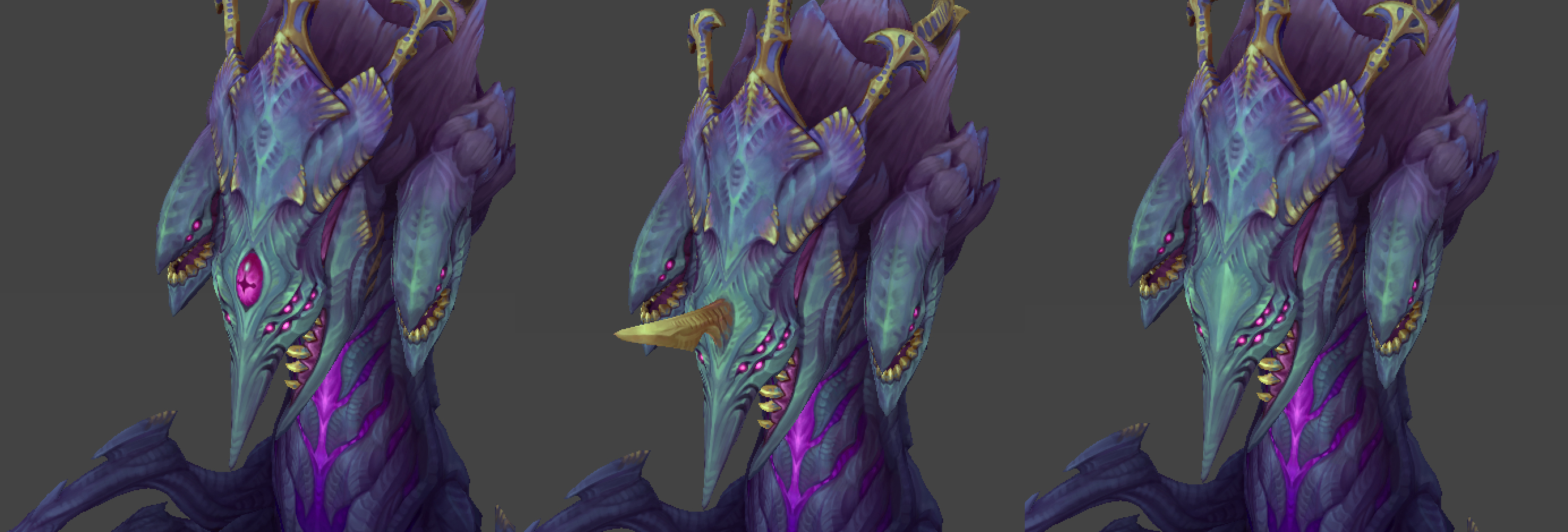
Rift Herald is back and they have a brand new, Voidgrub inspired look! But Shelly’s appearance isn’t all that’s changing. Now, when you crush the Eye of the Herald, Rift Herald will spawn as usual, but the user or an allied champion will be able to right-click the Herald and jump onto them, allowing the rider to steer Shelly (similar to a Sion ultimate). If you charge Herald into a turret then it will do more damage than if they charged into one uncontrolled. If you happen to run into an enemy champion then they will be damaged and knocked airborne. Once you collide with terrain or a turret the champion riding Shelly will be knocked off, going back to their usual selves.

Void Camps

Void_Red.png

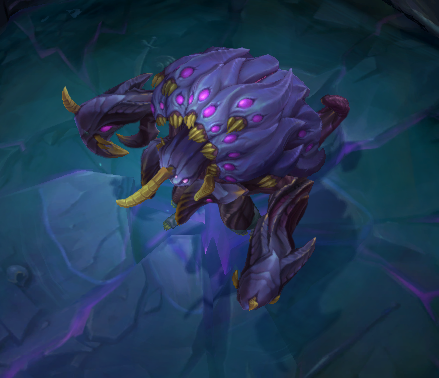
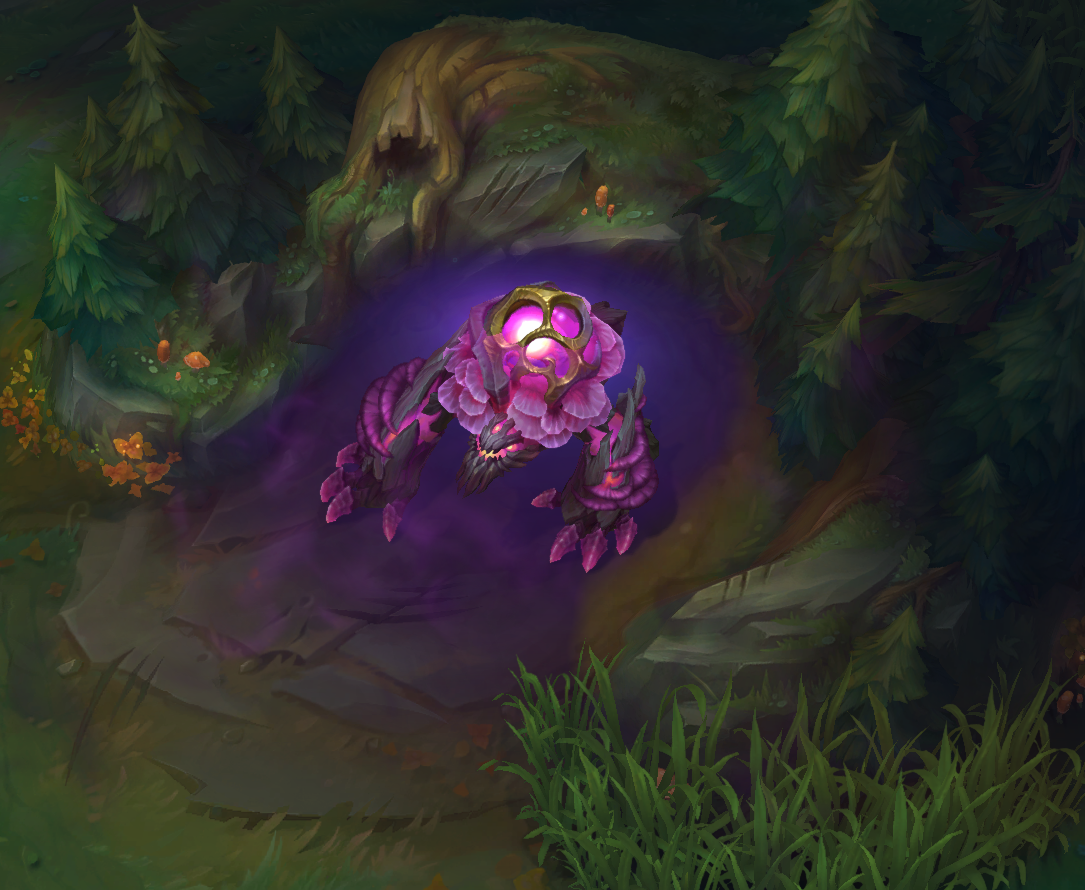
As it turns out, the Void is the gift that keeps on giving in terms of 2024 updates. Having expanded its presence throughout the map, Blue Sentinel, Red Brambleback, and Rift Scuttler are looking a little… Voidier.

Once Baron Nashor emerges onto the Rift at 20 minutes, the next time Blue Sentinel and Red Brambleback respawn they will rise again as Voidborn Sentinel and Voidborn Brambleback respectively. This transformation also comes with increased durability making them harder to take down, but fret not because this extra effort is worth it! Now, once slain, Blue and Red will grant their buffs to the entire team of the player that takes them down (excluding any allies that were dead).

Similarly, after 20 minutes once Rift Scuttler rises again after being slain she will be Voidborn Scuttler. When slain, Voidborn Scuttler will send out a massive Scryer’s Bloom effect, revealing all champions and wards in a large surrounding area. Similar to Scryer’s, all wards revealed this way will be reduced to 1 HP.

Baron Nashor

3_Baron_Heads.png

Now it’s the star of Baron pit himself, Baron Nashor! In line with the visual update we’ve made to Herald, Baron himself will also be getting a fresh coat of pixel paint and wow, you’ll have to give the team a hand for coming up with this re-imagined Baron.

But a visual update isn’t the only thing Baron’s getting with the updates. He’s also getting three brand new forms: Hunting Baron leaves the pit unchanged, Territorial Baron creates a wall in front of the pit, and finally, the All-Seeing Baron closes off the front and opens up both sides creating a tunnel. These new configurations create variation in how Baron fights play out game to game.

In order to make each Baron encounter more unique we also added different attacks for each Baron variation. All-Seeing Baron opens a Void Rift that creates a damage over time zone within the new tunnel pit. Territorial Baron pulls champions near him with his handy new hands. Finally, the Hunting Baron blasts all nearby enemies with lightning from above.

Terrain Changes

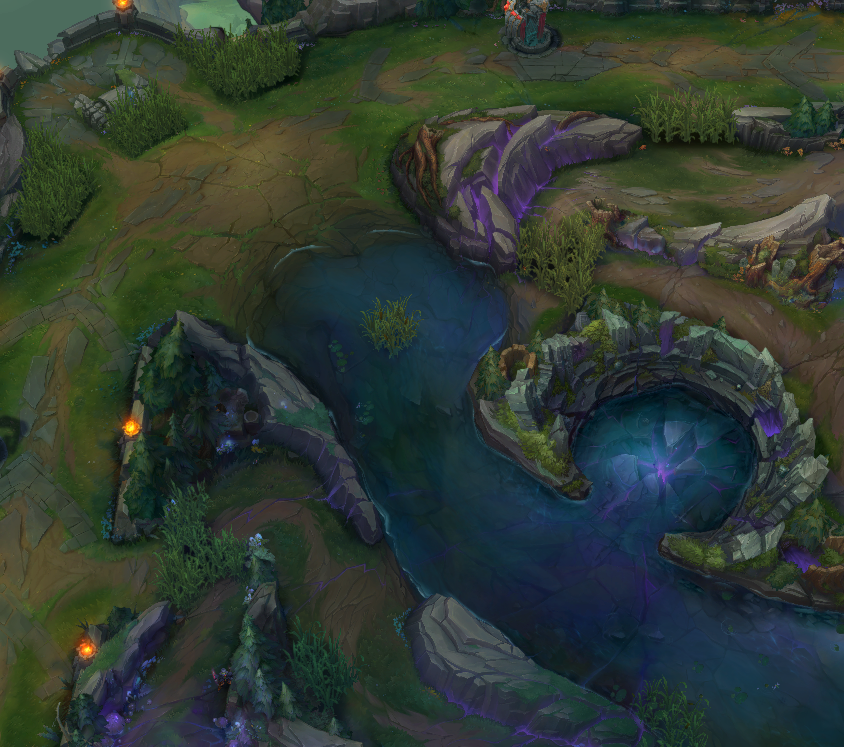
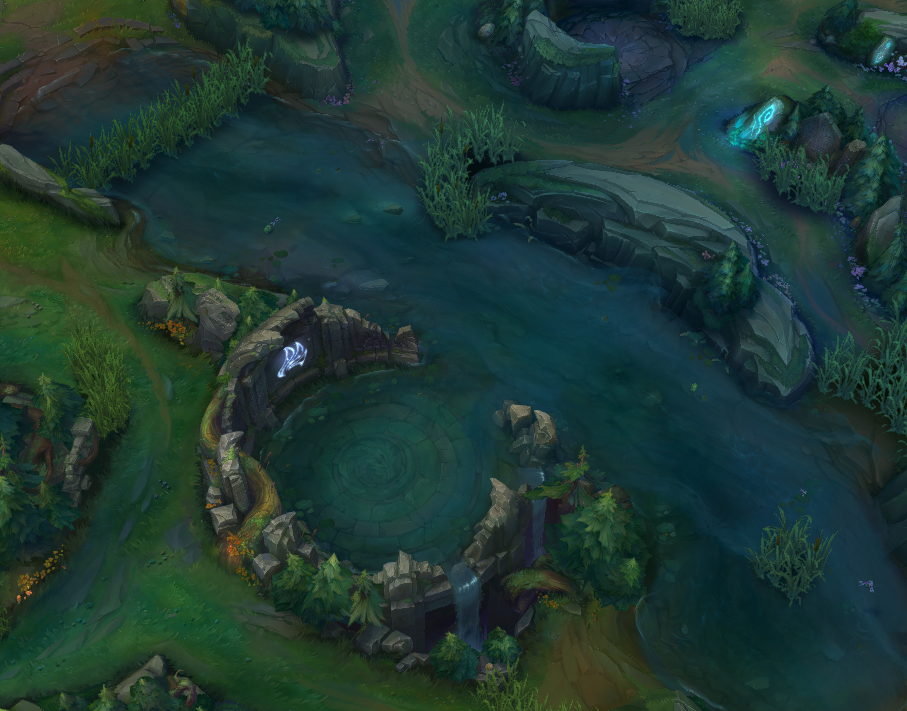
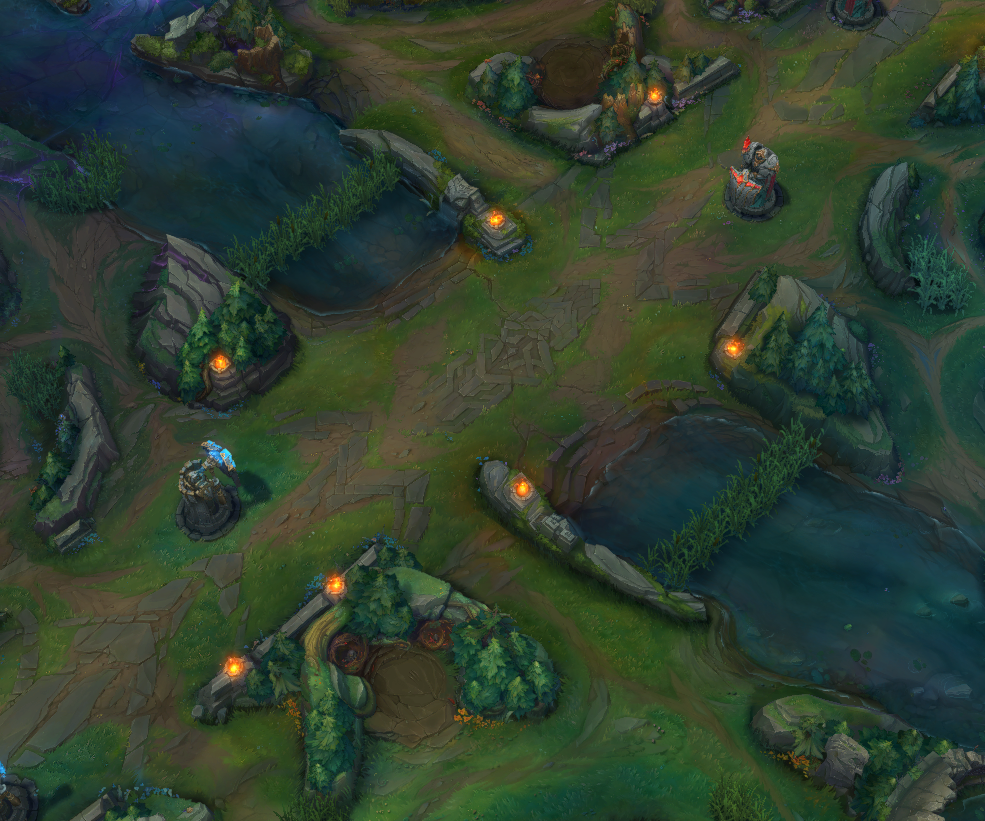
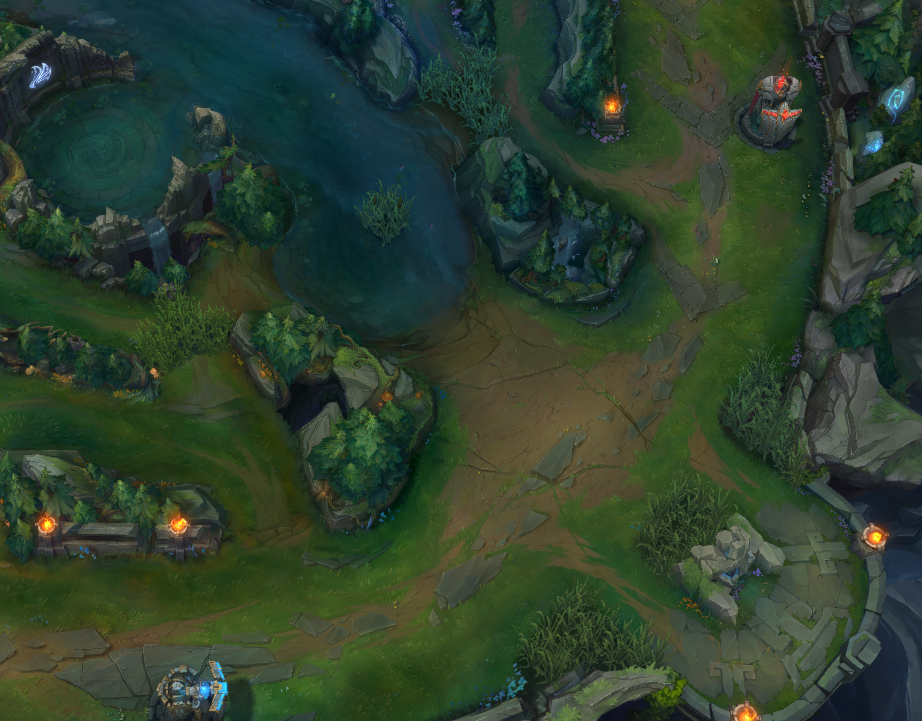
They say a picture is worth a thousand words, so instead of trying to read textual descriptions of the map changes allow me to visually demonstrate instead (in addition to textual descriptions).

Top

Top_Lane_View.png

Up in the top side we have two major changes. First, we somewhat mirrored the terrain from blue to red side making gank paths more similar and the lane trickier to gank. Second, we created a new little wall and brush combination in the middle of the river entrance.

Jungle

Bot_River_View.png

In the jungle, the mighty jungle… new walls did arise. The biggest terrain change here is a new, wide wall directly across from the Baron and Drake pits. These should help create some safety for junglers on their own half of the map and equalize mid laners’ options to roam towards both top and bottom.

Mid

Mid_Lane_View.png

Now moving into the mid lane we’re creating more space by pushing the brush back a bit and moving one gank path further back. This should help create some more safety for immobile mid lane mages so players feel a little better when picking these types of champs.

Bot

Bot_Lane_View.png

And finally we’ve made our way down to the bot lane. The first change is similar to the top lane, we added in a small wall and pixel brush right beside it. Next up is a red side only change. We mirrored the blue tri-brush area onto the red side and opened up a new gank path beside the tower. This should help make both sides more symmetrical, eliminating any side-based advantages when it comes to gank protection and warding.

Infernal Drake Changes

Given the terrain changes we’ve introduced with this set of changes, we also need to adjust some Drakes so that they’ll play nicely with all of the new walls (or lack thereof). This includes moving a few small walls and brushes for Mountain and Ocean Drake.

However, after we spent so much time building walls across the rift we took a step back to look at Infernal’s map changes again. Now, once the Infernal Rift is locked in, Infernal Cinders will spawn around the map. Each cinder will give the champion that picked it up adaptive stats beneficial to your champion and a burst of movement speed. Upon death, champions will drop half of their cinders which can then be picked up by other enemy/allied champions. We wanted to experiment with these changes after considering player feedback about the Infernal Rift being the least interesting in terms of gameplay. Our goal is that this will help us create more interesting map states beyond just terrain changes like Hextech and Chemtech 2.0, but we’ll keep a close eye on how these changes land and how players like them.

Dynamic Music

You know our cool new Void creatures? Well, the brand new visuals aren’t the only thing changing around the Baron pit with our changes. We also added in brand new music for when there is fighting around Baron or other Void objectives, so make sure you’re listening in!

Item Changes

Mythic Items will be removed from the game with the goals of shifting power from items into the champions themselves and giving players more flexibility with their build paths. With this change, there will come a plethora of item additions, removals and adjustments to power and effects. Additionally, an update to item tooltips will be rolled out, making descriptions more digestible at a glance while keeping detailed information viewable as needed.

That sums up the biggest changes coming to League of Legends Season 2024! If you’d like to read the full breakdown, you can check out the League of Legends blog post here.

We’ll be sure to let our readers know once these features are patched into the game.

Jack Breitenbach

Game the night away!

Home > News

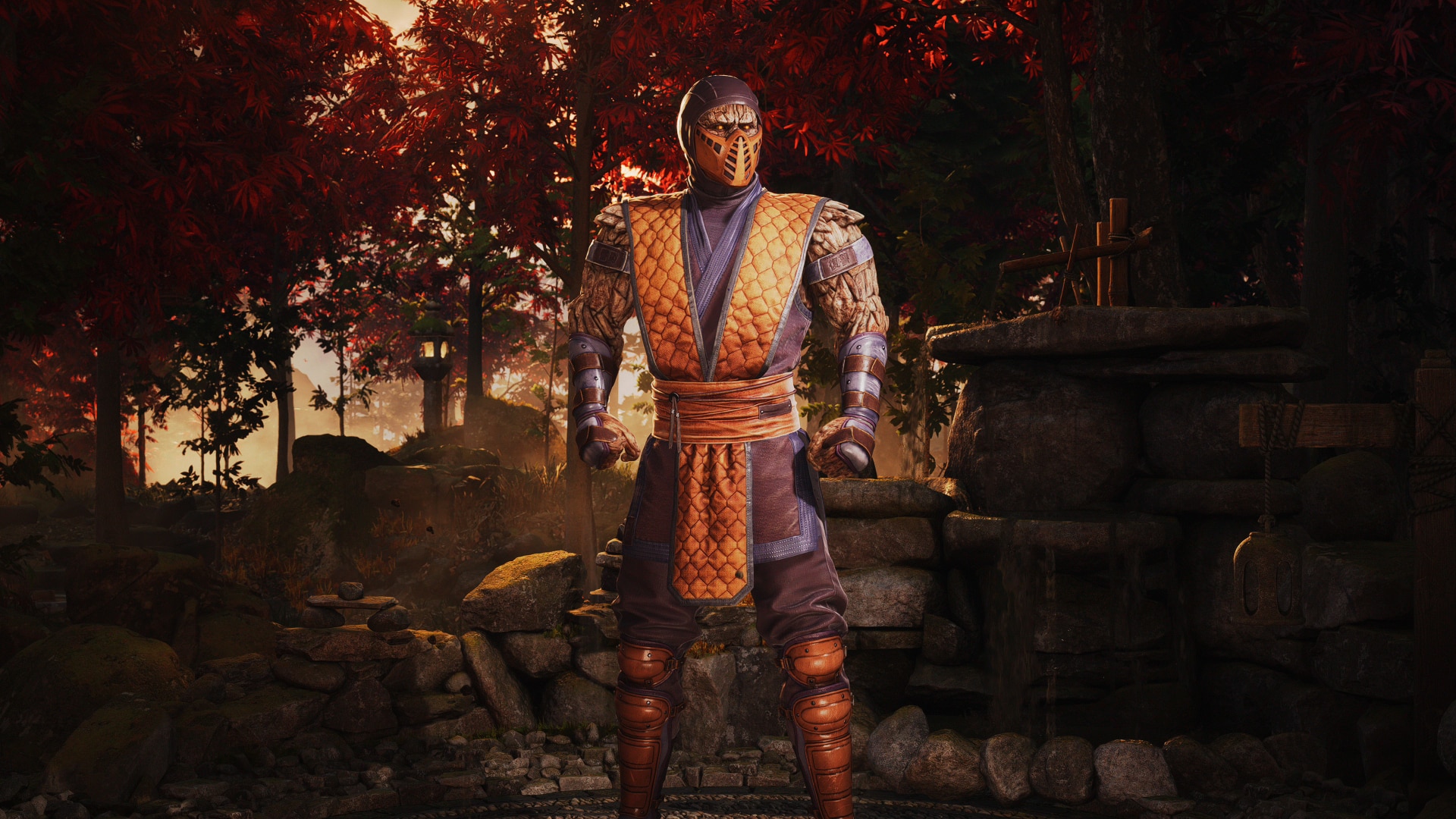
Mortal Kombat 1 Tremor Now Available as a Kameo Fighter

Mortal Kombat 1 player will be happy to know that Tremor is now available to use exclusively as a Kameo fighter in Mortal Kombat 1. 

Tremor has joined the Kameo roster, and those who own the Kombat Pack can now download the unlock key to start using him. There’s no new update required, as he was already included in the one that came out with Omni-Man, though you will need to download the license key from your respective platform storefront. 

Tremor is Kameo Fighter in Mortal Kombat 1, meaning you won’t get to play as him, but you can use him as an assist during fights. He has several moves and abilities that can be triggered and used in other fighter combos, outlined in his showcase video from a few weeks back. 

Kombat Pack owners can download him starting today, with him expected to be available as a standalone purchase for everyone else sometime next week. 

With Omni-Man and Tremor out, which fighter and Kameo do you think will be next to release? Omni-Man released close to the release of Season 2 of Invincible, and with Season 4 of the Boys being teased and likely released in early 2024, I can see Homelander being the next major fighter dropping. I’d love to see a Mortal Kombat character like Emrac, Quan-Chi, or Takeda released before another cross-over one. We also have Peacemaker, a DC character with his own TV show, though his second season isn’t likely to come in 2024. We suspect he’ll be one of the last fighters to release sometime in 2024, though, as these cross-over characters often tie in with whatever other project they have. 

Avatar photo

James Lara

A gamer at heart, James has been working for MP1st for the last decade to do exactly what he loves, writing about video games and having fun doing it. Growing up in the 90's gaming has been in his DNA since the days of NES. One day he hopes to develop his own game.

Home > News

Project Wingman Update 1.001 Flies Out This November 20

Sector D2 has released Project Wingman update 1.001 this November 20, and this is the game’s first patch post-launch on console. Read on for what’s new in the notes below.

Project Wingman Update 1.001 Patch Notes for November 20:

Sector D2 hasn’t acknowledged the patch notes just yet, but we’re (partly) assuming that this is for  Update 2.0 which was in the beta branch version of the game since last month.

PROJECT WINGMAN 1.0.4D -> 2.0.11 CHANGELOG

WEAPONS:
-UGB-L blast radius doubled from 90m -> 180m.
-UGB-L ammo count doubled.
-UGB-S blast radius doubled from 45m -> 90m.
-GBS blast radius doubled from 45m -> 90m.
-CBU16 blast radius doubled from 45m -> 90m.
-BML-U projectile count has been reduced by 1 (this was not a balance decision this was a bug)
-BML-U should now launch correctily with the orientation of the player aircraft.
-Railgun rounds now penetrate through most objects.
-Bombs now have a 10m activation detection radius.
-Bomb behavior has been significantly altered.
-Reworked bomb drop behavior.
-Gunpods are now classified as a dumbfire multi purpose weapon in the weapon selection screen.
-ASM is now classified as a multi-purpose weapon in the weapon selection screen.
-Fixed an issue where bombs would occasionally spawn misaligned to their hardpoint.
-Fixed an issue where missile and bomb racks would appear in virtual HUD view.

GAMEPLAY:
-Added Camera Padlock tracking speed switch. Users can now switch between a faster camera speed or the standard camera speed the game shipped with when holding the targetting button to track an enemy.
-Adjusted the interpolation speed post AoA maneouver in “unlocked” camera mode. Should result in a smoother transition after the maneouver.
-Significantly increased combat effectiveness of both Diplomat/Hitman 2 and Comic/Hitman 3
-Player death sequence has been updated.
-Added controller force feedback when in clouds.
-Slightly adjusted afterburner force feedback effects.
-Added NEXT indicator for the next targettable unit in the target list sequence.
-Reduced the update rate of target list so it can select new targets more often rather than going back and forth between 2 targets.
-Slightly adjusted where “center” is for the next target system. It should now more reliably target what’s currently the perceived center of the screen. (Which is actually slightly lower than true center of the screen.)

RENDERING:
Clouds 2.0
-The cloud and sky system has been completely overhauled! Allowing us to have much more control over the artistic direction of the skyscape and drive our skies further. It’s still a largely work in progress so feedback is appreciated!
-Added an additional cloud resolution setting labelled [EXTREME] resolution. (Caution, potentially slow on some machines)
-Cloud resolution setting has been slightly overhauled. The following settings now correspond to the following resolution. Due to the change of the default scaling, you may notice a reduction in performance due to the setting going up a tier.
-Low
-High
-Very High
-Extreme
-Adjusted overall brightness of the game.

VISUAL FX:
-Adjusted rain opacity on the canopy. Greatly improving visibility in cockpit view while its raining.
-Improved snow weather effects.
-Improved missile smoke particle effects.
-Improved aircraft destruction smoke particle effects.
-Adjusted and optimized several explosion particle effects.
-Debris mesh has been fixed for both Airships and Air units.
-Debris particle orientation for airships has been fixed.
-Particle orientation for gun impacts now align correctly.
-Improved water splash particles.
-Added a special afterburner category for the VX-23 which conforms with the nozzle shape of the VX-23.
-Fixed F/C-16 engine size smaller than the nozzle opening.
-Gun firing smoke no longer appears in virtual cockpit.
-Afterburners no longer appear in virtual cockpit.
-Landing gears no longer appear in virtual cockpit.
-Lightning strikes now should consistently appear under cloud cover.
-Gun impacts now should work properlty when hitting ship hull and airship hull.
-Railgun and railgun trails now emit light.
-Improved rain particles.
-PW-Mk.I Monarch uses no longer have mini cordium inerter built into the engine.
-Adjusted gun impact particles.
-Reduced falling wreckage material glow.
-Adjusted rain effects on player aircraft.
-Adjusted default values of lightning spawners.
-Adjusted lightning particles to have supporting lightning step leader.
-Improved Countermeasure flare VFX and behavior.
-Transport/AWACS now can use flares as a visual effect. Although just like regular fighters, it’s only there as visual flair(heh).
-Aircraft destruction effects has been slightly adjusted.
-Aircraft destruction effects now has a more gradual onset.
-Improved ships fire effects.
-Adjusted ship sinking rate upon destruction.
-Improved aircraft fire effects.
-Fixed an issue where weapon racks would receive decals.
-Fixed an issue where Motion Blur would occasionally distort during world origin shift.
-Fixed an issue with EUFB particle orientation when viewed from above.
-Fixed an issue with the Cordium explosion in Mission 1 being see through.
-Improved radar visibility.
-Missile smoke no longer follows head rotation.

VIRTUAL REALITY:
-Separated video settings between when the user plays in VR or on regular screen. Saving the settings depending which display option is used.
-Rain canopy effects has been slightly reduced in VR for improved visibilty.
-VR now defaults to Round Robin occlusion.
-Subtitles in VR now only rotate on one axis instead of second. This will prevent users from constantly “chasing” the UI element they want to see.
-Subtitles now adjust to size with the HUD size options in the Interface settings.

UI:
MENU INPUT OVERHAUL
-Menu input has been overhauled. A new set of “Menu” bindings has been added to the game and should provide a much more tactile and responsive menu interactions.
-Gamepad mouse style navigation has been permanently disabled.
-Upon startup, the game will reinitialize several default menu bindings. It shouldn’t conflict with any of your other bindings.
-Fixed an issue where certain aspect ratio would fail to display the Debrief screen properly.
-Fixed an issue where certain aspect ratio would fail to display the Briefing screen properly.
-Added reconnaisance data to the hangar screen for better loadout decision making incentive.
-Added an indicator whether an aircraft has a WSO available or not.
-Legacy UI element sizes made more consistent with the New UI element sizes.
-Legacy UI now should scale correctly depending on the UI scale setting.
-More elements in Legacy UI now uses the screen space projection as opposed to the world space projection which now includes
-Gun reticle
-Horizon Indicator
-Velocity Indicator
-Cockpit UI
-Files/Codex primary info section font has been changed for something more readable in general.
-Mission images has been added to the mission select screen.
-Bomb prediction widget now turns red when it detects a target.
-Fixed an issue where lock on elements will get stuck on screen upon firing missiles.
-Lock on indicator size is now much more consistent with the target size UI element.
-Made UI transitions much more consistent with the rest of the game.

CAMPAIGN LEVEL ADJUSTMENTS:

FRONTIERS:
-Adjusted weather sequence.
-Adjusted level lighting.
-Fixed an issue where a skin is applied incorrectly to some aircraft in the level.

HOMESTEAD:
-Fixed landscape casting oddly lit lighting.

UPHILL:
-Landscape has been overhauled to use a new experimental workflow.

SIRENS OF DEFEAT:
-Fixed an issue where the environment would have inconsistent lighting between Low and High Post Processing setting.

EMINENT DOMAIN:
-Fixed cloud illumination under cloud cover.

CLEAR SKIES
-Adjusted cloud sequence.
-Adjusted level lighting.
-Reduced the brightness of the landscape.
-Landscape layering has been adjusted.

PILLARS OF COMMUNICATIONS
-Landscape layering has been adjusted.

COLD WAR:
-Fixed cloud illumination under cloud cover.

MIDNIGHT LIGHT:
-Adjusted cloud sequence.
-Adjusted moon appearance.

WAYBACK:
-Galaxy no longer follows you since it’s not consistent with the dialog he says. Now he flies directly to Rowsdower.

NO RESPITE:
-Greatly increased ground visibility by reducing contrast and increasing sun intensity.

RED SEA:
-Adjusted overall mood to be closer to a twilight sunset.
-Adjusted the speed of the friendly and enemy vessels in the area to emphasize the chaotic and desperate nature of the engagement.
-Adjusted player spawn position.
-Adjusted lighting.
-Fixed an issue where mission would end earlier than intended because airships would not be included in the target pool.

TRACKIR:
-Added TrackIR support. (Thank you Nicholas Chalkley!)

CONQUEST:
-Reunified Conquest implementation with the main game. Now it’s no longer a separate instance.
-Fixed a critical issue where modifiers would not load when continuing a save file.
-Fixed a critical issue where airships would occasionally fly outside the map boundaries.
-Fixed an issue where player skin doesn’t load upon loading a game.
-Fixed an issue where bloom would display incorrect values during Conquest runs.

ADDITIONAL FIXES:
-Updated Credits Text.
-Fixed a coordinate mismatch for Presidia.
-Fixed an issue where not having the window on focus upon startup would crash the game.
-Fixed an issue where the intro sequence would not skip properly causing rare cases where the player stays on a black screen.
-Fixed a location mismatch for Briggs range in the briefing for mission Clear Skies.
-Fixed lava field glow showing through clouds on some levels.
-Restored Vibration/Force Feedback on Afterburner input from early demos.
-Fixed an issue where colliding with turrets or ground units defies laws of physics and stops the aircraft on the spot. Player aircraft will now correctly destroy itself as nature intended.
-Fixed an issue where Ship units do not report their velocity to attached units thus throwing off missile and gun prediction paths.
-Adjusted the amount of time airship destruction cracks to appear.
-Airships will now crash into the landscape in a more graceful manner.
-Fixed an issue where airship smokes do not align with the falling trajectory.
-Fixed an issue where cloud shadows on some level do not dissapear.
-Reduced the amount of cloud flicker in VR. However the issue is not fully fixed yet.
-Increased the brightness and frequency of building signal lights.
-Cannon projectile hit radius now compensate to see whether the object is destroyed or not. Doing a strafe run now should no longer result in bullets being “caught” on already destroyed objects due to their hitbox. That being said, it is only a hitbox reduction so it still will hit if the projectile is close enough.
-Adjusted Hangar camera field of view.
-Adjusted nozzle material in the hangar screen.
-Fixed an issue where some landing gear models are still visible despite the gear being extended.
-Fixed an issue where a highway element would not have its collision properties applied.
-Missiles no longer phase through airships when the airship is destroyed.
-Improved NPC Carrier textures.
-Various particles and sound effects should now correctly die out when the player dies.
-Slightly improved cockpit visibility during rain.
-Fixed F/C-15 misaligned flaps.
-Telemetry check interface should correctly fade out in the game settings page.
-Fixed an issue where hangar models would sometimes use a higher LOD on lower settings.
-Disabled Screen Space Reflections due to HUD occasionally being reflected in SSR.
-Adjusted “blue” HUD color for better visibility.
-Fixed audio concurrency issues where music and UI elements wouldn’t play properly.
-Motion blur should no longer activate while changing camera.
-Fixed an issue where certain weapons would fly sideways from the hardpoint.
-Adjusted Cockpit HUD bloom intensity.
-Adjusted Velocity HUD bloom intensity.
-Adjusted Horizon HUD bloom intensity.
-Adjusted Enemey Indicator HUD bloom intensity.
-Increased the volume of Lock on sounds.
-Fixed an issue where crawling text would occasionally flash the completed state.
-Fixed an issue where crawling text would fall back with the timings of the text fade in and fade outs.
-Smoothed out mouse controll rolls.
-Smoothed out AI aircraft rolls. Should prevent wobbles while fighting the player.
-Dialog sequence should no longer interrupt each other when a new sequence is starting.
-Adjusted pitch ladder behavior.
-Cockpit HUD altitude and speed notches should now correspond to the correct selected measurement values.
-Overhauled weapon selection appearance in cockpit mode.
-Removed random “turbulence” in mouse flight and in AI flight. Made it look glitchy rather than aerodynamic.
-Fixed an issue where some thunder sounds ignored volume sliders
-Fixed several instances where the pilot models were clipping into the instrument panels.
-Fixed shadow banding on the player missile lights.
-Improved sharpness of cockpit instruments.
-Reduced the brightness of MFDs to not take focus away from gameplay UI.
-Reduced the brightness of some colored instrument panels to not take focus away from gameplay UI.
-Fixed an issue where Airships do not properly loop their waypoints.
-Fixed an issue where railgun circular booms do not appear on lower settings.
-Generally improved visibility at high altitudes.
-Reduced altitude limit to 10000m
-Optimized various shaders that had a high cost.
-Optimized various particles that had a high transluscency cost.
-Optimized various UI elements overdraw.
-Removed any unecessary GPU calculations for some particles.
-Switched over the overall post processing tonemapper to use a film tonemapper.
-Fixed an issue where players can “speedrun” the game by pressing the SKIP button during end of mission sequences.
-The player now may only unpause the game using the main pause key in the main pause menu.
-Fixed an issue where the Railgun particles would detach itself from it’s parent too quickly causing shifts in its appearance during origin rebasing.
-Adjusted button colors in Telemetry Check.
-Enabled Temporal Anti Aliasing for higher Anti Aliasing settings. (You can still use FXAA via Anti Aliasing Low)
-Improved the appearance of shadows on lower settings.
-Significantly improved targeting systems.
-Mouse cursor will no longer center itself upon the start of the game.
-Fixed strange loading behavior where sometimes audio would play before loading is finished.
-Fixed Kings fade screen sometimes not reaching full whiteout stage before fading out.
-Improved several water related particle effects.
-Fixed an issue where hangar actor would occasionally dissapear when viewed at certain angles.
-Flares are now disabled while landing gear is out.
-You can now change angle of the VR hangar by pressing the change camera button.
-Increased the render resolution of VR cutscenes.
-Adjusted camera sway configuration.
-Updated english localization to reduce the amount of typos present in the game.
-Fixed a few scaling issues with the primary UI in the game.
-Fixed an issue where the user can perform actions while the game is paused in VR.
-Fixed a green dot appearing in several menus in VR (leftover from Gaze menu controller)
-Fixed an issue where Conquest items would appear outside of the map..
-Fixed debriefing UI from crawling over towards the score screen.
-Fixed an issue where HUD appears before the completion of a startup sequence.
-Fixed mission completion state not turning green once mission is completed at a specific difficulty.
-Fixed debriefing text from crawling over to the score card.
-Fixed an issue where conquest UI was still ticking even when not focused.
-Fixed an issue where interface setting do not reflect the new settings when the default key is pressed.
-Fixed an issue where ground and air assets appear outside of map boundaries.
-Fixed an issue where conquest modifiers do not appear as a list in Conquest.
-Fixed an issue where hangar is still selecting aircraft via an invisible cursor in VR.
-Highlighted Decline by default for the Data Processing screen.
-Fixed an issue where aircraft pitching at -90 or 90 degrees would completely break the camera and force it onto a gimbal lock.
-Brought CQ_Vineyard map to parity with the new ENV_Vineyard material in M04.
-Removed all holes in CQ_SteppingStones
-Fixed CQ_PGF altitude not adjusting properly to the new origin rebasing system.
-Brought CQ_Coul_1 map to parity with the new ENV_Vineyard material in M04.
-Potentially fixed an issue where dev mode and shipping dialog would differ in execution by interrupting each other.
-Fixed broken subtitles.
-Fixed several typos in Mission 21.
-Several QA localization corrections.
-Fixed an issue where you could override the number of CQ allies.
-Fixed an issue where enemy units could spawn outside of the boundaries in Conquest mode..
-Fixed an issue where bomb camera loses tracking completely if it followed a weapon until end of life.
-Migrated mission completion flags onto a new system. Should not require any intervention from the user and does not make the player lose progress.
-Fixed an issue where chainlink fence does not have collision.
-Fixed an issue where the return button on difficulty screen wasn’t selectable on gamepad for PC version.
-Fixed several issues where several entities were still moving despite the game being paused in VR. This was due to the limitation of the pause system in VR not being able to do a “real” pause.
-Reduced the flash intensity of “nuke” defined explosion to reduce strain on the eyes for VR users.
-Fixed an issue where a Conquest area was not accessible from its neighbors.
-Fixed several trees appearing inside the highway take off tunnel for the main campaign during the takeoff sequence.
-Fixed conquest territory not being accessible from certain neighboring territory.
-Fixed an issue HELMET RADAR IN COCKPIT setting does not restore the previous state of radar visibility. It should now refresh itself properly depending on which setting is selected
-Fixed the language tab missing in the settings menu
-Fixed an issue where hiring den could provide players with more than intended allies.
-Fixed an issue where missile cam would completely bug out when following a weapon until its end of life.
-Fixed an issue where localization menus did not have gamepad support.
-Exit button should no longer be selectable in the main menu of the base game.
-Fixed an issue where language apply and back buttons are the wrong way around.
-Removed spoken language tab in the language section.
-Fixed skip button appearing in Conquest
-Fixed a strange mission appearing when skip button is pressed in Conquest.
-Fixed Conquest hiring den being able to access a hidden button.
-Adjusted default VR interface size values based on playtesting.
-Attachment spawning in Airships and Ships are now staggered to reduce stutter.
-Fixed UI appearing and dissapearing with an animation on pause.
-Reduced instances where the sun is visible through the cloud.
-Reduced the amount of contrast on iced water to make it easier on the eyes.
-Reduced all performance overhead in the game in general.
-Updated some localization files.
-Fixed an issue where the enemy spawner keeps spawning.

Once we know what’s in the patch or if it really is for the update 2.0, we’ll be sure to update the article accordingly. If you haven’t played the game yet, go read our review of it here.

Source: Steam

Avatar photo

Alex Co

Father, gamer, games media vet, writer of words, killer of noobs.

Home > News

The Talos Principle 2 Review – A Brave New Puzzling World

The Talos Principle 2 is solid proof that sequels don’t have to be mere rehashes of the original, Croteam delivering a tremendously elaborate and profound philosophical puzzle adventure. It’s a thinking person’s game, a work that often crosses the boundaries of art, and probably one of the most benevolent games you are likely to see in years, ironically for one where humans are extinct and androids roam the lands. With dozens of hours of puzzle solving and plenty of food for the brain, this one will test you and make you reflect on your own existence at the same time.

Puzzling Androids

A massive step from the first game, The Talos Principle 2 is a cinematic adventure that just happens to throw several puzzles your way. It introduces new mechanics at a steady pace, not overwhelming you during the introduction areas, but also not shying away from some truly demanding puzzles that were surely devised by the most advanced computer yet – the human brain and its will to test and explore.

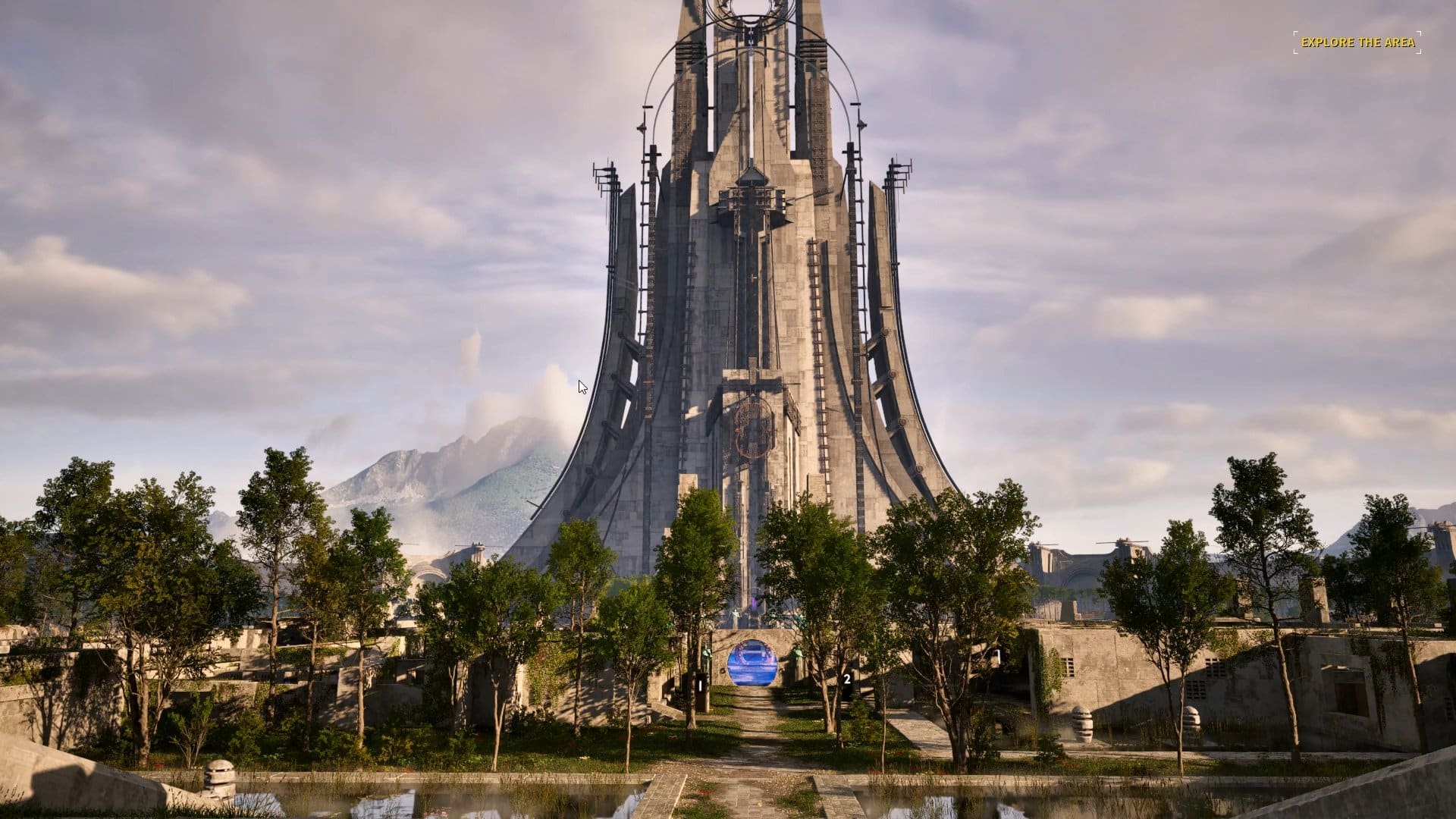
The starting area is nothing but an elongated and disguised tutorial, an Egyptian-themed region that teaches you the basics and leaves you wondering if the game cut down on the lore and simply decided to challenge you. As it turns out, the beginning of everything happens when you find your way to the city of New Jerusalem, the haven for the thousand robots that is suddenly threatened by the sight of this impressive and mysterious megastructure.

The Talos Principle 2 Review

With a refreshing focus on storytelling and exploration that would remind some players of their first steps into the Half-Life games, to mention a classic, your introduction to New Jerusalem can be a stroll in the park as you chat to some locals and explore the place, or you can skip straight to the mission that is soon to depart.

The Talos Principle 2 doesn’t shackle you to a rigid progression system where roadblocks happen frequently; you have at least up to eight puzzles in each region to tackle in the order you prefer, although they are often introduced in a smooth learning curve, meaning that skipping one may not give you all the information you could use for the next batch. At times you even have the luxury of traveling between the huge regions and discovering different types of puzzles, effectively increasing your chances of success.

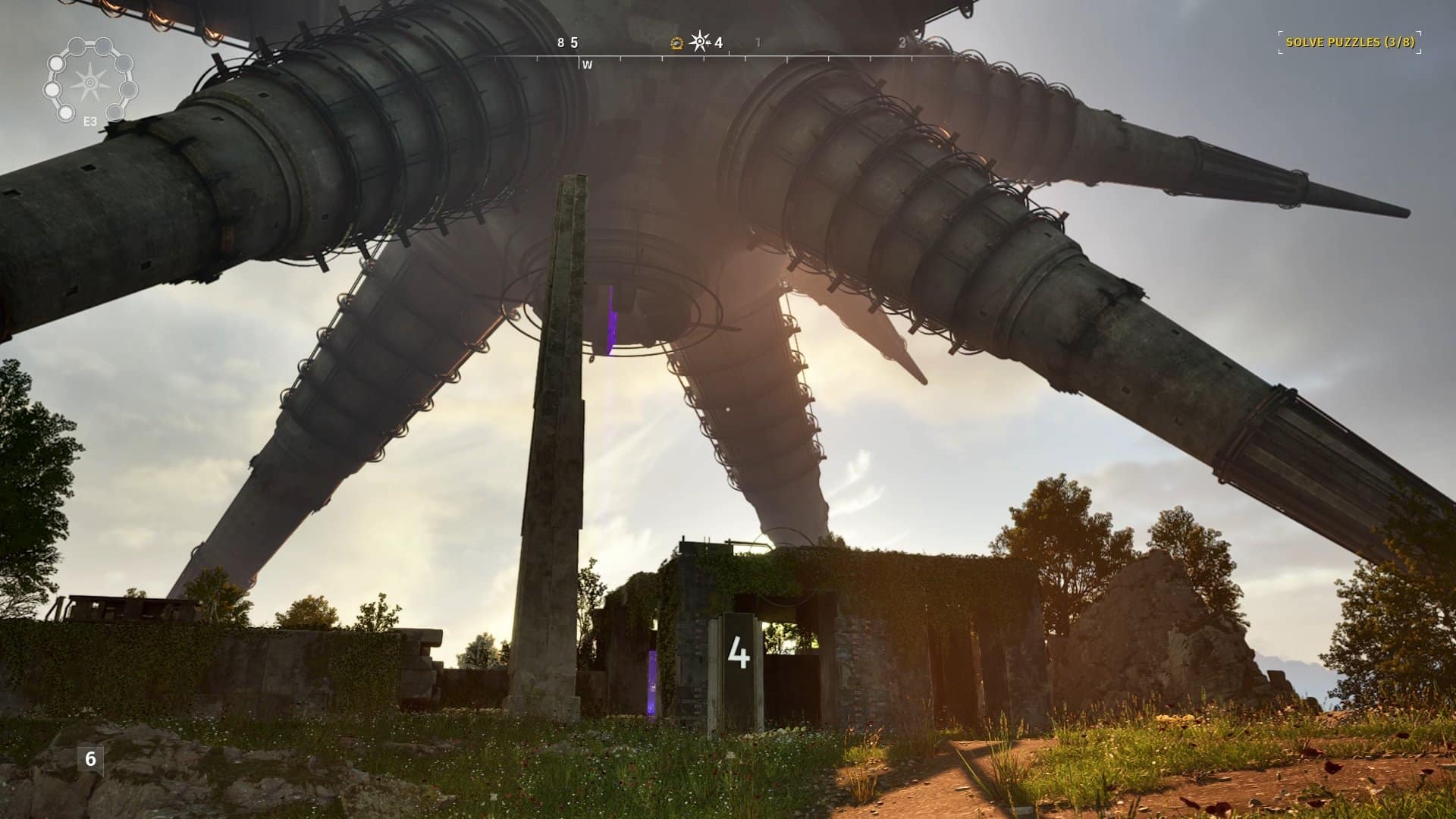
Each region is a true wonder of design mixing nature, man-made, and seemingly alien structures. Going from puzzle to puzzle is like a marvelous stroll with some amazing sightseeing opportunities, massive structures often looming over the horizon and catching the eye. At times, you may feel like Lara Croft or Indiana Jones, at least in terms of awe while discovering some ruins or the eerie interiors of a structure, marveling at the amazing work of the artists responsible for this game.

The Talos Principle 2 Review

Despite some great signposting directing you to each puzzle, the walks aren’t short and it’s easy to be sidetracked by all these appealing free-roam opportunities. And you definitely should take the time to explore, to go off the beaten path, as there are places with additional lore, a topic where the game excels as well.

Exploration is not only advised but encouraged as it may reward you with the presence of a spark. These small but noticeable items are the “cheat mode” of the game, keys to bypass a puzzle that may be stumping you for a long time, hard to find and very valuable to have. Think carefully before you give in to the temptation of using one, as you may miss it right during the next puzzle.

Reaching some structures after solving the region puzzles or in other occasions is a matter of using tetrominoes to create bridges in front of you. Simple as this may seem, the order and rotation of the geometric shapes can sometimes lead to puzzling situations, pun not intended, and is another factor that breaks the rhythm from the main challenges.

Conversion and Inversion

The Talos Principle 2 Review

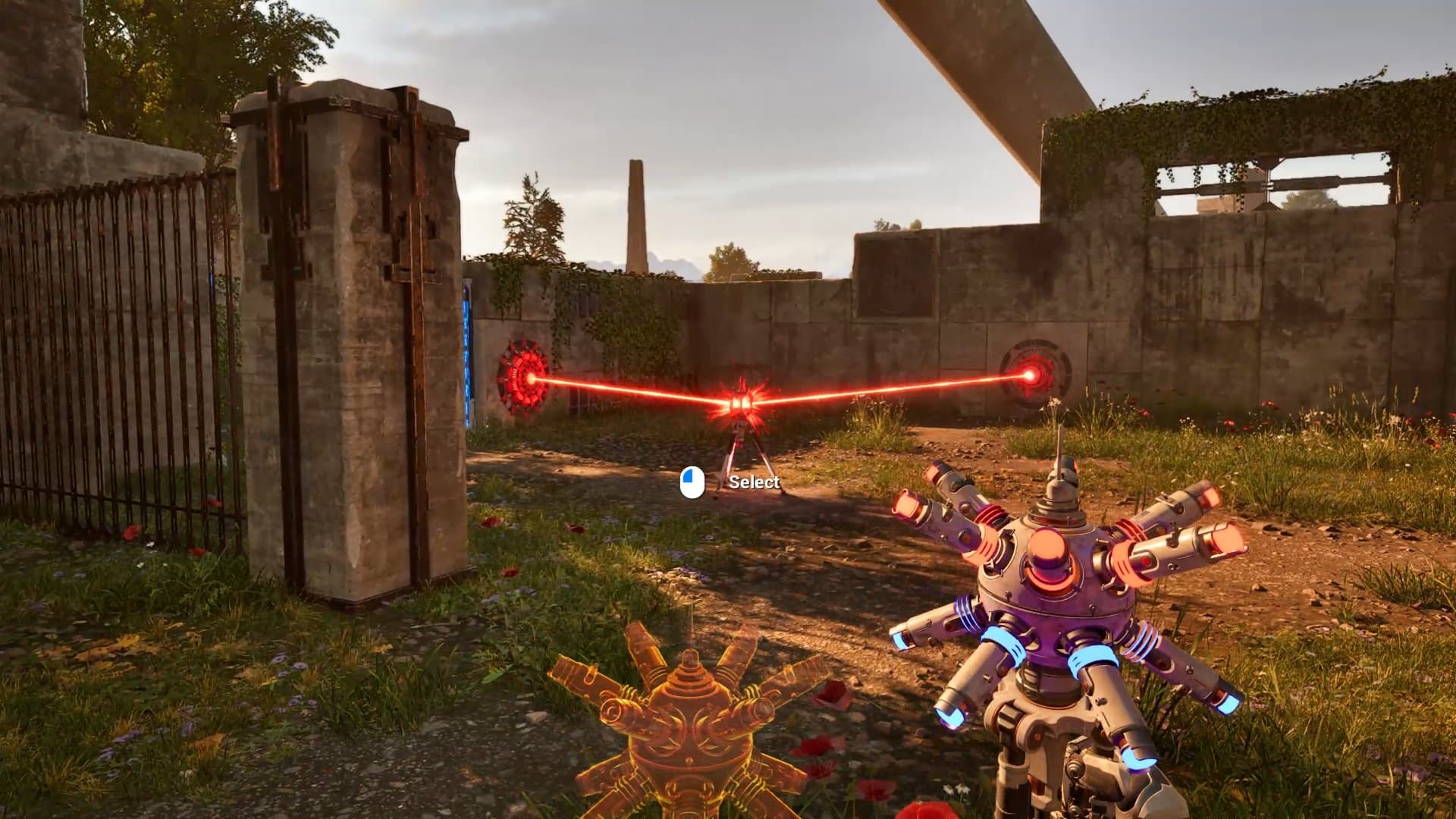
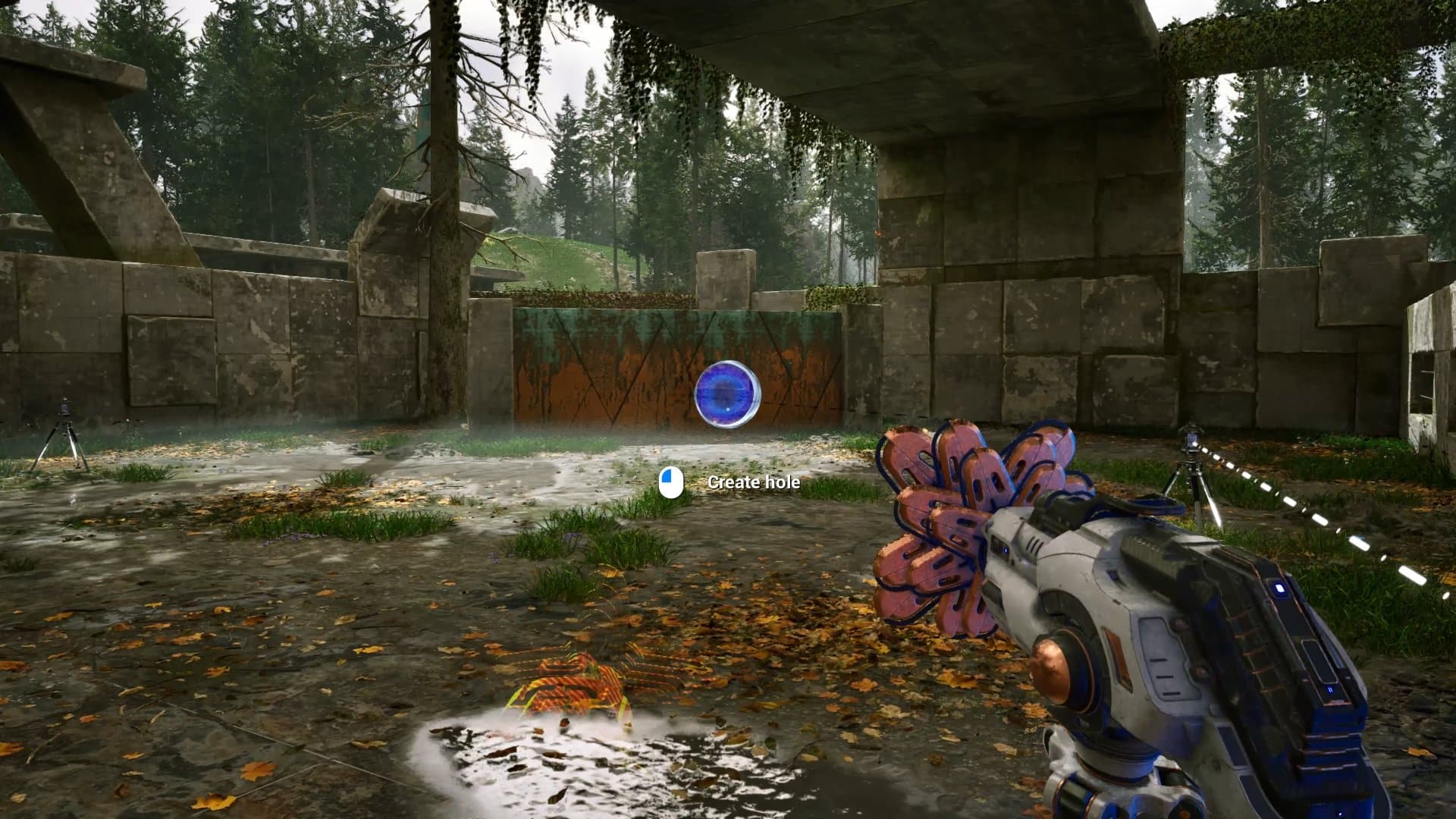
With some recurring gadgets from the first game and a few more that are premiered here, the puzzles in The Talos Principle 2 are deviously complicated at times, but extremely intuitive in other moments. All that it takes is that click to get things in motion, thinking like the designers, but no matter how successful you may be most of the time, there will be moments when all the beams, RGB converters, inverters, drills, mind transfer, and more will seem a bit daunting for you.

Breaks are recommended, a fresh approach perhaps the only way to find the solution that could be right in front of you. It helps that sometimes you may stumble upon an alternate solution, something that wasn’t planned to be the main way of solving it, but logic be damned, if it works, it works.

This is also a huge game, you won’t finish it in a couple of days for sure – maybe not even in a couple of weeks. The landscapes are vast and take some time to cross, which might not suit everyone’s tastes – it would have been a good idea to have a way to skip directly to a puzzle in a given region, given the presence of more than a hundred puzzles, some of them secret. All things considered, it’s a huge game and well worth the asking price.

Is The Talos Principle 2 perfect? Absolutely not, as the game’s own meta dialogue would tell you in a heartbeat. But there isn’t anything inherently wrong with it, nothing that screams bad design or lack of creativity. The plot may get in the way of players who are in just for the puzzles, but those who want the full package will love the dialogues with their exploration partners and the speculation about the mysterious findings. There are different endings as well, one of those for the completionists who tackle even the gold puzzles.

Robotic Heart

The Talos Principle 2 Review

The Talos Principle 2 is a must for puzzle fans, an incredibly ambitious and gorgeous sequel that is as engaging as it is amazing to look at. Some of the structures are awe-inspiring and postcard worthy, the soundtrack is eerie and often admirable, and the game screams quality all over.

Brilliant from its mechanical head to toes, The Talos Principle 2 is a mind-bending puzzle and adventure game with a lot to say about humanity, past, present, and future. The futuristic dystopian society where you thrive sounds so current and potentially real that it’s almost uncanny, and the best way to enjoy it is to dive deep into the conversations and the surroundings, without rushing, without getting desperate at a puzzle that may block your progress for a while. Humanity may be a thing of the past, but these robots surely can hold their own against other great puzzle games.

Rating: 9/10

Pros:

  • Incredibly ambitious sequel that is an improvement in every department
  • Great graphical design with impressive sights
  • Over 100 puzzles with many gadget combinations
  • A metaphysical plot that will make you think, no matter your beliefs
  • Considerable length

Cons:

  • Regions may eventually show signs of visual repetition

The Talos Principle 2 review code was provided by the publisher. You can read MP1st’s review and scoring policy right here.

Vitor Braz

Home > News

Hot Wheels Unleashed 2 Update 1.07 Races Out Today

Milestone has raced out Hot Wheels Unleashed 2 update 1.07 (PS5 version 1.006) today. Read on for what’s new in the Hot Wheels Unleashed 2 November 20 patch notes.

Hot Wheels Unleashed 2 Update 1.07 Patch Notes | Hot Wheels Unleashed 2 Update 1.006 Patch Notes | Hot Wheels Unleashed 2 Update November 20 Patch Notes:

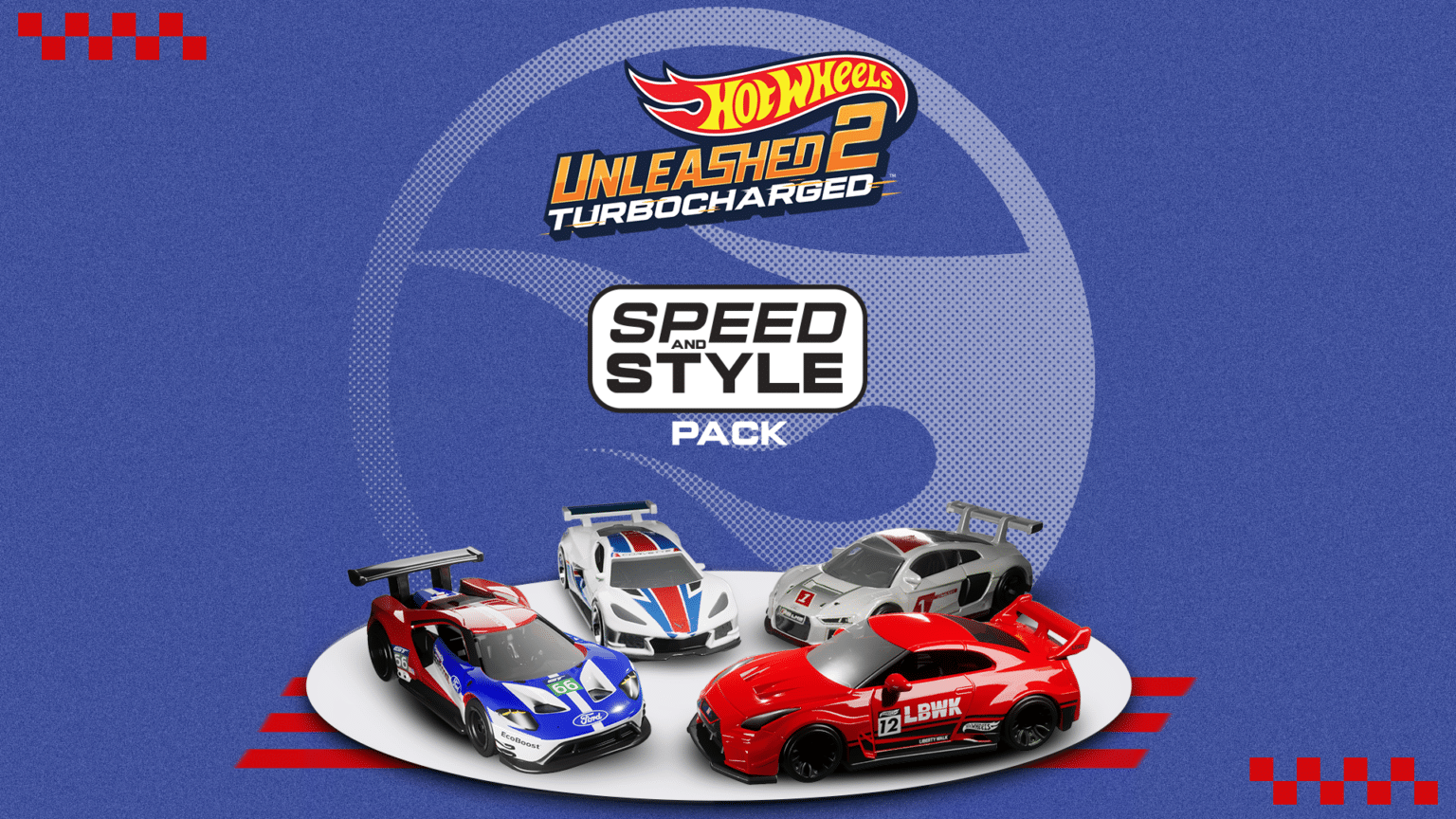
Milestone has not released the official patch notes just yet, but the developer did reveal details from the latest DLC pack. Here are details from the recently released Speed and Style DLC pack.

The recipe for success on the track? The perfect mix of speed and style. So it won’t be hard to understand how the Speed and Style Pack can easily become your secret weapon to dominate every race! Four extraordinary racing cars are ready to make their engines roar and impress with the beauty of their iconic designs:

-the 2016 Ford GT Race endurance champion;

-the Audi R8 LMS, one of the most successful cars in Gran Turismo history;

– the Corvette C8 with its 500 hp of pure power;

-the LB-Silhouette WORKS GT Nissan 35GT-RR VER.2, by the legendary designer Ryu Asada.

Just one of them would make any collector happy… imagine having all four!

We will update this post as soon as possible if Milestone reveal proper patch notes. Keep it locked at MP1st for more updates about this game in the future.

Source: Hot Wheels Unleashed

Damien Seeto

Home > News

F1 23 Update 1.17 Drifts Out and Here Are the Patch Notes

Codemasters has pushed out F1 23 update 1.17 (PS5 version 1.017) and this brings a bunch of fixes to the racing sim on all platforms this November 20. Read on for the complete patch notes below.

F1 23 Update 1.17 Patch Notes | F1 23 Update 1.017 Patch Notes:

  • Addition of the Scuderia Ferrari SF-23 “Golden Age” Livery, race suit and driver helmets
  • Updates to the visuals of the Aston Martin AMR23 to bring the car closer to its real-life counterpart
  • Fixed an issue where F2 23 and 5 lap races were incorrectly appearing in Ranked
  • Fixed an issue where Events in F1 World tab “Solo & Multiplayer events” were missing their titles and names
  • Fixed an issue when completing a race in Multiplayer Grand Prix with multiple races in the playlist does not progress the lobby to the next race
  • Fixed an issue where players were being promoted without completing any Ranked Division races.
  • Fixed an issue when buying Pitcoin from the store and then buying an XP boost would cause a crash
  • General Stability Improvements
  • Various Minor Fixes

That’s about it for this title update. For the latest in F1 23 patches and news, head on over here.

Source: EA Answers

Avatar photo

Alex Co

Father, gamer, games media vet, writer of words, killer of noobs.

Home > News

Construction Simulator Update 1.25 Digs Out for Hotfix 9.2

Software Entwicklung has released Construction Simulator update 1.25 (PS5 version 1.025), and this is for hotfix 9.2! This mostly fixes issues with saves and doesn’t include any new content. Read on for what’s new in the official patch notes.

Construction Simulator Update 1.25 Patch Notes | Construction Simulator Update 1.025 Patch Notes | Construction Simulator Hotfix 9.2 Patch Notes:

Heads up! We just released a small update to fix an issue with save games that was unfortunately introduced with the latest update. You should now be able to load your save games again! Sorry for the inconvenience! 😔

Patchnotes Hotfix #9.2
  • Fixed an issue with savegames

For reference, you can check out the complete list of changes to Update 9 which was released a few days ago.

Patch notes – Update #9:
  • Added a flashlight to the player
    • The flashlight can be activated and deactivated via the context menu
  • It is now possible to own and store more than 100 vehicles in one company
  • Replaced Google Analytics with Unity Analytics
  • Added offline profanity filter. Inappropriate words will be filtered, e.g. in the names of multiplayer sessions
  • Server Region Changes
    • USA South Central region was added
  • Major earthworks improvements
    • Completely reworked multiplayer synchronisation for earthworks. Terrain is now simulated locally for the client which makes it smoother to work on
    • Improved terrain physics: heavy impacts of any source now deform and flatten the terrain. This reduces the frequency of vehicles getting stuck
    • Driving over terrain slightly compacts it which prevents it from sliding as easily
    • Improved unloading of bulk materials. The material is now applied in more detail and looks better
    • Fixed issue where bulk would not fall out of dumper even if hatch is open
    • Fixed issue where it was possible to create bulk material by digging in undiggable ground
    • Various optimisations allow the construction view of terrains to update in near real time
    • Fixed issues where the construction view would show the wrong colors on terrains
    • Fixed construction view of cargo grid
    • Fixed various construction site desyncs
    • Fixed some instances where vehicles would fly into the air when entering while on a construction site
    • Fixed issue where clients did not leave skid marks on construction sites
    • Improved performance of inactive machines with bulk material
    • Various performance and memory optimisations of the earth physics
    • Many more bug fixes regarding terrain
  • Vehicle fixes and improvements
    • Improved digging depth of many excavators
    • Adjusted amount of bulk material which excavator and dumpers can hold. The volumes are now more realistic and depend on the size of the loading area or the excavator bucket
    • Improved drilling with rotary drills
    • Fixed issue where Case 1021G was able to remove earth indefinitely without the shovel filling up
    • Fixed an issue where the MAN TGS/LH HTM 904 concrete mixer had the functions of a service vehicle
    • Added collision check when resetting vehicles for excavators and rotary drills
    • Fixed some cases where machines and characters would jump to the same spot and get stuck
    • Improved the stability of vehicles on trailers
    • and many more fixes and improvements
  • Multiple fixes for multiplayer
    • Fixed many issues where players wouldn’t be able to join a multiplayer session
    • Initial multiplayer synchronisation when joining a game is significantly faster in many cases
    • Fixed issue where multiplayer synchronisation lasts forever and the gate at the company never opens for the client
    • Fixed some cases where cargos would disappear for clients
    • and many more small fixes
  • Bug fixes and improvements in jobs
  • General bug fixes and improvements

Once a new patch is released, we’ll let our readers know.

Source: Steam

Avatar photo

Alex Co

Father, gamer, games media vet, writer of words, killer of noobs.

Home > DLC and Expansions

Why Do Some Games Release Without New Game Plus?

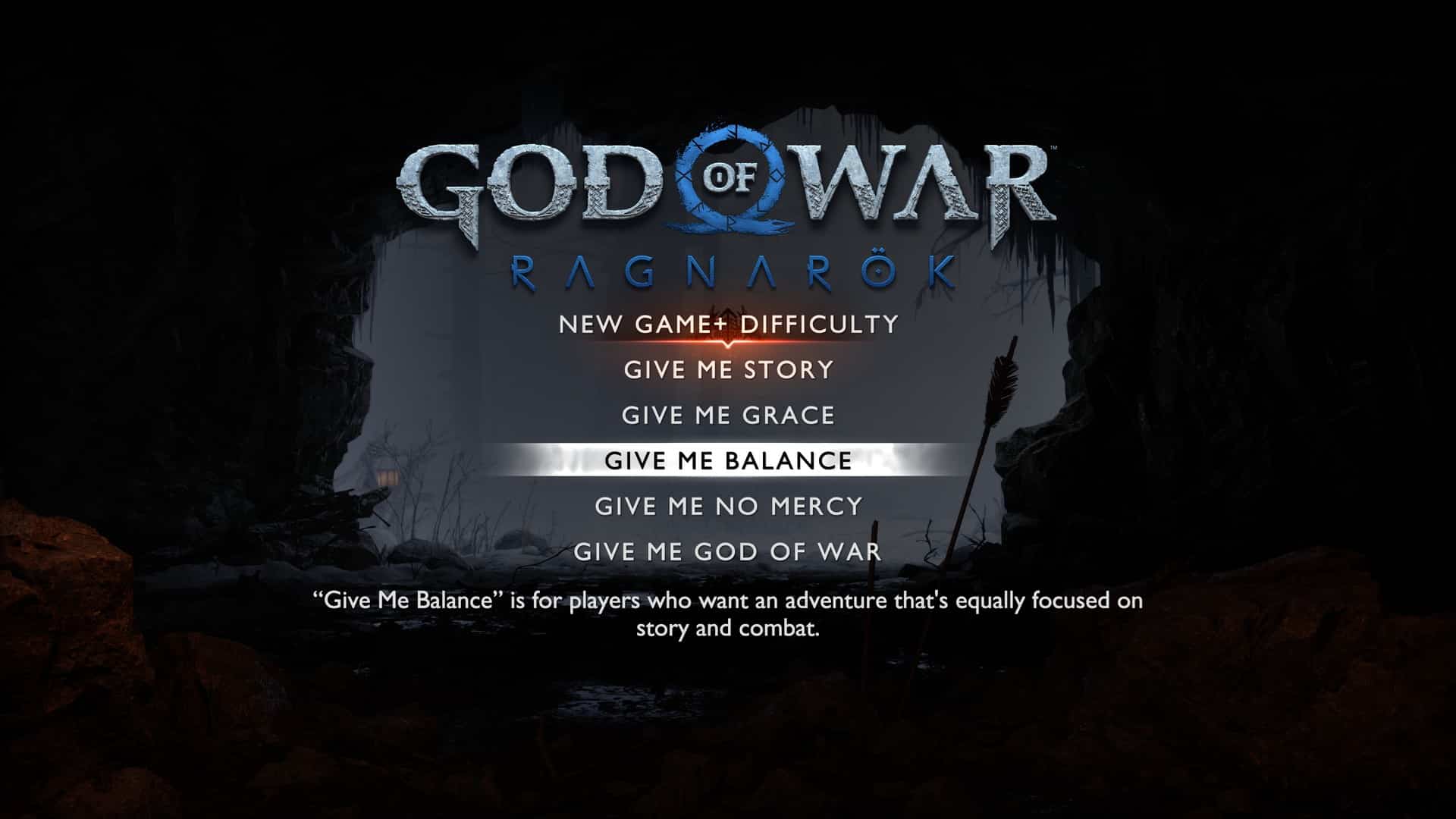
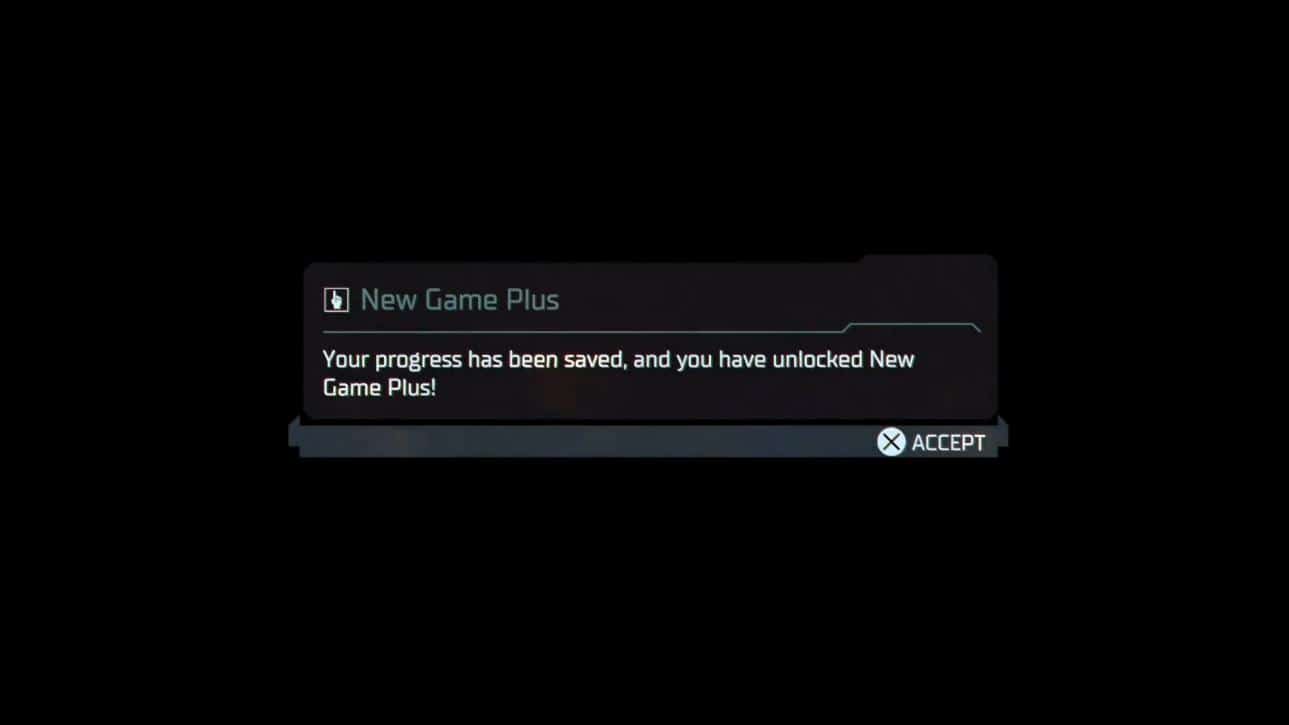
Recently, it seems as though almost every new release comes with one missing feature. New game plus. For those that may not know, NG+ is a feature for games with a campaign that allows a player to restart a playthrough from the very beginning while keeping all of the gear, stats, and abilities they acquired the first time around. It is highly requested from developers and regardless of its popularity among the general gaming audience, it is often missing upon launch. Marvel’s Spider-Man 2, Alan Wake 2, and God of War: Ragnarök are a small sample of some of the titles guilty of this. While these studios are often quick to remind fans that a NG+ is coming shortly after launch it still begs the question, why do so many games release without it?

dead

One of the main and perhaps most obvious answers, is the crucial, yet vital, development time studios save by not having to include NG+ at launch. Hitting dates to coincide with marketing and avoiding negative crunch press is incredibly important when releasing a game. While it may seem like a simple feature, NG+ is often much more complicated to integrate into a games infrastructure than one may think. Finding and avoiding exploits with a fully upgraded character before allowing them to revisit early game segments with a NG+ run is easier said than done. By not including it at launch developers can put their valuable time and resources towards bugs and polishing that is bound to have a much higher impact on a games review score than the inclusion of NG+ would have.

It is also relatively easy for a developer to ease fans concerns by mentioning shortly after or before launch that NG+ is being worked on and will be included alongside patches and other content that is expected down the road. Interestingly enough, this may also be why it is beneficial for them to include it at a later date as well. It keeps the spotlight and conversation on their title past the initial launch and gives their title a reason to be put back into gaming news headlines.

It is not uncommon to see headlines mentioning the release of NG+ alongside other content being added to a game. This is often done purposefully, with the intention of giving players a reason to jump back into their game. Aside from allowing players to re-experience a story with a fully upgraded character, offering a small incentive of newly added content can often give players that extra push when deciding to play a game again. This can be anything from new cosmetics or customization options, entirely new side content, and different playable characters to name a few. Single player games just don’t have the staying power and replayability that multiplayer games offer. Adding in a NG+ with some additional content helps to alleviate the decision to purchase an expensive game so players can feel like they are getting their moneys worth outside of a single playthrough.

While NG+ does allow a game to stay relevant for far longer than it normally would be, apart from hardcore audiences, it isn’t a feature that is used as often as one might think. For every serious gamer, there are ten casual ones who just play the games they find interesting without much of a second thought and move on afterward. So while many people may be upset that the inclusion of NG+ isn’t featured at launch, the number of people that were never going to use it in the first place is often quite high.

Of course, some games actually make NG+ a vital part of the core experience, sealing a lot of the most powerful and interesting weapons and customization options behind a second playthrough. Most Recently, Armored Core VI: Fires of Rubicon did this and it definitely goes against the grain showcasing how instrumental a NG+ can be to a games core experience. Of course, some gamers don’t want the trouble of replaying a game twice though just to unlock everything. In fact, there was a lot of heated discussion around Sony’s Spider-Man: Miles Morales platinum trophy being locked behind a completion of NG+. While the game wasn’t too long to begin with, requiring players to essentially beat a game twice was considered to be overly tedious to some.

While NG+ is a highly requested feature for many modern titles, it seems more often than not developers are choosing to add it in after their game has launched. This can be attributed to many different factors with the most common being developers avoiding crunch, prioritizing polish, and staying relevant after release. Regardless if you are a gamer that enjoys NG+ or not, it is a feature that is requested for good reason. It lets players re-experience the story without having to grind for abilities and upgrades all over again. It can be quite frustrating to have to start over from square one after making so much progress in a previous playthrough. This coupled with new customization options and modes added after launch means that NG+ is generally worth waiting for. At the very least, taking away any additional difficulties of the already strenuous development process is a good thing. While it may be hard to wait for the addition of NG+ to a title you love, if it means we are going to be playing something that is patched and polished on release, that is an easy trade to make.


Opinion shared here is by the author and does not represent MP1st and its staff in its entirety.

Josh Richardson

Home > News

League of Legends New Champion “Hwei The Visionary” Incoming in Patch 13.24, Abilities Listed

Riot Games has revealed the League of Legends new champion “Hwei The Visionary” which is incoming in patch 13.24! Curious what this character can do? Read on for Hwei’s abilities.

League of Legends New Champion “Hwei The Visionary” Abilities and Info:

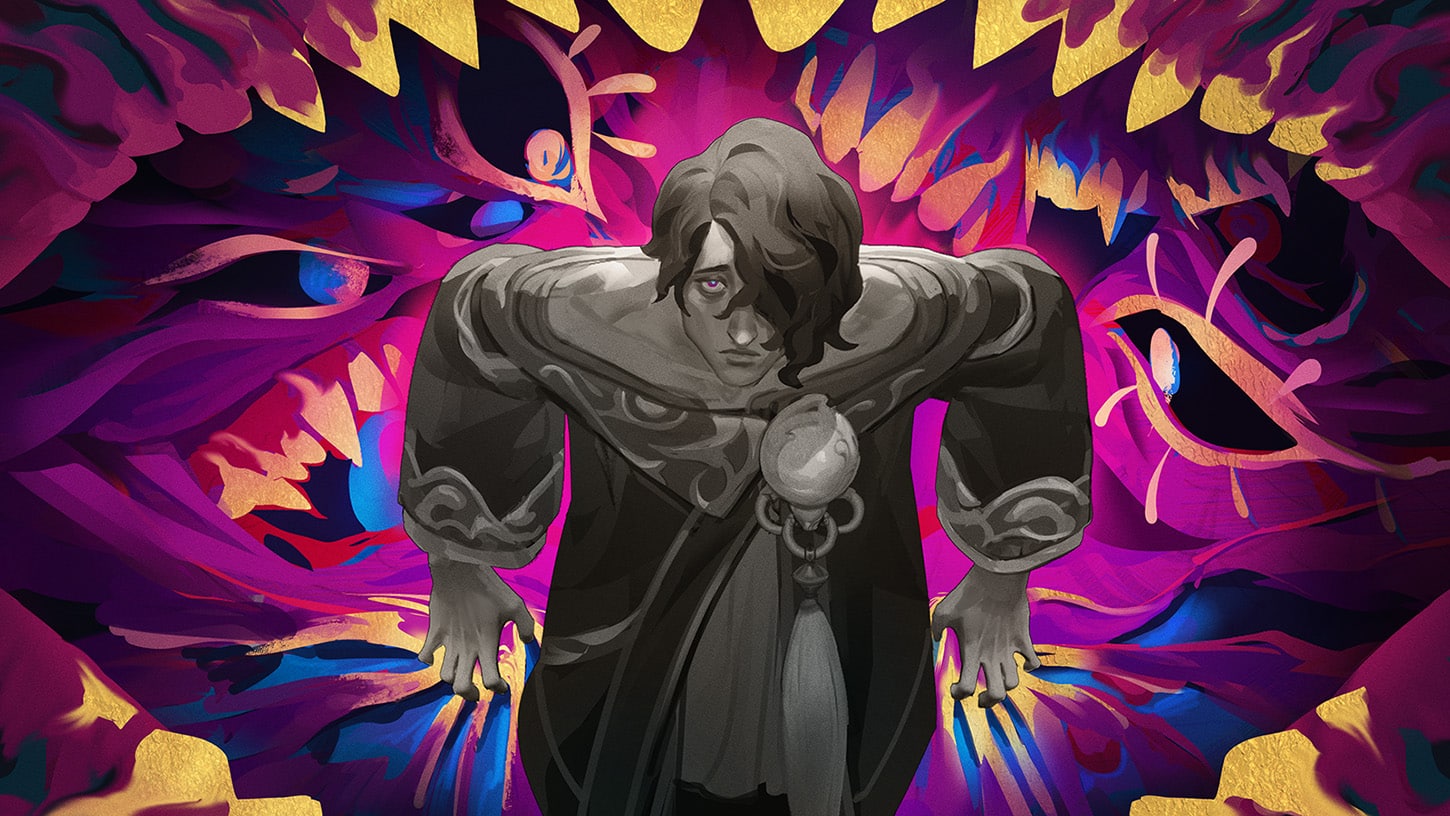
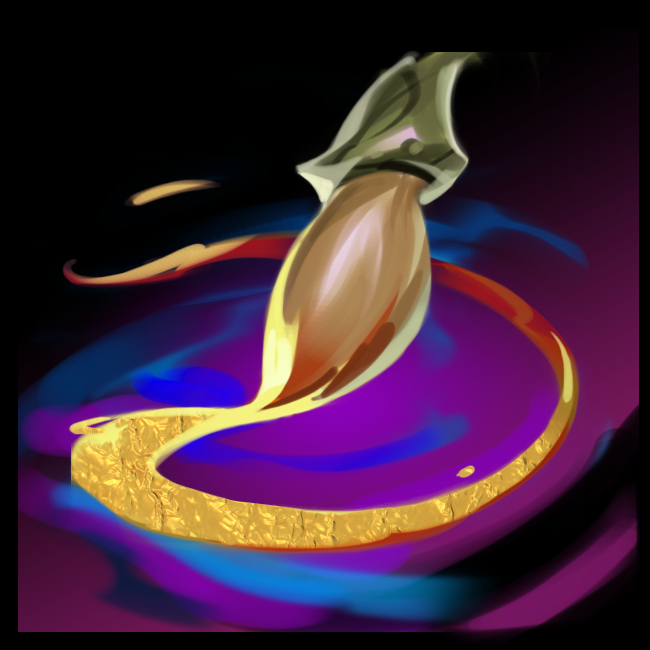
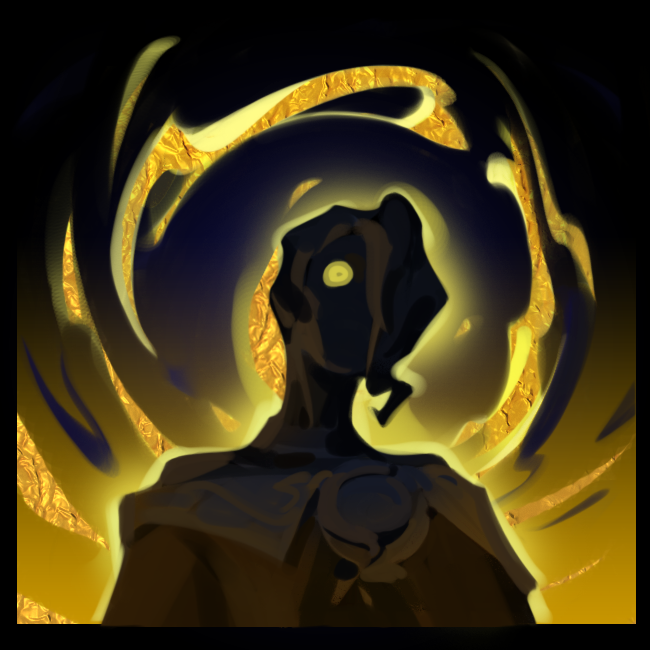
A brooding painter, Hwei creates brilliant art to confront Ionia’s criminals and to comfort their victims. Not without his own troubled history, he is haunted by his overflowing imagination and the loss of his island temple, which comes back to him in the form of intense, emotional visions. Hwei shares these visions to ease his troubled self, while treading a path toward the one who both devastated and unlocked his artistic mind—Jhin. With his paintbrush and palette in hand, Hwei journeys to earn closure or perhaps, embrace despair.

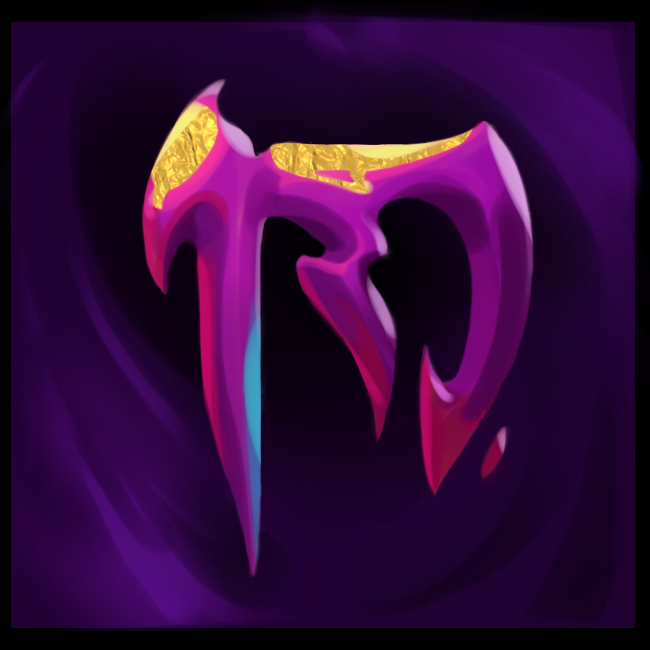
Passive – Signature of the Visionary

Hwei’s damaging abilities against enemy champions mark them for a few seconds. Hitting marked enemies with another damaging ability creates an explosion underneath them, detonating after a short delay and dealing magic damage to all enemies in range.

QR/WR/ER – Wash Brush

Hwei clears his paintbrush and returns to base abilities without using mana or cooldowns.

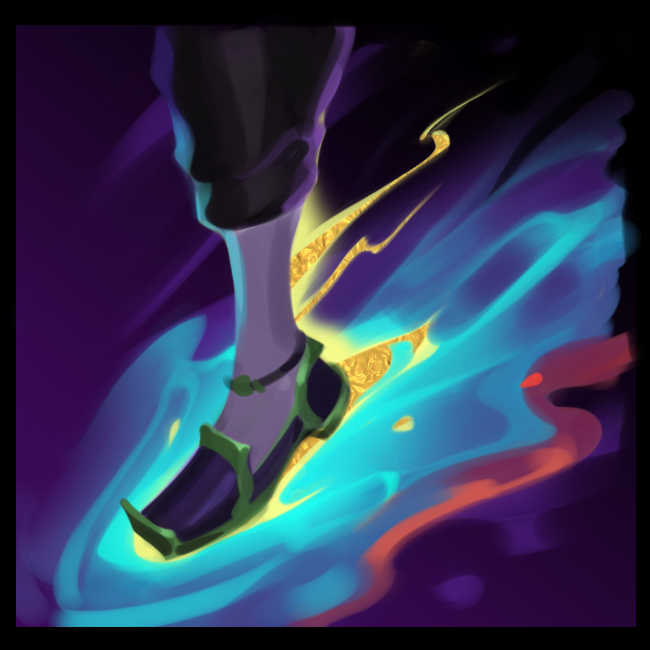
Q – Subject: Disaster

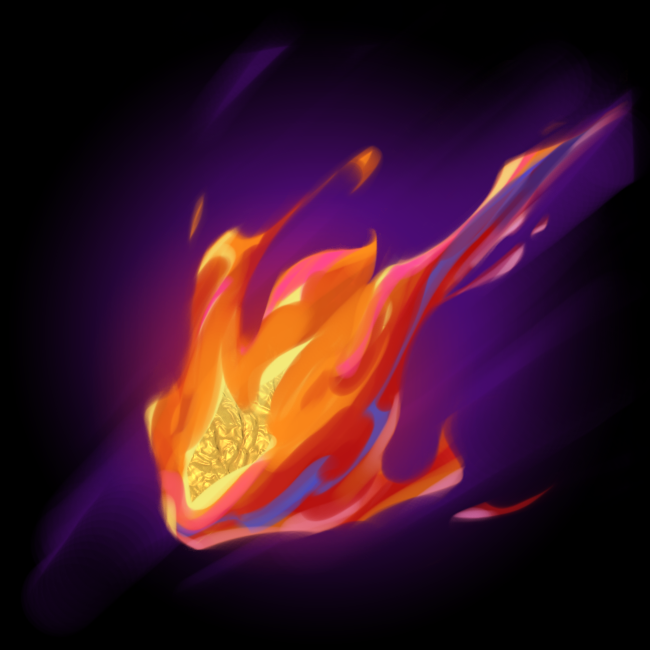
QQ – Devastating Fire

Hwei paints a blazing fireball that flies out in the target direction.

It explodes on the first enemy hit or at maximum range, dealing magic damage plus percent max health magic damage to all enemies in an area.

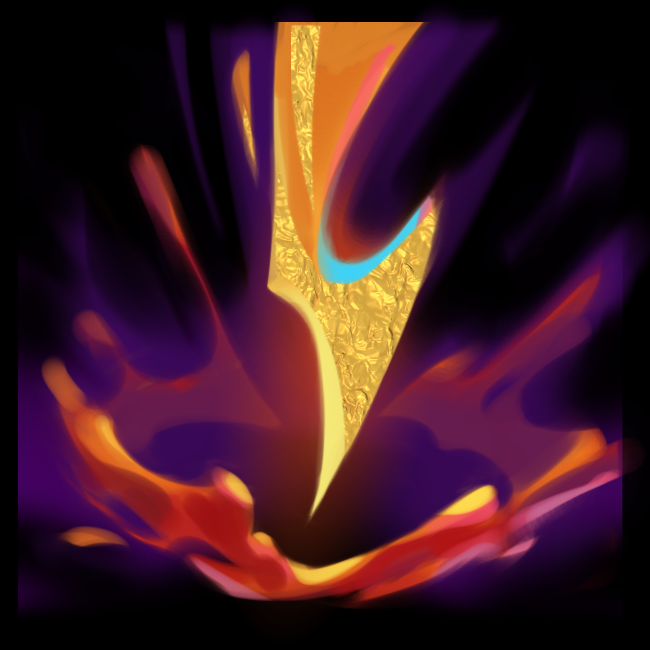
QW – Severing Bolt

Hwei paints a long-range, devastating bolt at the target location. After a delay, the bolt strikes, dealing magic damage.

Immobilized or isolated enemies take increased damage based on missing health.

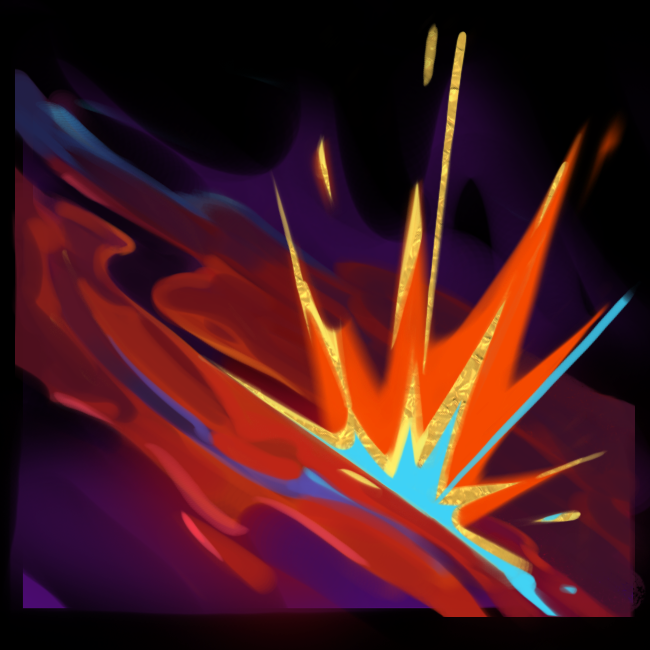
QE – Molten Fissure

Hwei paints a field of exploding volcanic eruptions, creating lingering lava in its path.

Every eruption deals magic damage to enemies hit. Enemies in the lava area are dealt magic damage per second and are slowed.

W – Subject: Serenity

WQ – Fleeting Current

Hwei paints a current of swift waters in a line for a few seconds that grants movement speed to himself and allies.

WW – Pool of Reflection

Hwei forms a protective pool at the target location that lasts for a few seconds.

Allied champions inside the area gain an immediate shield, increasing in value over a few seconds while in the area.

WE – Stirring Lights

Hwei paints three swirling lights that circle him for several seconds.

Hwei’s next 3 attacks or spells deal bonus magic damage and grant mana on hit.

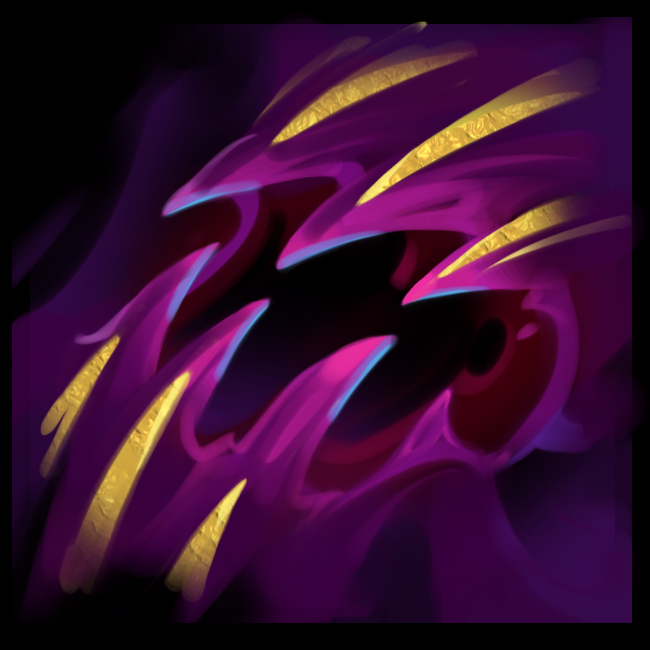
E – Subject: Torment

EQ – Grim Visage

Hwei launches a terrifying face that strikes the first enemy hit, dealing magic damage and causing them to flee for a brief duration.

EW – Gaze of the Abyss

Hwei paints an abyssal eye at the target location that grants vision and locks onto the nearest visible enemy champion.

After a short delay, the eye fires at the locked-on champion, rooting the first enemy in its path for a few seconds and dealing magic damage to them.

EE – Crushing Maw

Hwei paints crushing jaws that deal magic damage to enemies hit and pulls them toward the center, slowing them by a set amount that quickly decays.

R – Spiraling Despair

Hwei launches a vision of pure despair that sticks to an enemy champion for a few seconds. The vision expands and overwhelms all enemies it touches, dealing magic damage per second. Enemies within the zone are afflicted with stacks of Despair over time. Each stack of Despair applies a stacking percent slow. Upon completion, the vision shatters, dealing magic damage.

Once more details about the incoming patch is revealed, we’ll let our readers know.

You can read more about Hwei’s backstory, design and more, here.

Avatar photo

Alex Co

Father, gamer, games media vet, writer of words, killer of noobs.

Home > News

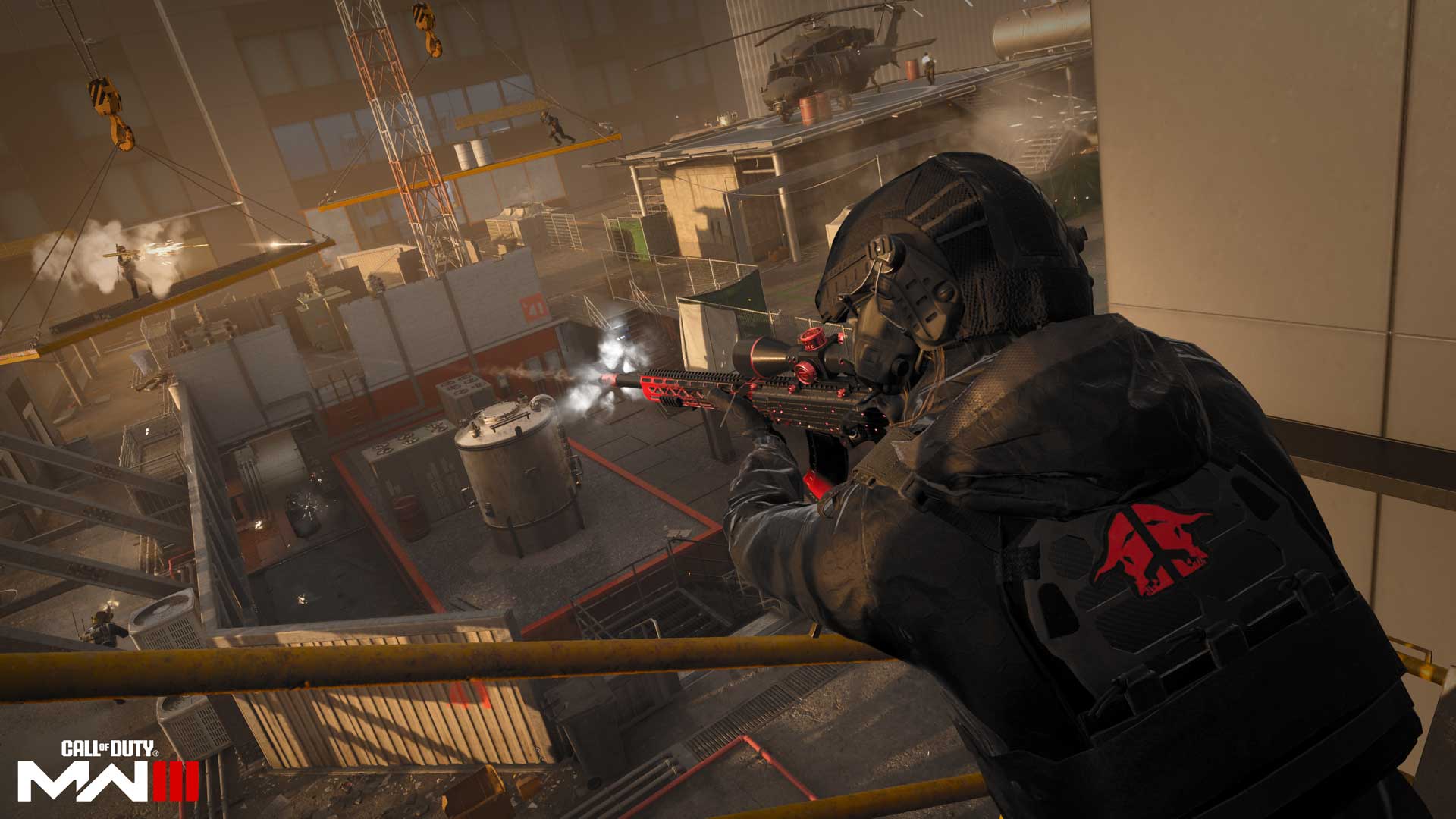
Modern Warfare 3 Stamina Bar to Be Added Soon, Bunny Hopping, Quick Fix and More Discussed by Sledgehammer

While Sledgehammer Games has made a lot of changes to the overall mechanics and pace of Modern Warfare 3 compared to Modern Warfare 2, there’s still a lot more things left to be adjusted and added to the game. One such thing that’s set to be added is the Modern Warfare 3 stamina bar, which should help in managing your tactical sprint, slides and more.

This was confirmed by Sledgehammer Games in a recent Q&A session with Twitch streamer Repullze. Answering the questions were Senior Development Director Adam Iscove and Multiplayer Creative Director Greg Greg Reisdorf.

According to Sledgehammer, the stamina bar will be added “soon,” though they wouldn’t commit to a timeframe. In addition to that, the devs also confirmed they are looking into bunny hopping. As for those looking for the Quick Fix perk to comeback (it lets the player regen health instantaneously after getting a kill), the devs won’t confirm whether it’s coming back or not, though they said that it’s not out of the question, and they are looking into feedback about it.

Here’s some of the other stuff discussed:

  • Slide canceling and”snaking” shouldn’t be best way to get around maps.
  • On Warzone keyboard and mouse lag, the devs are aware of it.
  • Prestige – Prestige starts in Seasonn 1 and will be the same as in Modern Warfare 2. It will once again be a seasonal Prestige system, though from the sound of it Greg wanted it to be the more traditional one, but it wasn’t implemented,
  • Spawns – It’ s been much better since beta. Sledegehammer has been focused on making them more “sticky.” Favoring sides more. Spawning near flags in Domination. Bad spawn is due to no place to spawn the player, which the devs call “secondary spawn.” Expect a lot more updates to spawn in Season 1.
  • Submachine Guns (SMGs) are getting buffed, though they wouldn’t go into specifics.
  • No plans for new completionists camos. Talked about a MW2 and MW3 camo for grinders, but due to technical issues, it wasn’t implemented.
  • Dummies in the Firing Range are at 100 health not 150, but this will be fixed soon.
  • On the topic of aim assist, Sledgehammer wants to look at it closer. Wants to create a fair experience for everybody. We are looking at it, trying to figure out best solutions.
  • Wants more feedback. Tagging on Twitter is best place for feedback.

Speaking of Twitter, Sledgehammer Games’ official account is here, which you can communicate with in terms of feedback.

While Sledgehammer Games has already given everyone a look at what’s incoming in Season 1, we’re expecting a patch to be released soon to implement some fixes and changes before the season starts.

Avatar photo

Alex Co

Father, gamer, games media vet, writer of words, killer of noobs.

Home > News

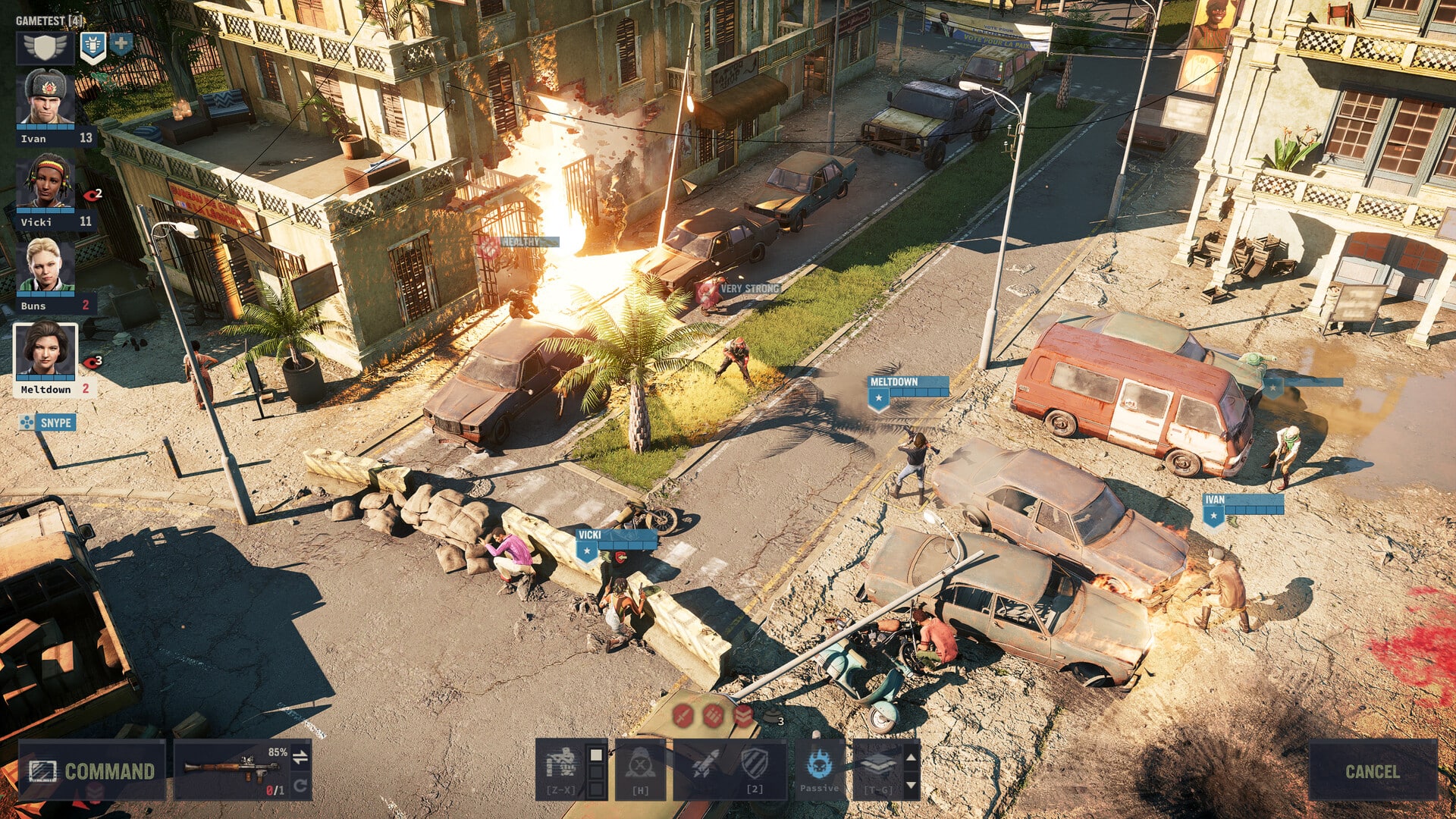
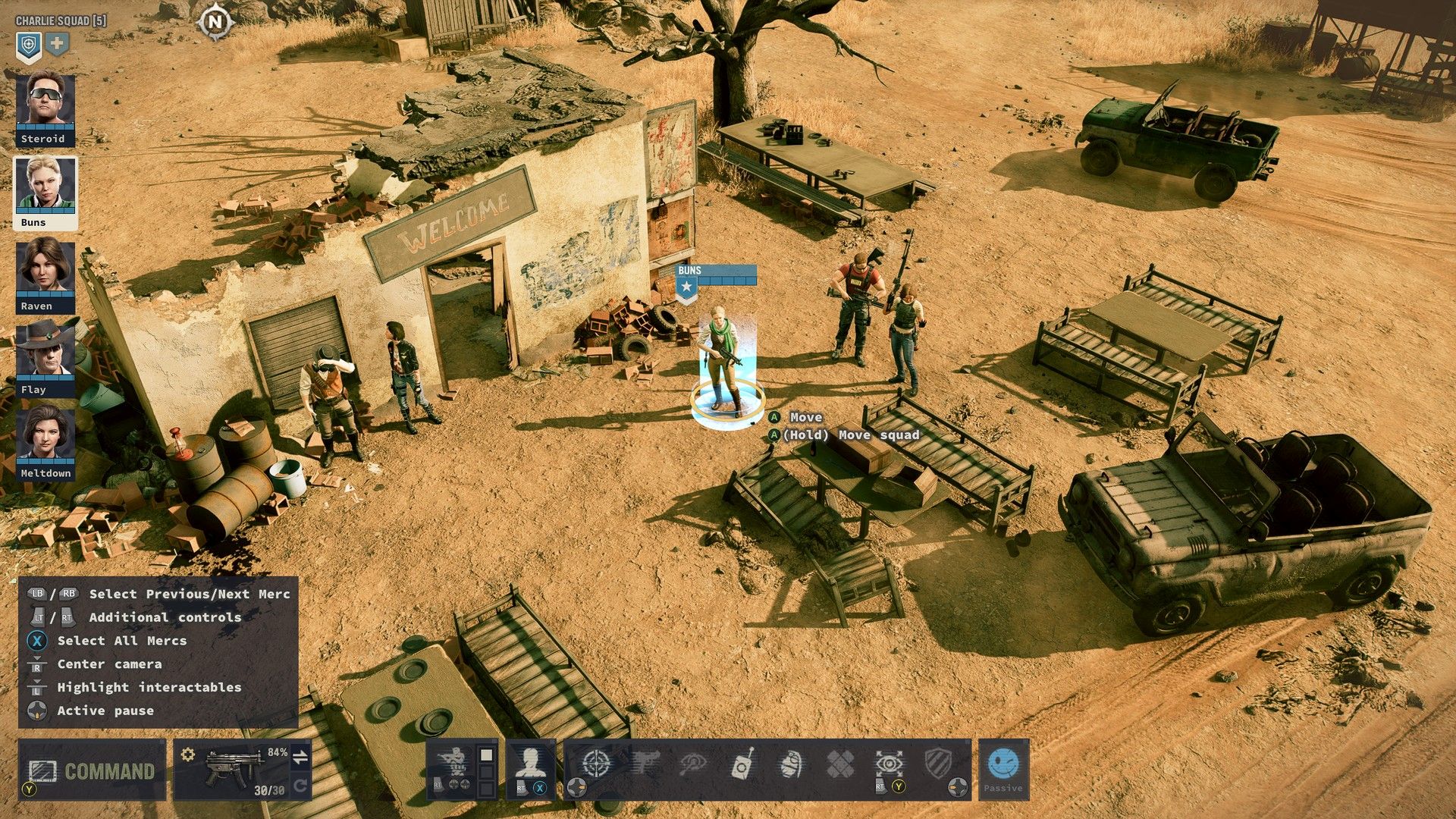
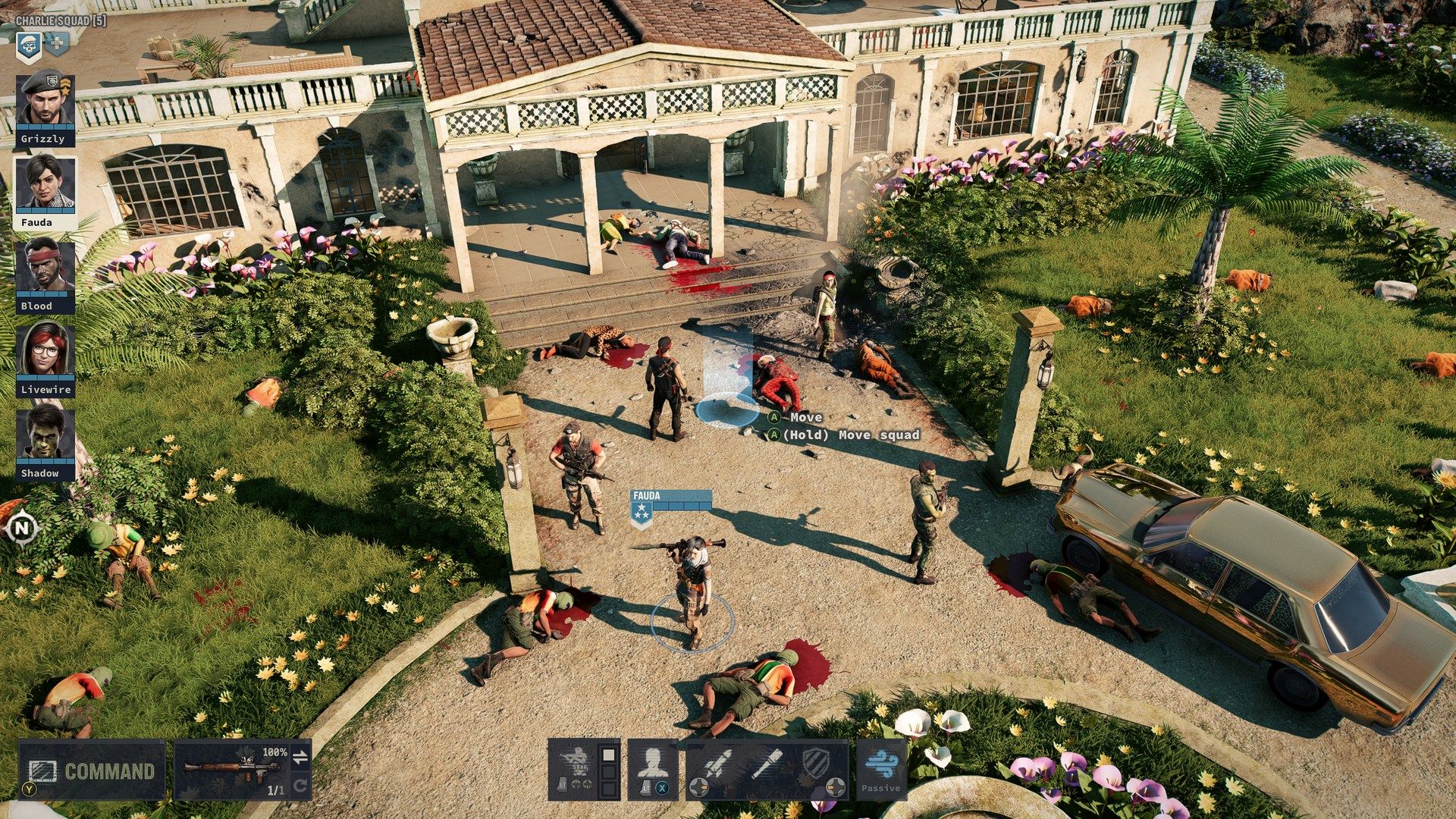
Jagged Alliance 3 Review – Mercenaries for Hire

The Jagged Alliance series dates back nearly three decades with the release of the first game for MS-DOS in 1995. The series received a number of spin-offs over the years, but the only other numbered title in the series was Jagged Alliance 2 in 1999. Unfortunately, the numerous spin-offs mostly were received quite poorly, especially with the rash of entries that were released in the early 2010s. All the waiting for a good outing for the series was very worth it though when the critically praised Jagged Alliance 3 was released for PC earlier this past summer, and now that game has made its way to consoles.

Save the President

Jagged Alliance 3’s story takes place only a couple of years after the original in the year 2001 when the fictional African country Grand Chien has its president kidnapped by a military organization that wants to take advantage of the country’s rich resources. In response, the President’s family hires your team full of mercenaries to save him. The story here is nothing special, but it gets the job done with the pretty topical themes of the time.

At the start of the game, the first thing you will do is hire mercenaries that you will then use in battle. You start with an initial bank of money that you work to increase by looting, trading, and most importantly taking control of areas on the map. If you manage to take over the right areas, you can start to bring in more cash flow and thus be able to hire the more expensive mercenaries. Learning which mercenaries to hire early on and managing to keep them alive does have a good bit of a learning curve regardless of the difficulty level that you choose.

One nice feature that is included for those looking for a less intense experience is Forgiving Mode, which gives you more of a boost at the beginning of the game with more money and makes the consequences of your mistakes less severe. Faster healing is also very important here, as that can play a big role in your survival if you are new to the series or genre as a whole. This is handled well as a way of not reducing the all-around difficulty but just giving you a few perks to help you survive. For those that are up for the challenge, there are also two additional difficulty levels above normal as well that you can select, so the game really lets you tailor the experience in the way you would like.

Building your team in Jagged Alliance 3 is where the game really shines brightest, as you can try different variations of your team of mercenaries to try and survive in the game’s lengthy campaign. There are six different mercenary classes to choose from, including All Rounder, Marksman, Mechanic, Explosive Expert, Leader, and Doctor, and each has different roles to play. You can choose to go heavy on one type of class or make a team with a mix of them. The game starts with you having up to five in your squad, but this is later elevated to six with you being able to simultaneously have multiple squads.

The more than 40 mercenaries available in the game are not just blank canvas with a class attached to them either, as each one has their own personality that comes out during the game. Some of the funnier moments happen when contacting the mercenaries to hire them, sometimes even getting turned down for various reasons. The voice acting here is quite good and fits the type of game that this was trying to go for. Each specific mercenary also has their own Skills, Traits, and Equipment that come with them as well, which can come in handy or cause some issues in the field.

The mercenaries you hire can be improved by leveling them up over time, which can be done quicker if the mercenaries are fulfilling their specific jobs on the team. After leveling up the mercenaries a bit, you will eventually want to hire other mercenaries to take their place if it makes your team better and more cost-effective. The team management aspect of the game really adds a lot of strategy to Jagged Alliance 3 in what is already like a game of chess at times.

The tactical turn-based combat in Jagged Alliance 3 is just as you would expect from the series, with an isometric view for your mercenaries as they traverse each environment. There is free movement for the characters as you move either one mercenary or multiple at a time by moving around the cursor, which is far from as precise as on PC. This is no surprise for anyone who has played a game such as this on a PC versus a console, but the good thing is that the movement still works quite well on consoles. When in this style, you can also use stealth to sneak up on enemies and try to take them out before a battle is actually engaged.

Once you come across an enemy and are spotted, however, a grid-based battle will start and stay that way until you either take out all of the enemies, retreat, or have your entire party wiped out. As you would expect, you take turns making moves on the battlefield and either attacking or using other skills you have at your disposal such as healing using the amount of AP that you have available.

Once you choose to attack the enemy, you want to make sure you are in the best position to do so for the type of attack you are about to make. When about to attack, you have the option of which part of the body you want to aim for, which will obviously affect the amount of damage it will do but also lead to less accuracy and such for others. Going for a headshot every time would be ideal, but you will often outright miss by trying this even when pretty close so you have to be very careful and often aim for other parts of the body. The enemies also have their fair share of misses when taking shots at you, which was always a welcome occurrence. You also have to remember that there are many different types of enemies, so you have to strategize accordingly.

The battles are not always won on the actual battlefield either, as the map setup really helps to scratch that RTS itch where you choose where to move your mercenaries. Regions will be won and some regions will be lost on the map, which will continually keep you on your toes, especially in the more rich mine areas that are a big source of your in-game income. You even have the option to sim some battles here, which is a nice touch when wanting to push things along in longer play sessions.

Porting Pains

While a majority of the game carried over very well to the console port, the movement during battles was often a bit troublesome. This is because the cursor lacks the precision of a mouse that you could be using to maneuver. This especially got frustrating when moving the cursor around the edge of the battle grid when trying to place it in specific areas, as the cursor would then jump and be completely out of place. This is where the turn-based aspect really comes in clutch, as you aren’t in a rush here while trying to fight the cursor’s lack of precision.

Coming over from the PC version are some of the issues with the actual battle grid as well, where it’s hard to see everything on the map with the way the outlines are utilized in places. Many obstacles are often in your way here, so this can cause some issues when trying to move around the grid. This is something you really get used to over time, but it can lead to some major mistakes early when you make a misplay due to this.

When looking at the performance of the game, Jagged Alliance 3 really isn’t a powerhouse that you would expect to have trouble outside of PC, which proved to be true with the console port. For the console port, players have two options to choose from, Quality mode and Performance mode. Quality mode gives you a higher resolution with better visuals, though at the expense of 30fps. Performance mode on the other hand runs with less visual fidelity at 60fps, though there are still some frame drops regardless. The actual performance is pretty decent with a frame rate that works pretty well most of the time for both. However, I tend to lean towards the Performance side in games like this especially where visuals do not really matter all that much.

The move to consoles also means using a controller rather than a mouse and keyboard. We already discussed how the cursor was less precise on the controller as expected, but the rest of the controller setup is quite nice. After you get used to them, the controls are very well assigned on the controller to where you can easily perform pretty much any command you want, which is vital for a game you are looking to sink many hours into such as this.

Verdict

Fans of the Jagged Alliance series were anxiously awaiting a return to the quality found in the original games in the series and Jagged Alliance 3 managed to deliver both on PC and now on console. While the PC version would still be the preferred option here if given an option, the console port is very well done. There is no doubt the developers put a lot of love into not only the game itself but also ensuring that the console port was on par with the PC version as well. The intense style of gameplay is certainly not going to be for everyone, but Jagged Alliance 3 is still one of the best that the genre has to offer on modern platforms.

Score: 8/10

Pros:

  • Return to form for the series
  • Nice variety of mercenaries with different skills and personalities
  • Ranging difficulty options and Forgiving Mode
  • Console port is mostly solid with Quality and Performance mode options

Cons:

  • Style of game is not for everyone
  • Isometric view often obscures parts of the battlefield
  • Cursor movement in battle is less precise on console

Jagged Alliance 3 review code was provided by the publisher. You can read MP1st’s review and scoring policy right here.

Avatar photo

Dean James

Home > News

MegaModz PS5 Dualsense Pro Controller Review – Fully Locked and Loaded

Our search for the perfect pro controller may have finally come to an end, as the MegaModz DualSense Pro Controller for the PS5 not only delivers but excels, making it the perfect competitive companion. Curious how it stacks up against the rest of the “pro” controllers out in the market? Read on for our in-depth review.

Building Your Dream Controller

What sets MegaModz apart from other third-party pro controllers is the level of customization offered when building your controller. MegaModz has options available for nearly every single aspect of the controller’s exterior. You can select one of their presets, of course, which we have, but if you want something more “you,” those options are entirely there.

Triggers, face buttons, touchpad, front plate, back plate, and even the thumbstick and their inner rings can all be customized with different colors and patterns. In some ways, this is what Design Labs was for Xbox, only for PlayStation (Xbox controllers offered too). That is something that PlayStation has been severely lacking, as the options for different colors, while they exist, are limited. So you’d be stuck waiting for an official release from PlayStation, which might not even happen for specific colors. 

And again, that leaves you stuck with a single-tone color, whereas MegaModz lets you mix and match. The controller we opted for was their Vampire Red edition, a controller covered in metallic blood-red paint with gold buttons, as well as gold triggers that gave it a vampire look. Unfortunately, I wasn’t paying attention to it being out of stock when I ordered it, but the team did accommodate me with a custom variation, switching from gold to black. Regardless, I was pretty happy with how the controller turned out when it arrived, as it easily stood out as the best-looking controller in my collection. 

But the choice of color isn’t the only option MegaModz offers. You can swap out all the buttons and triggers from traditional to quick and snappy, mechanical ones and smart triggers. That means that presses are shorter, if not instantaneous, with these button and trigger types. They still require some force to prevent accidental pressing, but they are undoubtedly more responsive than the stock buttons and triggers. 

I can tell you, playing Modern Warfare 3 with this controller, the difference in response time was noticeable, especially when shooting a pistol. The triggers, if you opt for smart ones, give you instant presses with little to no latency. They’re faster in response timing than even the DualSense Edge, with its stopping on the highest. They’re fast, almost to the point where you can easily rapid-fire.

Speaking of, MegaModz, as its name suggests, offers custom mod packs when building your controller. Want rapid firing? What about easy, quick scoping? Fast reload? Auto spotting? Countless mods are available for you to pick from, each geared towards a specific game. Yes, it’s cheating, but turbo controllers and the likes have always existed, and they are options that I need to point out (though we do NOT condone using these).

This does bring up a concern I have, as once you’ve selected which game you want those mods to work for, there’s no way to change them to something else once the controller is built. That means you could be stuck with a controller for mods that only work for a specific game. Made one for Modern Warfare 2, but realized the massive change that Modern Warfare 3 has. Well, you’re out of luck now. You’d have to be careful with the types of mods you select. You’d almost be better off sticking with a GAAS-specific game, like Fortnite or Destiny, as that would ensure you get the most use out of it for years to come. 

Having some way to program them would make getting those mods add-ons worthwhile. MegaModz mod options are also limited to only shooters. I love fighting games, but I’ll admit I suck at them. Having game-specific mods, like Street Fighter or Mortal Kombat, that make combing, special attacks, and fatalities easier could be an excellent addition down the road. 

And last, the back paddles. I’ve used different back paddles from many manufacturers, including PlayStation’s official DualSense Edge. Those have so far been the best in terms of comfortability, but they’ve lacked the additional two paddles that most third parties have. MegaModz offers them, and I’m quite fond of the design they’ve opted for, going as far as saying it may be the best I’ve used. 

There’s an “official” look it has; even if it’s not made by PlayStation themselves, it does feel like something that could be. All four buttons are laid out perfectly, allowing your fingers to rest comfortably on them. They’re easy to press but not loose where you might accidentally hit it. 

As you may have also spotted, MegaModz offers four back buttons, all remappable to any face buttons and triggers. For any gamer out there looking for a Pro controller, you probably know that the back buttons are the most important things to look for. The DualSense Edge is a fantastic controller with advantages over most third-party controllers, but its lack of four back buttons surprised me. It only has two back buttons, and chances are you’ll need to use a lot more than just that. 

With four buttons, you can maintain all fingers on the controller without ever moving off the thumbstick. That means you can multitask, such as moving and aiming, while jumping or reloading. Sure, it only takes a few seconds to do that, but in competitive gaming, those seconds can mean life or death.  

Mapping those buttons is relatively easy, too, as there is a dedicated mod button on the back paddle. Push and hold it for a few seconds, and it lights up; then push and hold one of the back buttons while holding the button you want mapped to it, and it’ll flash, confirming programming. Doing that for all four only takes seconds. 

They also offer back paddles with Macros support, but my controller didn’t have them. That addresses the mod complaint I had about the lack of fighting games, as it would allow you to program combos and such to a single button. 

Sadly, there’s no software for this controller, but that’s an issue with all third-party controllers. I’d love to see one still, as I feel that’s the one major thing holding back these controllers, and that’s not being able to save a ton of custom profiles and easily being able to map buttons. 

Overall, though, the controllers from MegaModz are top-notch in design and functionality. The latter is a big one, as you won’t find any other manufacturer providing what MegaModz inside a controller. But of course, a big question does arise: how much does this all cost? 

If you want the complete work, everything that MegaModz has to offer, from custom paint jobs, smart buttons, back triggers, etc, you’re going to be shocked at the price tag, as it can take you well over the $300 mark. $100 more than the DualSense Edge and $70-$90 more than other competitors, but at the same time, you are getting far more for that extra $100. Still, it’s expensive, and honestly, there’s not much of a reason to go all out. But it’s a choice, and MegaModz has plenty of those. 

If you wanted back paddles only, you could have a controller built for less than $175, cheaper than the DualSense Edge, and with extra buttons. You could even slap a few mods on there and still come under the price of the official controller. 

The battery life is comparable to the stock DualSense, too, giving you 8-10 hours. That’s impressive, given it has back buttons and in comparison, runs longer than the DualSense Edge by a few hours. 

Regarding build quality, MegaModz controller felt as durable as the official controller, if not a bit stronger in the material. Weight-wise, it’s not much heavier than the original DualSense. It maintains the same design as the DualSense, which, in my opinion, is perfect. Comfortability isn’t compromised despite having added components underneath the controller. My only issue was that one of the replaceable thumbsticks kept popping off during gameplay. It was just one, and thankfully, additional replacements were packaged with it. 

Verdict

With a market flooded with different types of Pro Controllers and gamers looking to get whatever competitive edge they can find, MegaModz offers a rather unique and exciting alternative. Its price points can get steep, but for enthusiasts and competitive gamers, what it provides is well worth that admission. Most will be drawn in by its back paddles, some of which are the best I’ve ever used. But it’s the range of options that MegaModz has that sets it apart from the competition. 

As someone who has always wanted to build their very own custom controller, I’ve never been given the right tools to do so. MegaModz has done just that, allowing me to build my dream controller with its vast choices of colors, casing, button choices, and, surprisingly, mods and macro support. With MegaModz, you’re getting a controller that not only looks stunning but also provides you with that competitive edge you’ve always been chasing. 

Score: 9.5/10

Pros:

  • Fantastic build quality – For a third party, it doesn’t feel cheap. 
  • Pairing with the system and mapping buttons is easy. 
  • Four button-back paddle options 
  • Tons of options to customizable options – Build the controller of your dream. 
  • Battery life, though not improved over the standard controller, is better than the DualSense Edge. 

Cons:

  • It can get pricey. 

A MegaModz Dualsense FPS Pro Wireless Controller provided by the manufacturer. You can read MP1st’s review and scoring policy right here.


Avatar photo

James Lara

A gamer at heart, James has been working for MP1st for the last decade to do exactly what he loves, writing about video games and having fun doing it. Growing up in the 90's gaming has been in his DNA since the days of NES. One day he hopes to develop his own game.

Home > News

Wonder Woman Game Is a Single-Player Action-Adventure Game, Won’t Be Live Service, Confirms WB

Following Warner Bros. CEO David Zaslav’s comments last week about WB Games wanting focus on live service and free-to-play games, some might be wondering that  whether the Wonder Woman game announced two years will be a title that relies on live serice.

Well, we have some good news for you. WB has confirmed that the upcoming Wonder Woman game that will be a single-player action-adventure title that will not feature any live service elements. Check out that a WB Games rep had to say regarding the matter.

Wonder Woman is a single-player action-adventure game set in a dynamic open-world. This third person experience will allow players to become Diana of Themyscira and introduce an original story set in the DC Universe, while also featuring the Nemesis System. Wonder Woman is not being designed as a live service

This is definitely good news, right? While we still don’t know when the game will be released nor have we seen any gameplay of it, would-be players will be happy to know that at the very least, it won’t nickel and dime us.

Source: IGN

Avatar photo

Alex Co

Father, gamer, games media vet, writer of words, killer of noobs.

Home > News

Nickelodeon All-Star Brawl 2 Review – It’s Slime Time

Super Smash Bros. clones have always been around, though it wasn’t until a couple of years ago that a few major competitors were released including Nickelodeon All-Star Brawl. The initial release had an overall lack of personality even with all of the fun characters included, but the game’s fanbase was eventually rewarded with the much-needed voice acting that was missing. After the DLC wrapped up, the developers moved on to the sequel which is now here with a number of improvements in Nickelodeon All-Star Brawl 2.

A Smashing Good Time

Nickelodeon has one of the most varied collections of franchises to pull from out there and it felt like it was about time they did a fighting game when the first entry came out. That game started with 20 base roster fighters and was increased to 25 through a mix of free and paid DLC, which included a nice mix of characters to choose from across multiple franchises. Nickelodeon All-Star Brawl 2 upped the ante from the start by offering 25 playable characters out of the gate, though only 14 from the original made the initial cut.

The new fighters were excellent additions though, including the Angry Beavers, Jimmy Neutron, El Tigre, Ember from Danny Phantom, Gerald and Grandma Gertie from Hey Arnold, Raphael and Donatello from Teenage Mutant Ninja Turtles, Squidward and Mecha Plankton from Spongebob Squarepants, and Azula from Avatar: The Last Airbender. There is no question that this series has some of the most out-of-left-field picks for their roster, but it’s actually a ton of fun to play with characters like Grandma Gertie. In fact, Angry Beavers were one of the most prominent omissions in the first game, so I was glad to see them be added as they turned into one of my favorites to use. Having voice acting in the game from the very start is also a big help, as it makes the characters feel much more like themselves.

Characters getting cut is not a big surprise with the number of new fighters being added to the game, but the loss of a couple of series entirely is disappointing. The removal of Oblina and Catdog from the roster takes away two classic Nintendo series out of the game entirely while plenty of other series get multiple inclusions like Spongebob and Teenage Mutant Ninja Turtles. Even the Teenage Mutant Ninja Turtles swap is kind of weird, as Leonardo and Michelangelo were outright replaced with Raphael and Donatello. Even so, the included roster is still quite versatile and will be getting a few other DLC characters in the future such as Zuko and Mr. Krabs, albeit all from series that we already have in the game.

As with any fighting game, the most important element is the gameplay and Nickelodeon All-Star Brawl 2 makes just the right improvements on what was already a very solid foundation from the first game. Each character has their own unique moves to use as before, and now they also have something known as the Slime Meter, which is based on the iconic Nickelodeon Slime that was everywhere on Nickelodeon in the ’90s. This meter fills up during battle and can be used in a number of different ways, such as powering up existing moves, extending aerial recoveries, and my personal favorite, all-new special moves.

Every single fight in the game has an exclusive super move that you can activate upon filling the Slime Meter and hitting the enemy, similar to how the Final Smashes are activated in Super Smash Bros. Some of these definitely have more thought put into them than others, with a few of my personal favorites being Gerald’s, Reptar’s, and Ren & Stimpy’s. Just seeing Reptar wreak havoc on a city and then breathe fire on the enemy is always a welcome sight. On the other end, I do feel like a few of them could have had a little more thought put into them, especially the Avatar trio’s supers, but this is the first time they have been introduced to the series and have room for growth in future entries.

Like its predecessor, the game also has a nice lineup of stages to choose from based on the various characters in the game. I do wish there were a few stages for characters not in the game as well to represent some other series, but the ones included are very well-designed like the Wild Thornberry’s Savannah stage. These are complemented by outstanding music tracks that really elevate the stages further, with there being numerous standouts that you can jam out to in the game’s Jukebox mode as well.

Save the Multiverse

A fantastic new feature added in Nickelodeon All-Star Brawl 2 is an actual roguelike single-player campaign with a bit of a story mixed in as well. The mode starts with you in control of Spongebob as Danny Phantom villain Vlad Plasmius tries to take over the multiverse, starting with Patrick. From there, the goal is to complete randomized branching runs of multiple varying stages that end with a boss fight. This features pathways where you have to make choices that can determine which other options you have later in the run as well, so be mindful. You do not have your health healed fully after each stage either, so this can get pretty treacherous at times.

The majority of these stages will be fights against either a brainwashed main roster character or wave battles against hordes of enemies. These enemies are more henchman-style characters from series, such as the Foot Soldiers from TMNT. Defeating the brainwashed fighters will then unlock them for you to use within campaign mode as well, which adds a lot of replayability and reason to keep playing the mode.  These are also very important for earning the game mode’s Blimp currency, which was a nice callback for Nickelodeon to include.

On top of those two types of stages, you will also come across ones where you have to make your way across platforms and collect options items along the way, ones where you have to pop balloons, and others where you get free items or the option to buy power-ups and perks. Meanwhile, the power-ups and perks you can get during this mode are also very helpful, even if they only last for the duration of the run. Considering you only have one stock to start, finding ones that give you extra stocks also are very important here until you can build your character up otherwise.

If you manage to make it to the end of each run in campaign mode, you will get to square off against one of the game’s bosses. These include the Flying Dutchman and even Shredder, with some of them being insanely difficult if you are not well equipped. This is what leads to a lot of the roguelike elements, and you will often have to go through the punishment of losing multiple times until you are able to prepare your fighter well enough to take down each boss.

Whether you win or lose each run, you will end up back in your main hub area known as the Timeless Stardial. This is where you can start to really build up your character by purchasing new perks that will stay on your character as long as they are equipped. The shops found here use the green Slimy and purple Splat currencies that you can earn in your playthroughs, so it’s always important to trade in Blimps for one of the two currencies if you have the option in certain shops within your run. You can even decorate your hub as well by buying decorations from Gary the Snail, which makes the hub a little more lively. Who doesn’t want Avatar: The Last Airbender’s Appa just hanging around in your hub with you? This hub also allows you to swap characters and change difficulties, with the harder difficulty levels providing you with higher-level rewards.

If you’re looking for a more standard fighter experience without all the pizzazz, Nickelodeon All-Star Brawl 2 still offers some more traditional game modes as well. You can battle friends or the CPU locally, as well as take things online against others around the world. For a more structured approach, there is the classic Arcade mode where you face enemies and minigames in a ladder format. You can also just take on the minigames if you want in its own mode. Those ready for a real challenge can even face Boss Rush against the main bosses from the campaign.

As for collectibles outside of campaign mode, the game features a gallery with unlockable character renders and images that you can unlock along with trophies. There are quite a number of these, so playing as each character in the game can really help with unlocking these along the way.

While pretty much everything is better in Nickelodeon All-Star Brawl 2 all around, the performance on the Nintendo Switch version is still pretty awful at times. The load times are abysmal, oftentimes having to wait upwards of 30 seconds or more just to switch menus in campaign mode or wait for a match to start. I even had times where this froze up on me and I had to hard reset the game. The actual matches themselves are better but still have a number of framerate drops, and the visual fidelity is much less than that of the other platforms. Even though this is pretty much to be expected on the Nintendo Switch, the load times are pretty inexcusable and they should have found a way to improve on them considering many other games have managed to avoid load times as bad as these on the platform.

Verdict

If you are patient enough to make it through the horrendous load times throughout the game, you will more than likely find yourself having a great time with Nickelodeon All-Star Brawl 2. The gameplay improvements, including the super moves, were just what the game needed, and the addition of the campaign mode adds a lot more longevity to the overall experience that will keep players coming back for more. Even with some of the fan-favorite characters being cut from the roster, the game still boasts a very healthy and wide-ranging roster that makes Nickelodeon All-Star Brawl 2 well worth picking up, though you may want to get it on a platform besides the Nintendo Switch.

Score: 8/10

Pros:

  • Unique roster of characters
  • New Slime Meter and super moves
  • Campaign mode adds more replayability

Cons:

  • Abysmal load times and occasional frame rate drops on Nintendo Switch version
  • No Aaahh!!! Real Monsters or Catdog representatives anymore
  • Some super moves feel lacking

Nickelodeon All-Star Brawl 2 review code was provided by the publisher. You can read MP1st’s review and scoring policy right here.

Avatar photo

Dean James