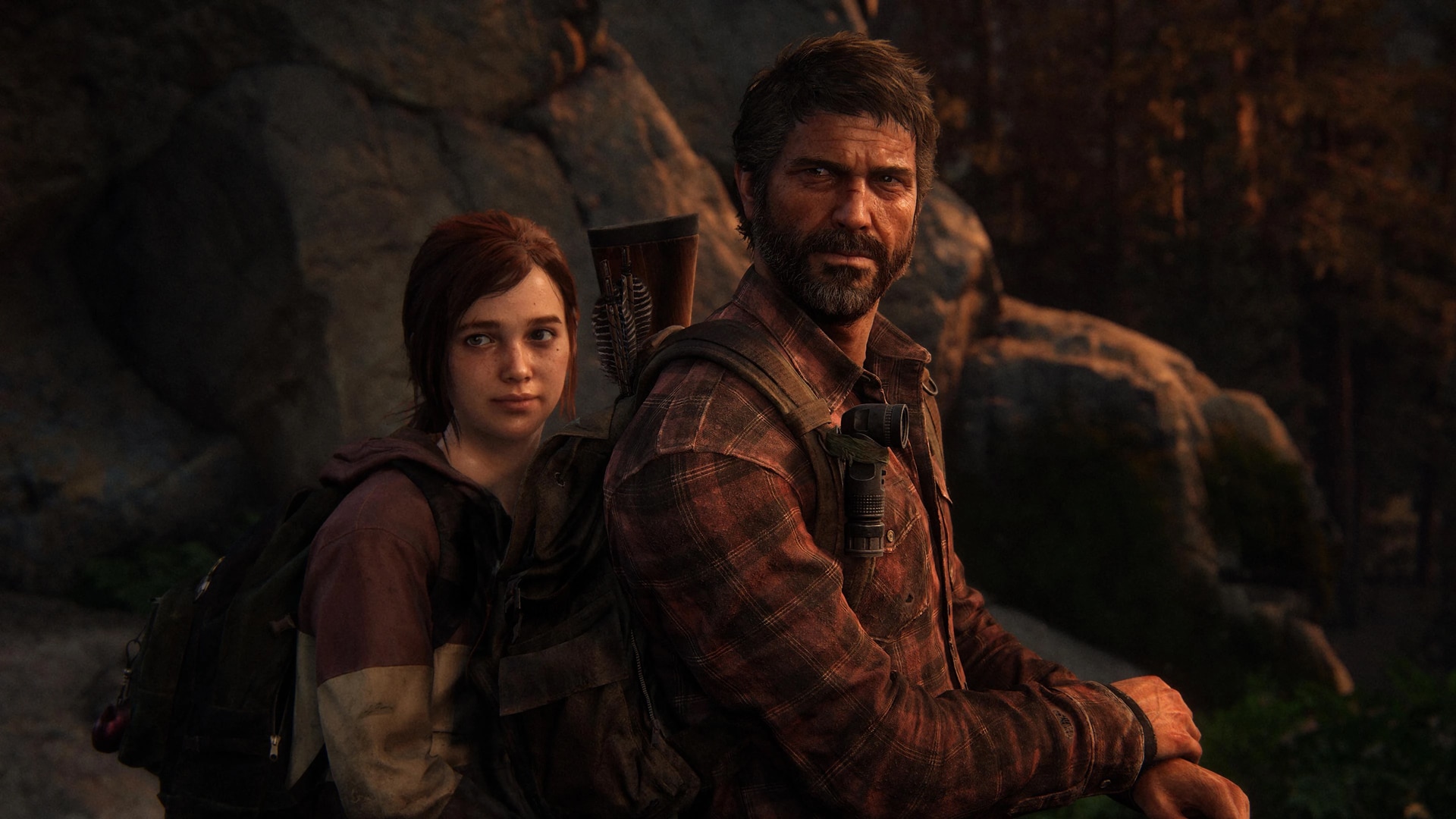
While game and media soundtracks are often the go-to for YouTube creators when making videos and content, some companies do enforce their copyrights over music, and this seems to be the case with Naughty Dog’s The Last of Us TV series soundtrack.
Creators on YouTube are receiving content blocks that prevent them from keeping their gameplay videos uploaded, which also affects their overall revenue. Here’s an example from Speclizer’s YouTube channel, who you may remember from a recent Bella Ramsey mod video last month.
About 40-50 videos of mine just got striked for using TLOU music, it's crazy that you can't even upload a playthrough without it being striked now. Guess I need to be extremely careful with having any TLOU music in my TLOU videos… 😭#TheLastOfUspic.twitter.com/LHGw6lfx80
Speclizer also stated the following in a reply to this tweet:
Dude I’ve had to either mute music or add different music I’m telling you they update the tracks for the show and changed the copyright system for it!
The content blocks are likely due to the HBO TV series version of The Last of Us, which uses the same music. Content blocks are nothing new in YouTube, and there are quite a few companies with a history of being pretty stingy with their music and soundtrack copyrights, such as Nintendo, who apparently issued around 4,000 copyright strikes to a single YouTube channel last year (via VGC).
Unless Naughty Dog comes forward and makes a statement on the matter, creators may be better off using other video game soundtracks to add to their videos for the time being.
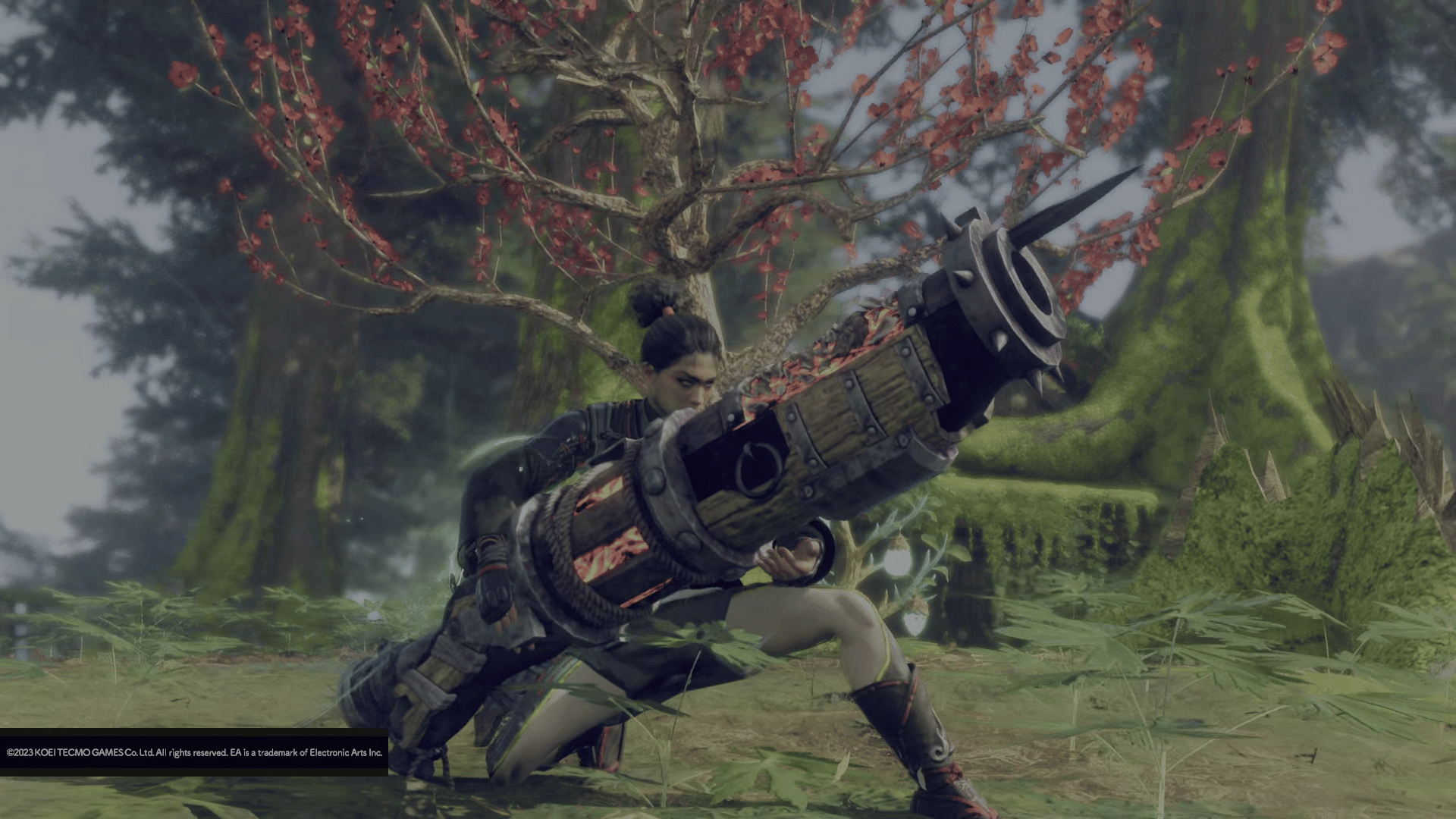
Taking down the giant Earthbreaker kemono with a giant hand cannon may have been a bit boring for some due to how barebones the weapon felt, but the actual hand cannon weapon you unlock soon after is far from the one-button machine it was during the story quest. Whether you’re interested in firing cannons at kemono or are looking to give other weapon types a try, this Wild Hearts hand cannon weapon guide will walk you through the weapon’s mechanics and quirks.
Unlike previous Wild Hearts weapon guides we’ve made for the starting weapon types, this one will cover two additional karakuri, namely the Torch and Glider karakuri, as you will already have unlocked them by the time the karakuri staff is available to use.
Wild Hearts Hand Cannon Weapon Guide
Overview
The hand cannon is one of two ranged weapons in Wild Hearts and is unlocked during Chapter 2 of the game’s story. It pumps out good damage numbers but is fairly immobile, requiring proper planning to make the most out of it. Your gameplay revolves around building your heat gauge to deploy fortified ki bases that you can absorb to charge your cannon for a massive burst of attacks.
The hand cannon is very different from the bow, the game’s other ranged weapon, so it offers a great alternative to those who aren’t a fan of the bow’s playstyle but still prefer to attack from a distance.
Weapon Gauge
The hand cannon has two different weapon gauges, and you need to keep track of both at all times. The first gauge is your charge meter, which essentially serves as your ammo gauge. It depletes as you shoot from your cannon, and when it runs out, your rate of fire decreases significantly. You can replenish your charge meter by standing on ki bases, which you can deploy in different ways.
The second gauge is your heat gauge, which shows how heated your hand cannon is. If the heat gauge is filled completely, the hand cannon will overheat, stunning you briefly and preventing you from firing any shots until the cannon cools down.
You always want to avoid overheating, but you will want to heat the cannon up to a certain amount for a particular move.
R2 – Shoot
Pressing R2 shoots out an orb-like projectile from your hand cannon. This does good damage, and you can hold R2 to repeatedly fire the orbs at a target kemono. You can also move while shooting, though you’re a lot slower than normal when doing so. Shooting depletes your charge meter and builds up your heat gauge.
Square Button – Deploy Ki Base (At Location)
Pressing the Square button deploys a ki base at your location. Ki bases replenish your charge meter, even while shooting, essentially allowing you to shoot without worrying about the charge meter depleting.
You can have up to five ki bases deployed at a time (as indicated near your charge meter). As you can’t deploy any more after five have been placed down, you can press R2 + Square to retrieve all deployed ki bases, allowing you to set them up again.
Triangle Button – Deploy Ki Base (Aimed)
Pressing the Triangle button aims your hand cannon in the air and allows you to shoot a ki base at a target location. This actually does damage to a kemono when deployed on top of one, but on its own doesn’t deal a whole lot of damage. You can aim with your right analog stick and shoot the ki base at the highlighted area with R2.
While you’ll mostly be using Square to deploy regular ki bases, you’ll need Triangle to deploy fortified ki bases. Fortified ki bases are empowered versions of the ki bases with a red aura around them. To be able to deploy a fortified ki base, you’ll want your hand cannon to build up significant heat in the heat gauge. Once the cannon glows red or the gauge is nearly full, then you’re good to go.
The only way to deploy a fortified ki base is by landing a ki base shot on a kemono with Triangle and R2. You cannot place one down with Square. This shot actually does pretty good damage, and when the hit is successful, the fortified ki base will bounce off the kemono and onto the ground. Shooting the ki base with a significantly filled heat gauge will also deplete it fully, even if you don’t land the ki base on a kemono, so aim carefully.
Celestial Thread Charge
Whenever you manage to deploy a fortified ki base, you’re able to charge your hand cannon to execute a powerful attack. Known as “Celestial Thread Charge,” by standing on a fortified ki base and pressing R2 + Triangle, you can essentially absorb the red aura from the fortified ki base and imbue it in your weapon. The fortified ki base will turn into a regular one and your hand cannon will now glow a bright green.
Pressing R2 + Triangle with your glowing hand cannon will make your character take a fortified stance, which will allow you to fire a series of fortified shots that deal massive damage by holding down R2. This also drains your charge meter while doing so, and while shooting in this stance, your meter will not replenish inside a ki base until you’ve finished firing. After depleting the charge meter completely, you will return to your normal stance and your weapon will stop glowing.
The Celestial Thread Charge and its follow-up attack are what you want to aim for in every kemono fight as the fortified shots deal tons of damage.
Karakuri Moves
The hand cannon makes quite good use of certain karakuri. Here’s what they all do:
The crate-based attack shoots out a single shot.
The spring-based attack unleashes a barrage of shots that build up the heat gauge quickly.
The glider-based attack lets you fire while in the air.
The torch-based attack empowers your hand cannon and increases the rate at which you build your heat gauge through your shots.
Of the four karakuri moves, the spring and torch-based attacks are perfect for ramping up your heat gauge more quickly, so you’ll want to use them when you can.
In Action
When using a hand cannon, you won’t be able to move a whole lot. Sure, you have five ki bases to work with, but placing them takes time, so you’re usually forced to stand in one of your ki bases until the kemono attacks you. Don’t be afraid to move out on occasion, however, as you will always be able to replenish your charge meter by walking back into a ki base.
Once you’ve built up enough heat gauge, fire the fortified ki base at the kemono, charge your hand cannon, and unload the fortified shots.
The hand cannon is one of Wild Hearts’ more unique weapon types, and while its kit is fairly straightforward, there is definitely room for skill expression and improvement. Once you get the hang of the hand cannon, you’ll be a one-man artillery that can take down any kemono in your way.
Like these Wild Hearts weapon guides? You can find more of them here.
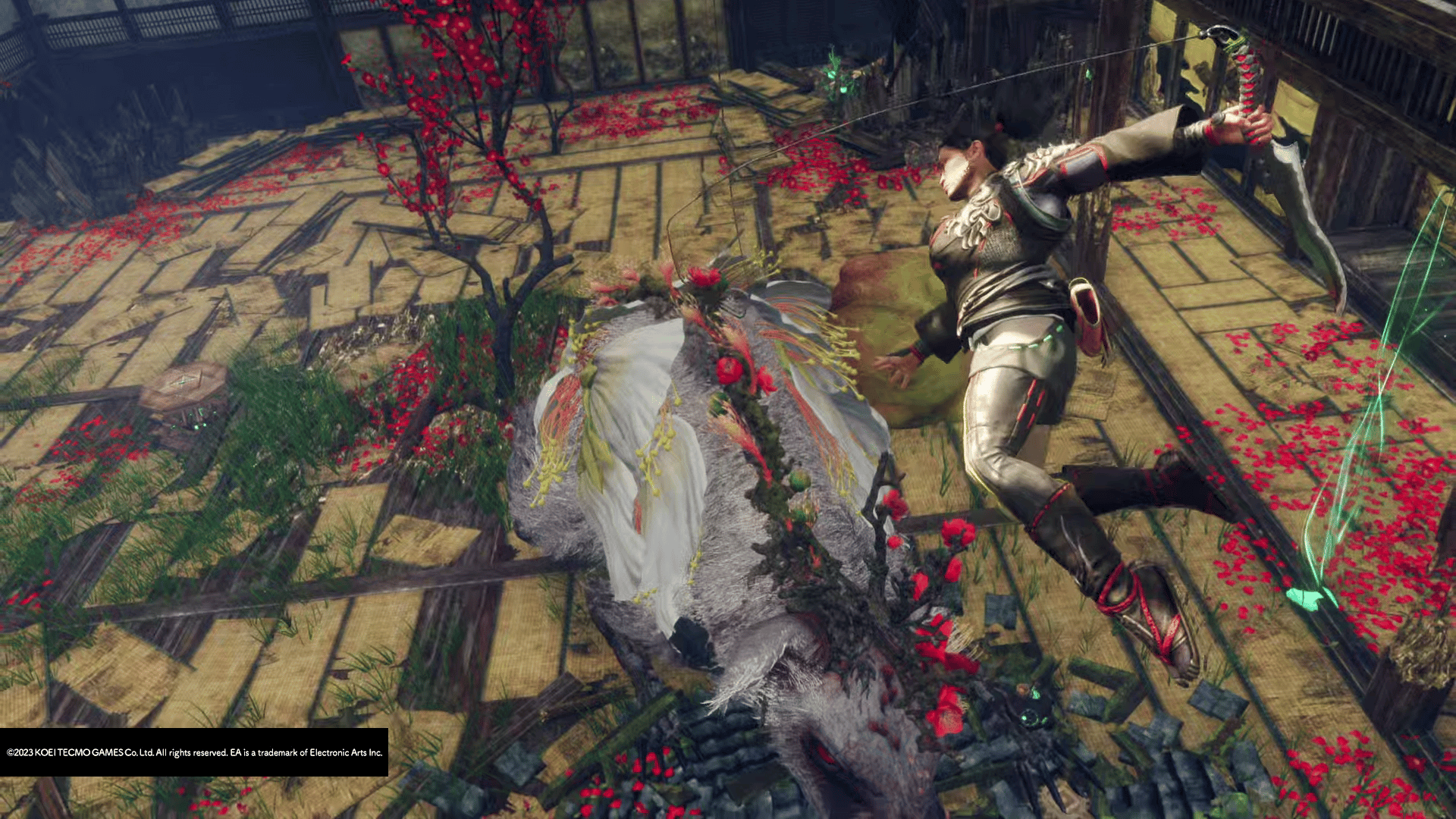
Have you ever wanted to take down enemies Attack-on-Titan-style in Wild Hearts? Swing around them and slice them apart midair? Well, Wild Hearts has just the weapon type for you. In this Wild Hearts claw blade weapon guide, we’ll show you how to nimbly cut your way through kemono and deal stylish finishers. If you’re in the mood for something flashy and fast, then the claw blade has you covered.
Unlike previous Wild Hearts weapon guides we’ve made for the starting weapon types, this one will cover two additional karakuri, namely the Torch and Glider karakuri, as you will already have unlocked them by the time the karakuri staff is available to use.
Wild Hearts Claw Blade Weapon Guide
Overview
The claw blade is a short-ranged weapon that specializes in latching onto enemy kemono. By dealing consistent damage, you’re able to build up a weapon gauge that lets you latch onto enemy kemono for an extended period of time. While latched, you’re able to move around and onto the kemono at fast speeds, weaving in and out before delivering one final attack.
Though the flashiness of this weapon may hint at a complex and difficult kit, it’s actually pretty easy to pick up, so you shouldn’t have any trouble transitioning from whatever weapon you were using in Chapter 1 if the claw blade struck your fancy.
Weapon Gauge
The claw blade has a weapon gauge that builds as you land attacks on enemy kemono. This gauge increases faster when landing airborne attacks, so you’ll ideally want to be in the air while attacking if you’re looking to build the gauge quickly.
The more filled the weapon gauge is, the longer time you’ll have while latched onto an enemy kemono, so it’s generally a good idea to maximize your gauge before you start zipping about.
Square Button – Paring Slash
The Square button executes various attacks depending on what state your character is in upon pressing. While standing still, pressing Square executes Paring Slash, a quick strike that can be chained up to eight times.
You can also input movement in a certain direction and you’ll leap slightly before striking, executing a Running Slash.
Finally, you can use Square while airborne to deliver aerial paring slashes, which, as mentioned earlier, build up your weapon gauge faster. These can be chained up to six times in sets of three.
Square attacks are your bread and butter and you’ll be using them, standing or midair, to build your gauge.
Triangle Button – Jump Slash
Like the Square button, the Triangle button executes different attacks depending on your character’s state.
Pressing Triangle will execute Jump Slash, a backwards jump strike that’s great for disengaging from a kemono.
When inputting a movement command while pressing Triangle, you execute Dive Slash, which is much like Running Slash but with more distance covered.
You can also use it while airborne to execute Forward Roll Drop Slash, which deals good damage and spins your character down to the ground.
Use Triangle attacks if you want to cover more distance on the ground or if you want to exit your aerial combo midair.
Cross (X) Button – Evasive Leap
Your jump button actually changes when using the claw blade. Immediately after executing an attack, you can press the Cross/X button to execute Evasive Leap, an upwards leap in the direction you choose (forward by default). This launches you in the air and can potentially help you dodge certain kemono attacks. You can also use this to enter an aerial combo from the ground.
Note that you can only execute Evasive Leap once if you’re already in midair, or twice if you used the first one while on the ground.
R2 – Claw Plunge
Pressing R2 will execute an attack that latches your claw onto the enemy kemono. If the attack lands, you’ll then leap back a considerable distance and a circular timer will appear on the kemono. This is your plunge timer, and it indicates how much time you have left before you unlatch from the kemono. Moving decreases the timer faster, so you’ll need to plan your moves wisely.
Note that you can also press R2 while in the air if you want to latch onto the kemono mid-combo.
Wingblade Moves
When latched onto an enemy kemono, you’ll gain access to special Wingblade moves. These moves let you dive in and out of a kemono’s inner space and deal lots of damage.
There are two special Wingblade moves that let you move around and onto the kemono. The first is Wingblade Orbit, which swings you around the kemono in the direction you’re moving in.
Wingblade Power Lunge, on the other hand, lets you dash directly onto the kemono.
While mid-lunge, you can press either Square or Triangle to execute one of two special Wingblade attacks. Pressing Square executes Wingblade Spin Slash, a spinning attack followed by a backwards swipe.
Pressing Triangle executes Wingblade Crescent Slash, which spins your character around in an upwards spiral.
You’ll also notice that your character gains an orange glow as you execute these Wingblade attacks. This is because using Wingblade attacks actually charges up your Wingblade Crescent Slash. You’ll fully build up the charge once you notice a reddened glow around your character or when you hear the associated sound effect. Executing Wingblade Crescent Slash during this charged state will add a heavy-hitting finisher to the attack, after which you will unlatch from the kemono.
Even if you manage to fully charge your Wingblade Crescent Slash early, it may be worth saving the attack until your timer’s about to expire so you make the most out of your latched state.
Karakuri Moves
The claw blade gains access to useful karakuri moves that you can use to latch onto kemono or deal damage. While the torch simply imbues your blade with fire, the other three base karakuri have their own uses:
The crate-based attack latches onto a kemono if it connects.
The spring-based attack executes a flurry of hits.
The glider-based attack lets you latch onto a kemono from a distance and while in the air.
It’s worth noting that the spring-based attack doesn’t actually build your weapon gauge, so it’s not very useful other than for entering a fight.
In Action
One of the claw blade’s quirks is that fights can be a little bit difficult to follow if you’re fighting in a closed space (such as the location you see in the footage below). In these situations, you’ll have to rely on your muscle memory, in-game sound effects, and your character’s outline as you move around.
You’ll want to time your Wingblade attacks carefully, as you can get interrupted by kemono while you’re executing them. Remember, just because you’re airborne doesn’t mean you’re immune to kemono attacks. Wait them out and go in when the opportunity presents itself.
The claw blade’s unique playstyle makes it one of the most alluring weapons in Wild Hearts, and while it can be a bit of a struggle to use in certain situations, it’s certainly one that you won’t regret picking up.
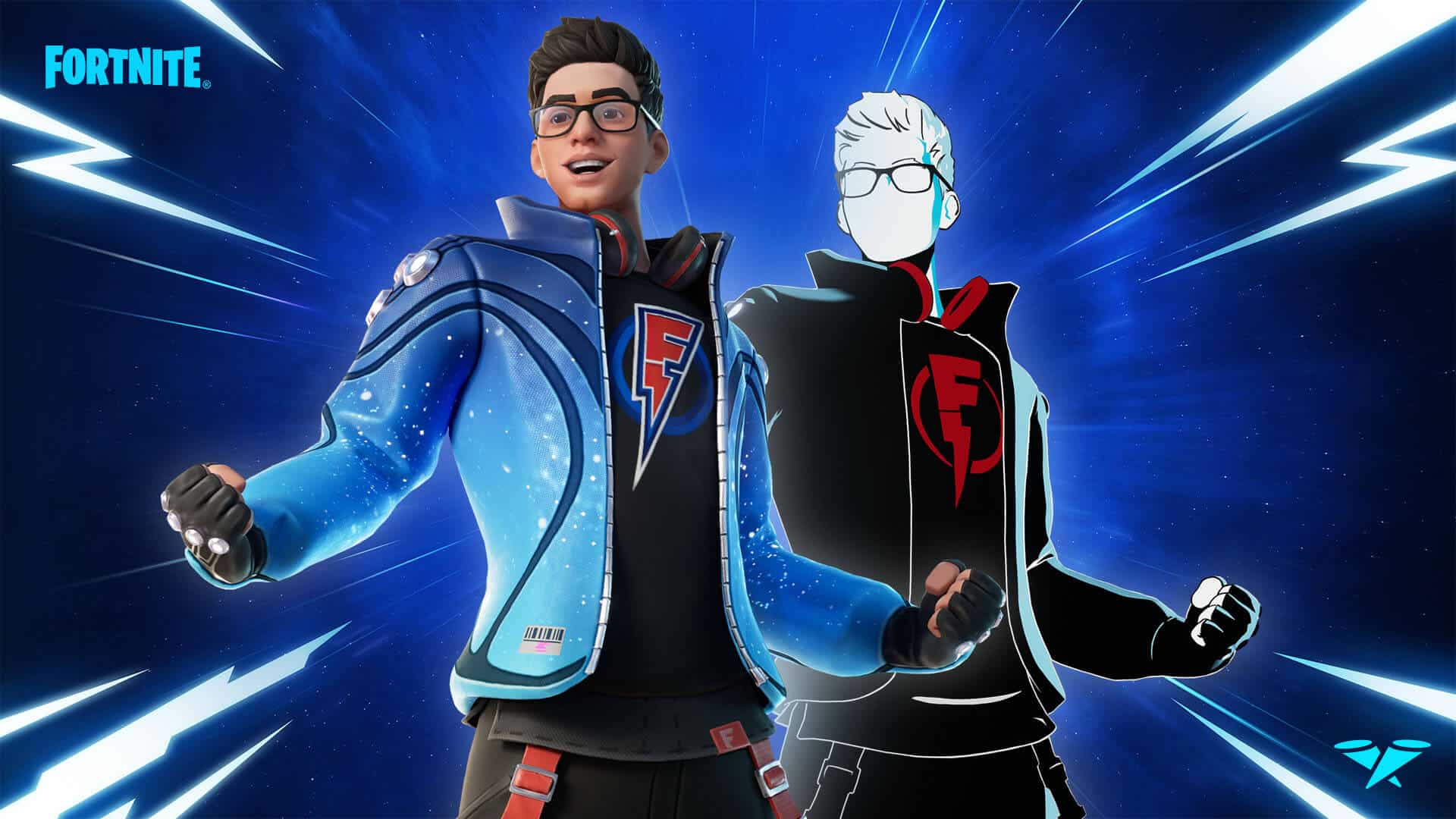
Fortnite’s Icon Series adds notable community creators as in-game outfits, and a new influencer has just been added to the roster. Flakes Power, a Brazilian content creator, joins the Icon Series with an exclusive outfit with two Styles.
A brief trailer shows off the new outfit, which you can find below:
Flakes Power’s Icon Series Set will be available in the Item Shop starting Saturday, February 25, 2023, at 7 PM ET. Want to “shock” your friends and foes alike? On Thursday, February 23, compete in the Super Flakes Cup for the opportunity to unlock his Outfit and Back Bling before they drop in the Item Shop — plus a special Spray and Emoticon.
The outfit comes with all the usual stuff you’d expect from an Icon Series entry, including a unique pickaxe, back bling, and emote. There will also be a Duos Zero Build tournament named Super Flakes Cup that will let “top point-earning players” unlock the outfit, pickaxe, and back bling before they’re even available in the Item Shop.
Iggymob has delivered Gungrave GORE update 1.06 on all platforms today, and this is for patch 1.03! This brings a host of improvements and bug fixes that are listed in the official Gungrave GORE Feb. 24 patch notes.
Gungrave GORE Update 1.06 Patch Notes | Gungrave GORE Update 1.03 Patch Notes | Gungrave GORE Feb. 24 Patch Notes:
Improvement:
Improved Seed Fall’s camera presentation
Improved sustain typed demolition shots by letting them able to aim any direction with left analogue stick after operated.
Improved Charge Shot – added
Improved Charge Shot – Slow effect added
Improved Japanese translation of Quartz’ diary
Bug Fixes
[Common]
Fixed an issue that the character being able to use quick turn while jumping
[Grave]
Fixed issue that Storm barrage: Jump being canceled when holding the shoot button while on Full Auto Mode
Fixed issue that actions being canceled after using a dodge while holding the shoot button on Full Auto Mode
Fixed issue that actions being canceled after using a Burst Mode while holding the shoot button on Full Auto Mode
Fixed issue that actions being canceled after jumping while holding the shoot button on Full Auto Mode
Fixed issue that the dodge shot being canceled because a normal shot is being executed while on dodge shot when on Full Auto Mode.
Fixed issue that the Chase is being canceled while holding the fire button on Full Auto Mode.
Fixed issue that the motion of grab being awkward when used with holding shooting button on Full Auto Mode.
Fixed issue that the Fury Mode being canceled while on landing motion.
Fixed issue that charging not being canceled when using Storm Barrage: Dodge.
Fixed issue that the motion of shooting being awkward when used right after dodging while holding the shooting.
-Fixed issue that the motion of shooting being awkward when shooting and lock on buttons are pressed simultaneously.
-Fixed issue that diagonal dodge executed in different direction from intended direction
-Fixed issue that the motion of jumping being awkward when used while in the middle of landing motion.
Fixed issue that the guns are looking awkward when the landing motion is done on high ground.
Fixed issue that the execution of Storm Barrage: Jump being canceled
Fixed issue that rate of fire being faster after Graveyard is ended.
Fixed issue that vibration on controller not being executed when shooting Charge Shot
Fixed issue that the transition form end of the Storm Barrage motion to the point of being able to move too slow.
Fixed issue of enemies being stuck on walls when the Grab is being used.
Fixed issue of character’s rotating speed does not catch up with the rotating speed of the camera when using quick turn while on Burst Mode
[Bunji]
Fixed issue that when using a grab while on Fury Mode, derivative actions of Grab being canceled and Fury Mode end motion is being executed.
Fixed issue that the Fury Mode duration being reset when jumping right before the Fury Mode is ended
Fixed issue that the vibration of controller is not being executed when shooting while on Grab.
Fixed issue that enemies being shrunk down when hit by Grab or Shoot Up
Fixed issue that the afterimage of Fury Mode effect being left after the Fury Mode is ended
Fixed issue that the vibration of controller not being executed when the character got knock backed or knock downed.
Fixed issue that the shield of enemies not being destroyed when the demolition shot is used right after shooting a gun
Fixed issue that the vibration of controller not being executed when shooting a Charge Shot
Fixed issue that the vibration of controller not being executed when shooting a Charge Shot while on dodging or jumping
Fixed issue that the Burst Mode is being executed after canceling throwing animation after Grab,
Fixed issue that the throwing animation is being canceled when used while using Grab shooting on Full Auto Mode.
Fixed issue that the jump action and other actions are input at the same time.
Fixed issue that the enemies are being stuck on the wall while being grabbed.
[Brandon Heat]
Fixed issue that the jump action and other actions are input at the same time.
Fixed issue that the transition form end of the Storm Barrage motion to the point of being able to move too slow.
Fixed issue of character’s rotating speed does not catch up with the rotating speed of the camera when using quick turn while on Burst Mode
[Quartz]
Fixed issue that the vibration of controller not being executed when the character got knock backed or knock downed.
Fixed issue that the camera is rotating around when counterattack is used while using lock on
Fixed issue that the Chase is not being executed properly when used with certain direction is input.
[Other]
Hong Kong – Fixed issue that the progress is being stuck when jumping in certain spots.
Scumland Outer – Fixed issue of Inside of Seed Refinery area 1 that the wall in the place where Orgman is being spawned being cracked.
Malaysia – Fixed issue of Summit level where Character falls down when moving to certain point of the map
Malaysia – Fixed issue of Summit where Big-Wushen Standard is being disappeared
Improved the attack pattern of enemies spawned in Vietnam Area.
Fixed issue that the UI effect of Full Auto Mode transition not being operated properly
Vietnam – Fixed issue that the idle motion is being operated at the start sequence of the Vietnam Cave level
Fixed issue that the NPCs glitching when killed while on air
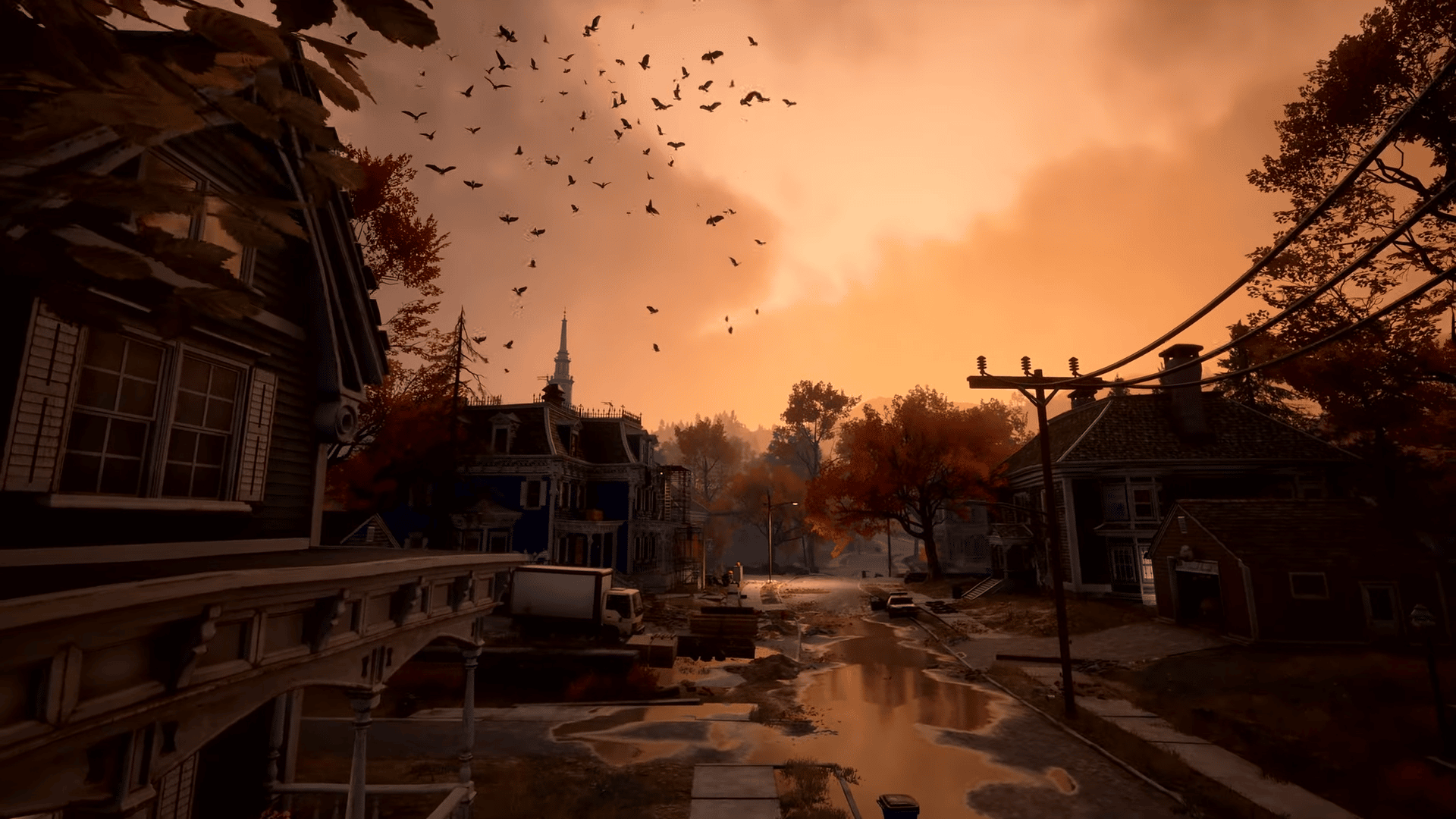
A new Redfall gameplay trailer was just published, and this one showcases the areas that players can expect to traverse through. Once a peaceful locale, the town of Redfall is now overrun by vampires, and this has drastically changed the island’s landscape.
Alongside footage of the various areas in Redfall, there’s also a little bit of gameplay footage to take a look at.
The open world of Redfall used to be pleasant, sunny, even quaint, but things have taken a turn for the worse. Overrun by bloodthirsty vampires who cast the town into darkness by eclipsing the sun, Redfall has turned into a bloodbath. The vampires have pushed back the sea from the land and made getting off the island impossible. As the town descends into chaos, the people of Redfall (those who have survived) have no choice but to fight back against the vampire threat.
Redfall launches on Xbox Series X|S and PC on May 2, 2023, and will be available on Day One via Game Pass.
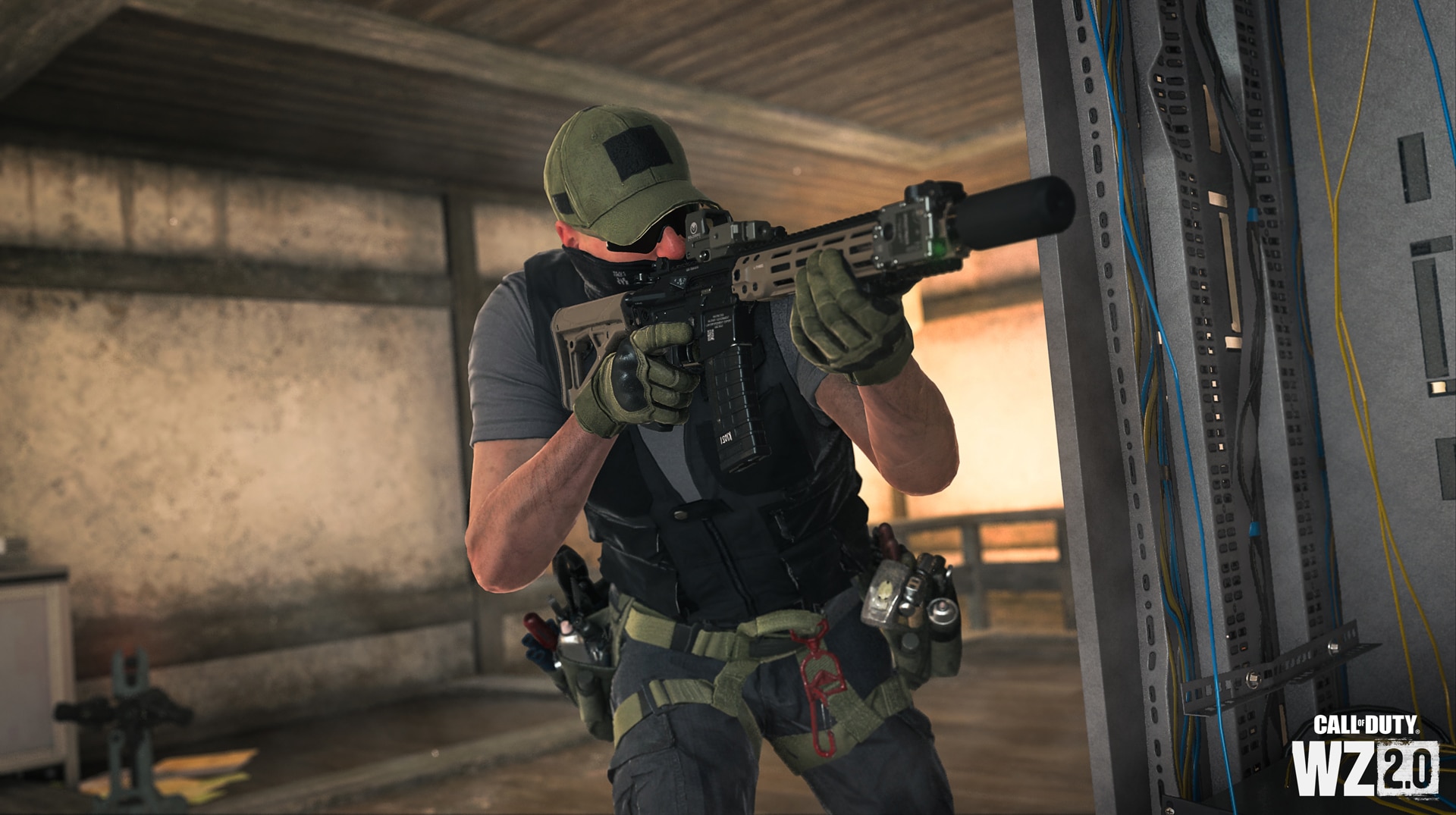
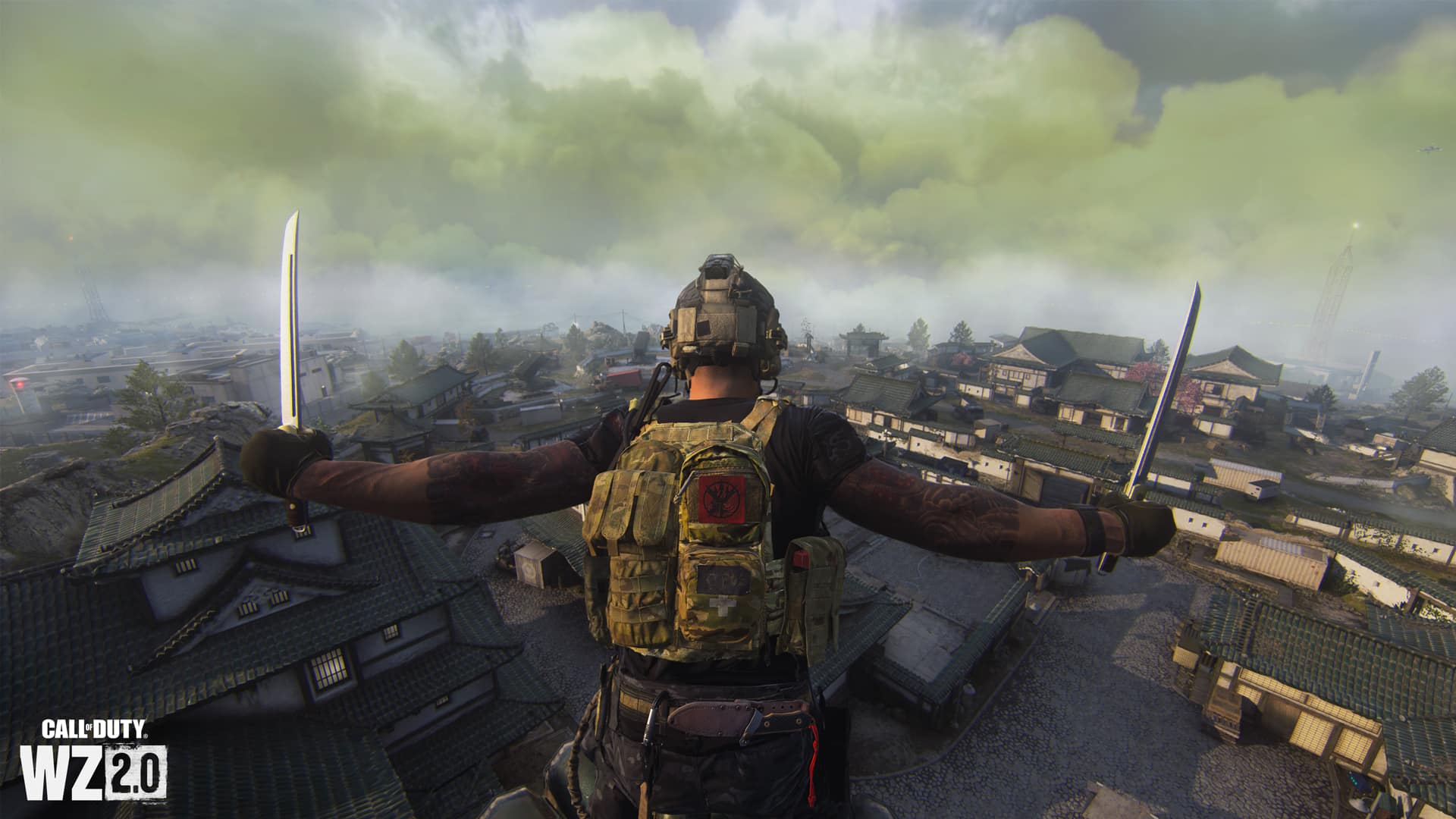
Raven Software has deployed the (Call of Duty) Warzone 2 update for Feb. 24, which is a server-side fix! This brings in a host of weapon and attachment changes, which are listed in the official new Warzone 2 update patch notes.
COD Warzone 2 Update for Feb. 24 Patch Notes | New Warzone 2 Update Patch Notes:
GLOBAL
BUG FIXES
Fixed an issue causing incomplete main menu notification text to get cut off, preventing Players from reading the full message.
WEAPONS
Weapon Adjustments
» Assault Rifles «
RPK
Increased initial bullet vertical recoil
Increased horizontal recoil
Reduced damage ranges
Kastov 762
Reduced damage ranges
ISO Hemlock
Fixed an issue causing .300 Blackout Ammunition to register as hitscan.
» Submachine Guns «
Fennec 45
Reduced far damage
Reduced damage against armor
Requires 2 additional bullets to break 3 Armor Plates
» Battle Rifle «
FTac Recon
Increased sprint speed
Lachmann-762
Increased damage range
Reduced ADS speed
Reduced hip spread min
Increased hip spread while moving
Increase sprint speed
SO-14
Increased movement speed
TAQ-V
Reduced near damage
Reduced muzzle velocity
Reduced far damage range
Reduced movement speed
ATTACHMENTS
Attachment Adjustments
» Ammunition «
Incendiary Ammunition
Residual Incendiary damage will no longer eliminate Players
Fixed an issue that prevented residual Incendiary damage from being applied to Armor.
Fixed an issue that allowed Sniper Rifles to down Players with 3 Armor Plates in a single shot while using Incendiary Ammunition.
MULTIPLAYER
BUG FIXES
Fixed an issue that caused some elements to be missing in the After Action Report.
Fixed collision issues with various elements on Embassy.
Fixed an issue allowing Players to leave Farm 18 in Infected.
Ranked Play
Fixed an issue causing Players to receive harsher suspensions than intended.
Fixed an issue causing Players to get kicked for inactivity despite being active in a match.
Fixed an issue that would incorrectly display that SR had reset to 0.
SPECIAL OPS
BUG FIXES
Fixed an issue stopping a Player being unable to move if they use the Terminals at the same time as another Player.
WARZONE 2.0
PLAYLIST
Battle Royale
Al Mazrah
Standard
Solos
Max Players: 150
Assimilation: Off
Duos
Max Players: 150
Assimilation: Refill
Trios
Max Players: 150
Assimilation: Refill
Quads
Max Players: 152
Assimilation: Refill
Ashika Island
Resurgence
Solos New!
Max Players: 52
Assimilation: Off
Quads
Max Players: 52
Assimilation: Off
For regular updates about the Playlist and other Scheduled Events, check out the dedicated Warzone Trello Board.
GENERAL
Adjusted the positioning of some geographic elements on Ashika Island to allow for better cover during engagements.
BUG FIXES
Fixed collision issues with various elements across Ashika Island allowing Players to exploit/peek/shoot through them.
Fixed an issue that caused the correct combination of Attachments with Incendiary Rounds to allow Sniper Rifles to down Players in a single shot.
Battle Royale
Fixed an issue that prevented purchased Loadout Drop Markers from equipping to the active Loadout Field Upgrade slot.
Fixed an issue that caused the Most Wanted Contract tooltip to indicate a 4 minute timer, when the actual timer is 3 minutes once accepted.
Fixed an issue that caused standard Battle Royale Solos to still use 2v2 Gulag.
Fixed an issue that would inaccurately display the “Placed 155th” message upon Squad elimination.
DMZ
Fixed an issue causing AI reinforcements on Ashika Island to clip through certain buildings.
Fixed an exploit related to getting a Weapon with extra Attachments.
Fixed an issue related to Players getting stuck with a repeating “Downloading Instance Inventory” message.
Fixed an issue related to a floating Cache used in the Radioactive Materials Contract.
RECENTLY FIXED
Battle Royale
Increased the number of Armor Plates found via ground loot across Ashika Island.
DMZ
Fixed an issue related to all Players in a Squad holding the same Weapon in the DMZ Lobby screen.
Fixed an issue that was preventing Players from unlocking new Seasonal content via DMZ extraction.
Fixed an issue causing AI reinforcements to continue to respawn without end.
Don’t forget, this is a server-side change, so there’s no need to download anything, as the patch will be applied the moment you connect to the game’s servers.
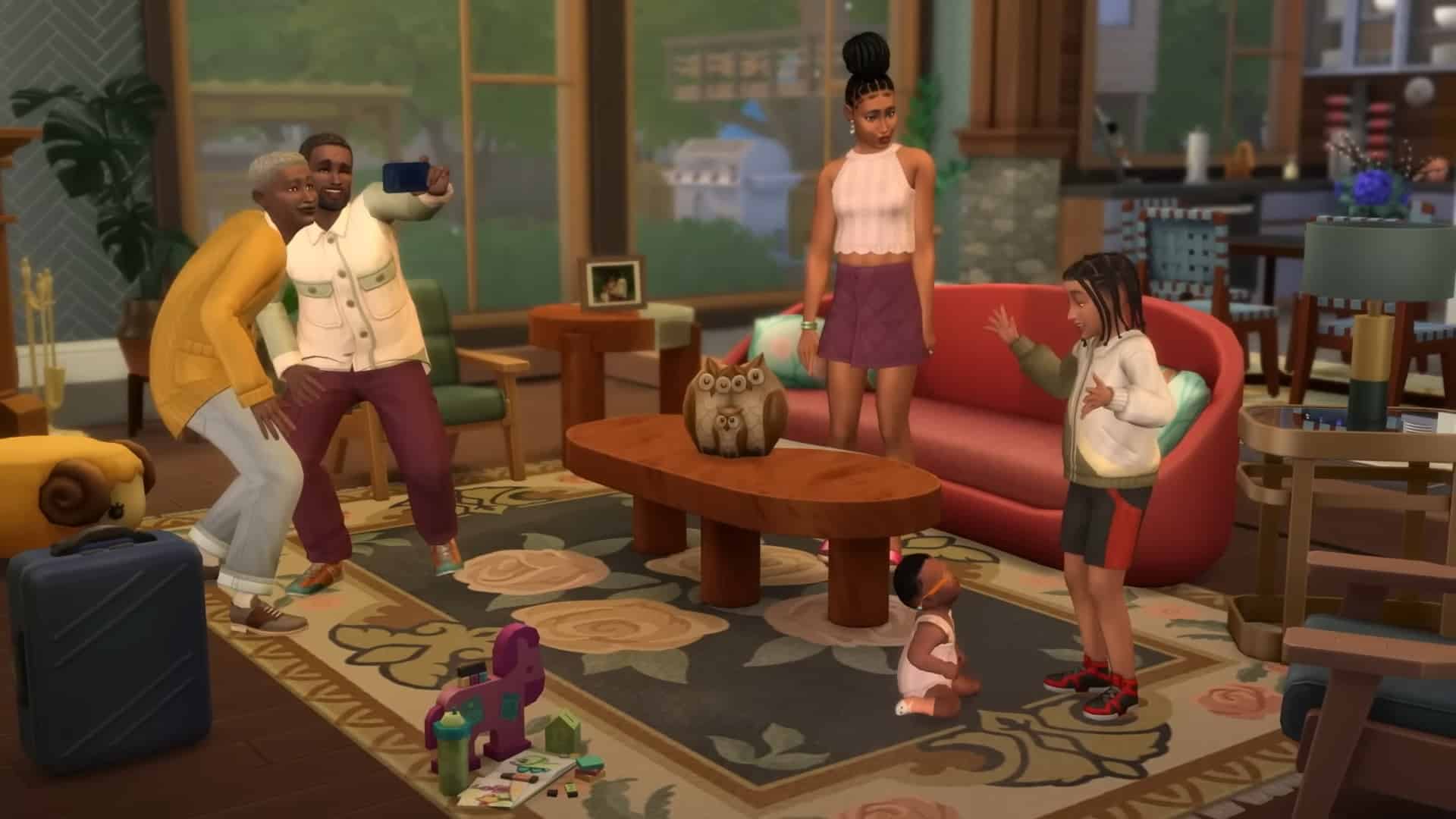
The Sims 4’s newest trailer features its upcoming “Growing Together” expansion pack, and this DLC includes a new Family Dynamics system that will make interactions between family members in a Sims household more realistic and complex.
Players can set relationships between Sims, which will result in varied and interesting day-to-day interactions between Sims in a family home. A great example of this is shown in the trailer, with an example family known as the Michaelsons.
Live a life full of important choices, memorable milestones, and dynamic relationships in The Sims 4 Growing Together Expansion Pack*, launching March 16 at 10 a.m. PT. Pre-order or buy through April 27 and get the Outdoor Playtime Digital Content**! (This content will become available when the pack launches.)
Family is at the center of a lot of the choices and milestones your Sim will be faced with in the Growing Together Expansion Pack. For example – will they let their parents move in with them? Saying ‘no’ will impact those relationships and saying ‘yes’ could make life at home a lot more complicated. What if your Sim’s parents don’t get along with their partner? For you, the choice might be whether you want to keep the peace or stir up some drama.
New relationships are getting more dynamic too. If your Sim goes out to meet new people, they might find someone they instantly like who they could be friends with for life. Or they could meet a lifelong enemy. Social chemistry will make some Sims click and some Sims clash, and how they navigate these feelings is up to you.
The Sims 4’s Growing Together expansion pack will be available on March 16 on PS4, PS5, Xbox One, Xbox Series X|S, PC, and Mac.
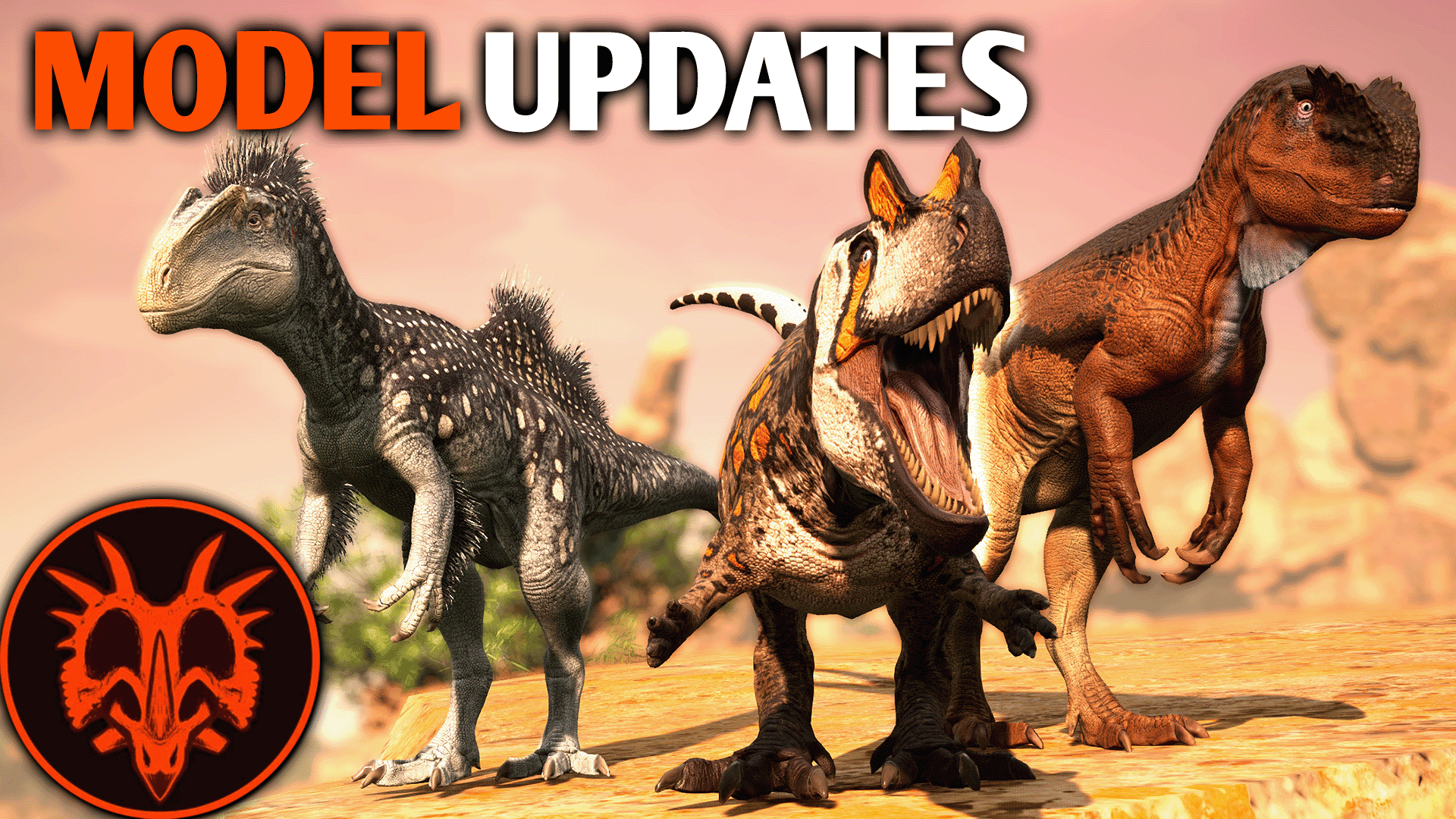
Alderon Games has pushed out Path of the Titans update 1.30, and this is for a model update for the dinos! Read on for what’s new in the Path of the Titans Feb. 24 patch notes.
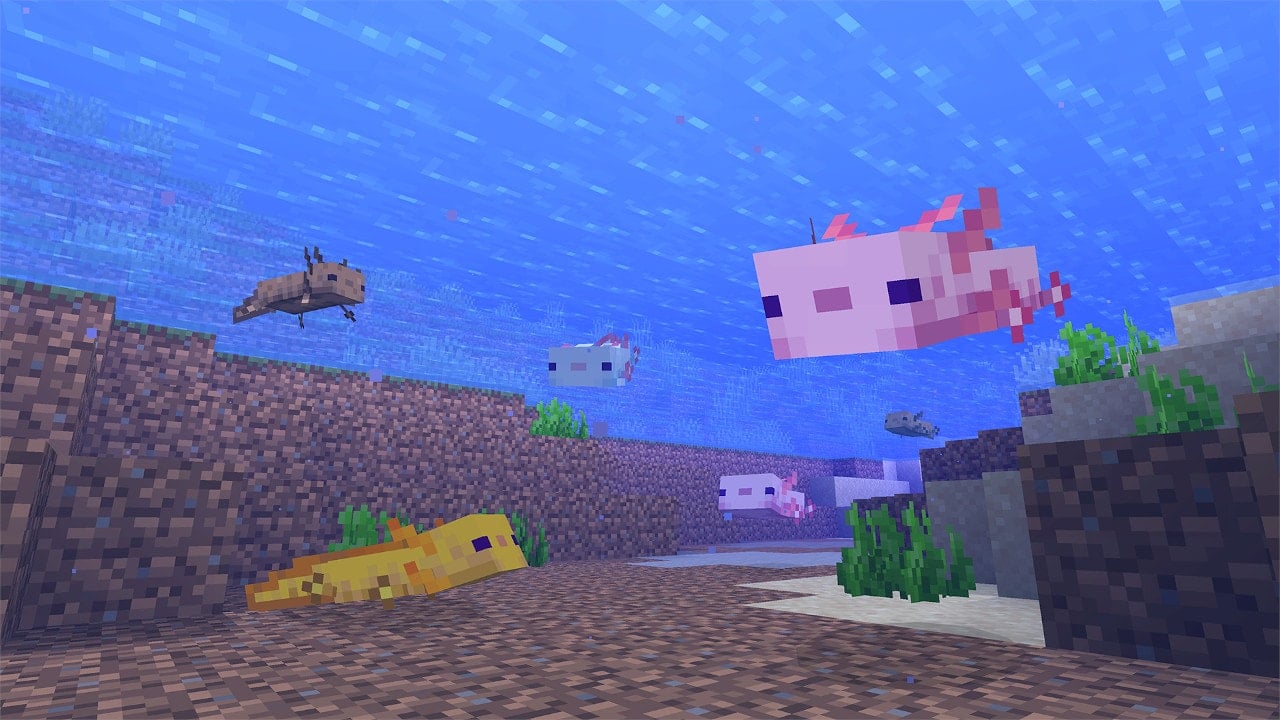
4J Studios has rolled out Minecraft update 2.58, which is for patch 1.19.63! This brings another round of fixes on all platforms, with the full details available in the Minecraft Feb. 24 patch notes.
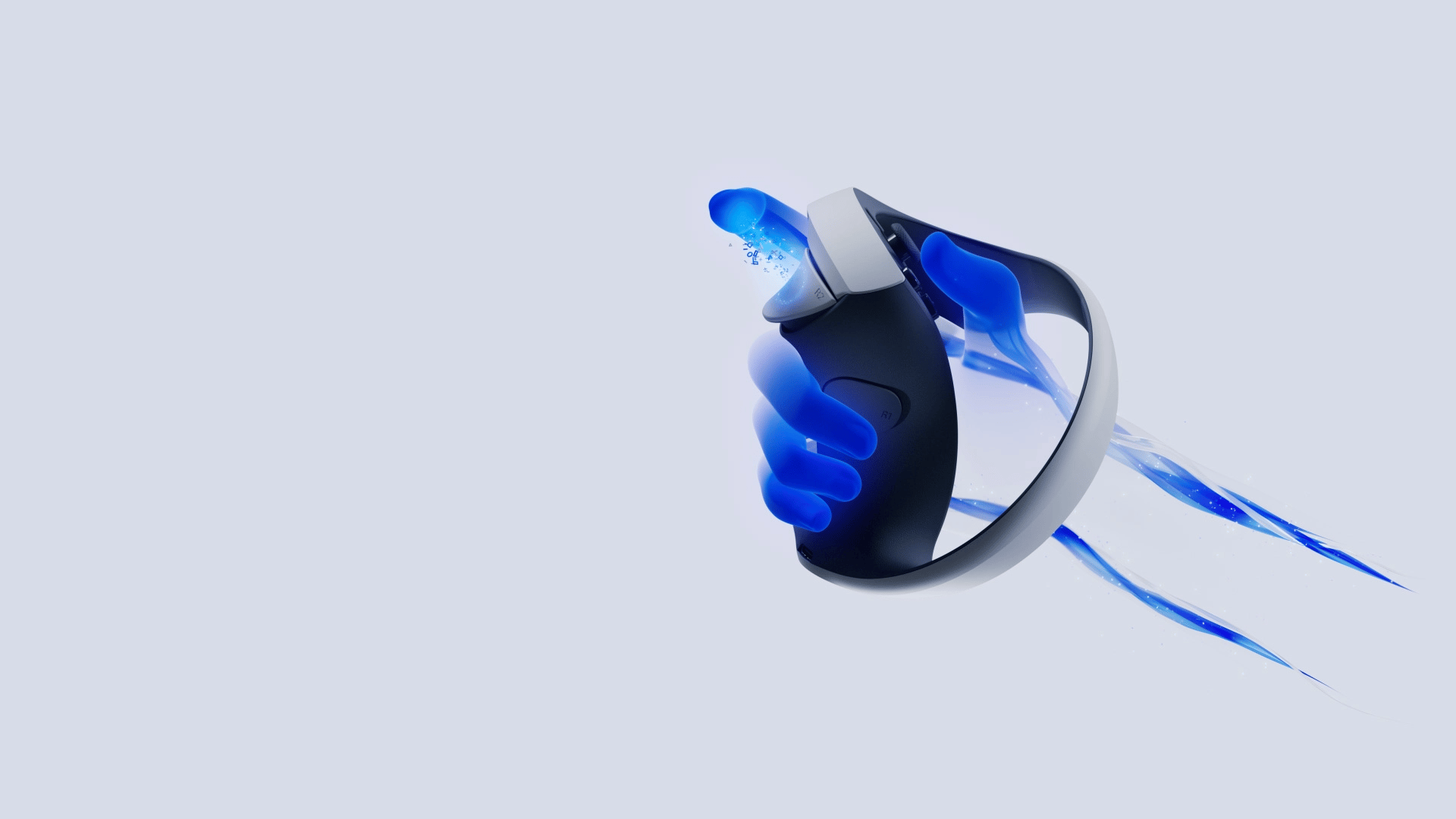
Multiple reports from various PlayStation VR2 players claim that they are having problems with their Sense controllers, and it’s an issue that apparently affects multiple games. While everything works fine on the PS5 menu, the right Sense controller doesn’t seem to register any button presses. The PSVR2 right Sense controller issue is causing quite a bit of trouble for users, and a Reddit thread was made over on the r/PSVR subreddit to provide potential solutions.
PSVR2 Right Sense Controller Issue Workaround and Fixes:
Here’s a full list of the solutions listed in the thread:
Potential fixes
OFFICIAL PLAYSTATION METHOD FROM THE TROUBLESHOOTING PAGE: Turn off PS5. Reset both controllers using a pin. Plug right controller into PS5 and press PS button to turn on console. Pair the left controller per the on screen directions. Thanks /u/Both_Ad_7215
WORKED WELL FOR ME TURN THE AFFECTED CONTROLLER OFF AND ON: You can turn off the controller by holding the PS button until a notification pops telling you that it has been disconnected. In the process, you will be booted to the home menu. So use the unaffected controller to go back into the game (or use DualSense – I wasn’t able to get back into the game using only my normally-functioning left Sense), then press the PS button on the affected controller to turn it back on. As with similar fixes, make sure you are literally looking at an in-game screen and NOT See Through mode or the home menu when you turn the controller back on. I have been able to keep the right Sense working properly even after switching games with this method. Not sure if it will stay fixed after entering rest mode though.
ORIGINAL VERSION OF THE ABOVE THAT ALSO WORKED FOR ME: I started the console with the DualSense and turned on the headset. At this point the Sense controllers were off because they had not been touched since the system came on. Using the DualSense, I went into the game I wanted to play with the Sense controllers (Rez). Then, without turning on the See Through (or “View Surroundings”) mode, I used the PS button to turn on the right Sense controller. Once it was on, I did the same for the left. I think it’s important that I was in the game and not some other screen (like the PS Menu or See Through mode) when I turned on the controllers. Huge thanks to /u/iamthecowman for this fix and to /u/stlbilly for the crucial detail about See Through mode!
TURN THE UNAFFECTED CONTROLLER OFF AND ON: Same as the method two paragraphs up, but with the unaffected controller. Unconventional, but people say it really works! (I originally had a little more info here, including a link to a comment from someone who contributed this fix, but reddit does a fun thing where it sometime deletes half of the post when I go to edit it, so I’m recreating this all from a draft I saved yesterday. I’ll add the missing info when I find it in the comments!)
RESET THE CONTROLLERS: In the affected game, reset one or both of the controllers by sticking a pin in the tiny hole next to R2/L2. You will feel a click – keep holding until the controller disconnects. Then press the PS button to turn the controller back on. A paper clip is probably too big because the hole is TINY. I used a tiny safety pin. Note that you have to actually be in the game versus See Through (or “View Surroundings”) mode or any other non-game screen when you press the PS button to turn it back on after resetting it. So if you use See Through mode to see so you can reset the controller, turn it back off before you hit the PS button. You might have to do this every time you go into a new game until there is a lasting fix.
DISCONNECT AND RECONNECT THE AFFECTED CONTROLLER: “I am one of the ones that has this issue with the left controller but what finally worked for me was fully boot up a game with both dual sense psvr controllers active. Suspend the game and go to the main ps5 console settings. Go to your Bluetooth settings and disconnect the controller that is not working. Go back into your suspended game. Push the ps button on the left stick in game to reconnect your controller and then boom. It works.” Thanks /u/TardisTraveler87
TURN FEEDBACK OFF AND ON: Connect your PSVR 2 system to your PS5 console. Make sure that your controller is completely charged and paired with your PS5. Head over to the Settings option. Select the Accessories option. Select the Controller (General) option. Select the Trigger Effect Intensity option. Disable the trigger effect. Enable the trigger effect again. Via dotesports.com.
DELETE AND RESYNC: Go to the settings menu (gear in the top right corner of the screen). Scroll down to accessories. Select General. Select Bluetooth Accessories. Select VR2 Sense Controller (L) and press delete. Repeat step 5 for VR2 Sense Controller. Resync the controllers one at a time via the USB Cable. Thanks /u/RaveMasterSenpai for this one!
DISCONNECT DUALSENSE: Basically what it says on the tin – turn off any connected DualSense controllers so that only the Sense controllers are connected. Thanks /u/Smitty0324
RESET ALL DUALSENSE CONTROLLERS: Reset all connected DualSense controllers by pushing the button in the hole next to the Sony logo on the back of the controller. Thanks /u/Proof_Original6138
TAKE OUT THE NUBS: If you use the official charging dock, try removing the little charging nubs from the Sense controllers. Make sure you put them someplace safe – those suckers are tiny! Thanks /u/luthienxo
CHAOTIC BUTTON MASHING: Just keep mashing the buttons on the affected controller until they “wake up.” Thanks /u/Dassa1744
CHAOTIC BUTTON REMAPPING: Enable your own button mapping for the controllers in the settings, switch some buttons randomly, then reset to default. If that doesn’t work, try switching the sticks and then disabling the button remapping before turning it back on and un-switching the sticks.
The thread is updated fairly regularly, and you can find various suggested fixes and solutions that may work for you if you’re experiencing the same issue. Some of the solutions mentioned in the thread include turning the affected controller off and on, resetting the Sense controllers, or disconnecting your DualSense controllers if they’re connected. There’s also a small list of games at the bottom of the thread that you can play despite the connection issues, such as Gran Turismo 7, which doesn’t actually support the PSVR2 Sense controllers in favor of DualSense and third-party steering wheel controllers.
Sony has yet to make a statement on the controller issues. Once we get more info on the matter, we’ll let you know.
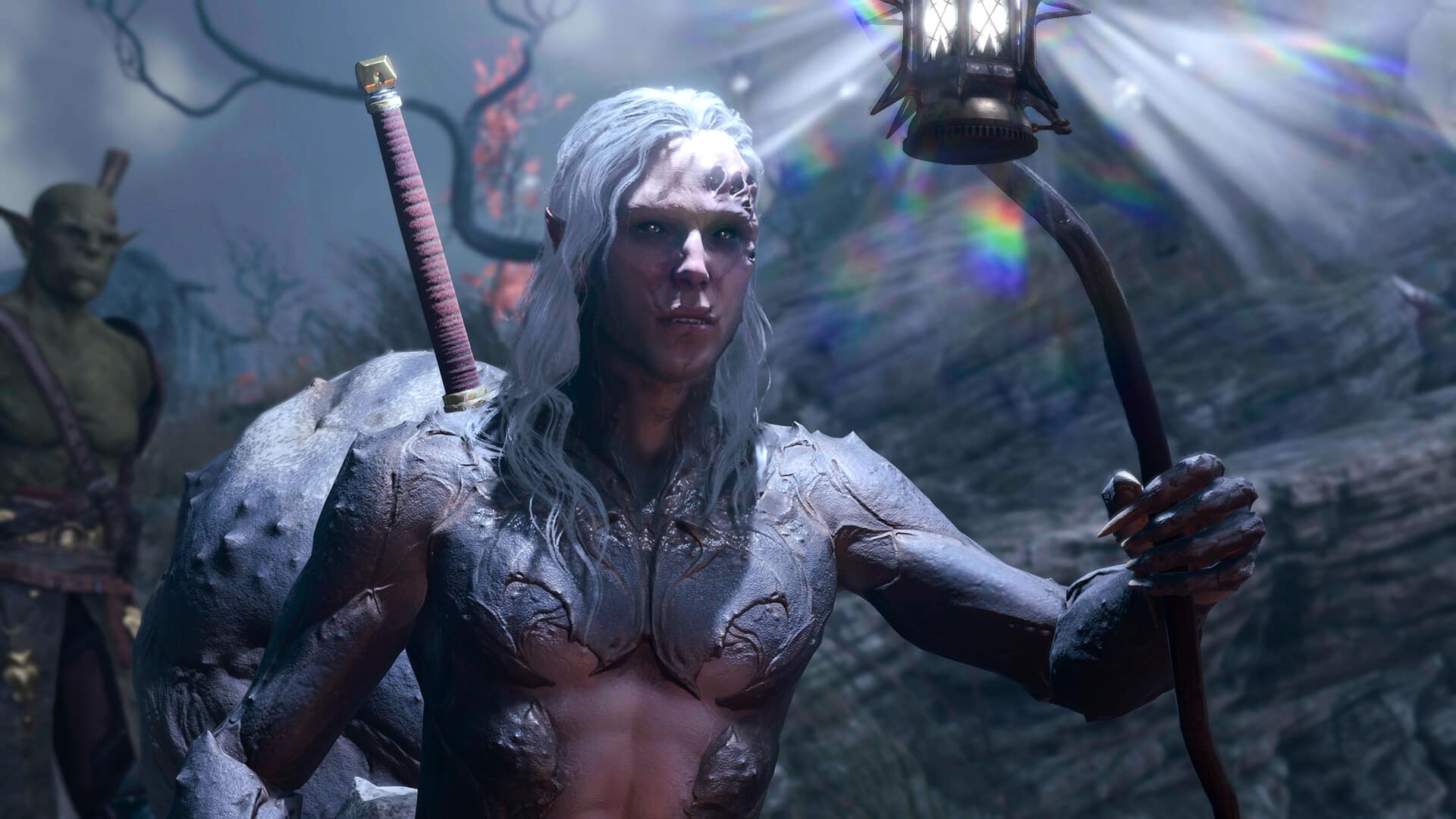
After announcing the game’s August 31 release date at yesterday’s State of Play event, a PR representative for Larian Studios revealed that Baldur’s Gate 3 is not a PS5 console exclusive, and that Larian Studios is free to develop versions of the game on other platforms including Xbox consoles should it so desire. Larian Studios has now issued a full statement, revealing that while an Xbox version of the game is in fact in development, issues with incorporating split-screen co-op to the same standard on both Xbox Series X and Series S consoles are delaying its release.
Larian Studios’ long-awaited Baldur’s Gate 3 title debuted with a new turn-based combat system through Steam Early Access in late 2020. Since then, the developer has been collecting extensive player feedback and incorporating changes for over two years. Yesterday, during the PlayStation State of Play event, it reaffirmed the August 2023 launch window announced in December with an exact date: August 31, 2023.
Fans were quick to notice that Larian Studios made no mention of an Xbox release despite the fact that the game will also be releasing on PC, macOS, and GeForce Now on the same date as the PS5 release. A PR representative for Larian Studios came out to clear the air, shooting down the idea of Baldur’s Gate potentially being exclusive to PlayStation consoles:
Right now Larian is planning to release Baldur’s Gate 3 for PC, Mac, GeForce NOW, and PS5. That said, they don’t have exclusivity and will announce support for additional platforms if and when they’re ready.
As such, Larian Studios is free to release Baldur’s Gate 3 on Xbox Series X|S and Xbox One consoles should it feel the need to. Keeping in mind that no Xbox release has been announced in the almost four-year period since the initial announcement, it may have been reasonable to assume that an Xbox version of the game was never planned.
Larian Studios has now released a full statement about the matter, revealing that “technical issues” with an Xbox version that is indeed in development have kept the studio from formally announcing it:
Following yesterday’s PS5 and release date announcement, we’ve clarified that right now, we’re planning to release Baldur’s Gate 3 for PC, Mac, GeForce NOW, and PS5. That said, we have no exclusivity for which platforms we can bring BG3 to, or when, and will announce support for additional platforms if and when we’re ready.
We’re seeing a lot of varied interpretations of what that means, so we wanted to clarify further. We’ve had an Xbox version of Baldur’s Gate 3 in development for some time now. We’ve run into some technical issues in developing the Xbox port that have stopped us feeling 100% confident in announcing it until we’re certain we’ve found the right solutions – specifically, we’ve been unable to get split-screen co-op to work to the same standard on both Xbox Series X and S, which is a requirement for us to ship.
There’s no platform exclusivity preventing us from releasing BG3 on Xbox day and date, should that be a technical possibility. If and when we do announce further platforms, we want to make sure each version lives up to our standards and expectations.
No release date for the Xbox version has yet been announced, but Larian Studios’ statement has at least confirmed that Xbox gamers will eventually get to enjoy Baldur’s Gate 3 at some point. Let us know what you think about Baldur’s Gate 3 on Xbox in the comments below, and check out the rest of our coverage of the State of Play event as well.
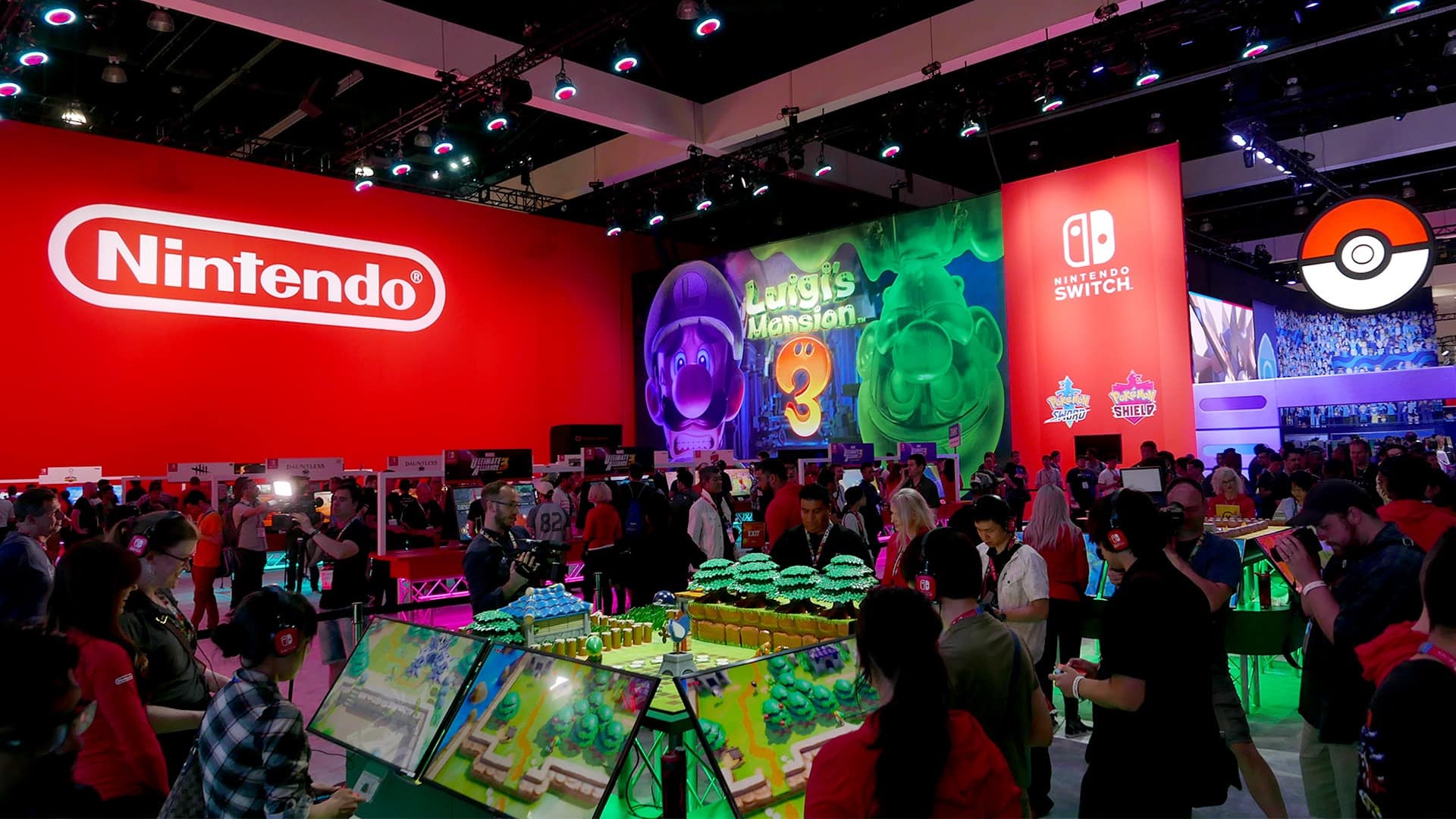
Nintendo has confirmed that the company won’t be on the show floor during this year’s E3. This follows an initial report that the Japanese media firm wouldn’t show up at E3 2023 alongside PlayStation and Xbox, two other game industry giants.
A recent statement made by Nintendo to IGN confirmed the company’s absence. Here’s the full quote:
We approach our involvement in any event on a case-by-case basis and are always considering various ways to engage with our fans. Since this year’s E3 show didn’t fit into our plans, we have made the decision to not participate. However, we have been and continue to be a strong supporter of the ESA and E3.
Despite gaming’s “Big Three” not being present at this year’s E3, Ubisoft has recently stated that the company would attend the show, promising a “strong line-up” at the event.
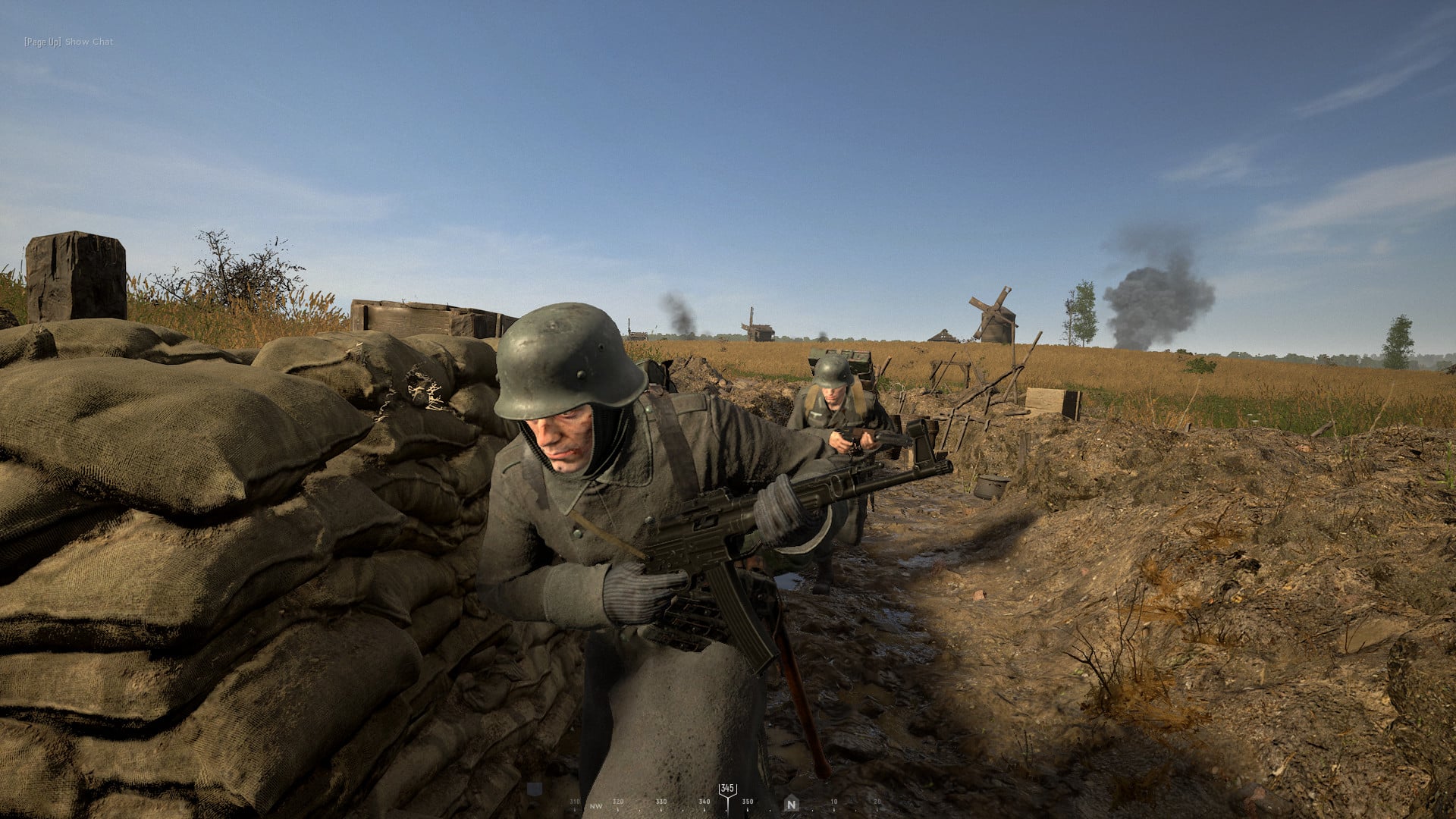
Hell Let Loose, the historical WW2-inspired FPS title, will no longer be developed by Black Matter, the studio that initially foresaw the game’s development. Instead, publisher Team17 is setting up a new team to take the reigns of the WW2 shooter.
While Black Matter left to prepare for “their next project,” the studio didn’t leave development without leaving a goodbye note to the community. Here’s an official message from the Black Matter team:
“The last twelve months have been bittersweet for us as a team. We’ve been thrilled to see how our colleagues at Team17 have picked up the reins with such incredible enthusiasm and attention to detail, but we’re also going to miss working on the title.
As a team, we want to say a huge thank you for the incredible support this community has given us for the years that we’ve worked on Hell Let Loose. It’s been a fantastic journey and one that we can’t quite believe when we look back at all that has happened.
Fundamentally, Hell Let Loose has taken on a life of its own and is now far bigger than we ever could have imagined. It’s been a privilege to work with you on refining it and crafting it into what it is today.
We are excited to join you on the battlefield now and in the future – not as developers, but finally as players – thrilled in the knowledge that the best days of Hell Let Loose are ahead of us.”
Filling in Black Matter’s shoes will be a new studio made for Hell Let Loose, with “veteran developers who have worked on numerous AAA titles.” The new team will hopefully allow Team17 to roll out more quality-of-life improvements across all of the game’s platforms before introducing new updates. A roadmap for 2023 has also been announced and will come out in the following weeks, alongside regular updates that players can expect to receive.
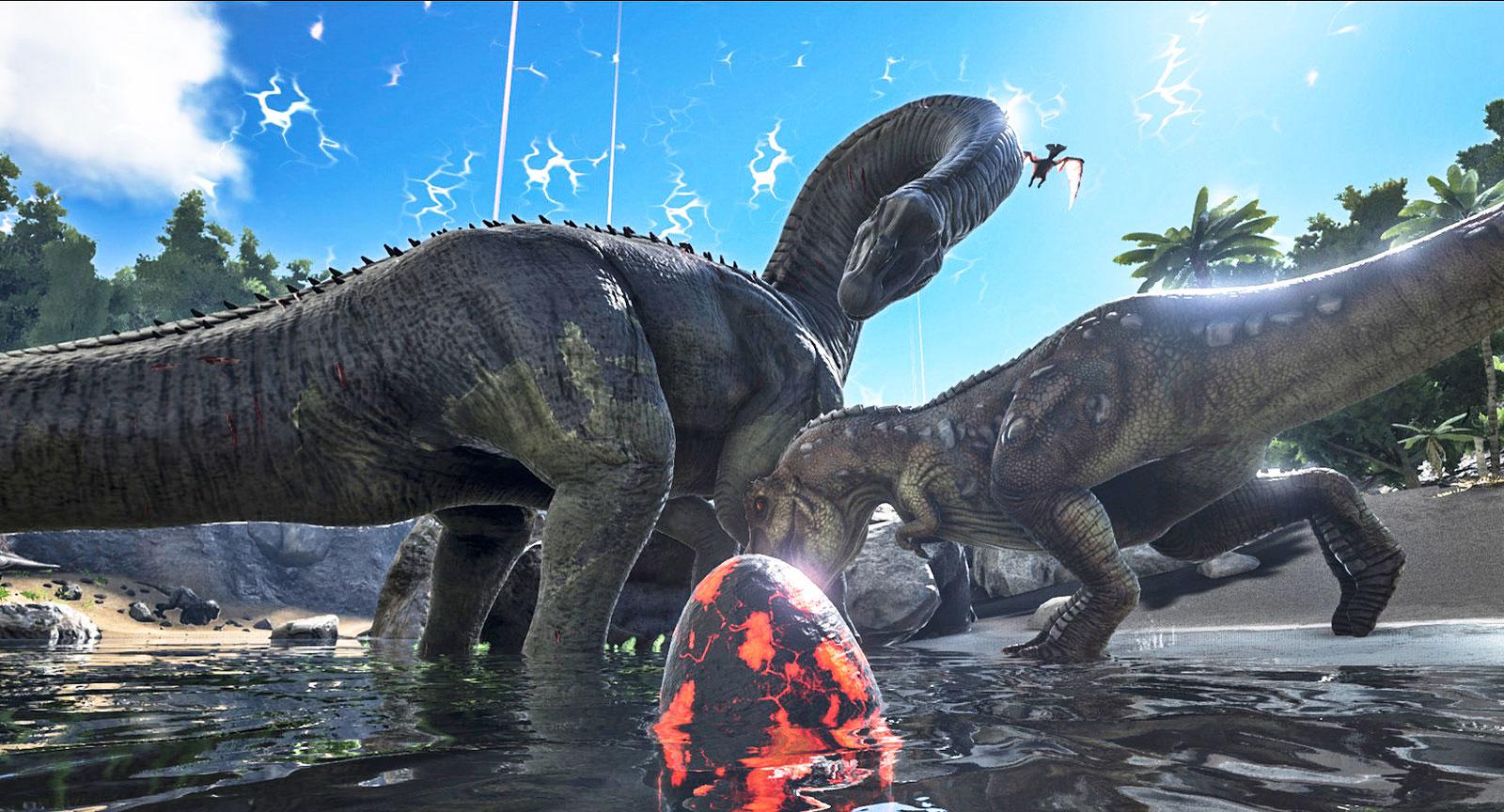
Studio Wildcard has released Ark Survival Evolved update 2.92, and this patch has been pushed out for minor fixes. Don’t expect any new content from this title update. You can read the Ark Survival Evolved Feb. 24 patch notes below.
Update 2 : This patch also brought the Survival of the Fittest battle royale mode into the game!
Originally beta-launched in 2016, the redesigned and rebuilt ARK: The Survival Of The Fittest is the only battle royale focused on large-scale creature-army confrontations, combined with a Real Time Strategy (RTS) overlay, for unique experiences in every match. Survivors will assemble dinosaur armies and duke it out in epic dino-battles until one tribe is left standing victorious.
Update: Here’s what got announced by Studio Wildcard:
v712.11 – 02/24/2023 – Major version for servers and clients
The Survival of The Fittest launch for PlayStation 4 Pro and PlayStation 5
Here are the patch notes for last week’s Xbox update which Studio Wildcard has confirmed will be roll out this week:
v957.70 (957.75 client) – 02/17/2023 – Minor version for servers and clients
Fixed a crash
Fixed an exploit
Fixed issues with painting
v957.69 (957.71 client) – 02/17/2023 – Minor version for clients
Fixed a UI bug negatively impacting client performance on TSOTF
v957.69 – 02/16/2023 – Major version for servers and clients
The Survival Of The Fittest launch
Fixed being able to select access inventory from radial wheel on gamepad while In Exo Mek
Adjust “Transfer All” cooldown to 2 seconds
Fixed a crash
Fixed multiple exploits
Exo Mek structure pickup now respects tribe permissions
Carcha will now drop Giga hearts
Here’s confirmation of today’s PlayStation patch being the same as last week’s Xbox title update:
Hey TSOTF Survivors!
We're submitting an update for Xbox to resolve performance issues, especially on old-gen hardware (PC too!). Unfortunately, this delays the PlayStation launch until next week as we'll need to incorporate these fixes.
The Xbox patch is the same as the PC patch released recently as well. If there are other changes listed by Studio Wildcard for today’s patch, we’ll update the article.
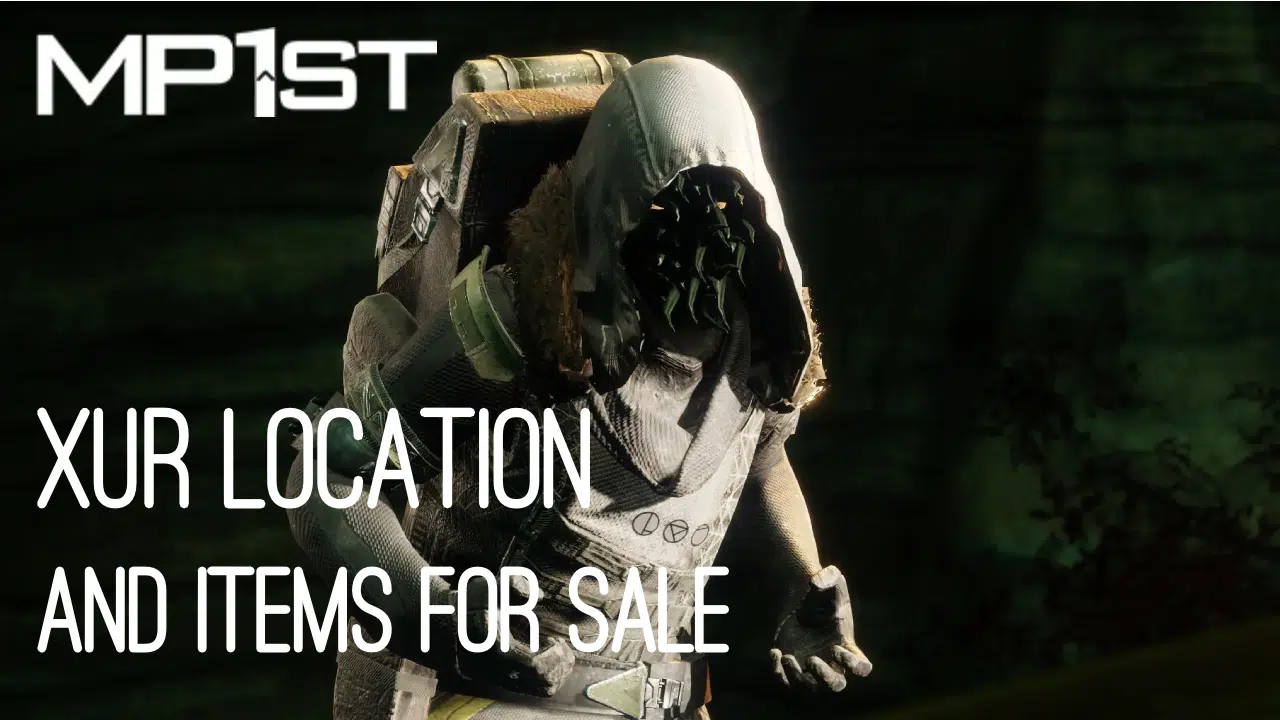
It’s Friday and for Destiny 2 players, this means Xur is back to sell his wares! If you’re asking what Xur is selling in Destiny 2 this week and where he’s holed up, we’re here to help! The MP1st new Destiny 2 Xur location today, February 24, 2023 post is live, and you can check out Xur’s list of items this week in one handy list below.
New Destiny 2 Xur Location Today February 24, 2023 (And What Xur Is Selling):
Complete Vanguard playlist activities, or win matches in Crucible or Gambit. Extra progress is awarded for more challenging activities and for succeeding with clanmates.
Engrams
Name
Description
Cost
Exotic Engram
An engram with a predestined outcome. Contains a new Exotic if any of the possible rewards remain to be collected. Preview contents for possible rewards.
Xûr, Agent of the Nine, is a strange vendor who randomly appears in a Public Sector on one of the Worlds. Xûr sells Exotic equipment and only takes Legendary Shards in exchange for them.
TL;DR: He’s the Santa Claus of Destiny and every weekend is Christmas. Sometimes he brings you what you want, sometimes he brings you coal. Mostly it’s coal.
When does Xûr visit?
Xûr visits every Friday at 17:00 UTC and departs at Weekly Reset (Tuesday 17:00 UTC). If you would like to see all the live conversions of Time Zones, please follow this link here.
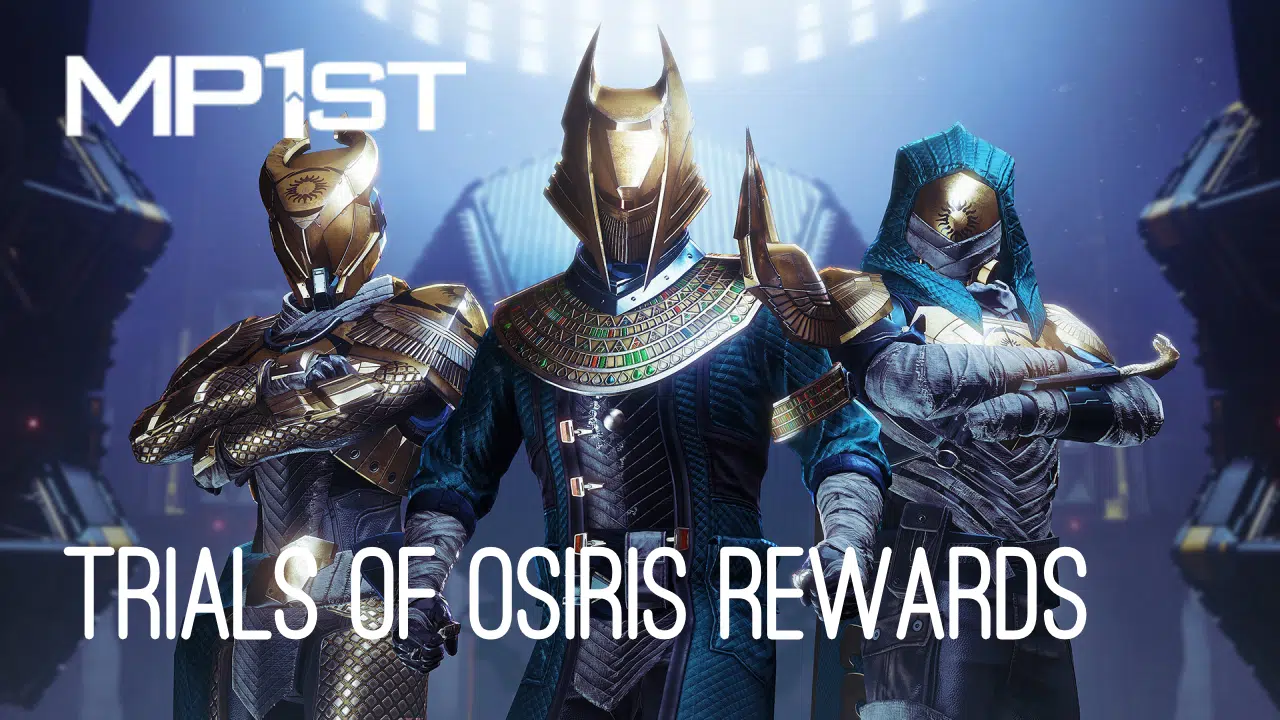
For those seeking the latest rewards in Destiny 2’s weekly PvP mode, MP1st is here to bring you the new Destiny 2Trials of Osiris rewards and map this week February 24, 2023 edition!
New Destiny 2 Trials of Osiris Rewards This Week February 24, 2023:
Reputation Rank 10: Trials Weapon (Changes for each rank reset)
Reputation Rank 13: Upgrade Module (2)
Reputation Rank 16: Trials Weapon (Changes for each rank reset)
Flawless Reward: Burden of Guilt (Adept)
Reputation System, Trials Engrams, and Adept Farming
Win individual rounds within each match to gain Trials reputation. The amount of reputation you gain increases with each round you’ve won on your card. Earn enough reputation, and you’ll be able to claim a Trials Engramfrom Saint-14! This engram can be focused into any currently available trials loot you have previously obtained, or it can be taken to Master Rahool for a random Trials drop. Your reputation increases after every match completion, based on the number of round-wins on your card, regardless of the result of that match itself (win or lose, 0-5 or 5-4).
Once you have gone Flawless, keep playing! Every win you achieve while at the 7-win level, even if you lose your Flawless, has a chance to drop bonus Trials Engrams, adept weapons, prisms, and even Ascendant Shards. There is no penalty for losing once you’ve made it to the Lighthouse!
When you’re done, you can cash in your 7-win passage for one additional adept drop, granted you have gone Flawless that week. This resets your card so you can start anew.
Passages
Name
Perk
Cost
Passage of Ferocity
Your third match win grants a bonus win.
10000 Glimmer & 15 Legendary Shards
Passage of Mercy
Forgives one loss per run.
10000 Glimmer & 15 Legendary Shards
Passage of Wealth
Increased Trials Rank points from reaching 3, 5, and 7 match wins on a ticket.
Though Activision has delayed Treyarch’s upcoming mainline Call of Duty title to 2024, a new report has revealed that the rumored “Call of Duty 2023” will be a full-fledged game helmed by Sledgehammer Games. The Infinity Ward-supervised game will continue the Modern Warfare 2 story and carry over its maps and modes, having expanded in scale from a premium MW2 expansion to a full-sized release.
Though a Treyarch-developed Call of Duty title was delayed from a 2023 release to 2024 early last year, Activision revealed a full premium game in the works to be released this year in its latest quarterly earnings report. This premium game is reportedly being developed by Sledgehammer Games, which was most recently responsible for Call of Duty: Vanguard. Sledgehammer was intially commissioned to develop a premium expansion for Infinity Ward’s Modern Warfare 2 to fill the gap until Call of Duty 2024, with a single-player campaign and several multiplayer maps. In the time since, it has evolved into a full-fledged title set to continue Modern Warfare 2’s story, but will probably not be Modern Warfare 3 according to the report.
Activision’s plan for the game is for it to “feel like a standalone, full-price release and also an extension of Modern Warfare 2.” Currently, the game will carry over “maps and modes” from Modern Warfare 2, but these plans could change between now and the game’s launch window.
Activision spokesperson Neil Wood did reaffirm that a “premium Call of Duty” game will be releasing this year, but revealed no additional details, saying the company has “nothing new to share.”
Stay tuned here at MP1st for all upcoming Call of Duty 2023 announcements and updates, as well as our active, detailed coverage of Modern Warfare 2 and Warzone 2.
The sequel to the 2017 social horror game will bring the franchise to console platforms for the first time. World Makers has announced that Deceit 2 will be coming to PlayStation and Xbox consoles as well as PC when it launches later this year. The game is being developed in Unreal Engine 5 with horrifying gorgeous visuals and detailed character models, and is upgrading the maximum player count from six to nine players.
First announced last October, Deceit 2 includes three new characters, new maps, combat abilities and items, next-gen visuals developed in Unreal Engine 5 and more new content as detailed below:
New Next-Gen Visuals: All-new visually stunning characters and maps built completely from the ground up for modern platforms in Unreal Engine 5.
Increased Player Count:Deceit 2 expands the player cap from six to nine players. Maps and gameplay have been redesigned to accommodate larger matches.
Overhauled Combat: Intense chase sequences with remastered Terror monsters, new items and abilities, and interactive maps provide groundbreaking asymmetric action.
Three New Characters: A set of brand new characters join the roster.
Enhanced Story Content: Detailed backstories and expanded lore wrap the characters and players into a richer universe.
Rich Investigation Mechanics: New items, clues, and abilities flesh out the investigation gameplay.
More to be announced soon!
The game’s Steam page is live now. More information about Deceit 2 can be found in an official FAQ here.
Deceit 2 will release for PC, PS5, PS4, Xbox Series X|S, and Xbox sometime later in 2023. Stay tuned here at MP1st for all upcoming updates and announcements about the game.
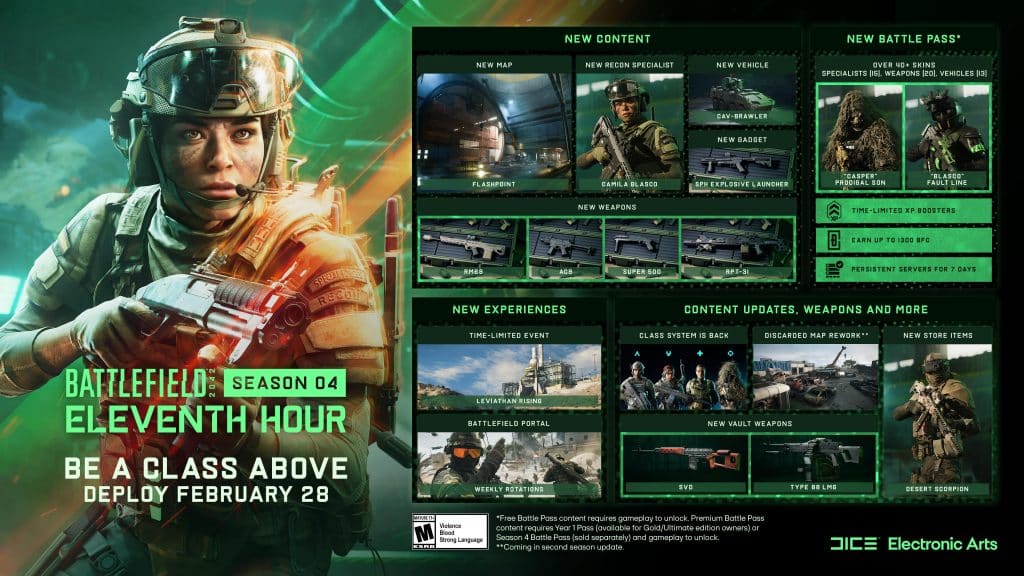
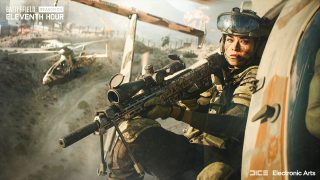
While Battlefield 2042’s Season 4: Eleventh Hour won’t go live until Feb. 28, DICE has revealed the patch notes ahead of the download! There’s a summary of what’s new as well as the full changelog. Read on for the complete Battlefield 2042 update 4.0 Season 4 patch notes.
Here is an overview of the new content alongside highlights of changes and improvements:
New Map: Flashpoint
New Specialist: Camila Blasco
New Vehicle: CAV-Brawler
New Weaponry: AC9 SMG, RM68 Assault Rifle, RPT-31 LMG and Super 500 Shotgun
New Gadget: SPH Explosive Launcher
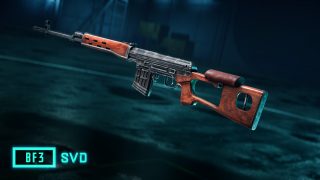
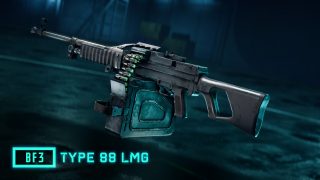
New Vault Weaponry: SVD and Type 88 LMG
When can I play?
Season 3 officially comes to a close on February 28th at 08:59 UTC.
Update 4.0.0 which includes all changes and improvements for this Season goes live on on the same day at 09:00 UTC.
Seasonal and Battle Pass progression starts several hours later at 12:00 UTC. This is where you start your journey towards unlocking our latest and final Specialist, Camila Blasco, new weaponry such as the RPT-31 LMG and our latest vehicle, the CAV-Brawler.
Season 4 Playlists
Once the new Season is underway you can jump straight onto our new location: Flashpoint, through 24/7 Playlists that we’ll activate for both Conquest and Breakthrough.
CHANGELOG
General Improvements
The End of Round sequence now explains what will happen after this transition phase. For example, if you switch sides if you stay in the lobby. You’ll now also be presented with a prompt to confirm if you’d like to exit – this will help reduce accidental quitting to the main menu.
Fixed issue where reaching Extraction Streak 3 in Hazard Zone with Crawford and Zain wouldn’t unlock the Risk Worth Taking Player Card Background
Fixed an issue that would cause vehicle icons to flicker while the big map was open.
Increasing the size of the minimap will no longer also increase the size of the icons.
Added an option to allow customization of the scale of the minimap icons.
Added an option for the scale of the minimap icons to scale with the view distance of the minimap (Enabled by Default).
Fixed an issue that was causing the visuals of a ping to display incorrectly.
Fixed an issue where the base circle VFX on a location ping was sometimes missing.
Controller Mapping As part of update 3.2.0 and the Return to the Class System the Default Mappings for Controller Layouts were updated to accommodate the addition of the new Class Gadget slot, and accompanying gameplay changes. Due to these changes we’ll need to reset Custom Layouts for controllers. As part of this update we’ll reset the following binding options in order to avoid any further conflict with the new default layouts:
Throw Grenade
Switch Primary Weapon / Open Plus Menu
Plus Menu Navigation (Choosing of Attachments)
We encourage you to familiarize yourself with these changes and to update and re-customize your controls prior to jumping into a match.
Battlefield Portal
Portal – Battlefield 3 – Fixed an issue with the SMAW / RPG-7V2 where the rocket was deflected into the ground when the user was shooting into a fence.
Portal – Battlefield 3 – Fixed an issue where the SFX for detonation was not functioning properly when using a C4 remote detonation.
Custom Portal experiences that have PvP AI (but not PvE) and no other change than to the map list will have Ribbons XP enabled, Mastery Progression up to Tier 12 and Weekly Missions enabled instead of the usual Restricted XP.
Maps
Breakaway
The Penguins have filled in a hole near B1 where players were unable to get out of if they had fallen victim to it. Pesky penguins.
Fixed a visual issue with the billowing smoke from the two silos near the waste pools.
Kaleidoscope
Fixed an issue where sector lines between Sectors D and C were overlapping while playing Conquest.
Stranded
Fixed an issue where players were sometimes spawned within a container on FFA and Gun Master FFA modes.
Fixed an issue where the cinematic camera during the intro would sometimes behave incorrectly on Conquest.
Spearhead
Fixed an issue while playing Conquest Assault where a player was spawned OOB when trying to deploy on the “A” Capture Point.
Soldier
Improved the consistency of Melee takedowns for standing and crouching soldiers.
Improved prone behavior on steep slopes.
Improved zipline behavior when a vehicle was parked near the same location as the zipline.
Fixed an issue which would sometimes cause the camera to become stuck while using a ladder.
Fixed an issue which was causing audio to play from the wrong direction while in a downed state.
Fixed an issue that caused the icon of selected weapons to disappear when climbing a ladder.
Specialists
Casper
Fixed an issue that caused Casper’s OVP-Recon Drone to be able to destroy certain map objects it wasn’t intended to.
Crawford
Fixed an issue that resulted in no health bar being present while repairing Boris’ Sentry Gun and Ranger whilst playing as Crawford.
Dozer
Fixed an issue that caused the throwing knife to generate a ricochet bullet when hitting Dozer’s Ballistic Shield
Falck
Fixed an issue that caused shockwaves from explosions to interrupt Falck’s self-heal interaction.
Lis
Reduced the maximum range of Lis’ G-84 TGM from 600m to 475m.
Reduced the boost speed of Lis’ G-84 TGM from 150m/s to 110m/s.
Tightened the turning angles of Lis’ G-84 TGM.
Adjusted the input clamping when boosting with G-84 TGM in accordance to the new turning angles.
Reduced the acceleration modifier when boosting with Lis G-84 TGM from 1.85x force to 1.15x force.
Dev Comment: With these adjustments we’re looking to push Lis into having a higher skill ceiling (more skill required to master) and also ease up on the vehicle player experience.
The turning adjustments introduced in this update will make it so the missile will be less agile, hindering its ability greatly to double-back on itself after an initial miss
The boost acceleration & speed reductions will now enable vehicle players more of a chance to react to an inbound missile.
Also we want players to have a clear target they wish to attack with the TGM before it has been fired which we saw was not the case in update 3.2.1, these turning changes combined with the boost acceleration, speed and max range reductions are targeted to address this.
Paik
Fixed an issue that caused Paik to be unable to use her EMG-X Scanner in passenger seats
Zain
Fixed an issue where the sound which would play when updating the airburst distance from Zains’ XM370A Airburst Rifle was being triggered in instances where it shouldn’t.
Gadgets
Fixed an issue where the EMP Grenade did not disable some vehicular weaponry or trigger any visual VFX as intended.
Fixed an issue where some Gadgets were able to hit enemy soldiers through autonomous gates
Fixed an issue where using the T-UGS would cause unwanted screenshake.
Fixed an issue where the SFX for the detonation remote on C5 would not play properly.
The Assault will now be able to carry a maximum of two Med Pens. Upon spawn, you will still have one available to you.
Fixed an issue with the M18 Claymore so that it has a forward facing explosion exclusively.
The M18 Claymore will no longer be capable of destroying building walls, this is to bring it more in line with its intent
Adjusted the AT Mine so that it blends into the terrain better.
Fixed issue where damaging a player-operated Mounted Vulcan would result in receiving Vehicle Assist XP when a teammate destroyed it
Location pings will no longer display when pinging a neutral Mounted Vulcan.
Vehicles
Fixed an issue where Air Radar was present while the minimap is disabled.
Updated the crosshair for the UAV-1 Drone.
Fixed an issue with the Active Protection System on vehicles that would sometimes cause VFX to apply twice on successful interception.
Fixed an issue where vehicle wheels would sometimes move while in an elevator.
Fixed an issue that caused both crosshairs on the M5C Bolte to show hit markers when the missiles were equipped.
Updated the rangefinder in vehicles to go to 100+ instead of 200+
Using a knife on a light vehicle now has a reduced impact, we’ve previously stated that we haven’t invented adamantium for knives and that is still the case.
Fixed an issue which would sometimes cause tracers to spawn offset while firing the Canister Pod on vehicles.
Enabled threat detection system audio cue for passengers in EMKV90-TOR as intended.
While piloting or driving a vehicle, lock-on sounds will no longer play for any passengers.
APS will no longer remain active after a vehicle has been hacked.
Brake lights on vehicles have had their brightness toned down while on Stranded.
Aircraft specific
Made lift and drag improvements on the aileron and elevator areas of Jet Aircraft to allow for smoother pitching.
Improved pitch down to now turn faster than pitching up as intended.
VTOL mode will now correctly activate and deactivate for the F35 and Condor
Made adjustments to the F35 turning rate to be more in line, and in competition against the SU-57 Felon.
Weapons
Fixed a visual issue that was present on the PKS-07 scope while ADS’ing.
Fixed an issue where using a Bipod against any surface would decrease dispersion by 40% instead of the intended 20%.
Fixed an issue where weapon stats were sometimes showing up in both the pros and cons fields within the collection menu.
AC-42
The AC-42 will no longer clip through the screen when opening the Plus Menu.
MTAR-21
Fixed an issue where the MTAR-21 had the incorrect headshot multiplier.
The MTAR-21 heavy barrel attachment now affects recoil, dispersion, bullet velocity and ROF.
Fixed issue where the MTAR-21 didn’t display Burst as an available fire mode in the weapon details.
M416
Fixed an issue where the M416 had the incorrect headshot multiplier.
NVK-22
NVK-22 no longer has a broken reload animation while supplying.
NVK-22 will no longer shoot 2 times if holding the fire button during the reload animation.
XM8 LMG
The XM8 LMG now has the correct magazine count.
WHAT’S NEW?
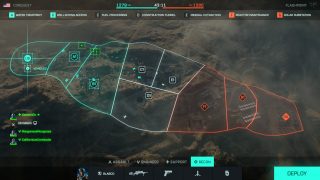
New Map: Flashpoint Head towards The Richtersveld, an arid, rocky South African battlefield where the conflict is about to get up-close and personal with our latest location, Flashpoint.
Water Treatment Get your squad together and make your move on flag A1, a short to medium vehicle friendly combat zone that you need to take command of. Don’t risk losing it to the enemy.
Wellspring Access Move forward with your squad to flag B1, but have your wits about you as this multi-tiered short to medium close-quarters combat area will be swimming with enemies.
Fuel Processing Get your squad in the CAV-Brawler and get straight into the fray at flag C1. The close-quarters combat will be all around you at every turn. Word of warning, keep an eye out for sharpshooters.
Construction Tunnel Bring a ground-vehicle and your A-game to flag D1, as you take the fight inside using the vehicle elevator. With ample cover, any infantry at your side will stand a chance to make it out alive.
Mineral Extraction It’s only a short sprint across the desert to flag E1, where an infantry focused turbine room and site tower awaits.
Reactor Maintenance Regroup your squad and lead the way to flag F1. A large Team Deathmatch inspired space that’s yours for the taking – all wrapped around a large, and central reactor core. A close-quarters combat dream.
Solar Substation Push onwards to flag G1, and lock it down fast. This is one flag you want to control. Keep the enemy back!
New Specialist: Camila “Blasco”
Our final Specialist enters the fray with Season 4: Eleventh Hour.
Stepping up to the task at hand is Camilla Blasco. Adept in ambush tactics, Blasco is more than capable of stealthily navigating through enemy lines in order to enact deadly attacks upon unaware foes through her reconnaissance training and tactical gear.
Specialty – X6-Infiltration Device – Placing this device on the ground creates a dead zone in the immediate area, interfering with enemy spotting technology and preventing lock-ons from hostile rocket ordnance. This handy device will also spot and reveal enemy devices within the immediate dead zone range, allowing you to quickly clean out any enemy interference around your objective.
Trait – Ambush Expert – Utilizing her reconnaissance training, Blasco is able to move swiftly past motion-based Gadgets such as Claymores, T-UGS, or Proximity Sensors and larger equipment like Boris’ SG-36 Sentry Gun.
Ambush Expert coupled with the X6-Infiltration Device positions Blasco as the ideal choice for players looking for a sneaky approach. Be aware however; you may be able to fool enemy devices, but you may not find such success with the actual enemy.
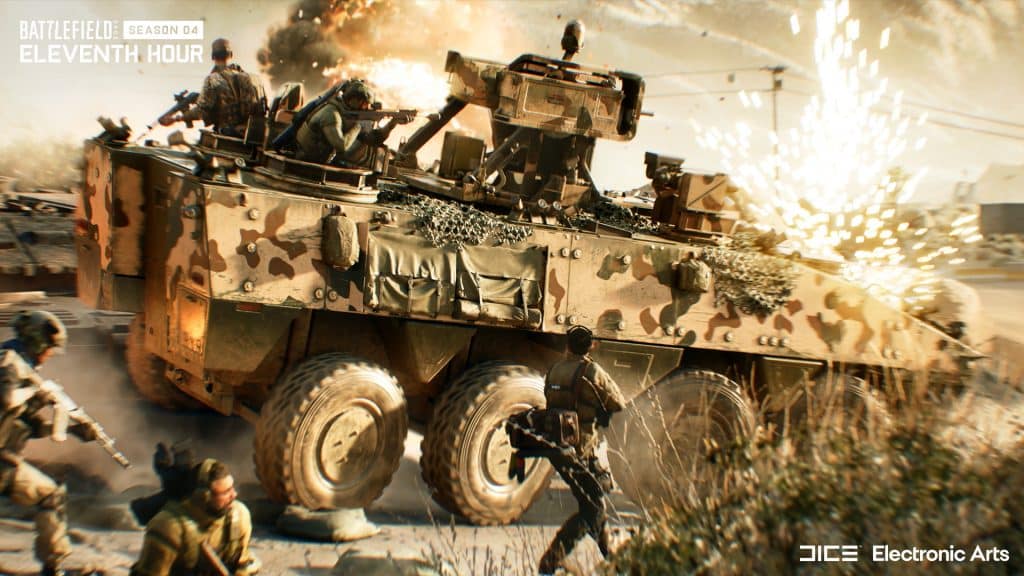
New Vehicle: CAV-Brawler The CAV-Brawler is a IFV-type vehicle that is capable of traversing through small spaces while providing ample protection for your squadmates within it.
Along with its high maneuverability, the main purpose of this vehicle is as a squad spawner, as it easily navigates through the battlefield towards control points and objectives, your squad has the ability to spawn on this vehicle and actively join you in the push.
With a full suite of Active Threat Detection as well as a defensive system that throws grenades out in all surrounding directions, this is truly the infantry trojan horse that you’re looking for.
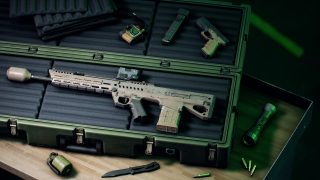
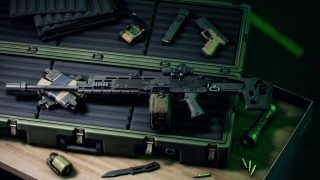
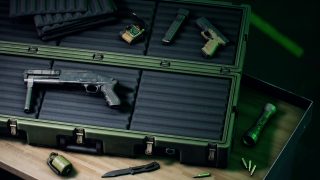
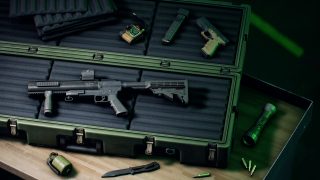
New Weapons: AC9 SMG, RM68 Assault Rifle, RPT-31 LMG and Super 500 Shotgun
Season 4: Eleventh Hour offers an array of weaponry capable of tackling any scenario you may come across as you battle it out on the rocky, industrial areas of Flashpoint.
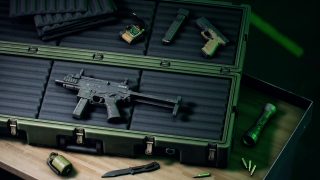
AC9 SMG
An extremely lightweight submachine gun that is well-crafted for fast hipfire exchanges. With its improved receiver ergonomics this ambidextrous small submachine gun is more controllable than its high rate of fire would have you believe.
RM68 Assault Rifle
Perfect for close-quarter battles of Flashpoint, the RM68 is a next-gen assault rifle with a distinct and suppressive design. The built-in silencer offers counter-weight for improved stability and recoil control. Take full advantage of the integrated canted sights to adapt to every situation in front of you.
RPT-31 LMG
If an SMG or Assault Rifle isn’t your cup of tea when it comes to weaponry, then the new RPT-31 prototype LMG might be what you’re looking for. While it has a low rate-of-fire, the rounds are heavy hitting with a high bullet speed. This LMG also comes with a new “flip-scope” attachment that allows you to tackle encounters as you see fit.
Super 500 Shotgun
Destined to become a favorite with Recon Specialists – this high risk and high reward sidearm shotgun is perfect for short range encounters. Select this weapon for your sidearm slot and you’ll quickly find yourself dominating the battlefield as you breach those objectives.
New Gadget: SPH Explosive Launcher
If you’re looking for something more explosive, the SPH Explosive Launcher fires a sticky payload capable of attaching to players, vehicles and just about any other surface on the battlefield that will detonate after a short delay. Ideal for both destruction and anti-infantry play.
The SPH Explosive Launcher becomes available for the Assault Class as a selectable gadget and shoots up to two projectiles that are housed inside on casing before needing to reload.
New Vault Weapons: SVD and Type-88 LMG
Two iconic weapons from classic eras of old become available as Vault Weapons in the All-Out Warfare arsenal.
Battlefield 3 – SVD
The infamous SVD is a squad support weapon that juxtaposes long range with rapid and accurate semi-automatic fire.
Unlock Criteria:
100 Kills and Assists with the SVD (Portal) or SVK
50 Kills with Marksman Rifles at a distance of 100m or less
Battlefield 3 – Type-88 LMG
If you’re wanting even more bullets at your disposal, the Type-88 LMG is a light machine gun with a 200-round magazine strapped to it.
Unlock Criteria:
100 Kills and Assists with the Type 88 LMG (Portal) or M240B
10000 Damage Inflicted with LMGs
Once the download is live, we’ll be sure to let our readers know.