Home > News

New GTA Online Update This Week for April 6 – Discounts, GTA Plus & More

Rockstar Games has rolled out the new GTA Online update this week for April 6 featuring new activities alongside discounts, GTA Plus bonuses and more! Check out the complete highlights and recap in one handy list below.

New GTA Online Update This Week for April 6 – Discounts, GTA Plus & More:

Business is booming this week for GTA Online’s Gunrunners, with 1.5X GTA$ and RP on Bunker Sell Missions and 50% faster Bunker Stock Production and Research Speeds.

Plus, two vehicles are back in stock at Legendary Motorsport, the Annis 300R and the Ocelot Virtue.

Additional highlights include:

  • 1.5X GTA$ and RP on Bunker Sell Missions
  • 50% faster Bunker Stock Production and Bunker Research Speeds
  • Double GTA$ and RP on Power Mad and the Bunker Series
  • Annis 300R available at Legendary Motorsports through April 12
  • The Ocelot Virtue now available to purchase at Legendary Motorsport, or for free by completing The Last Dose story missions or as a GTA+ Member benefit
  • PlayStation 5 and Xbox Series X|S
    • Premium Test Ride: The Imponte Arbiter GT
    • This week’s HSW Time Trial takes place between Pacific Bluffs and Mount Gordo
  • This week in Simeon’s Premium Deluxe Motorsport Showroom: The Ocelot Virtue, HVY Nightshark, Vapid Dominator GTX, Vapid GB200, and Annis Savestra
  • On Display at the Luxury Autos Showroom: The Grotti Furia and Ocelot Stromberg
  • LS Car Meet Prize Ride: Place amongst the Top 3 in the LS Car Meet Series to earn the Pfister Comet Safari
  • LS Car Meet Test Rides: The Ocelot Ardent, Pfister Comet S2, and Vapid Dominator ASP
  • Lucky Wheel Top Prize: The Lampadati Casco
  • 30% off Bunkers, the Mobile Operations Center, and all their Upgrades & Modifications
  • Vehicle Discounts: 30% off the Ocelot Ardent, HVY Nightshark, and Grotti Furia
  • This week’s Gun Van Discounts: 40% off the RPG, 50% off the Minigun (GTA+ Members)
  • GTA+ Benefits: A free Ocelot Virtue (Super) with Jackal and Ocelot Racing liveries, the Agency Vehicle Workshop, free Clothing, extra rewards in Fooligan Jobs and Hotring Races, and more

GTA+:

GTA+ Members can claim the new Ocelot Virtue (Super) for free from Legendary Motorsport, as well as a free Agency Vehicle Workshop and more:

  • Free Ocelot Virtue (Super) and Jackal and Ocelot Racing liveries
  • Agency Vehicle Workshop
  • Pink Floral Tech Demon mask, Gray Yeti Combat Shirt, and Gray Yeti Battle Pants
  • 2X GTA$ and RP on Fooligan Jobs
  • 3X GTA$ and RP on Hotring Races
  • 2X GTA$ and RP on Deadline

All this and more for just $5.99 a month, including a bonus of GTA$500,000 delivered upon billing and deposited automatically into your Maze Bank account. For full details, visit the GTA+ website.

Discounts:

  • Ocelot Ardent (Sports Classic) – 30% off
  • HVY Nightshark (Off-Road) – 30% off
  • Grotti Furia (Super) – 30% off

Stay vigilant by remaining on-guard and well-armed by visiting the Gun Van. Peruse the variety of discounted weapons, including 40% off the RPG. For GTA+ Members, the Minigun is 50% off.

Tune in next week for the new GTA Online update.

Avatar photo

Salman Haider Zaidi

That's a nice argument, Senator.

Home > News

Bohemia Interactive Reveals RTS/Shooter Crossover Game “Silica,” First Gameplay & Details Fire Out

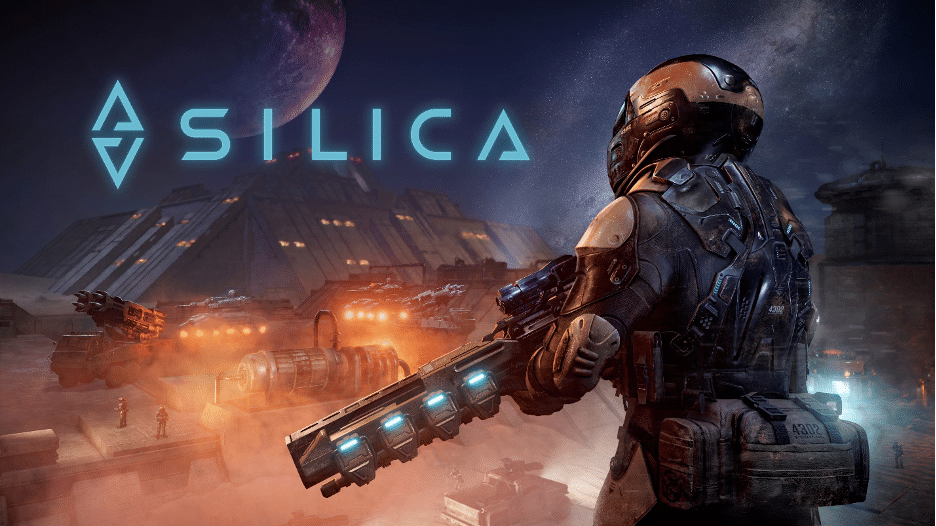
Bohemia Interactive has today announced a new real-time strategy (RTS)/shooter hybrid game titled “Silica.” This sci-fi title is being developed by Bohemia Incubator  — a new label of Bohemia Interactive aimed to help indie game makers to develop and introduce their projects to a global audience.

Silica is set on the fictional planet of Baltarus. Players will be able to choose to play either as a Commander in RTS mode, or as an infantry soldier who gets to control all units and vehicles in a more traditional first-person shooter. 

Check out the announcement trailer that also shows brief gameplay footage of both the RTS and FPS modes.

Check out the game’s features straight from the press release!

Command From Up High or Put Your Boots on the Ground

Silica is an immersive blend of first person shooter and real time strategy, each true to its respective genre. The game allows players the freedom of choice, without forcing them to play as both.

If you prefer sand-filled boots, bullets whizzing overhead, and menacing alien jaws closing in, the infantry role is for you. Not limited to merely foot-based soldiers, you can also take control of any available vehicles, including the colossal Harvester, the speedy Light Quad, or the insidious Siege Tank, just to name a few. Or, if chewing metal is your niche, then the hive-mind, insect-like aliens are your faction of choice. Shift your consciousness between creatures such as the stealthy Crab, the nimble Hunter, or the armored Goliath.

For those who’d rather command their forces from a distance, the esteemed role of Commander awaits you in the relative safety of orbit. Deploy Harvesters to silica crystal fields, hiding the valuable resources you’re after. Construct and place immense structures to produce and dispatch units that will dominate the battlefield.

Three Game Modes to Choose From

The game offers variety in terms of game modes. Strategy is the flagship game mode of Silica. In this mode, players battle for dominance by building, harvesting, and striking the enemy. Strategy mode seamlessly combines both RTS and FPS elements and is playable in any combination, up to a 3-way conflict between factions. Prospector mode acts as a tutorial for Silica. It is offered as an FPS, which can be played in single or multiplayer mode. Players start off near a landing pod and are tasked with exploring the area in search of a Balterium field. They will encounter enemy forces along the way and must complete all the objectives in order to make it out alive. The third mode – Arena – introduces a fun and crazy environment where players select their favorite unit and face off in an unbalanced FPS free-for-all.

Silica Features

  • First/third-person shooter with vehicles

  • 6 unique locations

  • 3 engaging game modes

  • Singleplayer and multiplayer options

  • 5 infantry classes

  • 11 distinct vehicles

  • 8 alien creatures

  • AI control for both commander and units

Silica was mostly developed by a single developer, Martin “Dram Melichárek, which might sound familiar to fans of Bohemia Interactive, as he was the lead developer behind Take on Mars. According to Bohemia, Silica is set to become available in Steam Early Access “soon,” and will remain in early access for 9 to 12 months (no word yet on whether we’ll see a console release).

Avatar photo

Alex Co

Father, gamer, games media vet, writer of words, killer of noobs.

Home > News

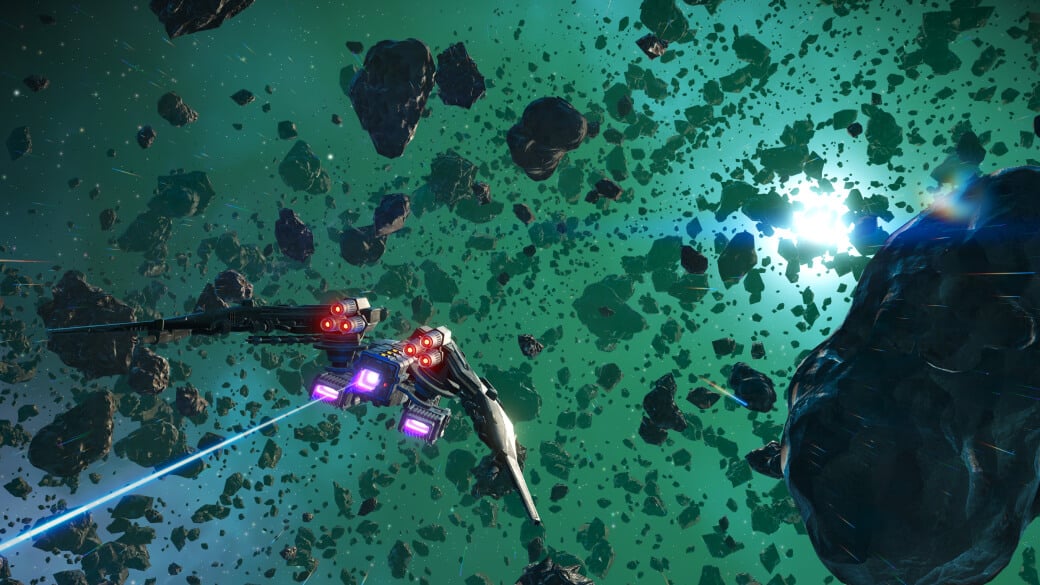
No Man’s Sky Update 4.20.2 This April 6 Flies Out for PC

Following yesterday’s big Interceptor title update on all platforms, Hello Games has released No Man’s Sky update 4.20.2 this April 6 on PC (Steam). This includes a fix for controller configs and nothing else.

No Man’s Sky Update 4.20.2 Patch Notes for April 6:

Hello everyone,

Thank you to everyone playing the Interceptor Update, especially those taking the time to report any issues they encounter via Zendesk or console crash reporting.

We are listening closely to your feedback, and have identified and resolved a number of issues. These fixes are included in patch 4.20.2, which is now live on Steam.

Bug fixes

  • Fixed an issue that could cause incorrect controller configuration on Steam.

Given past content drops, chances are, there will be multiple patches released to fix some of the issues brought on by the Interceptor title update. Once a new patch is released, we’ll be sure to let our readers know.
Source: No Man’s Sky

Avatar photo

Alex Co

Father, gamer, games media vet, writer of words, killer of noobs.

Home > News

MLB The Show 23 Update 1.02 Hits Out for Patch 2 This April 6

San Diego Studio has released MLB The Show 23 update 1.02 (PS5 version 1.0002, Xbox 1.059 ) today on all platforms. This update includes major gameplay improvements and bug fixes. Check out the MLB The Show 23 new update patch notes for April 6. 

MLB The Show 23 Update 1.02 Patch Notes | MLB The Show 23 Update 1.002 Patch Notes | MLB The Show 23 Update 2 Patch Notes | MLB The Show Update 1.059 Patch Notes:

PS4: 1.02 
PS5: 1.002 
Xbox One and Xbox Series X|S: 1.059 
Nintendo Switch: 1.02

GENERAL

  • Two-way players can no longer exist as both Pitcher and Position players on the field at the same time. 
  • Fixed an issue where the Rally Monkey Quirk was displaying the incorrect quirk icon. 
  • Fixed an issue that caused CPU controlled teams to wear the team’s default Home or Road uniform instead of the uniform chosen by the user while selecting teams. 

DIAMOND DYNASTY

  • Removed UI blur from the Community Market when placing Buy/Sell Orders. 
  • Improved UI speed for Conquest mode in Diamond Dynasty. 
  • The appropriate team colors and logos are now properly displayed in WBC moments. 
  • Fixed a bug that would show incorrect team logos and game summaries in Mini Seasons. 
  • Fixed an issue that was preventing users from equipping custom uniforms. 

ONLINE HEAD-TO-HEAD

  • Umpires now show the proper animations when reacting to appeals on a check swing. 
  • Fixed an issue where pitches would “jump” and land far from their intended location. 
  • Fixed an issue where players were unable to exit the bullpen quick menu. 

CO-OP

  • Fixed an issue where quick shift artwork could remain on screen. 
  • Fixed an issue where bullpen displays could remain on screen after returning to the game. 
  • Removed the option to use created stadiums to prevent cross-gen matchmaking issues. 
  • General gameplay stability improvements. 
  • Fixed an issue where fielders would be in different defensive shift positions based on user settings. 
  • Fixed an issue where the “can’t pitch” icon could remain on screen. 
  • Stability fixes added in the pitcher selection screen. 
  • Improved stability and resolved various bugs that could cause freezes during gameplay. 

STADIUM CREATOR 

  • Added wall sorting and height options. 
  • Fixed an issue which was allowing users to exceed the maximum prop limit. 
  • Fixed an issue that allowed some props to enter the field of play. 
  • Fixed an issue with illuminated props during night mode. 
  • Light towers can no longer interfere with the batter’s eye. 
  • Improved lighting for night games. 
  • Various stability fixes. 
  • Various prop fixes. 

ROAD TO THE SHOW 

  • Removed an inaccurate description when exiting a tutorial. 
  • Updated areas where pitching ratings were displayed incorrectly in the Ballplayer HUB. 
  • “Clutch” is now displayed as “P Clutch” for pitchers. 
  • Fixed an issue where users were not being rewarded properly for getting walked with bases loaded. 
  • Equipped Bat Tape Style now displays correctly when entering a game. 
  • Fixed an issue where users were unable to advance back to the MLB after being sent down to Triple-A. 
  • All Star socks will now display correctly. 

MARCH TO OCTOBER AND FRANCHISE 

  • Hall of Fame inductees will now show their correct positions in the Team Achievements screen. 
  • Hall of Fame inductees that were free agents at the time of their retirement will now be displayed under the team they played for most recently in the Team Achievements screen. 
  • Fixed a soft lock that occurred after simulating into future years in Franchise. 
  • Two-way players will now stay in the game as a DH when taken out as a pitcher during the All-Star Game. 
  • Fixed an issue where some prospects had inflated contracts. 
  • Modern crowds are now shown when selecting an NLB stadium after relocating a team. 
  • Fixed a crash that could occur when entering a team’s depth chart. 
  • Custom team logos will now be displayed properly during the Amateur Draft. 
  • Users now have the ability to manually fix AA playoff rosters after the MLB regular season has ended. 
  • Fixed an issue where pinch hitters were being forced to stay in the game as pitchers when the DH rule was turned off.  
  • General stability improvements. 

STORYLINES

  • Fixed an issue where stubs were not properly updating after completing Storylines moments. 
  • Various quality of life improvements. 

HOME RUN DERBY 

  • Opponent home runs will now tally correctly. 

POSTSEASON MODE 

  • Fixed an issue that would display incorrect team matchups when scrolling through the calendar. 

MISCELLANEOUS 

  • Fixed a typo in Dynamic Challenges. 
  • Fixed a visual bug where strikes were being called as balls in Options Explorer. 
  • Improved crowd lighting in replays. 
  • Graphical improvements to skin textures for created players. 
  • Updated over 500 player portrait images with new 2023 photos. These images can be seen throughout the game in various areas. 
  • Updated various typos throughout the game. 
  • The size of the scoreboard at Citi Field has been reduced. 
  • Added a new AR scoreboard presentation. 
  • Various presentation bug fixes and polish. 

DEVELOPER NOTES 

  • There are no gameplay balance changes at this time. 

If you haven’t played the game yet, go read our review right here where we gave it an amazing 9.5/10 score!

Source: MLB The Show

Damien Seeto

Home > News

Madden NFL 23 Down for Server Maintenance This April 6

EA has taken the Madden NFL 23 servers down for maintenance this April 6! Players will not be able to play all online modes until maintenance is complete, so if you see reports from other players, let them know about it the maintenance.

Update: EA has pushed out Title Update 9 during today’s maintenance! You can read the official patch notes here to know what got changed.

Madden NFL 23 Down for Server Maintenance Schedule and Updates for April 6:

Here’s the announcement from EA:

Server Maintenance is scheduled for 6:00 AM ET tomorrow, Thursday, April 6th.

📌 All online modes will be offline until maintenance is complete.

📌 Solo Battles will be gated at 5:30 AM ET.

Please complete all games before maintenance begins.

No word on how long maintenance will be, but if past outages are anything to go by, it’ll last for at least 2-3 hours. If anything changes regarding the server downtime, we’ll update the article. If there’s a new patch released during the downtime, we’ll be sure to let our readers know of it as well.

Avatar photo

Alex Co

Father, gamer, games media vet, writer of words, killer of noobs.

Home > News

Final Fantasy Pixel Remaster Series PS4 & Switch Release Date Set for April 20, Pre-Order Bonuses Revealed

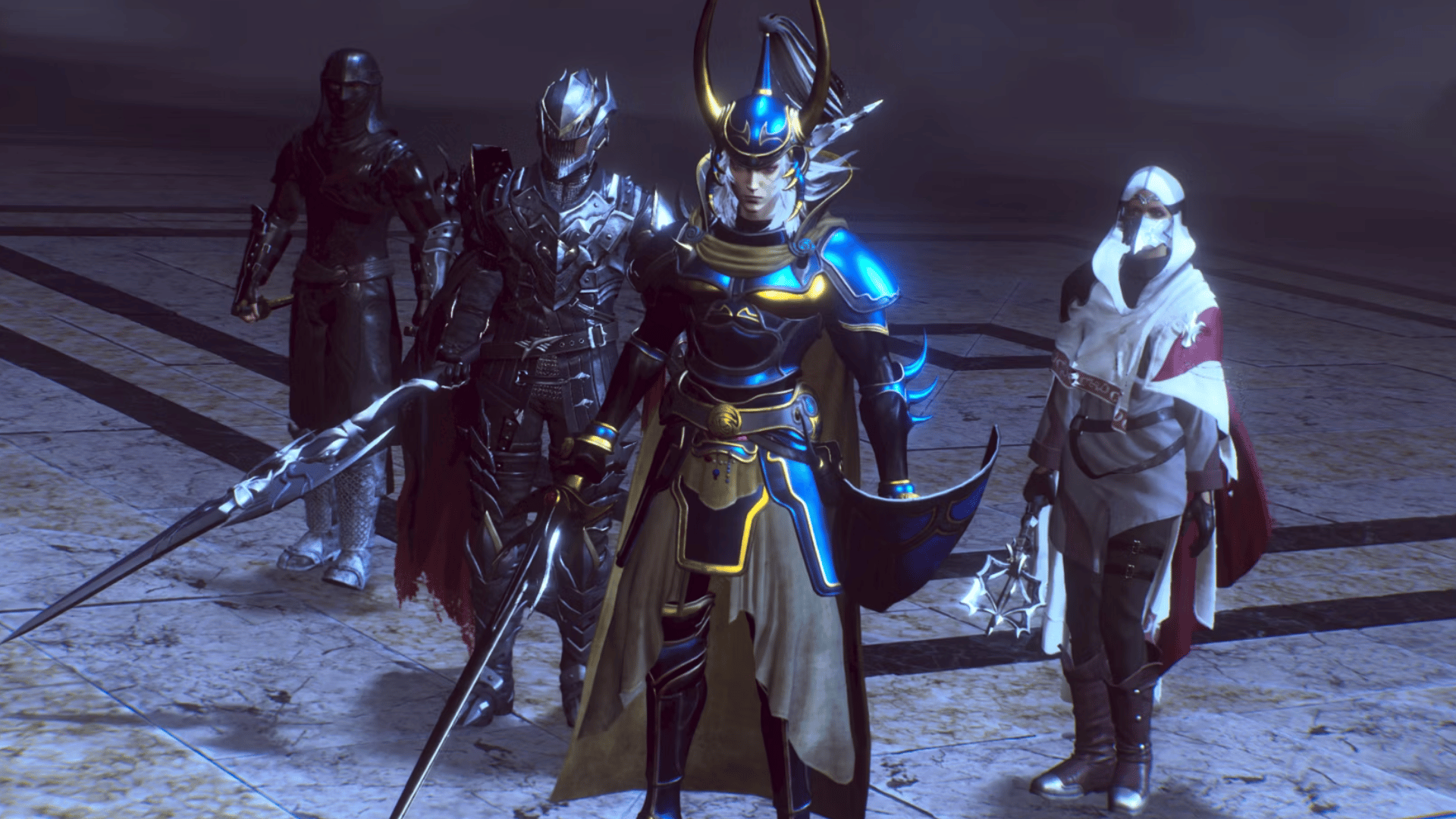
Previously only available on PC (via Steam) and mobile platforms, Square Enix has today announced the Final Fantasy Pixel Remaster Series PS4 and Switch release date is set for April 20, 2023!

Aside from the release date, Square Enix states that the PS4 and Switch versions will house some unique features:

  • Option to switch between rearrange and original-based soundtrack
  • Boost feature to expand gameplay options, which include switching off random encounters and adjusting experience gained multipliers between zero and four.

Square Enix has also revealed the pre-order bonuses for Final Fantasy Pixel Remaster Series as well.

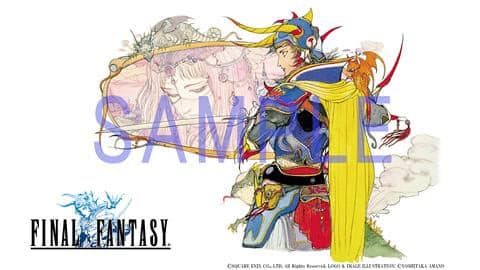
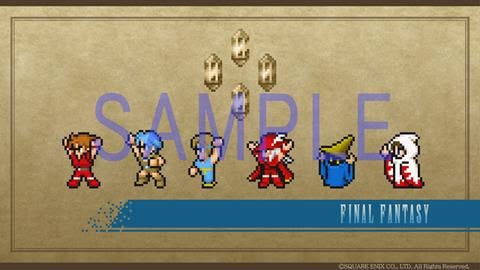
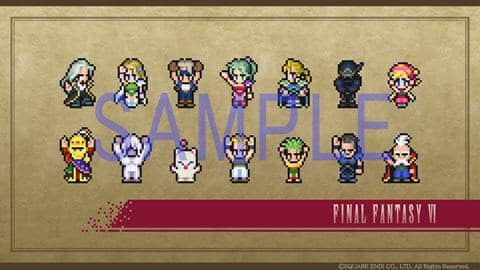
Players who purchase the digital version of the game by 25 May 2023 will receive original wallpapers, PlayStation 4 Theme and Avatar in accordance to the individual game(s) purchased from the FINAL FANTASY PIXEL REMASTER SERIES. (Players who purchase the FINAL FANTASY I-VI BUNDLE will receive all bonuses to be received in purchase of all six titles.)

Nintendo Switch™ (Physical/Digital Bonus)

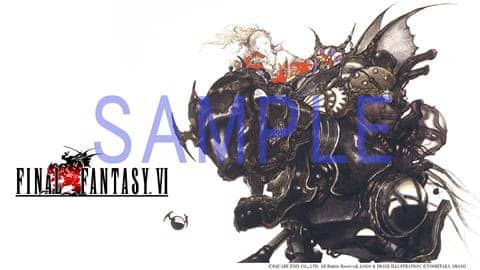
Original Wallpaper:

Nintendo notes that the images are samples from Final Fantasy I and Final Fantasy VI. Other formats and sizes are available, and the bonus for the physical version will be available only for the initial production.

PlayStation🄬4 (Digital only Bonus)

Original Theme & Avatar:

For those not familiar with the bundle, here’s what’s included alongside some of the key features (via Steam):

  • FINAL FANTASY
  • FINAL FANTASY II
  • FINAL FANTASY III
  • FINAL FANTASY IV
  • FINAL FANTASY V
  • FINAL FANTASY VI’

KEY FEATURES:

  • Universally updated 2D pixel graphics, including the iconic FINAL FANTASY character designs created by Kazuko Shibuya, the original artist and current collaborator.
  • Beautifully rearranged soundtrack in a faithful FINAL FANTASY style, overseen by original composer Nobuo Uematsu.
  • Improved gameplay, including modernized UI, auto-battle options, and more!
  • Dive into the world of the game with supplemental extras like the bestiary, illustration gallery, and music player.

For RPG fans, this is your chance to play the games that started kickstarted Square Enix reputation as a game maker, as well as the start of one of gaming’s most iconic franchises.

Avatar photo

Alex Co

Father, gamer, games media vet, writer of words, killer of noobs.

Home > News

Wild Hearts Update 1.020 Dives Out This April 6 for Murakumo Content

EA has released Wild Hearts update 1.020, and this is for the previously announced Murakumo content update! Players will be getting the new Murakumo Kemono species, new limit break system and more! Read on for the new content in the Wild Hearts April 6 patch notes.

Wild Hearts Update 1.020 Patch Notes | Wild Hearts Murakumo Patch Notes | Wild Hearts New Update Patch Notes for April 6:

Wild Hearts Patch 1.020 Murakumo New Content:

New Kemono Species – Murakumo
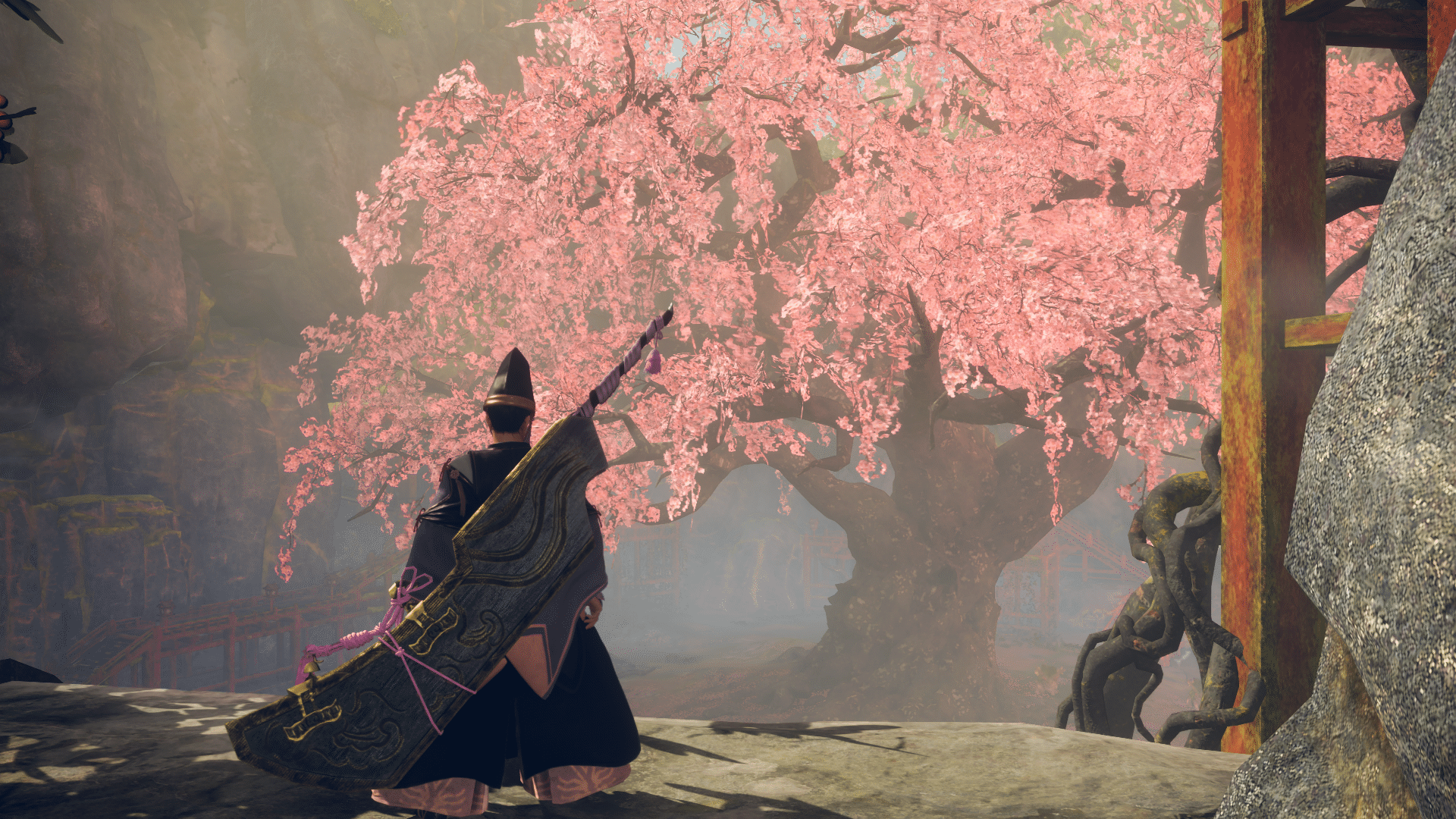
Strange winds swirl the sakura blossoms, which fail to fall even long after spring has passed. When rumors spread of this eerie sight, parents warn their children to keep their distance. Knowing that should you wander too close, the vulpine fiend appears and spirits you away. For it is no mere wind; it is the Murakumo.

This Kemono’s plethora of petal-manipulating attacks are a real menace. It courses through the air on platforms made of sakura blossoms. Which, in turn, makes counterattacking tricky. When enraged, the vulpine beast unleashes a thunderous tornado that could easily leave you unconscious. Hunters would be wise to employ a Spinning Top Karakuri to fight against the beast.

New Karakuri – Spinning Top
Once unleashed, the Spinning Top closes in on prey to deliver a stubborn assault. Whenever it hits Kemono or other obstacles, it gains both speed and power. The Spinning Top can stagger Kemono given it has enough speed and power when it connects.

Limit Breaking Weapons, Armor
Hunters can use Core Orbs to further enhance weapons and armor. The number of times you can carry out such enhancements, and the effects they have, are different for each piece of equipment.

Core orbs can mainly be obtained by successfully hunting Volatile Kemono. The type of core orb dropped will depend on where you are hunting.

Deathhaze Gloombeak, New Talisman Skill, New Special Quests: Serial Hunts, New Chat Stamps & Emotes
The end of April is looking just as ferocious as the beginning! Make sure you’re prepared for another Deeply Volatile Kemono, Deathhaze Gloombeak, on April 20th.

Perhaps even more formidable, the next content update ushers in a new type of special quest – Serial Hunts. How many Kemono will you be able to hunt before being overwhelmed?

Wild Hearts 1.020 Patch Notes:

Improvements, Balance Adjustments

  • Added a “Camera Distance” setting that allows the player to adjust the in-combat distance of the player character and the camera.
  • Added a setting to change the color of the speaker name displayed in subtitles. 
  • Added an option to dismantle all Karakuri placed by guests from the Detailed Map.
  • Added an option to dismantle Dragon Karakuri from the Detailed Map.
  • Increased the reward for offering assistance by using a Hunter’s Gate, as well as further increased the reward for assisting on story quests.
  • The Stamina gauge will now flash when you do not have enough Stamina to perform an action.
  • You can now use voice chat during loading screens.
  • Icons for buffs obtained from skills or food will now appear for each individual buff, even if the icons are the same.
  • An icon for the nearest campsite will now appear on the compass at the top of the screen.
  • You can now check details for individual loadouts in the Forge.
  • Adjusted the sorting order when sorting ingredients so that seasonings now are properly sorted together.
  • While in the Karakuri Stance, player inputs will now prioritize the creation of Karakuri.
  • Visiting hunters in Minato will now have their player name and ID displayed above their head. The display setting can be toggled on the chat wheel.
  • Cladding will now be temporarily hidden when dying armor.
  • The dye color will now be shown on the armor forging screen and the cladding production screen.
  • It is now possible to check the overall number of tsukumo discovered in all areas by placing the cursor over Minato on the Main Map.
  • It is now possible to collect materials and other items while riding on a Roller.
  • It is now possible to eat in the middle of a hunt when hunting Giant Kemono.
  • Food buffs will now not be reset after resting at a Hunter’s Tent.
  • It will no longer be possible to eat between the Final Blow of a hunt and traveling to a different area.
  • Improved the camera lock-on to where it is less likely to unintentionally unlock during a hunt.
  • The Flying Vine Dragon Karakuri is now easier to place in Minato, even in close proximity to a NPC.
  • Added a notification for when there is a completed food processing item in Minato.
  • The Paddle Scoop Karakuri will now return to its base when full.
  • Attacks from the Training Bear Karakuri will no longer hit tsukumo.
  • In specific cases when an area change is immediately triggered after defeating a Giant Kemono, broken off Kemono materials will automatically be added to the player’s inventory.
  • It is now possible to offer assistance on all quests from the Hunter’s Gate located in Minato.
  • When searching for an online co-op session to join for a particular hunt, if there isn’t an exact match but other co-op hunting sessions with the same content are, the player will join one of the other co-op hunting sessions instead of finding no sessions at all. This applies to the following:
    • Hunting Encore – Old Trail Tribulations: Search for “Hunting Song – Reverberations”
    • Hunting Encore – Auspice of Minato: Search for “Hunting Song – Rising Glissando”
    • Hunting Encore – Summit Strife: Search for “Hunting Song – Elegy”
    • Volatile Spectral Tombtail: Search for “Volatile Kemono – Blossom Trail”
    • Volatile Fervid Crazecomb: Search for “Volatile Kemono – Spirit Isle”
    • Volatile Miasmic Grimquill: Search for “Volatile Kemono – Harvest Canyon”
    • Volatile Lurid Soulstalker: Search for “Volatile Kemono – Frozen Fort”
    • Deeply Volatile Laharback: Search for “Deeply Volatile Kemono — Ruins”
    • Between Earth and Sky: Search for “Ocean Blaze Awakening”
    • Blossoms of Oblivion: Search for “Remnants of Reverie””
  • Small Kemono will no longer initiate combat when the health of the Giant Kemono being hunted is below a certain threshold. Regardless of the Giant Kemono’s health, Small Kemono will escape during combat with the following Kemono: Volatile Pearlbeak, Volatile Onyxshard, and Miasmic Grimquill.
  • Adjusted Hunter Vision to make it better at guiding players to a target Kemono.
  • Added a “Dye” tutorial.
  • Improved visibility of Talismans placed throughout Azuma.
  • Adjusted rain and snow effects.
  • Improved the loading speed of some loading screens.
  • Reduced the time it takes to change stances after deploying the Ki Base with the Hand Cannon.
  • Increased the transition speed from Celestial Thread Charge to fortified firing stance with the Hand Cannon.
  • Increased the standard firing rate of the Hand Cannon.
  • Changed the following Hand Cannon action names:
    • “Battō Aerial shot” → “Aerial Bombardment”
    • “Aerial Bombardment” → “Heatwave Bombardment”
  • Hand Cannon’s fortified shot can now be interrupted by placing Karakuri.
  • It will now be easier to land attacks following a successful Bladed Wagasa’s parry.
  • Increased the power of attacks chained after Attack 1 immediately following a successful parry with a Bladed Wagasa.
  • Sped up the Stamina recovery following a successful parry with a Bladed Wagasa.
  • Increased the movement distance of Bladed Wagasa’s Twenty Tatami Spit.
  • Reduced Stamina consumption of the Karakuri Katana’s Single-Handed Lunge, and increased its power and movement distance.
  • Increased the transition speed from Aerial Downward Slash into Iai Slash Burst with a Karakuri Katana.
  • Increased the speed of Karakuri Katana’s Bamboo Cleave.
  • Increased the gauge amount generated from Karakuri Katana’s Iai Slash Burst.
  • Increased the range of the Maul’s Chaser Smash attack.
  • Increased the speed and power of the Maul’s Overhead Swing attack.
  • Increased the speed of Maul’s Jumping Smash, Extended: Jumping Smash, and Flame Smash attacks.
  • Increased the power of the Power Smash attack performed with a fully-extended Maul.
  • Decreased the number of Karakuri required before extension when the Expert Hitter skill is activated.
  • Increased the power of Nodachi’s Iai: Bisection.
  • Increased the power of Nodachi’s Iai: High Dive.
  • Increased the power of Nodachi’s Iai: Soaring Slash Streak.
  • Increased the power, speed, and gauge build-up amount of Nodachi’s Flaming Slash.
  • Decreased the delay following the Running Slash attack with a Nodachi, and made it possible to follow up with another Running Slash in the same direction.
  • Made it easier to transition into Downward Slash from Double Spin Slash with a Nodachi.
  • Decreased the delay following the Celestial Stab attack with a Nodachi using the Crate Karakuri.
  • Wingblade Spin Slash can now combo into Wingblade Crescent Slash.
  • Wingblade Crescent Slash can now combo into Wingblade Spin Slash.
  • Changed the requirements of the Turbulence: Fury and Turbulence: Body skills and increased their effect time.
  • The claw gauge will now decrease when performing attacks with the claw lodged in.
  • Increased the number of attacks required to trigger the reinforced state while attacking with the claw lodged in.
  • Decreased the power of Claw Blade’s Wingblade Spin Slash.
  • Improved visibility when performing the Glider Karakuri attack with a Claw Blade.
  • Increased the speed of the Slash Streak attack with a Karakuri Staff.
  • Increased the number of arrows released at the end of the Burst: Haya attack with a Bow.
  • Reduced the screen shaking during Burst: Haya and Volley: Haya.
  • Made it easier to knock Kemono over with the Ephemeral Lightning Arrow skill.
  • Adjusted to prevent Karakuri Thread recovery on resonance during attacks using the Basic Karakuri with a Bow.
  • Increased the amount of Stamina consumed when dodging with a Bow.
  • Reduced the dodge distance when using a Bow.
  • Adjusted the movement of tsukumo companions.
  • Adjusted the amount of Karakuri Thread each weapon generates when attacking Kemono.
  • Added the following adjustments to the Celestial Anchor Karakuri:
    • Reduced durability;
    • Sliding dodge can now be performed with your weapon sheathed;
    • Special sliding dodge can now be performed by canceling various actions with your weapon drawn.
  • Reduced the effect time of the Tangle ailment on players.
  • Increased the effect time of the Tangle ailment on Kemono.
  • Adjusted damage dealt from critical hits.
  • Adjusted the Claw Blade tutorial. This can be accessed through Main Menu > Information > Tutorials.
  • Adjusted the Bow tutorial. This can be accessed through Main Menu > Information > Tutorials.
  • Made it easier for the player to have a flash of inspiration during the Fumebeak and Pearlbeak hunts.
  • Made it easier for the player to have a flash of inspiration while hunting Golden Tempest.
  • Adjusted the behavior of the Roller Dragon Karakuri.
  • Adjusted the Celestial Cannon Karakuri to make it easier to hit Kemono.
  • Adjusted the effect of Healing Mist Karakuri when multiple are placed in close proximity to each other.
  • Increased damage dealt by the Pounder Karakuri.
  • Increased the damage, range, and flammability of the Star Bomb Karakuri.
  • Increased the placement speed of the Firework Karakuri.
  • Increased the healing amount of the Healing Mist Karakuri.
  • Increased the damage dealt by the Pile Driver Karakuri. Additionally, fixed an issue where sometimes the Pile Driver Karakuri would be destroyed after multiple were placed.
  • Changed the Basic Karakuri required to create the Celestial Shield Fusion Karakuri.
  • Reduced the durability of the Celestial Shield Karakuri.
  • It is now possible to topple Kemono multiple times by using the Celestial Cannon Karakuri.
  • The Combat Vine Karakuri can now also be unlocked during a hunt with Mighty Icetusk.
  • Changed the trigger condition of the Peril Promise skill to “when even a single player is near death”.
  • It is now possible to consume Healing Water even at full HP when the Nostrum Water or Miracle Water skills are active.
  • The Mountain Felling Giant Blade skill now increases the power of Full-Body Slam and Full-Body Cleave when the mutation level of the Karakuri Staff is Maxed Out.
  • Adjusted the explanation text for the Mountain Felling Giant Blade skill.
  • Adjusted the name of the Claw Expert skill in languages other than Japanese.
  • Adjusted the explanation of the Hunting Encore – Summit Strife quest.
  • The accumulation value for ailments no longer decreases over time on Kemono.
  • Reduced the frequency at which Giant Kemono change areas due to lowered health or attacks from out of range.
  • Reduced the HP of Sporetail Pups summoned by Sporetail and reduced the damage they do to Karakuri.
  • Adjusted Deathstalker’s behavior in Doleful Upper Keep of Fuyufusagi Fort.
  • Adjusted Ragetail’s behavior in Harugasumi Way.
  • Made it easier to land attacks on the weak point located on the Earthbreaker’s head.
  • Reduced the time before Deeply Volatile Kemono notice the player.
  • Adjusted the behavior of some Golden Tempest’s attacks.
  • Adjusted the openings in some of Lavaback and Cobalt Lavaback’s attacks.
  • Adjusted the hit boxes of some attacks for the following Kemono: 
    • Kingtusk 
    • Icetusk
    • Dreadclaw
    • Ripclaw
    • Lavaback
    • Cobalt Lavaback
  • Made it easier to detach the following Kemono parts: Golden Tempest’s Claw, Kingtusk’s and Icetusk’s Tusks, Ragetail’s and Sporetail’s Tails.
  • Increased the effectiveness of the elemental attributes of the following Kemono: 
    • Deathstalker
    • Grimstalker
    • Lurid Soulstalker
    • Lavaback
    • Cobalt Lavaback
    • Hellfire Laharback
  • Made it easier to deal damage with elemental attacks to Fumebeak and Goldshard.
  • Adjusted the accumulation rate of Sapscourge’s sap from all attacks except sap-throwing attacks.
  • Increased the equipped Talisman cost limit to 80.
  • Adjusted the Talismans dropped by Deeply Volatile Kemono and made it easier to obtain certain effects. Additionally, added the following skills attached to Talismans:
    • Spectral Tombtail
      • Nimble-Fingered (Human-path)
      • Nimble-Fingered (Kemono-path)
    • Fervid Crazecomb
      • Deaf Ears (Pure human-path)
      • Sidestepper (Human-path)
      • Sidestepper (Kemono-path)
    • Miasmic Grimquill
      • Resurrection (Pure human-path)
      • Rapid Rescue (Human-path)
      • Rapid Rescue (Kemono-path)
    • Lurid Soulstalker
      • Desperation (Kemono-path)
      • Critical Master (Human-path)
      • Critical Master (Kemono-path)
    • Hellfire Laharback
      • Nostrum Water (Pure human-path)
      • Critical Master (Human-path)
      • Critical Master (Kemono-path)
  • Adjusted the drop rate of Talismans from Deeply Volatile Kemono containing the Slash Bolster, Pummel Bolster, and Lunge Bolster skills:
    • Spectral Tombtail & Lurid Soulstalker
      • Slash Bolster is now easier to obtain, while Pummel Bolster and Lunge Bolster are slightly more difficult to obtain.
    • Fervid Crazecomb
      • Lunge Bolster is now easier to obtain, while Slash Bolster and Pummel Bolster are slightly more difficult to obtain.
    • Miasmic Grimquill & Hellfire Laharback
      • Pummel Bolster is now easier to obtain, Slash Bolster and Lunge Bolster are slightly more difficult to obtain.
  • The elemental damage of all weapons with elemental attributes have been revised, except for the following weapons:
    • Apex Blade: Kemonobane
    • Apex Nodachi: Kemono Carver
    • Apex Bow: Kemono Hunter
    • Apex Bladed Wagasa: Kemono’s End
    • Apex Maul: Kemono’s Doom
    • Apex Karakuri Staff: Kemono Chaos
    • Apex Cannon: Kemono’s Oblivion
    • Apex Claw: Kemono’s Curse
  • Added skills to the following equipment:
    • Basara Helm – Critical Master(Kemono-path)
    • Roaming Bard Uwagi – Sidestepper(Kemono-path)
    • Grithide Zukin – Destiny(Pure kemono-path)
    • Grithide Body Armor – Destiny(Pure human-path)
    • Ninja Uwagi – Bridge Burning(Kemono-path)
    • All-Black Mengu – Critical Master(Kemono-path)
    • Bandit Mengu – Resurrection(Pure human-path)
    • Bandit Tekkō – Rapid Rescue(Kemono-path)
    • Argent Faulds – Nimble-Fingered(Kemono-path)
    • Argent Sabatons – Sidestepper(Kemono-path)
    • Red Plum Cannular Sune-ate – Resurrection(Pure human-path)
    • Great Juniper Headgear – Critical Master(Kemono-path)
    • Great Juniper Gauntlets – Hawk Eye(Pure kemono-path)
    • Jadedance Mengu – Deaf Ears(Pure human-path)
    • Jadedance Uwagi – Sidestepper(Kemono-path)
    • Jadedance Tekkō – Rapid Rescue(Kemono-path)
    • Small Jadedance Hakama – Benevolence(Pure human-path)
    • Myōtara Cowl – Destiny(Pure kemono-path)
    • Myōtara Body Armor – Destiny(Pure human-path)
    • Brighteye Archer Straw Hat – Solar Protection(Pure kemono-path)
    • Brighteye Archer Hakama – Battle Spirit(Kemono-path)
    • Dawn Guard Body Armor – Nimble-Fingered(Kemono-path)
    • Dawn Guard Sune-ate – Resurrection(Pure human-path)
    • Sunrise Princess Hairpin – Critical Master(Kemono-path)
    • Sunrise Princess Uwagi – Death Wail(Kemono-path)
    • Sunrise Princess Loincloth – Rapid Rescue(Kemono-path)
    • Sable Mara Mengu – Critical Master(Kemono-path)
    • Sable Mara Body Armor – Critical Master(Kemono-path)
    • Moonshadow Waistguard – Nimble-Fingered(Kemono-path)
    • Moonshadow Leg-guards – Sidestepper(Kemono-path)
    • Wayward Brigand Mengu – Resurrection(Pure human-path)
    • Wayward Brigand Tekkō – Destiny(Pure human-path)
    • Wayward Brigand Tekkō – Rapid Rescue(Kemono-path)
    • Fūma Clan Mengu – Deaf Ears(Pure human-path)
    • Fūma Clan Mengu – Inversion Attack(Kemono-path)
    • Fūma Clan Uwagi – Presence of Mind(Kemono-path)
    • Fūma Clan Hakama – Sidestepper(Kemono-path)
    • Fūma Clan Sune-ate – Strong Swimmer(Pure kemono-path)
    • Garuda Uwagi – Nostrum Water(Pure human-path)
    • Garuda Hakama Death Wail(Kemono-path)
    • White Fang Brocaded Mengu Rally: Fury(Kemono-path)
    • White Fang Brocaded Armor Rally: Ironclad(Kemono-path)
    • Fulgent Torso Armor Hunter’s Hunger(Kemono-path)
    • Fulgent Leg Armor Sidestepper(Kemono-path)”
  • Adjusted the attack power of the following weapons:
    • Apex Blade: Kemonobane
    • Apex Nodachi: Kemono Carver
    • Apex Bow: Kemono Hunter
    • Apex Bladed Wagasa: Kemono’s End
    • Apex Maul: Kemono’s Doom
    • Apex Karakuri Staff: Kemono Chaos
    • Apex Cannon: Kemono’s Oblivion
    • Apex Claw: Kemono’s Curse
  • The mustache will not appear when certain armor and ornaments are equipped.
  • The material Refined Lumber can now be collected in Akikure Canyon and the Fuyufusagi Fort.
  • The number of Keystones gained from hunting the following Kemono has been increased:
    • Volatile Ragetail
    • Volatile Sapscourge
    • Volatile Spineglider
    • Volatile Dreadclaw
    • Volatile Sporetail
    • Volatile Goldshard
    • Volatile Icetusk
    • Volatile Ripclaw
  • The number of Keystones obtained from the following hunts has been increased:
    • Stagnant Verdant Spikemoss
    • Stagnant Balmy Orange
    • Stagnant Russet Canopy
    • Stagnant Silvery Rimes
  • Adjusted the drop rates of materials obtained from hunting Celestial Dragon.
  • When hunting a Volatile Kemono, the corresponding Magical Orbs will always drop. Also, the number of Orbs obtained has been increased.
  • Commodity materials will now drop when hunting Volatile Kemono.
  • Increased the number of Large Crystals obtained from Volatile Kemono hunts.
  • Adjusted the range in which the camera will see through objects.
  • Guests will now no longer be able to join an online co-op session when a Kemono’s remaining HP is very low.
  • Adjusted auto-save timing.
  • [PC] “Tab” key has been added as the initial key setting for the Main Menu
  • [PC] Added FSR to “Upscaling” options in settings to help reduce the drawing load while maintaining high resolution.
  • [PC] Arrow keys on the keyboard can now also be used to select Karakuri on the info screen.
  • [PC] Additional mouse buttons can now be used to assign commands.
  • [PC] Removed “240” from the “FPS Limit” setting in the Preferences.
  • [PC] Improved processing performance on some CPUs and GPUs.
  • [PS5, XBOX] Improved processing performance.

Fixes

  • Fixed an issue where dodging was still possible while no Stamina was available after firing the Hand Cannon following a sliding dodge.
  • Fixed an issue where an incorrect number of bases were displayed after deploying a Ki Base just prior to changing areas.
  • Fixed an issue where it took longer than expected to be able to move or dodge after being staggered while using a Hand Cannon
  • Fixed an issue where the number of Hand Cannon bases would sometimes remain at a lower number than intended.
  • Fixed an issue with the movement transition after landing following Savage Dance with a Bladed Wagasa.
  • Fixed an issue where, when the third hit of Bladed Wagasa’s Trey Star increased the Spindance level to level 2, the attack would end on the fourth hit.
  • Fixed an issue where a parry with a Bladed Wagasa incorrectly became an aerial parry following certain ground attacks.
  • Fixed an issue where it was impossible to parry after starting to move with the Bladed Wagasa drawn or after healing.
  • Fixed an issue where it was still possible to receive damage even after activating the Instinct Parry skill.
  • Fixed an issue where the Bladed Wagasa’s multi-hit attacks, such as Trey Star, sometimes had a reduced number of hits depending on the frame rate settings.
  • Fixed an issue when sometimes it was possible to still receive damage even after a successful parry with a Bladed Wagasa.
  • Fixed an issue when sometimes it was impossible to receive the effects of a Healing Vaporizer Karakuri after performing a parry with a Bladed Wagasa.
  • Fixed an issue that caused an unexpected amount of movement when unleashing the Karakuri Katana Unbound State while using the Celestial Anchor Karakuri.
  • Fixed an issue that made it impossible to unleash the Karakuri Katana Unbound State while using a Glider or a Stake.
  • Fixed an issue where unleashing the Karakuri Katana Unbound State canceled Crate or Glider attacks.
  • Fixed an issue where it was sometimes impossible to use Karakuri other than already placed Crates after walking with a Karakuri Katana drawn.
  • Fixed an issue that triggered unexpected movement when performing an attack using the Stake Karakuri with a Karakuri Katana.
  • Fixed an issue where Karakuri launched with the Maul’s Power Smash sometimes flew in unexpected directions.
  • Fixed an issue where the Valor Gauge was reduced to 0 when moving after performing Jumping Slash with a Nodachi while charging.
  • Fixed an issue where Iai: Soaring Slash Streak was unexpectedly triggered after landing following a Double Spin Slash with a Nodachi.
  • Fixed an issue where it took longer than expected to be able to move or dodge after being staggered while equipped with a Nodachi.
  • Fixed an issue in which jumping while in an Iai Stance with a Nodachi would cause the Valor Gauge to build up faster than expected even while moving.
  • Fixed an issue where the Claw Blade was sometimes not displayed correctly when performing the Claw Plunge.
  • Fixed an issue where the camera would sometimes face an unintended direction when using a Claw Blade.
  • Fixed an issue where it was possible to continue to deal damage to Kemono even after an attack animation ended by performing an attack using the Celestial Anchor Karakuri in the middle of Giant Shuriken Duster with a Karakuri Staff.
  • Fixed an issue where the player was not being staggered when hit during the Battle Paragon attack with the Karakuri Staff.
  • Fixed an issue where it was possible to dodge even when the player did not have enough Stamina after the Full-Body Wave Slice attack with a Karakuri Staff.
  • Fixed an issue where the karakuri staff was not displayed correctly when accessing a campfire.
  • [PS5, XBOX] Fixed an issue where sometimes the player character would stop moving after a Glider or a Celestial Anchor attack with a Karakuri Staff when graphic settings were set to Prioritize Performance.
  • Fixed an issue where the effect of arrows stuck in a Kemono sometimes disappeared when the Deep Arrow skill was activated.
  • Fixed an issue in which the placement speed of the Healing Vaporizer Karakuri was slower than expected. In addition, reduced the amount of healing over time with the Healing Vaporizer: Nostrum skill activated.
  • Fixed an issue that sometimes caused a Kemono’s HP and other stats to remain the same after the end of online play.
  • Fixed an issue where Ailment gauges were not displayed correctly when afflicted with multiple Ailments.
  • Fixed a problem in which some icons were displayed incorrectly when the screen aspect ratio was 16:10.
  • Fixed a problem in which the maximum HP was not accurately displayed when checking the status of other players on the session confirmation screen in online co-op.
  • Fixed a bug that sometimes prevented target markers from disappearing.
  • Fixed an issue in which the number of slots in the store were not displayed correctly when a guest in online co-op was in the host player’s Minato.
  • Fixed a bug that could cause some settings to be changed unintentionally on the character creation screen.
  • Fixed an issue in which the number of Karakuri Thread that the player picked up did not always match the increase in number of Karakuri Thread held.
  • Fixed an issue where Hunter’s Arm effects were not triggered sometimes.
  • Fixed an issue that could cause players to be thrown skyward when releasing their grip on a Kemono.
  • Fixed a problem in which sliding could be automatically triggered on uphill slopes.
  • Fixed an issue that prevented guests from being immobilized from Amaterasu’s initial roar in Minato.
  • Fixed the character behavior when follow-up actions were linked during the post-attack recovery frames.
  • Fixed flickering effects when a weapon is covered with flames.
  • Fixed an issue that made it difficult to perform Crate-related actions when on the edge of a Crate.
  • Fixed an issue that prevented players from grabbing cliffs and other objects when leaping from an area with a ceiling.
  • Fixed an issue in which using Hunter’s Arm while not having the maximum number of Karakuri Thread a player could currently carry resulted in the player acquiring nearby Karakuri Thread.
  • Fixed an issue where a Sliding Dodge sometimes slid longer than expected.
  • Fixed a bug that sometimes caused Ujishige to motion differently than expected in the “Return to camp” goal in Chapter 1.
  • Fixed an issue that prevented some UI from being displayed when dodging while in a Flash of Inspiration.
  • Fixed an issue that prevented some UI from being displayed when dodging while in a Fusion Flash.
  • Improved synchronization of Kemono positions in online co-op.
  • Fixed an issue where the camera would behave unexpectedly when releasing a long press of the lock-on button in a situation where locking-on was not possible, such as during the Bow’s unsheathing animation, and then resheathing the Bow.
  • Fixed an issue where Hellfire Laharback would sometimes launch the player into the air when grabbed.
  • Fixed an issue that caused crouching to take precedence over dodging when attempting to dodge while moving with a stowed weapon.
  • Fixed an issue where it was sometimes not possible to drink Healing Water while dodging.
  • Fixed an issue in which players would sometimes not land after being knocked back by a Kemono, instead floating in midair.
  • Fixed an issue that decreased the jump distance when using the sprint toggle input.
  • Fixed an issue that destroyed surrounding objects when slaying a Small Kemono.
  • Fixed an issue that sometimes caused two Healing Waters to be consumed when entering multiple inputs to drink Healing Water.
  • Fixed an issue in which drinking multiple Healing Waters in succession would cause an interval between recoveries.
  • Fixed an issue in which recovering health from drinking Healing Water sometimes occurred too slow.
  • Fixed an issue that could cause players to warp to an unexpected position during Final Blow.
  • Fixed an issue in which the Final Blow could be performed multiple times on some Giant Kemono without them falling when their health reached 0 while in the air.
  • Fixed an issue where the Final Blow would not be triggered correctly and the Giant Kemono would not fall when its health reached 0 in mid-air.
  • When multiple players perform the Final Blow at the same time in online co-op, the waiting time for players who did not perform the Final Blow has been shortened.
  • Fixed an issue where subtitles would sometimes advance before the voiceover had finished during dialogue events.
  • Fixed an issue that could cause the player character to vibrate during dialogue events if the “FPS limit” setting in the preferences was set too high.
  • Fixed an issue where the guest’s voice setting was used in cutscenes watched from a guest’s point of view.
  • Fixed an issue that could cause an online co-op session to erroneously end at the end of a dialogue event if a guest drowns during online co-op.
  • Fixed an issue that occurred during online co-op when the host was talking to an NPC and the guest drowned but did not perish.
  • Fixed an issue during online co-op where the screen would go black during a conversation event leading to the disbanding of the session.
  • Fixed an issue in which players could interact with a broken Bench.
  • Fixed an issue that sometimes prevented the placement of the Flying Vine on top of a Crate
  • Fixed an issue in which the visual food model continued to be displayed even after the food was retrieved from a Drying Rack.
  • Fixed an issue that prevented the installation of the Paddle Scoop in the Akikure Canyon and Natsukodachi Isle.
  • Fixed an issue in which some characters were not displayed on the Sign Karakuri.
  • Fixed an issue that prevented some Karakuri from being placed when starting a quest as host after selecting Join Session but not finding an online co-op session.
  • Fixed an issue in which the skill effect was not applied to Karakuri when a guest acquired the skill during online co-op.
  • Fixed an issue in which the recovery range of Healing Vaporizer differed from player to player in online play.
  • Fixed an issue in which the recovery time of the Healing Mist differed from player to player in online play.
  • Fixed an issue in which some hairstyles were not displayed correctly while using the Looking Glass.
  • Fixed an issue in online co-op where the Karakuri placement animation would sometimes play multiple times.
  • Fixed an issue in which an unexpected Fusion Flash could occur during the Celestial Dragon hunt.
  • Fixed an issue in which the Bulwark animation was sometimes incorrect in online co-op.
  • Fixed an issue that allowed some Dragon Karakuri to be installed even when the player had no more corresponding Dragon Pit energy.
  • Fixed an issue in which the Roller behaved incorrectly when multiple players tried to use it at the same time in online co-op.
  • Fixed an issue in which a Roller was not displayed correctly for guests in online co-op.
  • Fixed an issue that sometimes caused unexpected behavior when colliding with a Kemono with a Roller.
  • Fixed an issue in which Creatures placed in a Wildlife Cage or a Wildlife Pen remained missing after hunting Amaterasu in Minato.
  • Fixed an issue in which the number of Creatures could decrease when certain actions were performed on a Wildlife Cage or Wildlife Pen.
  • When players attempt to collect materials from a Creature in a Wildlife Cage or a Wildlife Pen while your ingredient pouch is full, the materials will not be automatically discarded, but instead will remain uncollected.
  • Fixed an issue in which Creatures that were currently being selected in a Wildlife Cage or a Wildlife Pen could disappear when attacked while operating said Dragon Karakuri.
  • Fixed an issue in which attacks could hit a Berrybright Squirrel and Frostberry Squirrel that were in a Wildlife Cage.
  • Fixed an issue in online co-op that made the Training Bear unusable after certain actions.
  • Fixed the behavior when a Stake was used on a Training Bear.
  • Fixed an issue in the Training Bear’s weapon tutorial for the Claw Blade where the success of Aerial Slash Streaks was incorrectly determined.
  • Fixed an issue in which some Training Bear weapon tutorial success judgments were incorrect.
  • Fixed an issue in which the Ailment gauge was not displayed correctly during the activation of any skills that change the duration of an ailment effect.
  • Fixed an issue in which a skill that was only activated with a specific weapon type could also be activated while another weapon type.
  • Fixed an issue in which the skill Sprint Master was not being activated when using sprint toggle input.
  • Fixed an issue in which the skill Vengeance could also be triggered by Healing Mist’s mist and from Wind Vortex’s wind.
  • Fixed an issue in which the number of times the Celestial Anchor could be used was not increased when the skill Celestial Anchor: Expansion was acquired.
  • Fixed an issue that could cause Sporetail to disappear while hunting Fumebeak.
  • Fixed an issue where it could sometimes take too long for Amaterasu and Karakuri to appear after the cutscene during the hunt for Amaterasu in Minato.
  • Fixed an issue that sometimes prevented Golden Tempest from appearing in the main story quest.
  • Fixed an issue in which multiple markers were being displayed for the quest “Ensure the safety of the Tsuruhashi clan in Akikure Canyon”.
  • Fixed an issue that sometimes caused visitors to return to their own Minato when receiving a request from a visiting hunter.
  • Fixed an issue in which new quests were sometimes not added to the map after hunting Gritdog and Dreadclaw.
  • Fixed an issue in which the weapons in one’s possession were displayed twice when the same hunt was accepted again in “Hunting Song – Reverberations” and “Hunting Encore – Old Trail Tribulation”.
  • Fixed an issue where only guests experience rain during online co-op when starting the following quests during the heavy rain in Chapter 4:
    • “Hunting Song – Reverberations”
    • “Hunting Song – Rising Glissando”
    • “Hunting Encore – Auspice of Minato”
  • Fixed a display issue when selecting “Return to Your Minato” during a visiting hunter’s request.
  • Fixed an issue where guests could not obtain the Hand Cannon when they joined an online co-op session at certain times in an Earthbreaker hunt.
  • Fixed an issue in which Karakuri sometimes remained after hunting Amaterasu in Minato.
  • Fixed an issue where players were moved to the starting position of the player they assisted after hunting with a player who requested assistance.
  • Fixed an issue that caused Kingtusk and Icetusk to vibrate unnaturally under certain circumstances.
  • Fixed an issue that caused Lavaback and Cobalt Lavaback’s spinning attacks to hit continuously in an unexpected manner.
  • Fixed an issue that caused some Giant Kemono attacks, such as Emberplume’s fire breath, to hit continuously.
  • Fixed an issue in which eggs released by Ripclaw did not explode in some locations.
  • Fixed an issue that caused some flying attacks of the following Giant Kemono to ignore the durability value of a Karakuri and instantly destroy it:
    • Dreadclaw
    • Ripclaw
    • Fervid Crazecomb
  • Improved Giant Kemono behavior when getting stuck on terrain while moving.
  • Fixed an issue that sometimes caused Giant Kemono to not move as expected when dying.
  • Fixed the behavior of Dreadclaw at Breezy Cape in Natsukodachi Isle.
  • Fixed an issue that prevented Dreadclaw from moving forward at certain locations in Fuyufusagi Fort.
  • Improved the movement of Gritdog.
  • Fixed an issue that could cause Fumebeak to get stuck in mid-air.
  • Improved movement of Amaterasu.
  • Fixed an issue in which the vfx of Hunter Vision sometimes did not disappear.
  • Fixed an issue that sometimes caused unexpected voices to be played during cutscenes.
  • Fixed an issue in online co-op where the Left Arm Leverager achievement was being credited only to the host.
  • Fixed an issue in which players were not able to obtain the following achievements, even when meeting the requirements. Players will now be awarded with these achievements when transitioning to a specific menu, listed below:
    • Commencing of Quests
      • Main Menu > Information > Minato Requests
    • Memory Rouser
      • Main Menu > Communication > Profile > Karakuri card of the Profile
    • Hidden History
      • Main Menu > Information > Documents
    • Quintessence of Form
      • Campfire > Enhance tsukumo
    • Charmed by the Hunt
      • Main Menu > Inventory
    • Threaded Harmony
      • Access a Dragon Pit that has been enhanced to its maximum. 
    • Haven Hunter
      • Main Map
    • Master of the Skies
      • Main Menu > Communication > Profile
  • The Vanquisher of the Volatile and Volatile Vocation achievements have been modified so that they can be unlocked by guests as well if they meet the requirements.
  • Fixed an issue in which the root bridge produced by Kingtusk would sometimes not appear in Harugasumi Way.
  • Fixed an issue in which the protective Talismans in Harugasumi Way were buried in the trees after the appearance of invasive Kemono.
  • Fixed an issue where the floating Talisman in Natsukodachi Isle was placed incorrectly after the appearance of invasive Kemono. 
  • Fixed an issue in which the sea level was not displayed correctly on Natsukodachi Isle.
  • Fixed an issue that could cause inoperability when the player died with no lives left right at the start of a cutscene.
  • Fixed an issue in which the game would freeze on a dark screen if the Final Blow coincided with a player leaving the session during online co-op.
  • Fixed an issue that caused the host to become temporarily unable to move when a guest performed the final blow while the host was near death.
  • Revised the calculation of certain respawn points to prevent looped deaths from falling or drowning.
  • Fixed an issue in which rescuing in certain situations in online co-op would not release the action of the player being rescued.
  • Fixed an issue that could cause an inability to progress in the story when talking to NPCs in certain situations in online co-op.
  • Fixed an issue where the game would terminate if automatic chat messages and leaving the session overlapped during online co-op.
  • Fixed an issue where the game would stop when the connection to a controller was lost during situations where the controller was vibrating.
  • Fixed various other issues that caused the game to freeze or crush under specific conditions.
  • Fixed an issue that could cause the Claw Blade to extend and contract unnaturally.
  • Fixed an issue in which a player’s maximum HP was reduced by more than expected when removing a Talisman with the skill Health Boost.
  • Fixed an issue in which some NPCs were in different locations than expected when following the “Prepare for Amaterasu’s return” objective.
  • Fixed an issue where if you fail a hunt due to the hunt timer running out of time, your health and number of Healing Waters will be fully restored.
  • Fixed an issue where a game console would not be able to connect to the network after being restored from a long standby state.
  • Fixed an issue that sometimes left Minato’s requests unfulfilled if the online co-op session was terminated before turning in the requests.
  • Fixed an issue in which the speed of fade-out during screen transitions varied depending on FPS.
  • Fixed an issue that sometimes caused the screen to go blank during cutscenes.
  • Adjusted stage appearance and collision.
  • Adjusted the placement of some accessories.
  • [PS5, PC] Fixed an issue where the mute setting in the friends list was not applied correctly when participating in online co-op.
  • [PC] Fixed an issue where the player character would sometimes stop moving after a Glider or a Celestial Anchor attack with a Karakuri Staff when the FPS limit was set to 30.
  • [PC] Fixed an issue where the “Cursor Movement Speed Increase” was not reflected when using the keyboard or mouse.
  • Fixed and improved miscellaneous issues.

Source: EA 

Avatar photo

Alex Co

Father, gamer, games media vet, writer of words, killer of noobs.

Home > News

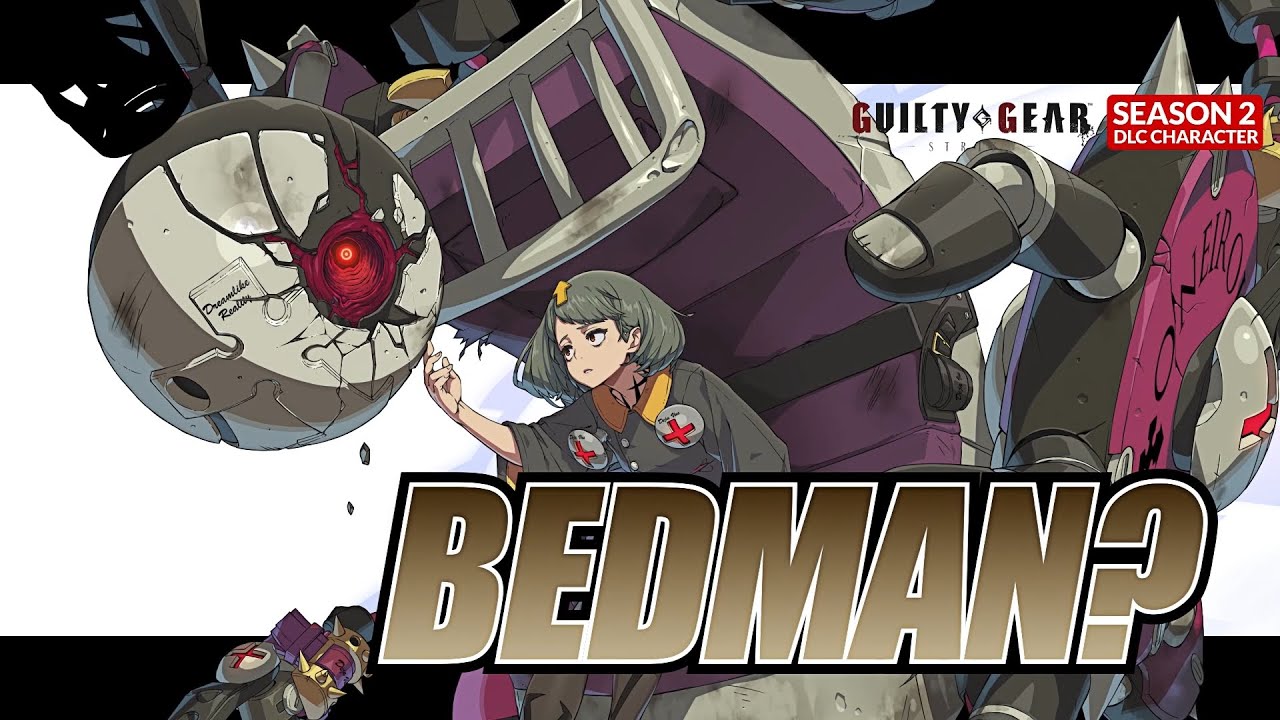
Guilty Gear Strive Update 1.26 Out for Bedman? and Balancing This April 6

Arc System Works has released Guilty Gear Strive update 1.26 (PS5 version 1.026) today for PC, PS5, and PS4. This update includes support for a new DLC character and gameplay balancing. Check out the Guilty Gear Strive April 6 patch notes. 

Guilty Gear Strive Update 1.26 Patch Notes | Guilty Gear Strive Update 1.026 Patch Notes | Guilty Gear Strive April 6 Patch Notes:

General / Game Modes

・Added “Bedman?” as a playable character.
*“Bedman?” will be available after purchasing “GGST Season Pass 2” or the “Bedman?” DLC item to be released on April 6.

・Added the “Bedman?” theme, “The Circle.”
*“Bedman?” must be selectable in order to use the BGM.

・Added avatar items for “Bedman?”.
*The new avatar items can be obtained via “fishing.”

・Added new BGM to the gallery mode.
“Does the sheep count the sheep?” (Xrd Bedman’s theme) can be accessed after obtaining it via “fishing.”

Digital Figure:
・Added items for Sin Kiske.
The new Digital Figure items can be accessed after obtaining them via “fishing.”

GG World:
・Added new glossary terms related to Another Story.

・Updated the entries for Sin Kiske, Delilah, Baiken, Faust, Bedman, and May.

Network Mode

・Fixed an error where the Search ID would be displayed darkened out when creating a Player Match room with the room type set to Training.

・Enhanced countermeasures against unauthorized network signals.

Please refer to this notice regarding the issues with network mode.

Mission Mode

・Leo Match-up Tutorial 1
Fixed an error where the mission would be cleared even after taking a hit when ground throw was input at a certain timing.

Arcade Mode

Fixed an error where the game would become unresponsive after triggering a Wall Break sequence with 2 characters simultaneously.

Battle

・Roman Cancel
Roman Cancel will now activate on either hit or whiff of the attack, regardless of the input method.
It is no longer possible to input Roman Cancel in such a way that it will only activate when the attack whiffs.

・Clash
The slow-down effect now ends when a clash occurs between two characters’ attacks.

・Input Priority
Air backdash now has higher priority than air dash.
An air backdash will now be executed rather than an air dash when quickly releasing ← after inputting ← + dash button.

・Wall Stick
Fixed an error where the character’s position would sometimes change when triggering wall stick in the corner under certain conditions.

・Fixed minor visual issues during battle.

Character Balance/Error Fixes

Potemkin:
・Slide Head
Can now K.O. the opponent when it triggers Wall Break. 

Faust:
・Scarecrow (S version)
Fixed an error where Faust’s position relative to the opponent after the move would sometimes vary between the left and right side of the screen under certain conditions. Faust’s positioning now remains the same regardless of the direction faced.

Zato-1:
・Amorphous
The hitbox will now always activate in front of the stage corner.

Ramlethal Valentine:
・Bajoneto (all versions)
Fixed an error where the sword would sometimes move to an unintended position under certain conditions.

Leo Whitefang:
・Dash
Can now be overwritten with Faultless Defense when input during a super flash.

Giovanna:
・Dash
Can now be overwritten with Faultless Defense when input during a super flash.

Anji Mito:
・Kachoufuugetsu Kai
The super flash now initiates as soon as the counter is successful.
The time before the super flash has been reduced as it was possible with some moves to act in between the counter succeeding and the super flash.

I-No:
・Air dash, air back dash
The input buffer window timing and activation conditions are now consistent with other characters.

Happy Chaos:
・Fire
Now always makes contact with the opponent when they are taking damage or in blockstun.

Fixed an error where Fire could be used directly after At the Ready (HS) under certain conditions.
It is no longer possible to use Fire directly after the freeze on activation of Roman Cancel, etc.

・Super Focus
Can now perform At the Ready (HS) directly after this move when activated with zero Concentration.

Sin Kiske:
・Hawk Baker
The startup of Hawk Baker’s followup can no longer be Roman Canceled.
It remains possible to follow-up with Gazelle Step as well as Roman Cancel when the opponent is taking damage or blocking.

Source: Guilty Gear Strive PDF

Damien Seeto

Home > News

KartRider Drift Update 1.03 Zooms Out for Mid Season 1 Patch This April 6

Nexon has pushed out KartRider Drift update 1.03, and this is for the mid season 1 patch! Read on for the kart upgrade changes, new game mode and more. Read on for everything new in the KartRider Drift April 6 patch notes.

KartRider Drift Update 1.03 Patch Notes | KartRider Drift Mid Season 1 Patch Notes:

Kart Upgrade Changes

  • Adjusted the maximum upgrade values per stat for the following Karts.
    Kart Performance Fine Rare
    Macan GTS Speed 6 7
    Acceleration 4 5
    Boost Acceleration 6 7
    Boost Duration 4 5
    Saber Speed 6 7
    Acceleration 5 6
    Boost Acceleration 5 6
    Boost Duration 4 5
    Burst Speed 4 5
    Acceleration 6 7
    Boost Acceleration 6 7
    Boost Duration 4 5
    Solid Speed 6 7
    Acceleration 4 5
    Boost Acceleration 5 6
    Boost Duration 5 6
    Marathon Speed 5 6
    Acceleration 4 5
    Boost Acceleration 5 6
    Boost Duration 6 7
    • All other karts can upgrade each stat 5 times for Fine karts and 6 times for Rare karts.
  • Upgrades for all Karts have been reset, and Gears refunded.
  • Upgrade Reset cost has been reduced to 5,000 Lucci for all kart tiers (down from 7,000 Lucci for Fine karts and 15,000 Lucci for Rare karts).
  • Gear slots are no longer visible on Common karts

New Game Mode: Factory Run

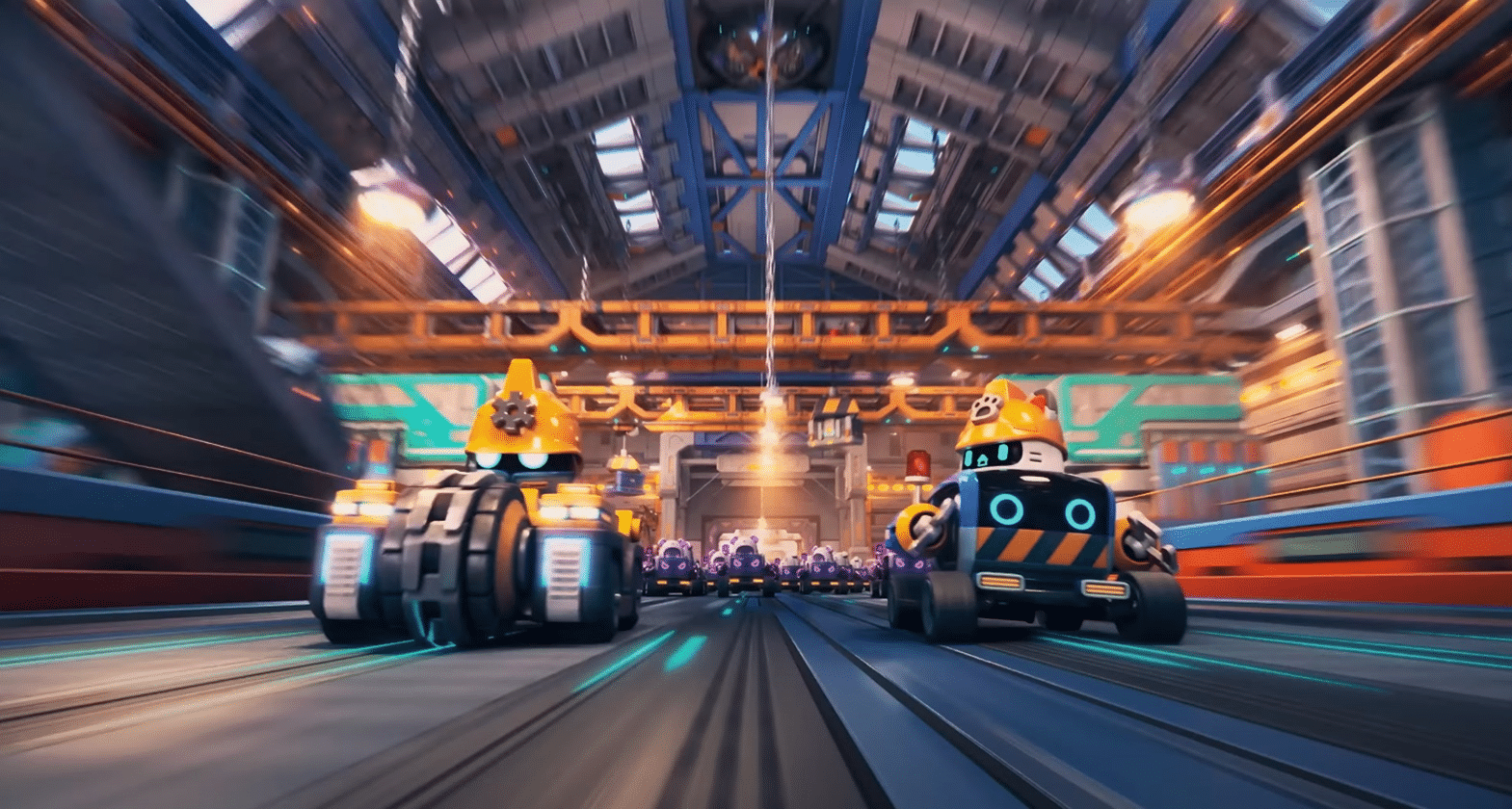
  • A new Item Mode variant where 4 Racers team up to defeat 36 AI-controlled Androids. Stay ahead of the Androids chasing you and seize victory!
  • Each Factory Run race consists of 5 laps, where the bottom 8 remaining racers will be eliminated at the end of Laps 1, 2, 3, and 4.
    • Eliminated AI-controlled Androids will stop in place, wherever they are. Be careful on subsequent laps, as running into them is a quick path to elimination!
    • Eliminated Racers will become Androids themselves, and have the opportunity to sabotage their former teammates. Held items are also reset on the team change.
  • After each lap, the AI-controlled Androids will gain speed, and the Androids grow larger as well.
  • Win Condition: A player-controlled Racer is the first to cross the Lap 5 Finish Line!
  • Lose Conditions:
    • All members of the Racer team are eliminated and become Androids.
    • An Android (whether AI or Racer controlled) crosses the Lap 5 Finish Line first.
    • Even if the Racer team wins, Racers that are eliminated and become Androids will still lose.
  • Instead of using their own personalized characters and karts, Factory Run mode uses a set group of characters and karts:
    • Racer 1: Dao, driving the Tunnelmaster kart.
    • Racer 2: Bazzi, driving the Plasma PT kart.
    • Racer 3: Vivi, driving the Road Roller kart.
    • Racer 4: Marid, driving the Midnight Wave kart.
    • Individual kart upgrades and liveries do not apply during Factory Run.
  • Mini-map, Rearview Mirror, and Rear Radar features are disabled during Factory Run.
  • Factory Run Items:
    • New Item: Siren: Look out ahead! Karts that the Racer collides into will temporarily skid and spin around.
      Siren Icon KartRider Drift
    • Potential Racer Items: Siren, Angel Armor, Missile, Water Bomb, and Water Wisp.
    • Potential Android-Racer Items: Siren, Banana, Boost, and Shield.
    • Potential Android-AI Items: Siren, Barricade, and Water Bomb.

Other Changes

  • (PC Only) The Friends List in the Social UI now displays 10 friends (up from 7).
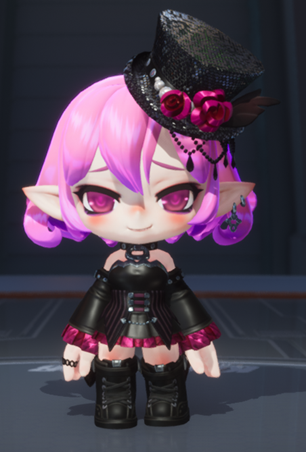
  • Lucid’s rosy cheeks have been nerfed, and are now slightly less rosy.
    OLD NEW
    Old Lucid Blush KartRider Drift New Lucid Blush KartRider Drift
  • (Xbox/PlayStation Only) Launching KartRider: Drift for the first time will now show the Terms of Service based on the region you are logging in from, not the language that is currently set.
  • K-COIN price for the following regions have changed, to remain in line with current exchange rates: Colombia (COP), Egypt (EGP), Hungary (HUF), Nigeria (NGN), Norway (NOK), South Africa (ZAR), and United Kingdom (GBP).
  • K-COIN purchase is now available for the following regions, all using USD currency: Kuwait, Lebanon, Oman, and Uruguay.
  • Premium Racing Pass now appears more prominently in the Item Shop.

Bug Fixes

  • Fixed an issue where a list of scheduled Item Shop updates was erroneously appearing.
  • Fixed an issue where the white focus border would disappear and becoming uncontrollable when the left of the two controls in Setting is selected.
  • Fixed an issue where your livery decal may erroneously appear on another Racer’s kart.
  • Fixed an issue where the Gear Gauge color appeared red when applying Gears immediately after reset.
  • Fixed an issue where the Gauge sound would continue playing when skipping the Grand Prix promotion/demotion screen.
  • 718 Boxster and 911 Turbo S Cabriolet karts: Fixed an issue where some kart decals would fail to appear properly.
  • Midnight Wave kart: Fixed an issue where track collision motion and track collisions would fail to register when racing with this kart.
  • Mine: Three Shortcuts: Fixed an issue where transparent objects would appear on the track.
  • Mine: Winding Slopes: Fixed an issue with karts colliding with the guardrail and falling when passing a shortcut with “Edge Guardrails” enabled.
  • World Tour: London Night: Fixed an issue where using the R key on certain parts of the track to respawn would have you respawn just in front of the finish line.
  • World Tour: Rio de Ja-nitro: Fixed an issue where transparent objects would appear in the tent section of the track.
  • (PC Only) Fixed an issue where the final event UI would be cut off when there are at least 5 active event UIs appearing in-game.
  • (PC Only) Fixed an issue where some B1 and L3 missions would become unselectable when scrolled down to with the mouse wheel.
  • (Android Only) Fixed an issue with the Back button not functioning in the Claim Coupon item pop-up after using the coupon in-game.
  • (Mobile Only) Fixed an issue with Item and Speed Mode Record font settings being incorrect when entering the Grand Prix Record menu without having played Grand Prix.
  • (Spanish/Portuguese Only) Fixed an issue where Korean text would appear in the Claim Coupon Item pop-up.

Source: Nexon

Avatar photo

Alex Co

Father, gamer, games media vet, writer of words, killer of noobs.

Home > News

Stranger of Paradise Update 1.32 Brings Bug Fixes This April 6

Square Enix has deployed Stranger of Paradise Final Fantasy Origin update 1.32 (PS5 version 1.302), and this is to usher in a host of bug fixes to both last-gen and current-gen versions of the game. Read on for the complete Stranger of Paradise April 6 patch notes.

Stranger of Paradise Update 1.32 Patch Notes | Stranger of Paradise Update 1.302 Patch Notes for April 6:

◆ Ver1.32 update information

▼ PlayStation®4 version / Xbox Series S version / Xbox One version

【Bug fixes】

Contents related to graphics, menu display, etc.

・Fixed a bug where the design of the greatsword “Night of Cornelia” had the same color scheme as the “Lion Heart King’s Greatsword”.

▼Common to all platforms

【Function addition】

・A set of “Warrior of Light” armor set (“Helmet of Light”, “Armor of Light”, “Gloves of Light”, “Legs of Light”, and “Foot Armor of Light”) has been added as a season pass bonus.

 It will be awarded as a clear privilege after clearing the main part with the season pass purchased.

 *Even if you purchase the season pass after clearing, it will be awarded.

[Bug fixes]

Contents related to special effects, etc.

・Fixed an issue where Phoenix was not revived due to the effect of the phantom beast’s blessing when the phoenix was used as the main phantom beast’s blessing.

Contents related to each job, job aptitude, etc.

・When using the musketeer’s “Stun Bullet” and “Magic Sealed Sword (including “Shining Rune” and “Rune Drive”), the job aptitude bonus for Blue Mage, etc. “Memory of an adventurer with blue blood” Fixed a bug where the effect did not activate

● Contents related to status ailments

・Fixed a bug that could prevent attacks from hitting paralyzed enemies

・Other minor bugs fixed

▼ PlayStation®5 version / PlayStation®4 version

【Bug fixes】

● Other contents

・Fixed an issue where trophies could not be acquired even if the trophy acquisition data was cross saved when a specific procedure was performed between PlayStation®5 and PlayStation®4 .

▼ PlayStation®5 version

【Bug fixes】

● Other contents

・Fixed a bug that could cause an application error when soul-bursting elemental enemies such as the “Fire Element” enemy.

Source: Square Enix

Avatar photo

Alex Co

Father, gamer, games media vet, writer of words, killer of noobs.

Home > News

Redfall Layla Hero Trailer Showcases Her Powerful Telekinetic Abilities

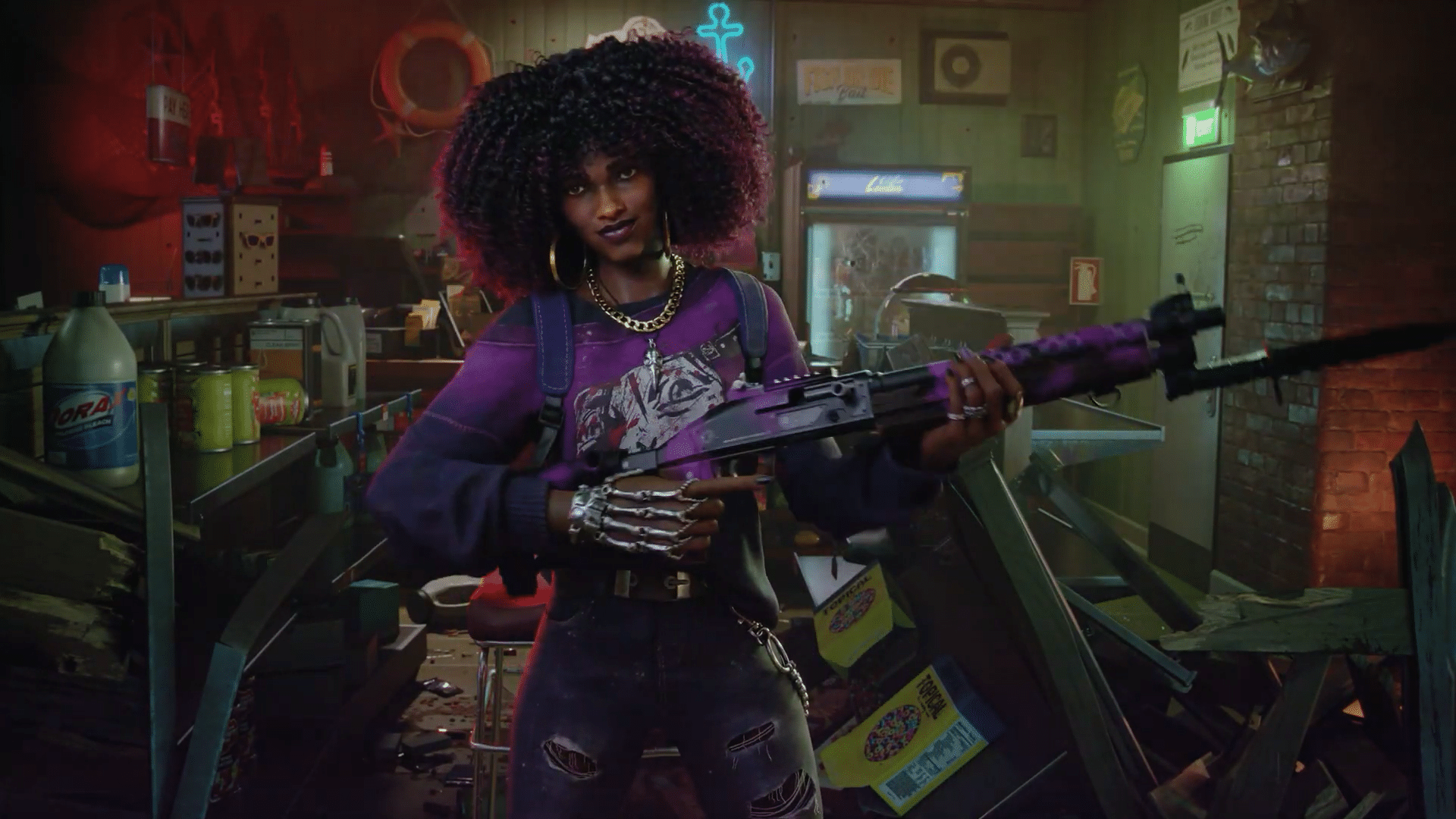
Arkane Studios Austin and Bethesda Softworks have released the Redfall Layla Hero trailer, revealing Layla’s traumatic past and her resultant telekinetic abilties that have both offensive and defensive utility.

Check out the trailer below:

Layla Ellison is one of the “Heroes of Redfall” and a former biomedical engineering student who interned at the mysterious Aevum Therapeutics. The aspiring researcher was unfortunately caught up in one of Aevum’s sinister experiments that resulted in the death of her friend Jason, but the incident left her with powerful telekinetic abilities.

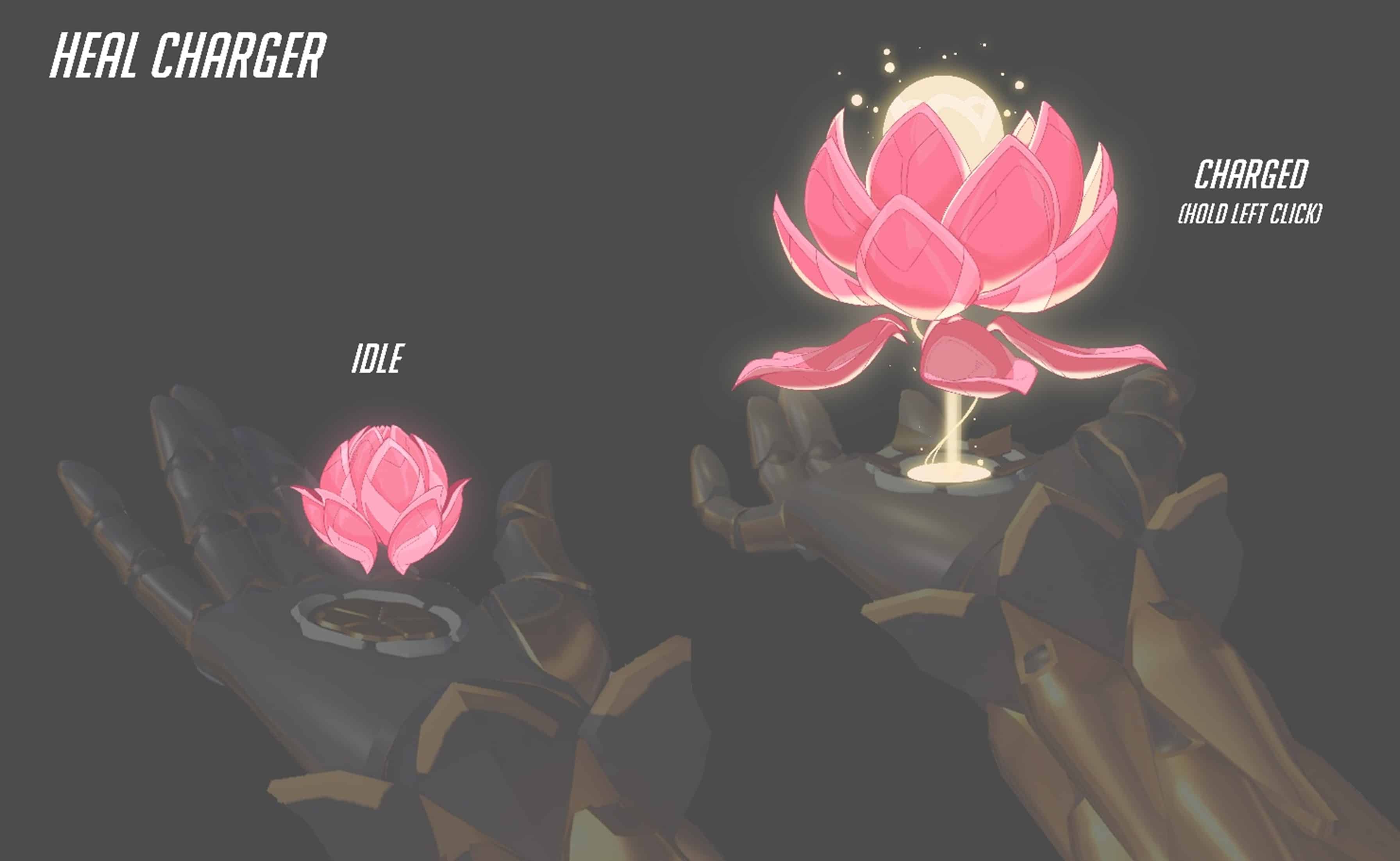
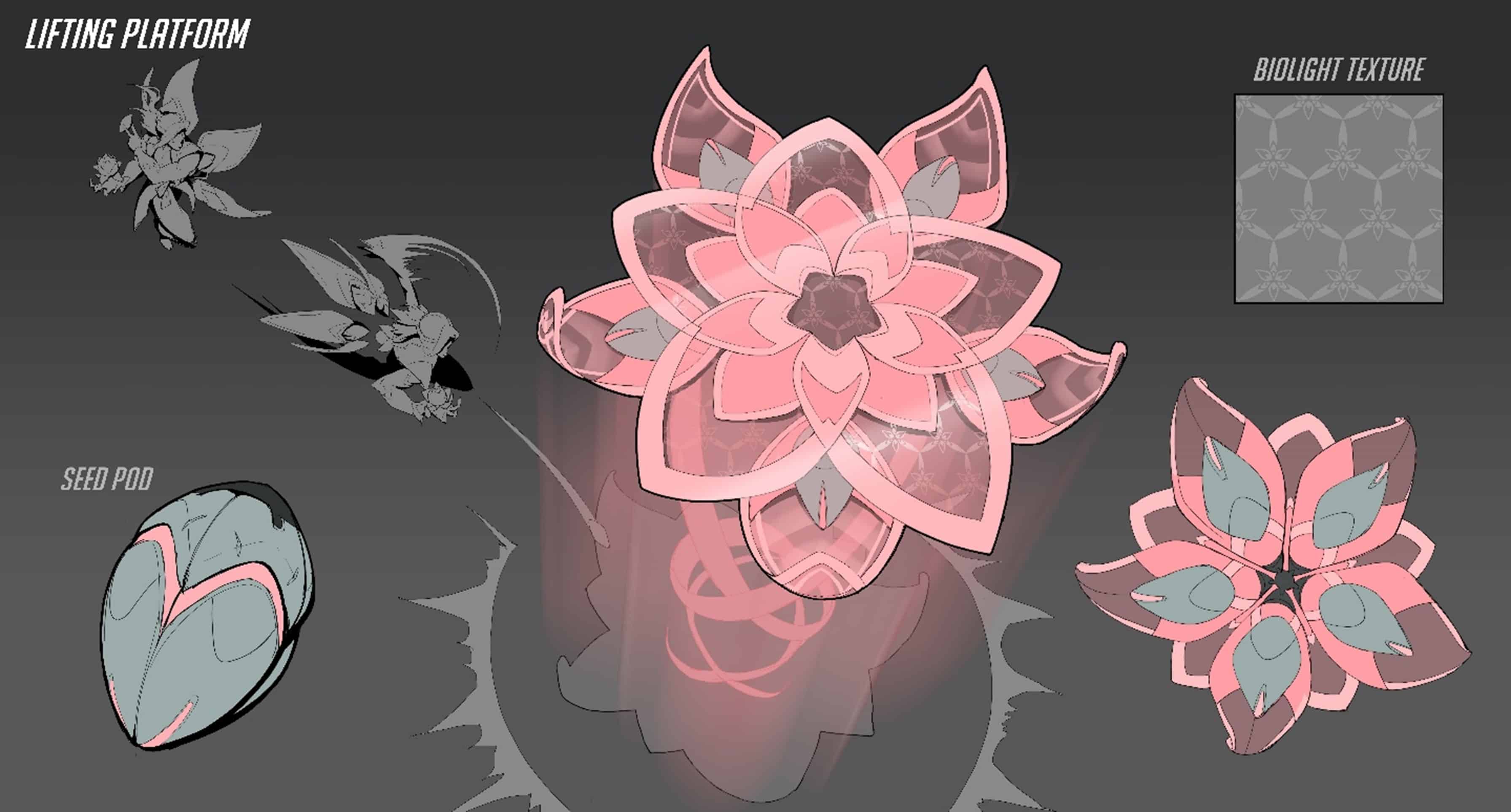
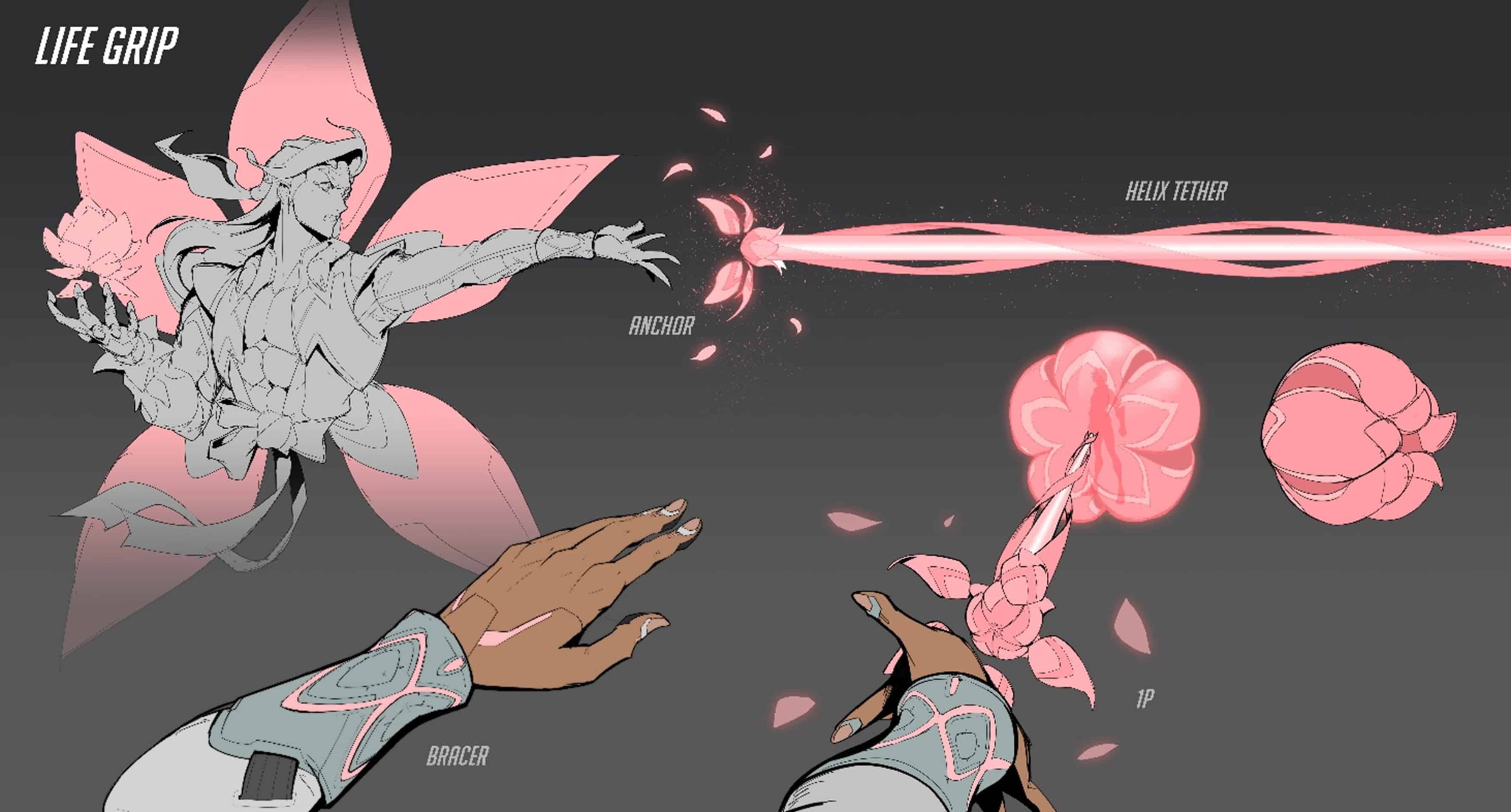
These abilities manifest in gameplay in various forms: Layla’s Umbrella ability summons an umbrella-shaped force field that blocks projectiles and can also be launched at enemies to deal damage, while Lift summons a tall platform that can be used to reposition in fights, reach higher locations, or crowd-control enemies. Finally, Layla can also summon Jason and unleash him on her opponents to deal devastating damage.

Redfall creeps out on PC and Xbox Series X|S on May 2, 2023.

More Redfall Reading:

Avatar photo

Salman Haider Zaidi

That's a nice argument, Senator.

Home > News

One Piece Odyssey Story DLC “Reunion of Memories” Announced With Teaser Trailer

ILCA and Bandai Namco Entertainment have revealed the first One Piece Odyssey story DLC, titled “Reunion of Memories.” The expansion finds the Straw Hat Crew stranded in Alabasta after the appearance of a mysterious girl that looks like Lim, and includes new and returning characters from the One Piece universe.

Check out the One Piece Odyssey “Reunion of Memories” DLC trailer below:

According to producer Katsuaki Tsuzuki, “Reunion of Memories” incorporates “fan-favorite stories and battle segments” into One Piece Odyssey, as well as a “new hidden story with bonds.” The DLC’s story will heavily focus on battles and include special win conditions in some levels. It will also feature new and returning characters from the One Piece universe in its story.

A release date for the DLC has not yet been announced, though the trailer as well as the producer claim that it is “coming soon” on PC, PS5, PS4, and Xbox Series X|S. Stay tuned here at MP1st for all upcoming One Piece Odyssey news and announcements. 

Avatar photo

Salman Haider Zaidi

That's a nice argument, Senator.

Home > News

Crusader Kings 3 Regency System Update Set for May 11; Elegance of the Empire Pack Featured in Dev Diary

Crusader Kings 3’s regency system has been fully revealed by Paradox Development Studio in a new dev diary, giving players more options when playing as or with a regent in their kingdoms. The dev diary also went over the Elegance of the Empire pack that adds new clothing to the game.

The dev post is fairly lengthy, but in essence, the new system would allow players more options and choices to make as a regent or the monarch that the regent serves. It will make use of a Scales of Power system, which indicates how much influence and power a regent has over their liege’s territory. As a regent, players would also be able to try out various possible player fantasies, allowing for cunning regents, loyal regents, and laissez-faire regents. Other than the regency system, the dev diary also talked about the Elegance of the Empire pack, which introduces various royal clothing for players to use. This includes various garments, crowns, and even a regal mustache for kings.

The regency system for Crusader Kings 3 is set to launch on May 11 alongside the Tours and Tournaments DLC as a free update, as it’s set to be a core system for CK3. The Elegance of the Empire clothing pack is currently available via the Chapter II bundle (you can find the Steam DLC page here).

Source: Paradox Forum

Carlos Perez

Home > News

Cities: Skylines 2 Multiplayer Unlikely; “Would Take Away From Building the Core Player Experience,” Says Dev

Cities: Skylines 2, the city-building simulator by Colossal Order, will likely not include a multiplayer feature, according to a recent statement released by the developer. The studio cited that a Cities: Skylines 2 multiplayer feature “would take away from building the core player experience.”

Here’s the original question-and-answer, which was posted last March:

While the answer doesn’t flat-out state that multiplayer will not be in Cities: Skylines 2, adding the feature seems to be highly unlikely. Aside from it taking away from the “core player experience,” Colossal Order also cited considerable time and resource usage required to add multiplayer in the first place.

Here are the questions that Colossal Order answered last month via Twitter (you can also find the Twitter post featuring the questions here):

Q: When did you guys start working on Cities: Skylines II, and was it difficult to keep the secret?
A: We’ve been working on Cities: Skylines II for a few years now. Thankfully, we have some practice keeping Cities: Skylines expansions under wraps, but we’re very happy the secret is out and look forward to sharing more!

Q: Will it still be on Unity?
A: Yes, it will be Unity based

Q: Will the workshop be available in CS2? What about the assets today on workshop, will these survive in CS2 workshop?
A: Cities: Skylines II is an entirely new game. Existing workshop content would likely need to be remade or adapted. We’ll have more to share about modding Cities: Skylines II in the future.

Q: Any scope to add multiplayer in cities skylines 2?
A: Cities Skylines II is our most ambitious project to date, expanding on every mechanic in the franchise. Adding multiplayer support takes an incredible amount of time and resources that would take away from building the core player experience we are striving to create.

Cities: Skylines 2 is set to release sometime in 2023 on PS5, Xbox Series X|S, and PC.

Carlos Perez

Home > News

Overwatch 2 Lifeweaver Abilities and Kit Explained

After the release of the trailer yesterday, Blizzard Entertainment has explained Overwatch 2‘s Lifeweaver’s abilities and kit in detail in a new blog post. The new Support hero is equipped with a variety of heals and can support his allies by providing them vital sustain, invulnerability, and repositioning opportunities at regular intervals.

Lifeweaver’s gameplay was debuted with a trailer yesterday, which provided fans with their first look at his powerful healing abilities. Each ability and its unique mechanics have been broken down in detail below:

Overwatch 2 Lifeweaver Abilities:

Parting Gift (Passive):

Lifeweaver’s “Parting Gift” passive drops a healing item when he dies that heals the first ally or enemy to pick it up. This can be especially useful once all of his abilities are on cooldown in a critical fight, but also forces players to be more careful about their position in a fight for fear of accidentally buffing an opponent post-death.

Healing Blossom (Primary Fire):

Healing Blossom is Lifeweaver’s regular Primary Fire. It charges a luminescent flower for the duration the corresponding button is held and soft-targets allies when released to heal them on contact depending on the charge level of the flower.

lifeweaver healing blossom

Thorn Volley (Alternate Primary Fire):

Thorn Volley is the single source of damage in Lifeweaver’s kit. It launches “thorns” of his “Biolight” invention at opponents in a scattered pattern, and deals significant damage for a Support hero. While the damage numbers are fairly high, Lifeweaver cannot heal his allies while he is using Thorn Volley.

Petal Platform:

As Lifeweaver’s secondary-fire ability, Petal Platform throws a pod at a given location that blooms into a flower-like platform once it lands. Allies and enemies alike will be lifted up into the air with the platform should they step on it, with the platform remaining suspended in the air once it has fully ascended. Timing a jump when the platform is just about to reach the peak of its ascent results in a “super jump” that can be used to elevate allies to key vantage points, or alternatively remove them from a combat zone. It can be used to reposition enemies to their disadvantage in the same fashion.

lifeweaver petal platform

Life Grip:

Life Grip has perhaps the greatest utility in Lifeweaver’s kit when used properly: it envelops allies in a protective Biolight shield that makes them invulnerable and pulls them to his own position. Life Grip can be used to bail out carries in risky fights or when caught out of position, and even to quickly summon allies for a flank or other split-second play.

lifeweaver life grip

Rejuvenating Dash:

Rejuvenating Dash is Lifeweaver’s escape ability: it lunges him in a given direction when used while lightly healing him. While certainly useful in risky situations, it can also be used in conjunction with Petal Platform to traverse large areas on the map and quickly reposition to vantage points or safe areas.

Tree of Life (Ultimate):

lifeweaver tree of life

Tree of Life plants a large Biolight tree on the map that heals Lifeweaver and his allies in a radius. It also acts as a barricade as it cannot be walked or shot through by either team, enabling Lifeweaver to block off chokepoints and create advantageous zones for his team in the middle of a fight.

Lifeweaver will debut as Overwatch’s 37th hero with the beginning of Overwatch 2 Season 4 on April 11. Stay tuned here at MP1st for all upcoming Overwatch 2 news and announcements.

Source: Overwatch Blog

Avatar photo

Salman Haider Zaidi

That's a nice argument, Senator.

Home > News

Diablo 4 Endgame Systems Explained in New Video; Dev Stream Set for April 20

Diablo 4’s endgame systems will provide players with various activities to try out after completing the game’s story. Among the systems featured in Diablo 4 will include PVP in the Field of Hatred, bounties via the Tree of Whispers, and the Paragon System, among other things.

Here’s a newly released dev video that goes more into detail on the topic:

– After finishing the campaign, challenge yourselves with higher World Tier difficulties by completing Capstone Dungeons. The higher the World Tier, the more loot and advantages your character can get.
– The Paragon System contains even more opportunities to refine your perfect character build beyond the initial Skill Tree to make it uniquely yours. Choose a path and which boons and glyphs you would like to pursue based on your play style.
– Add to the Codex of Power by finding Aspects hidden away in dungeons. This will allow you to take items found in the world and turn them into more powerful legendary items.
– There are over 120 dungeons in Sanctuary and any one of them can become a Nightmare Dungeon. Use Nightmare Sigils to activate the Nightmare version of dungeons and add more difficult objectives and challenges to conquer.
– Even more powerful monsters roam Sanctuary for those that have completed the campaign. Defeat these monsters in Helltide areas to collect shards that can be used to purchase big rewards at caches.
– Head to the Tree of Whispers to collect Whispers of the Dead. With every bounty that is completed, players can return to the tree to receive a big reward cache.
– For those looking to test themselves against other players, they can do so in the Fields of Hatred. In this PvP area, players can choose to engage in player vs player conflict or complete tasks to collect shards to purify in town. Rewards await those with purified shards, but all players in the Fields will be at risk to those looking to PvP.
– As a Live Service game, Diablo IV will continue to be updated long after launch.

A developer livestream for Diablo 4 has also been announced, with the stream going live on April 20 with content creator Rhykker as the guest host. The livestream will “dive into even more topics” surrounding Diablo 4, including additional information on endgame systems.

Diablo 4 launches this June 6 on PS4, PS5, Xbox One, Xbox Series X|S, and PC.

Carlos Perez

Home > News

New Live-Action Street Fighter Movie in the Works at Legendary Entertainment, Co-Produced by Capcom

It’s a great year for fans of Capcom‘s legendary (pun intended) fighting game franchise: the company has now announced a new live-action Street Fighter movie that it is co-producing with Legendary Entertainment. Capcom promises that more details about the project will be revealed soon.

Check out the official announcement below:

Adaptations of fighting game franchises have generally not fared well: the 2021 Mortal Kombat movie did enjoy some level of success, but the 2009 Street Fighter: The Legend of Chun-Li movie is often labelled one of the worst films of all time. However, given the unprecedented popularity of video game adaptations recently as in the case of The Last of Us HBO TV series, Capcom sees an opportunity to bring one of its most iconic franchises back to the big screen.

Film production Legendary Entertainment secured the film and TV rights to the Street Fighter franchise recently, and first in line for the partnership’s projects is a new live-action Street Fighter movie. No casting or filming details have yet been revealed, but it is quite likely that the project will have no continuity with any previous film, TV, or web-series adaptations of the franchise. However, keeping in mind that Capcom was able to bring in the likes of Jean-Claude van Damme and Kylie Minogue for the 1994 film, fans can expect that the cast for the new movie could very well include several Hollywood superstars.

While details about this new movie are scant, Street Fighter 6’s June 2 release date is fast approaching. Stay tuned here at MP1st for all upcoming Street Fighter news and announcements.

Avatar photo

Salman Haider Zaidi

That's a nice argument, Senator.

Home > News

Infernax Update 1.04 Drops for Deux or Die Couch Co-Op This April 5

Developer Berzerk Studio has released Infernax update 1.04, and this is for the big Deux or Die patch that brings couch co-op into the game alongside other fixes! Check out the full Infernax April 5 patch notes below.

Infernax Update 1.04 Patch Notes | Infernax Deux or Die Patch Notes | Infernax April 5 Patch Notes:

you already own the game, congrats, you own the update. What are you still doing here reading when you could already be playing? If you don’t own the game, now might be a good time to buy it, we even put it on sale to celebrate the update. We love paying rent, and you get to play a sweet game at a discount, that seems win-win.
Thanks a ton for waiting while we worked on this update, it’s taken a lot of effort and time from everyone on the team to add a second player mode. The game was obviously always originally intended as a single-player game, but after launch we knew that adding co-op felt cool and good, so we’ve been toiling away at it since quickly after launch and we hope you have a good time with it.

-The Berzerk Team

PS: For those who want he nitty-gritty, here’s some patch-notes:

Coop Update patch notes

Coop Update patch notes:
Co-Op Changes:
– Cervul: new character, Cervul, for couch coop mode with new tools and abilities
– Co-op: In addition to 2-player mode, you can play both characters with 1 player with swap-mode
– Co-op: Game has been rebalanced for co-op mode, enemy behaviors tweaked for multiple targets
– Co-op: Additional dialogues and art to include Cervul
– Co-op: New Inferno Power for finishing a co-op game, as well as new unlock icons for previous Inferno Powers
– Co-op: Gun mode supports co-op
– Major UI overhaul to support co-op
– Defined Harold’s paternal legacy
– New achievements: Achievements for co-op modes and easter eggs
– CRT Filter: Custom settings allow you to get the retro look you want
– Improved CPU performance across the board
– Optimized fonts resources

Gameplay changes:
– Bird Familiar AI has been revamped to make them more reliable, especially at coin-gathering
– Alcedor can now block projectiles during invincibility frames across all modes
– Teleporting enemies’ logic has been revamped to account for second player before choosing a spawn location, and should be more generous in their spacing and vulnerable frame overall
– Stranger’s Melee weapon range will now be longer with each Weapon Level
– Fixed Stranger not crouching properly when holding diagonal-down
– Faceless One has received a health buff to balance the fight difficulty relative to the average time it is encountered during play.
– Fixed Belphegor targeting Issues during Fireball attacks if his weapon is on the ground
– Fixed issue with chainsaw mode in the future
– Fixed issue with charged attacks and the shotgun
– Fixed issue with empty player names
– Fixed issue with crouched shotgun aiming with Stranger
– Fixed issue with Mayor confrontation event
– Fixed various issues with time of day changing during quest events
– Fixed visual issue with some Stranger animations
– Fixed issue with Stranger shotgun knockback inside houses
– Fixed localization issue with ‘Hold to skip’
– Fixed crash that could occur during Horseman fight
– Fixed collision issues in Dream level
– Fixed issue with big knight charge attacks
– Fixed Axcedor name not appearing in dialogues during Battle of Darsov
– Fixed Demonology entry for Scorpion, now includes the guards
– Fixed Thorn Shield hitting bosses multiple times per frame
– Fixed Softlock possibility with Mayor Quest
– Fixed progression issue with “Spy on the Cult” quest if “Destroy the Cult” is active
– Fixed issues with Mammon’s health bar display
– Fixed various gameplay visual artifacts that could remain active during cutscenes
– Fixed possibility for Morality to not be awarded properly if exiting to title at specific points during various quest events
– Fixed Evil Shield Spell reseting from Day Time Swap
– Fixed Various Performance Issues
– Fixed other various Localization Issues

Speaking of which, go check out our review of this massive (free) update right here.

Source: Steam

Avatar photo

Alex Co

Father, gamer, games media vet, writer of words, killer of noobs.

Home > News

Infernax: Deux or Die Review – Ready Player Two

Released over a year ago precisely on Valentine’s Day, Infernax is one of the weirdest gifts that someone could potentially offer. Coincidences be damned, this is a violent and extremely gory retro platformer, commonly known by all the hip kids as Metroidvania. While acclaimed at launch, there was room for Infernax to grow and become even better, but how so? By adding a two-player cooperative mode just like those old arcade machines that gobbled up your parents’ hard-earned coins, that’s how. Give a warm welcome to Cervul, player two entering the game with the free Infernax: Deux or Die update.
Bloody Delightful

Infernax is a solid platformer reminiscent of the 8-bit era, complete with linear enemy patterns and nerve-racking jumps, as you can read in our original review. The story is astonishingly deep and twisty, with many choices that will come back later to bite you, stomp on you, and eliminate you in one of dozens of wicked ways, complete with a blood-red screen of death where some decidedly gory action confirms your demise. These choices will also shape your allegiance into good or evil, so make sure you give each option enough consideration.

Infernax: Deux or Die Review

While on the surface it looks like another run-of-the-mill exercise in retro gaming aimed at the die-hards of the bygone videogame consoles, Infernax is clever in more ways than one. It comes with a day and night cycle that reflects on the enemy types, and you can pick a casual or classic mode that significantly alters your progress rate. In short, when you die in classic mode it wipes your progress and loot since the previous save shrine, while casual mode allows you to keep some of your stuff. The latter doesn’t apply during dungeons, but these aren’t usually that vast, and every skilled platformer fan won’t find them to be unsurmountable trials.
Infernax isn’t a Souls-like where you must face dozens of hard-as-nails enemies before reaching the death point, but it still can provide a challenge for those who roam impatiently through the land. Bosses aren’t massive setbacks either; while visually impressive, their moveset is often very restrictive and easy to learn. Gold and XP from fallen enemies allows you to upgrade skills and purchase a variety of items. If you have a keen eye, you may discover strategies to rake up those numbers without much effort, in true flawed 8-bit fashion.

But after this summary of Infernax, let’s just go straight to Deux or Die, the focus of this review.

Party of One

Infernax: Deux or Die Review

Until recently, honorable knight and proud mace-wielder Alcedor was the sole hero of this story, but he is now joined by Cervul, the squire. An expert in axe throwing and complete with a set of buff skills that will come handy in battle, Cervul is a terrific long-range complement for Alcedor’s melee-focused attacks. Far from being the early days’ Luigi to his Mario, Cervul is an entirely different character that feels like the true sidekick that the game deserved in the first place.
The two-player couch co-op mode (Steam remote play is supported) is where Infernax truly shines, delivering a barrage of attacks and projectiles that often give you little time to think, with a rebalanced difficulty for this new option. While Alcedor’s shield and mace allow him to get up close, Cervul stays behind working his ranged attack, with slight distance and height adjustment according to your character control. It seems easy to use, but timing it with the devious and fast enemies requires some skill.

With the XP Cervul earns, you can unlock a handful of tools that grant additional options and buffs to the duo. The pavise is a large shield that can be carried around, but this prevents you from attacking; however, place it on the ground and that’s another story entirely. The crossbow is an alternate ranged weapon that fires a straight shot but requires reloading after each use. It gets interesting when you unlock the piercing upgrade, with a delightful shot that penetrates various enemies. The banner grants a speed and attack buff, and can be placed on the ground to free Cervul’s hands and still provide the effect, as long as you remain in the vicinity. Finally, the bandages heal both Cervul and Alcedor, but don’t forget to refill them by a save shrine.

If you don’t have someone to play Infernax with, there’s a two-player solo mode just for you. Doesn’t make sense? Actually, it does, as it lets you take both Alcedor and Cervul into the full campaign, but you only control one at a time, switching between them on the fly. While not the optimal way to enjoy the game, it is definitely better to have this option to explore both character’s playstyles and upgrades, rather than solely focusing on one.

Two’s Company

Infernax Deux or Die Review

Some of the best things come in small packages, and this one is digital and free, so there’s no need to pay or to worry about keeping the wrapping paper intact for reusing. Infernax was an interesting retro platformer, but Deux or Die turns it into an infinitely better game in a way that is utterly respectful to the community. Cervul is so much more than a shade of Alcedor; he’s its own thing, a player two that you want to bring along, and he will make going back to solo adventuring (or even the on-the-fly switching mode) a lot harder to enjoy.

Infernax players who for some reason haven’t appreciated the game to its fullest now have a great excuse to give it another go. While far from flawless and sometimes too mechanical or harsh in its insta-death platforming jumps, it is a riot to play with a friend. If you don’t have one, just grab someone from the neighborhood, hand them a second controller, and have a bloody great time with this challenging old-school platformer.

Score: 8.5/10

Pros

  • Infinitely better in cooperative mode
  • Cervul is so much more than player two
  • Alternate between characters solo
  • Entirely free

Cons

  • Linear enemy attack patterns
  • Some bugs and XP exploits
  • Insta-deaths from ill-timed jumps are frustrating

Infernax: Deux or Die review code was provided by the publisher. You can read MP1st’s review and scoring policy right here.

Vitor Braz

Home > News

Modern Warfare 2 & Warzone 2 Season 3 Trailer Teases Alejandro vs. Valeria, Warzone Ranked & Much More

Following the earlier announcement from yesterday, Infinity Ward has released a Modern Warfare 2 and Warzone 2 Season 3 trailer, teasing the showdown between allies-turned-enemies Alejandro and Valeria, as well as the promised Warzone Ranked mode, new multiplayer maps and modes, the Resurgence mode on the Al Mazrah map, and much more.

Check out the trailer below:

Los Vaqueros leader Alejandro Vargas and Las Almas Cartel boss Valeria Garza will face off against each other in Season 3 after the latter’s escape from imprisonment, most likely in a new Raid episode. Season 3 will also bring Ranked Play to Warzone 2, and feature the return of the Plunder mode in Warzone 2 and the Gunfight and Cranked modes in Modern Warfare 2.

Additionally, new multiplayer maps will also be added during Season 3, along with the addition of Resurgence to Al Mazrah and a new “Blackcell” mode which has not yet been detailed. The new season begins less than a week from now on April 11, and we’ll update our readers with all upcoming information and patch notes as they’re released.

Avatar photo

Salman Haider Zaidi

That's a nice argument, Senator.