Home > News

Atomic Heart Update 1.004 Released for Fixes This April 5 (Update)

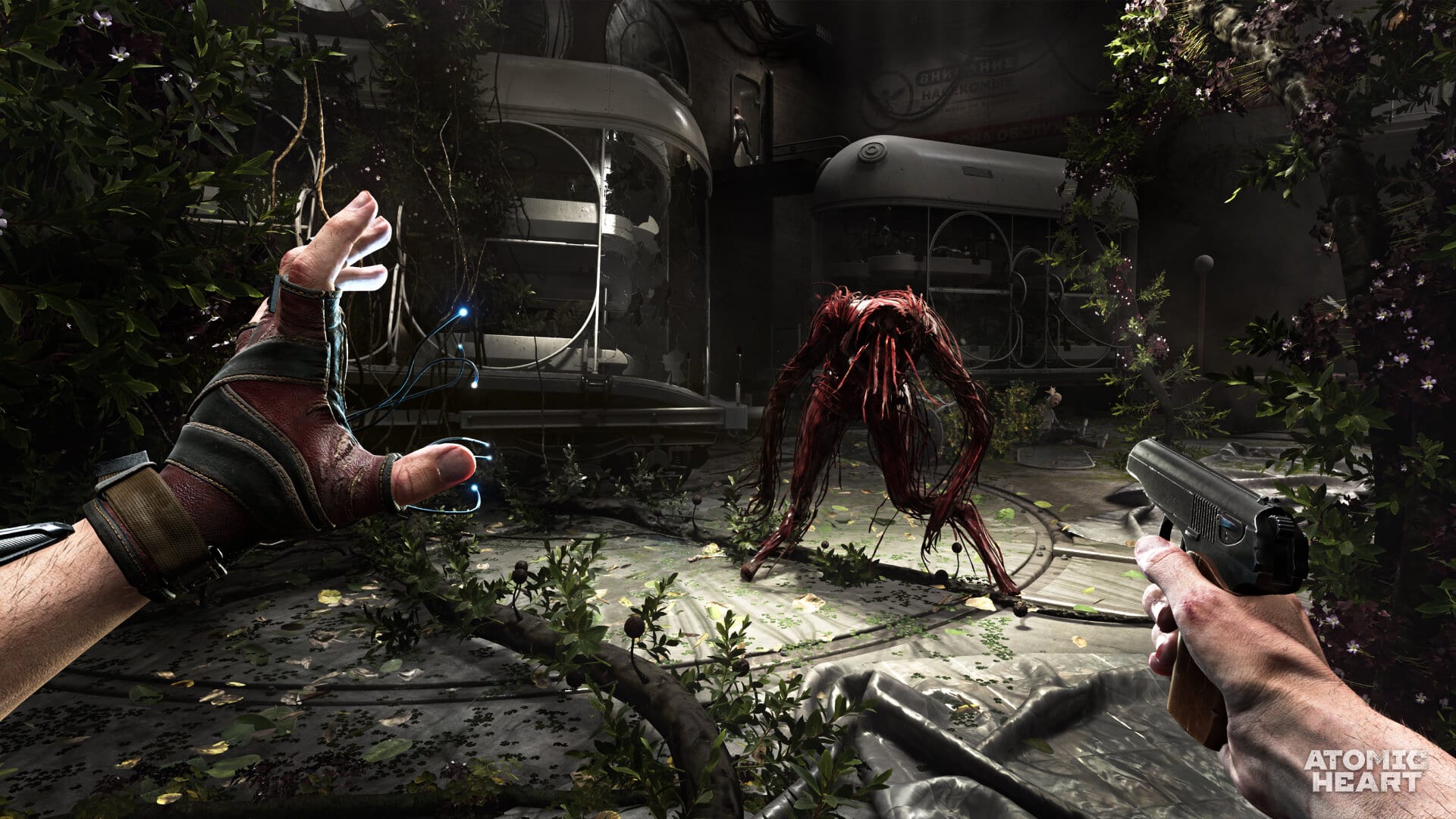
Atomic Heart update 1.004 has been released by Mundfish on all platforms, and this brings a host of fixes ranging from the achievement issue, subtitle font size changes and loads more! Check out everything new in the official Atomic Heart April 5 patch notes.

Atomic Heart Update 1.004 Patch Notes | Atomic Heart April 5 Patch Notes:

MAIN
  • HUD, subtitle size settings
    120Hz mode (PS5, Xbox Series X|S)
    (mode will work with compatible devices that are supported by consoles (TV or monitor and HDMI 2.1 cable) only; the presence of 120Hz does not guarantee the operation of the mode)
  • Fixed an issue with unlocking achievements (note the additional nuances in the recommendations section)
  • Fixed an issue with auto-detection of voice-over language
VISUALS AND AUDIO
  • Improved display of shadows
  • Fixed an issue with cartoons being absent in save rooms
  • Removed binding of funiculars to FPS in the Vavilov Complex tunnels
  • Updated shaders
  • In certain places, the white image on TVs has been changed to static
  • Fixed an issue with art subtitles—translation will now be displayed
  • Updated first-person animations and fixed issues with the character’s body showing when playing with high FOV
QUESTS
  • Fixed the freeze during the Morning Express quest
  • Icarus in the VDNH now rises all the way when loading a save where it was stuck
  • Fixed an issue with saving the puzzle with rays
  • Fixed an issue with subtitle display (freezing)
GAMEPLAY / OPEN WORLD
  • Added ability to loot corpses lying in the water
  • Improved climbing in “corners”
  • Added the ability to launch funiculars at the entrance to the Vavilov Complex tunnels after going through them
  • Fixed an issue with getting stuck in collisions in some places
  • Fixed several issues with the Mass Telekinesis ability
  • Optimization and fixes for corpses of mobs
  • Fixed an issue with health regeneration when loading a save
STABILITY
  • Improved optimization (LTO and others)
PC ONLY
  • Fixed DLC content visualization on the character in the main menu
RECOMMENDATIONS FOR SOLVING SOME ISSUES
  • We cannot guarantee or support the game if the Atomic Heart game client has been modified by any third-party software. If this happens, you should uninstall this software and install the game again.
  • If you encounter issues on Steam, first check the integrity of the game files as described here. This may solve the issues: https://help.steampowered.com/en/faqs/view/0C48-FCBD-DA71-93EB
  • Updating the driver to the latest version may improve performance (NVIDIA only)
  • There may be some delay in unlocking achievements entirely on savegames before or during the Day 1 patch, there may there may be some issues, which can be solved as follows:

a) In case the achievements were not unlocked, although their progress was achieved, it will be necessary to re-execute all the conditions by starting a new game;

b) In the rare case where all achievements have been obtained, but for obtaining them all has not been unlocked achievement “The Motherland Does Not Forget its Heroes”, the problem can be solved simply by starting a new game, at the launch of which will occur recalculation data, which will entail the unlocking of an achievement.

Update: Added confirmation of 120hz mode support for PS5, Xbox Series X|S via Mundfish.

Source: Steam
Avatar photo

Alex Co

Father, gamer, games media vet, writer of words, killer of noobs.

Home > News

Atomic Heart Update 1.09 Drops for Patch 1.4.0.0, Patch Notes for April 5 Listed (Update)

Developer Mundfish has rolled out Atomic Heart update 1.09, and this brings a long list of various fixes to the shooter. Players can expect subtitle size setting changes, the achievement issue fixed and more in patch version 1.4.0.0! Read on for the new Atomic Heart update patch notes.

Atomic Heart Update 1.09 Patch Notes | Atomic Heart Update 1.4.0.0 Patch Notes:

MAIN
  • HUD, subtitle size settings
    120Hz mode (PS5, Xbox Series X|S)
    (mode will work with compatible devices that are supported by consoles (TV or monitor and HDMI 2.1 cable) only; the presence of 120Hz does not guarantee the operation of the mode)
  • Fixed an issue with unlocking achievements (note the additional nuances in the recommendations section)
  • Fixed an issue with auto-detection of voice-over language
VISUALS AND AUDIO
  • Improved display of shadows
  • Fixed an issue with cartoons being absent in save rooms
  • Removed binding of funiculars to FPS in the Vavilov Complex tunnels
  • Updated shaders
  • In certain places, the white image on TVs has been changed to static
  • Fixed an issue with art subtitles—translation will now be displayed
  • Updated first-person animations and fixed issues with the character’s body showing when playing with high FOV
QUESTS
  • Fixed the freeze during the Morning Express quest
  • Icarus in the VDNH now rises all the way when loading a save where it was stuck
  • Fixed an issue with saving the puzzle with rays
  • Fixed an issue with subtitle display (freezing)
GAMEPLAY / OPEN WORLD
  • Added ability to loot corpses lying in the water
  • Improved climbing in “corners”
  • Added the ability to launch funiculars at the entrance to the Vavilov Complex tunnels after going through them
  • Fixed an issue with getting stuck in collisions in some places
  • Fixed several issues with the Mass Telekinesis ability
  • Optimization and fixes for corpses of mobs
  • Fixed an issue with health regeneration when loading a save
STABILITY
  • Improved optimization (LTO and others)
PC ONLY
  • Fixed DLC content visualization on the character in the main menu
RECOMMENDATIONS FOR SOLVING SOME ISSUES
  • We cannot guarantee or support the game if the Atomic Heart game client has been modified by any third-party software. If this happens, you should uninstall this software and install the game again.
  • If you encounter issues on Steam, first check the integrity of the game files as described here. This may solve the issues: https://help.steampowered.com/en/faqs/view/0C48-FCBD-DA71-93EB
  • Updating the driver to the latest version may improve performance (NVIDIA only)
  • There may be some delay in unlocking achievements entirely on savegames before or during the Day 1 patch, there may there may be some issues, which can be solved as follows:

a) In case the achievements were not unlocked, although their progress was achieved, it will be necessary to re-execute all the conditions by starting a new game;

b) In the rare case where all achievements have been obtained, but for obtaining them all has not been unlocked achievement “The Motherland Does Not Forget its Heroes”, the problem can be solved simply by starting a new game, at the launch of which will occur recalculation data, which will entail the unlocking of an achievement.

That’s about it. In other Atomic Heart news, Mundfish’s boss has asked billionaire Elon Musk if he was willing to be part of the game’s upcoming DLC.

Update: Added confirmation of 120hz mode support for PS5, Xbox Series X|S via Mundfish.

Source: Steam

Avatar photo

Alex Co

Father, gamer, games media vet, writer of words, killer of noobs.

Home > News

Battle.net Spring Sale Now Live, Includes Call of Duty Games and More

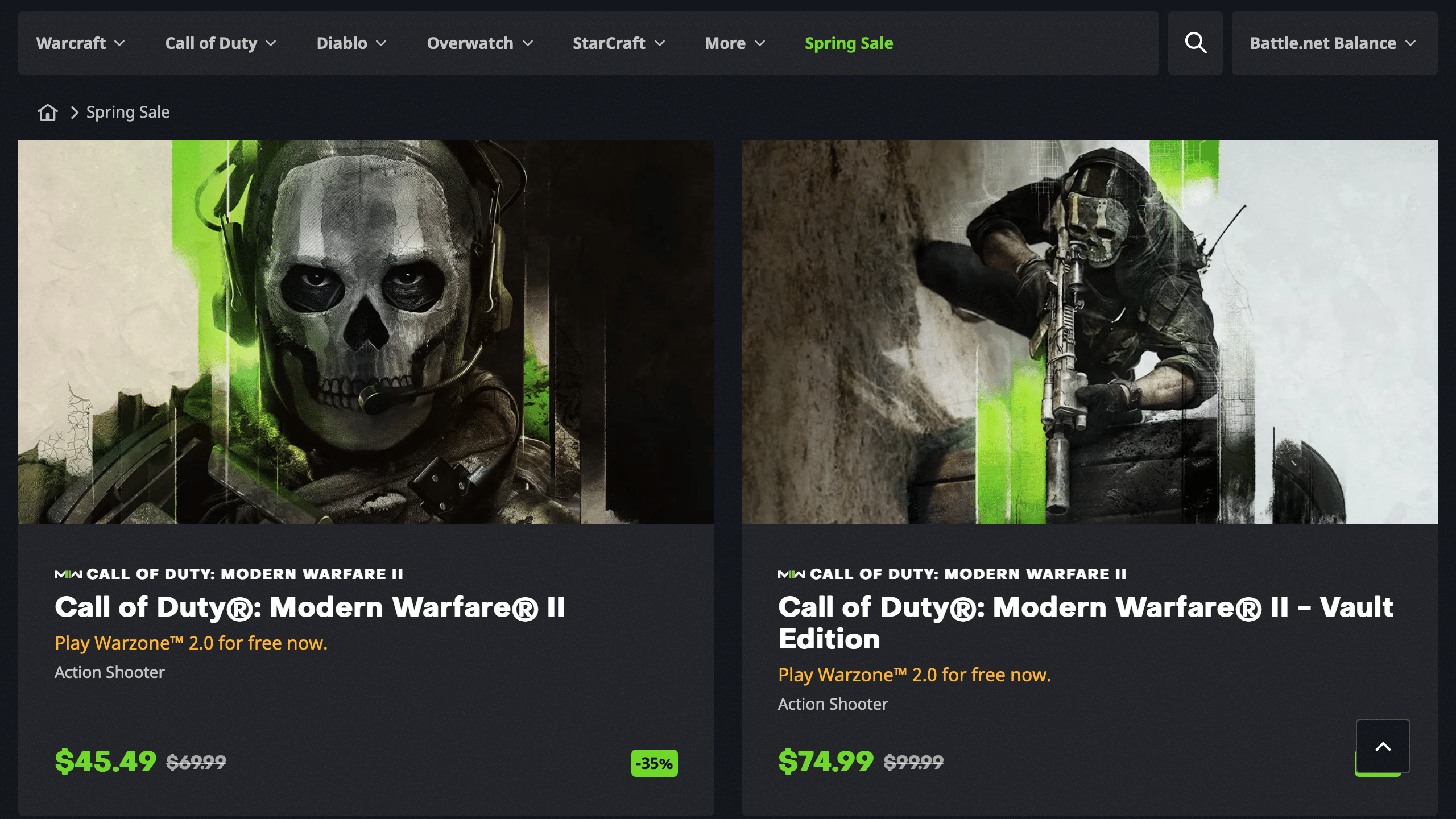
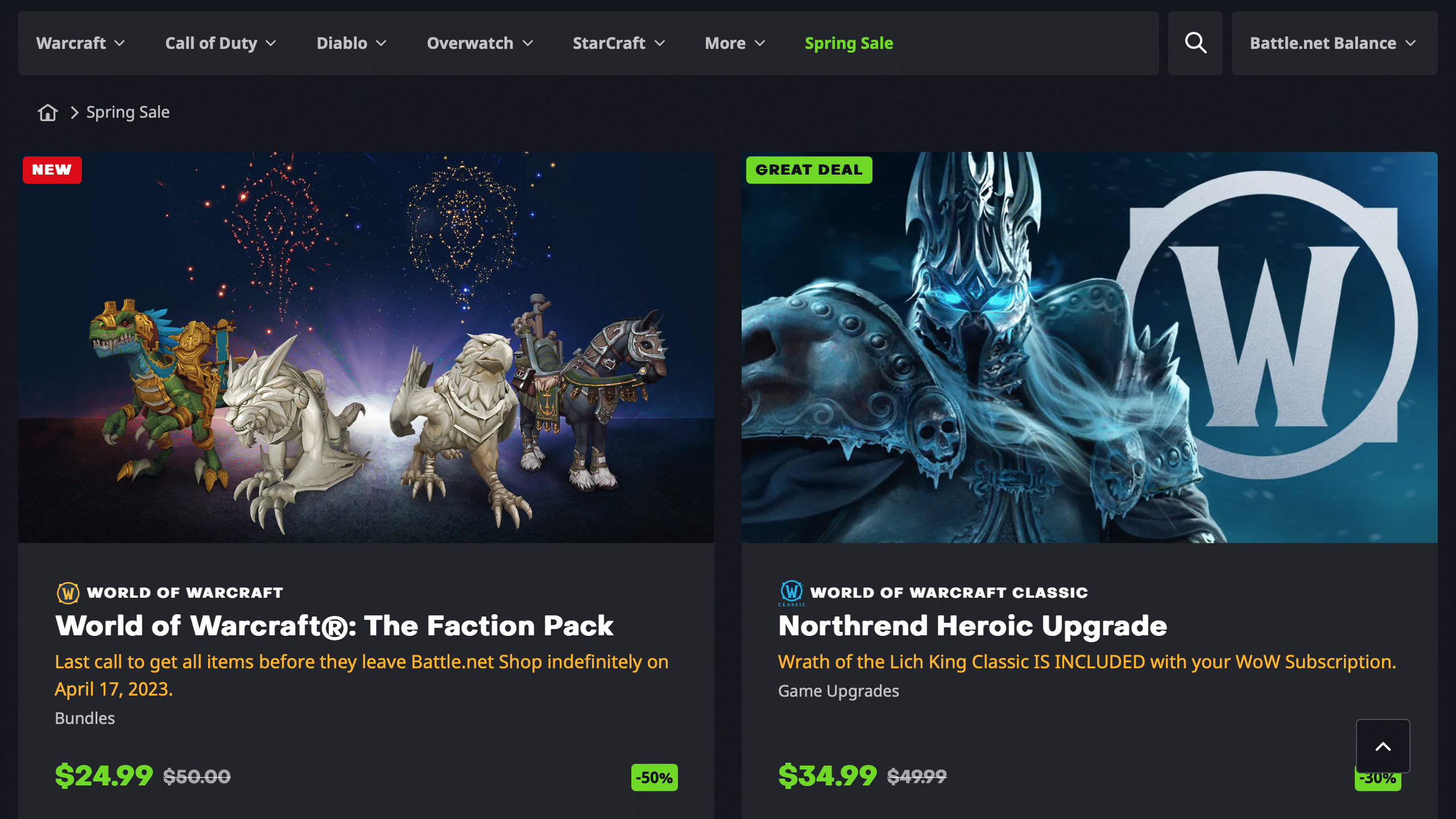
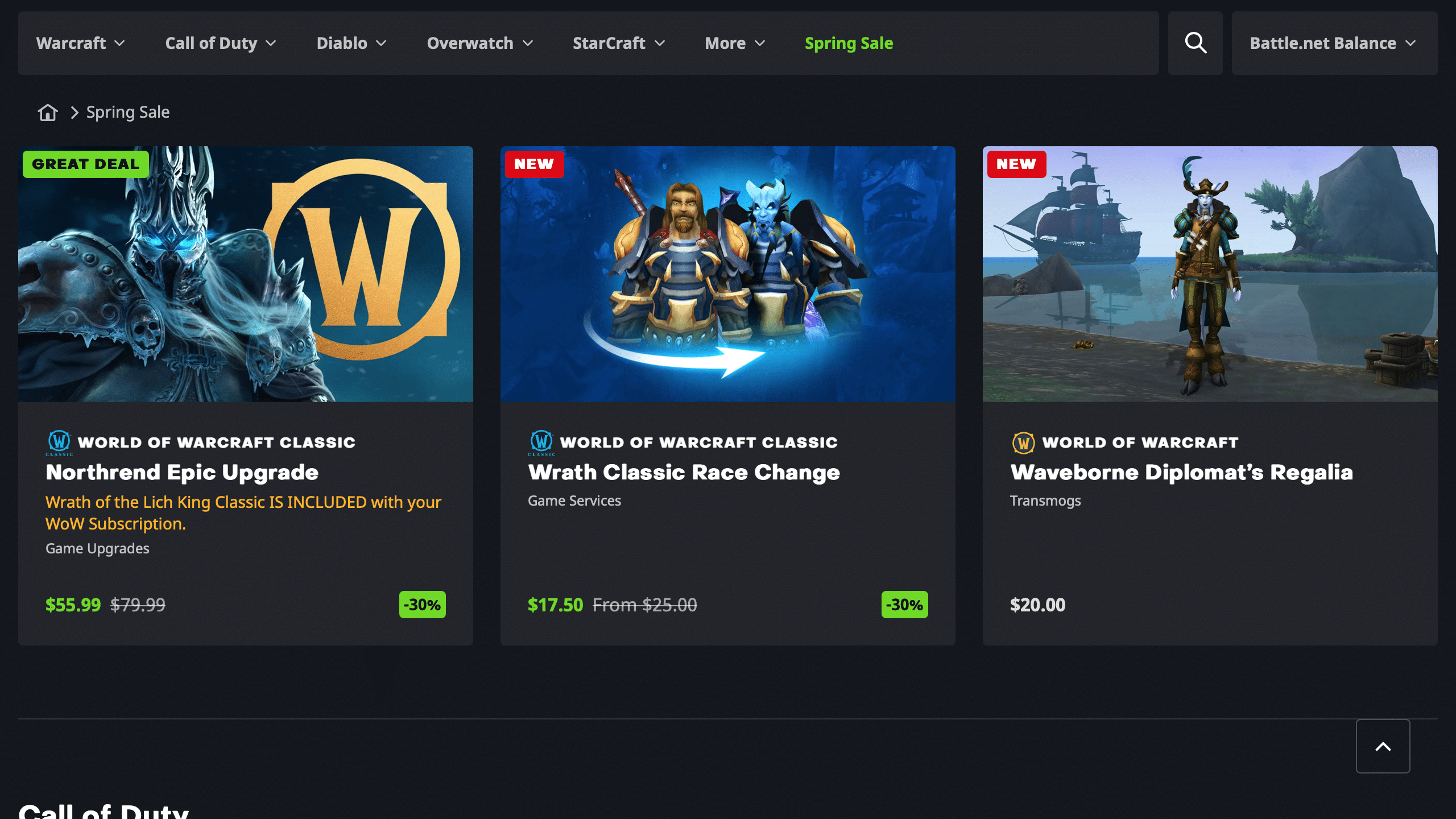
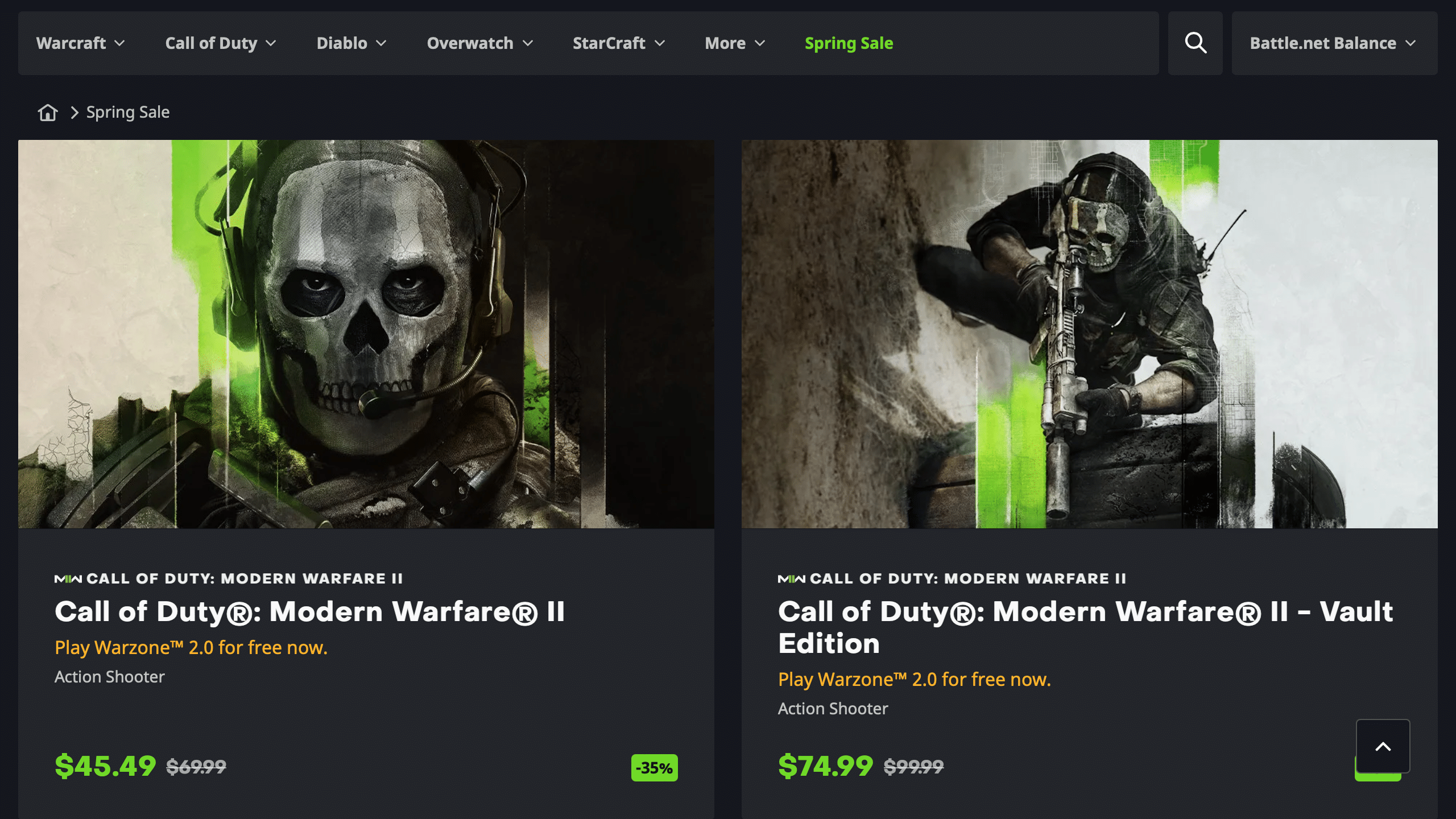
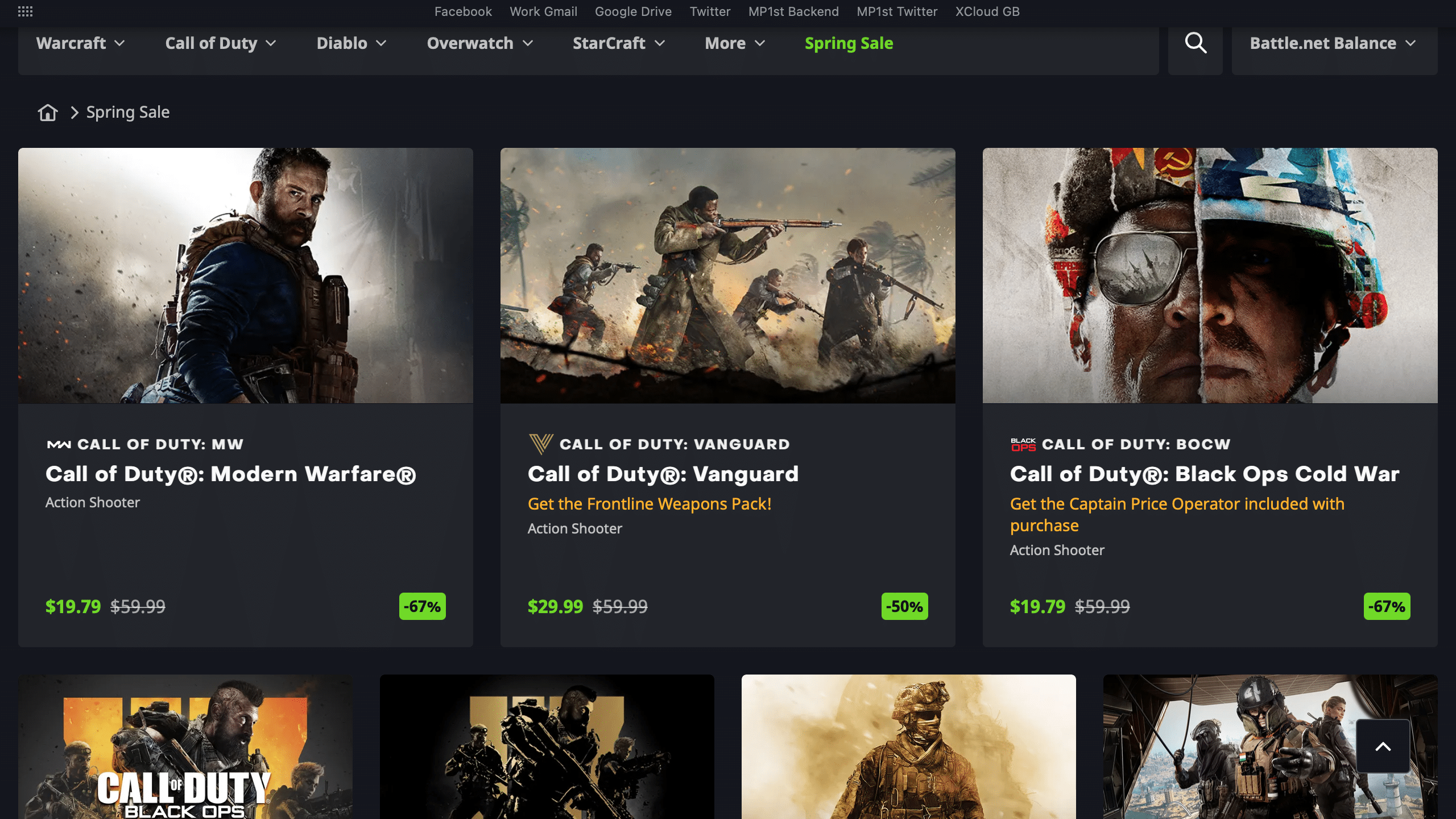
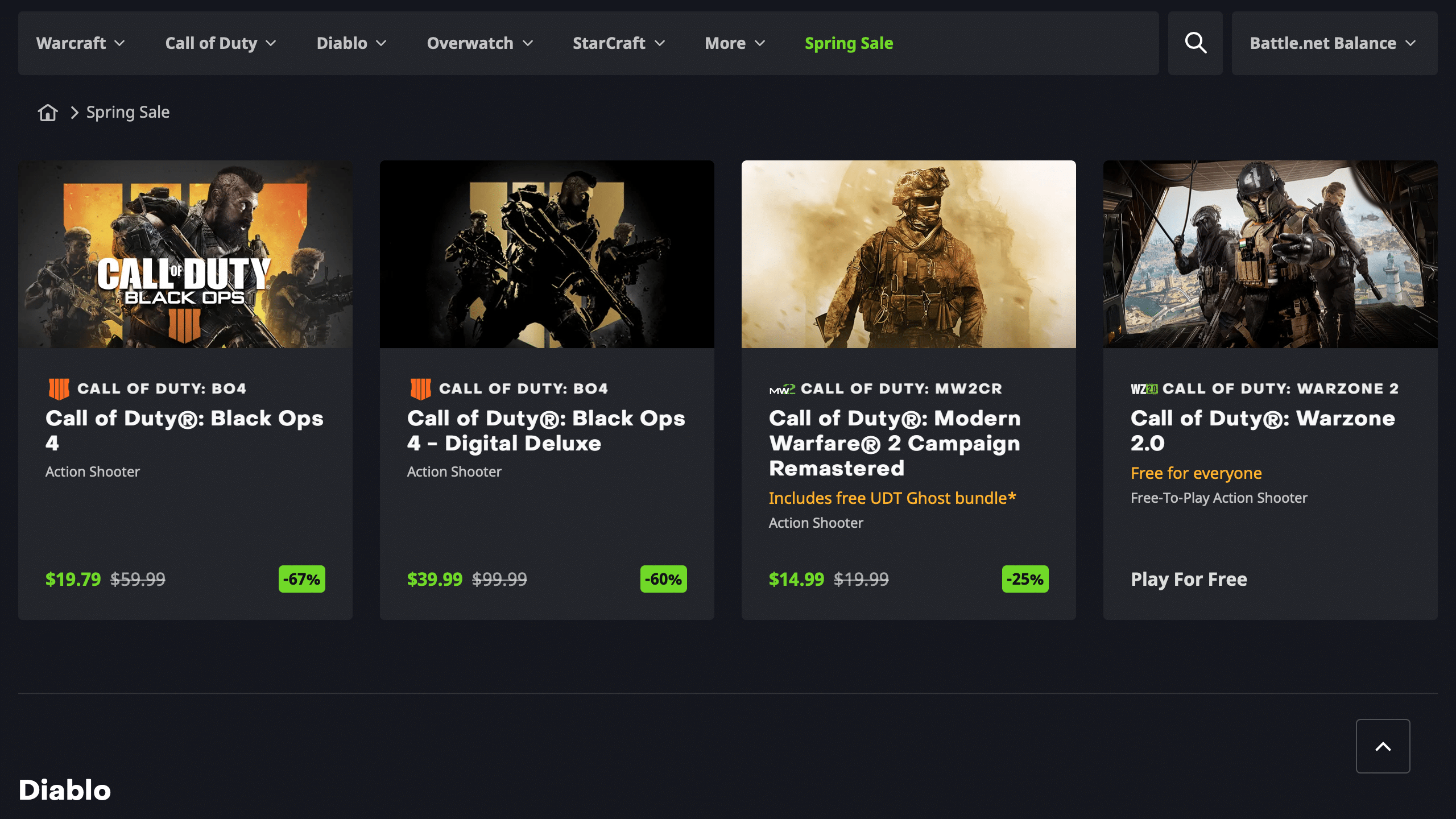
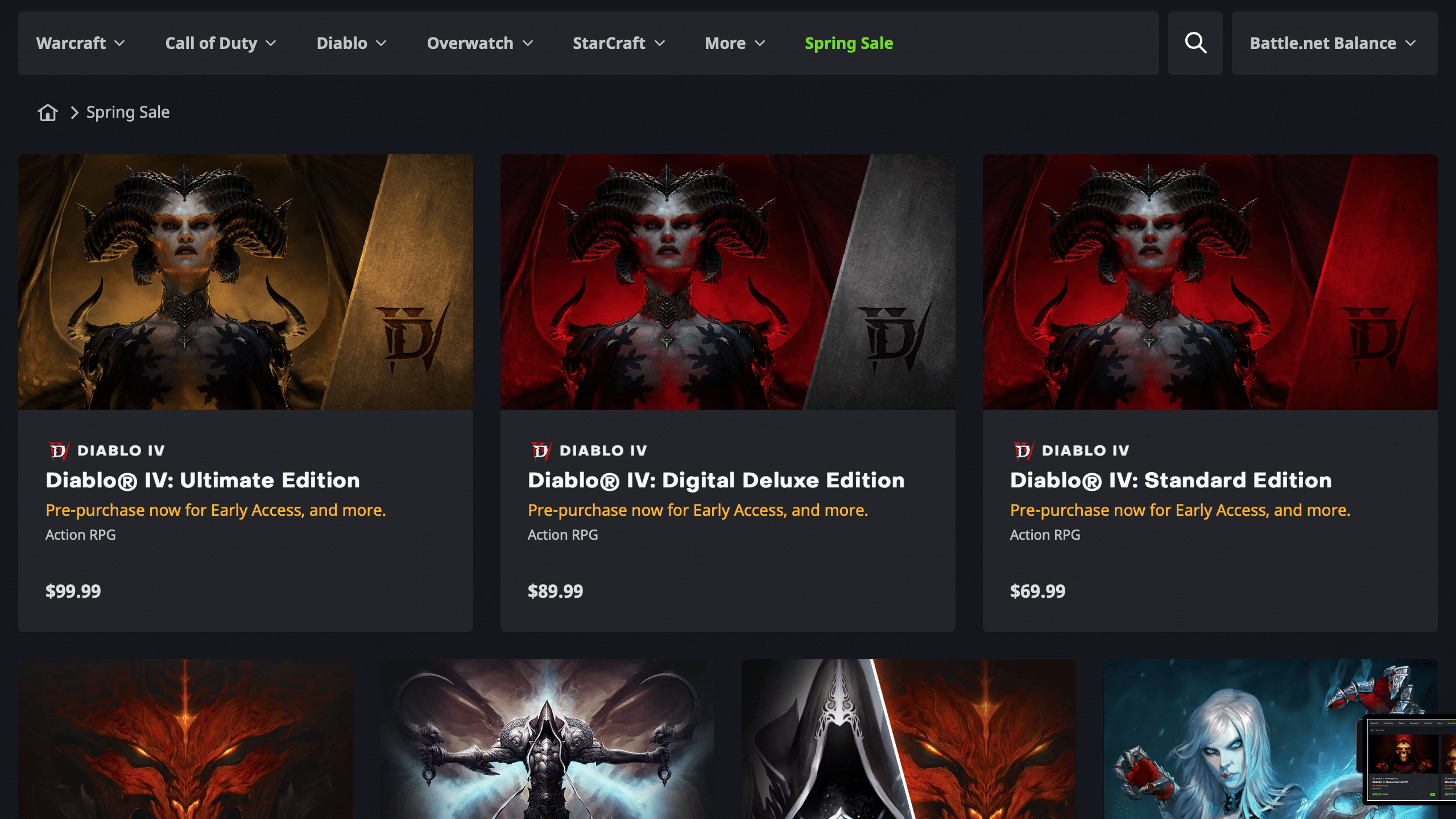
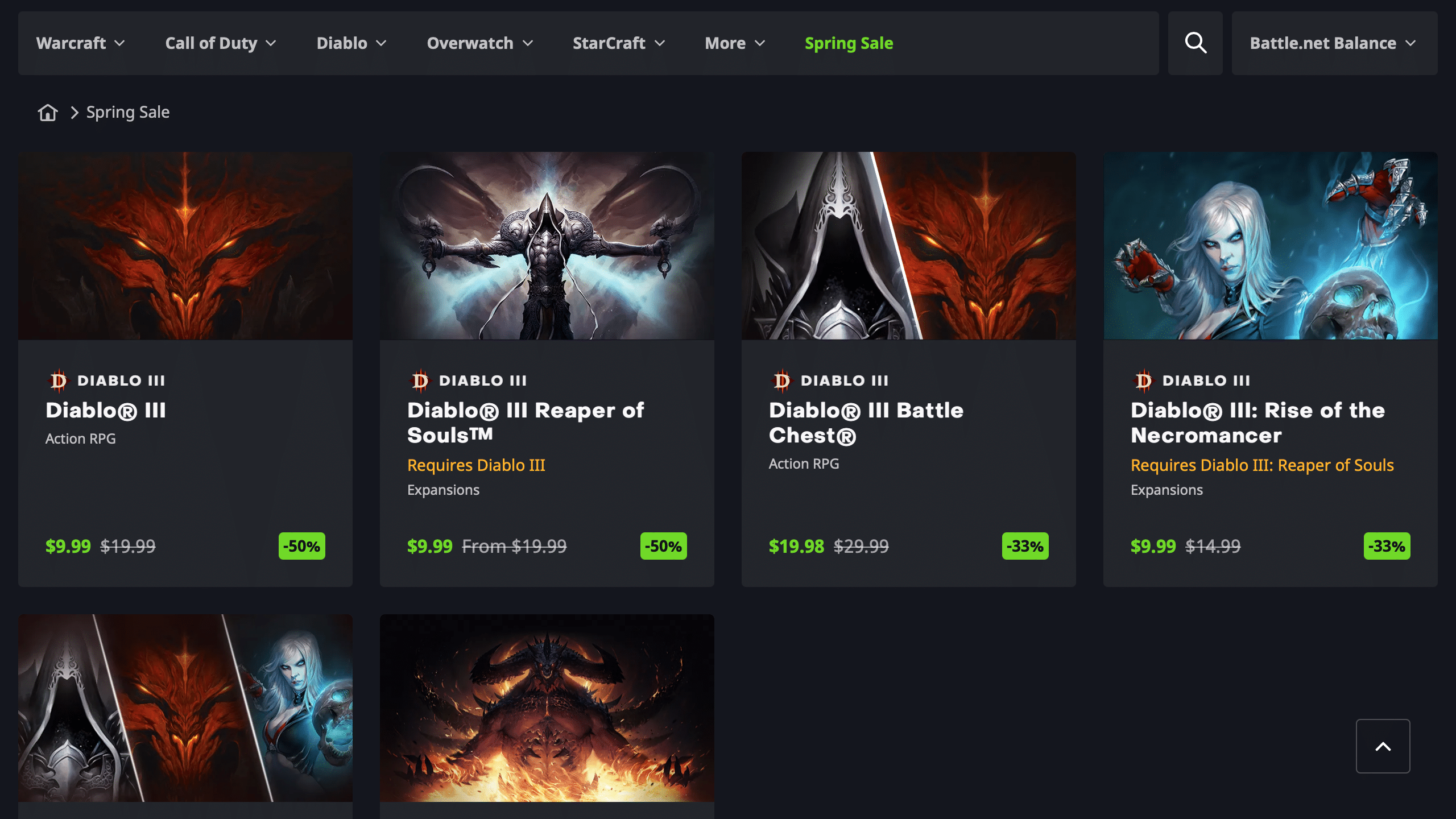
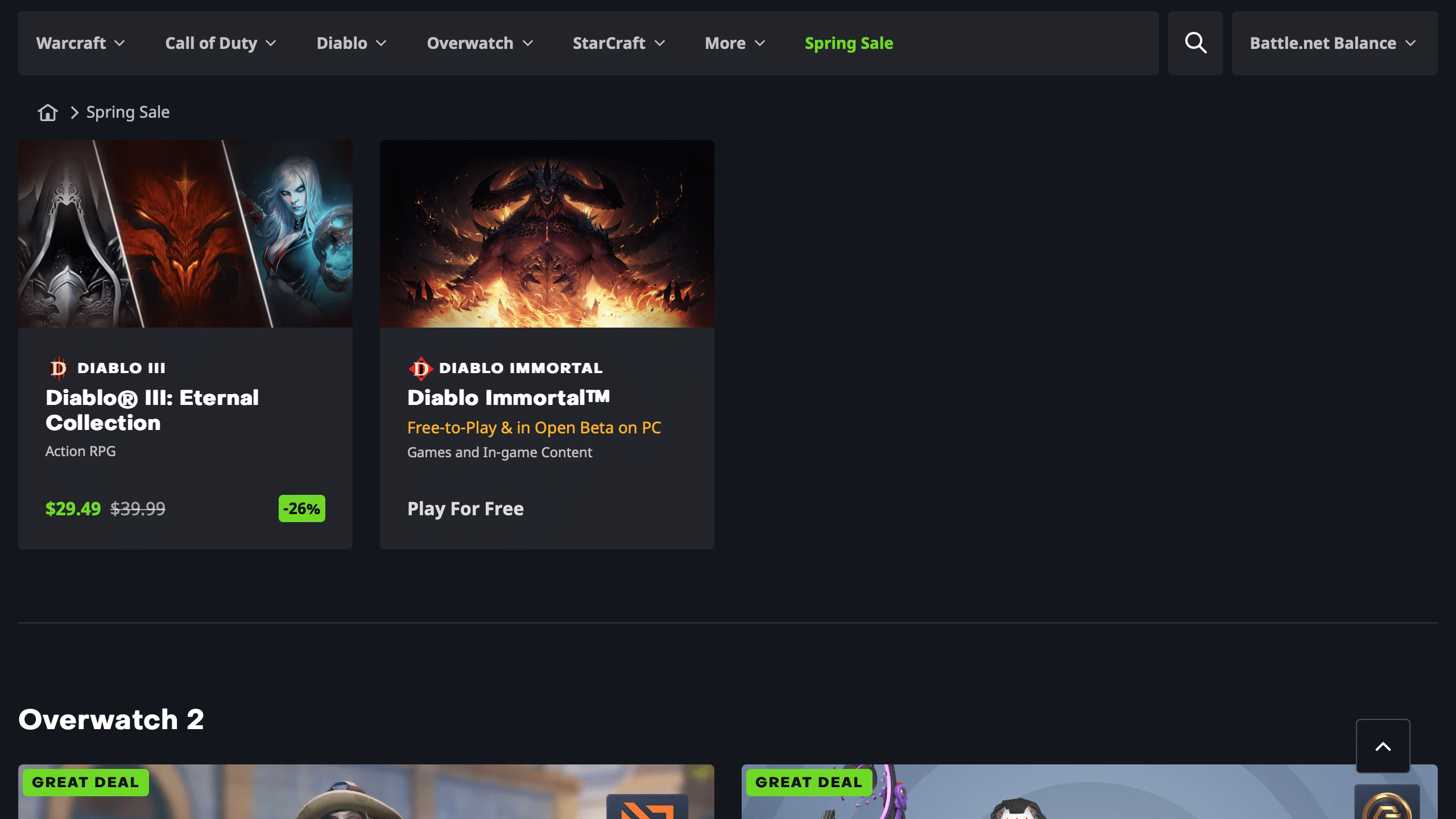
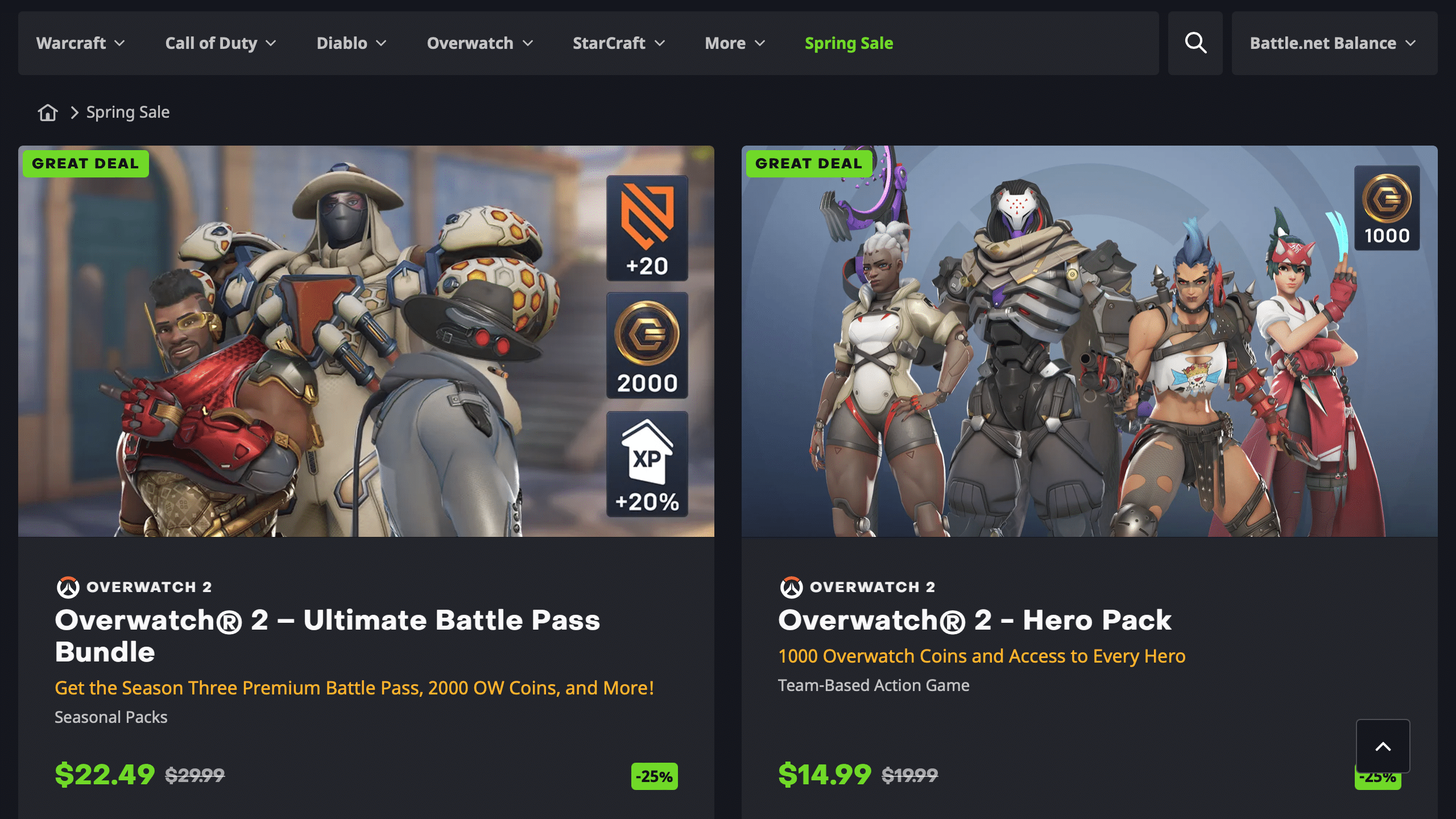
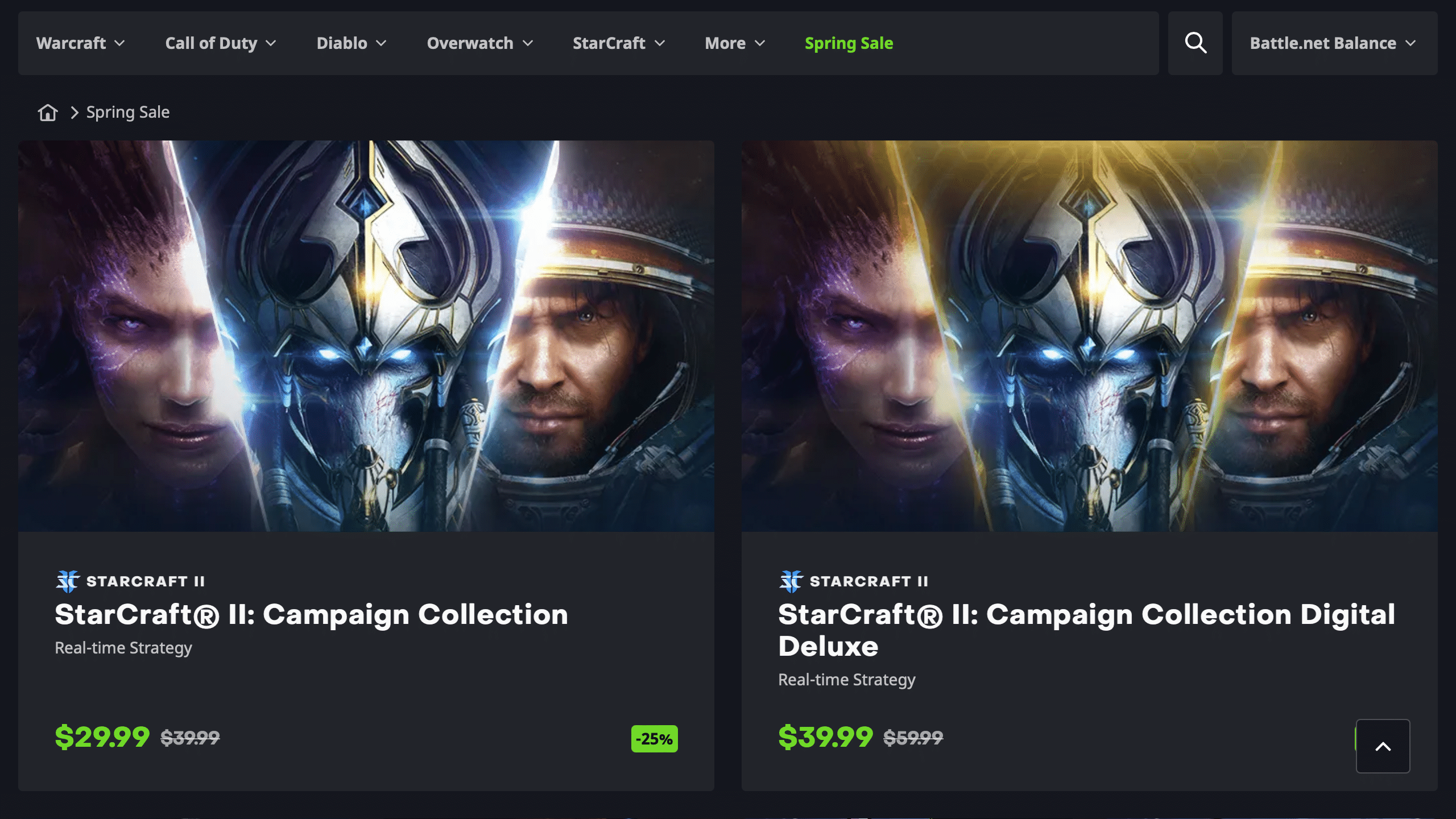
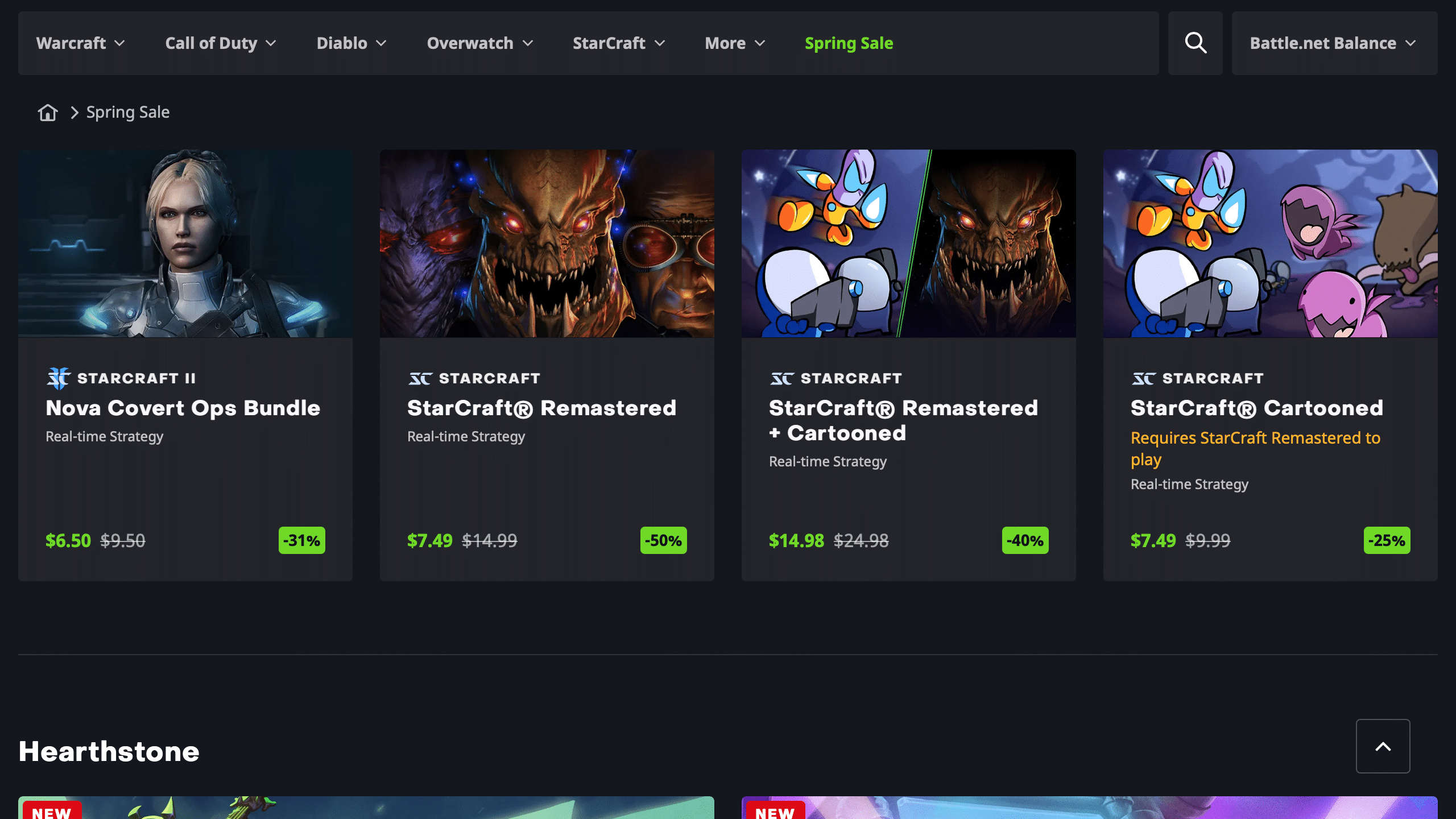
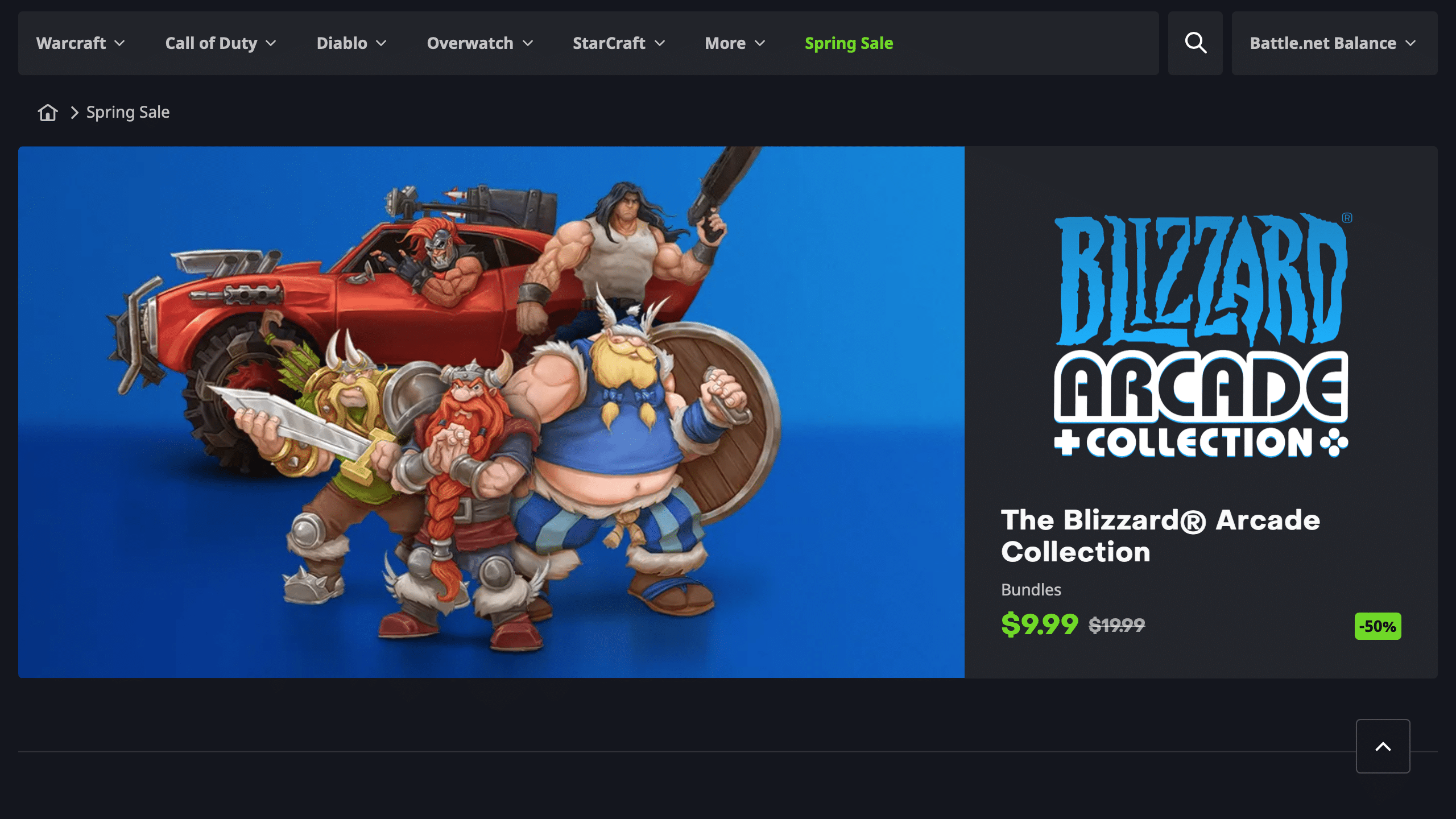
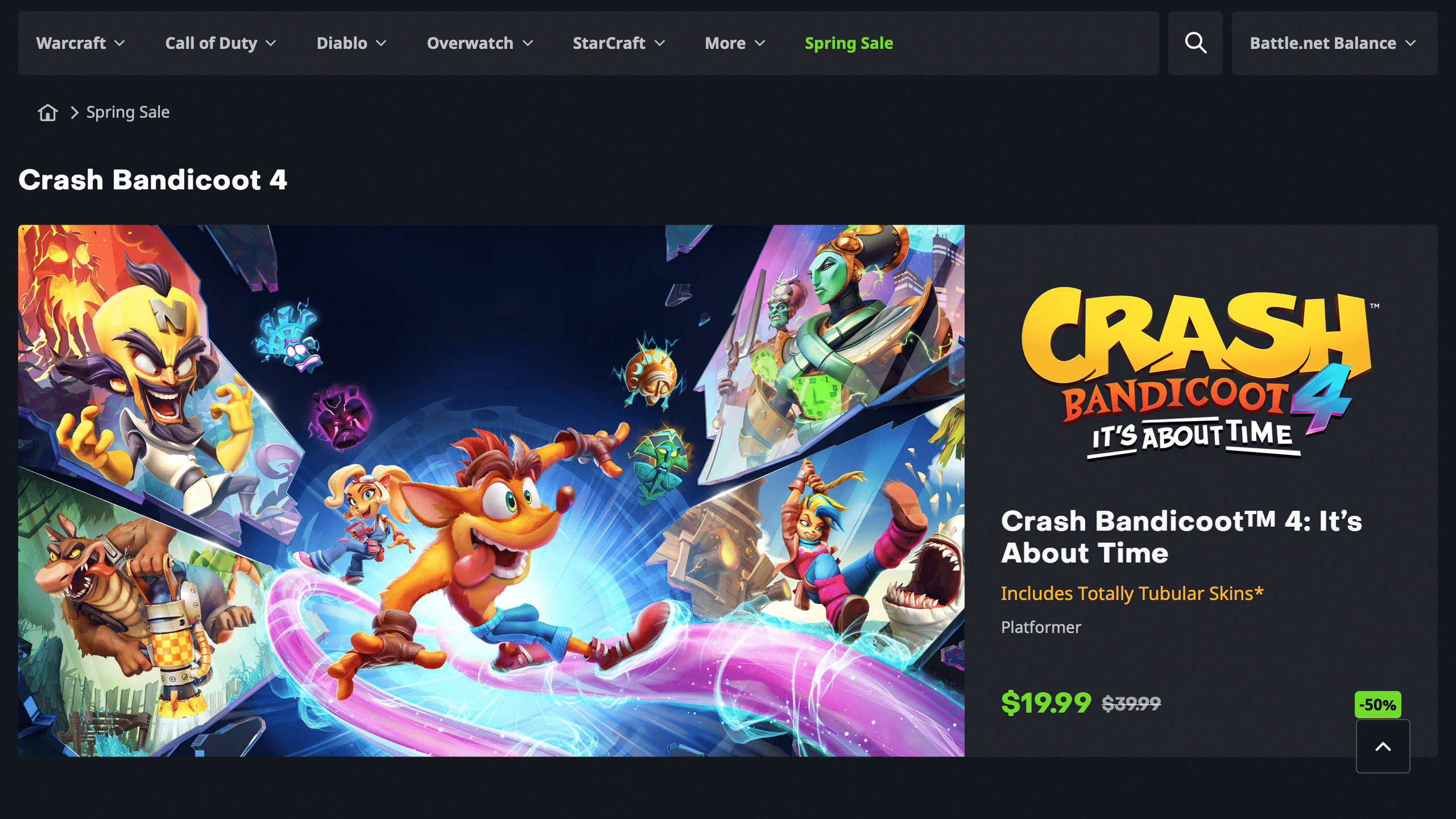
The Battle.net Spring Sale is now live with up to 67% off on Blizzard Entertainment’s biggest titles as well as in-game cosmetics and other purchasable content. The sale includes numerous Call of Duty games including Modern Warfare 2, Diablo 2 and 3, the Overwatch 2 Ultimate Battle Pass and Hero Pack, Crash Bandicoot 4, and many more.

Check out all the items on sale below:

The highlights of the sale include:

  • Call of Duty: Modern Warfare 2 – $45.49 (35% Off $69.99)
  • Call of Duty: Modern Warfare 2 Vault Edition – $74.99 (25% Off $99.99)
  • Call of Duty: Modern Warfare – $19.79 (67% Off $59.99)
  • Call of Duty: Vanguard – $29.99 (50% Off $59.99)
  • Call of Duty: Black Ops Cold War – $19.79 (67% Off 59.99)
  • Diablo 2: Resurrected – $13.19 (67% Off $39.99)
  • Diablo 3 – $9.99 (50% Off $19.99)
  • Overwatch 2 Ultimate Battle Pass Bundle – $22.49 (25% Off $29.99)
  • Overwatch 2 Hero Pack – $14.99 (25% Off $19.99)
  • Crash Bandicoot 4: It’s About Time – $19.99 (50% Off $39.99)

The entire Battle.net Spring Sale can be accessed here on the website version of the Battle.net store or through the desktop app on Windows and macOS. The sale ends April 17, so those planning to pick up their favorite titles have a week and a half to invest into the sale.

Avatar photo

Salman Haider Zaidi

That's a nice argument, Senator.

Home > News

God of War Ragnarok Update 4.00 Smashes Out for New Game+ and More This April 5

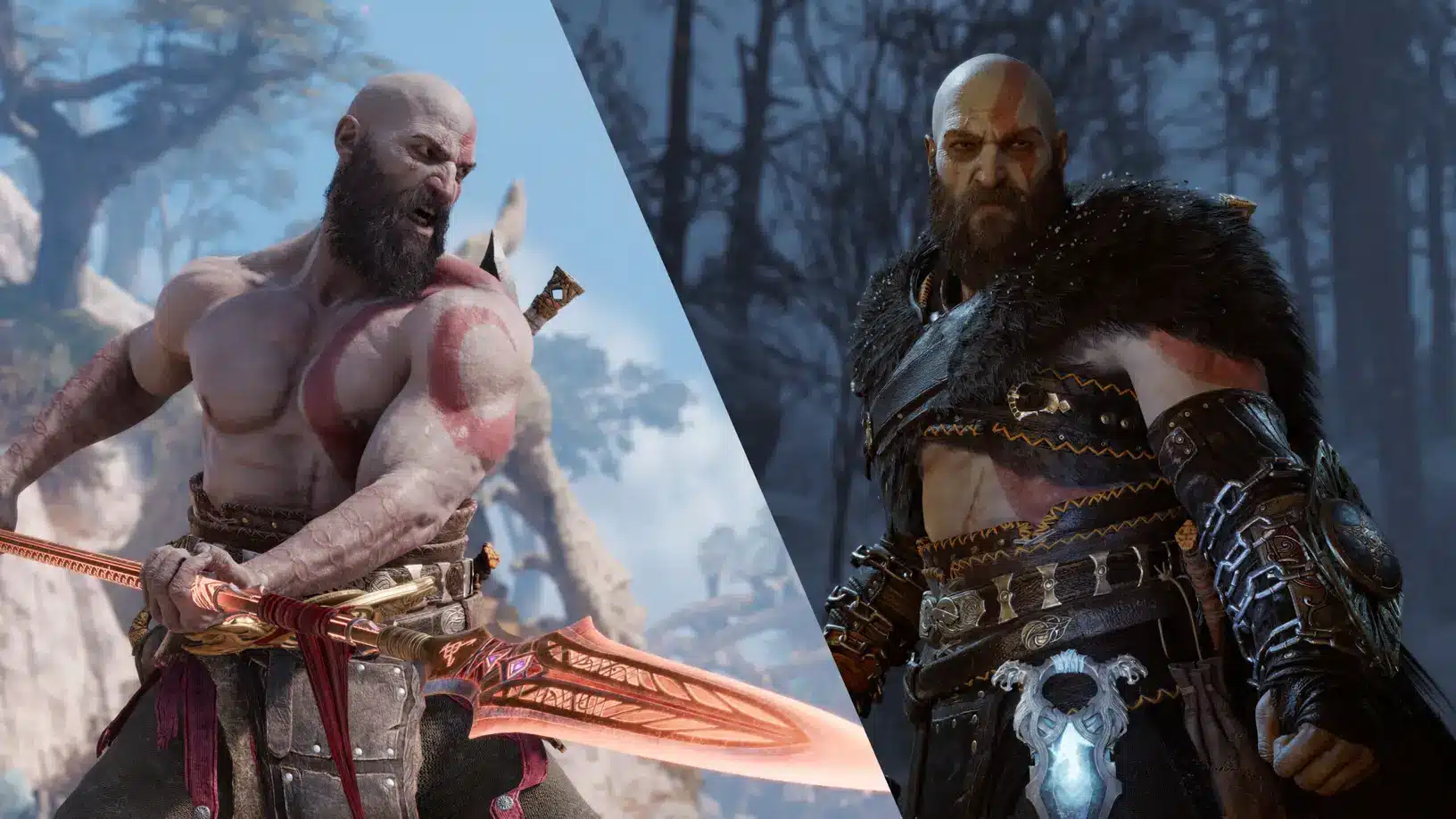
Santa Monica Studio has pushed out God of War Ragnarok update 4.00 (PS5 version 4.000), and this brings the highly anticipated New Game+ mode, increased level cap and more! Read on for what’s new in the God of War Ragnarok April 5 patch notes.

God of War Ragnarok Update 4.00 Patch Notes | God of War Ragnarok Update 4.000 Patch Notes | God of War Ragnarok April 5 Patch Notes:

Size: 847MB (PS5)

Accessing New Game + 

Please note that a save file with the Main Story Quest completed is required to start any new NG+ run

New Level Cap 

  • Both Kratos and enemies have an increased level cap. 
  • Convert your Level 9 equipment into new ‘Plus’ versions to unlock additional levels of progression.

New Equipment 

  • Amor of the Black Bear – You will begin your NG+ run with this already equipped.
  • Spartan Armor – Can be purchased from the Huldra Brothers’ Shop for Hacksilver. 
  • Ares Armor – Can be purchased from the Huldra Brothers’ Shop for Hacksilver. 
  • Zeus Armor – Acquired by defeating Gná the Valkyrie Queen and completing certain Remnants of Asgard on a NG+ save.
  • Spartan Aspis [New Shield] – Can be purchased from the Huldra Brothers’ Shop for Hacksilver. 

Armor Appearances 

  • 13 existing armors have new color combinations available. 12 of these can be acquired at the Huldra Brothers’ Shop and applied to any of your existing Level 9+ armor in the transmog menu.  The last armor appearance is for the Berserker Armor, you will need to defeat the Berserker King on NG+ to get it.

New Enchantments 

Gilded Coins – Engraving and Badge Enchantments 

  • Gilded Coins are obtained by turning your Level 9 equipment into the ‘Plus’ version. You can use Gilded Coins to purchase a new selection of Enchantments that take Perks from equipment (engravings) and shield rönds (badges), and allow you to equip them into your Amulet. 
  • Many Engravings will require you to meet a certain stat threshold to equip. 

Berserker Soul Drops – Stat Boost Enchantments 

  • This set of Enchantments will drop after defeating the Berserker Souls in NG+. They will provide massive stat boosts. 

Burdens 

  • This set of Enchantments will have a negative Perk, so you can tailor how the game challenges you. They can be purchased from the Huldra Brothers’ shop using Hacksilver. 

New Progression Paths 

  • New Skill Mod Plus – Upgrade your existing Skill Mod tokens using XP to further enhance the effects of your favorite Mods. 
  • Platinum Tier Labors – Carry over any progress from your Kill Labors or Ratatasks and continue to unlock a new Platinum Tier of rewards! 
  • Additional Stat Gains – Nornir Chests will now provide Yggdrasil Dew to allow players to push Stats far beyond their previous limits.

Expanded Niflheim Arena 

  • Play as either Kratos or Atreus.
  • The following companions can be used alongside either selection: Atreus (with Kratos), Freya, Brok, Sindri, Angrboda, Ingrid, Thor, and Thrúd. 

Enemy Adjustments

Endgame Bosses  

  • Berserker Souls and Valkyrie Queen Gná fights include new adjustments to keep the fights fresh in NG+.  

Other Enemy Adjustments 

Available on All Difficulties in NG+

  • The Hateful and Ormstunga fights will also include adjustments to keep the fights fresh.

Available on Give Me No Mercy and Give Me God of War in NG+ 

  • All bosses and mini-bosses will have Runic Armor. 
  • [GMNM] Enemies can now turn elite, giving them an increase in Power Level.

Black and White Render Mode 

  • After you beat the game once, you will gain access to the Black and White Render Mode for an additional cinematic feel. This can be accessed in the Graphics & Camera settings menu. 

Shop Changes 

  • You will now be able to purchase and sell resources incrementally. 

UI Changes 

  • Show Difficulty – A new UI option that will display your current difficulty setting on your HUD, as well as how many burdens you have equipped. 

Photo Mode Character Expressions

  • The following characters can now have their expressions changed while in Photo Mode: Mimir, Hildisvíni, Lúnda, and Ræb.

Bug Fixes 

Combat 

  • Implemented general balancing tweaks and bug fixes to various equipment pieces.
  • Fixed an issue with collision during Freya’s Invoke the Storm Runic Attack.
  • Fixed a case of potential exploits with boss encounter during the quest “Defend Your Valor.” 
  • Fixed an issue of an equipment Perk giving the incorrect stat boost. 
  • Fixed a case where the Raging Fury Perk on the Fate Breaker Armor caused an incorrect rate of Rage fain when both arms and legs pieces were equipped. 
  • Fixed a case where Berserker Souls could remain invisible when they are stunned during a teleporting evade. 
  • Fixed a case where certain rapid attacks would not trigger repeated block reactions when guarded. 
  • Fixed a case where certain attacks were incorrectly guaranteed to break Kratos’ guard.
  • Fixed certain cases of successful parry not being registered.
  • Fixed a case of Realm Shift tutorial to appear during the quest “Creatures of Prophecy” when Tutorials are set to ‘Minimum’ in the settings menu.
  • Fixed an issue where sometimes the Serpent’s Snare skill labor would not increment when successfully using the skill.
  • Fixed an issue with how the Slicing Finish perk on Stonecutter’s Knob was affecting certain attacks.

UI/UX

  • Fixed a case for a false indicator of new items in Shops.
  • Fixed a rare case where the application would crash in the UI.
  • Fixed a rare case where the application would crash in combat.
  • Fixed a case for an icon error in Codex.
  • Fixed an issue with text overlap for Large & XL text size setting.
  • Fixed an issue of map inaccuracy in Helheim.
  • Fixed a case of high contrast not applying to HUD element when setting is enabled.

Known Issue Introduced in Patch v. 04.00

We have identified certain cases with NG+ equipment not interacting with trophy unlocks appropriately:

  • “Dragon Slayer” trophy cannot be earned during NG+ if the player did not craft the Dragon Scale armor during their first playthrough on base game.
  • “Phalanx” trophy will not be earned if the player crafts a 9+ shield prior to crafting every other type of shield.

In other God of War Ragnarok news, Santa Monica revealed that in one of the early concepts, Kratos was supposed to die.

Source: Santa Monica Support

Avatar photo

Alex Co

Father, gamer, games media vet, writer of words, killer of noobs.

Home > News

Battlefield 2042 Season 4 Leviathan Rising Event Announced

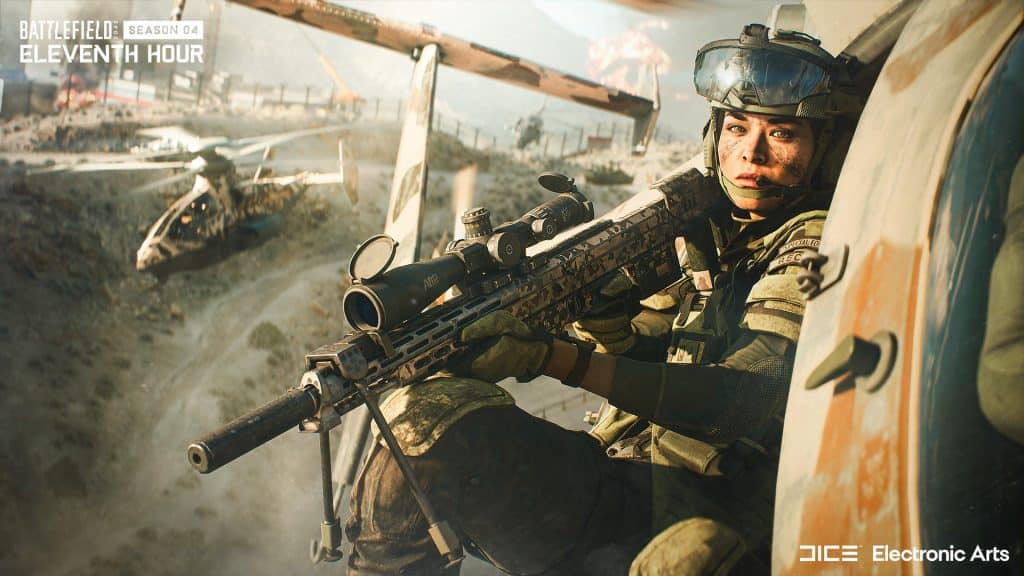
As expected given DICE has mentioned that a new event will take place in Battlefield 2042’s Season 4, the studio announced the BF2042 “Leviathan Rising” event!

UPDATE: Full trailer, schedule, rewards and more for Leviathan Rising can be seen here!

Based on what was revealed today, it seems that it will be similar to Rush in some way, as the attackers will be planting and protecting, while defenders will try to locate and disable. Per the announcement, a new trailer will be out tomorrow.

Chances are, the start date along with more details will be shared tomorrow. Once we know more, we’ll be sure to let our readers know.

What do you want to see from this event? Hopefully, the event’s new items will be balanced enough that even non-paying customers will be able to snag some cool cosmetics.

More Battlefield Reading:

Avatar photo

Alex Co

Father, gamer, games media vet, writer of words, killer of noobs.

Home > News

Rumor: Sony Developing New PlayStation Handheld Relying on PS5 Remote Play to Stream Games

After four years since the discontinuation of the PlayStation Vita, Sony is allegedly developing a new PlayStation handheld console designed to use the PS5’s Remote Play feature to stream video games. The device is codenamed the “Q Lite,” sports an eight-inch LCD touchscreen in the prototype phase, and is planned for release in the next year.

The rumor comes from leaker Tom Henderson of Insider Gaming, who claims that the device is not intended as a cloud streaming console but instead leverages the PS5’s Remote Play feature to run games, in the same fashion as the usage of Steam Remote Play on the Steam Deck or the PlayStation 4’s Remote Play on the older PlayStation Vita.

It is also understood that the “Q Lite” is not intended as a successor to the PlayStation Vita. This information was also corroborated by Jeff Grubb, who shot down a potential Vita 2 and reported having only heard about “a cloud-streaming handheld:”

While Grubb’s information contradicts Henderson’s to some extent, both seem to agree that the rumored PlayStation handheld will not natively run PS5 titles.

As for the Q Lite’s technical capabilities, Henderson reports that the console supports adaptive streaming up to 1080p at 60fps, and requires a constant Internet connection. The Q Lite is said to “look a lot like a PS5 controller,” and is equipped with an eight-inch LCD touchscreen as well as adaptive triggers for haptic feedback and standard volume control buttons, speakers, and an audio input jack.

The Q Lite is currently in the quality assurance phase according to the rumor, and is scheduled for release before holiday 2024. Keep in mind that none of this information has currently been confirmed by Sony itself, and as such, it is not impossible that the rumor has no basis in reality. Should Sony officially announce the PlayStation handheld or shoot the rumor down, we’ll let out readers know.

Source: Insider Gaming

Avatar photo

Salman Haider Zaidi

That's a nice argument, Senator.

Home > News

Disney Dreamlight Valley Update 1.40 for April 5 Patch Notes; Brings Pride of the Valley

Gameloft has pushed out Disney Dreamlight Valley update 1.40 and this is for the Pride of the Valley content! This brings The Lion King Realm into the game, alongside other content and improvements. Read on for the full Dreamlight Valley patch notes for April 5.

Disney Dreamlight Valley Update 1.40 Patch Notes | Disney Dreamlight Valley Pride of the Valley Patch Notes:

NEW CONTENT AND IMPROVEMENTS:

– A new Realm door is open in the Dream Castle: The Lion King Realm! 

– Welcome Simba and Nala to the Valley as you build your very own version of Pride Rock. 

– Celebrate Disney Parks with the most ambitious and magical Star Path yet! Place your very own Pixar Pal-A-Round, Dumbo the Flying Elephant or Mad Tea Party rides and transform your Valley into the happiest place on earth! 

– Scrooge McDuck’s Store has received a new shipment of exciting new items, including some snazzy bathroom equipment, mushroom-inspired sets and more. 

– New optional items are coming to the Premium Shop for a limited time! Get ready to live your perfect life at sea with Prince Eric’s Boat house Dream Style and meet Dreamlight infused animal companions for the first time. 

– Enjoy the return of sunny days outside and take part in our Eggstravaganza event from April 8 to 29! 

– Craft new interactive items for your animal companions to give them more to do around your valley, including little houses, feeders and toys. 

– A new selfie pose for each of your animal companions is now available in Photo Mode. 

– Paging Star Command! It seems like there have been a few more alien sightings in the Valley. You should, uh, talk to Buzz… 

– The well-fed bonus that is earned from eating cooked meals has been beefed up! When well-fed, you now get more chances of Critical Results each time you interact with the world (i.e. picking fruits, fishing fish, mining gems, etc.). But that’s not all… 

– Get moving with the ability to hover! When the well-fed bonus is active, you can now start channeling your magic to slide around your Valley even faster! 

– Take a breath. Sitting down on a bench – or any other object, for that matter – anywhere in the Valley, will now replenish your energy very slowly. 

TOP BUG FIXES:

– Players should no longer encounter issues initiating a hang-out with Eric (we hear he was busy with his boat). 

– Improved companion behavior to reduce the chance of being blocked by them.

– Fixed an issue which prevented some players from feeding critters while they had a training manual in their inventory.

– “A Festival of Friendship” quest: The 4th piece of the Madrigal Table should now spawn as expected on the beach. 

– “The Definition of a Hero” quest: Players should now receive the Space Ranger Buffet required to complete this quest. 

– “A Restaurant Makeover” quest: Fixed an issue which would prevent the player from completing this quest by entering the restaurant. 

– “Remy’s Recipe Book” quest: Fixed an issue that prevented the book from spawning. 

– “The Final Trial” quest: Fixed an issue which caused the Ice Heart to disappear after planting it for some players. 

– “Missing Prince” quest: After placing the Prince Eric statue, the memory needed to progress this quest should now spawn properly. 

– Altered the Sunstone Fragment icon to make it more easily distinguishable from Night Shards in the Forest of Valor. 

– The Spacecraft Porthole window should now properly display a space background. 

– Players can now pick up the blue clothing bag in Moana’s home that was blocked by furniture for some folks. 

– Camera collision in the Toy Story Realm has been improved. 

– Fixed an issue which prevented some players from equipping Mickey and Minnie’s D100 Dream Styles. 

– Fixed an issue preventing some players from tracking quests in the menu. 

– Fixed an issue in which a small number of players reported Star Path rewards disappearing after restarting their game. 

– Fixed an issue in which some Nintendo Switch users would encounter a black screen when entering the WALL-E Realm. 

– Fixed an issue in which a small number of Mac users encountered crashes upon entering the Sunlit Plateau. 

– Fixed an issue in which some players were unable to pick up flowers in the Frosted Heights biome. 

– Fixed an issue which caused certain quest items to remain in players’ inventories after completing the relevant quests. 

– Adjusted Stitch motif. 

– Various localization fixes. 

– Various audio and visual fixes. 

– Various Premium Shop fixes. 

– And more bug fixes, optimizations and stability improvements! 

Once there’s a new patch, we’ll be sure to let our readers know.

Source: Disney Dreamlight Valley 

Avatar photo

Alex Co

Father, gamer, games media vet, writer of words, killer of noobs.

Home > News

Black Desert Online Update 2.71 Out for Small Bug Fixes This April 5

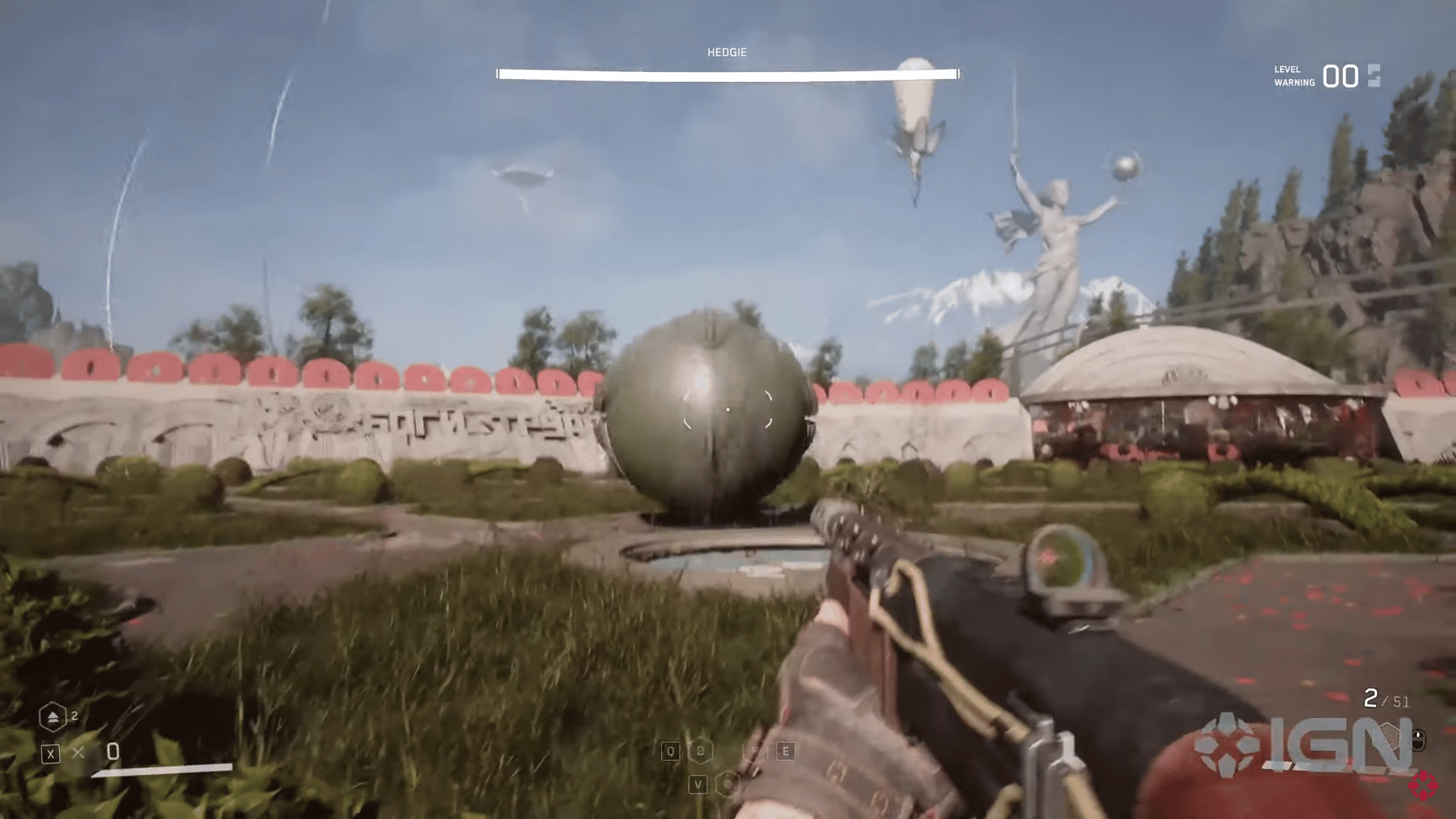
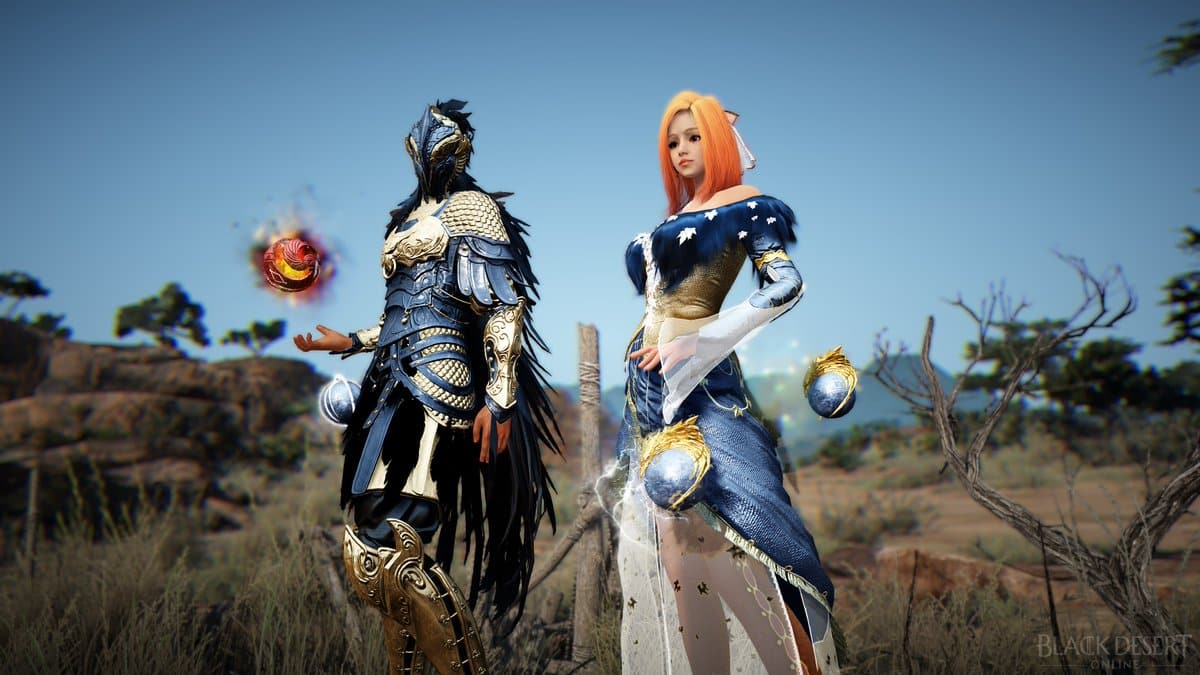
Pearl Abyss has released Black Desert Online update 2.71 today on all platforms for some small gameplay bug fixes and improvements. Check out the Black Desert Online April 5 patch notes down below.

Black Desert Online Update 2.71 Patch Notes | Black Desert Online April 5 Patch Notes:

Fixes and Improvements

  • Changed so the font size of the device will no longer affect the app.
  • Improved the UI of the region selection screen in the initial settings of the Black Desert+ app.

We will update this post as soon as we can if additional details are revealed about this patch. In related news, there is a schedule for maintenance happening later this week. 

We will be performing a scheduled maintenance for Black Desert on Thursday, 6 April 2023 in order to improve our services and bring you the latest updates.

This week’s maintenance is to be held on Thursday, April 6 due to service stabilization.

During the maintenance, all services related to the Black Desert Website, Game Login and Web Central Market will be temporarily unavailable.

Stay locked at MP1st for more updates on Black Desert Online. 

Source: Play Black Desert


Damien Seeto

Home > News

Hell Let Loose Update 1.015 Brings Patch 13.5 Fixes This April 5

Black Matter has fired out Hell Let Loose update 1.015 on console platforms for patch 13.5. This brings loads of bug fixes and improvements. Read on for the complete Hell Let Loose April 5 patch notes below.

Hell Let Loose Update 1.015 Patch Notes | Hell Let Loose April 5 Patch Notes:

HUD/UI

  • Added a brand-new cinematic character selection frontend menu

  • Added a new animated loading screen

  • Updated credits

  • [Fixed] Hovering over the Russian Anti-tank loadouts reduces UI size in the Barracks

  • [Fixed] ‘Drop ammo’ and ‘Switch seat’ buttons on the Jeep tooltip listed as ‘NOT ASSIGNED’

Optimization

  • Performance improvements to Kursk

  • To furth facilitate performance improvements, the following easter eggs were removed:

    • Teddy Bears

    • Worm Figures

    • Gnomes

Sounds

  • Added an updated frontend music track for the character selection menu

Animation

  • New benchmark first and third-person reload animations for the MP40, M1 Garand, and Tokarev TT33

  • Improvements to the player’s sprint and crouch animations for the third-person base rifle animation set

  • Added new aim offsets when the player is sprinting and looks up and down

  • [Fixed] The Player model T-posing when deploying an ammo box / explosive ammo box

  • [Fixed] [TPP] Rocket Launchers flip 90 degrees when the player holding it is shot

Achievement Bug Fixes

  • [Fixed] A Piece of Perfection achievement unlocks incorrectly

  • [Fixed] [Xbox] Frozen Fields achievement does not track properly

  • [Fixed] [Xbox] Most achievements not tracking beyond 1% progress

  • [Fixed] [Xbox] Excellent Choice Sir! unlocking after dropping one supply crate

  • [Fixed] [PS5] Offensive Master Achievement will trigger after completing Warfare matches

  • [Fixed] [PS5] Welcome to Hell Achievement/Trophy does not unlock after killing first enemy

  • [Fixed] [PS5] Take Cover does not track vehicle kills

  • [Fixed] [Xbox] Defender Of The Motherland does not unlock or track progress after playing Stalingrad 5 times

Game Crash Fixes

  • [Fixed] [Xbox] Loading into Purple Heart Lane causes the game to crash

  • [Fixed] [Xbox] When connecting to a server, some players receive the error “A network error has occurred. Please try again.”

  • [Fixed] Player may crash when attempting to deploy on Kursk

  • [Fixed] [Xbox] The title crashes when the players are changing the faction to US in Barracks

  • Fixed] Title crashes while connecting to Online Services during the IIS screen

  • [Fixed] Game crashes when changing between uniforms and returning to frontend

  • [Fixed] [Xbox] Player cannot get past the IIS due to a network error message

  • [Fixed] Whenever a vehicle is driven into Remagen river, the game crashes

Weapon Bug Fixes

  • [Fixed] [FPP] German Machine Gun disappearing while mounted and ADSing

  • [Fixed] [PS5] Certain weapons do not always require to be bolt cycled to fire when Manual Bolt Cycling is set to On

  • [Fixed] Machine Gun hint shows an incorrect button for bipod deploying

  • [Fixed] German flamethrower is invisible in first person

  • [Fixed] [Kharkov] Sustained PPSh fire may crash the server

Vehicle Bug Fixes

  • [Fixed] US/RUS Half-Track MG seat UI contains a StringID

  • [Fixed] Hovering a fresh spawned Half-Track will cause the UI to display only “Half-Track” on the Commander abilities panel

VoIP Fixes

  • [Fixed] VoIP not functioning for the lobby party on the frontend

  • [Fixed] [PS5] VoIP not working when using the in-built microphone on the frontend until the player plugs in an external microphone

  • [Fixed] VoIP connection status setting inconsistent between frontend and active gameplay

  • [Fixed] Instances of disconnecting then reconnecting a headset while in a loading screen causing title crashing

  • [Fixed] VoIP volumes resetting after a map changes

  • [Fixed] Opening VoIP radial when ADSing moved the camera

  • [Fixed] [Xbox] Unplugging and plugging a headset can break VoIP

General Bug Fixes

  • [Fixed] Instances of German helmets presenting texture issues

  • [Fixed] Changes made to the Barracks and Change Role screen are not saved upon restarting the title

  • [Fixed] Fortification snapping is not present when attempting to place fortifications next to one another

  • [Fixed] Some players lose focus of the scoreboard after choosing and resigning from the Commander role

  • [Fixed] Barricades becoming invisible after 300m and not protecting the player

  • [Fixed] Hovering over the Half-Track icon on the map does not display an “Enemy Locked Sector” tooltip

  • [Fixed] Inverted X-Axis instead of the Y-Axis in artillery gun

  • [Fixed] Incorrect Machine Gun hint for bipod deploying

  • [Fixed] [Xbox] Flickering visible on the IIS

  • [Fixed] Player uniform preview defaulting to Preset #1 even if Preset #2 has been selected

Buttons & Haptic Feedback Fixes

  • [Fixed] [PS5] Controller rumble Haptics not functioning correctly when shooting from the 20mm cannon or Halftrack

  • [Fixed] [PS5] Vibration does not work at MEDIUM settings level

  • [Fixed] [PS5] Adaptive Triggers don’t function when accelerating the Half Track

  • [Fixed] [PS5] Adaptive Triggers don’t function on German Medium Tank

  • [Fixed] [PS5] Haptics will continue endlessly after throwing a Molotov

  • [Fixed] [PS5] Missing vibration effects while firing the Coaxial M1919 on Sherman M4A3 tank

  • [Fixed] [PS5] R1 button does not work in the Options and Field Manual Menus

  • [Fixed] Some players far away from vehicle explosions experience controller vibrations

  • [Fixed] [PS5] Certain weapons do not always require to be bolt cycled to fire when Manual Bolt Cycling is set to On

  • [Fixed] [Xbox] Shooting the MP40 / STG44 results in the controller to vibrate endlessly

  • [Fixed] [Xbox] Vibration effects not present when firing the FG42 / FG42 x4 (scoped)

New Cosmetics

Map Updates

The team have gone through a selection of maps and fixed a range of environmental assets presenting problems, including LOD and lighting issues, as well as misaligned terrain and assets, across all platforms.

Kursk

  • [Fixed] Volumetric light source too bright

  • [Fixed] Trees clipping through rocks across map

  • [Fixed] AT mines clip into the ground when placed on various road sections

  • [Fixed] Players floating when jumping between wooden fences

  • [Fixed] LOD issue when viewing houses from 29m

  • [Fixed] Destroyed house assets disappearing at 400m or more

  • [Fixed] Visible LOD transition issue on wooden pallet assets

  • [Fixed] Floating objects present inside house asset

  • [Fixed] Barbed wire assets with LOD transition issues

  • [Fixed] Multiple metallic barrel assets missing texture with wooden PFX and SFX

  • [Fixed] [C9] Misaligned bush

  • [Fixed] [C10] Misaligned terrain

  • [Fixed] [C10] Fence doorway blocking players walking through

  • [Fixed] [D4] Tanks presenting LOD issues from 5m

  • [Fixed] [D5] Windmill with poor LOD transition

  • [Fixed] [D8, F2, F7, G2] Multiple houses with LOD issues from 150m

  • [Fixed] [E1] Multiple misaligned mudbanks

  • [Fixed] [E1, G1] Multiple misaligned mudbanks and textures

  • [Fixed] [E3] Piece of road missing collision with dropped supplies

  • [Fixed] [E9] Crater misaligned with terrain

  • [Fixed] [E10] Military crate misaligned with terrain

  • [Fixed] [F1] Road with misalignment issues

  • [Fixed] [F1] Misaligned tree stumps

  • [Fixed] [F1] Logs with LOD issues from 170m

  • [Fixed] [F1] Misaligned house requiring door to be vaulted

  • [Fixed] [F2] Floating fence

  • [Fixed] [F2] Multiple trenches with LOD transition issues at close range

  • [Fixed] [F3] House with LOD issues at 35m

  • [Fixed] [F3] Misaligned terrain on a trench

  • [Fixed] [F7] Wooden crates with LOD transition issues

  • [Fixed] [G1] Missing endcap on mudbank allowing players to see through asset

  • [Fixed] [G1] Misaligned trench section and mudbank

  • [Fixed] [G8] Player collision missing for burning building

  • [Fixed] [G9] Ruined house with LOD issues at 43m

  • [Fixed] [H2] Misaligned dirt pile

Stalingrad

  • [Fixed] A specific wooden platform asset with noticeable LOD transitions across the map

  • [Fixed] Mud assets misaligned with the terrain in multiple locations

  • [Fixed] The ground inside a brick chimney asset is misaligned

  • [Fixed] Vibration effects are not present when firing the FG42 / FG42 x4 (scoped)

  • [Fixed] Assets that appear to be on fire presenting LOD issues throughout the map

  • [Fixed] Some houses with larger collision

  • [Fixed] Pile of rocks misaligned above the ground in multiple sectors

  • [Fixed] Mud assets misaligned with the ground in multiple locations

  • [Fixed] Burning destroyed blitz truck presenting LOD lighting issue

  • [Fixed] Multiple industrial buildings with invisible collision box issues

  • [Fixed] [A3] Misaligned pile of rocks

  • [Fixed] [A3] Rubble pile not aligned with the ground

  • [Fixed] [A4] Burned-down house presenting collision issues

  • [Fixed] [A5] Burning tank wreck misaligned with the terrain

  • [Fixed] [B3] Misaligned terrain at a strongpoint building

  • [Fixed] [C3] Misaligned terrain at a strongpoint building

  • [Fixed] [C8] Rubble and destroyed house misaligned from the surrounding terrain

  • [Fixed] [D3] Cart misaligned with the ground

  • [Fixed] [D4] Multiple assets misaligned with the ground

  • [Fixed] [E3] Some players would get stuck inside a train car near a strong point

  • [Fixed] [E5] Misaligned mudhole asset

  • [Fixed] [E6] House misaligned with the terrain

  • [Fixed] [F3] House misaligned with the terrain

  • [Fixed] [F3] Large rubble pile with improper collision

  • [Fixed] [F4] Small floating electrical boxes

  • [Fixed] [G3] House asset had gaps between the terrain in multiple areas

  • [Fixed] [G3] Multiple assets misaligned with the terrain

  • [Fixed] [G4] Electricity pole misaligned with the ground

  • [Fixed] [G7] Floating rubble in a building

  • [Fixed] [H3] Mud asset misaligned with the ground

  • [Fixed] [H3] Rubble pile misaligned with the ground

  • [Fixed] [H3] Misaligned terrain section near rail tracks

  • [Fixed] [H5] The stairs to the 3rd floor in the Western-most stairwell of Pavlov’s house had broken beams protruding from the wall

  • [Fixed] [H5] Players becoming trapped in a derailed tram car

  • [Fixed] [H6] Area with misaligned terrain inside a strongpoint

  • [Fixed] [H7] Misaligned rubble terrain found in sector

  • [Fixed] [I3] Mud asset misaligned with ground

  • [Fixed] [I3] Mud pile asset above the ground

  • [Fixed] [I3] Rubble pile with misaligned area

  • [Fixed] [I3] Destroyed houses outside the playable area misaligned with the ground

  • [Fixed] [I6] Debris pile is in misalignment with the environment

  • [Fixed] [I6-I7] Invisible collision present at the basement entrance of an apartment building

  • [Fixed] [J4] Misaligned road near Russian HQ

  • [Fixed] [J6] Misaligned terrain section on the floor

  • [Fixed] [J7] Multiple misaligned assets

Kharkov

  • [Fixed] Players able to reach and clip through roof area

  • [Fixed] Wooden doorways blocking player movement

  • [Fixed] Wooden signpost with metal PFX/SFX

  • [Fixed] Wooden carts without player collision

  • [Fixed] [D1] Fire with LOD issues at 31-35m near the Soviets spawn

  • [Fixed] [E4] Smoke PFX clipping through logs

  • [Fixed] [E5] Inconsistent graffiti asset

  • [Fixed] [E6] Wooden doorways blocked by window shutters

  • [Fixed] [F7] Invisible collision present between house and fence

  • [Fixed] [F8] Fire from metal barrels not damaging players

  • [Fixed] [F8] Misaligned gateway inside small shed

  • [Fixed] [G6] Misaligned assets outside house

  • [Fixed] [G10] Misaligned snowbank

Foy

  • [Fixed] Stone wall with dirt PFX and SFX

  • [Fixed] Crate with Stone PFX and SFX

  • [Fixed] A boulder asset presents incorrect PFX and SFX

  • [Fixed] Multiple building floor assets with PFX and SFX

  • [Fixed] Multiple issues presenting on covered yellow box asset when shot

  • [Fixed] Blanket which covers some crates inside a house has concrete VFX

  • [Fixed] Multiple issues with a small tree asset

  • [Fixed] Camouflaged nets have full collision with bullet

  • [Fixed] Ruined stone house with wrong PFX/SFX

  • [Fixed] Multiple tree assets with metal collision

  • [Fixed] Clearly visible 2D textures under first layer of artillery shell assets

  • [Fixed] Destroyed stone house asset producing Wood PFX/SFX when shot

  • [Fixed] [C1] Misaligned floating fence

  • [Fixed] [C2] Trench with misaligned terrain

  • [Fixed] [C2] Misaligned floating chest

  • [Fixed] [C5] Misaligned mud terrain near trench

  • [Fixed] [C10] Tree asset clipping through wall

  • [Fixed] [D1] Multiple assets clipping through the wall of a barn

  • [Fixed] [D3] Two artillery shells misaligned with terrain

  • [Fixed] [D3] Misaligned snow tracks

  • [Fixed] [D7] Trenches with misaligned mudbanks

  • [Fixed] [E1] Fallen tree clipping through another tree

  • [Fixed] [E2] Misaligned tree trunk

  • [Fixed] [E3] Multiple branches are clipping through a fence

  • [Fixed] [E3] Fence floating above the ground

  • [Fixed] [E3] Multiple misaligned mudbanks

  • [Fixed] [E3] Misaligned mudbank

  • [Fixed] [E4] Floating artillery cannon

  • [Fixed] [E4] Floating Chain

  • [Fixed] [E4] Pile of shells are clipping into a fence

  • [Fixed] [E4] Invisible collision inside a trench

  • [Fixed] [E4] Light from a fire on top of the church displaying LOD issues

  • [Fixed] [E4] Light from a flaming rubble pile presents LOD issues

  • [Fixed] [E4] Wire fence clipping through house

  • [Fixed] [E4] Buried sandbags in road blocking vehicles

  • [Fixed] [E5] Fence clipping through building wall

  • [Fixed] [E5] Sandbags floating near destroyed AA gun

  • [Fixed] [E6] Damaged artillery with LOD issues

  • [Fixed] [E7] Terrain misaligned with the ground in multiple areas

  • [Fixed] [E9] Tree stump missing player collision

  • [Fixed] [F1] Bush clipping through one of the doors

  • [Fixed] [F2] Grass floating above a trench

  • [Fixed] [F2] Floating fence posts

  • [Fixed] [F4] Snowy dirt mound clipping through the wall of a building

  • [Fixed] [F4] Wooden fence clipping through mudbank

  • [Fixed] [F6, H1, H8] Multiple visual issues observed

  • [Fixed] [F8] Misaligned assets

  • [Fixed] [F8] Tree stump misaligned with terrain

  • [Fixed] [F9] Tree trunk clipping through building

  • [Fixed] [F10] Misaligned fallen tree

  • [Fixed] [G3] Floating foliage leading to a capture point

  • [Fixed] [G4] Misaligned fence embedded into a tree floating above the ground

  • [Fixed] [G4] Snowbank misaligned with visible gap

  • [Fixed] [G5] Floating grass

  • [Fixed] [H2] Tree clipping into a house

  • [Fixed] [H3] Small tree clipping through stack of pallets

  • [Fixed] [H5] Wooden Fence clips through stone ruin with poster

  • [Fixed] [H10] Wooden fences surrounding trench with metal PFX and SFX when shot

Purple Heart Lane

  • [Fixed] LOD changes present on some artillery shells

  • [Fixed] Sandbags with visible LOD changes

  • [Fixed] Multiple wooden logs with LOD issues

  • [Fixed] Multiple wooden fences with no final pole at end of wire

  • [Fixed] Tractor with LOD transition issue

  • [Fixed] Instances of missing fence posts

  • [Fixed] Players accessing the top of some haystacks

  • [Fixed] Floating haystacks

  • [Fixed] Burning AT cannons and burning cars exhibiting abrupt LOD change

  • [Fixed] Bush clipping through wall

  • [Fixed] Floating fence over river

  • [Fixed] Bushes near rivers with extended collision boxes

  • [Fixed] Players able to build inside greenhouse asset

  • [Fixed] Corrupted textures on multiple shovel assets

  • [Fixed] Mudbanks around trenches presenting LOD issues at close range

  • [Fixed] Top half of a tree asset with no player collision

  • [Fixed] [C2] Floating bale feeder

  • [Fixed] [C2] Bush with extended collision box

  • [Fixed] [C3] Missing barbed wire fence post

  • [Fixed] [C3] Players unable to pass through hedges too close together

  • [Fixed] [C3] Invisible object with functioning collision between two bushes

  • [Fixed] [C4] Z-Fighting on wooden bridge planks

  • [Fixed] [C4] Players unable to exit hedge

  • [Fixed] [C7] Floating wire fence

  • [Fixed] [C8] Floating fence

  • [Fixed] [C8] Bush with extended collision box

  • [Fixed] [C9] Floating assets

  • [Fixed] [C9] Multiple floating hay assets

  • [Fixed] [C10] Floating chair

  • [Fixed] [C10] Floating stone wall and wooden fence

  • [Fixed] [D2] Misaligned terrain

  • [Fixed] [D2] Misaligned texture present on broken wall

  • [Fixed] [D5] Floating fences

  • [Fixed] [D8] Flickering texture present on paving stone floor

  • [Fixed] [D9] Bush presents inconsistent collision boxes

  • [Fixed] [D10] Trees growing through stone wall

  • [Fixed] [D10] Misaligned mudbanks

  • [Fixed] [E1] Misaligned terrain texture at edge of map

  • [Fixed] [E2] Barn with extra door on existing closed doorway

  • [Fixed] [E3] Misaligned tree

  • [Fixed] [E4] Floating tree

  • [Fixed] [E4] Misaligned mudbank texture

  • [Fixed] [E4] Floating rock

  • [Fixed] [E5] Misaligned mudbanks

  • [Fixed] [E6] Fading lamp light when viewing at 15m

  • [Fixed] [E6] Invisible wall alongside hedge

  • [Fixed] [E8] Misaligned mudbanks

  • [Fixed] [E9] Misplaced collision on a fence

  • [Fixed] [E9] Misaligned mudbank

  • [Fixed] [E9] Anti-tank gun clipping into wooden fence

  • [Fixed] [E10] Floating fences

  • [Fixed] [E10] Misaligned mud terrain

  • [Fixed] [E10] Fence post floating near spawn

  • [Fixed] [F1] Trees clipping through walls

  • [Fixed] [F1] Players able to climb up on to the roof of a ruined house

  • [Fixed] [F2] Wooden pickets clipping through stone post

  • [Fixed] [F2] Duplicate doors in two doorways

  • [Fixed] [F2] Multiple objects misaligned with the ground

  • [Fixed] [F2] Clipping of milk can into building

  • [Fixed] [F2] Floating assets

  • [Fixed] [F2] Misaligned floating rubble assets

  • [Fixed] [F3] Misaligned mudbank

  • [Fixed] [F4] Misaligned terrain

  • [Fixed] [F7] Players unable to walk through a tunnel

  • [Fixed] [F7] Misaligned mud terrain

  • [Fixed] [F7] Misaligned hedge that could be seen through

  • [Fixed] [F9] Tree clipping into wooden fence

  • [Fixed] [F10] Fence post clipping into a stone wall

  • [Fixed] [F10] Fence clipping into barn

  • [Fixed] [F10] Wire fence missing gatepost

  • [Fixed] [F10] Players becoming stuck in a hedge

  • [Fixed] [G1] Missing barbed wire post

  • [Fixed] [G3] Misaligned mud terrain

  • [Fixed] [G4] Misaligned trench mudbank

  • [Fixed] [G5] Missing fence pole

  • [Fixed] [H4] Tree clipping into fence

  • [Fixed] [H5] Floating artillery gun

  • [Fixed] [H5] Floating flak cannon

  • [Fixed] [H7] Misaligned searchlight

  • [Fixed] [H7] Players getting stuck in a specific tree

  • [Fixed] [H8] Multiple visual issues

  • [Fixed] [H8] Multiple misaligned ammo boxes

  • [PHL Night] [Fixed] Burning AT gun wreck with LOD change issues

  • [PHL Night] [Fixed] [H5] Burning flak cannon with LOD issues

  • [PHL Night] [Fixed] [H7] Bunker with LOD issues at 83m

Omaha Beach

  • [Fixed] Curtains clipping through windowsills

  • [Fixed] House with open window facing wall

  • [Fixed] Curtain left inside house with removed windowsill

  • [Fixed] Rocking chair found in the attic of certain houses clips with building roof

  • [Fixed] Road texture extending into a house

  • [Fixed] Plant stakes with no penetration value

  • [Fixed] Misplaced electricity pole cables clipping through roof

  • [Fixed] Players clipping inside walls on the US landing ships

  • [Fixed] Static Transport Trucks look too similar to drivable trucks. New textures added to better differentiate between the vehicles

  • [Fixed] Unnaturally bright light inside a house

  • [Fixed] [A5] Multiple floating assets

  • [Fixed] [A5] Players getting stuck on tree asset

  • [Fixed] [A5] Misaligned mudbanks

  • [Fixed] [B7] Stone wall clipping through into house interior

  • [Fixed] [B7] Duvet clipping through mattress

  • [Fixed] [B7] Floating terrain

  • [Fixed] [B7] Small plant asset with player collision

  • [Fixed] [B7] Multiple assets clipping

  • [Fixed] [B7 & H3] Unnaturally bright lighting inside a room on the first floor

  • [Fixed] [B8] White smoke coming from the ground

  • [Fixed] [C5] Players spawning inside a building when deploying on an Outpost or Garrison

  • [Fixed] [C5] Tyres clipping through a shed

  • [Fixed] [D4] Tree clipping wall of a building

  • [Fixed] [D4] Farm trough with rain PFX when not raining

  • [Fixed] [D6] Player able to vault on top of a shed

  • [Fixed] [D7] Rain effect on tractor

  • [Fixed] [E5, I5] Floating rocks

  • [Fixed] [E7] Hay bale clipping through house

  • [Fixed] [F5] Exterior brick floor clipping into a house’s kitchen

  • [Fixed] [F6] Ceramic pot clipping through wall of house

  • [Fixed] [G5] Misaligned grass terrain

  • [Fixed] [H3] Player able to access top of a hedge

  • [Fixed] [I4] Collision trap next to barbed wire

  • [Fixed] [I6] Floating rocks

  • [Fixed] [I7] Floating trees

  • [Fixed] [I8] Misaligned stone well

  • [Fixed] [J3] Player able to submerge under water and not drown

  • [Fixed] [J4] Multiple floating seaweed assets

  • [Fixed] [J7] Wrongly tilted boat

Remagen

  • [Fixed] Metal bucket with no bullet collision

  • [Fixed] Multiple large trees missing player collision

  • [Fixed] Players unable to place buildable items on the bridge or under the bridge

  • [Fixed] [C5] Boat asset with no bullet penetration

  • [Fixed] [C10] Invisible stairs with functionality near a building

  • [Fixed] [D2] Floating hay bale

  • [Fixed] [D3] Crate missing collision

  • [Fixed] [D3] Misaligned assets near trench

  • [Fixed] [D4] Road texture with visible gaps

  • [Fixed] [D4] Misaligned trench

  • [Fixed] [E4, F4, G4] Road texture with visible gaps

  • [Fixed] [E4, G4] Multiple misaligned assets

  • [Fixed] [E4] Terrain clipping through train tunnel

  • [Fixed] [E5] Multiple visible gaps in dirt road

  • [Fixed] [E5] Multiple misaligned textures

  • [Fixed] [E6] Misaligned mudbank

  • [Fixed] [E7] Players clipping into top of telegraph pole

  • [Fixed] [E8] Large trees clipping through assets on the ground

  • [Fixed] [E10] Misaligned sandbag

  • [Fixed] [F2] Bucket misaligned with stone wall

  • [Fixed] [F4] Multiple misaligned grass assets

  • [Fixed] [F5] Invisible walkway on German side of the bridge

  • [Fixed] [F6] Wooden box asset clipping into floor of the bridge

  • [Fixed] [F6] Invisible collision present on the staircase of Bridge Tower

  • [Fixed] [F7] Clipping issues between a house and vehicle

  • [Fixed] [F10] Two trees clipping into destroyed logs asset

  • [Fixed] [G3] Barrel with incorrect texture

  • [Fixed] [G5] Multiple instances of trees clipping into other assets

  • [Fixed] [G6] Fence clipping through a house

  • [Fixed] [G6, H6] Players unable to place mines along the main road

  • [Fixed] [G8] Gap above wooden doors with bullet collision

  • [Fixed] [H3] Floating barrels near trench

  • [Fixed] [H5] Tree clipping into stone

  • [Fixed] [H6] Misaligned terrain next to farmhouse

  • [Fixed] [H6] Multiple misaligned assets

  • [Fixed] [H7] Tree clipping into pile of logs

Carentan

  • [Fixed] Multiple house windows with LOD issues

  • [Fixed] Deployable equipment unable to be placed on several bridges

  • [Fixed] Sandbags with visible LOD issues

  • [Fixed] Train carriages assets with LOD issues

  • [Fixed] Multiple wooden pallets with LOD issues

  • [Fixed] Lighting from lamps fade at about 15m

  • [Fixed] Players able to climb on and fall behind crate becoming trapped

  • [Fixed] Missing player and bullet collision on log barns

  • [Fixed] Piles of burned pallets with visual issues

  • [Fixed] Bridge with raindrop animations on texture with no rain present

  • [Fixed] [A5] Low-quality texture on the edge of map

  • [Fixed] [A5] Hay bale with LOD issues

  • [Fixed] [A6] Wheel with incorrect texture

  • [Fixed] [A6] Misaligned hay asset

  • [Fixed] [A6, B6] Small tree and two bushes clipping through stone walls

  • [Fixed] [A7] Multiple floating fences

  • [Fixed] [A8] Tractor with LOD issues

  • [Fixed] [B3] Floating box

  • [Fixed] [B3] Collision issue on ladder asset

  • [Fixed] [B4] Covered boxes with noticeable LOD change

  • [Fixed] [B5] House with LOD issues

  • [Fixed] [B6] Barrel with tyre texture

  • [Fixed] [B7] Mudbanks with LOD transition issues at 30m

  • [Fixed] [C7] Tree clipping into stone wall

  • [Fixed] [C7] Multiple misaligned mudbanks

  • [Fixed] [C7] Large rock with no player or bullet collision

  • [Fixed] [C7] Burning AT gun with LOD issues

  • [Fixed] [C8] Floating barbed wire fence

  • [Fixed] [D7] Clipping present between fence and wooden drum

  • [Fixed] [D7] Stone pillar missing texture

  • [Fixed] [D8] Floating wood boards and wheel

  • [Fixed] [D8] Floating well

  • [Fixed] [E3] Player able to submerge under water and not drown

  • [Fixed] [E4, I4, F3] Cloth-covered wooden pallets with incorrect PFX and SFX

  • [Fixed] [E5] Invisible walls blocking alley exit

  • [Fixed] [E6] Wall overextending inside a building

  • [Fixed] [E7] Wooden table clipping through sandbags

  • [Fixed] [E7] Floating brick asset

  • [Fixed] [E8] Brush asset clipping through wall

  • [Fixed] [E8] House windows with LOD issues

  • [Fixed] [F5] Sudden LOD change on a house asset

  • [Fixed] [F6, I6] LOD transition issue on house asset and wall

  • [Fixed] [F7] Stones clipping through wall

  • [Fixed] [F7] Player’s ability to clip through some assets when getting out of any vehicle

  • [Fixed] [G3] Floating fence

  • [Fixed] [G3] Broken bridge floating above water

  • [Fixed] [G5] Building with poor LOD transition at around 25m

  • [Fixed] [G6] Extended collision on concrete pavement

  • [Fixed] [G6] Some terrain missing collision

  • [Fixed] [G7] Barn asset with PFX and SFX

  • [Fixed] [H3] Fence wires clipping through house

  • [Fixed] [H4] LOD issues on gear wheels

  • [Fixed] [H5] Players able to deploy inside a greenhouse

  • [Fixed] [H8] Tank track decal placed in unnatural position

  • [Fixed] [I3] Unusual texture covering haystack

  • [Fixed] [I3] Invisible milk churn asset

  • [Fixed] [I4] Players able to jump into a tree asset and become stuck

  • [Fixed] [I5] Stone fence clipping through wall

  • [Fixed] [I5] Brick pillar missing texture

  • [Fixed] [I5] Inverted concrete wall texture

  • [Fixed] [I5] Barn asset with LOD issues

  • [Fixed] [I6] Milk barrel asset with hay texture

  • [Fixed] [I6] Sandbag LOD with grey textures when viewed at 25m

  • [Fixed] [I7] Misaligned pile of rocks

  • [Fixed] [I7] Multiple floating barrel assets

  • [Fixed] [J5] Misaligned tree

  • [Fixed] [J6] Misaligned mudbank

Hill 400

  • [Fixed] Players being able to climb on the pipe on the roof of a factory asset giving an unfair advantage

  • [Fixed] Burning AT gun wreck with noticeable lighting issues

  • [Fixed] Multiple issues present on destroyed wooden wagon

  • [Fixed] Multiple assets clipping into each other

  • [Fixed] Multiple assets clipping through rocks

  • [Fixed] Multiple tree trunk assets that are too glossy

  • [Fixed] Tree asset that players could access from the ground

  • [Fixed] Haystacks with rain cover having functional ladders

  • [Fixed] [A3] Fallen tree stump clipping another tree

  • [Fixed] [A6] Stack of barrels clipping into a building

  • [Fixed] [A6] Invisible collision present on left side of stairs

  • [Fixed] [A6] Lamp with LOD issues

  • [Fixed] [C5] Mud clipping through building floor

  • [Fixed] [C7] Unnaturally bright lighting inside a building

  • [Fixed] [D4] Multiple assets clipping into rocks

  • [Fixed] [D6] Player can get stuck inside a house

  • [Fixed] [F3] Large trees clipping through rocks

  • [Fixed] [F4] Misaligned tree

  • [Fixed] [F7] Player able to walk through barbed wire without being slowed

  • [Fixed] [G3] Misaligned mudbank texture

  • [Fixed] [G5] Multiple instances of misaligned terrain assets

  • [Fixed] [G8] Wagon with metal SFX and PFX

  • [Fixed] [H4] Various plant assets clipping

  • [Fixed] [I4] Misaligned tractor and pile of tyres

  • [Fixed] [I4] Bush clipping through floor of a building

  • [Fixed] [I6] Rubble pile with water PFX

Hürtgen Forest

  • [Fixed] Lamp lighting fading when viewed from 15m

  • [Fixed] Multiple trees and bushes clipping through various assets

  • [Fixed] Multiple misaligned tree trunks

  • [Fixed] Multiple boat asserts with metal collision

  • [Fixed] LOD issues with some lamps found inside buildings

  • [Fixed] [A4] Misaligned mudbank

  • [Fixed] [A7] Signpost clipping into fuel tank

  • [Fixed] [B3] Floating rocks

  • [Fixed] [B4] Misaligned trench texture

  • [Fixed] [D5] Invisible wall next to bunker

  • [Fixed] [E5, G7] Misaligned terrain

  • [Fixed] [F3] Giant tank on railway

  • [Fixed] [F6, H7] Multiple misaligned mudbanks

  • [Fixed] [H7] Misaligned artillery shells

  • [Fixed] [H8] Floating metal jug

  • [Fixed] [I3] Invisible wall preventing player from crawling through tunnel

  • [Fixed] [I7] Misaligned road

  • [Fixed] [J6] Player can clip through pile of wood

  • [Hurtgen Night] [Fixed] [F3] Burning jeep wreck with noticeable LOD change

  • [Hurtgen Night] [Fixed] Burning AT gun wreck with noticeable LOD change

Utah Beach

  • [Offensive] [Fixed] Texture seam visible in the sky showing Warfare game mode texture

  • [Offensive] [Fixed] [D5] Invisible wall on top of brick fence

  • [Fixed] [D5] Gap in mud terrain at strong point

  • [Fixed] [E7] Bush with extended collision boxes

  • [Fixed] [F6] Piece of trench wall briefly raising players above the trench line

  • [Fixed] [G3] Tree clipping through fence

  • [Fixed] [G6] Clipping issues between a tower and bunker

  • [Fixed] [H4] Door clipping through house

  • [Fixed] [H5] Misaligned hedge

  • [Fixed] [H5] Rock assets missing player collision

  • [Fixed] [H5] Misaligned Belgian Gate asset

  • [Fixed] [H8] Players able to climb onto roof of a damaged house

  • [Fixed] [I3] Floating sand bank inside a crater

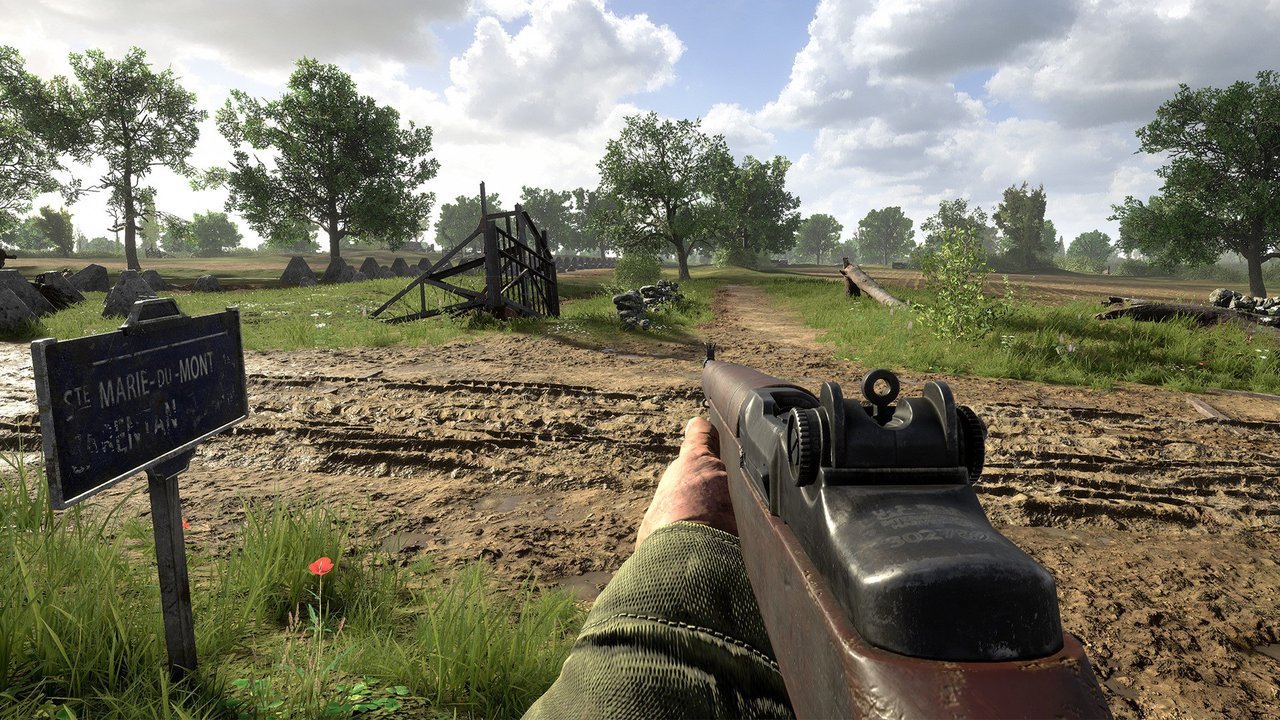
Sainte-Marie-Du-Mont

  • [Fixed] Burning AT cannons with abrupt LOD change

  • [Fixed] Players becoming stuck between two collision boxes when climbing over a hedge

  • [Fixed] Destroyed AT gun with lighting issues at 30-35m

  • [Fixed] Multiple misaligned mud assets

  • [Removed] [C2] Floating stuffed teddy bear in a column of smoke

  • [Fixed] [C3] Multiple misalignment issues

  • [Fixed] [C10] Misaligned rubble pile

  • [Fixed] [C10] Misaligned rubble pile

  • [Removed] [D2] Mural of the emblem of 506th Parachute Infantry Regiment “Easy Company”

  • [Fixed] [D4] Building door with no player or bullet collision

  • [Fixed] [D8] Poster at strongpoint stretched over a barrel

  • [Fixed] [E9] Misaligned mudbank

  • [Fixed] [F1] Misaligned ground texture

  • [Fixed] [F3] Cattle sheds with LOD issues

  • [Fixed] [F3, F4] LOD issues on two warehouse’s light fixtures from around 55m

  • [Fixed] [F4] Misaligned stairs

  • [Fixed] [F5] Misaligned stone wall

  • [Fixed] [F6] Arm barrier cabins with clipping issues

  • [Fixed] [F6] Multiple floating assets

  • [Fixed] [F9] Dirt track requiring smoother road transition

  • [Fixed] [G2] Terrain clipping through bunker wall

  • [Fixed] [G2] Multiple assets misaligned with terrain

  • [Fixed] [G8] Wooden crate clipping through wall

  • [Fixed] [G8] Building with extended player collision box

  • [Fixed] [G10] Floating wheel and barrel assets

  • [Fixed] [H1, H2, F1] Misaligned trench mudbank assets

  • [Fixed] [H10] Floating well

Sainte-Mère-Église

  • [Fixed] Players being able to get onto multiple rooftops and hide within chimneys

  • [Fixed] Players being able to spawn inside buildings

  • [Fixed] [C4] Missing player collision on stone wall

  • [Fixed] [J3] Floating fence

  • [Fixed] [D5] Electric pole detached from wall

  • [Fixed] [I8] Missing wooden support beam for multiple barbed wire fences

  • [Fixed] [A6] Misaligned dirt texture

  • [Fixed] [B3] Wooden plank missing player and bullet collision

  • [Fixed] [B8] Misaligned terrain

  • [Fixed] [B5] Floating fence

  • [Fixed] Players being able to spawn inside a building

  • [Fixed] [E4, F4] Stairs missing collision

  • [Fixed] [G8] Multiple misaligned dirt mounds

  • [Fixed] [C4] Multiple assets clipping

  • [Fixed] [A8, H6, J3, J4] Fence missing final pole

  • [Fixed] [J4] Misaligned tree

  • [Fixed] [D5] Burning AT cannon with abrupt LOD change

Source: Reddit 

Damien Seeto

Home > News

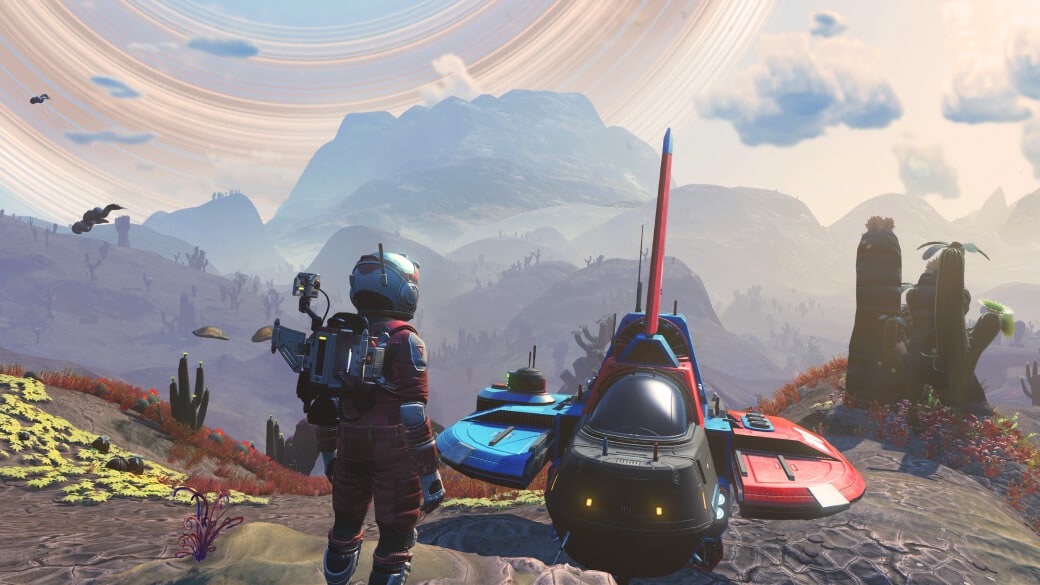
No Man’s Sky Update 4.20 Pushes Interceptor Content This April 5 (Update)

Hello Games has released No Man’s Sky update 4.20 (PS5 version 4.020), and this is the game’s next major update called “Interceptor.” Players can expect new starships. a new world type and more! Check out what’s new in the No Man’s Sky patch notes for April 5.

No Man’s Sky Update 4.20 Patch Notes | No Man’s Sky Update 4.020 Patch Notes | No Man’s Sky April 5 Patch Notes:

Size: 6.4GB (PS5)

Update: Full patch notes are now available

SENTINEL INTERCEPTORS

  • Hostile Sentinel interceptor starships are now procedurally generated from a wide variety of parts.
  • Players are now able to track down and repair a crashed Sentinel interceptor in order to repair it and claim it for their own fleet.
  • A unique repair mission has been added to guide players through the salvage process.
  • There are a variety of ways to locate a downed interceptor, including destroying a Sentinel capital ship; completing a bespoke story encounter; defeating new corrupted Sentinel planetary forces; and via mysterious new abandoned encampments.
  • Player-owned interceptors use their own unique array of core technologies, though they still benefit from the installation of general starship upgrades.
  • Player-owned interceptors have a unique cockpit.
  • Player-owned interceptors have a unique planetary flight model, with the ability to hover.

COMBAT

  • A number of improvements have been made to the locomotion system for Sentinel Quadrupeds, reducing visual glitches and jittering.
  • Sentinel Quadrupeds are now more mobile in combat, moving frequently and making better use of their pounce and jump attacks.
  • Sentinel Quadrupeds now have a wider range of targeting, allowing them to track players without having to reposition.
  • Sentinel Quadrupeds can now use active camouflage to cloak themselves while evading player attacks.
  • Corrupted Sentinel drones have been reworked visually.
  • Corrupted Sentinel drones can now heal each other.
  • Corrupted drones now make better use of cover.
  • Corrupted drones now choose from a range of weaponry, including rapid fire projectiles; a close-range blaster; long-distance grenades; and a flamethrower.
  • A large, ground-based corrupted Sentinel unit has been added.
  • This heavily-armoured semi-arachnid machine benefits from its own stealth mode and long-distance pounce attack, as well as a flamethrower and grenade based weapons.
  • Their highly mobile body and leg setup allows rapid sideways movement and continual player tracking.
  • These enemies come in both large single varieties, and a smaller, swarming variety. The swarm variant is more aggressive in melee range, and will self-destruct at low health levels…
  • A new unique resource has been added as collectable loot from these corrupted quadrupeds.

CORRUPTED WORLDS

  • Some planets that previously generated extreme sentinels have now become corrupted worlds.
  • Corrupted worlds have their own unique array of planetary Sentinel forces.
  • Corrupted worlds are also home to dissonance resonators, strange extraction machines guarded by corrupted Sentinels.
  • Corrupted Sentinel planets have their own unique resources and objects.
  • New refiner recipes have been added for corrupted Sentinel resources.
  • Corrupted worlds have a new unique lighting/visual effect.
  • Newly corrupted worlds that previously had superheated rainstorms have new and stranger storms.
  • A new building type, the Harmonic Camp, has been added exclusively to corrupted worlds. These mysterious abandoned encampments are home to many secrets…
  • A new mission is available at the Nexus, requiring players to work together to destroy the new machinery found on corrupted worlds.
  • New player titles have been added for those brave enough to battle corrupted Sentinels.

RENDERING AND OPTIMISATION

  • Dynamic Resolution Scaling has been added for all Xbox platforms. This technology allows the game to maintain a consistent framerate across all scenarios, and results in a significantly improved image quality in some situations, such as during spaceflight.
  • All Xbox platforms now support AMD FidelityFX Super Resolution 2.0 technology, providing high image quality and improved framerates.
  • Introduced a significant improvement to image quality in PSVR2.
  • Fixed an issue that caused visual glitches in particle rendering in VR.
  • Fixed an issue that caused a drop in image quality when rendering distant stars.
  • Introduced a loading/warp time optimisation for PlayStation 5, Xbox One X, Xbox Series X and Xbox Series S.
  • Introduced a number of rendering and memory optimisations for PC and PlayStation VR.
  • Introduced a number of rendering and memory optimisations for PlayStation 5.
  • Introduced a significant memory optimisation for PlayStation 4.
  • Introduced a memory optimisation for Xbox Series S and X that reduces hitching.
  • Introduced a number of significant memory and rendering optimisations for all Xbox platforms.

VR

  • VR players can now customise the position of their wrist and Multi-Tool projector menus. Simply grab the menu while it is being projected and drag it to a new position.
  • An option has been added to allow VR players to choose between base building holograms being shown based on where they are looking or where they are pointing.
  • An option has been added for VR players to change the behaviour of the flight stick, so that the yaw/roll axes are switched, and moving the virtual stick to the left/right will roll the ship rather than turn it.
  • The wrist projector menus now instantly disappear so that players can use their Multi-Tool immediately after changing weapon mode.
  • Fixed a rare issue that could occasionally block interactions when they should be available.
  • Fixed an issue that could occasionally cause player hands to immediately disconnect from Exocraft controls.
  • Fixed an issue that could cause the customiser tooltip to use the wrong text in VR.
  • Fixed an issue that caused the option to allow the switching of the sprint and scan buttons to fail to work in PSVR2.

CUSTOM WONDERS

  • A new section has been added to the Wonders catalogue, “Personal Records”.
  • This section allows players to assign any planet, creature, flora or mineral discovery to its own custom wonder category.
  • Personal records are all assigned their own player-chosen name.
  • Personal records can be assigned from within the catalogue, or directly from any of the discovery pages.
  • Personal records can be overwritten with other discoveries, or discarded entirely to create space for new categories.

SENTINEL MULTI-TOOLS

  • A new class of salvaged Multi-Tool has been added.
  • These hybrid Sentinel/salvaged tools are found at mysterious harmonic encampments on corrupted Sentinel worlds.
  • These Multi-Tools come in a range of classes, C to S, and are unlocked by defeating the harmonic lockdown at the encampment.
  • Salvaged Multi-Tools are acquired for free but will require custom repairs to fully unlock all available inventory slots.

CUSTOMISATION OPTIONS

  • A new style of jetpack customisation has been added, the Aeron Turbojet.
  • Unlock this new Sentinel-themed jetpack by following clues found at mysterious encampments on corrupted Sentinel worlds.
  • A number of new customisation options have been added to the forthcoming items for the Quicksilver shop, including cloth-based hoods for Geks and a new cape design. These items will appear for unlock via community research in the near future.

UI

  • The various maintenance and repair UI screens now use a more informative error message when unable to repair the selected item.
  • Technologies that are ready to repair are now highlighted with an inventory slot animation on the various maintenance and repair UI screens.
  • Extreme or corrupted Sentinels are now highlighted when looking at planetary information through the Analysis Visor.
  • The mission notification now has a darker backing when piloting a starship in first person, to make mission text more readable when displayed over cockpit details.
  • The “Switch Multi-Tool” option has been repositioned in the Quick Menu for easier access.
  • The “Change Secondary Weapon Mode” icon in the Quick Menu has been redesigned for clarity.

SENTINEL CAPITAL SHIP BATTLES

  • The Sentinel capital ship deployed at a 5-star wanted level in space is now destructible.
  • Defeating the capital ship will clear the wanted level back to 0, and will award players a unique item to help them track down their own crashed Sentinel interceptor.
  • Fixed an issue that caused Sentinel capital ships to use an incorrect warp-in effect.
  • Fixed an issue that prevented Sentinel capital ships from launching additional interceptors when their current complement was defeated.
  • The starship’s final usable weapon will no longer be damaged by enemy fire.

BUG FIXES

  • Fixed a significant number of memory-related crashes on consoles.
  • Fixed a rare hang during loading.
  • Fixed a Nintendo-Switch specific hang during combat with Sentinel drones.
  • Fixed an issue that caused first-person Exocraft cameras to be pointed at the ceiling.
  • Fixed an issue that caused randomised options (such as player customisations or Multi-Tool appearance) to remain fixed for some players when starting a new expedition.
  • Fixed an issue that prevented the third-person starship camera from wandering during pulse-engine driven flight.
  • Fixed an issue that could cause errors in creature navigation after the terrain was damaged by the manipulator or by grenade fire.
  • Fixed a Nintendo Switch-specific issue that could result in players getting stuck in a loop of visiting graves in the A Trace of Metal mission.
  • Fixed an issue that could prevent the living ship from contacting the player at the appropriate mission stage if key mission items were stored in the inventory of a starship that was not your current primary ship.
  • Fixed a mission flow error in the hand-in stage of the Nexus mission to cleanse an infested planet.
  • Improved the name of the current objective used in the UI when using the Analysis Visor’s target sweep mode to hunt specific resources that are currently too distant for a signal lock.
  • Fixed an issue that caused the wrong building name to be used when looking at buildings through the Analysis Visor.
  • Fixed an issue that could cause some core Exosuit technologies to be duplicated within the inventory.
  • Fixed a number of visual glitches with the jumping animation of the Exotic Wingpack.
  • Significantly improved the quality of the active/inactive particle and lighting effects for Gravitino Balls.
  • Fixed a number of networking issues with the player cloaking device.
  • Fixed an issue that could cause Sentinel drones to attack the player while they were using an interaction or otherwise in a situation where they did not have camera control.
  • Fixed a number of issues that could result in the wrong controller button icon being used in various pieces of in-game text.
  • Fixed an issue that caused an empty “Button Preferences” section to appear within the options menu in certain configurations.
  • The message displayed when unable to interact with something because of its cost has been improved.
  • Fixed an issue that would cause the number of free slots required when the inventory is full to be overestimated by 1.
  • Fixed a number of issues where in-game text would not use the correct names for various starship technologies when using a living ship.
  • Fixed an issue that prevented players from engaging the pulse engine within 5 seconds of loading a save in space.

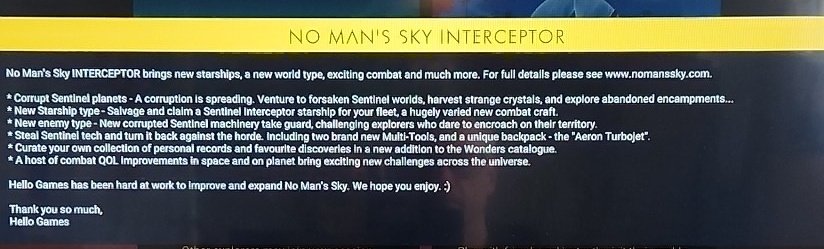
Hello Games has not released the complete patch notes just yet, but here’s the confirmed new stuff in the patch once players boot the game up (via NmsRicey):

Image

The official patch notes and complete list of new content should be pushed out soon, and once it’s out, we’ll update the article to reflect it, so stay tuned!

Source: No Man’s Sky

Avatar photo

Alex Co

Father, gamer, games media vet, writer of words, killer of noobs.

Home > News

Hunt Showdown Update 1.80 Out for Patch 1.12.0.1 Hotfix

Crytek has released Hunt Showdown update 1.80, which is for patch 1.12.0.1. This patch is out now for both PC and consoles and it includes various bug fixes. Check out the Hunt Showdown April 5 patch notes down below.

Hunt Showdown Update 1.80 Patch Notes | Hunt Showdown Update 1.12.0.1 Patch Notes | Hunt Showdown April 5 Patch Notes:

Bug Fixes

  • Fixed an issue that prevented players from being revived in instances where they had used the spectate shortcut on a a controller.
  • Fixed an issue that allowed players to utilize the self-revive of the Necromancer in Quickplay.
  • Fixed an issue that allowed the solo buff from the Serpent trait to work in Quickplay.
  • Fixed a bug that caused the starting Hunter to have the incorrect name or gender model after skipping the tutorial.
  • Fixed an issue that resulted in the gunshot audio from the Sparks to sound 2D at longer distances.

Source: Steam
Damien Seeto

Home > News

PUBG Update 23.1 Patch Notes, New Content, Release Dates and More Revealed

Those looking for the next major content drop for PUBG, the wait isn’t long now! PUBG Studios has revealed not only the PUBG update 23.1, but also the release dates on all platforms, a rundown of the new content and more!

Read on for the full info sent to us by PUBG Studios.

PUBG Update 23.1 Patch Notes, Release Dates, New Content:

Release Schedule: April 5 (PC Test Server), April 12 (live release), April 20 (consoles)

  • Survivor Pass: The Big Score – No more painful goodbyes to your previous passes! We’re making changes to the Pass XP system to help you fully enjoy everything The Big Score has to offer by allowing players to earn XP faster relative to previous passes. Strive for the max level and become the ultimate safe-cracker! Check out the April Store Update announcement for more details.

Normal Match

The general ruleset for Normal Matches has been updated.

※ These changes affect Erangel, Miramar, Taego, and Deston.

  • Phase
    • The Blue Zone during Phases 1 to 3 is now similar as Ranked’s and slightly faster than before.
  • Items
    • More items will spawn overall.
      • Main AR, DMR, SR weapons
      • Helmets, Vests, Backpacks
      • Scopes
    • Motor Gliders have been added to Taego, Vikendi, and Deston.
  • Vehicles
    • More vehicles will spawn overall.
      • The spawn rate of major vehicles, such as four-wheels, has been adjusted to make them appear more frequently among all spawned vehicles.
    • Some vehicles will spawn at fixed locations.
  • Other systems such as the plane route and the final circle location have been adjusted to match Ranked’s.

< Dev’s Comment >

Beginning with this update, we will be implementing the Normal Match change-up outlined in our recent 2023 Roadmap. Through analysis of player data, playstyles, and feedback accumulated over the years, we recognized a disparity in your gameplay experience between Normal Matches and Ranked due to differences in rulesets. For instance, Normal Matches provide ample time early on for looting, moving, and strategizing, while Ranked is faster-paced, making it potentially challenging to adapt between the two modes.

Our top priority is ensuring players enjoy every mode, so we’re adjusting the fundamental ruleset that creates the foundation of PUBG: BATTLEGROUNDS in a consistent manner, making it easier to adapt between different modes. We plan to decrease playtime during the early phase in Normal Matches while increasing the overall spawn of items and vehicles to enhance your farming experience. Moreover, we intend to sustain existing content exclusive to Normal Matches, such as items, different Zones, Comeback BR, etc. to continue providing opportunities for experimentation and enjoyment.


Ranked

Season 23

  • Deston has been added to the map pool.
    • Number of players: 64
    • Weather: Sunny
    • The Red Zone, Security Keys, and Tactical Gear will not be available.
    • Fixed vehicle spawn spots have been added.
    • The O12 and MP9 is available.
  • The leaderboard will reset after the Live Server maintenance.
  • Check out your final Tier from the previous season through your Career page.

Season 22 Rewards

Below are the rewards you’ll be receiving based on your final Tier from the previous Ranked season.

Tier

Season 22 Rewards

Bronze Bronze PUBG ID Emblem
Silver Silver PUBG ID Emblem
Gold Gold PUBG ID Emblem

Ranked Parachute Skin

Platinum Animated Platinum PUBG ID Emblem

Ranked Parachute Skin

Platinum Medal

Diamond Animated Diamond PUBG ID Emblem

Ranked Parachute Skin

Platinum, Diamond Medal

Master Animated Master PUBG ID Emblem

Animated Master Nameplate

Ranked Parachute Skin

Platinum, Diamond, Master Medal

Top 500 Bonus rewards for Top 500 players:

  • Animated Top 500 PUBG ID Emblem
  • Animated Top 500 Nameplate

  • The Parachute skin and Medals are permanent rewards.
  • The rest of the obtainable rewards are available for use during a single Ranked season.
  • Rewards can be found in your Inventory once Season 23 starts.
  • Once Season 23 is over and the server undergoes maintenance, every reward but the Parachute and Medal will be withdrawn from your Edit Profile page.

Items

  • BZ Grenades added to Taego and Deston.
  • Folded Shields added to all maps.
  • Emergency Pickups added to Erangel, Miramar, and Taego.
  • Motor Gliders added to Taego and Deston.

< Dev’s Comment >

This update will also introduce new changes to Ranked. As announced in our 2023 Roadmap, we’re committed to providing more exciting gameplay through various updates. Beginning from Season 23, we’re adding items and vehicles that were previously only available in Normal Matches, bringing more diversity and intensity to Ranked gameplay. Additionally, Deston has been added to the map pool with a 10% matchmaking probability. Although the unique weapons O12 and MP9 are available, we’ve excluded Security Keys and Tactical Gear from Ranked play as we’re still assessing how these features will work in this mode.


Gameplay

  • To heighten the sense of satisfaction and impact when landing a headshot, we’ve added a new visual effect that causes the helmet to be knocked off upon impact.
    • If a weapon is used to land a headshot and the helmet’s durability is reduced to 0, the helmet will be knocked off.

  • Ascender Attachment and Utility Parachute are now provided as basic equipment on every map.
    • Ascender Attachment and Utility Parachute icons that occupied their own Inventory slots have been removed.
    • Utility Parachutes can be used any time on every map.
    • The Ascender Attachment can be used where Ascenders are attached.
  • With the Utility Parachutes available everywhere, the Emergency Parachute has been removed from Miramar and Haven.
  • If a player disconnects before the plane drop, their parachute will now automatically follow the player with the next number after theirs.
    • Example: If you are Player 4, you will follow Player 1.
    • If you had previously chosen a player to follow before disconnecting, you will continue to follow them.
    • Once you reconnect while on the plane, you will automatically follow a player.
    • Only players who have not yet dropped from the plane can be chosen to follow.

Map Service

Starting with this update, maps will now be rotated on a weekly basis, increasing the chances of encountering your preferred map. The Patch Notes will now include the weekly map rotation plan for the update period. Additionally, we’re preparing a Dev Letter that will delve into our thoughts on the updated map rotation system. For further details, keep an eye out for the upcoming Map Service Plan – April 2023 announcement!

Furthermore, the Ranked map pool now includes Deston.

※ Please note that PC players can anticipate map changes every Wednesday at 2 AM UTC, while Console players can expect the same every Thursday at 7 AM UTC.

※ In Random Map regions, each map will have an equal probability of being selected, with a probability of 20%.

  • (PC) Test Server
    • Normal Match: Miramar / Deston / Vikendi
      • AS region: Squad
      • NA region: Squad – FPP
  • Live Server – Normal Match
    • Week 1: Erangel / Taego / Deston / Sanhok / Paramo
      • PC: April 12 ~ April 19
      • Console: April 20 ~ April 27
    • Week 2: Erangel / Miramar / Vikendi / Sanhok / Karakin
      • PC: April 19 ~ April 26
      • Console: April 27 ~ May 4
    • Week 3: Erangel / Taego / Deston / Sanhok / Paramo
      • PC: April 26 ~ May 3
      • Console: May 4 ~ May 11
    • Week 4: Erangel / Miramar / Vikendi / Sanhok / Karakin
      • PC: May 3 ~ May 10
      • Console: May 11 ~ May 18
    • Week 5: Erangel / Taego / Deston / Sanhok / Paramo
      • PC: May 10 ~ May 17
      • Console: May 18 ~ May 25
  • Live Server – Ranked
    • Ranked: Erangel (30%) / Miramar (30%) / Taego (30%) / Deston (10%)

World

  • The festive 6th anniversary decorations have been removed from Erangel, Miramar, Vikendi, and Sanhok. Thank you again for all your heartwarming birthday wishes!

Modes

LABS: Intense Battle Royale

The adrenaline-fueled mode is back with new updates!

  • Three new Vikendi areas added.
    • The Blizzard Zone is not available.
  • Three new Sanhok areas added.
  • AUG added to the AR weapon crate.
  • Service period
    • PC
      • PDT: April 12, After live server maintenance – June 13, 5:30 PM
      • CEST: April 12, After live server maintenance – June 14, 2:30 AM
      • KST: April 12, After live server maintenance – June 14, 9:30 AM
    • Console
      • PDT: April 20, After live server maintenance – June 21, 6 PM
      • CEST: April 20, After live server maintenance – June 22, 3 AM
      • KST: April 20, After live server maintenance – June 22, 10 AM

Esports Mode

As previously announced, we’re aligning the settings for Esports Mode with Ranked to allow you to enjoy an even more intense Esports experience.

  •  
  • Added Taego and Deston.
    • Follows Ranked’s ruleset.
    • Global Rule Settings available only.
    • Perspective: FPP, TPP
    • Minimum required number of players: 10
    • Maximum number of players: 100 (Default 64)
    • Maximum number of players in a team: 4 (Default 4)
  • Sanhok has been removed. 

UX/UI

  • The interaction feature has been improved when equipping Special Vehicle Skins.
    • To make it easier for you to select your desired skin from the list that appears after using the Limited Interact key, you can now use the following:
      • PC: Mouse click, Enter key, Interaction key (F), Limited Interact key (H)
  • (PC) A new “Toggle” option has been added to Voice Chat settings.
    • Enable and disable Voice Chat using the T key, which can be customized in the Key Bindings setting.
    • A “mic muted” icon has been added, and will now be visible to your teammates.
    • The “speaker muted” icon has been removed from your teammate list.
  • (Console) The “mic muted” icon will appear when your Voice Chat Input Mode is deactivated, and will be visible to your teammates.

Lobby

  • The default lobby has been changed from the Vikendi theme → default plane theme.

Survivor Pass: The Big Score

Experienced painful goodbyes to your previous Passes without reaching their maximum levels before they expired? We understand how frustrating that can be, which is why we’re aiming to help players to fully enjoy everything the Pass has to offer throughout its duration by making adjustments to the Pass XP system.

Strive for the maximum level in the new Survivor Pass: The Big Score and become the ultimate safe-cracker.

  • To facilitate a smoother leveling experience, the proportion of XP gained through playtime and weekly missions has been increased in relation to the total amount of XP.
    • The maximum XP you can earn through max daily playtime has been greatly increased.
    • XP earned through daily missions has been slightly decreased.
  • Please refer to the upcoming April Store Update announcement for more detailed information.

Workshop

Chest

  • New item sets have been added to the Hunter’s Chest and Archivist’s Chest.
    • PGC 2022

Performance

  • Improved vaulting performance in-game.
  • Optimized memory usage by compressing and adjusting the quality of in-game sound. This will only load essential sounds for each mode and map, leading to improved memory efficiency.
  • (Epic Games, Kakao) A game file integrity check pop-up will appear if damaged files are detected upon opening the client.
  • (Console) Improved the hitch that occurred when you first open the Inventory in game.
    • (PC) Improved the hitch that occurred when you open the Inventory with a joypad controller.

Bug Fixes

Gameplay

  • General in-game bugs have been fixed.
  • Fixed the issue where flames were not being generated on the ground depending on the height at which Molotovs explode.
  • Fixed the issue where the weather information is not being displayed in the Custom Match session list for a Custom Match with a Haven – Sunset setting.
  • Fixed the issue where you are able to make a Pan bigger using a Mountain Bike and Dirt Bike.
  • Fixed the issue where the sound of the Porter and Pony Coupe suddenly decreases from a certain perspective.
  • Fixed the issue where the Motor Glider is sometimes not shown at the proper location or not visible at all through Death Cam.
  • Fixed the issue where you are sometimes disconnected from the game when climbing the stairs.
  • Fixed the awkward FPP perspective when you are being carried.
  • (Console) Fixed the issue where the Limited Interact key for equpiping vehicle skins does not work when the interact and reload/interaction and Limited interact are assigned to the same buttons.

World

  • Fixed collision, texture, performance, and more general issues in Deston, Taego, and Miramar.
  • Fixed the issue where after dropping the Security Key in a dumpster, it cannot be obtained through Inventory, interaction, or using Drones.

UX/UI

  • Fixed the issue where the Go to Store button is disabled when Presets 3 to 5 are disabled.
  • Fixed the issue where the interaction UI prioritizes the item over the team member who gets knocked out on top of an item.
  • Fixed the issue where both the Revive and Carry keys are displayed when you’re knocked out and holding a Self-AED.
  • (PC) Fixed the issue where specific players were shown on leaderboards of different regions at the same time.
  • (PC) Fixed the issue where the incorrect interact UI is displayed after changing the Limited Interact key.

Items & Skins

※ Clipping issue: Graphics that are shown outside the visible part of an image/object.

  • Fixed the issue where the White Tiger – Pan skin is flipped backwards at Hideout – Weapon.
  • Fixed the issue where the female character’s arms turn transparent in FPP when the equipped Doomsday Hoodie is taken off.
  • Fixed the clipping issue on a female character’s bottom part when equipping Ailee’s Jacket with PGC 2021 Contingent Chaos Boots.
  • Fixed the clipping issue on a female character’s bottom part when equipping Ailee’s Jacket with JENNIE’s BLACKPINK Leggings.
  • Fixed the clipping issue when equipping PGI.S Tactical Pants with Vikendi Snow Sports Boots/Retro Rewind Shoes.
  • (PC) Fixed the issue where the Pillar Security – Helmet (Level 1) appears differently when equipping the skin.
Once the patch is live, we’ll be sure to let our readers know.
Avatar photo

Alex Co

Father, gamer, games media vet, writer of words, killer of noobs.

Home > News

TMNT: The Cowabunga Collection Update 1.04 Brings Added Online Play and More

Digital Eclipse has released the (Teenage Mutant Ninja Turtles) TMNT: The Cowabunga Collection update 1.04, and this adds online play to TMNT III alongside other small additions. Read on for the full patch notes below.

TMNT: The Cowabunga Collection Update 1.04 Patch Notes | TMNT: The Cowabunga Collection Update 2 Patch Notes:

Totally radical! The 2nd patch update for Teenage Mutant Ninja Turtles: Cowabunga Collection brings online play to TMNT III: The Manhattan Project. Plus, original artwork from TMNT co-creator Kevin Eastman will be added to the Turtles’ Lair along with other Turtles memorabilia.

• Online play added to Teenage Mutant Ninja Turtles III: The Manhattan Project.
• Additional art added to Behind the Scenes in the Turtles’ Lair, including original Kevin Eastman illustrations created for the Cowabunga Collection.
• Additional ads added to Magazine Advertisements in the Turtles’ Lair.
• Invite feature fixed for Nintendo Switch.

That’s about it. The patch should be live on all platforms as of press time.

Avatar photo

Alex Co

Father, gamer, games media vet, writer of words, killer of noobs.

Home > News

Cricket 24 Announced for June 2023 Release, Introduces “Pro Team” Feature

Big Ant Studios and Nacon have announced Cricket 24, the latest entry in their line of cricket sims. The new title includes “more licenses than any cricket video game ever,” as well as crossplay functionality at launch and a Pro Team feature that lets players build their own cricket teams using player cards.

Cricket 24 is the sequel to 2021’s Cricket 22, and includes numerous gameplay enhancements over the previous title. Big Ant Studios has promised an overhauled fielding system as well as increased agency in Career Mode. The new Pro Team mode, like FIFA‘s Ultimate Team, allows players to compete on more than just the cricket pitch in their quest to create the most competitive team, take on weekly challenges, and “compete at teambuilding” through the Auction mode.

From the developers:
Cricket 24 reimagines and enhances the much loved Cricket 22 to include teams from every corner of the globe, creating the most complete video game simulation of cricket seen to date.

From the cover through to each immersive game mode in Cricket 24, Big Ant Studios continue their commitment to equality and equal representation with both the Men’s and Women’s cricket having equal representation throughout.

Building the most realistic cricket game ever!

  • The Ashes; Cricket 24 will feature the biggest rivalry in cricket, The Ashes. Detailed cutscenes put the user into the moment as the Ashes tour progresses. Feel a part of the team with press conferences and team training sessions. Unique commentary allows for complete Ashes immersion. Experience The Ashes playing as a single player, or as Australia or England.
  • Official Licenses; Over 200 players with full photogrammetry. Major Cricket Nations including Australia, England, West Indies, New Zealand and Ireland with more to be announced. The biggest tournaments including The Ashes, the KFC BBL and Weber WBBL, The Hundred, the Caribbean Premier League plus a number of “to be announced” professional Indian T20 teams, along with more than 50 highly detailed official stadiums.
  • Career Mode; Follow the journey of your player from club cricketer to the international stage, developing your skills and growing your fan base as you hone your craft to become the next big thing in cricket. Cricket 24 gives more control to the player in determining their destiny, becoming a short-form hero, focusing on the Test team, or trying to balance both on your way to cricketing stardom.
  • All new fielding; A complete overhaul of the fielding systems to provide the most realistic and responsive fielding controls ever seen in a cricket video game.
  • Cross Platform; Fully cross platform, play online against your friends and the world’s best players regardless of platform. Create and share custom content across different platforms including stadiums, players, teams and more with the academy.
  • Pro Team; Collect player cards and build your cricket dream team. Take on weekly challenges in single player game play, or go online against the world. Join with your friends to compete at teambuilding in The Auction mode.

Cricket 24 is set for a June 2023 launch on PS5, PS4, Xbox Series X|S, and Xbox One, with a Nintendo Switch release set for November 2023. Players who buy the game on PS4 or Xbox One will be able to upgrade to the respective next-gen versions for free. The game can be pre-ordered on all platforms here.

Avatar photo

Salman Haider Zaidi

That's a nice argument, Senator.

Home > News

Vigor Update 1.20 Fires Out for Patch 14.1 This April 4

Bohemia Interactive has released Vigor update 1.20, and this is for patch 14.1! Players can expect changes to the vote kick system in Elimination more! Read on for the complete Vigor April 4 patch notes.

Vigor Update 1.20 Patch Notes | Vigor Update 14.1 Patch Notes | Vigor April 4 Patch Notes:

Changelog 14.1

Fixed: Better textures for M4A1 Assault Rifle.
Fixed: Hue adjustments for the Headhunter Battle Pass Uniform.
Fixed: Updated Game Guide.
Fixed: Minor clipping on cosmetic models.
Fixed: Missing crane model on Kjerstin.
Fixed: Missing card textures on lootboxes for Berry M12.
Fixed: Missing localization strings.
Fixed: Players getting stuck in the animation while inspecting the cassettes.
Fixed: Issue where multiple consumables could be placed on top of each other.
Fixed: Issue where ammunition disappears during reload.
Fixed: Issue that removed items and airdrop from dead bodies.
Fixed: Issue where dotted crosshair reveals characters behind walls.
Fixed: Players now cannot use consumables while climbing a ladder.
Fixed: Weapon Skins not being visible in the Equip tab.
Added: New assets in cosmetic store.
Added: Higher quality UI icons.
Changed: Reduced input latency on Switch.
Changed: Rebalancing of all crates.
Tweaked: Weapons and Consumables from past Updates added to General Loot in Encounters.
Tweaked: Performance improvement on Myren Shootout map.

Changelog 14.1 Hotfix

Fixed: Players can now equip the Tomato Pattern skin for the Berry M12 
Fixed: Missing card textures and descriptions for crates
Fixed: Issues creating material surplus when crafting and deconstructing mortar strikes
Fixed: Issue where picking a loadout in Elimination could be sometimes skipped
Added: Enhanced functionality on the Vote Kick system to target AFK players specifically – a quick time event where players can prove they are not AFK and remain in the game
Changed: Name of the PS Plus bundle on the What’s New screen to reflect the actual name
 
Source: Vigor
 
Avatar photo

Alex Co

Father, gamer, games media vet, writer of words, killer of noobs.

Home > News

Modern Warfare 2 and Warzone 2 Season 3 Starts April 12, New Weapon FJX Imperium “Intervention” Sniper Gameplay Shown Off

Call of Duty Warzone 2 Season 3 (and Modern Warfare 2 Season 3) will feature Alejandro and Valeria from the Modern Warfare 2 campaign. Both characters will likely play a prominent role in both Warzone 2 and Modern Warfare 2, as hinted by a recent tweet from the official Call of Duty Twitter account. 

Here’s the aforementioned tweet, which teases what’s to come in Season 3:

https://twitter.com/CallofDuty/status/1643267349905039362

In the short teaser, you can hear Alejandro stating that Valeria “has escaped,” and that you’ll need to “fight fire with fire.” While there may be a few possible explanations behind the brief trailer, it’s likely a hint at an upcoming Raid episode that will feature both characters. Previous Raid episodes featured other characters from the story, so it’s not unlikely that this is also the case for Season 3. Aside from getting a new Raid episode centered around Alejandro and Valeria, Aside from the new operators, players should expect a new 6v6 map and new weapons! One of the new weapons, a new sniper rifle called the FJX Imperium (also known as the “Intervention”), has been revealed in a recent video.

Chances are, we’ll be hearing more about Season 3 throughout the week leading up to launch. Once we know more, we’ll let our readers know.


Carlos Perez

Home > News

Star Wars Jedi: Survivor Pushes the Boundaries of Scope and Capability of Tech They Built Says Respawn

The sequel to 2019’s Star Wars Jedi: Fallen Order is mere weeks away from release, and Respawn Entertainment has been keen to showcase the new title’s numerous improvements over the original.

In an interview, Technical Director Jon Carr and Lead Producer Paul Hatfield have described Star Wars Jedi: Survivor as an evolution of Fallen Order’s concept and mechanics, with Hatfield stating that Survivor seeks to upgrade Fallen Order’s systems to “110 percent.”

Star Wars Jedi: Survivor visibly maintains the core experience of Fallen Order while improving in certain areas such as the RPG elements, world design, and navigation. Carr and Hatfield explain that the differing choices made during the development of Survivor are not necessarily seen as “changes,” but rather a long-desired expansion of the systems they developed in Fallen Order:

[Hatfield:] So we don’t really use the term changes too much when we talk about the game. I think one of the first things we talked about when we started on the second project, a lot of the points put across to the team were very rooted in what we developed in the first project, but essentially polishing and expanding and bettering all those systems. So, you know, the first game was our first project as a team, and we learned a lot of stuff. And we also have a giant bucket list of if we had unlimited time, we wish we could do all these things. So that’s what this project is to us, let’s find that bucket list of all those things we wish we could have done on the game. Let’s evolve as much as we can, and also take the systems that maybe we had to 80 or 90 percent up to 110 percent.

[Carr:] I think there’s also a narrative element to it, where Cal has evolved over the course of a couple of years since the first game, and he’s developing more of his abilities as a Jedi. And so part of what you see in the demo you’re playing is that you get access to more combat moves and stances, and I think that all kind of speaks to that narrative.

Hatfield and Carr further illustrated this with the refinements made in Survivor to the series’ customization system and in-game environments, with Carr stating that the tech they built for Jedi: Survivor is being pushed to its boundaries.

[Hatfield:] [Customization] was something with the first game where I say we took something to maybe 80 percent, that’s something that we felt as a team we could have done better if we’d had the additional time. And so with this project, day one we knew we wanted to expand it, and that’s exactly what we did. I mean, I run around with a mullet all the time when I play. [Laughs] It makes it so much more Star Wars to me that you can kind of make your own Cal; he still obviously is a protagonist, and he has a personality, but when it comes to player expression, that’s a huge thing and I think people are really gonna like that.

[Carr:] We’ve also pushed the boundaries in terms of, like scope and capability of the tech that we’ve built. The environment is much larger, we’ve put a lot of time into more advanced lighting systems, the texture and fidelity throughout the environment is pretty robust. And so there’s a lot of kind of pushing forward the tech that we’ve got to achieve a lot of it.

Star Wars Jedi: Survivor deploys April 28, 2023 on PC, PS5, and Xbox Series X|S. Though the Fallen Order sequel has not yet launched, director Stig Asmussen is already eyeing a third title in the series.

Source: Screen Rant

Avatar photo

Salman Haider Zaidi

That's a nice argument, Senator.

Home > News

TT Isle of Man – Ride on the Edge 3 Release Date Set for May 11, New Trailer Revealed

Raceward Studio and Nacon have announced that TT Isle of Man – Ride on the Edge 3’s release date has been set for May 11 on all platforms, with the game available to pre-order now. The developer has also revealed a special Racing Fan edition of the game, as well as a special pre-order trailer.

Check out the pre-order trailer below:

TT Isle of Man – Ride on the Edge 3 is the sequel to Raceward Studio’s 2020 TT Isle of Man – Ride on the Edge 2, based on the infamous annual Tourist Trophy motorcycle race on the Isle of Man. The base game as well as the Racing Fan edition of the game can be pre-ordered now. The Racing Fan edition includes the following bonuses:

  • The official livery celebrating John McGuinness’s 100th start (pre-order only)
  • Early access to TT Isle Of Man: Ride on the Edge 3 48 hours before the game’s official release (pre-order only)
  • A starter pack with 380 points so you can upgrade your motorbike more quickly
  • Free access to the 2023 Tourist Trophy roster DLC

Pre-ordering the base game also grants players the John McGuinness livery.

TT Isle of Man – Ride on the Edge 3 races out on May 11 for PC, PS5, PS4, Xbox Series X|S, Xbox One, and Nintendo Switch. In other sports gaming news, Nacon also announced Cricket 24 today with a new “Pro Team” feature and revamped fielding mechanics.

Avatar photo

Salman Haider Zaidi

That's a nice argument, Senator.

Home > News

Call of Duty Warzone 2 Ricochet Anti-Cheat Update Will Now Detect Third-Party Hardware Like Cronus and More

A progress update for Call of Duty’s Ricochet anti-cheat software has just been released, and it notes new features added to the system, including third-party hardware detection, a replay investigation tool, and more. Read on for the Call of Duty Warzone 2 Ricochet Anti-Cheat update that’s now live for both Modern Warfare 2 and Warzone 2! Players can be reprimanded by these new systems if caught cheating.

THIRD-PARTY HARDWARE DEVICE DETECTION

A new third-party hardware detection tool has been added that will detect if the player is using a third-party hardware device. These devices, such as Cronus Max and XIM, are used as a passthrough for controllers, giving users an unfair advantage over standard controller users through scripts. With the new tool, however, players may receive a ban should the system detect them. Interestingly, initial detection of third-party hardware will not result in an outright ban, but rather a warning, and additional violations will lead to either more warnings, deployment of mitigations, suspensions, and the eventual ban. In other words, players who have been detected using the hardware will not necessarily be reprimanded from the get-go. According to Activision, testing on this is now complete, and has been deployed globally across all platforms.

REPLAY INVESTIGATION TOOL

Aside from this, players can now watch matches of other users to investigate any possible cheating activity with the help of a replay tool. Any players caught via the tool will be banned permanently, with the player’s data removed from any leaderboards, including the Ranked Play Top 250 chart. New in-game mitigations are also put in place to deter any detected cheating activity while allowing the developers to collect data in the process.

Ricochet is still being worked on for Modern Warfare 2 and Warzone 2, so we may yet see even more features for the anti-cheat system in the future.

Source: Call of Duty Blog

Carlos Perez

Home > News

The Last of Us Update for April 4 v1.0.1.7 on PC Includes UI/UX Improvements

Naughty Dog and we presume PC port developer Iron Galaxy have rolled out The Last of Us update for April 4, and this is for v1.0.1.7, and has fixes for UI/UX issues and more. The official patch notes are available below.

The Last of Us Update v1.0.1.7 for April 4 Patch Notes:

A note to players using NVIDIA 30-series graphics cards: please be sure to update to the GeForce Hotfix Driver Version 531.58.

  • Directly from NVIDIA: “[The Last of Us Part 1] Game may randomly crash during gameplay on GeForce RTX 30 series GPUs [4031676].” To read more about this update, please read here.

The remaining updates for this hotfix include fixes for UI/UX, unintended character behavior (both playable and NPC), and more. It also features additions to diagnostic support.

  • Fixed an issue which could cause the Xbox controller stick inputs to erroneously read as zeros for brief periods of time
  • Fixed an issue where the ‘Reset to Default’ function in the Graphics menu under Settings could make improper selections
  • Fixed an issue where the HUD performance monitors could impact performance when enabled
  • Fixed an issue where a crash could occur when using [ALT+ENTER] to toggle between Fullscreen and Windowed modes
  • Fixed an issue where a memory crash could occur during the transition from the end of the game into the credits sequence
  • Fixed an issue that could cause a crash while the game launched
  • Added additional crash report logs to provide further insight for developers
  • Added a new feature where users will be prompted to enable additional GPU diagnostic tooling following a GPU-related crash (optional and only enabled for the current gameplay session)

More notes from Naughty Dog regarding the patch has been shared by Naughty Dog regarding a fix for camera jitters, and more, with the studio confirming another patch is on the way this week.

Once the Friday patch is live, we’ll let our readers know.

Source: Naughty Dog

Avatar photo

Alex Co

Father, gamer, games media vet, writer of words, killer of noobs.