Home > News

Warframe Prime Resurgence Ends Jan. 25; Last Chance at Retired Frames

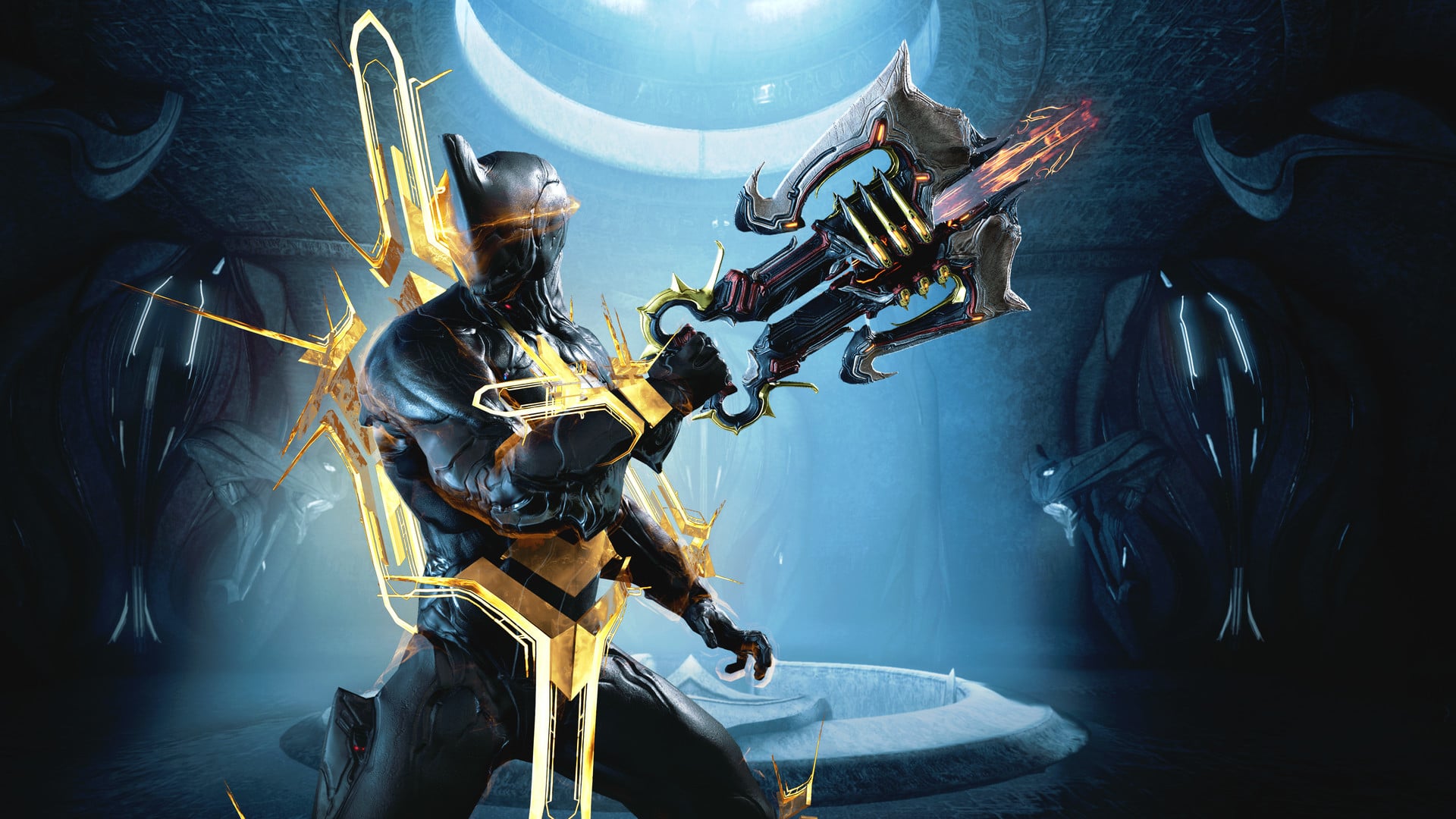
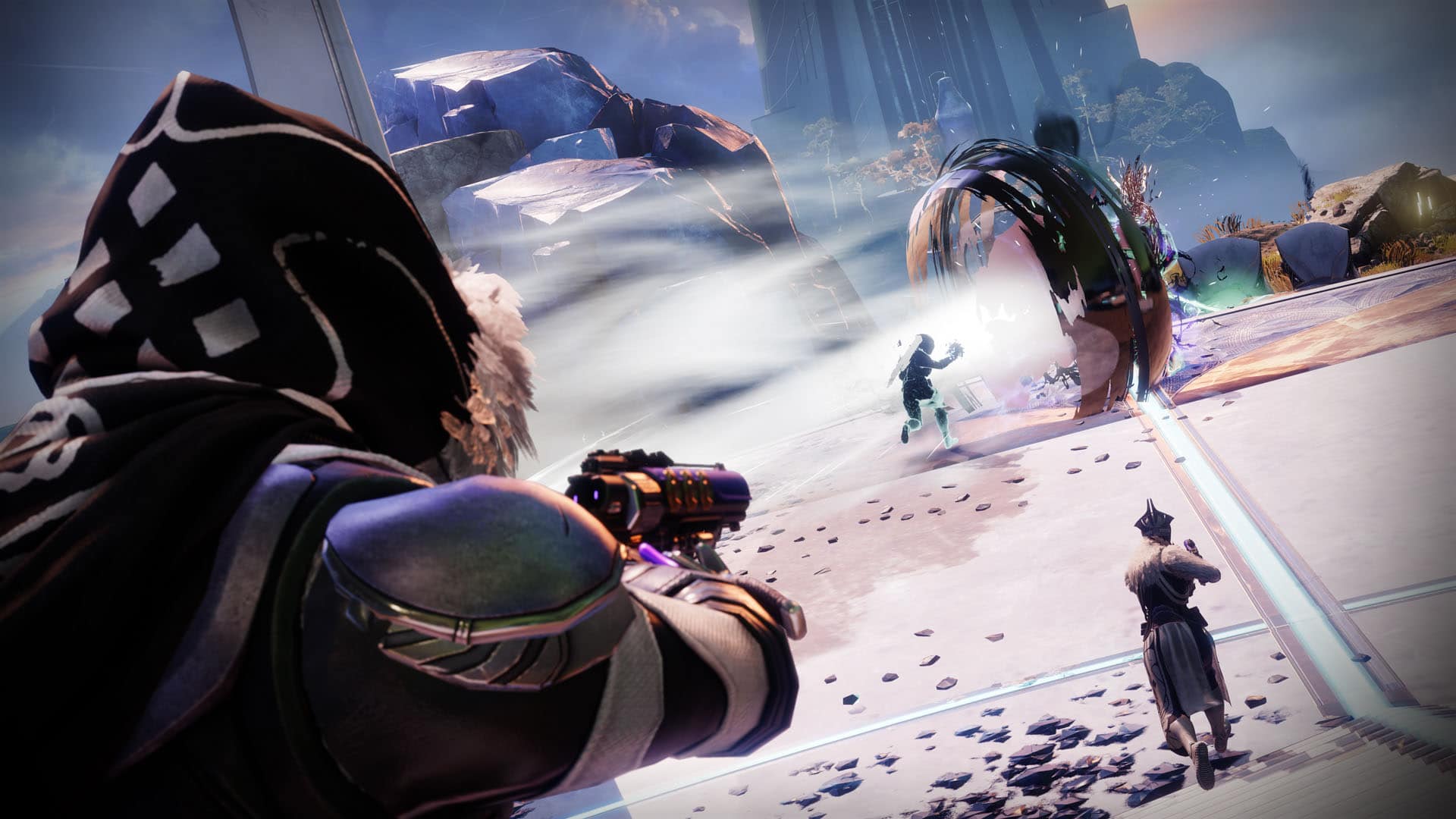
Digital Extremes will be releasing a limited run for some of the rarest and strongest gear in Warframe with Prime Resurgence until January 25, and this is the last chance for players to pick these up to play in the game’s latest expansion, The New War. Check out the details on the final run of Warframe Prime Resurgence below.

Here are some of the details, as revealed by Digital Extremes:

For a limited-time only, the best of Prime Resurgence is back. Wreak havoc against the Sentients in Warframe’s newly released cinematic expansion The New War with some of the most elusive gear in the Origin System. Implode enemies by magnetizing their bones with the likes of fan-favorite Mag Prime and her signature Weapons and Customizations in Last Chance Part 1, or engulf them in a searing conflagration as Ember Prime in Last Chance Part II.

Prime Resurgence: Last Chance Part I

January 11 2pm ET – January 18 2pm ET

Mag Prime, Nova Prime, Limbo Prime, Trinity Prime, Mesa Prime, Hydroid Prime, Volt Prime, Loki Prime + Rhino Prime and Nyx Prime
Prime Resurgence: Last Chance Part II

January 18 2pm ET – January 25 2pm ET


Vauban Prime, Ash Prime, Oberon Prime, Nekros Prime, Saryn Prime, Valkyr Prime, Ember Prime, Frost Prime + Rhino Prime and Nyx Prime

Instantly Access or Play to Earn

Visit Varzia Dax in Maroo’s Bazaar and awaken the ancient Orokin Prime Vanguard by exchanging Aya and Regal Aya for Void Relics or prebuilt Prime Warframes, Weapons, and Accessories:

  • Gather Aya from Select Missions and Bounties or Purchase Regal Aya
  • Exchange Aya for Void Relics | Open Void Relics for Prime Parts
  • Exchange Regal Aya for Fully Built Prime Gear

In other Warframe news, the latest update for Warframe brought out some massive changes alongside The New War. Check out the full patch notes for this release here.

MP1st Staff

Home > News

In Nightmare PS5, PS4 Release Date Set for March 29; New Trailer Revealed

Maximum Games have revealed that their next title coming to PlayStation platforms, In Nightmare, have secured a PS5 and PS4 release date for March 9. In addition to the release date is a brand-new trailer, which you can check out below.

In addition to the trailer and In Nightmare release date for the PS5 and PS4, below are a few details on the game:

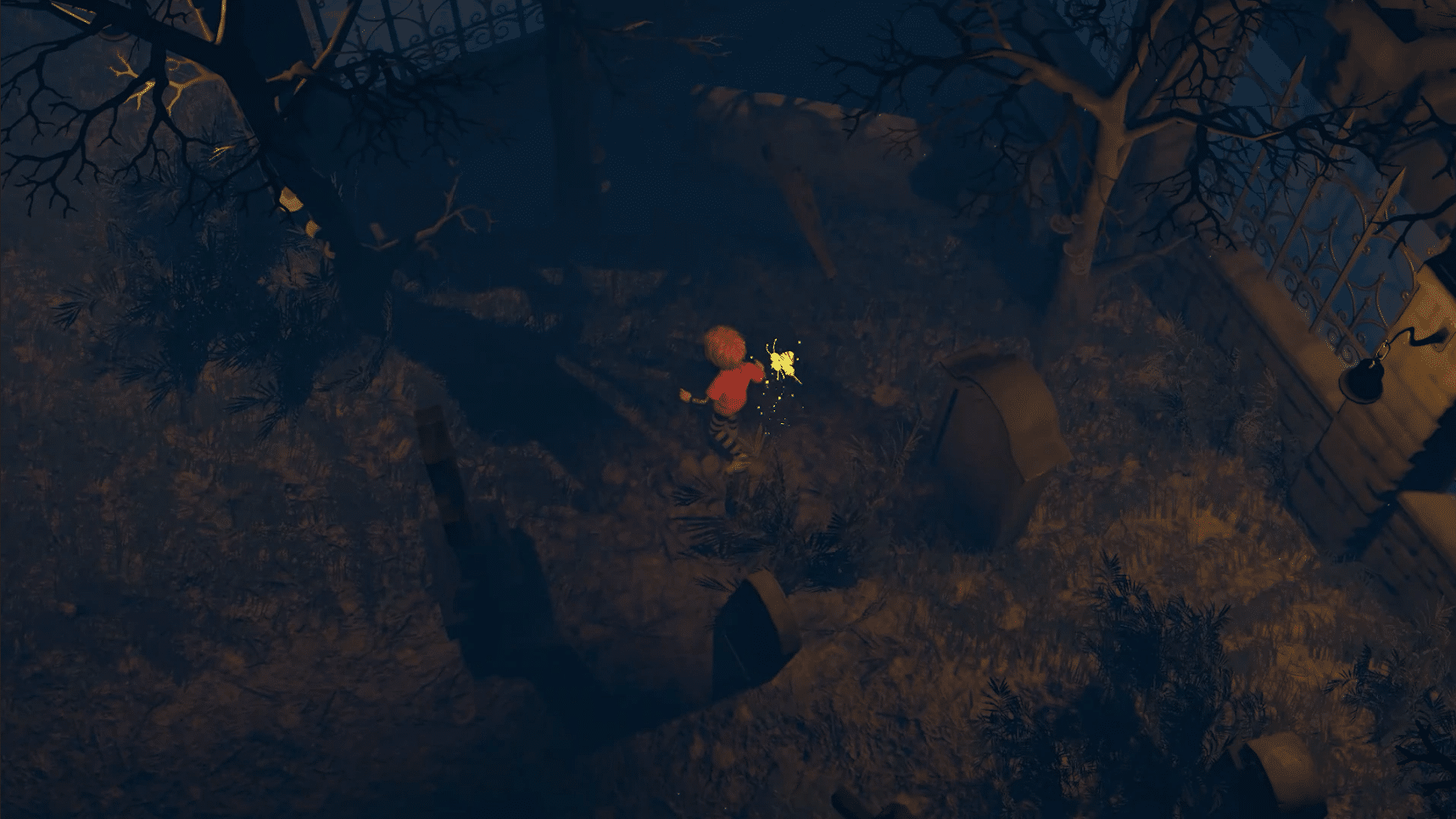
In Nightmare follows a young boy who closes himself off from everything and falls into a deep slumber, where nightmares have come to life to haunt his every move. The narrative-driven story forces the boy to face what is truly in his heart. Will he lock himself away forever, or will he cling to his last hope of love as he drifts into the darkness?
If the boy is going to make it through his subconscious nightmare and fight through the pain, he’ll need to solve intricate puzzles and hide from the nightmarish ghouls that seek to tear him down, bit by bit.
Pre-orders for In Nightmare are now available, and you can order either the PS5 or PS4 version of the game here.

MP1st Staff

Home > News

Jurassic World Evolution 2 Update 1.002.002 Patch Notes for Jan. 11

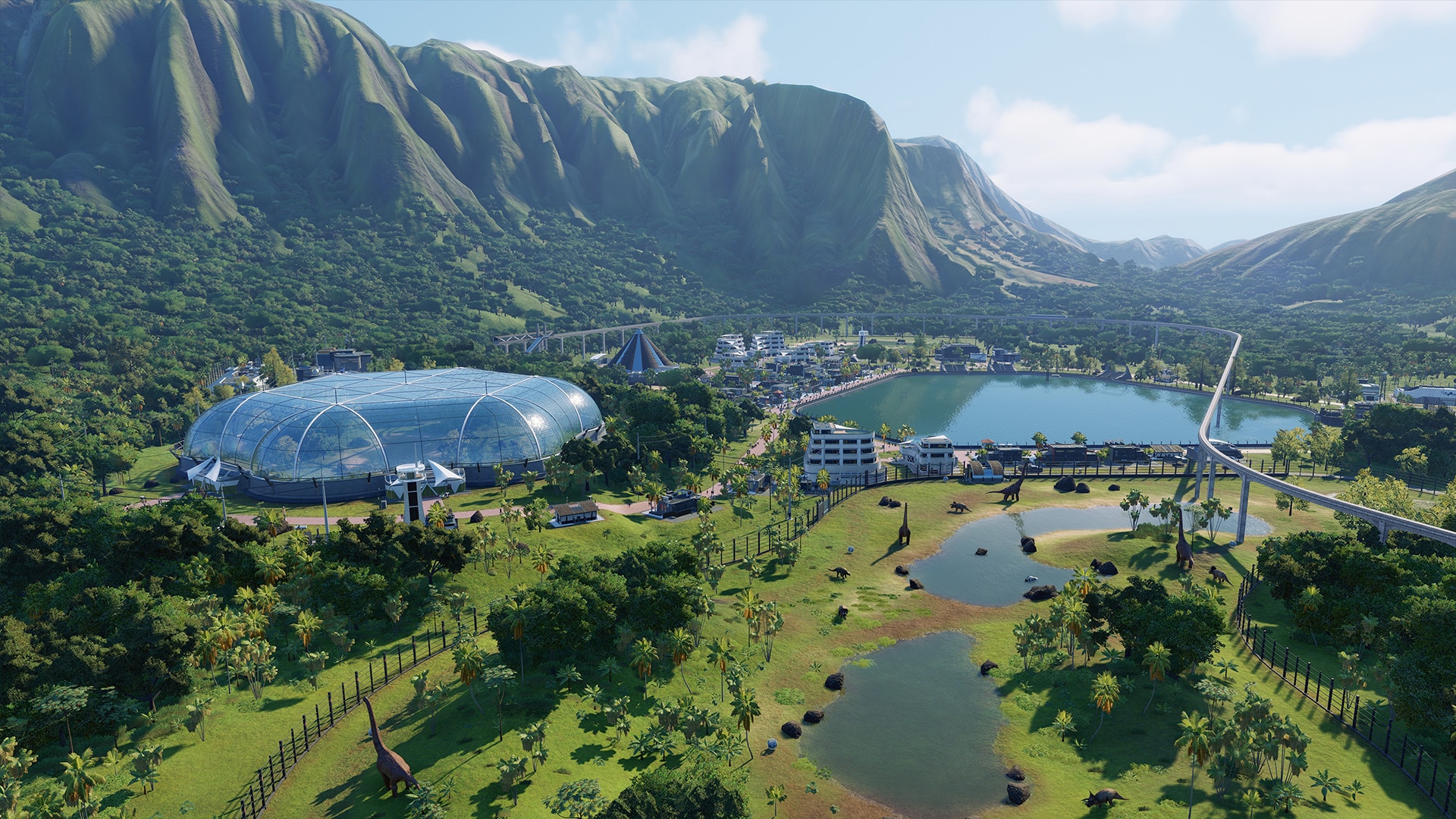
Frontier Developments has released the Jurassic World Evolution 2 update 1.002.002 patch this January 11, which is available for both last-gen and next-gen platforms! Read on for the full patch notes below.

Jurassic World Evolution 2 Update 1.002.002 Patch Notes:

Hello Park Managers,

There is a new hotfix out for Jurassic World Evolution 2 on all platforms. This patch addresses the 2001A Velociraptor quills, and other community reported issues.

Audio

  • Fixed an issue that caused audio to be muted inside the Jurassic Park Era Aviary

Dinosaurs/Reptiles

  • Renamed the Pteranodon 1997 skin to “Pteranodon 2001”.
  • The Pteranodon 2001 skin is now unlocked by playing Isla Sorna: Site B Chaos Theory, instead of Jurassic Park: San Diego Chaos Theory
  • Added quills back to the 2001A Velociraptor skin
  • Fixed an issue that caused 2001 Velociraptors to be missing teeth
  • Fixed an instance of dinosaurs becoming stuck
  • Fixed an issue that sometimes allowed flying reptiles to phase through aviaries

Sandbox

  • Balanced target appeal, target income and target visitors
  • Target income now changes when the difficulty is changed

Settings

  • (consoles only) Fixed HDR brightness screen setup on consoles

Stability

  • Various stability fixes

Source: Jurassic World Evolution 2

Avatar photo

Alex Co

Father, gamer, games media vet, writer of words, killer of noobs.

Home > News

Jurassic World Evolution 2 Update 1.04 Out for Velociraptor Changes This Jan. 11

Frontier Developments has released the Jurassic World Evolution 2 update 1.04 patch notes for January 11, and this one is for some changes to the Velociraptors, as well as more changes and fixes! Head down below for the complete patch notes.

Jurassic World Evolution 2 Update 1.04 Patch Notes:

Hello Park Managers,

There is a new hotfix out for Jurassic World Evolution 2 on all platforms. This patch addresses the 2001A Velociraptor quills, and other community reported issues.

Audio

  • Fixed an issue that caused audio to be muted inside the Jurassic Park Era Aviary

Dinosaurs/Reptiles

  • Renamed the Pteranodon 1997 skin to “Pteranodon 2001”.
  • The Pteranodon 2001 skin is now unlocked by playing Isla Sorna: Site B Chaos Theory, instead of Jurassic Park: San Diego Chaos Theory
  • Added quills back to the 2001A Velociraptor skin
  • Fixed an issue that caused 2001 Velociraptors to be missing teeth
  • Fixed an instance of dinosaurs becoming stuck
  • Fixed an issue that sometimes allowed flying reptiles to phase through aviaries

Sandbox

  • Balanced target appeal, target income and target visitors
  • Target income now changes when the difficulty is changed

Settings

  • (consoles only) Fixed HDR brightness screen setup on consoles

Stability

  • Various stability fixes

That’s about it for the patch.

Source: Jurassic World Evolution 2

MP1st Staff

Home > News

Deep Rock Galactic Update 1.04 Out for Fixes and Changes This Jan. 11

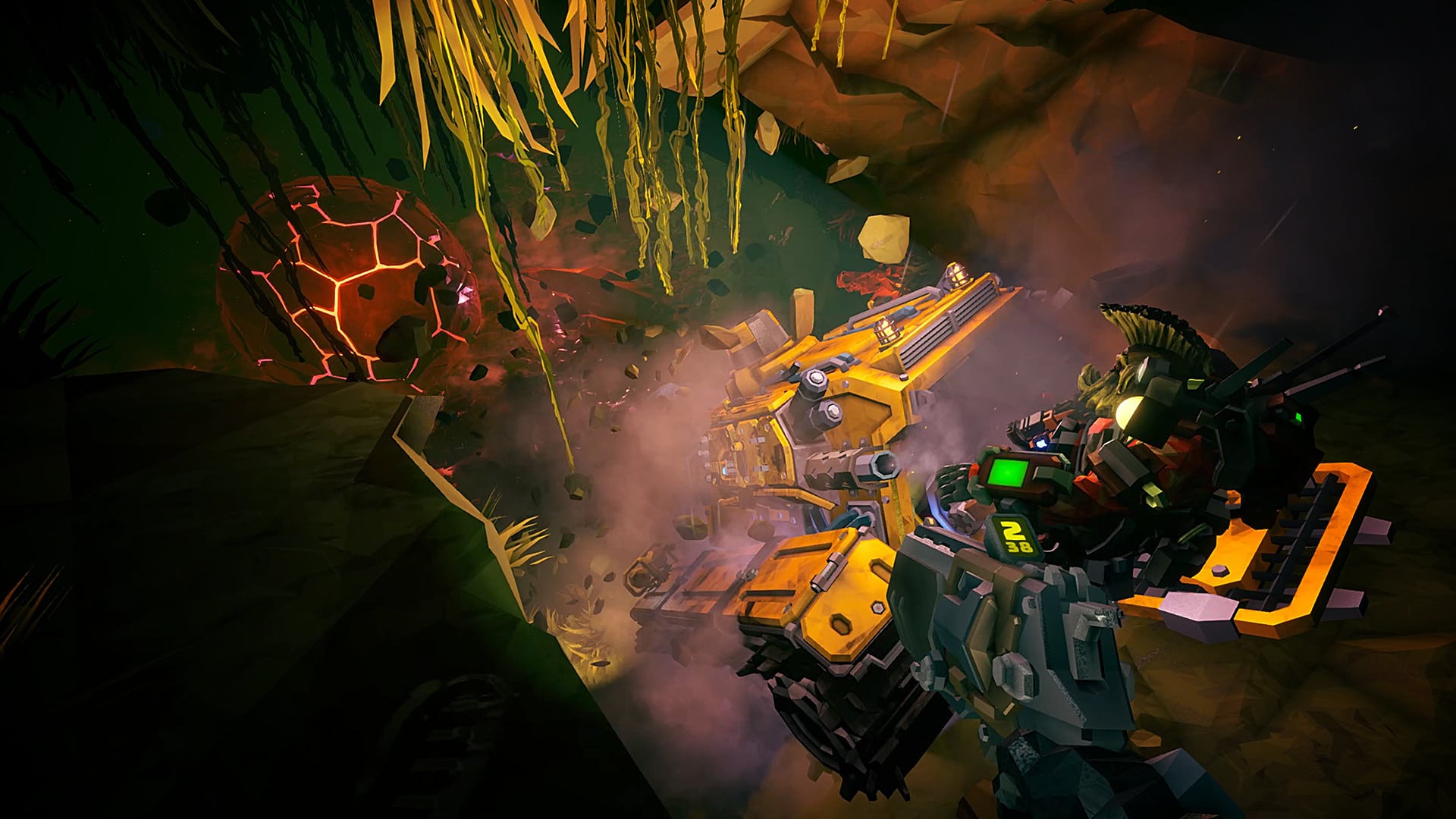
Ghost Ship Games has released the first update for Deep Rock Galactic this week! The Deep Rock Galactic update 1.04 patch (PS5 version 1.000.004) includes more fixes and changes, with the developer also outlining planned fixes in the future. Check out the official patch notes for the PS4/PS5 version of the game below.

Deep Rock Galactic Update 1.04 Patch Notes | Deep Rock Galactic Update 1.000.004 Patch Notes:

Here’s the announcement made by the studio via the game’s official Twitter account:

New hotfix out on PlayStation!

  • Fixes for some connection issues
  • Quick swap is now optional

On the to-do list:

  • fixing more connection issues
  • improved save game integrity in case the game crashes while saving
  • trophies unlocking correctly
  • more languages

That’s about it for the patch. In case you missed it, the last patch for Deep Rock Galactic on the PlayStation platforms, patch 1.03, fixed the following:

We’ve rolled out another hotfix for PlayStation that includes better errorcodes for tracking the connection issues some of you are having, UI fixes for controller buttons not working, and the supporter pack not working.

Deep Rock Galactic Features:

*** 4-player Co-Op ***
Work together as a team to dig, explore, and fight your way through a massive cave system filled with hordes of deadly enemies and valuable resources. You will need to rely on your teammates if you want to survive the most hostile cave systems in the galaxy!

*** 4 Unique Classes ***
Pick the right class for the job. Mow through enemies as the Gunner, scout ahead and light up the caves as the Scout, chew through solid rock as the Driller, or support the team with defensive structures and turrets as the Engineer.

*** Fully Destructible Environments ***
Destroy everything around you to reach your goal. There is no set path so you can complete your mission your way. Drill straight down to your objective or build an intricate network of paths to explore your surroundings — the choice is yours. But proceed with caution, you don’t want to stumble into an alien swarm unprepared!

*** Procedurally Generated Cave Network ***
Explore a network of procedurally generated cave systems filled with enemies to fight and riches to collect. There’s always something new to discover and no two playthroughs are alike.

*** High-Tech Gadgets and Weapons ***
Dwarves know what they need to bring to get the job done. This means the most powerful weapons and the most advanced gadgets around – flamethrowers, gatling guns, portable platform launchers, and much, much more.

*** Light Your Path ***
The underground caves are dark and full of terrors. You will need to bring your own lights if you want to illuminate these pitch-black caverns.

Source: Twitter

MP1st Staff

Home > News

Destiny 2 and Destiny 1 Down for Planned Maintenance This January 11

Guardians who can’t connect to Destiny 2 (and Destiny 1), don’t fret! Bungie has triggered Destiny 2 down, and this is for planned maintenance! This will last for a few hours, and players will see a new title update in hotfix 3.4.0.2 rolled out during the server outage.

Destiny 2 Down This January 11:

Here’s the schedule via Bungie:

Tuesday, January 11, 2022

5:00 AM PST 1300 UTC
    • Destiny 1 and 2 will undergo maintenance.
    • Some Destiny API features on Bungie.net, mobile and third-party apps will be disabled.
    • No sign-in to the Bungie.net site, Bungie Store, or apps will be possible.
    • Players who observe issues should report to the #Help forum.
5:45 AM PST 1345 UTC
    • Destiny 1 and 2 will be brought offline for expected maintenance.
    • Players will be removed from activities and won’t be able to log back in until 9 AM PST.
    • Ongoing Destiny maintenance is expected to conclude at 10 AM PST.
9:00 AM PST 1700 UTC
    • Destiny 2 Hotfix 3.4.0.2 will begin rolling out across all platforms and regions.
    • Players will be able to log back into Destiny 1 and 2.
    • Sign-in to the Bungie.net site, Bungie Store, and apps will be re-enabled.
    • Players logging into the game may be placed in a queue and may experience sign-on issues as background maintenance is still ongoing.
10:00 AM PST 1800 UTC
    • Destiny 1 and 2 maintenance is expected to conclude.
    • Console players who encounter issues updating to Hotfix 3.4.0.2 should restart their console and try downloading the update.
    • Players who observe issues should report to the #Help forum.

We’ll be posting the Destiny 2 hotfix once it’s out, so make sure to bookmark and refresh this page to know when it’s available, and what’s in it.

Avatar photo

Alex Co

Father, gamer, games media vet, writer of words, killer of noobs.

Home > News

Rogue Company Update 1.88 Released for Glimpse Update This Jan. 11 (Update)

First Watch Games has released the first title update of Rogue Company for 2022! The Rogue Company update 1.88 (PS5 version 1.000.028) is live this January 11, and this is for the Glimpse update. Contrary to past major title updates, today’s patch won’t include a new Battle Pass. Read on for the patch notes below.

Rogue Company Update 1.88 Patch Notes | Rogue Company Update 1.000.028 Patch Notes | Rogue Company Glimpse Update Patch Notes:

Update: Full patch notes have been released!

Note that the patch notes listed below are from the PTS version, though usually, this is the same as the retail patch notes. We’ll update it accordingly once First Watch releases the final version.

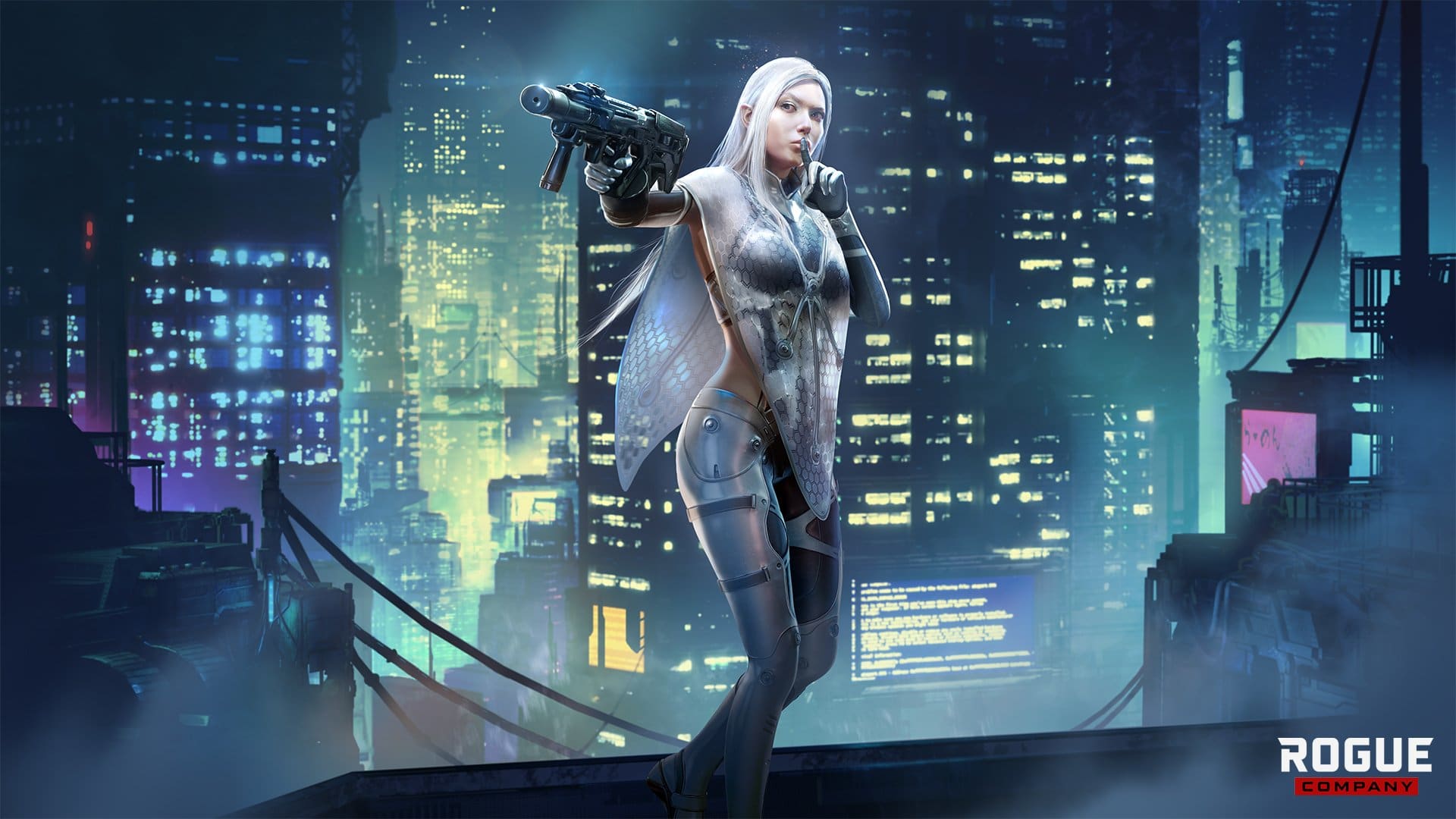
NEW ROGUE: GLIMPSE

As a child, Glimpse was forced into a secret genetic modification program. She eventually escaped the facility that held her captive with the help of stolen cloaking technology. Scarred by her childhood trauma, she vowed to stop those responsible for creating her and has been hunting ever since.

Designing a character in a multiplayer game that turns invisible can be a tricky task to get right. We wanted to deliver the fun experience of sneaking around unseen while avoiding some of the major frustrations that come from being ambushed by an invisible threat. Playing Glimpse is about sneaking around the map, safely across dangerous lines of sight, and never feeling like you’re stuck and have nowhere to go. Glimpse excels at gathering information about where enemies are, and then allow the player to make a decision about the best place to strike from.

Weapons: Assault Rifles (ARs) and SMGs

Starting Weapons: Nightshade AR and Knight SMG

Secondary: P12K Pistol

Melee: Kukri

Gadget (New): Pop Smoke Grenade – New variant of smoke grenade. When thrown, the Pop Smoke Grenade will erupt in smoke immediately upon making contact with a surface. Ideal for placing smokescreens quickly and/or in places you normally couldn’t; Semtex Grenades.

Abilities:

  • Camouflage – Activate your suit’s camouflage and become much harder to see, for as long as your energy supply lasts. Moving faster and/or taking damage makes you easier to see.

Glimpse’s Camouflage has 3 levels of invisibility based on how fast she moves.

  • Passive: Sleight

Your genetically engineered senses are dramatically heightened, allowing you to periodically detect enemies around you.

Perks:

  • Nimble Hands
  • Hunter
  • Padded Steps
  • Stalker
  • Life Drain
  • Tracker Rounds
  • New Content

Projet Saint:

In 2021, we focused on introducing new content – new Rogues, new maps, new cosmetics, and new Limited Time Modes. However, as we close out 2021 and reflect upon the community’s feedback, we’ve seen strong demand for an emphasis on quality of life improvements and bug fixing. We agree, which is why 2022 will be all about slowing down new Rogue releases and focusing on the quality of life improvements.

We are calling this multi-month effort “Project Saint.” This will not be a quick-fix initiative, but a concentrated effort on heavily requested features, such as human backfill, map voting, larger maps, new perks and gadgets, Ranked improvements, updates to your favorite modes and Rogues (such as a new passive for Vy!), and re-introducing a way to customize your Weapon Wrap loadout by Rogue.

We’re excited to hear the community’s feedback on these features as they’re rolled out. Thank you for your continued support!

UI

Weapons

  • Weapon Name and Fire Rate: To help players identify weapons and their behavior, we’ve incorporated additions to the HUD to display a weapon’s name and fire-rate type (Bolt-action/Semi-auto/Burst/Full-auto).

  • Unique Crosshairs for DMRs: We want to introduce unique crosshairs for weapon types to establish their identities better and support their behavior. Let us know what you think!

Armor

  • Improvements to Armor Feedback We wanted to improve the information that players gain when getting into engagements when fighting around armor. As such, we’ve added unique hit markers to the UI that inform the player that they are shooting at an armored target and, by extension, will also get UI information that they have broken a target’s armor. Conversely, for armored players, we have added an Armor UI icon near their health bar that denotes the current state of their armor: full, damaged, and broken. This UI element will appear below your reticle as you hit enemies.

Social

  • Blocking Players: Players will now have the ability to block other players via the social window and the end of match scoreboard. Blocked players will appear in a new section, called ‘Blocked,’ at the bottom of the friend list. Conversely, players will be able to unblock players in that section. Players will no longer receive friend, party, or custom invites from blocked players.

Daily Contracts

  • Daily Contracts: We have made some improvements to our Daily Contracts! We’ve expanded the system into hosting about 40 new Daily Contracts, so give them a try and let us know what you think.

ROGUES

SIGRID

  • Increased shield size by 15%.

Currently, the shield fits very tightly to her collision capsule and makes it very easy to poke her around the shield. Making it larger should make it more challenging to get an angle on her when she’s facing you directly. It makes shooting her toes more difficult while she’s crouch-walking at you, but not impossible.

  • Increased shield bash damage to 50.

The 50 damage pushes her to two-shotting 100hp rogues and three-shotting armored targets instead of a respective third and fourth shot currently required. We believe that shield bash should sit “middle of the road” in terms of the damage since it is tied to an ability and is not upgradeable.

  • Increased crouching movement speed bonus.

This should make it easier for Sigrid players to close the gap with the shield equipped.

TRENCH

  • Fixed the ability’s targeter to match the size of the deployed barbed wire.

VY

New Passive: Leeching Rounds

  • A portion of the firearm damage you deal is returned to you as Maximum Health up to a maximum of 125 maximum health.

WEAPONS

ARREN L212

  • Increased clip size from 12 to 15.
  • Significantly increased hip-fire accuracy.
  • Adjusted the field of view (FOV) to accommodate the distances the weapon is primarily used.

HRM30K

  • Increased recoil slightly.

HYDRA

  • Increased vertical recoil.
  • Reduced weapon bloom.

SLC

  • Slightly increased vertical recoil.
  • Reduced reticle bloom.

SAHARA

  • Increased vertical recoil.
  • Recoil reduction upgrade now provides less recoil reduction.

D40C

  • Increased vertical recoil.
  • Recoil reduction upgrade now provides less recoil reduction.
  • Reduced reticle bloom.

24S

  • Increased vertical recoil.
  • Recoil reduction upgrade now provides less recoil reduction.
  • Reduced reticle bloom.

OBJECTION

  • Reduced reticle bloom.

KNIGHT

  • Reduced reticle bloom.

LMPX

  • Reduced reticle bloom.

TYR

  • Reduced vertical recoil.

ARBITRATOR

  • Reduced fall-off damage.
  • Body damage reduced from 90 to 80.

BISHOP

  • Body damage reduced from 31 to 27.

MAPS

CANALS

  • Removed two crates from Cargo Ship.
  • Players can now stand on various boxes.
  • Players can now get on the boathouse roof by jumping on the door.

WANTED

  • Can now stand on top of the fruit stands.
  • Can now stand on the statue.

VICE

  • Can now stand on the blue tent.

FAVELAS

  • Can now stand on the panther.

GAME MODES

BATTLE ZONE CHANGES

  • Friendly Damage reduced.
  • Circle damage reduced.
  • Pop smoke added to gadget sets.
  • Armor now drops when you eliminate a player.
  • Mythic Claymore swing damage increased from 100 to 125.
  • Lethal upgrade cost increased from 1K to 1.5K.
  • Revived Health changed from 50 to 40.
  • C4 cost reduced from 3K to 2K

New Weapon Crate Art

  • Uncommon
  • Rare
  • Epic
  • Legendary
  • Mythic

Weapon Changes (Battle Zone specific)

To deal with the increased HP and new armor values in Battle Zone, we’ve adjusted some of the damage values across our weapons to improve their effectiveness.

  • D40-C
    • Headshot Damage: 21
  • Knight
    • Headshot Damage: 33
  • SL-C
    • Headshot Damage: 21
  • LMP-X
    • Headshot Damage: 26
  • KA30
    • Headshot Damage: 32
  • Nightshade
    • Headshot Damage: 27
  • Hydra
    • Headshot Damage: 45
  • Sahara
    • Headshot Damage: 36
  • Mamba
    • Headshot Damage: 72
  • MX-R
    • Headshot Damage: 48
  • D3Di
    • Headshot Damage: 69
    • Body Damage: 44
  • Bishop
    • Headshot Damage: 49
  • MLX Maw
    • Headshot Damage: 27
  • LR15 Fullbody
    • Headshot Damage: 175
  • Tyr
    • Headshot Damage: 150
    • Body Damage: 75

Mythic Weapons Added

  • 24s
  • Riptide
  • Katana
  • Sledgehammer

BUG FIXES

This update includes over 250 bug fixes. Some of the highlights:

  • Fixed an issue where multiple Rogue Abilities had incorrect names.
  • Fixed an issue that disallowed players from sprinting when dodge-rolling out of scope zoom.
  • Fixed an issue with aim assist when targets were behind medium cover.
  • Fixed an issue that caused Options to become non-functional when pressing “Esc” with a map open for the first time when entering a match.
  • Fixed an issue with the A3 Salvo Weapon Mastery displaying at the end of each match.
  • Fixed an issue with smoke grenades and Nano Smoke disappearing after being thrown.
  • Fixed an issue with enemy names appearing on the screen after players respawned.
  • Fixed an issue with debug text displaying for teammates when a player rejoined a match.
  • Fixed an issue with Nano Smoke grenades getting stuck on the character’s hands when switching between weapons.
  • Fixed an issue with pending friend requests to display in “Playing Rogue Company” section of Friends List.
  • Fixed an issue with the “Windmill Shake” emote audio persisting between rounds.
  • Fixed an issue with players occasionally taking damage from their teammate’s ability equipment if the player who deployed it disconnected from the match.
  • Fixed an issue with the SKL-6 reload sound failing to play if the Nimble Hands perk was purchased.
  • Fixed an issue with “Good Company” not tracking.
  • Fixed an issue with the “House Party” emote playing the wrong emote.
  • Strikeout: Fixed an issue where players would get stuck spectating after death.
  • Battle Zone: Fixed an issue that caused some crates to lack items when opened
  • Battle Zone: Fixed an issue that caused armor to fail to repair if damage is taken while repairing armor.
  • King of the Hill 4v4: Fixed an issue with no maximum limit to gadgets.
  • Shooting Range: Fixed an issue that caused players in a party to be unable to enter the Shooting Range.
  • Umbra: Fixed an issue where the player would get stuck in out-of-bound regions upon activating their ability while moving towards the out-of-bounds region.
  • Umbra: Fixed an issue with the melee tier 2 upgrade decreasing attack speed.
  • Umbra/Battle Zone: Fixed an issue with the spider not taking damage when outside the circle.
  • Umbra: Fixed an issue with the camera not focusing on the player who killed the spider.
  • Umbra: Fixed an issue with the Mastery Avatar not displaying on Rogue Mastery screen.
  • Umbra: Fixed an issue with Weapon Mastery not tracking correctly for his melee weapon.
  • Umbra: Fixed an issue where the player would fail to gain max health when performing assists.
  • Umbra: Fixed an issue that caused Umbra to create clones of himself in the Shooting Range.
  • Umbra: Fixed an issue with the Bishop displaying the incorrect game model on upgrades 2 and 3.
  • Umbra: Fixed an issue that disallowed the purchase of the Bishop milestone in the Weapon Mastery screen.
  • Umbra: Fixed an issue with spectate displaying the incorrect time remaining on the spider.
  • Umbra: Fixed an issue with the spider being granted more explosive damage resistance than expected after purchasing Tenacity.
  • Fixed an issue that caused “Down 10 enemies with your gadget or ability” to track incorrectly.
  • Umbra: Fixed an issue that allowed him to activate his ability twice in high latency.
  • Umbra: Fixed an issue that allowed him to play an emote while deploying spider.
  • Umbra: Fixed an issue with movement when he used the spider before the bomb was armed or objective was hacked.
  • Umbra: Fixed an issue with the spider being unable to jump if jump keybind was changed.
  • Nemesis Dahlia: Fixed an issue with her VO being extremely loud when using her ability.
  • Umbra: Fixed an issue causing him to freeze when he used the spider immediately after meleeing.
  • Umbra: Fixed an issue with the spider appearing on Gl1tch’s hacking pad after the spider detonated.
  • Saint: Fixed an issue that would display Saint’s ability as available upon respawning when Saint would die while using his ability.
  • Doctor Frosty Saint: Fixed an issue that caused his ability to display as invisible when unavailable for use.
  • Mack: Fixed an issue with the lightbomb not blinding players if the player using Mack disconnected from the match after deploying it.
  • Runway: Fixed an issue that caused teammates to be unable to interact with her briefcase when the player using Runway disconnected from the match.

KNOWN ISSUES

  • The visual preview of Glimpse will occasionally tie her hair into knots.
  • Bots will shoot Glimpse while she is in Camoflauge.
  • Glimpse’s passive does not work correctly in the Shooting Range.
  • Xbox One clips do not have any sound.
  • Sometimes, barbed wire or grenades will fall through the terrain and continue to damage enemy players.
  • Rarely, barbed wire will break by itself.
  • Gun audio will occasionally fail to play unless hitting another player or picking up an enemy’s weapon.
  • Players on console report being unable to hear team chat through headsets, only speakers.
  • Occasionally, Dahlia cannot link to a new Rogue when switching sides in Demolition.
  • Players cannot surrender in a custom match.
  • Players who originally purchased Year 1 Pass or Bundles on PS4 and now play on PS5 do not see purchases transfer over. These players must reach out to Hi-Rez Support for assistance.
Source: Rogue Company
Avatar photo

Alex Co

Father, gamer, games media vet, writer of words, killer of noobs.

Home > News

Halo Infinite Big Team Battle Issues Addressed by 343 Industries; Desync Issues Ignored

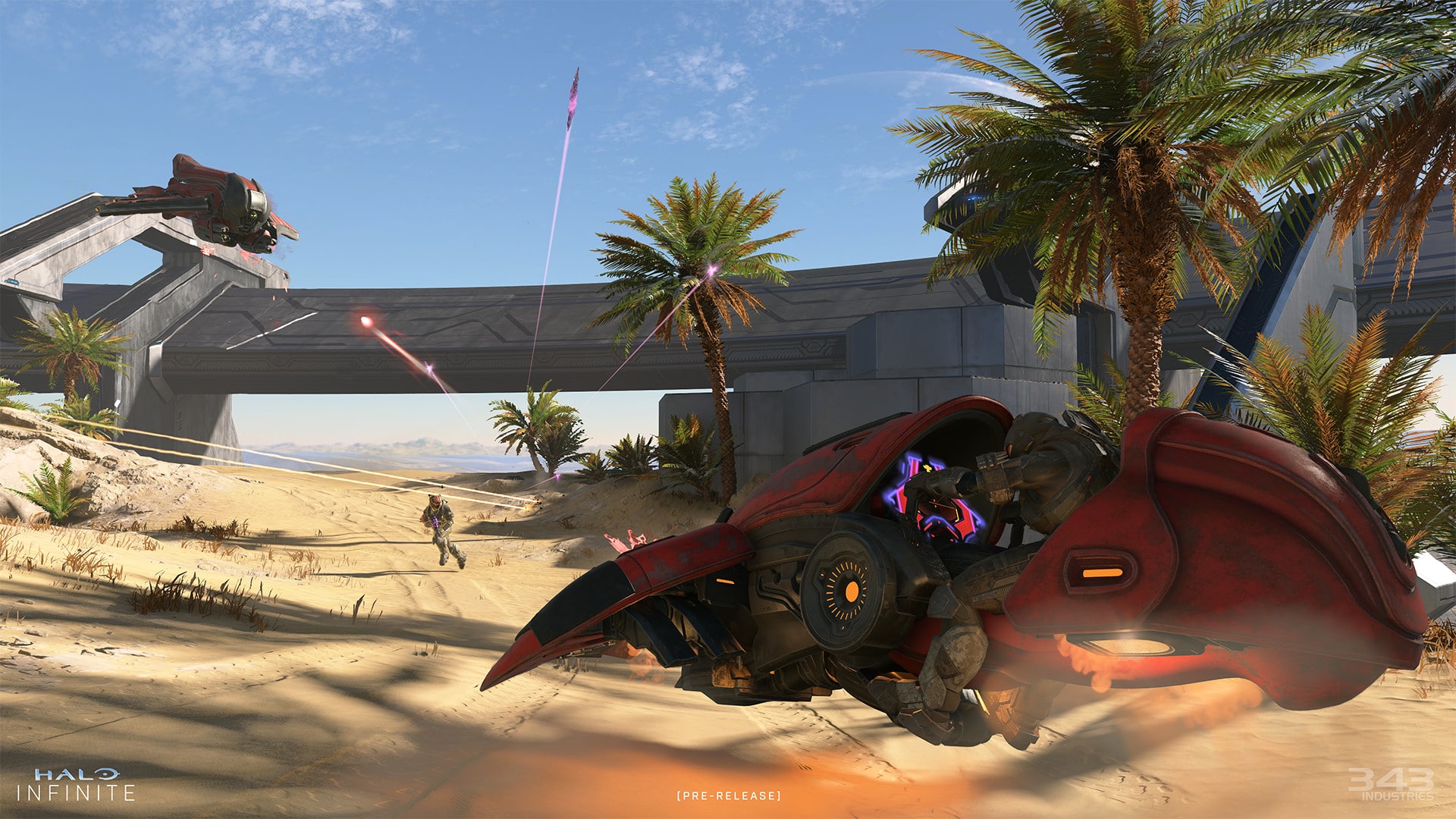
Following their long holiday break, 343 Industries have announced their return to work on Halo Infinite, and in their first ever update post the studio have addressed the Big Team Battle issues that are being experienced by a lot of players. In the update post, 343 mentions that fixing these issues are being worked on, with a hotfix patch set to come out in the near future.

Check out the pertinent part of the update post discussing Halo Infinite Big Team Battle issues below:

In the meantime, we want to first and foremost provide a situation update on the state of BTB in Halo Infinite. As you know, we’ve been dealing with some frustrating issues with BTB nearly since launch and despite a few attempts at solving and mitigating before the holiday break, we were not able to get this fixed. While BTB has remained playable, there are matchmaking issues that increase with more players and larger fireteams have a low chance of successfully joining into a game together.

A strike force continued to work on this over the break and we’re optimistic to say we believe we have a fix in hand for the core issue. This went into QA last week and so far it’s looking positive – we are not seeing this issue occur internally using this build.

Next steps are to continue testing and then move into the certification process as we prepare to release a hot fix / patch for this issue. It’s a little too soon to give an ETA yet but please know our goal is to release this as soon as we can while ensuring it doesn’t have any other unintended impact to the retail product. It won’t be this week, but we hope it’s not too much further out and we’ll share an update as soon as we have line of sight on a release date (once we clear ‘cert’ we are then ready to ship).

There you have it. It would appear that 343 is hard at work at addressing these issues, although as with everything some fixes may take some time to ship. However, this did not stop some members of the game’s Reddit community to speak out against this update blog, with a notable number asking 343 some news on one of the biggest issues currently plaguing the game: desync issues.

Comment
byu/RhysWX from discussion
inhalo

A lot of commenters seemed to agree, with many also calling out the fact that cheaters will not be addressed until February at the latest, meaning that players will have to deal with these issues for a few more weeks.

In the meantime, check out our review of Halo Infinite here, where AJ wrote, “All in all, Halo Infinite is a worthy entry to this legendary franchise. That is an achievement by itself. But what I really appreciated is the fact that 343 took risks. These risks are things that could have completely soured the experience and turned away even the most diehard fans of the franchise. In the end though, those risks paid off. Infinite is in my opinion, 343’s best Halo title yet, and I couldn’t be more excited to see where it goes from here.”

MP1st Staff

Home > News

#SaveRedDeadOnline Goes Trending After Players’ Criticism of Lack of Content

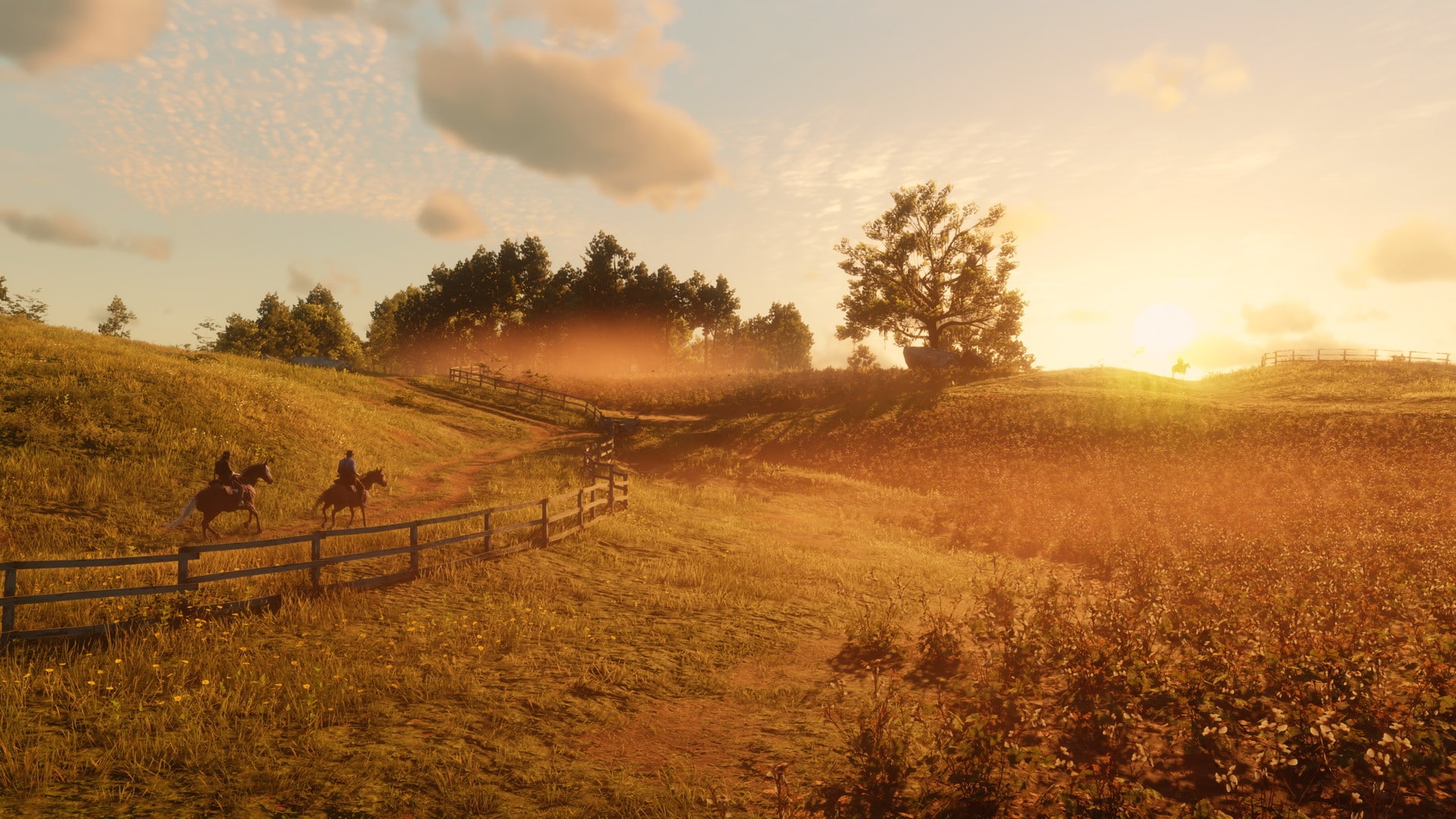
Rockstar Games are well-known by now for their constant updates for Grand Theft Auto Online almost a decade after its release. However, it appears that the same cannot be said for their other online multiplayer title, as Red Dead Online players are making their dissatisfaction at the game known, with #SaveRedDeadOnline trending after numerous players criticize the lack of content.

The movement started after a press release from Rockstar Games detailed upcoming changes to Red Dead Online. While the game will have bonus XP and Gold Bars to go around for various game modes, and discounts to certain items were also detailed, Rockstar was mum on any new content updates to the game for the next six months. This has sparked outrage within the Red Dead Online community, and the hashtag #SaveRedDeadOnline went trending as a result.

Guys. It’s now or never. We are currently trending on Twitter. R* can’t ignore us now. #SaveRedDeadOnline
byu/RedDeadOnlineEnjoyer inRedDeadOnline

#SaveRedDeadOnline
byu/clewsy70 inRedDeadOnline

The movement also gained quite a bit of traction on Twitter, where thousands of passionate players supported the #SaveRedDeadOnline hashtag.

https://twitter.com/videotech_/status/1479808812207030272

Rockstar Games has yet to issue a response to all of this, so stay tuned for further updates on the #SaveRedDeadOnline movement as it develops. In the meantime, check out the latest Red Dead Online weekly update here, which also includes a breakdown of all the stuff coming this month.

MP1st Staff

Home > News

Cricket 22 Update 1.16 Rolled Out for Fixes This January 11

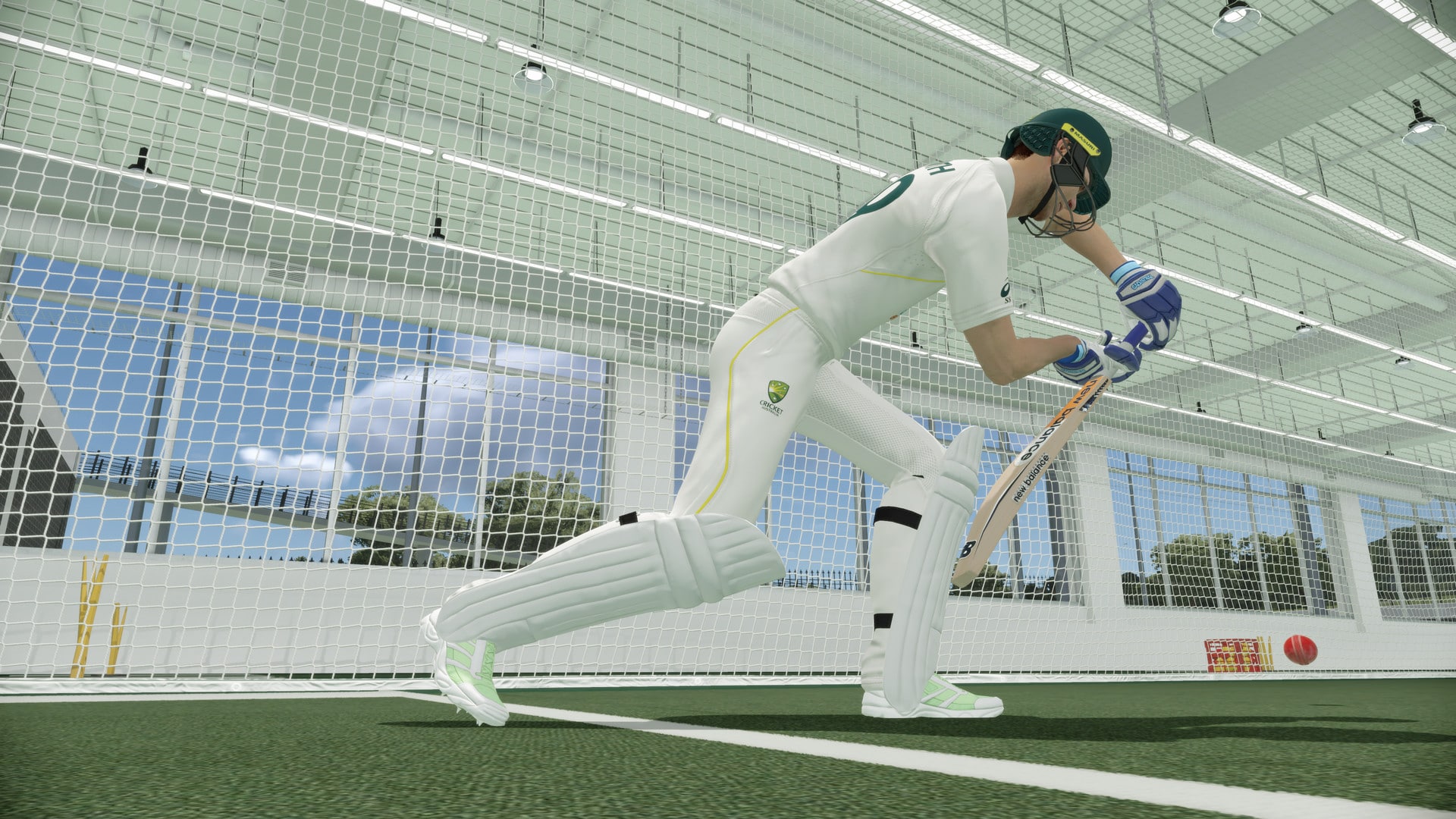
Big Ant Studios has released the latest Cricket 22 update today, and it’s a small download. The Cricket 22 update 1.16 patch (PS5 version 1.000.016) is live on PC and PlayStation, and includes bug fixes. Those on Xbox, it should be out within the day as well.

Cricket 22 Update 1.16 Patch Notes | Cricket 22 Update 1.000.016 Patch Notes:

Here’s the latest announcement from Big Ant Studios Ross Symons regarding the patch:

Steam #Cricket22 Patch going live now.
Build 1594
– Rectified stability issues with BBL Matches
– Further game save system improvements
– Improved general stability

Steam #Cricket22 Patch going live now.
Build PS4 US 1599, EU 1600, PS5 1604
– Rectified stability issues with BBL Matches
– Further game save system improvements
– Improved general stability

Patches for Xbox will be later today.

That’s about it. Note that this title update will show up as Cricket 22 update 1.13 for some PS4 users, so don’t be confused with the version numbers, and just focus on the dates. Once there’s a new patch, we’ll let our readers know.

Avatar photo

Alex Co

Father, gamer, games media vet, writer of words, killer of noobs.

Home > News

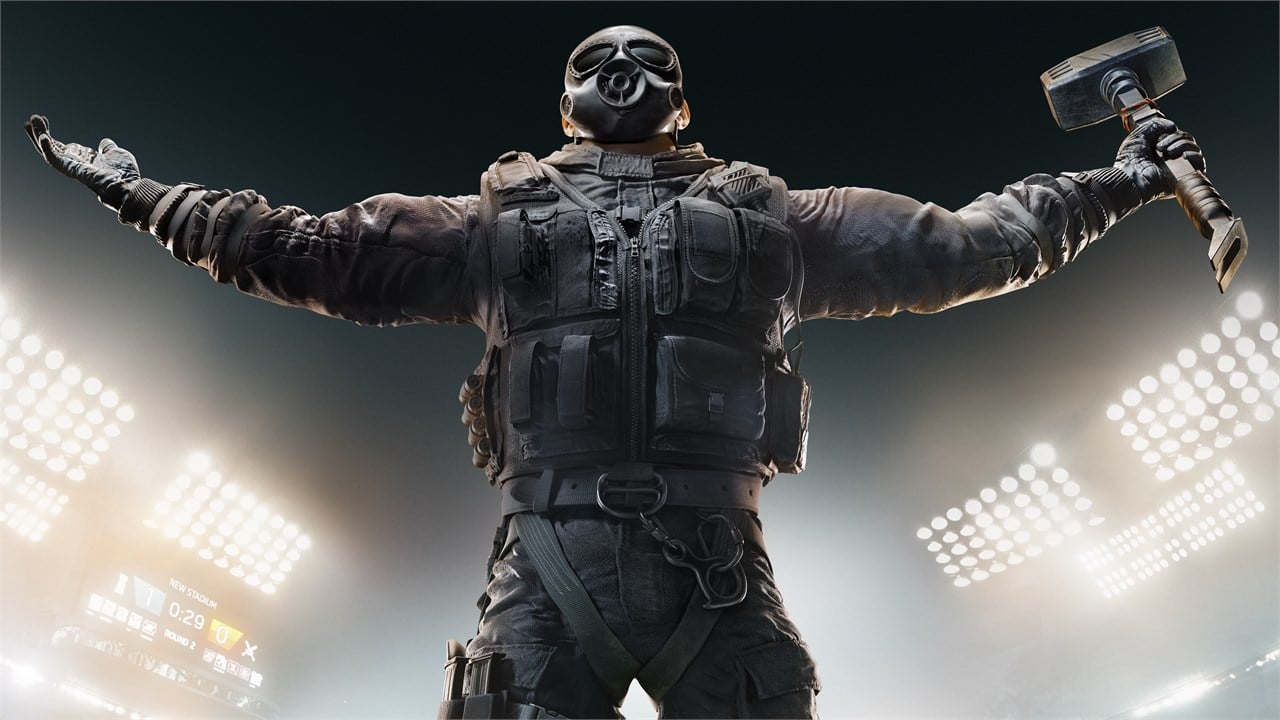
Rainbow Six Extraction Director on Why There’s a Sudden Resurgence of PvE Shooters

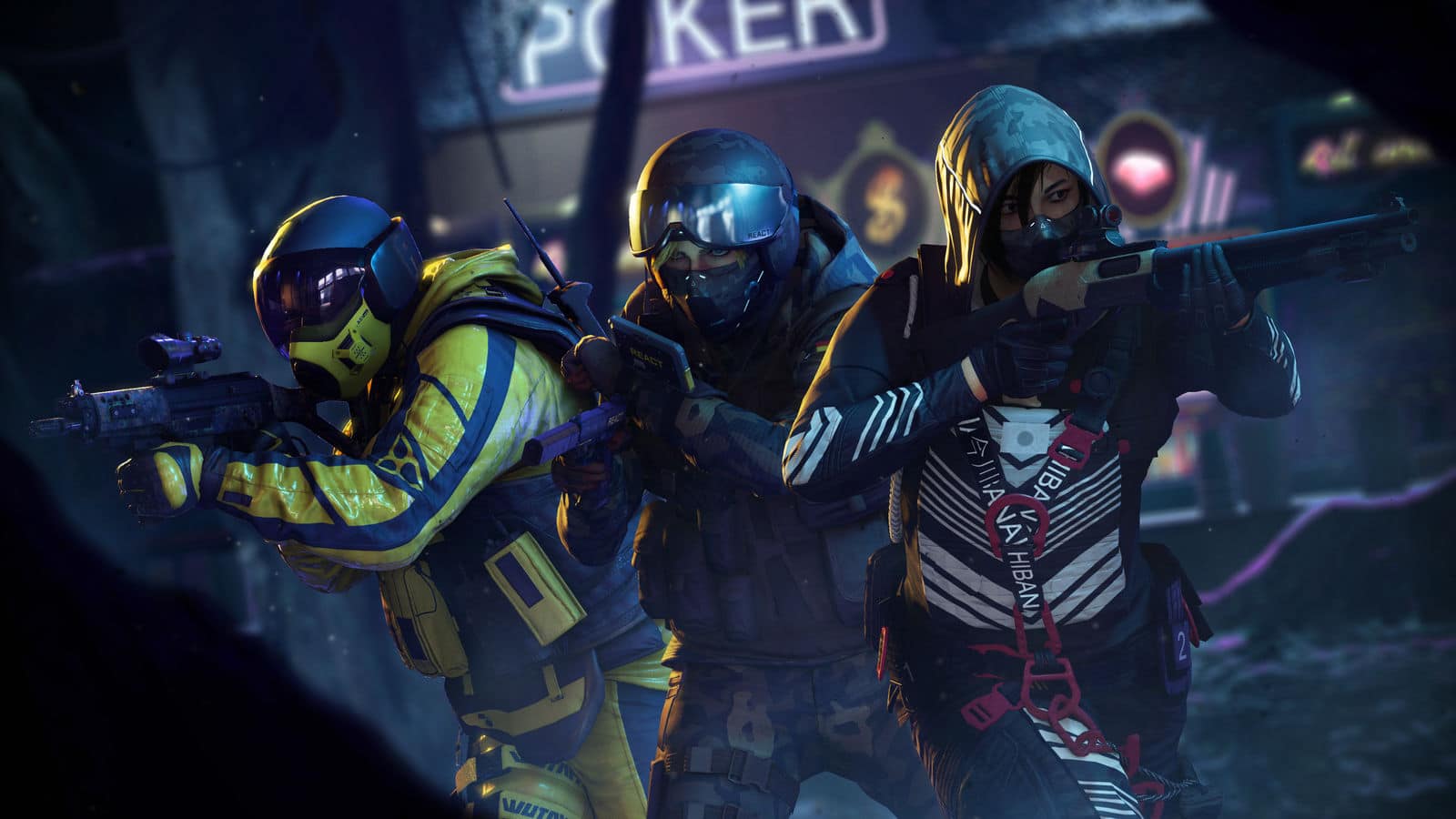
With Rainbow Six Extraction set to be released later this month, it seems gamers now have a lot of games to choose from for their PvE (player vs. enemy) fix.

During our chat with the Rainbow Six Extraction dev team, we asked the studio why there seems to be a sudden resurgence when it come to PvE shooters, and here’s what Technical Director Bruno Lalonde had to say about it.

Q: Kind of an off-topic question here: we’ve recently seen a resurgence of sorts of PvE shooters such as Back 4 Blood, GTFO, Aliens Fireteam Elite, etc. Why do you think, in your opinion, is that the case?

BL: From my personal point of view, I will say that, PvP offers more intensity, and there are many players in the FPS genre that want a less intense experience, and also a more welcoming experience for new players. There’s also the safe environment, where they can experience co-op gameplay as opposed to a PvP game. In this game, players are also able to control the level of difficulty. Of course, less difficulty means less rewards, but it’s also a tool we give to the players to be able to control the level of intensity, something that you cannot really control in a PvP game.

Lalonde does have a point there. PvE games are a less stressful way of enjoying multiplayer games, and we’re glad it’s getting some much-needed love these days.

Stay tuned for our complete Rainbow Six Extraction interview hitting the site this week.

Rainbow Six Extraction is firing out this January 20, 2022 on the PS4, PS5, Xbox One, Xbox Series X|S, and PC.

Avatar photo

Alex Co

Father, gamer, games media vet, writer of words, killer of noobs.

Home > News

Phil Spencer: Xbox Series Sold More Than Any Previous Xbox, Says Transaction Still Bigger Than Subscriptions

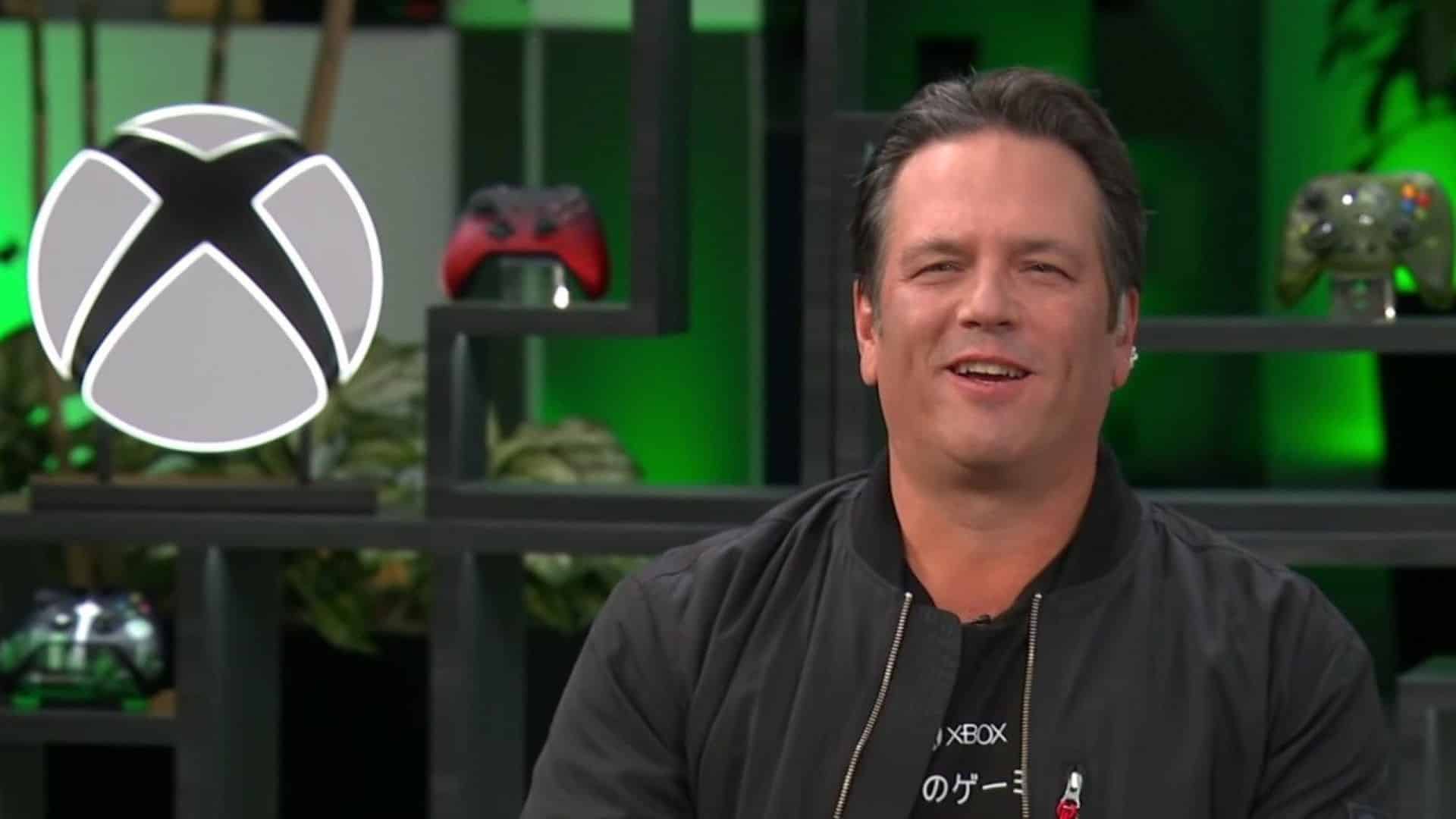
Are you still having a hard time getting an Xbox Series X|S? If you are, you’re not alone, and Microsoft knows about it! The Xbox Series of consoles are so highly in demand that they have sold more than any previous Xbox console according to Xbox boss Phil Spencer.

In a recent interview with the New York Times (paid subscription to access), Spencer talked about the supply issues the next-gen console is suffering through, and mentions that the issue isn’t really supply, but rather that demand is exceeding this supply.

Supply is actually as big as it’s ever been. It’s that demand is exceeding the supply for all of us. At this point, we’ve sold more of this generation of Xboxes, which is Xbox Series X and S, than we had any previous version of Xboxes. So it’s our job to get the supply there to meet that demand.

Given how popular the Xbox Game Pass has been, some might be wondering whether this subscription-based revenue model would overtake the traditional standalone game when it comes to revenue. Well, apparently, it hasn’t. This was confirmed by Spencer in the same interview.

Transaction is bigger than subscription. Subscription is growing faster, just because it’s relatively new. And with Game Pass, we were one of the first movers in that space. But the transaction business is very large. We still sell physical disks.

Even if supply is the issue with the Xbox Series, there’s still an on-going global chip shortage and the pandemic, which I gather adds to the supply and demand issue as well. Hopefully that’s sorted out soon, so anyone who wants an Xbox Series X|S will be able to snag one.

Avatar photo

Alex Co

Father, gamer, games media vet, writer of words, killer of noobs.

Home > News

Franchise Narrative Director Wants to Know Battlefield 2042 Roadmap Too, Wants to Make Things Right

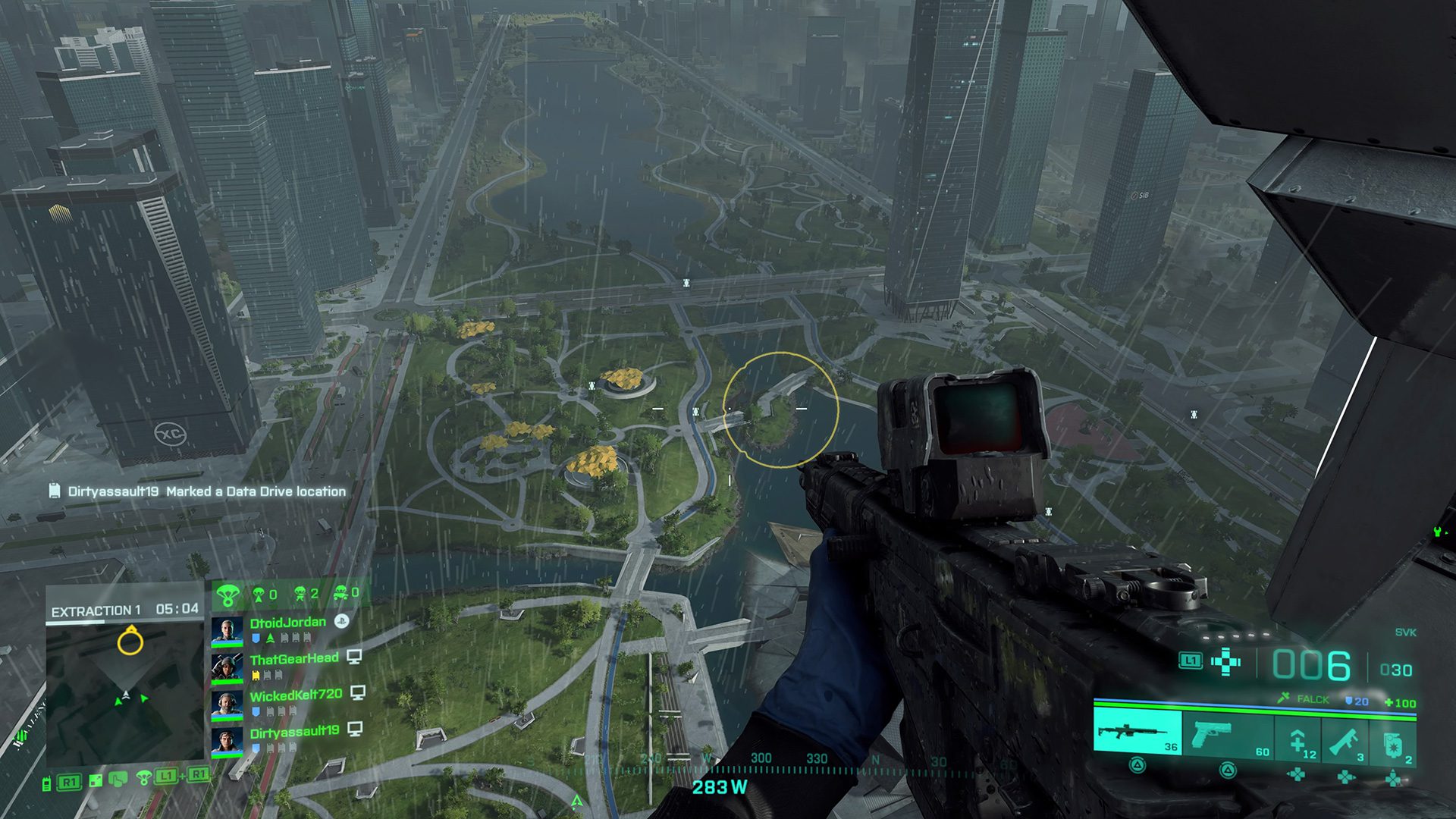
If you’re looking forward to the Battlefield 2042 roadmap, you’re not alone. However, it seems that even the franchise’s new Narrative Director doesn’t know it, which is a bit odd (and concerning).

Over on Twitter, Battlefield franchise Narrative Director Marcus Lehto went on to engage with the community before taking a vacation (and going dark on Twitter). One of the things Lehto was asked about was the Battlefield 2042 roadmap, which he confirmed he “genuinely” wants to know as well, and will be “pressing hard” to get answers.


When pressed by one fan if Lehto’s engagement with the community is not yet another “acting in vein” (vain), Lehto assured the fan that he is not, and will do his damndest to make things right.

In case you missed it, just a few days ago, Lehto publicly acknowledged that fixing Battlefield 2042 won’t be easy, but EA and DICE’s willingness to do so is there. Hopefully, we’ll see more of this kind of transparency from the devs soon. That said, it is a bit worrying that one of the franchise’s top devs doesn’t even know the BF2042 roadmap — regardless if he was involved in developing the game or not.

Avatar photo

Alex Co

Father, gamer, games media vet, writer of words, killer of noobs.

Home > News

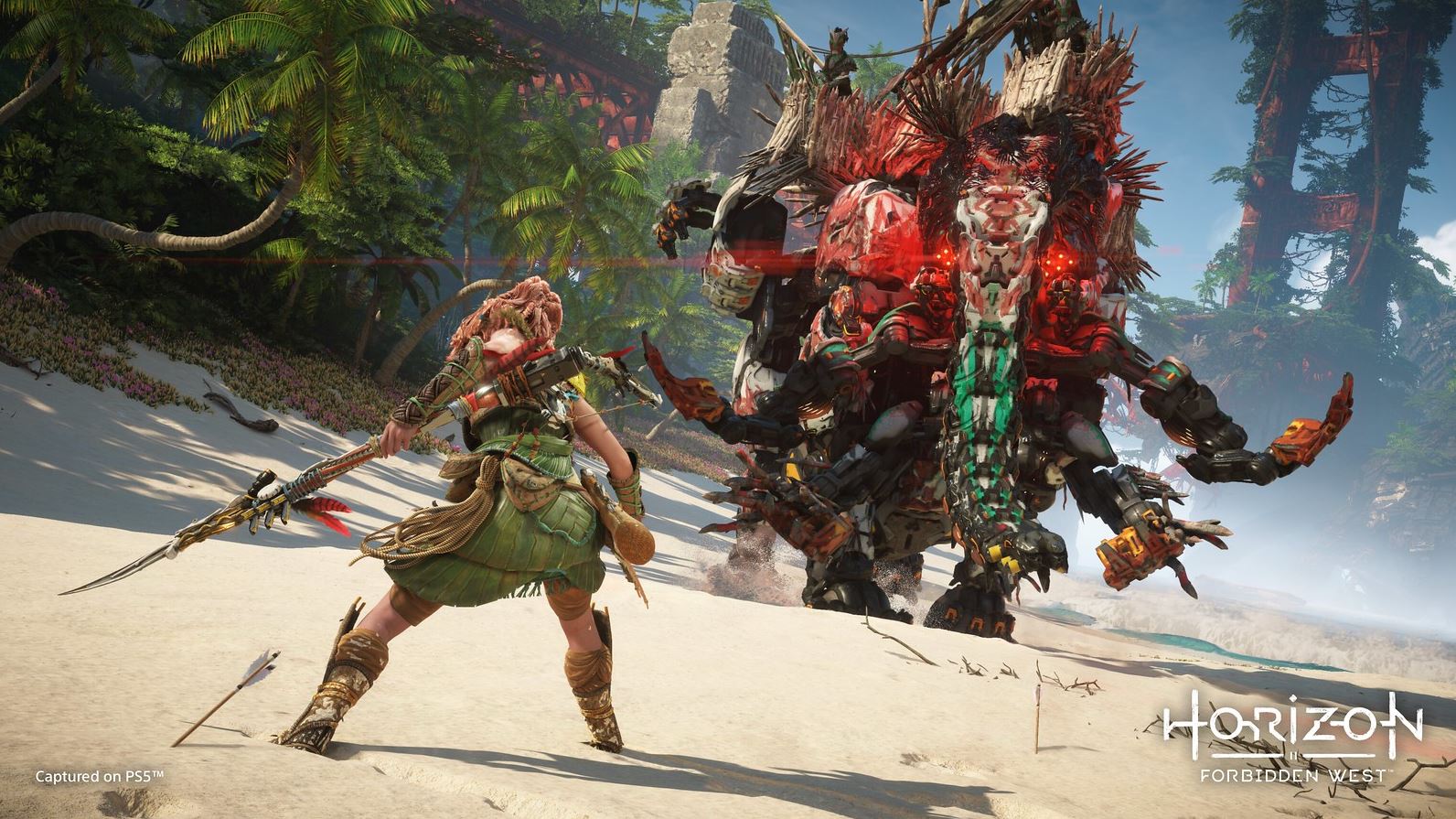
Report: Horizon Forbidden West Has Leaked Online as New PS4 Screenshots Surface

While Horizon Forbidden West isn’t due for release until February 18, 2022, it seems parts of the game leaked early, as new screenshots have surfaced which are reportedly from the PS4 version of the upcoming action sequel.

Posted on EU social site VK, there are two images of Horizon Forbidden West on a TV, and I have to admit, even in off-cam shots, it’s looking solid so far.

https://imgur.com/a/bBCCoSk

The post with the images mention the following text (translated): Gameplay screenshots of Horizon: Forbidden West which could run on the hacked PlayStation 4

We’re unsure whether this is the full game, a preview build, or something else. All we know is, these are new screenshots from the sequel, and we’ll take what we can get.

For the latest action-packed gameplay, check out this footage showcasing the Slitherfang! There are also official PS4 screenshots of the game released before, which can be seen here.

Thanks, BladerKoyotte!

Avatar photo

Alex Co

Father, gamer, games media vet, writer of words, killer of noobs.

Home > News

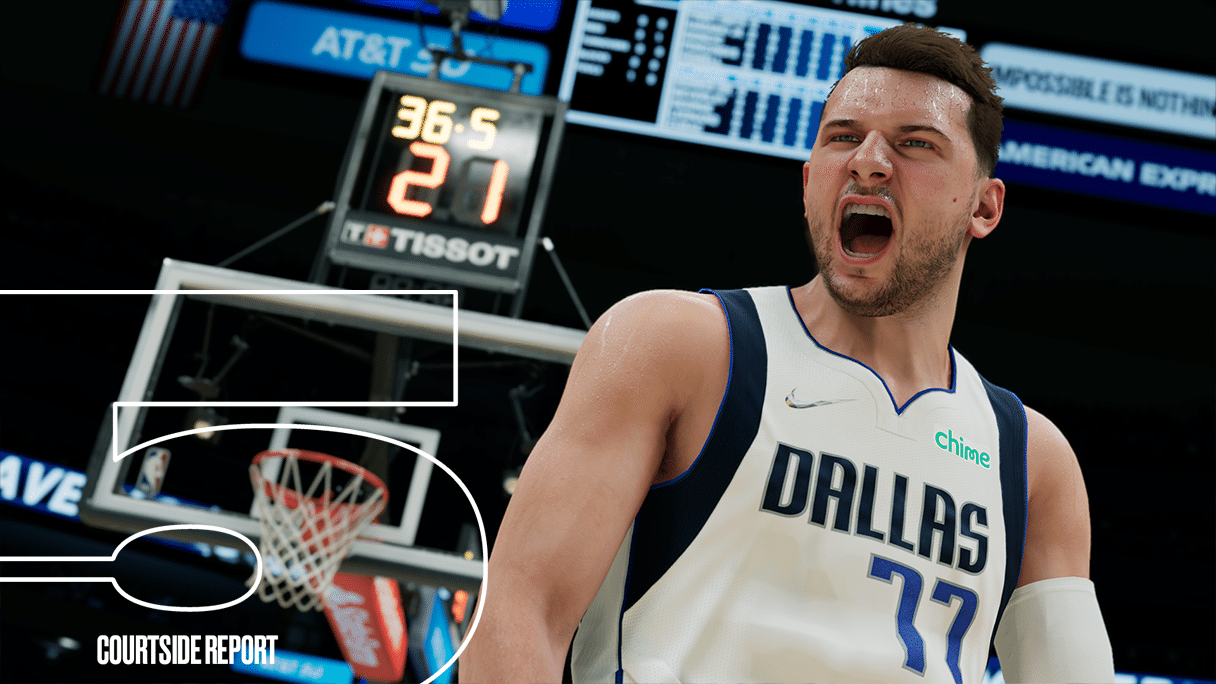
NBA 2K22 Update 1.09 Dribbles Out This January 10 (Update)

Visual Concepts has released the first NBA 2K22 title update of 2022! The NBA 2K22 update 1.09 patch is out for last-gen (PS4, Xbox One, Switch, PC) this January 10, and this seems to bring in new content, and as one might expect, improvements.

NBA 2K22 Update 1.09 Patch Notes:

Update: Visual Concepts has released the official patch notes for the last-gen title update today!

  • Season 4 is coming this Friday, January 14th!  Are you ready for glory?

Updated Player Likeness:

  • NBA
    • Isaac Okoro
    • Malachi Flynn
    • Jalen Johnson
    • Arnoldas Kulboka
    • McKinley Wright IV
    • Mac McClung
    • Luke Jackson
    • Pepe Sanchez
    • Lamond Murray
    • Oliver Miller
    • Grant Long
    • Xavier Tillman
    • Naji Marshall
    • Anthony Lamb
    • Jaden Springer
    • Santi Aldama
    • Isaiah Todd
    • Jeremiah Robinson-Earl
    • Devin Booker
    • Killian Hayes
    • Trey Murphy III
    • JT Thor
    • Jared Butler
    • Luka Garza
    • Sandro Mamukelashvili
    • Aaron Wiggins
    • Scottie Lewis
    • Desmond Bane
    • Corey Kispert
  • WNBA 
    • Sabrina Ionescu
    • Yolanda Griffith
    • Candace Parker

GAMEPLAY

  • The user is now required to press the steal button in order to successfully intercept a pass.

MyCAREER/NEIGHBORHOOD 

  • Continued stability fixes and improvements have been made for the MyCAREER and Neighborhood experiences.

Unfortunately, while it might be the new year, Visual Concepts seems to have stuck to the studio’s same routine of releasing a patch, and the actual changelog being released hours after. For now, no official patch notes have been released just yet.

However, there is an announcement regarding last-gen that has been mentioned previously:

As is the case with some patches, a bug has been spotted alongside today’s patch:

New Patch Update
byu/kingjames1993 inNBA2k


We’re on the lookout for any changes made in today’s update, and once we know the official notes, we’ll be sure to update the post. It’s uncertain for now whether next-gen platforms, but once we know more, we’ll let our readers know. So make sure to refresh this post regularly.

Update: Post has been updated with official patch notes.

Avatar photo

Alex Co

Father, gamer, games media vet, writer of words, killer of noobs.

Home > News

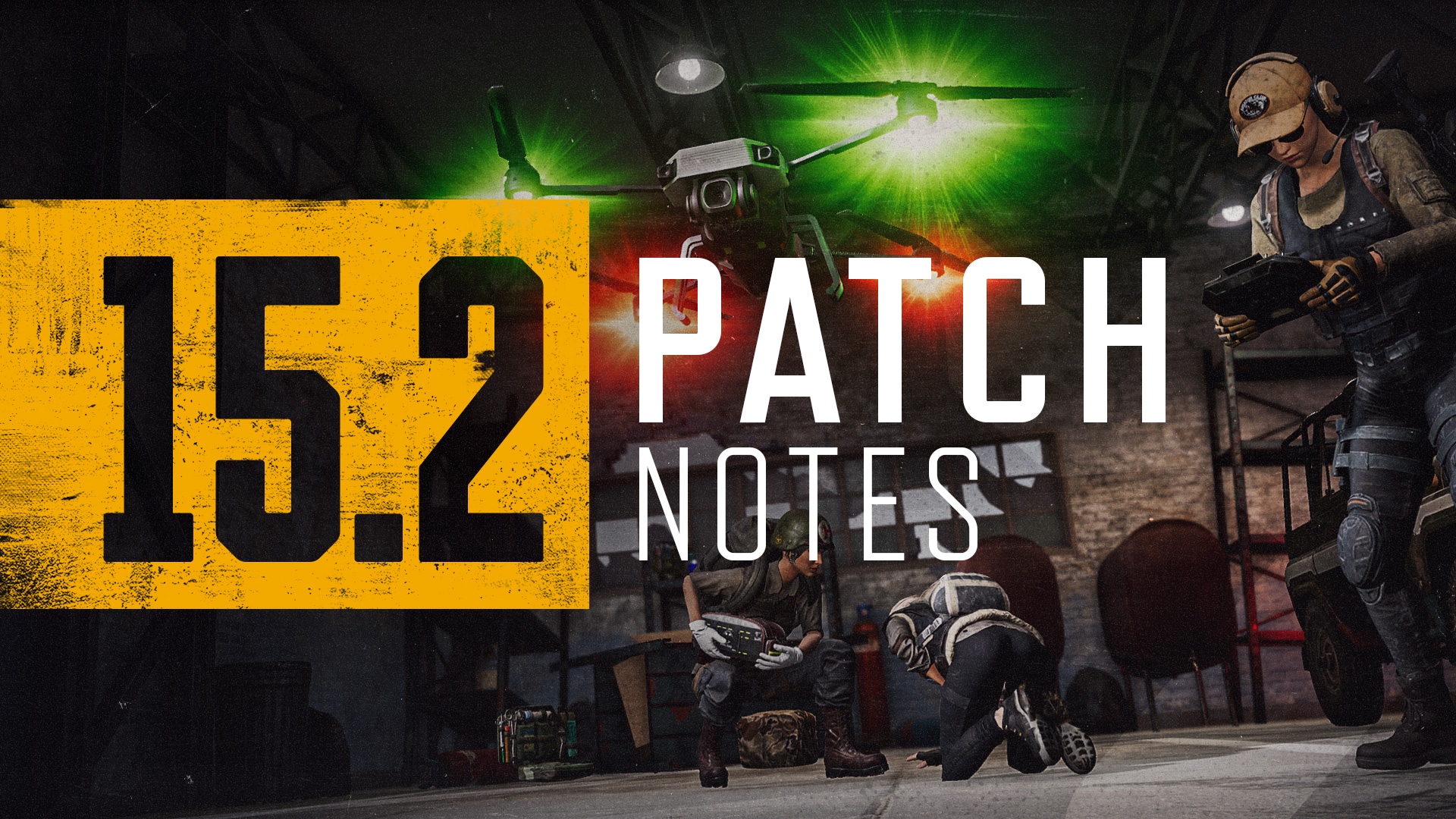
PUBG Update 1.94 Patch Notes; Delivers F2P 15.2 Update This Jan. 10

As expected given the previous announcement, PlayerUnknown’s Battlegrounds (PUBG) is going free-to-play later this week on all platforms! With this in mind, PUBG Corp. has released the PUBG update 1.94 patch this January 10 (or also called the 15.2 patch), and this includes gameplay improvements, and of course, the massive shift from premium game to F2P experience starting Jan. 12!

Check out the patch notes as well as the F2P roll out schedule below.

PUBG Update 1.94 Patch Notes | PUBG Update Today Patch Notes | PUBG F2P Patch Notes | PUBG Update 15.2 Patch Notes:

Live servers will go down for maintenance starting:

  • January 10 10am PST;
  • January 10 7pm CET;
  • January 11 3am KST.

The maintenance will take approximately 38 hours to complete due to the transition to Free-to-Play. More information regarding Free-to-Play can be found here.

Live servers are expected to go back up at:

  • January 12 12am PST;
  • January 12 9am CET;
  • January 12 5pm KST.

Gameplay Updates

New Feature: Tactical Gear

We’ve decided to introduce a whole new category of tactical items, Tactical Gear, that strays from pure gunplay to provide our players various options for improving their in-game performances.

As Tactical Gear will be taking up players’ primary weapon slots, we hope this will allow players to come up with more creative long-term strategies.

Tactical Gear: Drone

The Drone is a Tactical Gear that allows players to scout a far distance safely and even pick up an item without facing the risk of direct combat.

  • Drones will spawn in every map.
  • Drones will be available in Normal Matches, Custom Games, Training Mode, and Sandbox Mode.
  • Once players loot and equip the drone, they can hold the Drone Tablet in their hands.
  • Players can then toggle in and out of Drone View.
    • The Drone will launch into the air once players toggle into Drone View.
    • A Drone in flight will make noise and have a distinctive blinking light.
    • A deployed Drone will be identifiable by a unique drone icon both on the map and minimap.
    • In Drone View, players’ characters will stop moving and give up control of their body as they fly around in the perspective of the Drone.
    • If players toggle out of Drone View, the Drone will remain hovering in its current position.
  • Players can recall a Drone in flight.
    • When a recall is initiated, the Drone will attempt to fly back in a straight line to the spot the player recalled it.
    • The Drone will fly back to the location the player first recalled it.
    • When the recall is in progress, the recall will be stopped if the player attempts to use the Drone Tablet.
    • When the recall is in progress, the recall will be stopped if the player uses the recall feature again.
    • The Drone can not avoid obstacles or move through solid objects while being recalled.
  • The Drone has a large 300m operation radius that players must stay in while flying the Drone.
    • The Drone alerts players with a warning message and a static screen when it’s within 90m of its maximum operation radius.
    • If the Drone leaves its operation radius, it will get destroyed and players will need to retrieve it and repair the Drone to use it again.
  • The Drone has a maximum HP of 35 and can take damage from various things.
    • A Drone can be damaged by
      • Gunfire
      • Explosions
      • Fire
      • Water
      • Flying outside of the operation radius
      • Vehicle collision
    • When the Drone’s HP reaches 0, it will fall to the ground and get destroyed. Players must retrieve the Drone and repair it to use it again.
  • A Drone can loot a single item to its single inventory slot.
    • For example, a stack of bandages (5) is also considered a single item.
    • Drones can not pick up items from Care Packages, deathboxes, and trunks.
    • Players in Drone View are also able to drop the held item any time.
    • Players can receive the Drone’s held item by recalling the Drone.
  • Players will be able to ping normally while toggled in Drone View.
    • The ping icon will be displayed as a regular ping.

Situation Drone Action PC Console (PlayStation®) Console (Xbox) Console (Stadia)
Player has the Drone equipped and Drone Tablet in hand Switch to Drone View Left Click (fire key) R2 Button Right Trigger (RT) Right Trigger (RT)
Recall Drone Right Click (alt action key) L2 Button Left Trigger (LT) Left Trigger (LT)
Player has a damaged Drone in hand Repair Drone Left Click (fire key) R2 Button Right Trigger (RT) Right Trigger (RT)
In Drone View Fly forward W L3 Stick Left Stick Left Stick
Fly backwards S L3 Stick Left Stick Left Stick
Fly left A L3 Stick Left Stick Left Stick
Fly right D L3 Stick Left Stick Left Stick
Fly up Spacebar (jump key) R2 Button Right Trigger (RT) Right Trigger (RT)
Fly down C (crouch key) L2 Button Left Trigger (LT) Left Trigger (LT)
Fly faster Hold Left Shift (sprint key) R1 Button Right Bumper (RB) Right Bumper (RB)
Fly slower Hold Left Ctrl (walk key) L1 Button Left Bumper (LB) Left Bumper (LB)
Pick up item F (interact key) Square Button X X
Drop holding item F (interact key) Square Button X X
Switch to Player View Left Click (fire key) Circle Button B B
Map Ping Middle Click (map ping key) R3 Button Right Stick Button Right Stick Button

Tactical Gear: EMT Gear

The EMT Gear is a Tactical Gear that allows players to opt into increased healing potential for both themselves and their team at the cost of reduced combat flexibility.

  • The EMT Gear will spawn in every map.
    • 2 stacks of bandages (10) will spawn alongside the EMT Gear.
  • The EMT Gear will be available in Normal Matches, Custom Games, Training Mode, and Sandbox Mode.
  • Players will receive numerous passive benefits with the EMT Gear, regardless of if they’re holding it or have it stowed away.
    • It will only take 3 seconds to use healing items such as bandages, First Aid Kits, and Med Kits.
    • It will only take 3 seconds to revive a knocked down teammate.
    • Players can walk much faster when using healing items than when normally using healing items.
    • Bandages and First Aid Kits can heal players to max health.
    • Med Kits will give full boost to players.
  • Players with the EMT Gear equipped will gain an ability to interact with damaged teammates.
    • Players can spend one of their own healing items on their teammate.
    • Players can toggle between different healing items on the bottom screen where a weapon’s fire mode would normally be displayed.
      • The display would also show the number of the selected heal item that the player has in their inventory.
  • The EMT Gear will NOT grant the following boosts when used in the Blue Zone:
    • Healing boosts (teammates can still be healed)
    • Shortened revival time

Situation EMT Gear Action PC Console (PlayStation®) Console (Xbox) Console (Stadia)
Player has the Trauma Bag equipped and in hand Player heals self Left Click R2 Button Right Trigger Right Trigger
Toggle selected healing item Right Click / B key L2 / ‘Left’ D-pad Left Trigger / ‘Left’ D-pad Left Trigger / ‘Left’ D-pad
Use selected heal or boost item on self ‘-‘ (minus) key ‘Down’ D-pad ‘Down’ D-pad ‘Down’ D-pad
Player heals teammate in range F Square Button X X
Player revives knocked down teammate F Square Button X X
In the Inventory Player heals self using highlighted heal item Right Click X Button A A

New Mode: Tutorials

To create a richer gameplay experience for not only new players but also for returning players, we are adding two in-game tutorial modes that provide a step-by-step process. As for returning players who haven’t accessed our game for months, these tutorials will help you revive your rusty battle skills before you’re ready to plunge back into action.

Tutorial 1: Basic Training Mode

  • Players will go through five stages in this mode:
    • Basic character movements
    • Looting and shooting guns
    • Looting and throwing throwables
    • Using healing items
    • Reviving knocked down teammate
  • New and returning players must complete this mode first to proceed to the next AI Training Match tutorial.
  • Current players who feel the need to practice are also free to access this mode in the Training tab.

Tutorial 2: AI Training Match

  • Players will be facing 99 bots in this mock game mode to grasp the flow of how an actual normal match would look and feel like.
  • Map: Erangel
  • Only supports TPP.
  • During each situation and phase, messages will pop up in the upper left corner of the screen to guide players on what to do.
  • Players can complete this mode by satisfying one of the following conditions:
    • Play 10 AI Training Matches (Players must play longer than a certain time each match to be counted.)
    • Complete every mission
      • Players can find the mission list in the game mode selection screen and/or in the System Menu.
  • Current players may also play up to 10 AI Training Matches per account.
    • Since PUBG: BATTLEGROUNDS provides the fun of coming up with strategies to use against real enemies in a battle royale setting, we believe the 10 match limit in AI Training Matches is just enough for players who need the practice.
  • New and returning players who complete this mode before playing all 10 matches will still be able to play the remaining matches left.
  • AI Training Matches will NOT affect/provide:
    • Career (Stats/Match History/Medals/Survival/Weapons/Replays)
    • Pass Missions
    • Event Missions
    • Battlestat
    • BP Rewards
    • XP Rewards
    • Custom Match

New and returning players will not be able to play other game modes before they complete the tutorials. (However, you’ll be able to play normal matches if you’re in a party.)

Lobby Tutorial Missons

  • We have prepared extra missions to help players get used to our game once they are done with the two tutorials.
  • Players can check the Events page to see their mission lists and each mission’s progress.
  • All missions will be automatically accepted.
  • Players who complete the missions will be able to receive various rewards.
    • Once players receive every reward, the mission list will disappear.
  • Lobby tutorial missions and their rewards are only provided once per account.

Training Mode

We’ve made some big improvements to our current Training Mode based on our community’s feedback to create a more effective and efficient space for players wanting to hone their skills.

Training Helper

In the current Training Mode, we noticed that players had to roam about finding and looting needed weapons, ammo, and attachments. Furthermore, in order to practice using several guns, players had to stay near the gun spawning area to conveniently switch weapons.

Therefore, we would like to introduce the new Training Helper! With this feature, players will be able to whip up any weapon or item any time, anywhere.

  • To bring up the Training Helper, press:
    • PC: ‘,’ (comma) key
    • PlayStation®: Touchpad button hold
    • Xbox: View button hold
    • Stadia: Google Assistant button hold
  • The maximum number of items a player can summon is 200.
    • Each item summon will be counted as 1.
      • For example, even if a player summons 30 rounds of ammo, it will be counted as 1 summon.
    • Vehicles and specific throwables can not be summoned.
  • Players will now be able to adjust sensitivity with the Training Helper right away without having to go in Settings every time.

Practice Range

As we observed players practicing their aiming and shooting on the walls, we decided to implement a proper system where players could practice all they want without any interference.

Therefore, a private indoor target practice area has been built into Training Mode.

  • Players can enter this private area through the indoor range door.
  • Even if multiple players enter simultaneously, players will end up arriving at their own training domain alone – like magic.
  • Once inside, players can use the buttons in front of the shooting target to adjust the target’s distance or to reset its state.
  • Two monitors will be available on the left for further assistance: the lower monitor will display a close-up of your shots while the upper monitor will present your scores.
    • The left side of the scores is the number of bullets that hit the target; the right side is the percentage of your bullets landing within the target’s circle.
  • The score will not calculate the shots that miss the target.

Shooting Target Improvements

We’ve modified and improved the shooting targets scattered around Training Mode.

  • We’ve added moving targets.
    • The speed and moving direction are set to random.
  • We’ve also added pop-up targets to the Practice Range.
    • Out of a total of 18 targets, 2 random targets are raised.
    • Once the player successfully hits one target, another random target will pop up.

Background Noise Reduction

To reduce the inconvenience players feel when getting distracted by other players’ noises, a noise reduction feature has been implemented.

  • This feature will reduce the noise of other players such as gun shots, movements, vehicles, and more.
  • This feature is enabled automatically and players will not be able to turn it off.
  • This feature will not reduce every background noise as we have set our priority to reducing the main noises that bother other players. However, we will continue to improve this feature.

Adding Mortars

Mortars and their ammo have been added to Training Mode.

Action Queuing

With the Action Queue feature, players can queue up their next desired action by pressing and holding the button while a certain action is in progress. The action will immediately perform after the action in progress ends. For example, if you hold the firing key while reloading, the gun fires immediately after the reload action ends. We already have various action queues applied, but we want to respond to a long-requested community feedback by applying them to more cases to improve the flexibility and responsiveness of game controls.

  • Action Queuing is added to shooting, inventory navigating, various moving actions and etc.
  • The action bound to the key held will activate after queuing.
  • This feature is turned off as default. Please turn on from the Settings.
    • Go to Settings – Game Play – Functionalities to turn on/off the feature.

Win94 & VSS Improvements

Win94

We wanted to allow fans of the Win94 to use the Iron Sight again, especially for very close combat where a scope is less ideal.

  • Players can switch between the scopes and iron sights with the help of a functional flip sight.
  • The Win94 will continue to have no sight attachment slot as the Iron Sight is attached by default.

VSS

The VSShad a ~3.5X Scope, and this was the only available sight to fire the weapon in ADS with no sight attachments allowed. It has the potential to be useful on short range, however it can be a bit awkward to fight ADS in close quarters with the Scope. We hope this update allows players to fight more easily in close quarters.

  • Now you can attach a Canted Sight on the VSS.

World

PGC feature removal

We hope to see you all in the next PGC!

  • Switched the lobby theme.
  • Removed the digital display and graffiti.
  • Removed the plane banner.
  • Removed the 2021 PGC loading screen.
  • Removed the live stream screens.

KAKAO FRIENDS and Christmas theme removal

We previously planned to provide “Christmas Weather” only during the collaboration with KAKAO FRIENDS. But, due to the request from the community, we decided to keep it with a slightly lower probability.

  • Removed KAKAO FRIENDS Collaboration-theme.
  • Replaced the current digital display image with the default image.
  • Brought back the previous Vikendi minimap.
  • Removed the Christmas theme.

DBNO Balance

Have you ever been in that awkward situation where you got killed shortly after entering DBNO by being attacked? It gets frustrating when you’ve just looted all the things you need but soon die, especially in the early stages of the match. This DBNO adjustment focuses on decreasing the amount of annoying DBNO executions which may ruin the game experience.

  • Extended entering the DBNO time.
    • Lengthen the ‘going into DBNO’ animation time which would increase the invulnerability time from 1 to 1.5 seconds.
  • Tweaked the DBNO bleed out time.
    • 1st knock: 83 seconds → 90 seconds
    • 2nd knock: 25 seconds → 30 seconds
    • 3rd knock: 13 seconds → 30 seconds
    • 4th knock: 9 seconds → 10 seconds
    • 5th knock: 7 seconds → 7 seconds(no changes)
    • 6th knock: 5 seconds(new)
    • 7th knock: 4 seconds(new)
    • 8th knock: 3 seconds(new)
    • 9th knock: 2 seconds(new)
  • Increased DBNO movement by 10%.
    • Movement speed while DBNO underwater remains the same.
  • Reduced the Frag Grenade damage when in DBNO by 20%.
  • DThe damage received while wearing level 3 armor is now applied in all conditions, including when not wearing anything.
  • SR guns and crossbows, including Win94, are not affected by the DBNO balance, and damage has been increased.
    • SR: 35% increase
    • Crossbow: 12.5% increase
    • SR and Crossbows apply damage by armor conditions.
  • There are no changes in damage received from weapons not mentioned above.

QoL

Screen Ping Marker

We’ve improved the existing ping system and added the ability to display the ping on the screen where the player can see. We expect this will enable faster and more clear communication between squad mates.

  • Available in all Solo, Duo and Squad Modes.
  • Not available in Ranked and Esports Modes.

How to place a screen/map ping marker

  • Point your crosshair where you want to ping and click the mouse wheel, click on the world map or press the insert button.
    • Xbox/Stadia: R Stick
    • PlayStation: R3
  • Ping markers are distinguishable by the following three categories.
    • Vehicles
    • Location
    • Everything else

Hows to remove Screen, Map Pick Markers

  • One player can place one Ping Marker at a time.
  • Previous Ping Marker is removed when placing a new Ping Marker.
  • Previous Ping Marker is removed when creating a tactical marker.
  • Press the Delete key to remove both Screen and Map Ping Markers at the same time.
    • When you remove pings with the Delete button after placing them with Radio Message, the Radio Message will remain.
    • This feature is not supported on Consoles.

Minimap Improvements

We have improved the quality of the minimap so that the terrain is displayed more intuitively.

  • We have applied the same quality of curves in the map to the mini-map. In addition, the bridges are displayed in the same way as the roads.

Lobby Updates

UI/UX 2.0

PUBG: BATTLEGROUNDS’ entire out-game appearance has nicely groomed itself to transform into a fresh new look for all current, returning, and new players. With this huge UI/UX update, players will find both in-game and lobby interfaces to be more accessible, convenient, and complete.

Lobby Interface Improvements

Our main lobby had maintained its interface since the good old Early Access days… therefore, we have tucked the current destructive, dystopian atmosphere away and applied dark green and sandy colors, dense and subtle dotted textures to express a more modern theme.

  • Lobby Menu
    • The navigation bar has been moved from the left to the very center to minimize players’ movements when moving between the menus and tabs.
    • The area for fixed menus and irregular menus (such as Esports) have been divided up.
    • The currency area (G-COIN, BP, etc.) have been banished from the navigation bar as they couldn’t coexist with the lobby menus.
  • Matchmaking Settings
    • Players will no longer have to waste time opening up a pop-up just to change the game mode. They can now select game modes in the lobby.
    • However, players will still be able to change game modes through the current pop-up system – when they do, details on the selected map will now be available as well.
  • News Page/Patch Notes Area

  • The upper right corner of the lobby has a new popover feature that shows News previews.
  • Numerous layouts have been applied so they could shift accordingly to fit and show the increasing amount of new community and events news.
  • A button that directs players to social channels or community sites has been added.
  • Players can now read the Patch Notes in the lobby.
    • As for console players, they will be directed to the Patch Notes on the official website.
    • Multiple languages have been added to specific languages.

In addition to the changes stated above, players will be able to discover updates we’ve made to other out-game elements such as the Notification Center, Store, Create Your Character screen, the Hideout, the Setting Menu for consoles, etc. and other in-game elements as well such as the Settings, Report User window, in-game messages, and so much more!

Store

  • Indication of the number of new items in each category on the left side of ITEMS for five days.
    • Notification marker does not go away even after checking out the new item.
  • The icon displayed in the set item slot has been improved so that it displays the same as the actual icon of the component.
  • Item slot will change colors when there is less than a week left and then highlighted when there is less than 24 hours of time left before the sale ends.

QoL

Match History Improvements

Based on our analysis, we found that the Survivor tab didn’t create a lot of views. So, we’ve simplified the menu to improve player convenience.

  • Improved Match Report
    • Removed the Survivor Tab.
    • The acquired Survival Mastery XP will be displayed in four different categories.
      • Total XP
      • Combat, survival, item loot, item use.

Ranked SMS Authentication System (PC Only)

SMS authentication was required to play Ranked matches. Previously, only one account was eligible for verification with one phone number. We will continue to block the numbers which were used by banned accounts for verification purposes. However, we have enabled multiple account SMS authentication with one phone number.

Settings

We have changed the default settings to the following for the convenience of new players:

Options Default
Default Firing Mode for SMGs Full Auto
Default Firing Mode for Handguns Full Auto
Default Firing Mode for ARs Full Auto
Auto Reload Enable

This update will only apply to new players’ accounts that never accessed PUBG: BATTLEGROUNDS before.

Lobby Theme

  • The main lobby has been updated to a new theme of an inside of a plane in flight.
  • A new background music has been applied.
    • Players may change the background music in the Settings.
  • This lobby theme will not be applied to other lobbies such as Ranked, etc.

WSUS

  • Polymers are sold in the Scrap Broker.
  • Progressive Weapon Skin level display is improved.
  • Preview page received more lighting.

Xbox Cloud Gaming Service End

  • As introduced in the Free-to-Play announcement, PUBG: BATTLEGROUNDS is excluded from Xbox Game Pass due to the F2P service transition. As Xbox Cloud Gaming is a service offered to Xbox Game Pass Ultimate subscribers, PUBG: BATTLEGROUNDS is no longer supported through Xbox Cloud Gaming. Thank you for playing PUBG: BATTLEGROUNDS on Xbox Cloud Gaming.

Known Issues

Team Invite Message

The Profile button from the team invite message is temporarily turned off to improve the feature. It will return in the future update, and we will inform you through the patch notes at a later date.

Bug Fixes

Gameplay

  • Fixed the issue of characters moving awkwardly after looking at their feet after using a boost or healing item in a prone stance.
  • PC Only: Fixed the issue of players unable to use the Ctrl + V key in-game.
  • PC Only: Fixed the issue of Ranked Match Safe Zones of Phase 4 and Phase 8 being set in the water.
  • PC Only: Fixed the issue of the Porter turning black when moving under a shadowy area.
  • PC Only: Fixed the issue of the Sandbox mode setting being turned to Off when a Partner account creates custom matches.
  • Fixed the issue of the character moving awkwardly after switching to primary weapon right after using a throwable item.
  • PC Only: Fixed the issue of crashes occurring when spectating players with animated nameplates equipped.
  • Fixed the issue of guns’ ammo reverting to its default number of loaded ammo when replacing an attached Extended Mag to an Ext.QuickDraw Mag.
  • Fixed the issue of the Blue Zone animation in Taego’s Comeback Arena looking awkwardly disrupted when the Play Area gets restricted.
  • Fixed the issue of the character maintaining the stance of holding a gun even after dropping a weapon in a vehicle.
  • Fixed the issue of players being able to loot items from the Secret Room while using vehicles.
  • Fixed the issue of a player’s ADS mode shaking severely after using a throwable item and crouching and standing repeatedly.
  • PC Only: Fixed the issue of the gun barrel of PGC 2021 Contingent Chaos – Beryl M762 shaking awkwardly when used.
  • Fixed the issue of C4s and BZ Grenades included in the care packages in Taego’s Ranked Matches.

World

  • General bugs such as collision issues, texture issues, performance issues, etc have been fixed in Miramar.

UI

Items & Skins

※ Clipping issue: Graphics that are shown outside the visible part of an image/object.


  • Fixed the clipping issue when a male character equips the Mazarin1k’s Hoodie with Utility Belt.
  • Fixed the issue of the shoes’ accessory vanishing when a female character equips the Pom Pom Slips.
  • Fixed the issue of the texture of the “Baby Bear” Sleep Mask getting distorted when a character uses the APEACH’s Heart Ceremony emote with the item equipped.
  • Fixed the issue of the character’s hands turning transparent when equipping the Luna Piena Dress with the Jeremy Lin Jacket.
  • Fixed the issue of the armpit area of the character with the APEACH’S Nightie equipped getting stretched when using emotes that make the character’s arms go up.
  • Fixed the issue of the model representation data (level of detail) missing from Hairstyle 27.

Source: Reddit

Avatar photo

Alex Co

Father, gamer, games media vet, writer of words, killer of noobs.

Home > News

Rainbow Six Siege Creative Director Vacates Position, New Director Pens Message to Community

With Rainbow Six Siege’s Year 7 right around the corner, players are eagerly awaiting what’s next for the super-succesful shooter. Before anything else, though, Ubisoft has announced that there’s a major shift in Rainbow Six Siege’s dev team.

Siege Creative Director Leroy Athanssoff has announced that due to “personal reasons,” he is vacating his spot as Creative Director to puruse other projects at Ubisoft. Replacing Athanssoff is Alexander Karpazis, who’s been around the project since its Alpha stage. Check out his letter to the community:

Hello Operators,

My journey with Siege started all the way back when the project was in its Alpha. I joined some friends and competed in Siege’s first internal tournament where we made it to the finals. Even in the early stages of the game I knew there was something special about Siege, but at the time I had no idea how profound of an impact it would have on my life. Fast-forward to the present: I’ve spent the last four years working with an incredible team of people, on one of the most successful competitive shooters in the world. The next step of that journey starts today, and I couldn’t be more excited about the future of Siege.

I’m truly thankful for Leroy’s mentorship over the years. He’s taught me what exemplary leadership, creativity, and passion look like in the position of Creative Director. Leroy’s hard work will be visible in future seasons as the team and I prepare for one of the most ambitious years in Siege’s history. I’m extremely humbled by the team’s trust in me, and I hope to earn the trust of the community in my new role as well.

Here’s to an incredible year of Siege to come, and many more to follow.

{-}7

Alex

As for Siege, we’re expect a new wave of content planned for 2022! Once we know more, we’ll let our readers know. Aside from Siege, another Rainbow Six game is nearing launch, and that’s R6 Extraction! Read up and watch our hands-on impressions of the game right here.
Source: Ubisoft
Avatar photo

Alex Co

Father, gamer, games media vet, writer of words, killer of noobs.

Home > News

Serious Sam: Siberian Mayhem Arrives for PC This January 25

Unleash all the guns and mayhem you have at your disposal for a new Serious Sam adventure, as Serious Sam: Siberian Mayhem arrives for PC this January 25, bringing with it a new standalone expansion for fans looking for more action and adventure after the events of Serious Sam 4!

Here’s the trailer for the new PC first person shooter game coming to PC at the end of the month!

Set in the Russian landscape and seeing Sam pursuing his enemy General Brand, here are the key features of the expansion as detailed in the game’s Steam page.

Key Features

  • Welcome to Siberia – …the heart of Russia. This place is huge, cold, and so unpredictable even the alien invaders feel lost. Travel through five new levels set in a beautiful and dangerous world, from Arctic coastlines and desolate forests to abandoned villages and a chilling ghost town. Siberia is large enough for you to fight & explore for as much as you want.

  • Beasts of the Apocalypse – Only the strongest souls survive in Siberia, and Mental knows it well. A new set of dangerous foes and bosses join the Horde in Siberian Mayhem. Including some of the most advanced and intimidating creatures you never expected to see.

  • Tempered Steel – There’s only one thing that stands between Serious Sam and his enemies—a gun. Treat yourself with a deadly arsenal of new weapons, from the legendary AK to experimental “Perun” crossbow, and more! Do you want to cause death from above or become one with 50 tons of first-class firepower? New gadgets and vehicles are locked, loaded, and ready to fulfill your most destructive dreams.

  • At Home Among Strangers – When you think the journey is over and there are no more stories to tell, the universe gives you a second chance. Meet a gang of new outcasts and unexpected characters who will help Sam on his journey to Tunguska. Complete side-missions in order to uncover new chronicles these wild places uphold. And pay attention to your surroundings—the world itself can tell you something you never expected to hear.

  • Siberian Mysteries – The lands of Siberia are huge, desolate, and full of secrets. Useful, silly, weird, familiar… you name it. Can you find them all?

If you haven’t played Serious Sam 4 and need to backtrack on that game, you can check out our archives on that sequel here.

Serious Sam: Siberian Mayhem hits PC on January 25.

Tim Villasor

Home > News

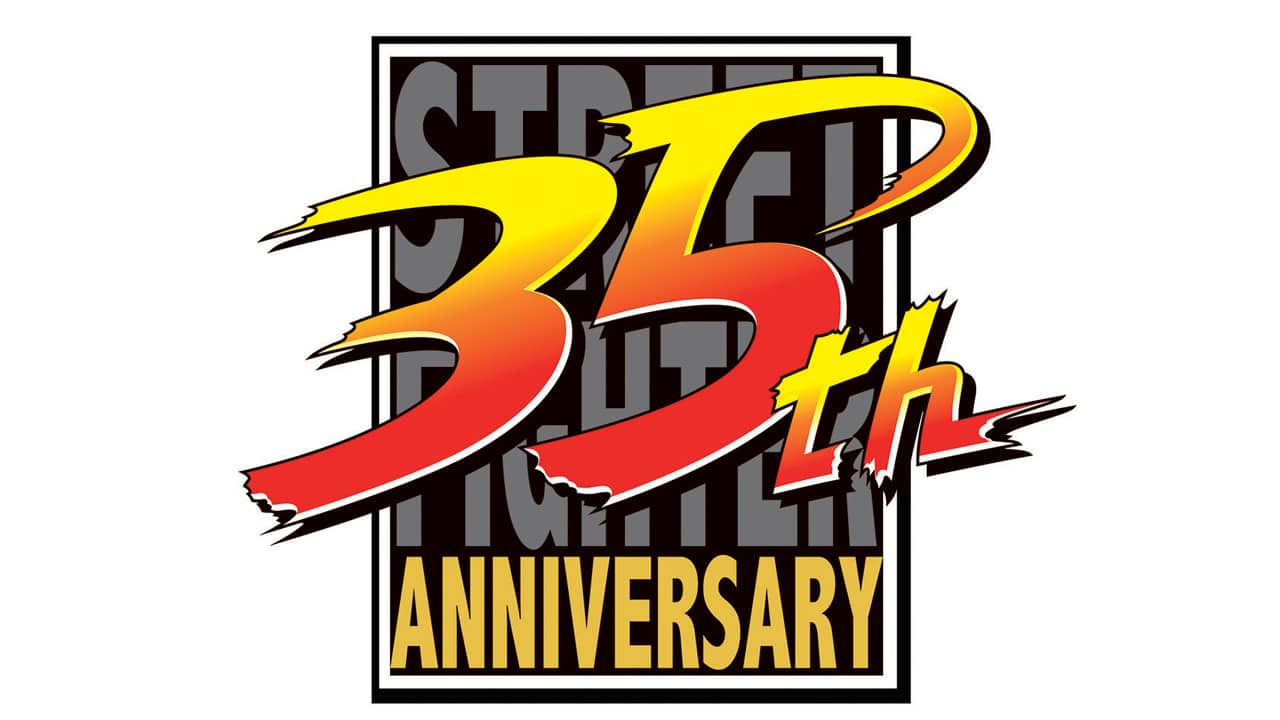
Street Fighter 35th Anniversary Logo Revealed by Capcom

This year marks a big celebration for one of the most recognizable fighting game franchises ever made, as the Street Fighter 35th anniversary logo has been revealed by Capcom, honoring three and a half decades of the world warriors and beyond!

Here’s the brand new logo as seen in the official Street Fighter Twitter page.

First released in August of 1987 in Japanese arcades, the first Street Fighter game was not the revolutionary fighter that many would recall instantly, but it did introduce mainstay characters Ryu and Ken, as well as their iconic special moves such as the Hadouken and Shoryuken. A few years later in 1991, it would get a direct sequel in Street Fighter 2, which evolved the concept and introduced mechanics that would serve as the template for the fighting game genre as we know it today. Street Fighter 2’s success would spawn several more sequels and spin-offs, as well as direct competition in the form of rival companies creating their own iconic franchises such as SNK’s Fatal Fury and King of Fighters series of games.

While the series continues to thrive and remain relevant to this day with its latest installment in Street Fighter 5, that game has more or less finished its run of new content, especially with the release of its final Season 5 DLC character Luke. All eyes are locked towards the inevitable release of a brand new sequel, and hopefully Capcom takes advantage and brings us a 35th anniversary celebration to remember with surprises later this year!

Source: Capcom

Tim Villasor

Home > News

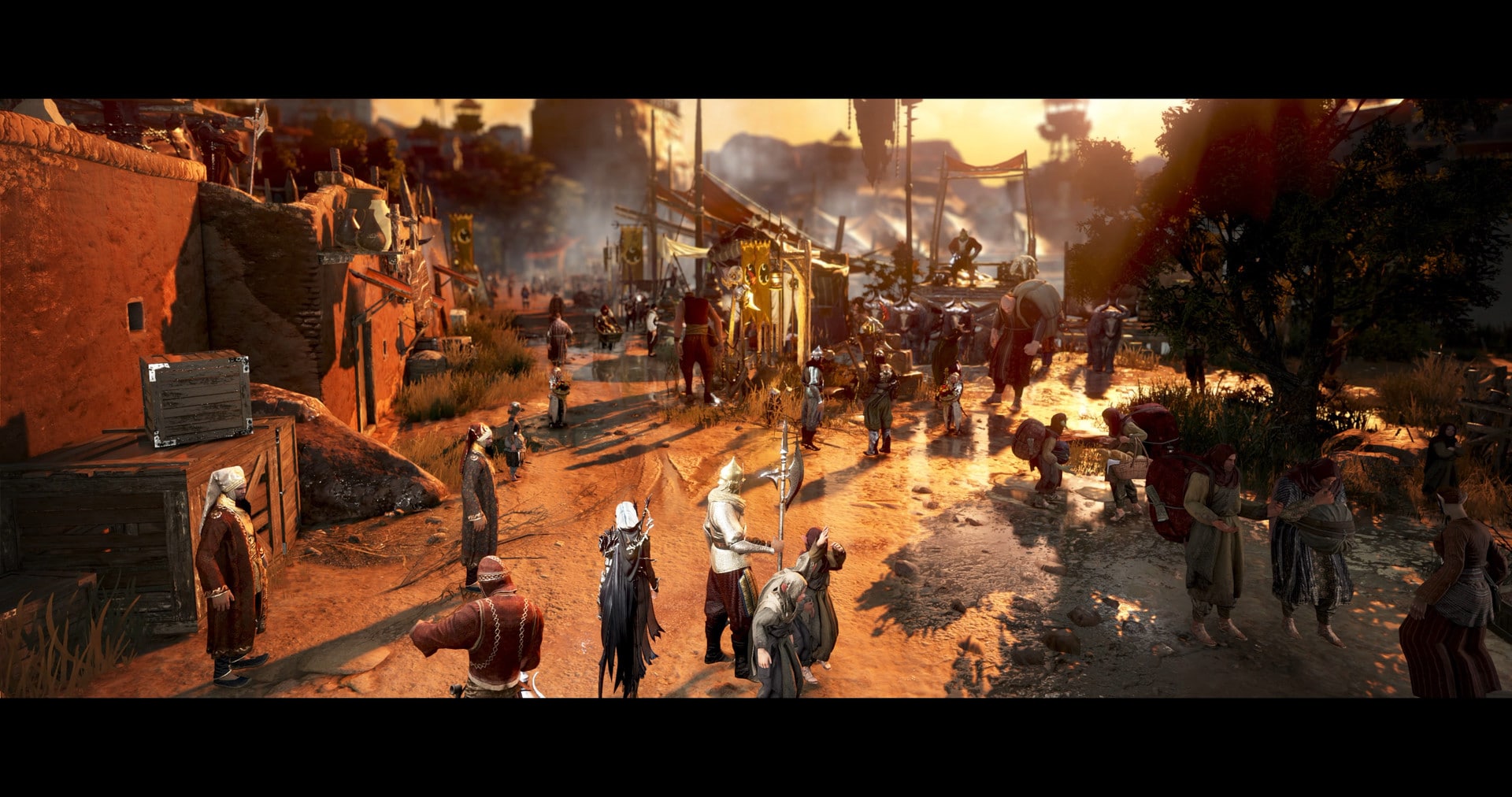
Black Desert Online Update 2.17 Out for Character Reboot & More This Jan. 10

Pearl Abyss has released the Black Desert Online update 2.17 patch notes this January 10, and this one is quite huge as it includes the Character Reboot and more! Check out the Black Desert Online January 10 patch notes below.

Black Desert Online Update 2.17 Patch Notes:

Character Reboot

● Skills of classes will be reset during the January 10th maintence, as announced through the notice: Here.
– Due to the skill reset, GM Silver will appear near the Supply Manager NPC, Robb, at the Battle Arena, allowing characters regardless of where they currently are.
– Interact with GM Silver to conveniently use Learn Skill, Skill Add-on, and Preset functions.

[GM] Silver Appearance Period
After the January 10th Maintenance ~ January 26th Maintenance

[Event] Secret Book of Old Moon (3 Days) x1


Coupon Code: US9M-O5GA-56IE-U6QU

* Coupon and the mail the item comes in is available until January 26th.

* You cannot register the coupon once it expires. Please take note that the items stored in your Web Storage and Mail will also disappear once they expire.

* The coupon can be registered once per Family.

* Please take note that you will not be able to use the coupon for 1 hour when you enter the wrong coupon code 10 times in a row.
* You can only redeem this coupon with accounts which are linked to the Black Desert Console Website

How to Link Accounts

– Create an account on the console.playblackdesert.com website.

– In-game, go to Start>Character>My Info.

– Press the △/Y button to select ‘Link Account’.

– Enter the Email Address and password that you used to sign up to the official Website.

All Classes

● Added Unyielding Might, a passive skill you can learn once you reach Lv. 62.

● Added the “Class Damage Ratios” to the Adventurer’s Guide categories so that you can check the damage rate applied for each class when each class attacks its enemies.

* Increased the amount of damage applied by 34.09% when Shais attack Ninjas.

– We are planning to make constant updates when a new class is released so that you can now check the damage rate via the Adventurer’s Guide.


● Changed to apply an upper limit or a lower limit for the increase and decrease in Movement Speed, Attack Speed, and Casting Speed that can be applied all at once to your character (With the assumption that your character’s default speed is at 100%.)

– Changed to get up to a total of an extra 150% for Movement Speed, Attack Speed, and Casting Speed that increase with buffs, enhancement levels, and skill add-ons.

* Therefore, the maximum stats for your character’s Movement Speed, Attack Speed, and Casting Speed are 250%.

– Changed to apply a total of up to 50% for the stats for Movement Speed, Attack Speed, and Casting Speed that decrease due to debuffs.

* Therefore, the minimum stats for your character’s Movement Speed, Attack Speed, and Casting Speed are 50%.

* Therefore, only up to 50% will be applied for decrease in Movement Speed, Attack Speed, and Casting Speed even if you can get more than 50%.

For example, when the “Movement Speed -80%” effect is applied when your character’s Movement Speed is at 160%, only “Movement Speed -50%” will be applied and your character’s Movement Speed will be at 110%. (The extra 30% that exceeds the 50% will not be applied.)


Another example would be when your character’s Movement Speed is at 100% and “Movement Speed -80%” is applied, only 50% will be applied, which means your character’s Movement Speed will be at 50%. (The extra 30% that exceeds the 50% will not be applied.)


Previously, even if your character’s Movement Speed was at 250%, it could drop to 50%, the lowest stats that would be applied for speed, when the Movement Speed decrease effect was applied. However, with the added upper limit and lower limit applications, it was changed so that the increase and decrease effects (especially decrease) wouldn’t be applied after a certain point.


● Changed to apply up to Resistance +80% in PvP and changed Ignore Resistance to ignore starting from the +80% Resistance applied in PvP.

Before After
– Apply up to Resistance +60% in PvP

– Ignore enemies’ Max Resistance (Max +100%) instead of Max Resistance in PvP (60%)

– Apply up to +80% Resistance in PvP

– Ignore Max Resistance in PvP (Max +80%)


● Made changes to the grab skills for all classes as follows:

Before Reboot
–  Super Armor while using skill for certain classes only – Super Armor on Grapple for all classes

– Decreased lateral attack range

* Attack range in front is the same as before


● Changed for all classes to have “No Guard Gauge recovery” and display a guard break motion in s-block or Guard skills.

– Changed to not apply Forward Guard when moving backward while your Guard Gauge is at 0.
– Changed to not apply Forward Guard during the guard break motion.

● Changed the rules for the AP applied to summons.

– Removed all summons’ AP and changed to now apply the summoner’s AP and extra AP to them instead. Therefore, the damage of the summons’ attack skills was adjusted.
– Changed to apply the exact Critical Hit Rate of the summoner’s to the summons.

● Reduced the CC points of Knockback skills from 1.0 point to 0.7 point.

●Improved attack decision effects to match differences in elevation when performing the following skills.

Classes Skills
Ranger Fire an arrow after Evasive Explosion Shot

Descending Current, Ultimate: Descending Current

Dark Knight Black Spirit: Obsidian Ashes
Sage Spatial Collapse

● Alleviated the issue where the falling motion would be displayed in certain topography while using a movement skill.


● Please refer to the following notices for more information.

Part 1. Warrior, Sorceress, Ranger, Berserker

Part 2. Tamer, Musa, Maehwa, Valkyrie

Part 3. Ninja, Kunoichi, Wizard, Witch, Dark Knight

Part 4. Striker, Mystic, Lahn, Archer, Shai


Conquest War Pre-Season Ends

● Pre-season for Conquest War has ended.
– Therefore, all current Conquest regions have been reset.

2021 Winter Season Graduation Begins!

● Fughar has begun helping Season+ characters graduate and adjust to the normal server with the Season+ Graduation.

Graduation Period January 5th 2022 After the Maintenance ~ March 2nd 2022 Maintenance
Requirements – For Adventurers that did not purchase the Black Spirit Pass, complete and collect all the rewards from the Season Pass Challenges

– For Adventurers that purchased the Black Spirit Pass, complete and collect all rewards from the Season/Black Spirit Pass Challenges

– No longer in possession of the Fughar’s Timepiece

– The path to graduating the Winter Season is as follows:

Quest Name Starting NPC Objectives Completion NPC
[Season Server Graduation] At the Crossroad Leyla located by the Velia Workshop Talk to Fughar after completing the quest ‘[Season] Fughar’s Special Timepiece’ Fughar
[Season Server Graduation] Into the Big Wide World Fughar Use the Honorable Adventurer’s Certificate Fughar

– The season character will convert to a normal character when using the Honorable Adventurer’s Certificate.

– You can obtain the items [Season] Tuvala Conversion Stone Box, Gift Box Full of Memories, and Fughar’s Letter of Encouragement by completing the quests above.

– The item “Gift Box Full of Memories” contains the following items:

Gift Box Full of Memories
[Season] Boss Gear Exchange Coupon x1
Graduation Cap x1

Advice of Valks (+60) x1

Golden Graduation Gown x1

Cron Stone x100

[Event] Secret Book of Old Moon(7 Days) x1

[Event] Elion’s Tear x10

[Event] Item Collection Increase Scroll x5

[Event] Giovan Grolin’s Support Scroll x5

[Event] Tachros’ Spirit Stone x1

Blessed Message Scroll (100 min) x5

Premium Elixir Box x3

Finto’s Filling/Sweet/Fresh Juice x10 of each


※ Graudation Precautions!

NEW PLAYERS
*If you have not already completed the ‘[PEN (V) Boss Gear]: The Old Moon Guild’s Best Deal’, you can exchange all PEN (V) Tuvala Gear with Jetina for TET Boss Gear that is guaranteed to go to PEN when following the steps laid out in the notice here: (Link to Patch Note with it in: )
* The gear obtained through this method cannot be sold on the Central Market, and cannot be enhanced in the usual fashion.

Those who have previously completed the Old Moon Guild’s Best Deal questline
* The [Season] Boss Gear Exchange Coupon acquired from previous seasons is available to be used.
* If you have already completed the ‘[PEN (V) Boss Gear]: The Old Moon Guild’s Best Deal’ and exchanged PEN Tuvala for TET Boss Gear through this method before, you will only be able to use the ‘[Season] Boss Gear Exchange Coupon’ acquired through seasons.

Other Notices
– The ‘[Event] Black Spirit Pass’ can no longer be used after graduation. Please ensure that you use the item, and collect all the rewards from the Season Pass.
– You cannot graduate while you have ‘Fughar’s Timepiece’ in your inventory.
– The Honorable Adventurer’s Certificate you obtain during the Graduation Quest must be used on a regular server.

TIP! The Fughar’s Timepiece is an incredibly powerful item that can be found in Seasons. While you can throw it away, it is advised that you make use of it if you are able to do so.  

※ Want to find out more about Graduation? Check the notice here ‘LINK’


● The ‘[Season Special Gift] Dreaming Beyond Auroras’ has been added, which will reward you with special items.

Quest Name Starting NPC Conditions Objectives Rewards
[Season Special Gift]
Dreaming Beyond Auroras
Fughar Character must be level 20 or higher and have completed the ‘[Season Server Graduation] Into the Big Wide World. Talk to Fughar Season Special Gift Exchange Coupon x1
Cron Stone x50
Fresh Orange Juice x10
Sweet Wild Berry Juice x10
Sour Green Grape Juice x10

– The item “Seasonal Special Gift Exchange Coupon” mentioned above can be exchanged for 1 of the 5 special reward groups available through the NPC Fughar.

* However, if you already obtained an item from a previous season, you cannot get another item from that season.

– The item “Seasonal Special Gift Exchange Coupon” can be used after Season+ ends to exchange it for a special reward.

– Adventurers that have yet to obtain some of the previous season special rewards can obtain them by completing a season server in the future.


Rewards Available with the Season Special Gift Exchange Coupon

[Group A]

PEN(V) Capotia Earring

PEN(V) Capotia Ring

Select one of the above
[Group B]

Perilla’s Star

[Group C]

PEN (V) Capotia Belt

[Group D]

Advice of Valks (+100)

[Group E]
PEN(V) Capotia Necklace

※ You can only receive rewards from each group once.


● You can exchange Tuvala Gear for Boss gear through the quests below once you have the ‘[Season] Boss Gear Exchange Coupon’.

– If you visit Fughar with the ‘[Season] Boss Gear Exchange Coupon’, you can proceed with the following quests. You cannot pick up another quest from Fughar until you have completed the quest.

Quest Name
[Season] Even Sharper Weapon: Main Weapon
[Season] Even Sharper Weapon: Sub-weapon
[Season] Even Sharper Weapon: Awakening Weapon
[Season] Even Sturdier Armor: Helmet
[Season] Even Sturdier Armor: Armor
[Season] Even Sturdier Armor: Shoes
[Season] Even Sturdier Armor: Gloves


Optimization + Stabilization

● Carried out optimization on the Party UI

● Modified memory usage when first loading the game to improve stability.


Character Changes

● When deleting characters below level 45, or Trial Characters, the waiting time has been reduced to 3 minutes.


Wizard, Witch

● Absolute: Blizzard – The snowstorm which is produced by the skill has been modified to appear more naturally.
● Resurrection is now able to be used.


Guardian

● The following skills have been modified to apply their intended status effects when used during mounted combat.

– Mutilation, Beast Demolisher, Avalanche Strike, Axe Throw, Black Blood Circle

● Fixed an issue where linking Prime: Boulder Crush with Fierce Disdain would hit more than intended.

● Improved the following skills to process hits better on uneven heights.

– Scornful Slash, Dragon’s Maw, Pulverization, Mutilation, Black Blood Slaughter


Main Weapon, Succession

● Made changes to the following skills:

Skills Before After
Prime: Claw Reveal – Hit Damage 816% x 3 – Attack damage 1216% x 5
Absolute: Omua’s Objurgation – Hit Damage 705% x 8 – Attack damage 1131% x 8
Absolute: Black Blood’s Descent – Hit Damage 801% x 5 – Attack damage 1447% x 5
Flow: Black Blood Eruption – All damage applies Black Blood Circle damage x4 – All damage applies Black Blood Circle damage x6
Bone Freezing Wind – Critical Hit Damage +11.5% – Critical Attack damage +10%
– All AP +12
Chokeslam (I to Absolute) – 8/8/7 sec cooldown – 16/16/15 sec cooldown
Prime: Black Blood Circle – Hit Damage 519/667/815/1107% x 10
– I to III: Damage -35% in PvP
– IV: Damage -43.5% in PvP
– Attack damage 667/815/1107/1456% x 10
– I to III: Damage -44.75% in PvP
– IV: Damage -52% in PvP
Prime: Savage Hack – 1st, 2nd Hit Damage 741/906/1071% x3
– 3rd Hit Damage 741/906/1071% x4
– 4th Hit Damage 741/906/1071% x5
– Attack 1, 2, and 3 damage 906/1071/1256% x5
– Last attack damage 906/1071/1256% x7
Prime: Boulder Crush – 1,2 Hit Damage 813/1045/1277/1509% x 1, Max 3 Hits
– 3,4 Hit Damage 813/1045/1277/1509% x 1, Max 4 Hits
– Damage -30% in PvP
– Attack 1 and 2 damage 813/1045/1277/1509% x4
– Attack 3 and 4 damage 813/1045/1277/1509% x6
– Damage -37% in PvP
Prime: Mountain Slam – Hit Damage 508/653/798/1086% x 9 – Attack damage 653/798/1086/1332% x9
Prime: Avalanche Strike – Hit Damage 748/914/1080% x 7 – Attack damage 914/1080/1236% x9
Omua’s Objurgation – Damage -35% in PVP – Damage -45% in PVP


● Prime: Mutilation, Prime: Black Blood Slaughter – Changed to apply their max hits within the entire area of effect.

● Fierce Disdain – Improved to combo smoother into other skills when Fierce Disdain is used laterally.

● Mutilation, Black Blood Slaughter – Fixed the issue where comboing into Savage Hack after using these skills would activate Avalanche Strike first.

● Omua’s Objurgation – Improved to combo into other skills more moothly after using this skill.

● Omua’s Objurgation – Changed the falling speed to appear more natural when the skill is used on a slope.

● Juggernaut, Sturdy Step, Guard – Fixed the issue where trying to combo into Avalanche Strike, Boulder Crush, Savage Hack during the skills would activate Juggernaut: Smite.

● Sturdy Step – Improved to combo into other skills more smoothly after using it.


Awakening

● Made changes to the following skills:

Skills Before After
Scornful Slash – 1,2 Hit Damage 564/682/793/910% x 3
– Trail of fire Hit Damage 451/546/634/728% x 2, Max 4 Hits
– Air Attack
– Removed attack 1 and 2 damage
– Trail of fire attack damage 851/1013/1215/1431% x 5, max 2 hits
– Changed so max hits apply for all attack ranges
Searing Fang – 1st Hit Burn Damage 415/549/682% x2, Max 5 Hits
– Trail of fire damage -30% in PvP
– Attack 1 trail of fire damage 518/686/852% x8
– Trail of fire damage -65% in PvP
Neck Impaler – Cooldown 7 sec – 15 sec cooldown
God Incinerator – Hit Damage 593/751/909% x 14 – Attack damage 751/909/1056% x 14


● Guard – Changed to be unavailable when the Guard Guage is 0.

● Searing Fang – Changed to apply its max hits in its entire area of effect.

● Searing Fang – Fixed the issue where comboing into Fierce Disdain during the skill activated Flow: Suppress.

● Searing Fang – Improved to combo into certain skills more smoothly after its attack 1 and 2.

● Flow: To Ashes – Improved to combo more smoothly into Glorious Advance after using it.


Hashashin

● Fixed an issue where after learning Core: Collapse, Aal’s Dominion would be activated before Silent Breach.

Hashashin Awakening’s movements appeared much heavier compared to his Succession. However, compared to how much slower he was, his skills didn’t feel that much more powerful. Therefore, we improved his Awakening by distinguishing its features to show a different kind strength from his Succession. We improved Constriction, which is only available in Awakening, increased the power of the slower skills like Ensnaring Sands and Serpent’s Coil to keep his Awakening’s uniqueness but maintain the characteristics of Hashashin.

● Pilgrim of the Sands – Changed the effects gained at all levels of the skill.

– The other passive skill (Savior of the Sands) and the effects that can be obtained by leveling the skill were folded into Pilgrim of the Sands.
Before After
Increase All Accuracy Rate +10%
All Evasion Rate +5%
All AP +12
All Evasion Rate +10%

● Aal’s Protection – Changed to be unavailable when Guard Guage is 0.
● Aal’s Mirage – Changed to not display the guard break motion when the Guard Gauge is depleted during the skill.
● Aal’s Mirage – Made the following changes:

– Improved to activate the skill immediately as a combo after using another skill, regardless of the hand that is holding the weapon.
* However, this excludes skills that it could not be comboed with previously like Aal’s Grace, Ensnaring Sands, Flow: Condemnation, and Flow: Voracity.

– Increased the skill cooldown from 13 sec to 18 sec.

● Dune Slash – Changed the damage and cooldown of the skill to the following:

Skills Before After
Dune Slash I Hit damage 695% x 4
Last hit damage 835% x 3
9 sec cooldown
Attack damage 928% x 4
Last attack damage 928% x 3
8 sec cooldown
Dune Slash II Hit damage 695% x 4
Last hit damage 1075% x 3
8 sec cooldown
Attack damage 1194% x 4
Last attack damage 1194% x 3
7 sec cooldown
Dune Slash III Hit damage 695% x 4
Last hit damage 1346% x 3
7 sec cooldown
Attack damage 1496% x 4
Last attack damage 1496% x 3
6 sec cooldown


● Flow: Dune Strike – Improved to combo more smoothly into Collapse.
● Flow: Dune Strike – Made the following changes:

– Added the Down Smash effect.
– Added the Air Attack effect.
– Removed the cooldown.
– Removed the All Evasion Rate reduction effect.
– Adjusted the damge reduction in PvP from -50% to -40%.

● Collapse III – Adjusted the damage reduction in PvP from -54% to -45%.
● Collapse – Added the All Evasion Rate reduction effect.
● Collapse – Changed to apply to all targets regardless of the attack 1 range.
● Ensnaring Sands – Made the following changes:

– Increase the skill activation speed.
– Changed the pulling hits to apply damage. Therefore, the skill description was changed.
– Changed the Movement Speed reductions from -40% to -30% at level IV. Now, it will reduce Movement Speed, Attack Speed, and Casting Speed.

● Flow: Sand Warp – Changed to activate all the attacks of Retribution when comboing into it after using Flow: Sand Warp backward.
● Flow: Hourglass of Recall – Changed to apply “Invincibility → Super Armor” during the skill.
● Flow: Condemnation – Changed the damage reduced in PvP from -45% to -40%.
● Silent Breach – Made the following changes:

– Changed the command for the skill from “LS↑+LB/L2 during certain skills” to “A/X during other skills”.
* Therefore, Silent Breach will take priority in activating during all Awakening skills over Aal’s Dominion.
– Increased the attack range.
– Changed the damage to the following:

Before After
Hit damage 802% x 4

Damage -40% in PvP

Attack damage 1239% x 5

Damage -50% in PvP

– Changed the “Floating on hits” effect to “Bound on hits (PvE Only)” effect.
– Added Forward Guard to apply during the skill.
– Added the Down Attack effect.
– Improved to combo more smoothly into other skills during the skill.

● Serpent’s Coil – Made the following changes:

– Removed the “reduce All Accuracy Rate on hits” effect.
– Changed to not consume Stamina while holding the skill.
– Changed to no longer be able to use repeatedly and adjusted the damage accordingly.
– Added the increase All Evade for 5 sec effect.
– Increased the area of effect.

● Flow: Voracity – Made the following changes:

– Improved to be able to activate quicker at the start of Serpenet’s Coil.
– Increased the area of effect.
– Change the damage to the following:

Before After
Hit damage 1477% x 8
Damage -55% in PvP
Attack Damage 1625% x 8
Damage -60% in PvP


● Crown Kick – Made the following changes:

– Removed the “Bound on spin hits” effect.
– Added “increase Attack Speed when using skill” effect.
– Improved to recover MP per hit.
– Improved to attack while turning towards the direction of the camera.
– Improved to combo more smoothly into Crown Kick after using Flow: Sand Warp, Constriction, and Piercing Fang.
– Improved to combo more smoothly into other skills after using Crown Kick.
– Adjusted the damage, Critical Hit Rate, and PvP damage reduction to the following:

Before After
Spin hit damage  770% x 5

Last hit damage 770% x 2

Damage not reduced in PvP

Critical Hit Rate +0%

Spin attack damage 1078% x 5

Last attack damage 1078% x 2

Damage -35% in PvP

Critical Hit Rate +50%


● Retribution – Adjusted the damage and damage reduction in PvP to the following:

Before After
Hit damage 811% x 7

Last hit damage 1201% x 1, Max 4 Hits

Damage -20% in PvP

Attack damage 1014% x 7

Last attack damage 1441% x 1, max 4 hits

Damage -37% in PvP


● Aal’s Grace – Added All AP +20 for 30 sec, Critical Hit Damage +15% for 30 sec.
● Prime: Blade’s Pact – Added Critical Hit Rate +30% for 30 sec.
● Aal’s Breath, Prime: Aal’s Breath – Fixed the issue where all the damage dealt by the summon were being applied to double the hits.


Nova

● Quoratum’s Aura – Changed the effects gained at all levels of the skill.

– The other passive skill (Quoratum’s Adjuvant) and the effects that can be obtained by leveling the skill were folded into Quoratum’s Aura.

Before After
All DP +12

Max HP +200

All DP +20

Max HP +300


● Absolute: Quoratum’s Protection – Changed to consume guard gauge faster.

– However, Succession: Quoratum’s Protection was not changed.

● Punishing Trap (I and Absolute) – Changed each of their cooldown from 20/15 sec to 25/20 sec.
● Quoratum’s Protection – Changed to be unavailable when guard gauge is 0.
● Removed the Critical Hit Rate of summons from the following skills in PvE as the Critical Hit Rate of the summoner will now apply to summons:

– Guards and Axian summoned from Passed Pawn, Prime: Passed Pawn, Prime: King of the Dead

● Passed Pawn, Prime: Passed Pawn, Prime: King of the Dead – Changed the damage reduced in PvP to the following:

Skills Before After
Passed Pawn
(I to Absolute)
Damage -48% in PvP Damage -70% in PvP
Prime: Passed Pawn
(I to III)
Damage -55% in PvP Damage -65% in PvP
Prime: King of the Dead Damage -60% in PvP Damage -70% in PvP


Awakening

● Accel: Royal Fencing: Fleche – Improved to be able to combo into Royal Fencing: Lunge during the skill.
● Changed the following skills:

Skills Before After
Frozen Ring (I to IV) Critical Hit Rate +25% (PvE Only)
IV: Hit damage 876% x 2, Max 12 Hits
* Damage -55% in PvP
Critical Hit Rate +50% (PvE Only)
IV: attack damage 1051% x 2, max 12 hits
* Therefore, adjusted damage -63.9% in PvP
All DP -10 for 10 sec
Brutal Ring Hit damage 1031% x 6
* Damage -60% in PvP
Critical Hit Rate +50%
9 sec cooldown
Attack damage 1340% x 10
* Therefore, adjusted damage -80% in PvP
Critical Hit Rate +100%
6 sec cooldown
Combust Life Recover +50% Star’s Breath when using skill
Consume 1000 HP when using skill
Recover +25% Star’s Breath when using skill
Consume 500 HP when using skill


● Quoratum’s Guard – Changed to be unavailable when Combust Life is learned.
● Combust Life – Added the Super Armor for 10 sec effect that used to be applied by using En Garde.


Sage

Sage Succession received a nerf on his PvE efficiency. We did increase the PvE efficiency of other classes through the reboot, however, Sage Succession still showed a much higher efficiency compared to the other classes. Therefore, we were forced to lower his PvE efficiency to match it to the rest of the classes. We hope you understand our decision. We will continue to monitor the data after the nerf and supplement certain details that may be required.


Main Weapon, Succession

● Ancients’ Wisdom – Changed the effects gained in all levels of the skill.

Before After
All Accuracy Rate +10%

Casting Speed +5%

All Special Attack damage +2%

All Accuracy Rate +5%

Casting Speed +10%


● Illusion Barrier – Change to be unavailable when Guard Gauge is 0.
● Realm of Anguish – Removed the Critical Hit Rate of summons from the skill in PvE as the Critical Hit Rate of the summoner will now apply to summons.
● Changed the PvE damage of the following skills, however, their PvP damage remains the same as before.

Skills Before After
Form Shift
(I to Absolute)
Hit damage 240% x 2, Max 7 Hits
Hit damage 454% x 2, Max 7 Hits
Hit damage 668% x 2, Max 7 Hits
Hit damage 882% x 2, Max 7 Hits
Hit damage 1176% x 2, Max 7 Hits
Attack damage 209% x 2, max 7 hits
Attack damage 395% x 2, max 7 hits
Attack damage 581% x 2, max 7 hits
Attack damage 767% x 2, max 7 hits
Attack damage 1023% x 2, max 7 hits
Prime: Form Shift
(I to IV)
Hit damage 843% x 2, Max 7 Hits
Hit damage 1013% x 2, Max 7 Hits
Hit damage 1182% x 2, Max 7 Hits
Hit damage 1352% x 2, Max 7 Hits
Attack damage 717% x 2, max 7 hits
Attack damage 861% x 2, max 7 hits
Attack damage 1005% x 2, max 7 hits
Attack damage 1149% x 2, max 7 hits
Ator’s Fist
(I to Absolute)
Hit damage 374% x 4, Max 4 Hits
Hit damage 495% x 4, Max 4 Hits
Hit damage 547% x 4, Max 4 Hits
Hit damage 656% x 4, Max 4 Hits
Hit damage 758% x 4, Max 4 Hits
Attack damage 318% x 3, max 4 hits
Attack damage 421% x 3, max 4 hits
Attack damage 465% x 3, max 4 hits
Attack damage 558% x 3, max 4 hits
Attack damage 664% x 3, max 4 hits
Prime: Ator’s Fist

(I to III)

Hit damage 803% x 4, Max 4 Hits
Hit damage 963% x 4, Max 4 Hits
Hit damage 1156% x 4, Max 4 Hits
Attack damage 683% x 3, max 4 hits
Attack damage 819% x 3, max 4 hits
Attack damage 983% x 3, max 4 hits
Prime: Rift Storm Hit damage 1221% x 3, 1221% x 8 Attack damage 1099% x 3, 1099% x 8
Illusion Expansion
(I to Absolute)
Hit damage 335% x 4, Max 2 Hits
Hit damage 426% x 4, Max 2 Hits
Hit damage 527% x 4, Max 2 Hits
Hit damage 651% x 4, Max 2 Hits
Hit damage 768% x 4, Max 2 Hits
Hit damage 1145% x 4, Max 2 Hits
Attack damage 302% x 4, max 2 hits
Attack damage 383% x 4, max 2 hits
Attack damage 474% x 4, max 2 hits
Attack damage 586% x 4, max 2 hits
Attack damage 691% x 4, max 2 hits
Attack damage 1031% x 4, max 2 hits
Prime: Illusion Expansion Hit damage 1291% x 4, Max 2 Hits Attack damage 1162% x 4, max 2 hits


● Prime: Overdrive – Made the following change:

– Reduce the cooldown of Reset by 5 sec instead of Prime: Optimization when Overdrive is stacked 10 times.

● Illusion Expansion, Prime: Illusion Expansion – Fixed the issue where the number of hits in the skill description did not match the actual number of hits of the skill.

Awakening

● Seize – Increased the cooldown from 13 sec to 20 sec.
● Enlightening Bolt III – Fixed the issue where casting the skill in a normal state would cause the Arkanon to apply the damage of Lv. II.
● Removed the Critical Hit Rate of summons from the following skills in PvE as the Critical Hit Rate of the summoner will now apply to summons:

– Enlightening Bolt, Flow: Aftershock, Radiant Annihilation

● Flow: Aftershock – Changed the damage reduction of Arkanon in PvP from -40% to -62%.
● Radiant Annihilation – Changed the damage reduction of Arkanon in PvP from -30% to -58%.

Corsair

● Fixed an issue where the skill description for the ‘Pirate’s Life For Me’ did not show the full skill effects.

Succession Corsair could remain protected with Invincibility effects by continually comboing her mermaid transforming mareca skills and deal tons of damage at the same time. Thanks to this combination of protection and damage, which gave her a rather huge advantage over other classes, we decided to adjust her accordingly. While she retains her powerful damage, her Invincibility window has been shortened so that Corsair will need to be more strategic with her skills.
Main Weapon, Succession

● Sword Song – Changed the effects gained in all levels of the skill.

– The other passive skill (Cap’n on Deck) and the effects that can be obtained by leveling the skill were combined to Sword Song.

Before After
All AP +10

Critical Hit Damage +2%

All Evasion Rate +4%

All AP +12

All Evasion Rate +10%


● Changed the defensive effects when using the following Mareca skills so that Invincible is applied only when Corsair is underwater and Super Armor is applied in all of the other situations.

– Mareca: Jet Stream, Mareca: Whale Song, Mareca: Spiral Soak, Mareca: Spiral of Dreams, and Mareca: Sea of Dreams

● Mareca: Sea of Dreams – Changed the cooldown from 60 sec to 45 sec.
● Mareca: Spiral of Dreams – Changed the cooldown from 45 sec to 30 sec.
● Prime: Mareca: Spiral Soak – Changed the cooldown for the “No Guard Gauge recovery on hits” from 15 sec to 8 sec.
● Increased the damage in PvE and number of hits in PvE for the following skills. However, the damage and number of hits remain the same in PvP.

Skill Before After
Prime: Mareca: Jet Stream 1st Hit Damage 1239% x 8 (PvE Only)

2nd Hit Damage 1304% x 6

Last Hit Damage 1304% x 5

Attack 1 damage 1239% x 13 (PvE only)

Attack 2 damage 1568% x 6

Last attack damage 1568% x 5

Prime: Mareca: Whale Song 1st Hit Damage 1308% x 6

2nd HIt Damage 1308% x 10

Attack 1 damage 1528% x 6

Attack 2 damage 1528% x 10

Prime: Mareca: Spiral Soak 1st Hit Damage 1402% x 1, Max 6 Hits

2nd Hit Damage 1402% x 10

Attack 1 damage 1652% x 1, max 6 hits

Attack 2 damage 1652% x 16

-6 last attack hits in PvP


● Prime: Ocean’s Allure – Changed the first attack motion to where your character draws in her rope and leaps, and added a “Forward Guard before attack” effect.
● Prime: Ocean’s Allure – Improved to perform attacks in the direction of the camera angle when it rotates before moving to perform slash attacks.


Awakening

● Heart-catcher Patraca – Changed the cooldown from 15 sec to 17 sec.
● Removed the Critical Hit Rate applied in PvE to the summon of the following skill, due to the summoner’s Critical Hit Rate stats being applied to the summon.

– The Slippery Scallywags effect applied when casting an Awakening skill.

● Changed the Damage Reduction Rate in PvP from -40% to -60% for all the Slippery Scallywags that appear when casting an Awakening skill.


Item Changes

● Changed so that you cannot use the Item Copy and Single Copy functions with a character that has Karma below 0.

● Bring the Secret Scroll of Equilibrium to Alustin in Velia to exchange it for an [Event] Chest of Equilibrium.

– You can obtain the Secret Scroll of Equilibrium via Challenges (Y) when logging in from Dec 11, 2021 (Sat) at 00:00 to Feb 9, 2022 (Wed) before maintenance.

Required Item Exchanged Item

▲ Obtained via Challenge Windo

▲ Can be exchanged with [Event] Chest of Equilibrium

– The [Event] Chest of Equilibrium and the Secret Scroll of Pure Equilibrium obtained from opening the [Event] Chest of Equilibrium will be removed following the Mar 2, 2022 (Wed) maintenance.

* However, the Strength EXP Exchange Coupon, Breath EXP Exchange Coupon, and Health EXP Exchange Coupon obtained from opening the [Event] Chest of Equilibrium will not be deleted

[Go to Secret Scroll of Equilibrium Event Announcement]


● Separated [Tamer] Daru Gloves from [Tamer] Daru Armor.

– Therefore, you’ll also get [Tamer] Daru Gloves when you open the outfit box containing the [Tamer] Daru Armor.
* Adventurers in possession of the [Tamer] Daru Armor will find [Tamer] Daru Gloves in their storage in Heidel.

● Changed Atoraxxion: Vahmalkea so Krahtenn now has a 100% chance to drop “Searing Heart Piece”.


NPC, Background and Sound Changes

● Changed so that the sound from Grace Lauren’s voiced dialog and base dialog wouldn’t overlap during the Atoraxxion main questline.


UI Changes

● Fixed an issue where the titles of the Season Pass objectives could exceed the UI.

● Fixed the issue where the Navigate function would activate even when selecting a completed objective.

● Fixed an issue where the ordering of the Chat Groups was incorrect.

● Fixed an issue where the character portaits in the Party window UI looked abnormal.

● Changed so that you can always press the Copy button when using the Item Copy UI.

– However, when you are not able to use the Item Copy function, you will get a notification on when you can use it.

* To use the Item Copy function, you must complete [Marni’s Suspicious Device] consecutive quests from the Black Spirit’s (,) Suggested quests with a Lv. 56 or higher character and the character you want to copy items from and the character you want to copy items to should be linked via the Tag Character function.

● Fixed an issue where icons could appear incorrectly when removing the slot from the Edit Ring Menu UI

● In the Pet Exchange UI, the skills that can be learned through the exchange will now display the odds of obtaining said skills.


Other Changes

● Fixed various issues with the area surrounding Trent village.

● Fixed an issue where character’s feet would sink under the floor when in the corridor of the 2nd floor of Epheria 2-5 residence.

● The horse icons shown in the stables have been improved.

● Fixed an issue where the minimap would display incorrectly in certain locations of the Blood Wolf Settlement area.

● Fixed an issue where the Ranger’s ‘Sweet Dreams’ underwear would display differently compared to other classes

● Fixed the exposure of abnormal graphics which displayed with the Sweet Dreams outfit.

That’s about it for the patch.

Source: Play Black Desert

MP1st Staff